Sale Price:
$27.00
Original Price:
$99.95
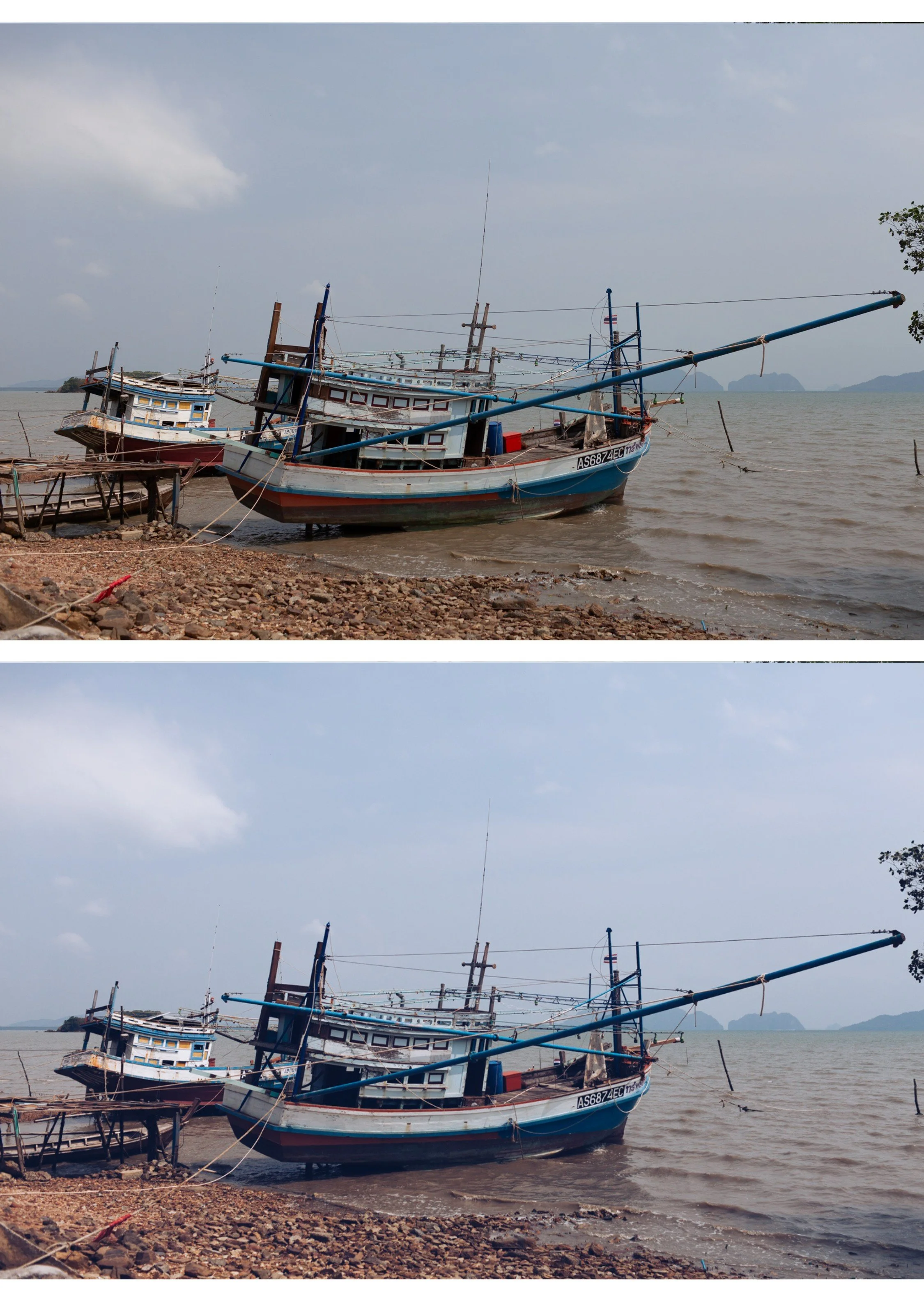
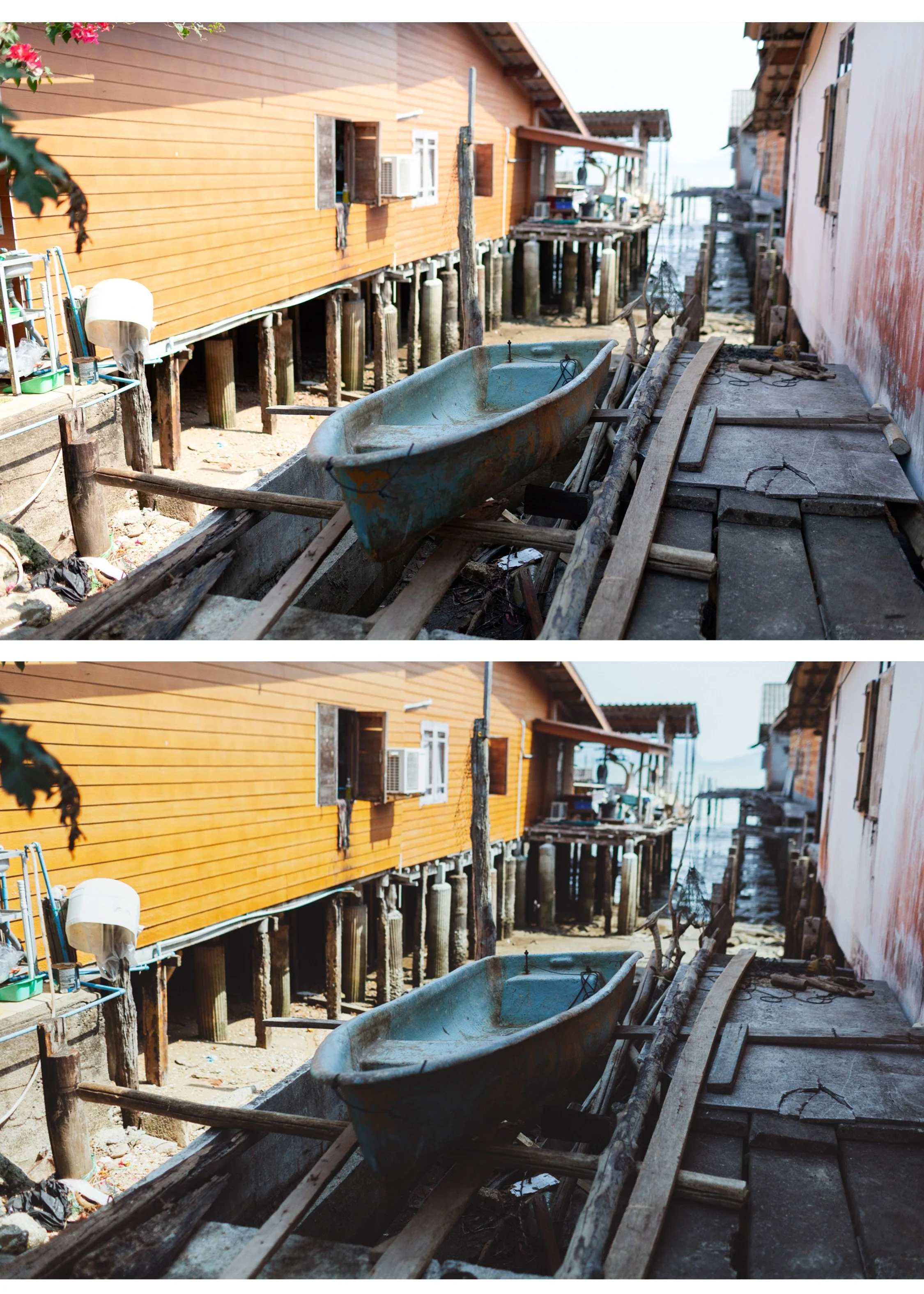
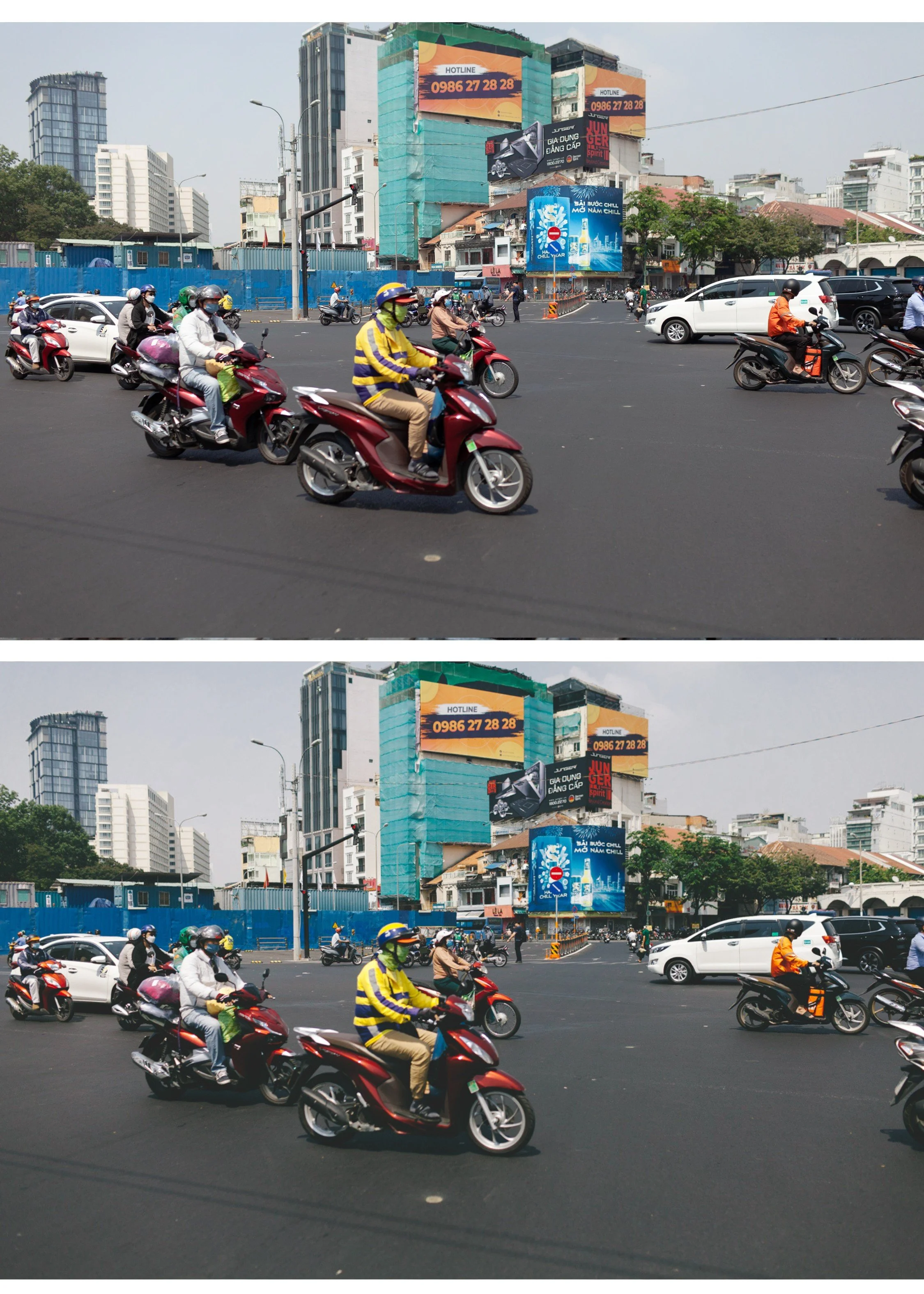
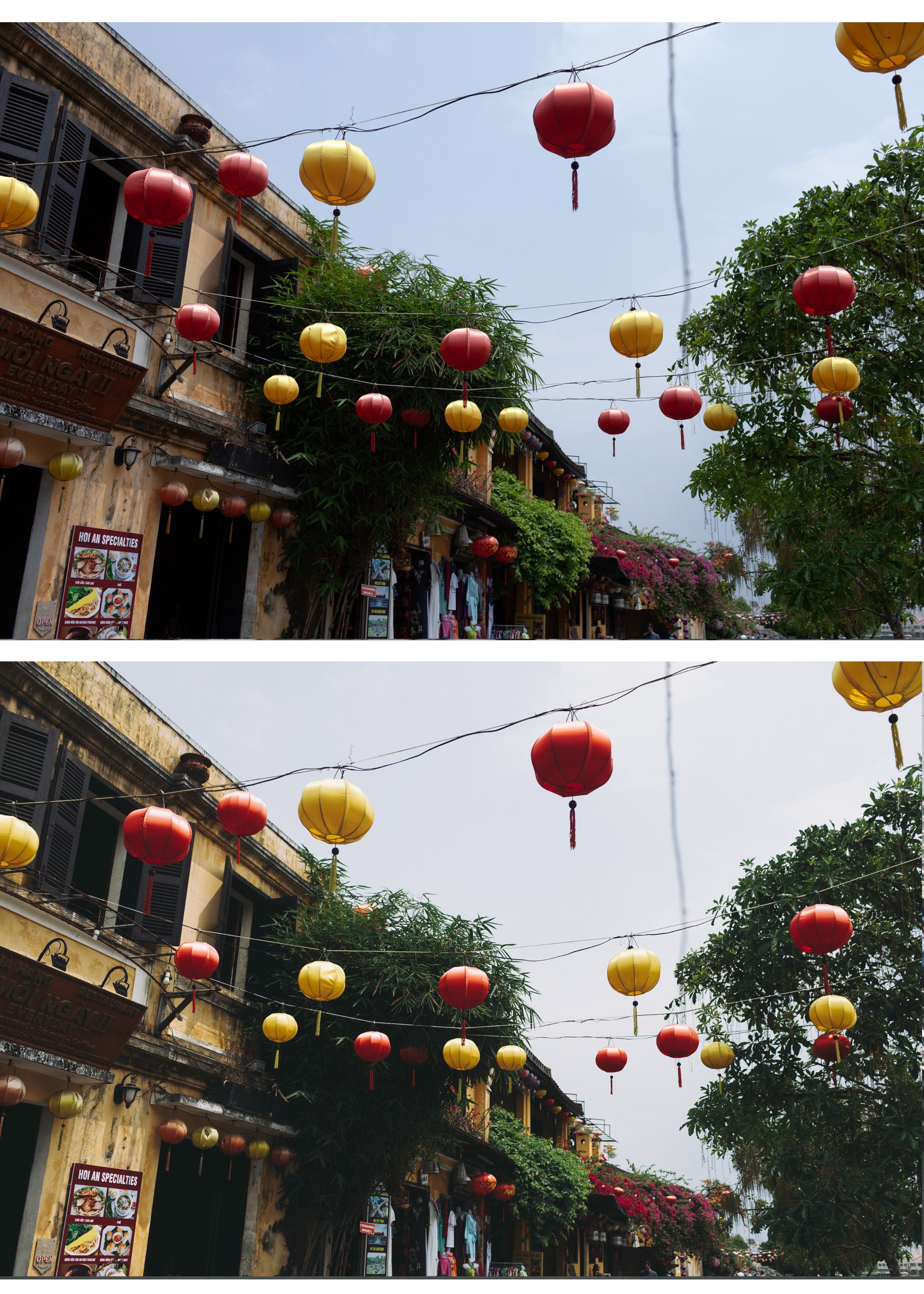
Ten film looks. One color philosophy. $2.70 per preset.
Most photographers pay $10 per preset. The Analog Archive gives you ten — for $2.70 each.
Not ten random looks. Ten variations on the same analog color foundation — so your feed stays consistent no matter what you're shooting.
✅ Lightroom Mobile & Desktop
✅ Works on RAW and JPEG
✅ Instant download
✅ Beginner friendly
✅ Lifetime access
THE ANALOG ARCHIVE — 10 PRESETS, ONE PHILOSOPHY
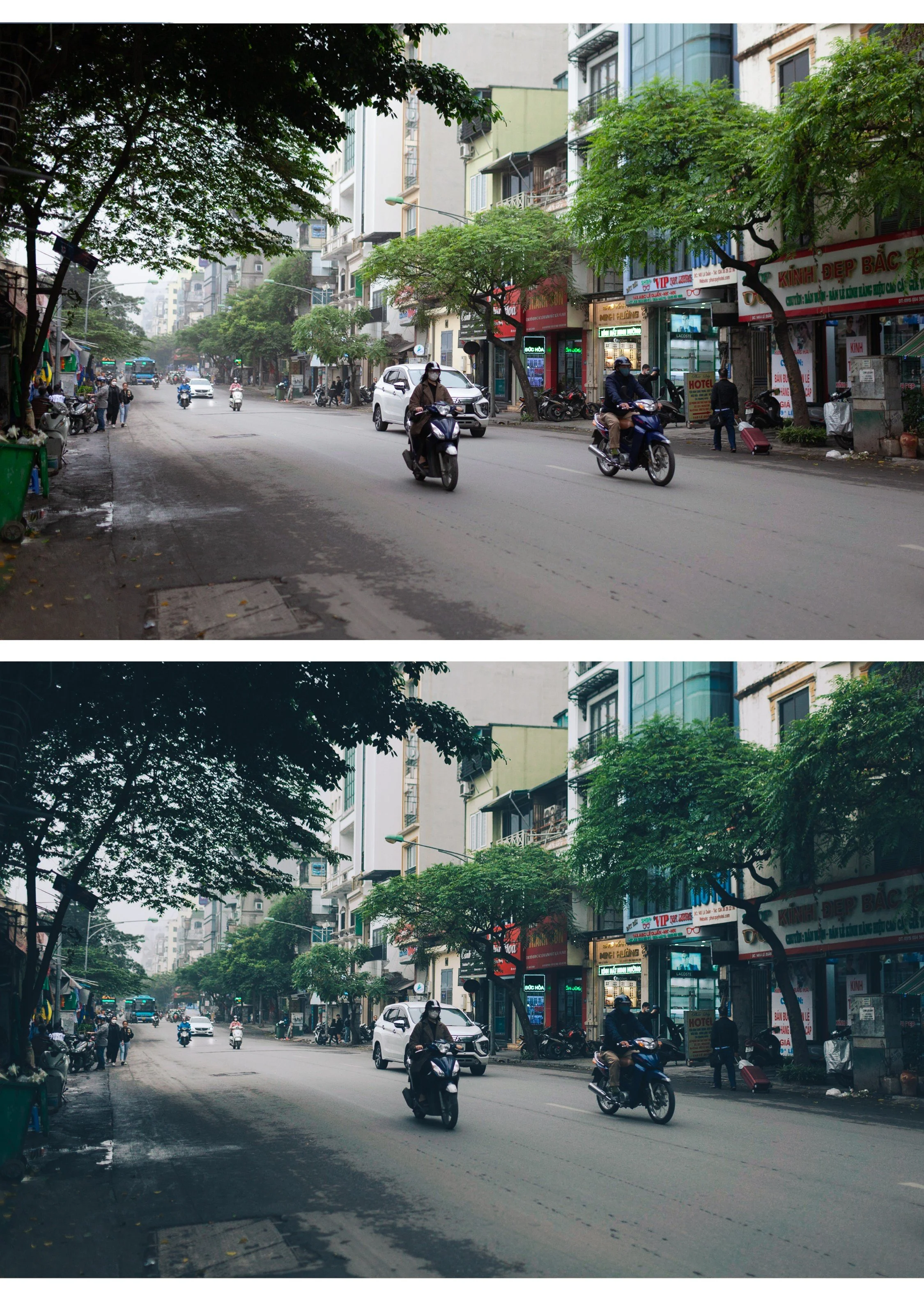
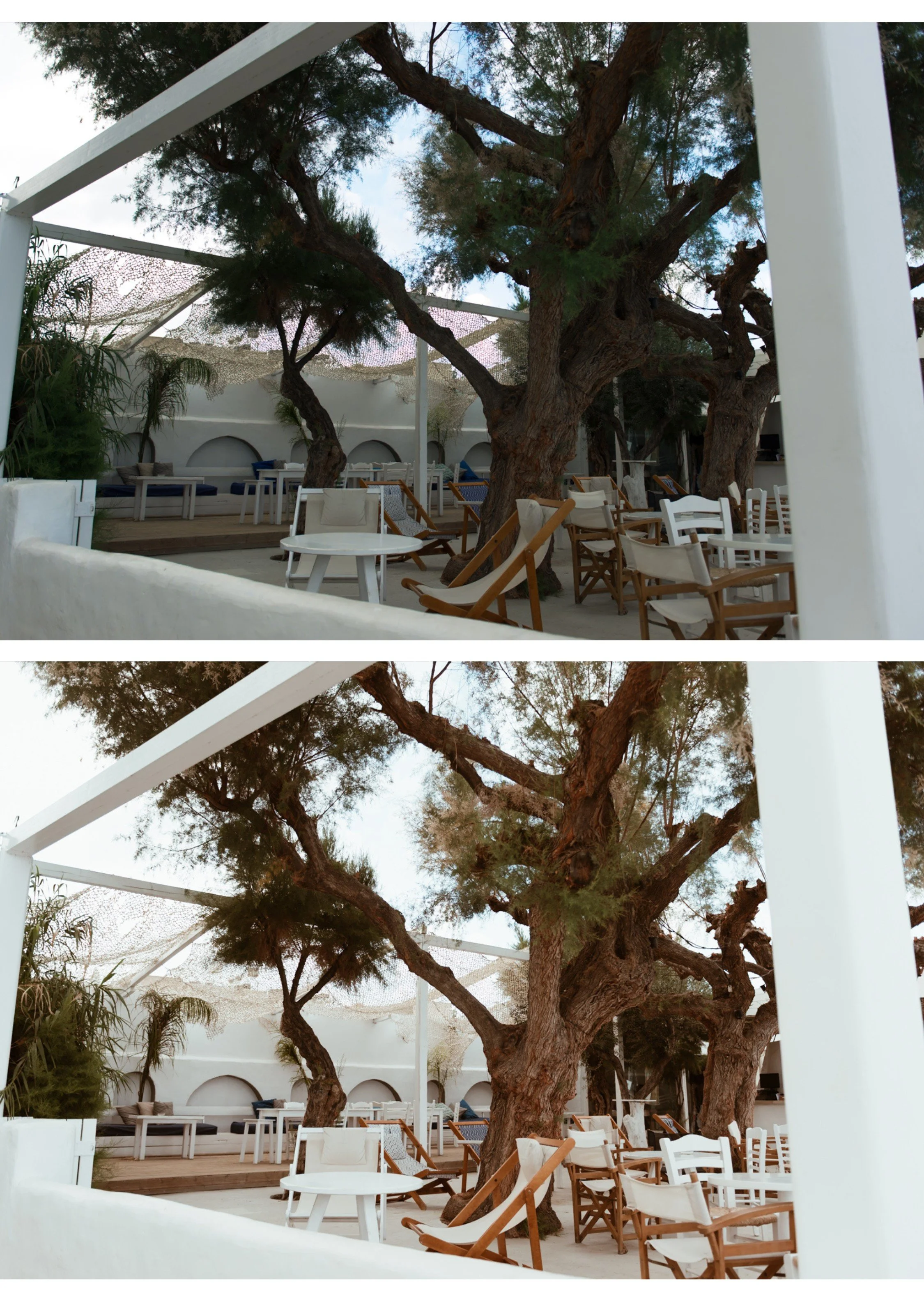
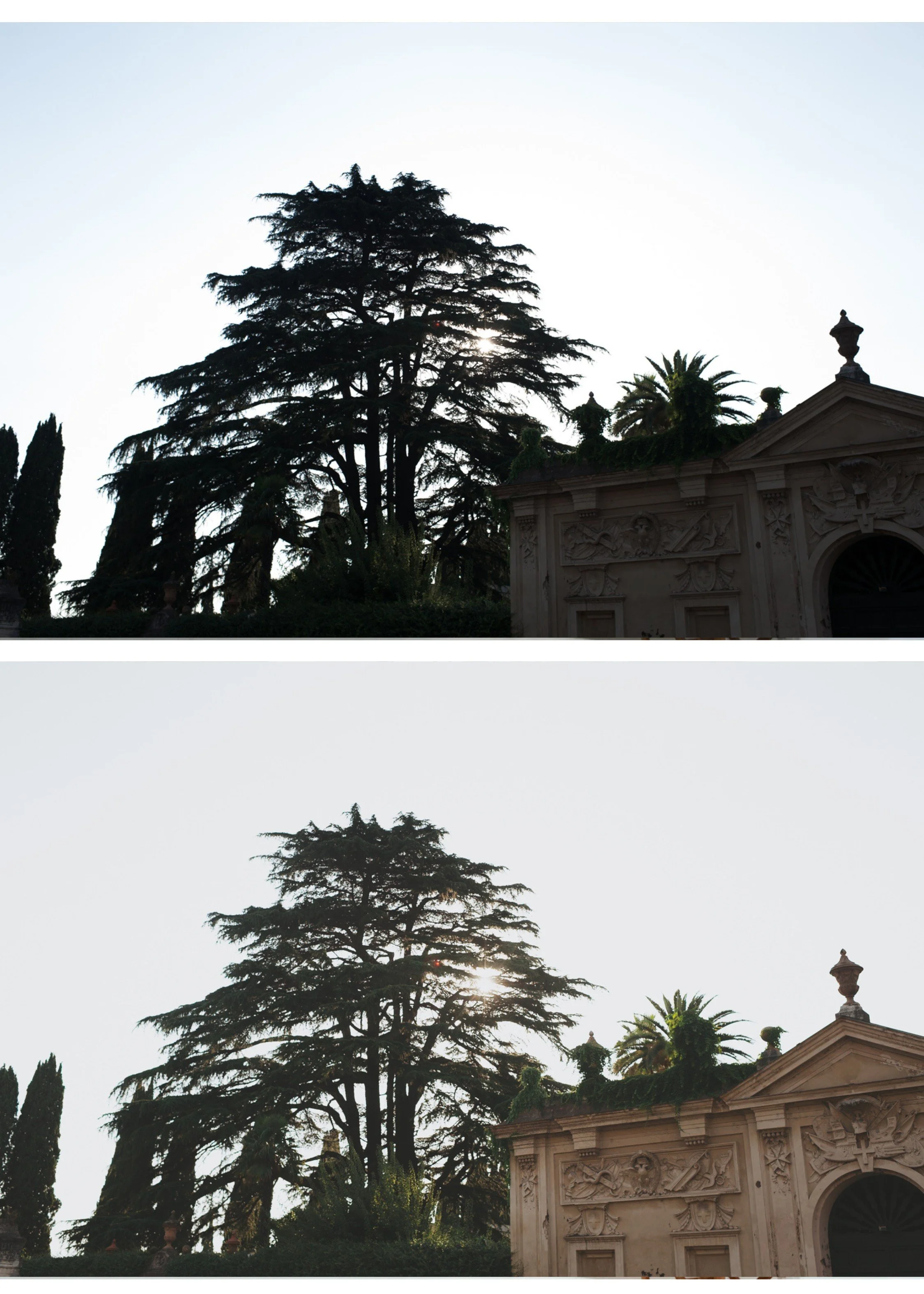
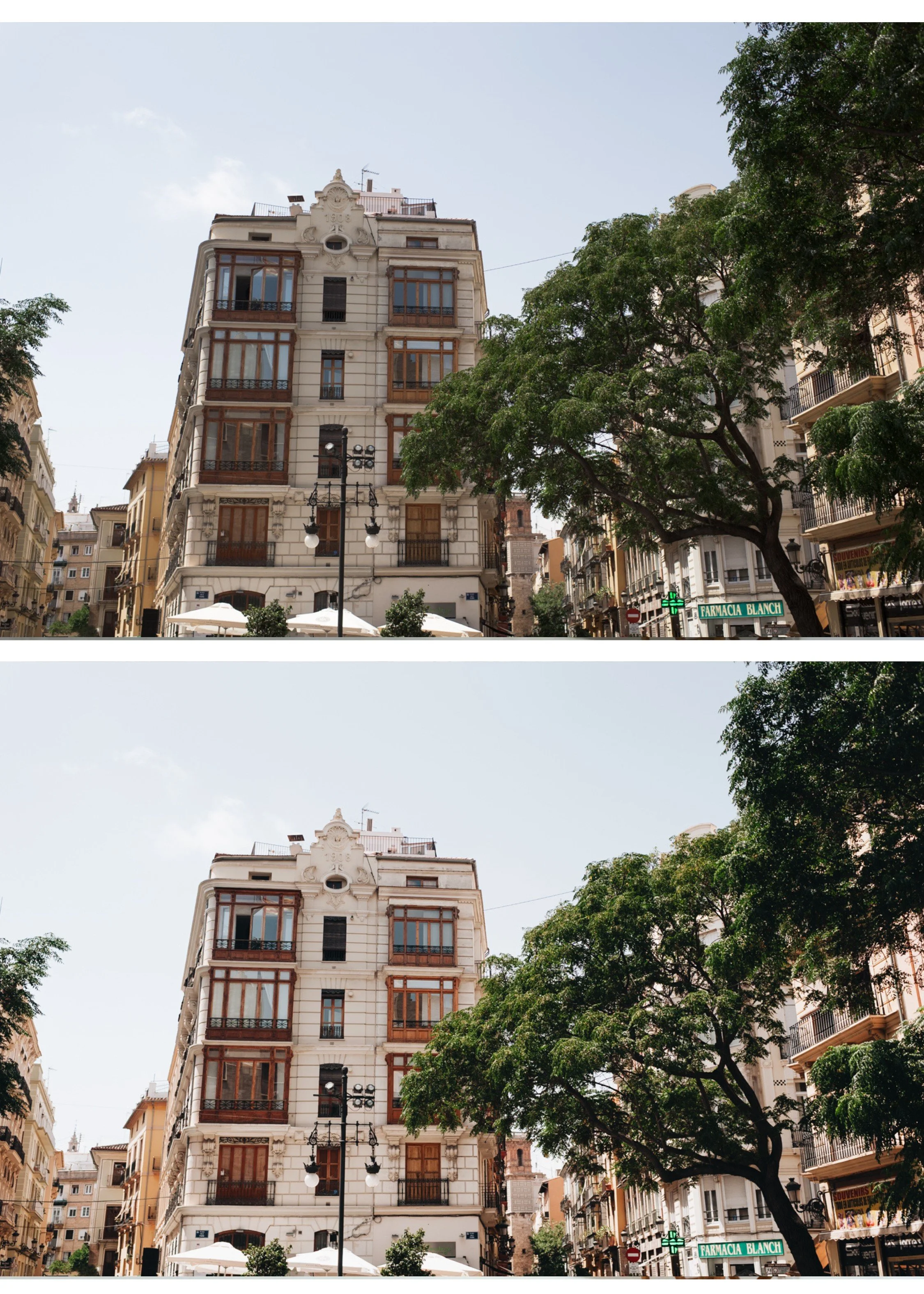
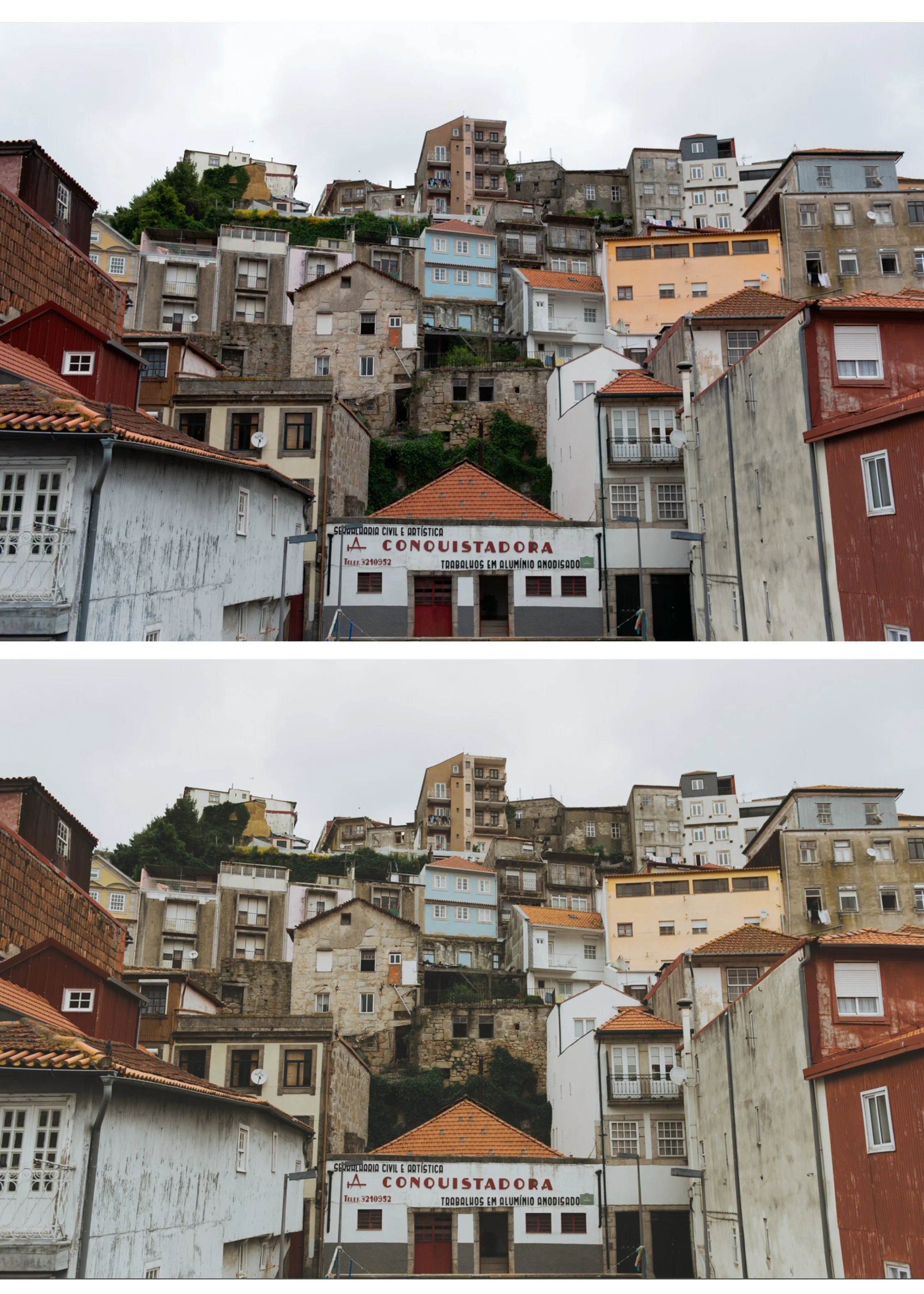
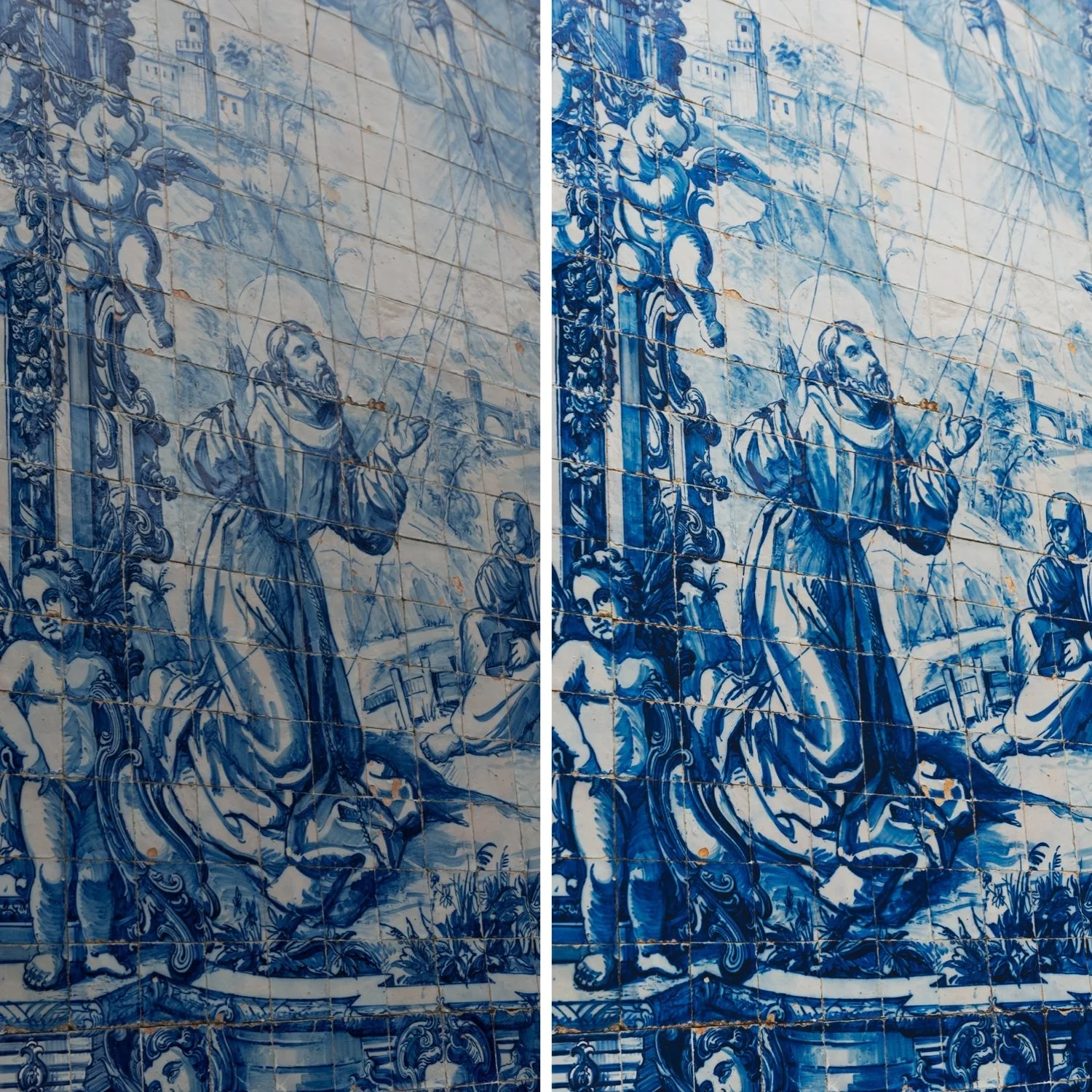
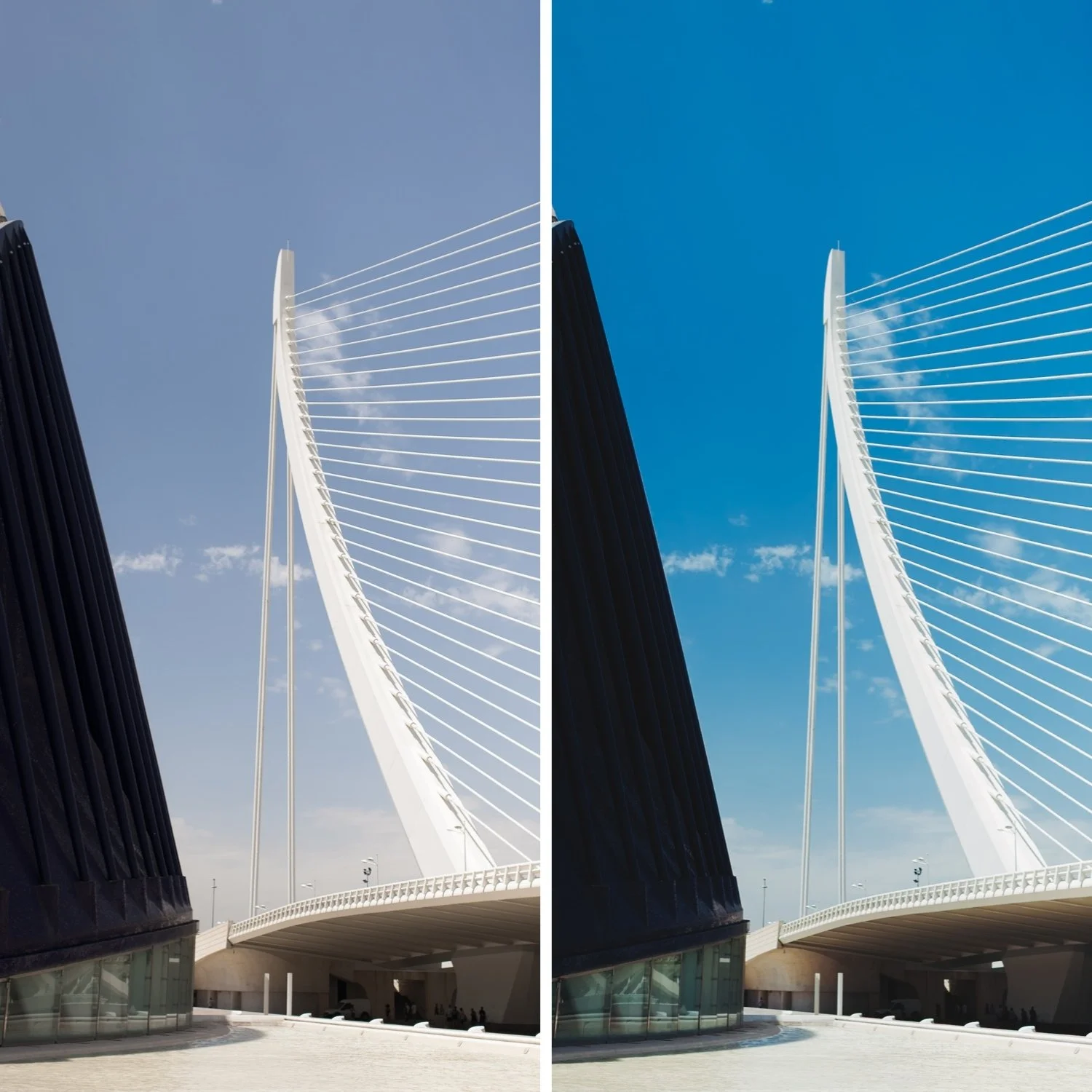
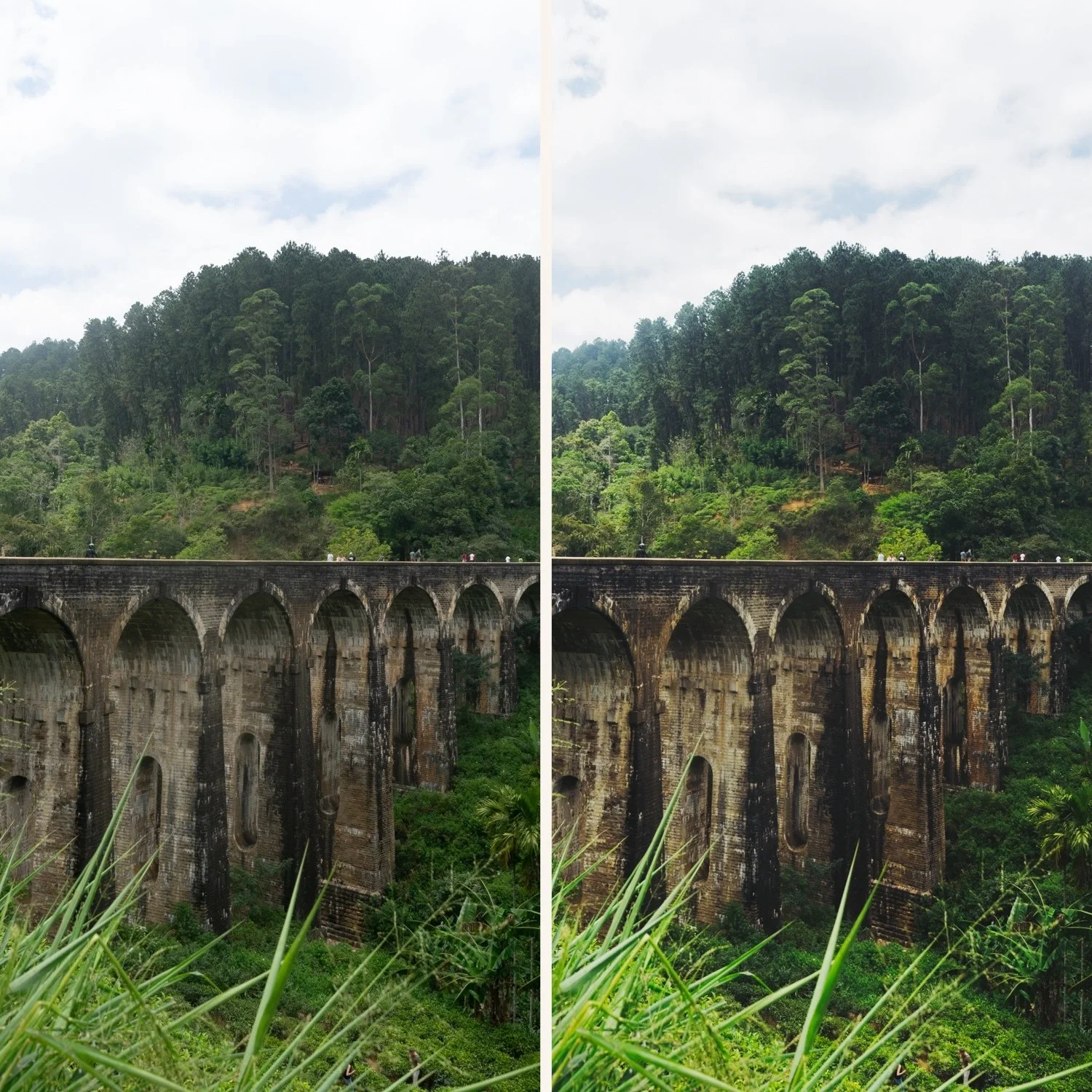
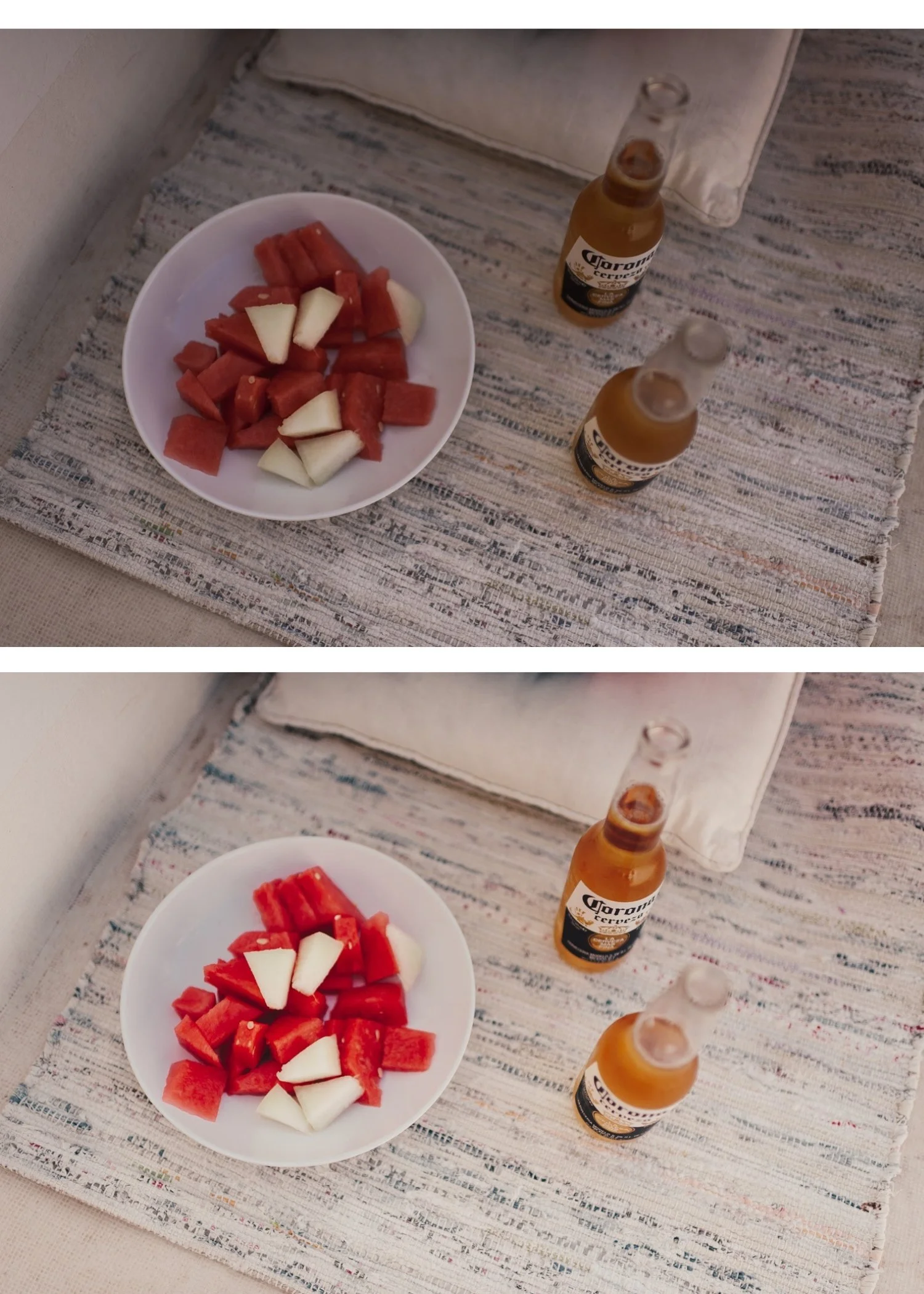
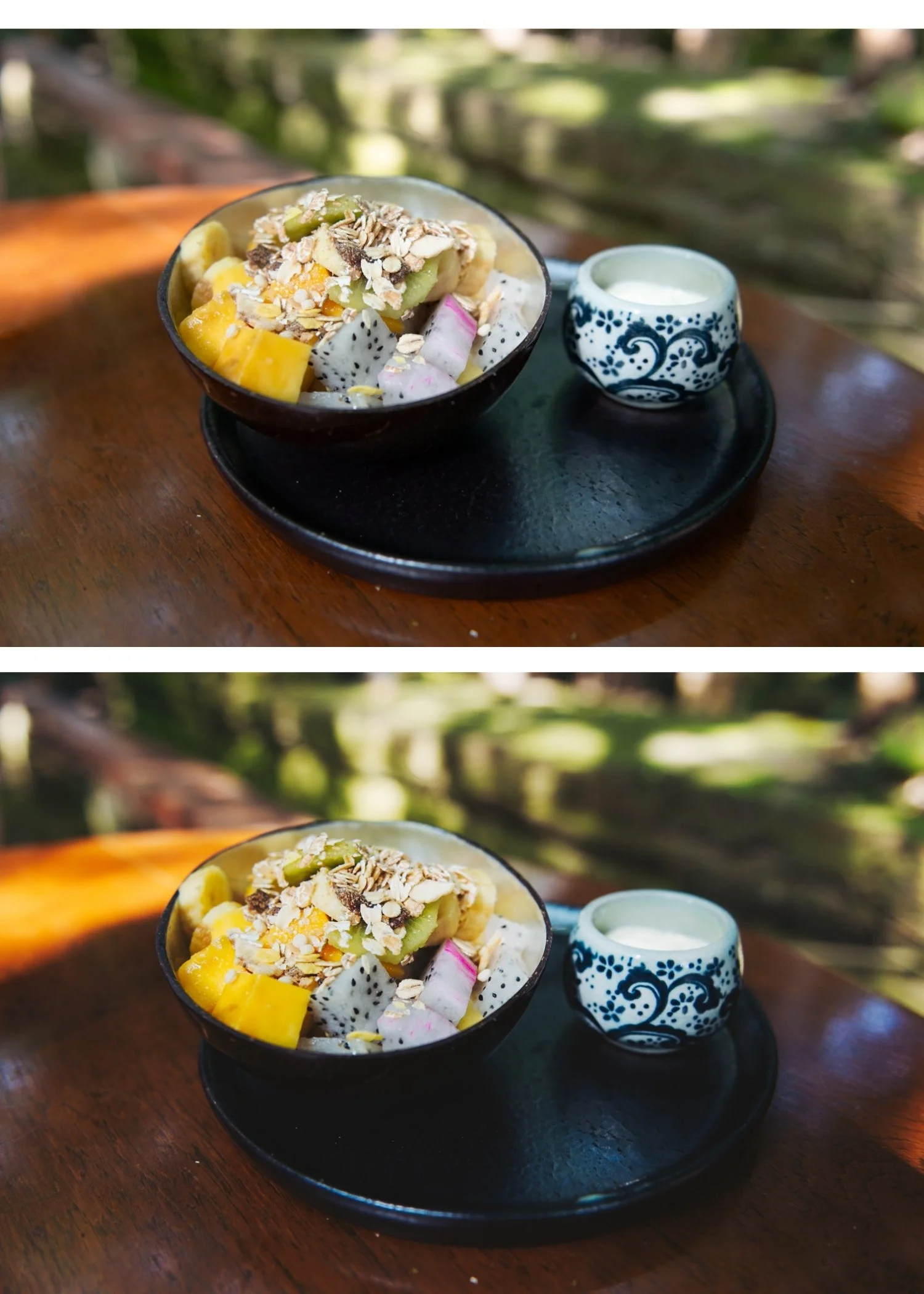
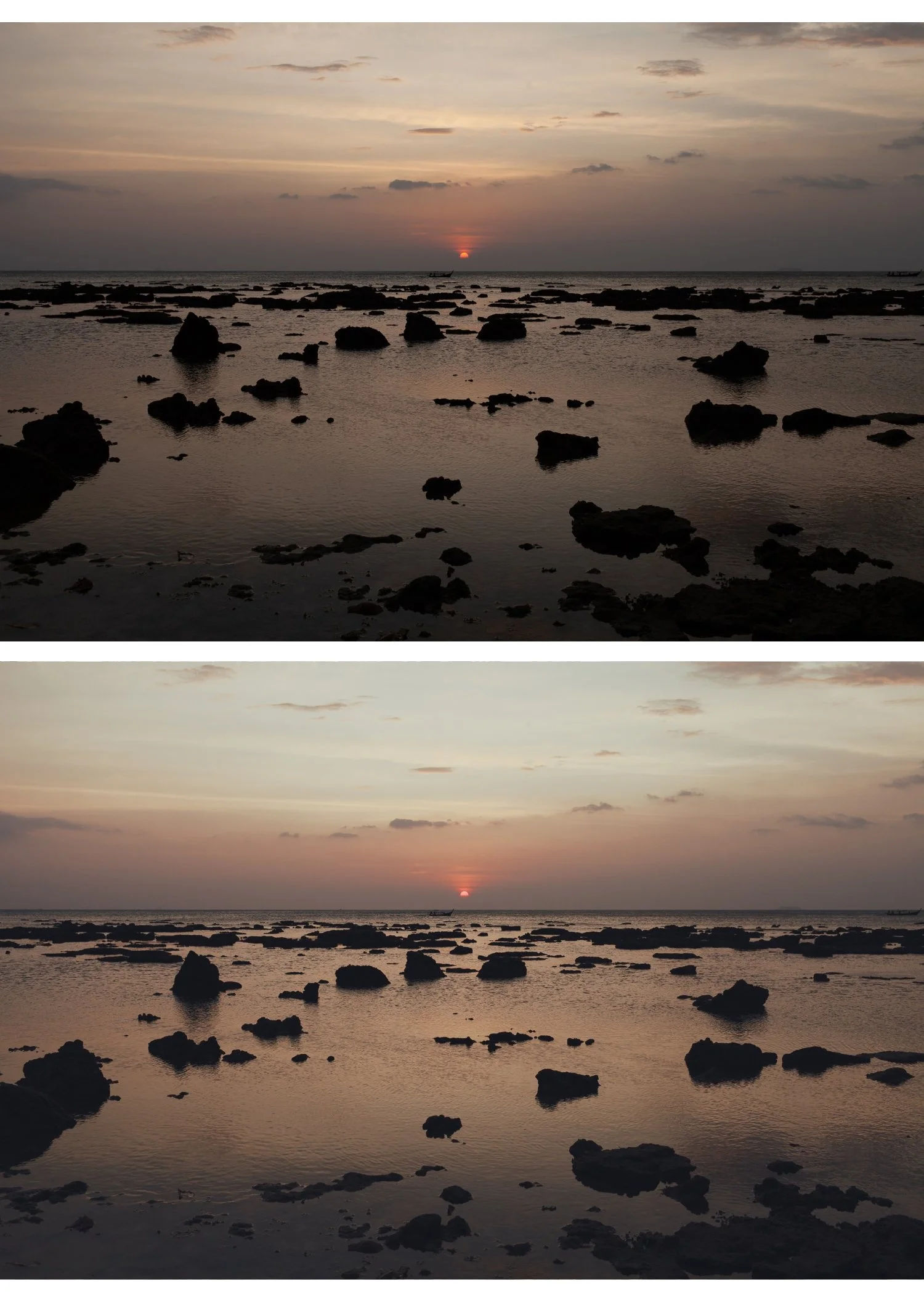
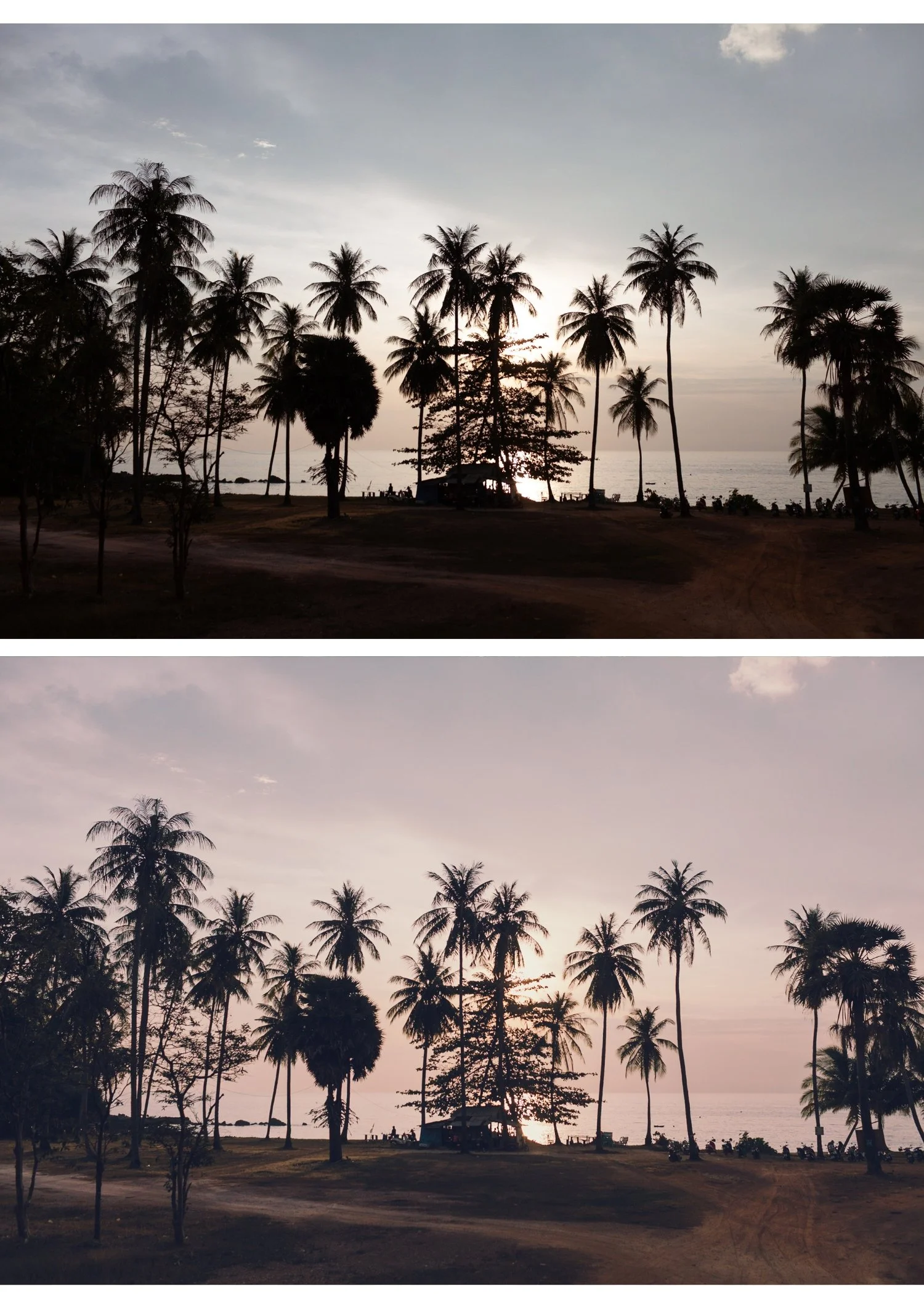
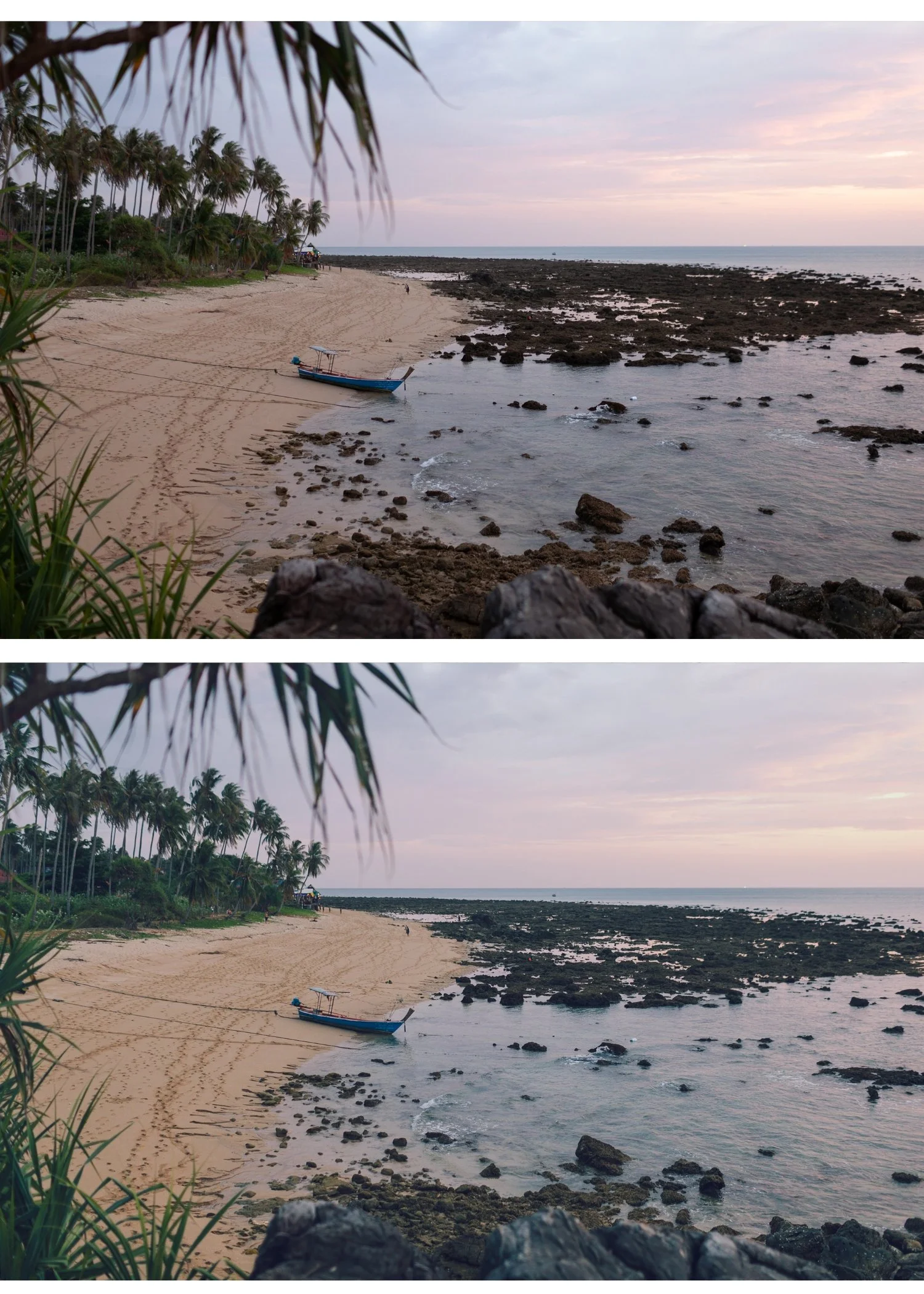
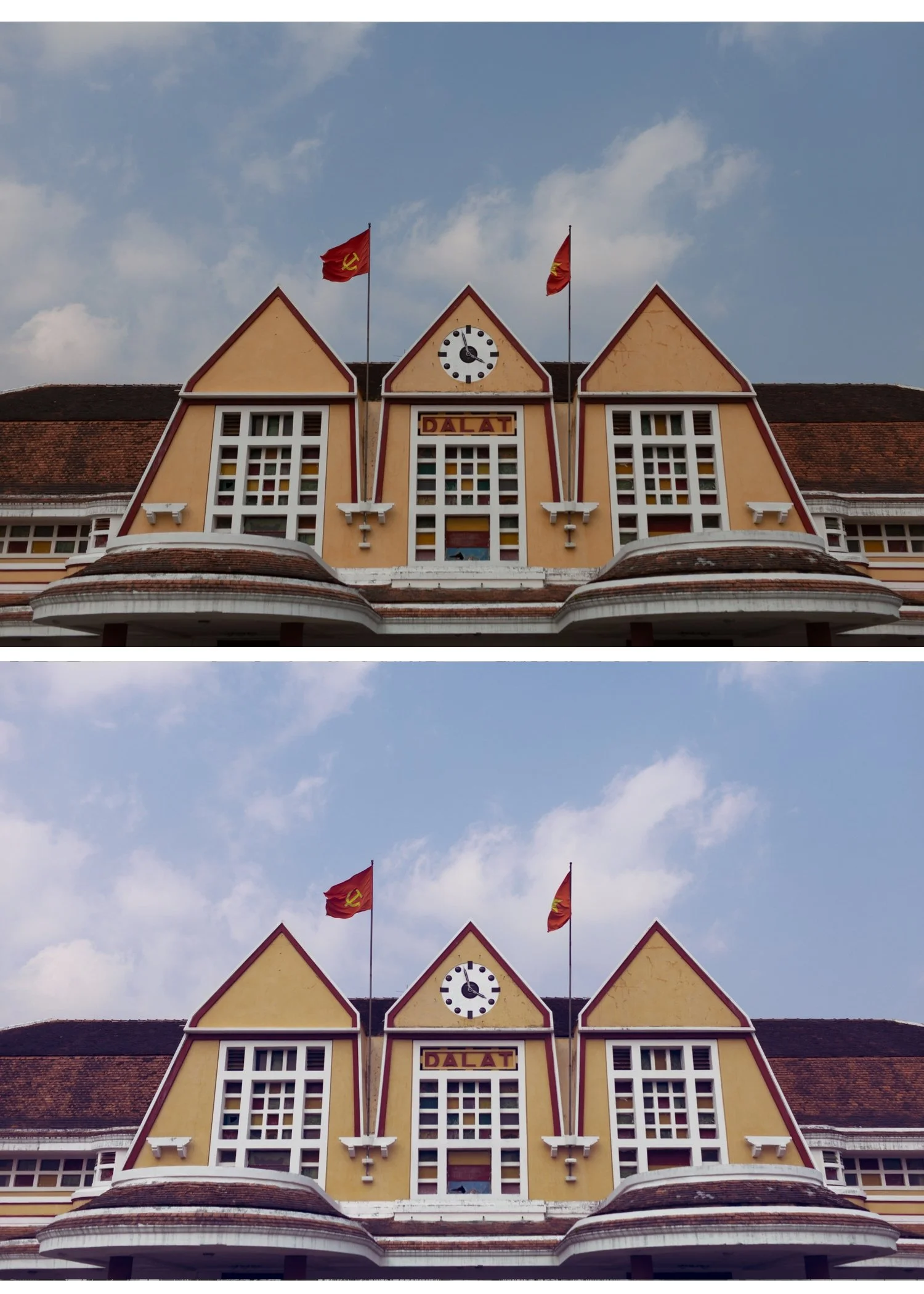
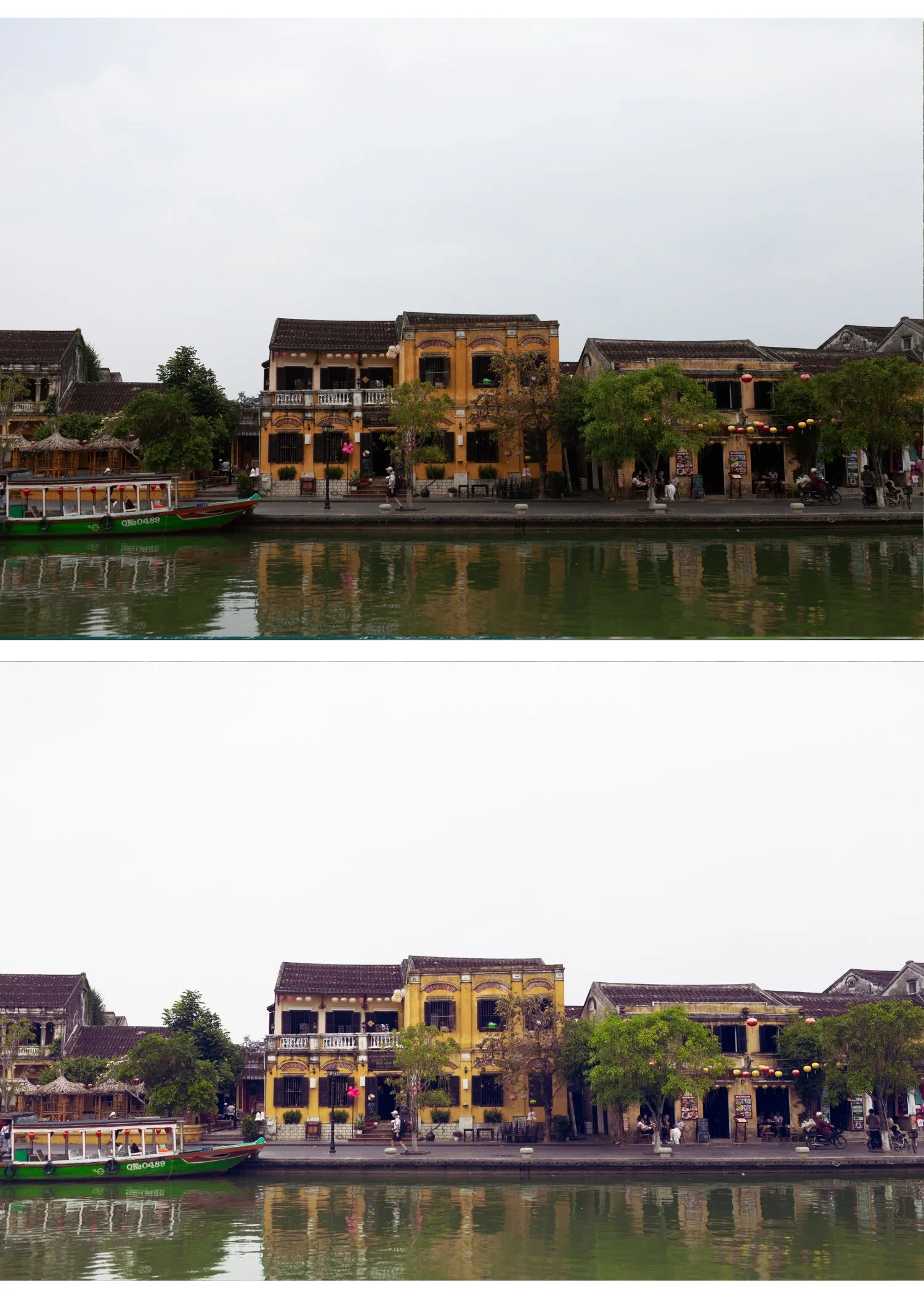
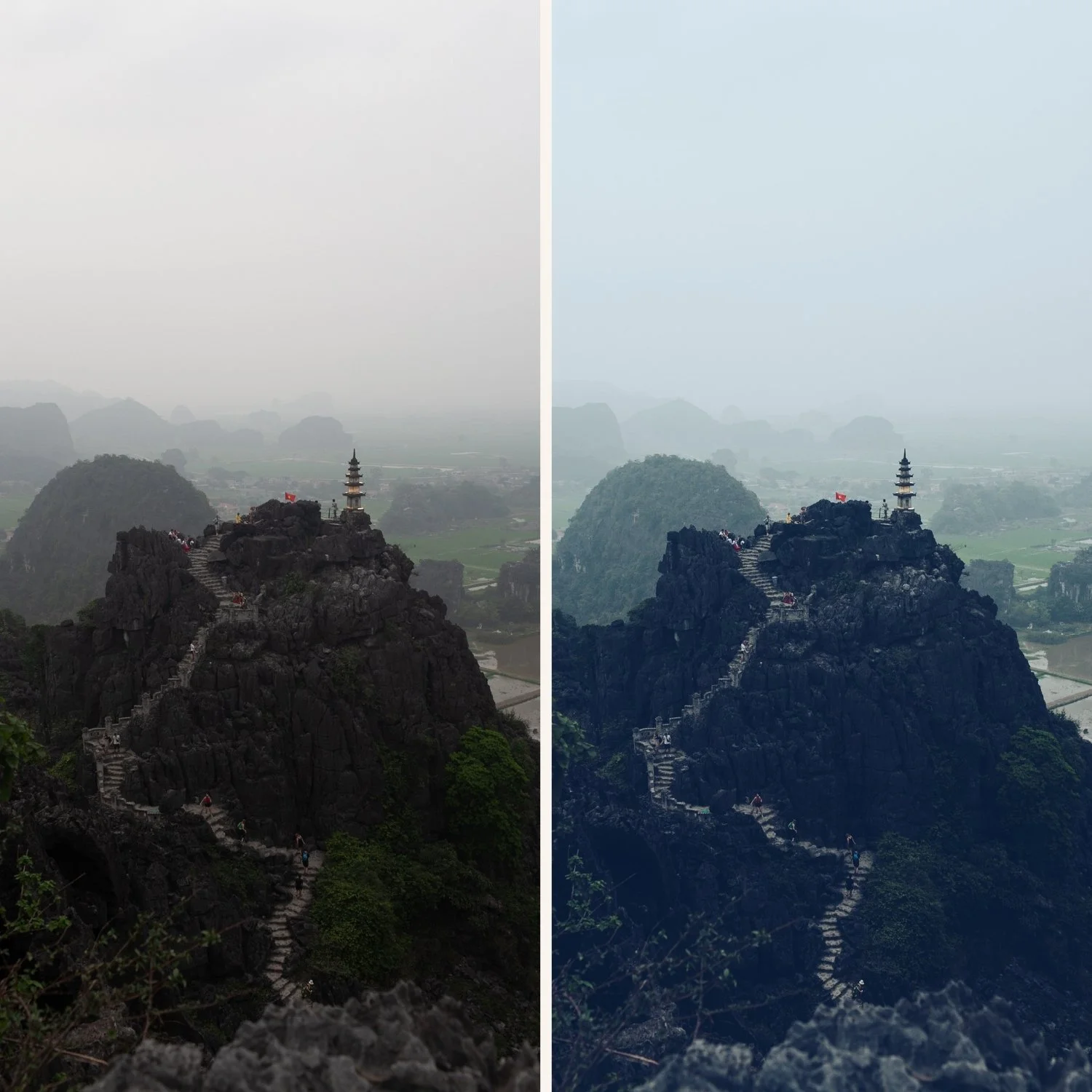
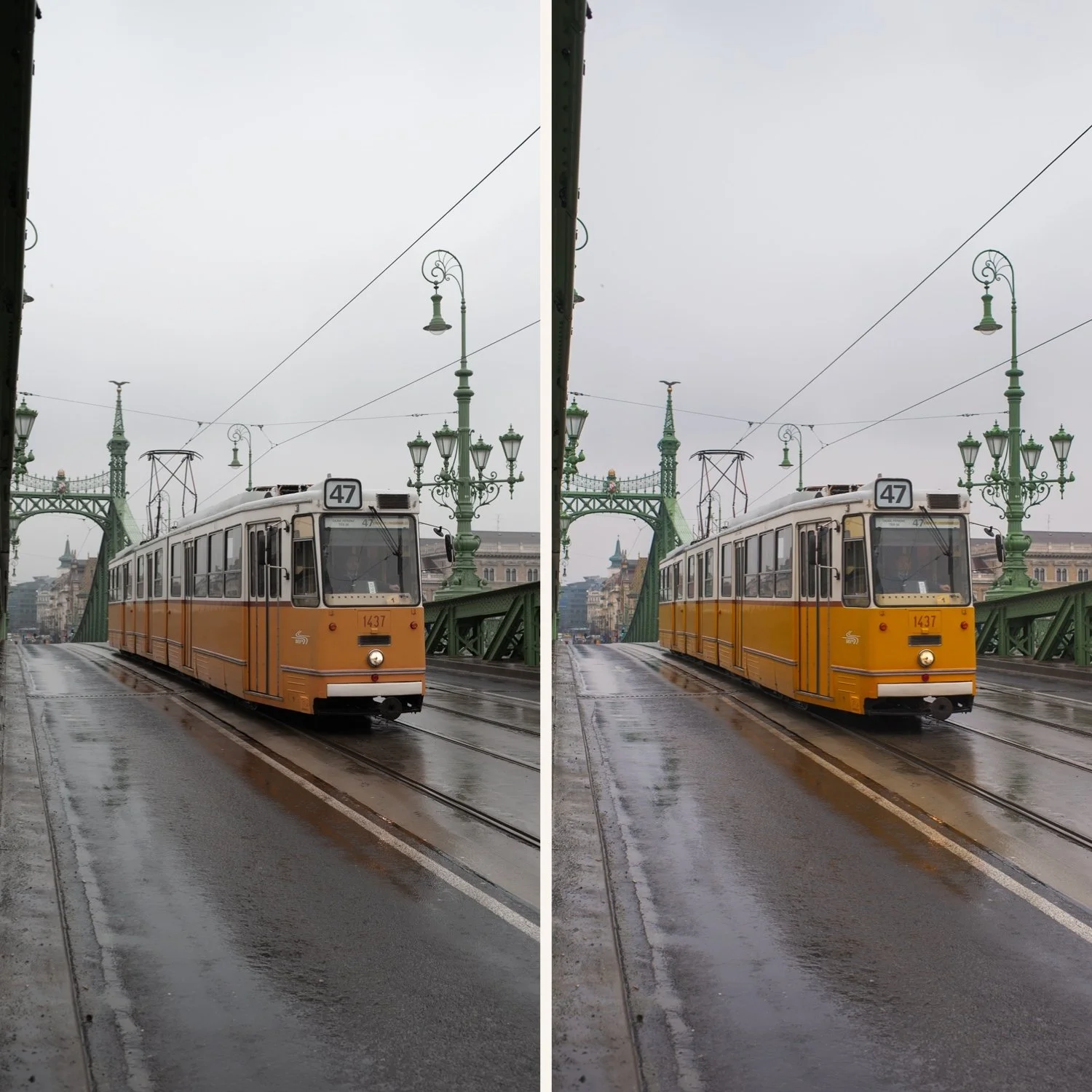
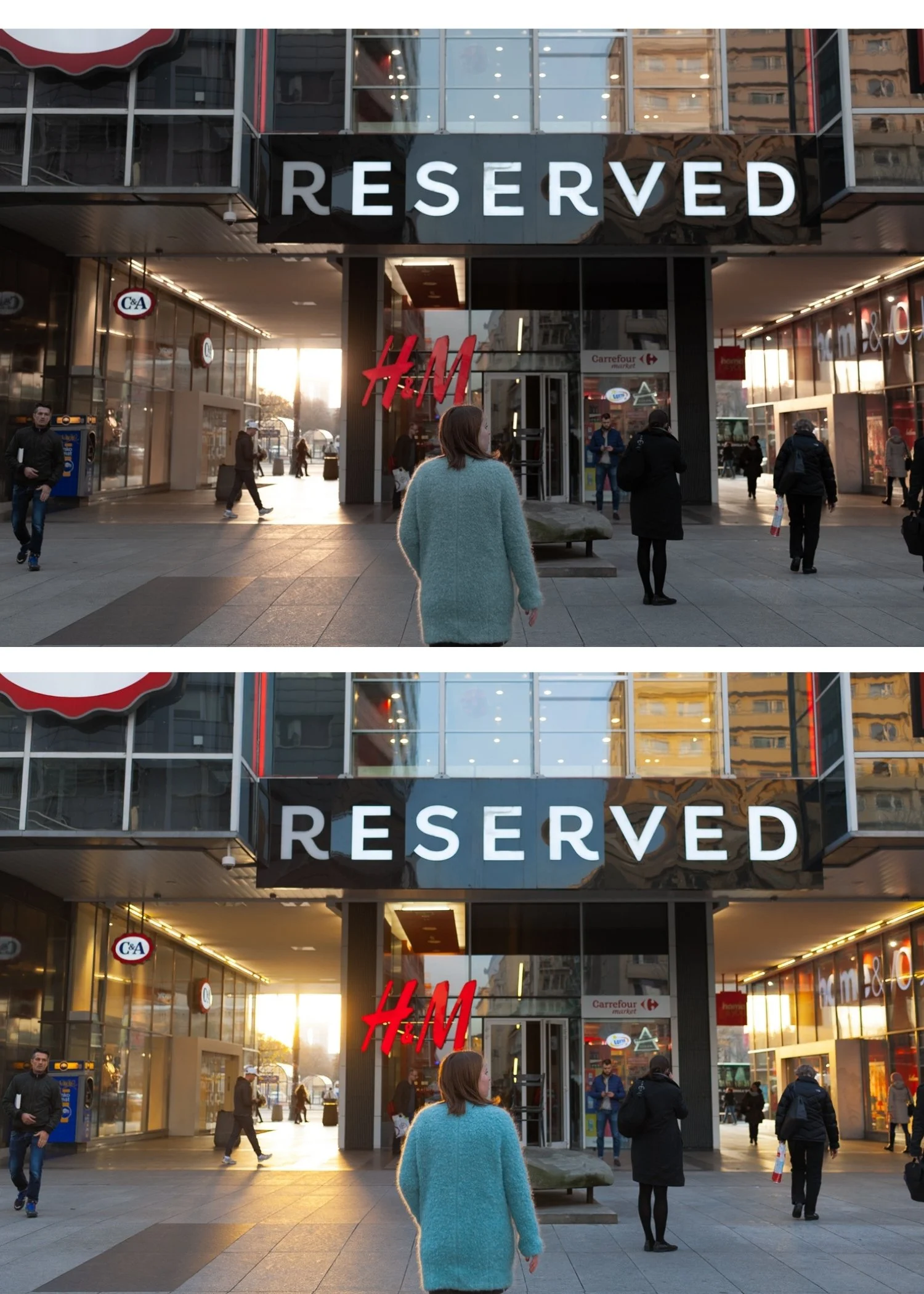
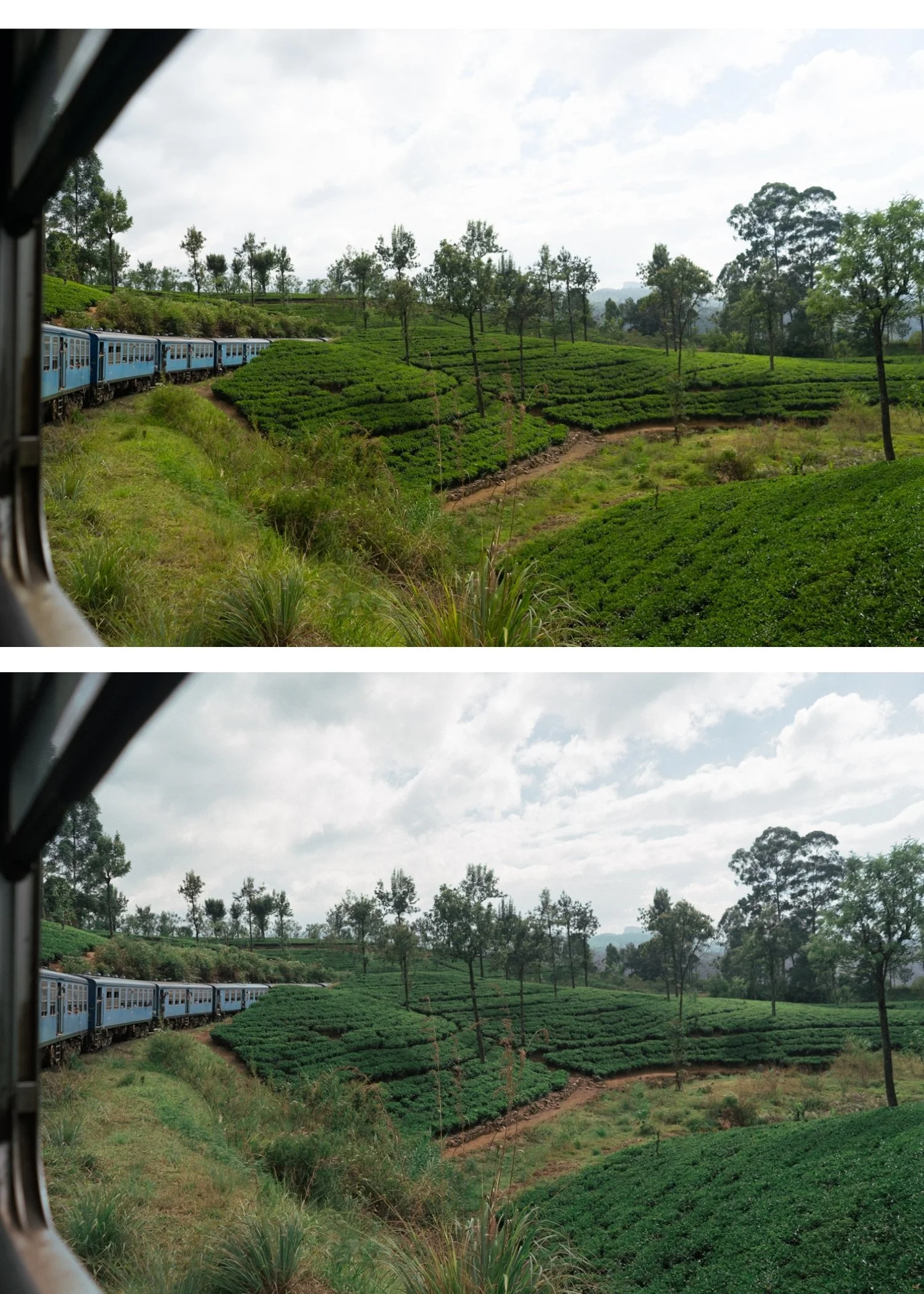
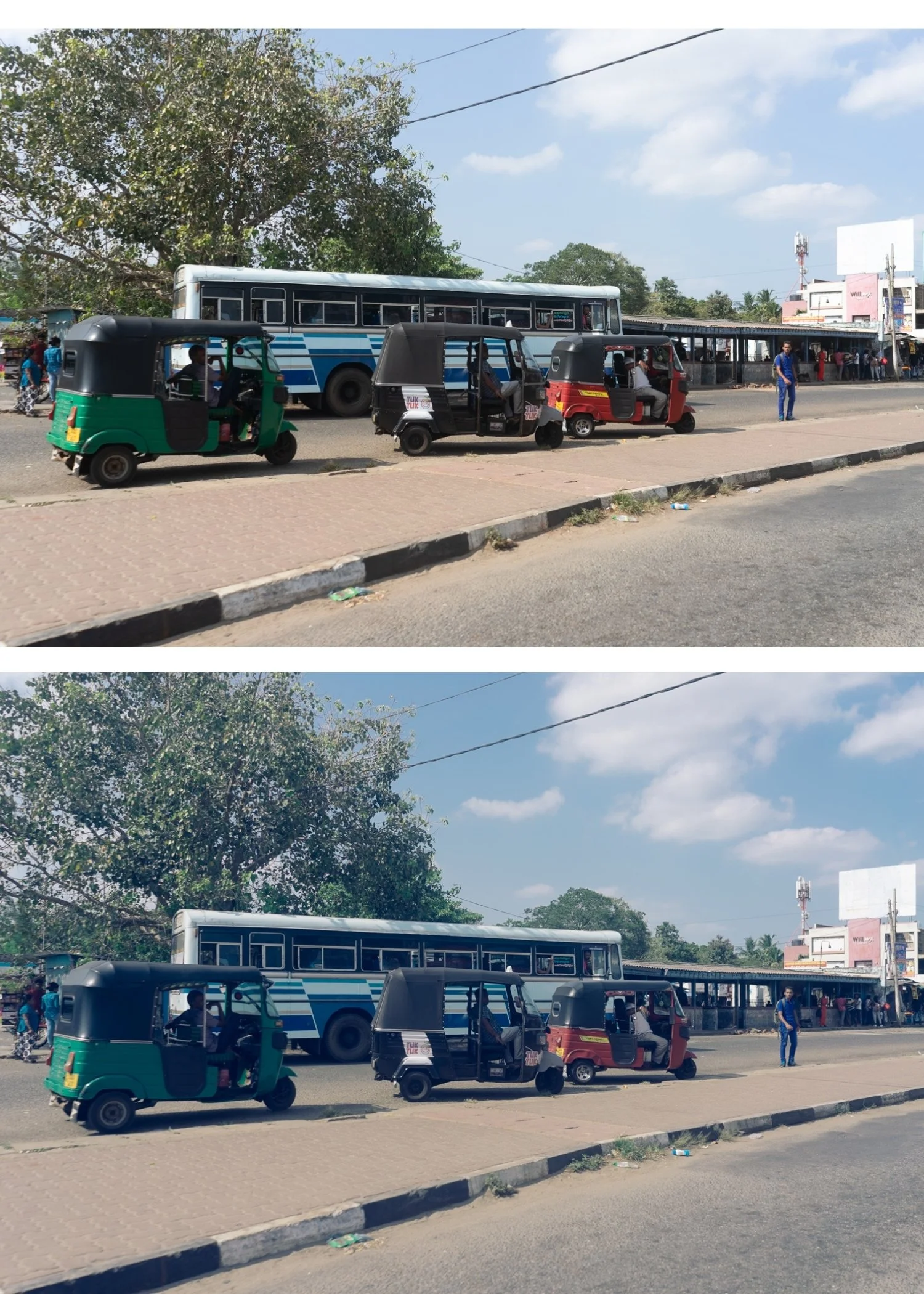
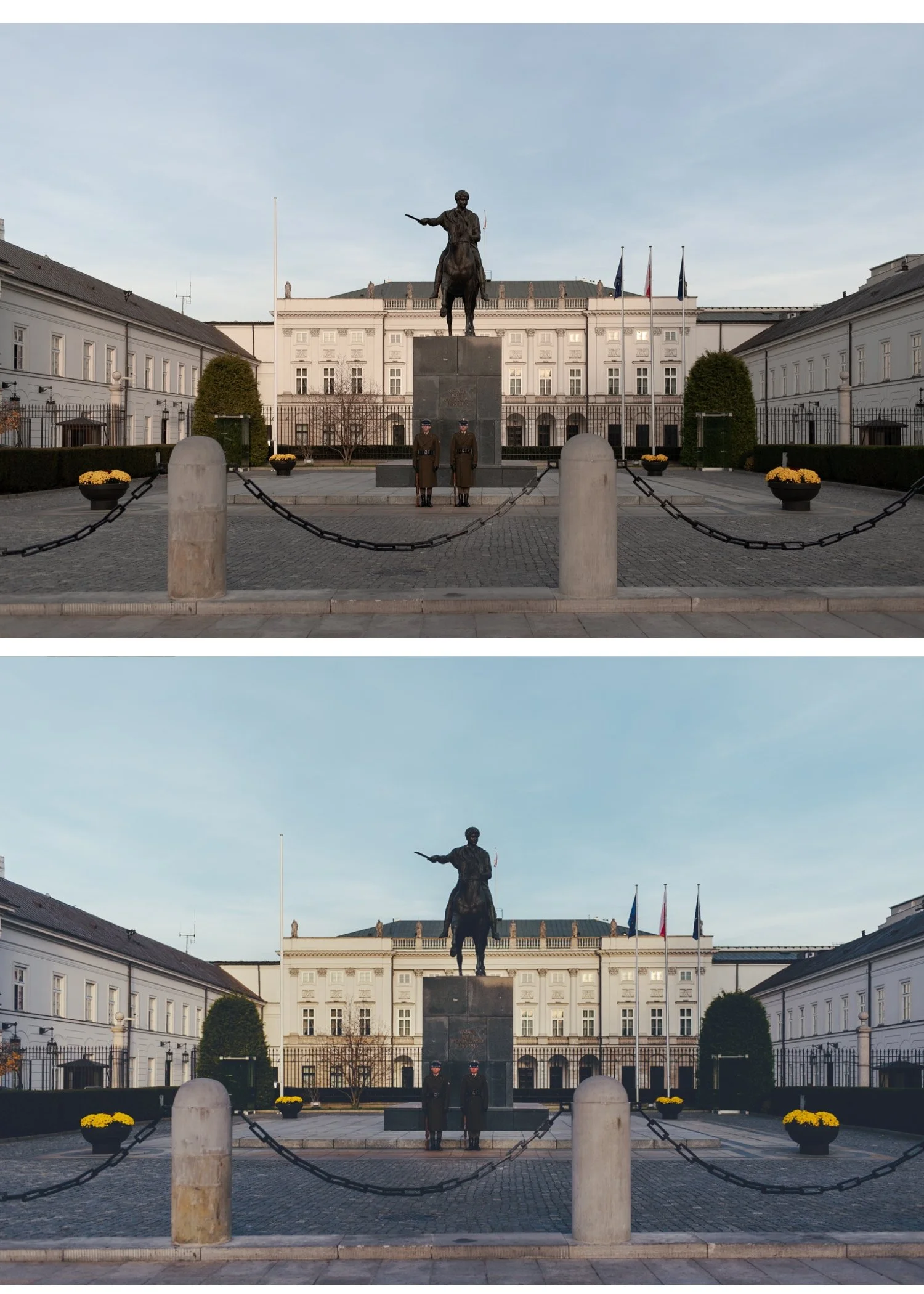
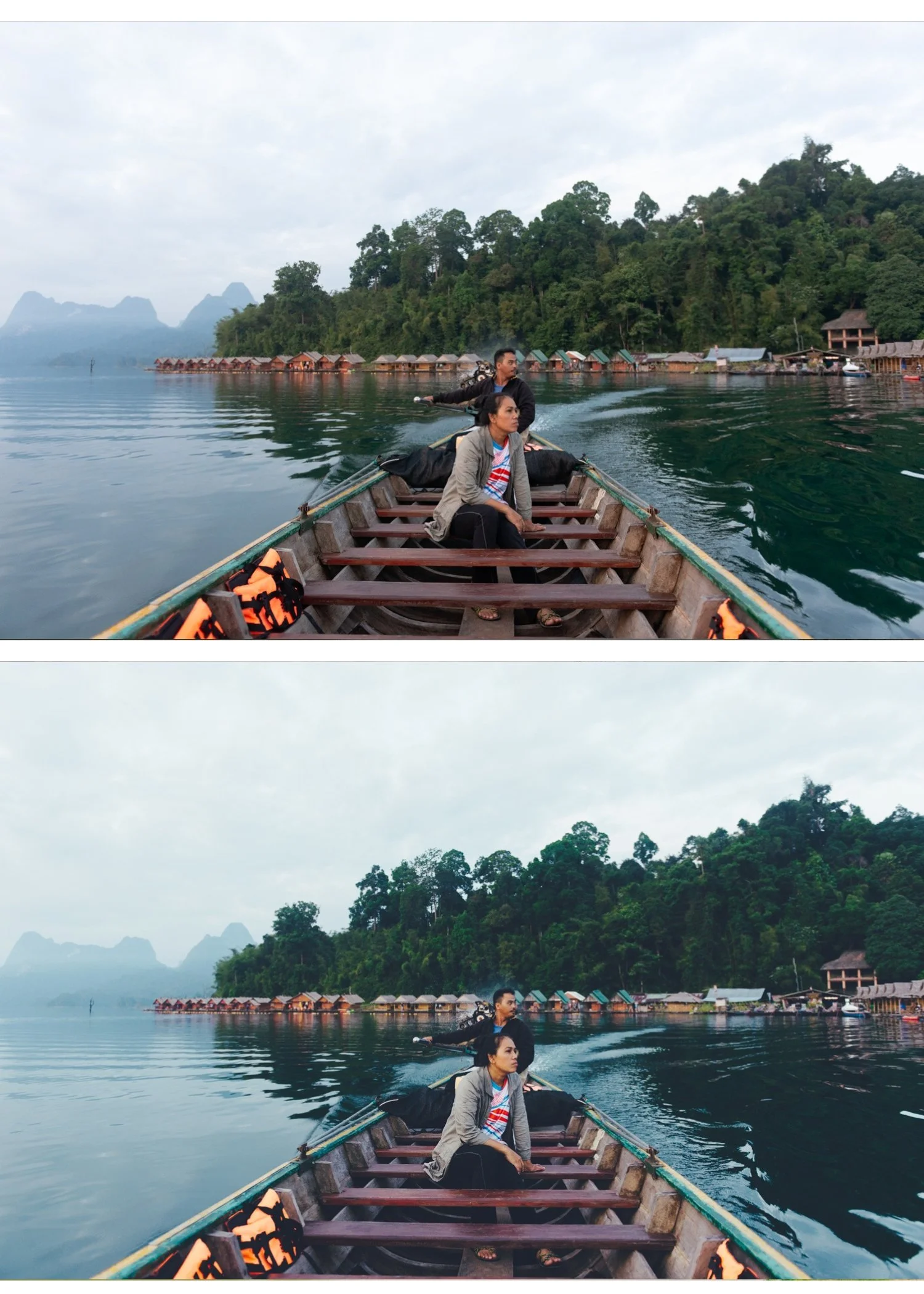
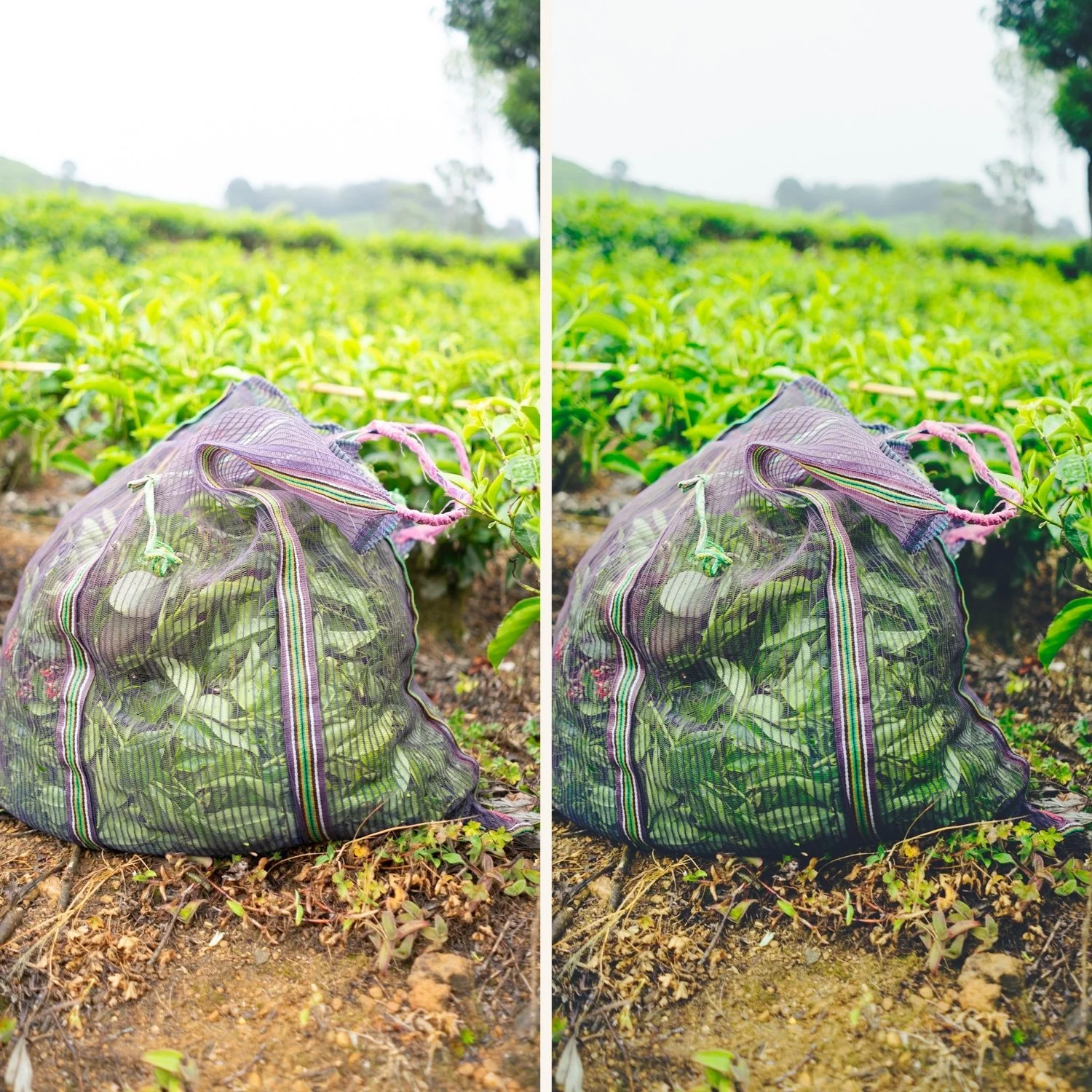
The Analog Archive is built around a single idea: film photography has a quality that digital editing rarely achieves without the right tools.
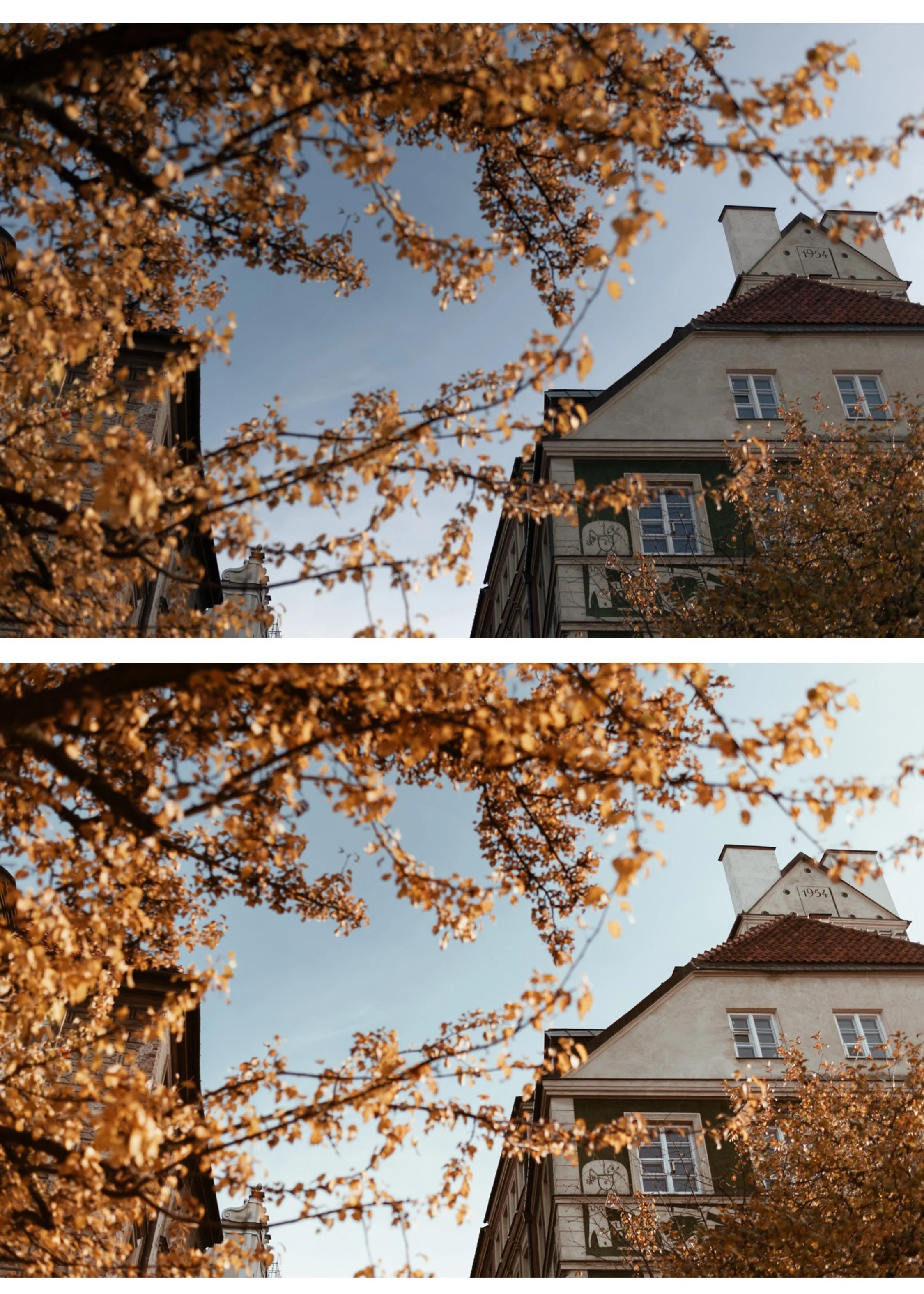
Soft highlight roll-off. Natural skin tones. Subtle grain that adds texture without taking over. Colors that feel timeless rather than processed.
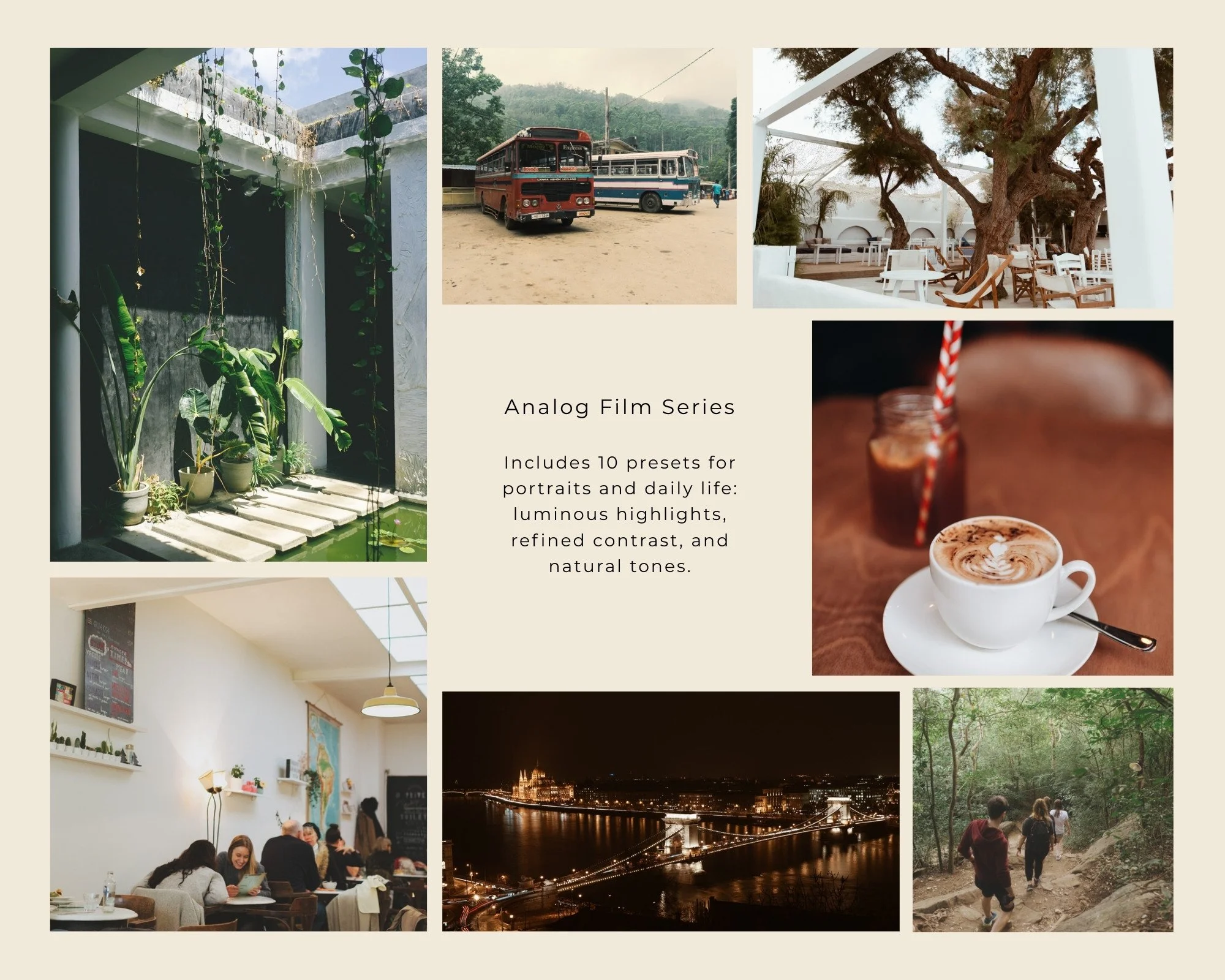
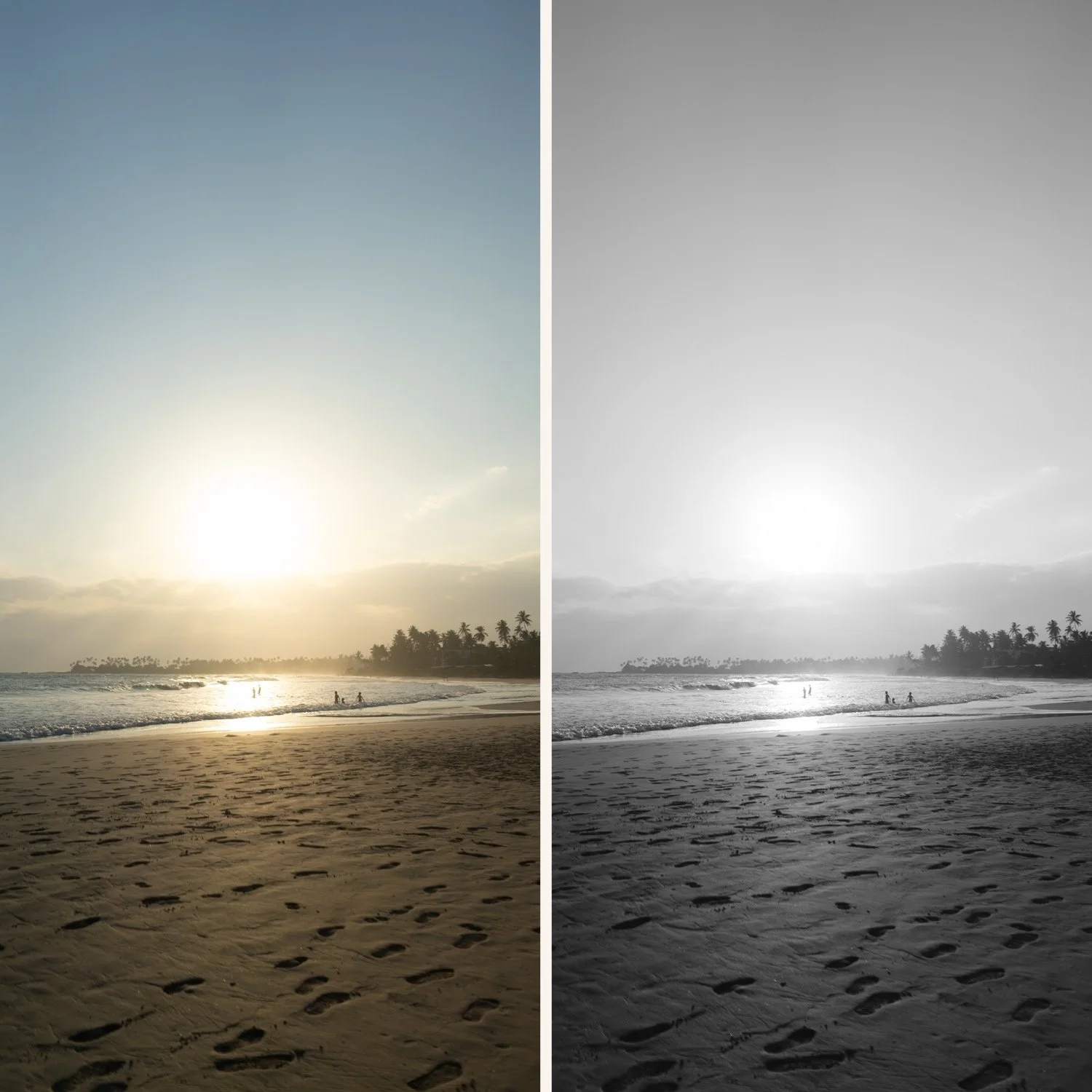
Each of the ten presets in this collection is a different expression of that same analog color science — from clean and minimal to warm and cinematic, from portrait-optimized to travel-ready. They work together, look related, and keep your editing consistent whether you're shooting on the streets of a city, a landscape at golden hour, or a portrait session in afternoon light.
Apply in one click. Fine-tune exposure and white balance. Done.
The 10 Analog Film Presets
A1 Analog Original The baseline analog look. Neutral film tones with soft contrast and a clean, natural color rendering. Works across every subject and lighting condition.
A2 Bright Minimal Clean and airy with lifted highlights and a subtle warmth. The go-to preset for bright outdoor light, travel photography, and lifestyle content that needs to feel effortless.
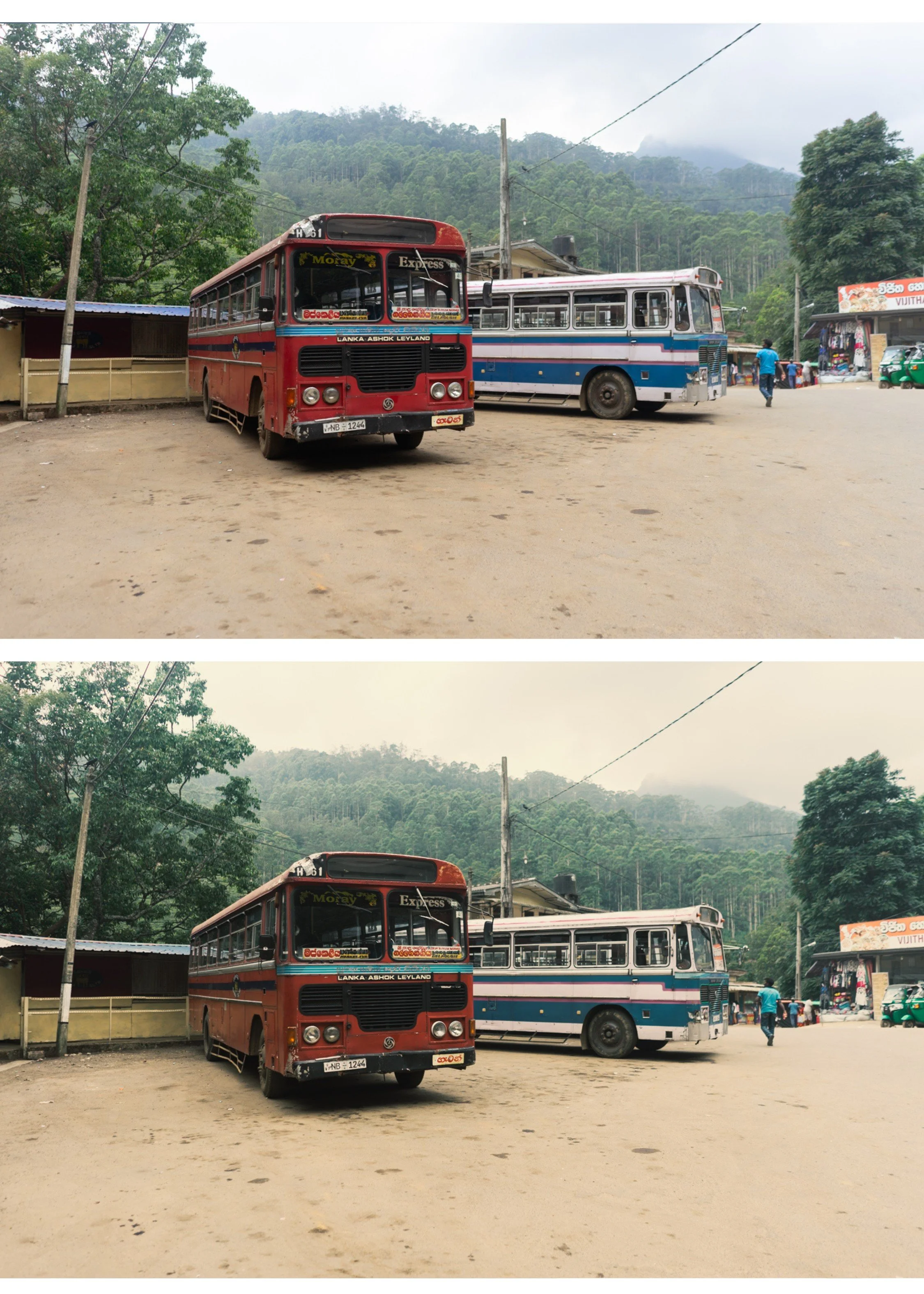
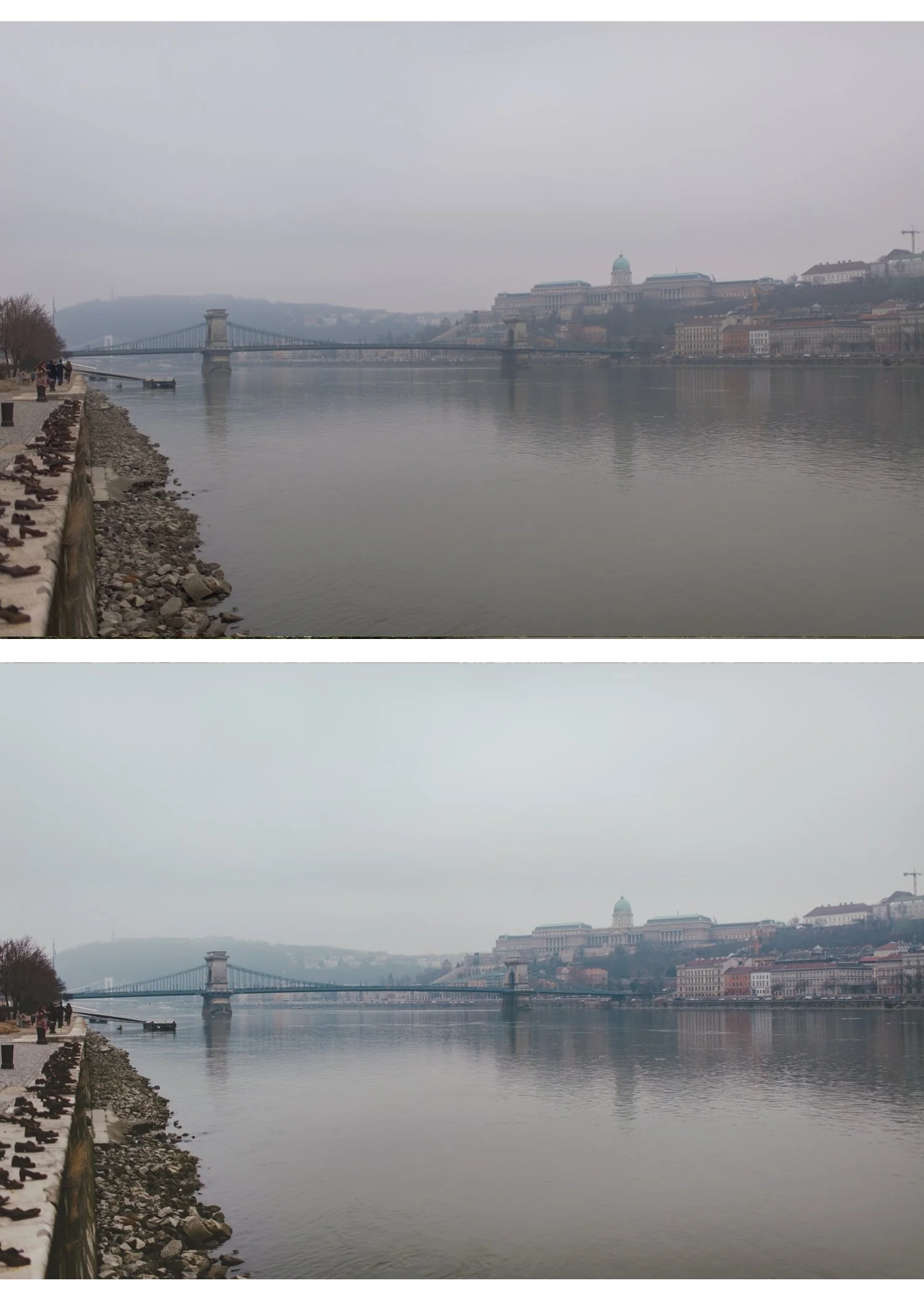
A3 Heritage Fade A gentle fade inspired by aged analog prints. Soft contrast, slightly muted color, and a timeless quality that works especially well for travel and street photography.
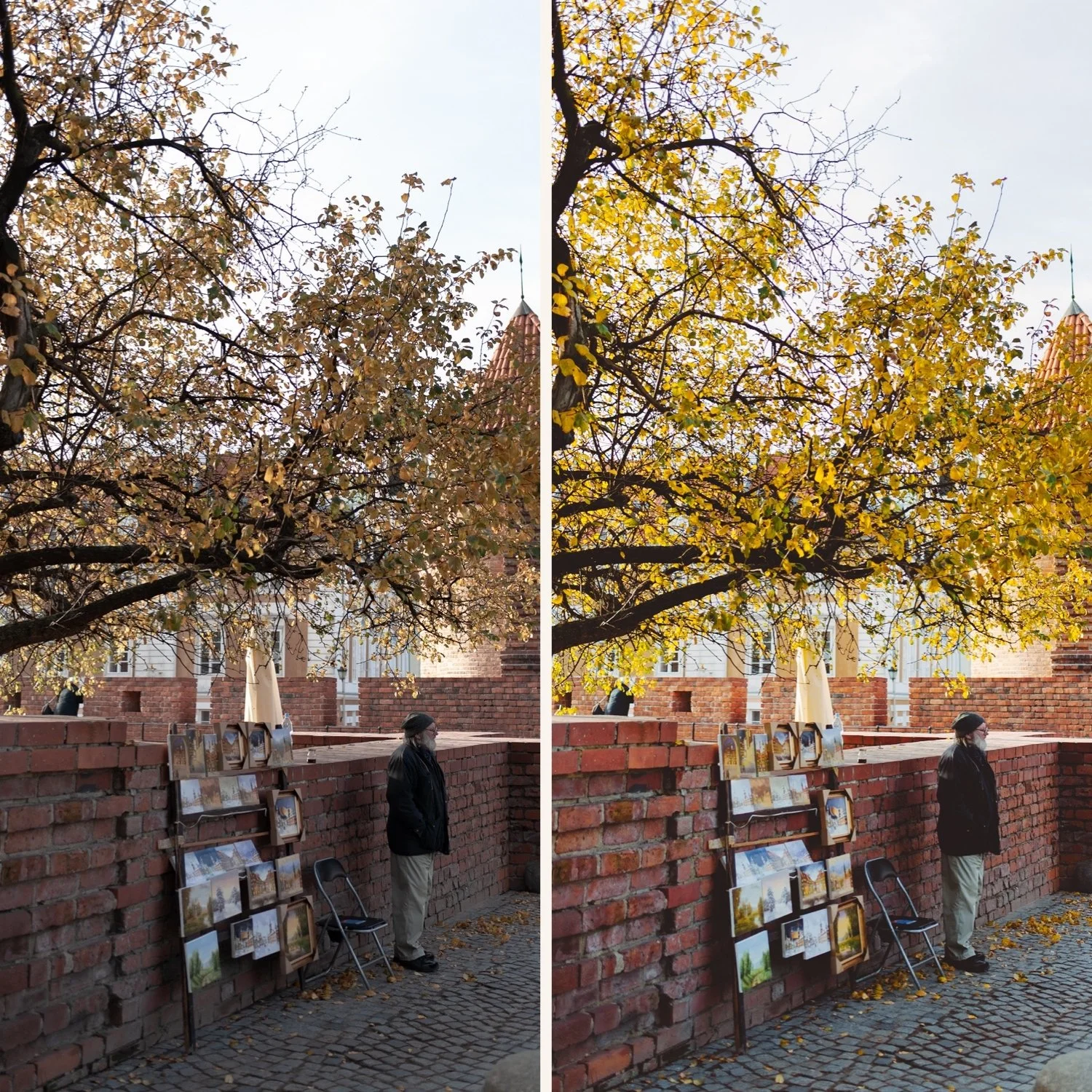
A4 Golden Warmth Rich golden tones with warm highlights and natural skin rendering. Built for golden hour, outdoor portraits, and any scene where warm light is already doing the work.
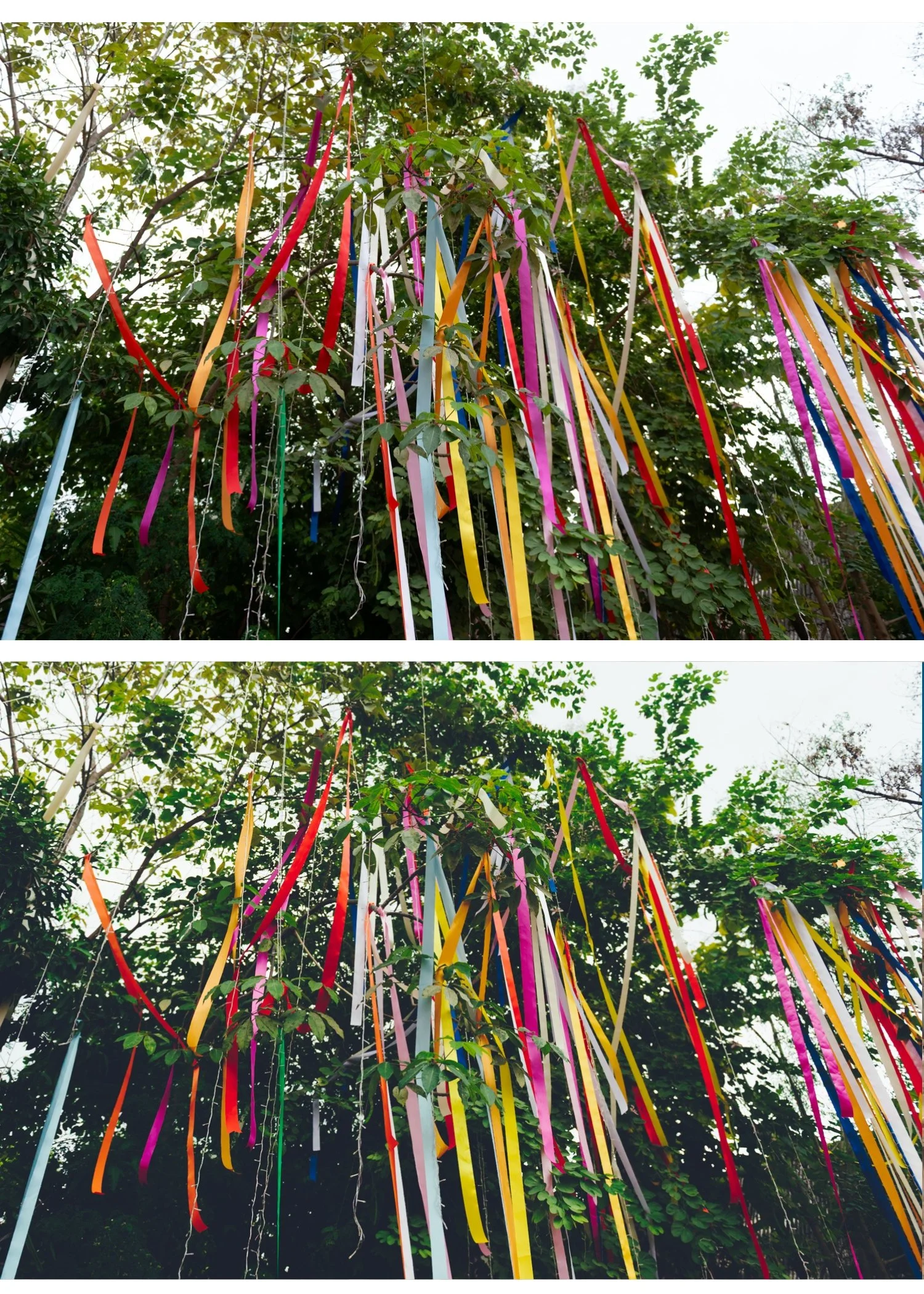
A5 Deep Contrast More contrast and depth than the base presets — a bolder analog look for photographers who want character without going moody. Strong on street and architectural photography.
A6 Clean Portrait Optimized specifically for skin tones. Balanced warmth, lifted luminance on skin, and reduced digital harshness. The most-used preset in the collection for portrait and lifestyle work. (This is the preset behind our free download — if you've tested it, you know what it does.)
A7 Soft Matte Muted contrast and a subtle fade that references aged film prints. Works beautifully for travel photography, candid moments, and editorial-style lifestyle content.
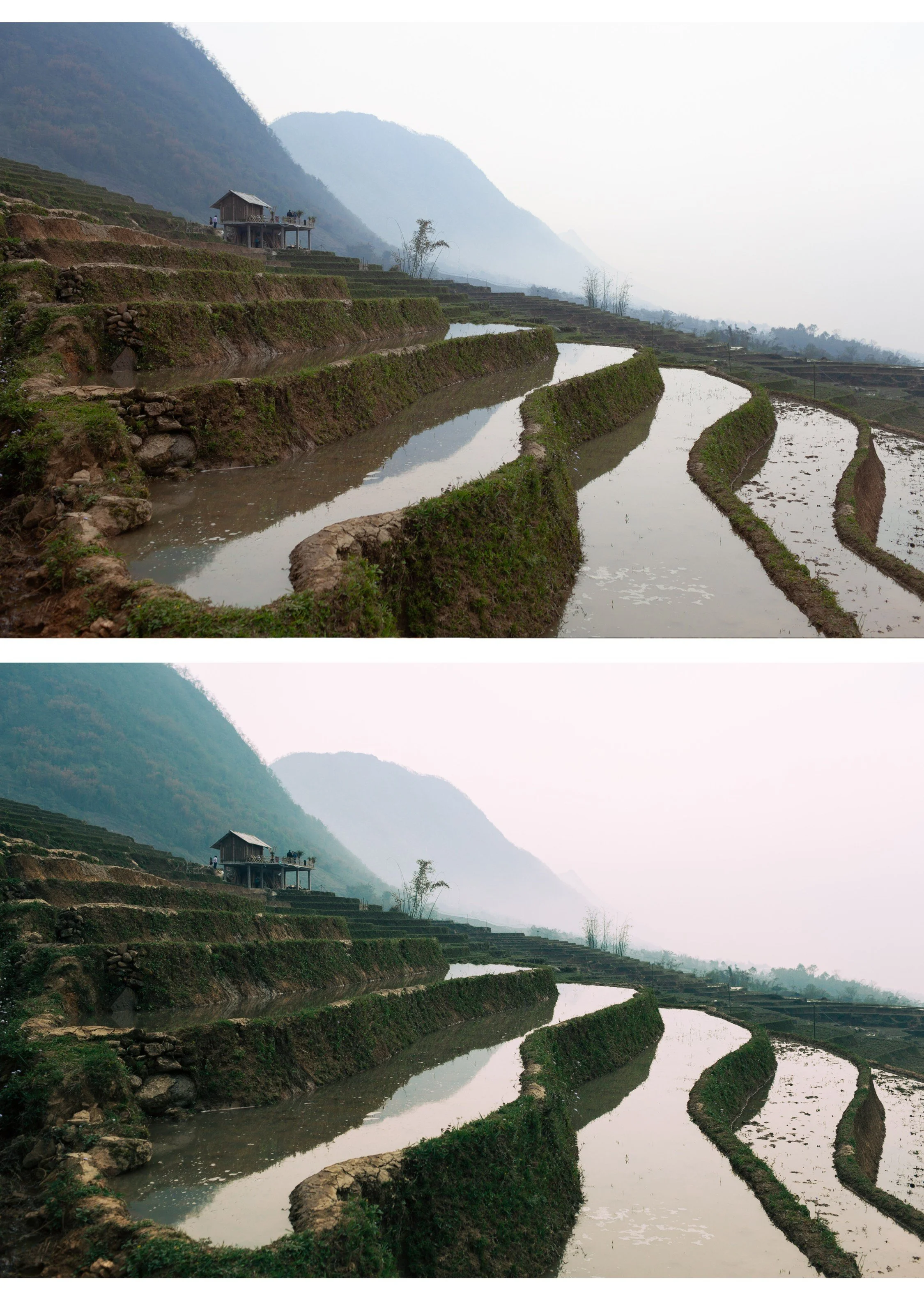
A8 Luminous Highlight Bright, glowing highlights with smooth tonal transitions. Built for overcast light and indoor scenes where you want to lift the image without losing depth.
A9 Urban Neutral Cool-leaning neutral tones for street photography and architecture. Less warmth, more clarity, a modern analog look for photographers who shoot in urban environments.
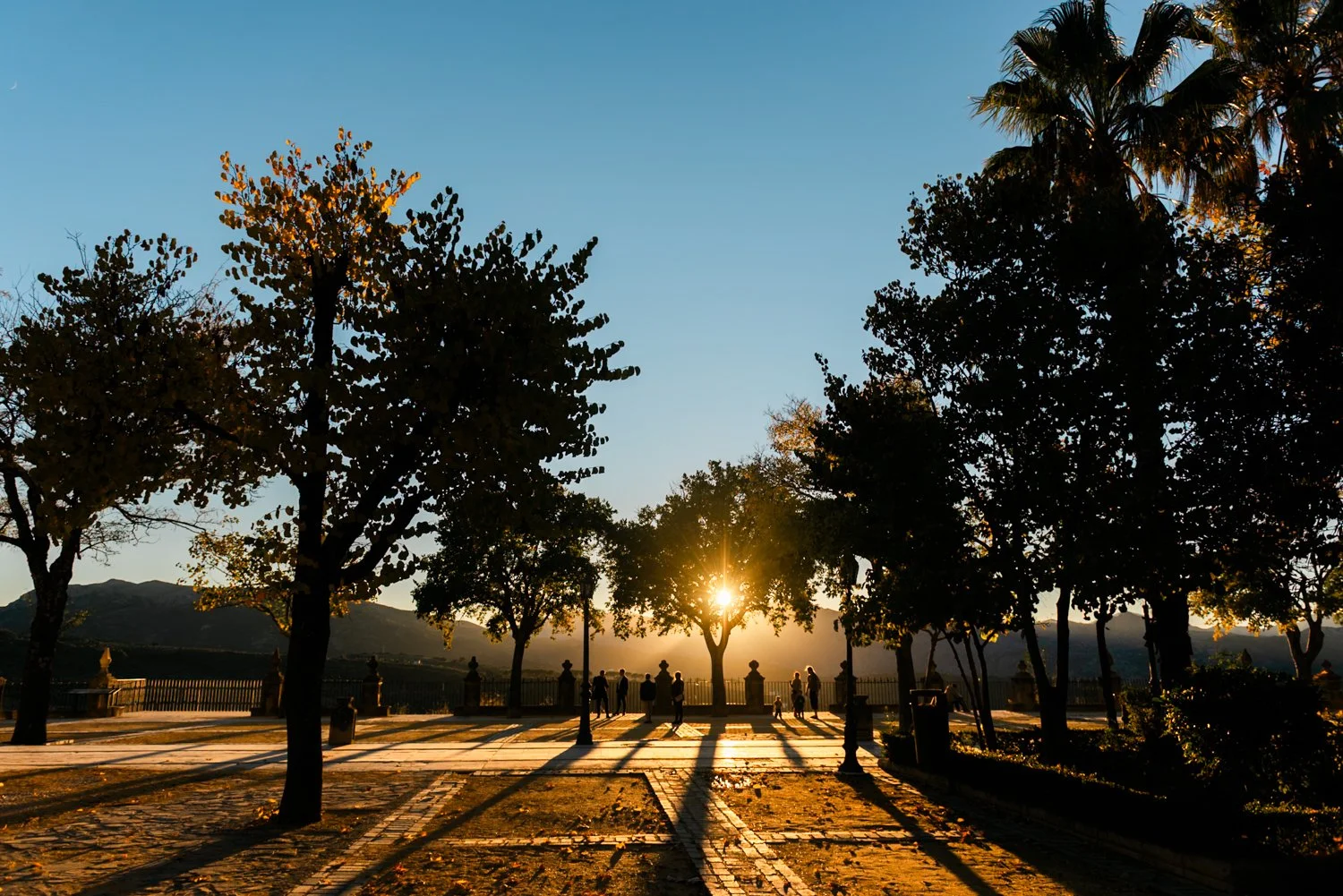
A10 Cinematic Archive The most characterful preset in the collection. Full analog depth, refined contrast, and a tonal quality that makes images feel like they were shot on 35mm. Best for travel, landscape, and street photography where you want maximum impact.
Why the Analog Archive instead of a single preset?
A single preset gives you one look for one lighting condition.
The Analog Archive gives you ten variations on the same color philosophy — so you can move between a golden hour portrait session, an overcast street shoot, and a bright travel day without losing the visual consistency that makes a feed or portfolio look intentional.
Most photographers pay $10 per preset. You pay $2.70.
That's not a discount. That's just the math when you buy a system instead of a single tool.
Want more than 10 presets?
The Studio Archive contains every preset collection we make — 130+ presets for $89. That's $0.68 per preset, and it includes every new preset we release for life.
Most photographers who start with the Analog Archive upgrade to the Studio Archive within a month.
View the Studio Archive →
Ten film looks. One color philosophy. $2.70 per preset.
Most photographers pay $10 per preset. The Analog Archive gives you ten — for $2.70 each.
Not ten random looks. Ten variations on the same analog color foundation — so your feed stays consistent no matter what you're shooting.
✅ Lightroom Mobile & Desktop
✅ Works on RAW and JPEG
✅ Instant download
✅ Beginner friendly
✅ Lifetime access
THE ANALOG ARCHIVE — 10 PRESETS, ONE PHILOSOPHY
The Analog Archive is built around a single idea: film photography has a quality that digital editing rarely achieves without the right tools.
Soft highlight roll-off. Natural skin tones. Subtle grain that adds texture without taking over. Colors that feel timeless rather than processed.
Each of the ten presets in this collection is a different expression of that same analog color science — from clean and minimal to warm and cinematic, from portrait-optimized to travel-ready. They work together, look related, and keep your editing consistent whether you're shooting on the streets of a city, a landscape at golden hour, or a portrait session in afternoon light.
Apply in one click. Fine-tune exposure and white balance. Done.
The 10 Analog Film Presets
A1 Analog Original The baseline analog look. Neutral film tones with soft contrast and a clean, natural color rendering. Works across every subject and lighting condition.
A2 Bright Minimal Clean and airy with lifted highlights and a subtle warmth. The go-to preset for bright outdoor light, travel photography, and lifestyle content that needs to feel effortless.
A3 Heritage Fade A gentle fade inspired by aged analog prints. Soft contrast, slightly muted color, and a timeless quality that works especially well for travel and street photography.
A4 Golden Warmth Rich golden tones with warm highlights and natural skin rendering. Built for golden hour, outdoor portraits, and any scene where warm light is already doing the work.
A5 Deep Contrast More contrast and depth than the base presets — a bolder analog look for photographers who want character without going moody. Strong on street and architectural photography.
A6 Clean Portrait Optimized specifically for skin tones. Balanced warmth, lifted luminance on skin, and reduced digital harshness. The most-used preset in the collection for portrait and lifestyle work. (This is the preset behind our free download — if you've tested it, you know what it does.)
A7 Soft Matte Muted contrast and a subtle fade that references aged film prints. Works beautifully for travel photography, candid moments, and editorial-style lifestyle content.
A8 Luminous Highlight Bright, glowing highlights with smooth tonal transitions. Built for overcast light and indoor scenes where you want to lift the image without losing depth.
A9 Urban Neutral Cool-leaning neutral tones for street photography and architecture. Less warmth, more clarity, a modern analog look for photographers who shoot in urban environments.
A10 Cinematic Archive The most characterful preset in the collection. Full analog depth, refined contrast, and a tonal quality that makes images feel like they were shot on 35mm. Best for travel, landscape, and street photography where you want maximum impact.
Why the Analog Archive instead of a single preset?
A single preset gives you one look for one lighting condition.
The Analog Archive gives you ten variations on the same color philosophy — so you can move between a golden hour portrait session, an overcast street shoot, and a bright travel day without losing the visual consistency that makes a feed or portfolio look intentional.
Most photographers pay $10 per preset. You pay $2.70.
That's not a discount. That's just the math when you buy a system instead of a single tool.
Want more than 10 presets?
The Studio Archive contains every preset collection we make — 130+ presets for $89. That's $0.68 per preset, and it includes every new preset we release for life.
Most photographers who start with the Analog Archive upgrade to the Studio Archive within a month.
View the Studio Archive →
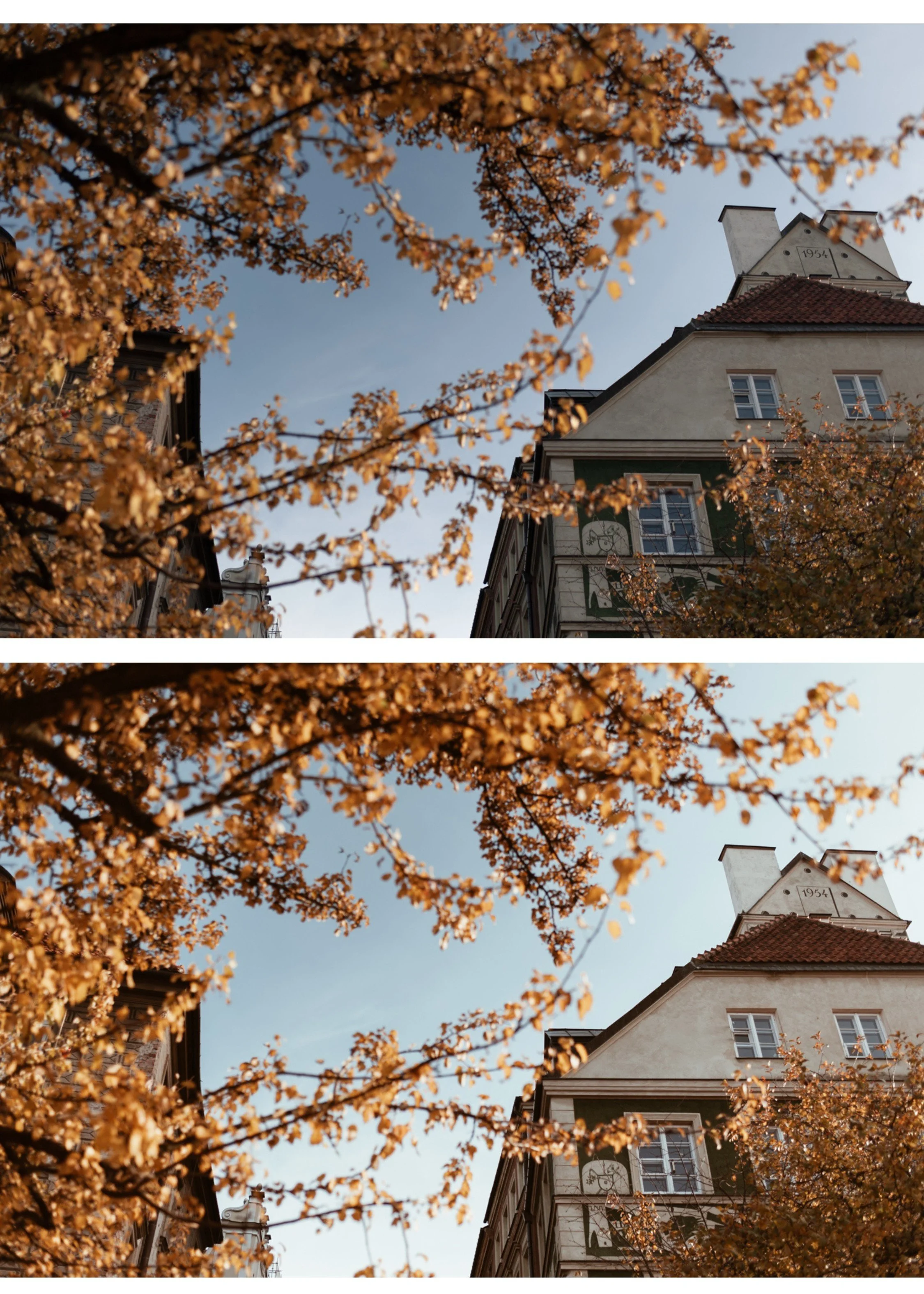 Image 1 of 6
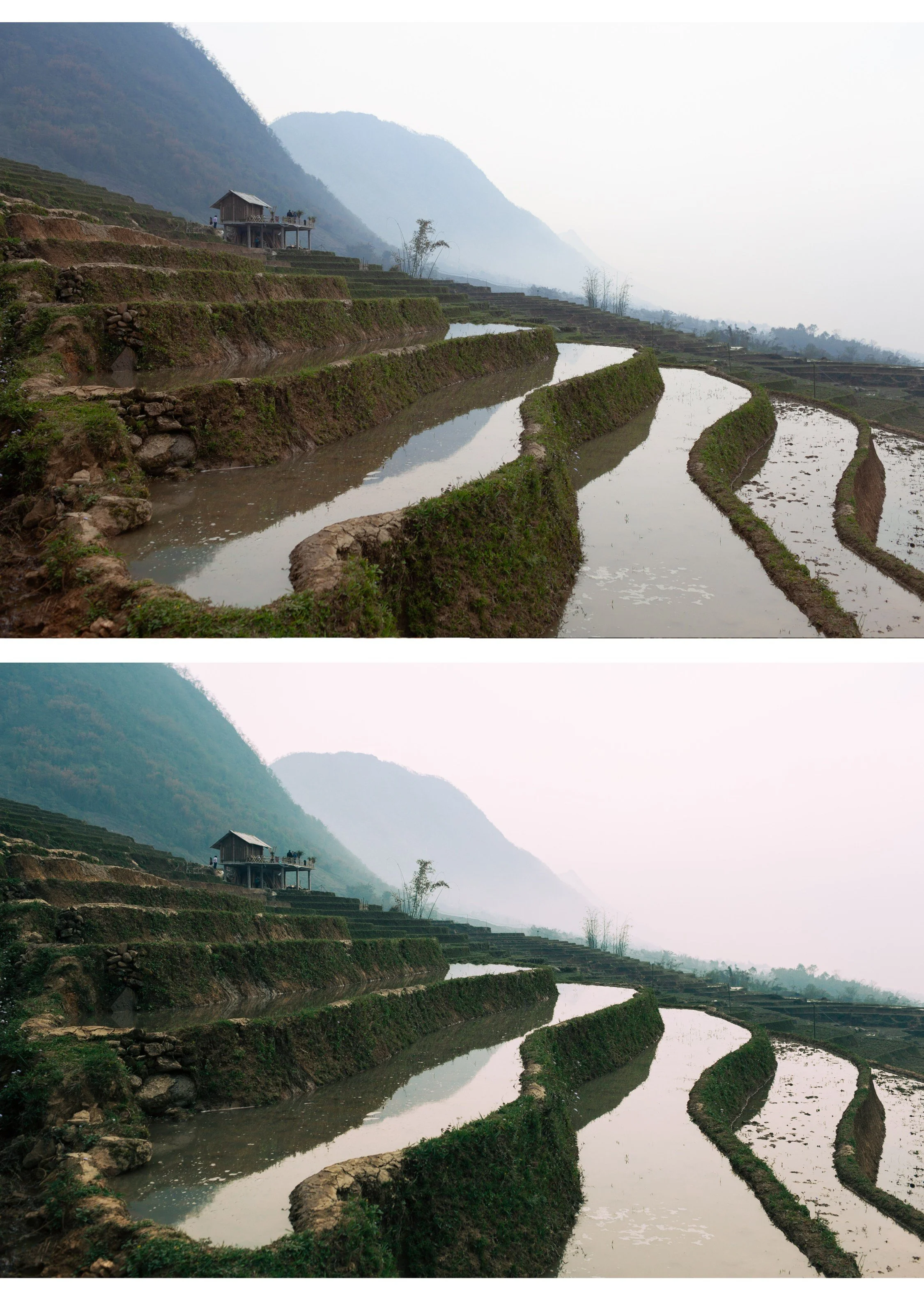 Image 2 of 6
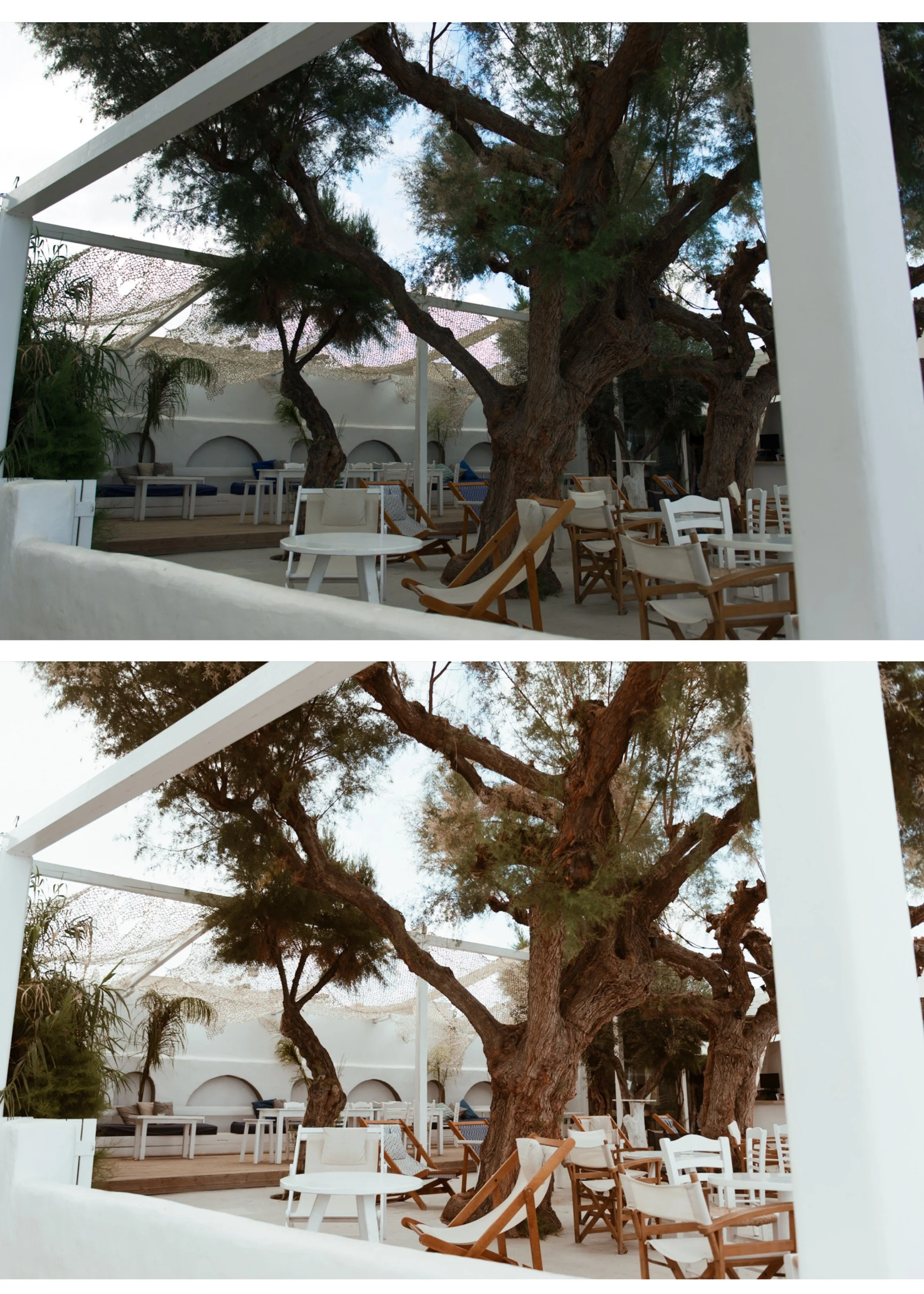 Image 3 of 6
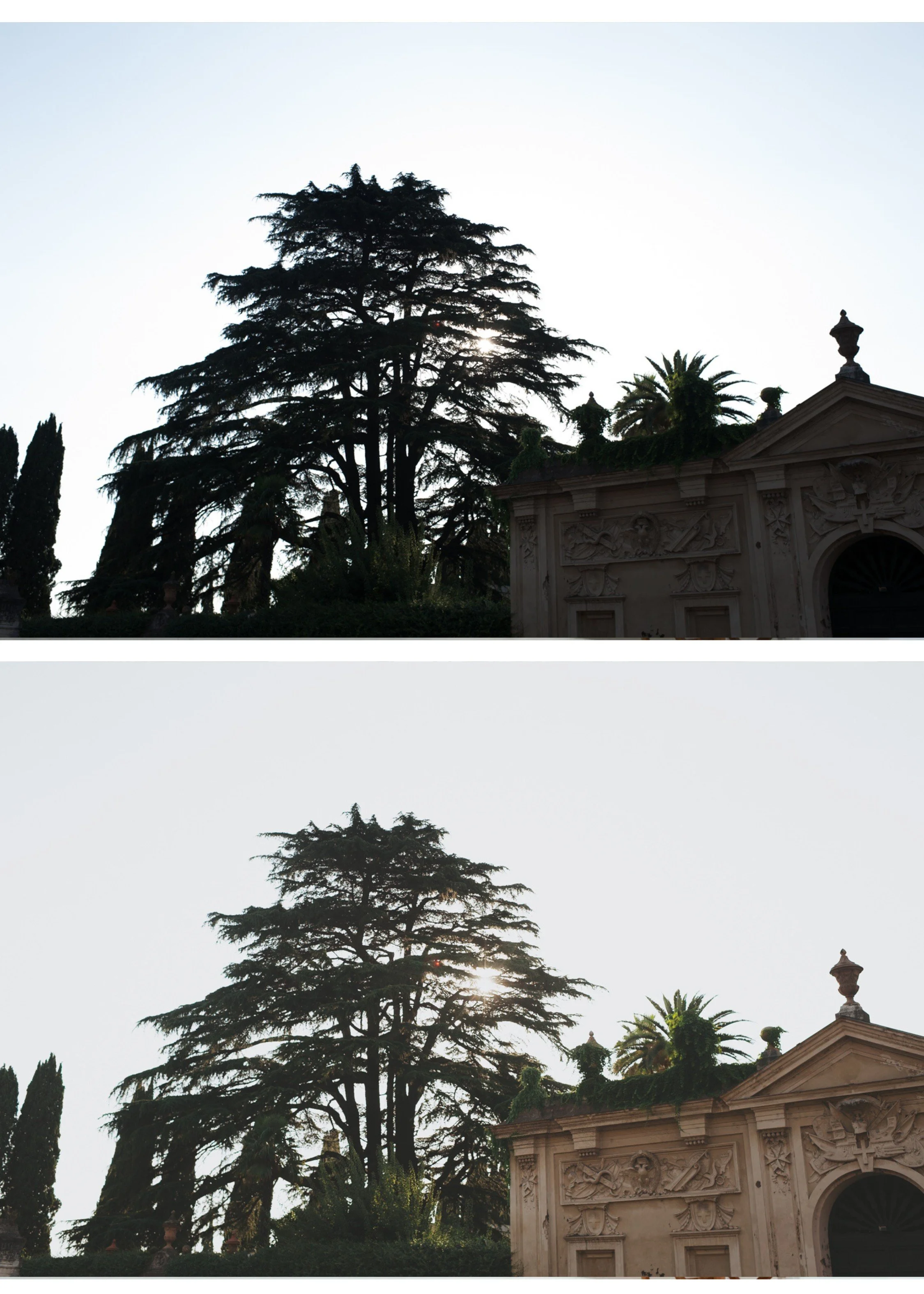 Image 4 of 6
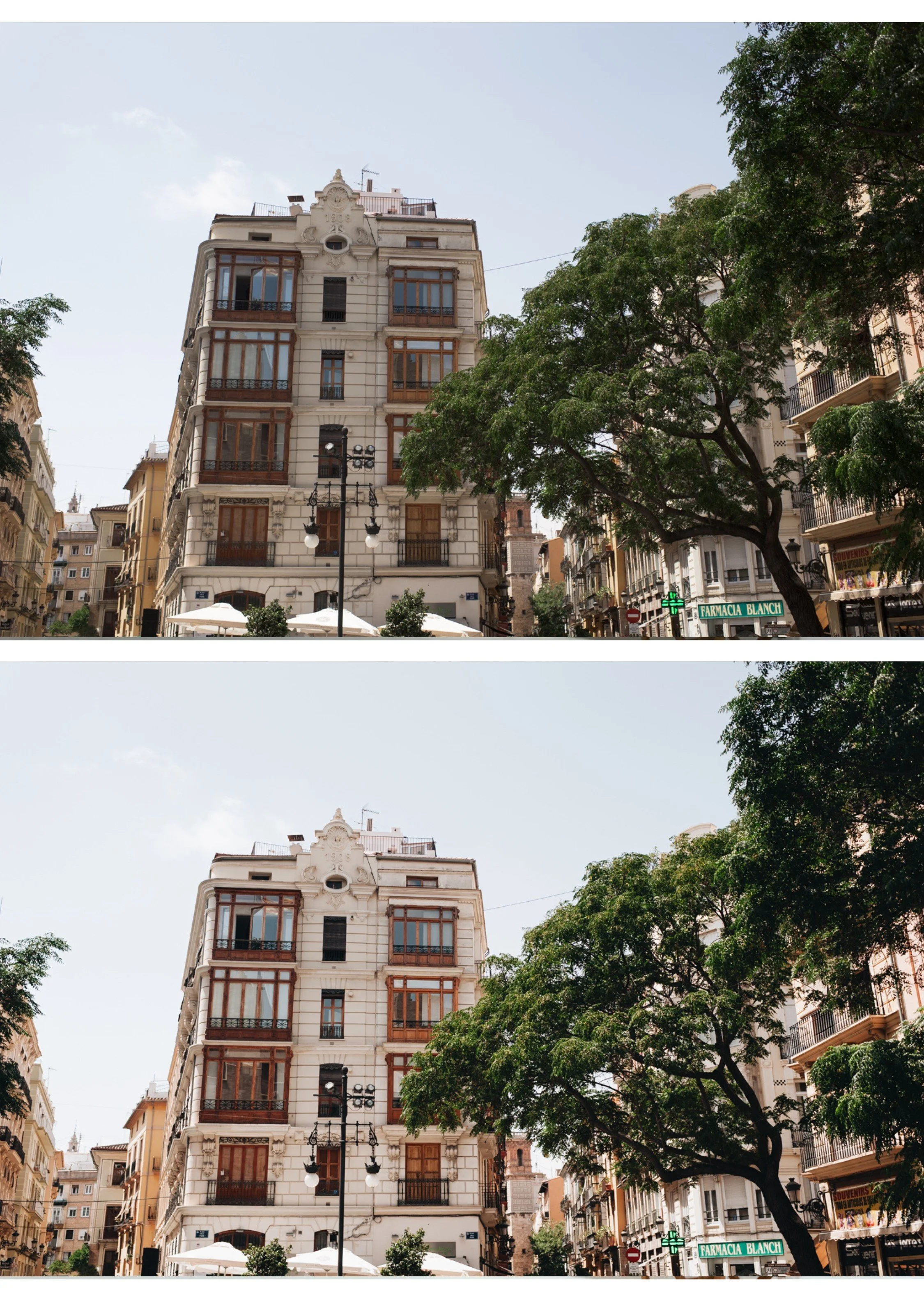 Image 5 of 6
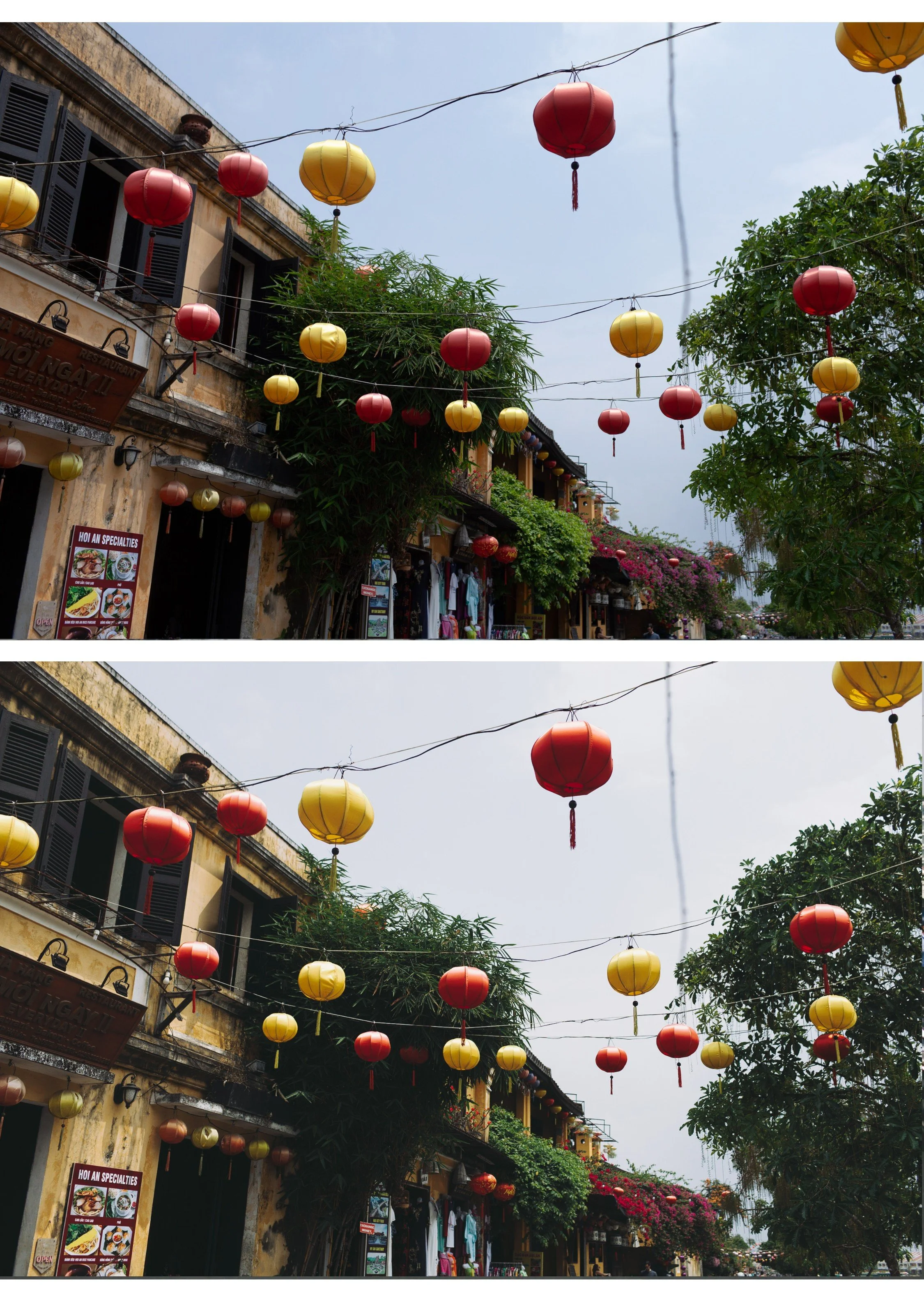 Image 6 of 6