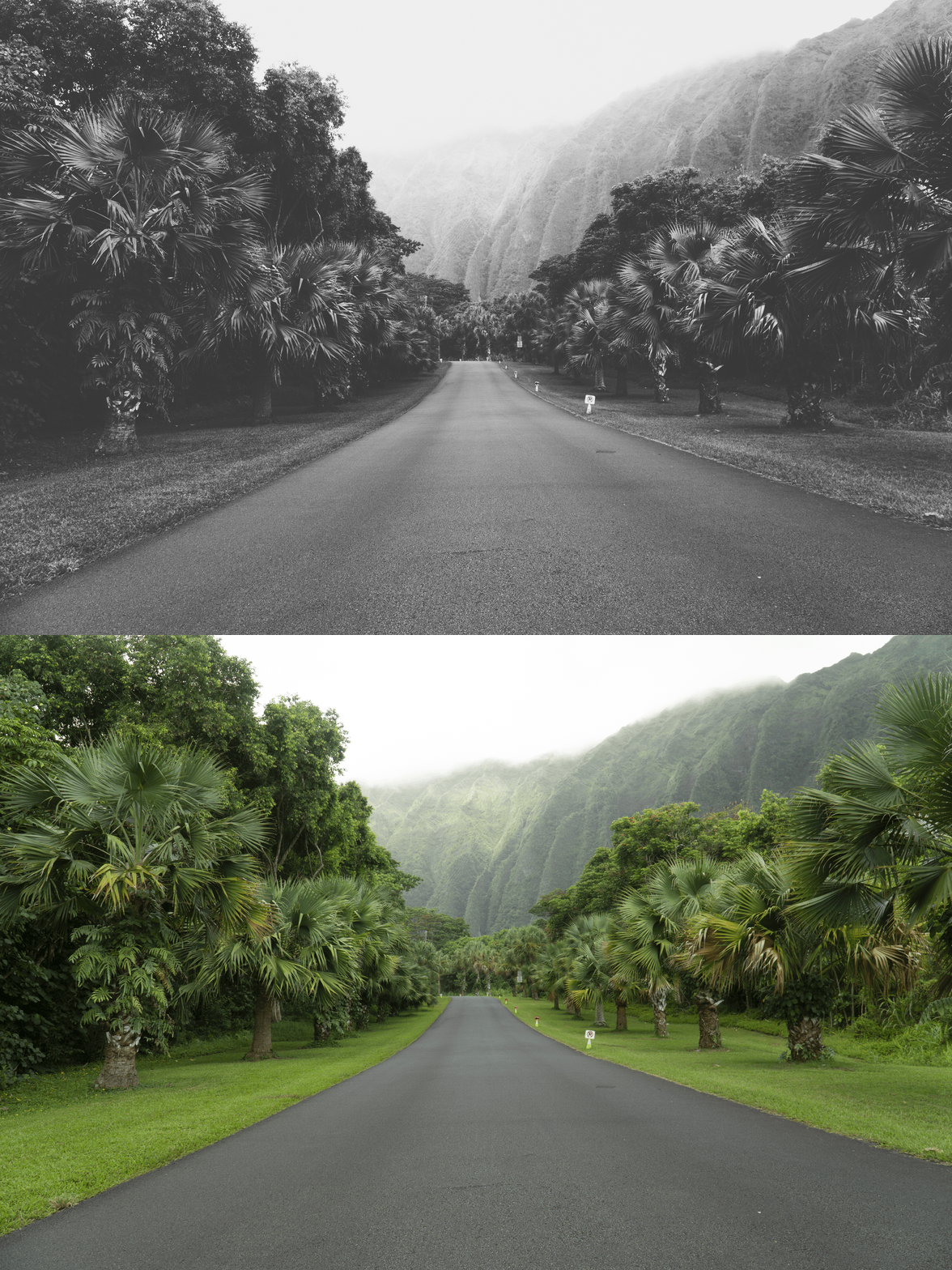
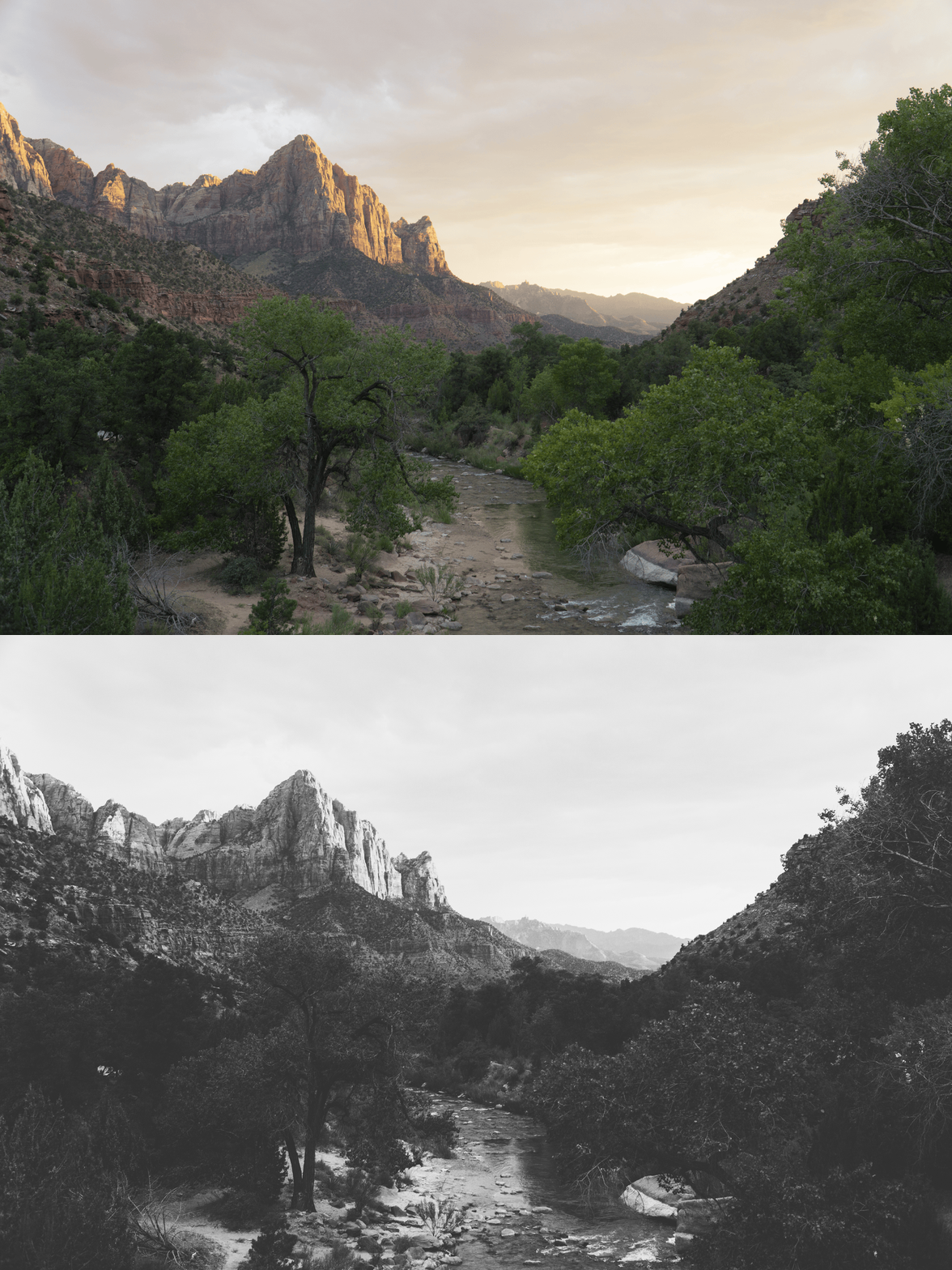
 Image 1 of 1
The VSCO B Series Archive | 6 Monochrome Film Presets for Lightroom Desktop & Mobile

-
6 Monochrome Styles: A complete spectrum of black-and-white looks, ranging from soft and subtle to bold and dramatic.
Texture & Grain: Specifically tuned to add authentic film grain that brings a tactile, analog feel to digital shots.
Structural Clarity: Optimized to preserve detail in both the deepest shadows and the brightest highlights.
Universal Compatibility: Works seamlessly on iOS, Android, and Desktop.
-
6x VSCO B Series Presets (B1–B6) for Lightroom MOBILE (DNG files).
6x VSCO B Series Presets (B1–B6) for Lightroom DESKTOP (XMP files).
Easy Step-by-Step Installation Guide.
-
Step 1: Get Started Download your VSCO B Series Archive and install all 6 presets into your Adobe Lightroom app. Your professional monochrome toolkit is ready to go.
Step 2: Set the Scene Import your selected images—black and white works exceptionally well for portraits with strong light or street scenes with deep shadows.
Step 3: The Transformation Explore the 6 different variations to see which monochrome tone best captures the emotion of your shot. Apply with one tap.
Step 4: Make it Yours Use the basic sliders to fine-tune the contrast and exposure to perfectly match your personal vision, adding that final touch of editorial elegance.
Step 5: Share your Glow Watch your work transform into a timeless masterpiece. Don't forget to tag @theeditingstudio so we can feature your beautiful work!