 Image 1 of 1
The VSCO V Series | 8 Modern Iconic Film Presets for Lightroom Desktop & Mobile
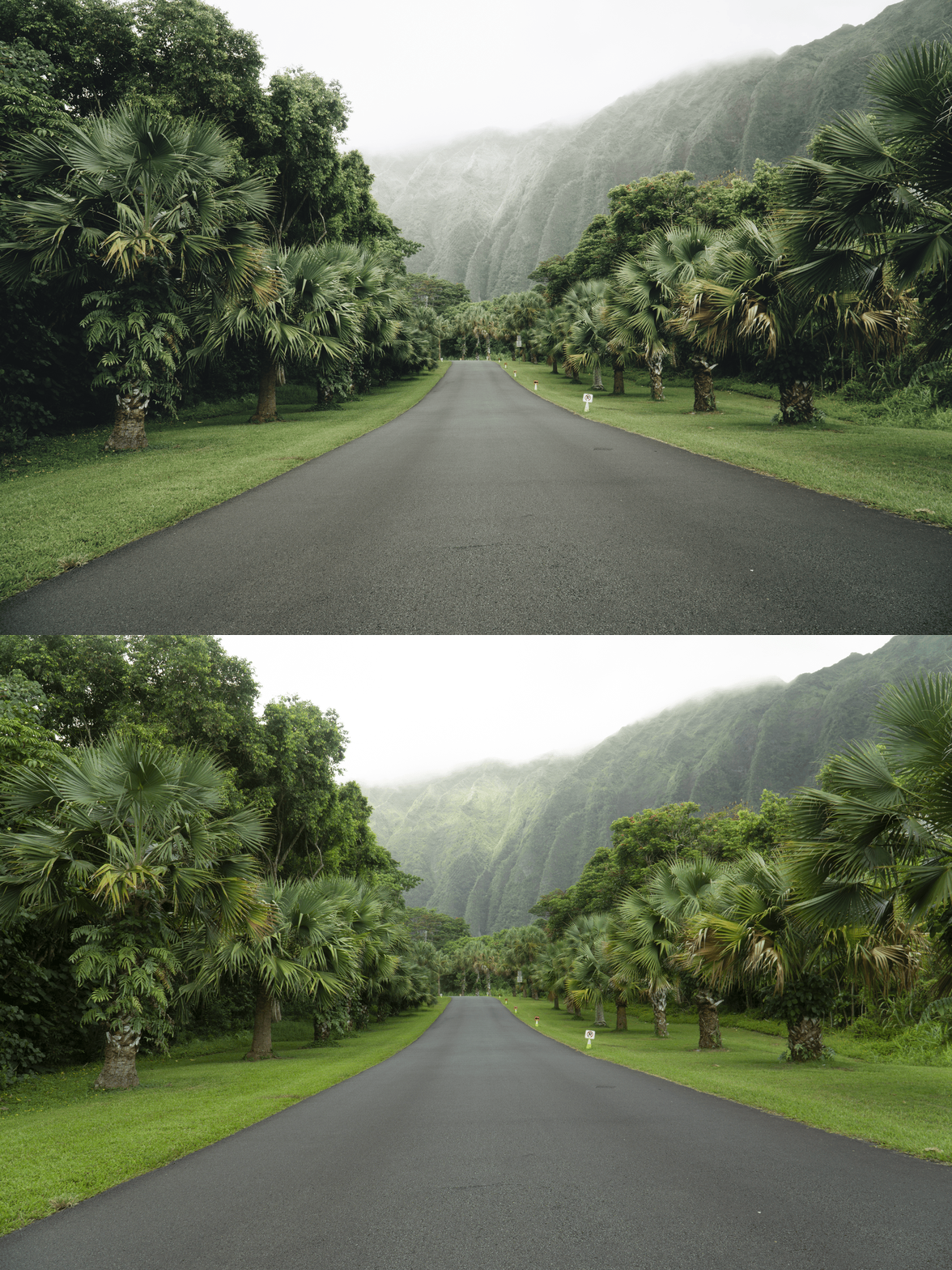
-
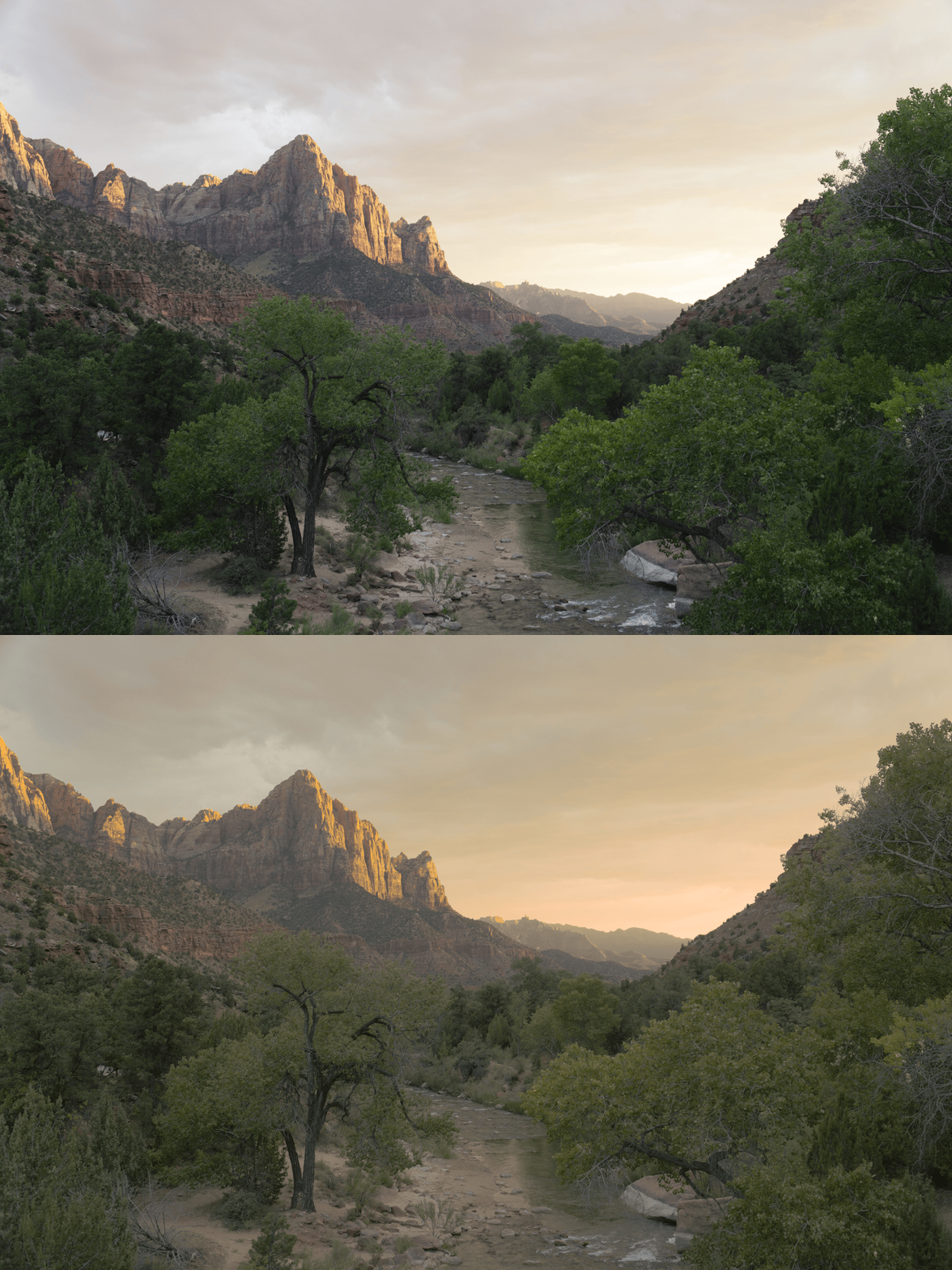
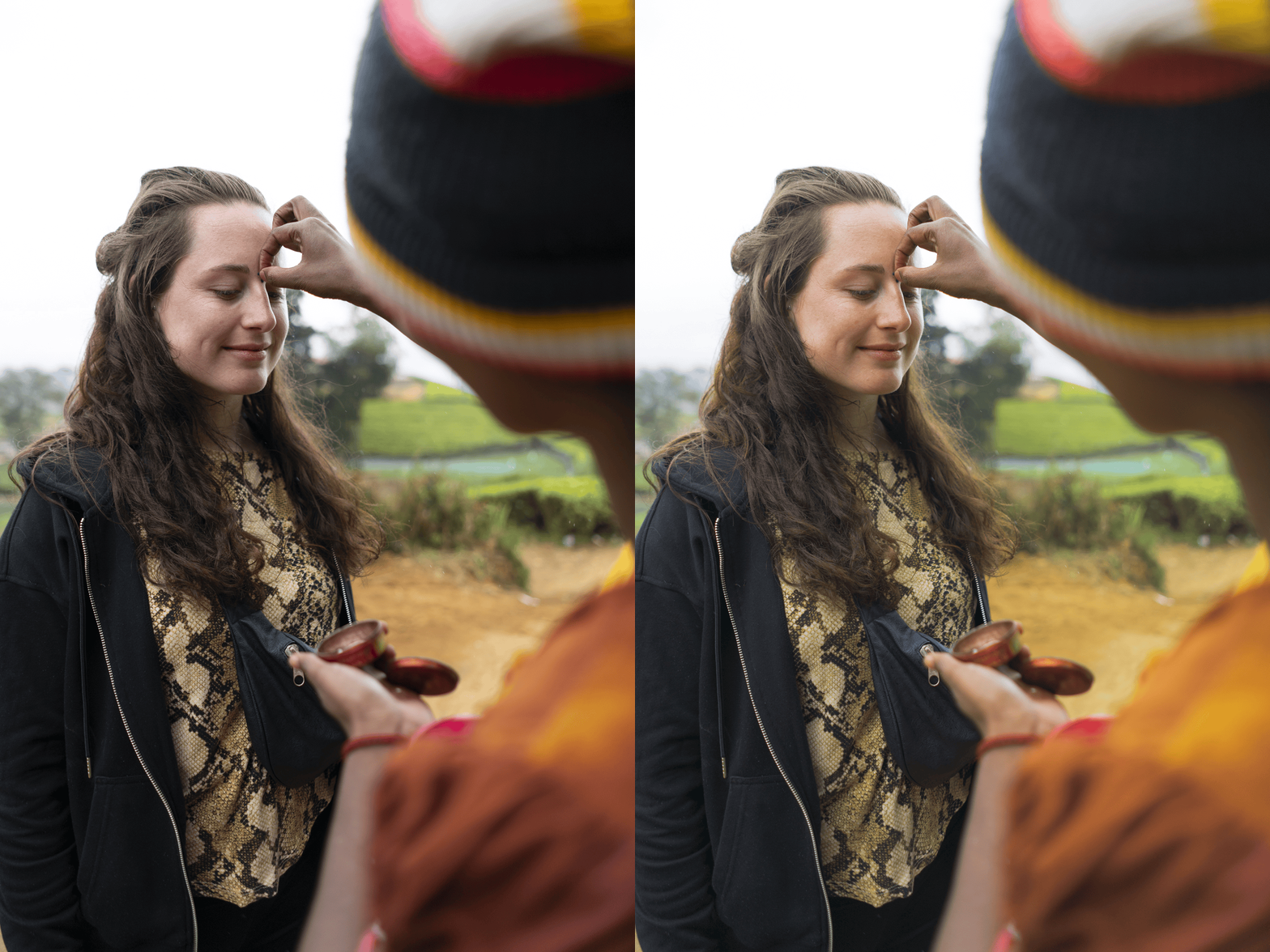
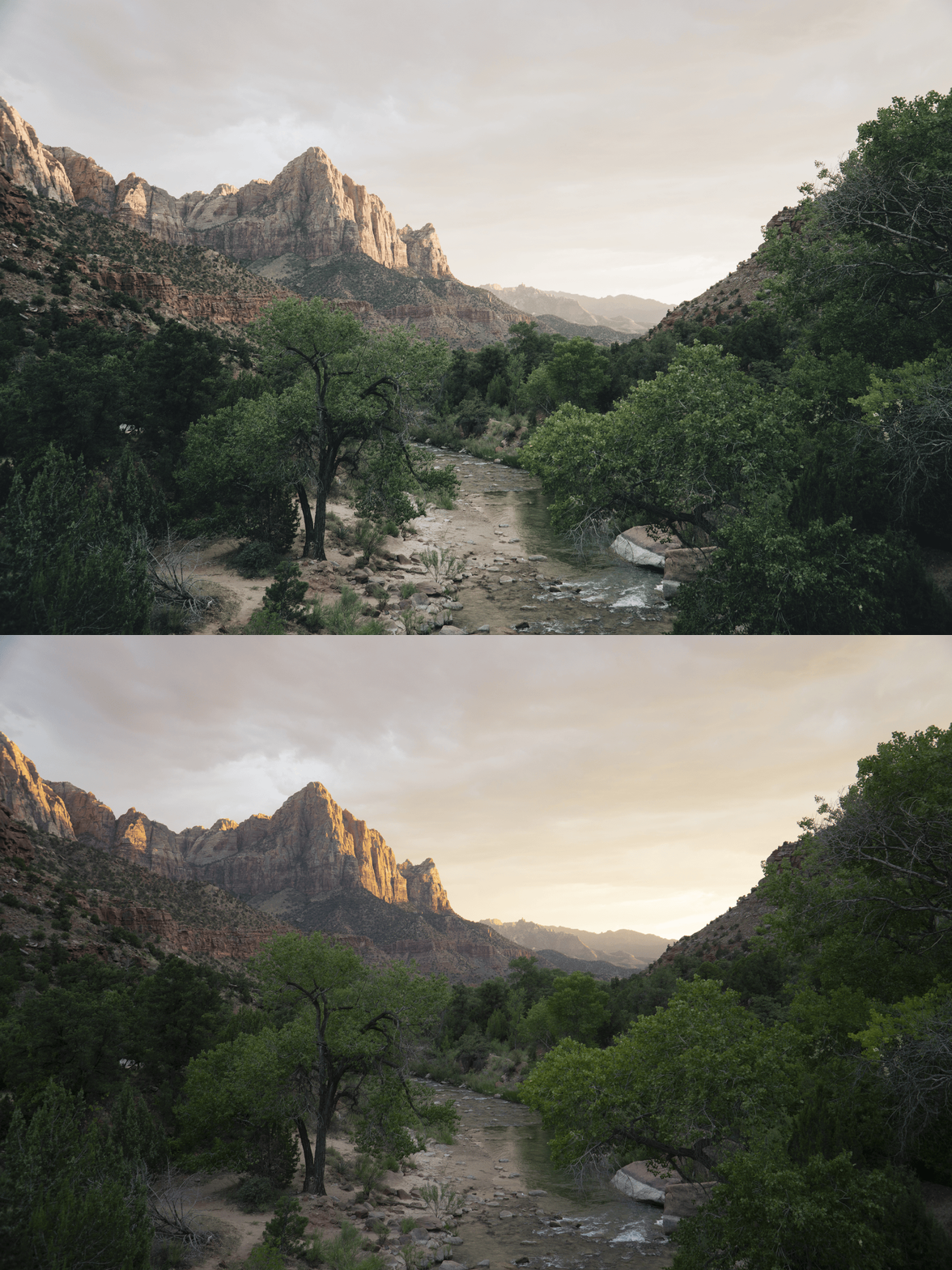
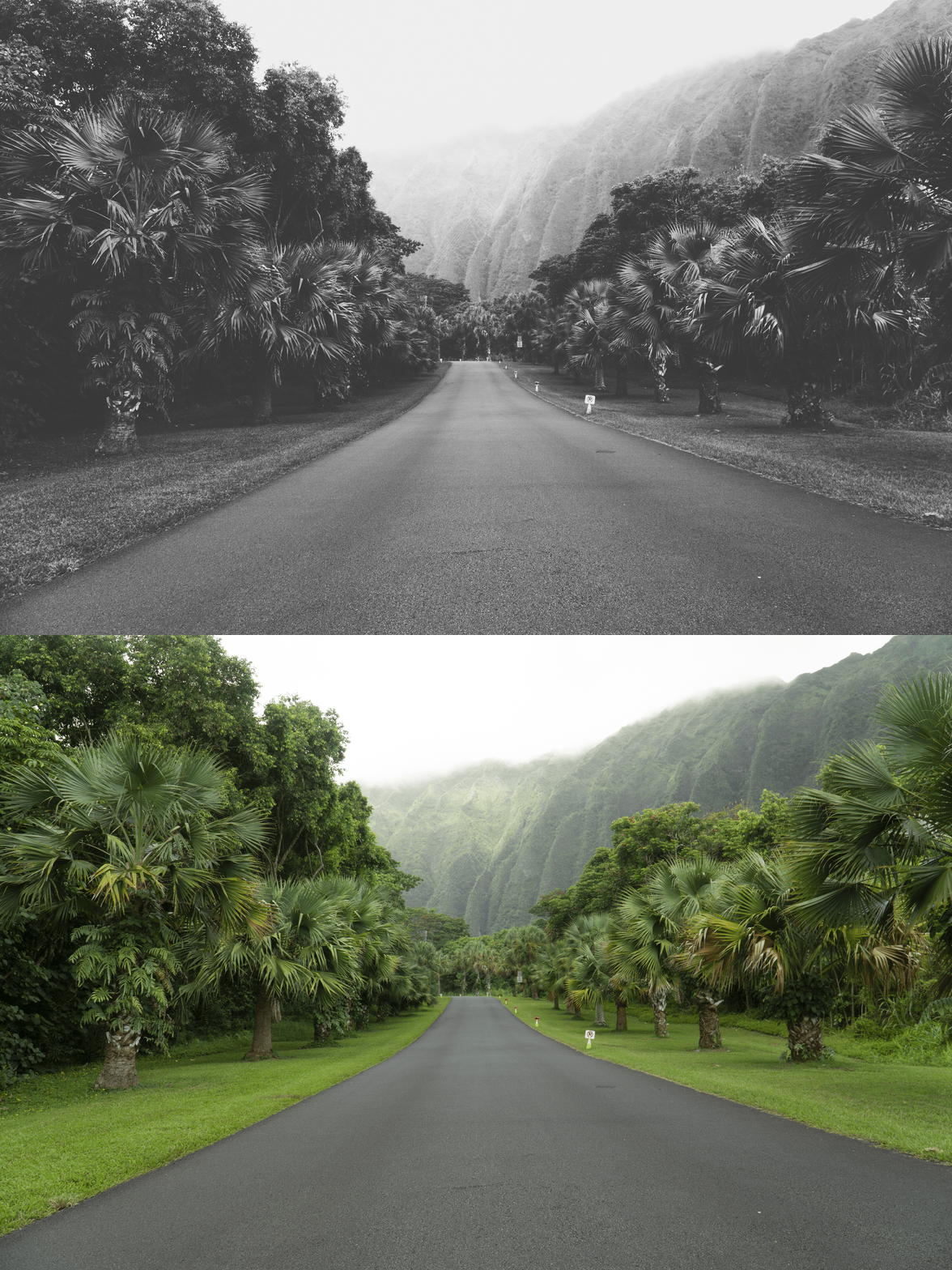
8 Unique Variations: From the subtle V1 to the deep V8.
Sophisticated Colors: Refines blues and whites for a high-end look.
Universal Compatibility: Works on iOS, Android, and Desktop.
Timeless Clarity: Elevates your photos without over-processing.
-
8x V Series Presets (V1–V8) for Lightroom MOBILE (DNG files for iOS & Android).
8x V Series Presets (V1–V8) for Lightroom DESKTOP (XMP files for Mac & Windows).
Easy Step-by-Step Installation Guide.
-
Step 1: Get Started Download your V Series presets and easily install them into your Adobe Lightroom app. Whether you are on iPhone, Android, or Desktop, you’re just moments away from a dreamier feed.
Step 2: Set the Scene Import your favorite memories into your Lightroom gallery—whether it’s a modern city landscape, a minimalist interior, or a clean travel shot.
Step 3: The Transformation Apply the V Series preset with just one tap. Watch as the colors become crisp and that iconic, modern film aesthetic instantly takes over your photo with professional clarity.
Step 4: Make it Yours Every photo is unique. Use the basic sliders to fine-tune the exposure or warmth to perfectly match your personal style, adding that final touch of editorial elegance.
Step 5: Share your Glow Watch your photographs come alive with a captivating vibe and irresistible charm. Your photos aren't just edited; they’re telling a story. Don't forget to tag @theeeditingstudio so we can feature your beautiful work!