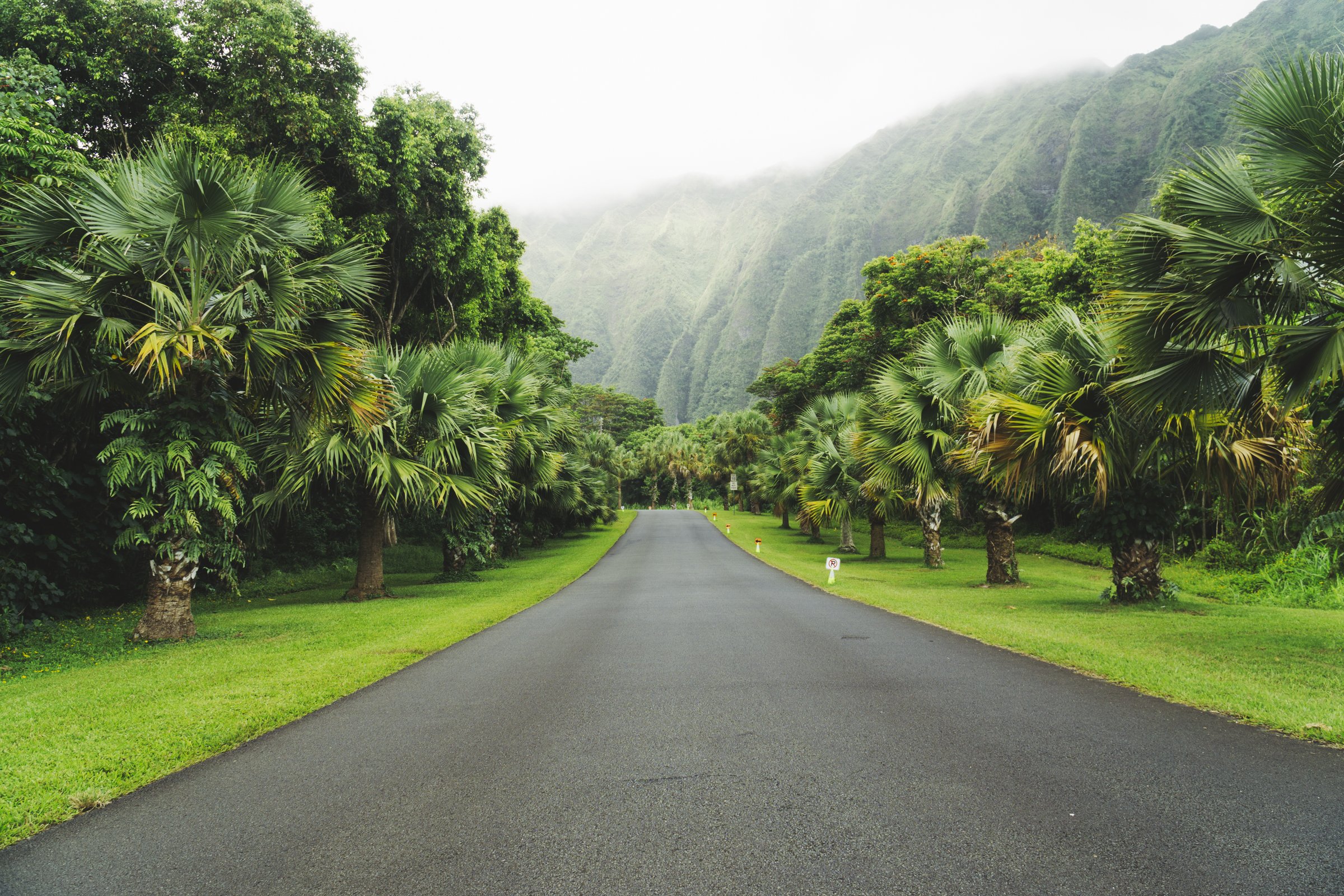
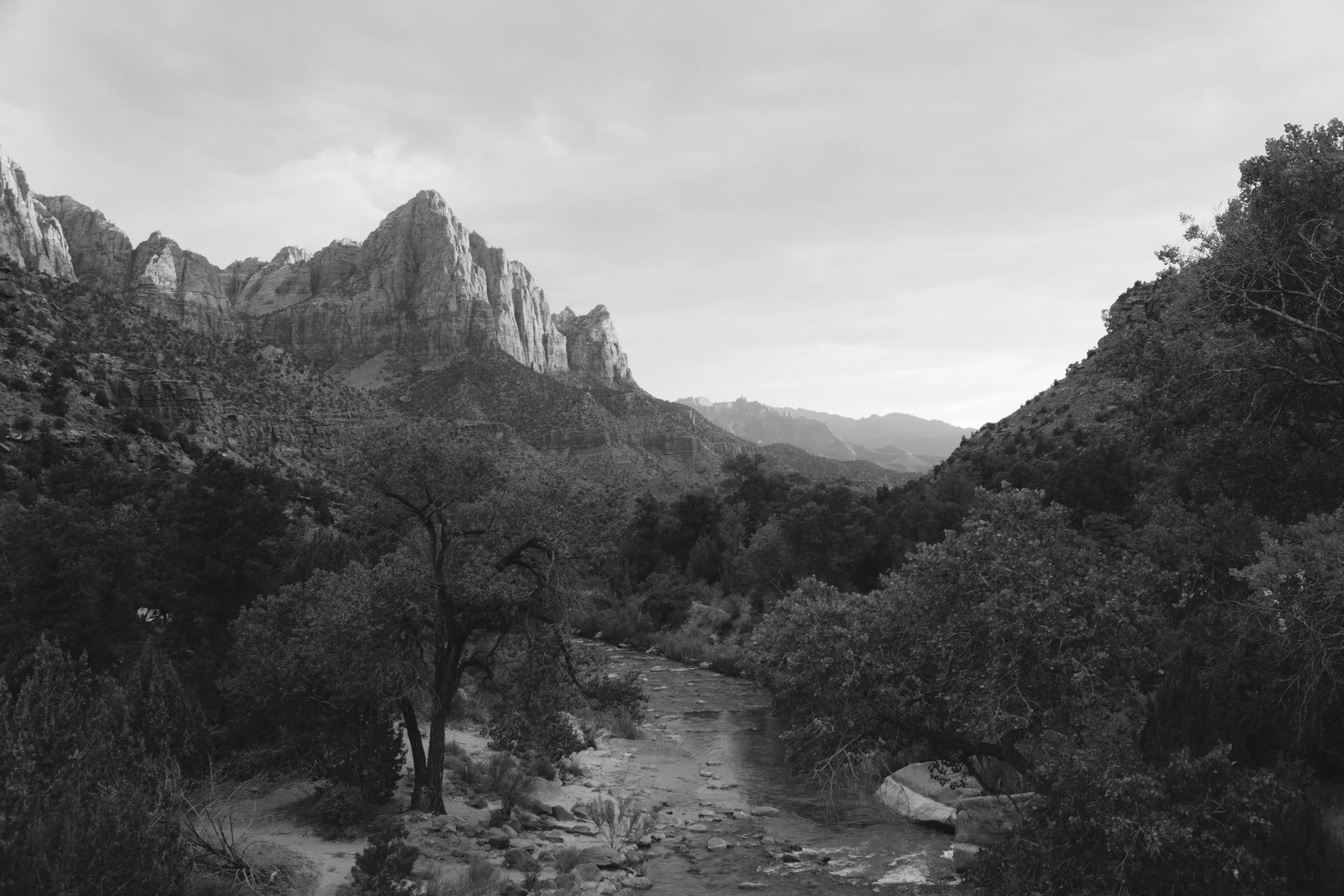
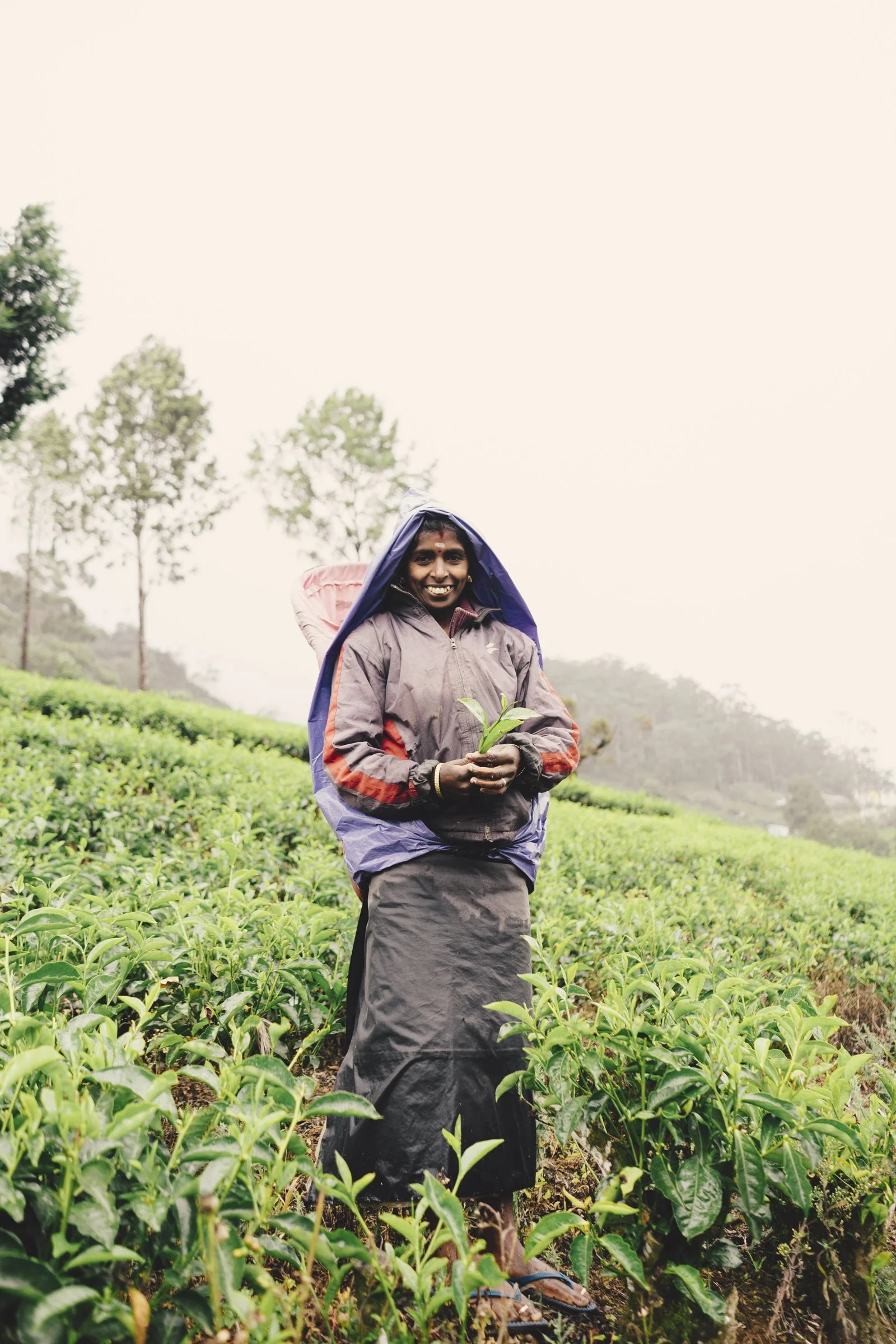
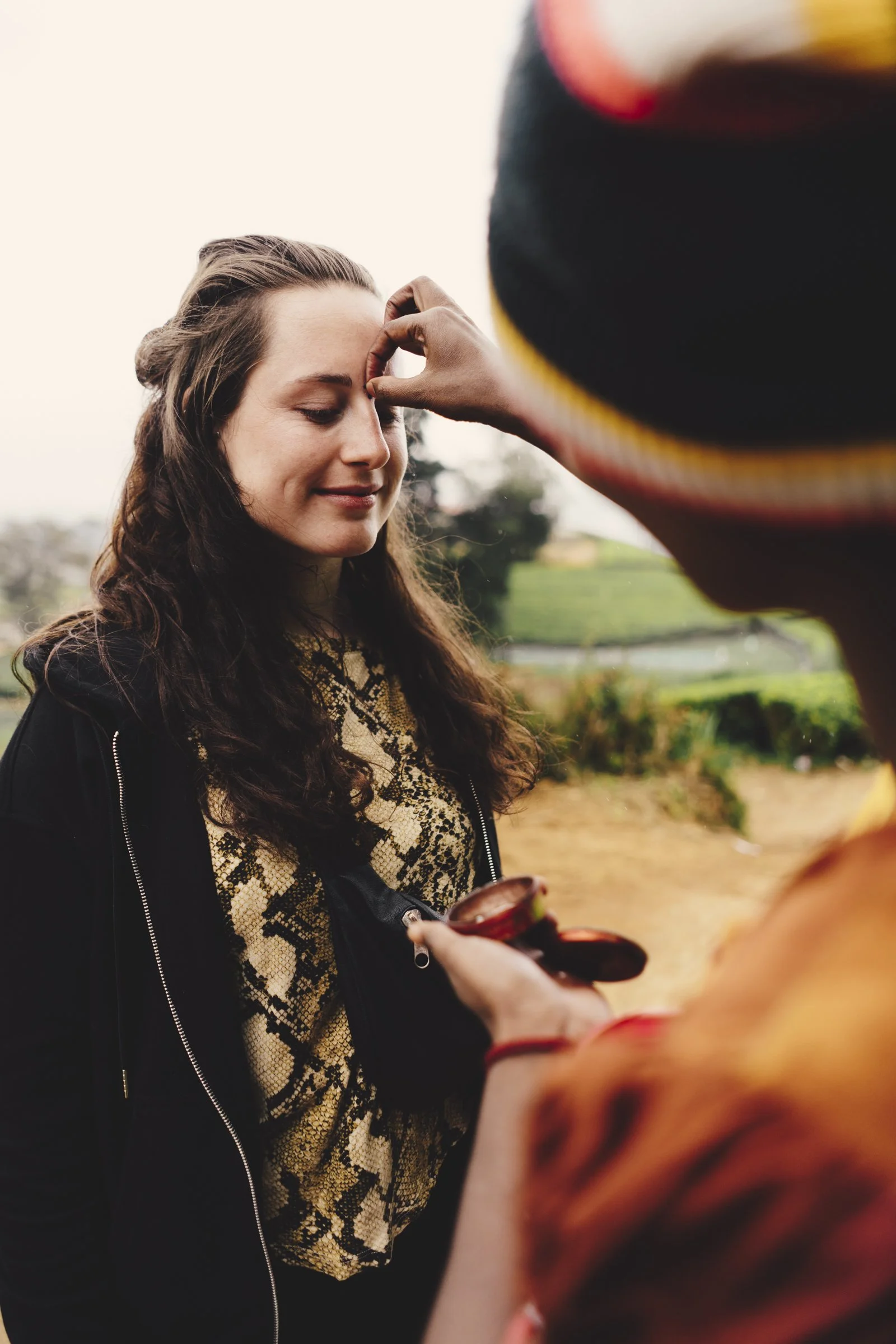
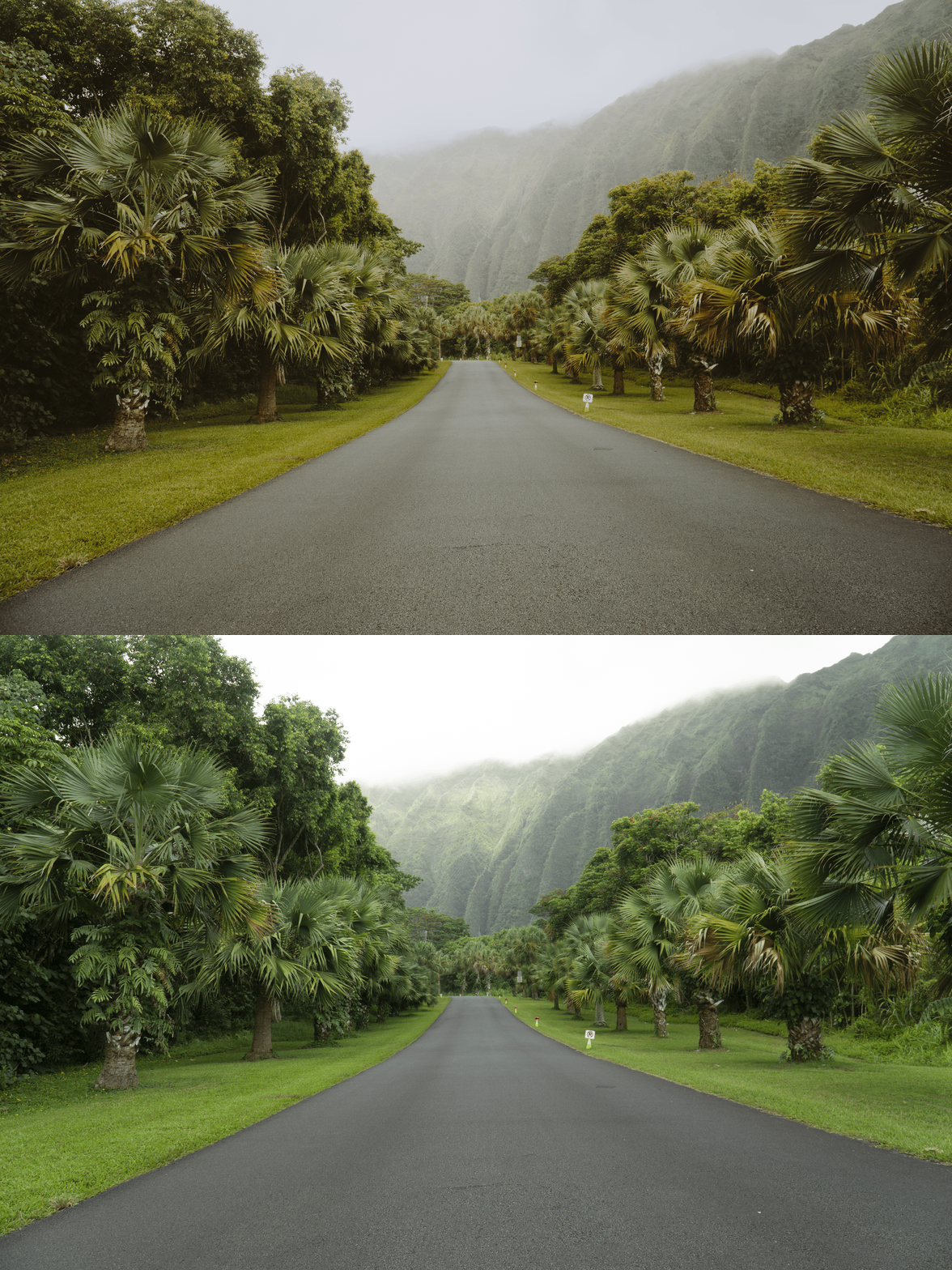
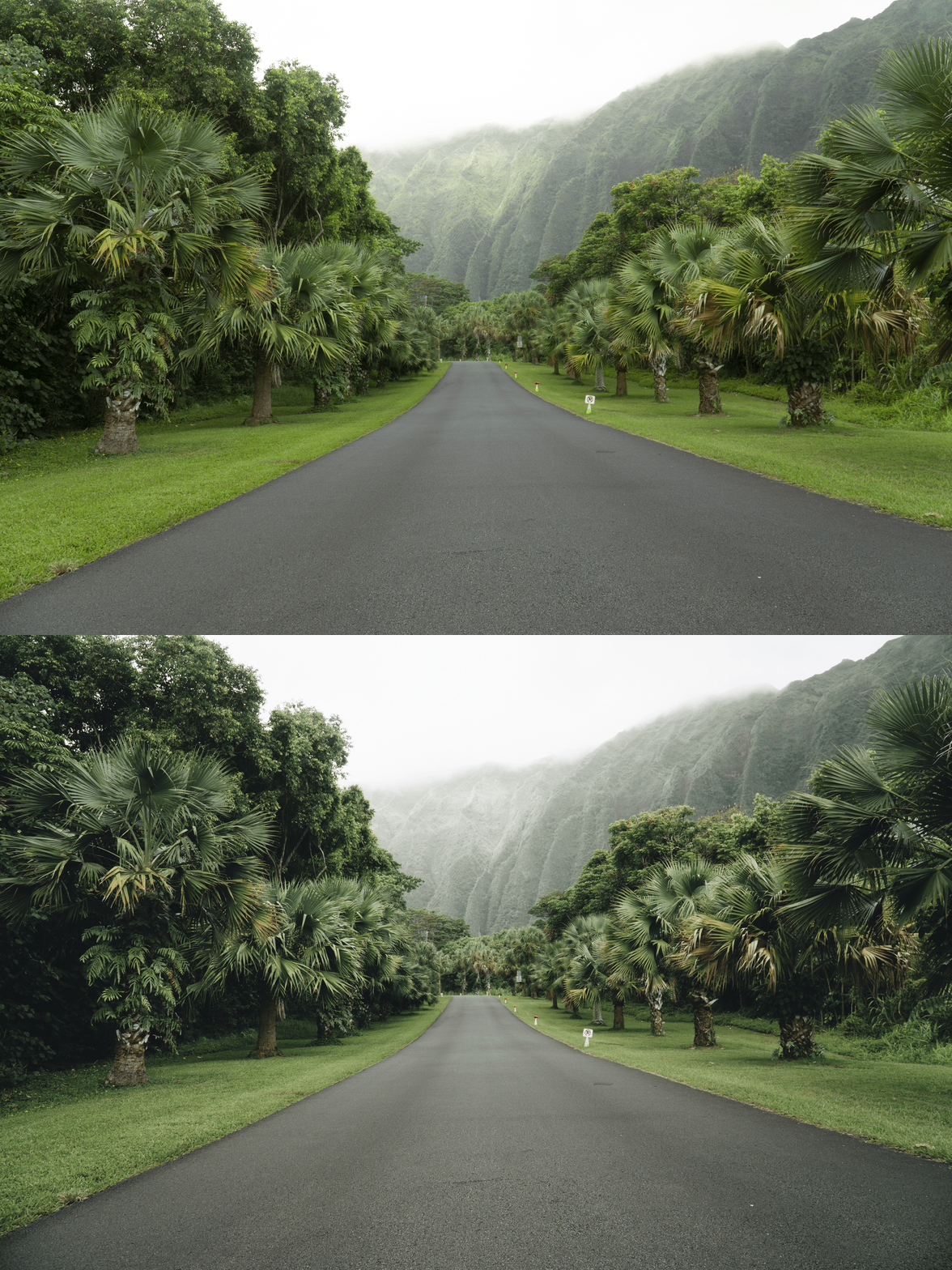
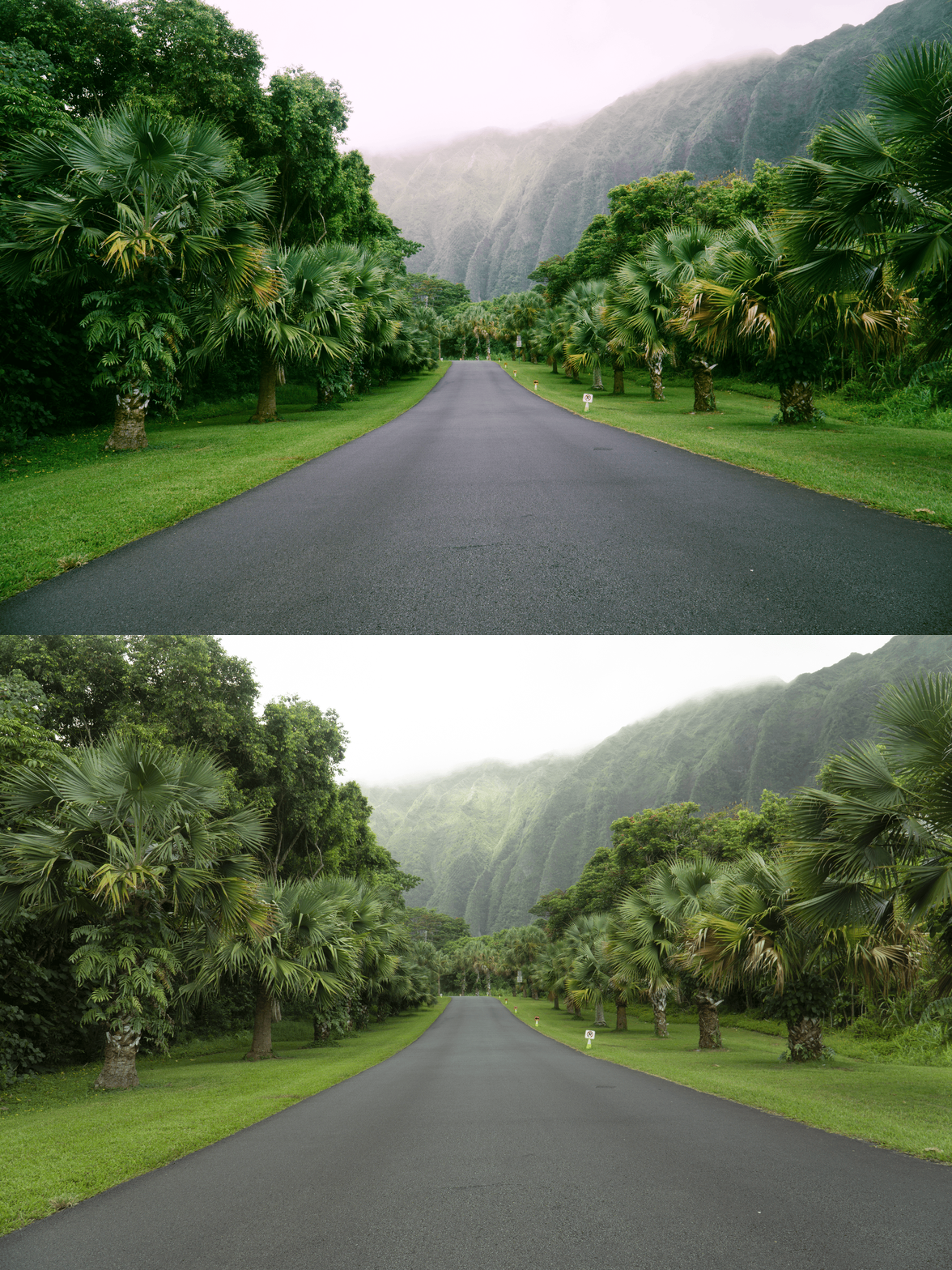
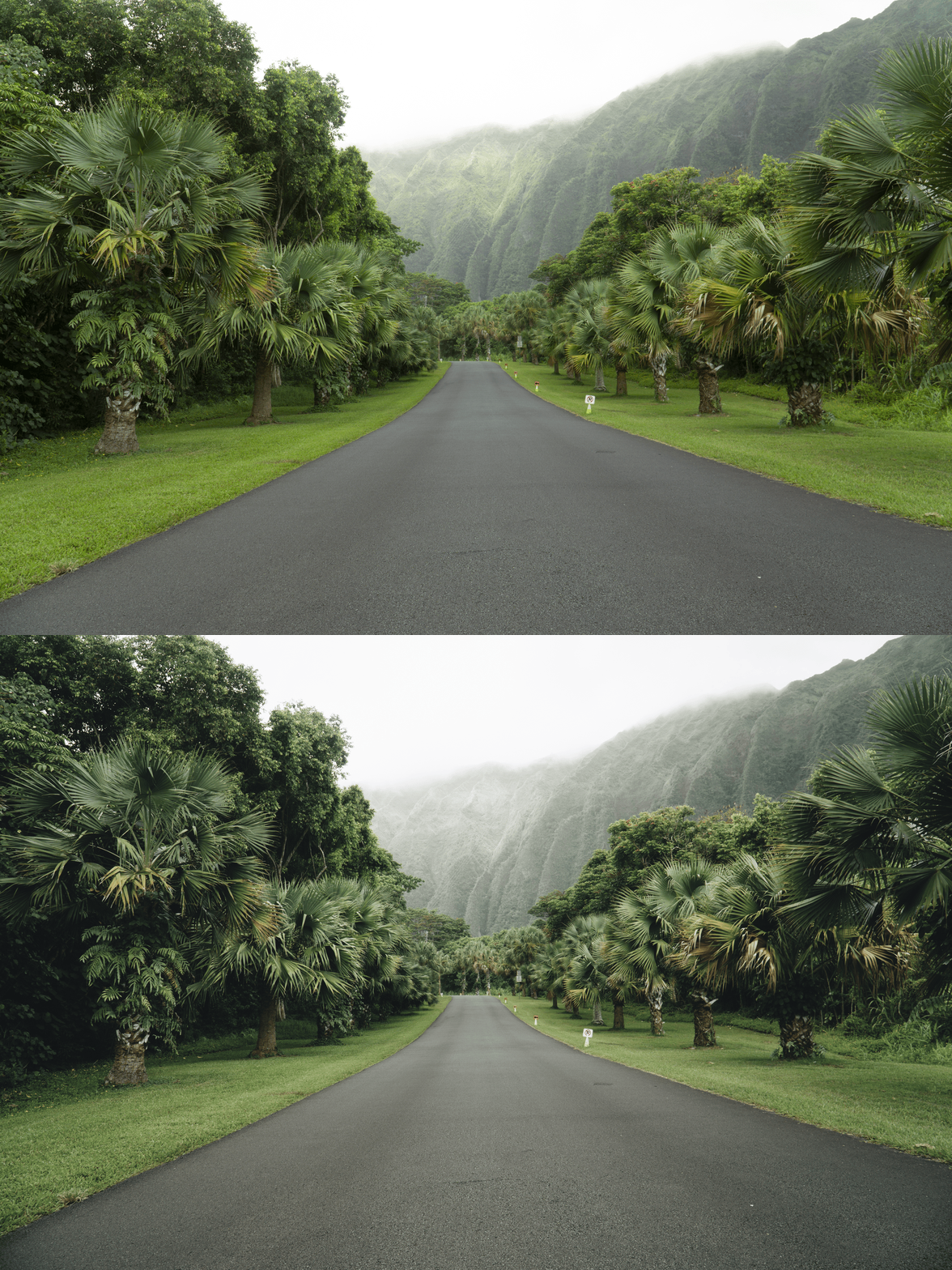
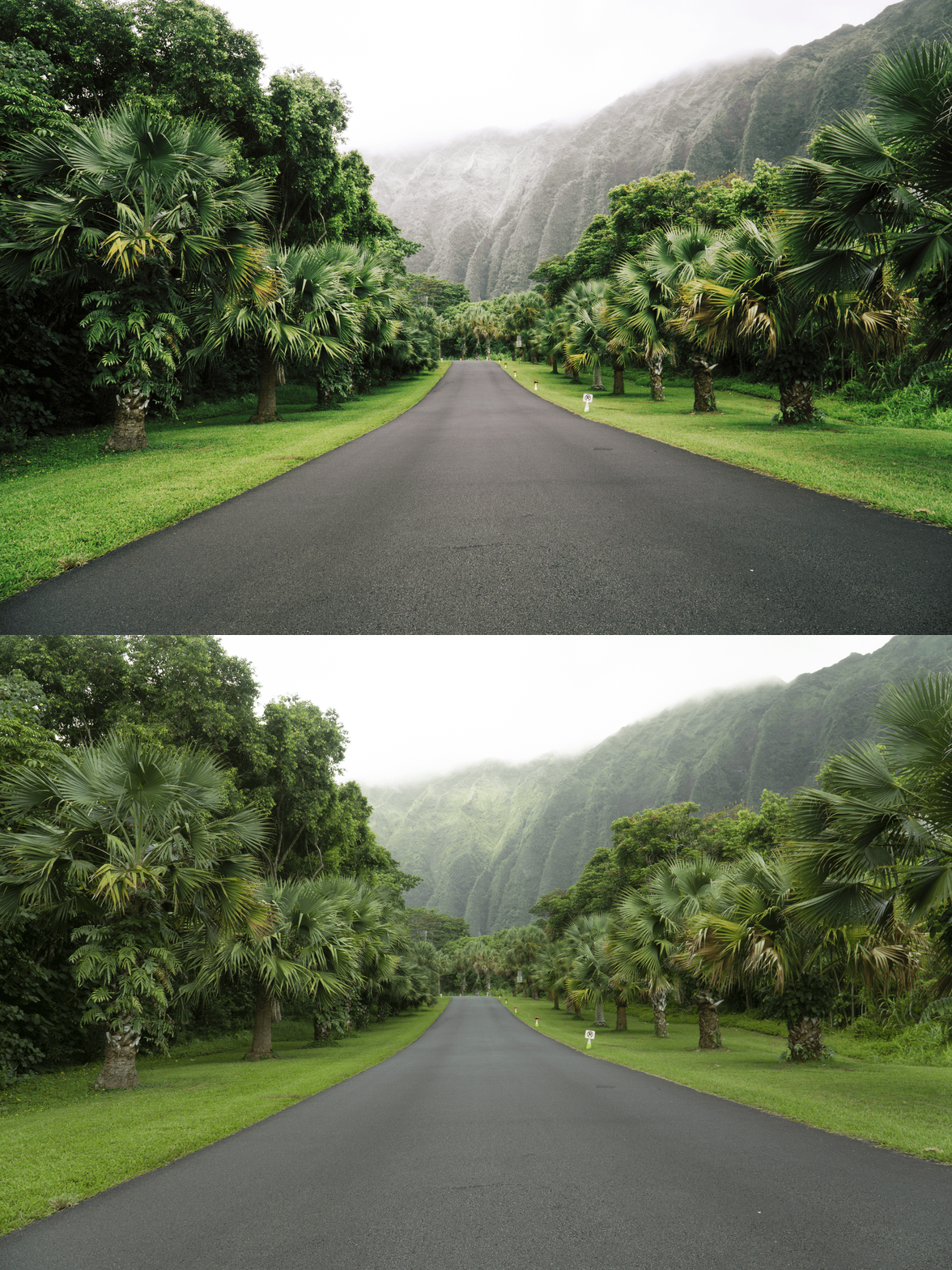
 Image 1 of 3
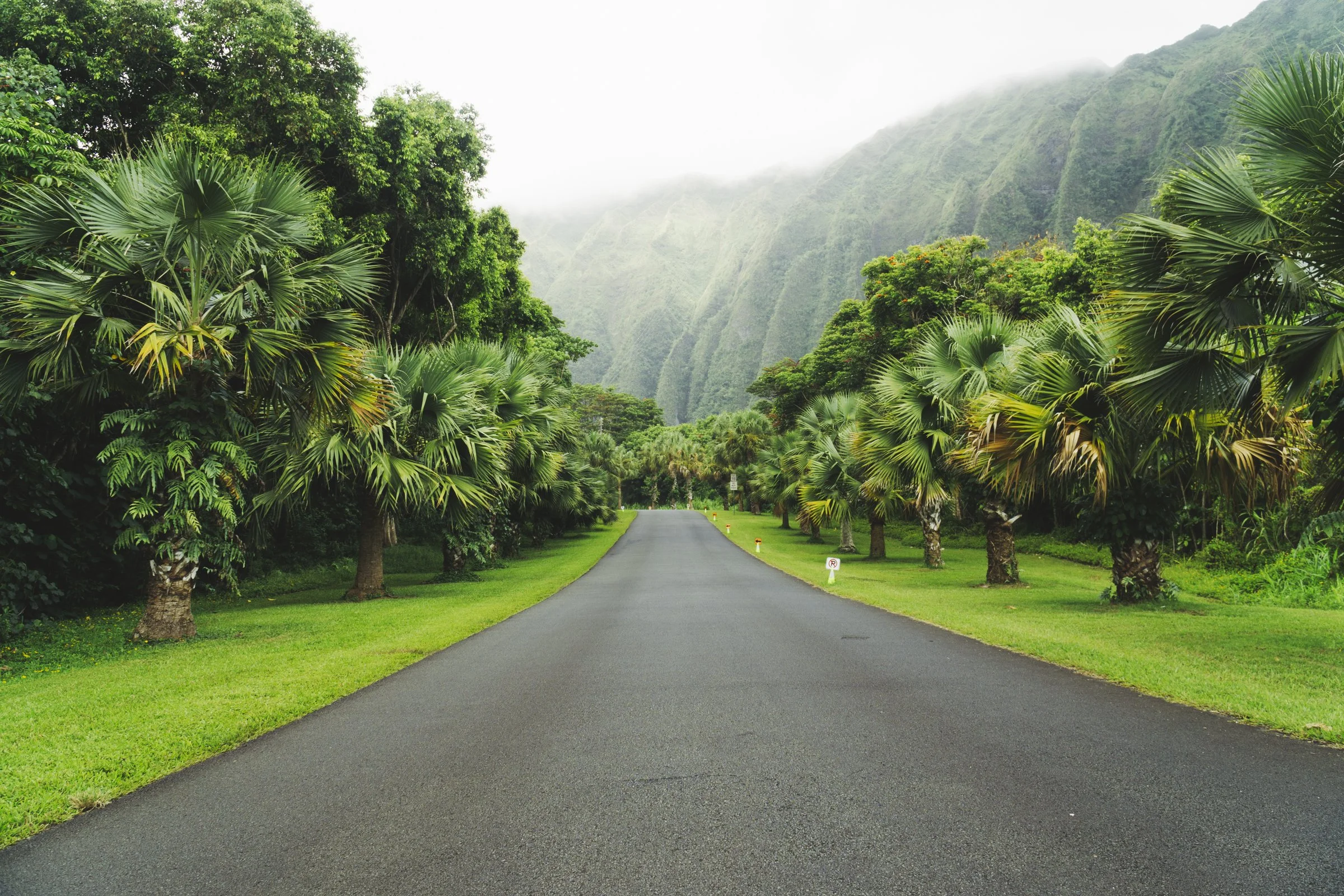
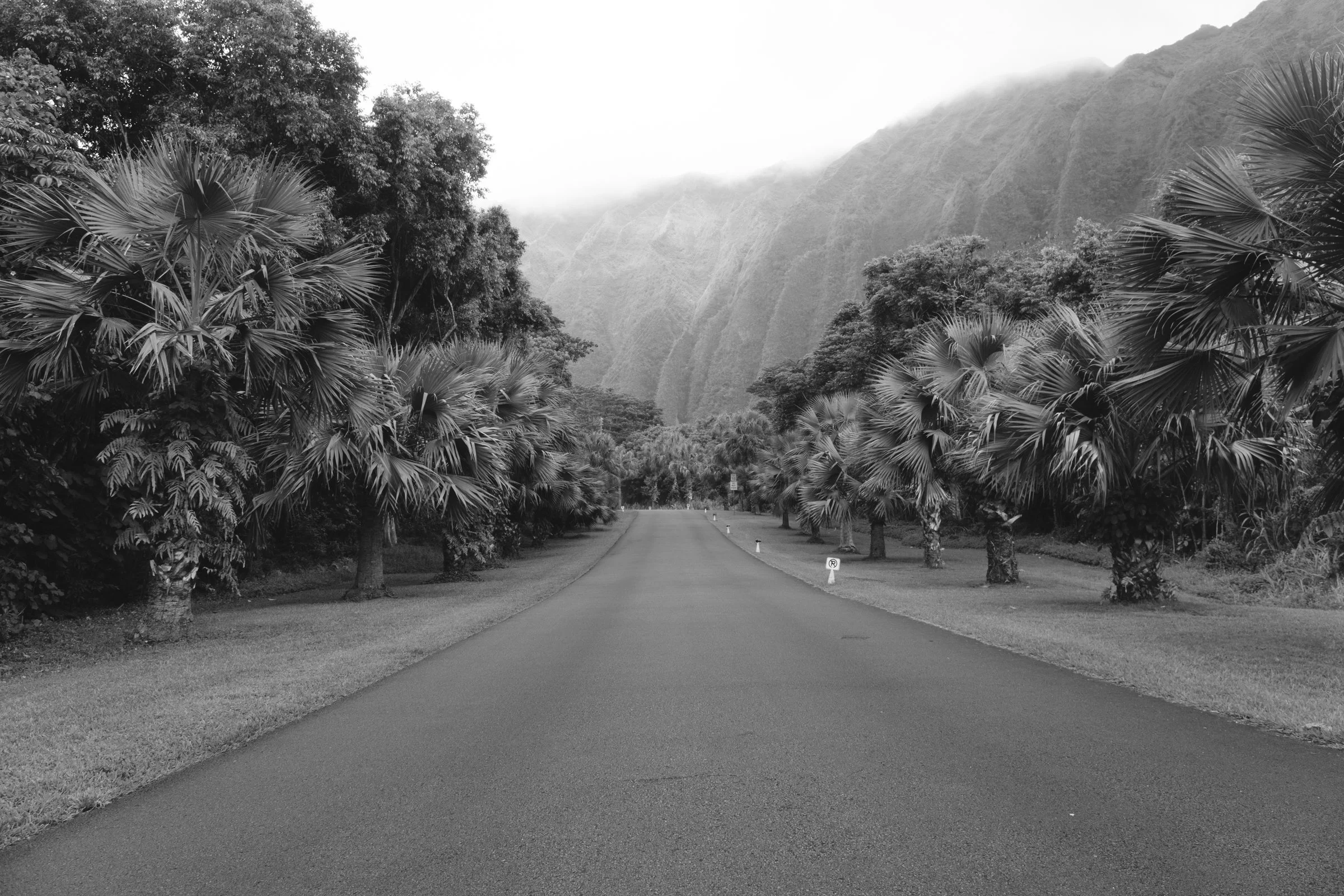 Image 2 of 3
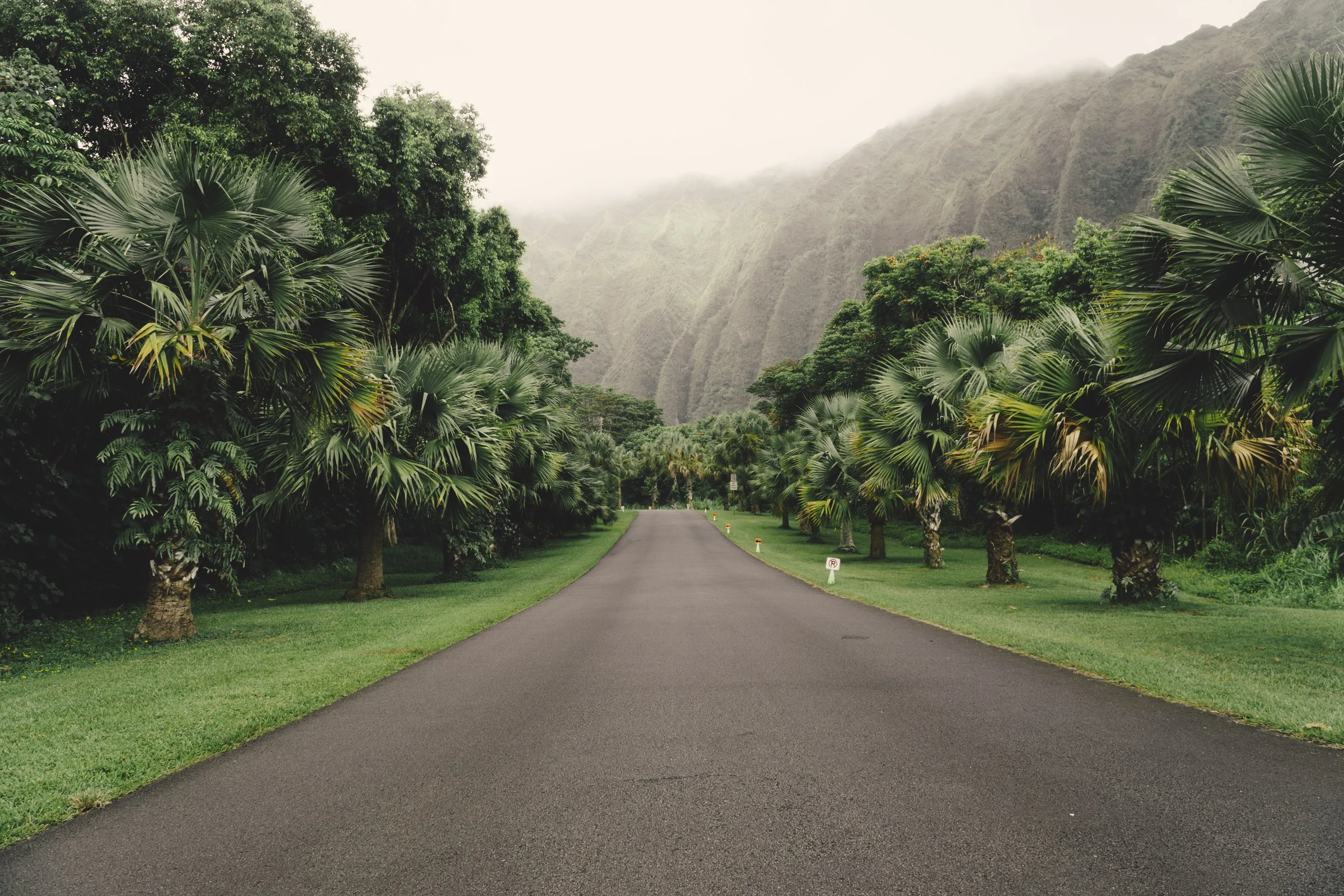 Image 3 of 3
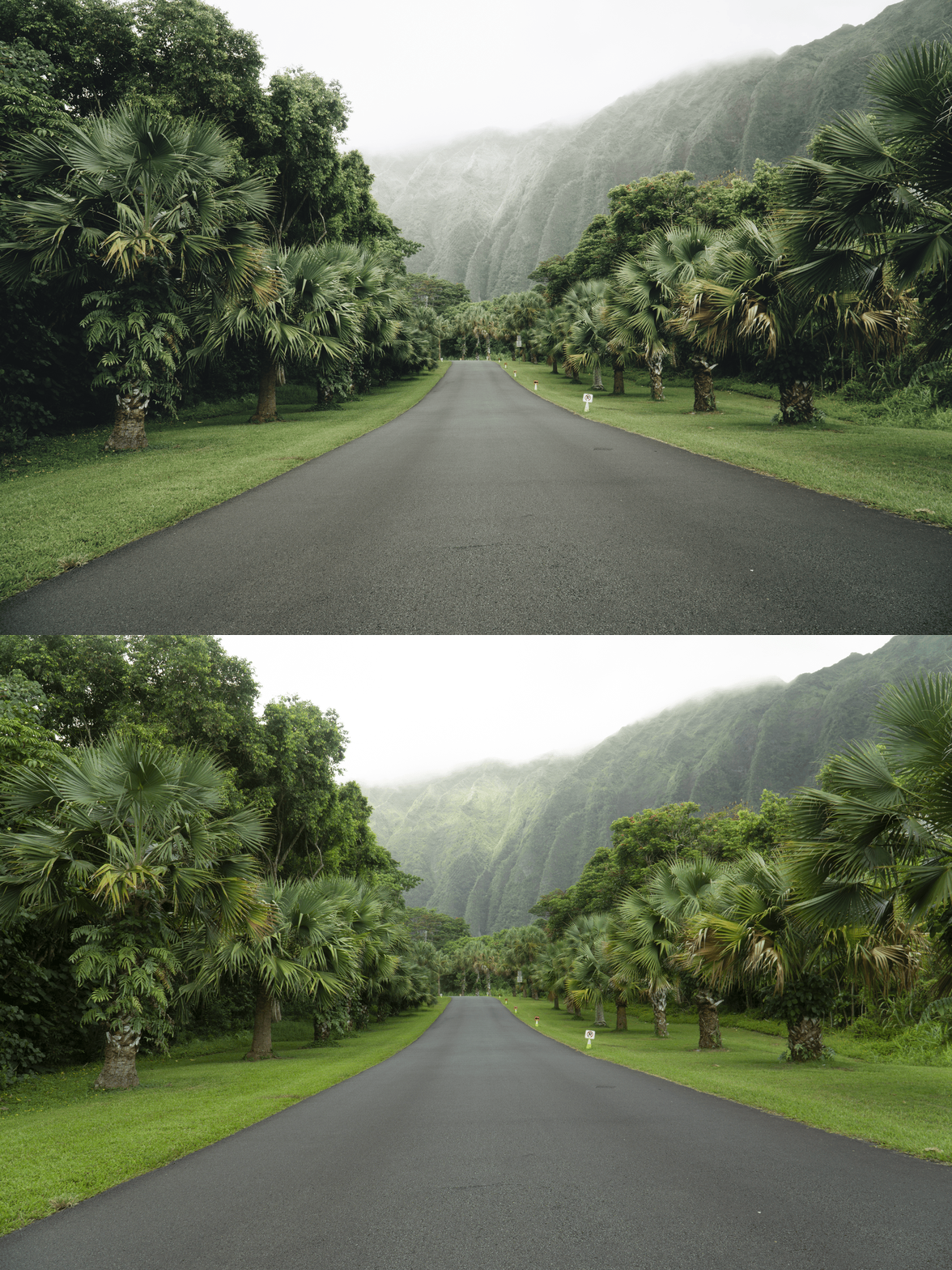
The VSCO LV Series Archive | 3 Quiet Luxury Presets for Lightroom Desktop & Mobile
-
3 Refined Variations: A curated toolkit for achieving a cohesive, high-end "muted" look across your entire feed.
Sophisticated Color Palette: Specifically engineered to pull back distracting vibrancy, allowing texture and composition to lead.
Luxury Edge: Gives your work the expensive, timeless character found in high-end city guides and minimalist magazines.
Universal Compatibility: Works seamlessly on iOS, Android, and Desktop.
-
3x VSCO LV Series Presets (LV1–LV3) for Lightroom MOBILE (DNG files).
3x VSCO LV Series Presets (LV1–LV3) for Lightroom DESKTOP (XMP files).
Easy Step-by-Step Installation Guide.
-
Step 1: Get Started Download your VSCO LV Series Archive and install the collection into the Adobe Lightroom app on your phone or computer.
Step 2: Set the Scene Import your selected images—this pack is the perfect match for minimalist architecture, urban outfits, or moody cityscapes.
Step 3: The Transformation Experiment with the 3 different variations to find the perfect level of desaturation for your photo. Apply with just one tap for instant professional clarity.
Step 4: Make it Yours Every photo is unique. Use the basic sliders for exposure or shadows to fine-tune the result to your personal taste, adding that final touch of editorial elegance.
Step 5: Share your Glow Watch your photos transform into a sophisticated narrative. Don't forget to tag @theeeditingstudio so we can feature your beautiful work!