Analog 06 Lightroom Preset — The Complete Guide to a Clean, Minimal Film Look
Analog 06 Lightroom Preset — The Complete Guide to a Clean, Minimal Film Look
Some edits shout. The Analog 06 doesn't.
It's a clean, minimal film look built on restraint — bright whites that stay white, soft highlight roll-off, calm color that never overpowers the subject. The kind of edit that looks effortless precisely because nothing is overdone.
If you've been chasing a clean film aesthetic but keep ending up with grey whites, harsh contrast, or skin that turns orange, this guide is your reset.
What the Analog 06 look actually is
The clean minimal film look is widely misunderstood. It is not flat. It is not washed out. It is not low effort.
Done well, it has:
Bright whites that stay white — not grey, not hazy
Soft highlight roll-off — bright areas fade gently rather than clipping abruptly
Gentle contrast with smooth midtones
Calm, natural colour — nothing loud, nothing forced
Clean skin tones — warm without going orange
The difference between a clean minimal edit and a flat, lifeless one is in the whites and highlights. If your edit feels grey or hazy, shadows are probably lifted too aggressively. If it feels clinical, micro-contrast is too high.
Why this look works across so many genres
The Analog 06 aesthetic has become one of the most used looks in photography for a reason — it's genuinely versatile.
It keeps attention on the subject. Minimal editing lets composition and light do the work rather than the preset.
It holds up across a full gallery. Because it's not built on heavy colour tricks or dramatic tonal swings, the look stays consistent when you apply it to 200 photos from the same shoot.
It works across genres. Lifestyle, interiors, travel, fashion, portraits, architecture — the clean film look translates to all of them without needing adjustment.
The anatomy of the Analog 06 look
Clean whites
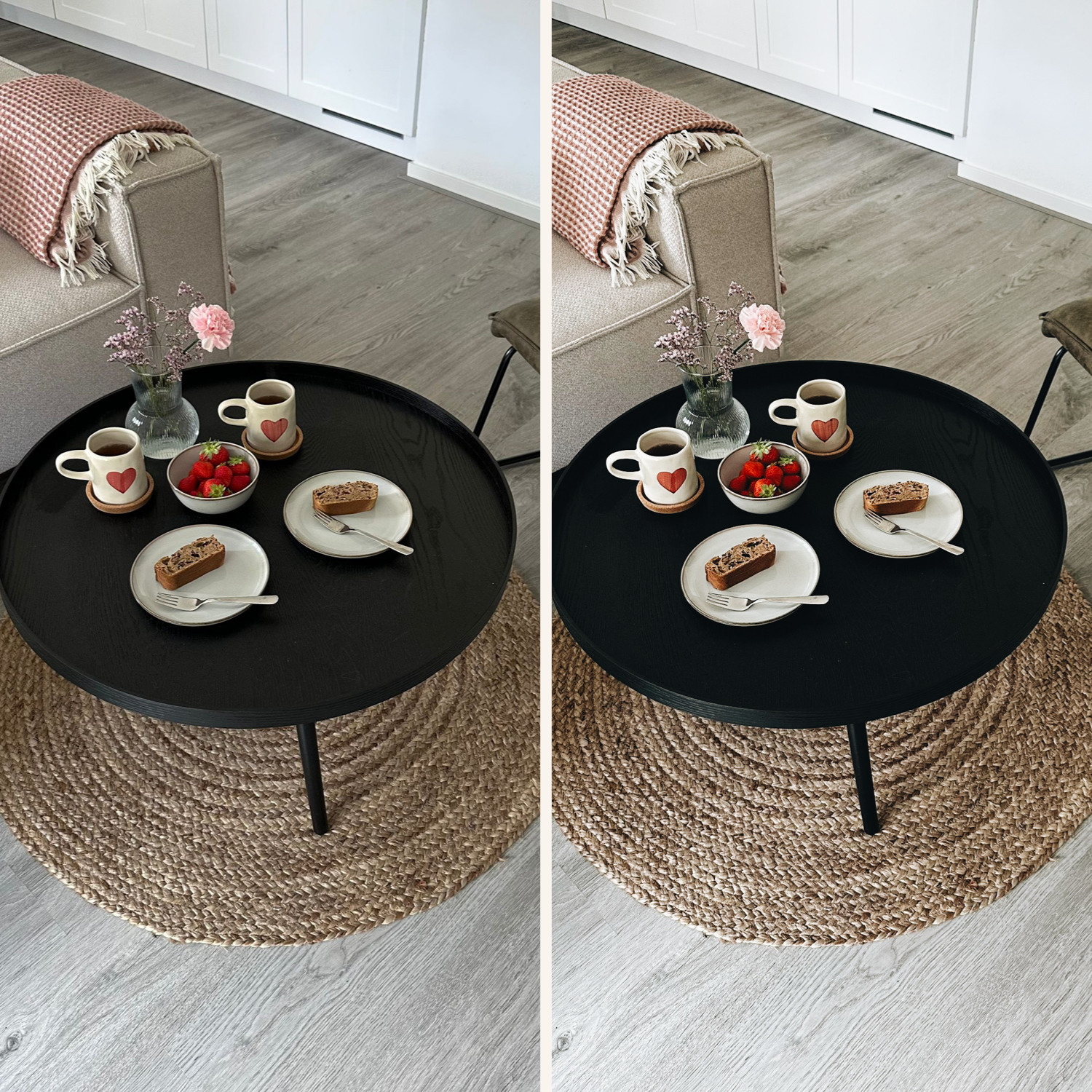
The most common mistake in minimal film editing is lifting shadows so aggressively that whites take on a grey or foggy quality. The Analog 06 look keeps whites genuinely white by combining gentle shadow lift with highlight protection — not by flooding the whole tonal range with brightness.
Soft highlight roll-off
The highlight roll-off is what separates a film look from a digital one. Digital cameras clip highlights suddenly — bright areas go to pure white. Film rolls off gradually — highlights fade with retained detail and a creamy quality. The Analog 06 replicates this by pulling highlights back and placing the tone curve so bright areas have room to breathe.
Calm colour
This look deliberately avoids saturation. Vibrance is reduced slightly, greens are desaturated and shifted toward a more natural yellow-green, and skin tones are kept warm without pushing orange. The result is a colour palette that feels timeless rather than processed.
Low micro-contrast
High clarity and high texture settings make images feel sharply digital. The Analog 06 uses slightly reduced clarity and texture — not enough to lose detail, just enough to remove that over-sharpened edge quality that marks a digital photo immediately.
Best use cases for the Analog 06
The clean minimal film aesthetic works particularly well for:
Lifestyle photography — everyday moments, home content, personal projects
Interiors — the clean whites and neutral tones work beautifully for interior design
Fashion and editorial — the minimal look reads as sophisticated and intentional
Architecture — clean lines stay clean
Travel — works well in neutral and warm light environments
Portraits — flattering on most skin tones, especially in natural light
For portrait-heavy work, the Analog 06 combines well with the full Analog Film Archive which includes ten variations on this same colour direction — from the clean A6 look to warmer, slightly moodier analog tones.
How to apply Analog 06 without overediting
The clean minimal look is easy to overdo. A simple workflow that keeps it from going wrong:
Set exposure first — get the brightness right before anything else
Set white balance — the preset builds on top of your white balance, not instead of it
Apply the preset
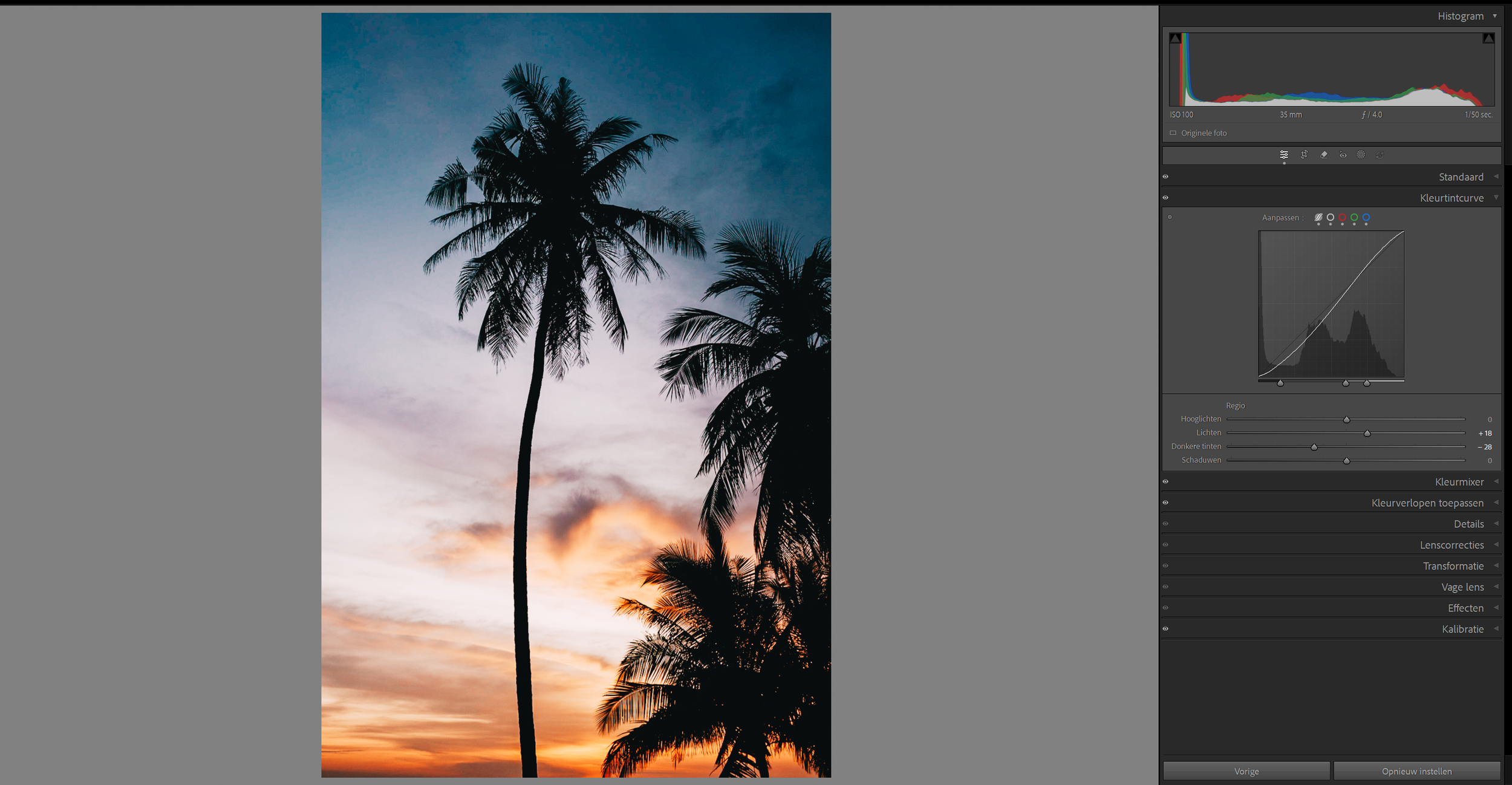
Pull highlights if needed — if bright areas still look harsh, -20 to -30 more on Highlights
Check your whites — if they look grey or hazy, reduce Shadow lift slightly
Sync across similar photos from the same shoot
The most common mistake is applying the preset and not adjusting white balance. A warm indoor photo plus a warm preset equals orange skin. Set white balance first.
Analog 06 for Lightroom Mobile
The Analog 06 preset works identically in Lightroom Mobile — the same settings, the same colour science, the same result on your phone as on your desktop.
If you haven't installed presets on your phone yet, see our step-by-step guides:
For a full guide to building a film editing workflow on mobile: Lightroom Mobile Film Editing — Complete Guide
Download the free Analog 06 preset
You should never buy a preset look you haven't tested on your own photos. Download the free Analog 06 preset and try it on one indoor photo and one outdoor photo before deciding if it fits your style.
The full Analog Archive
The Analog 06 is one preset from the Analog Film Archive — a ten-preset system covering the full range of clean film looks from the same colour philosophy.
Where the A6 is the most minimal and clean, the other presets in the series step progressively toward warmer tones, slightly lifted contrast, and more pronounced film character — all while staying in the same neutral-to-warm, low-contrast aesthetic family.
If you want the full system rather than a single preset:
→ Get the Analog Film Archive — $27 for 10 presets
Or for the complete collection covering every style:
→ The Studio Archive — 130 presets, $89
FAQ
What is the Analog 06 preset?
The Analog 06 is a clean, minimal film preset for Lightroom. It creates a look with bright whites, soft highlight roll-off, calm colour, and subtle grain — the aesthetic equivalent of a 35mm analog photo with a clean, modern sensibility.
Does it work in Lightroom Mobile?
Yes. The preset works in Lightroom Classic, Lightroom CC, and Lightroom Mobile. All downloads include both .XMP (desktop) and .DNG (mobile) formats.
Will it work on my photos?
The clean minimal look works best in natural light — daylight, window light, and golden hour. It works in artificial light too but you'll want to set white balance manually first to avoid warm indoor light pushing skin tones orange.
What's the difference between the free preset and the paid Analog Archive?
The free preset gives you the A6 look in one preset. The paid Analog Film Archive gives you ten variations on the same colour direction — warmer, cooler, slightly moodier, with more contrast — built to work together as a system across a full gallery.
Why do my whites look grey after applying?
This usually means shadows are lifted too aggressively for your specific photo. Try reducing the Shadows slider by 5-10 after applying the preset. The preset is calibrated for a baseline exposure — very bright or very dark photos may need manual adjustment.
Does it work on iPhone photos?
Yes. The preset works on JPEG and RAW files including iPhone photos. It performs best on photos shot in natural light.
Related guides
How to Get the Film Look on iPhone
Lightroom Mobile Film Editing — Complete Guide
How to Install Lightroom Presets on iPhone
How to Install Lightroom Presets on Android
Best Lightroom Presets for Instagram 2026
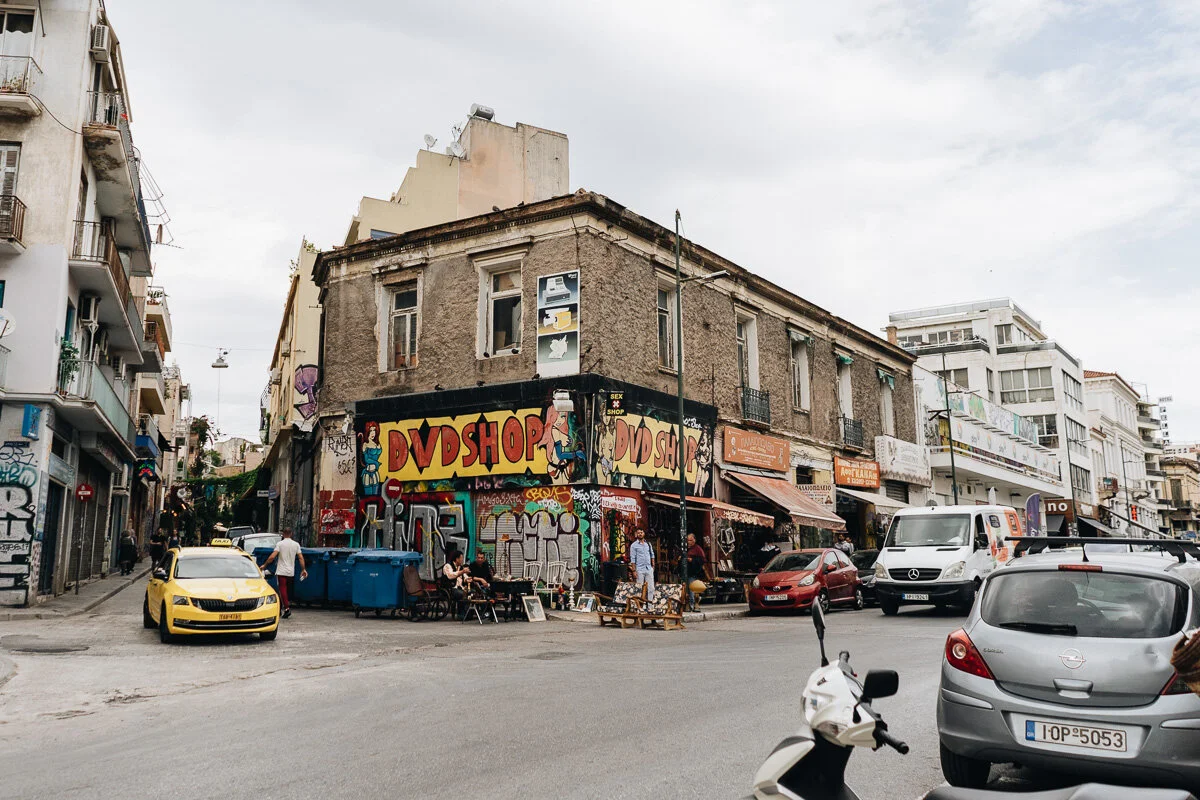
These photos are edited with the Analog 6 preset: