HEIC vs JPEG vs ProRAW Explained (Which Format Is Best for Film Presets?)
HEIC vs JPEG vs ProRAW for Lightroom Film Editing
iPhone photographers editing in Lightroom have three primary file format options: HEIC (the default iPhone format), JPEG (the universal compressed image format), and ProRAW (Apple's extended-range format available on iPhone 12 Pro and later). Each behaves differently in Lightroom, particularly when applying film presets that adjust highlights, shadows, and color channels significantly. Choosing the right format for your editing goals changes both the quality of the result and the efficiency of the workflow.
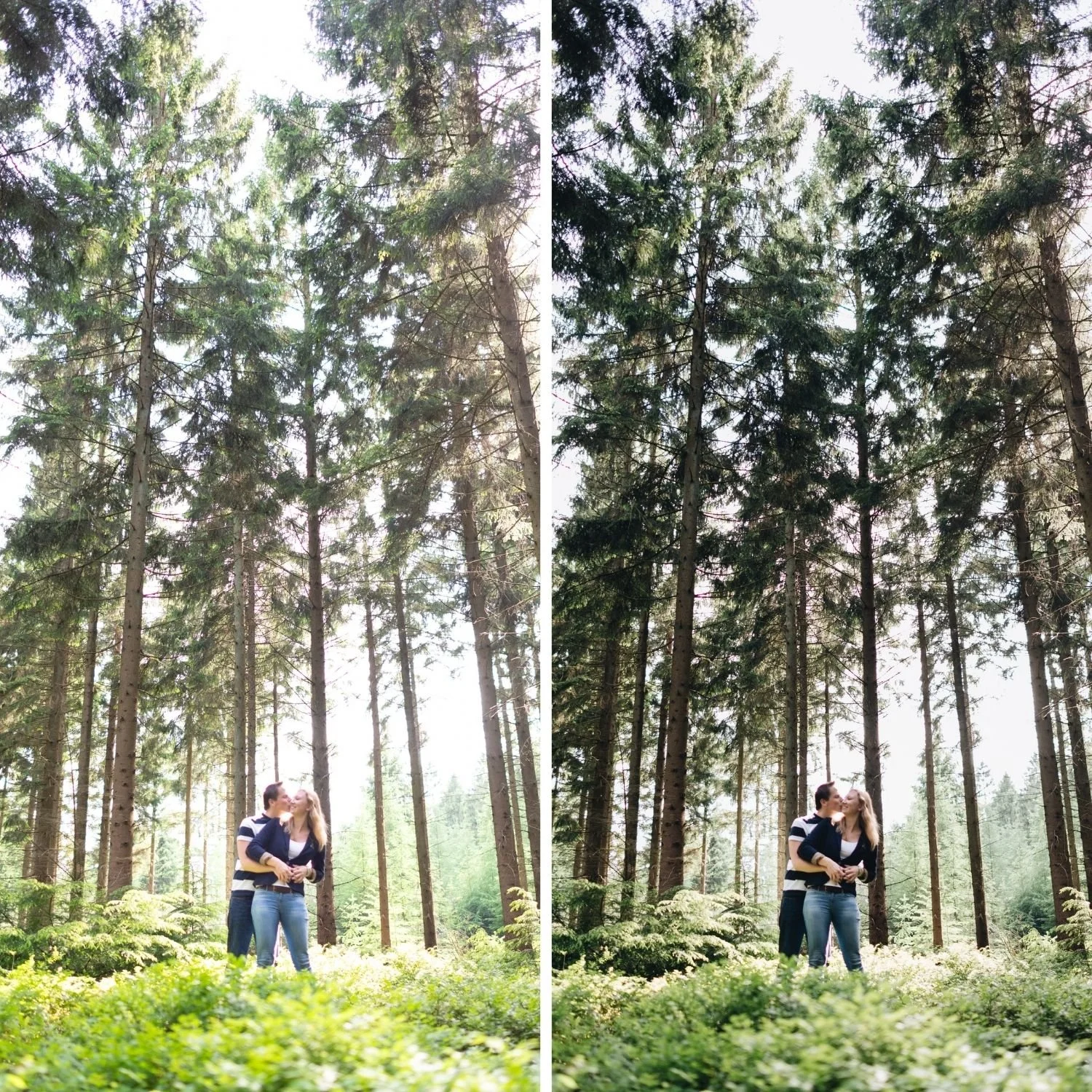
What Each Format Actually Contains
HEIC is Apple's High Efficiency Image Container format. It uses HEVC compression to produce smaller file sizes than JPEG at similar apparent quality. For casual viewing and sharing, HEIC files look excellent. For editing in Lightroom with film presets, HEIC has the same fundamental limitation as JPEG: the image data has been processed by the iPhone camera system before you receive the file. Smart HDR tone mapping, sharpening, color rendering, and compression have all been applied.
JPEG is the most widely used compressed image format. Like HEIC, JPEG files from an iPhone have been through the camera's processing pipeline: Smart HDR tone mapping determines what highlight and shadow detail is preserved, the color rendering engine applies Apple's color science, and lossy compression permanently discards image data to reduce file size. The editing flexibility in Lightroom is reduced because significant tonal decisions are already baked into the file before you open it.
ProRAW is fundamentally different. ProRAW captures a much larger amount of raw sensor data and applies significantly less in-camera processing before saving. The file preserves actual highlight detail rather than compressing it into a smaller tonal range, maintains genuine shadow information, and provides wider color channel data that allows more precise HSL adjustments in Lightroom.
How Each Format Affects Film Preset Results
Film presets that make significant Tone Curve adjustments depend on the starting file having actual tonal information in the highlight and shadow ranges. ProRAW provides this consistently. HEIC and JPEG often do not provide adequate highlight latitude in challenging lighting conditions.
A practical example: a film preset with Highlights reduced to negative 35 and a Tone Curve that further compresses the upper range is designed to create soft highlight roll-off from genuine highlight data. Applied to a ProRAW file, this produces the intended luminous, creamy highlight quality because actual highlight detail exists to be shaped by the adjustment. Applied to a JPEG or HEIC file shot in direct sunlight where highlights were already near clipping in the camera's processing, the same preset adjustment has little visible effect because the recoverable data was already discarded.
The same principle applies to skin tones. Film presets make specific Orange channel adjustments that depend on smooth tonal transitions in the warm skin range. ProRAW preserves these transitions, producing clean Orange channel responses to Saturation and Luminance adjustments. HEIC and JPEG compress these transitions, making Orange channel adjustments less precise and sometimes producing slightly banded or uneven skin rendering.
Grain integration also differs noticeably. Film grain integrates organically with ProRAW because the underlying texture of the file is smooth and uniform. JPEG and HEIC files have in-camera sharpening applied, which creates edge enhancement that can make film grain appear to sit on top of the photograph rather than integrate with it.
When HEIC and JPEG Work Well Enough
The format limitations of HEIC and JPEG are most visible in demanding conditions: direct sun with near-clipping highlights, close-up portrait work requiring precise skin tone rendering, and photographs where the preset is making substantial adjustments. In easier conditions, the difference is much smaller.
Everyday social photography, casual lifestyle content, and photographs taken in good soft diffuse light all produce acceptable results from HEIC and JPEG in Lightroom. The key workflow adjustment for compressed formats is reducing preset strength to 80 to 85 percent rather than applying at full 100 percent strength. This compensates for the in-camera processing already applied to the file.
For photographers who shoot a mix of casual and important photography on iPhone, a practical approach is using HEIC for everyday casual photography and enabling ProRAW selectively for shoots where the quality advantage is most relevant: important portrait sessions, travel photography in challenging light, and any photography intended for print or professional use.
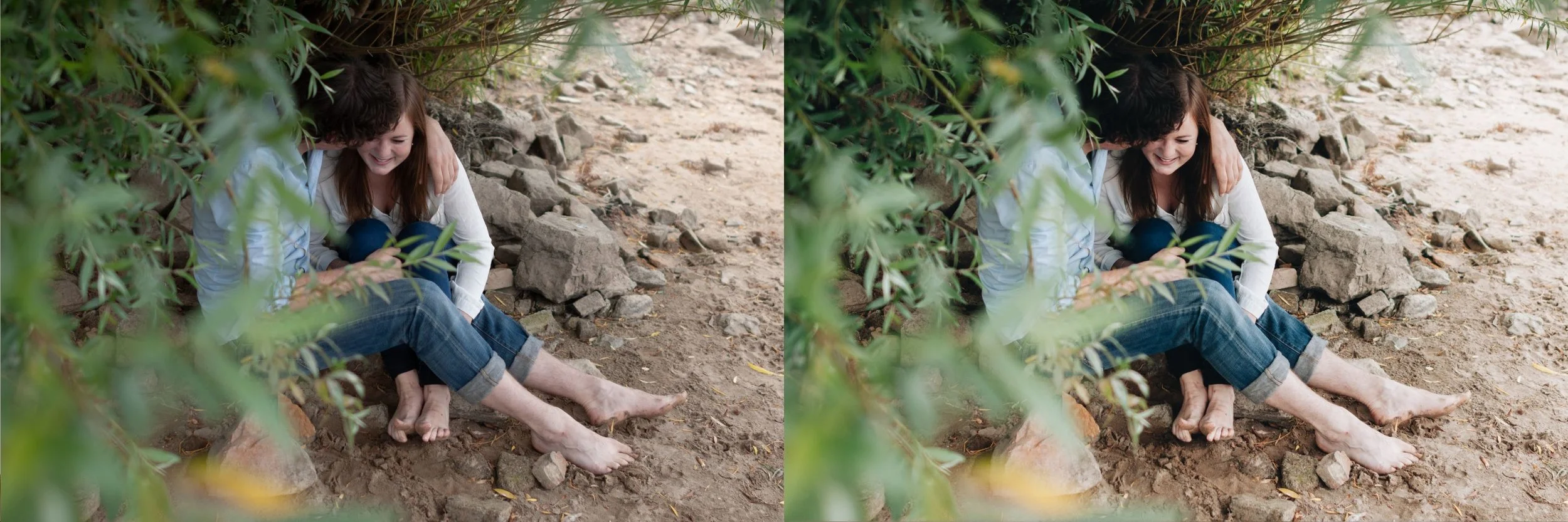
Enabling and Using ProRAW
ProRAW is available on iPhone 12 Pro and later. Enable it in Settings, then Camera, then Formats, and turn on Apple ProRAW. In the Camera app, a RAW indicator appears in the top right corner that toggles ProRAW on and off for individual shots.
ProRAW files are significantly larger than HEIC, typically 20 to 25 megabytes compared to 3 to 5 megabytes for HEIC at equivalent resolution. For a full day of travel photography at ProRAW resolution, storage management requires attention. Most photographers find the per-session storage impact manageable for important photography while using HEIC for the majority of casual shooting.
Practical Format Recommendations
For film preset editing on iPhone: use ProRAW for portrait sessions, important travel photography, and any shoot where highlight behavior and skin tone rendering are priorities. Use HEIC or JPEG at 80 to 85 percent preset strength for everyday casual photography where the efficiency of smaller file sizes and faster processing is more valuable than the maximum quality of ProRAW.
For camera RAW files from mirrorless or DSLR cameras: apply presets at full strength. Camera RAW files have significantly more editing latitude than any iPhone format.
FAQ
Can Lightroom open HEIC files?
Yes. Lightroom Mobile and Lightroom Classic both open and edit HEIC files without any conversion. The editing tools available are identical. The difference is in the tonal information available within the file, not in Lightroom's ability to process it.
Is ProRAW the same as camera RAW?
ProRAW preserves more sensor data and provides more editing latitude than HEIC or JPEG, but it still applies some processing that full camera RAW files from dedicated cameras do not have. The editing flexibility is substantially better than compressed formats but not identical to camera RAW.
Should I convert HEIC to JPEG before editing?
There is no advantage to converting between these compressed formats. Both contain similar amounts of processed tonal information. Converting adds another generation of lossy compression without improving the editing latitude.
Test format differences on your own photographs:
Download the free Analog Film preset and apply it to the same scene captured in both ProRAW and HEIC to see the difference in highlight behavior, skin rendering, and grain integration.
For a complete preset system designed to work well across both mobile formats and camera RAW, the Analog Film Archive is calibrated for varied starting material. The Studio Archive includes all collections at $89.
