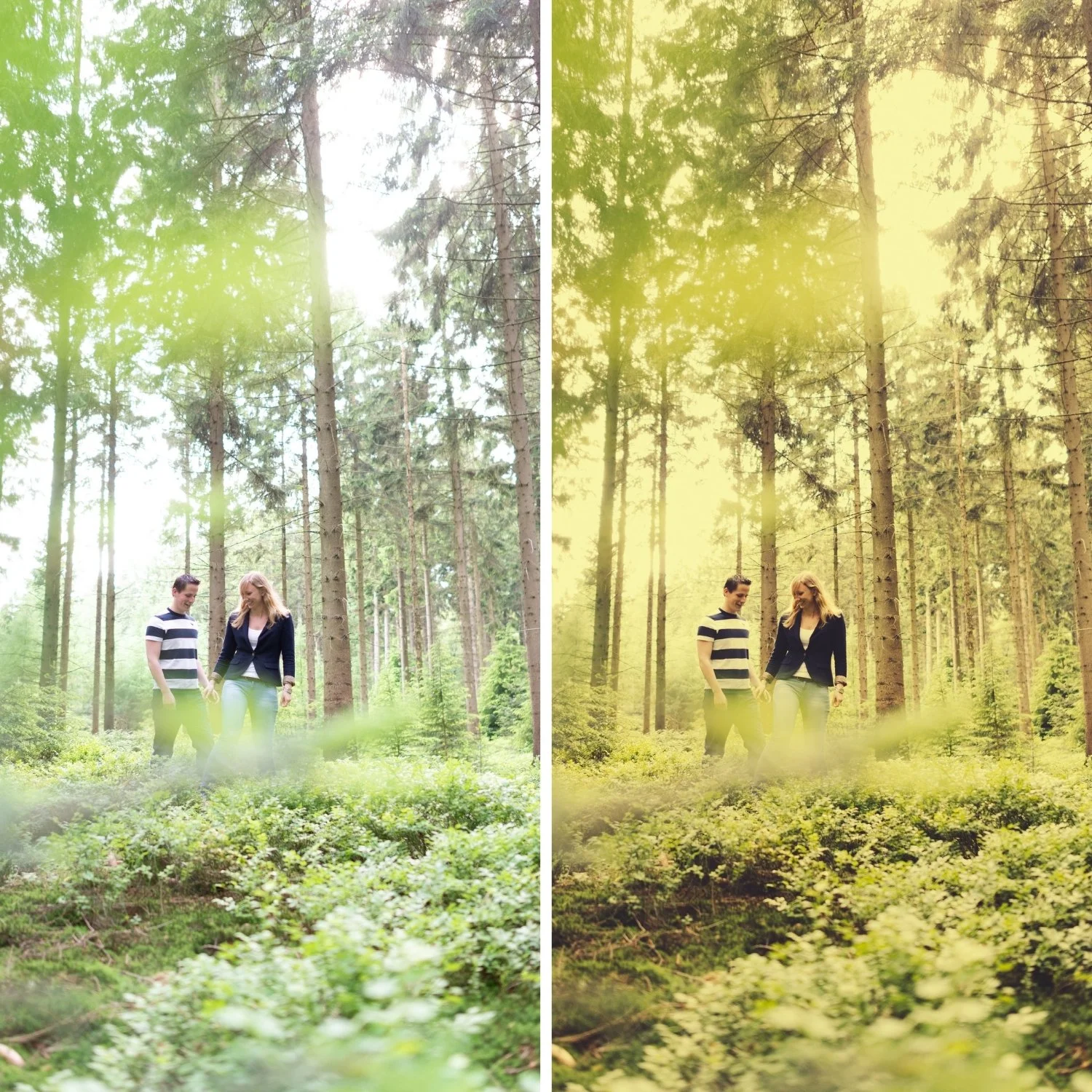
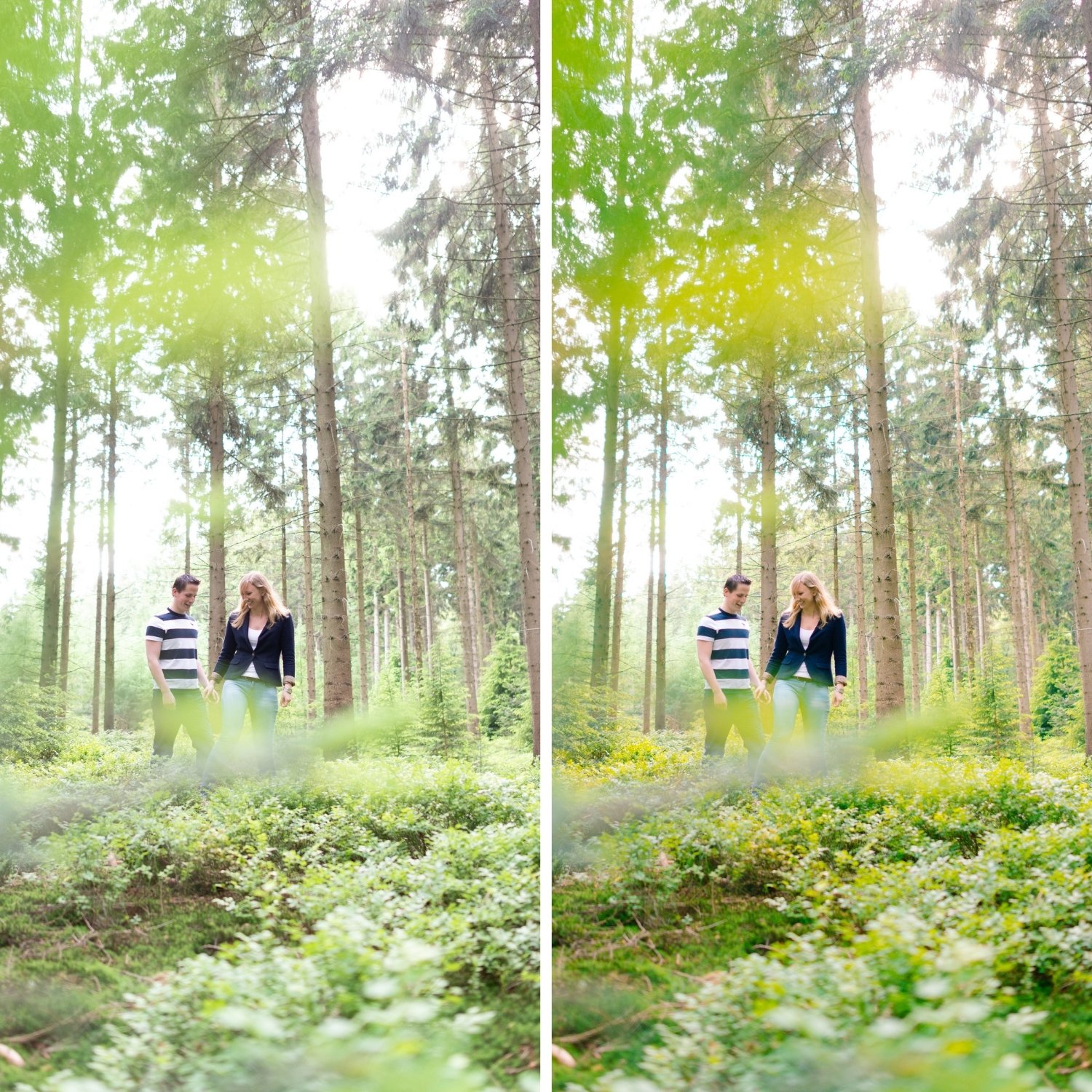
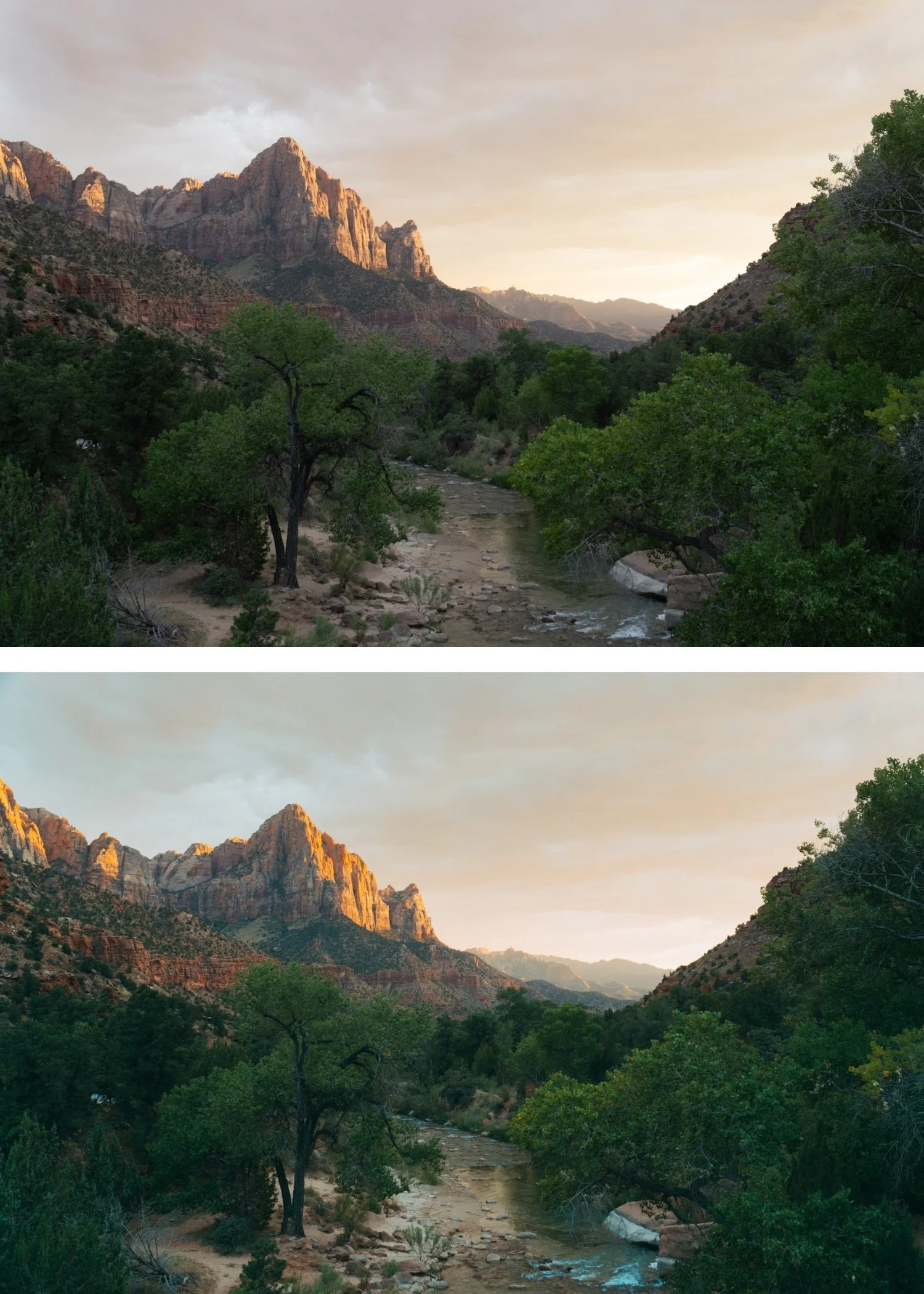
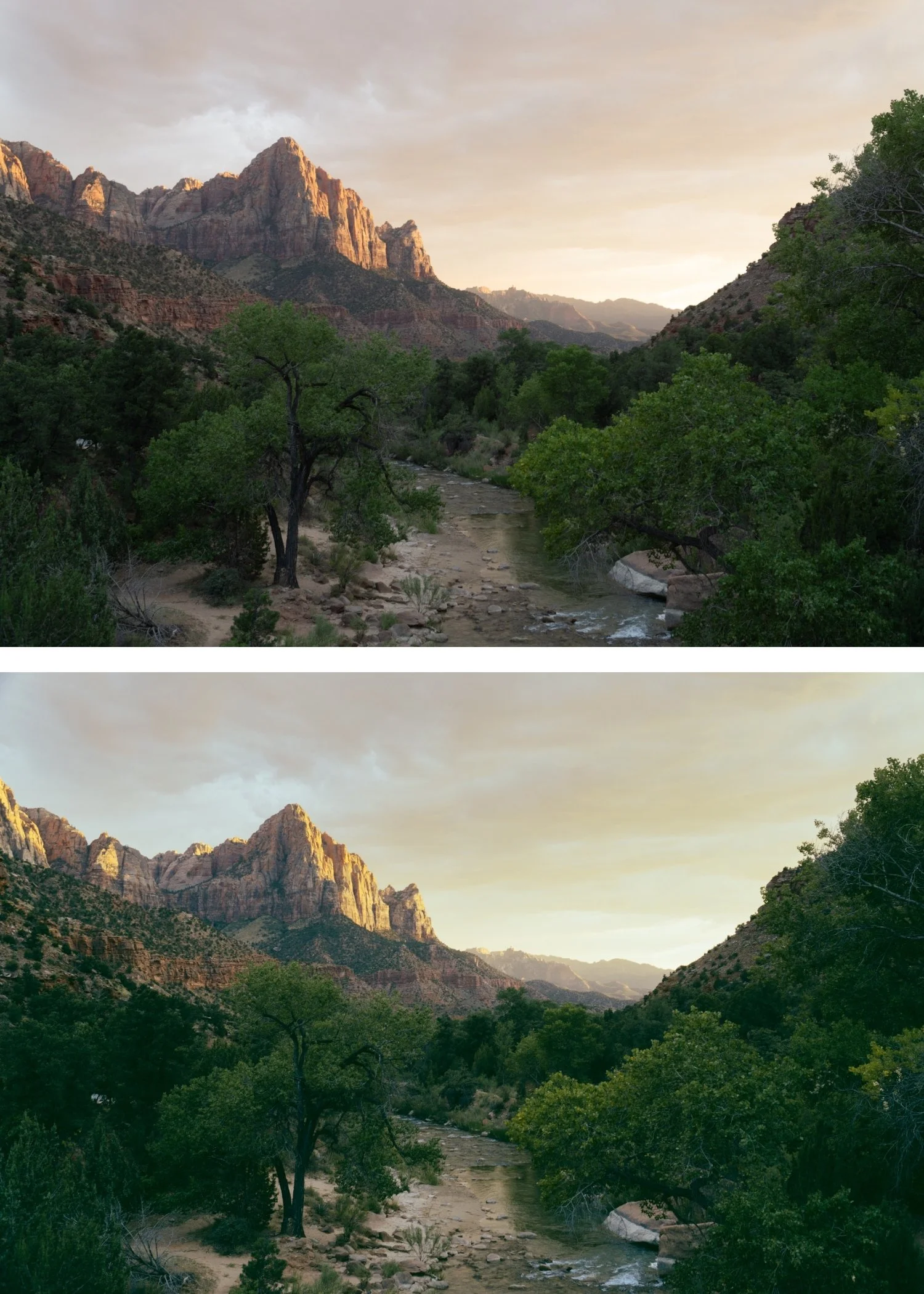
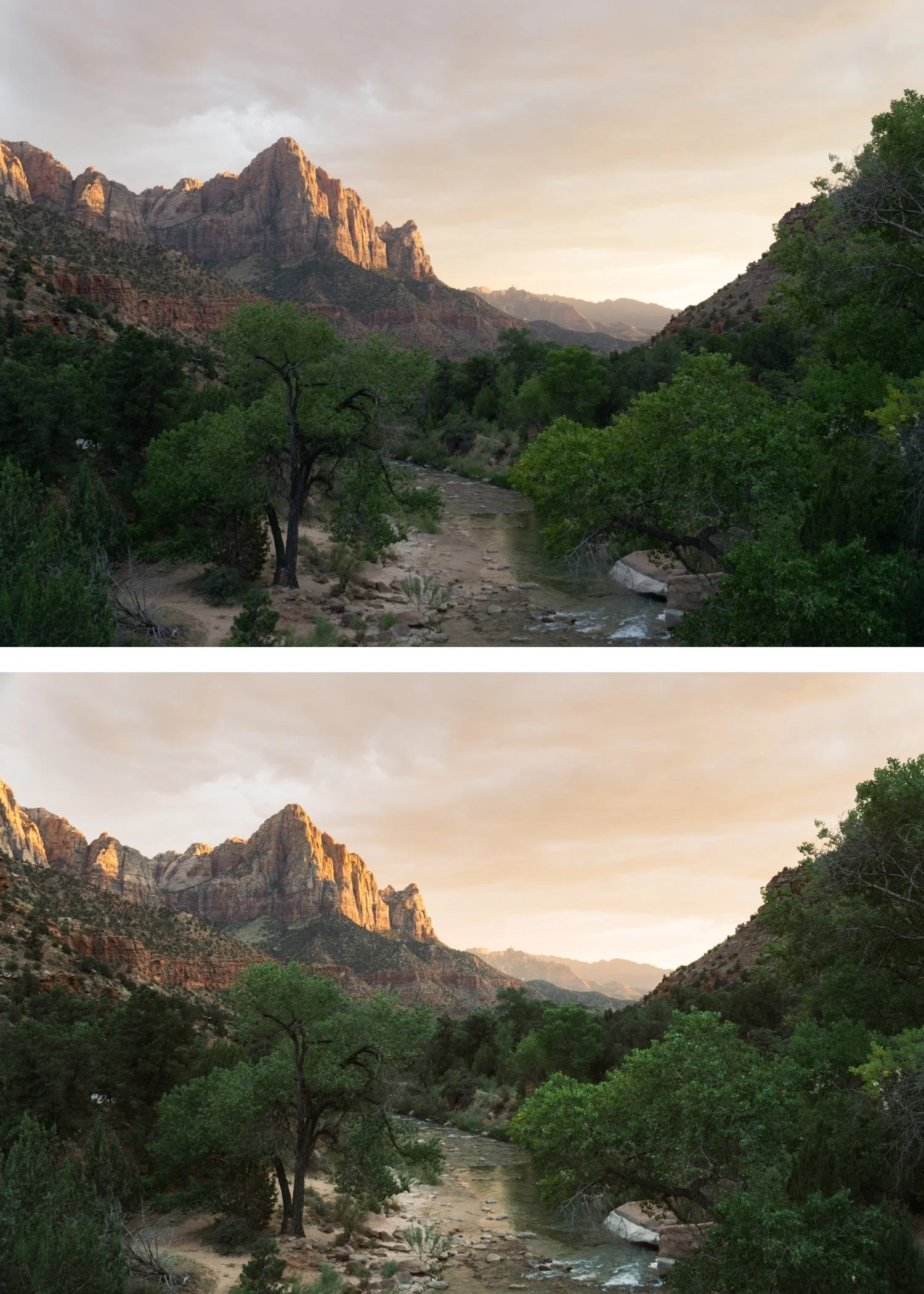
 Image 1 of 4
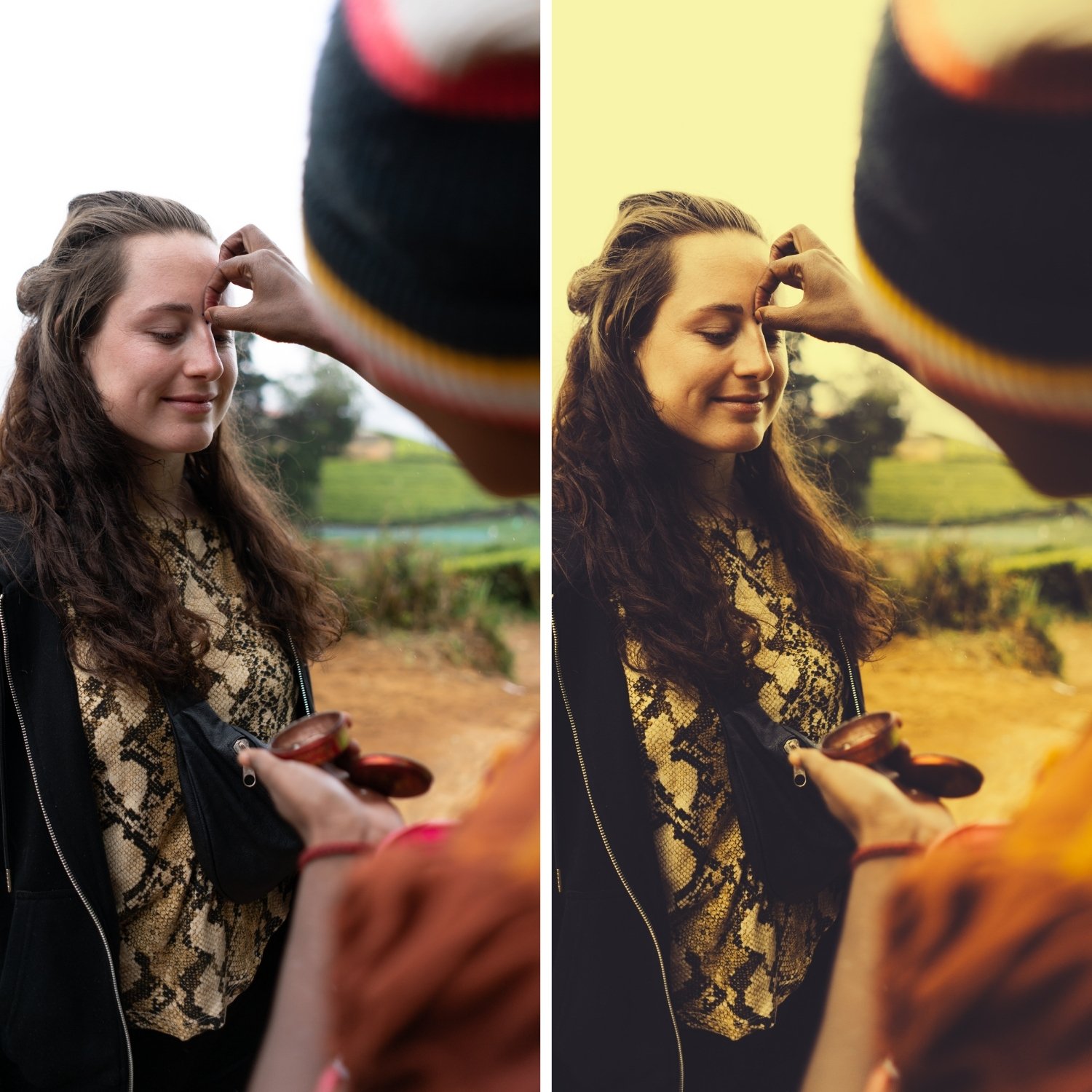
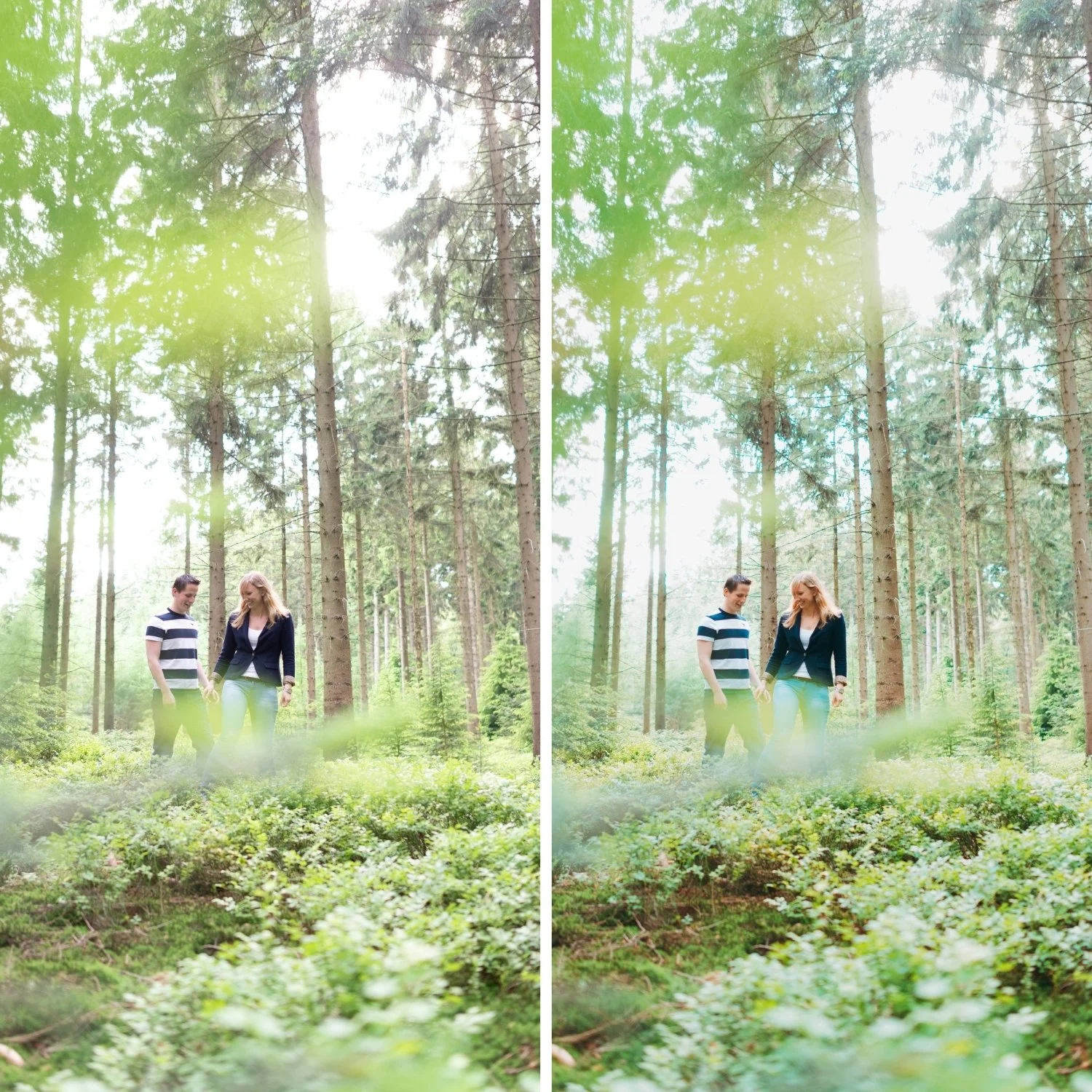
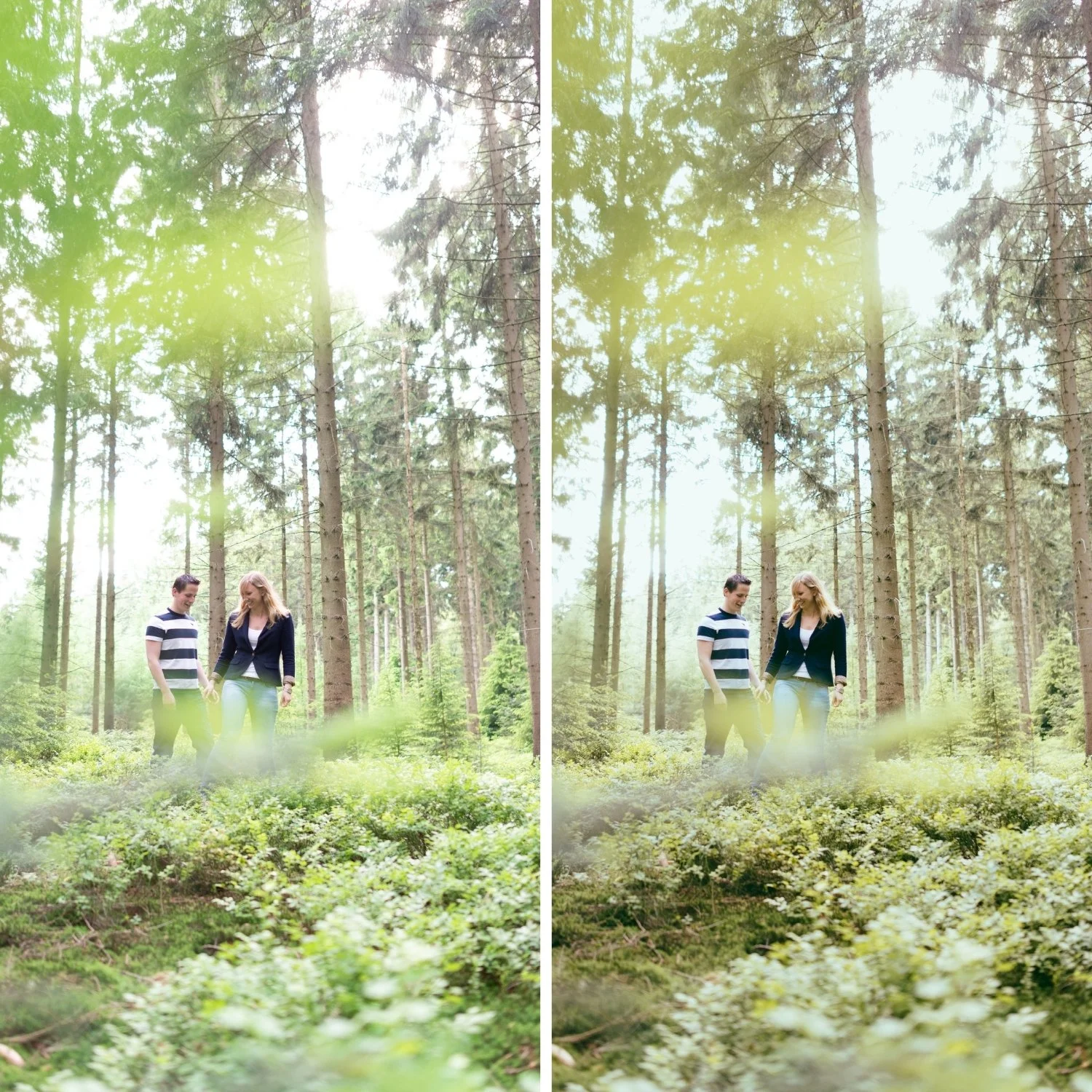
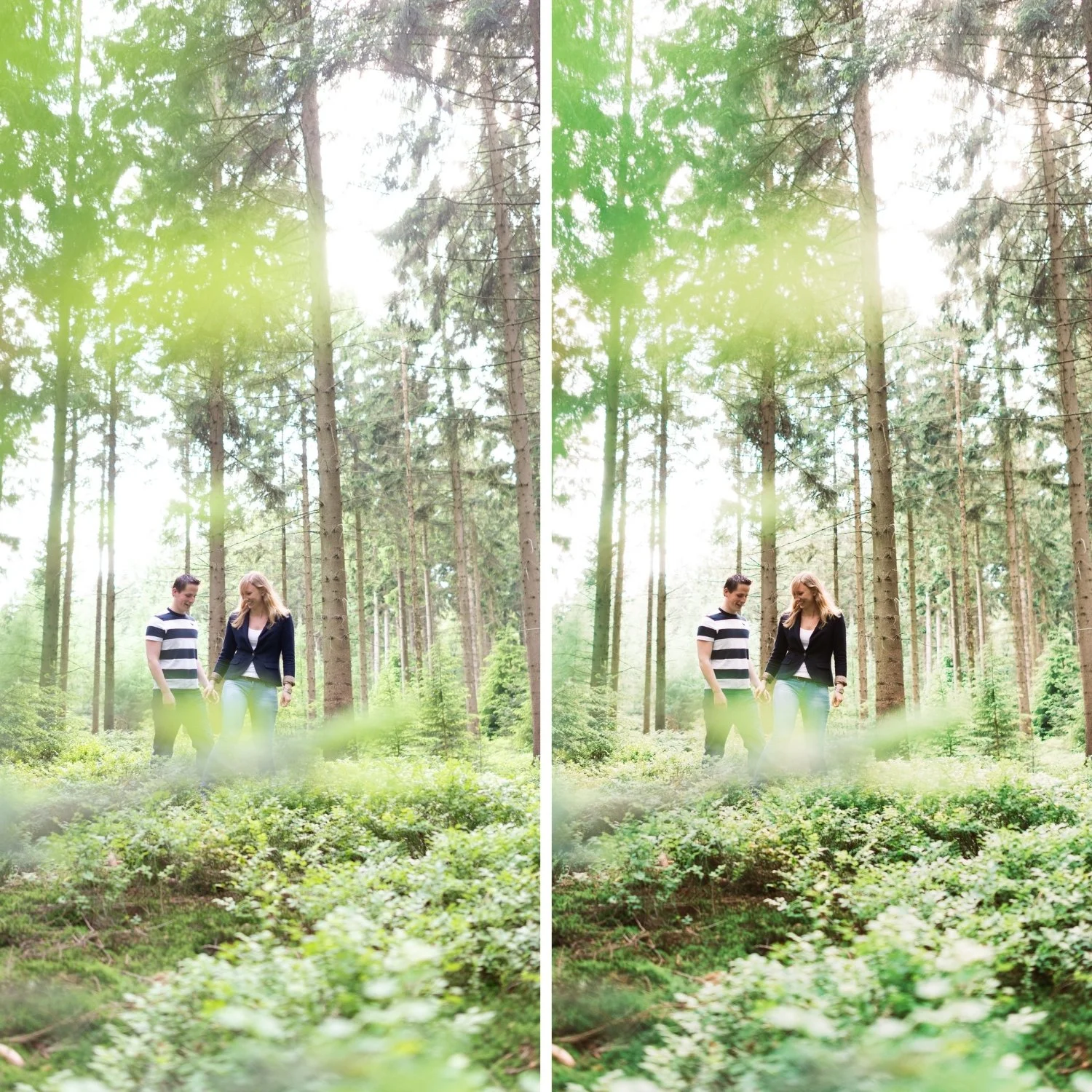
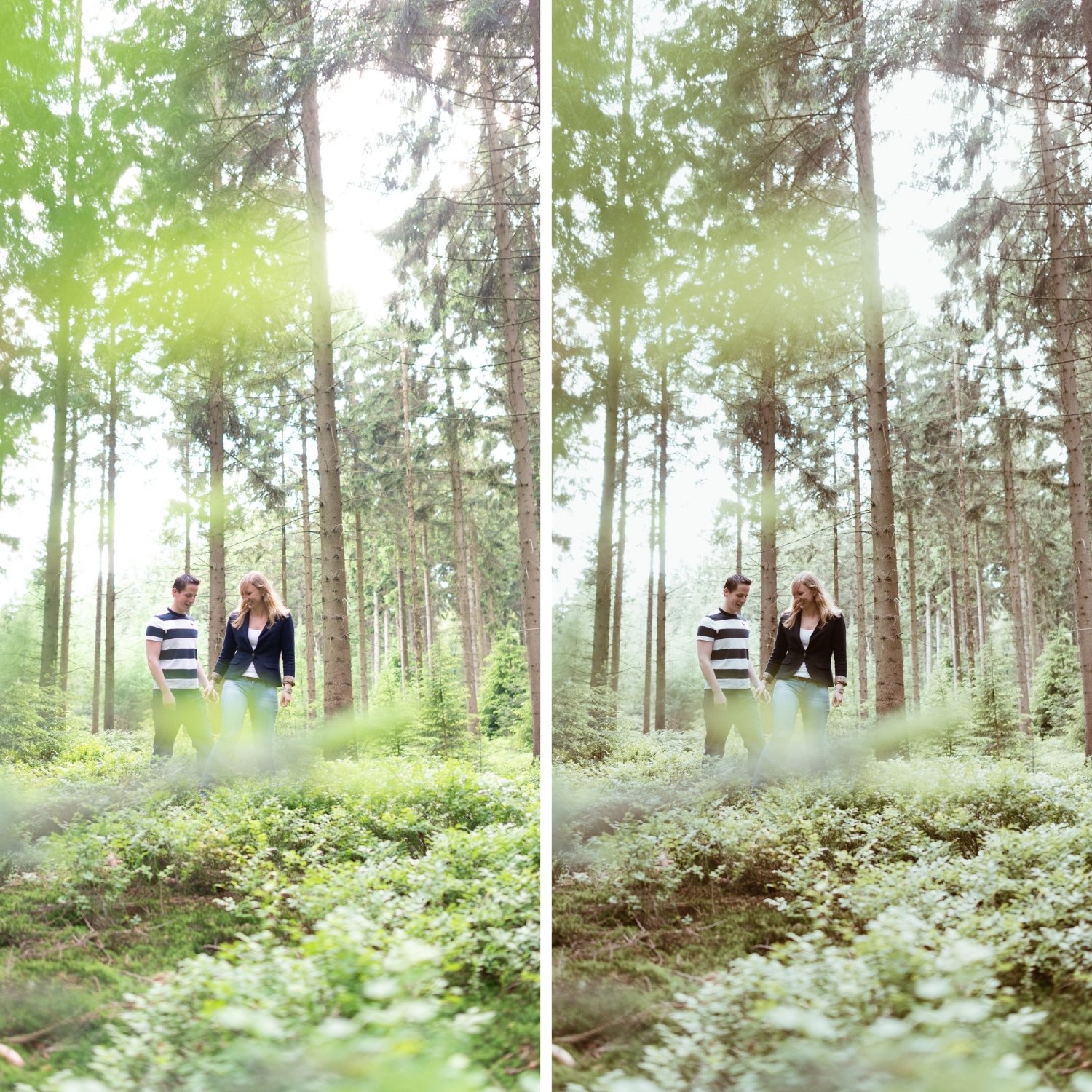
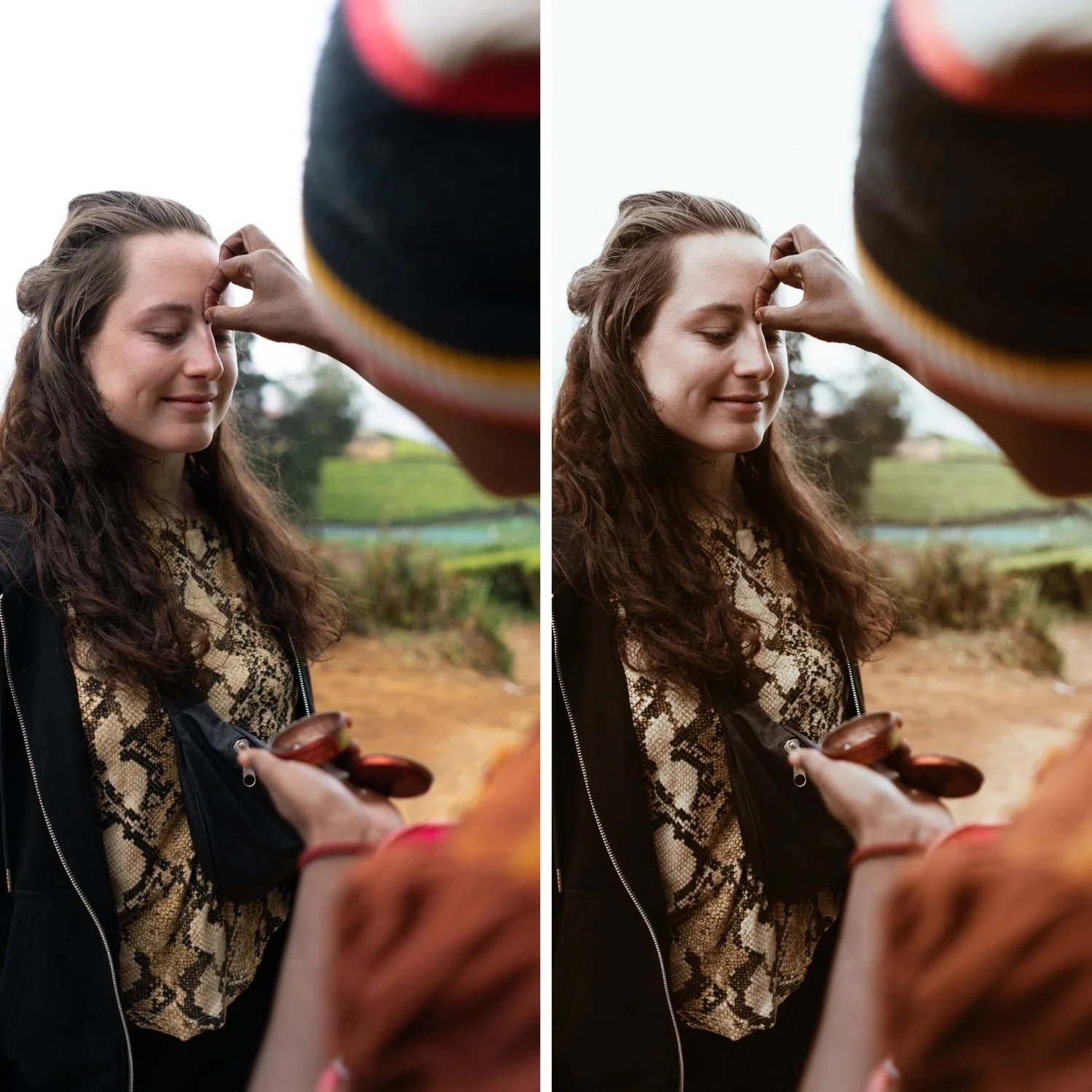 Image 2 of 4
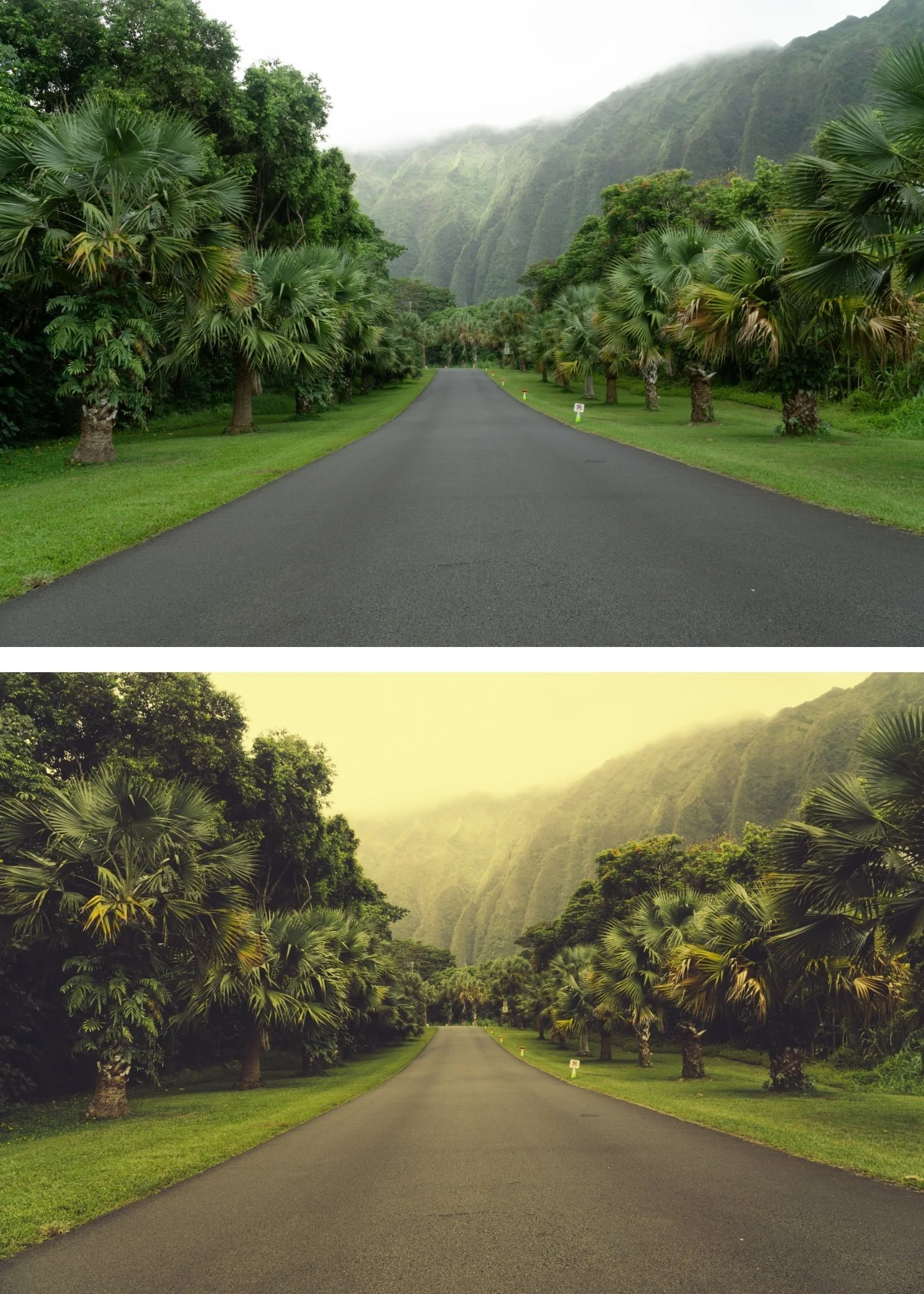
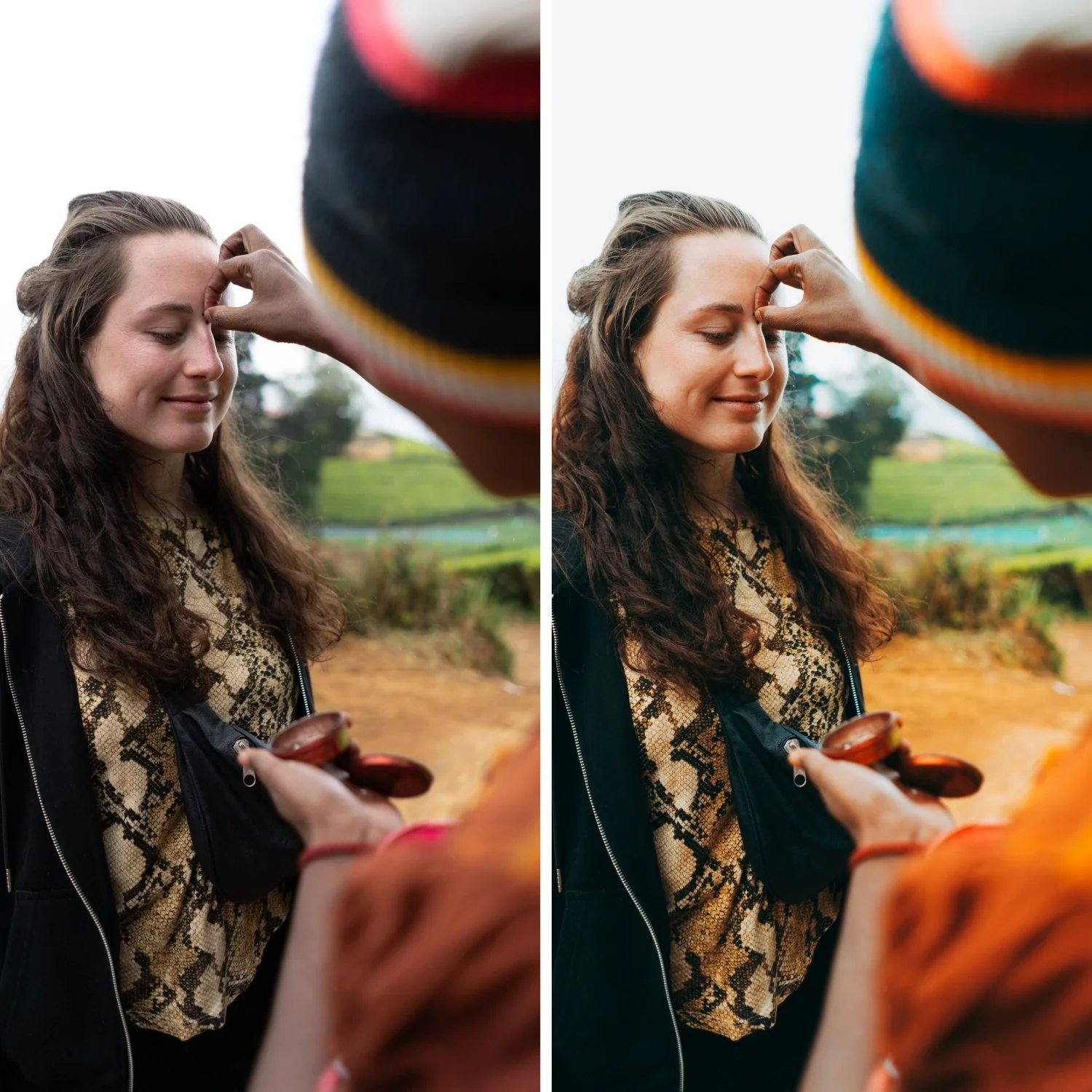
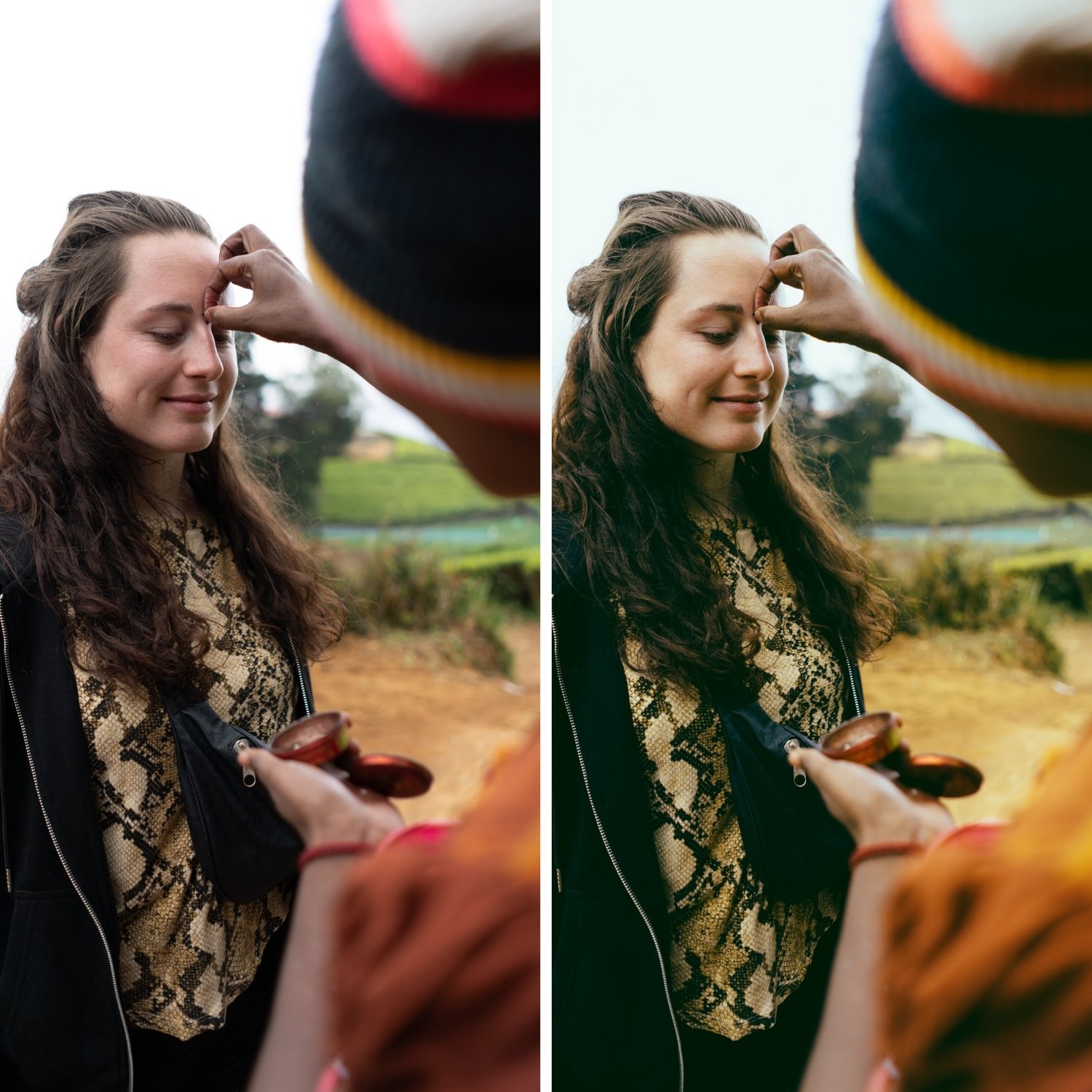
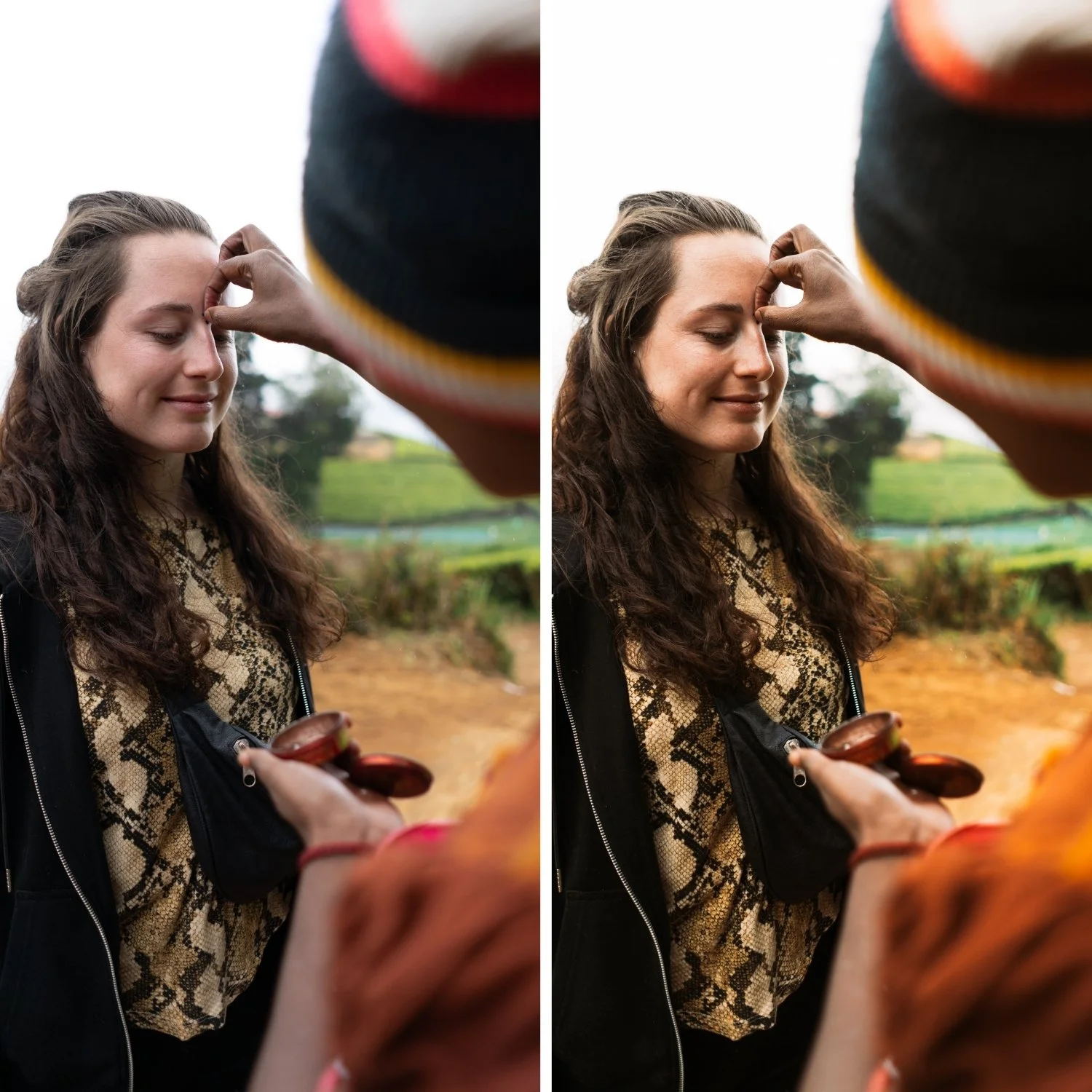
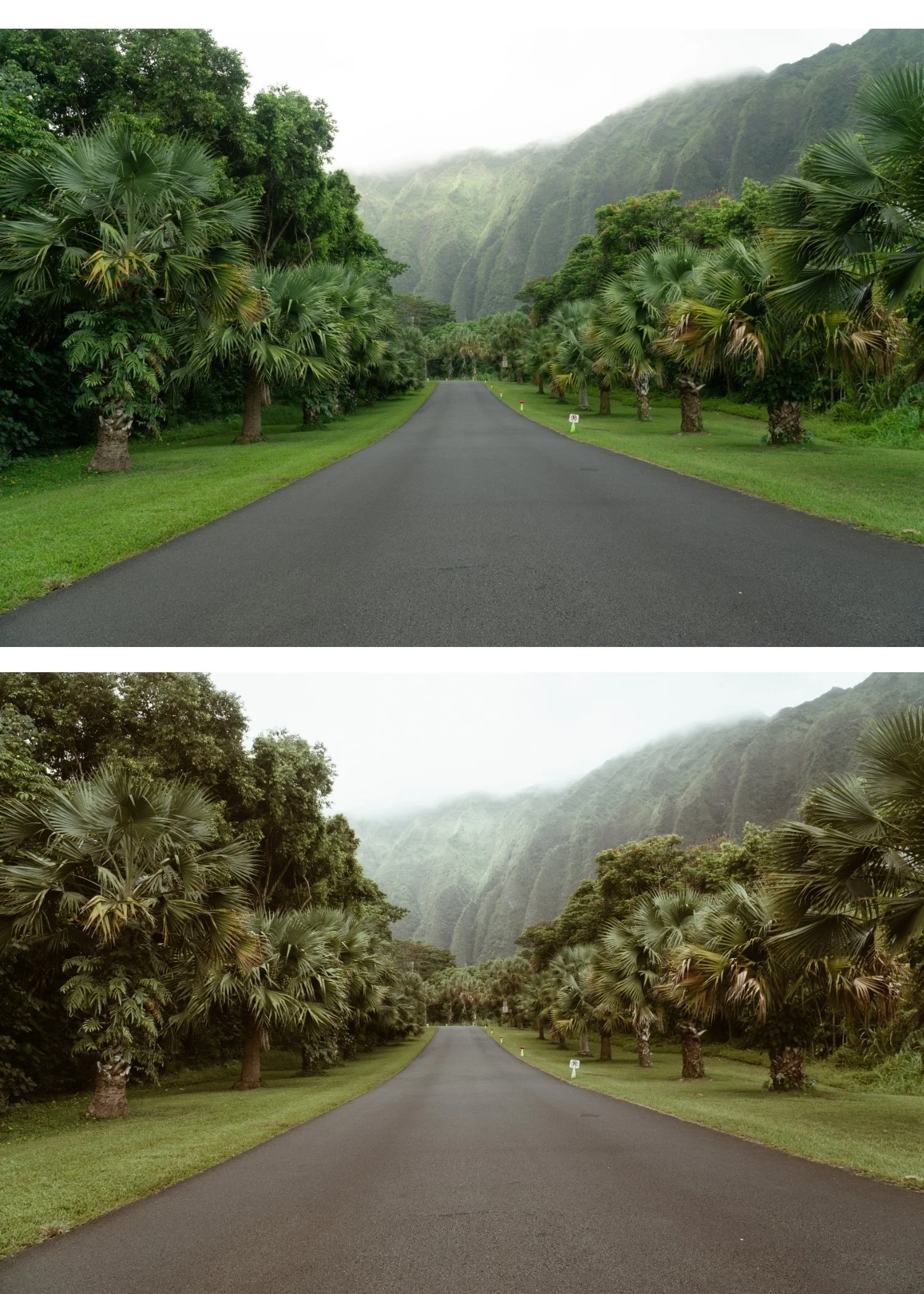 Image 3 of 4
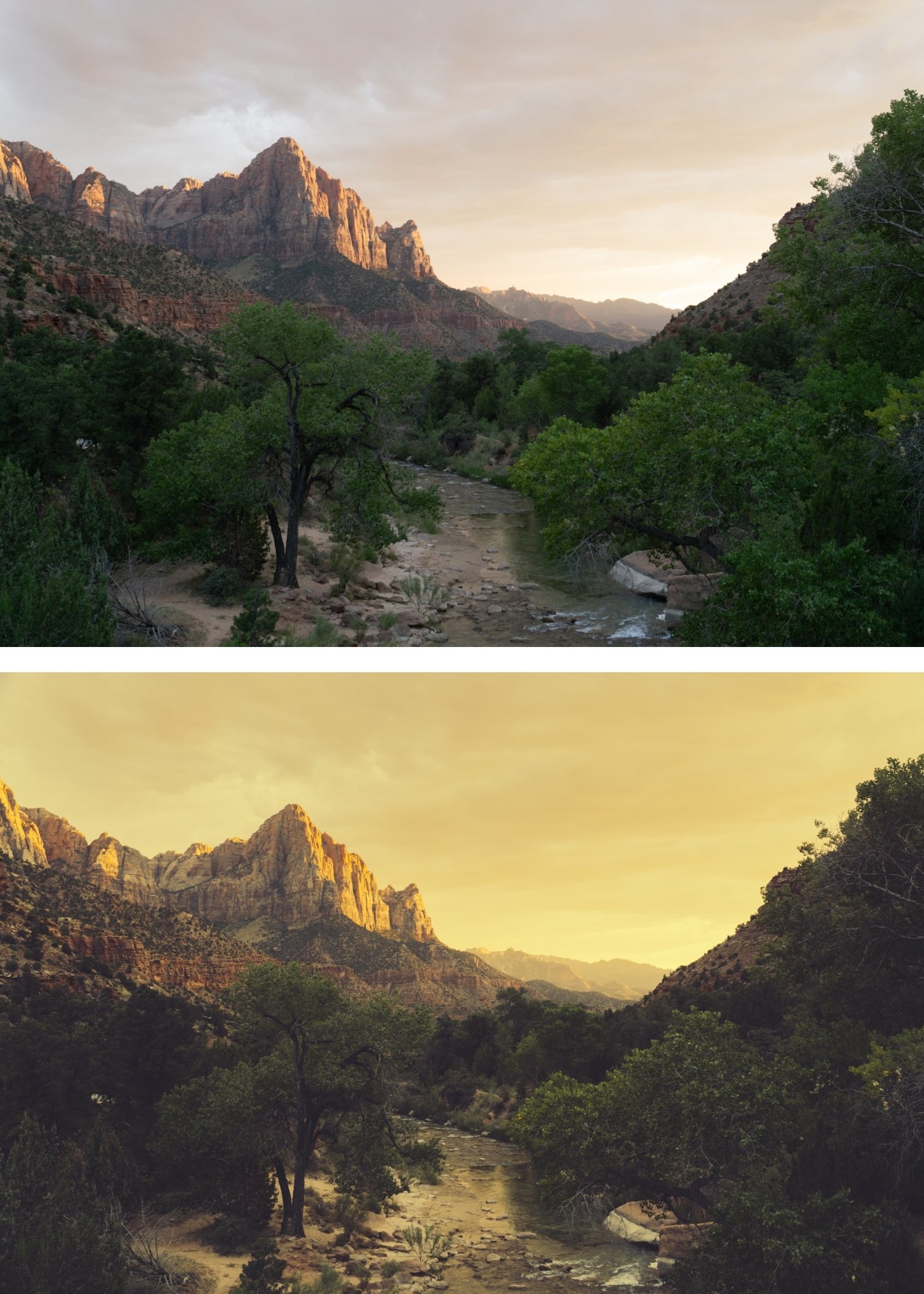
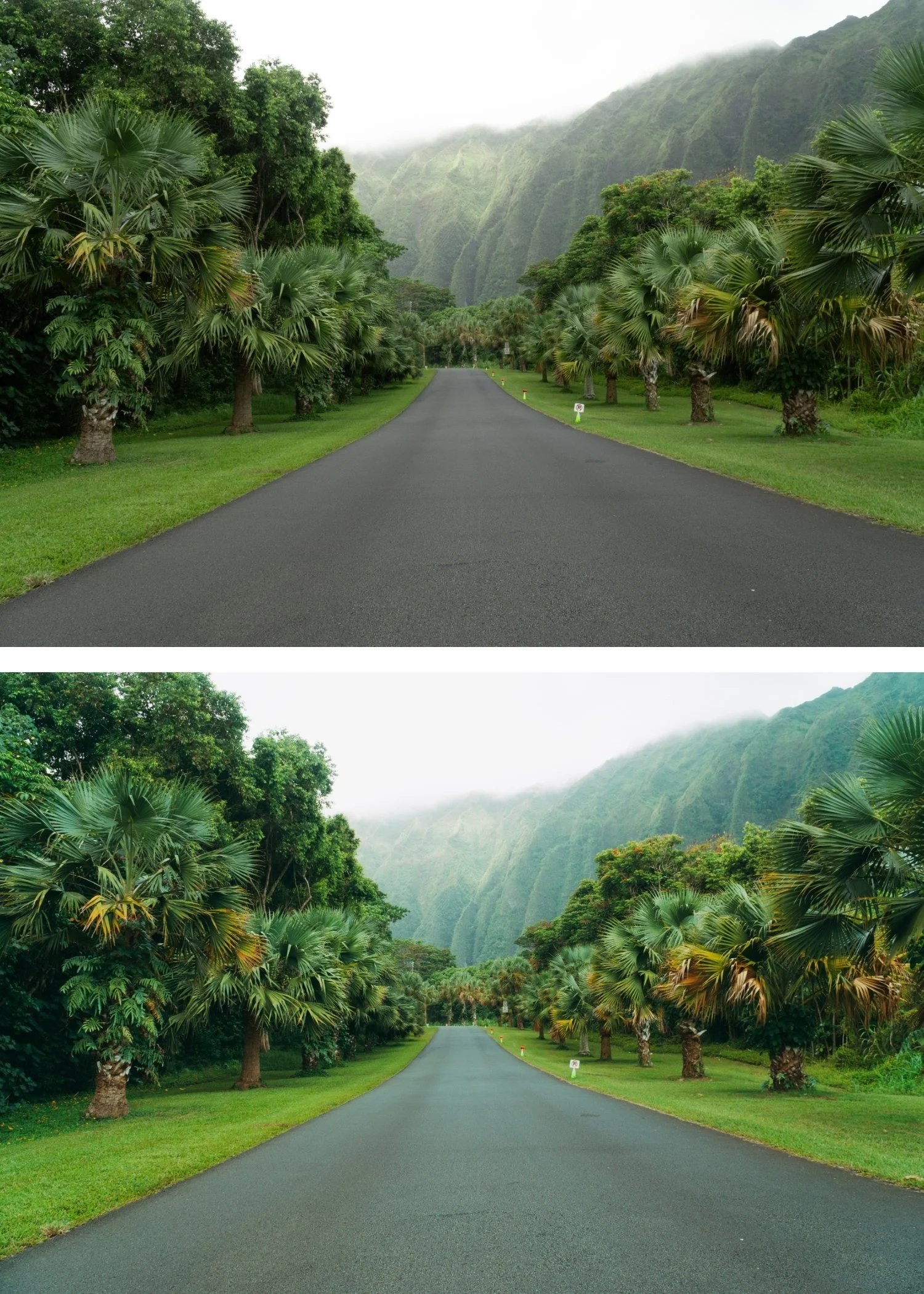
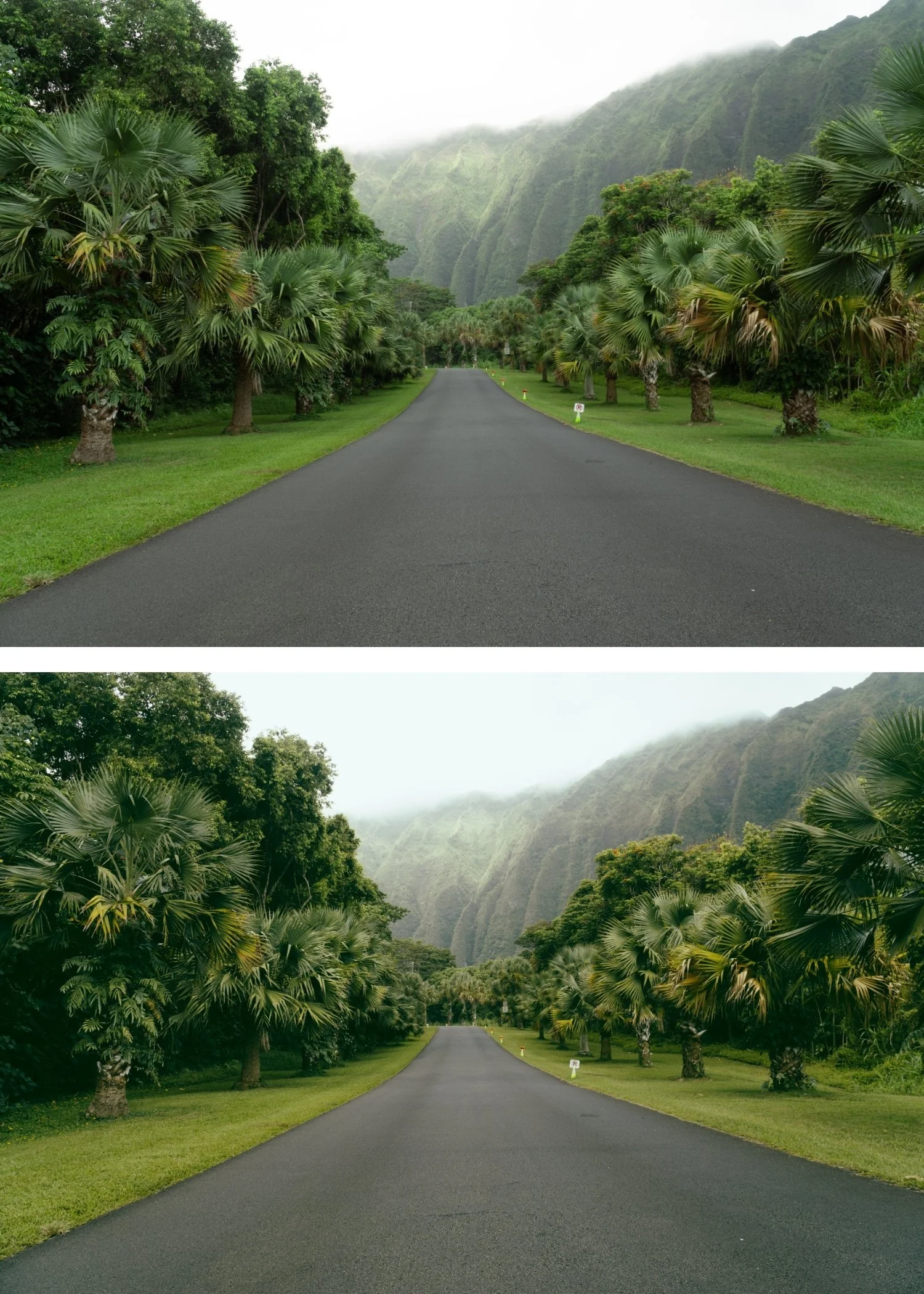
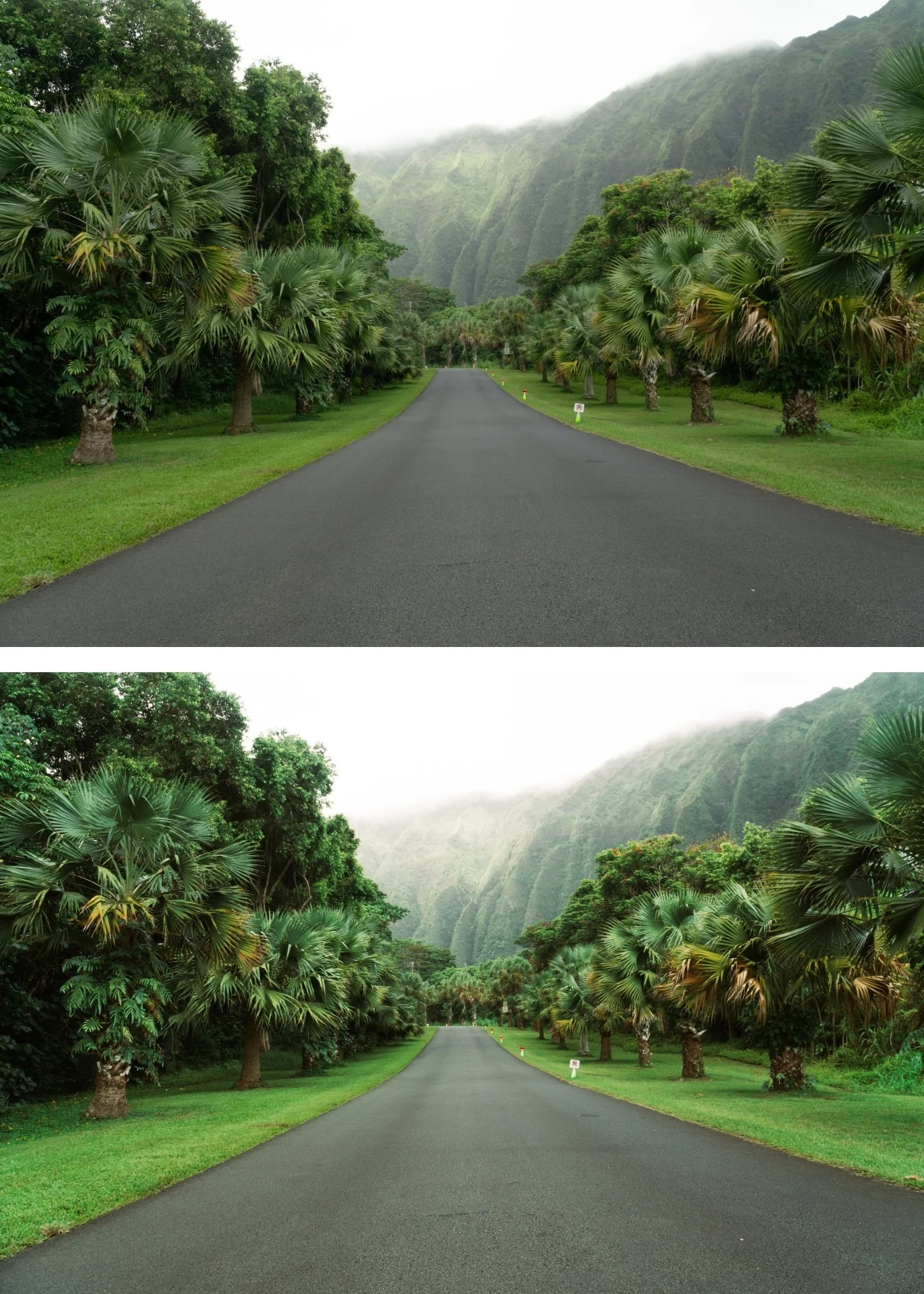
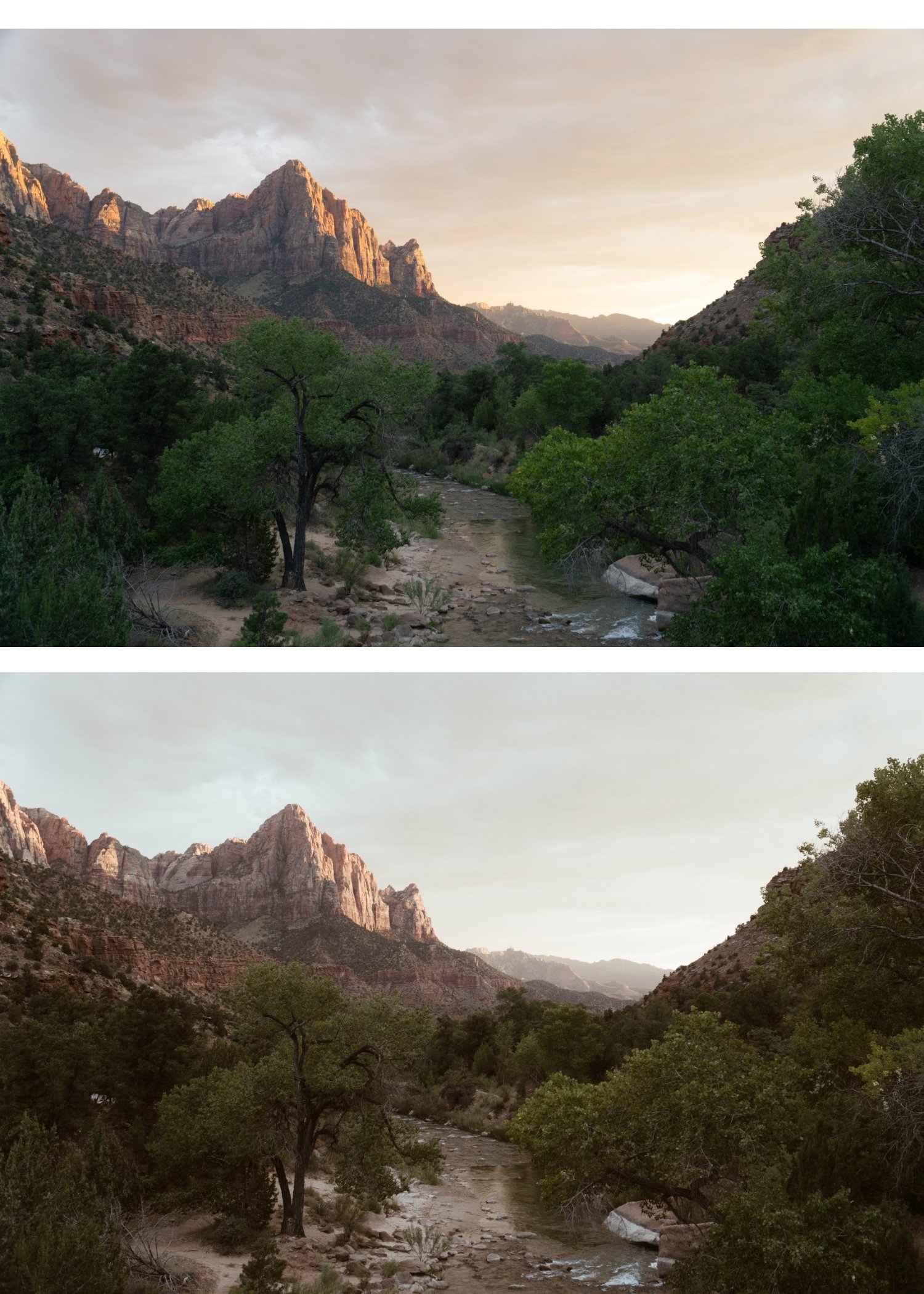 Image 4 of 4
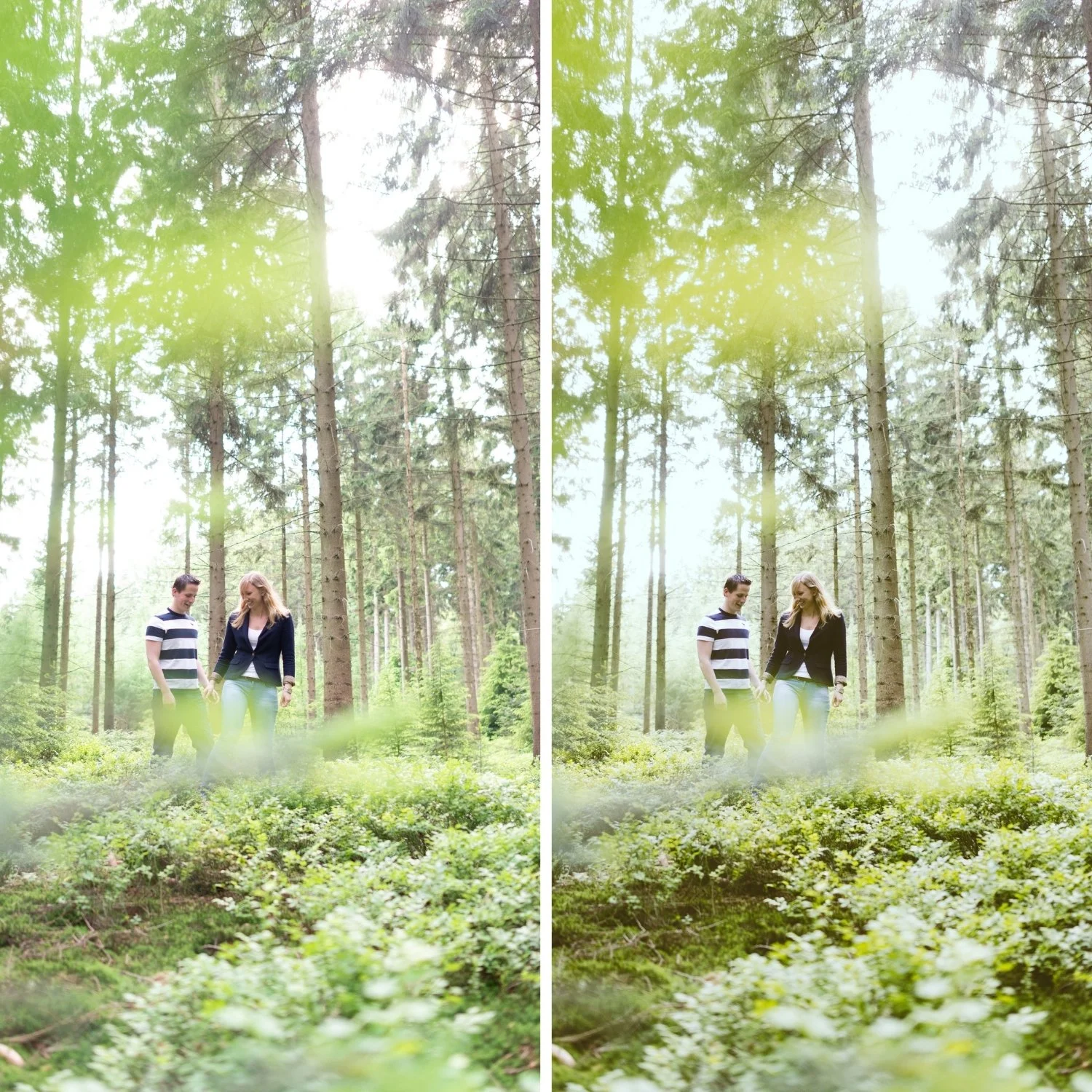
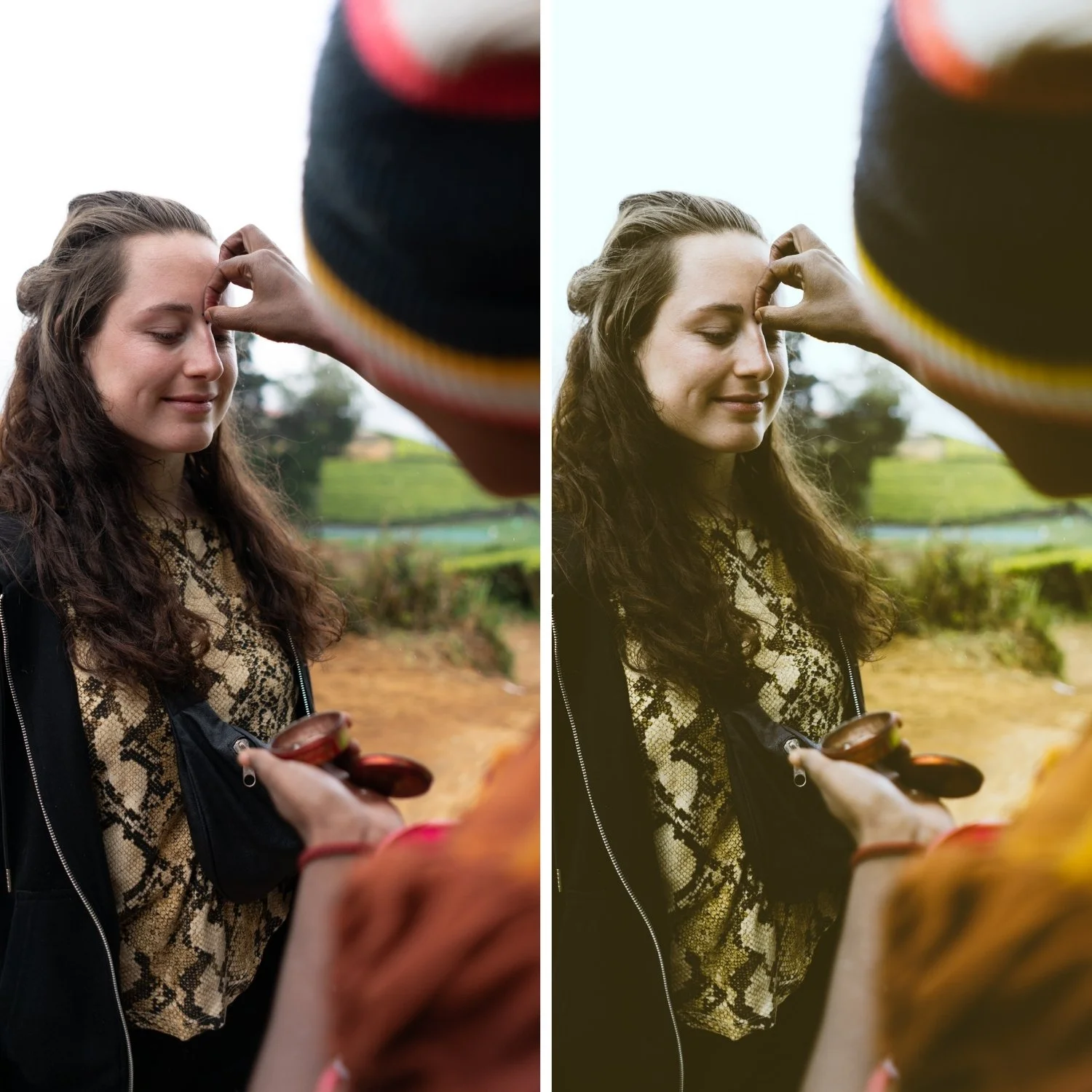
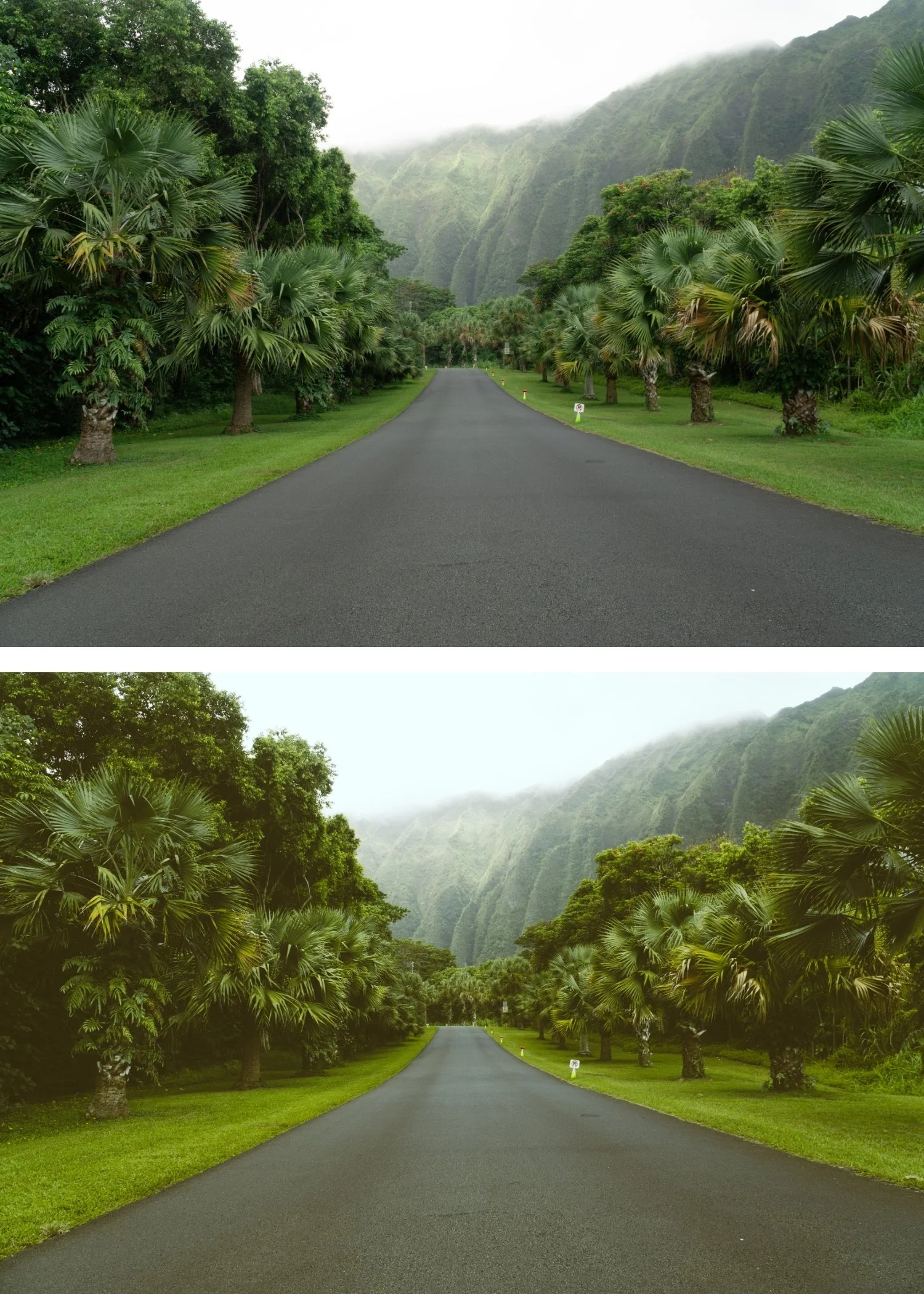
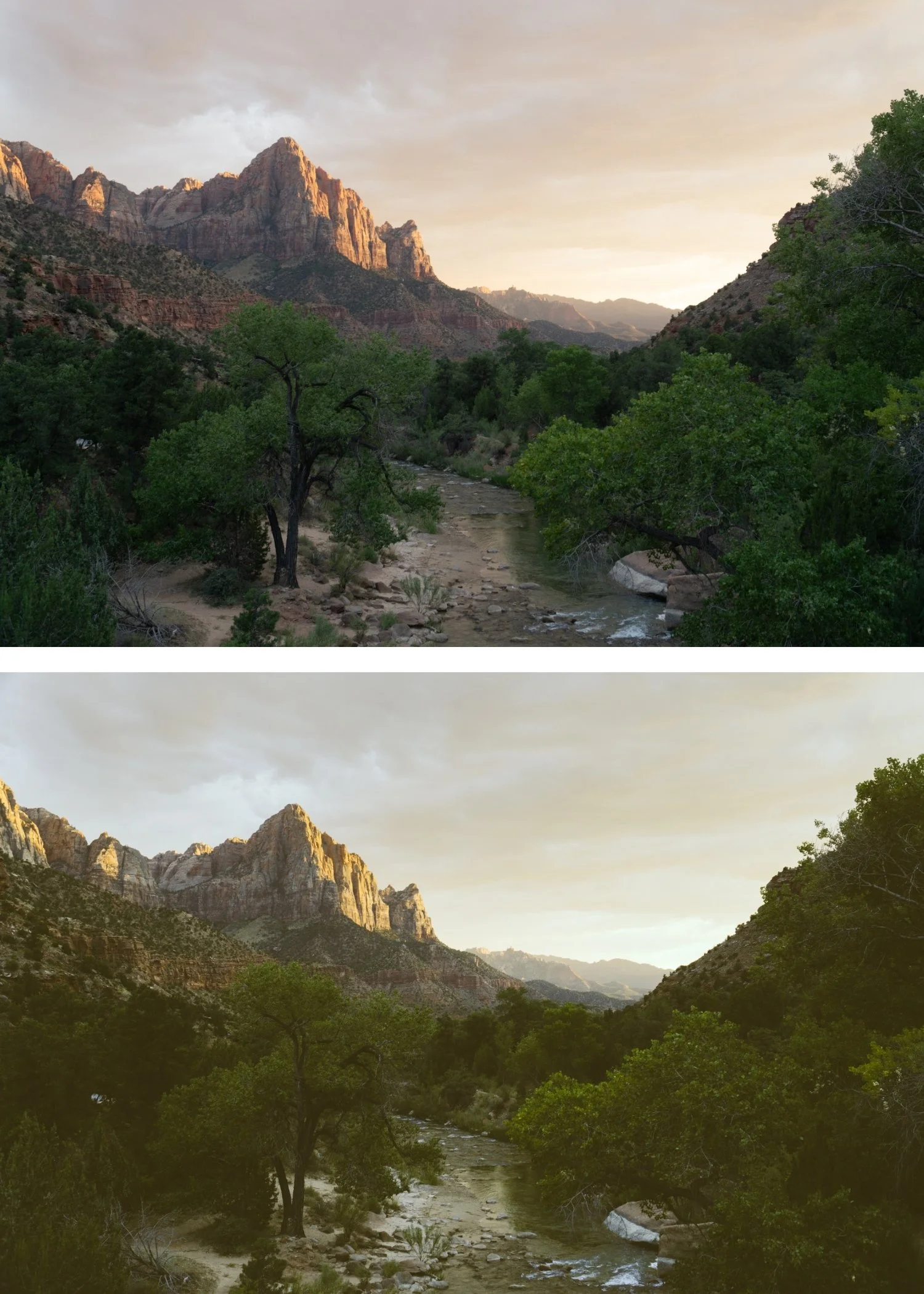
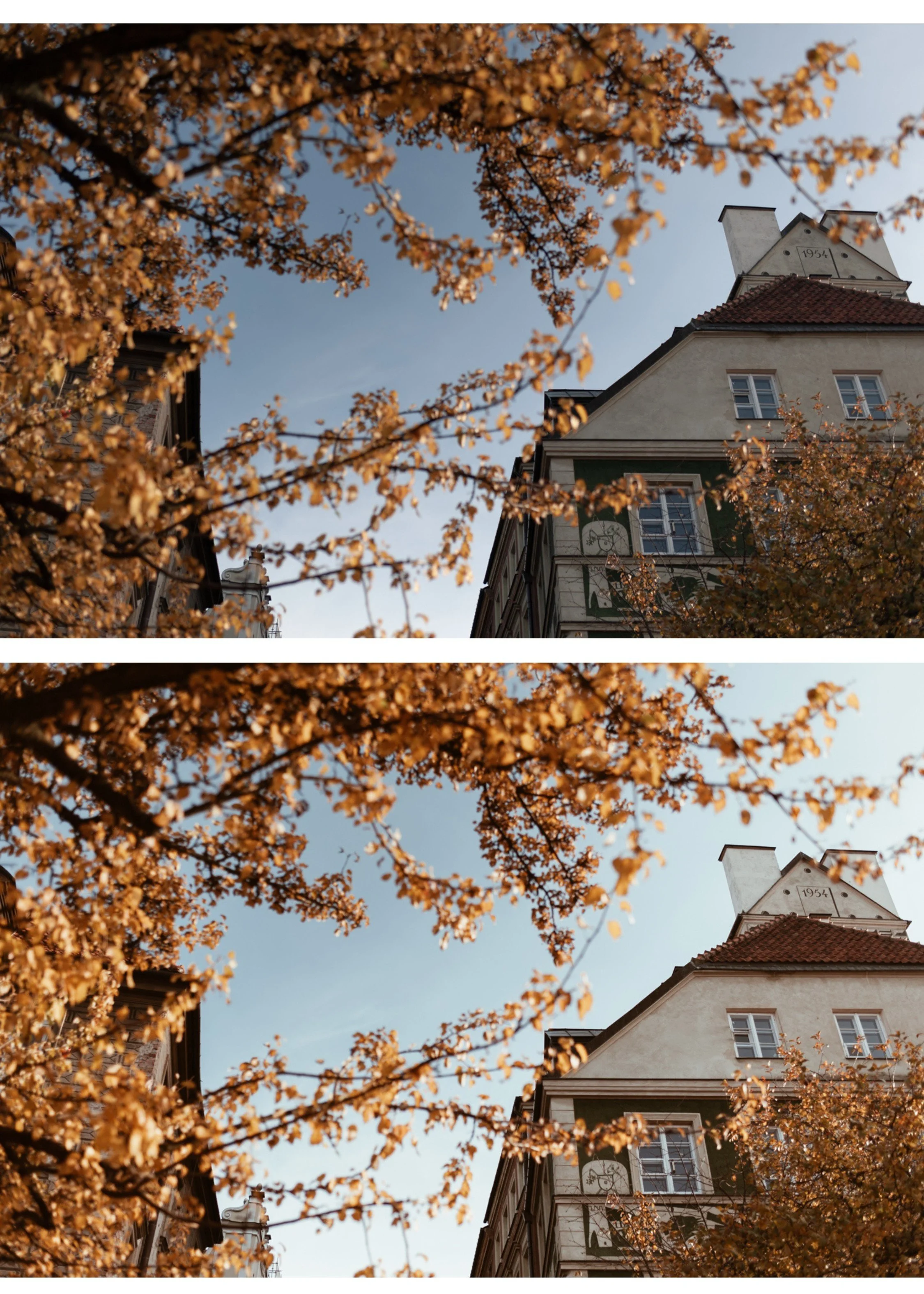
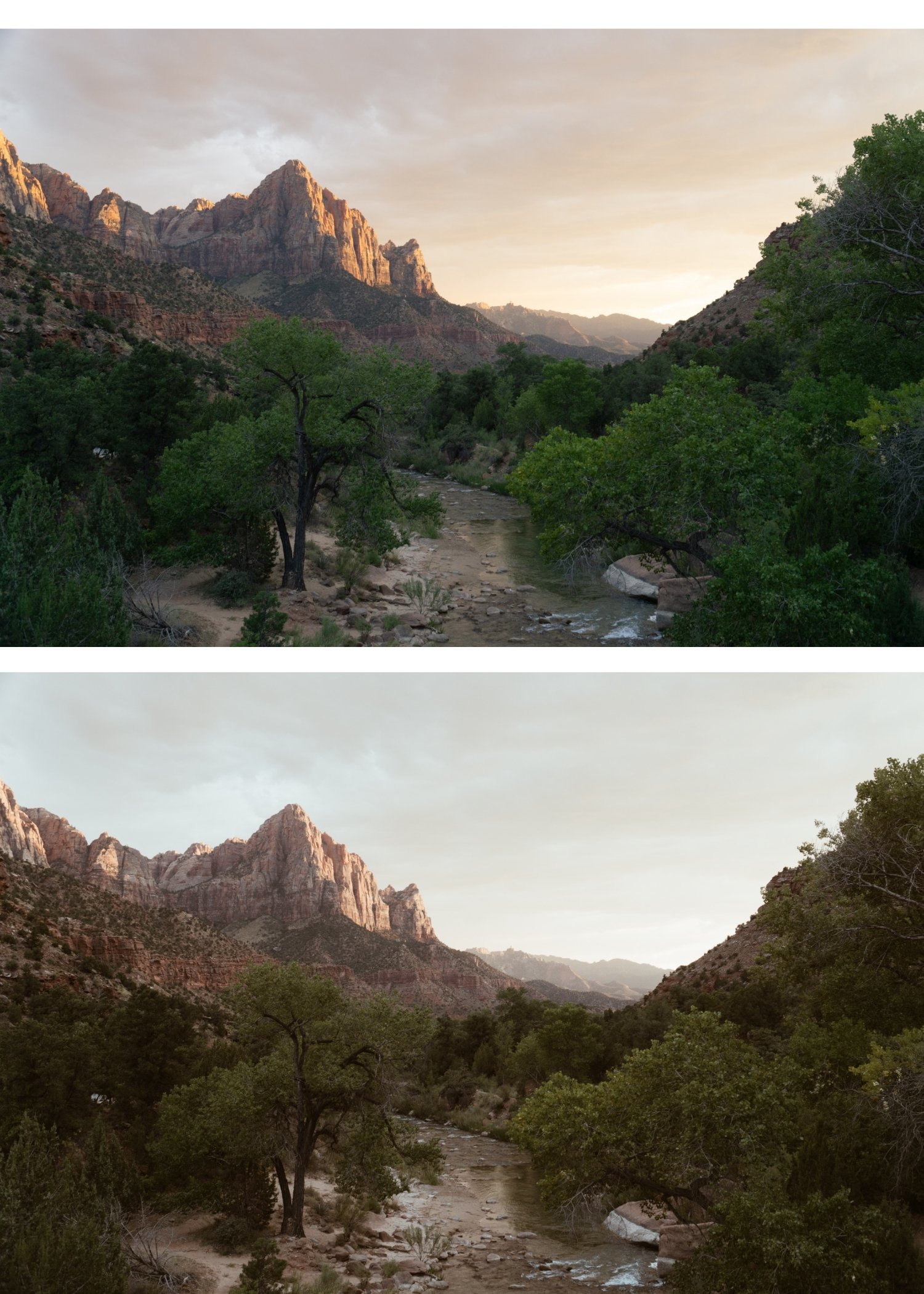
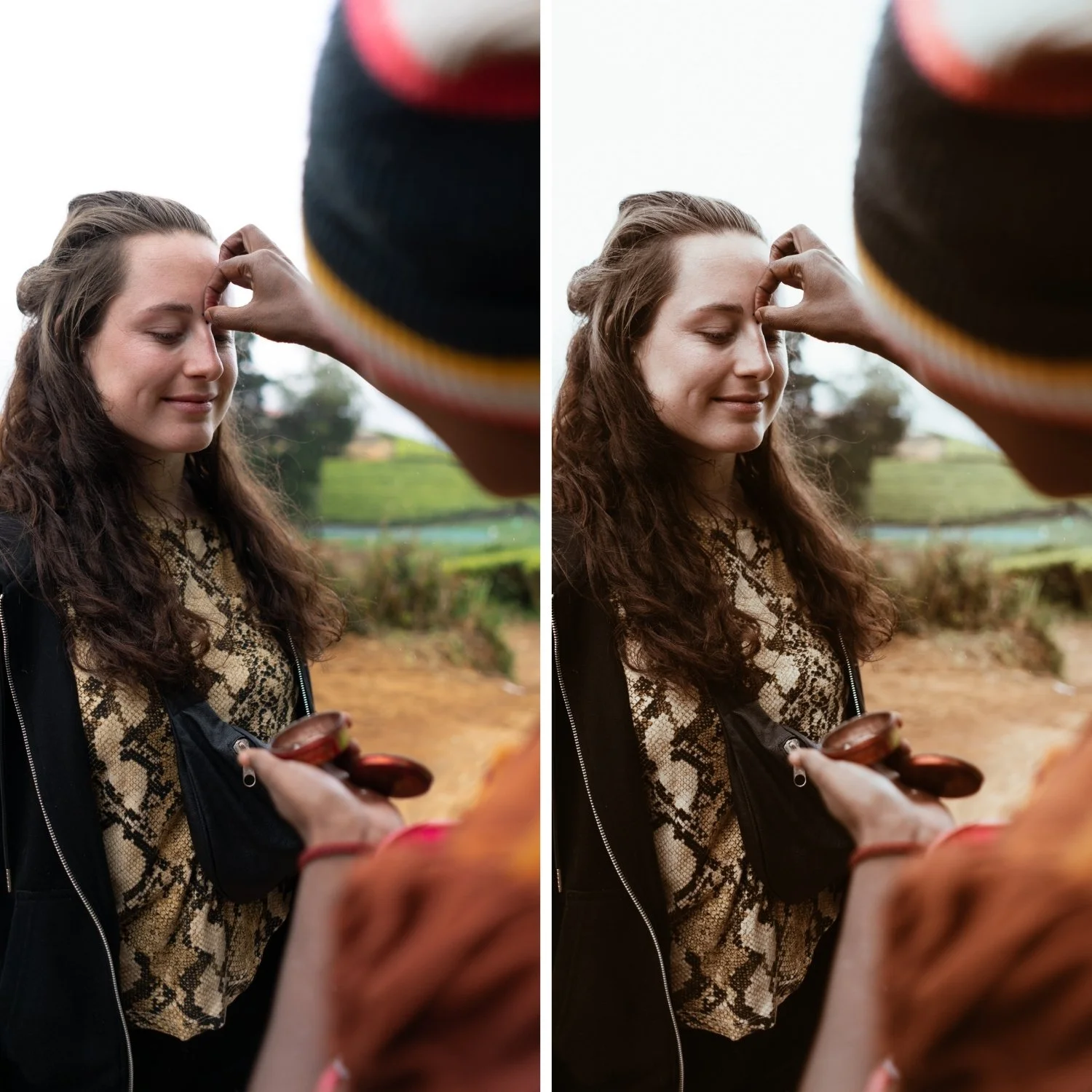
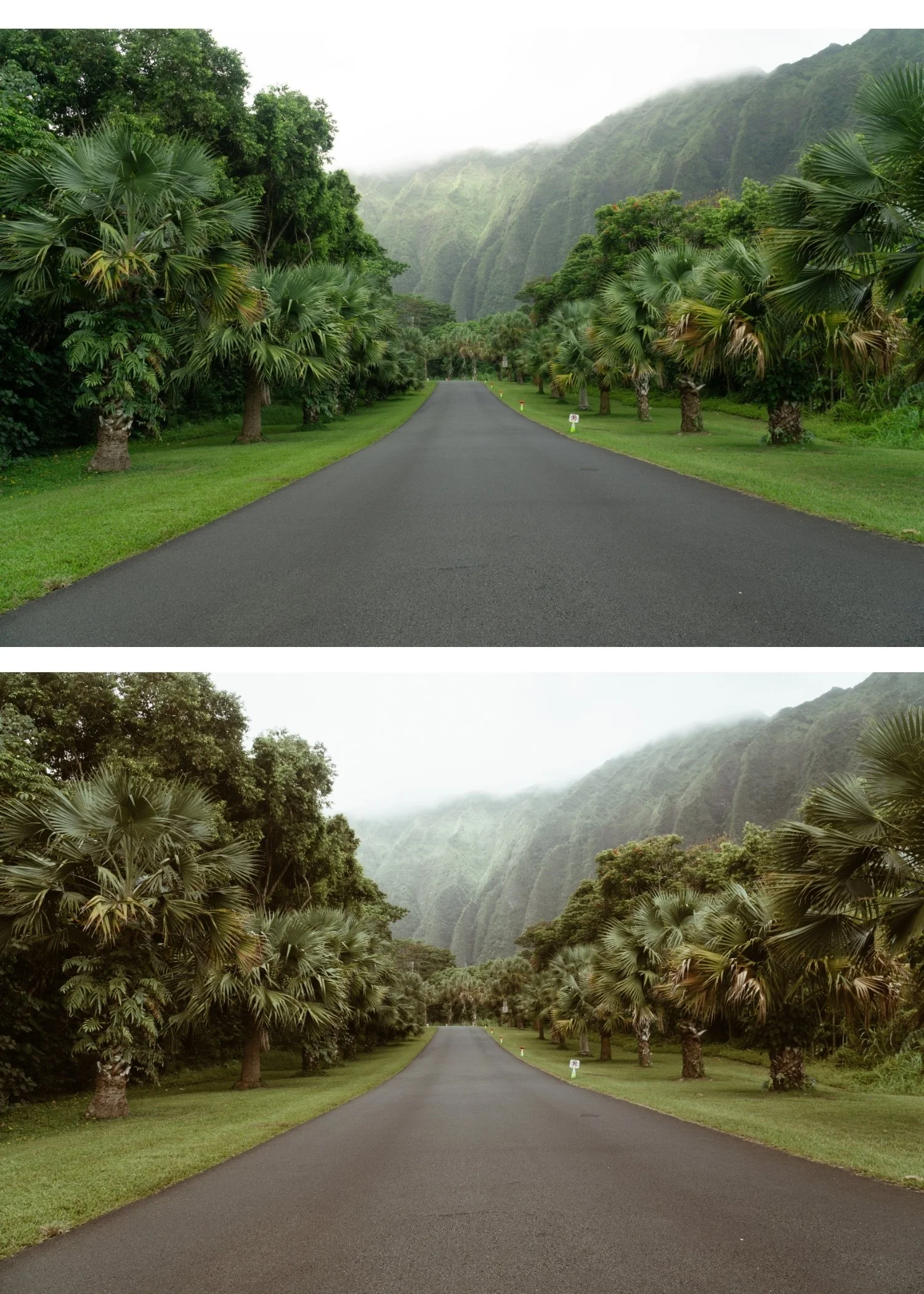
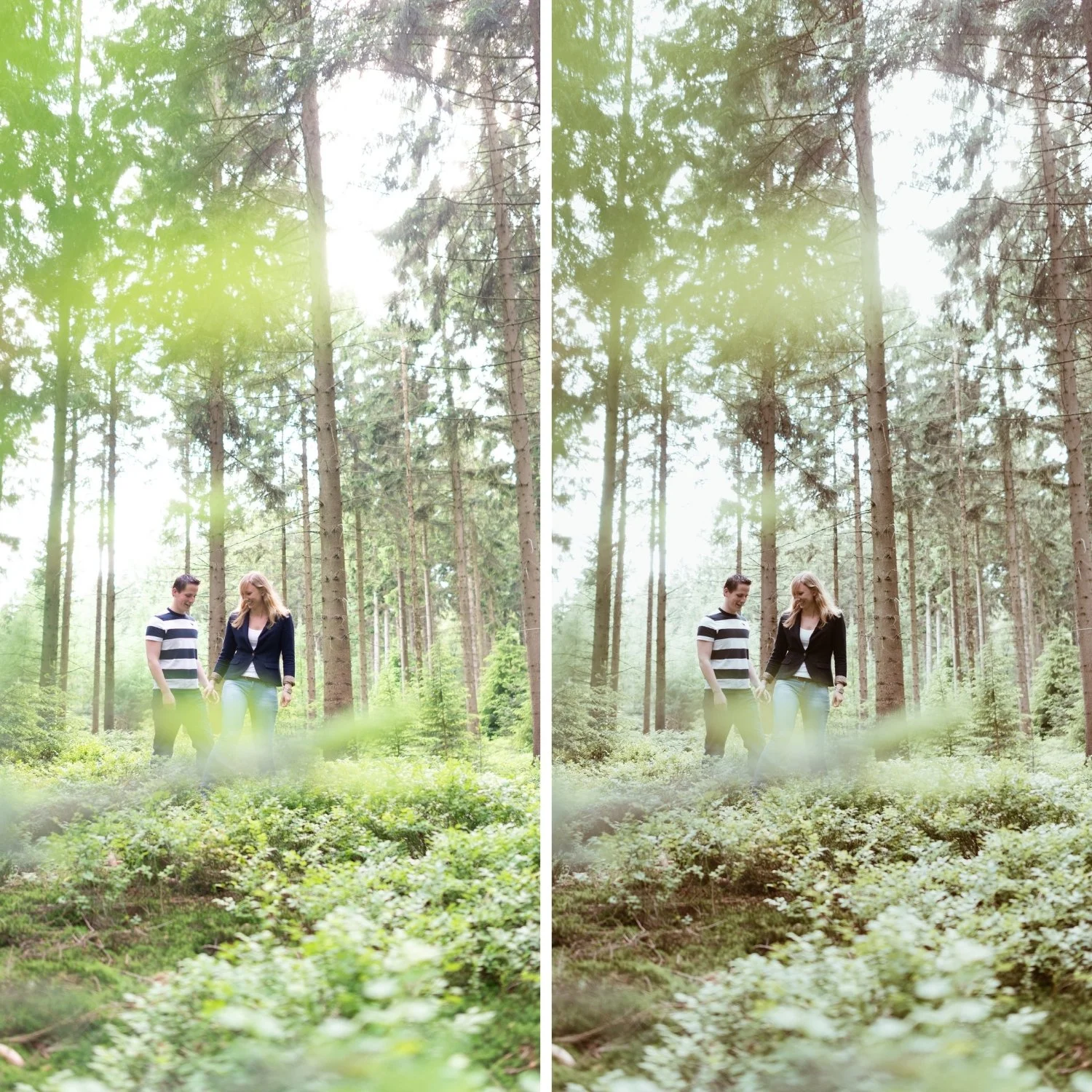
Analog 04 Golden Warmth | Warm Film Preset for Lightroom Desktop & Mobile

-
A4 is for portrait and lifestyle photographers who regularly shoot during golden hour or in warm afternoon light and want to preserve and enhance that quality rather than neutralize it.
For travel photographers in warm climates — Mediterranean, coastal, southern sun — where the natural light already has richness that the edit should amplify.
For wedding photographers who want a warm, flattering preset for outdoor ceremony and golden hour portrait sessions.
For anyone who has ever applied a warm preset and had skin turn orange — A4's golden-rather-than-orange calibration solves this directly.
-
The warmth is golden, not orange. This is the most important thing about A4. Orange Hue is shifted toward yellow-golden. Shadow Color Grading is calibrated toward amber rather than vivid orange. Skin looks warm and flattering, not processed.
It amplifies good light rather than compensating for bad light. A4 is at its best on photos that already have warmth from the ambient light. It takes what is there and makes it more of itself.
It makes golden hour look the way golden hour feels. Golden hour light has a specific quality that is difficult to capture accurately. A4 is calibrated for it.
It works for diverse skin tones. The golden-warm calibration of A4 flatters a wide range of skin tones without pushing any of them toward orange or grey.
-
1 × A4 Golden Warmth DNG file — for Lightroom Mobile on iPhone and Android
1 × A4 Golden Warmth XMP file — for Lightroom Classic on Mac and Windows
Step-by-step installation guide Lifetime access
-
For best results: fix white balance before applying. If the photo was shot in warm golden hour light, set Temperature to 5,500-6,000K rather than letting Auto white balance cool it down. A4 on a correctly warm white balance produces golden quality. A4 on a cooled-down Auto white balance produces less warmth than intended.
On phone photos: reduce strength to 75-80%. Phones add their own warmth — full-strength A4 on an already-warm iPhone photo can push skin toward orange.
-
his preset captures the subtle color shifts and moody, natural tones similar to the popular A4 mobile filters. It’s the perfect professional alternative for those chasing a soft, analog film aesthetic with understated elegance on both desktop and mobile 🎞️
-
Why does A4 make skin look orange on my photos? Either white balance was too warm before applying, or the phone's own warmth stacked with A4. Cool white balance by 200-400K before applying and reduce preset strength to 75% on phone photos.
What is the difference between A4 and A6? A4 is calibrated for warm-light photography generally. A6 is specifically optimized for skin tones across all lighting conditions. For golden hour portrait work, either works — A4 for the warmest quality, A6 for the most skin-accurate quality.
GET ALL 10 A-SERIES PRESETS
A4 handles warm, golden light. The full Analog Film Archive gives you nine more — A1 for neutral conditions, A2 for bright outdoor, A6 for portrait-optimized skin tones, A8 for overcast and indoor light. Ten presets covering every shooting scenario for $2.70 each.
STUDIO ARCHIVE
Want every preset we make? The Studio Archive includes the complete Analog Film Archive plus 120+ more presets across every collection — all for $89. $0.68 per preset. Every future release included for life. View the Studio Archive — $89 →