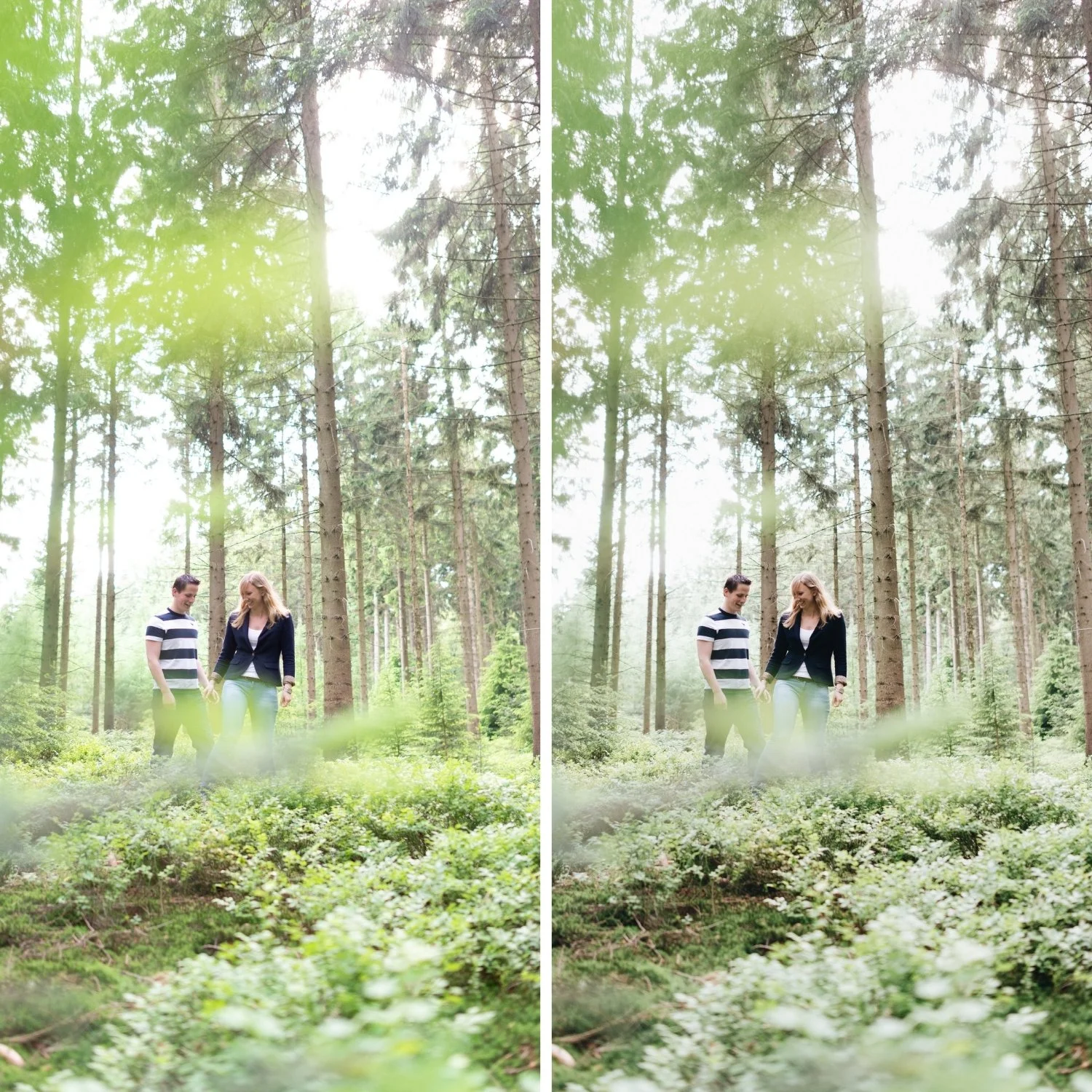
 Image 1 of 4
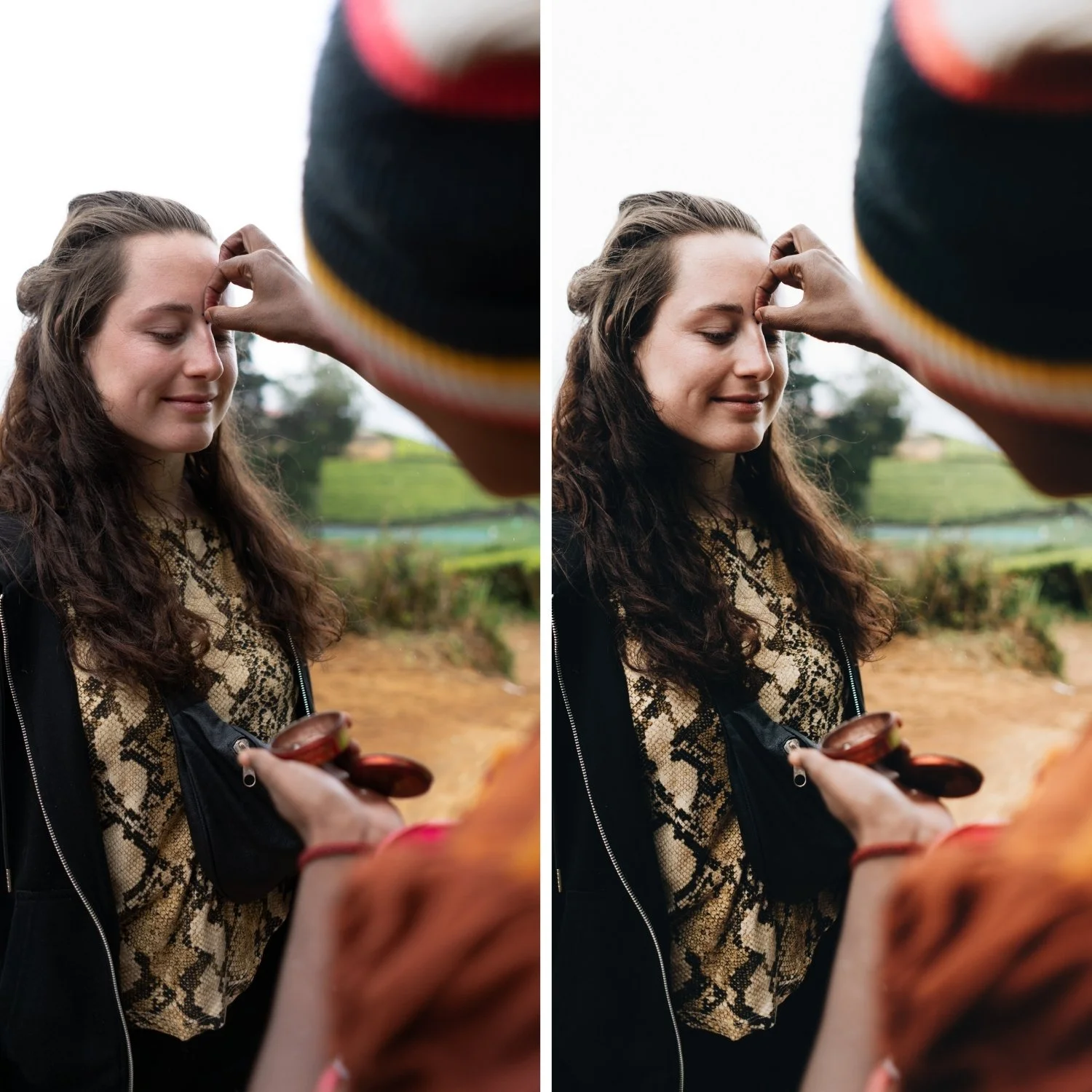 Image 2 of 4
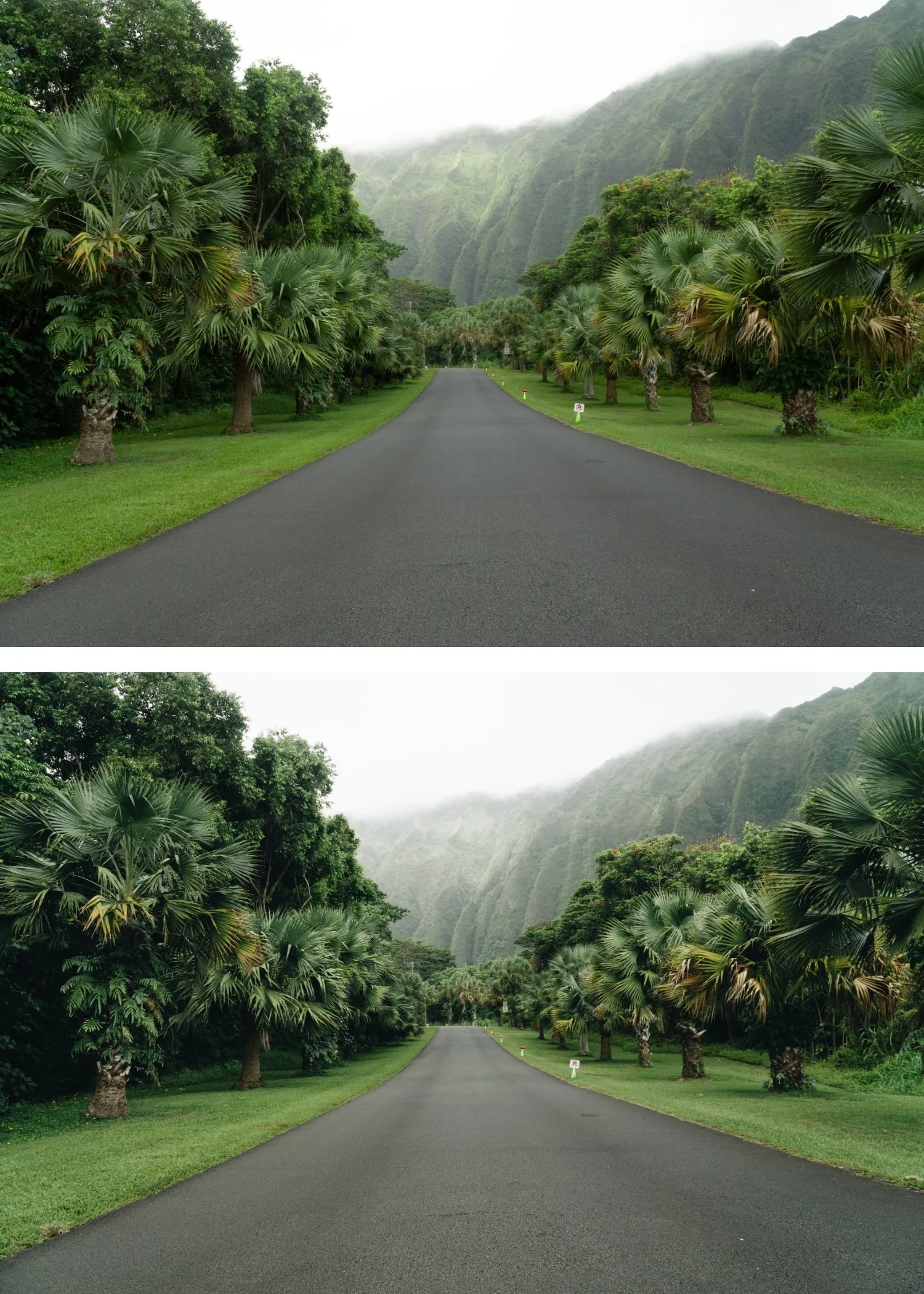 Image 3 of 4
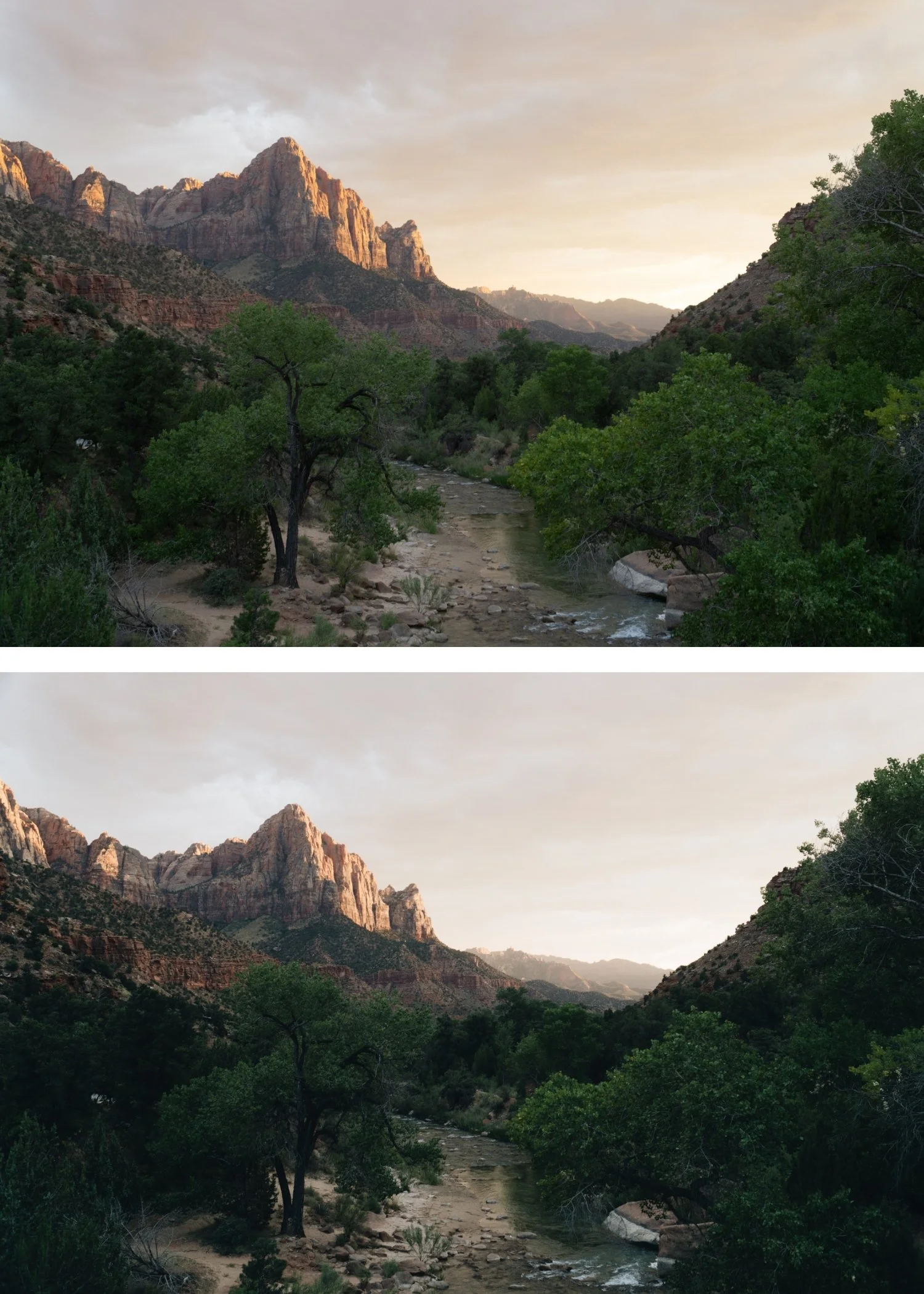 Image 4 of 4
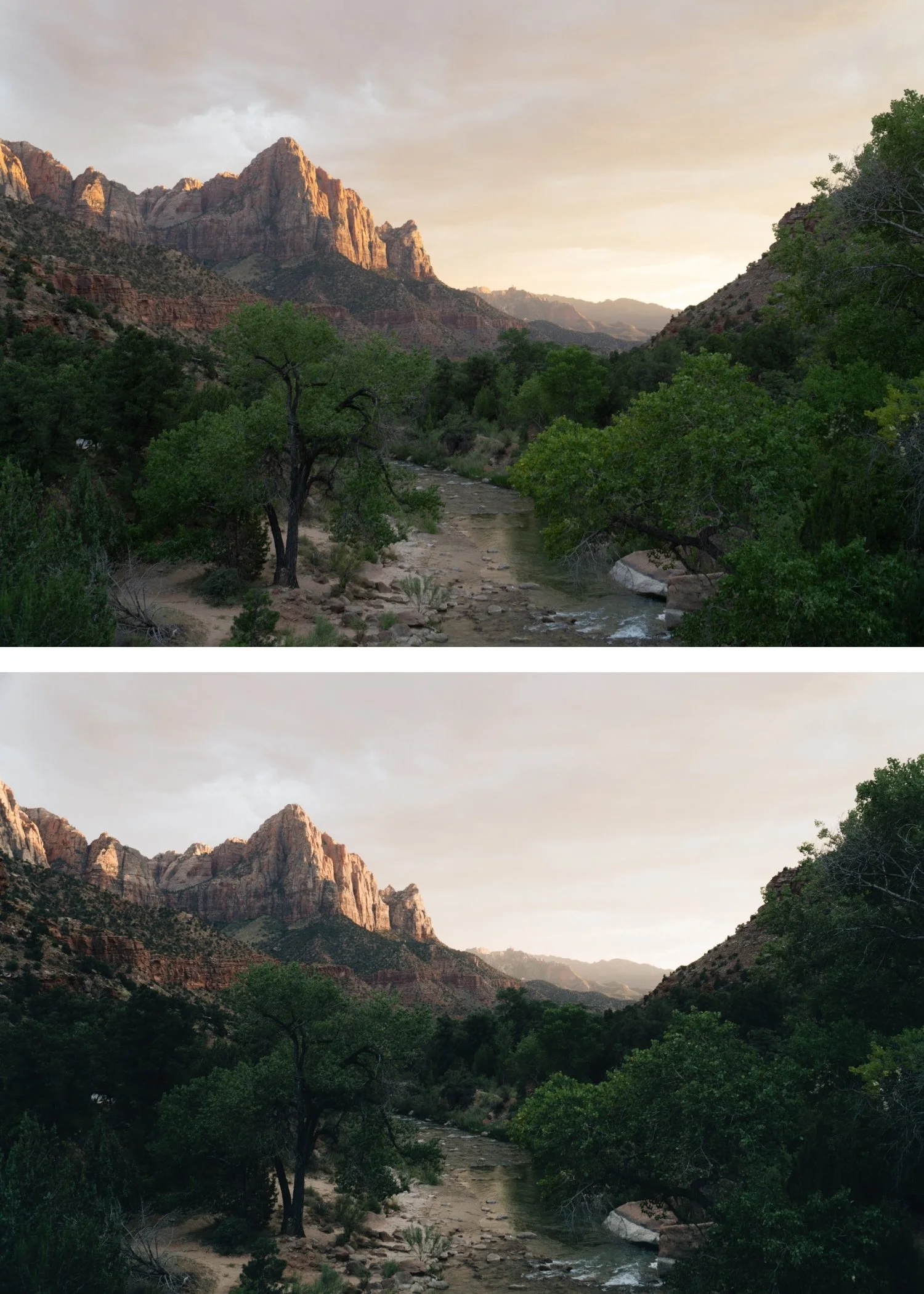
Analog 06 Clean Portrait | Skin-Optimized Film Preset for Lightroom Desktop & Mobile
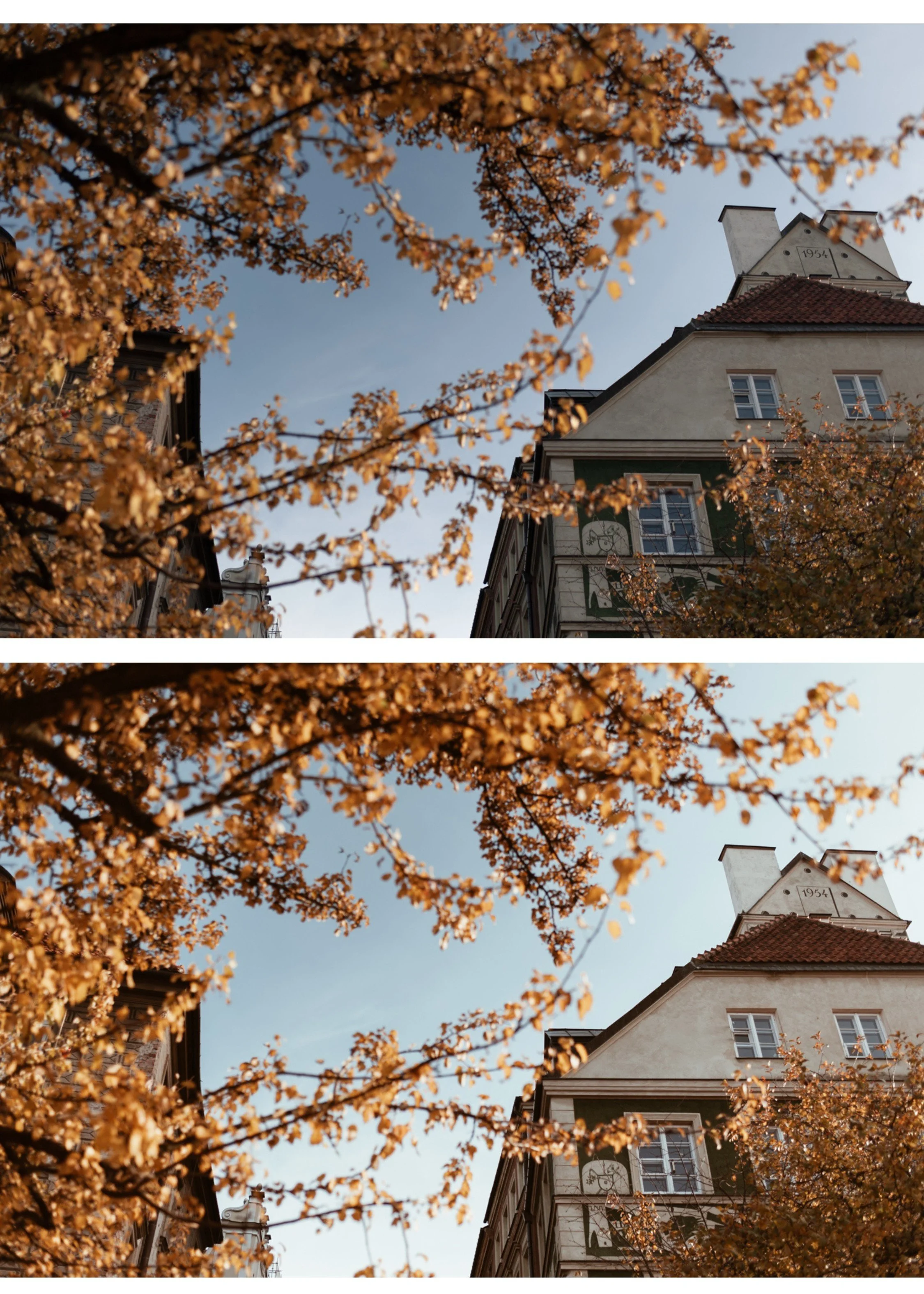

-
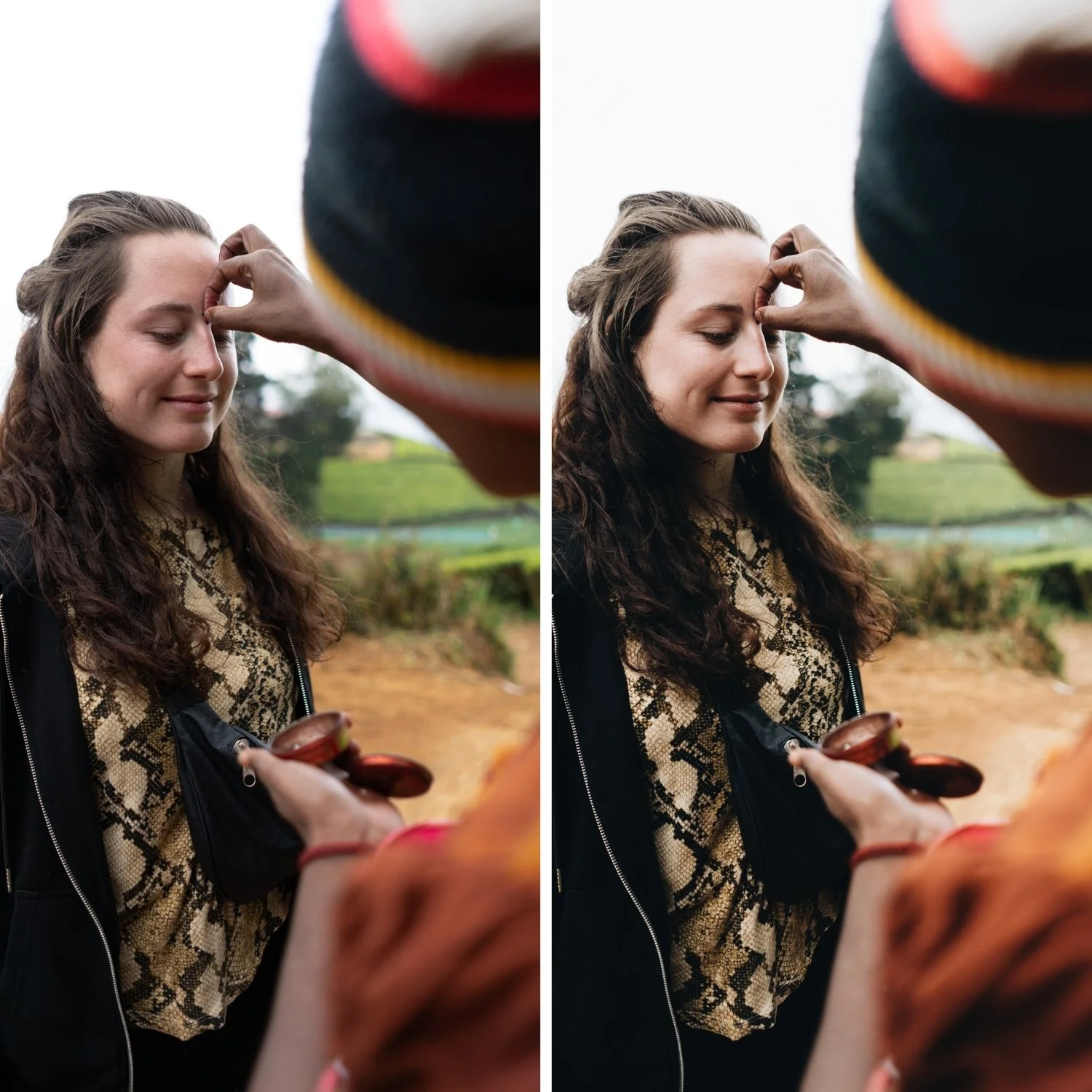
A6 is for portrait, lifestyle, and travel photographers who want natural film quality that works on skin.
For photographers who have tried warm film presets and had them go orange on skin. A6 is the fix.
For photographers who shoot a mix of portrait and non-portrait work and need one preset that handles both. A6 is the most versatile preset in the Analog Archive.
For beginner photographers who want one preset they can apply to everything and trust to produce consistent natural quality. Start here.
-
The skin quality is specifically calibrated. A6 was developed with natural skin rendering as the primary goal. It handles diverse skin tones consistently — from very fair to very deep — without pushing any of them toward orange or grey.
It works on everything. Portrait, travel, lifestyle, street, food, events. A6 is the most universally applicable preset in the collection because the skin-safe calibration is also the most natural calibration for all other subjects.
It is the starting point of the collection. The free download that has been downloaded thousands of times is A6. The reason we made it free is that we wanted photographers to experience what a well-calibrated film preset actually does on real photos before spending anything. If it works for you on 20 test photos, it will work for you consistently.
It handles every camera brand. Canon's warm color, Sony's clinical color, Fujifilm's film simulation starting points, iPhone and Android processing — A6 produces natural quality across all of them with the camera-specific preparation adjustments described in the how-it-works section.
-
1 × A6 Clean Portrait DNG file — for Lightroom Mobile on iPhone and Android
1 × A6 Clean Portrait XMP file — for Lightroom Classic on Mac and Windows
Step-by-step installation guide for both Mobile and Desktop
Lifetime access — download again anytime
-
This preset captures the clean, minimalist aesthetic and subtle cool tones similar to the iconic A6 analog filters. It’s the perfect professional alternative for those wanting a refined, modern film look on both desktop and mobile.
-
Step 1 — Prepare the photo Fix Exposure first. Fix White Balance second — set white balance before applying the preset.
On phone photos: reduce Sharpening to 20 and Clarity to -10 before applying. On Canon RAW: apply Camera Neutral profile, Red Hue +8 before applying. On Sony RAW: apply Camera Standard profile, Vibrance -10 before applying.
Step 2 — Apply A6 Tap or click A6 Clean Portrait. The analog quality applies — lifted blacks, highlight roll-off, organic color, grain.
On phone photos: reduce to 75-80% strength after applying.
Step 3 — Fine-tune Per photo: adjust Exposure ±0.2 to 0.5 and White Balance Temperature ±150-300K if needed. For portraits: check Orange Saturation — keep at 0 to +5 after applying.
-
Is this the same as the free A6 preset? Yes — the free download and this product are the same preset. The free download is a way to test A6 before purchasing the full Analog Film Archive. If you are happy with A6 and want the other nine presets in the collection, the bundle is the better purchase.
Why does A6 look different on my photos than the examples? White balance and camera brand affect how the preset reads. Fix white balance before applying. Apply camera-specific preparation if shooting Canon, Sony, or Fuji RAW. On phone photos, reduce to 75-80% strength.
Does A6 work on group photos with multiple skin tones? Yes — A6's skin calibration works consistently across diverse skin tones. For very deep skin tones, add Orange Luminance +3 to +5 after applying.
Can I upgrade to the full bundle after purchasing A6? Yes — contact us and we will credit your A6 purchase toward the Analog Film Archive.
GET ALL 10 A-SERIES PRESETS
A6 is the portrait-optimized preset. The full Analog Film Archive gives you nine more variations on the same color philosophy — A4 for warm golden light, A7 for matte editorial quality, A8 for overcast and indoor light, A10 for the most cinematic quality in the collection.
Ten presets. One color philosophy. $2.70 per preset.
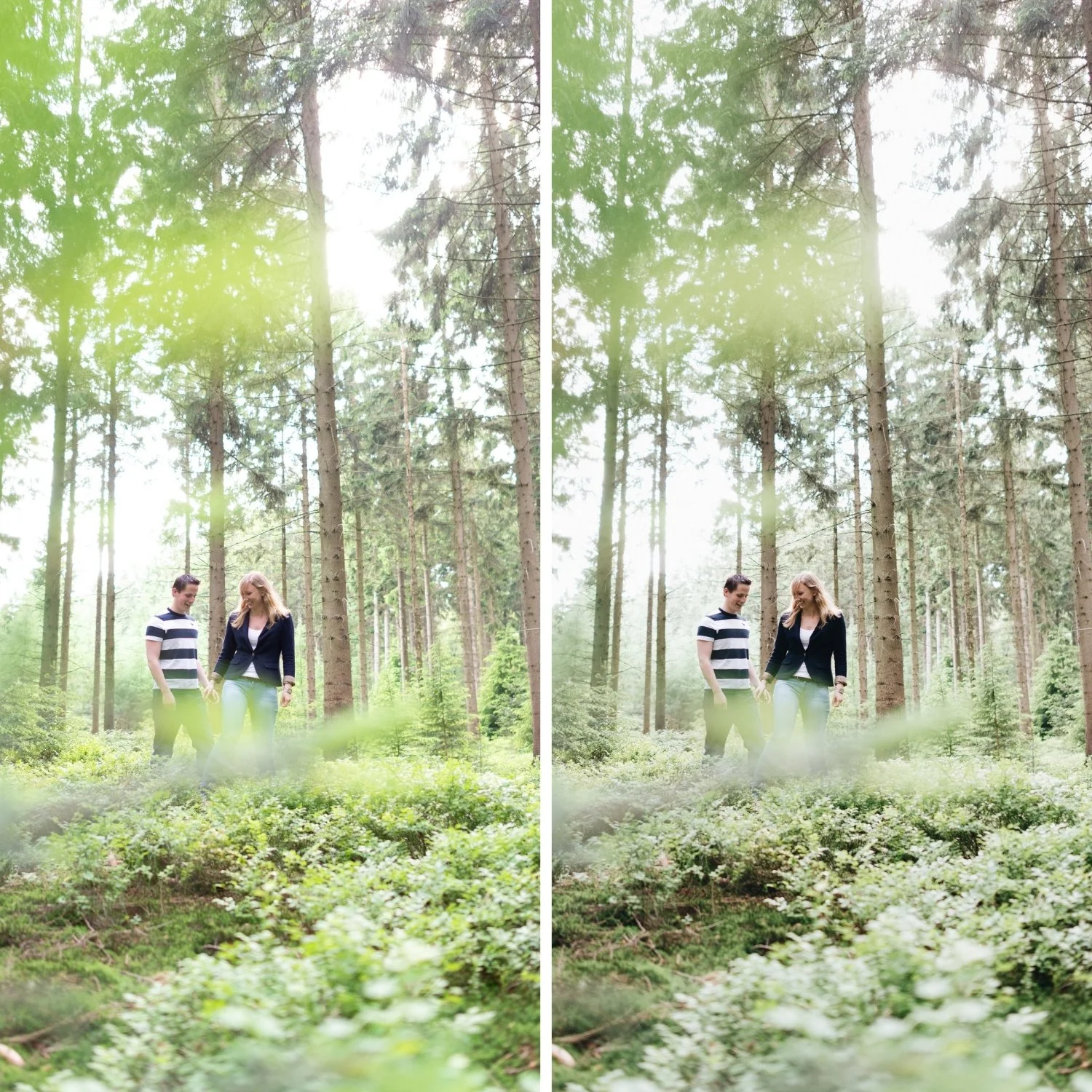
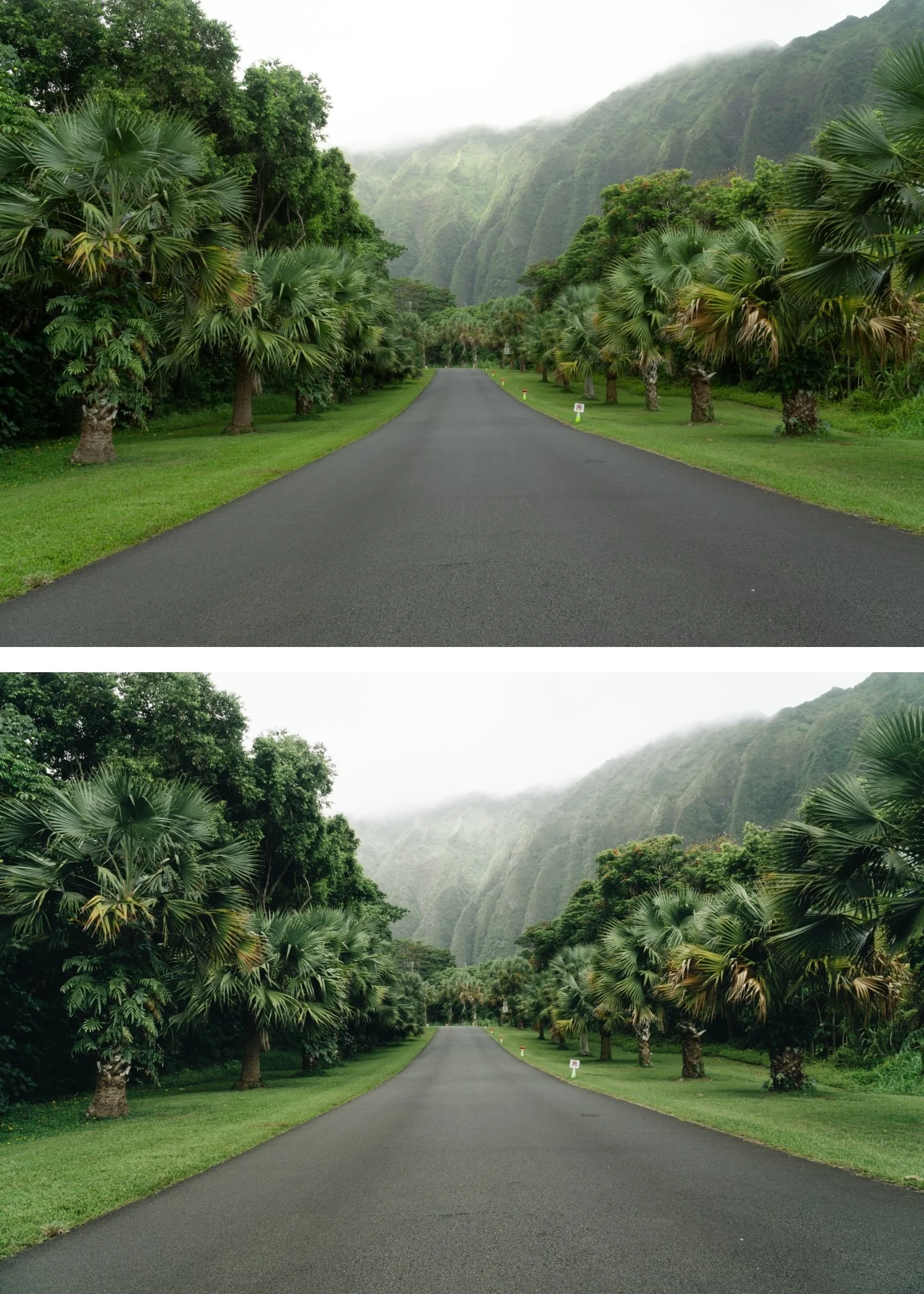
THE STUDIO ARCHIVE
Want everything? The Studio Archive contains 130+ presets — every collection we make, including the complete Analog Film Archive — for $89 total. That is $0.68 per preset with every future release included for life.