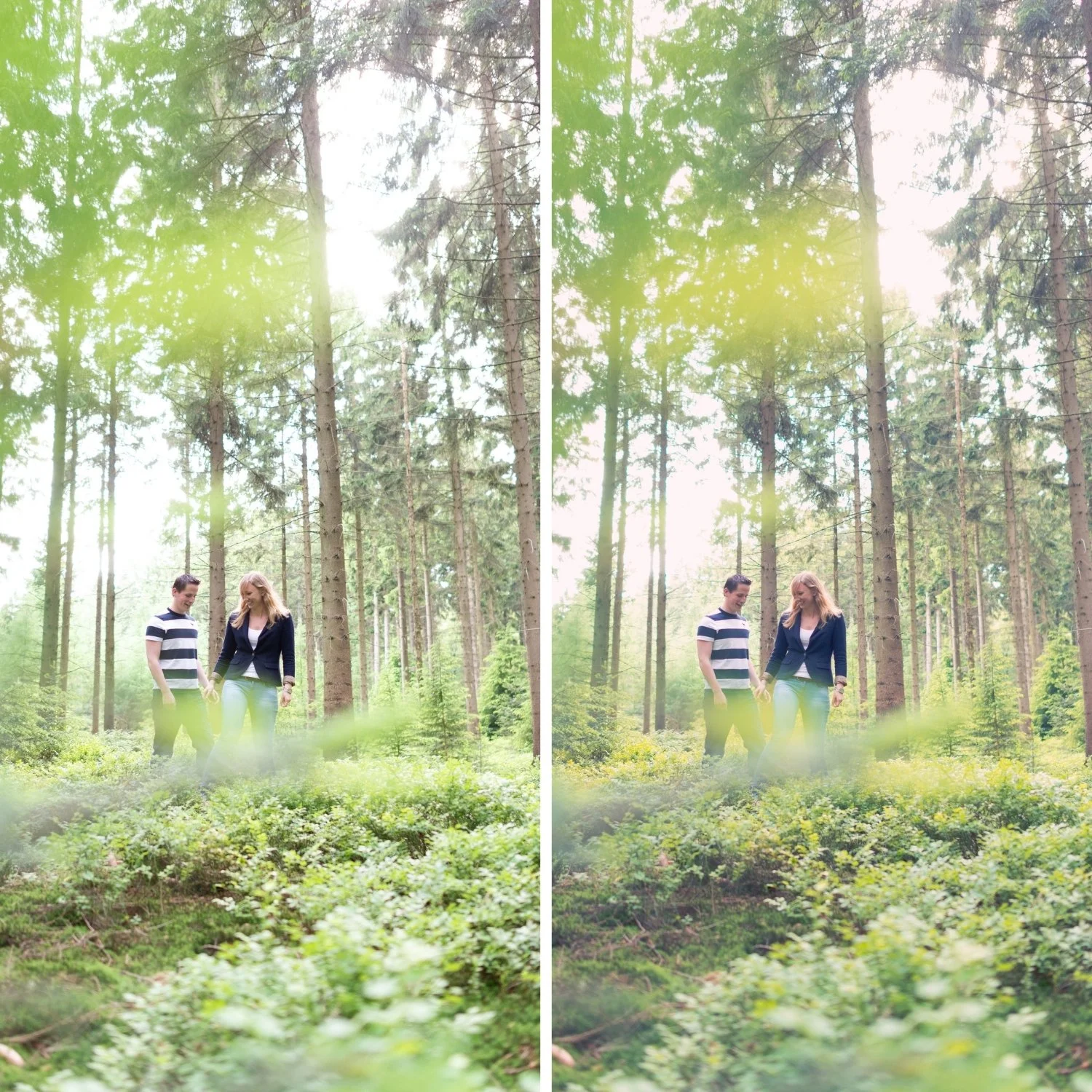
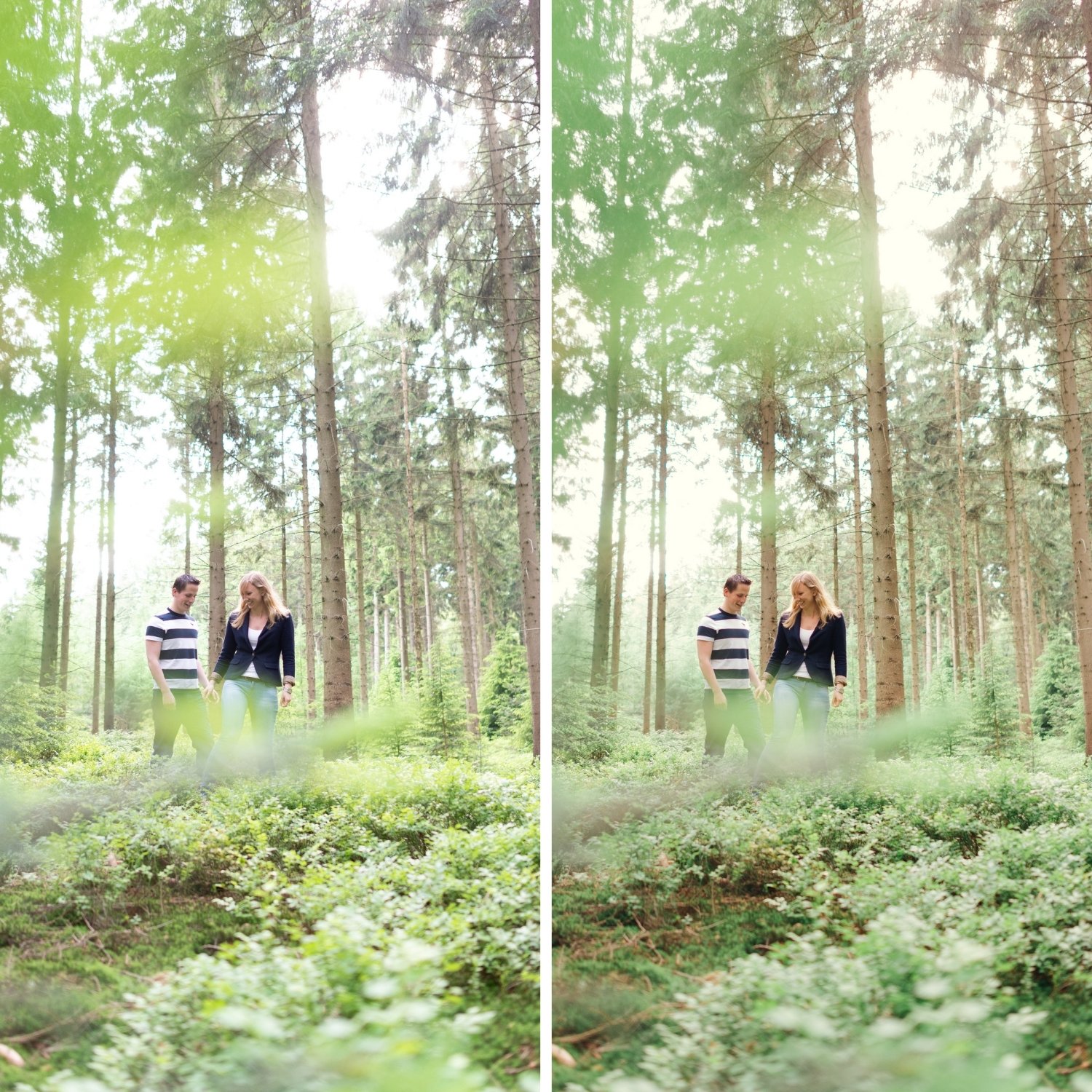
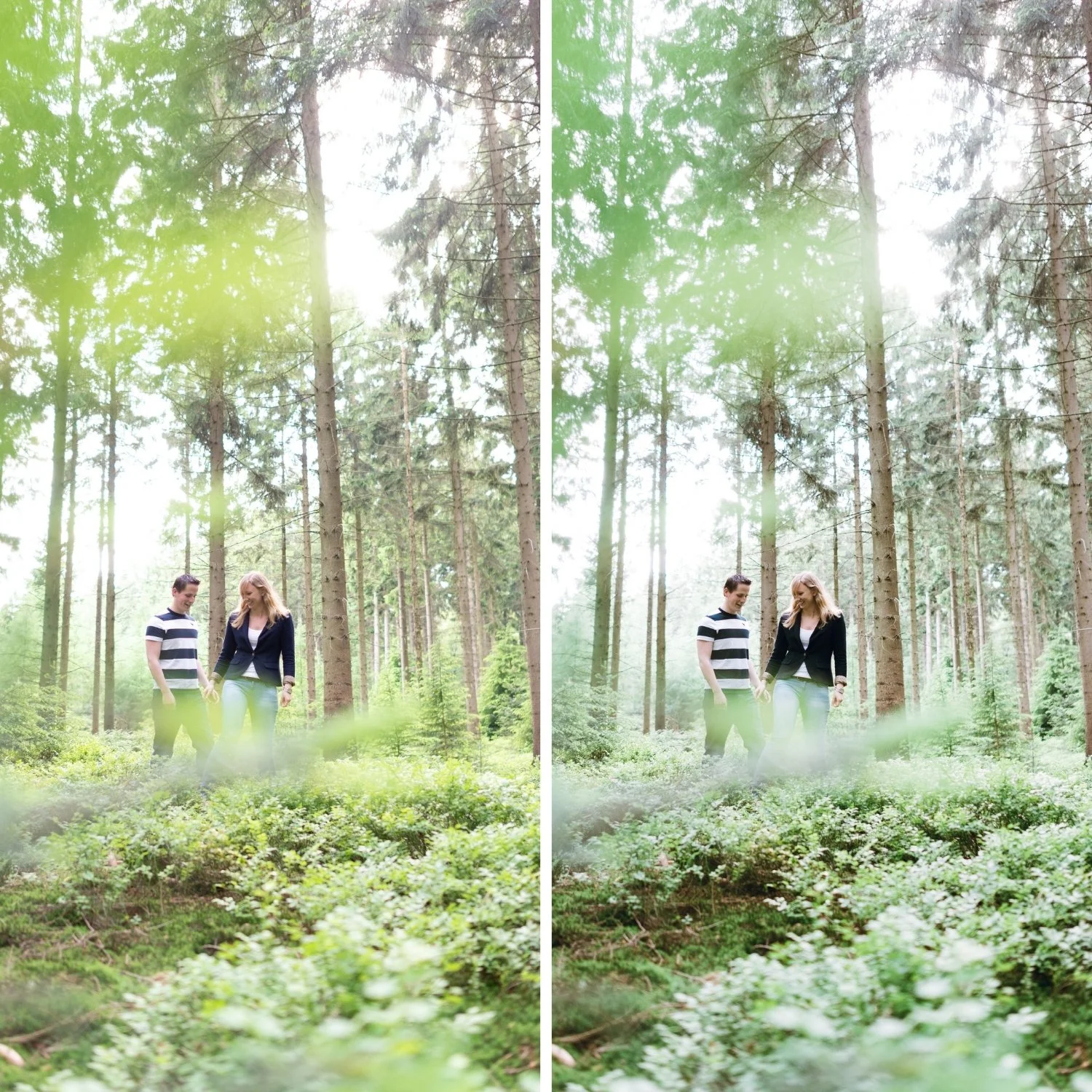
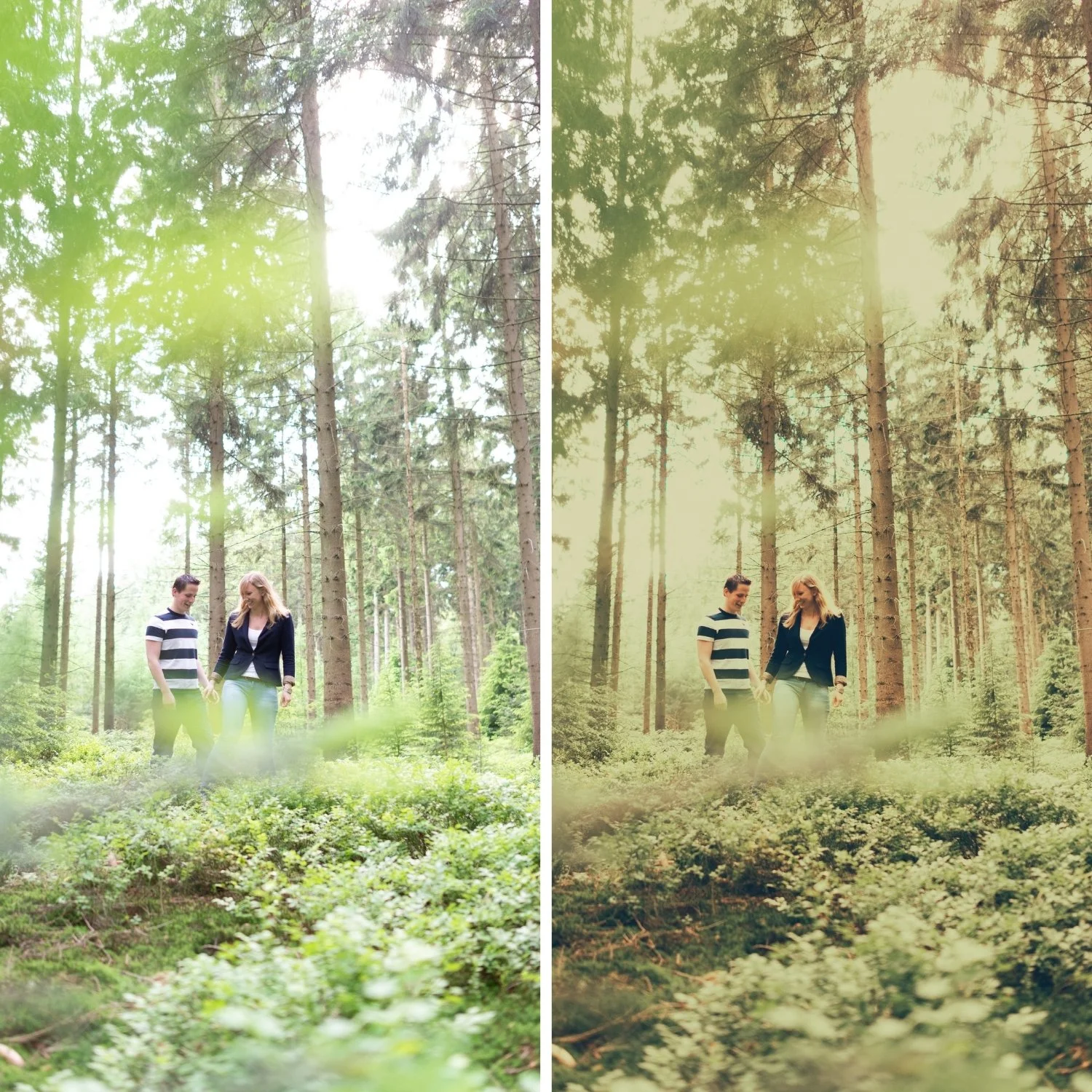
 Image 1 of 4
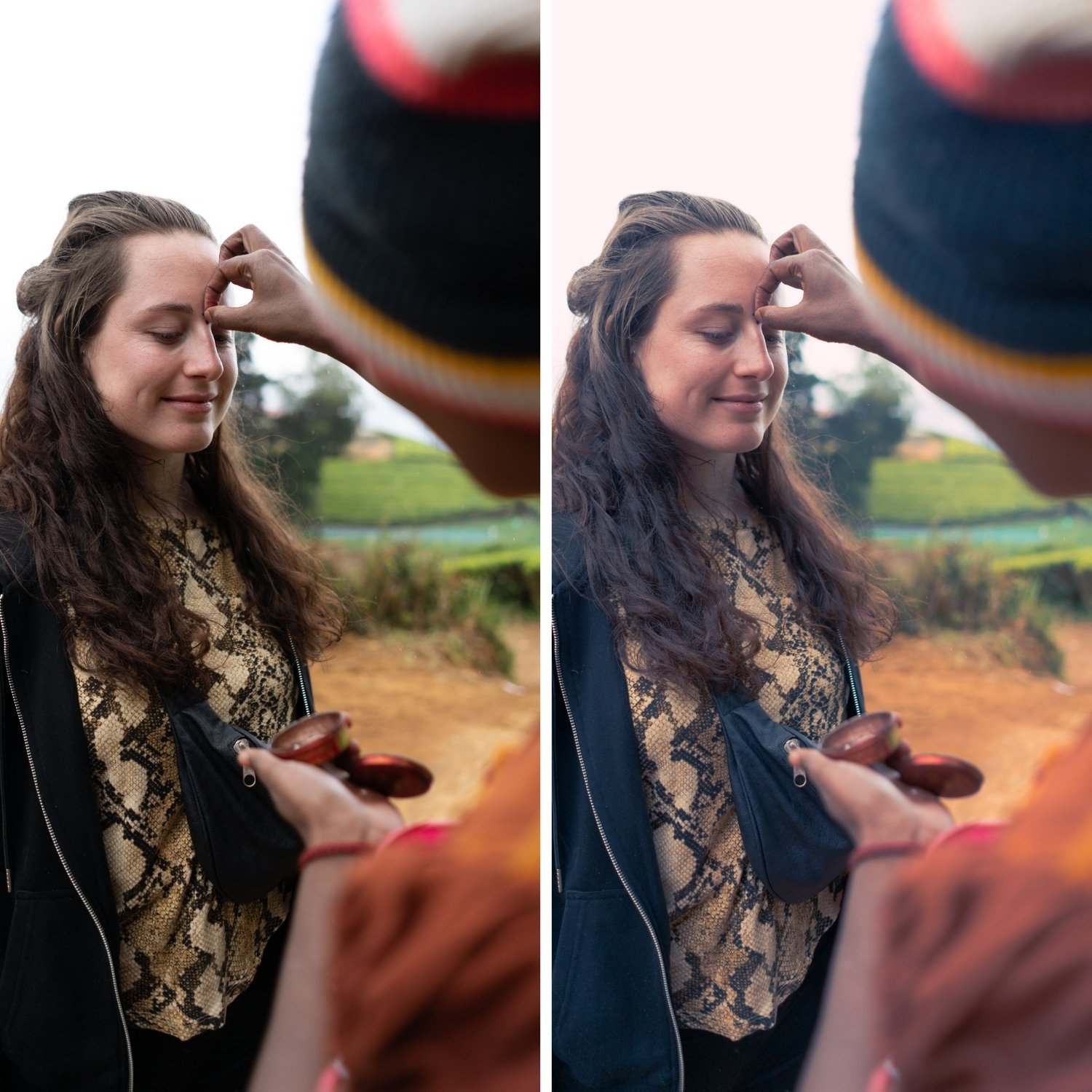
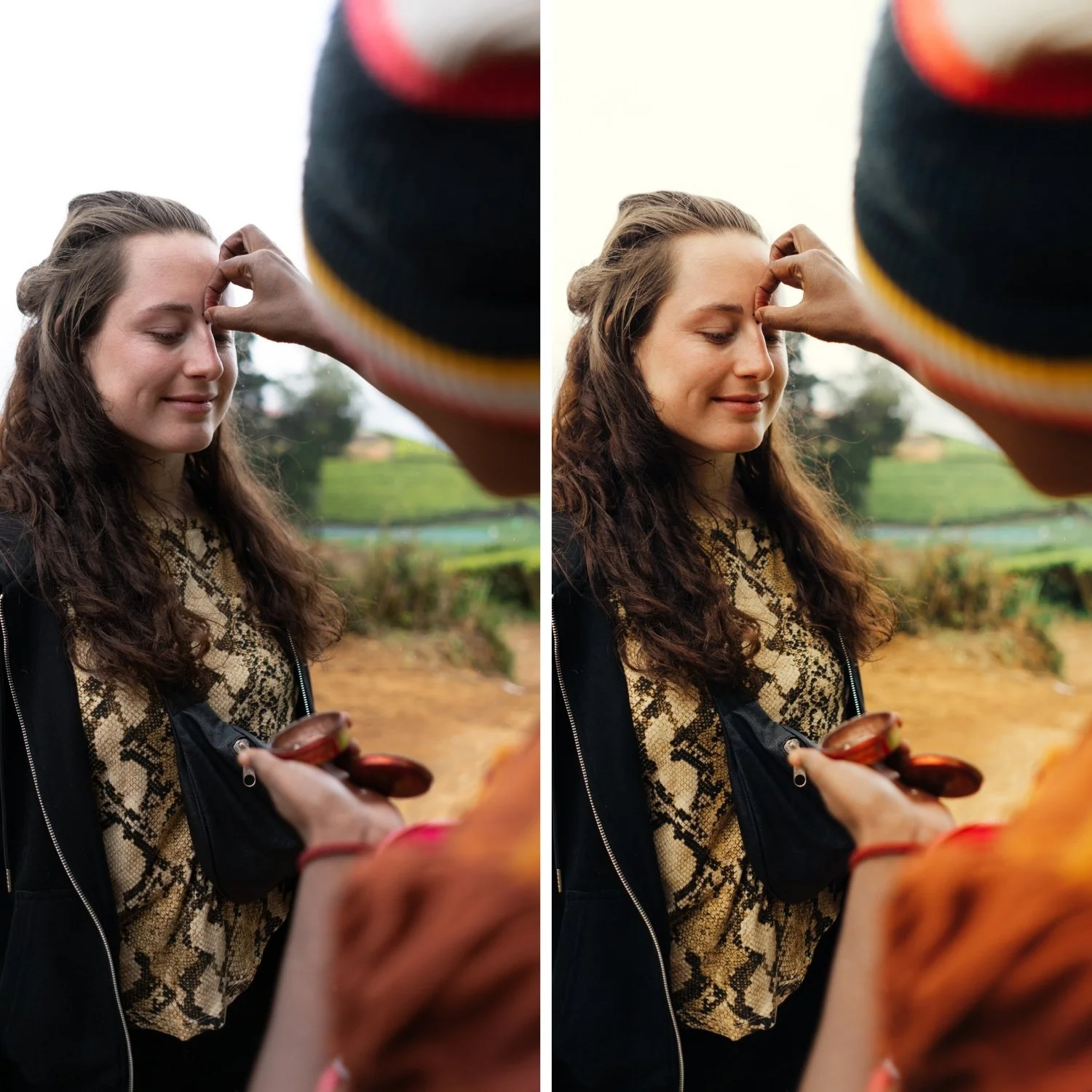
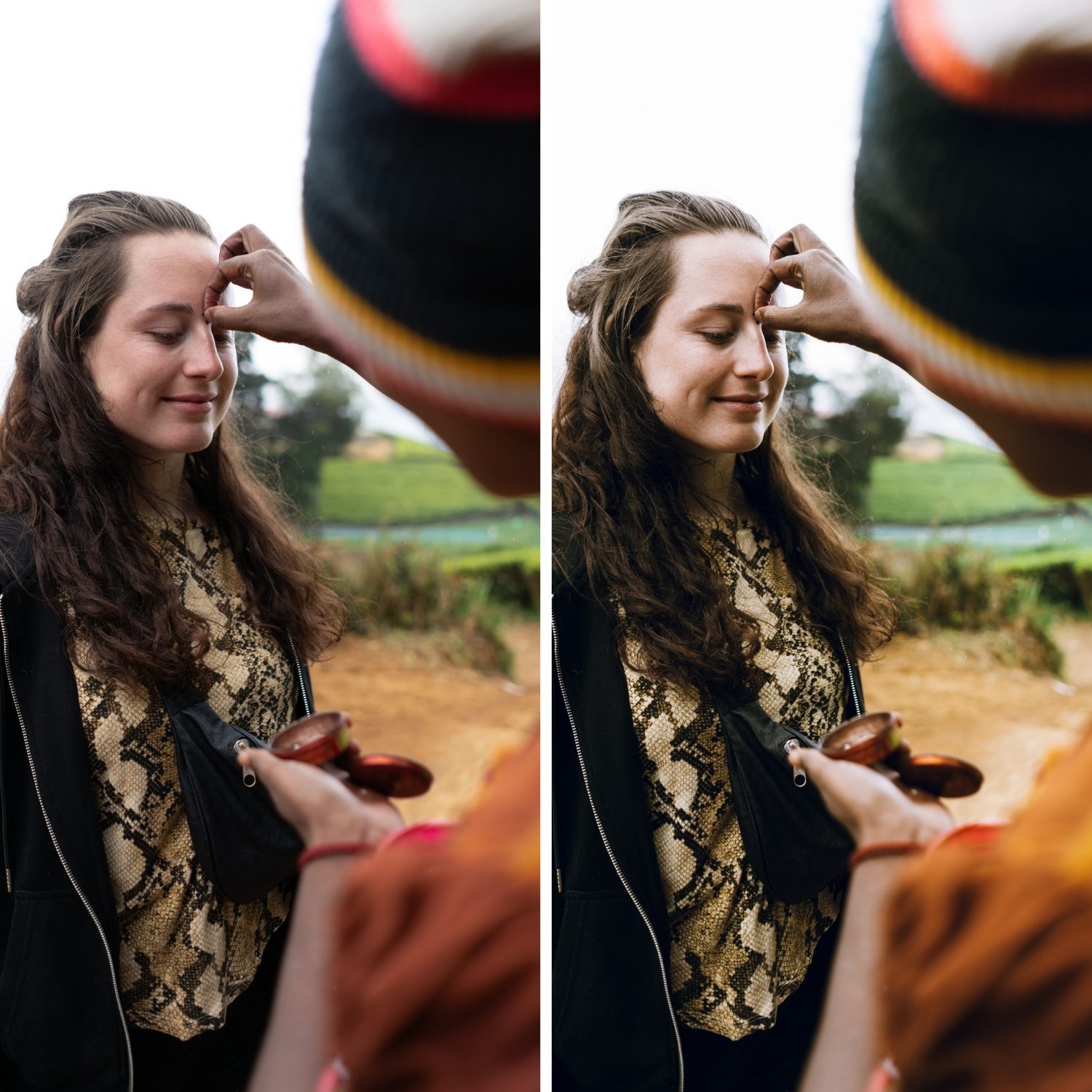
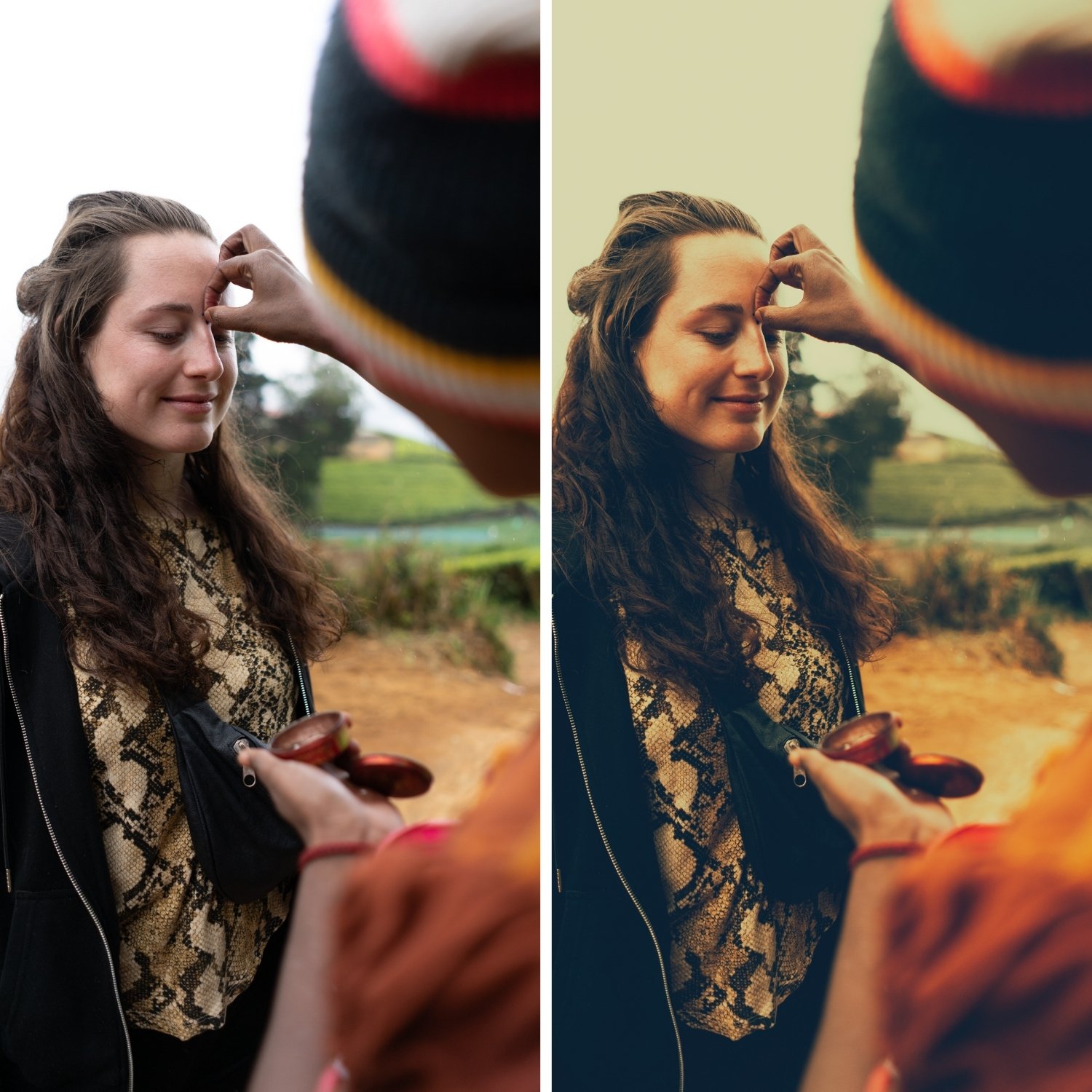
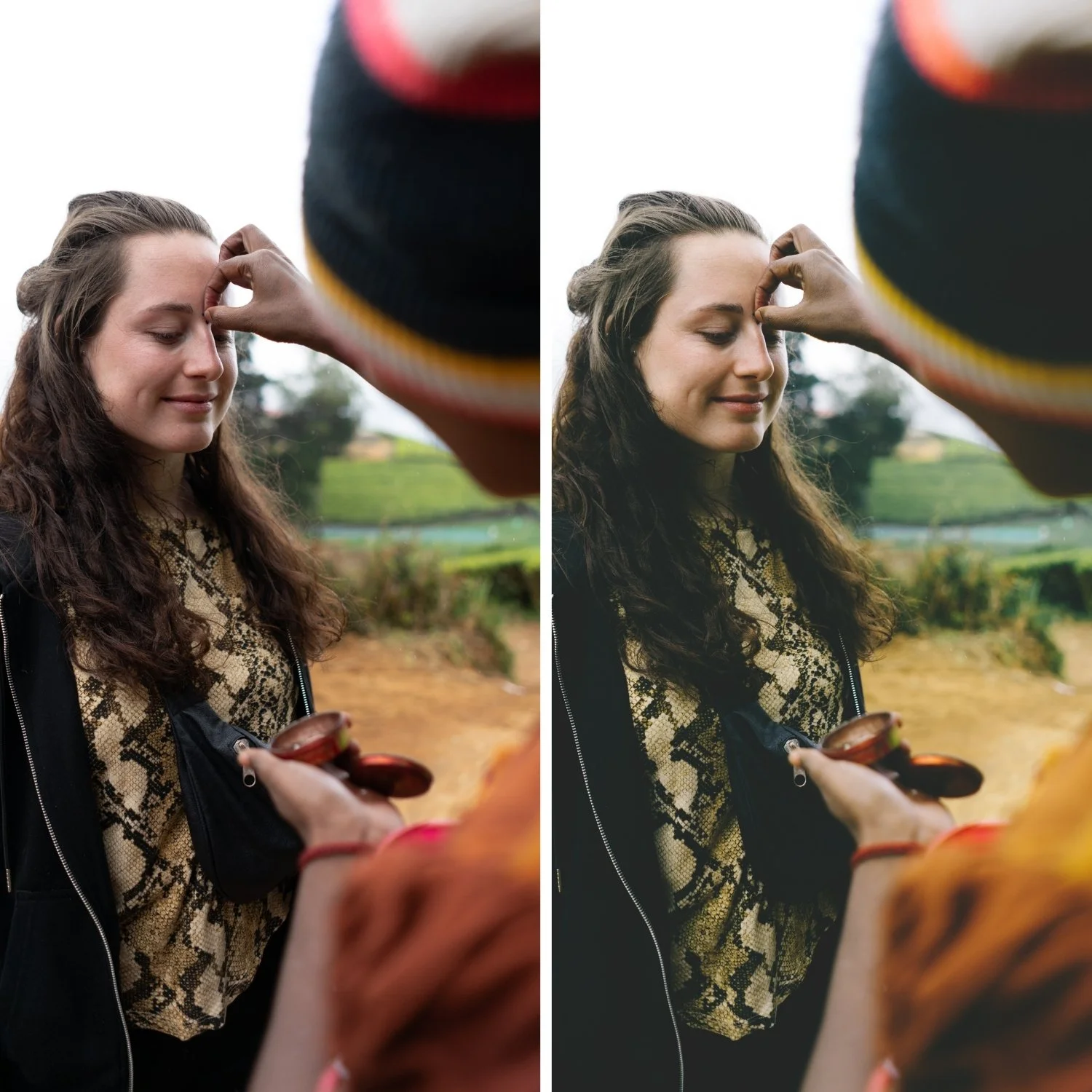 Image 2 of 4
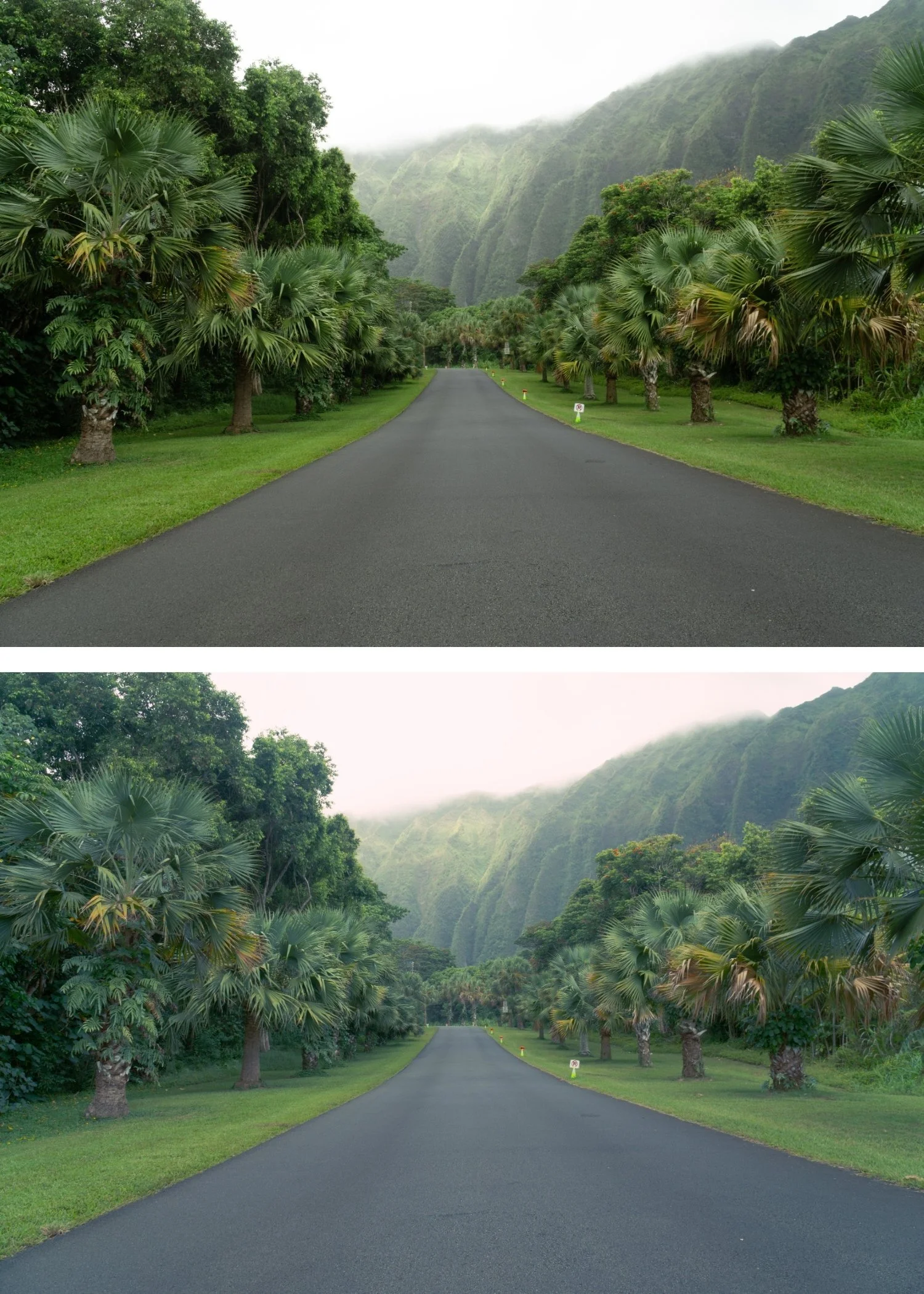
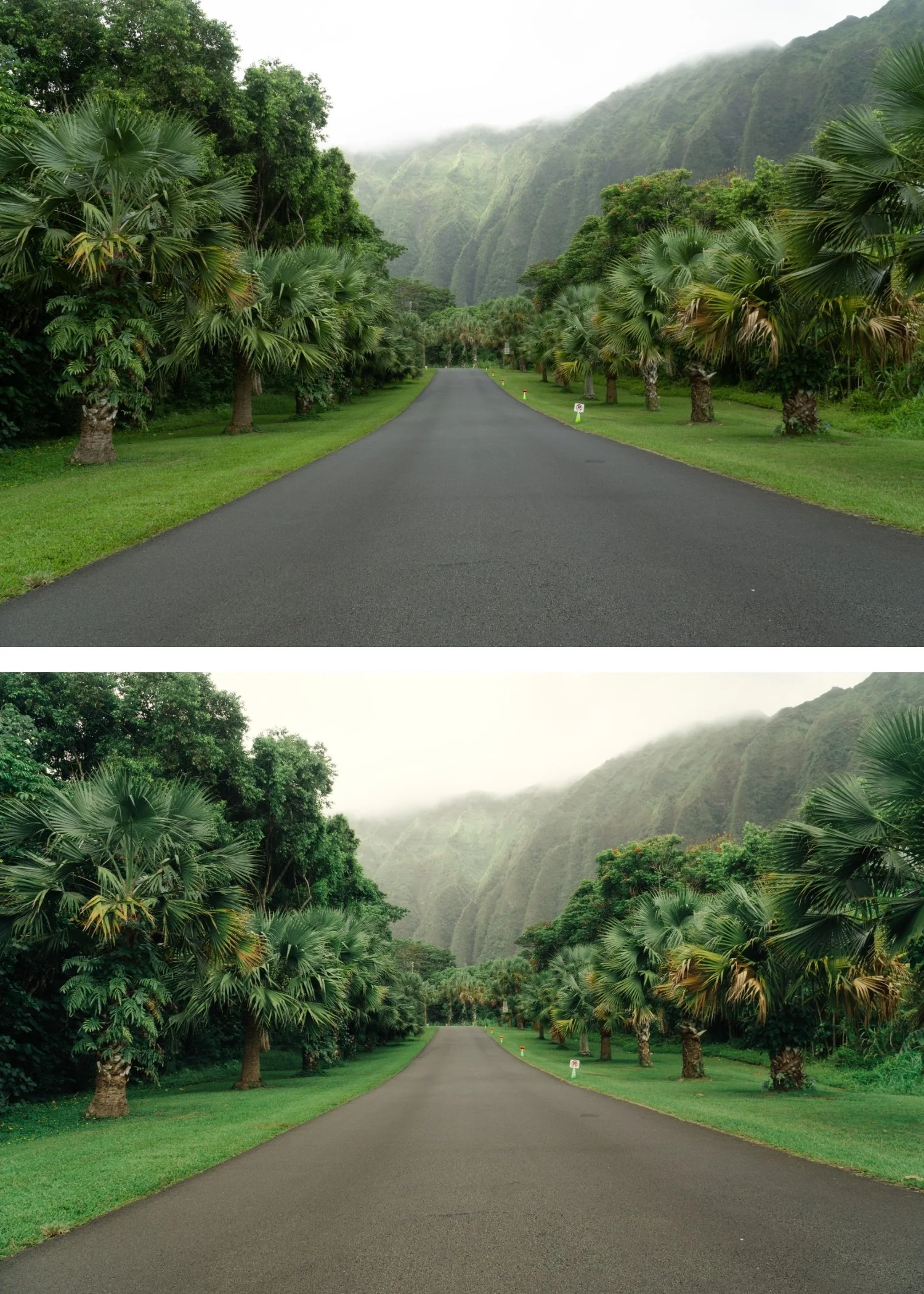
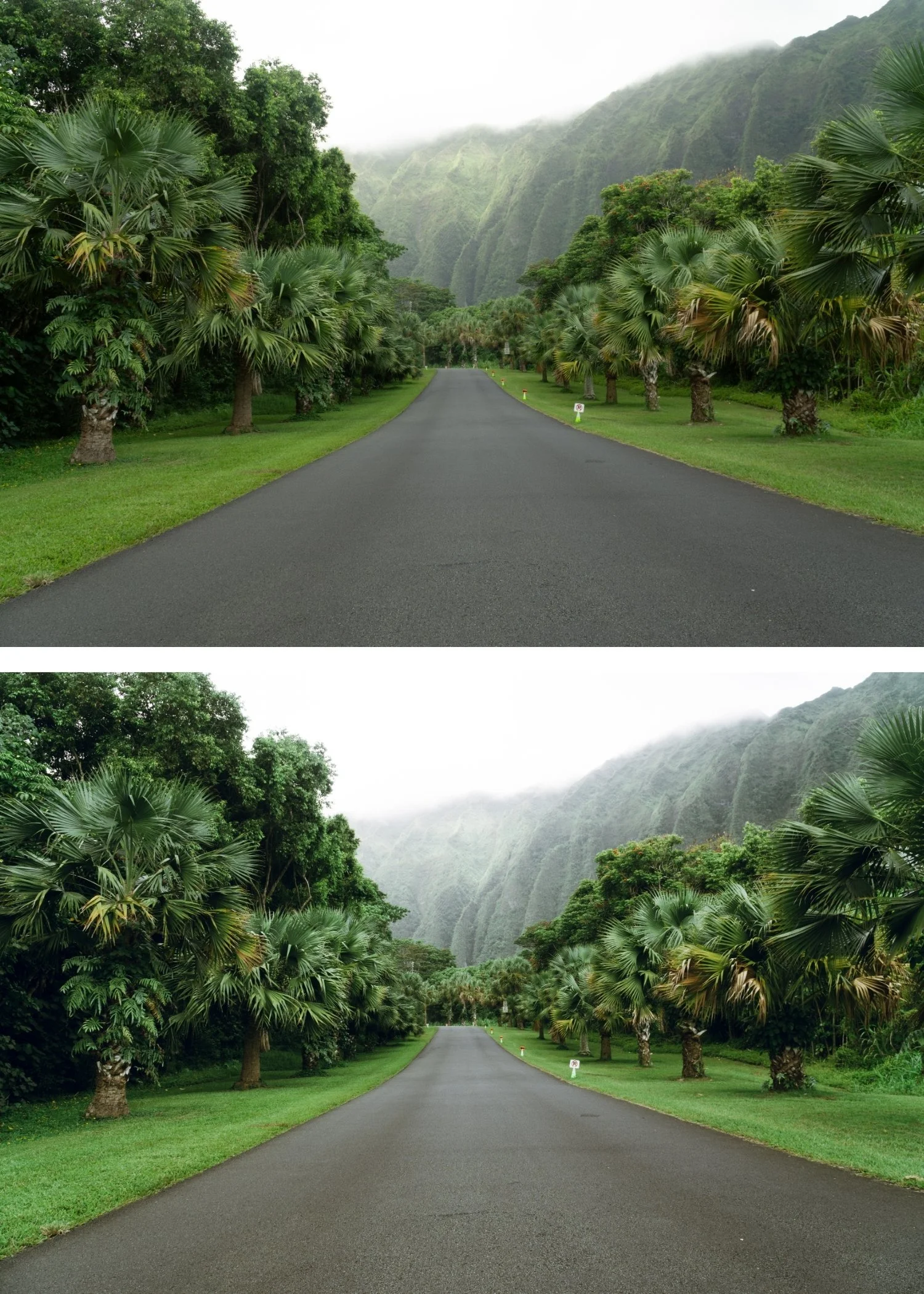
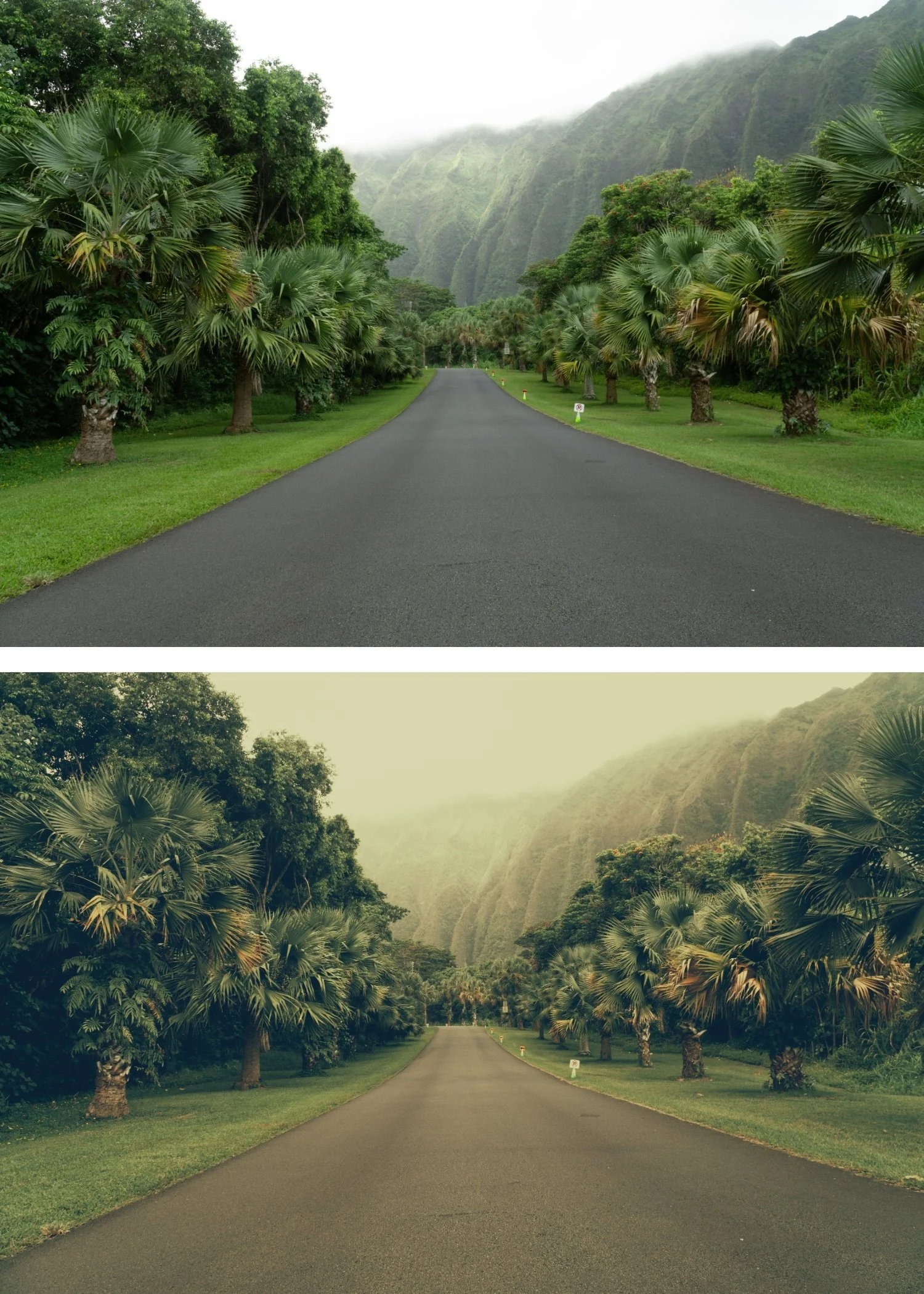
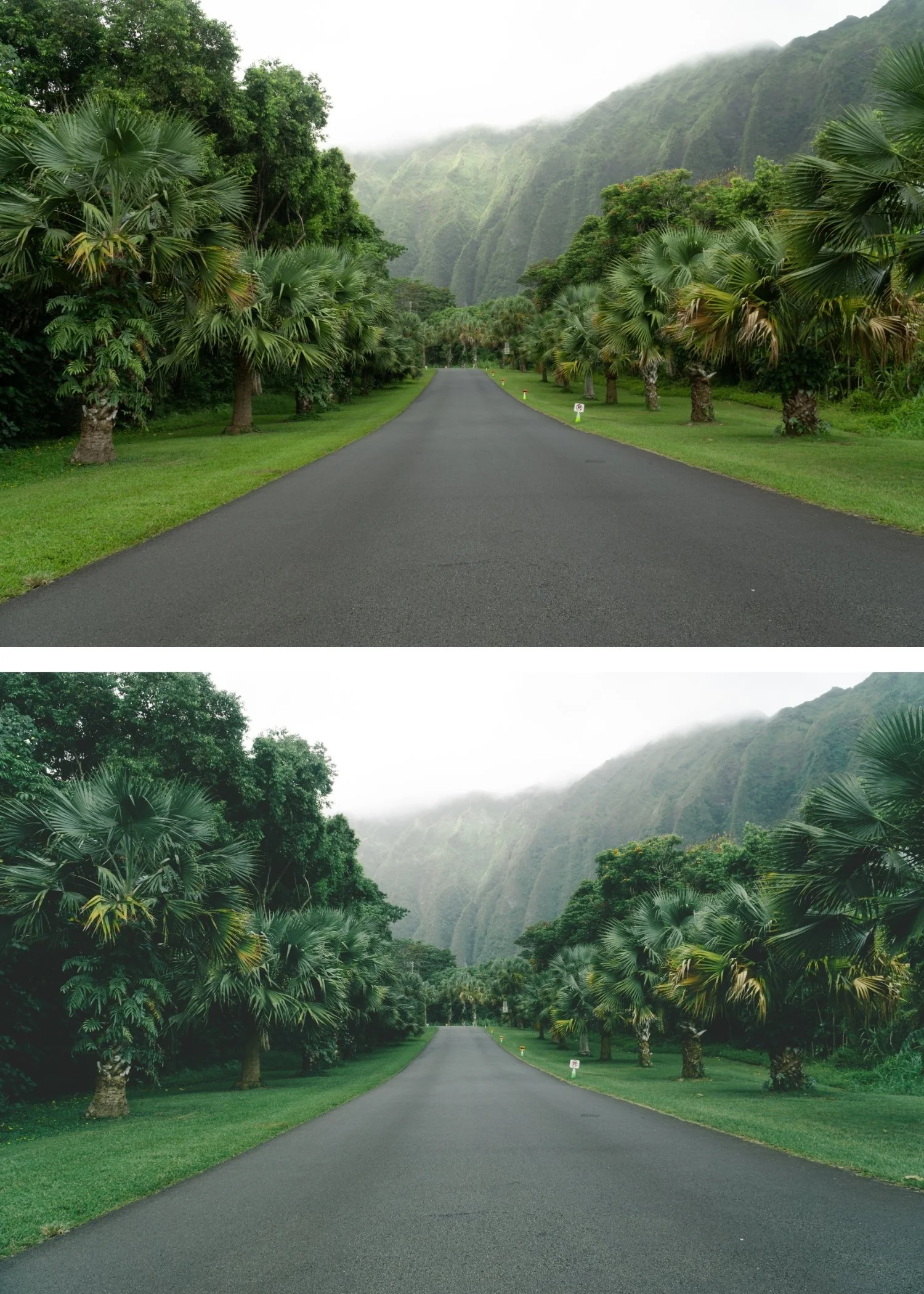 Image 3 of 4
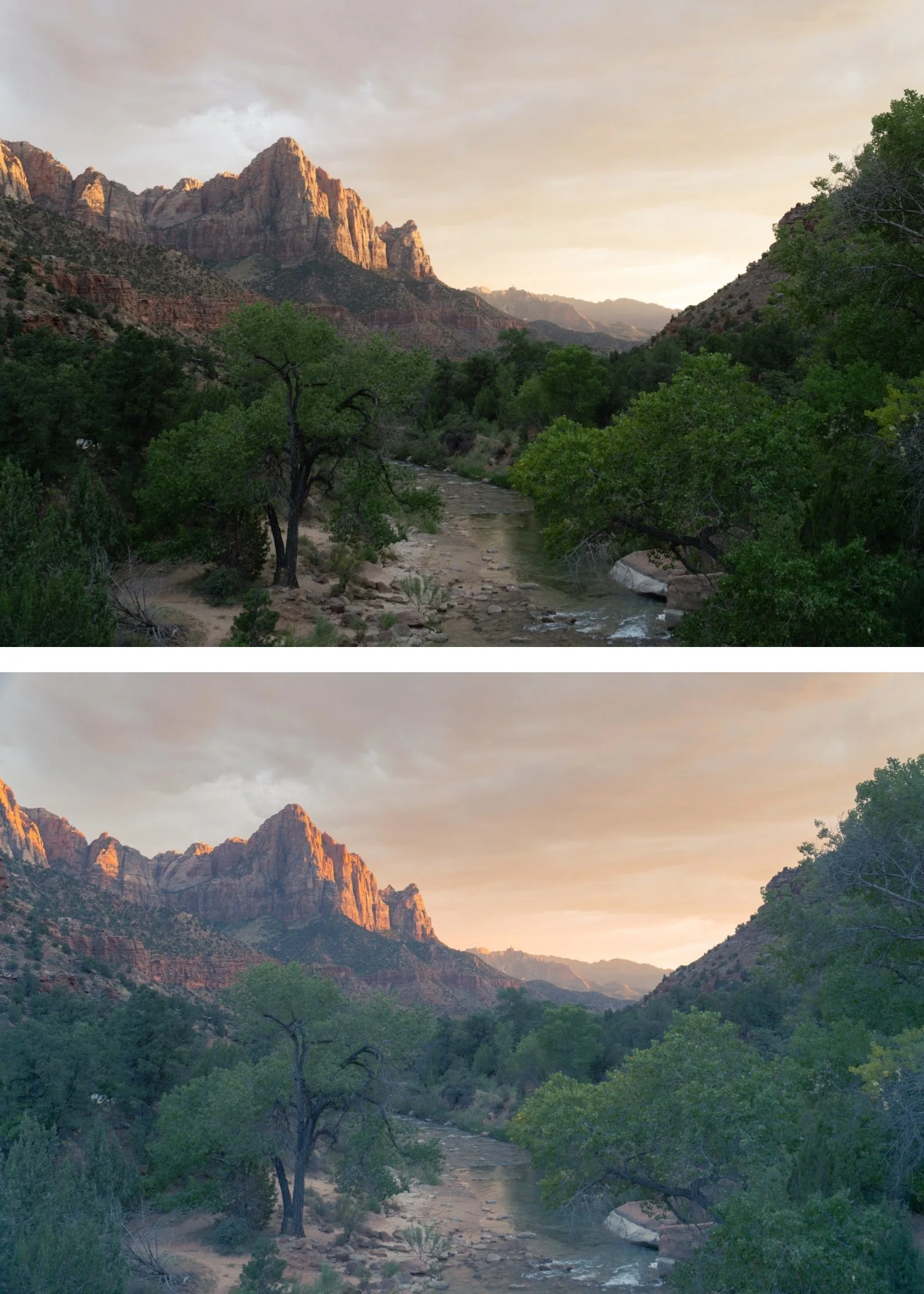
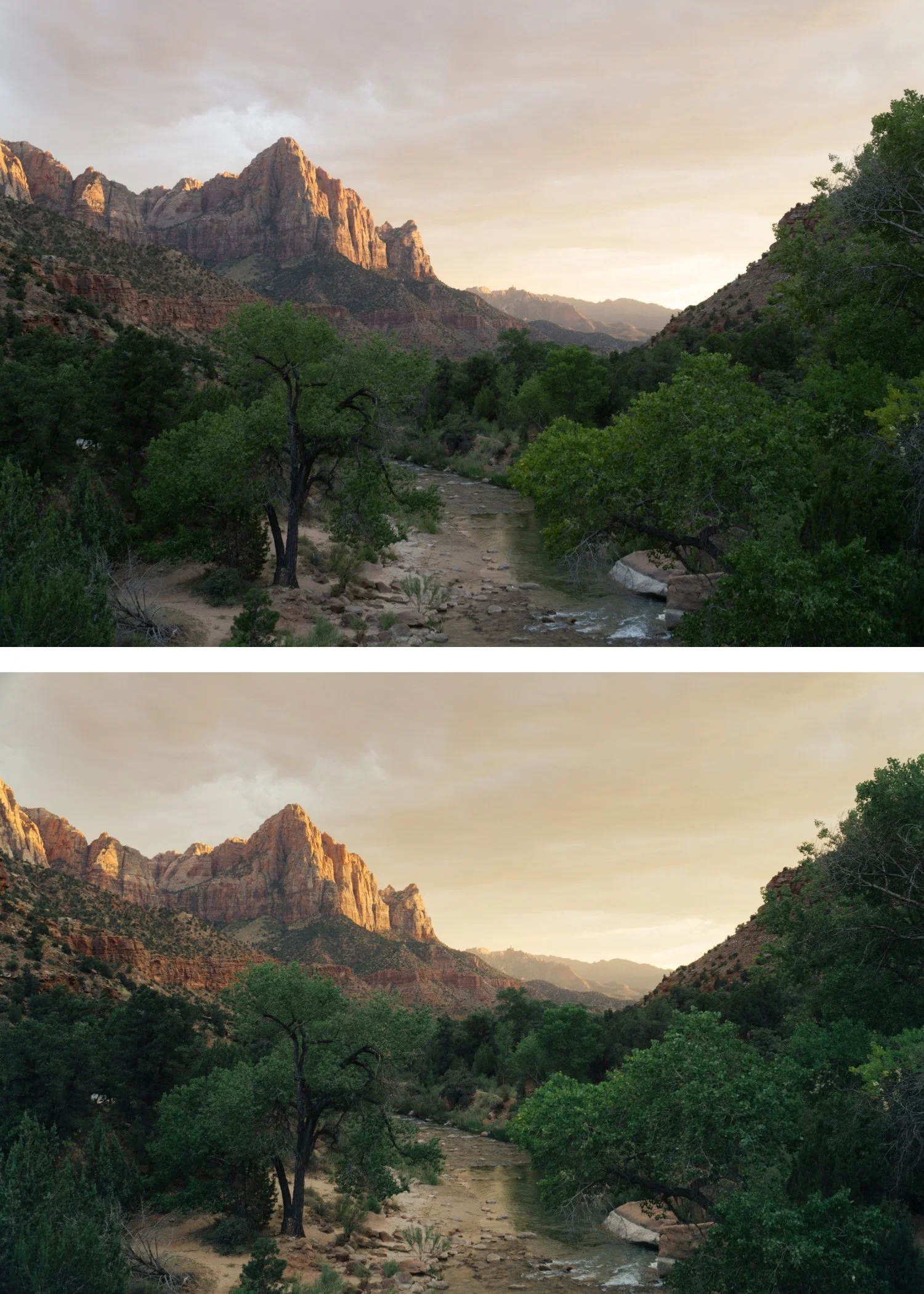
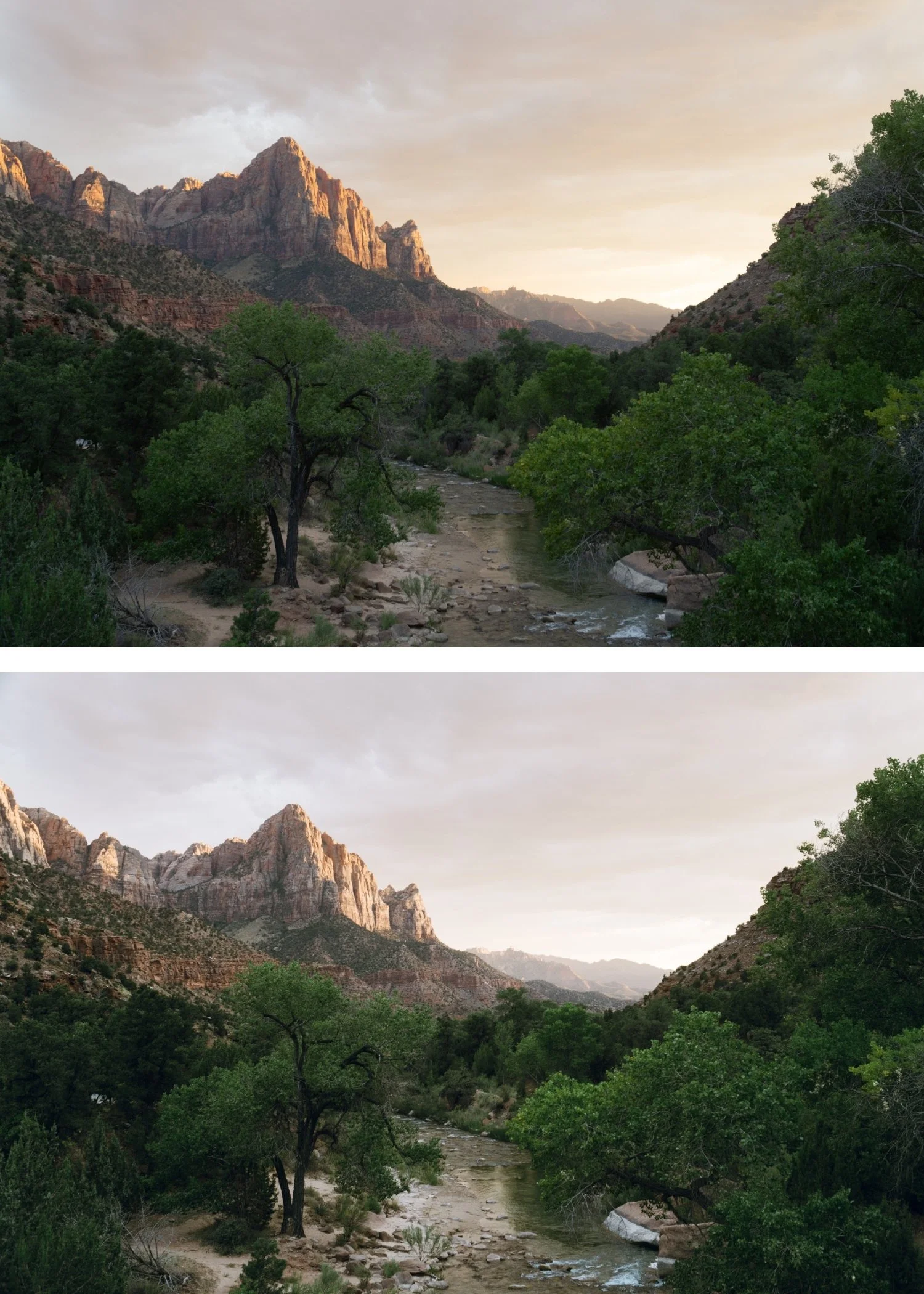
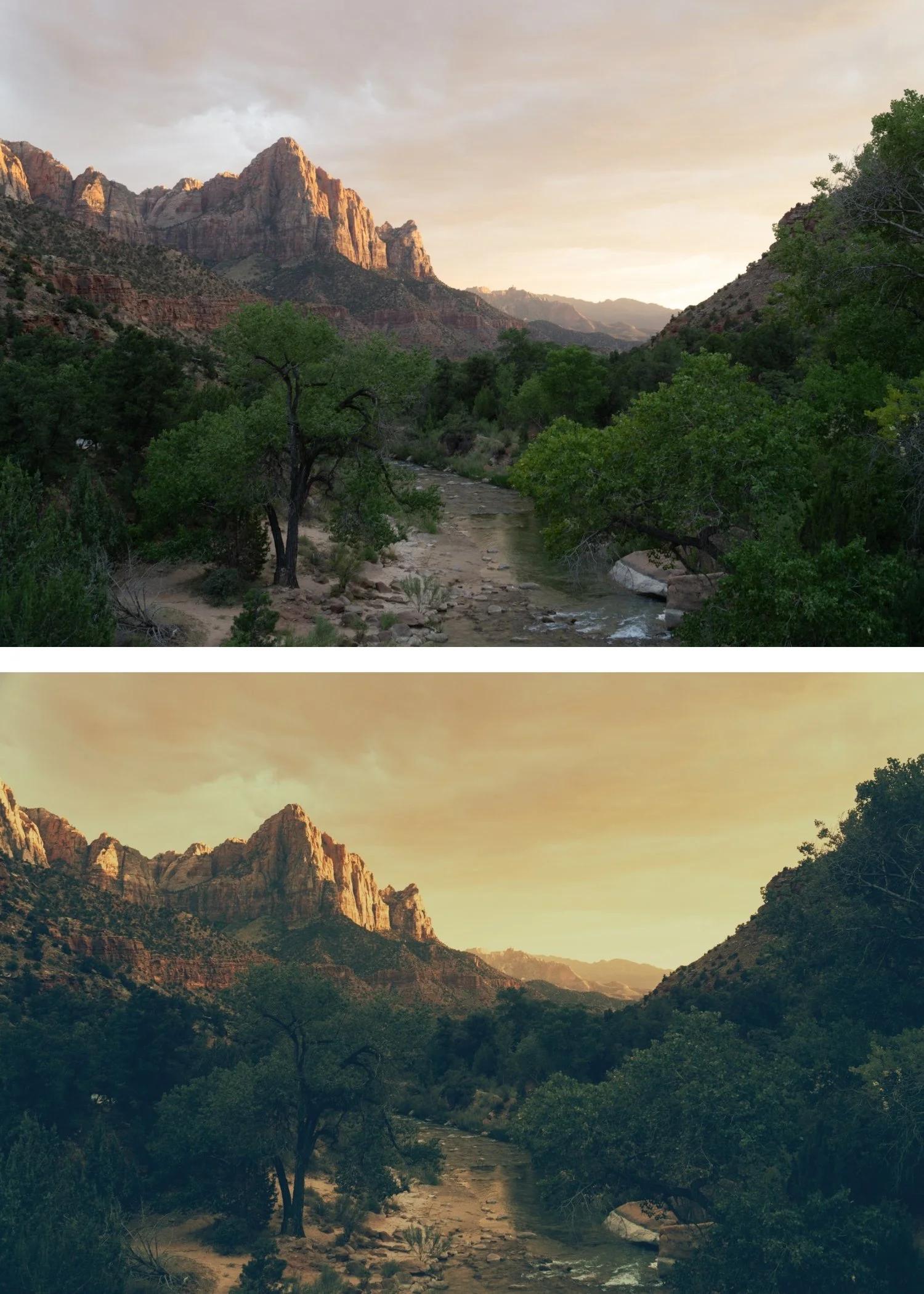
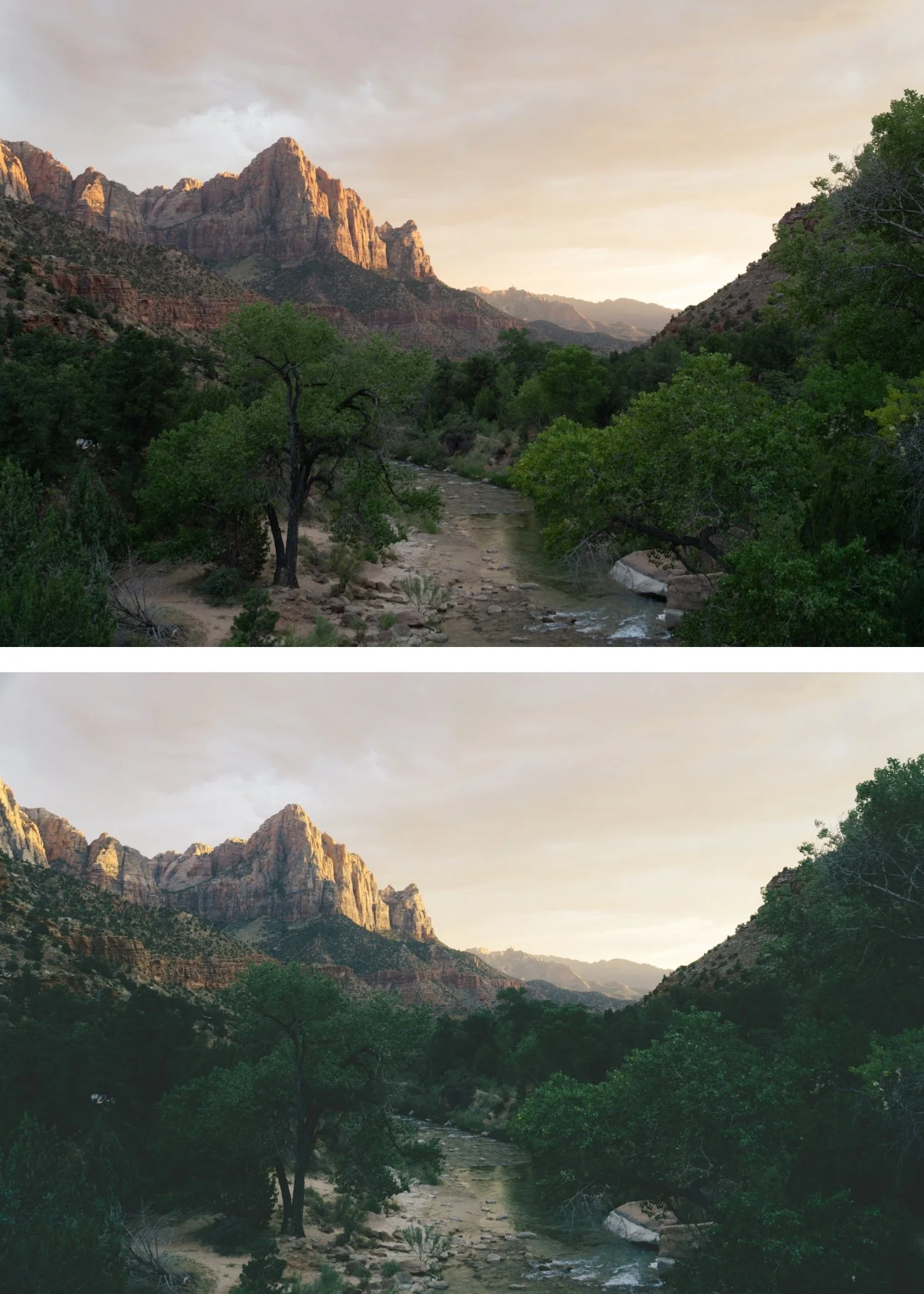 Image 4 of 4
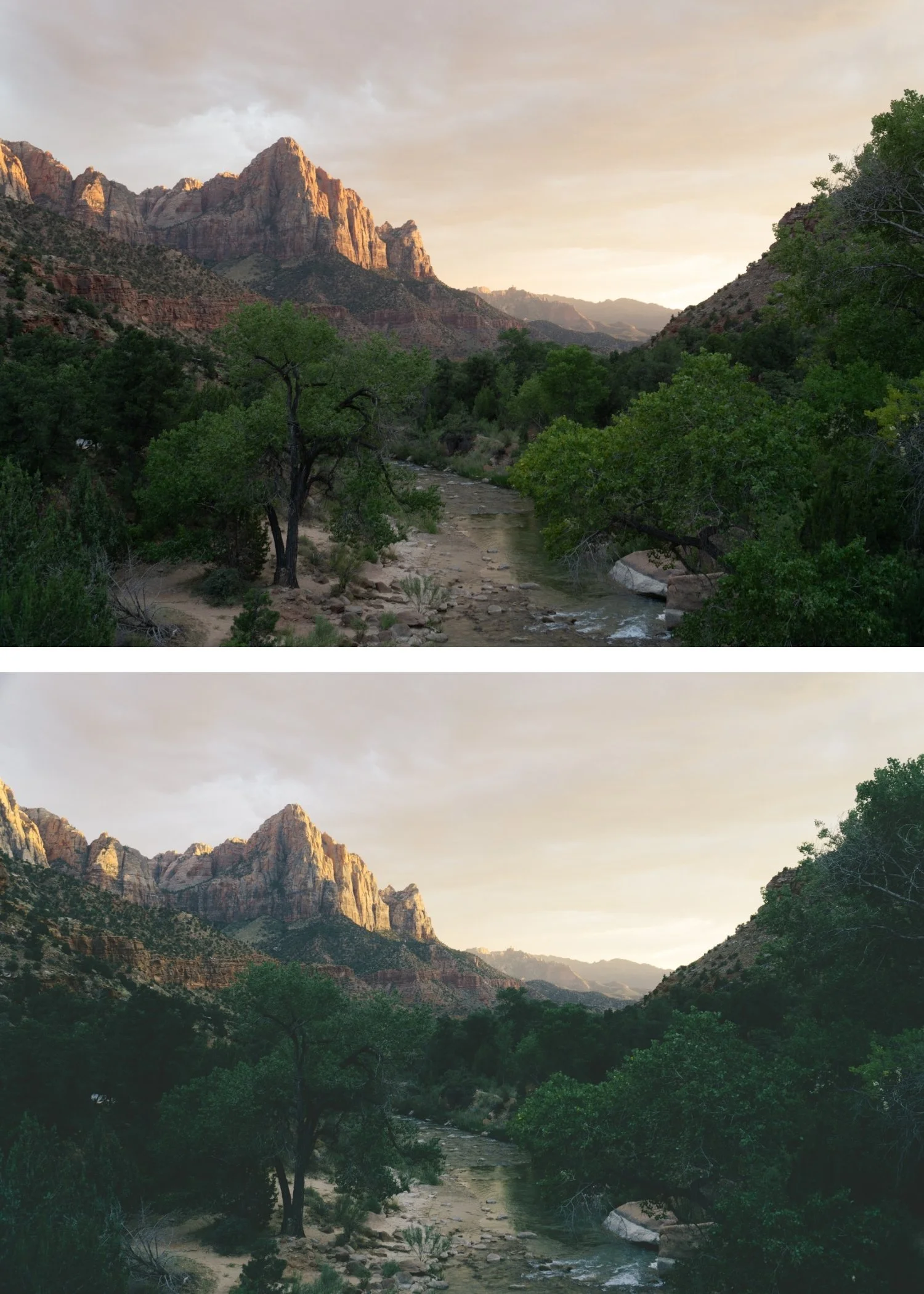
Analog 07 Soft Matte | Matte Analog Film Preset for Lightroom Desktop & Mobile

-
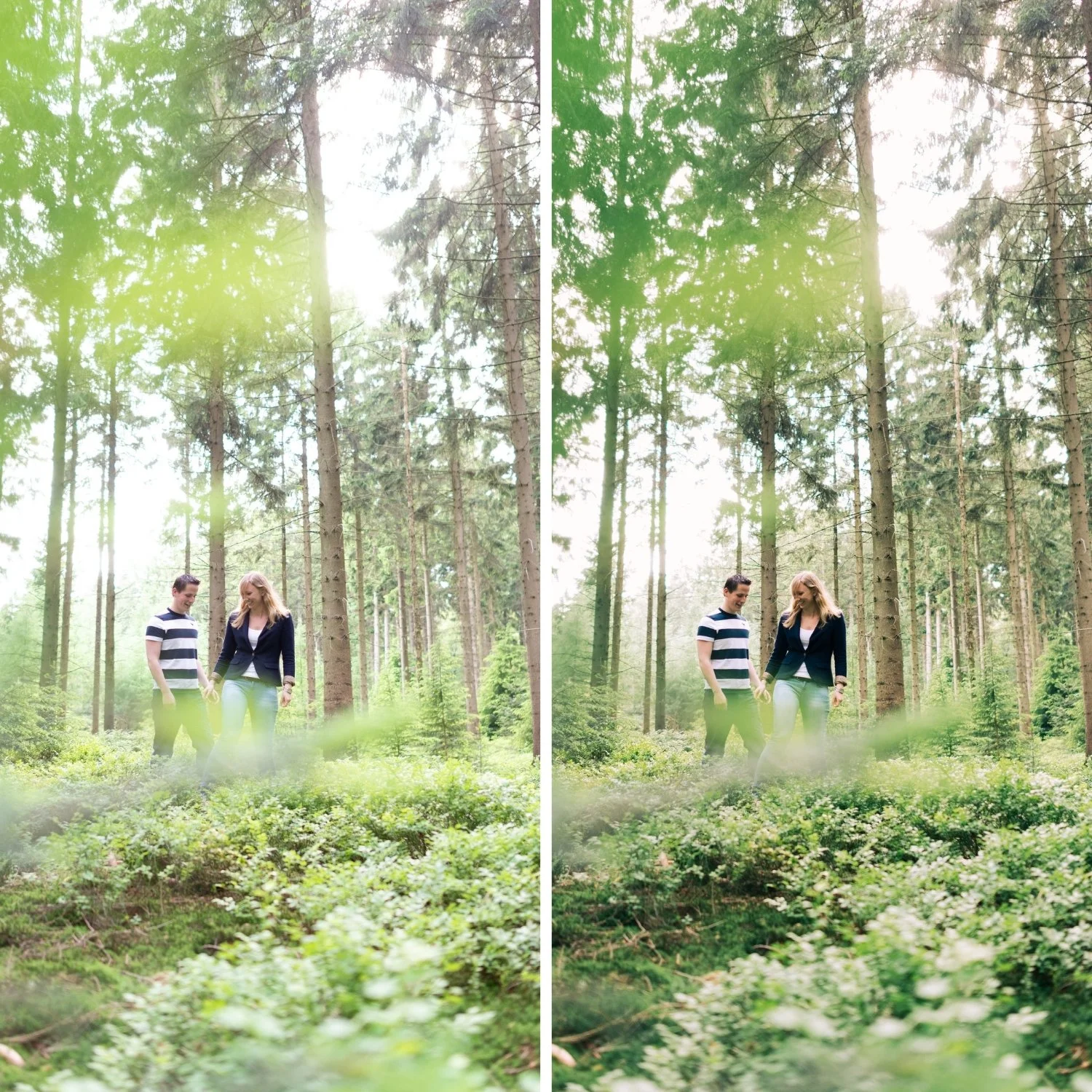
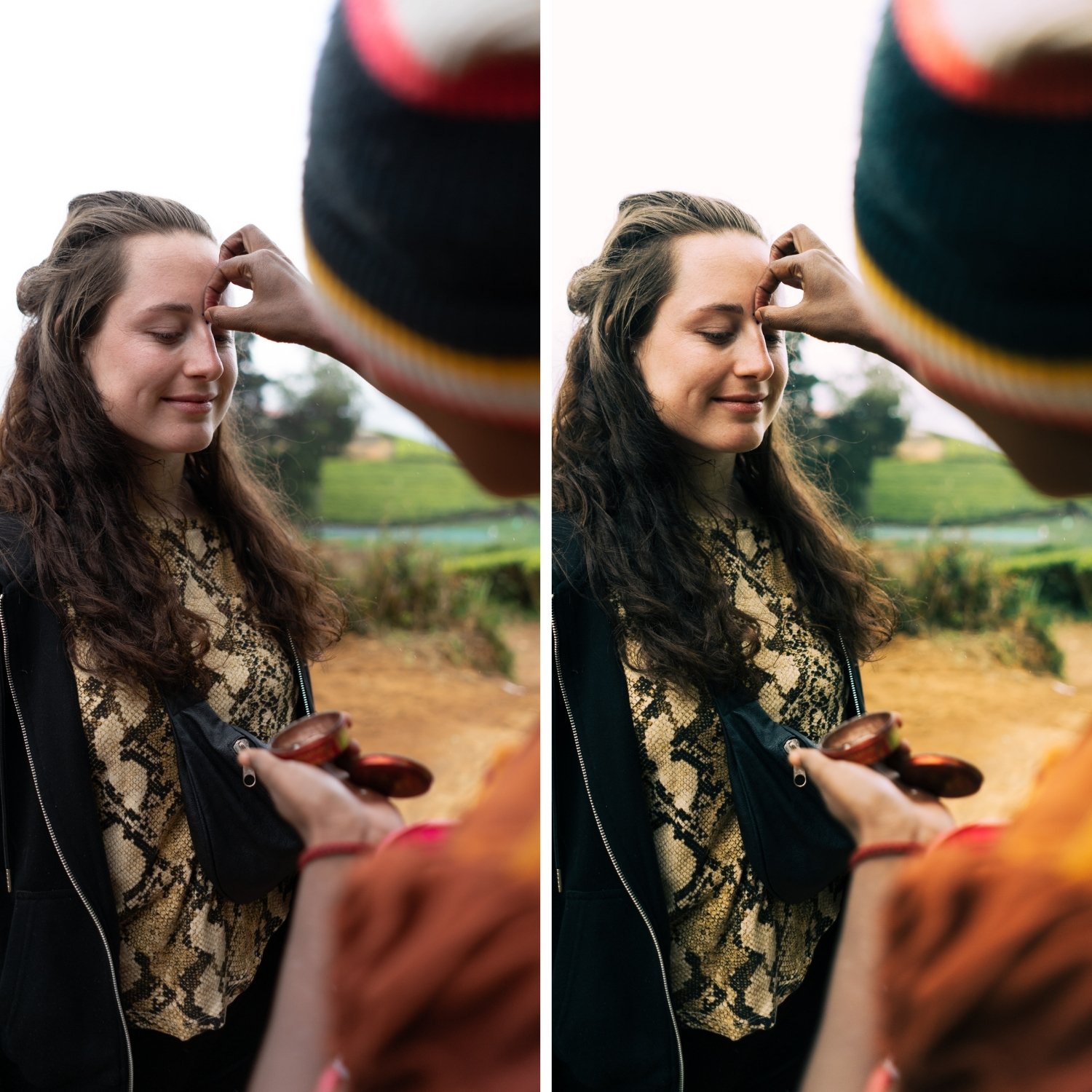
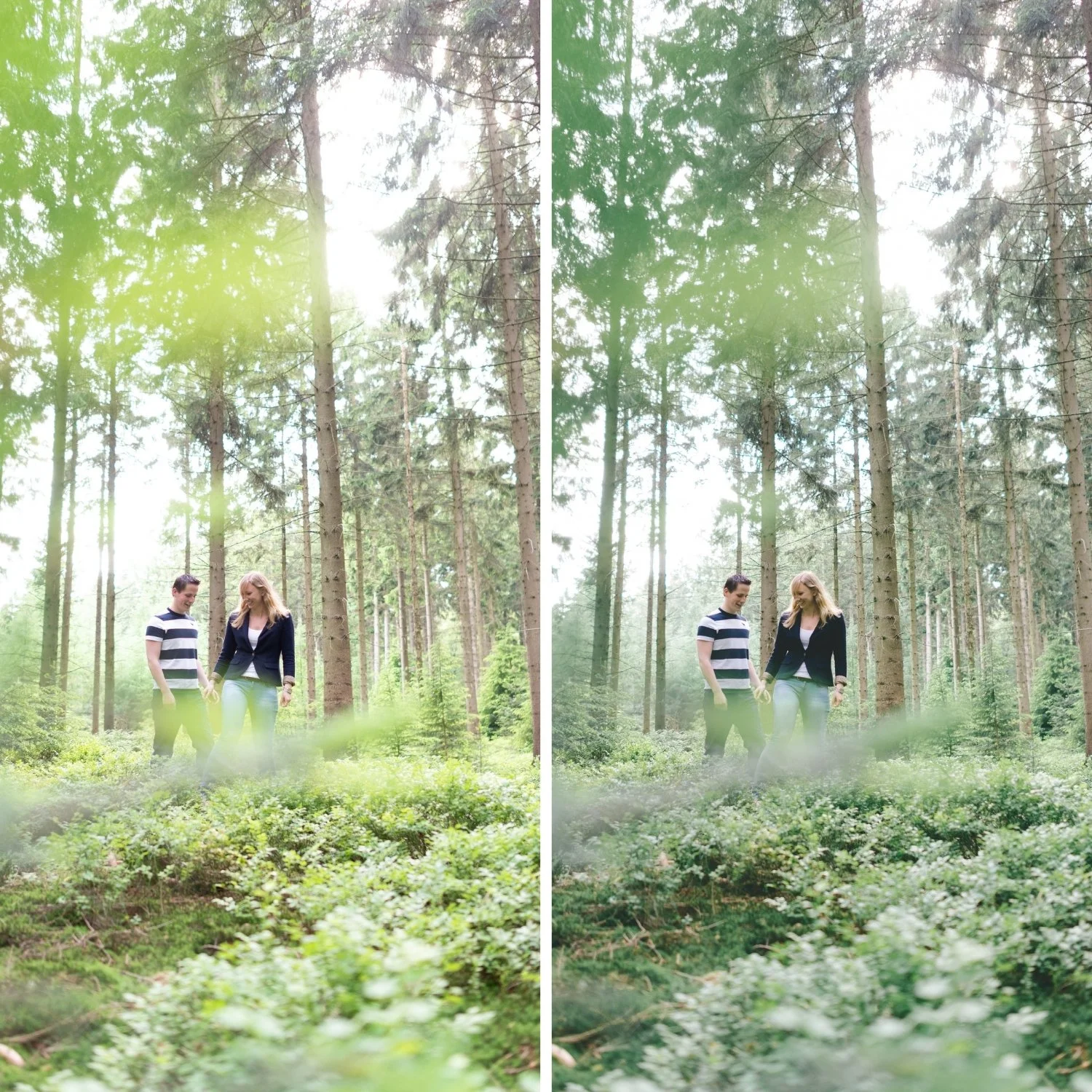
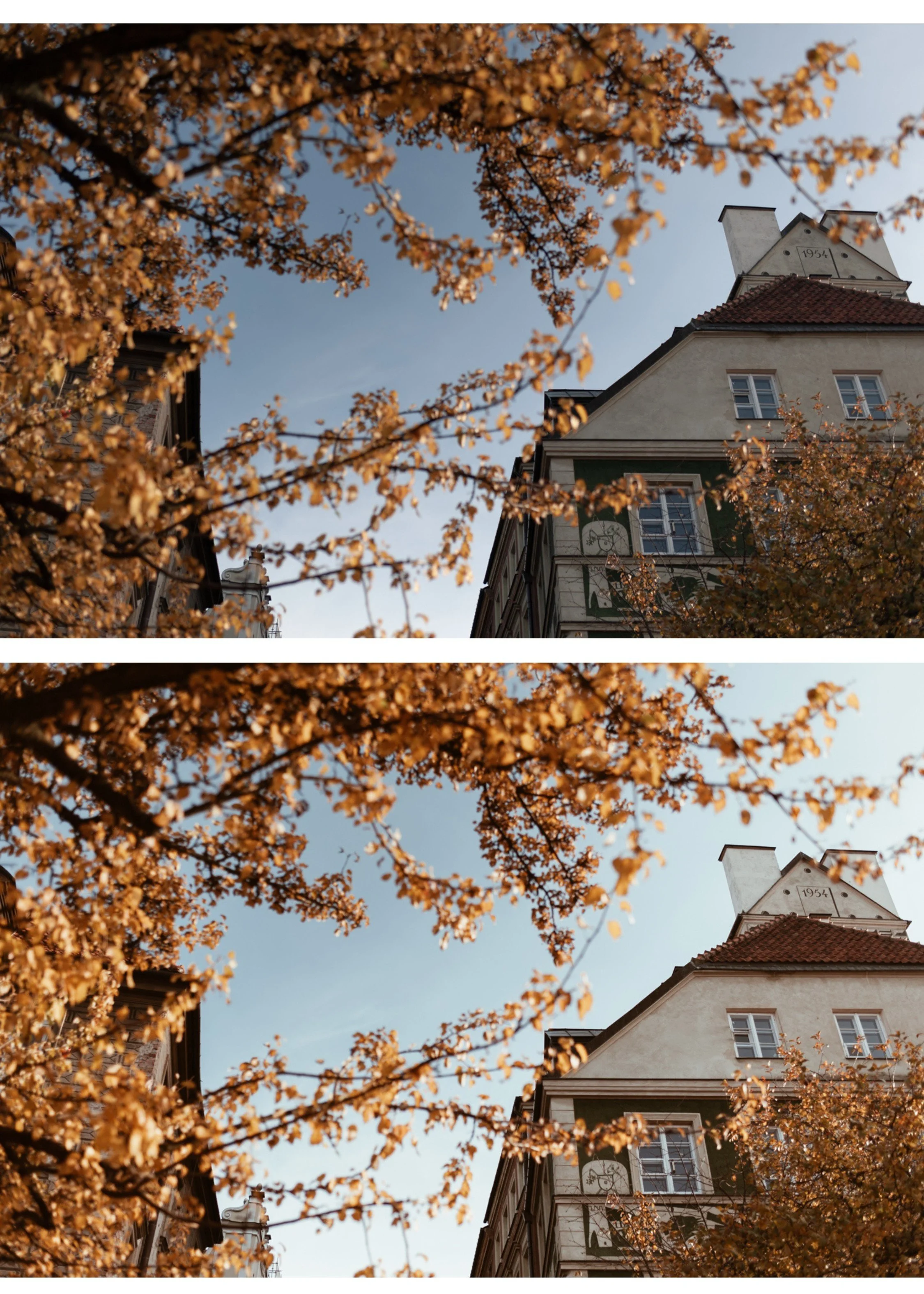
A7 is for photographers who want a sophisticated, editorial quality that references high-end travel and lifestyle photography. For photographers who contribute to magazines, books, or commercial campaigns where a clean, refined aesthetic is required.
For travel photographers who want their work to look like the covers of the publications they admire. For lifestyle photographers who want Instagram content that looks editorial rather than social.
For photographers who find A6 slightly too warm or portrait-specific and want something more universal in its editorial quality.
-
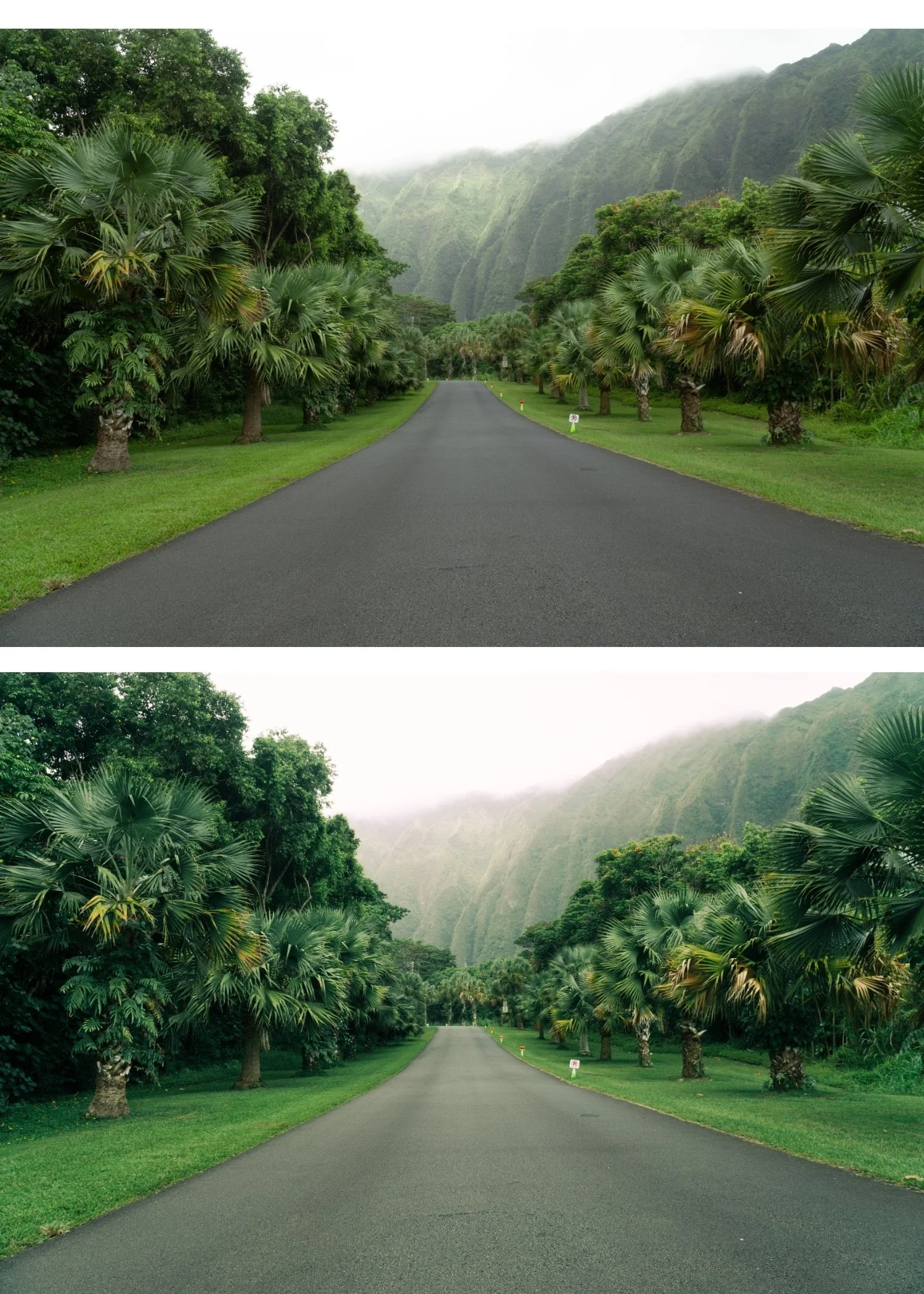
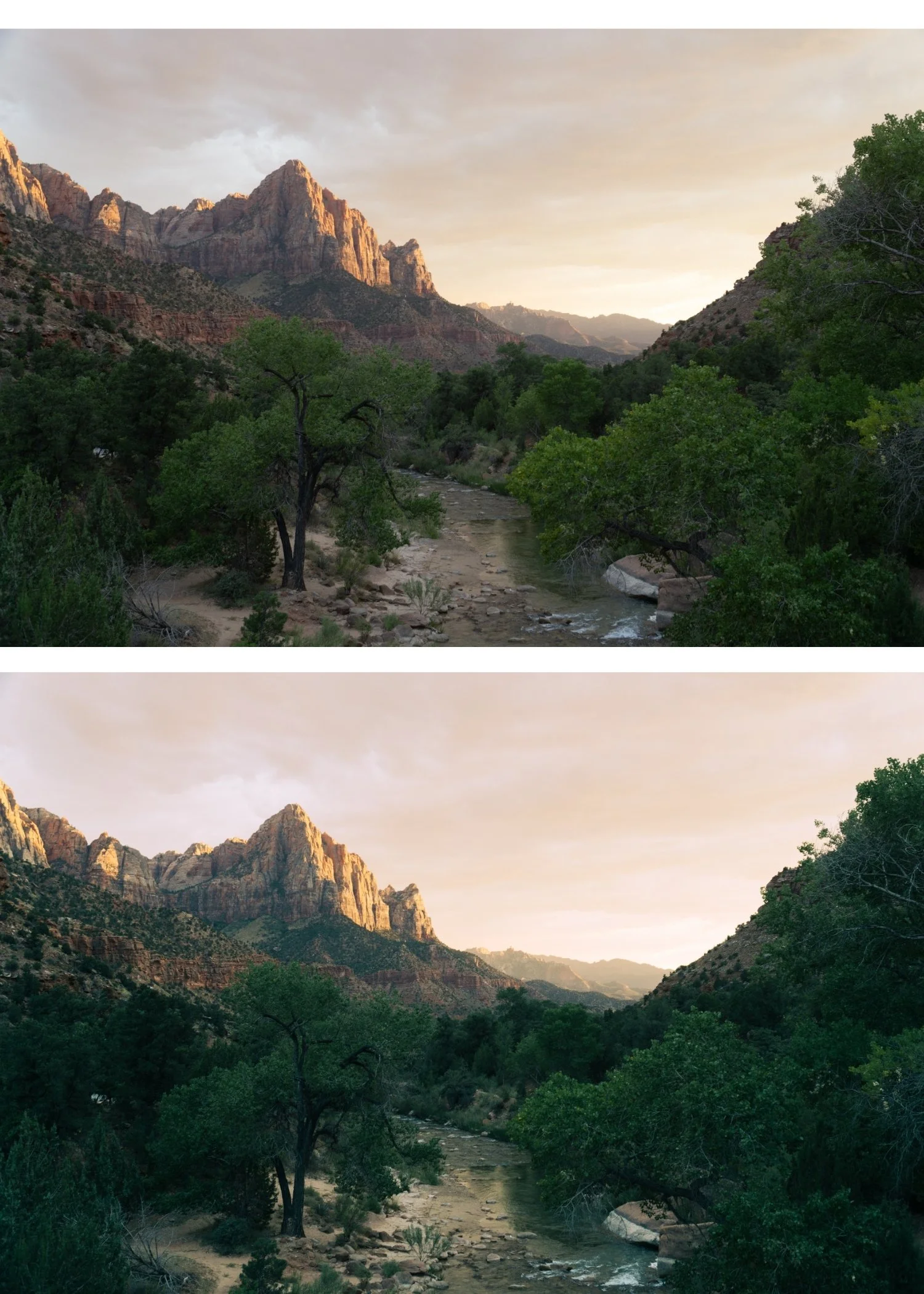
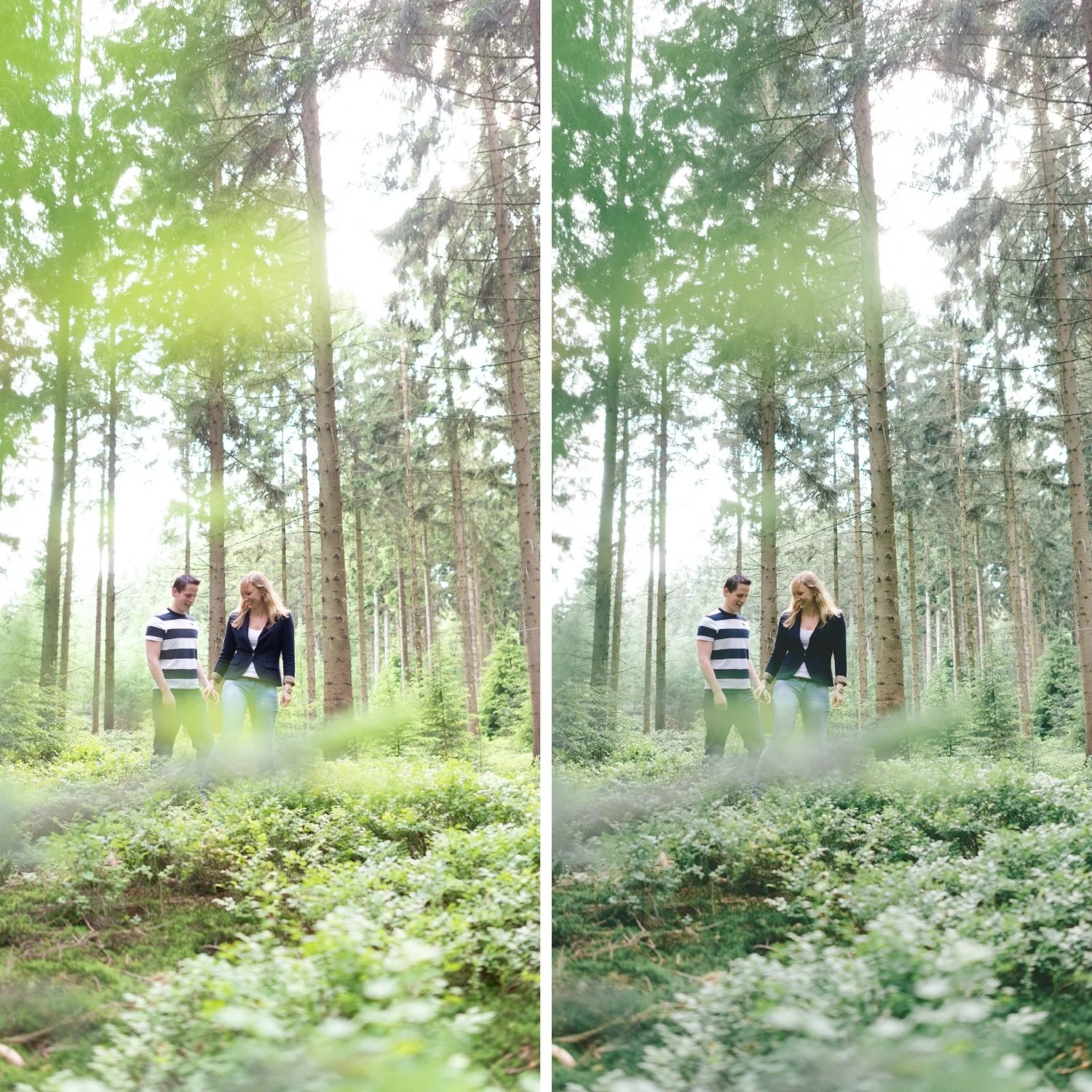
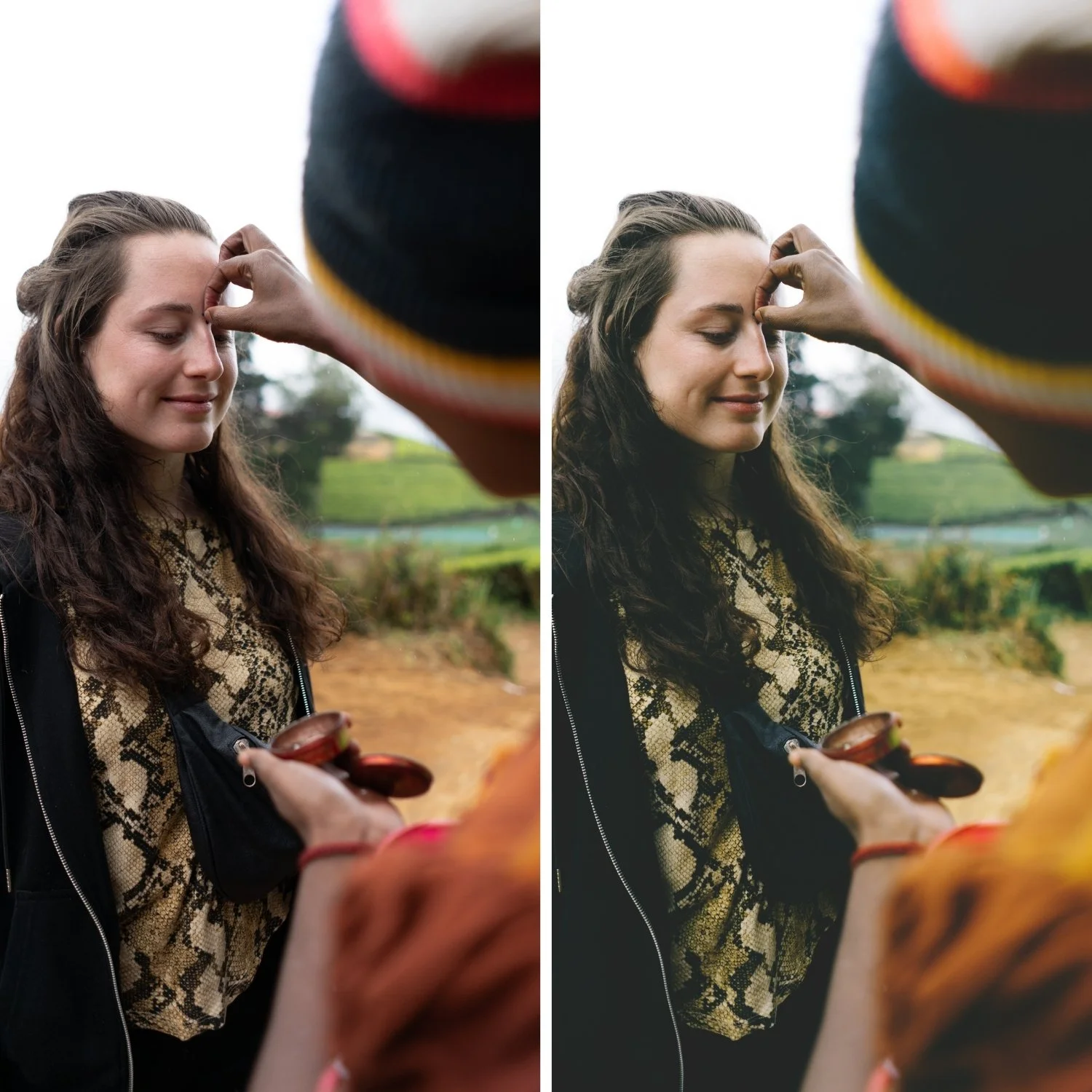
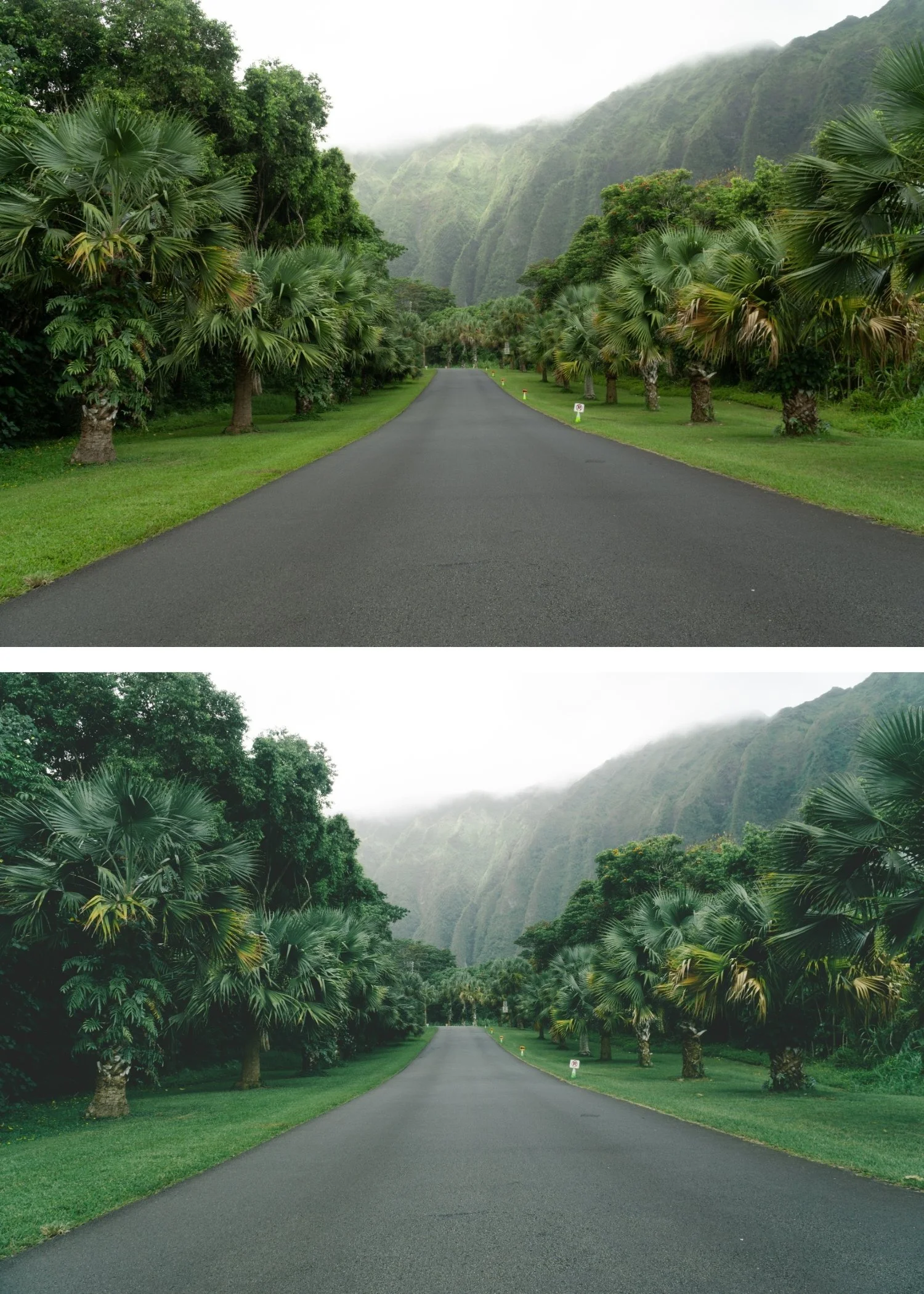
The editorial quality is immediately visible. A7 produces the kind of editing that tells a viewer the photographer has taste. It references high-end travel and fashion photography without being pretentious about it.
It works for both indoor and outdoor photography. The soft matte quality handles varied light gracefully — overcast and direct sun both produce good results without significant adjustment.
It is the travel photographer's preset. The combination of muted color, soft contrast, and warm tonal base is specifically suited to travel photography where the scenes have inherent interest and the edit should add quality without distracting from the subject.
It works as a base for fine-tuning. A7's restrained character makes it an excellent starting point for photographers who want to make additional adjustments — the preset does not push any quality so strongly that fine-tuning fights against it.
-
1 × A7 Soft Matte DNG file — for Lightroom Mobile on iPhone and Android
1 × A7 Soft Matte XMP file — for Lightroom Classic on Mac and Windows
Step-by-step installation guide
Lifetime access
-
This preset captures the perfectly balanced tones and soft, natural warmth similar to the iconic A7 mobile filters. It’s the perfect professional alternative for those seeking a versatile, analog aesthetic that enhances every detail on both desktop and mobile 🎞️
-
Apply after setting Exposure and White Balance. A7's matte quality is calibrated for a neutral-to-warm white balance (5,200-5,800K for daylight). On cooler starting white balances, add Temperature +100 to +200 after applying for the warmest result.
On phone photos: 80-85% strength.
-
What is the difference between A7 and A3? A3 has a more visible fade — it references aged analog prints more directly. A7 is subtler — the matte quality is present but more refined. A3 for documentary travel, A7 for editorial travel.
Is A7 good for portraits? Yes, though A6 is specifically portrait-optimized. A7 works well for environmental portraits and lifestyle photography where the person is part of a broader scene.
GET ALL 10 A-SERIES PRESETS
A7 handles the editorial, matte aesthetic. The full Analog Film Archive gives you nine more — from the clean baseline (A1) to the warm golden (A4) to the portrait-optimized (A6). Ten presets for every scenario, $2.70 each.
THE STUDIO ARCHIVE
Want everything? The Studio Archive contains 130+ presets — every collection we make, including the complete Analog Film Archive — for $89 total. That is $0.68 per preset with every future release included for life.