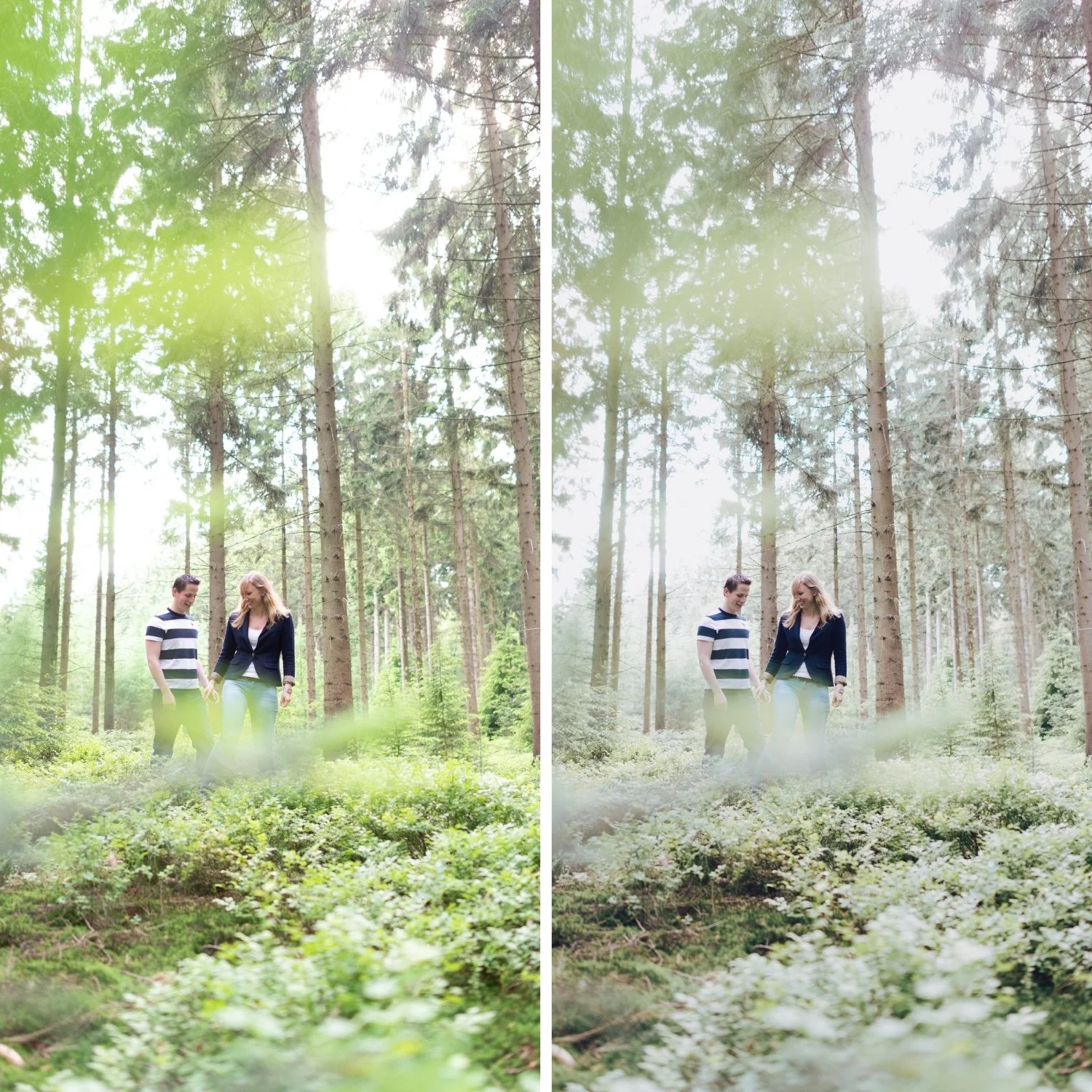
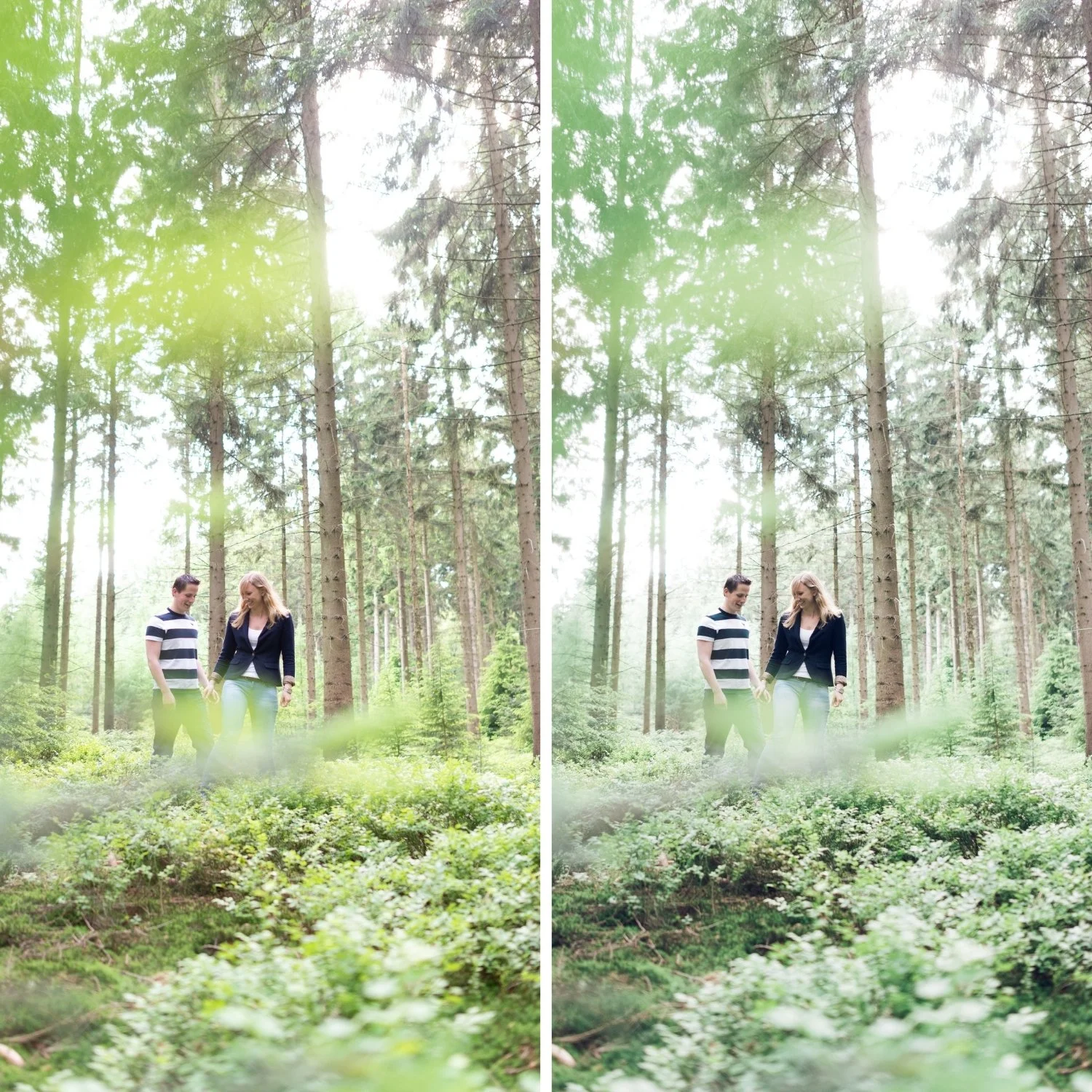
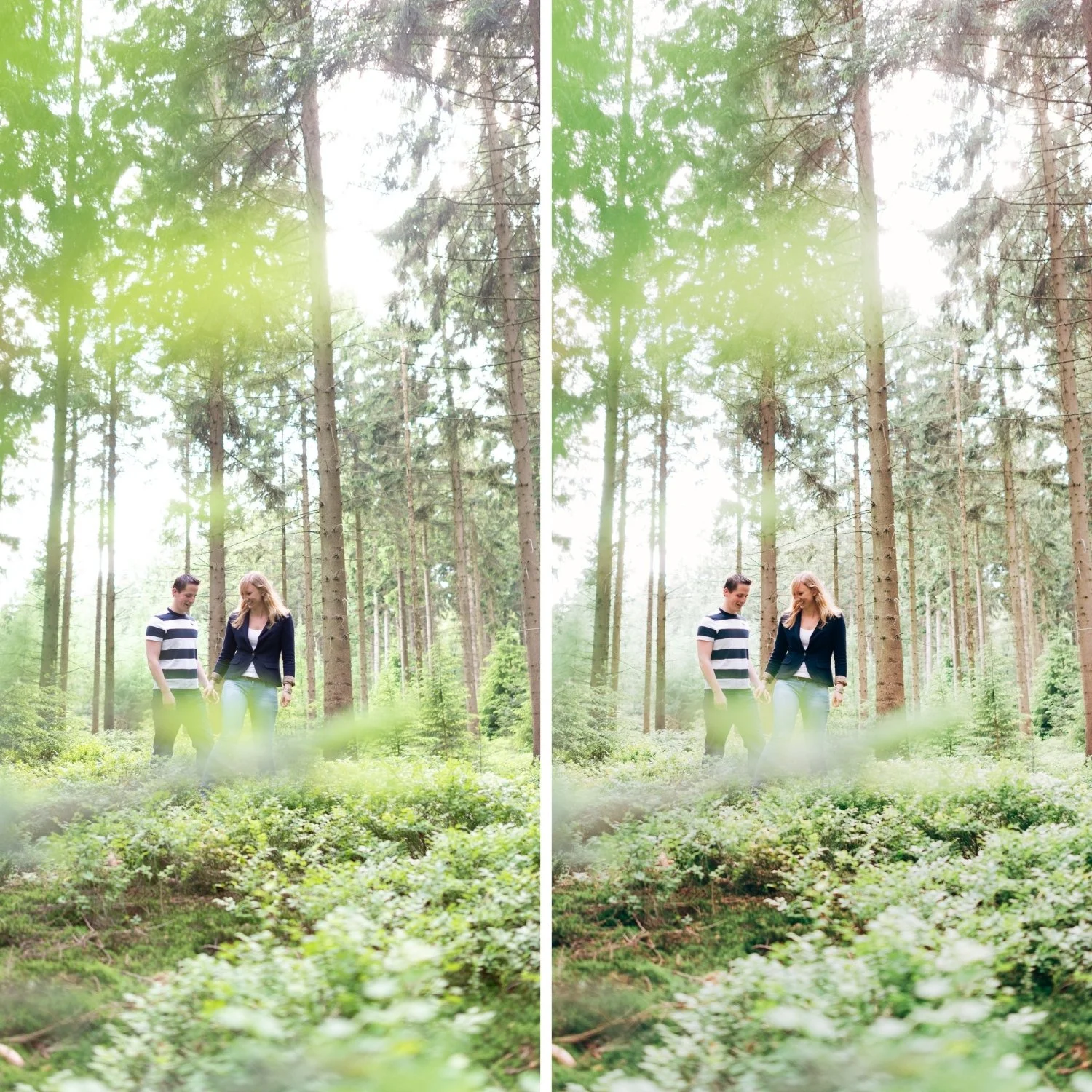
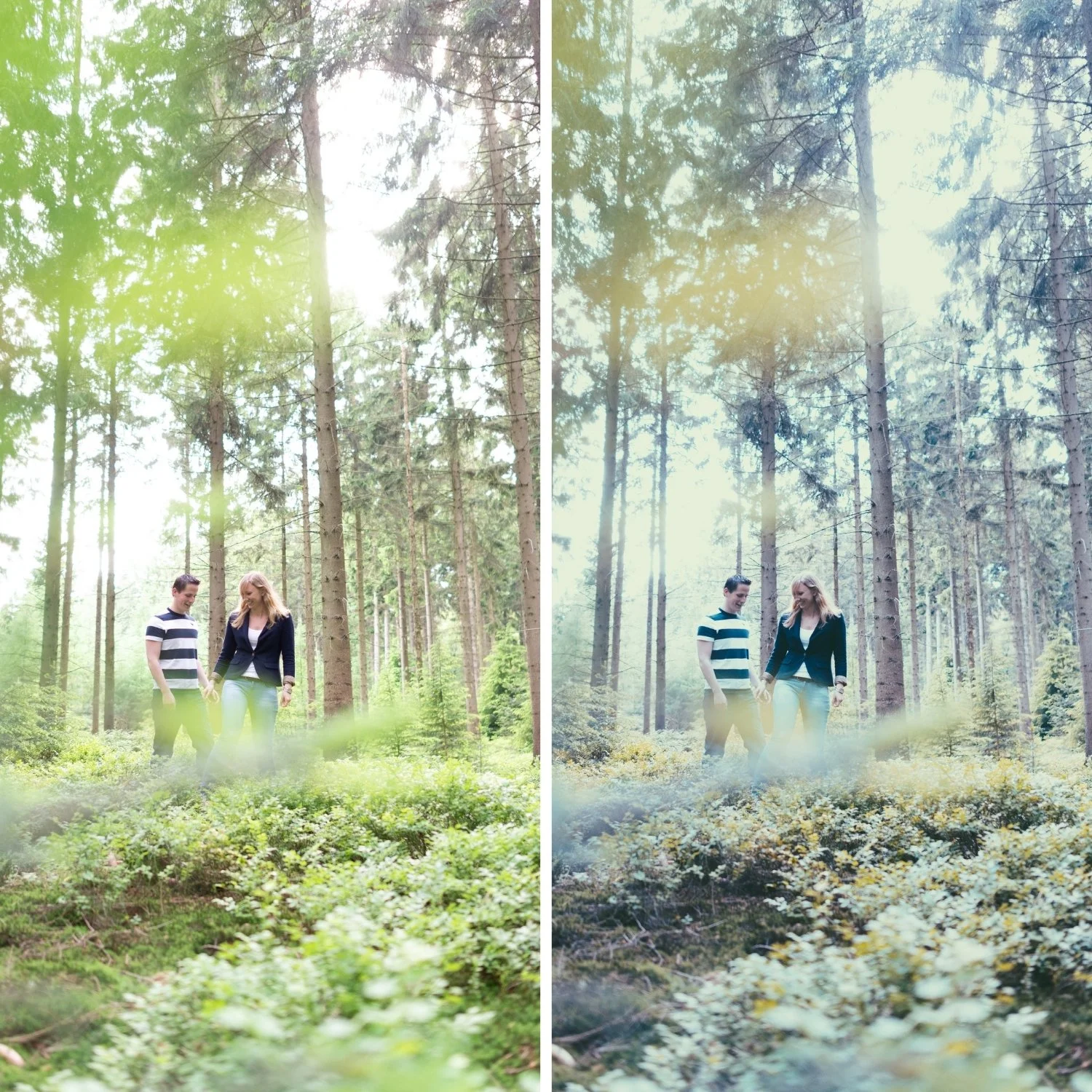
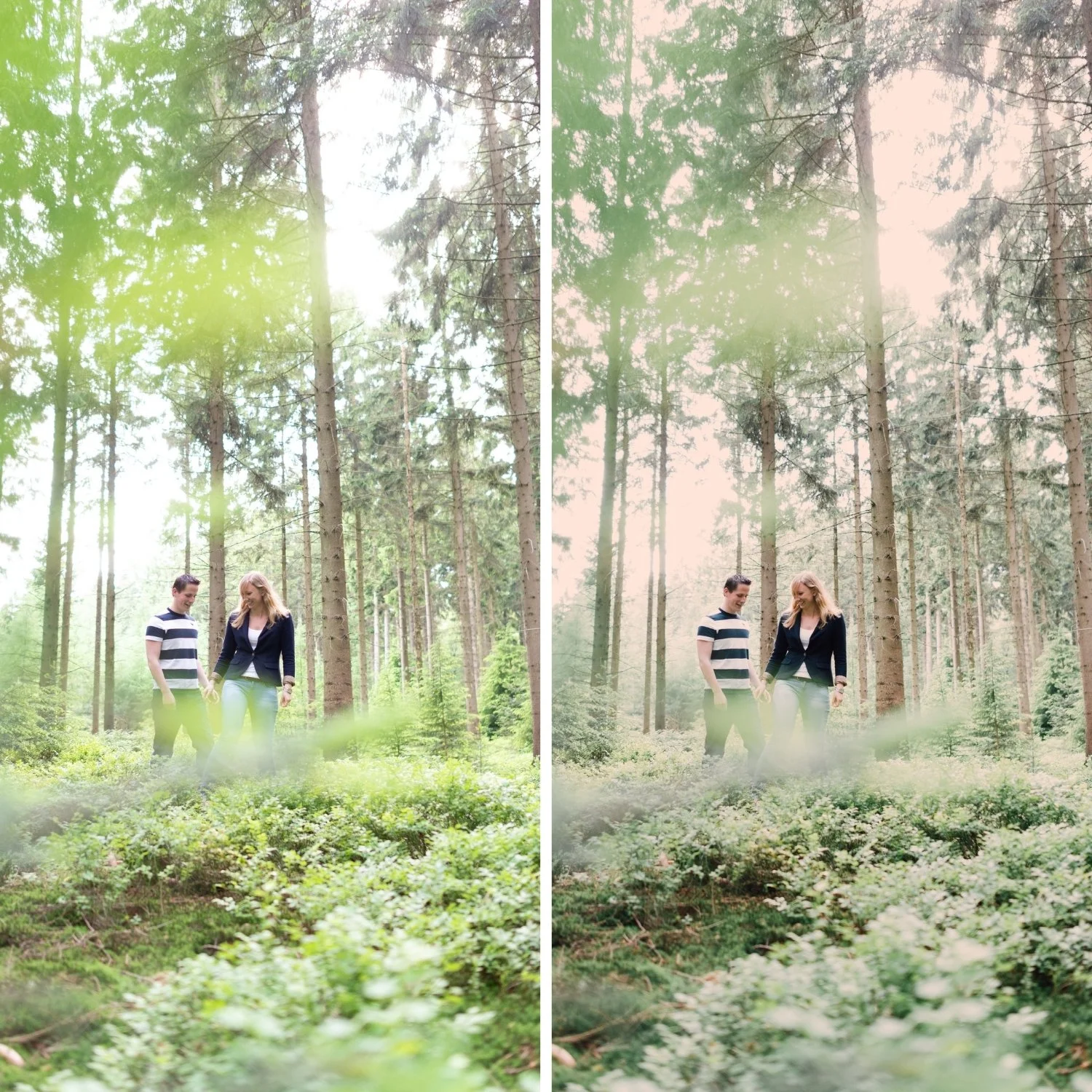
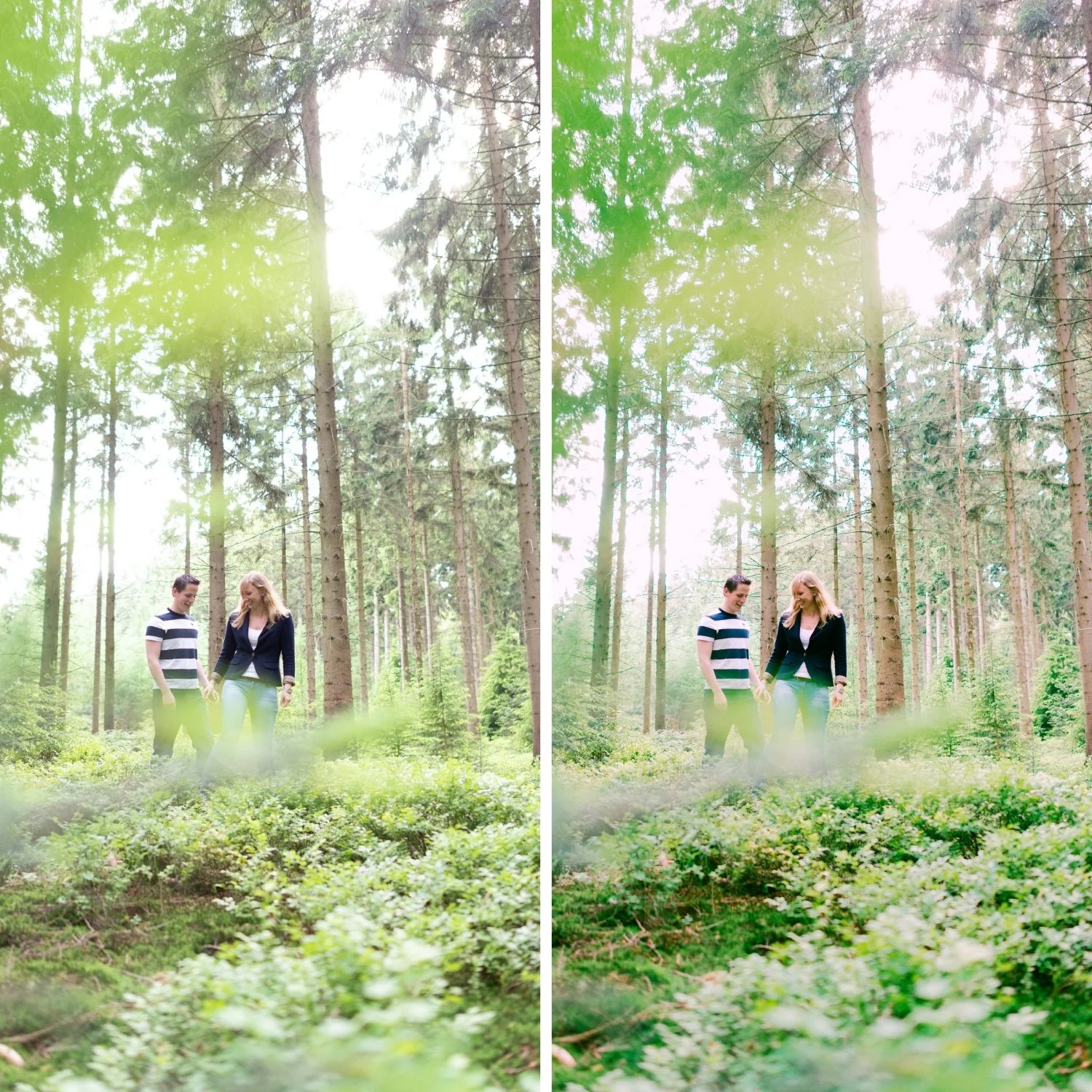
 Image 1 of 4
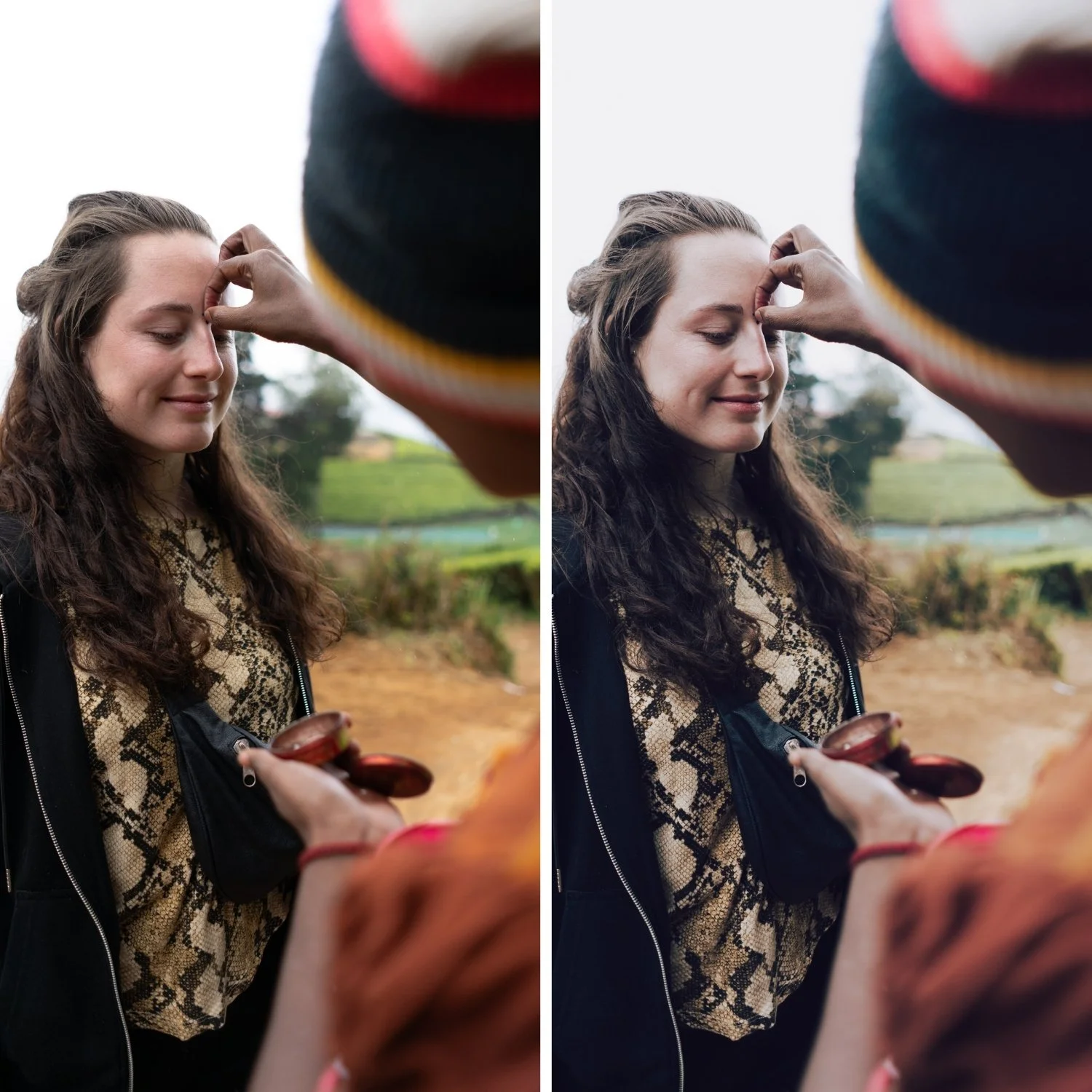
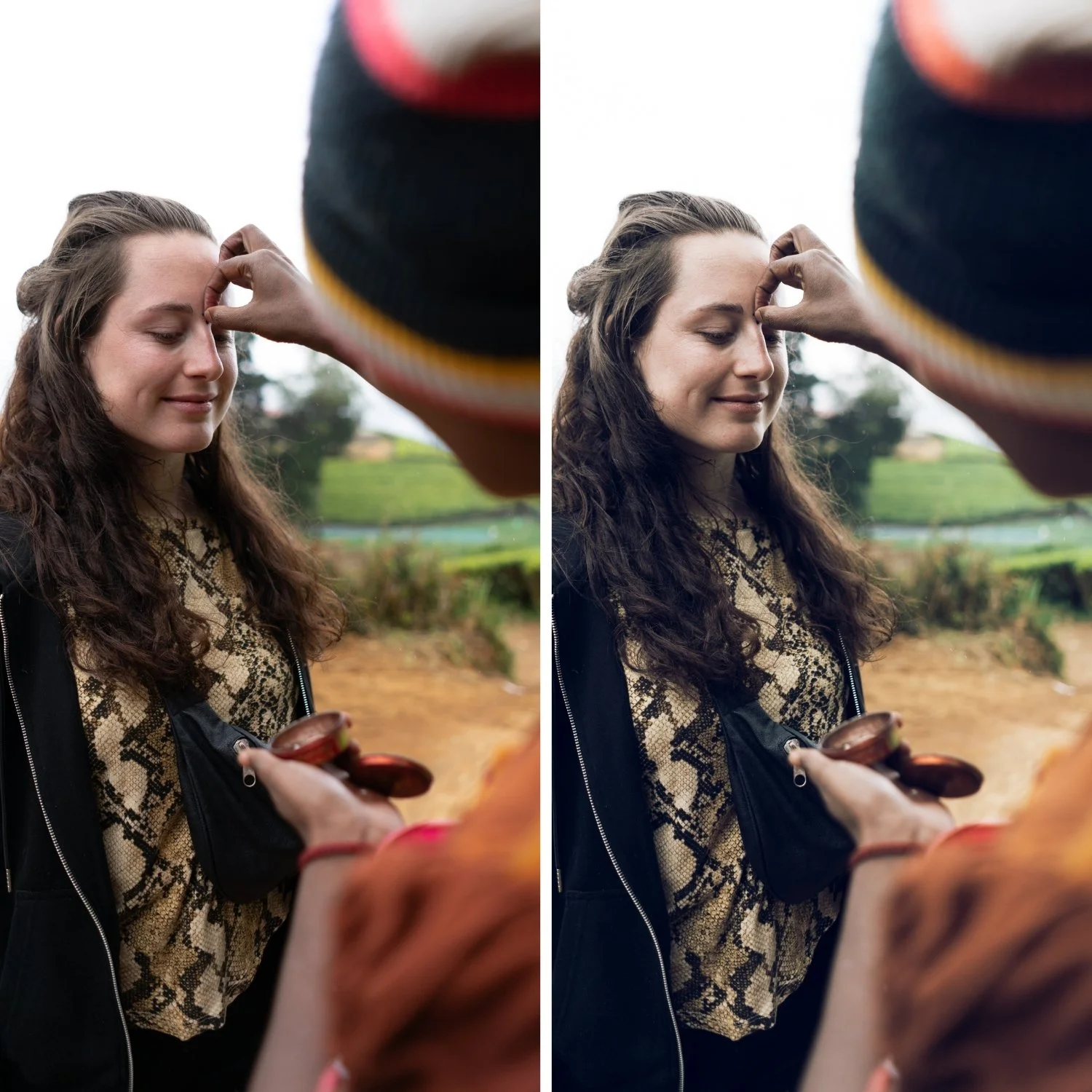
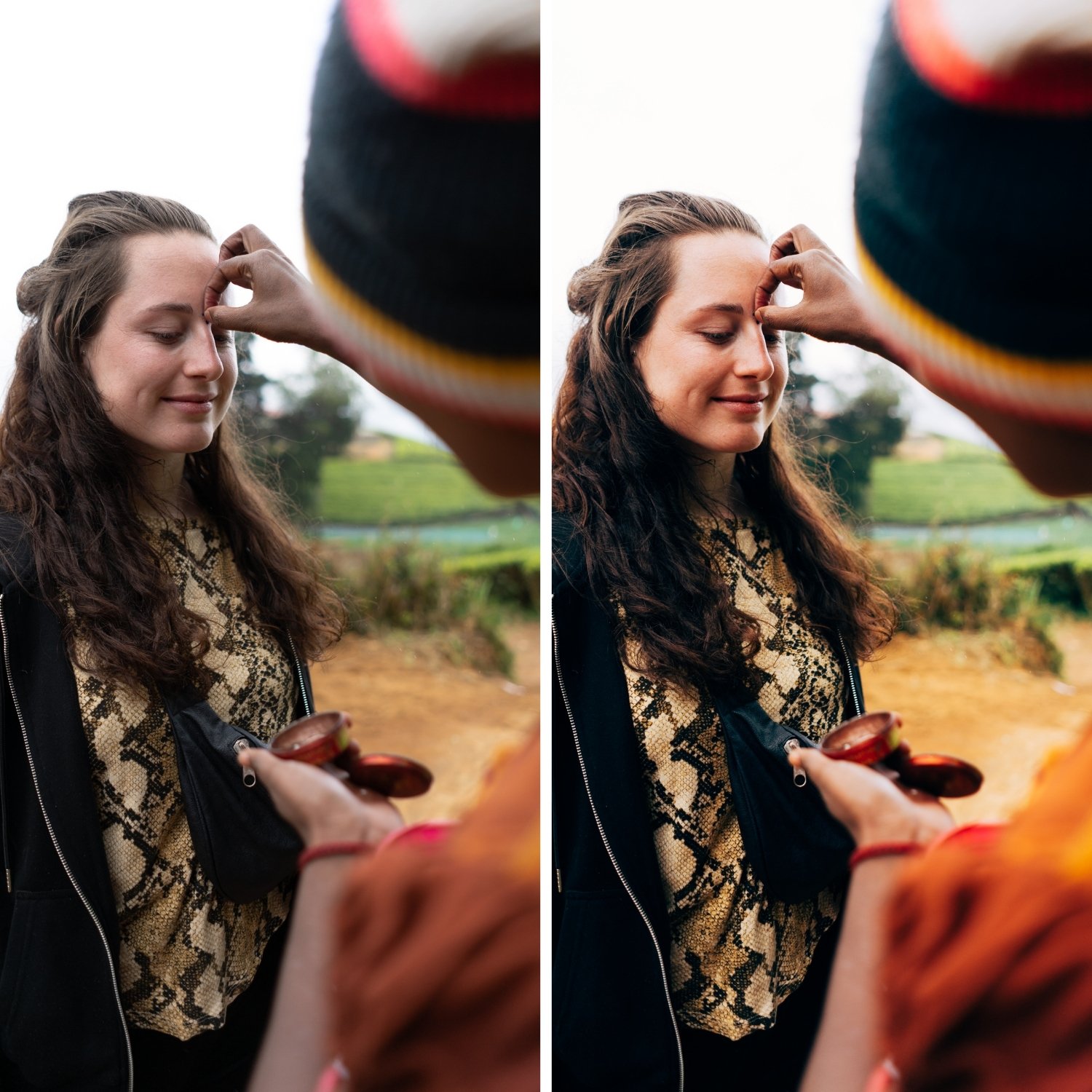
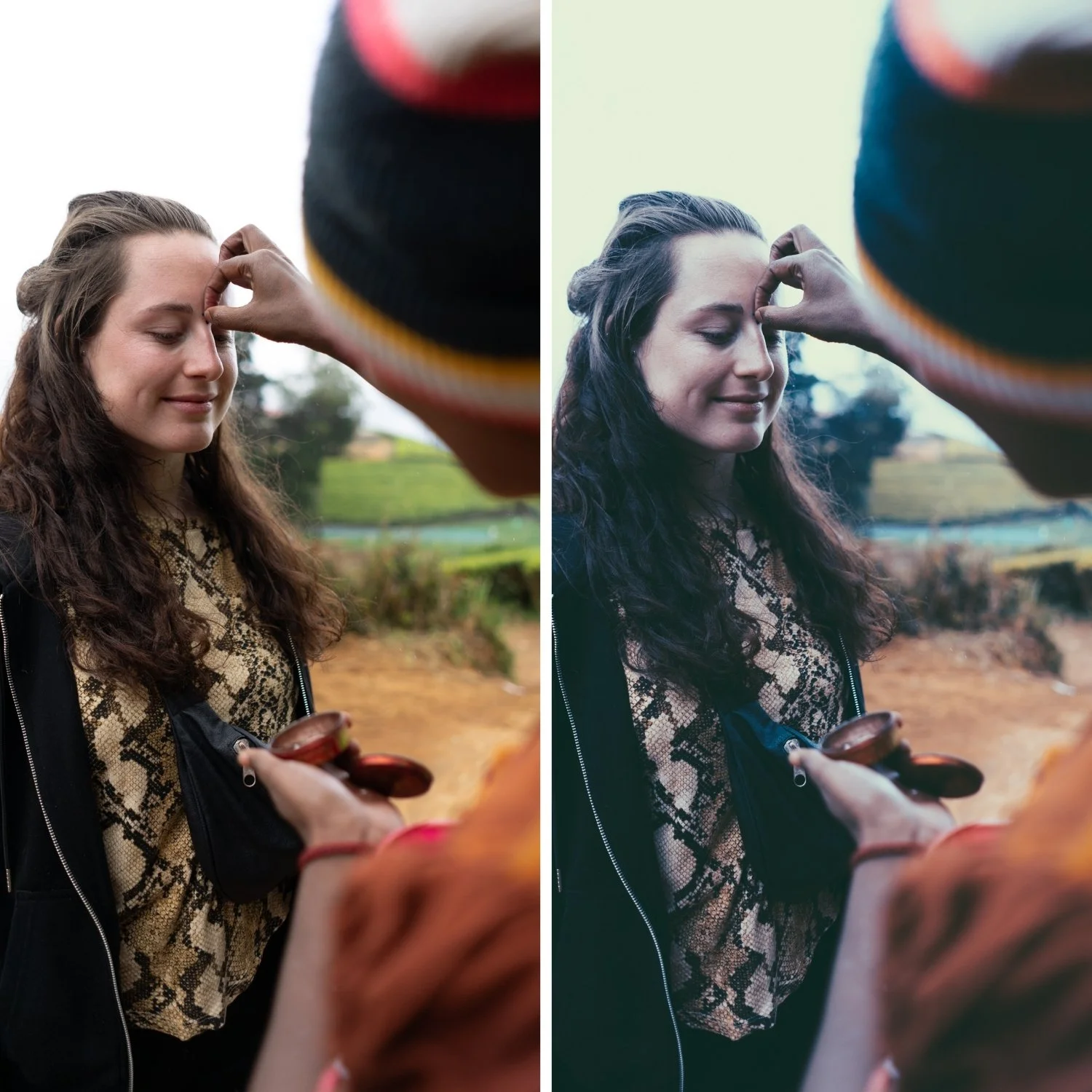
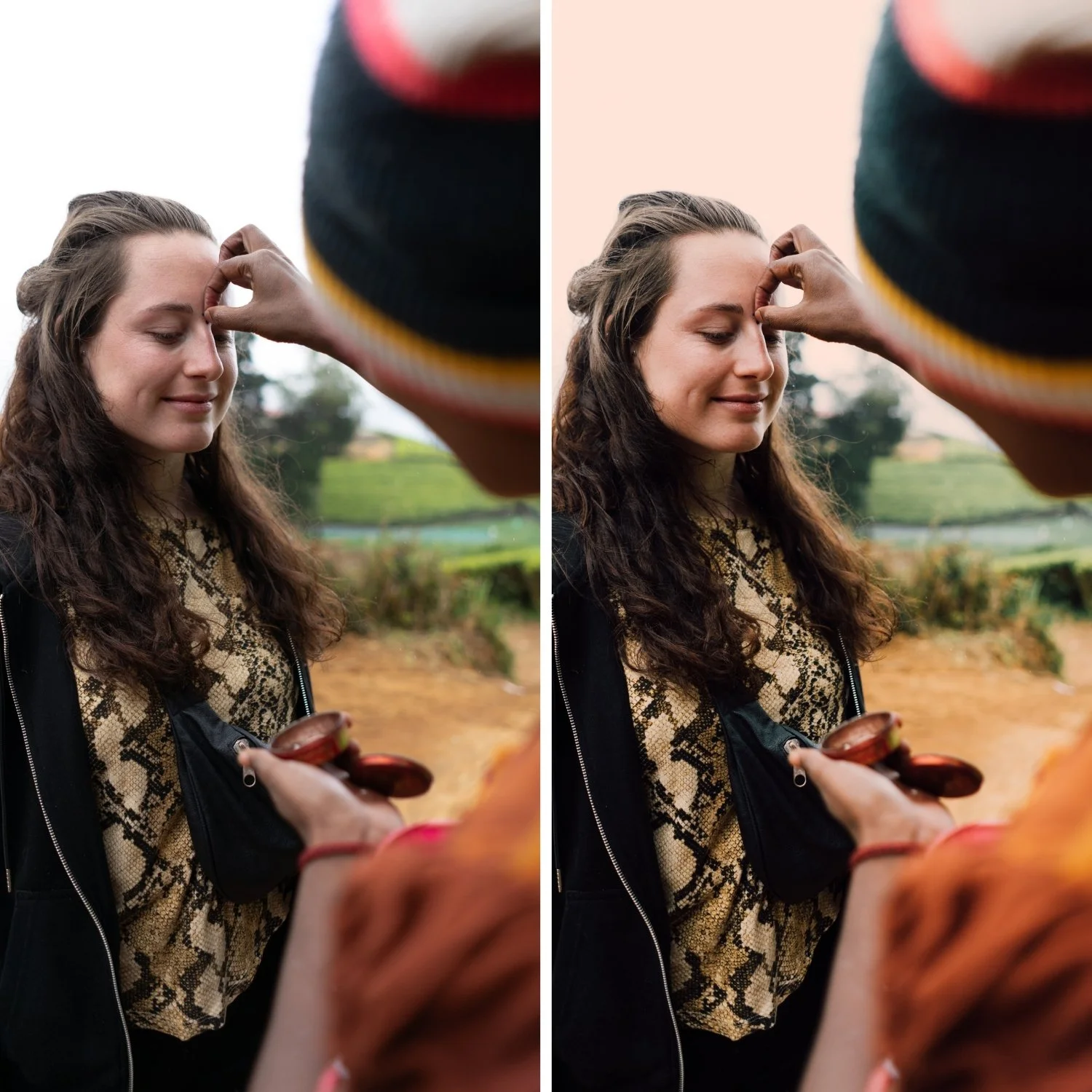
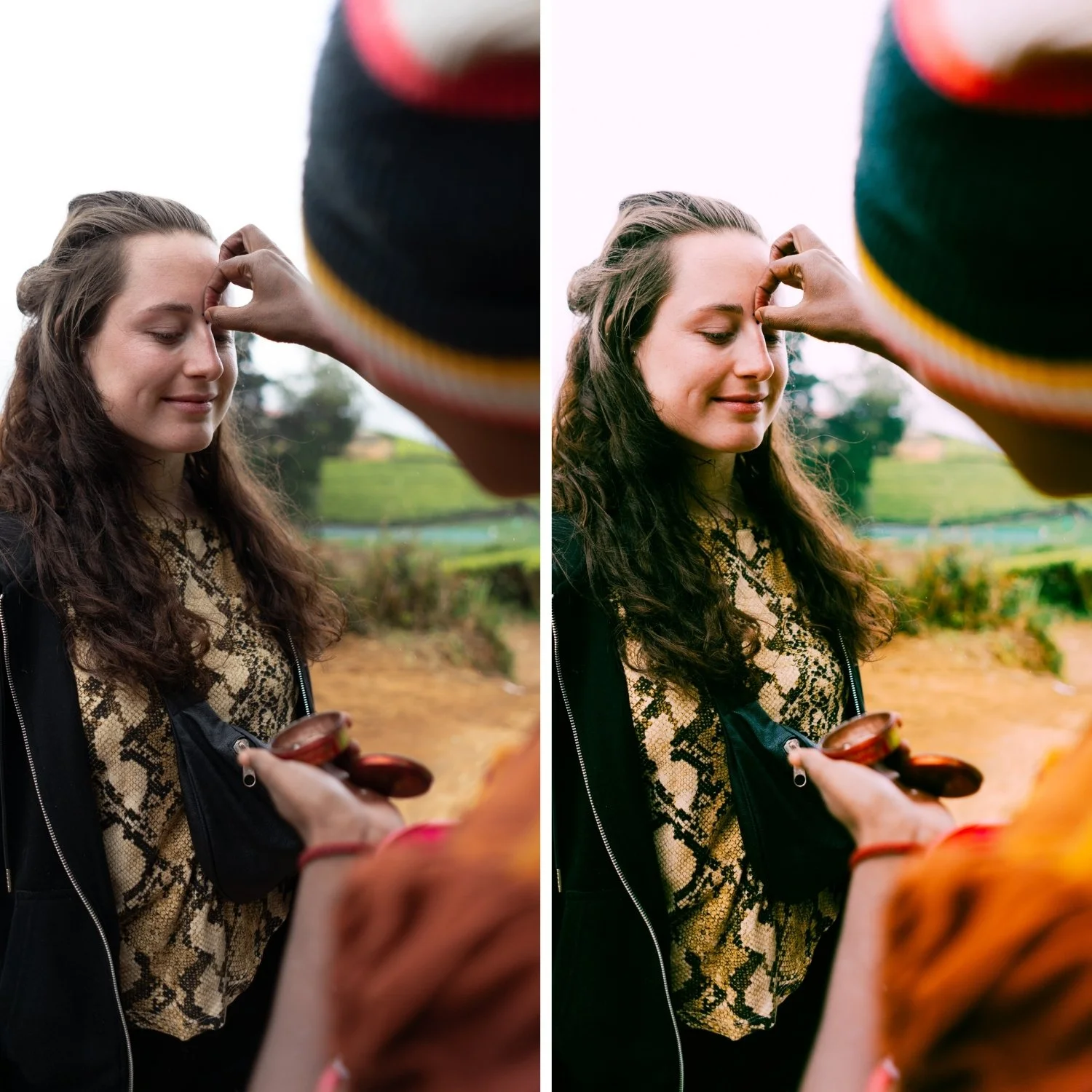 Image 2 of 4
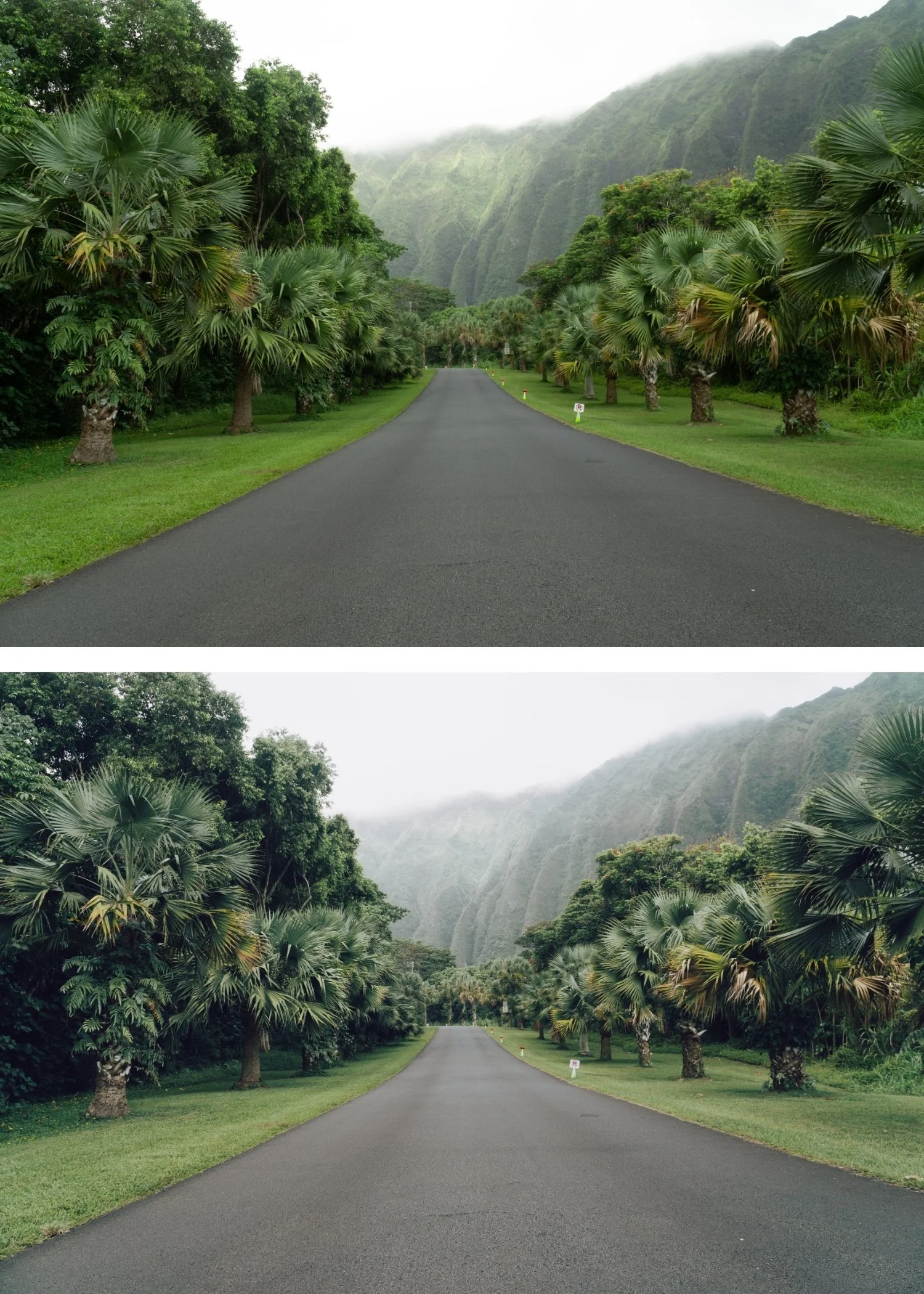
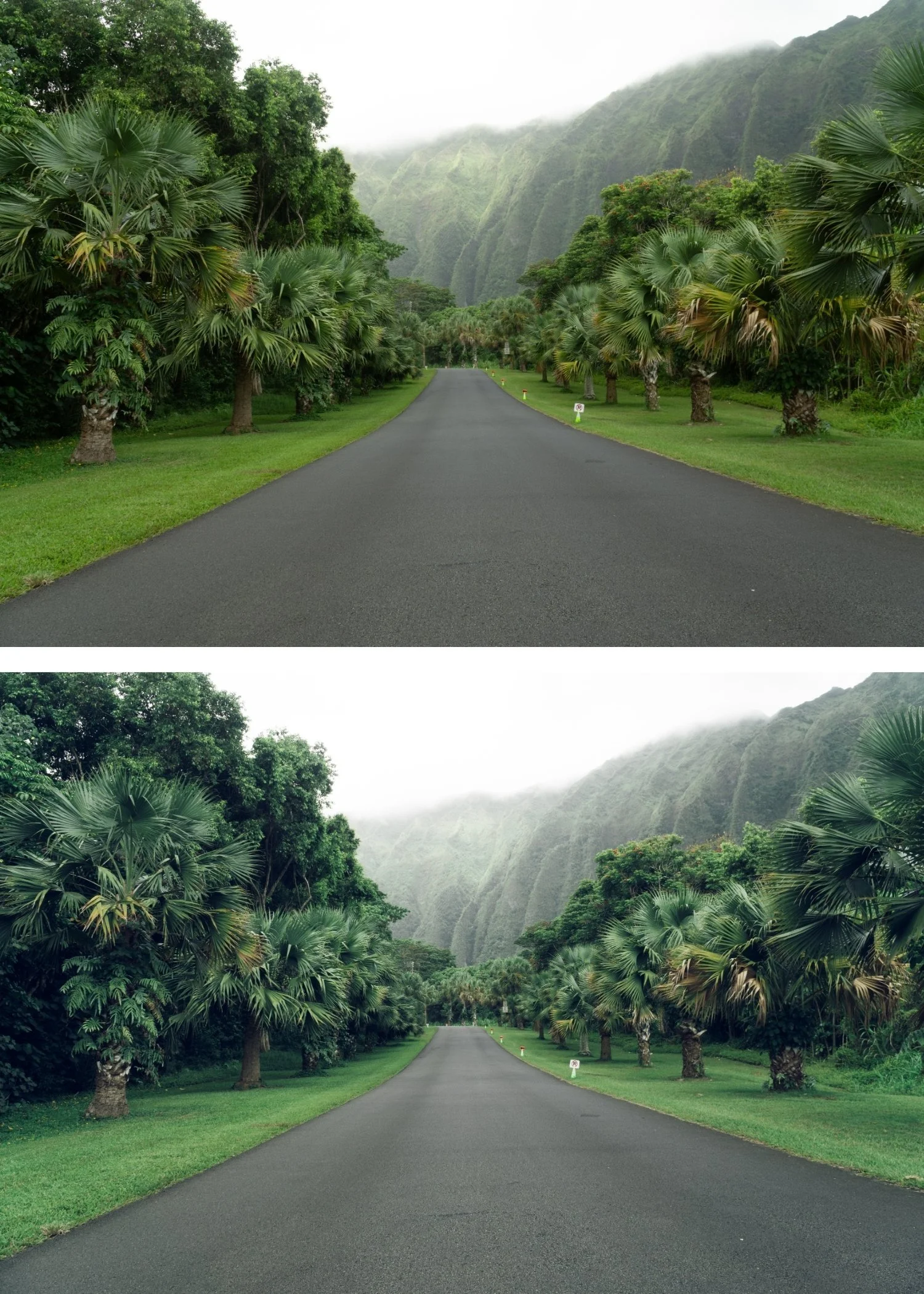
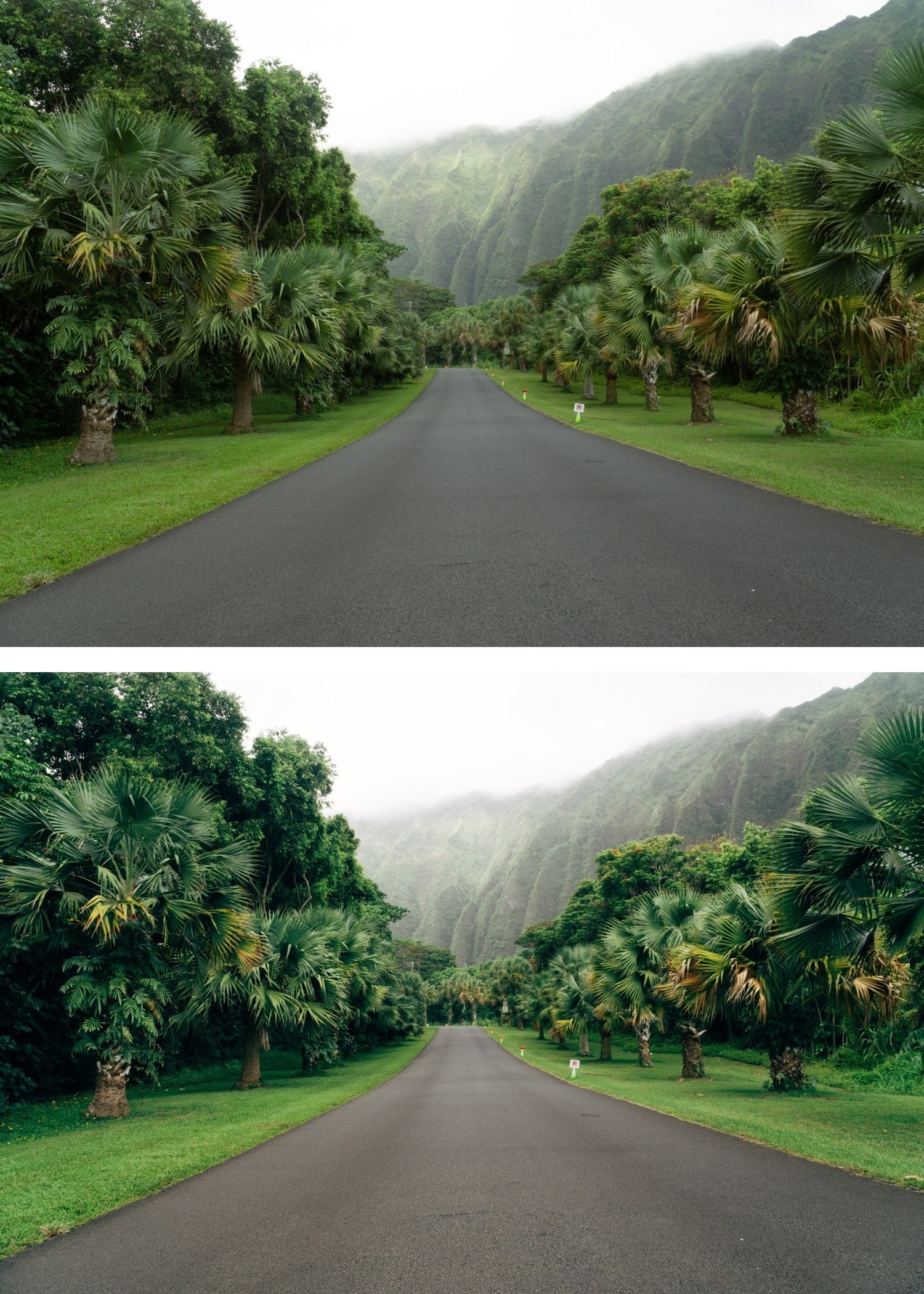
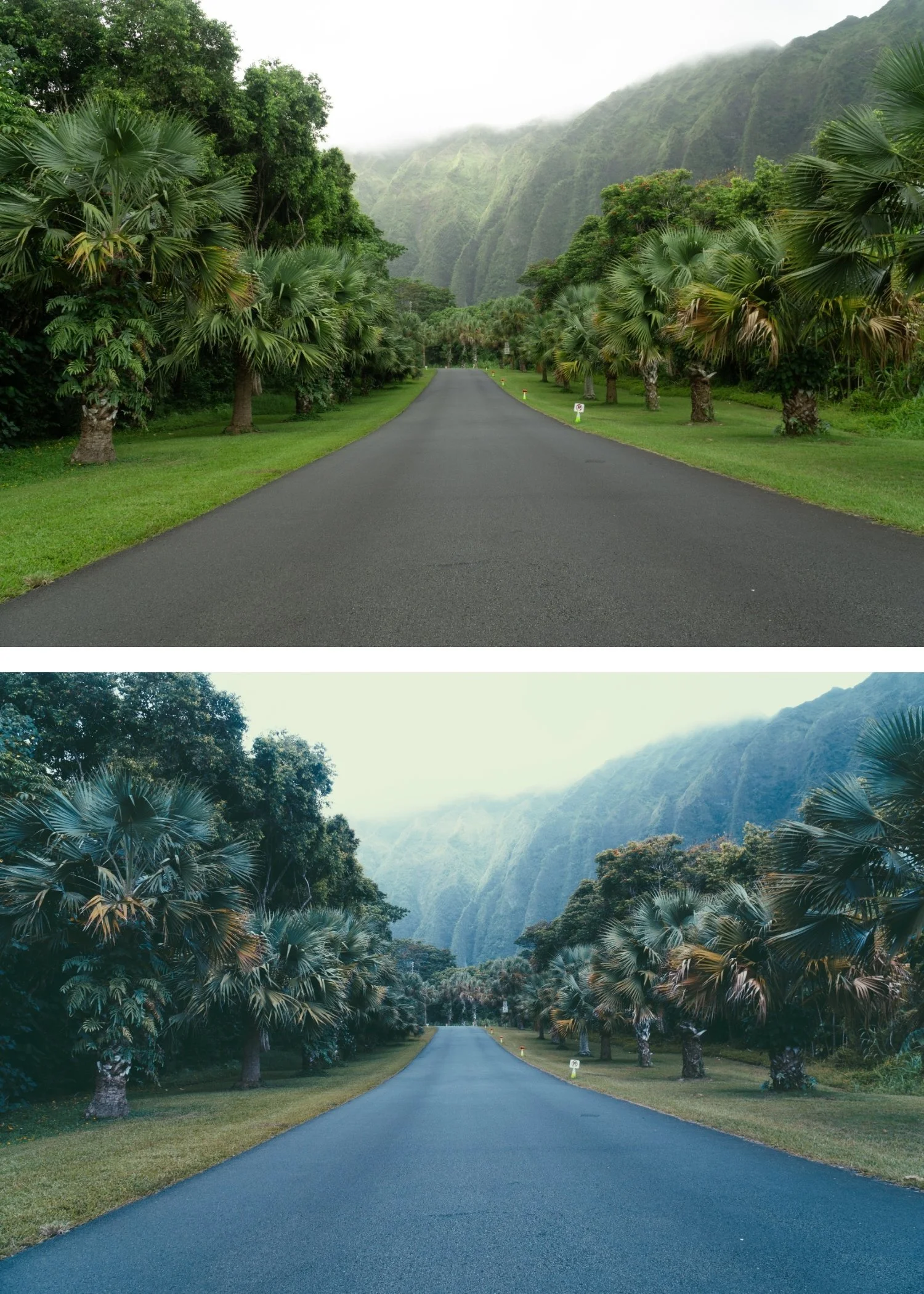
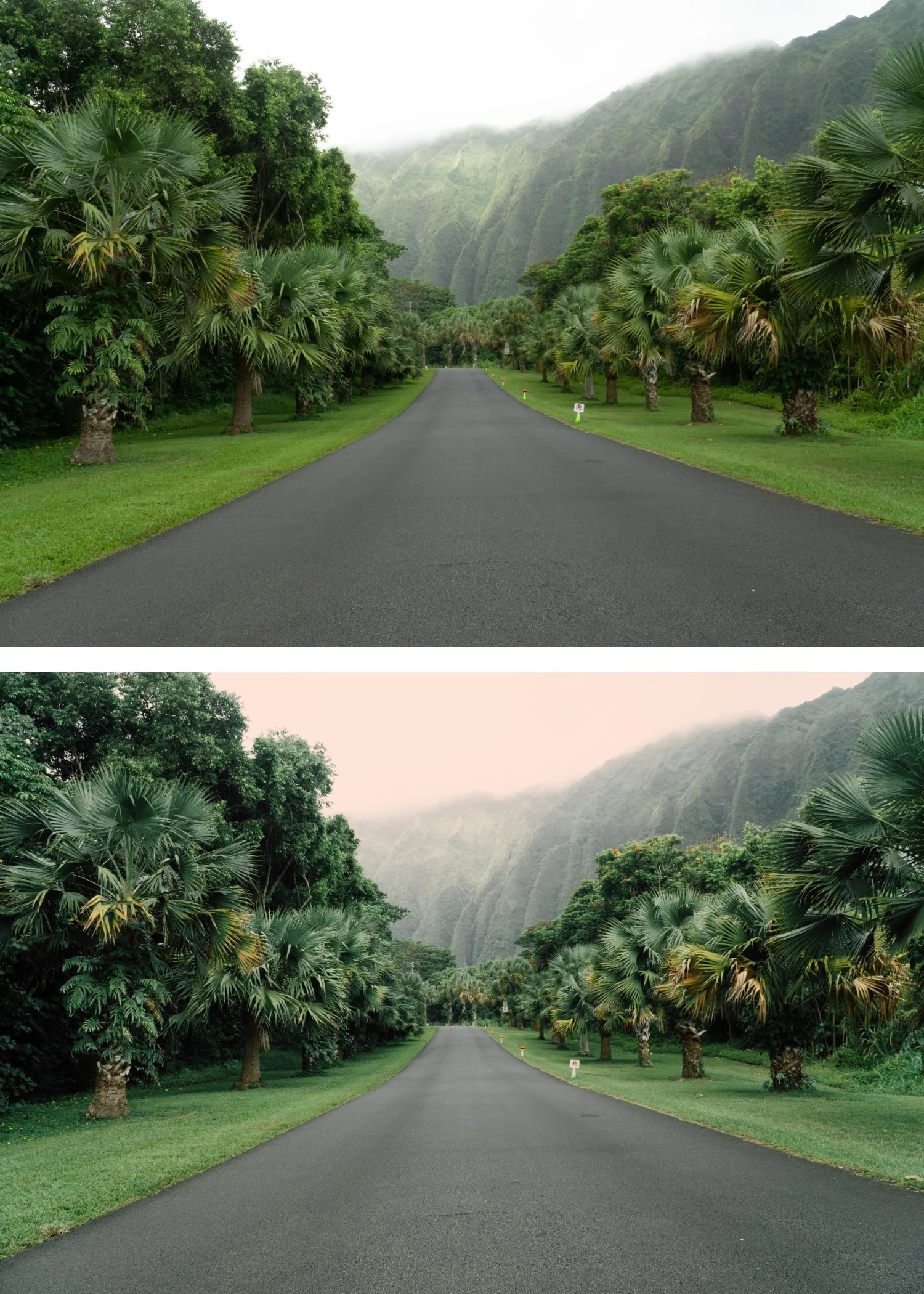
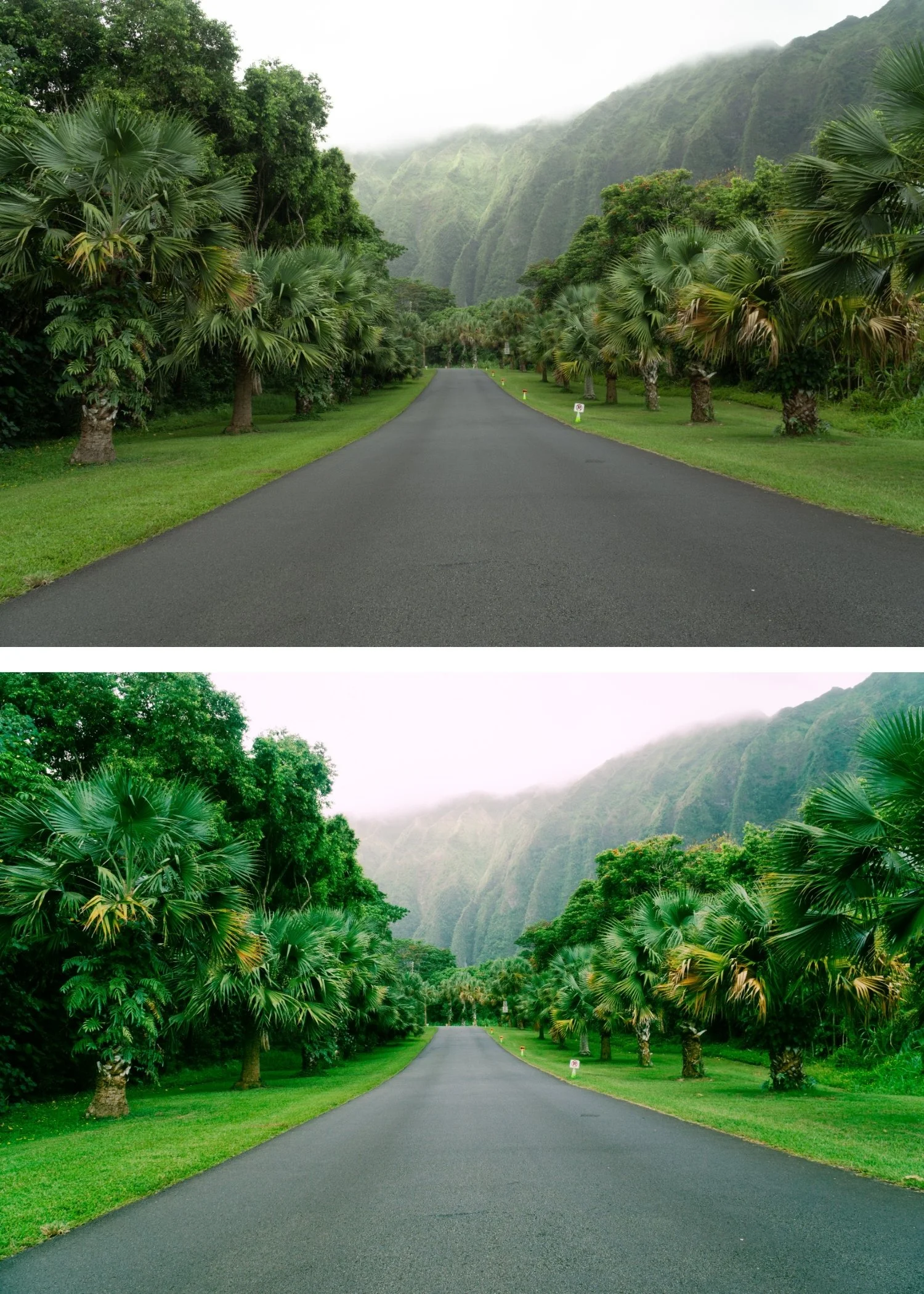 Image 3 of 4
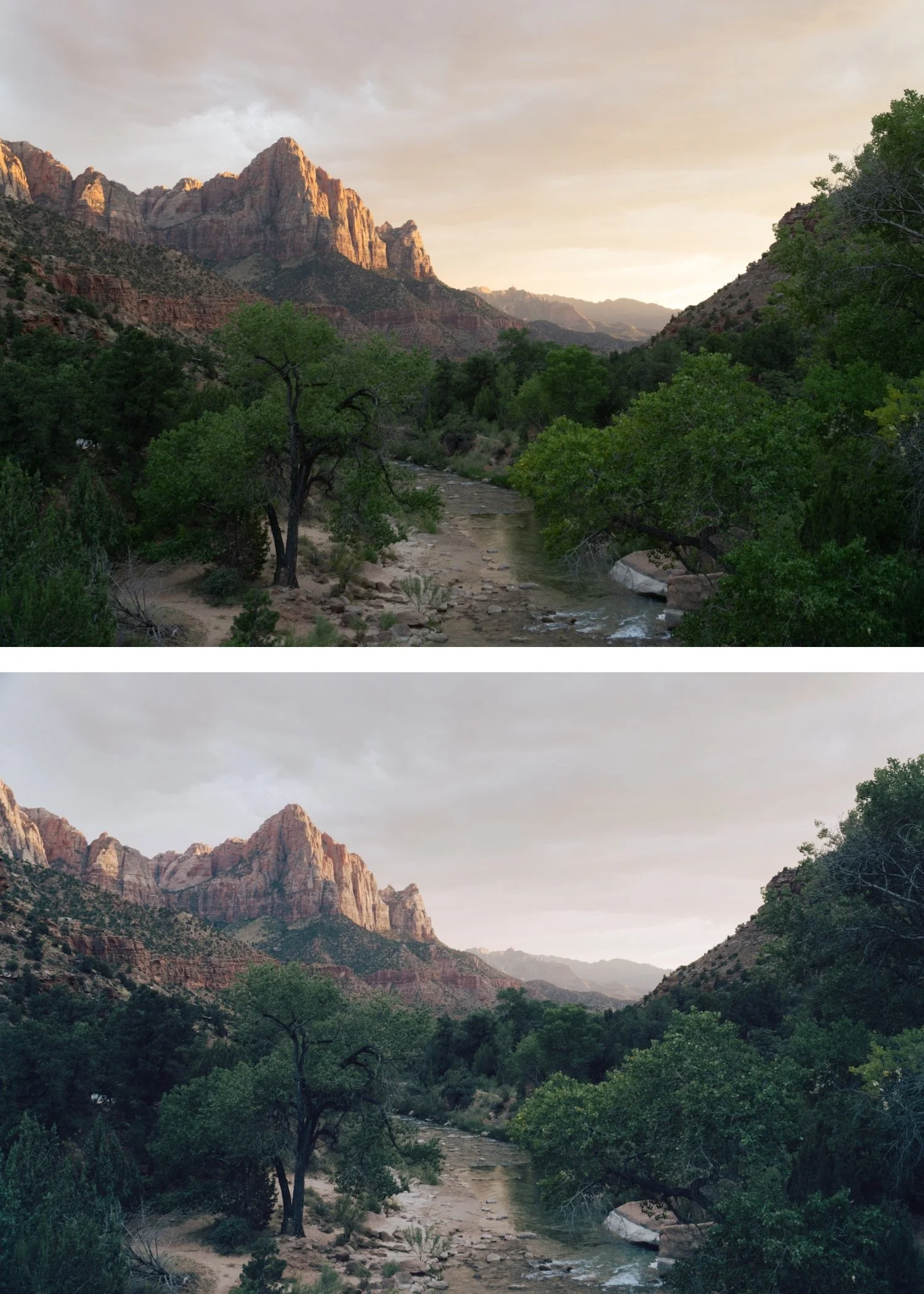
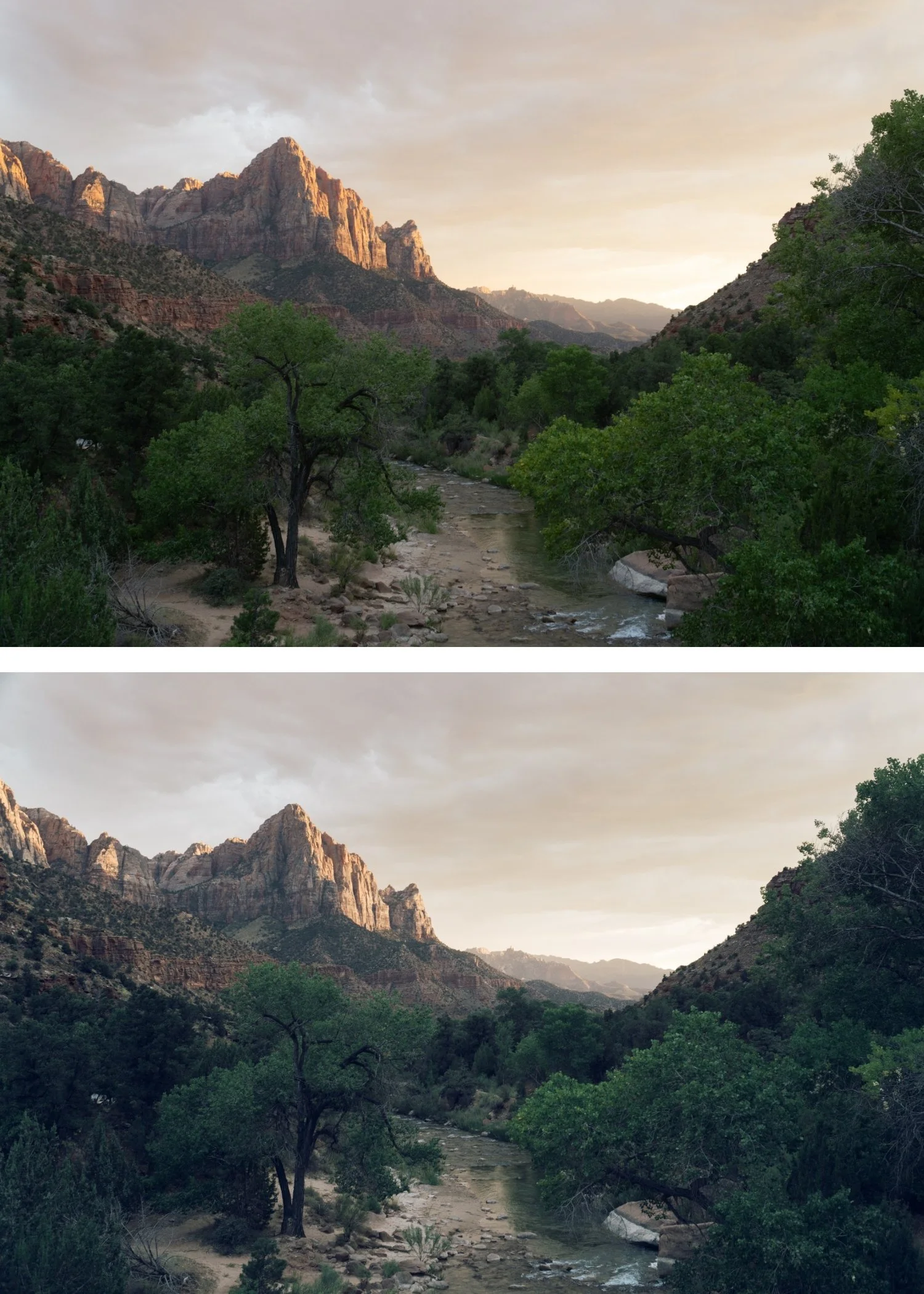
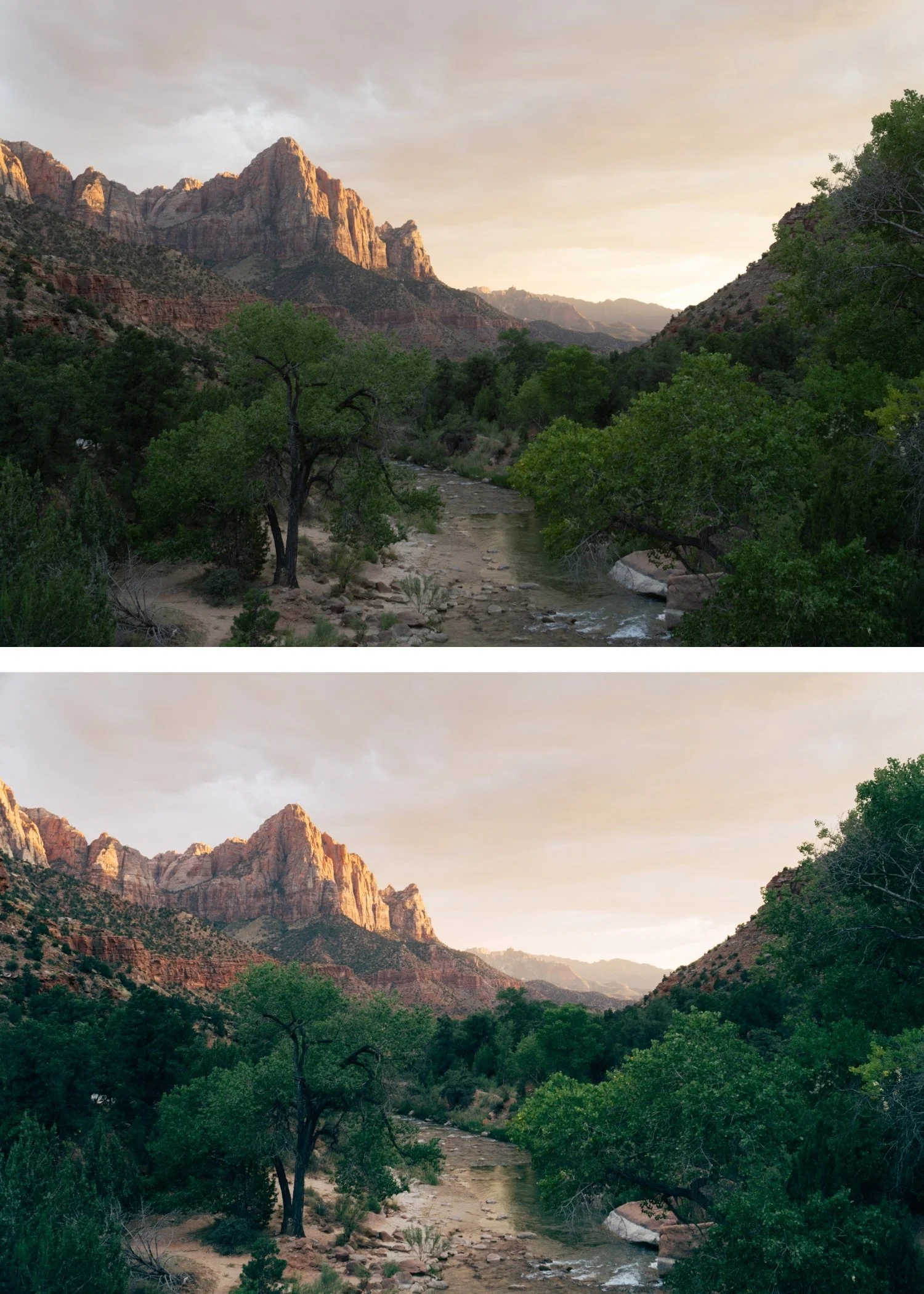
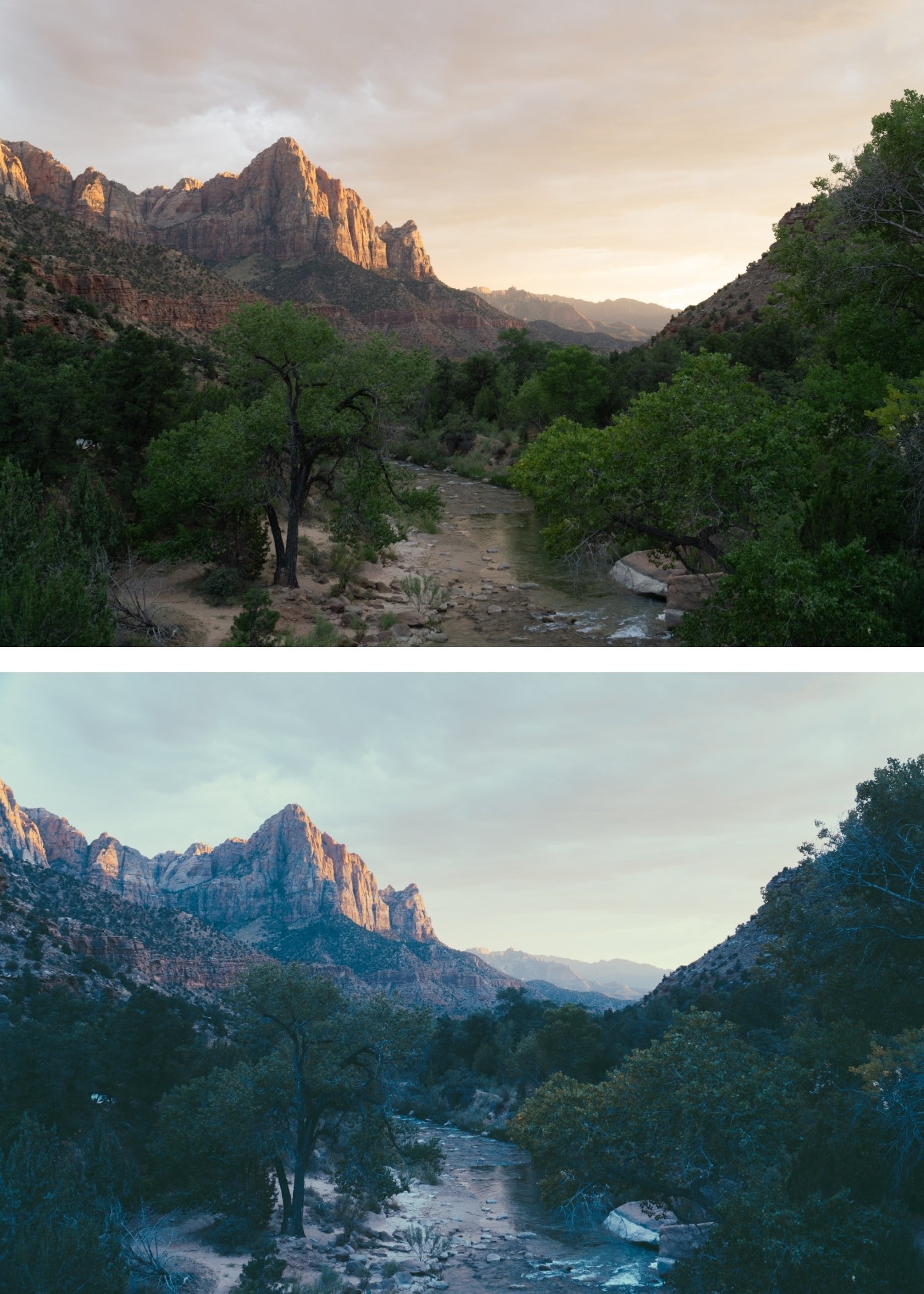
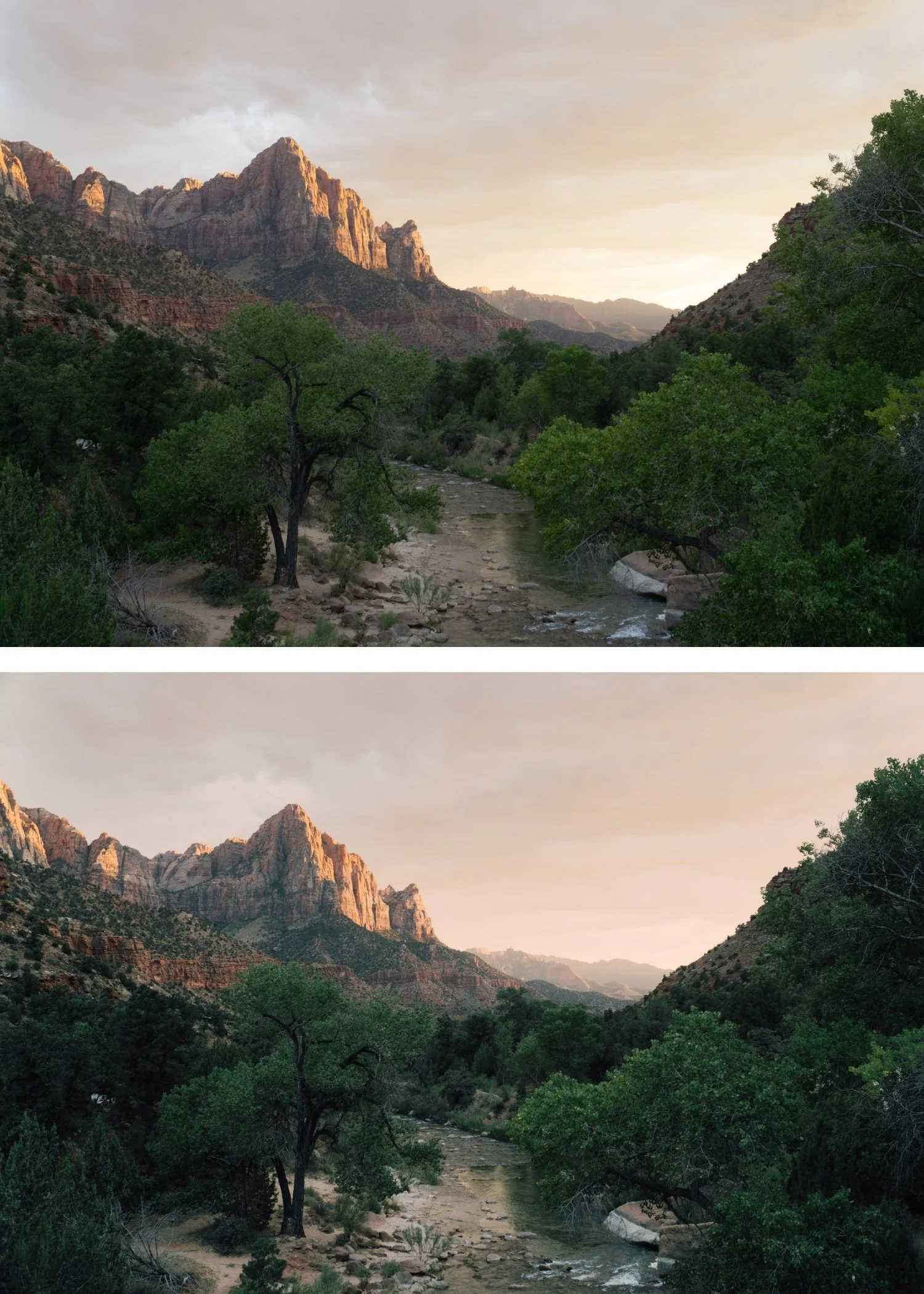
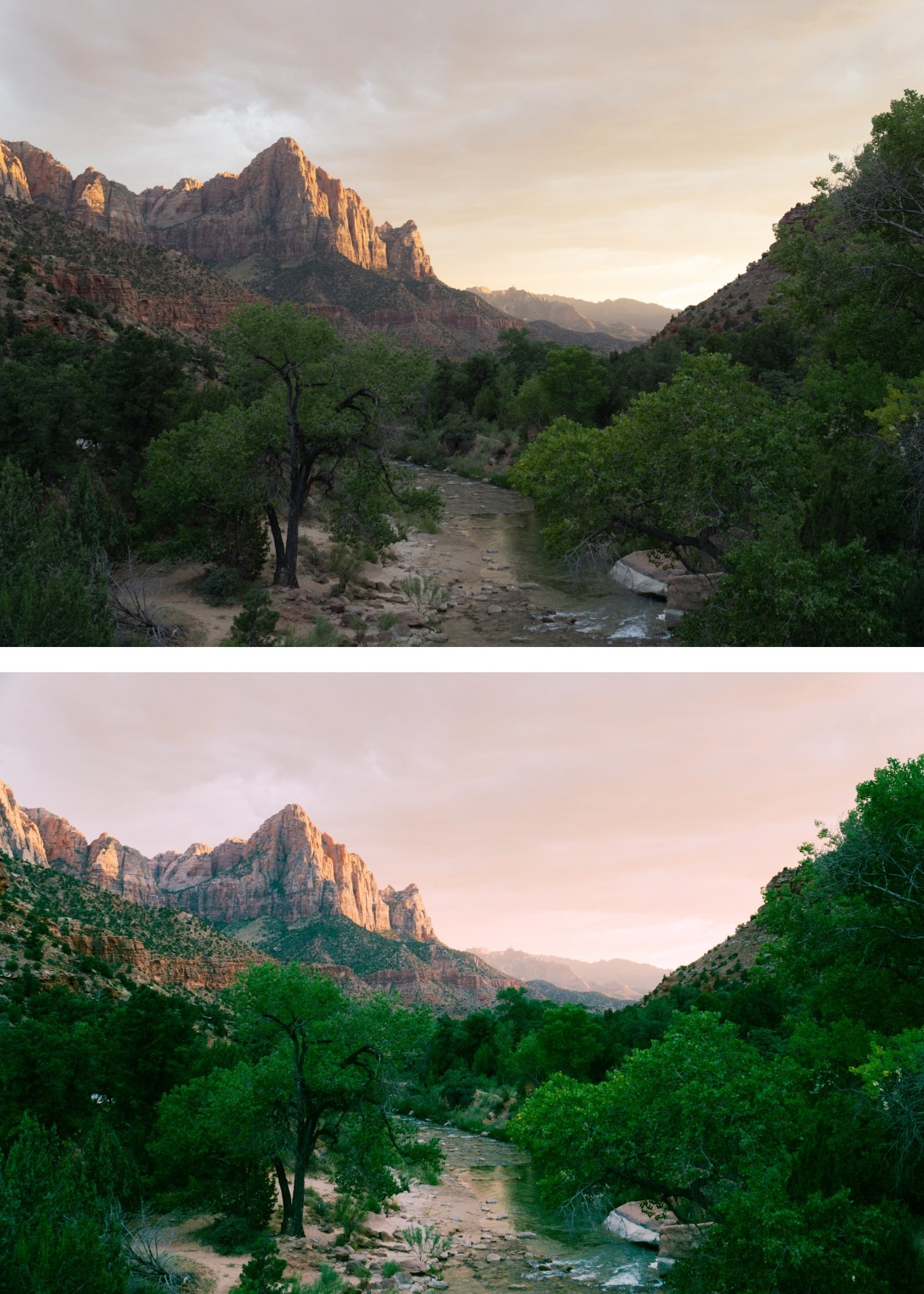 Image 4 of 4
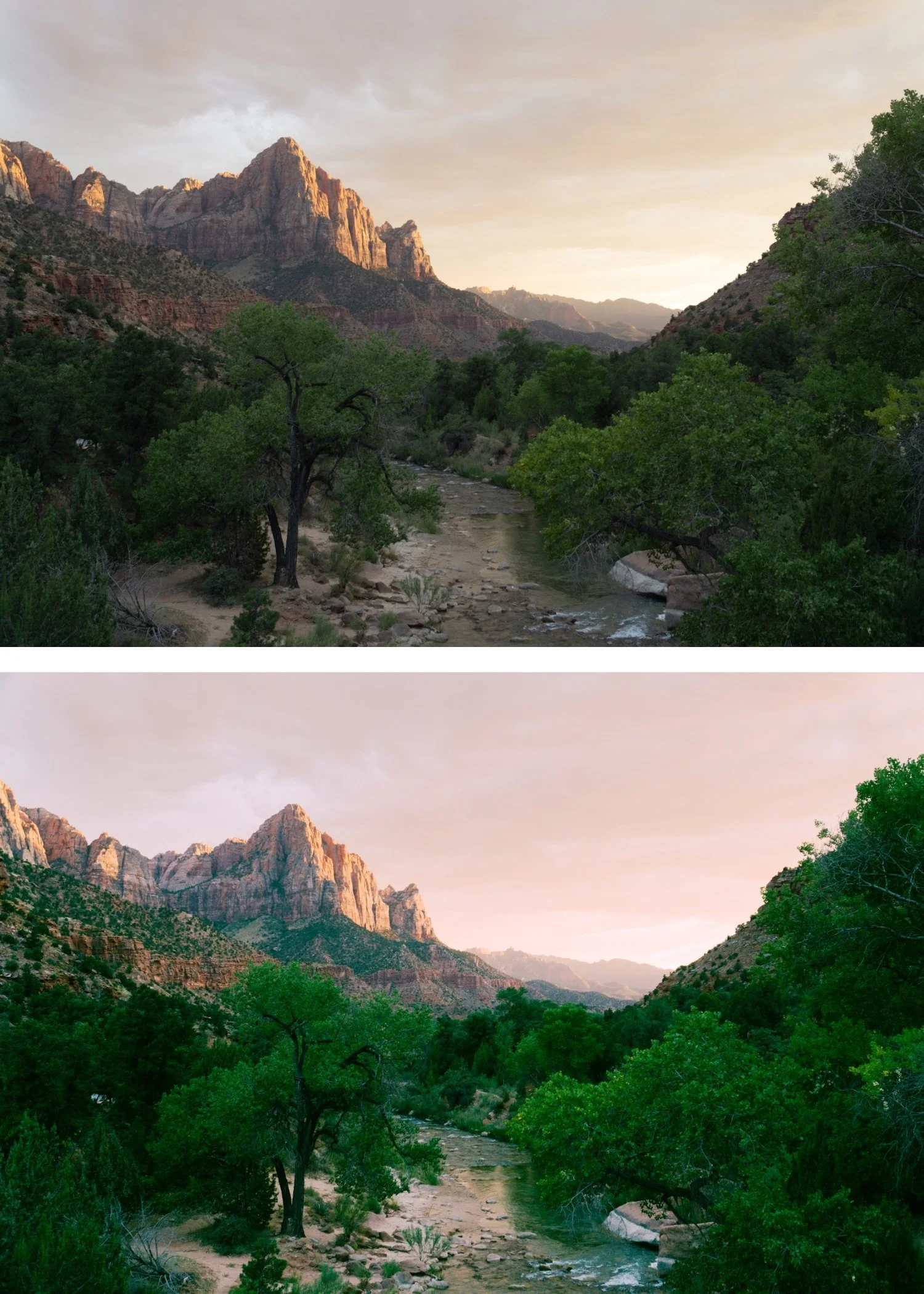
California 01 Clean Warm | Warm Outdoor Preset for Lightroom Mobile & Desktop

-
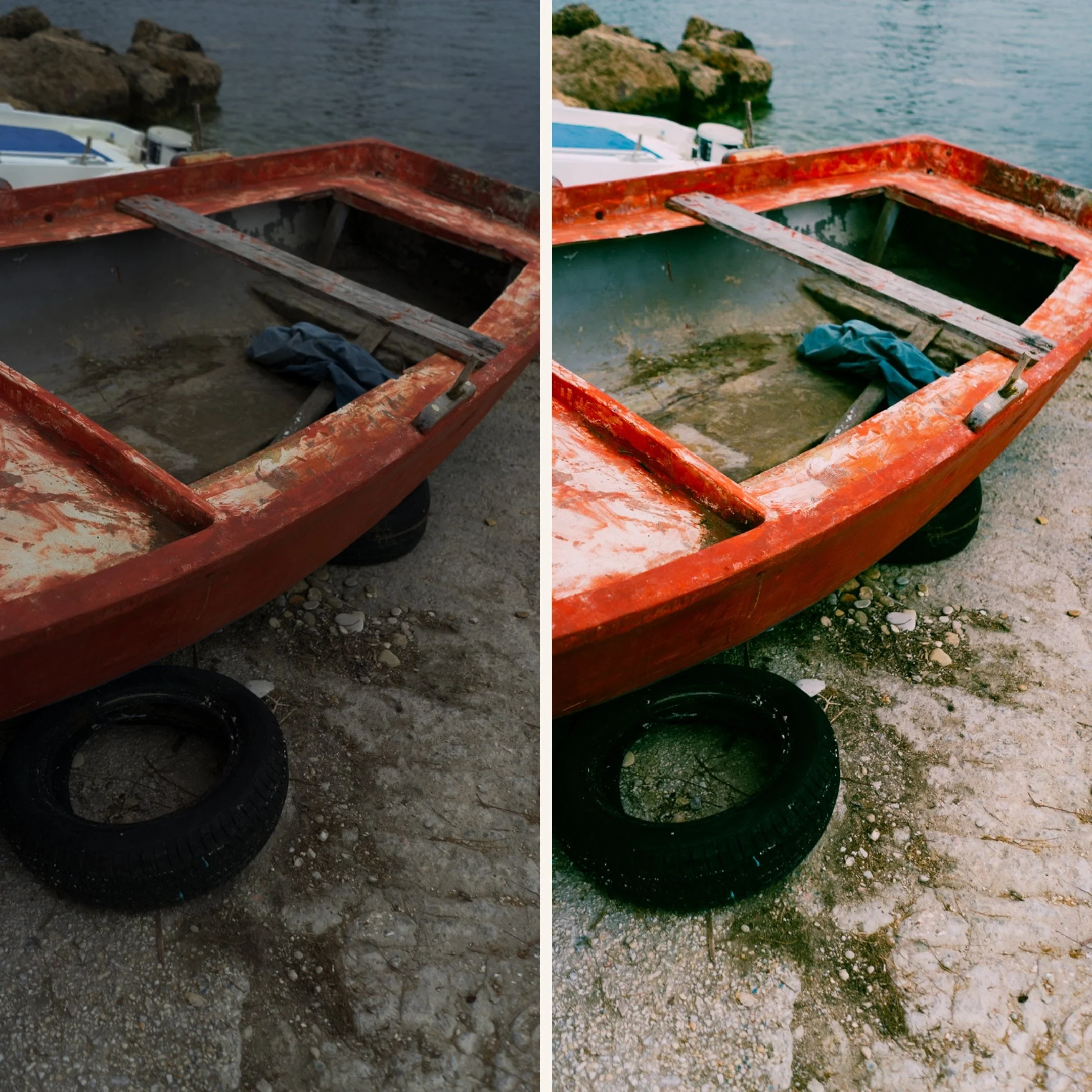
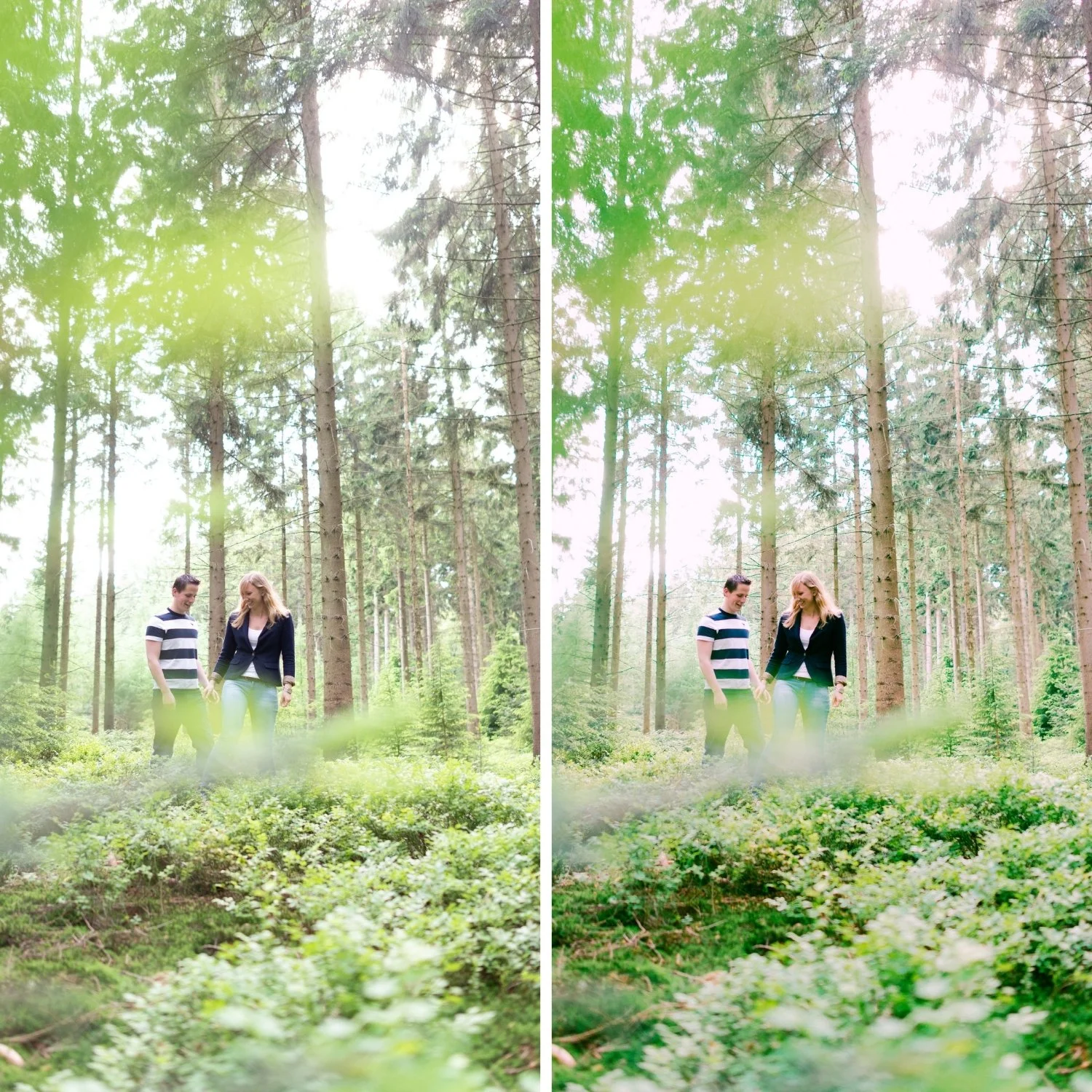
C1 is for outdoor, travel, and lifestyle photographers who want a consistent warm film quality without a heavy editing workflow.
For photographers who post varied content — different locations, different lighting conditions, different subjects — and want one preset that handles everything cleanly.
For photographers who have found warmer presets too orange or too heavy for everyday use. C1's restrained warmth is the starting point that scales.
-
It works everywhere. C1 is calibrated for the full range of outdoor lighting conditions — morning, afternoon, overcast, golden hour. The clean warm quality adapts rather than fights the light.
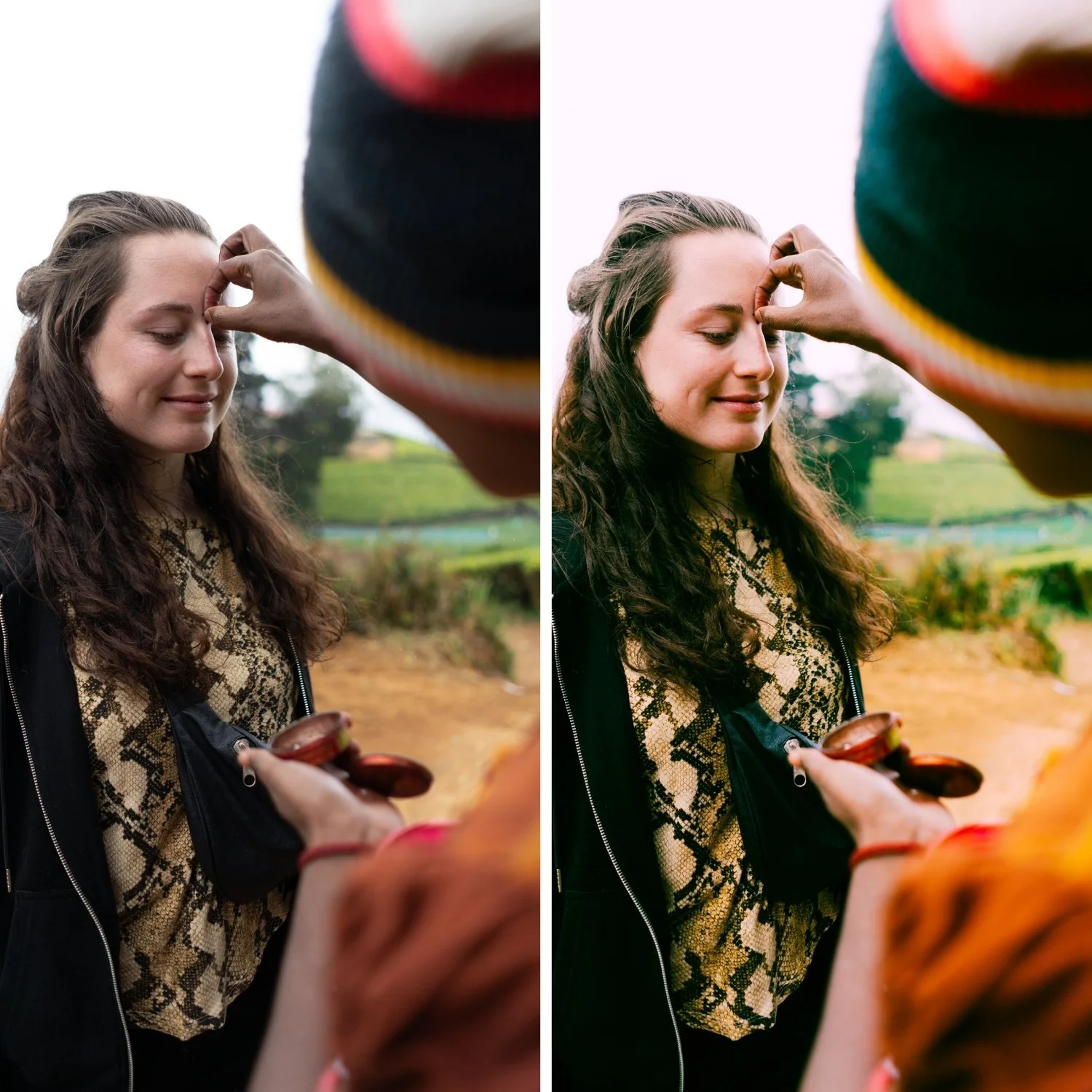
It is never obvious. No one will say your photo looks filtered. C1 adds the organic quality of film photography rather than the appearance of editing.
It is the most consistent preset in the collection. Apply to 100 photos from a travel shoot and they will look cohesive. The warmth does not shift between scenes.
It is the best starting point. If you want to explore bolder presets in the California Archive, C1 shows you the baseline. Everything else is built on this foundation.
-
1 × C1 Clean Warm DNG file — for Lightroom Mobile on iPhone and Android
1 × C1 Clean Warm XMP file — for Lightroom Classic on Mac and Windows
Step-by-step installation guide for Mobile and Desktop
Lifetime access — download again anytime
-
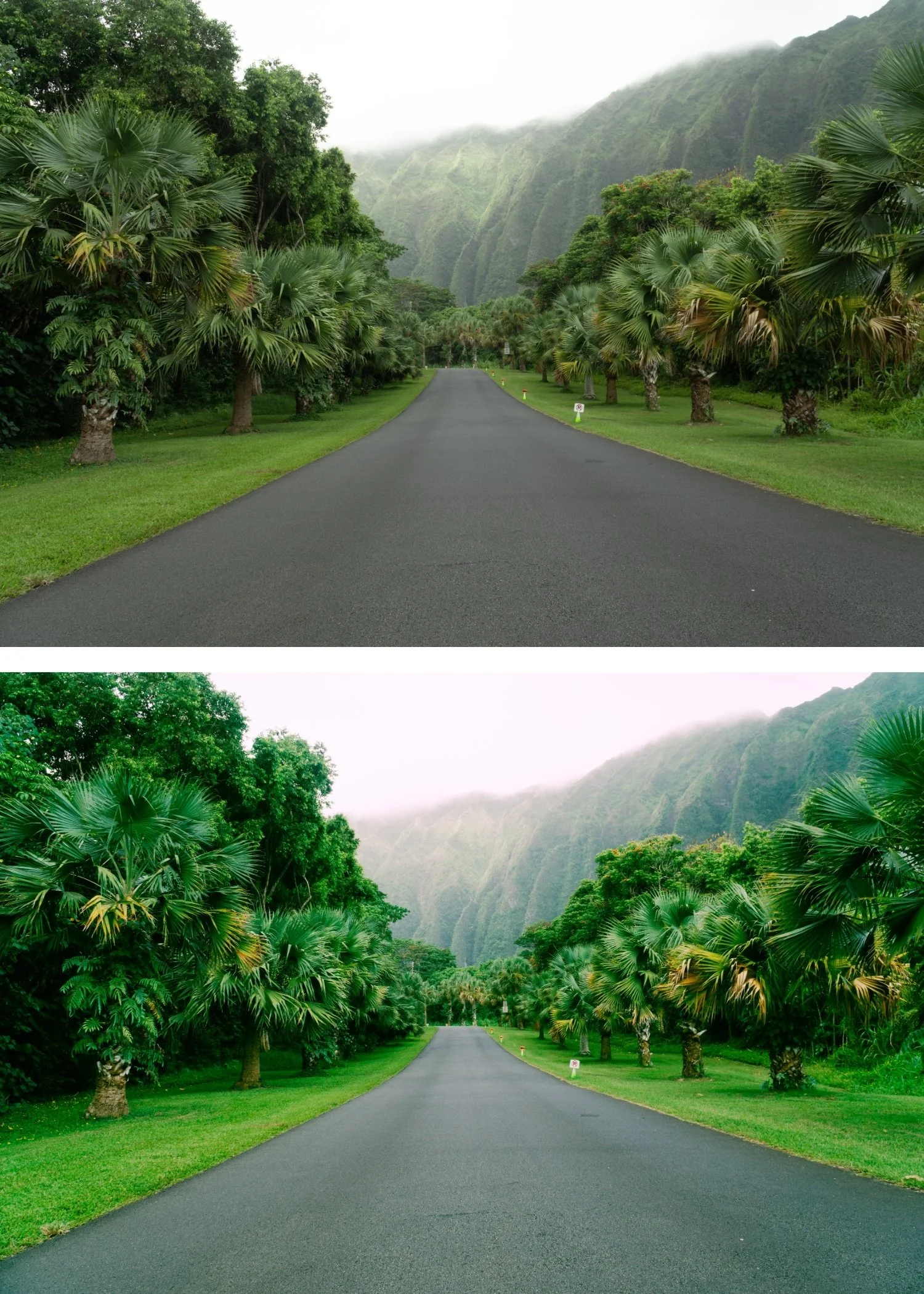
This preset captures the brilliant, high-energy aesthetic and rich primary colors similar to the iconic C1 chromatic filters. It’s the perfect professional alternative for those wanting a refined, vibrant film look that makes travel and landscape photography stand out on both desktop and mobile.
-
Step 1: Fix white balance. C1 assumes a warm-neutral starting point — approximately 5,200-5,500K for outdoor daylight. Correct white balance before applying for the most consistent results.
Step 2: Apply C1 Clean Warm. The warm color rendering, film grain, and tonal quality apply simultaneously.
Step 3: Adjust Exposure and White Balance per photo. C1 handles the color identity. Exposure and white balance handle the per-photo differences.
On phone photos: apply at 80-85% strength. Reduce Green Saturation -5 to -8 additional if outdoor foliage reads too vivid.
-
What is the difference between C1 and C2? C1 is cleaner and more neutral-warm — the most versatile starting point. C2 Warm Fade adds a slight fade quality and more golden warmth in the midtones. C1 for everyday versatility, C2 for a more stylised warm portrait quality.
Does C1 work in the free version of Lightroom Mobile? Yes. Preset installation and use is completely free in Lightroom Mobile. No Creative Cloud subscription needed.
Which C-Series preset is best for travel photography? C1 for clean versatile travel. C5 Summer Warm or C7 Rich Warm for more vibrant travel color. C3 Bold Teal for cinematic travel with strong visual character.
GET ALL 9 CALIFORNIA ARCHIVE PRESETS
C1 is the versatile baseline. The full California Archive gives you eight more — Warm Fade for lifestyle portraits, Bold Teal for cinematic travel, Cool Outdoor for coastal photography, Summer Warm for bright conditions, Cool Contrast for architecture, Rich Warm for golden hour, Sun-Drenched for maximum vibrancy, and the editorial C9.
Nine presets. One golden philosophy. $3 per preset.
THE STUDIO ARCHIVE
Want everything? The Studio Archive contains 130+ presets — every collection we make, including the complete California Archive — for $89 total. That is $0.68 per preset with every future release included for life.