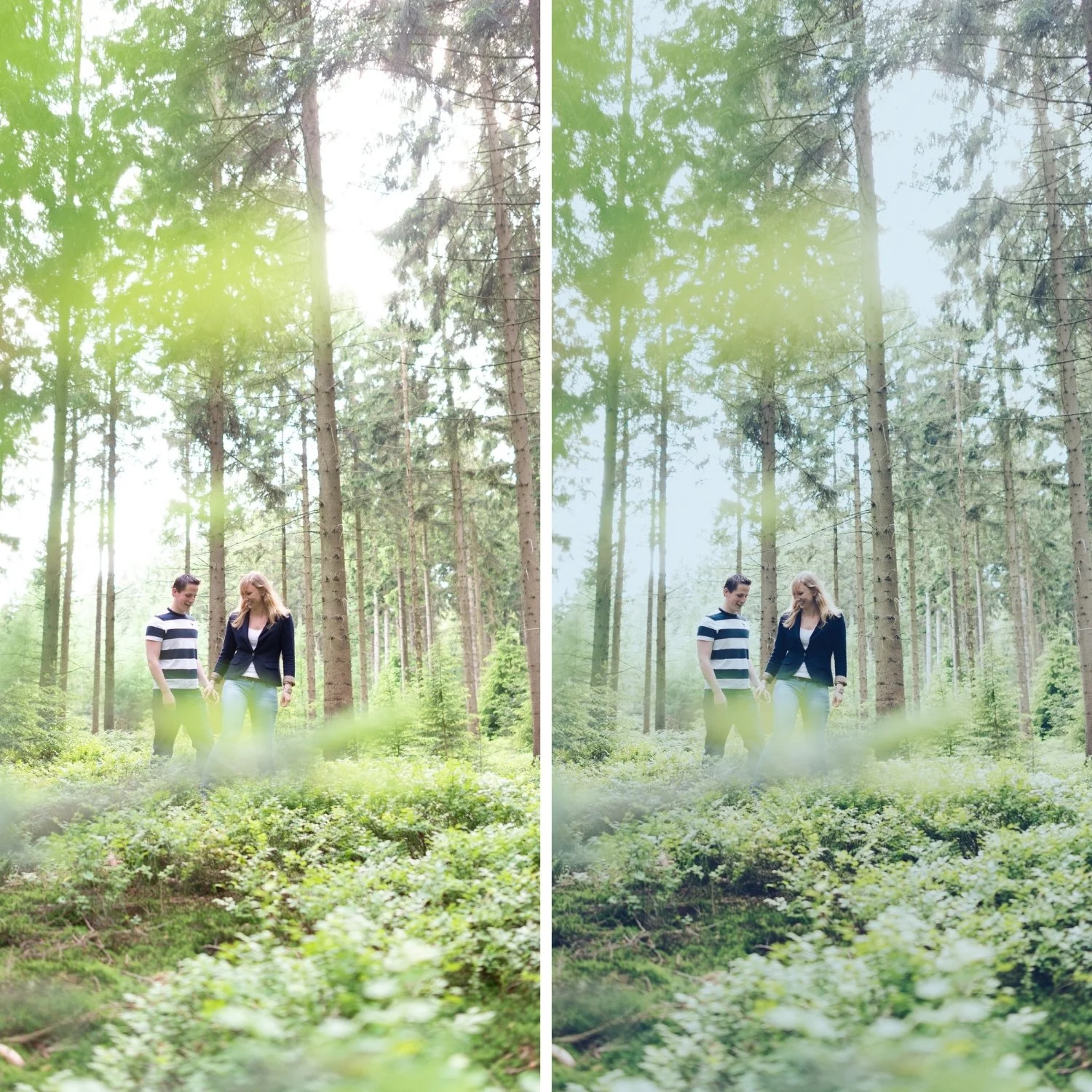
 Image 1 of 4
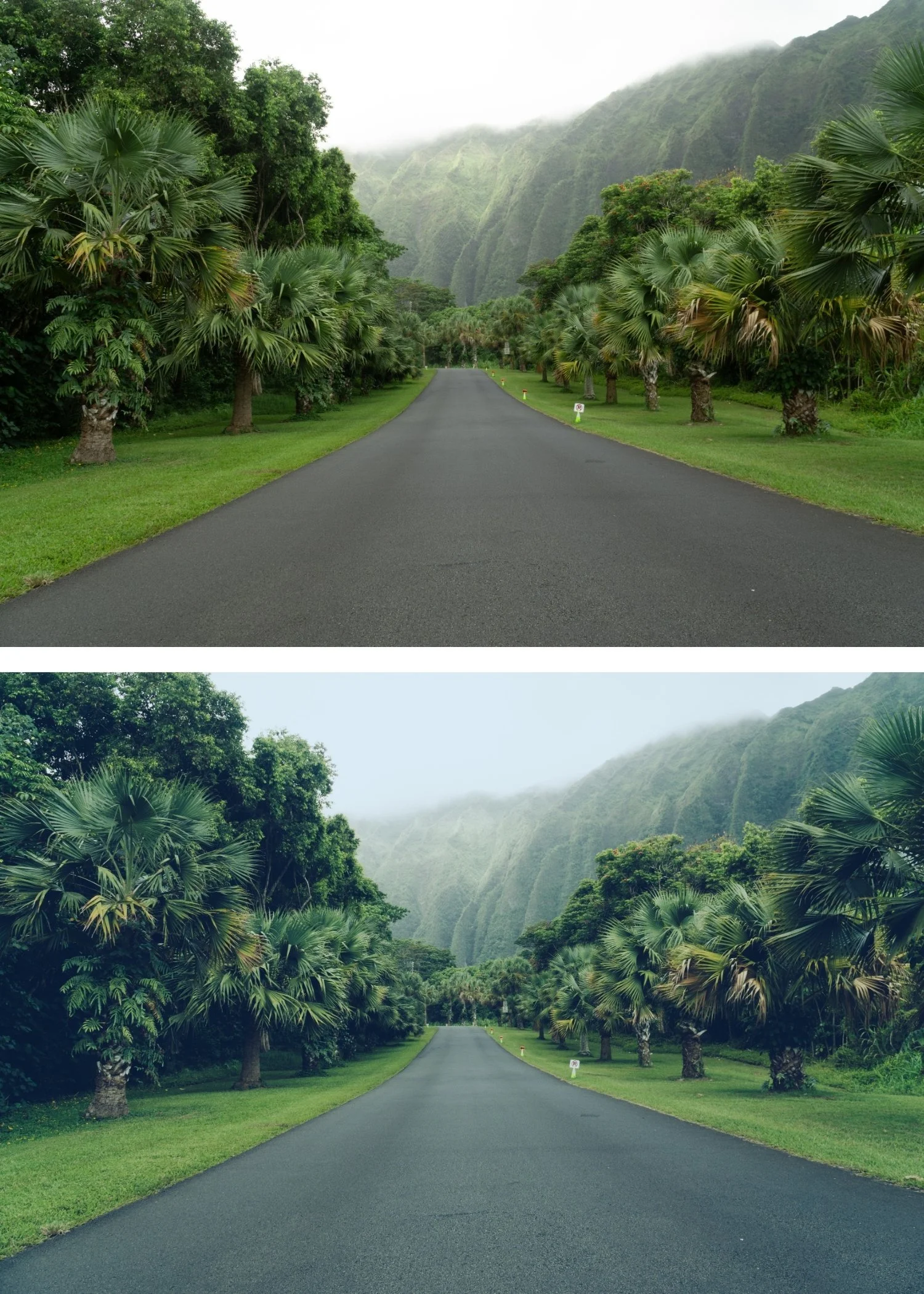
 Image 2 of 4
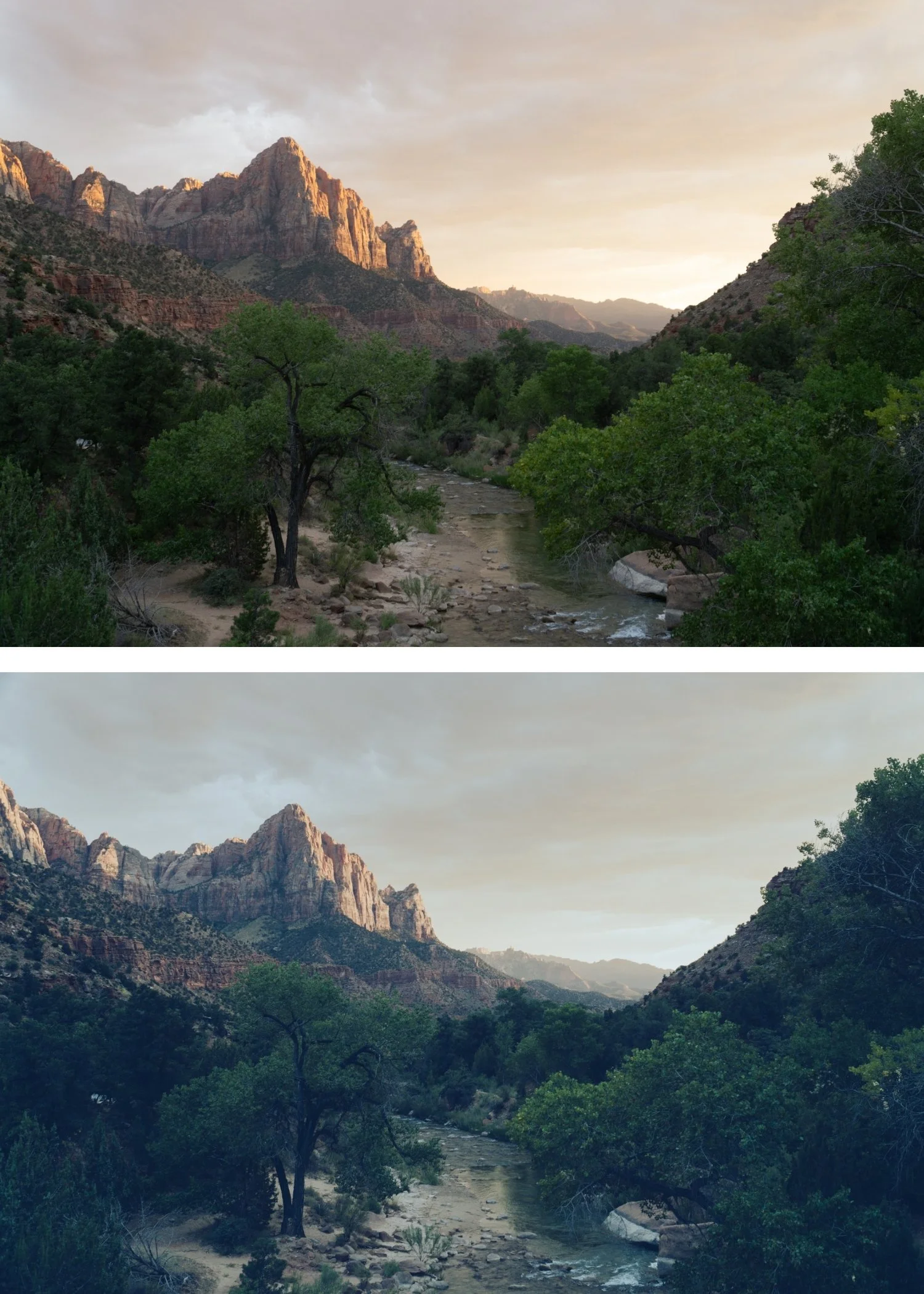
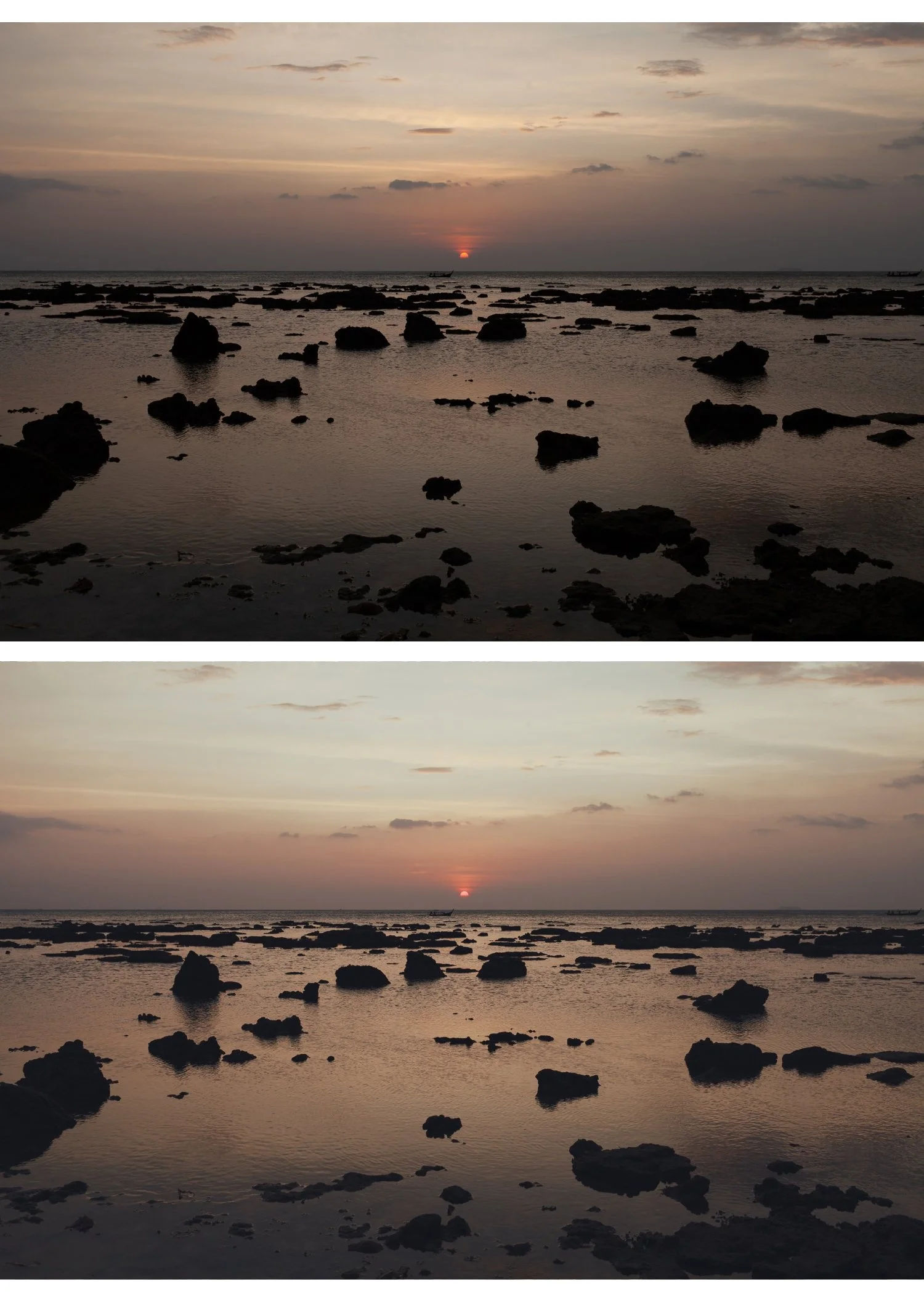
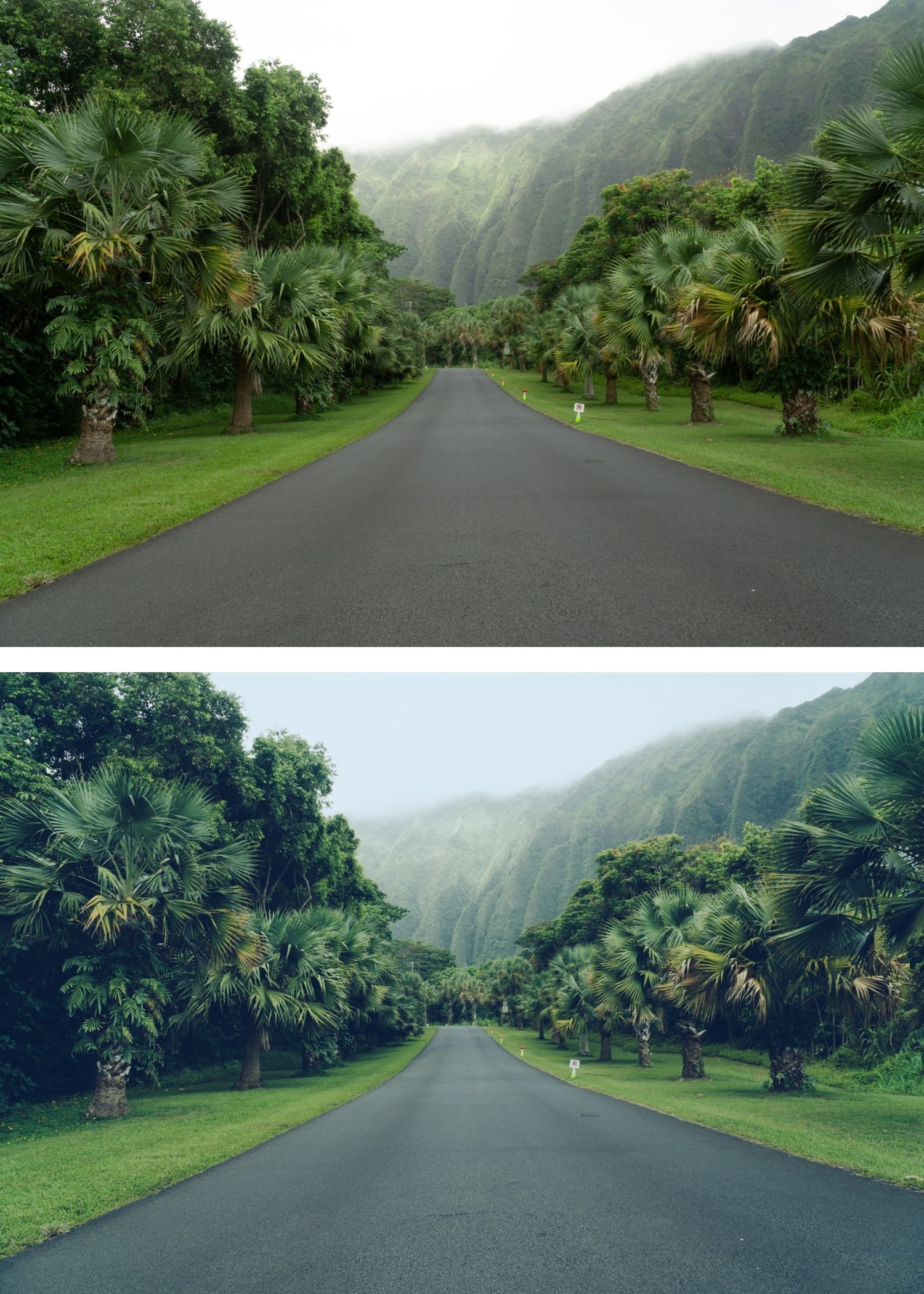 Image 3 of 4
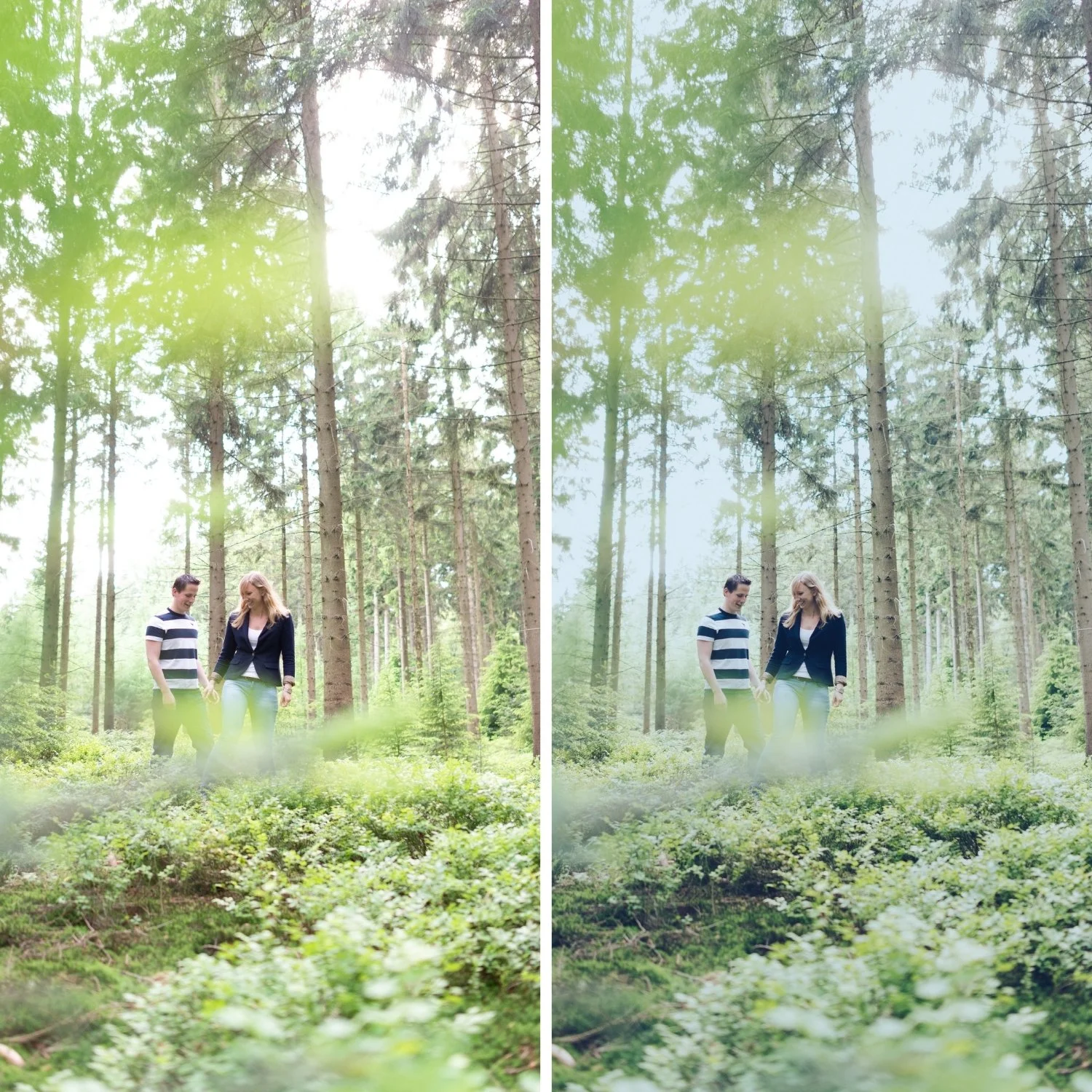
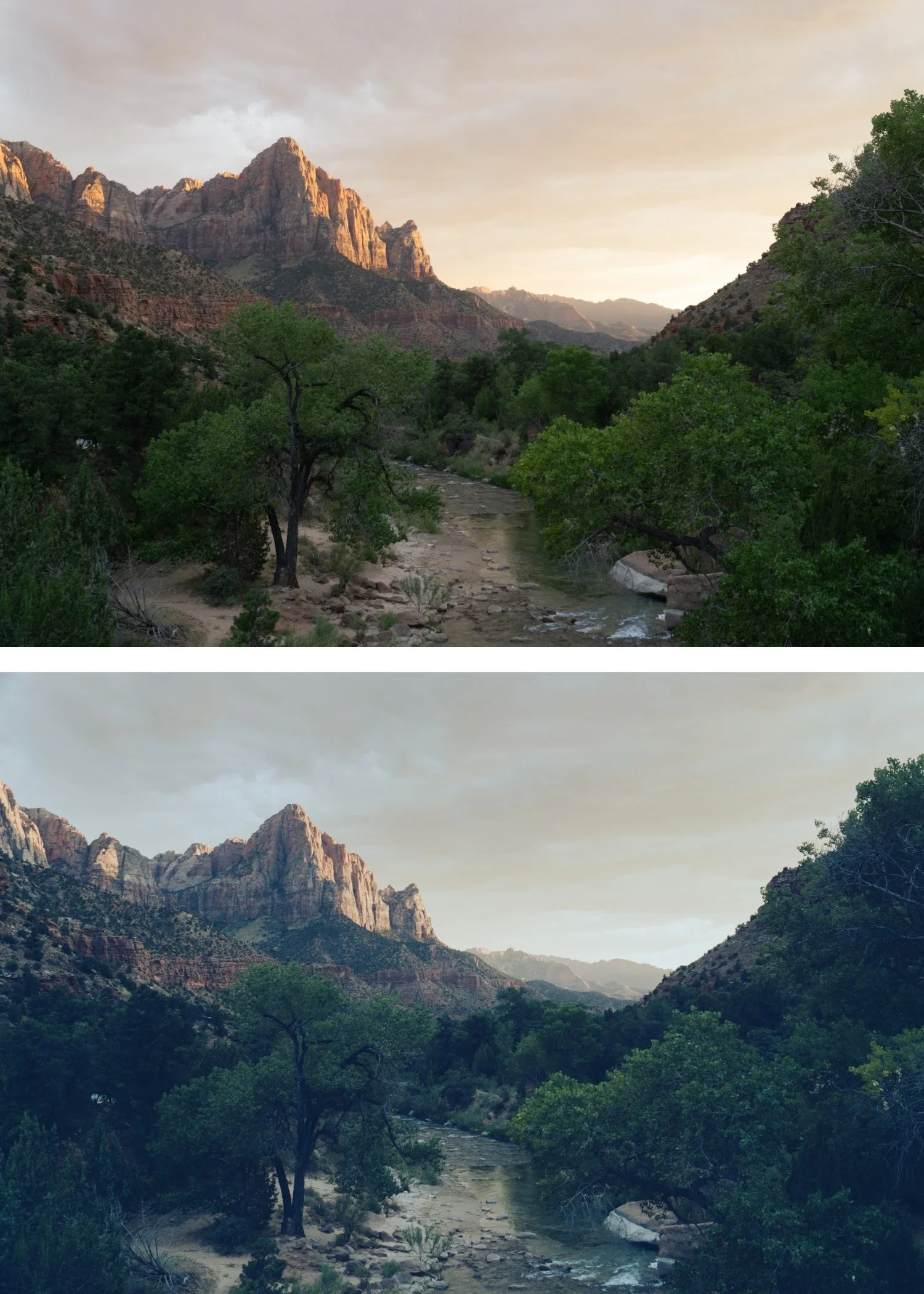 Image 4 of 4
Summer 05 Soft Summer | Summer Film Preset for Lightroom Mobile & Desktop

-
Fully Compatible Designed to work seamlessly across iOS, Android, and Desktop (Mac/Windows).
Cinematic Color Grading Instantly applies the legendary "Teal & Orange" balance, creating a professional color harmony that is naturally pleasing to the eye.
Dramatic Contrast Specifically calibrated to add "punch" to your images, making your subjects pop with incredible clarity and warmth.
Travel & Adventure Essential Works exceptionally well for tropical landscapes, turquoise water, and golden hour street photography.
-
1x H5 Essence Preset for Lightroom MOBILE (DNG file).
1x H5 Essence Preset for Lightroom DESKTOP (XMP file).
Step-by-Step Guide for easy installation and professional results.
-
This preset captures the bold, cinematic aesthetic and stylized contrast similar to the iconic H5 filters. It’s the perfect professional alternative for those wanting a high-end, analog-inspired look that feels expensive and modern. By emulating the color-timing techniques used in modern cinema to enhance skin tones against cool environments, the H5 ensures your digital shots have a polished, blockbuster finish.
-
Step 1: Get Started Download your H5 Essence presets and install them. You’re moments away from a cinematic transformation.
Step 2: Set the Scene Import photos with blue skies, water, or greenery—H5 loves to play with these colors.
Step 3: The Transformation Apply H5 with one tap. Watch the shadows turn teal and the light turn golden with professional soul.
Step 4: Make it Yours Fine-tune the "Contrast" or "Vibrance" to perfectly match the intensity of your scene.
Step 5: Share your Glow Tag @theeeditingstudio—show us your cinematic moments!