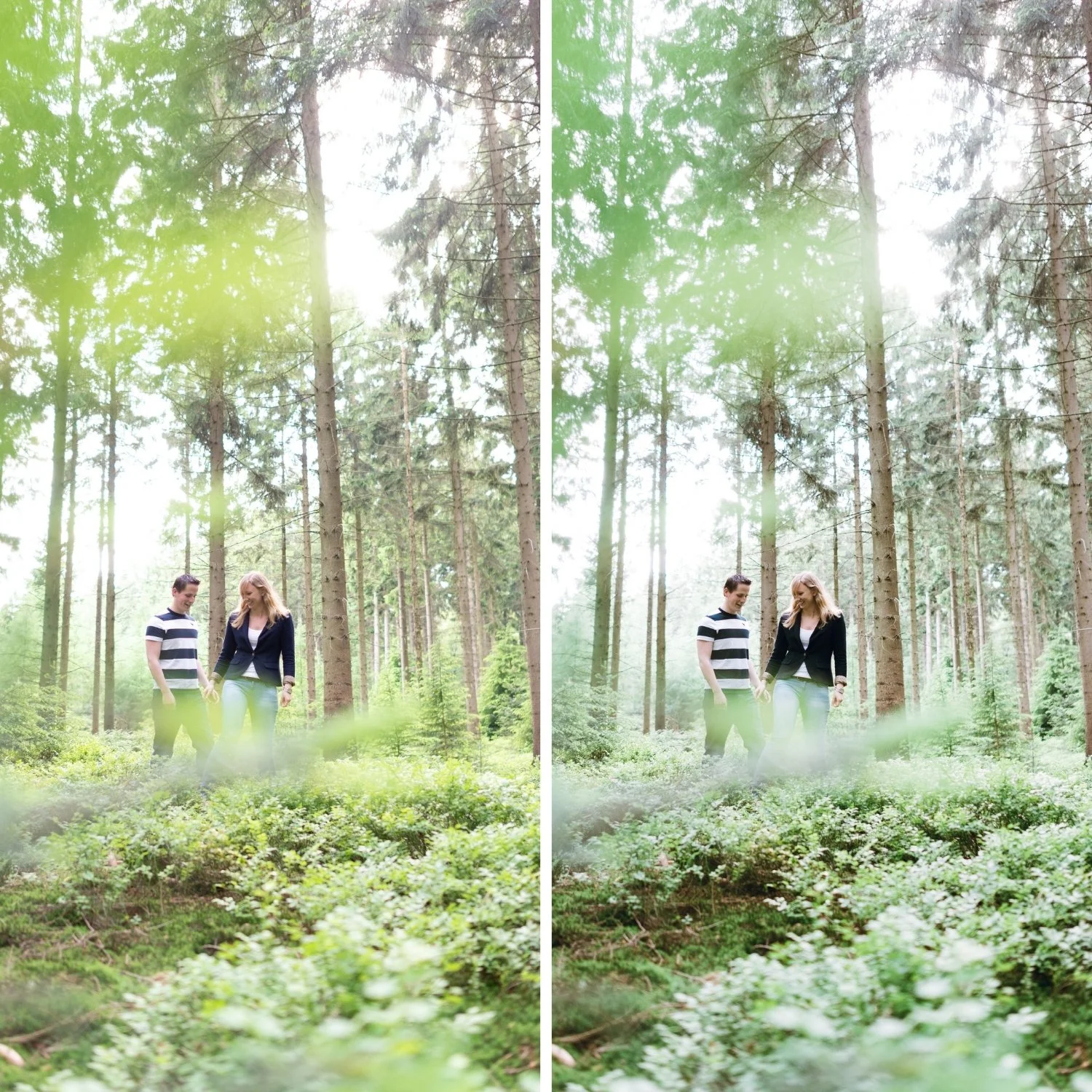
 Image 1 of 4
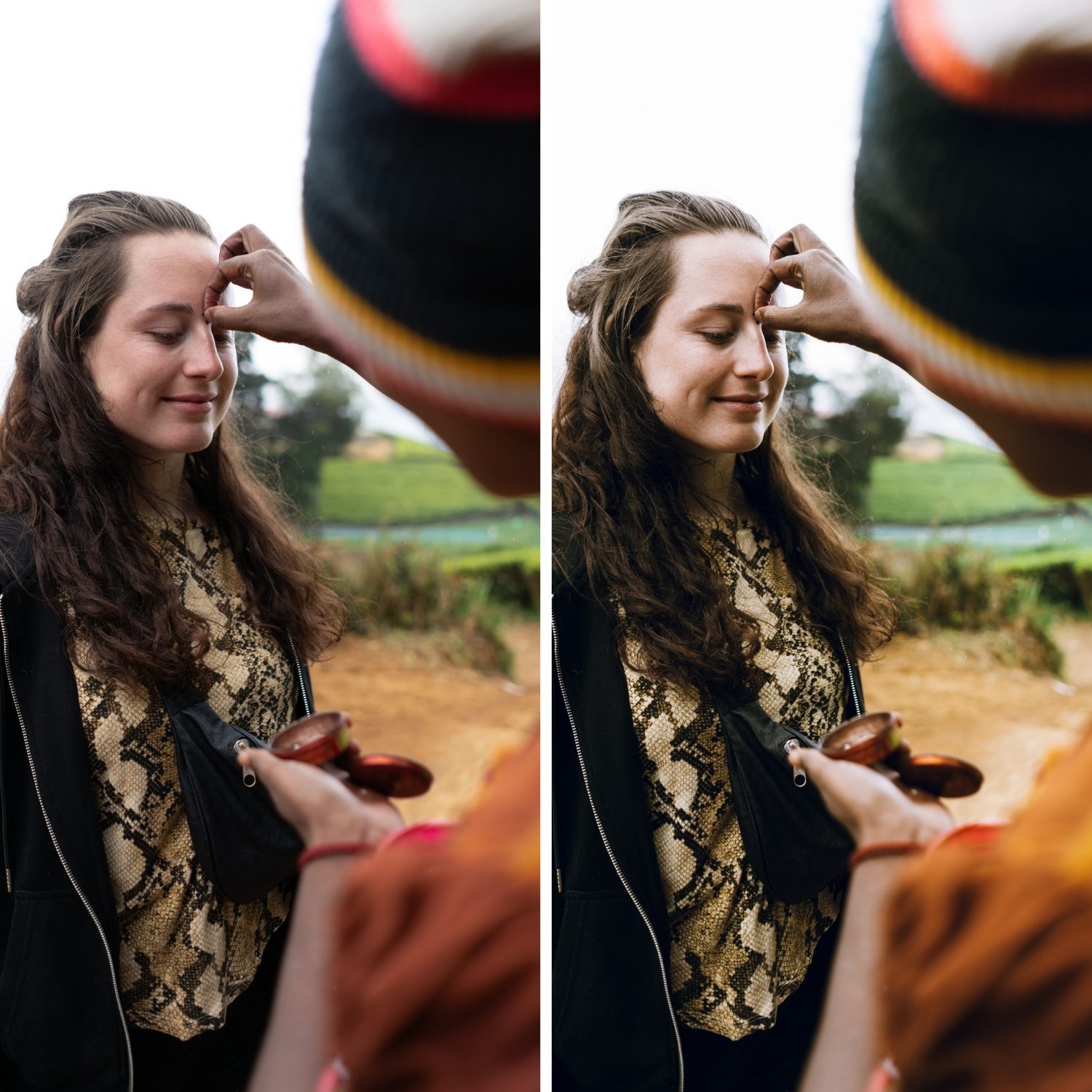 Image 2 of 4
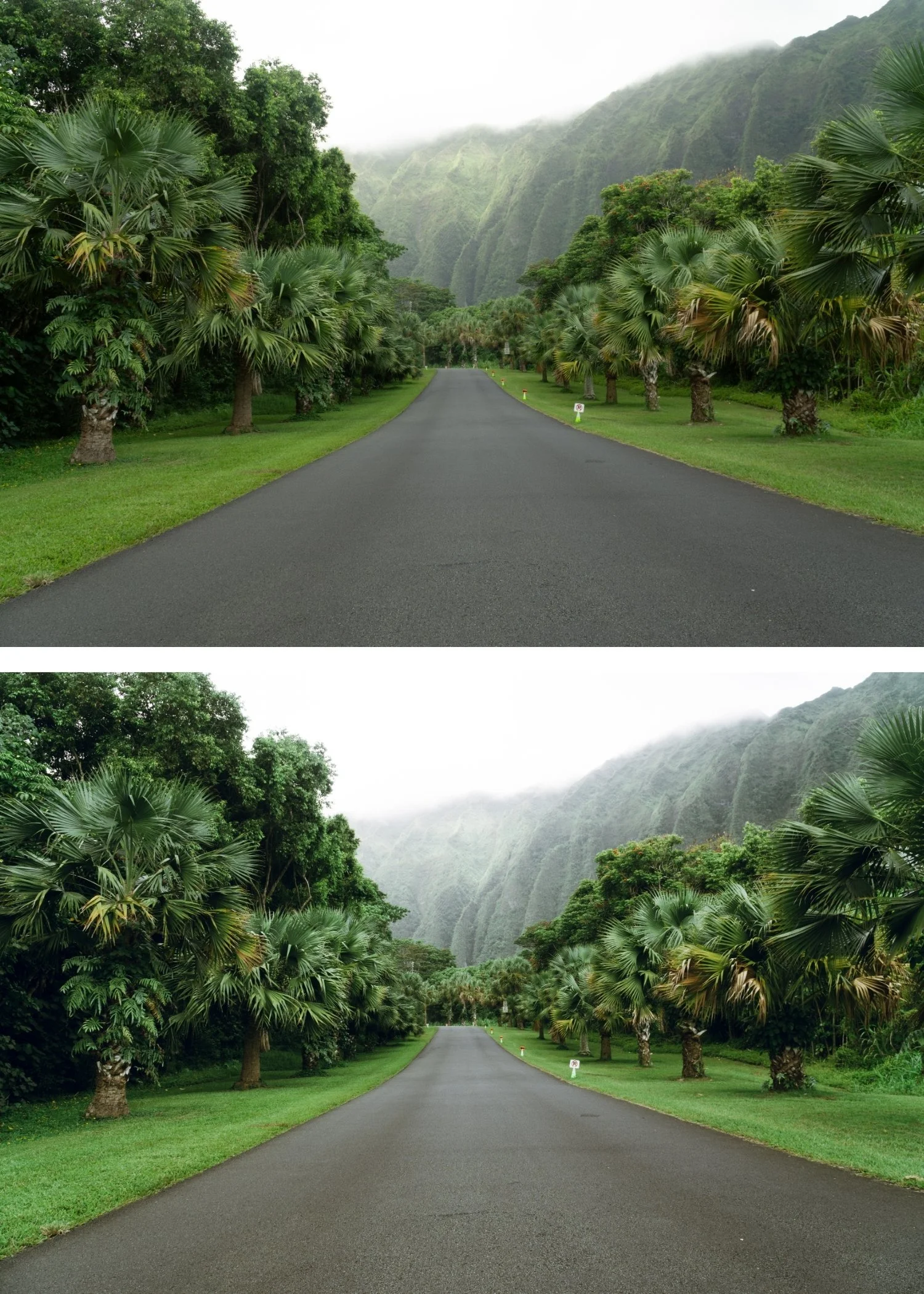 Image 3 of 4
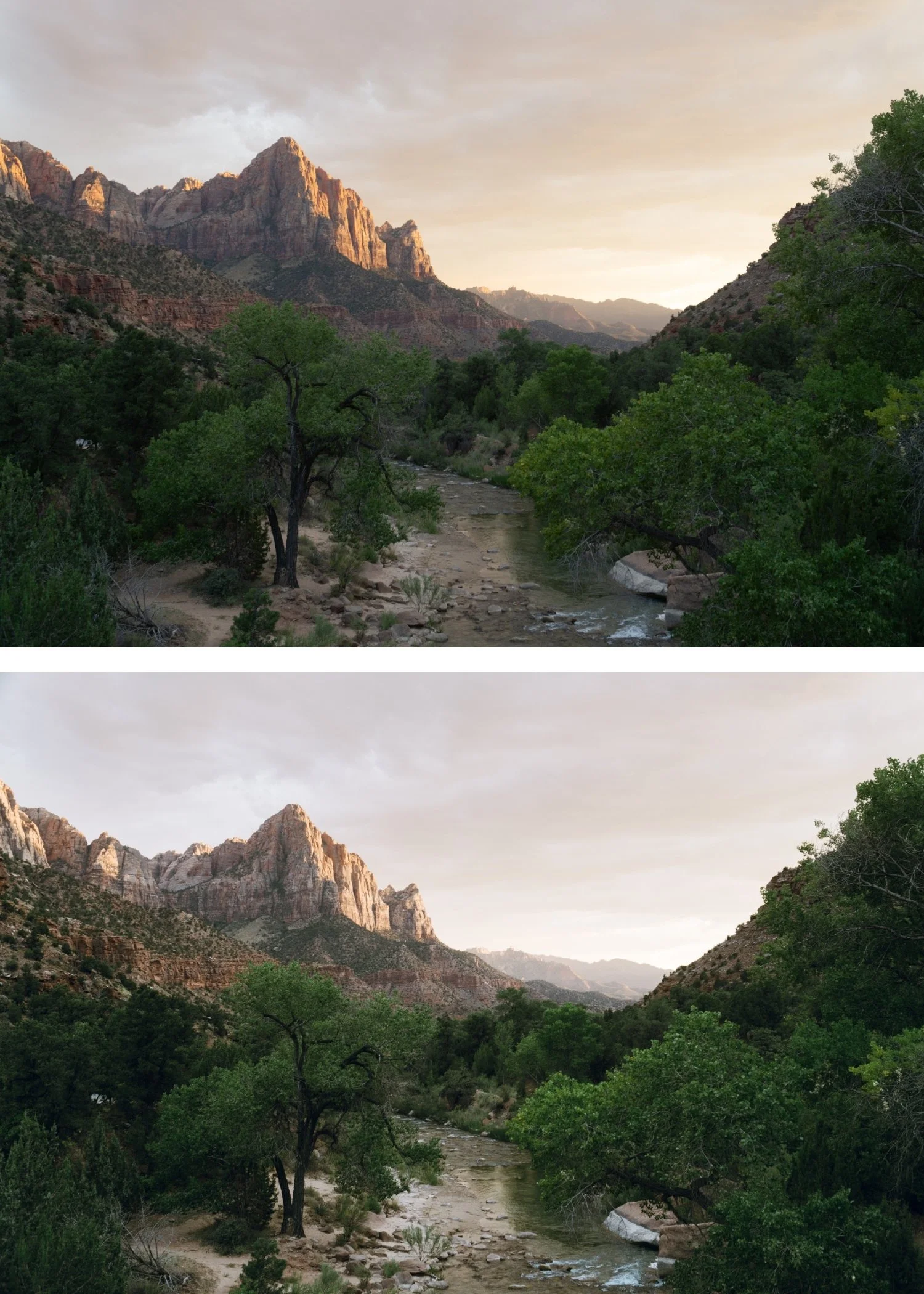 Image 4 of 4
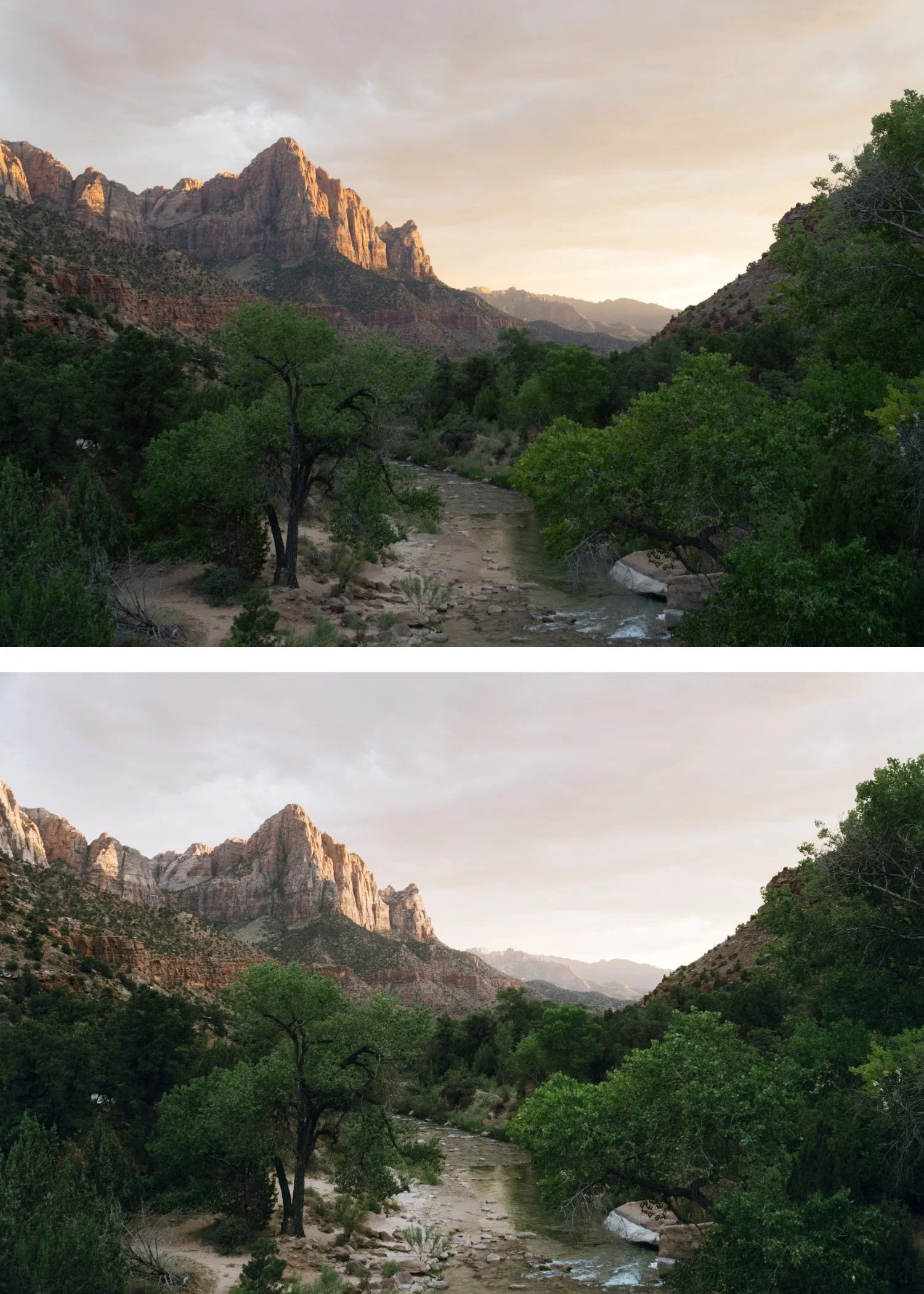
Juniper 02 Warm Vintage | Vintage Film Preset for Lightroom Mobile & Desktop
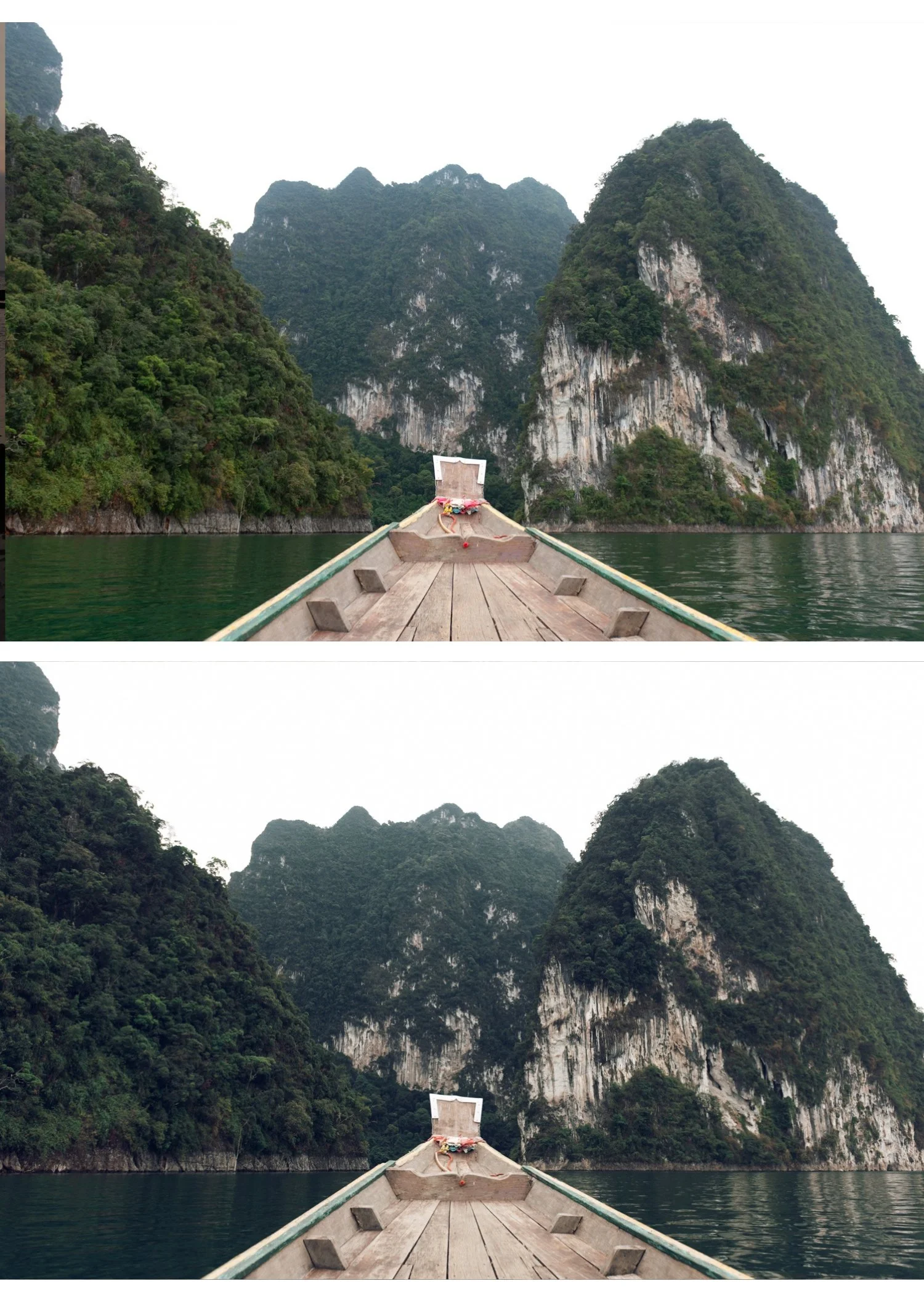

-
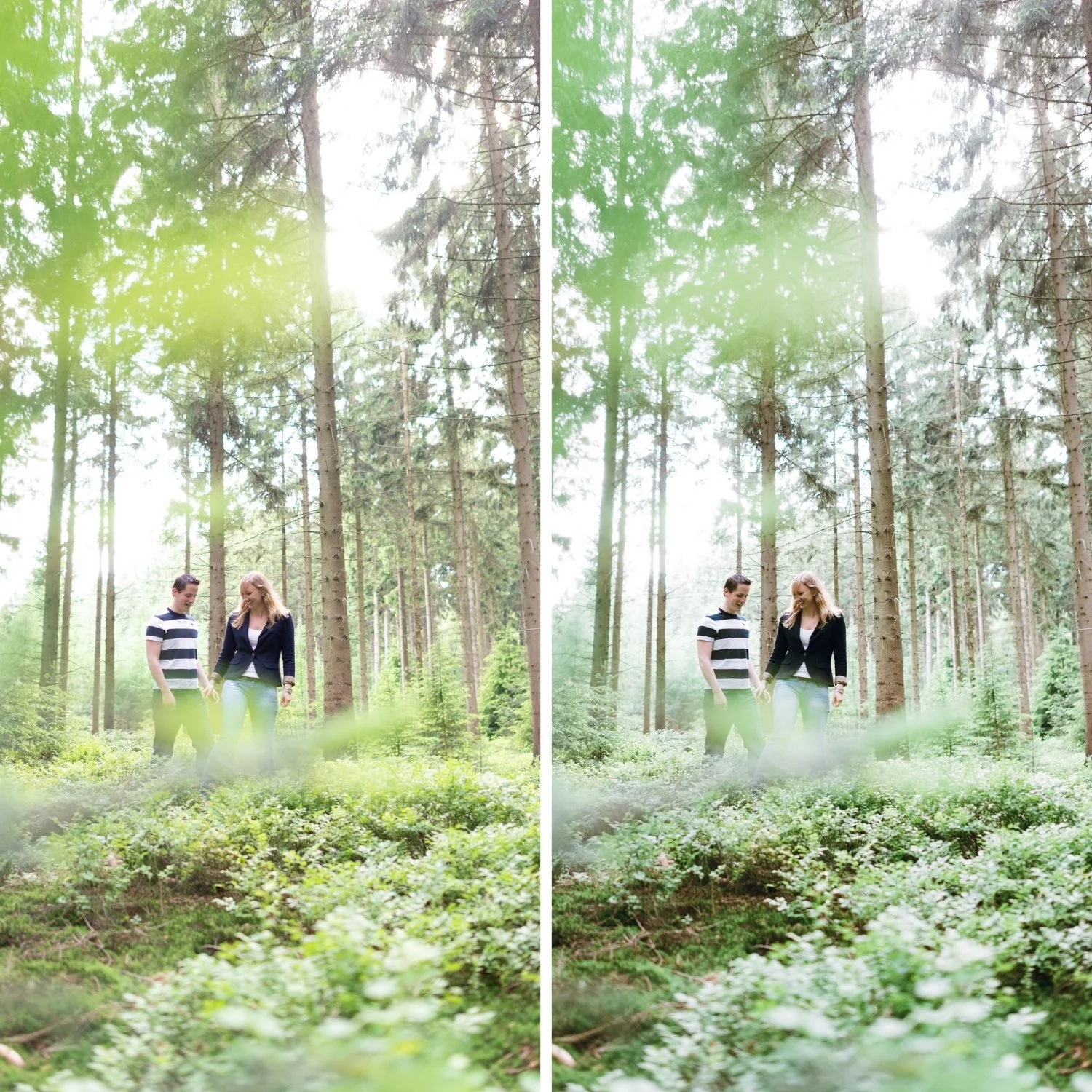
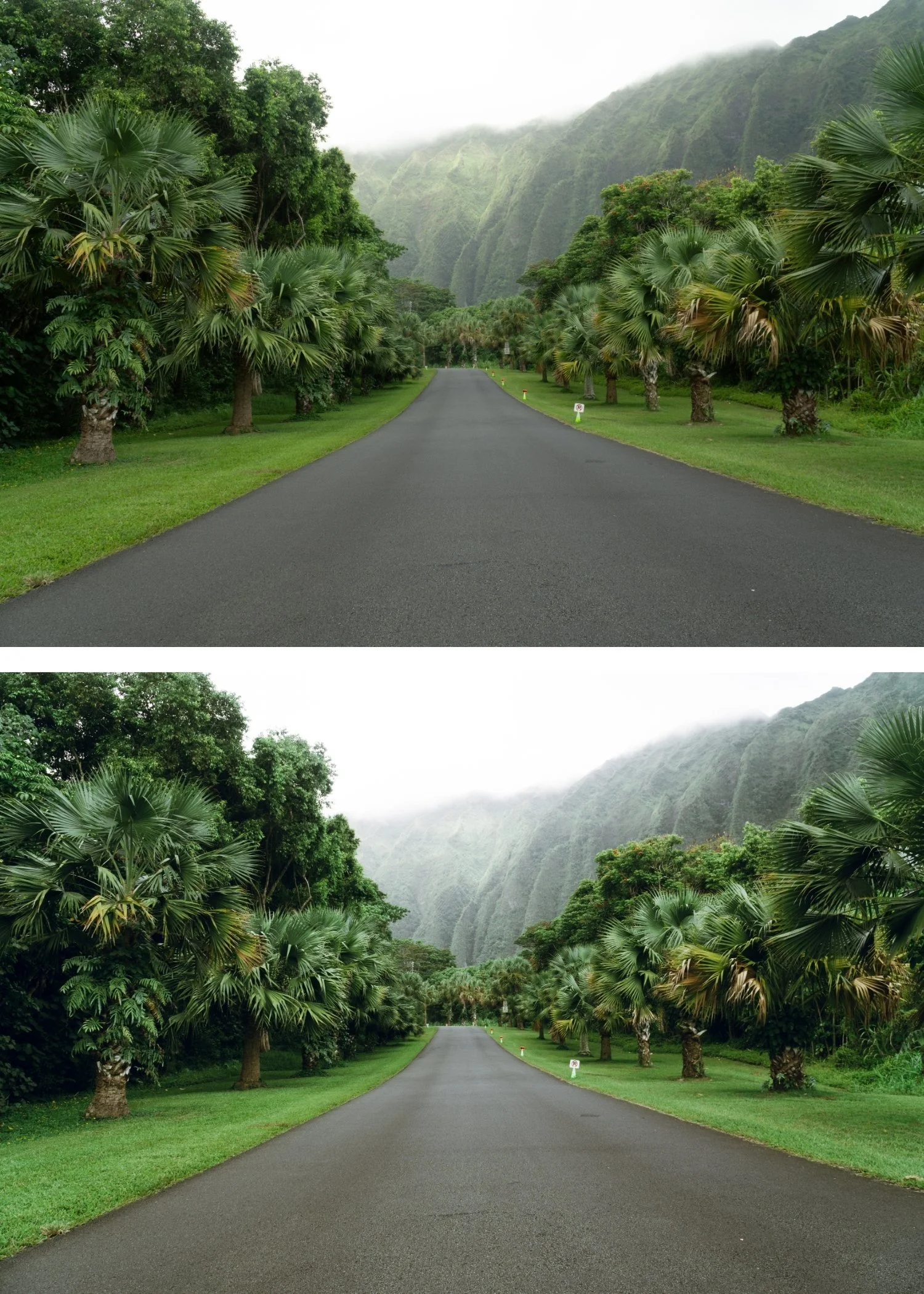
The warmth is vintage, not filtered. J2's warmth references the specific color rendering of warm-climate vintage film photography — golden midtones, amber shadows — rather than a global warm cast.
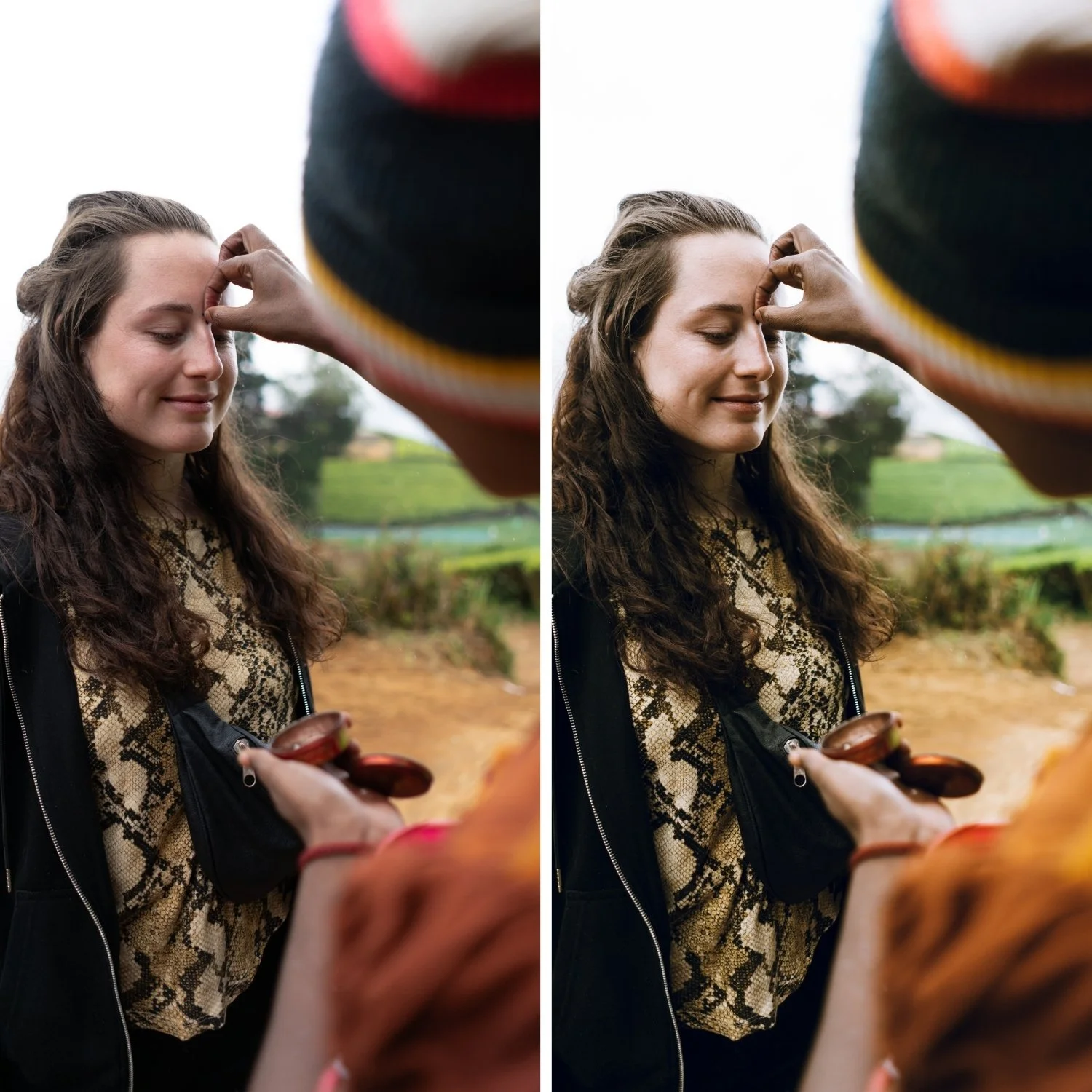
It flatters portraits in warm light. The rich midtone warmth of J2 suits portrait photography in warm natural light specifically — skin looks golden and present.
It is the most used Juniper preset for portrait sessions. The balance of warmth and vintage character in J2 suits the portrait register more than any other preset in the collection.
-
1x J2 Essence Preset for Lightroom MOBILE (DNG file).
1x J2 Essence Preset for Lightroom DESKTOP (XMP file).
Step-by-Step Guide for easy installation and professional results.
-
This preset captures the crisp, cool aesthetic and refined neutral tones similar to the iconic J2 filters. It’s the perfect professional alternative for those wanting a polished, high-contrast look that feels sleek and modern. By emulating the color science of cold-tone film development used in editorial fashion spreads, the J2 ensures your digital shots have a polished, "studio-ready" finish.
-
Step 1 — White balance first. J2 assumes a warm starting point — 5,200-5,500K, Tint +5 for outdoor daylight. Correct white balance before applying. J2's warm midtone richness builds on a warm foundation — on a cool white balance, the warmth can read as slightly amber rather than golden.
Step 2 — Apply J2 Warm Vintage. The vintage warmth, richer midtones, and film grain apply simultaneously.
Step 3 — Adjust Exposure and White Balance per photo. J2 handles the vintage colour identity. These two adjustments handle the per-photo differences.
Portrait photography with J2: the rich midtone warmth flatters skin in warm natural light. In cool or overcast conditions, reduce to 80% strength and add White Balance +200K before applying to prevent skin reading cool against J2's warm midtones.
Camera-specific notes: Sony files need Green Hue +8 toward yellow after applying — Sony's cyan-shifted greens compete with J2's warm palette. Canon files are a natural fit for J2's warm direction without additional correction.
On phone photos: 80-82% strength. Check Orange Saturation after applying — reduce by -3 to -5 if skin reads too warm.
-
What is the difference between J2 and J6 Deep Vintage? J2 is fully warm without going dark — rich vintage quality in a bright register. J6 is darker and more characterful — the most aged expression of the Juniper philosophy. J2 for warm portrait sessions, J6 for maximum vintage depth.
Does J2 work for wedding photography? Yes — J2's warm vintage quality suits the romantic, organic register of wedding portrait photography. The golden midtone warmth works well for outdoor wedding sessions in warm light.
-
J2 is for portrait and lifestyle photographers who want the Juniper Archive's full warm vintage quality — photographers whose work suits the organic, golden-warm character of J2's film reference.
For photographers who find J1 slightly too light and want more vintage depth without the fade of J3.
GET ALL 6 JUNIPER ARCHIVE PRESETS
The full Juniper Archive gives you six calibrated vintage film looks — Vintage Light for open and airy everyday use, Warm Vintage for portrait sessions with full warmth, Soft Fade for candid and travel photography, Cool Vintage for mixed and overcast conditions, Warm Contrast for strong outdoor light, and Deep Vintage for maximum vintage character.
Six presets. One timeless philosophy. $4.50 per preset.
THE STUDIO ARCHIVE
Want everything? The Studio Archive contains 130+ presets — every collection we make, including the complete Juniper Archive — for $89 total. That is $0.68 per preset with every future release included for life.