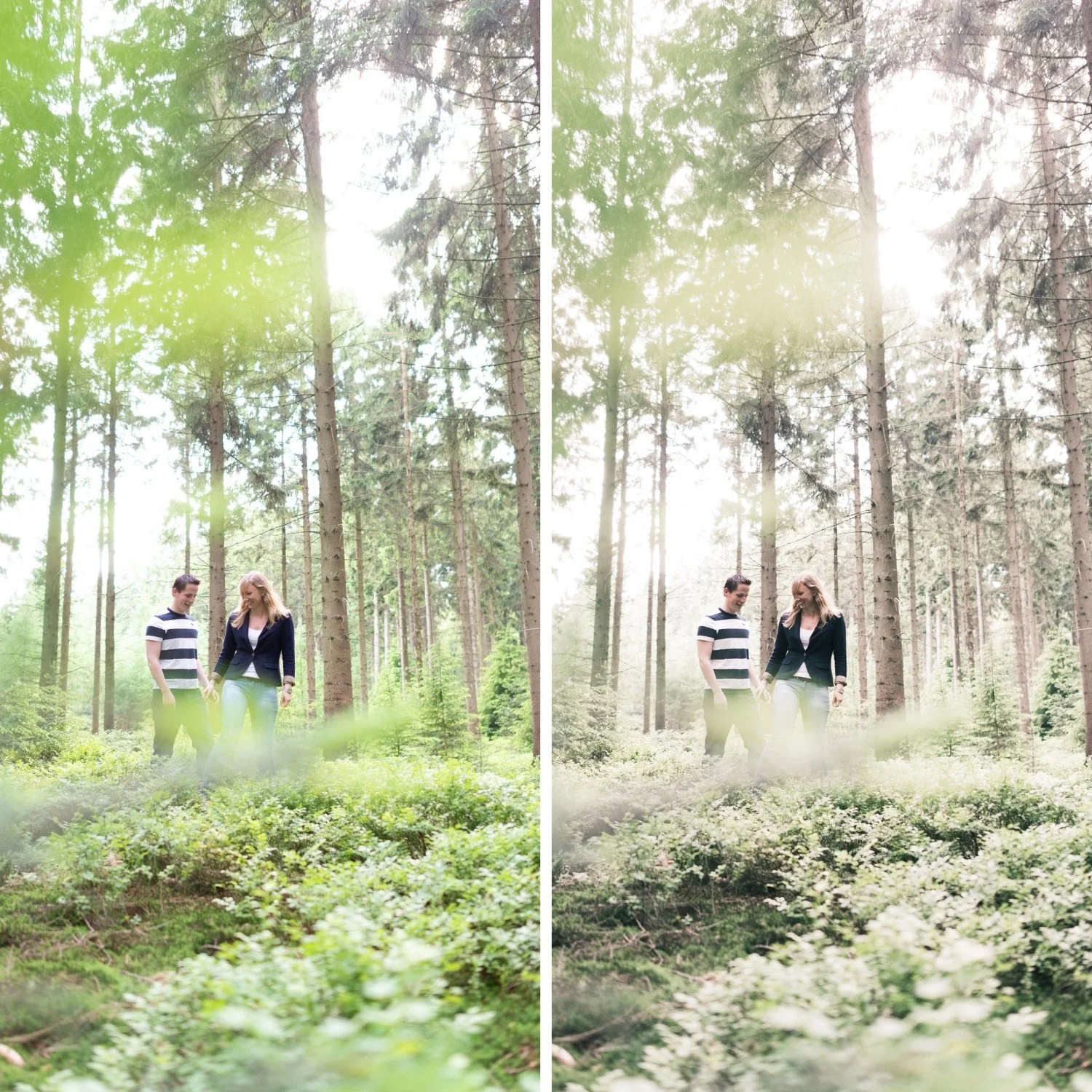
 Image 1 of 4
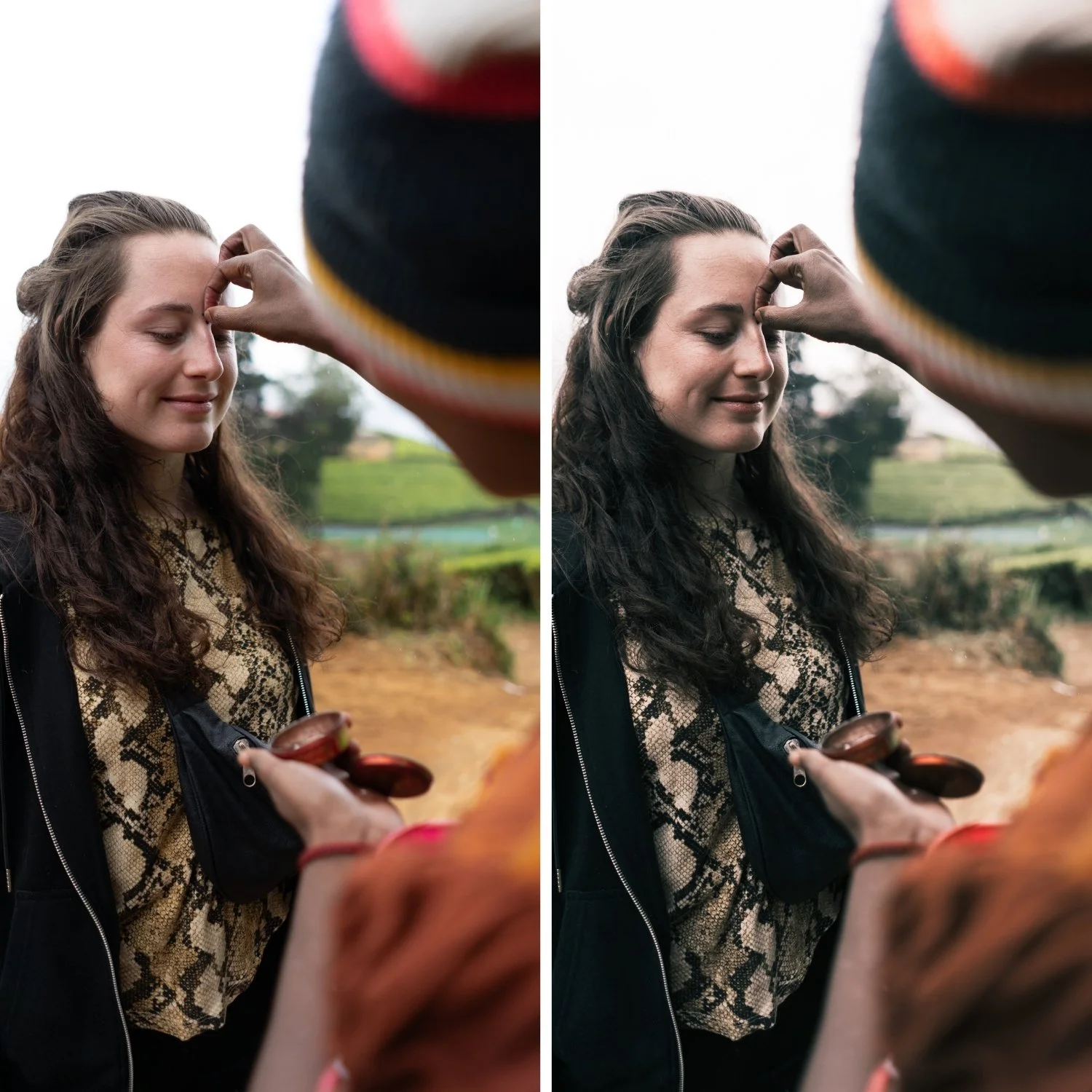 Image 2 of 4
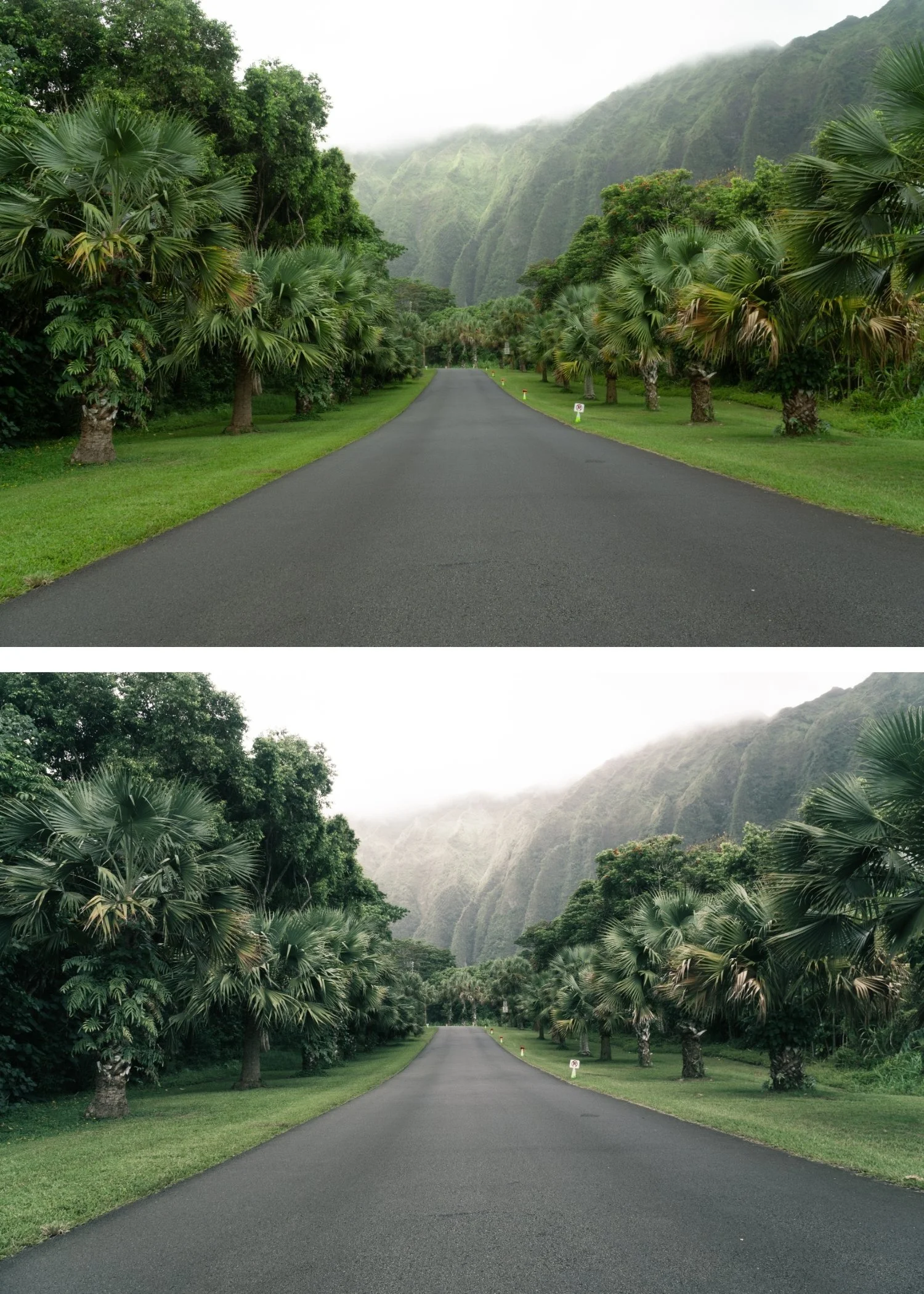 Image 3 of 4
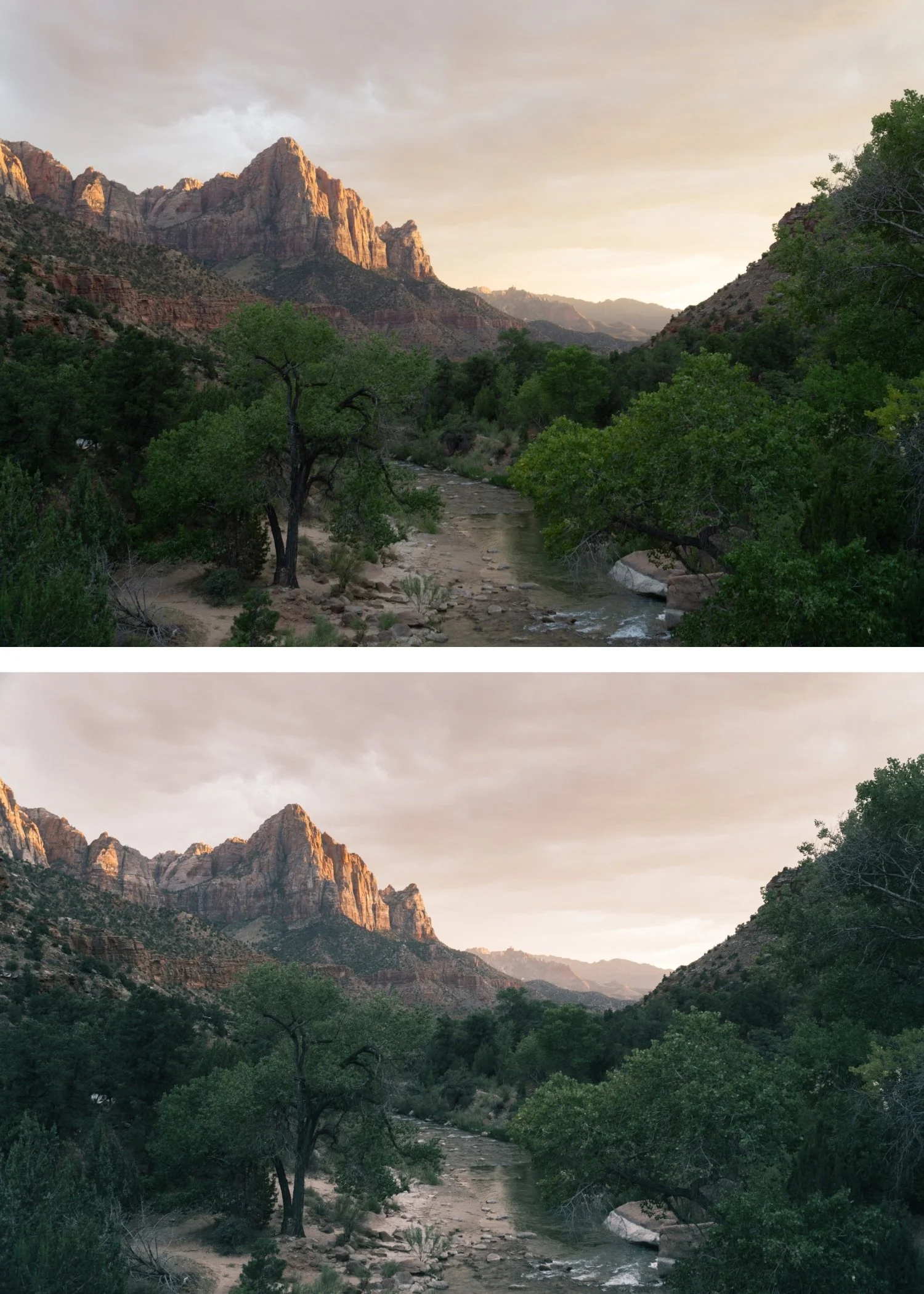 Image 4 of 4
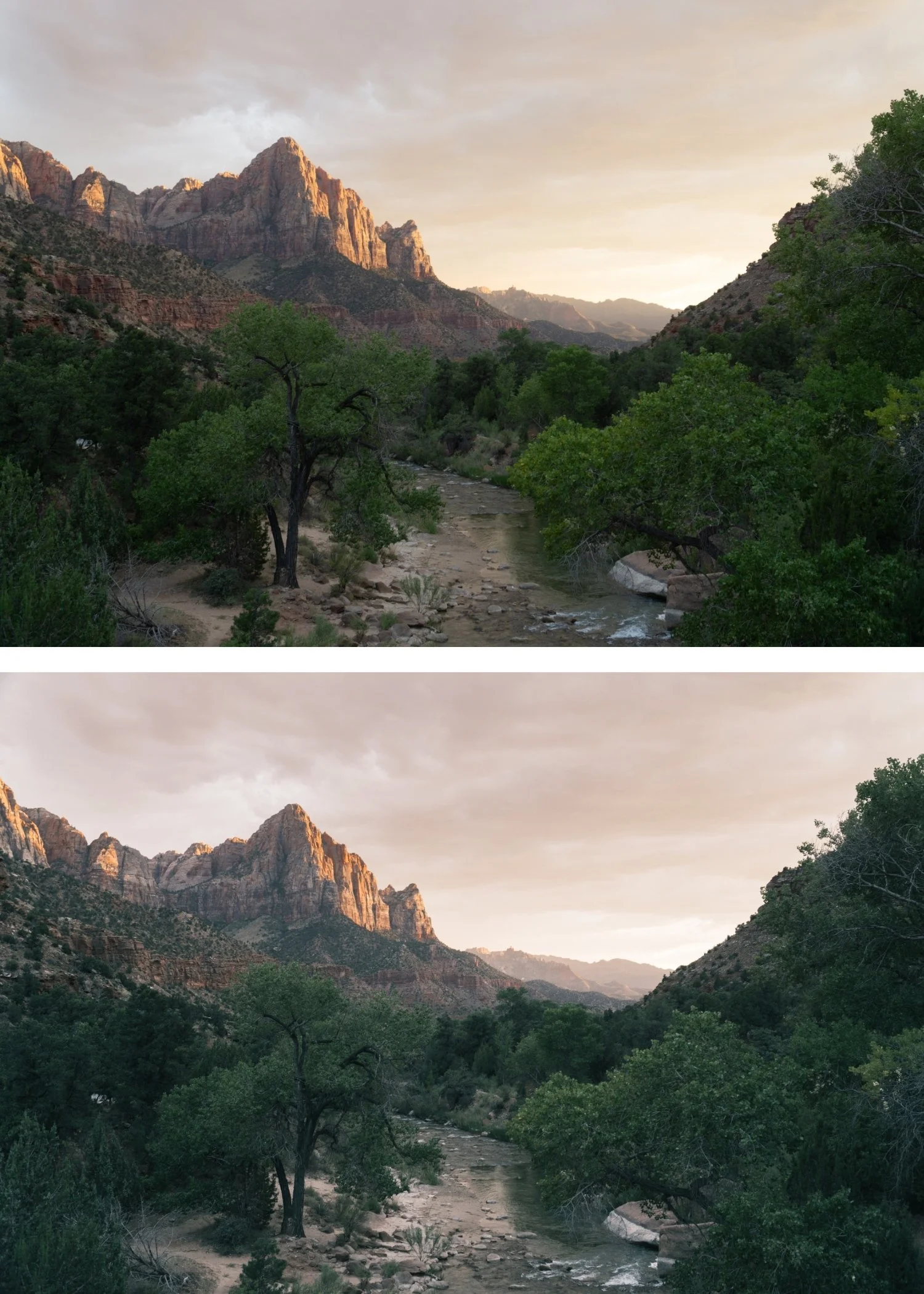
Juniper 04 Cool Vintage | Vintage Film Preset for Lightroom Mobile & Desktop

-
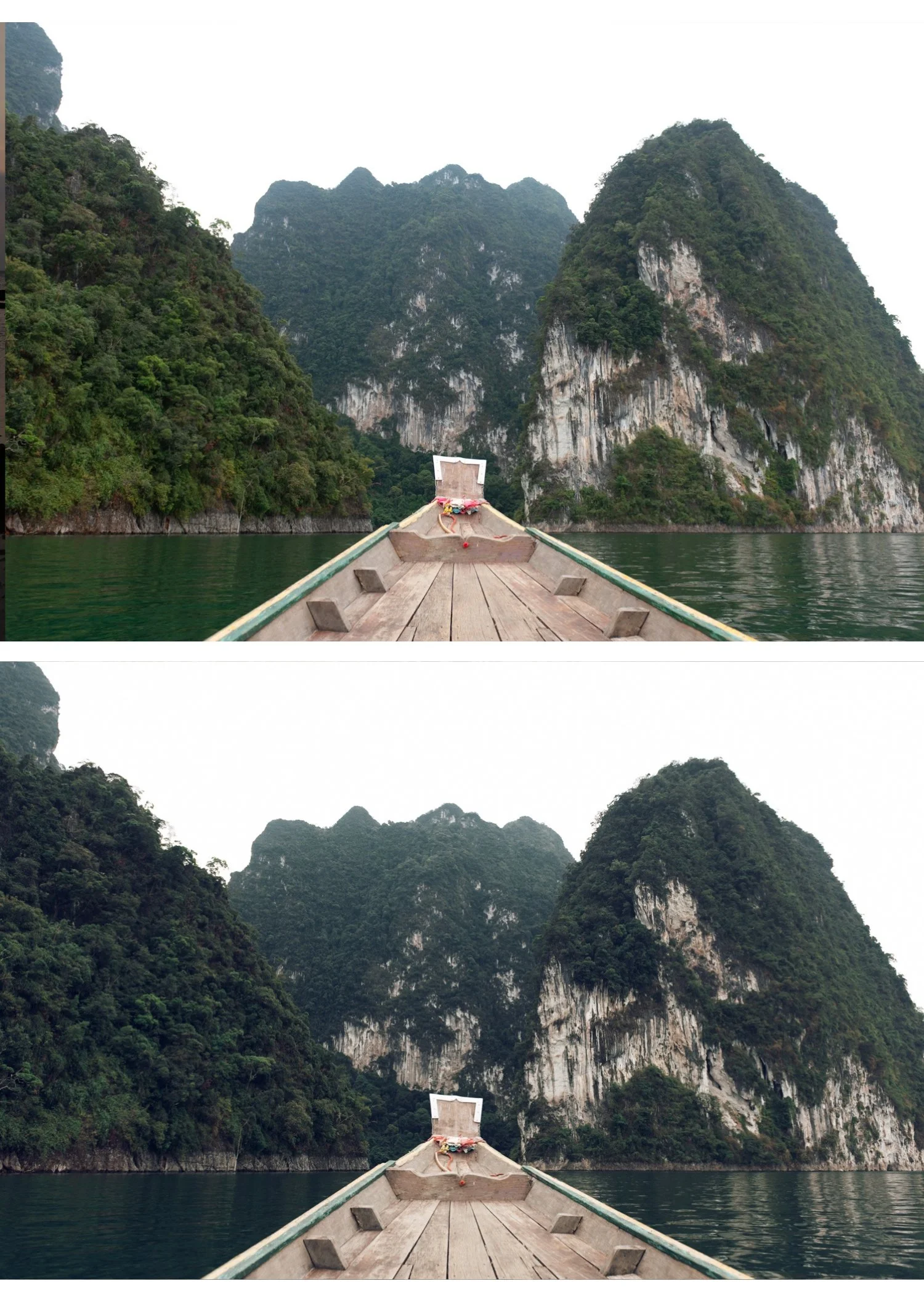
J4 is for travel and lifestyle photographers who shoot across varied lighting conditions and need a vintage preset that works in cool and overcast environments without the warm direction fighting the ambient.
For photographers who use J1 or J2 in warm conditions and need a cool counterpart for grey-sky and overcast days.
-
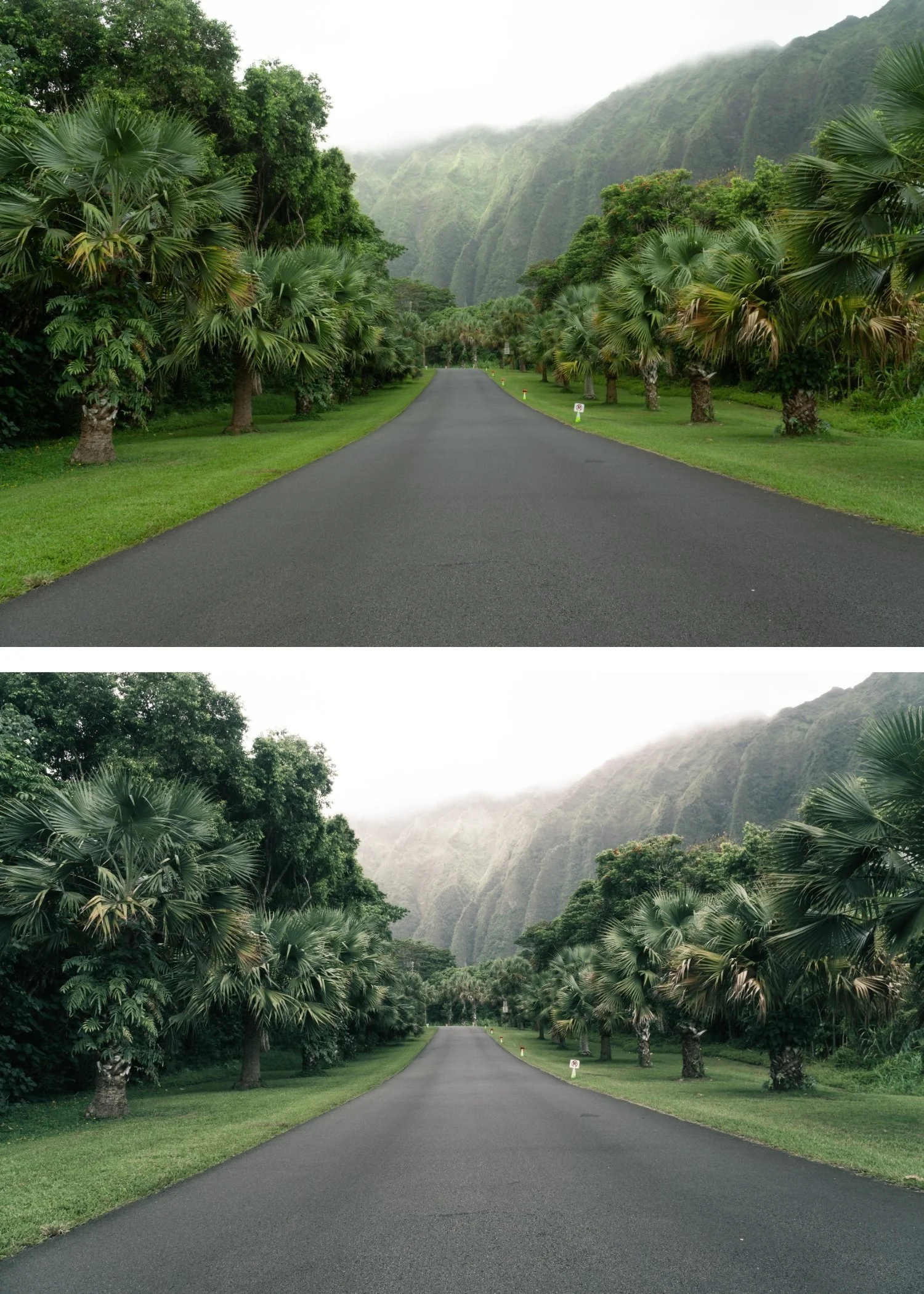
It works with cool and overcast light. J4's balanced character complements cool ambient conditions naturally — the vintage quality is present without the warmth creating a mismatch.
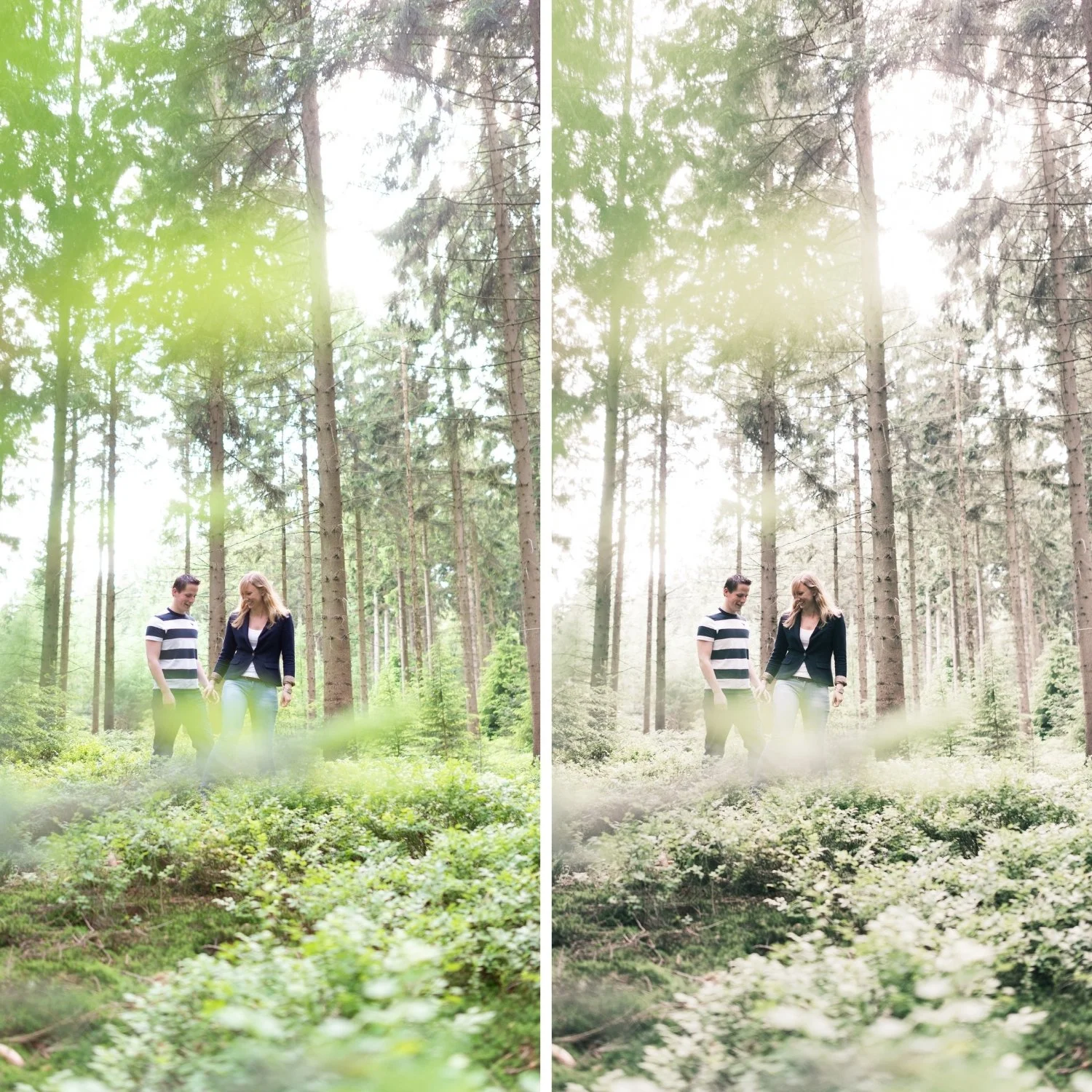
It is the most universally consistent Juniper preset. Mixed lighting, varied locations — J4 produces vintage-quality results without requiring specific warm conditions.
It pairs with J2 for comprehensive coverage. Warm conditions get J2. Cool and overcast conditions get J4. Same vintage philosophy, right calibration for each.
-
1 × J4 Cool Vintage DNG file — for Lightroom Mobile
1 × J4 Cool Vintage XMP file — for Lightroom Classic
Installation guide
Lifetime access -
This preset captures the sharp, editorial aesthetic and deep clean tones similar to the iconic J4 filters. It’s the perfect professional alternative for those wanting a modern, analog-inspired look that feels grounded and sharp. By emulating the high-contrast development of low-grain architectural film, the J4 ensures your digital shots have a polished, gallery-standard finish.
-
Step 1 — White balance. Unlike the other Juniper presets, J4 does not require a warm white balance starting point. Set white balance to match the scene naturally — 5,000-5,600K for daylight, 5,800-6,400K for overcast and cool conditions. J4 is designed to complement cool and neutral ambient light rather than fight against it.
Step 2 — Apply J4 Cool Vintage. The balanced vintage colour, lifted black point, and film grain apply simultaneously.
Step 3 — Adjust Exposure and White Balance per photo. J4 handles the cool vintage identity. These two adjustments handle the per-photo differences.
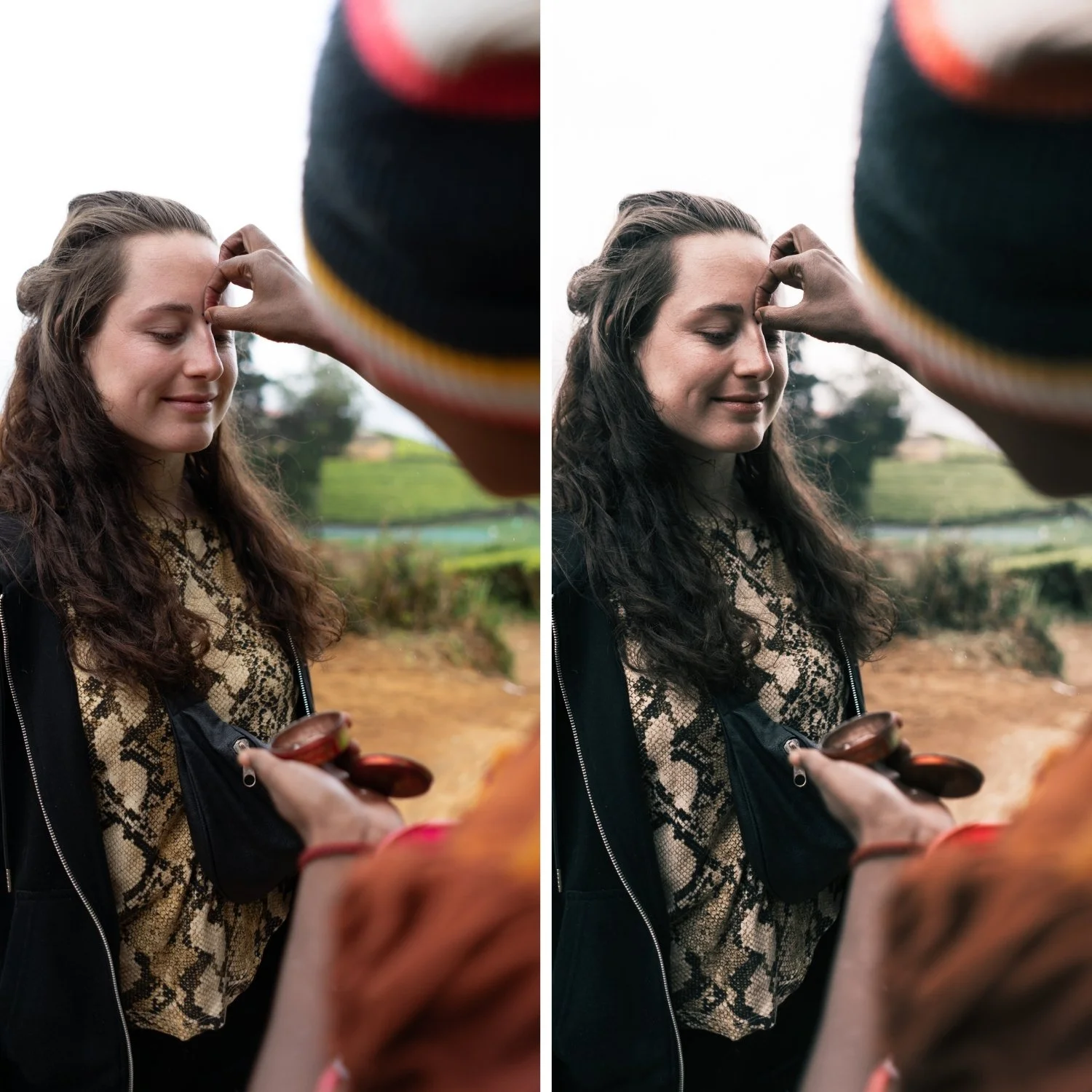
Portrait photography with J4: the cooler direction of J4 produces a more neutral skin rendering than J1 or J2. For portraits where warm skin tones are the priority, J2 is more appropriate. For editorial portrait work or photographs taken in overcast conditions where cool-neutral skin rendering is acceptable, J4 works well.
Camera-specific notes: Fujifilm with Classic Chrome or Provia simulation and J4 creates a particularly organic vintage quality — the simulation's own muted character pairs naturally with J4's balanced vintage direction.
On phone photos: 85% strength.
-
Is J4 the same as just a cooler version of J1? No — J4 has different HSL calibration, not just reduced Temperature. The color rendering in the cool range and the shadow character are specifically calibrated for the balanced cool vintage direction.
Does J4 work for northern European travel photography? Yes — J4 is well-suited to the cool, grey-sky light quality of northern European travel photography. The vintage character suits the aged quality of European architecture and environments.
GET ALL 6 JUNIPER ARCHIVE PRESETS
The full Juniper Archive gives you six calibrated vintage film looks — Vintage Light for open and airy everyday use, Warm Vintage for portrait sessions with full warmth, Soft Fade for candid and travel photography, Cool Vintage for mixed and overcast conditions, Warm Contrast for strong outdoor light, and Deep Vintage for maximum vintage character.
Six presets. One timeless philosophy. $4.50 per preset.
THE STUDIO ARCHIVE
Want everything? The Studio Archive contains 130+ presets — every collection we make, including the complete Juniper Archive — for $89 total. That is $0.68 per preset with every future release included for life.