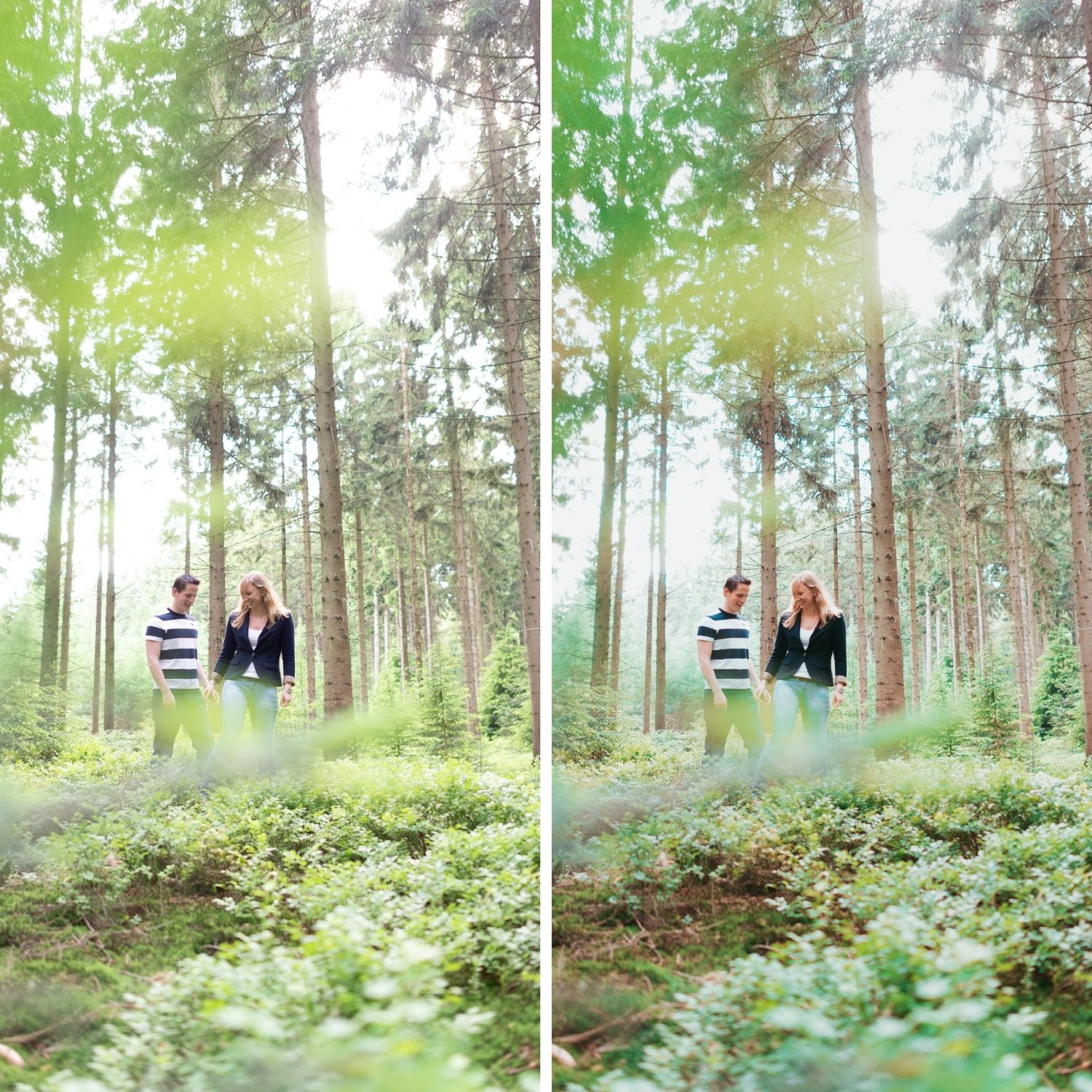
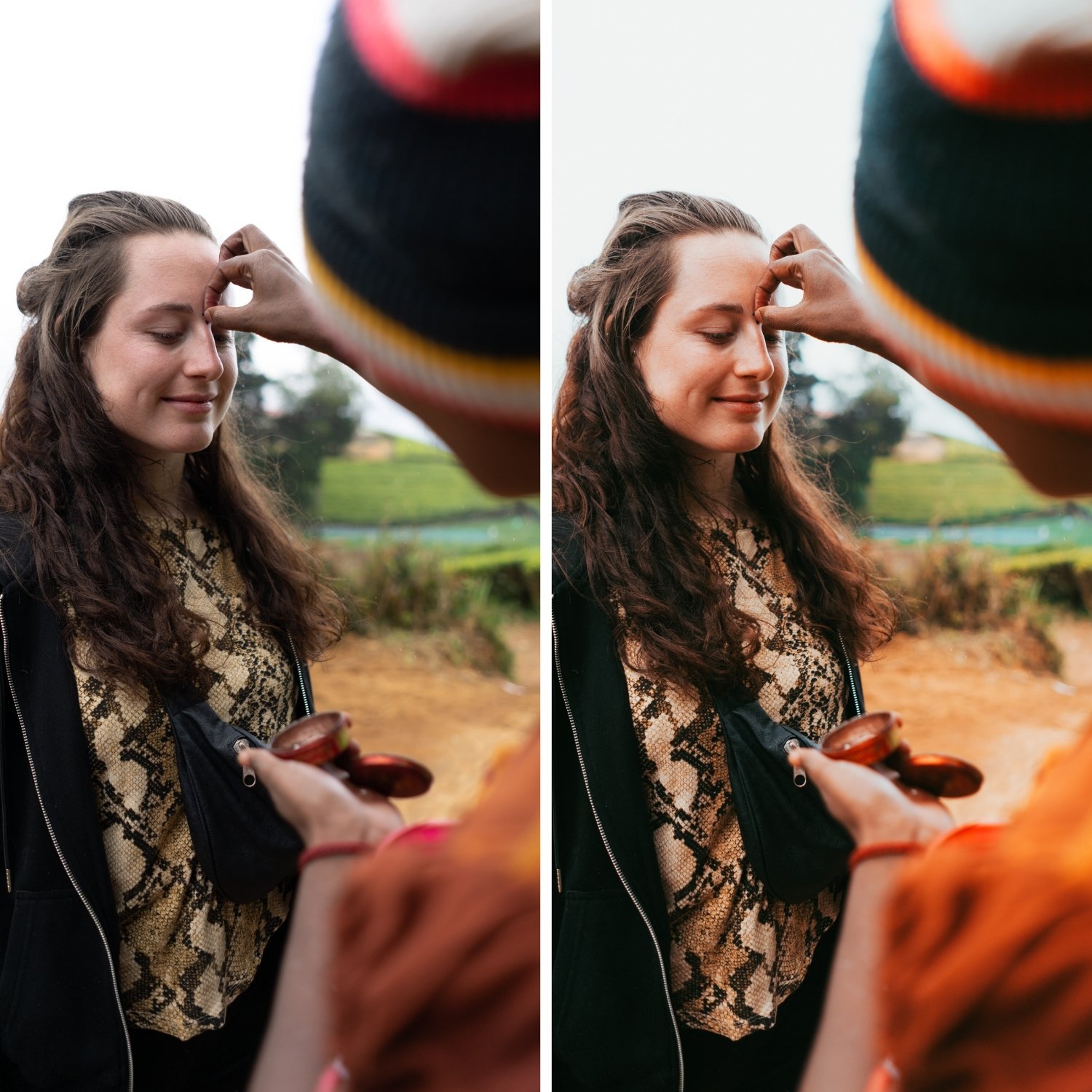
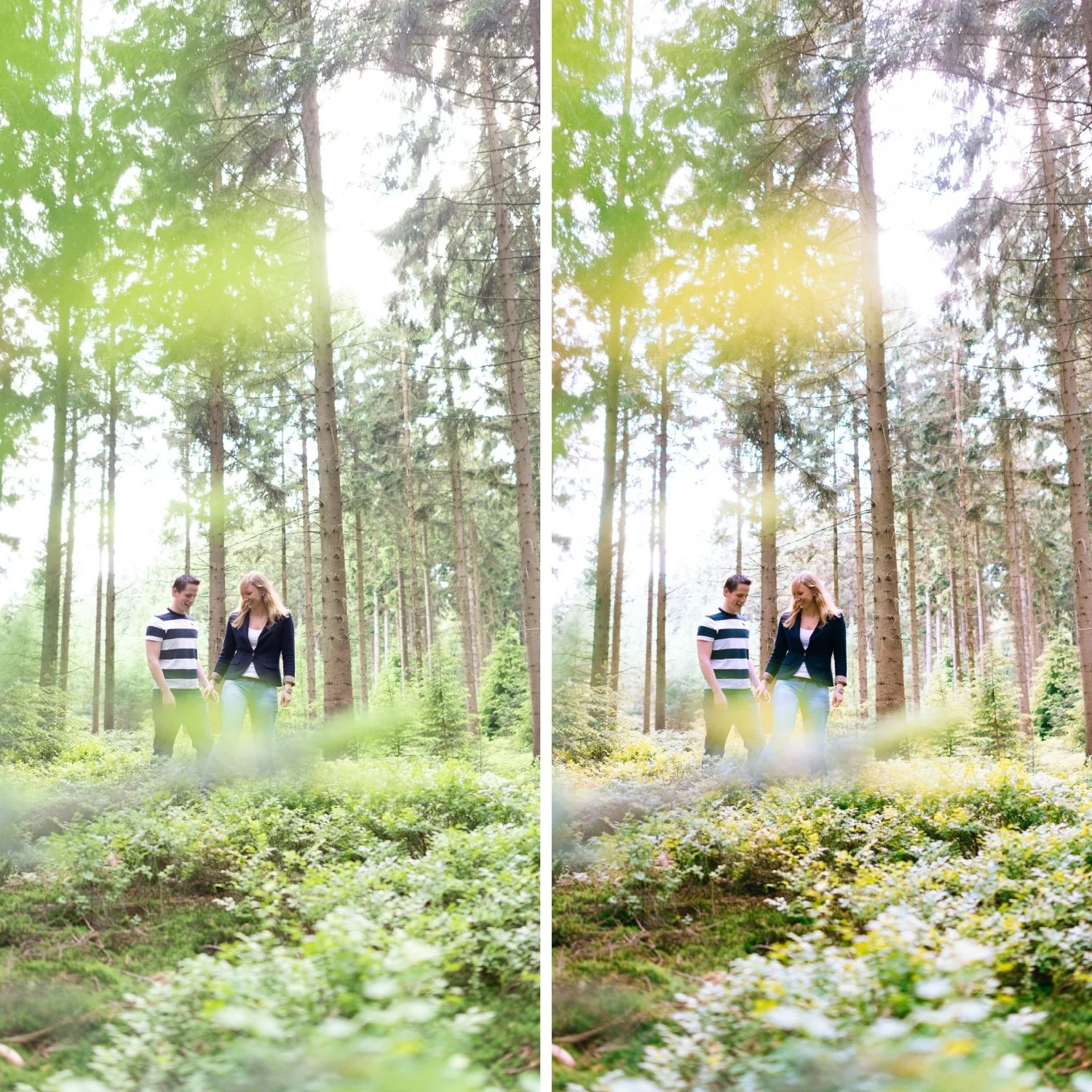
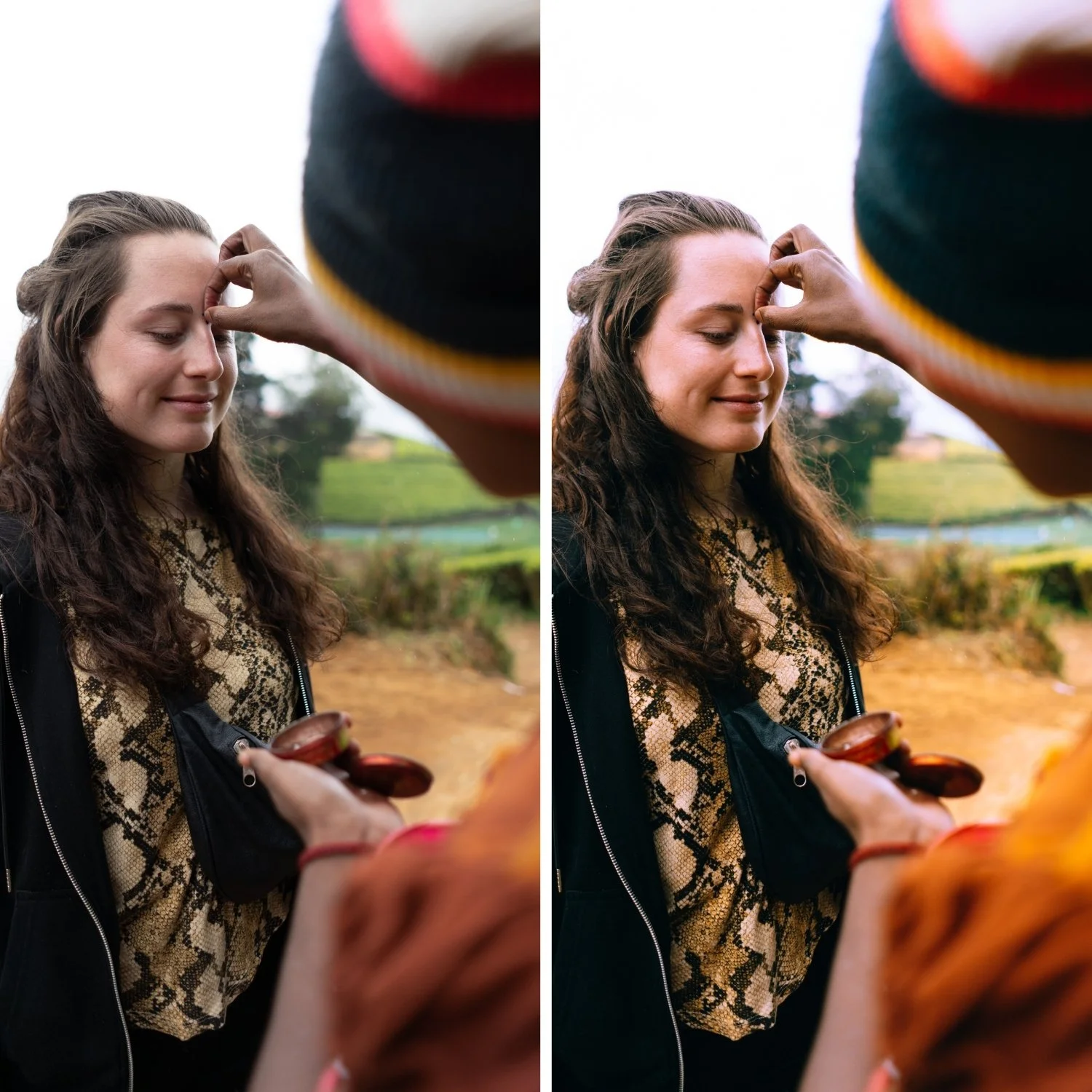
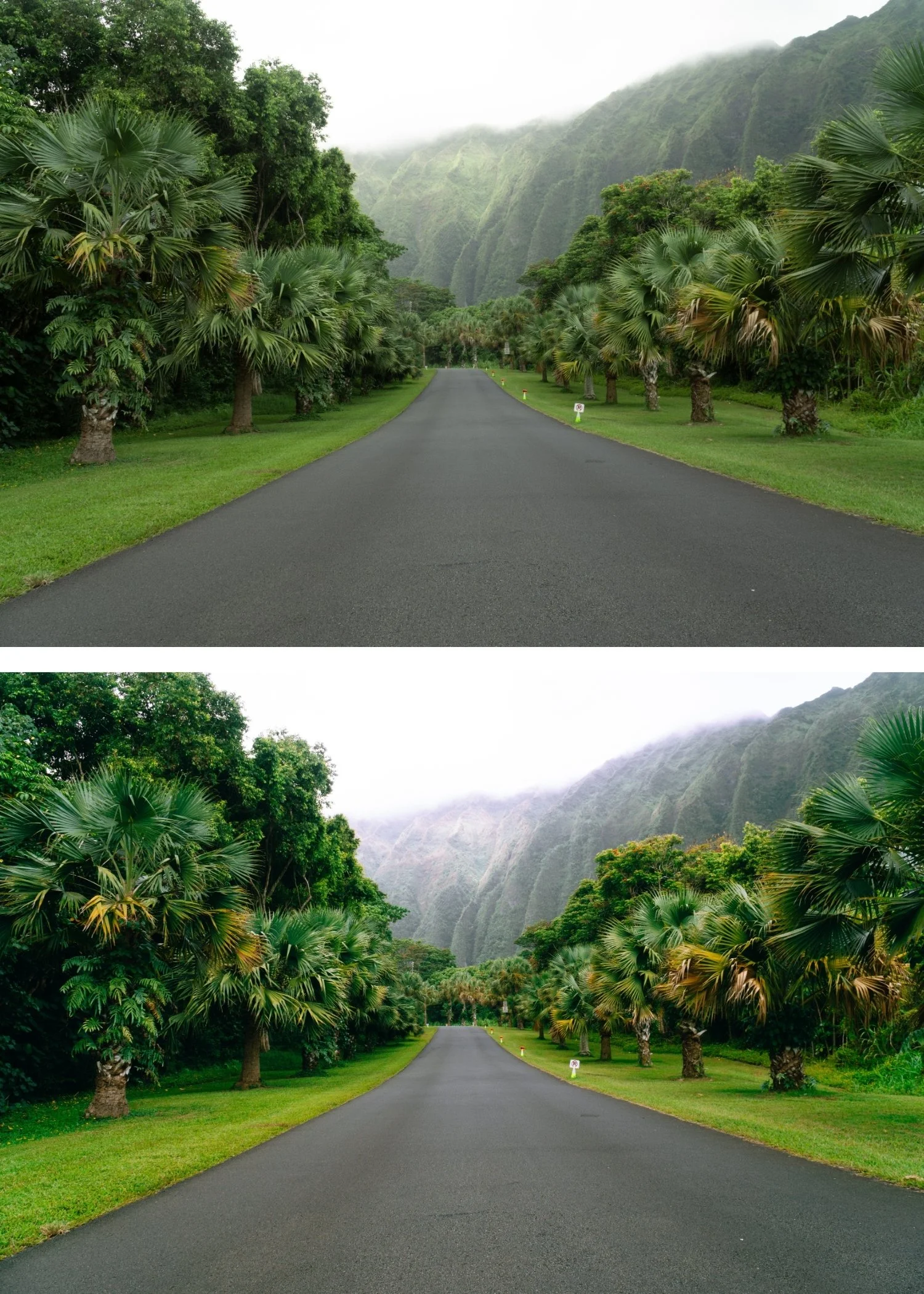
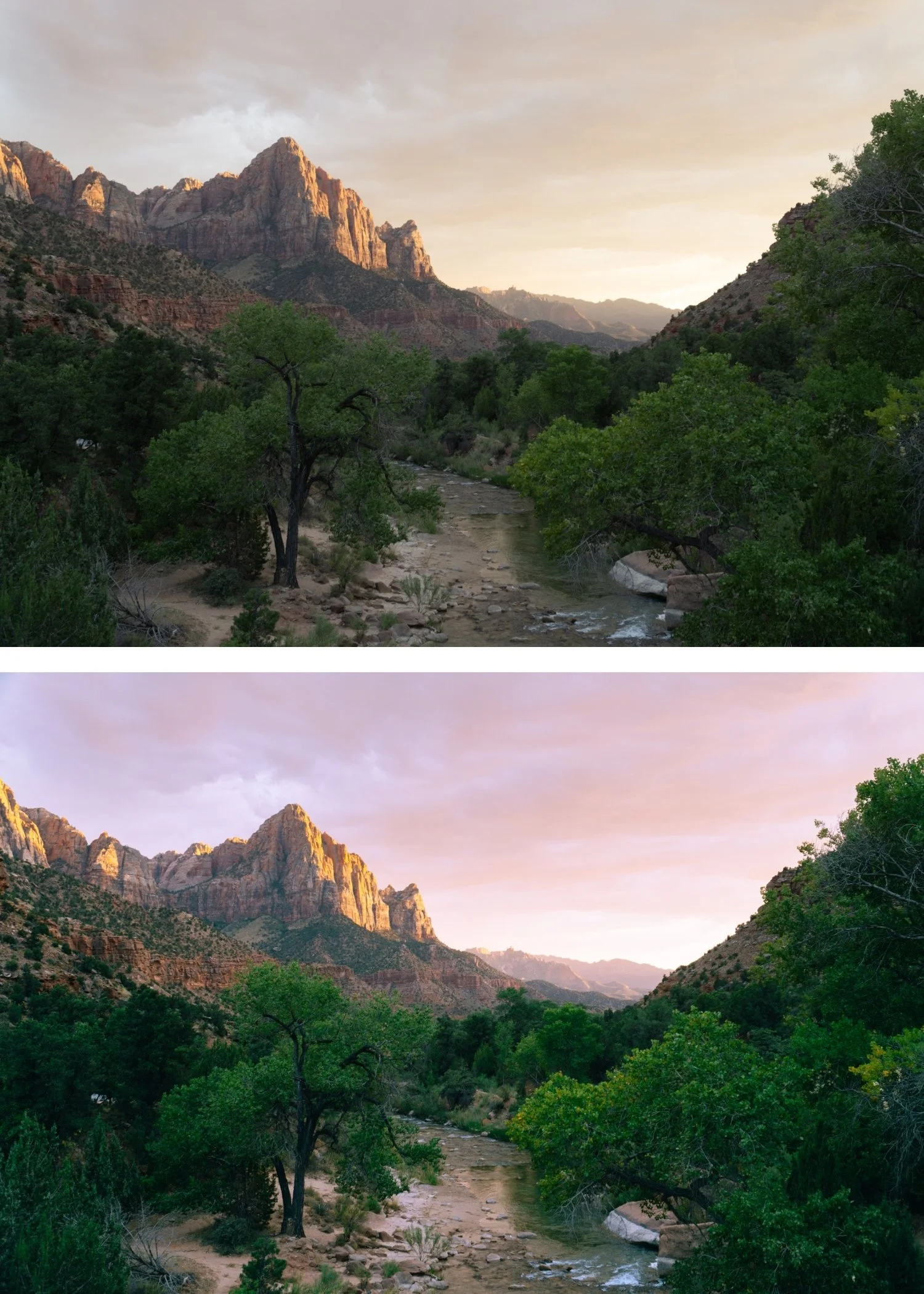
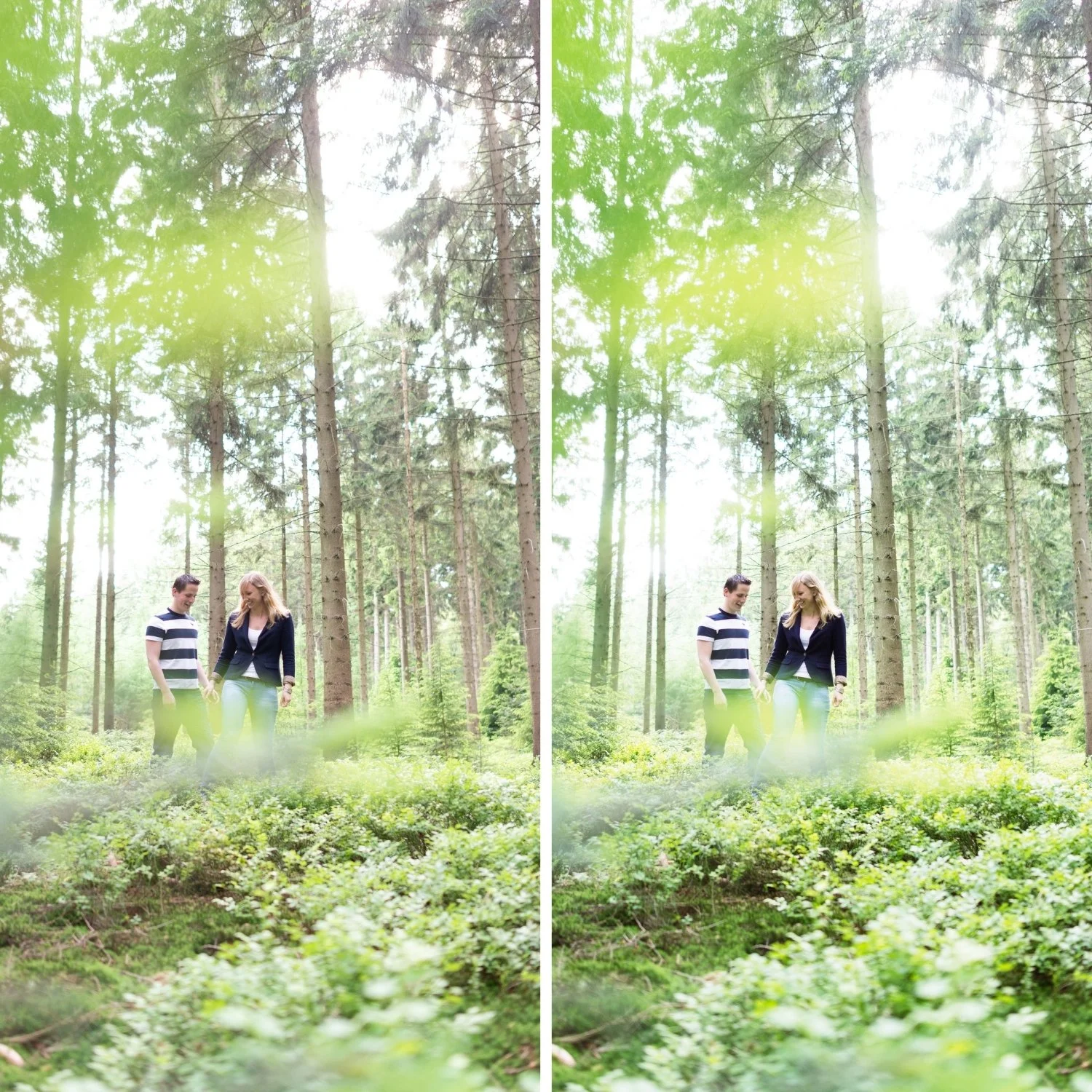
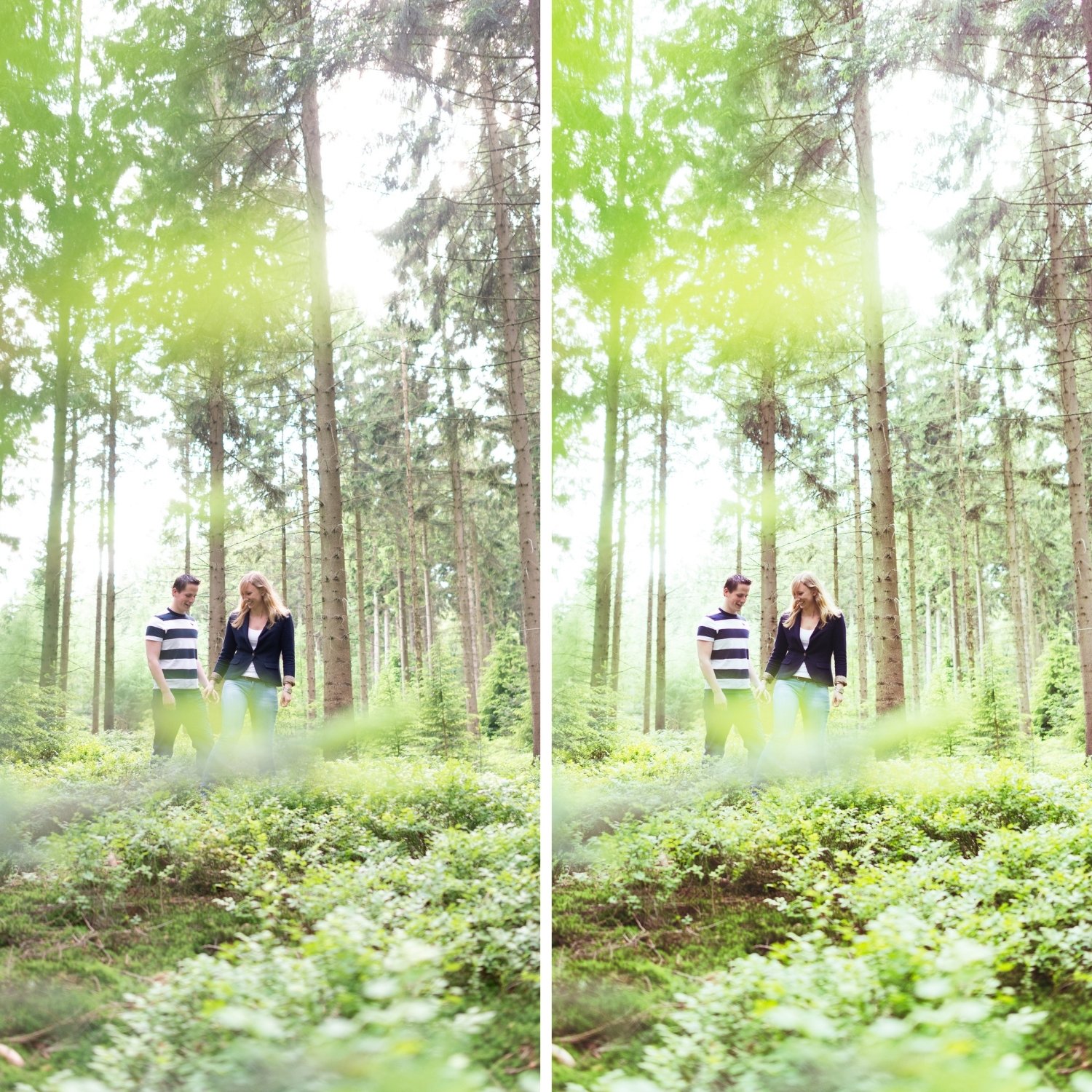
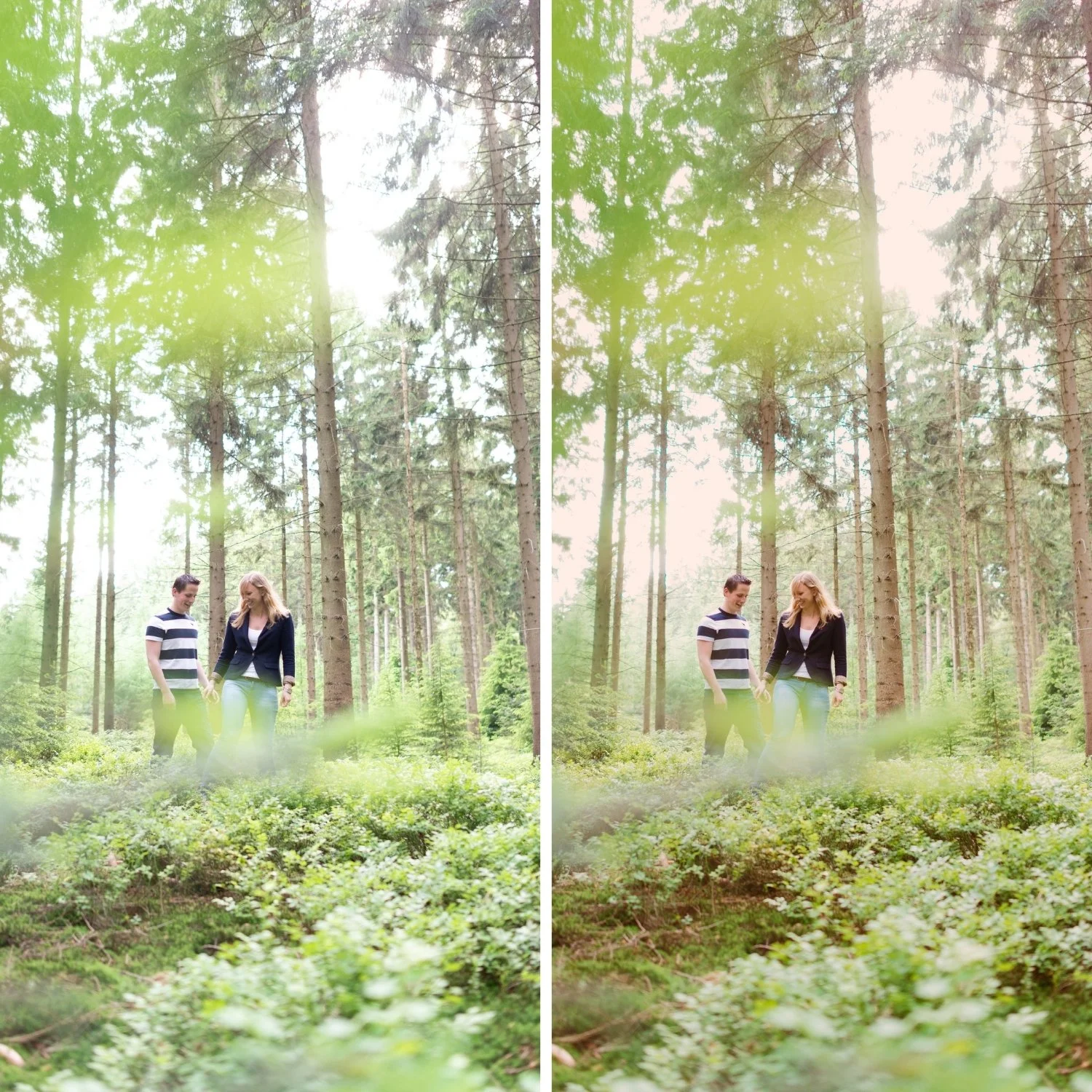
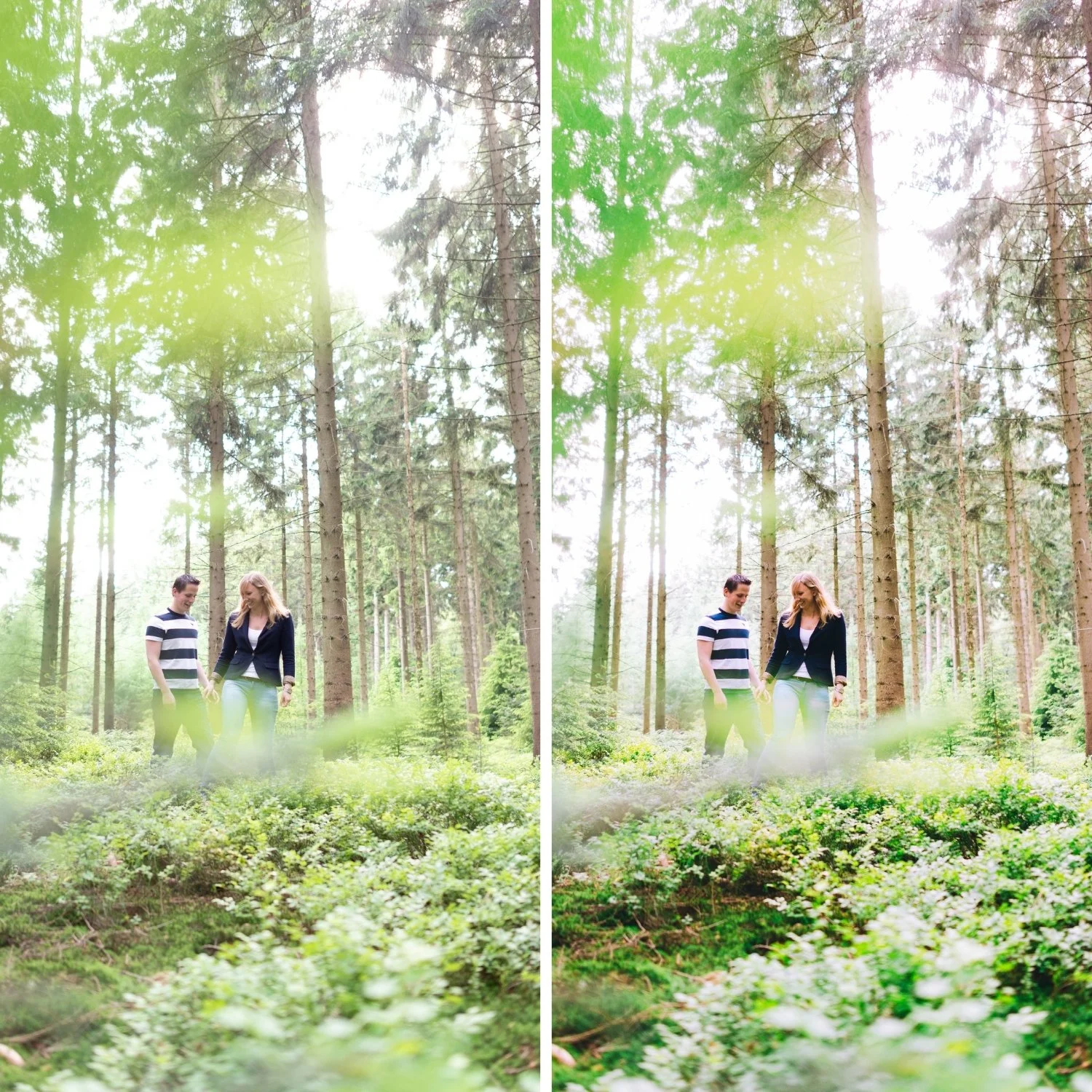
 Image 1 of 4
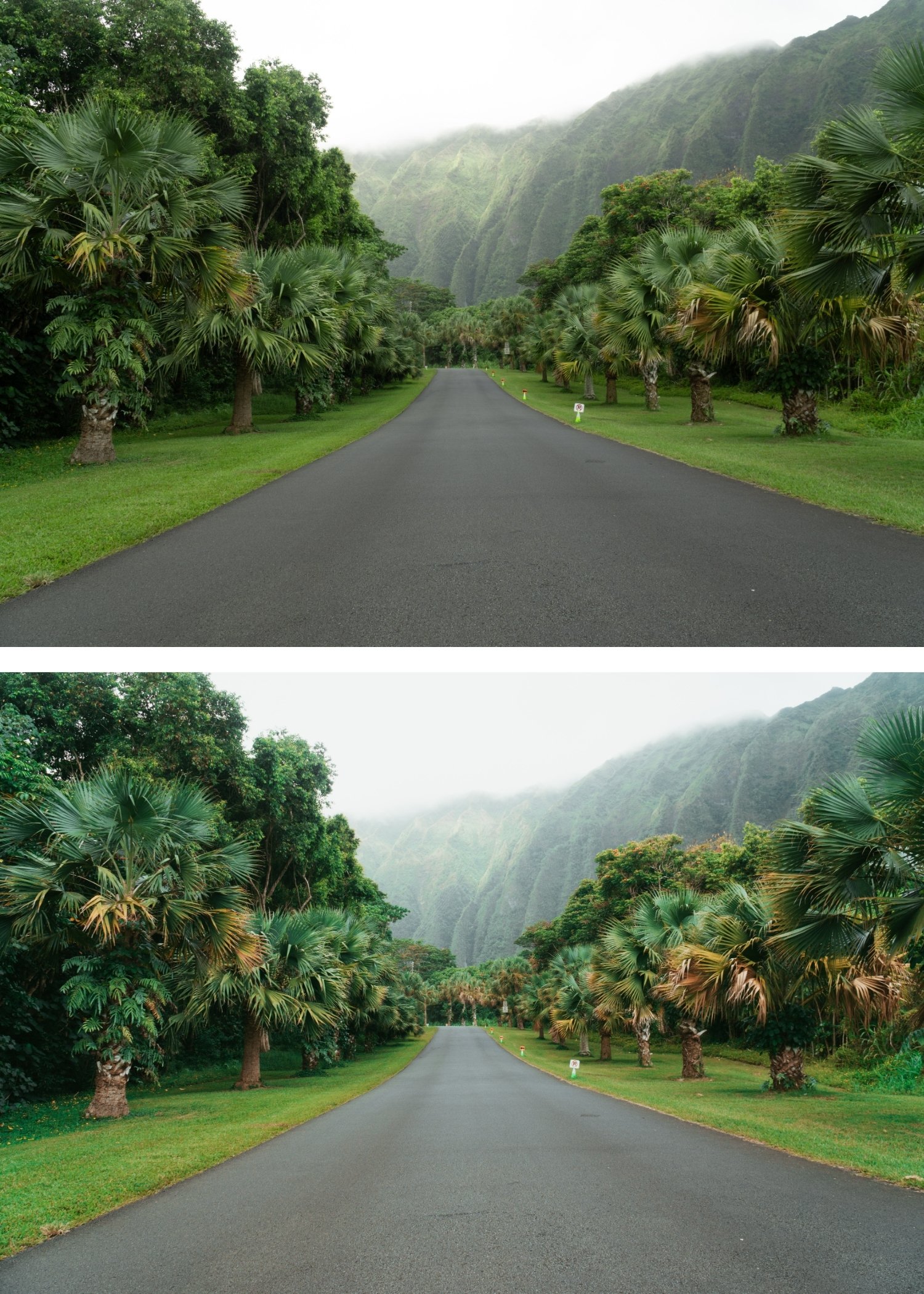
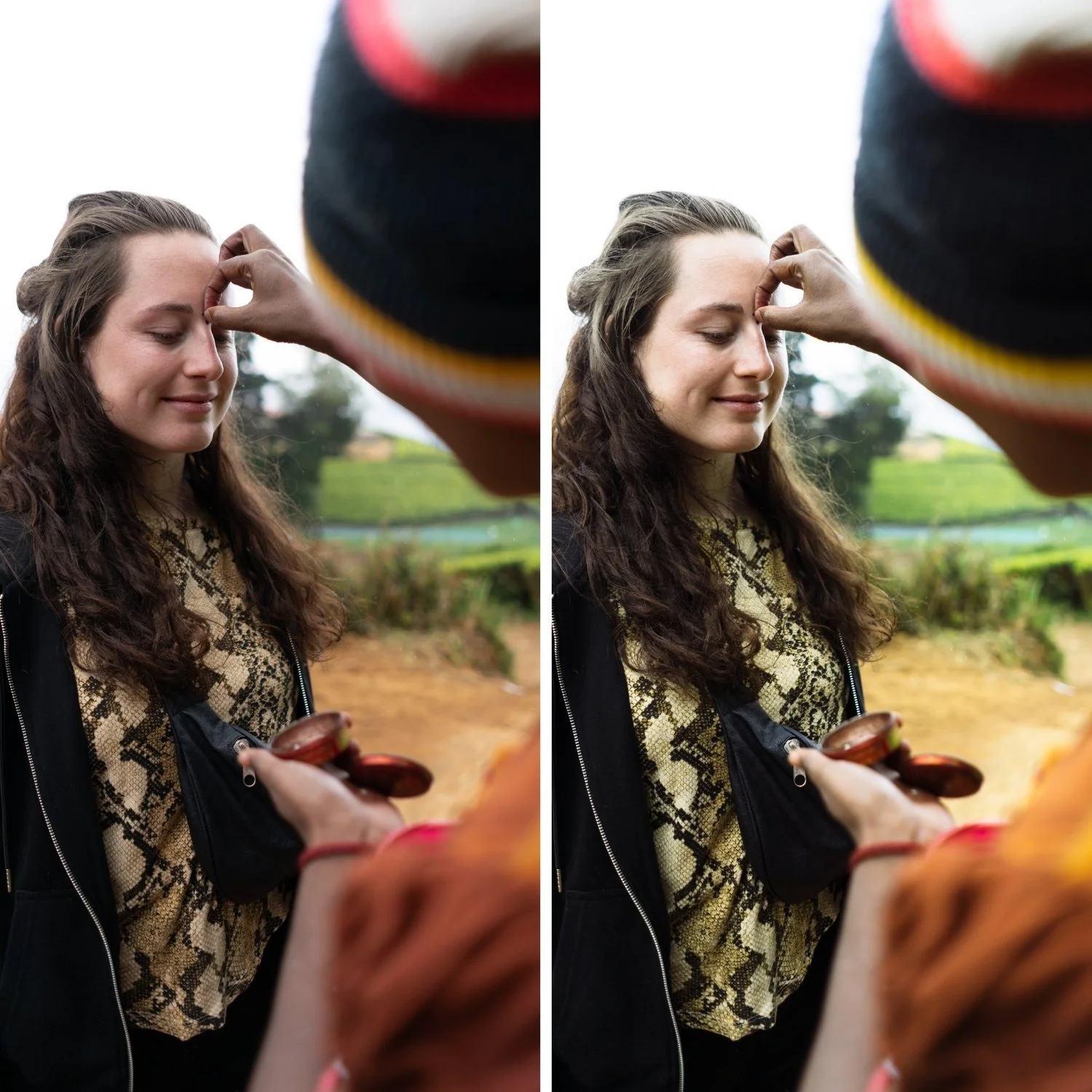
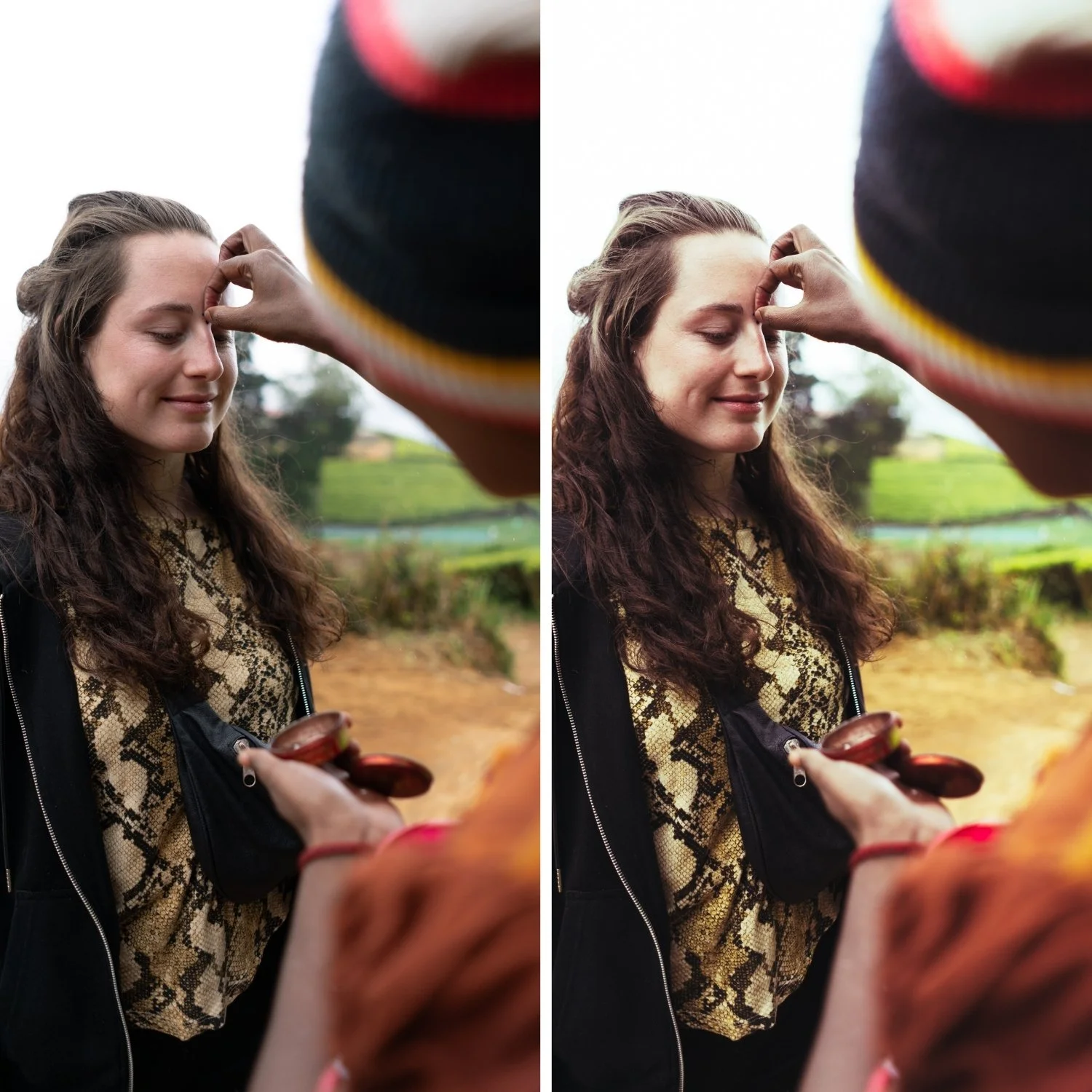
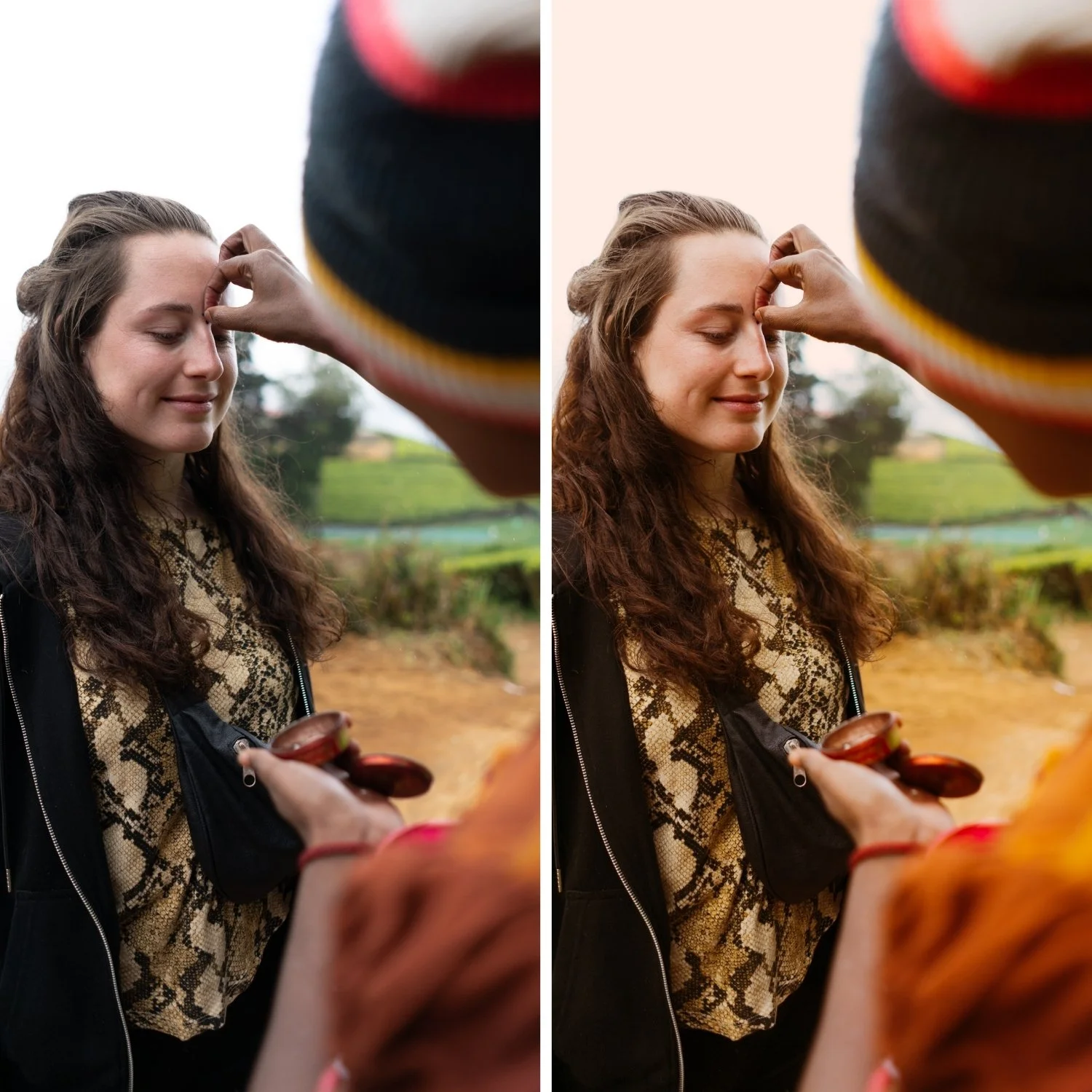
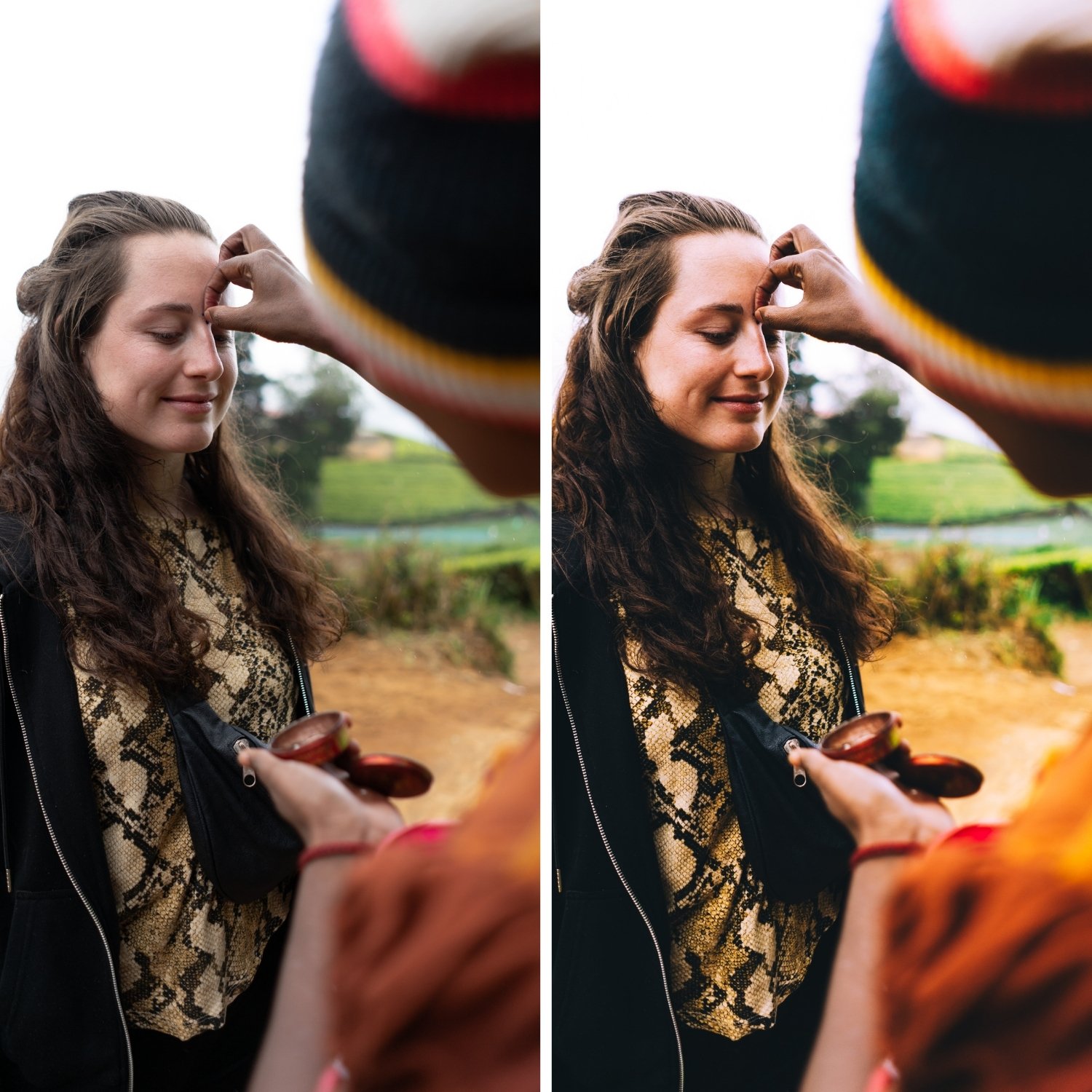 Image 2 of 4
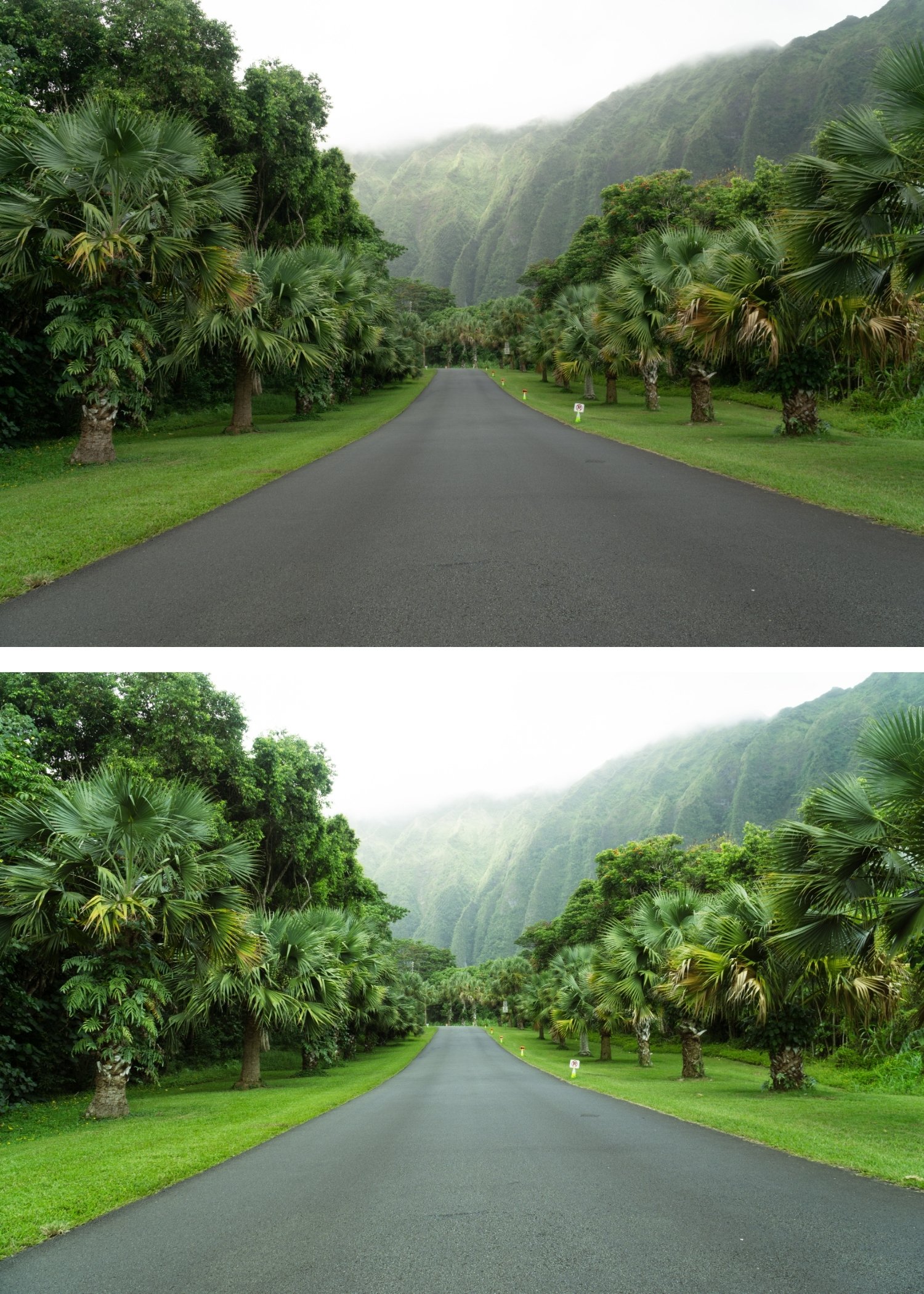
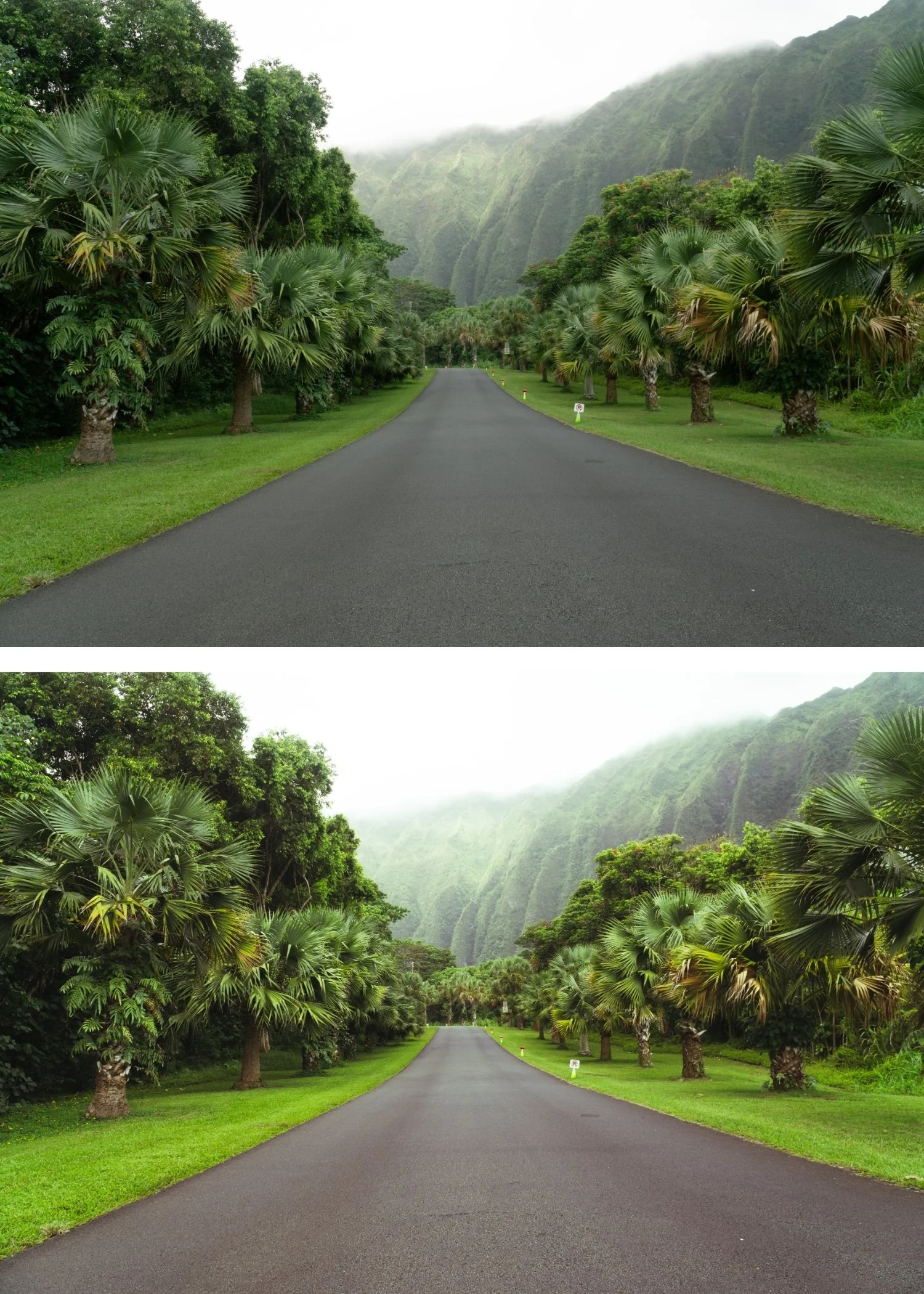
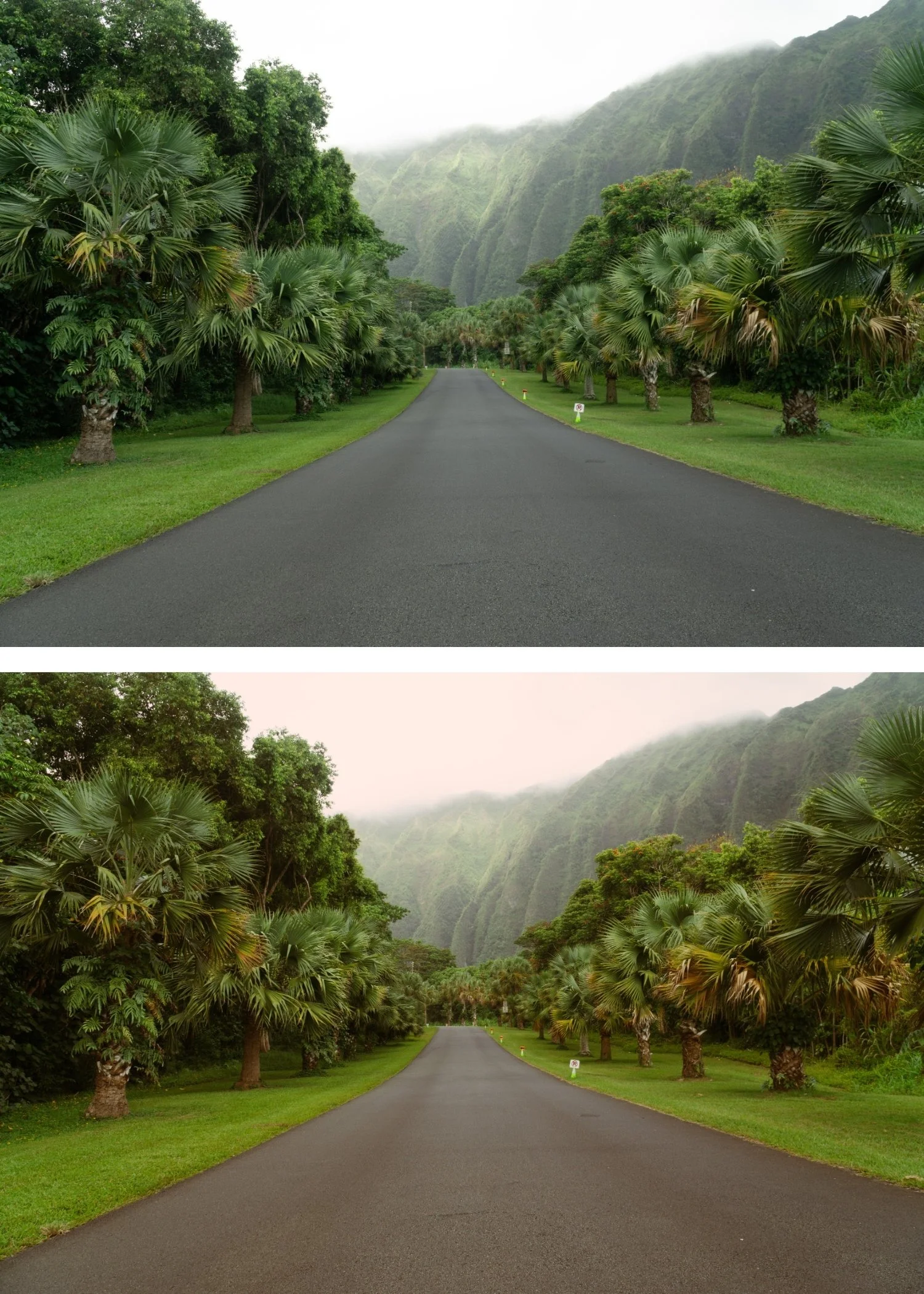
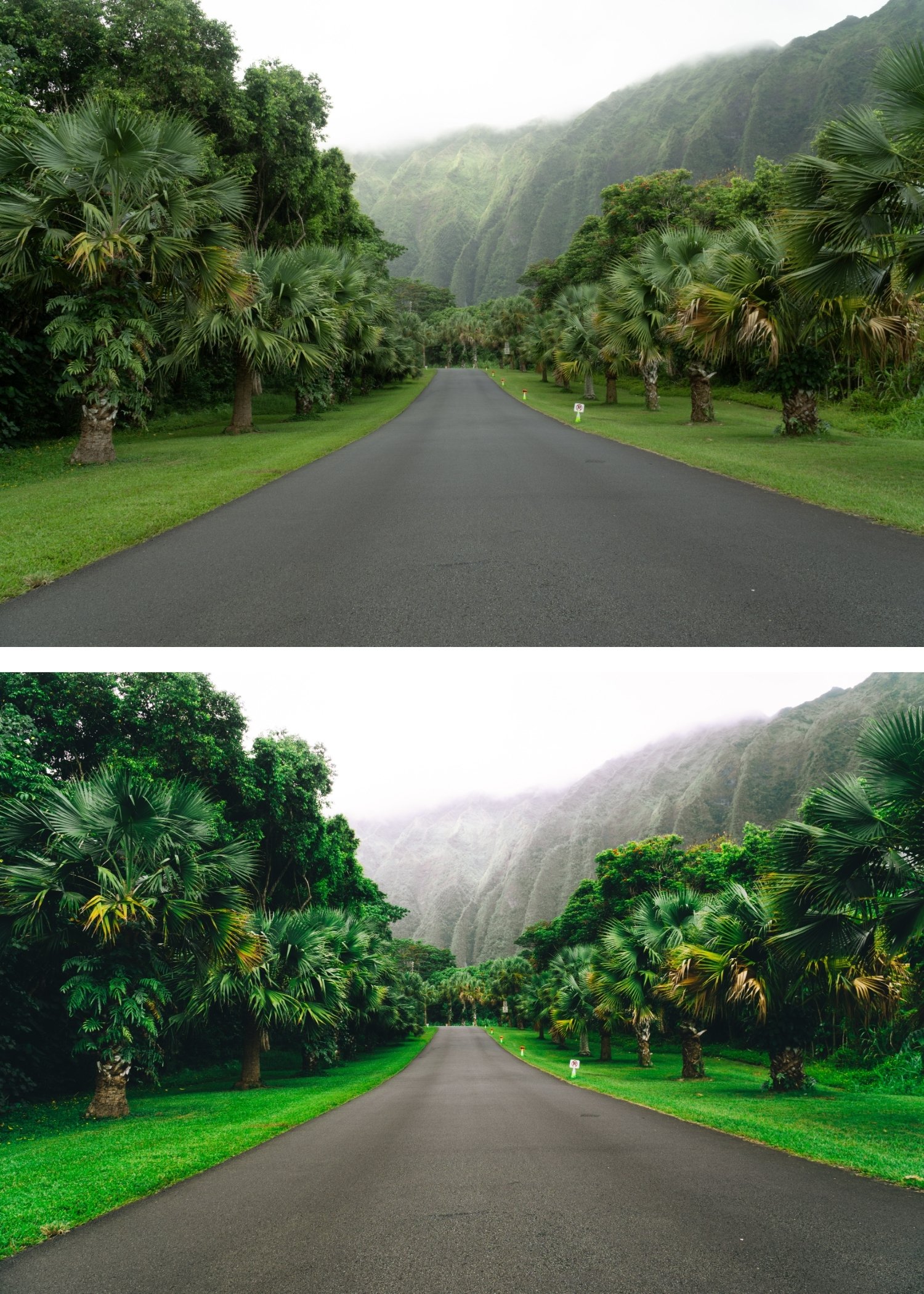 Image 3 of 4
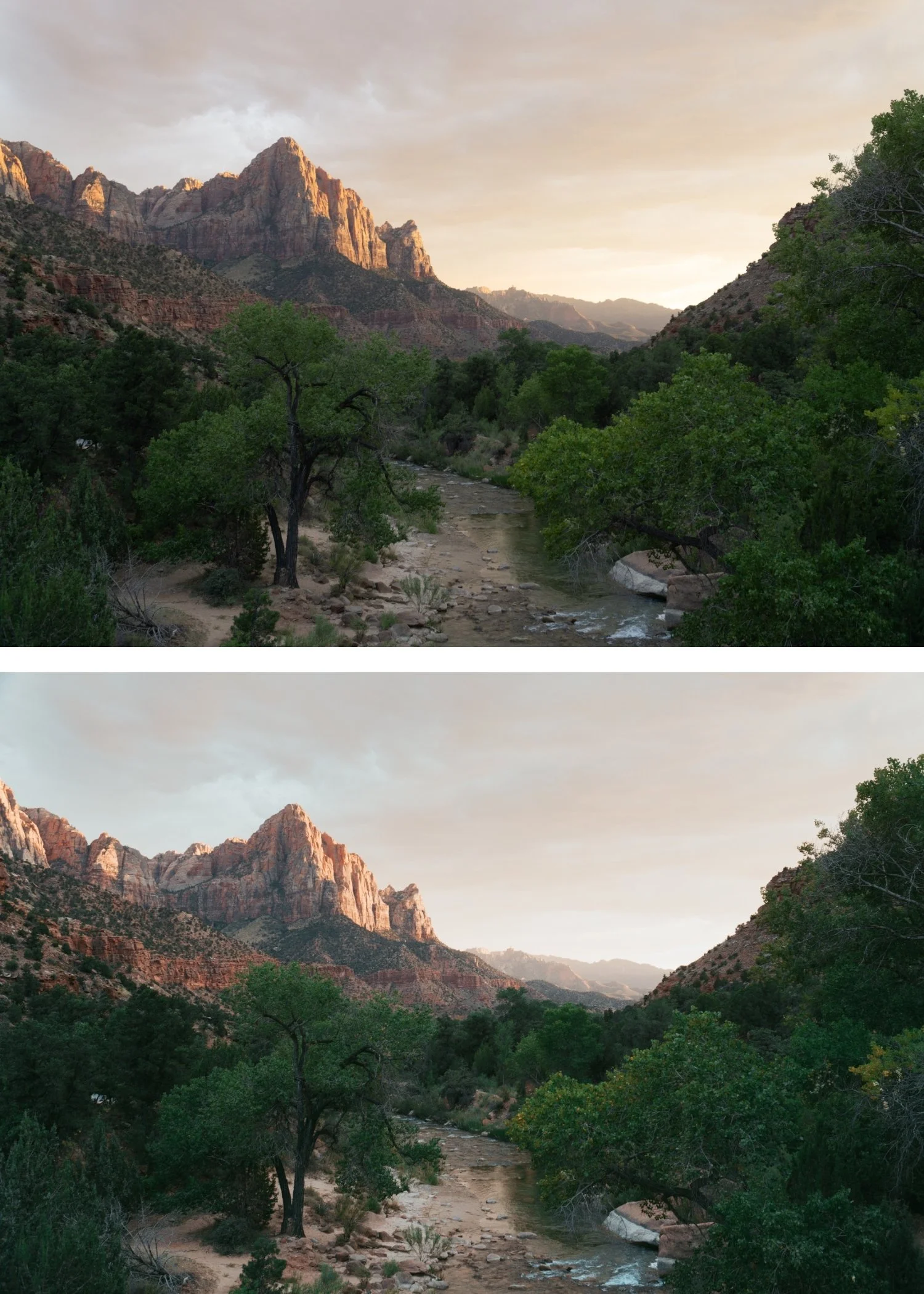
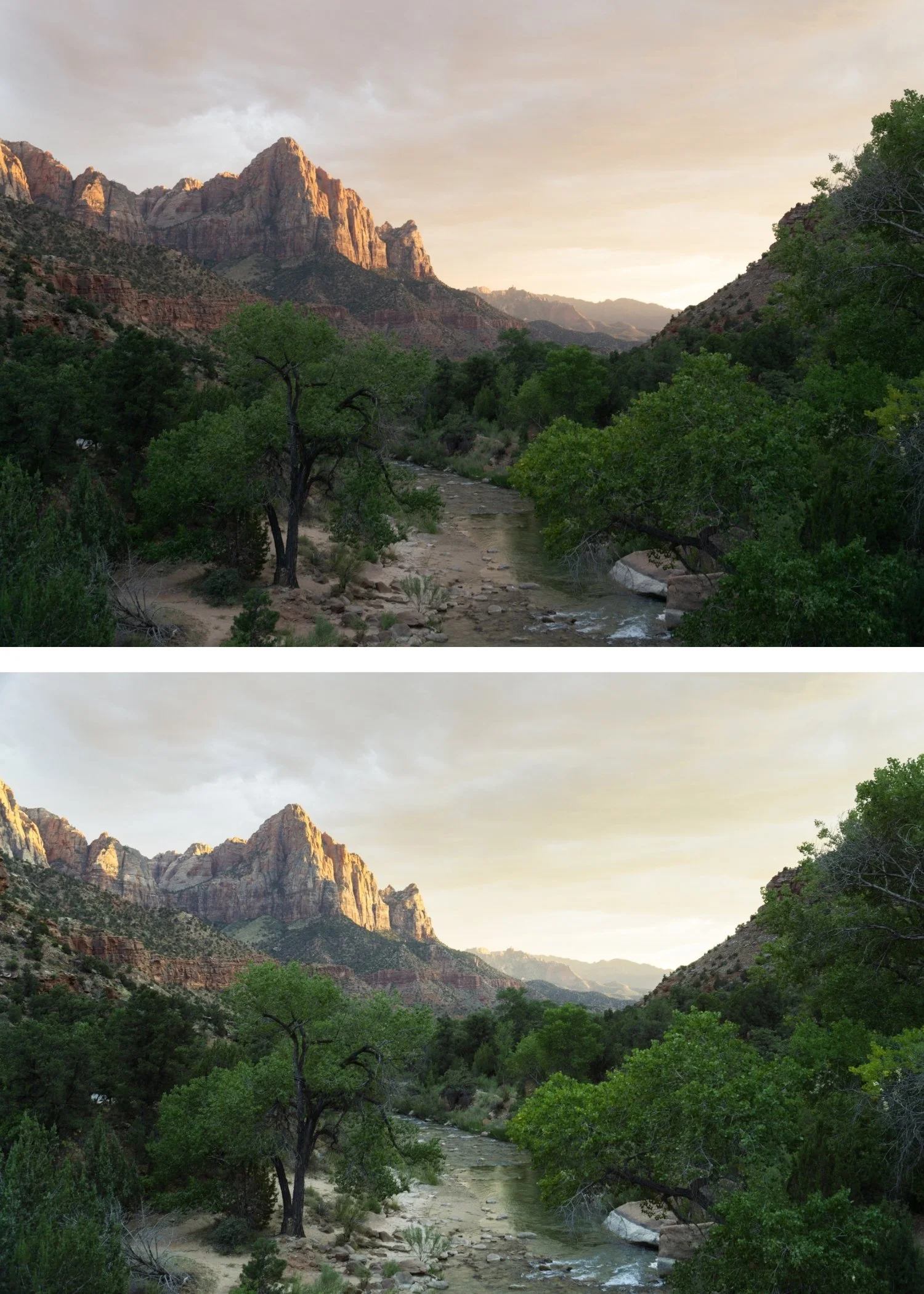
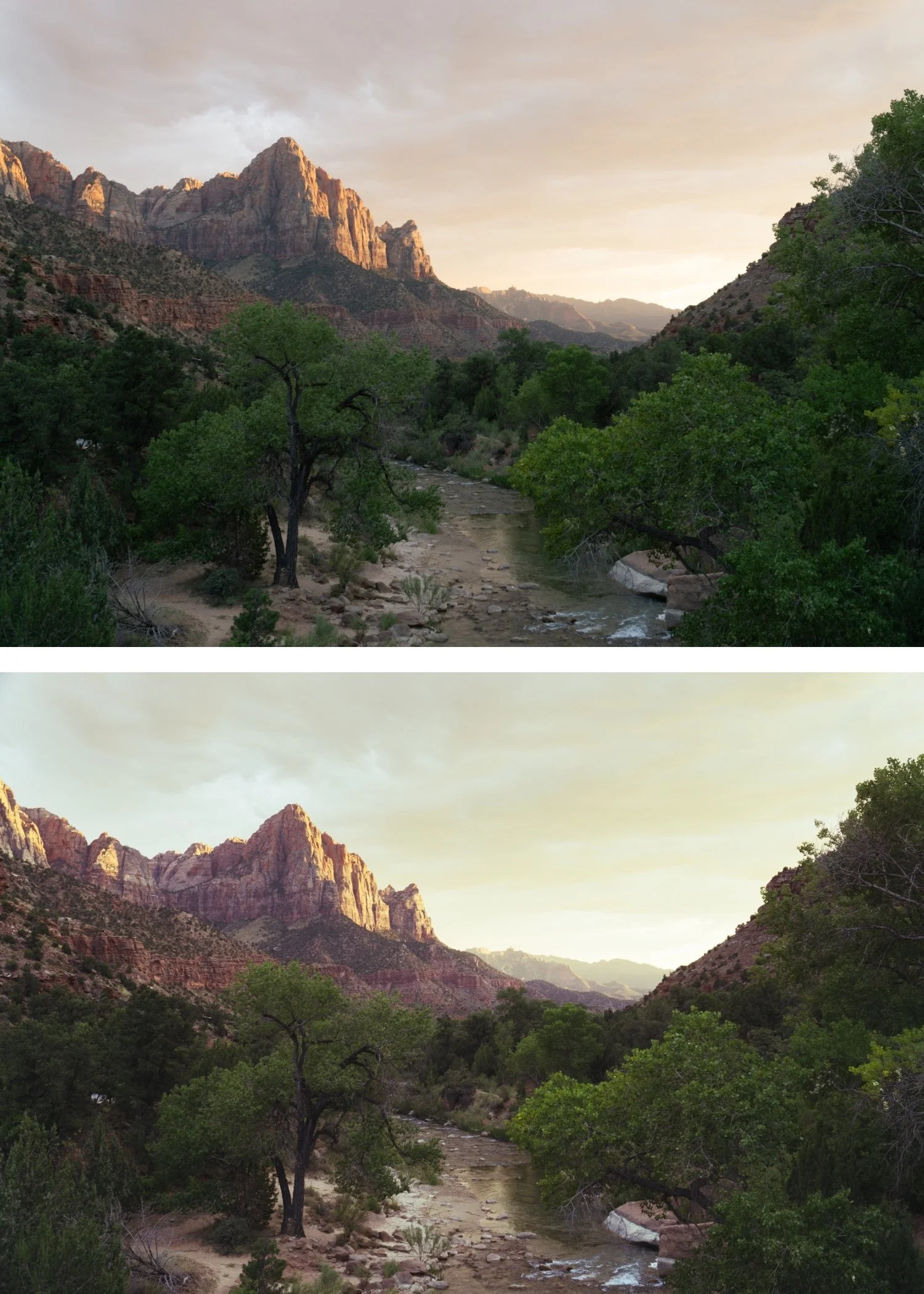
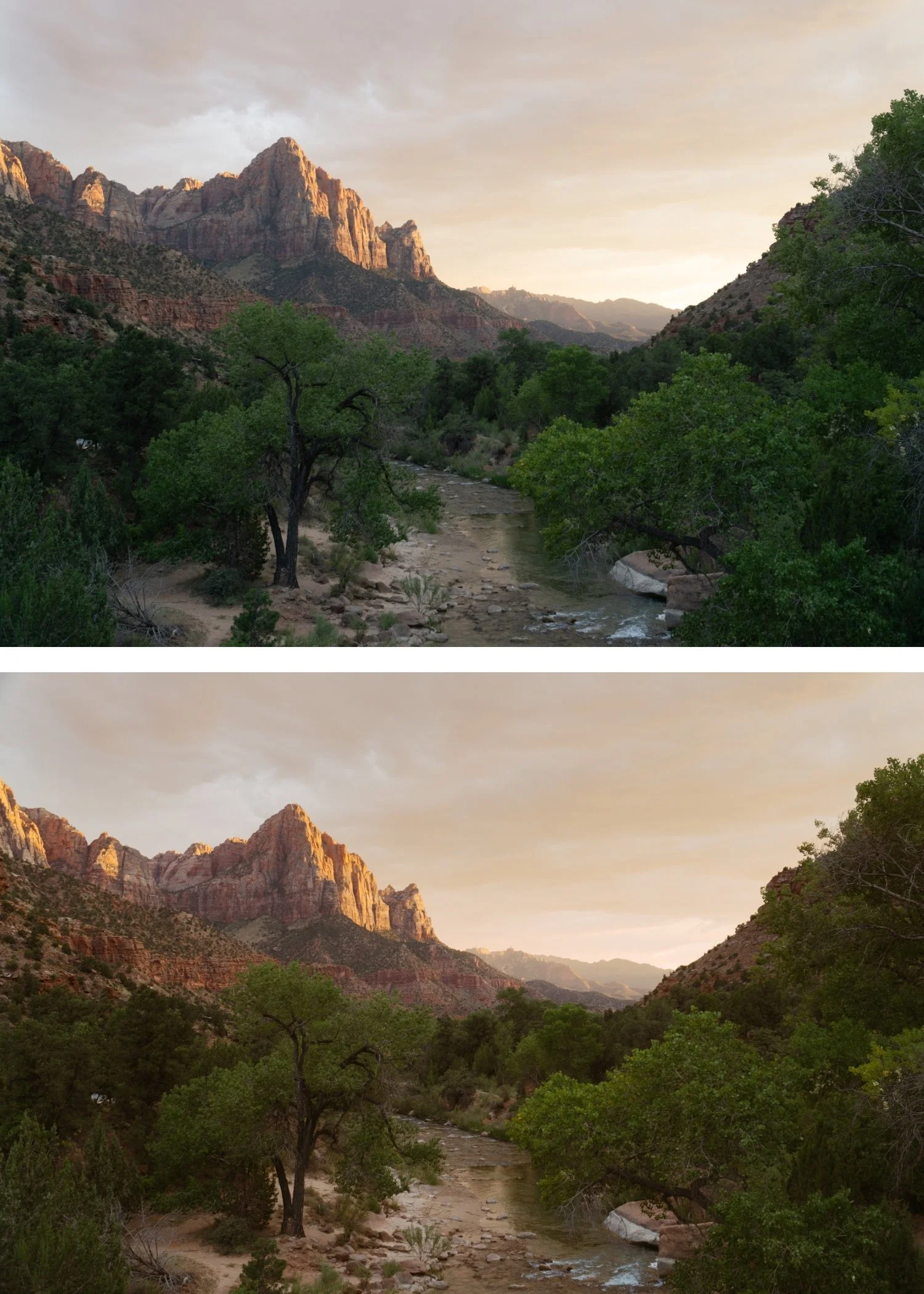
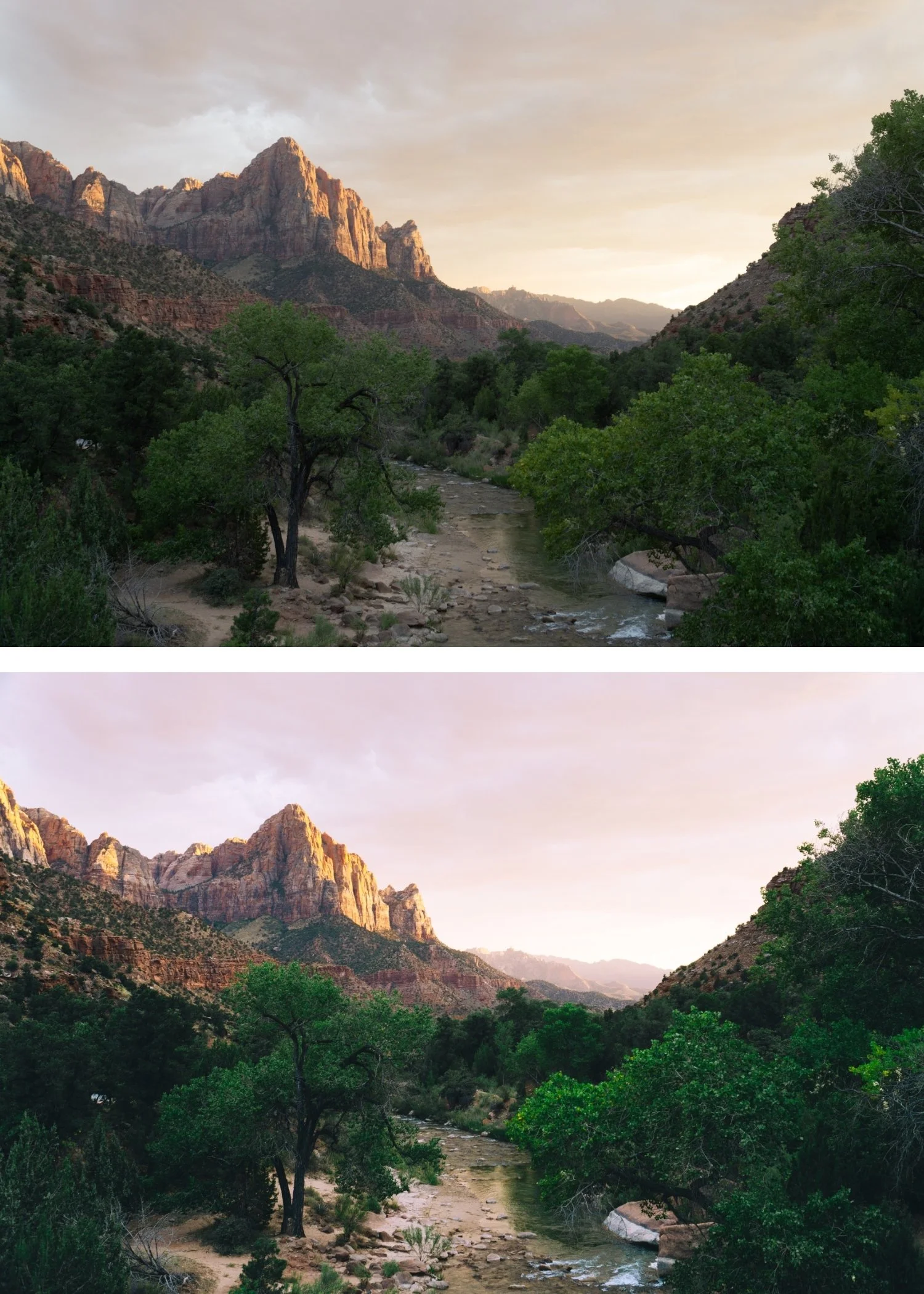 Image 4 of 4
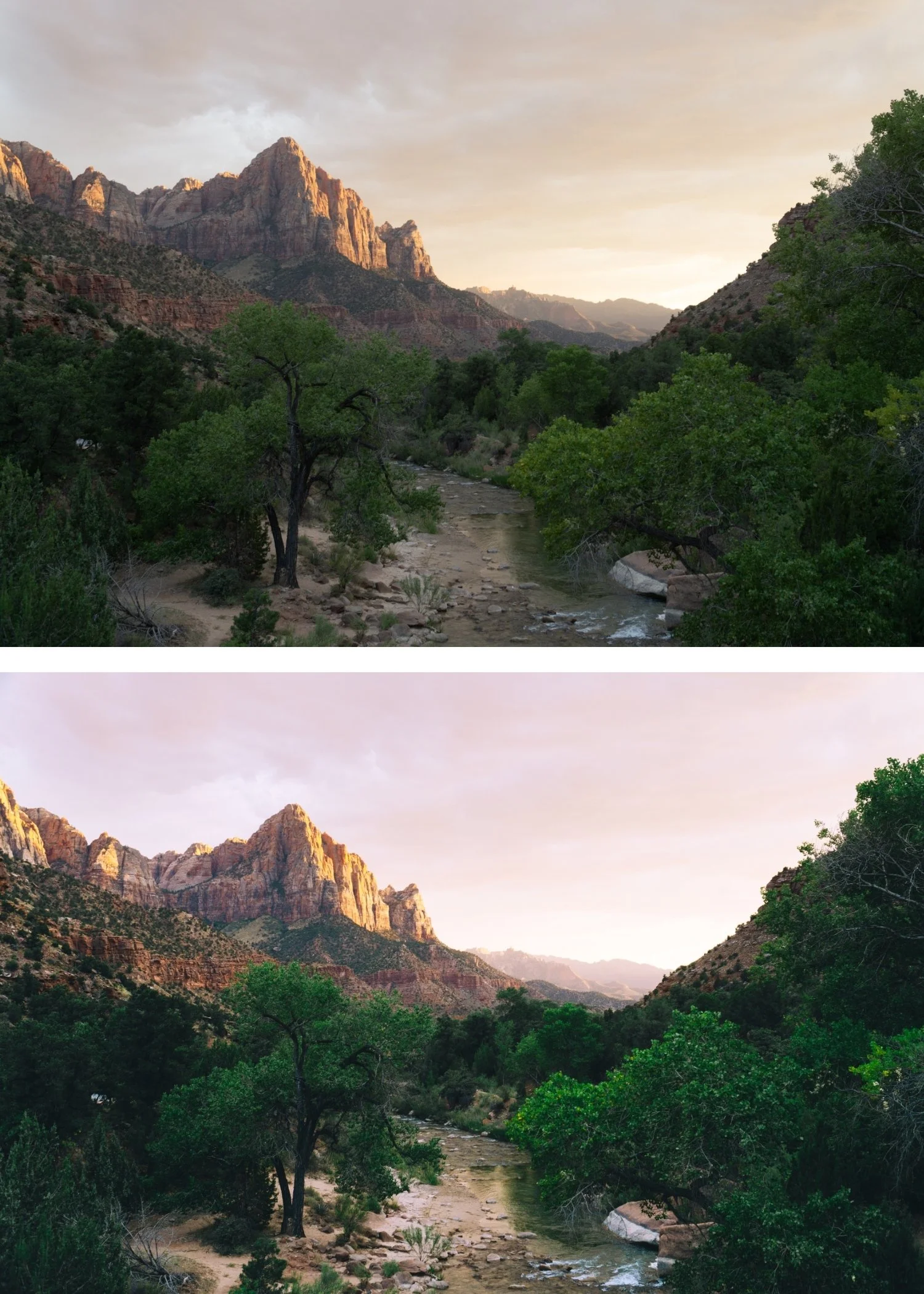
Chromatic 02 Warm Kodachrome | Kodachrome Film Preset for Lightroom Mobile & Desktop

-
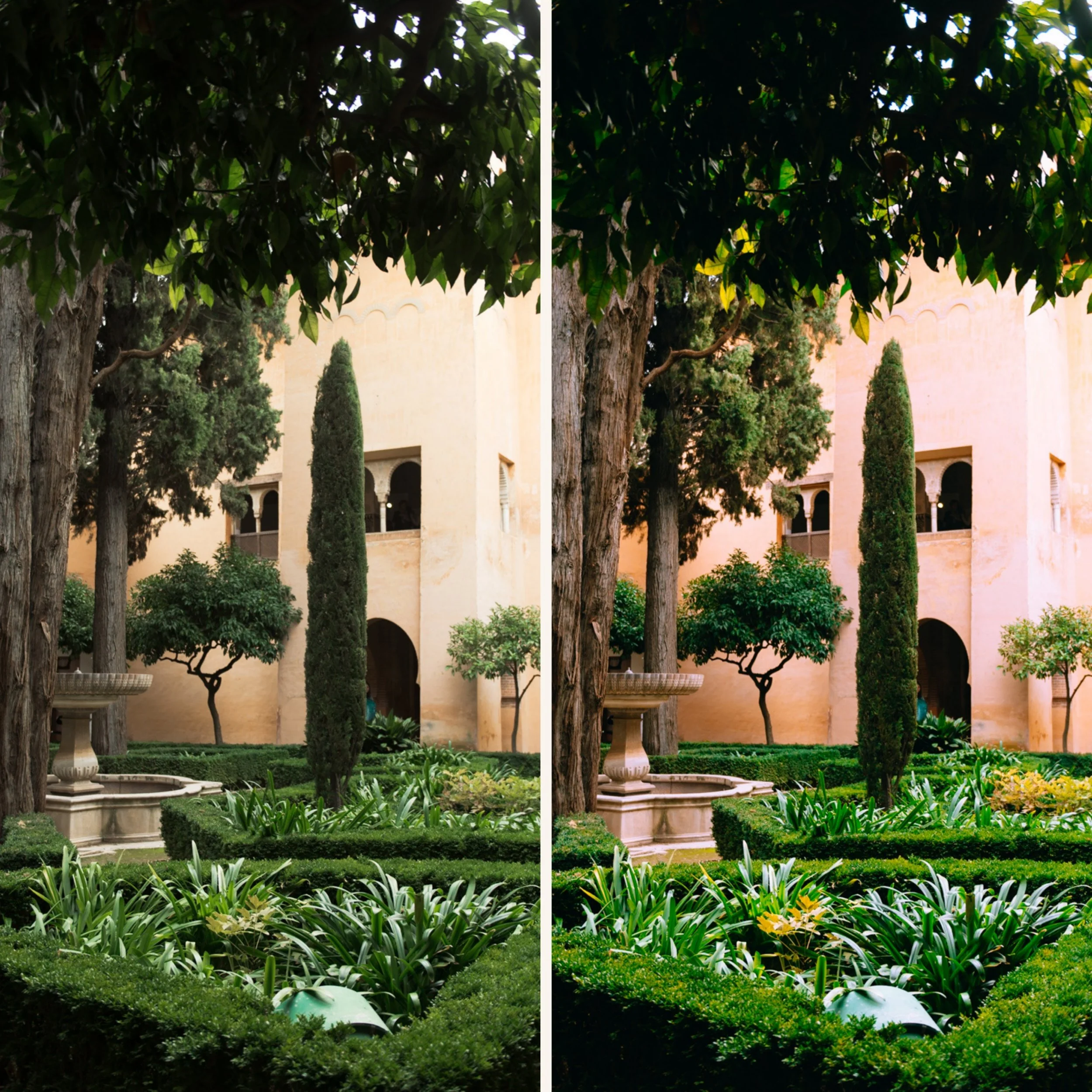
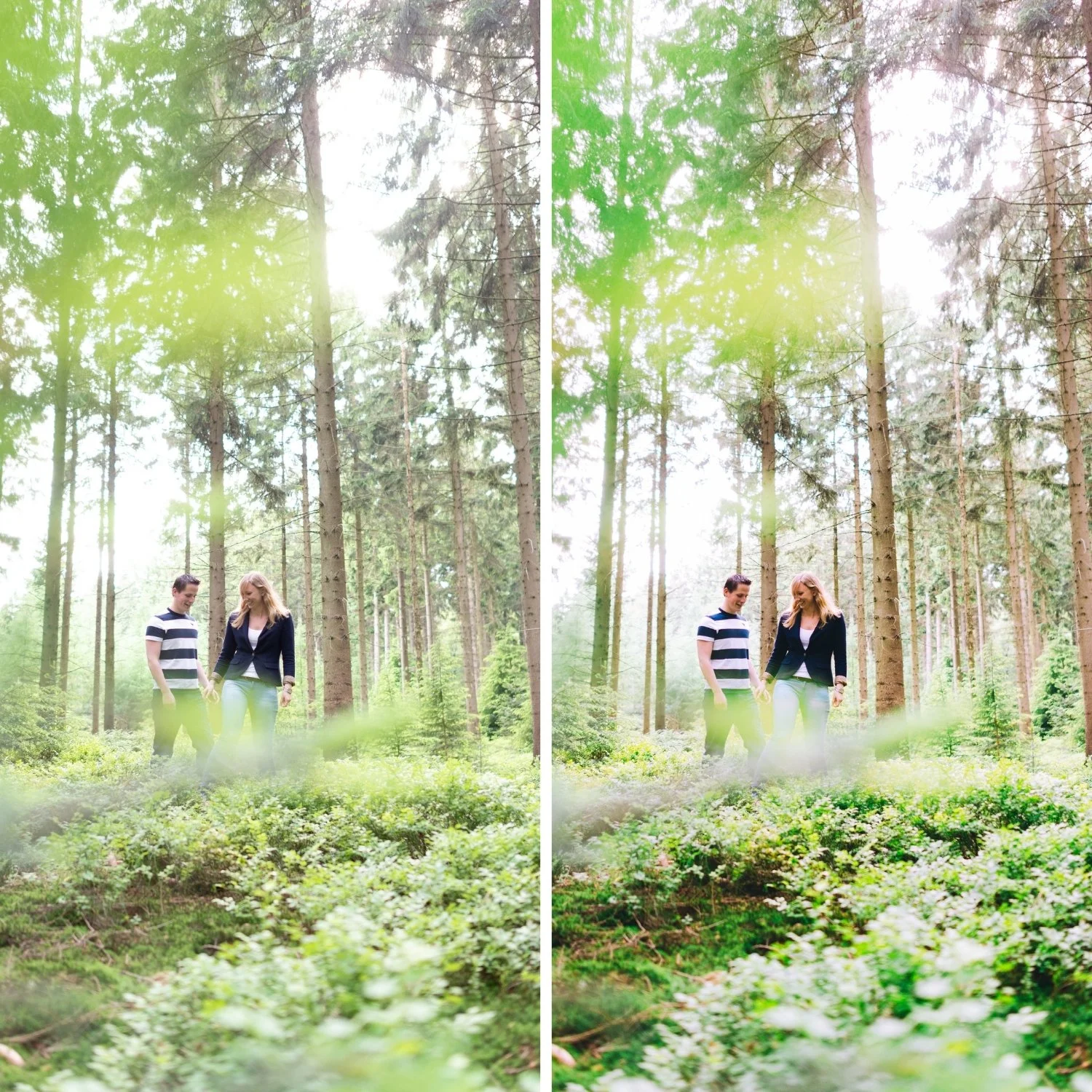
K2 is for travel and outdoor photographers whose primary shooting window is warm light — golden hour, late afternoon, warm-climate destinations — and who want Kodachrome's vivid color character applied in its most flattering warm register.
For photographers who find K1 slightly too neutral for their warm-light content.
-
The warmth is golden, not orange. K2's warmth is calibrated through the color channels specifically — warm tones shift golden rather than orange, maintaining the Kodachrome quality.
It is the best Kodachrome preset for warm-climate travel. Mediterranean architecture, golden-hour beaches, warm markets — K2's golden warmth amplifies these environments directly.
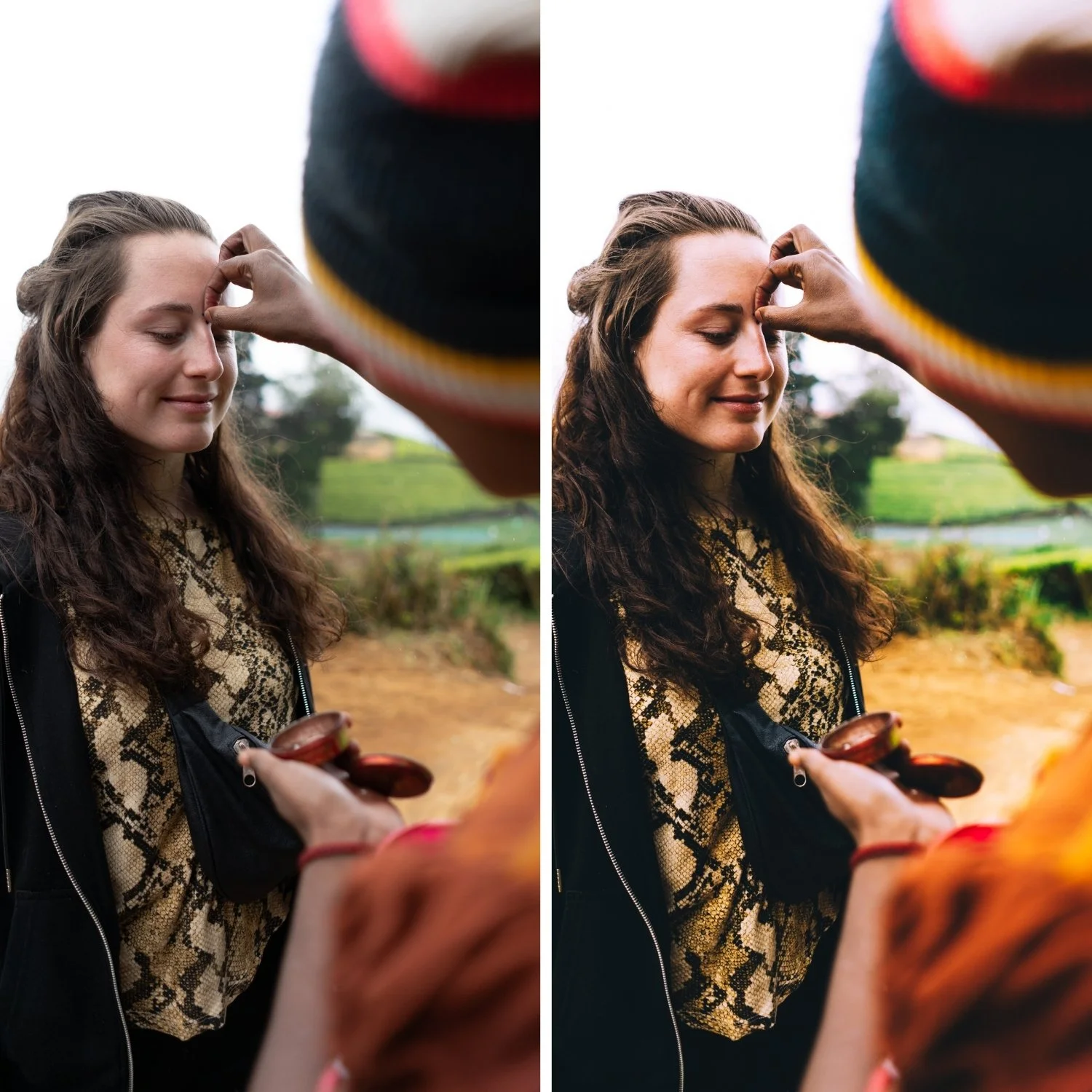
It flatters portraits in warm light. The golden midtone quality of K2 suits skin in warm ambient conditions — portraits look golden and present.
-
1 × K2 Warm Kodachrome DNG file — for Lightroom Mobile
1 × K2 Warm Kodachrome XMP file — for Lightroom Classic
Installation guide
Lifetime access -
This preset captures the high-saturation, warm-glow aesthetic similar to the iconic K2 filters. It’s the perfect professional alternative for those wanting a bold, analog-inspired look that feels nostalgic and sun-baked. By emulating the "pushed" color science of vintage color-negative film used in outdoor lifestyle photography, the K2 ensures your digital shots have a polished, radiant finish.
-
Step 1 — White balance first. K2 assumes a warm starting point — 5,200-5,600K, Tint +5. The golden warmth of K2 reads most naturally on a warm foundation. Preserve the warm ambient rather than neutralising it.
Step 2 — Apply K2 Warm Kodachrome. The warm Kodachrome color rendering, golden tones, and film character apply simultaneously.
Step 3 — Adjust Exposure and White Balance per photo. Per-photo Exposure and White Balance correction on top of K2's Kodachrome foundation.
For golden hour photography: do not over-warm white balance before applying — K2 adds significant warmth. Start at 5,400-5,600K and assess after applying.
Portrait photography with K2: check Orange Saturation after applying — reduce by -3 to -5 if skin reads warm-orange rather than golden. The combination of warm ambient light plus K2's golden character can push skin orange in very warm conditions.
On phone photos: 78-80% strength.
-
What is the difference between K2 and K1? K1 is the clean, balanced Kodachrome baseline for versatile use. K2 adds golden warmth — suited to warm-light conditions where K1's more neutral character underperforms the quality of the ambient.
Does K2 work in non-golden-hour conditions? K2 works in any warm-toned conditions. In cool or overcast light, the added warmth can read as heavy — K1 is more appropriate for those conditions.
GET ALL 3 CHROMATIC ARCHIVE PRESETS
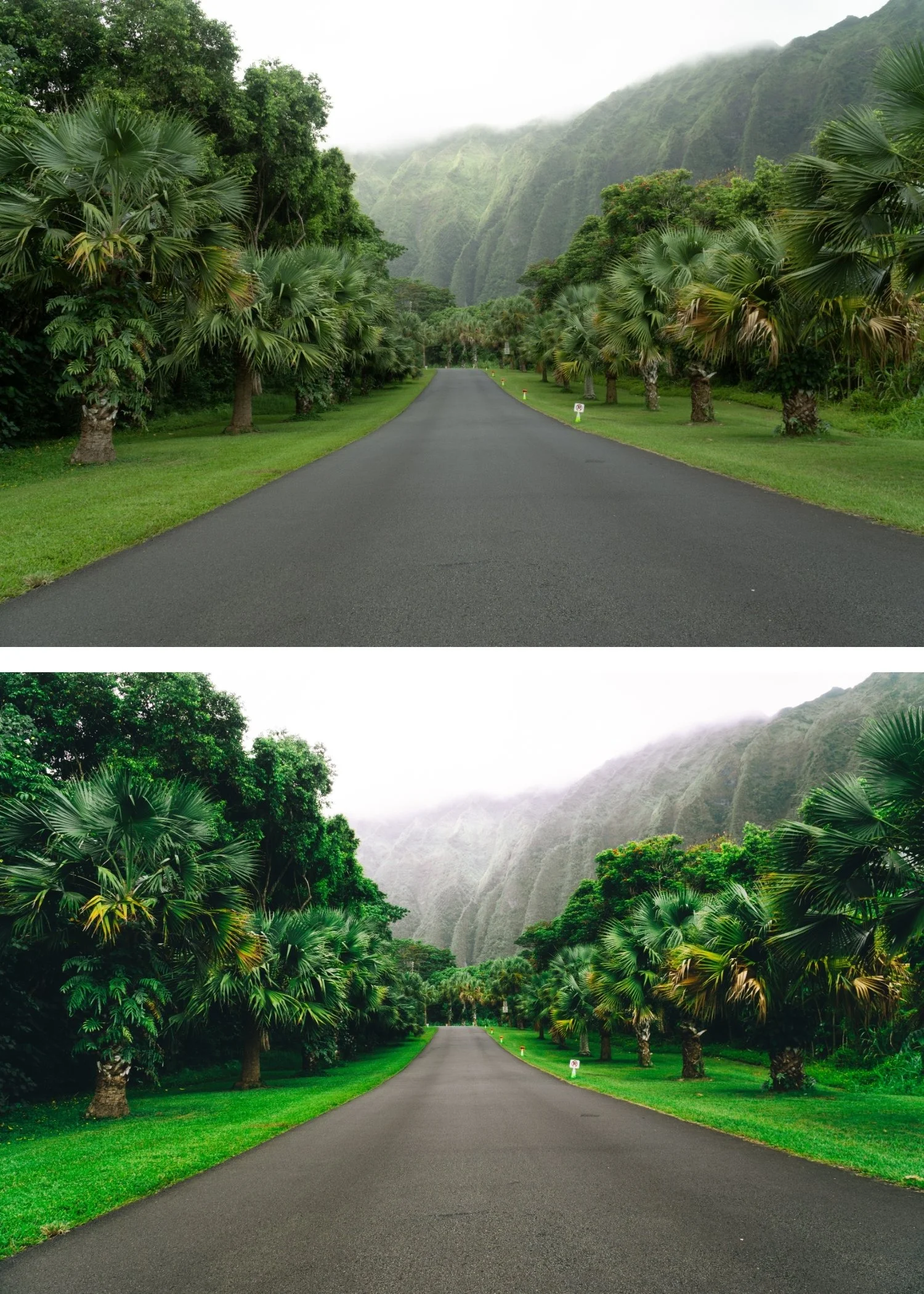
The full Chromatic Archive gives you three calibrated expressions of Kodachrome slide film color — Classic Kodachrome for versatile vibrant use, Warm Kodachrome for golden light and warm environments, and High Contrast Slide for maximum visual impact in landscape and travel photography.
Three presets. One Kodachrome philosophy. $6.66 per preset.
THE STUDIO ARCHIVE
Want everything? The Studio Archive contains 130+ presets — every collection we make, including the complete Chromatic Archive for $89 total. That is $0.68 per preset with every future release included for life.