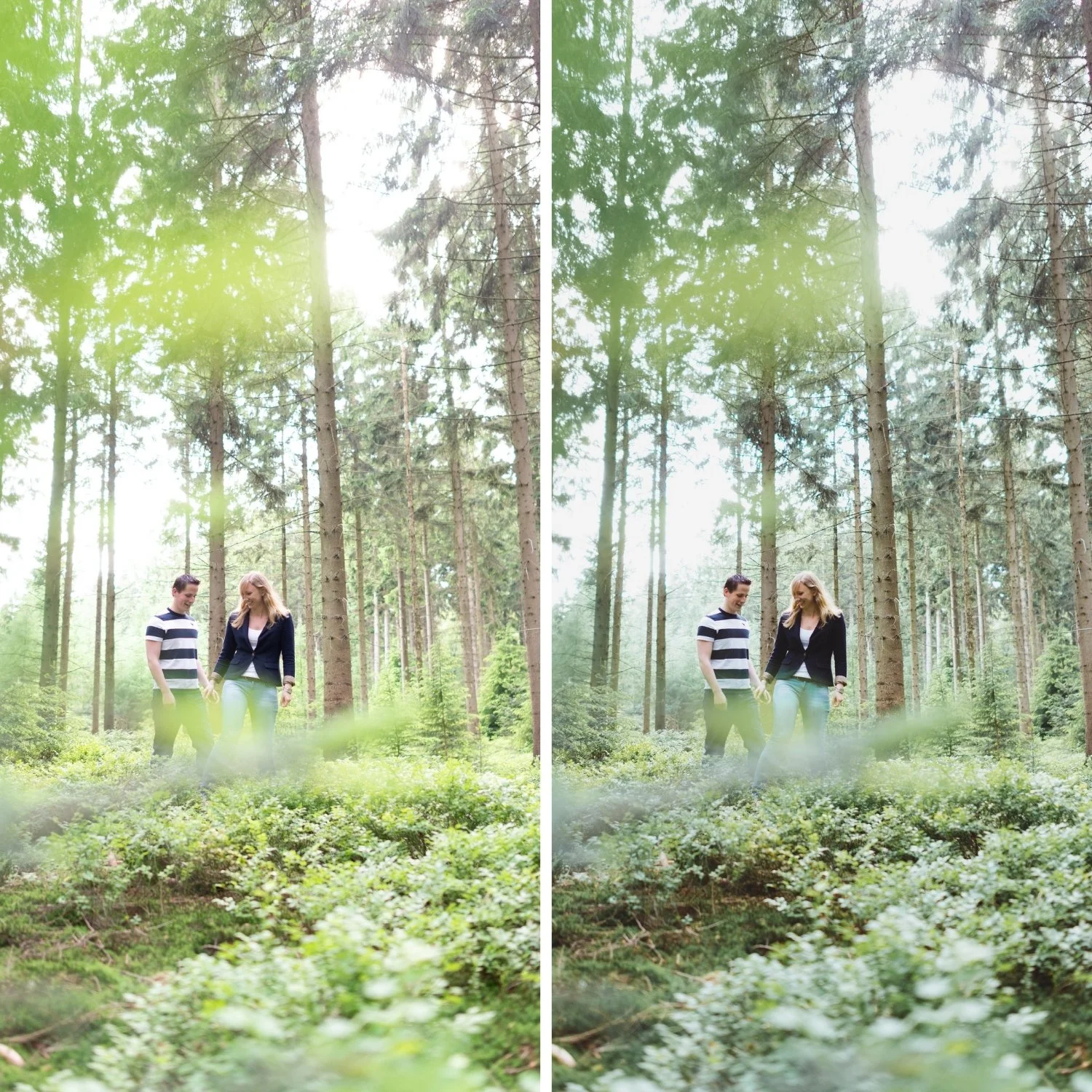
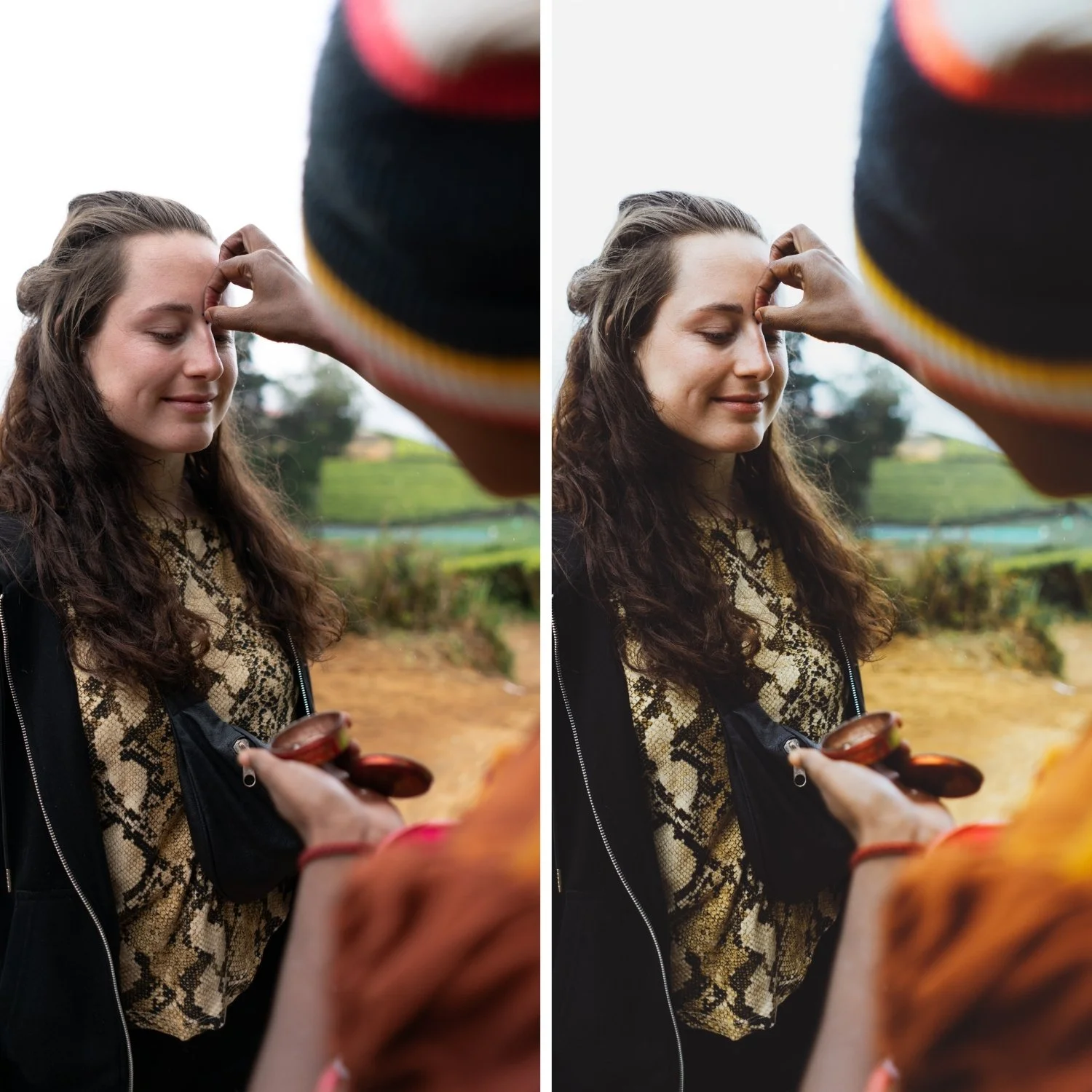
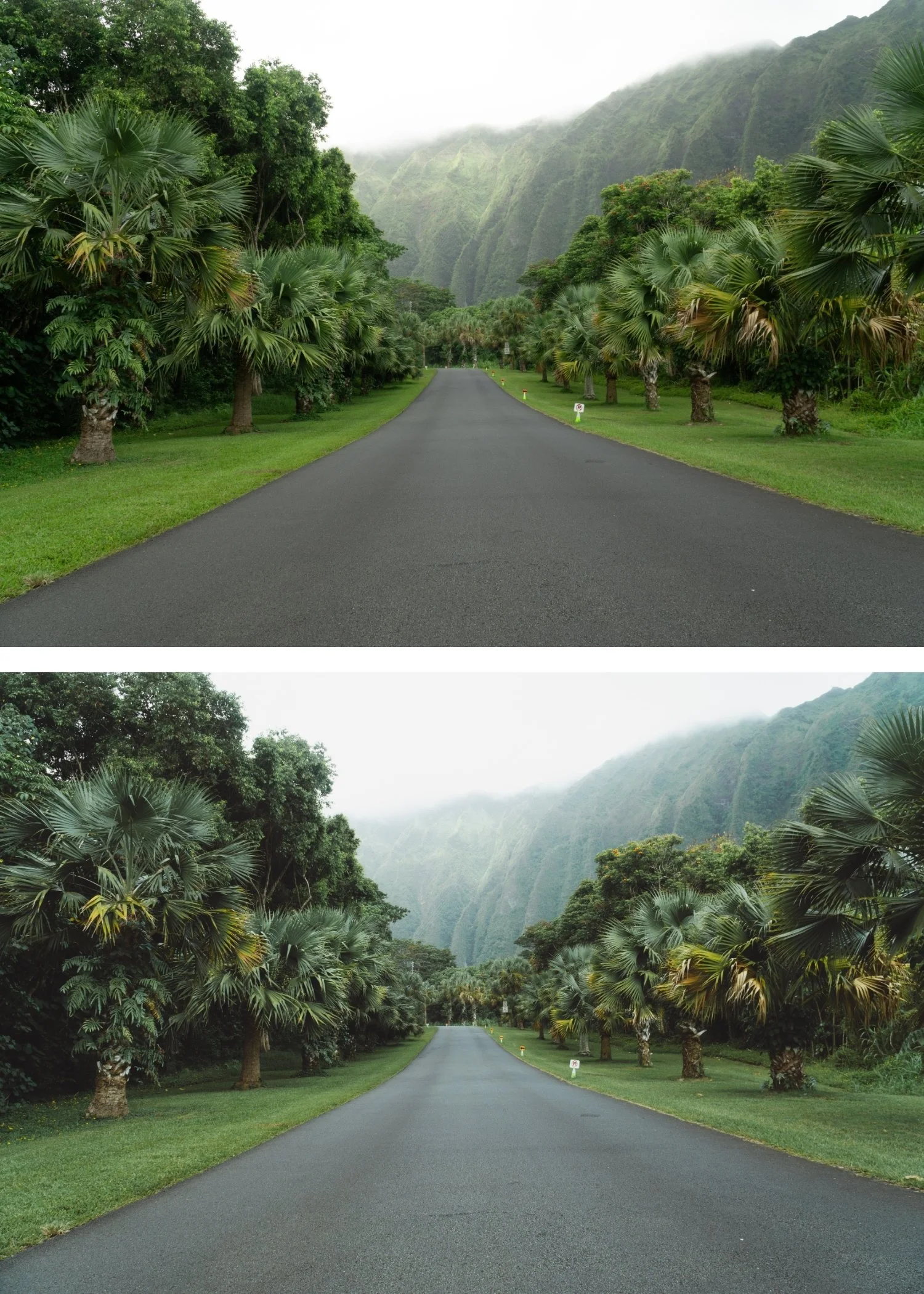
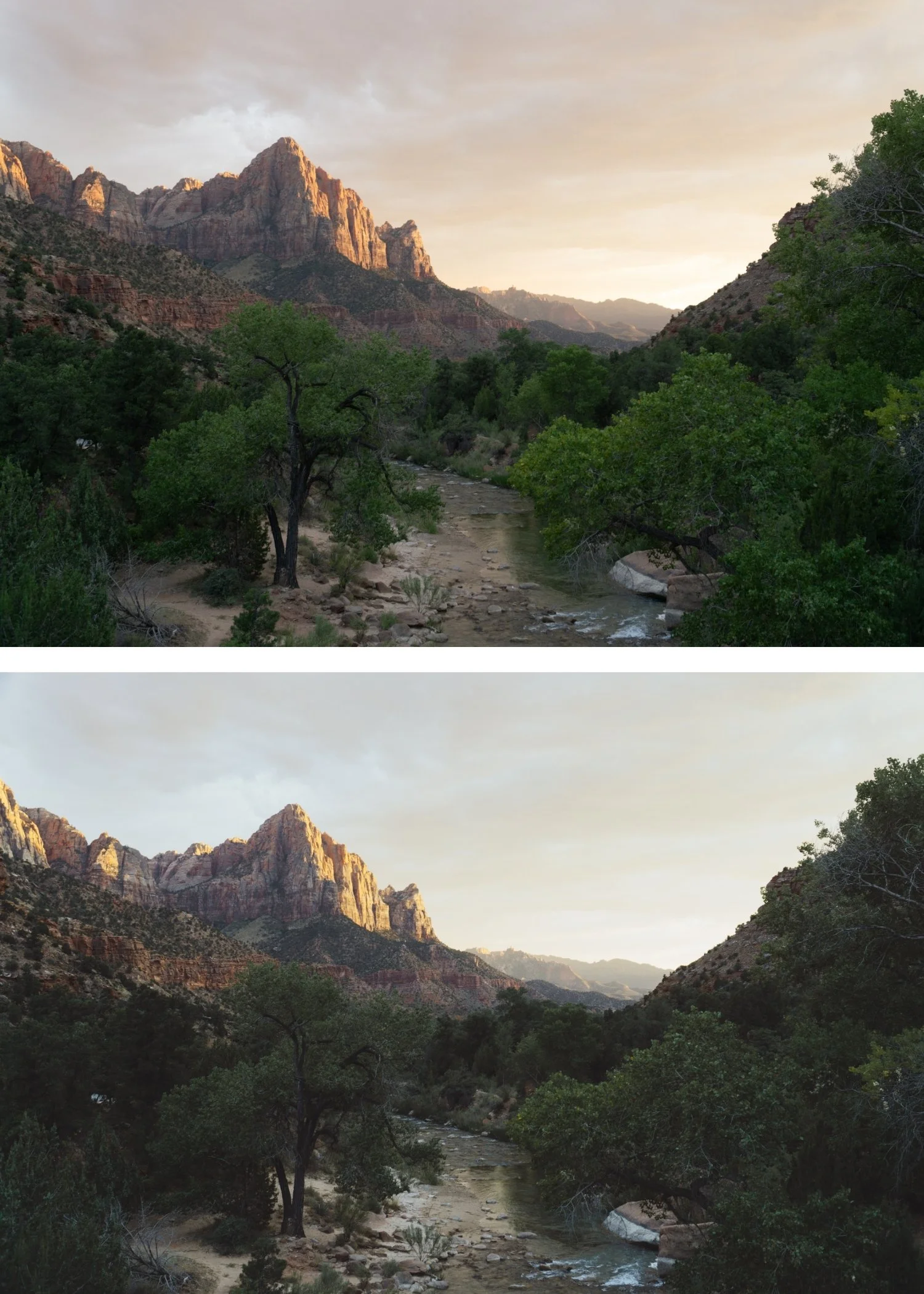
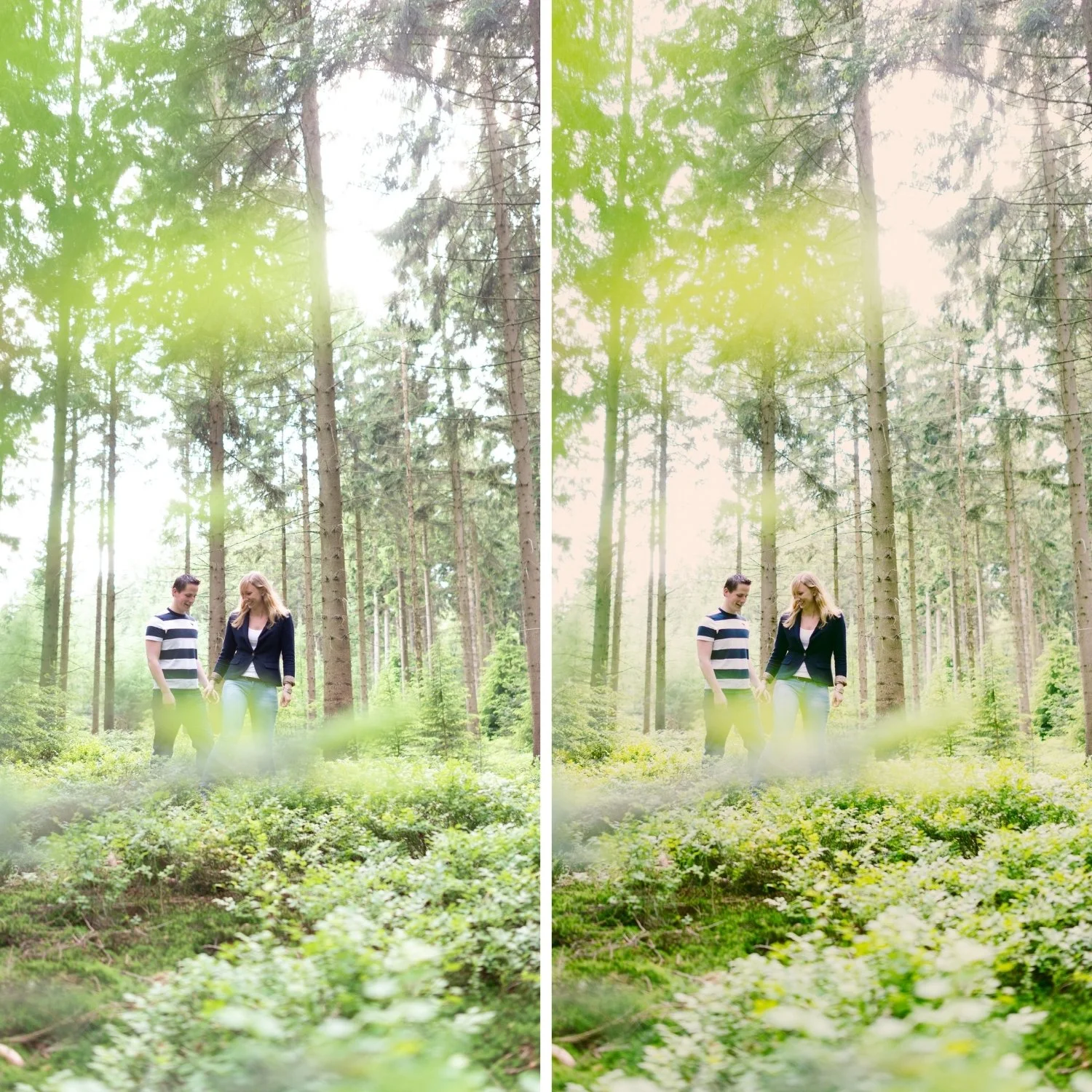
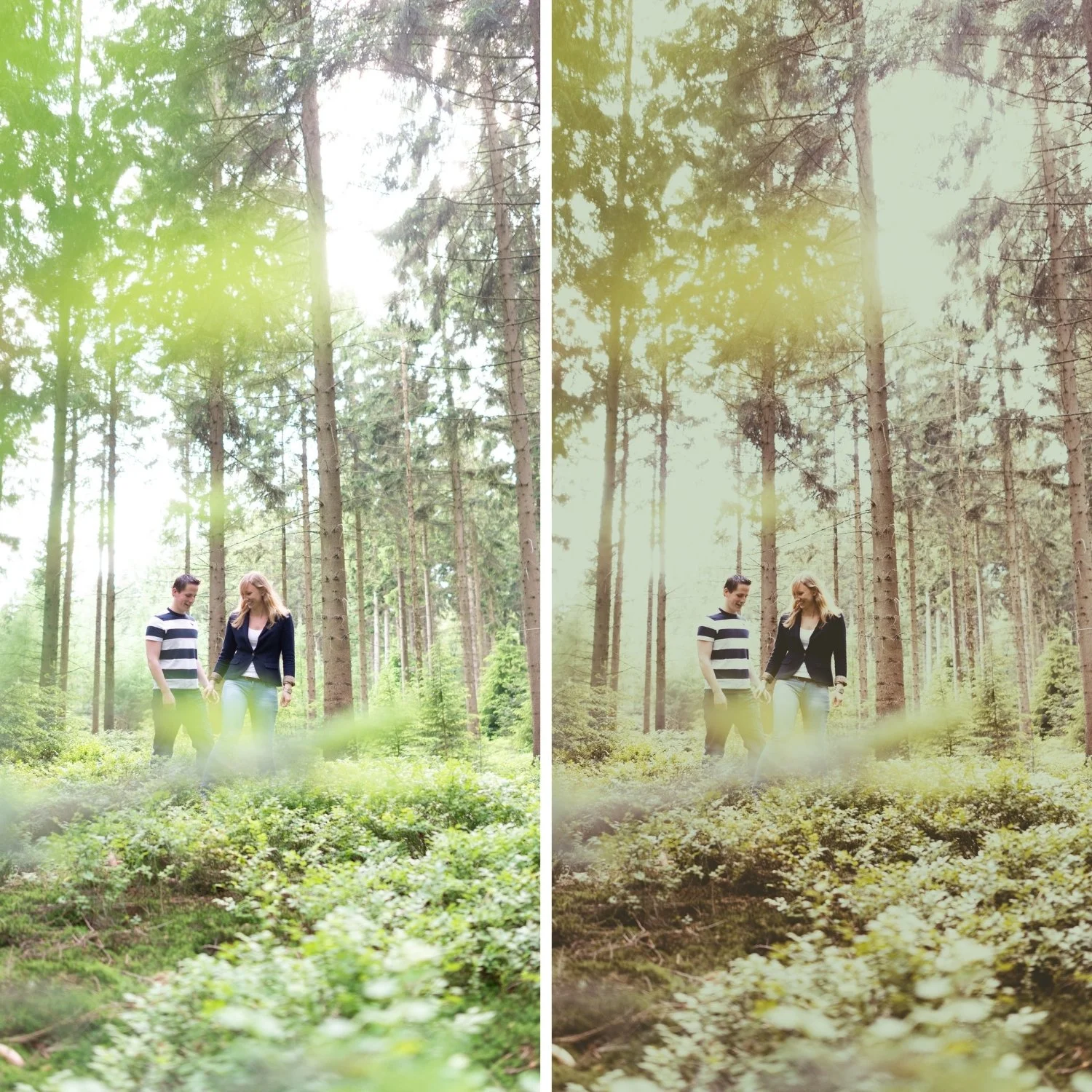
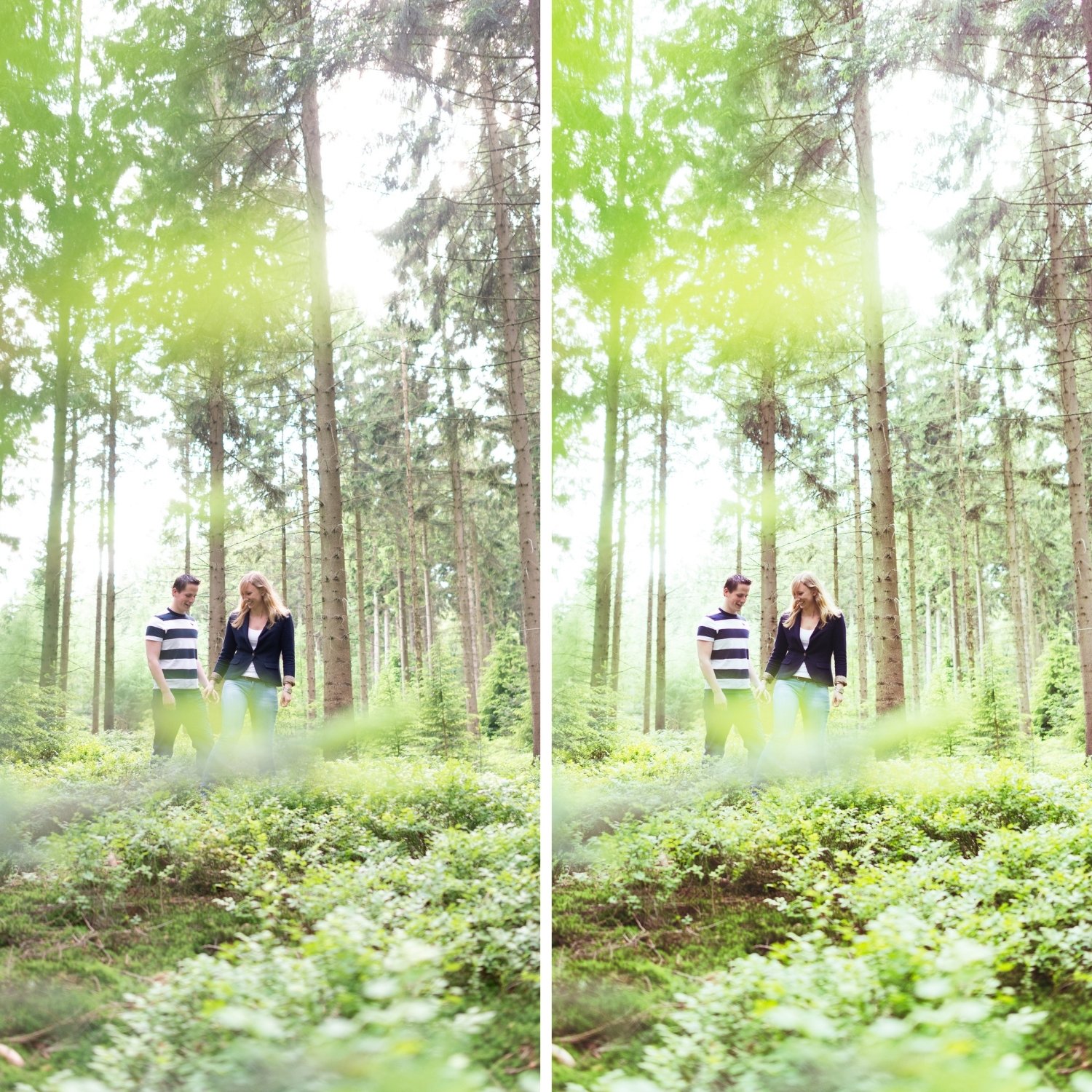
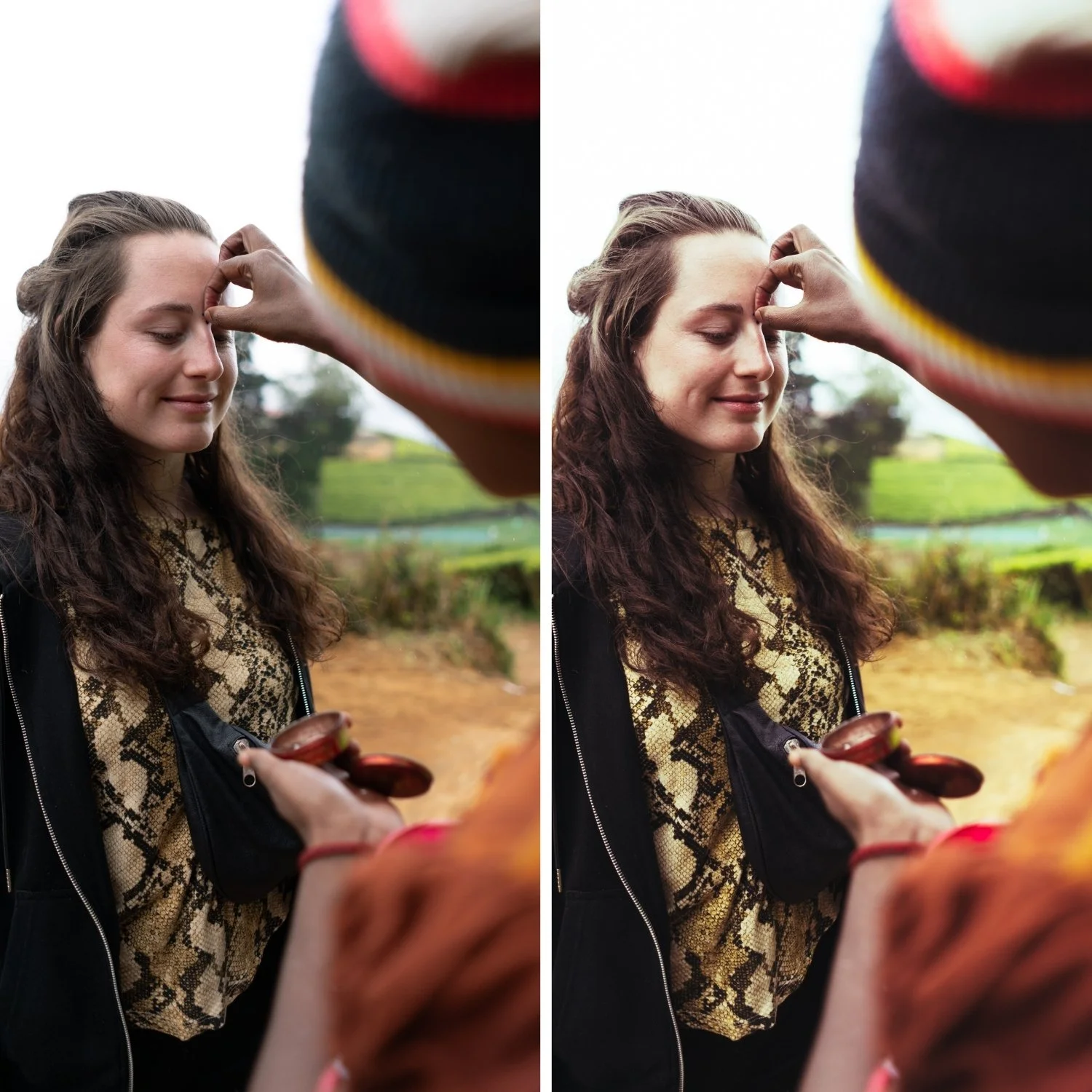
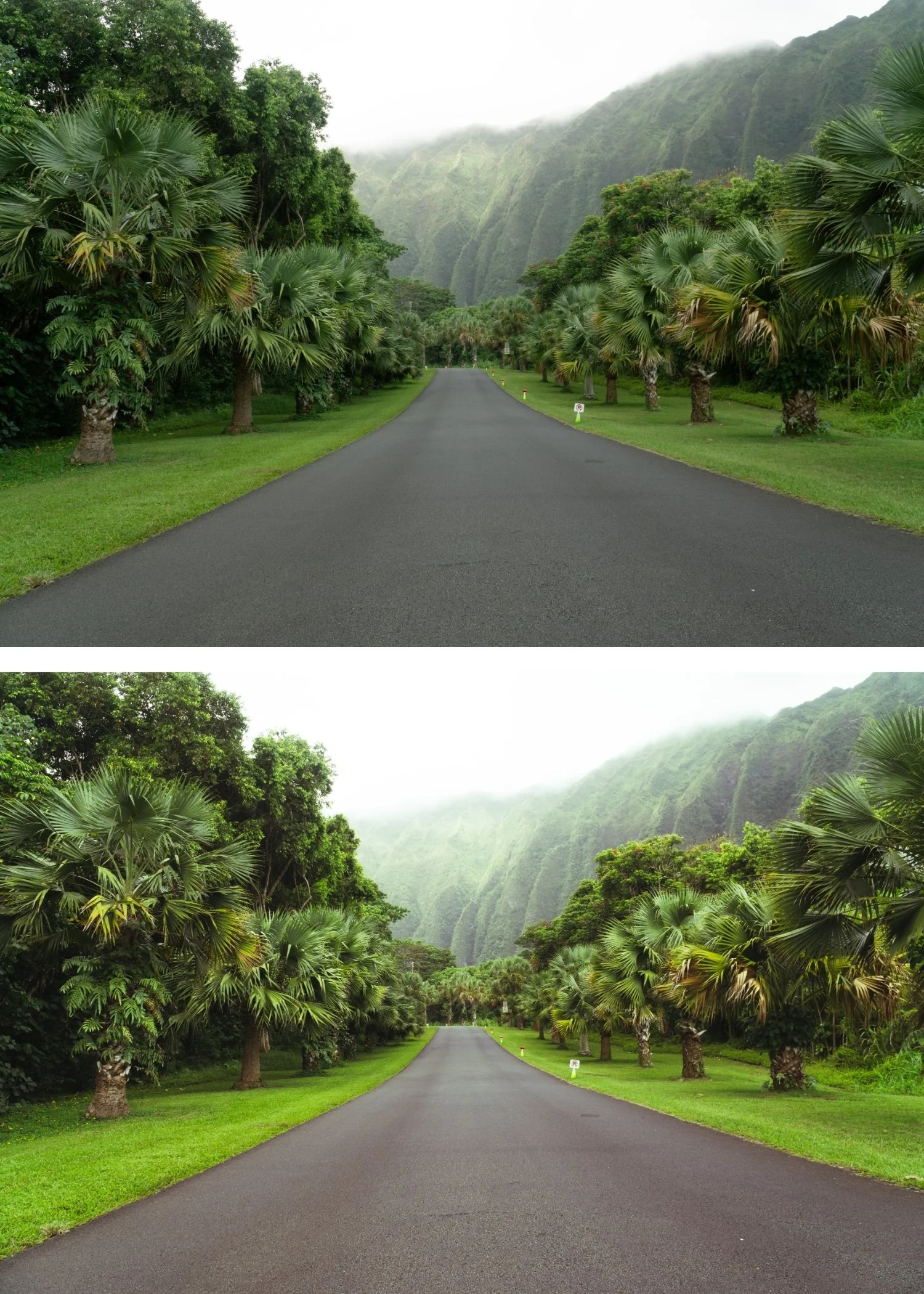
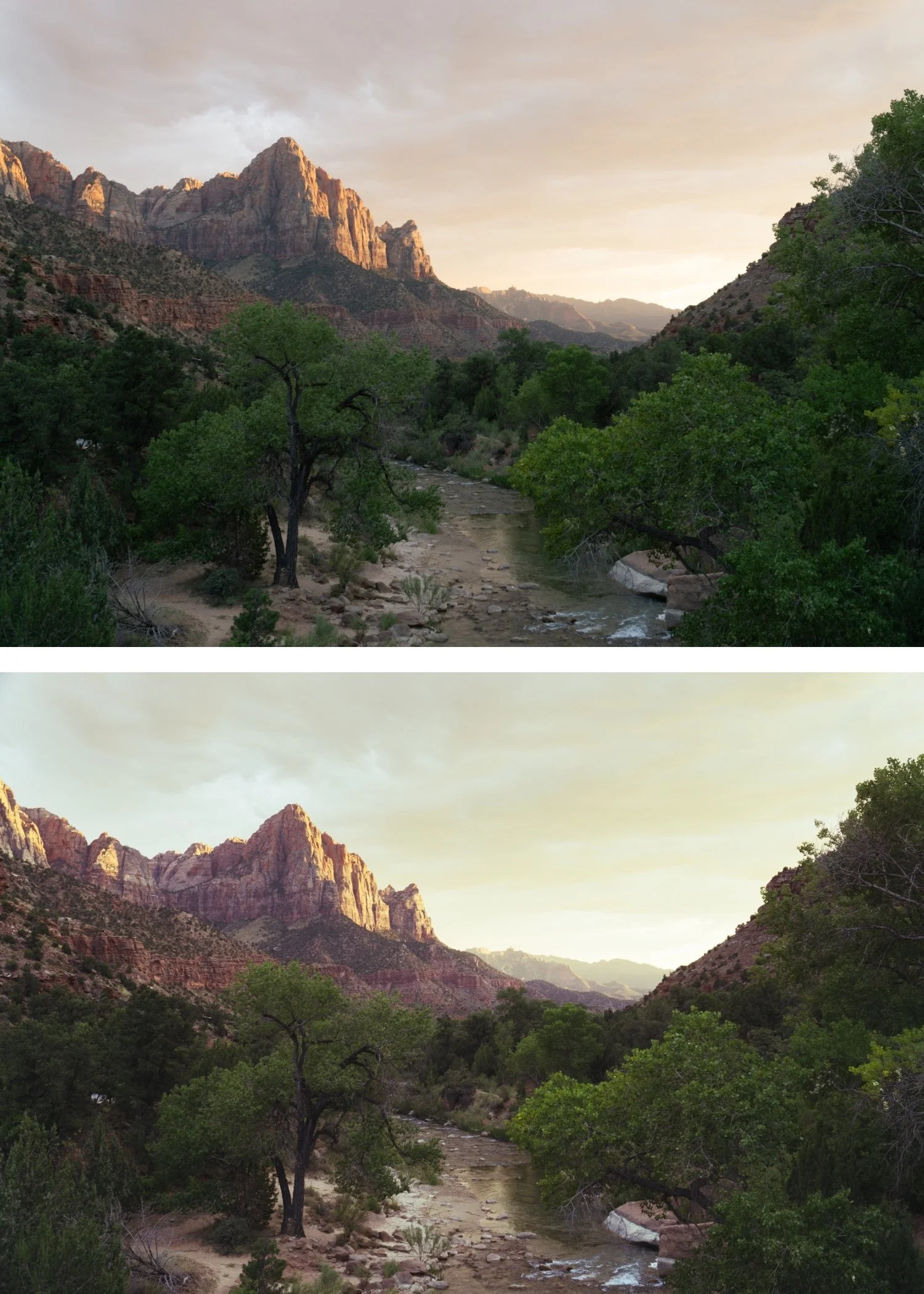
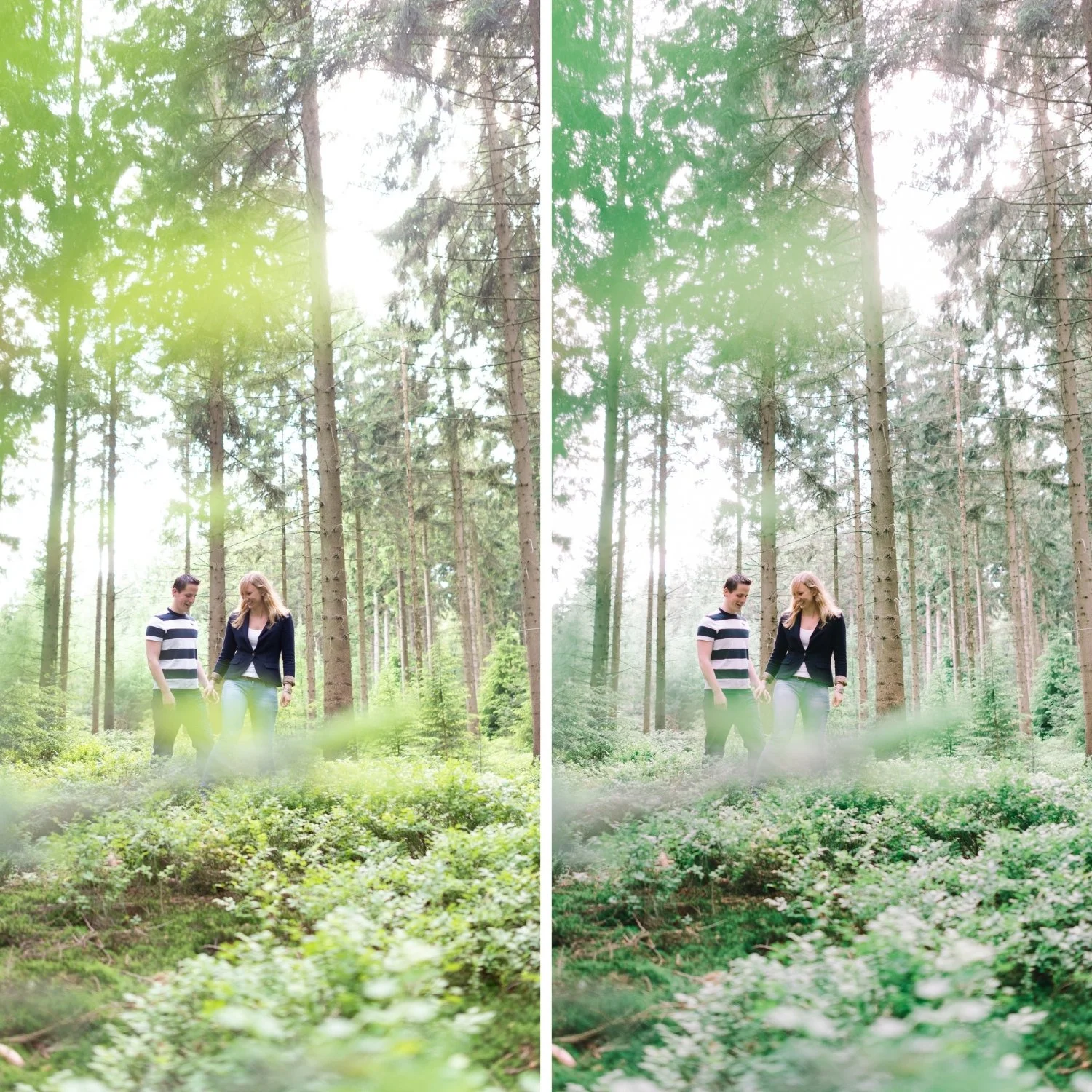
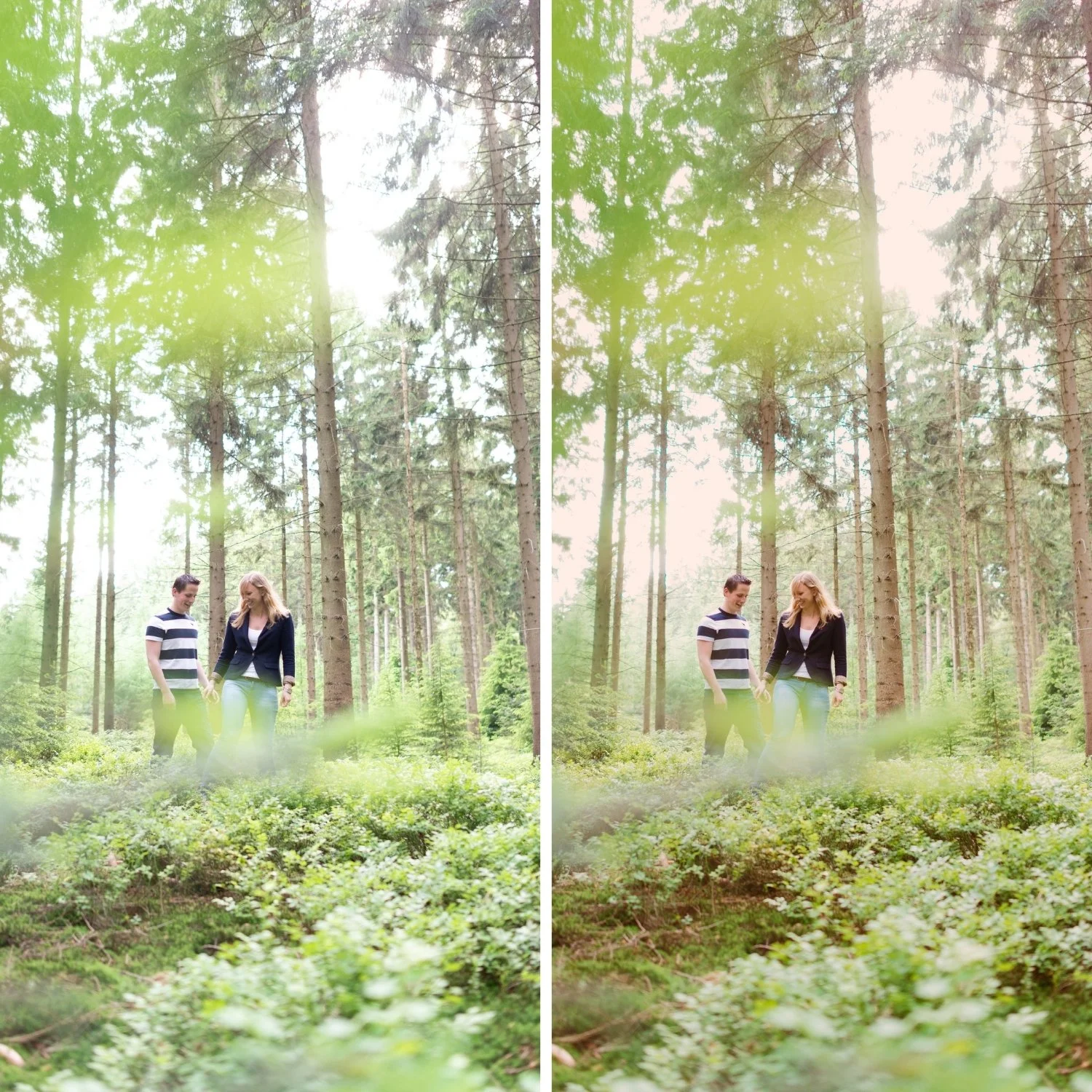
 Image 1 of 4
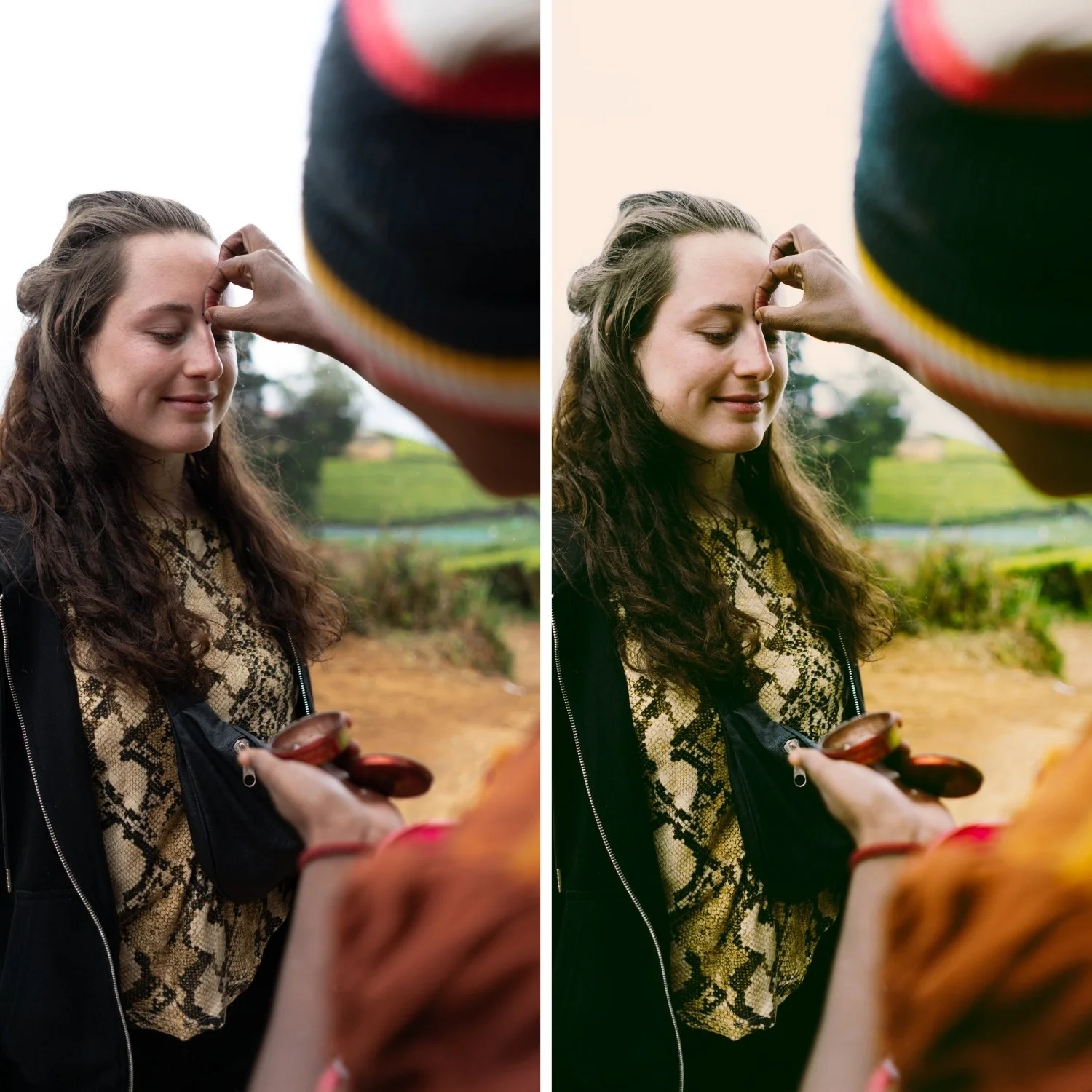
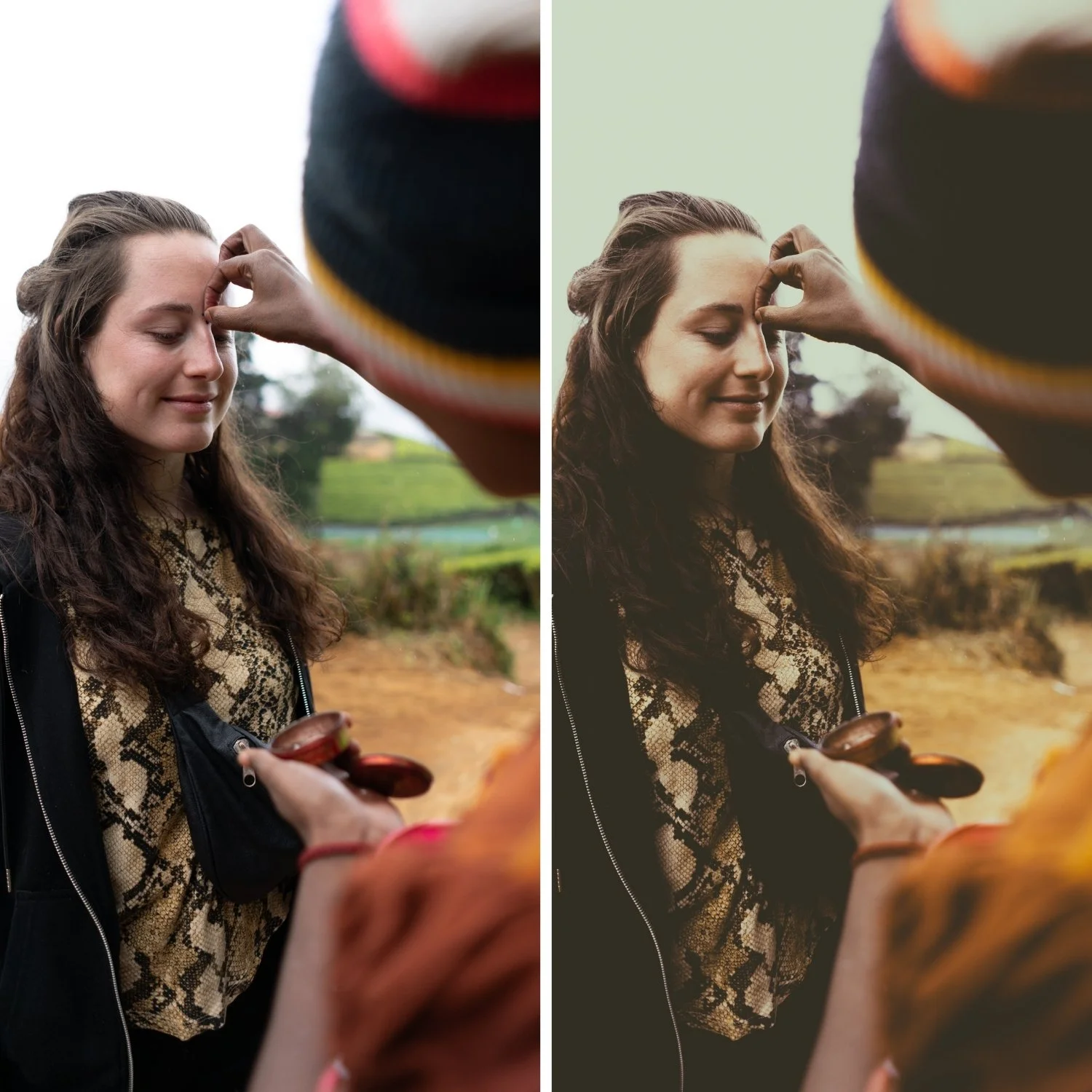
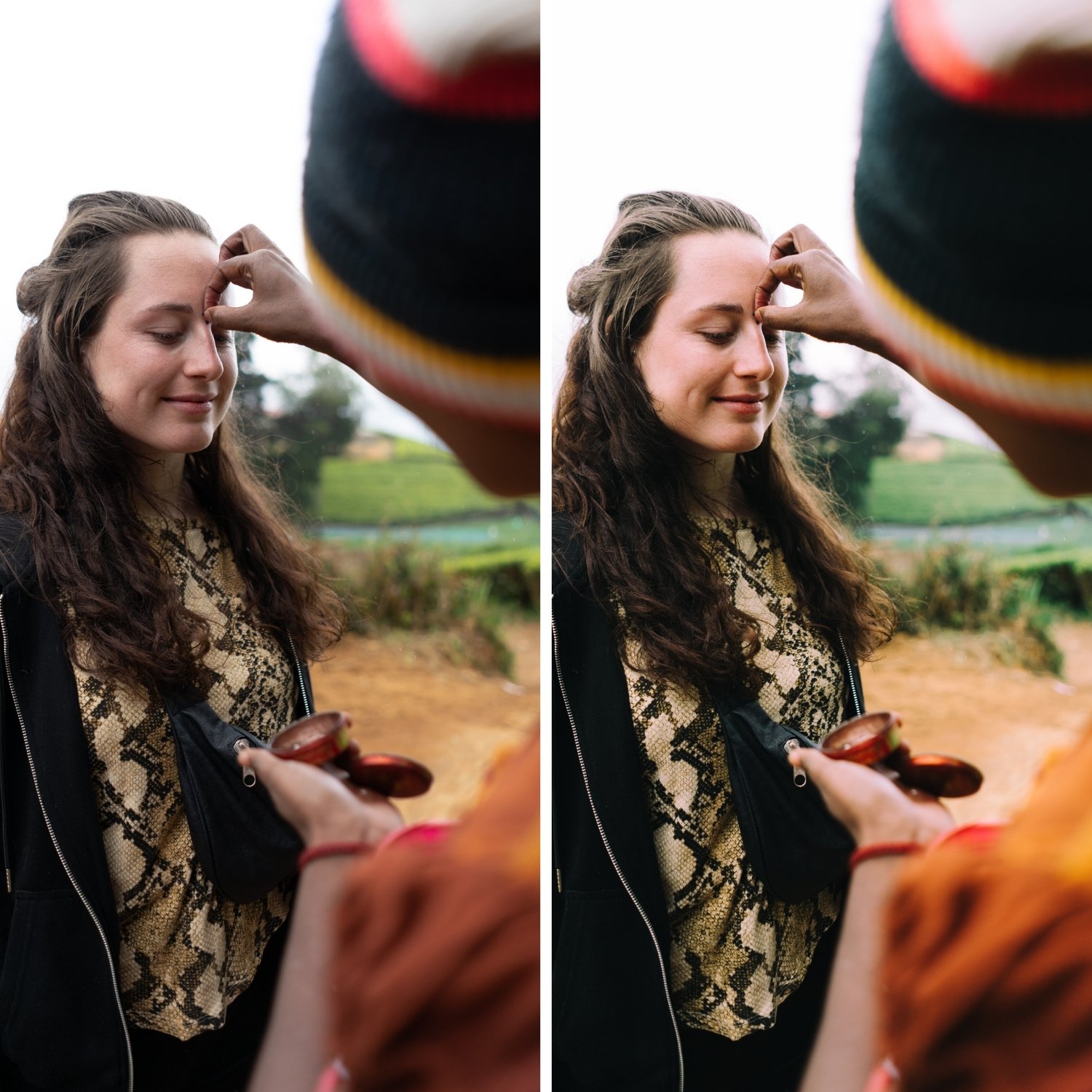
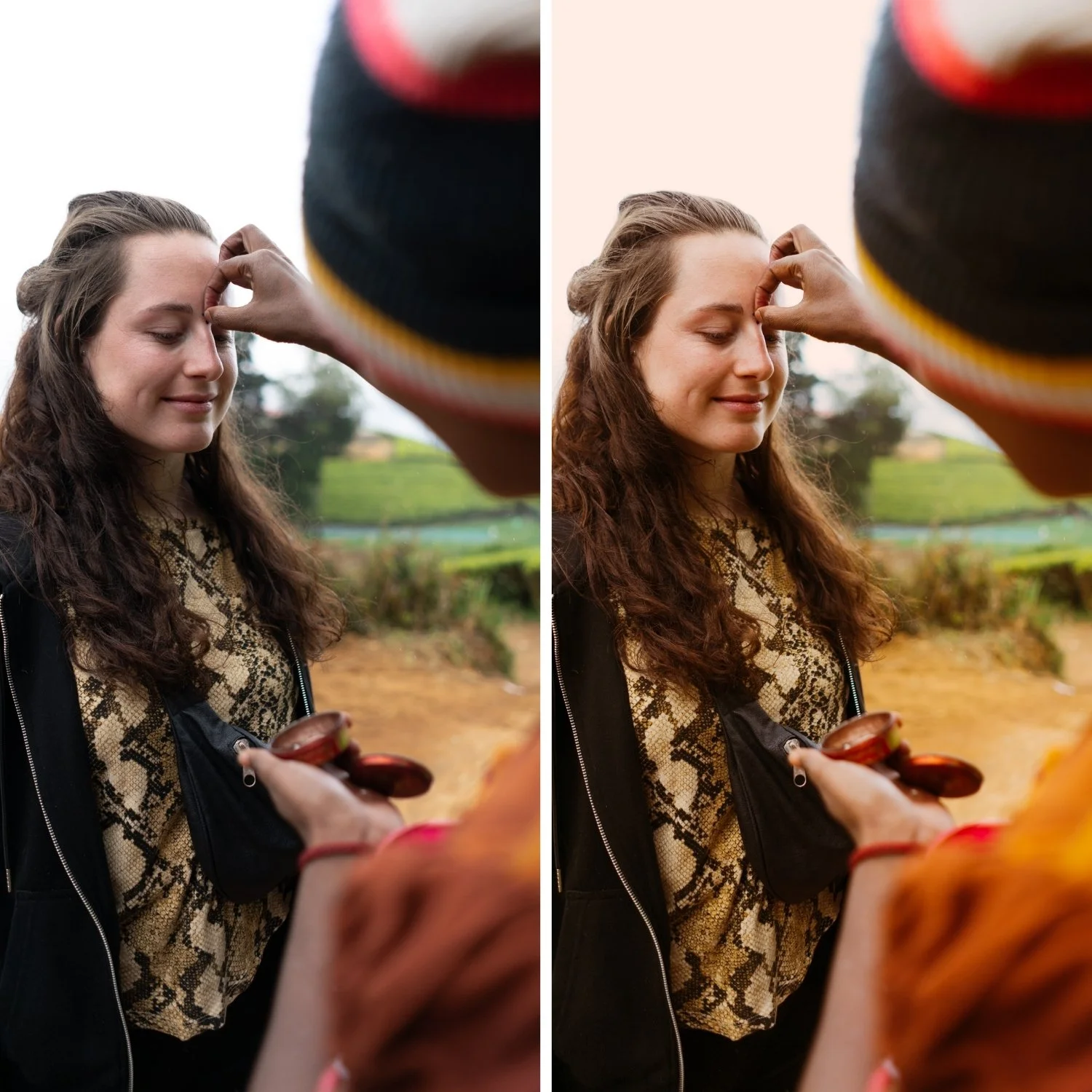 Image 2 of 4
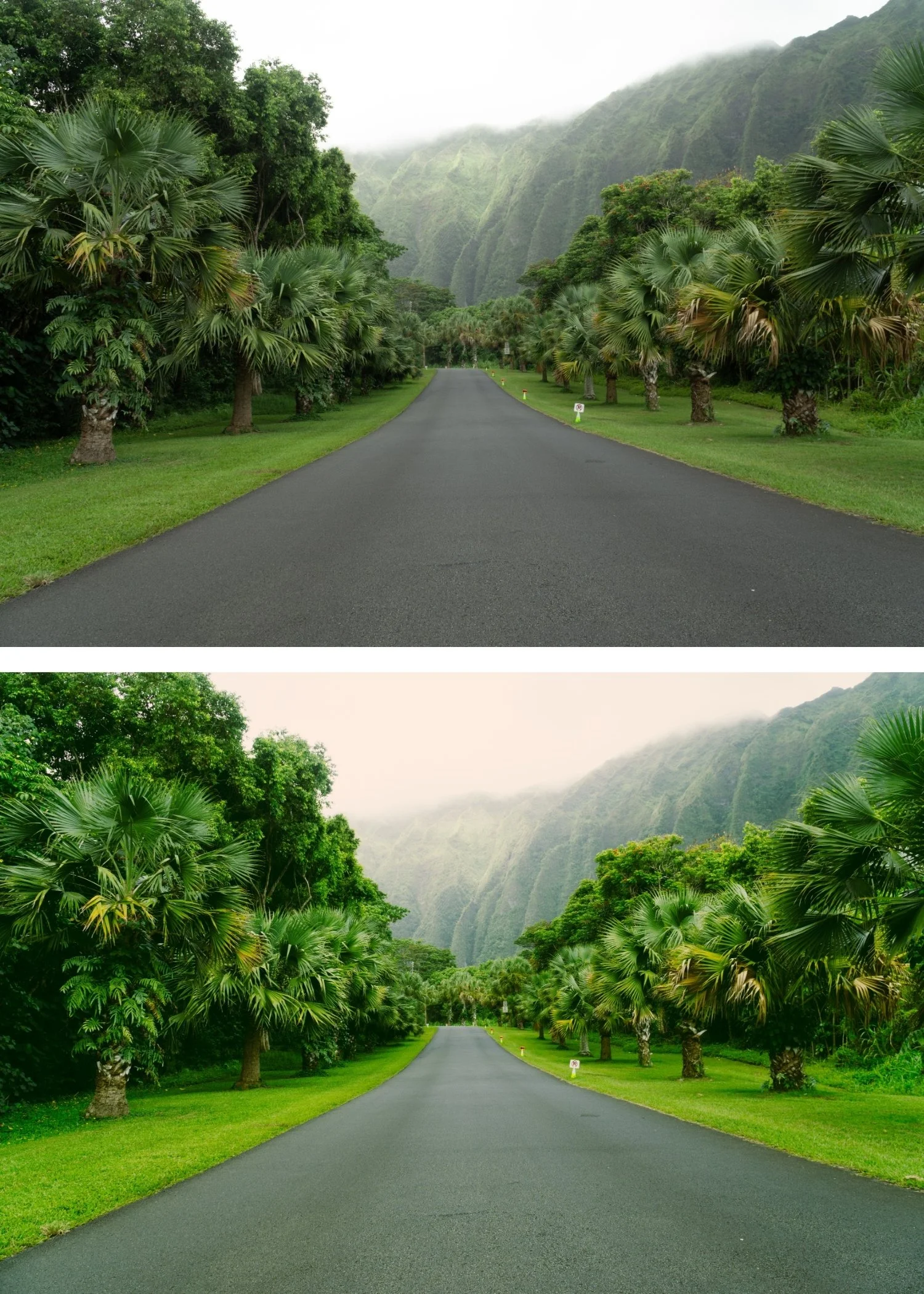
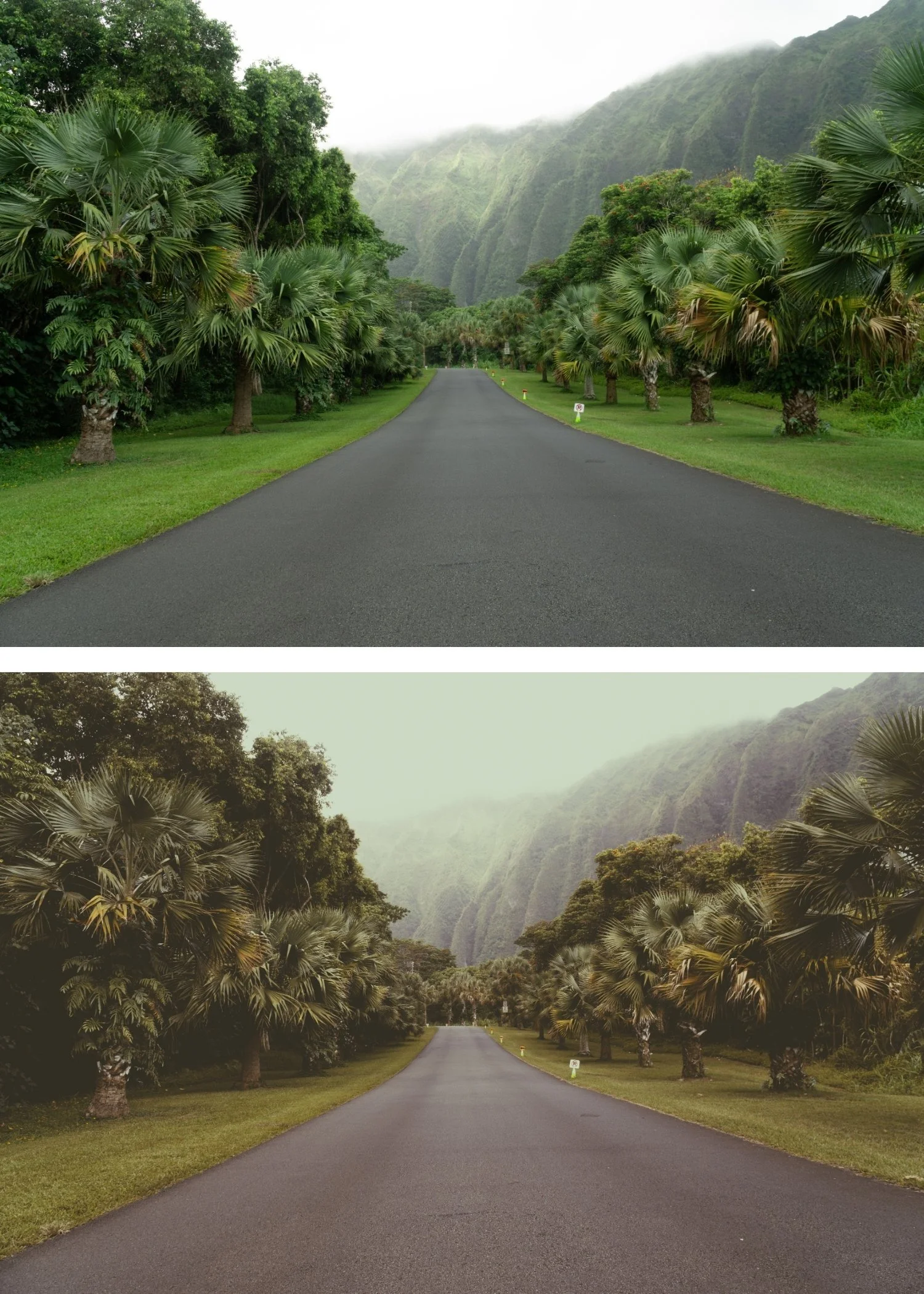
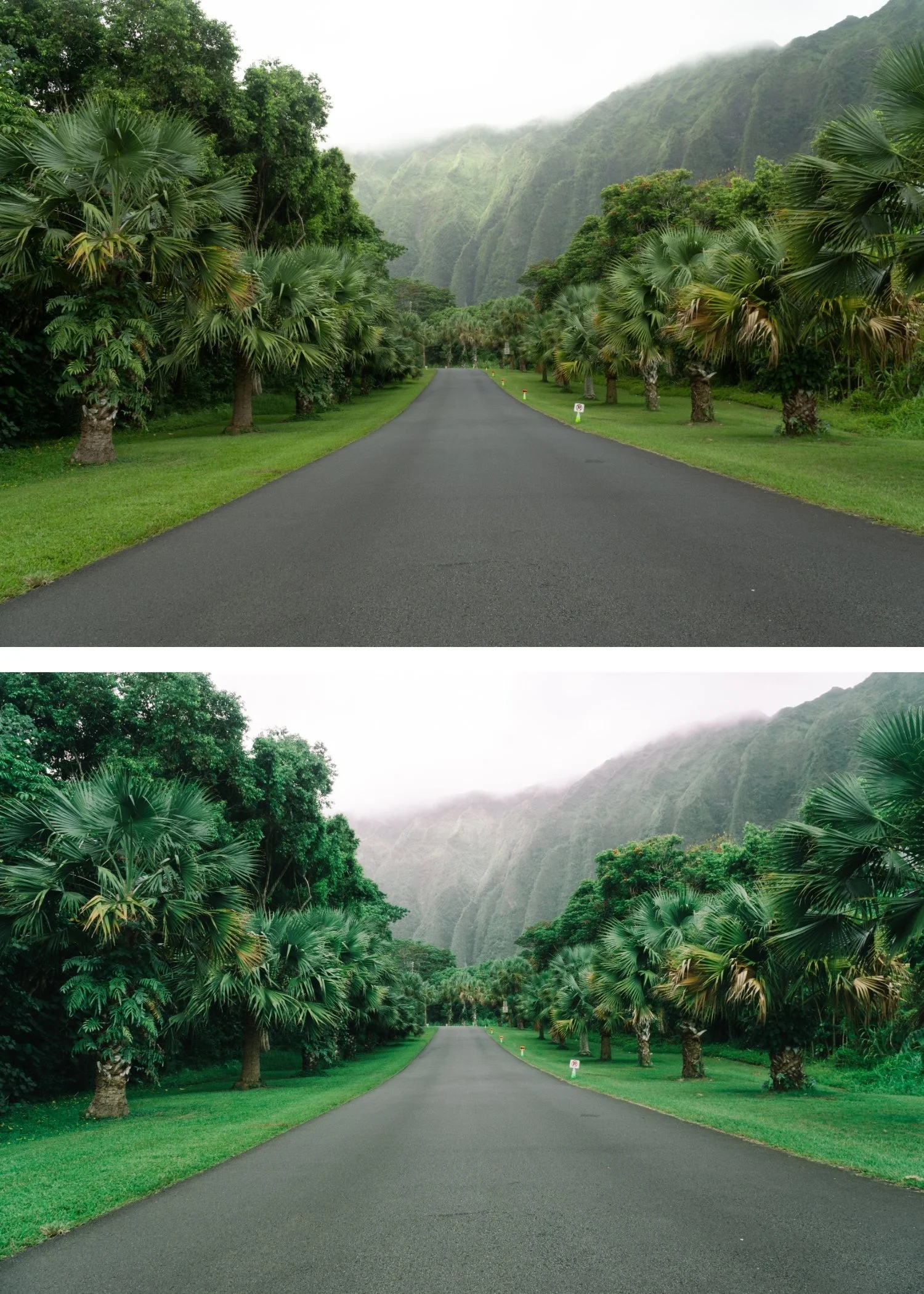
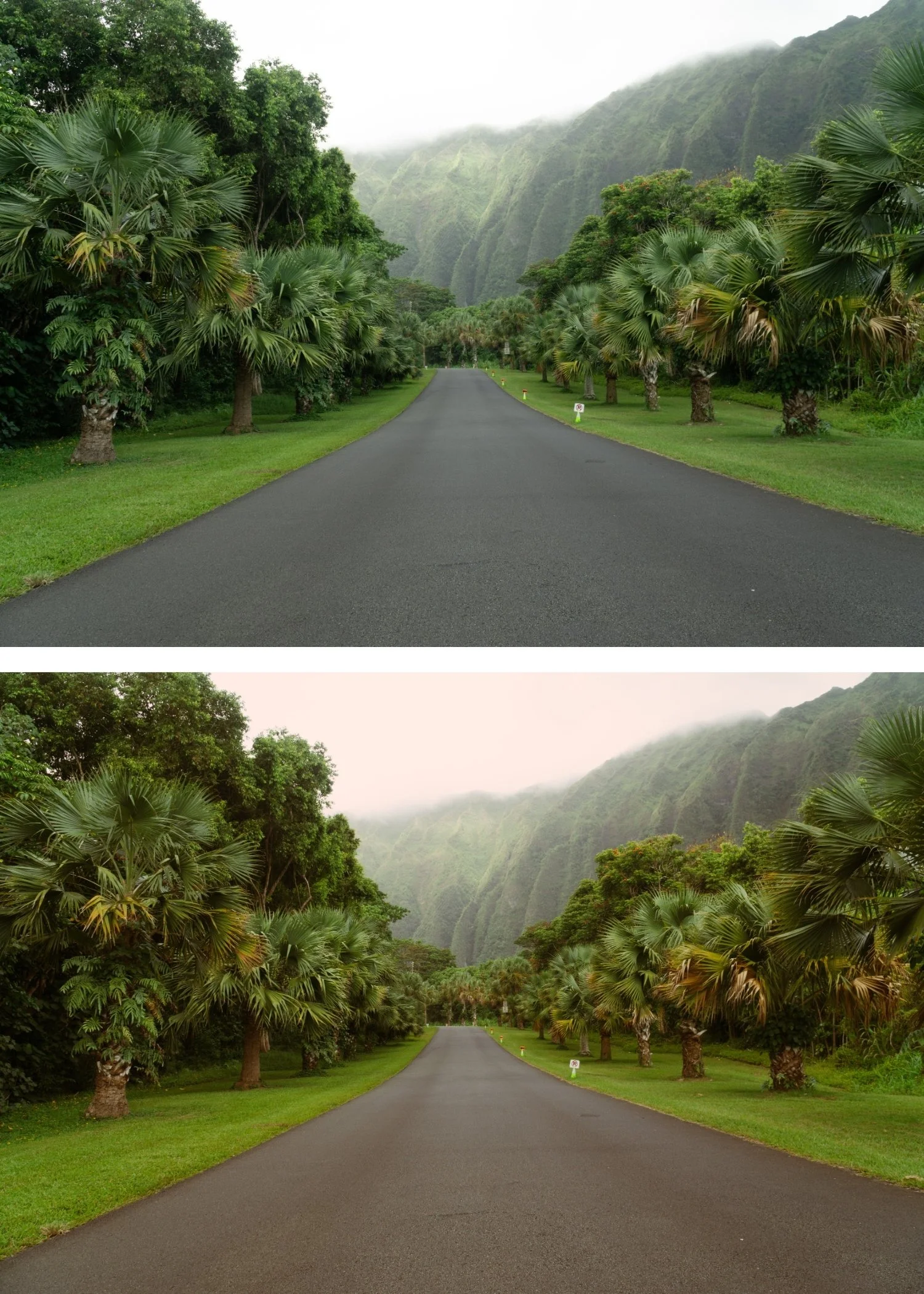 Image 3 of 4
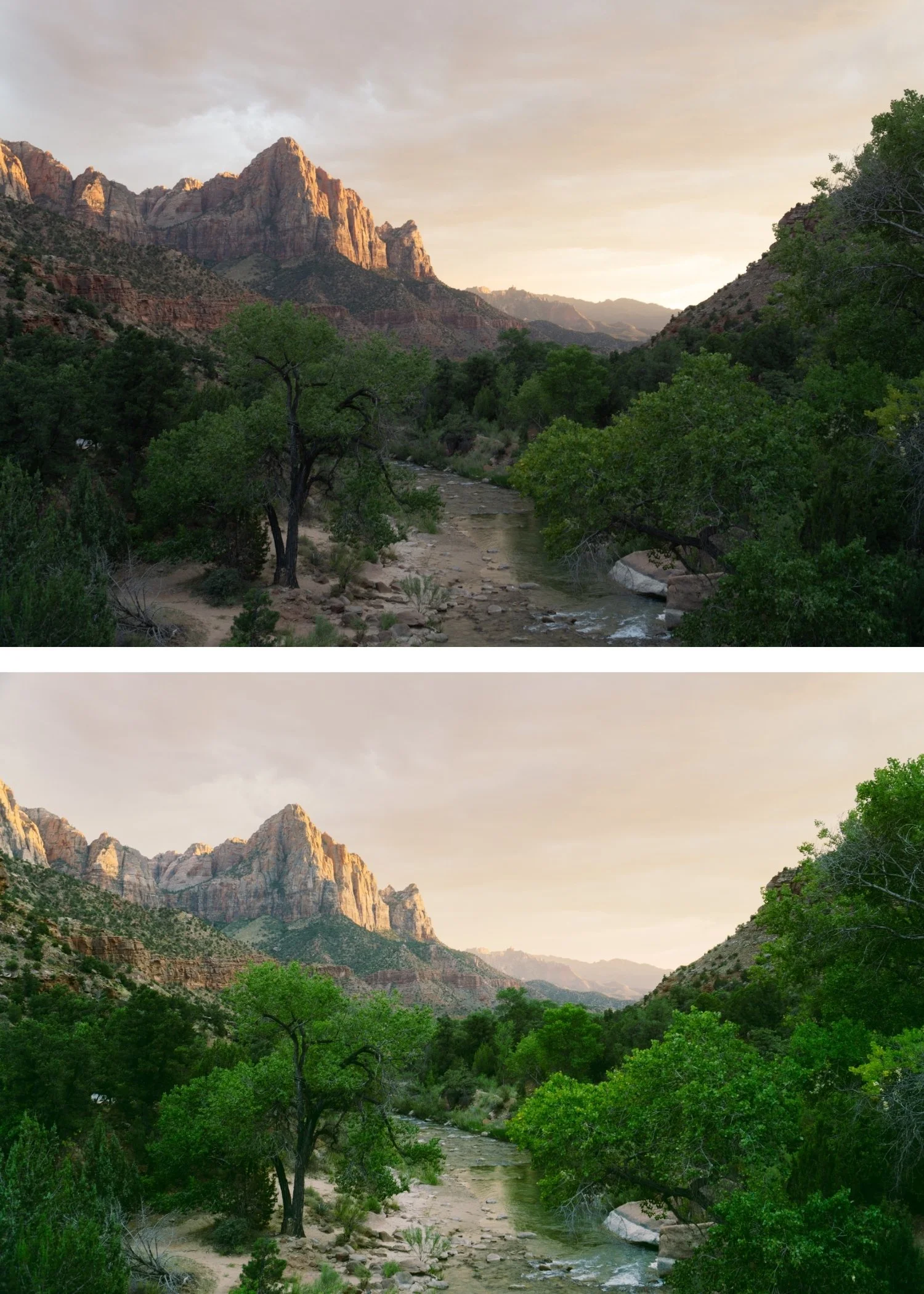
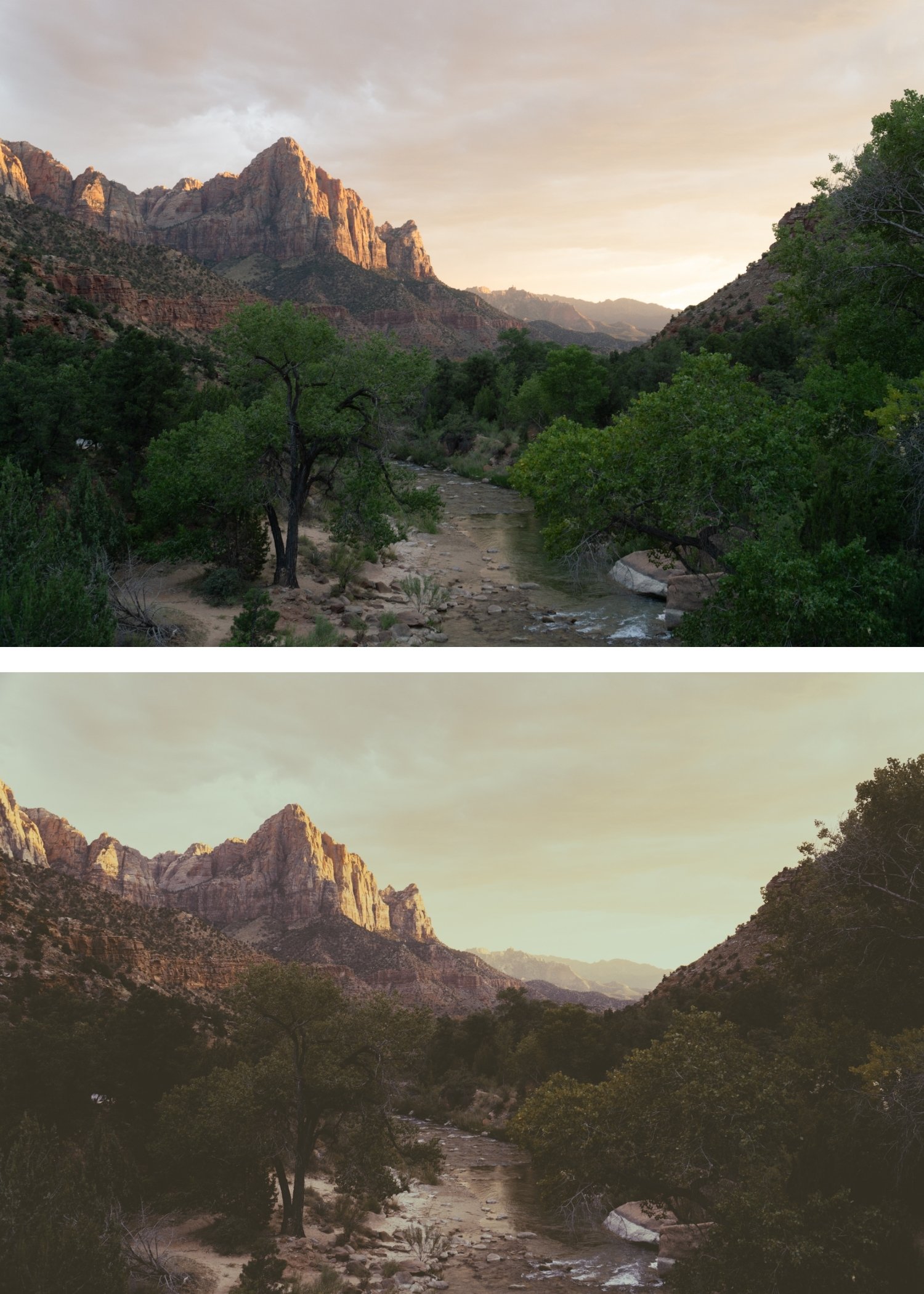
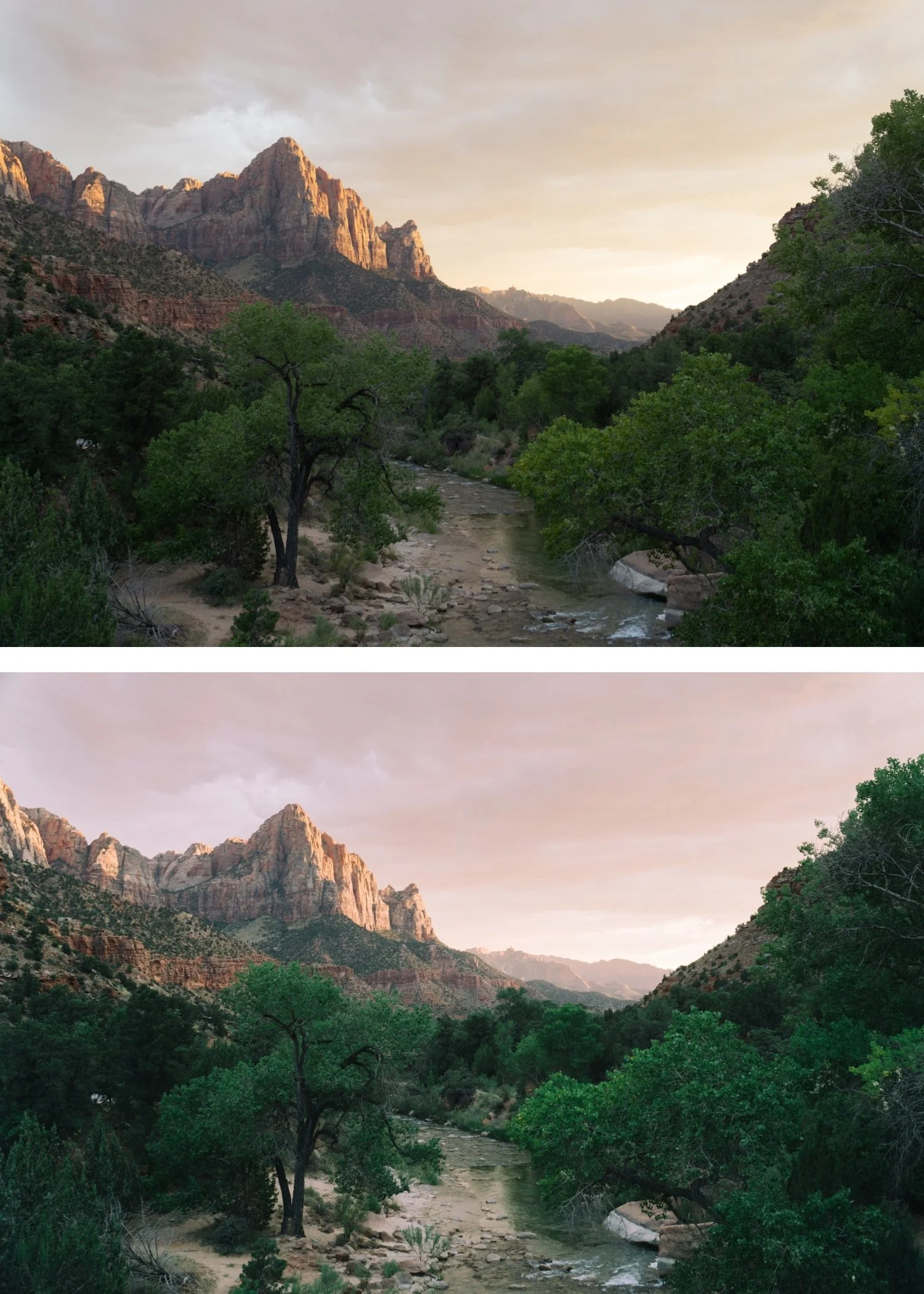
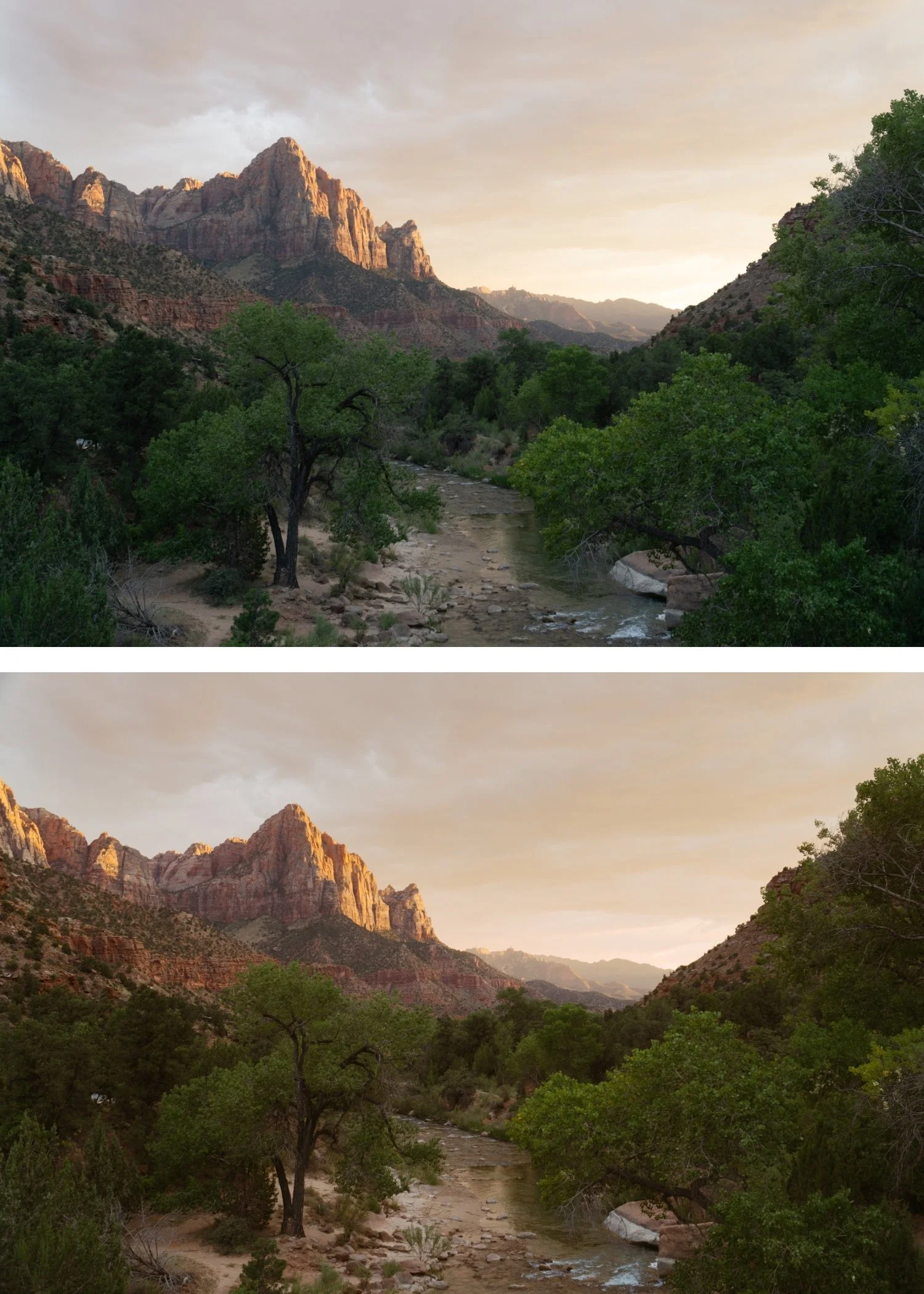 Image 4 of 4
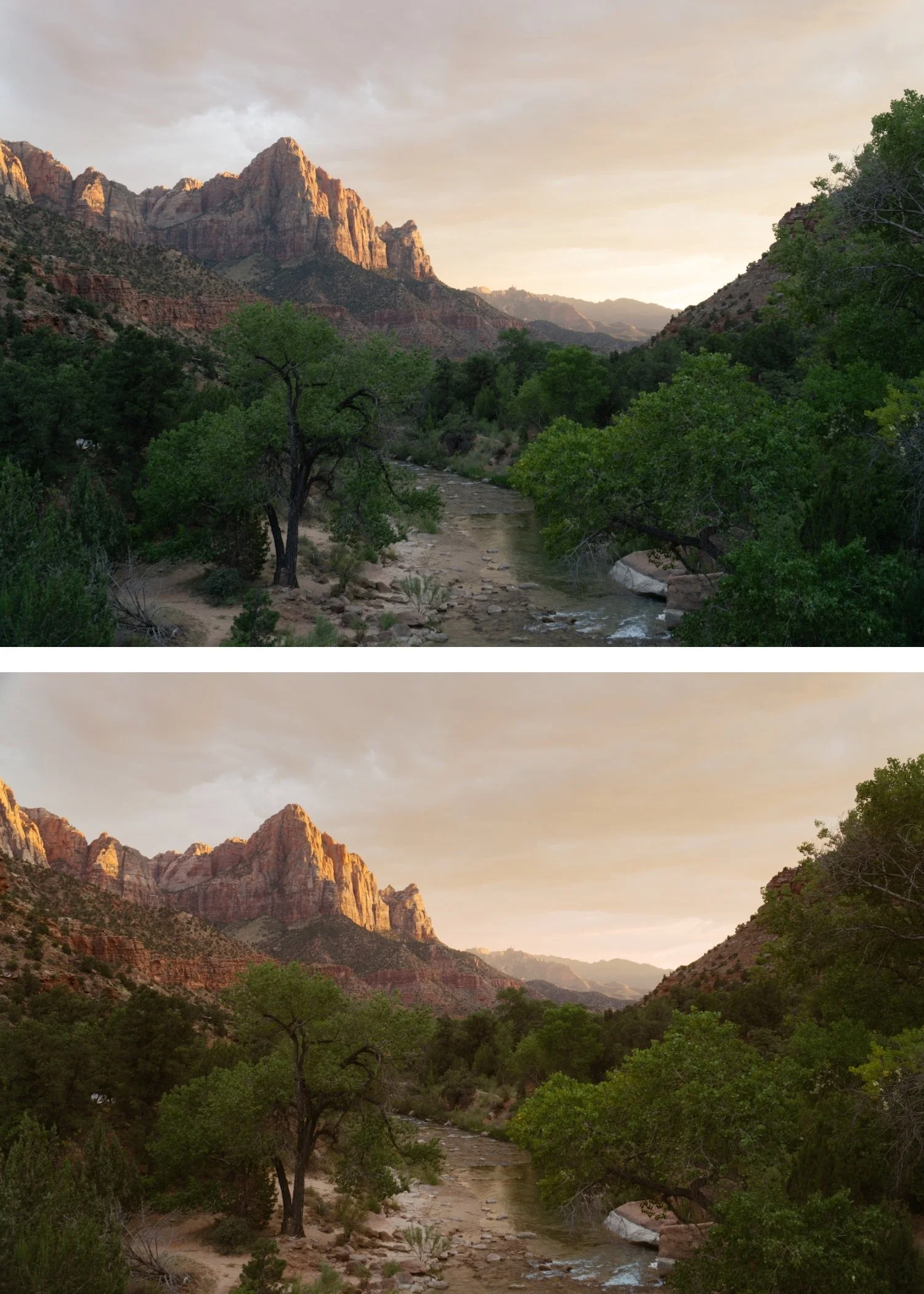
Kodachrome+ 02 Cinematic Kodachrome | Cinematic Film Preset for Lightroom Mobile & Desktop

-
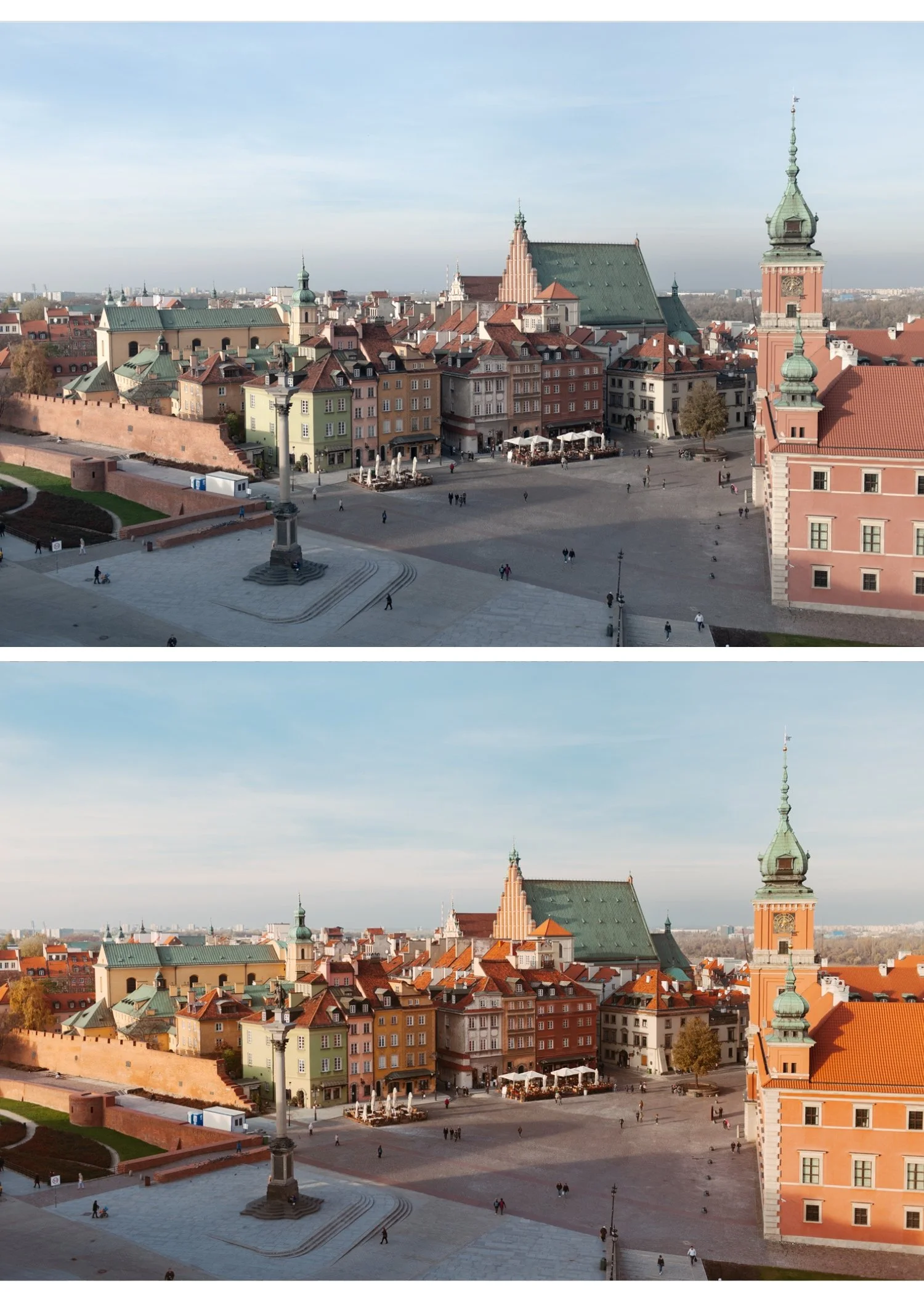
KK2 is for travel, editorial, and commercial photographers who want Kodachrome color science applied in a more cinematic, sophisticated register — less casual than KK1, more considered than K3.
For photographers whose work appears in editorial and commercial contexts where the cinematic quality of KK2 suits the register better than the more accessible warmth of KK1.
-
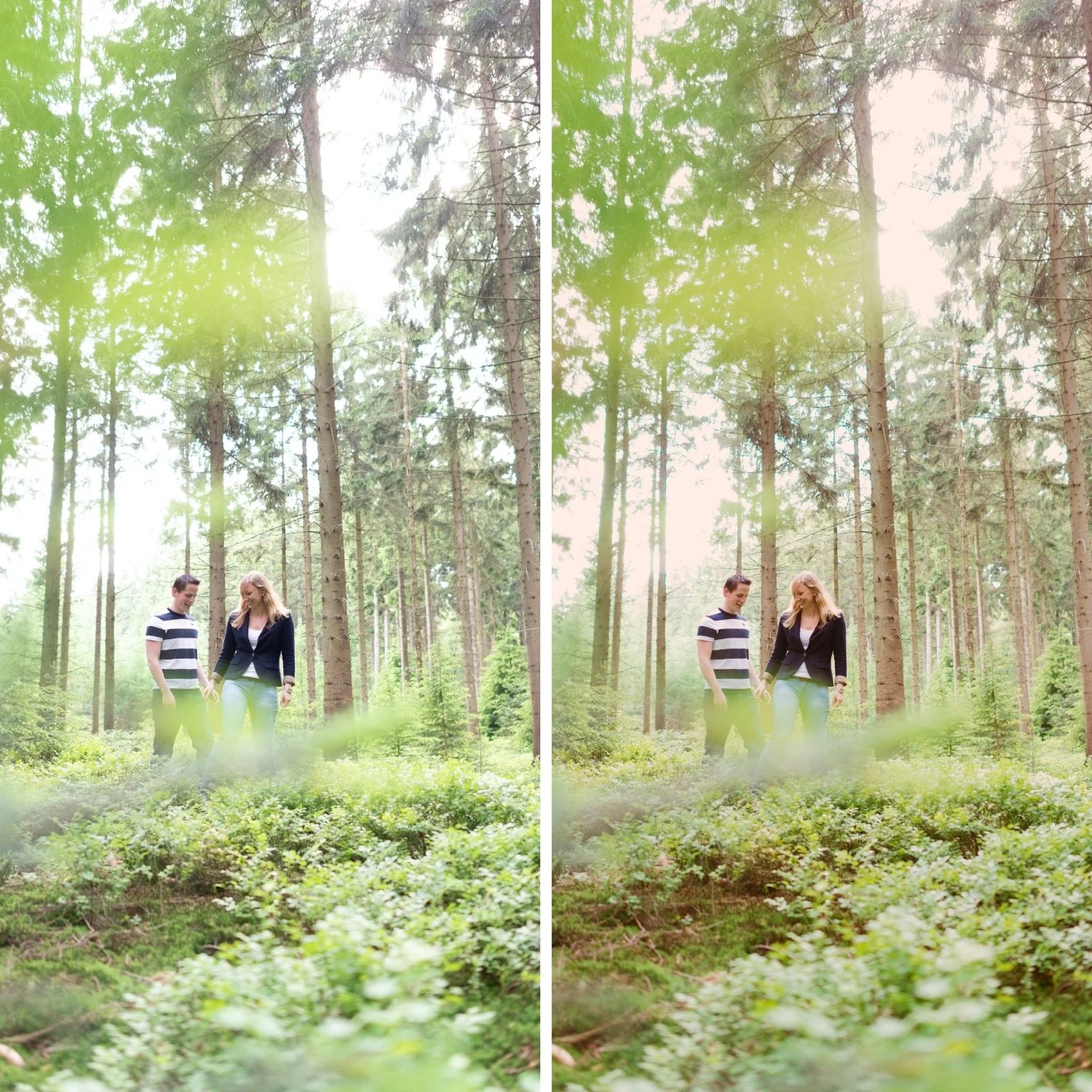
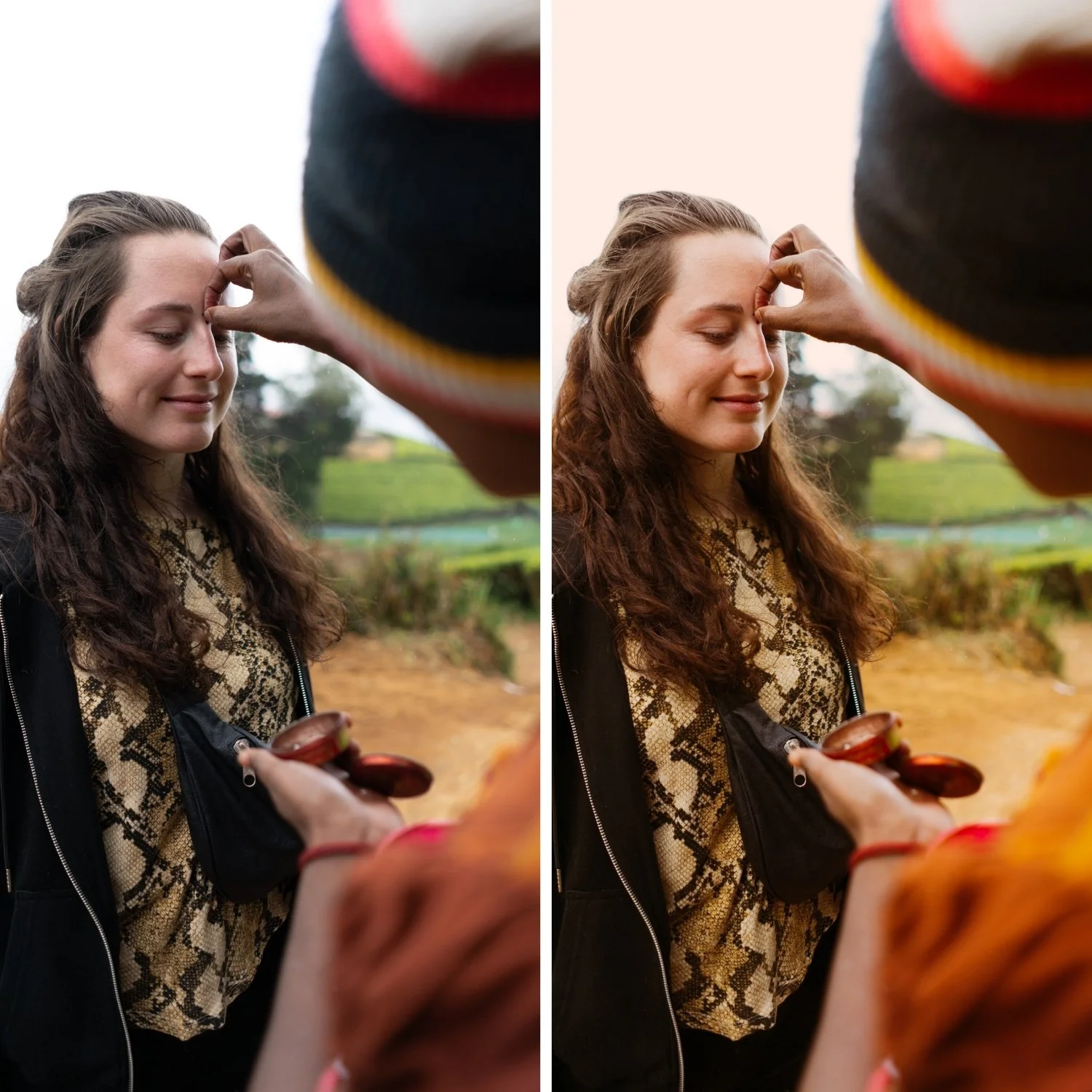
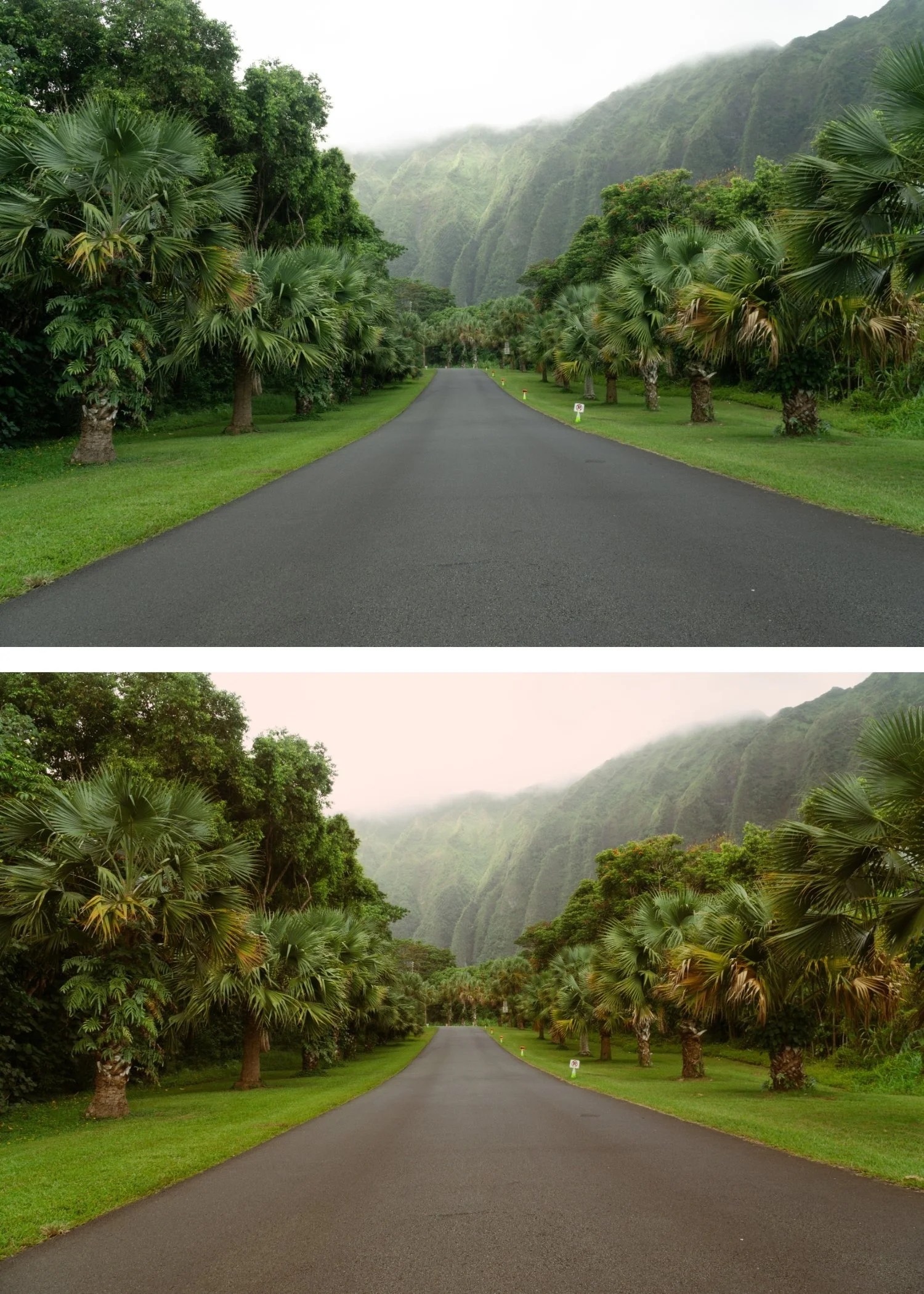
It is the most sophisticated Kodachrome preset. KK2's cinematic refinement — muted highlights, deeper shadows, cool undertones — creates a quality that reads as high-end and considered rather than vivid and immediate.
The Kodachrome color is still present. Despite the cinematic refinement, KK2 retains the specific reds and blues that make Kodachrome distinctive — the color is present and characteristic.
It suits editorial and travel photography specifically. The visual weight and cinematic quality of KK2 are specifically suited to the register of editorial travel photography where the sophistication of the edit is as important as the subject.
-
1 × KK2 Cinematic Kodachrome DNG file — for Lightroom Mobile
1 × KK2 Cinematic Kodachrome XMP file — for Lightroom Classic
Installation guide
Lifetime access -
This preset captures the glowing, high-saturation aesthetic similar to the iconic KK2 filters. It’s the perfect professional alternative for those wanting a heavily stylized, analog-inspired look that feels nostalgic yet sharp. By emulating the "warm-pushed" development of classic professional film stocks, the KK2 ensures your digital shots have a polished, blockbuster finish that stands out on both desktop and mobile.
-
Step 1 — White balance and exposure assessment. KK2 is the darker preset in the Kodachrome+ Archive. If the starting file is bright, KK2 will produce the correct cinematic darkness. If the file is already moderately dark, reduce Exposure -0.1 before applying. Set white balance to 5,000-5,400K — KK2's cooler shadow undertones read most naturally on a neutral starting point.
Step 2 — Apply KK2 Cinematic Kodachrome. The cinematic color palette, muted highlights, and deeper shadows apply simultaneously.
Step 3 — Adjust Exposure and White Balance per photo. The deeper shadow character of KK2 makes per-photo Exposure adjustment more important than with KK1 — check each photo individually.
Portrait photography with KK2: the deeper shadows and cooler undertones create an editorial portrait quality rather than a warm, flattering one. For intimate portrait work, KK1 is more appropriate. For editorial and fashion portrait work where the cinematic character suits the context, KK2 at 80% strength works well.
On phone photos: 78-80% strength.
-
What is the difference between KK2 and KK1? KK1 is warm and accessible — softer Kodachrome for everyday use. KK2 is cinematic and refined — deeper shadows, cooler undertones, more visual weight. KK1 for warm lifestyle and portrait photography, KK2 for travel editorial and cinematic work.
How does KK2 compare to the Moody Film Archive presets? The Moody Film Archive is primarily moody with warm or cool matte quality. KK2 retains the Kodachrome color character — vivid reds, characteristic blues — applied cinematically. KK2 for Kodachrome color in a cinematic register, Moody Film Archive for pure moody atmospheric photography.
GET ALL 2 KODACHROME+ ARCHIVE PRESETS
The Kodachrome+ Archive gives you two distinct cinematic slide film looks — Soft Kodachrome for warm, accessible everyday use, and Cinematic Kodachrome for deep, sophisticated travel and editorial photography.
Two presets. One modern Kodachrome philosophy. $7.48 per preset.
THE STUDIO ARCHIVE
Want everything? The Studio Archive contains 130+ presets — every collection we make, including the complete Kodachrome+ Archive — for $89 total. That is $0.68 per preset with every future release included for life.