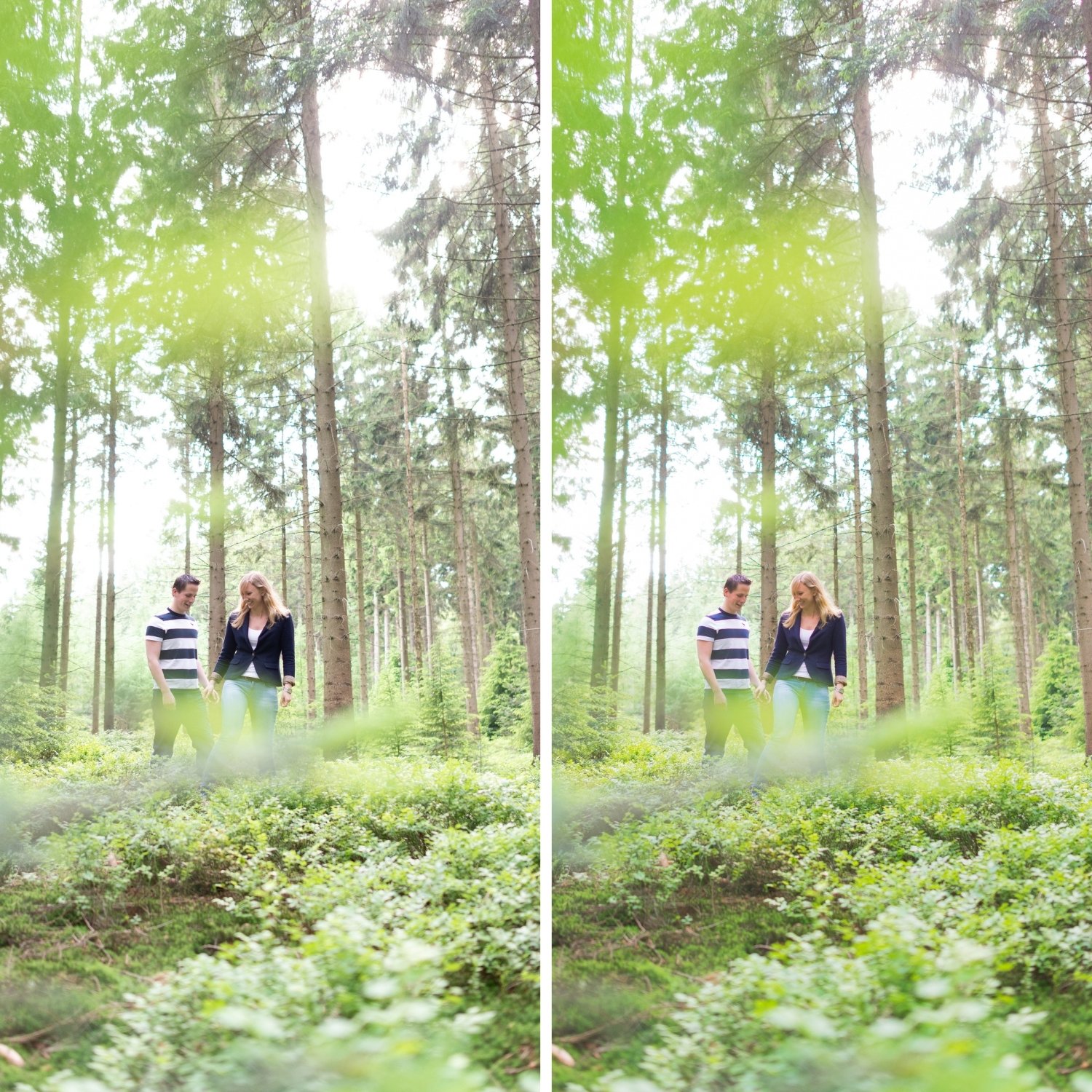
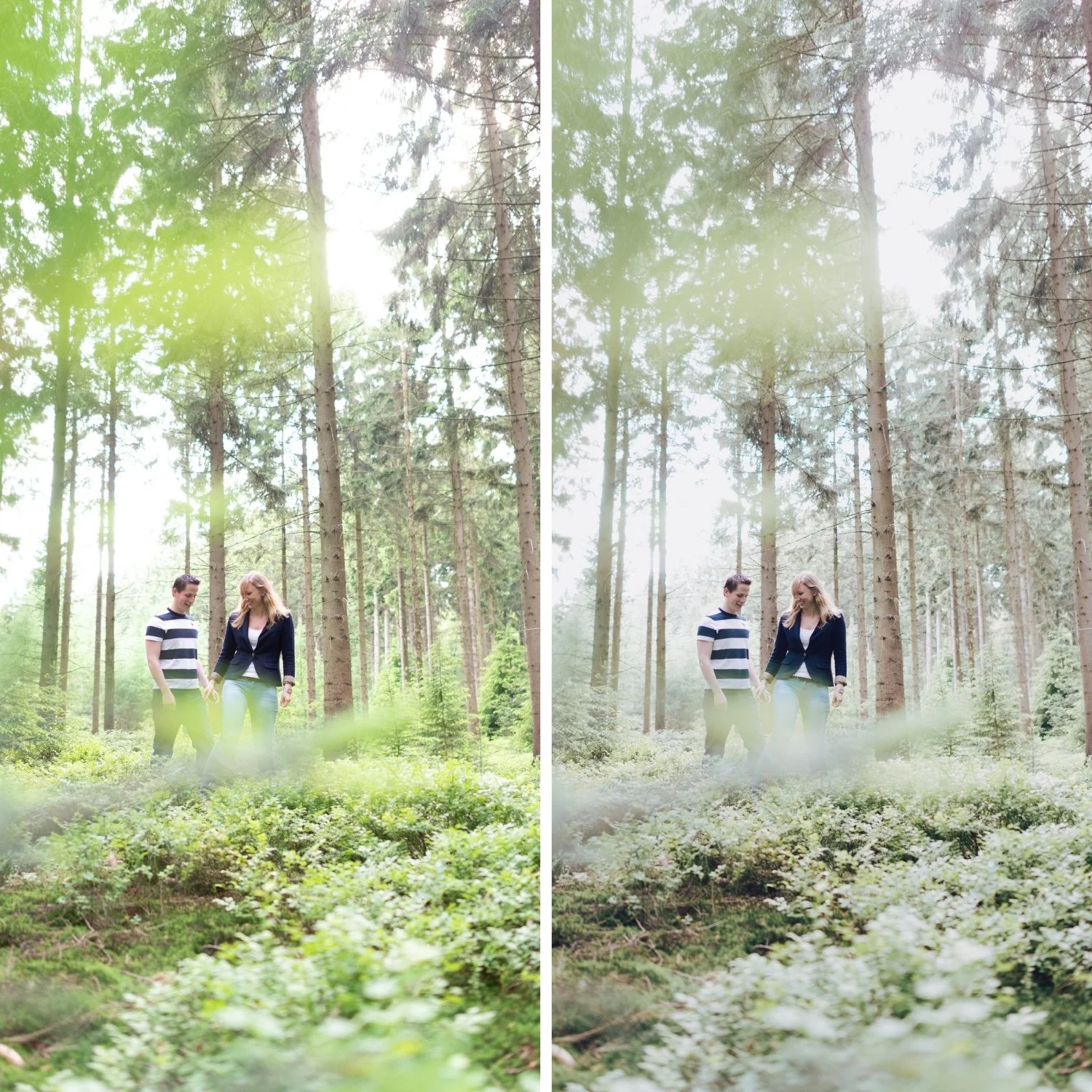
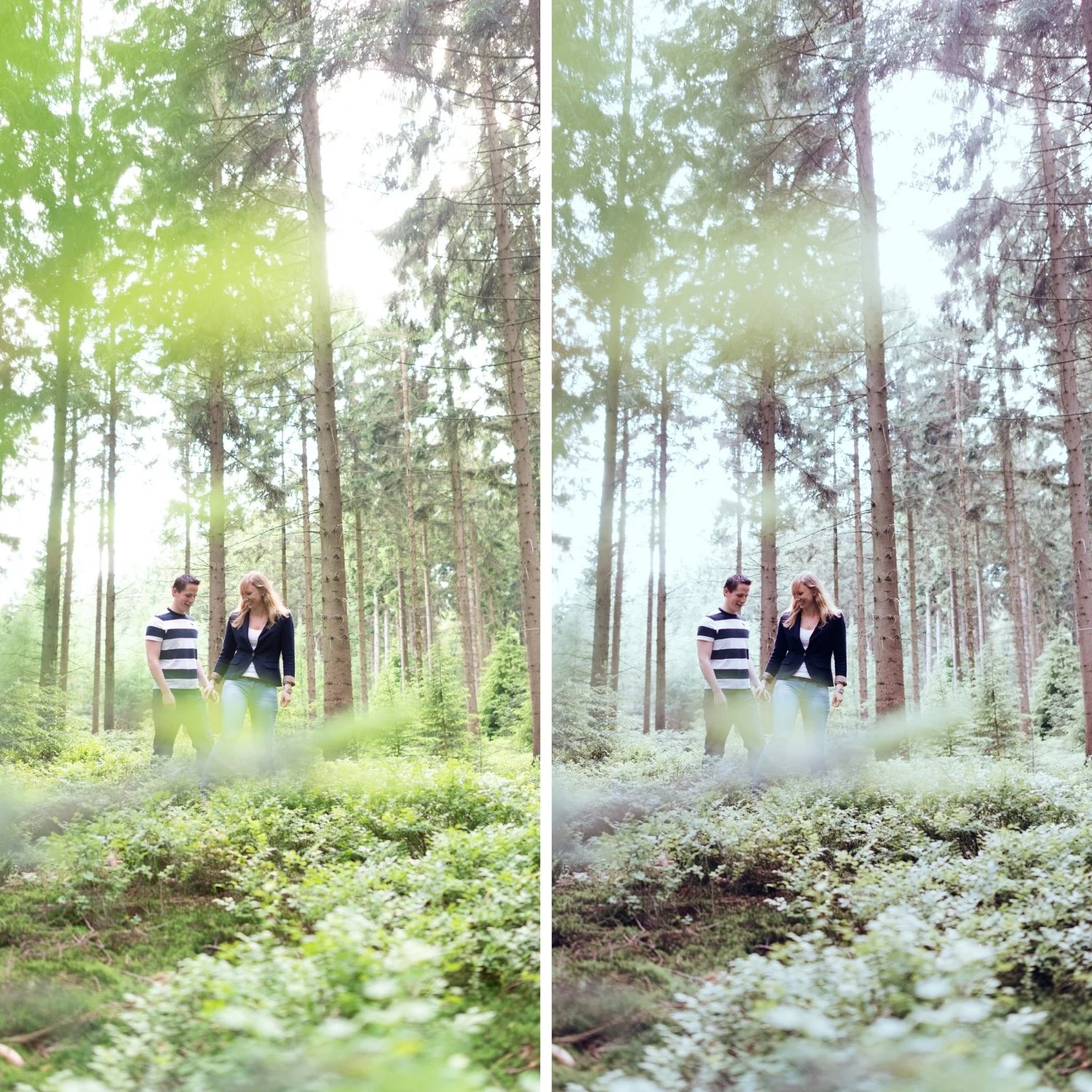
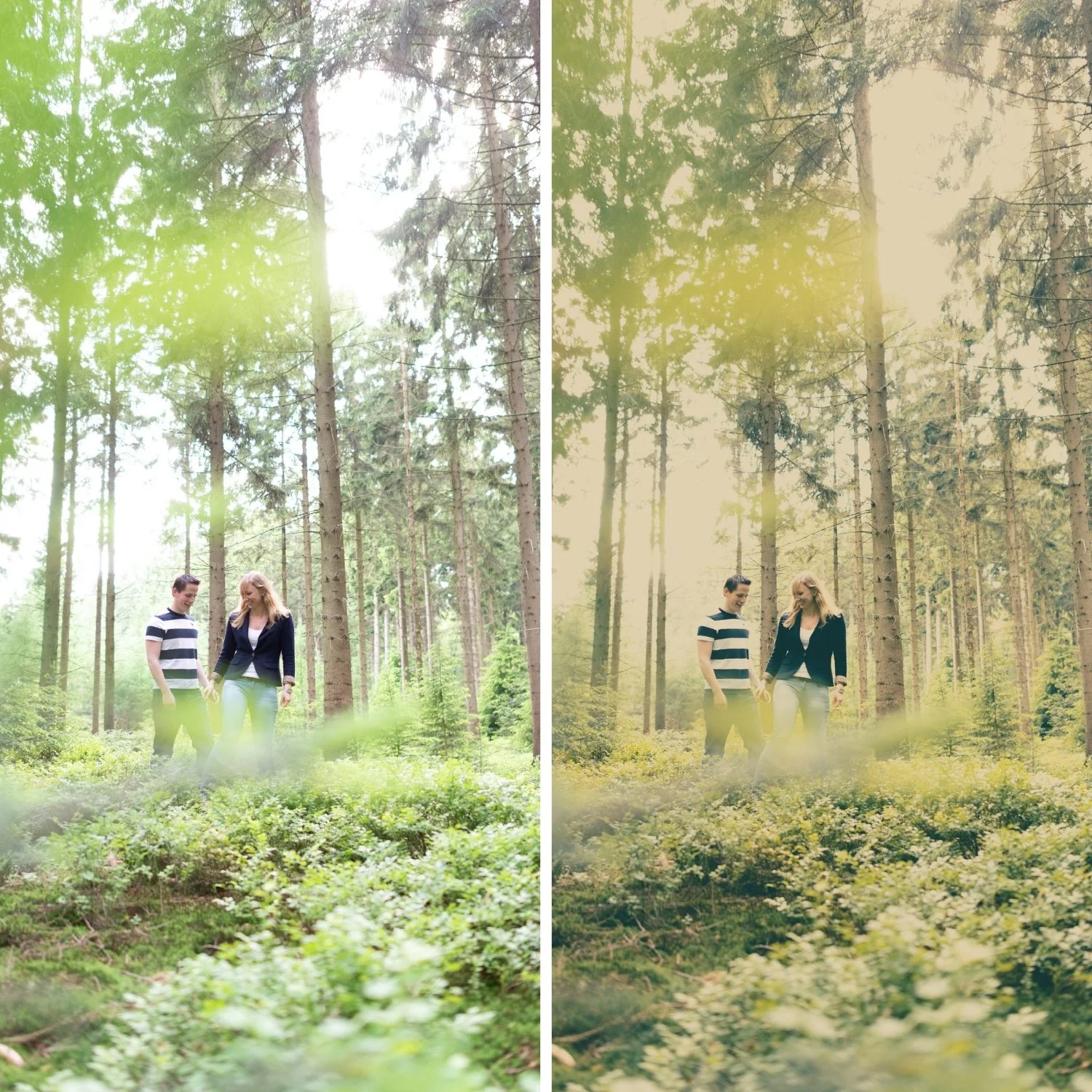
 Image 1 of 4
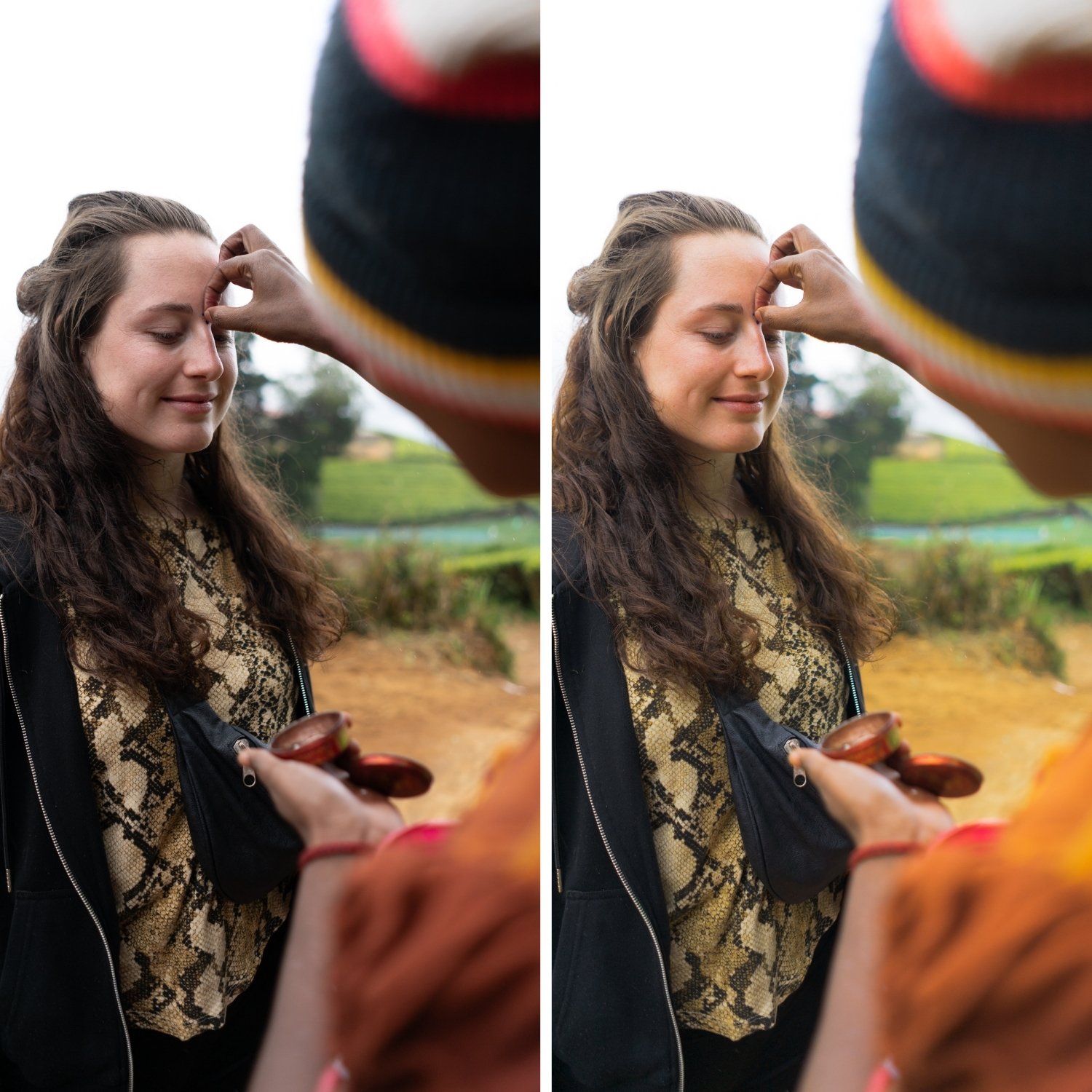
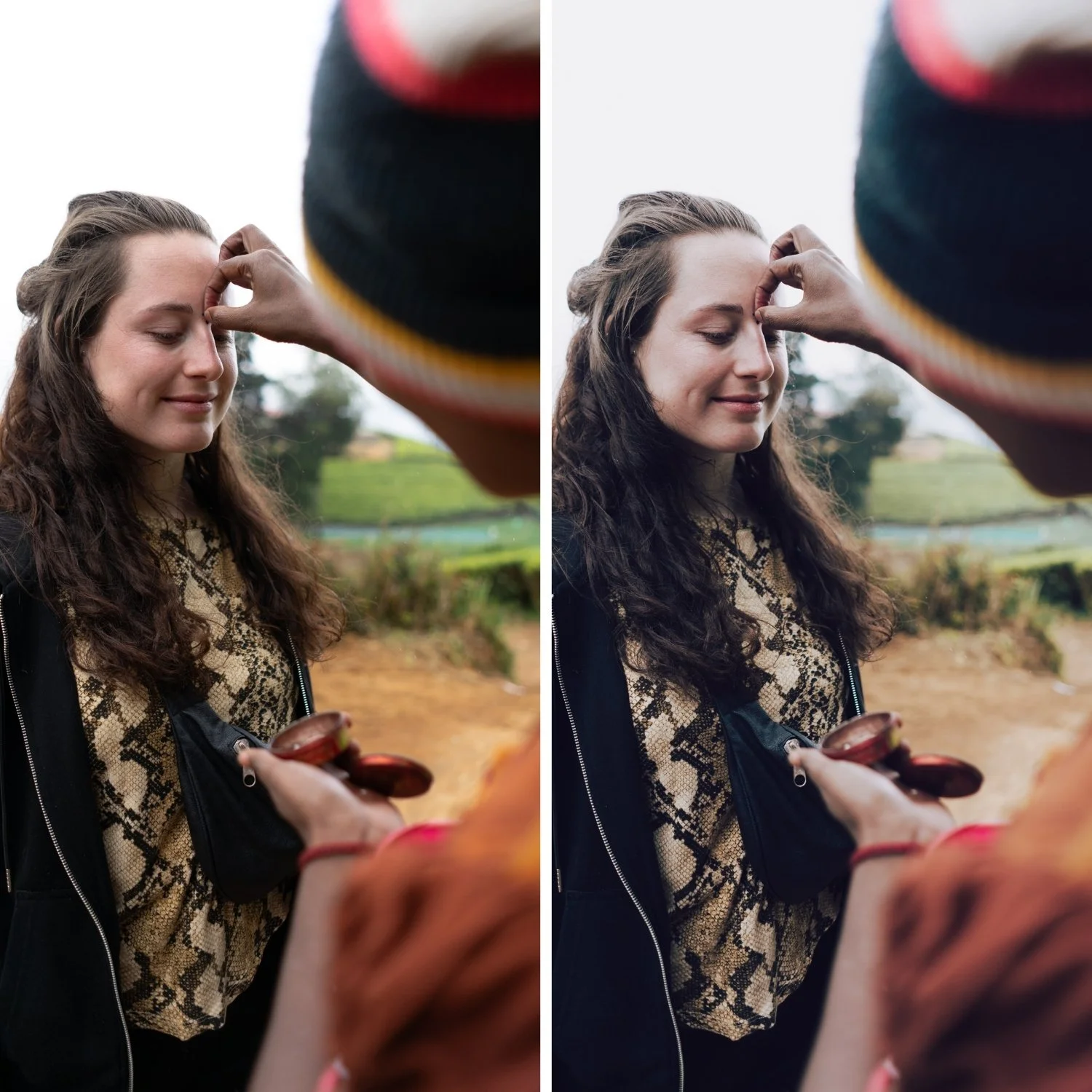
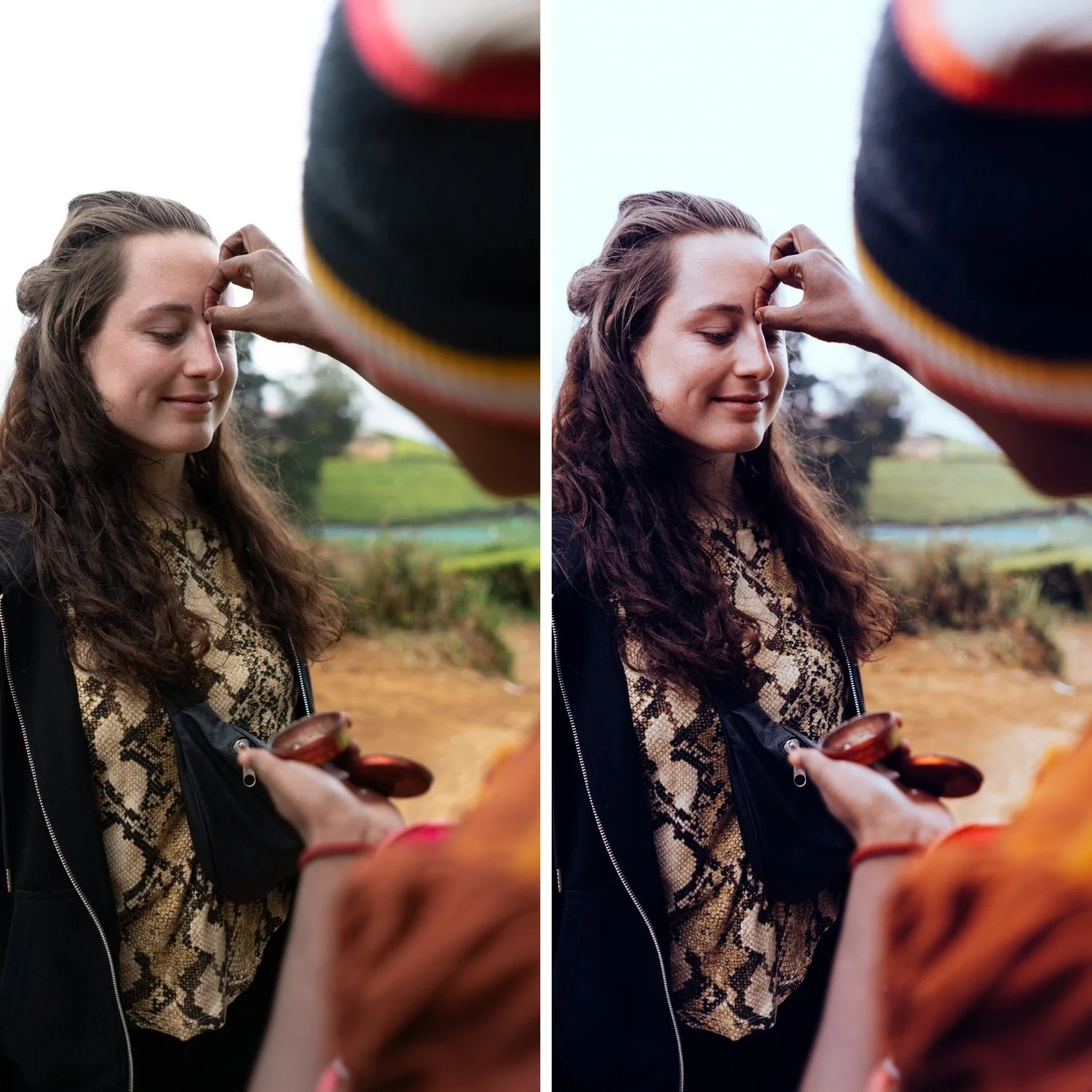
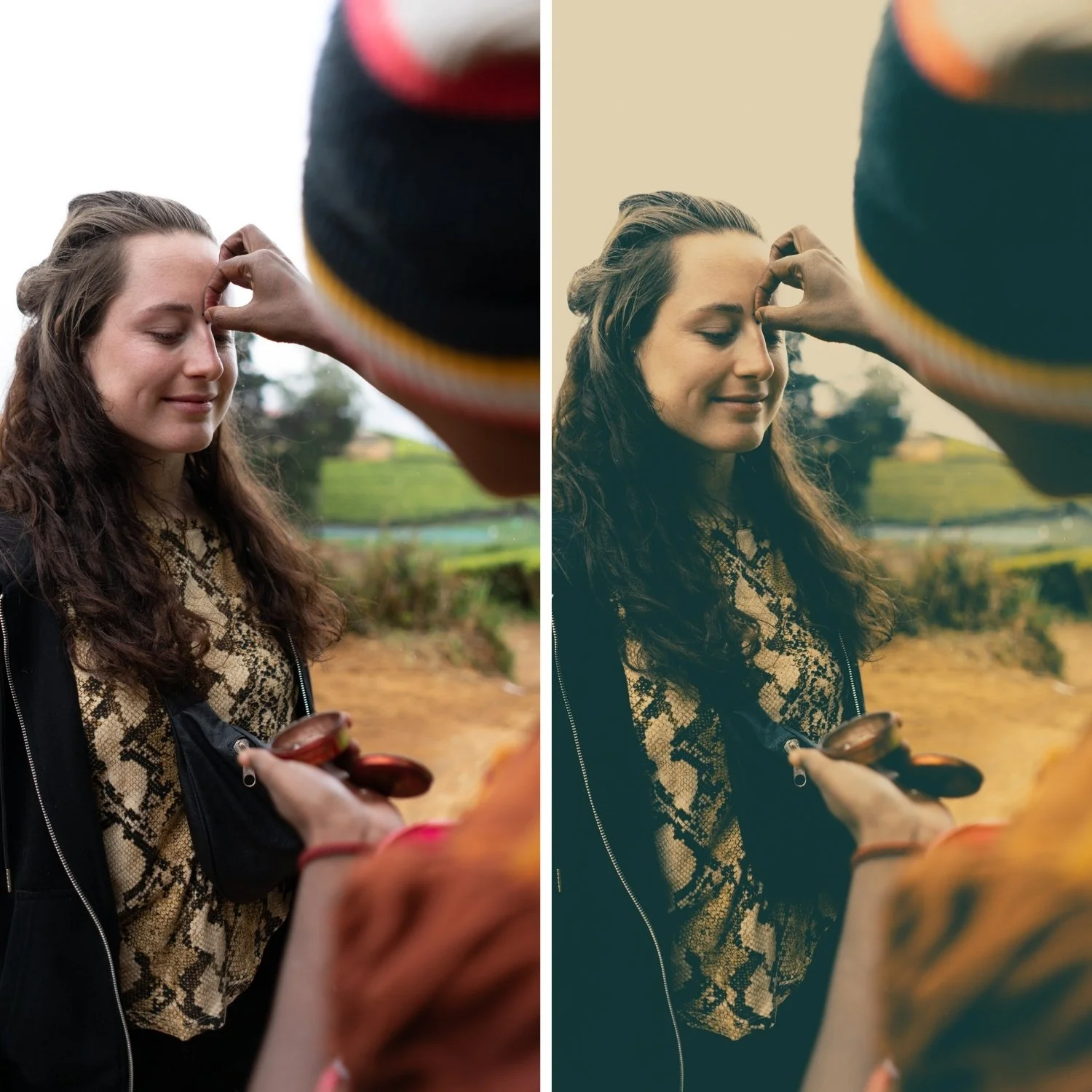 Image 2 of 4
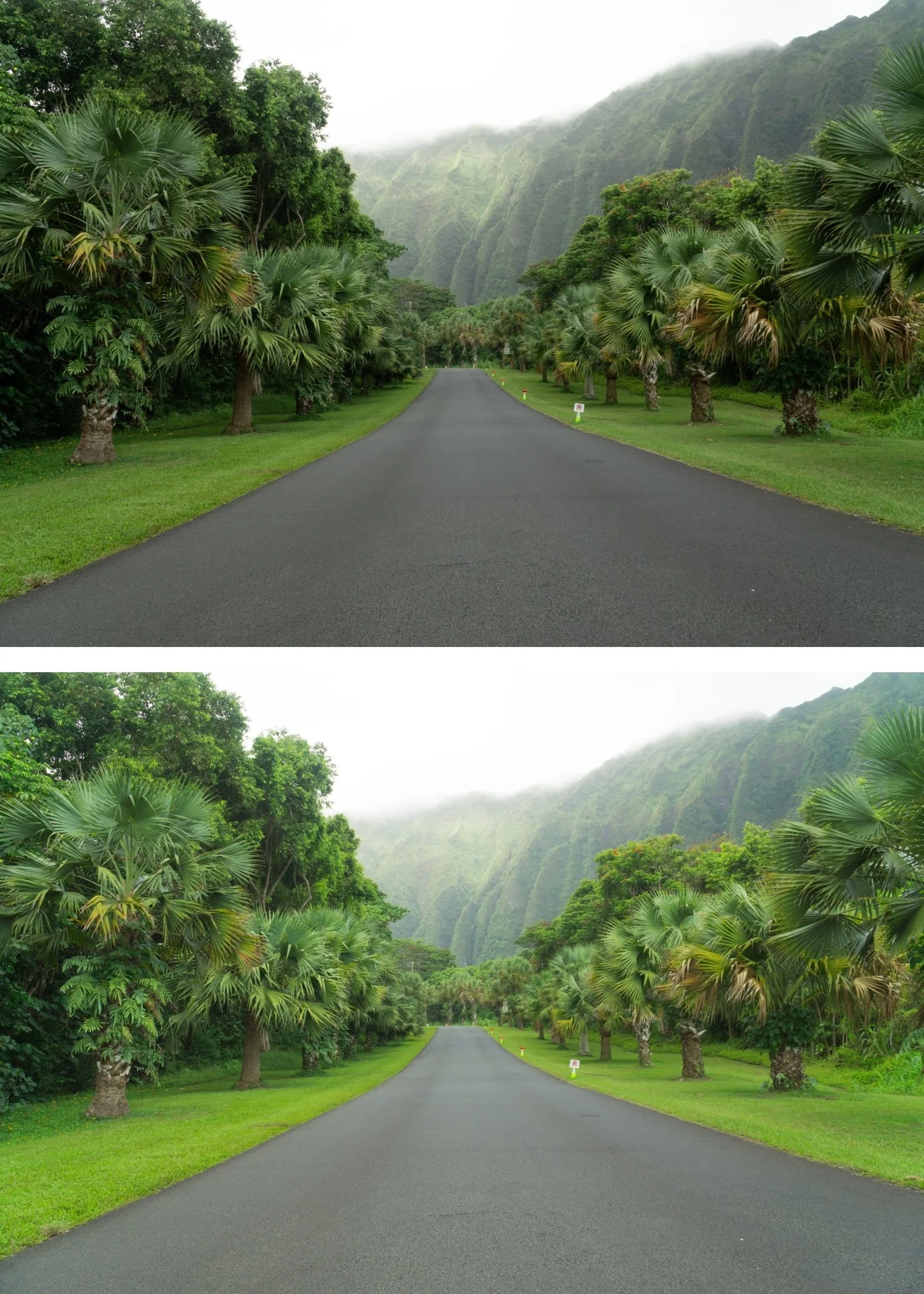
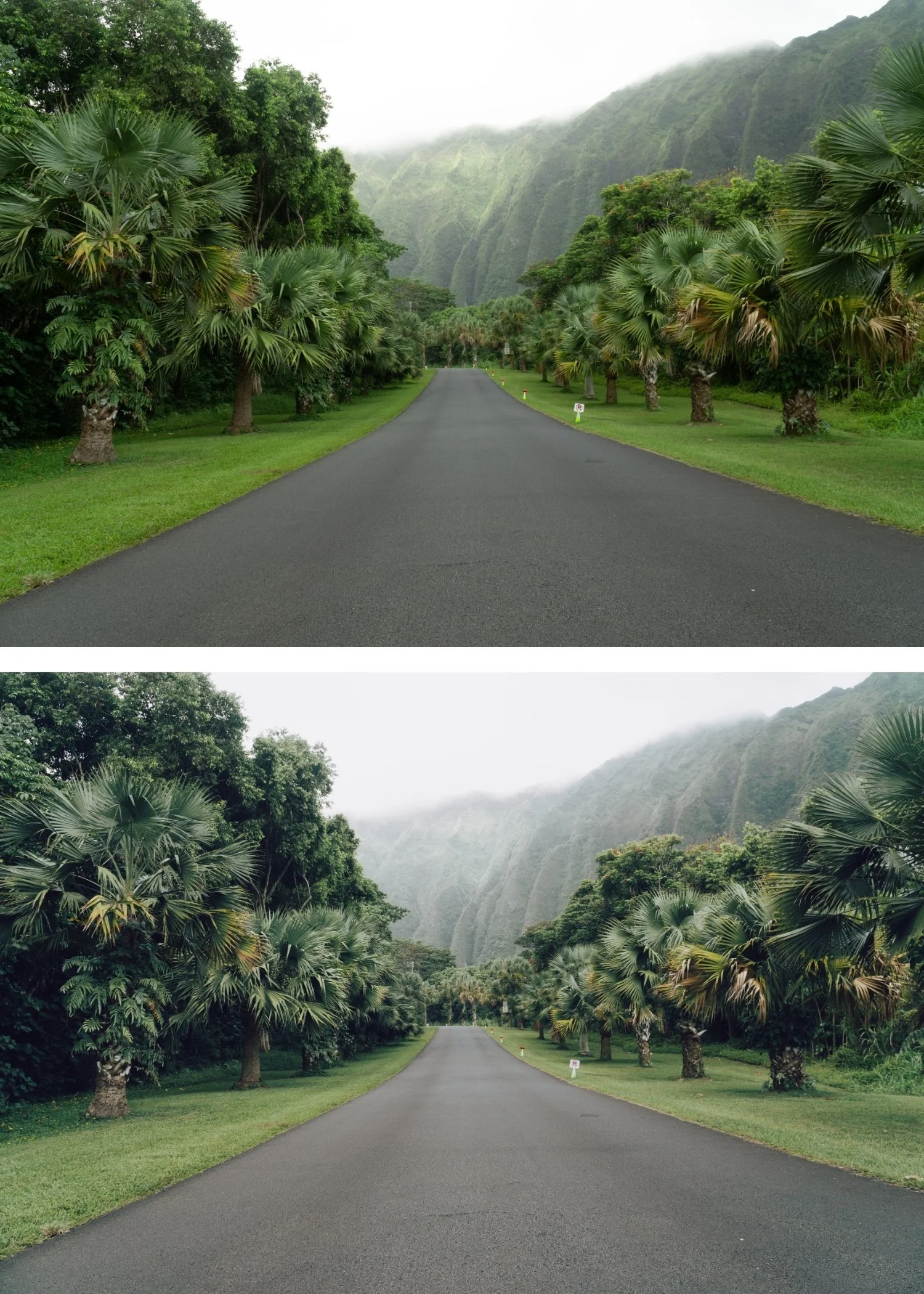
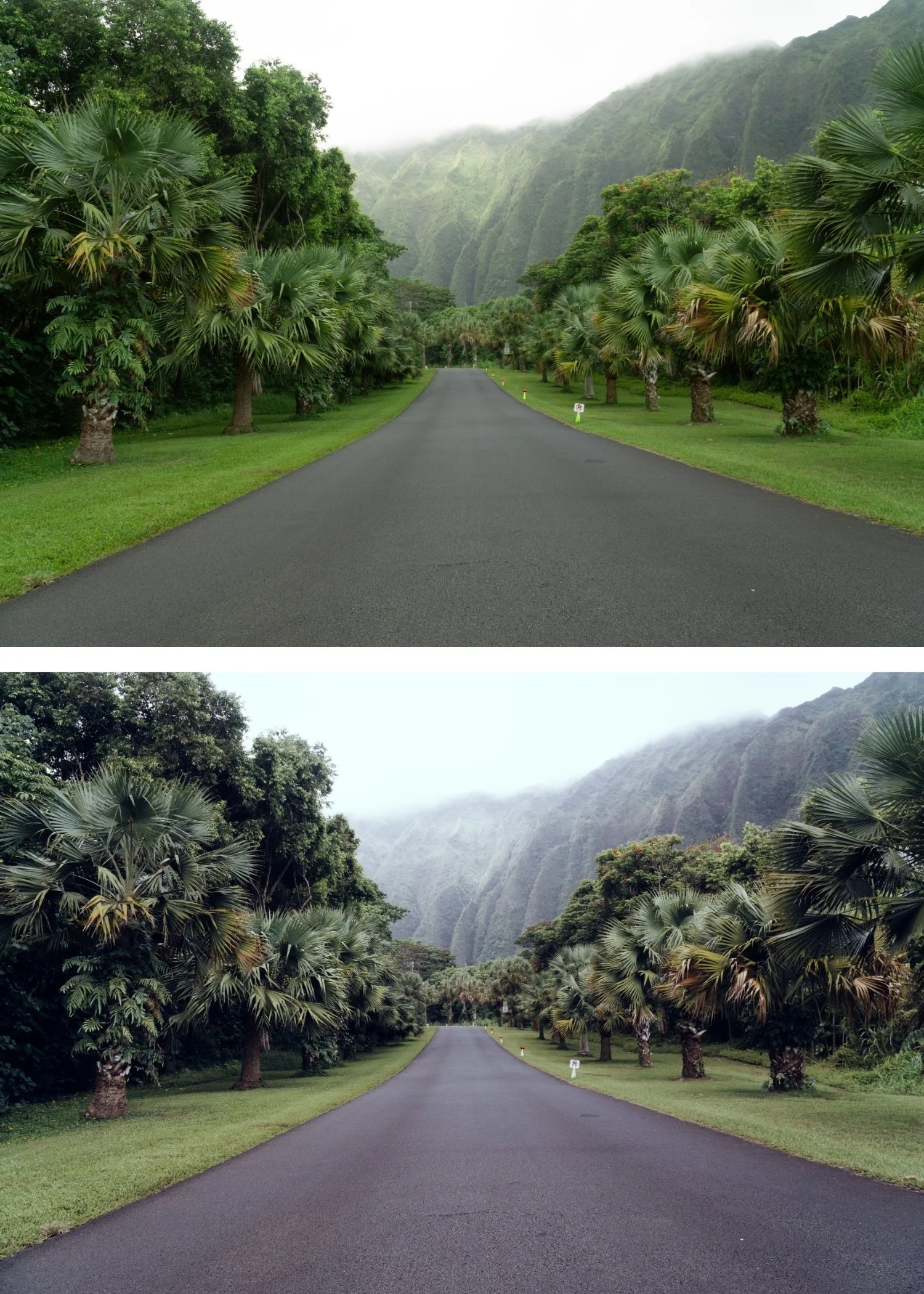
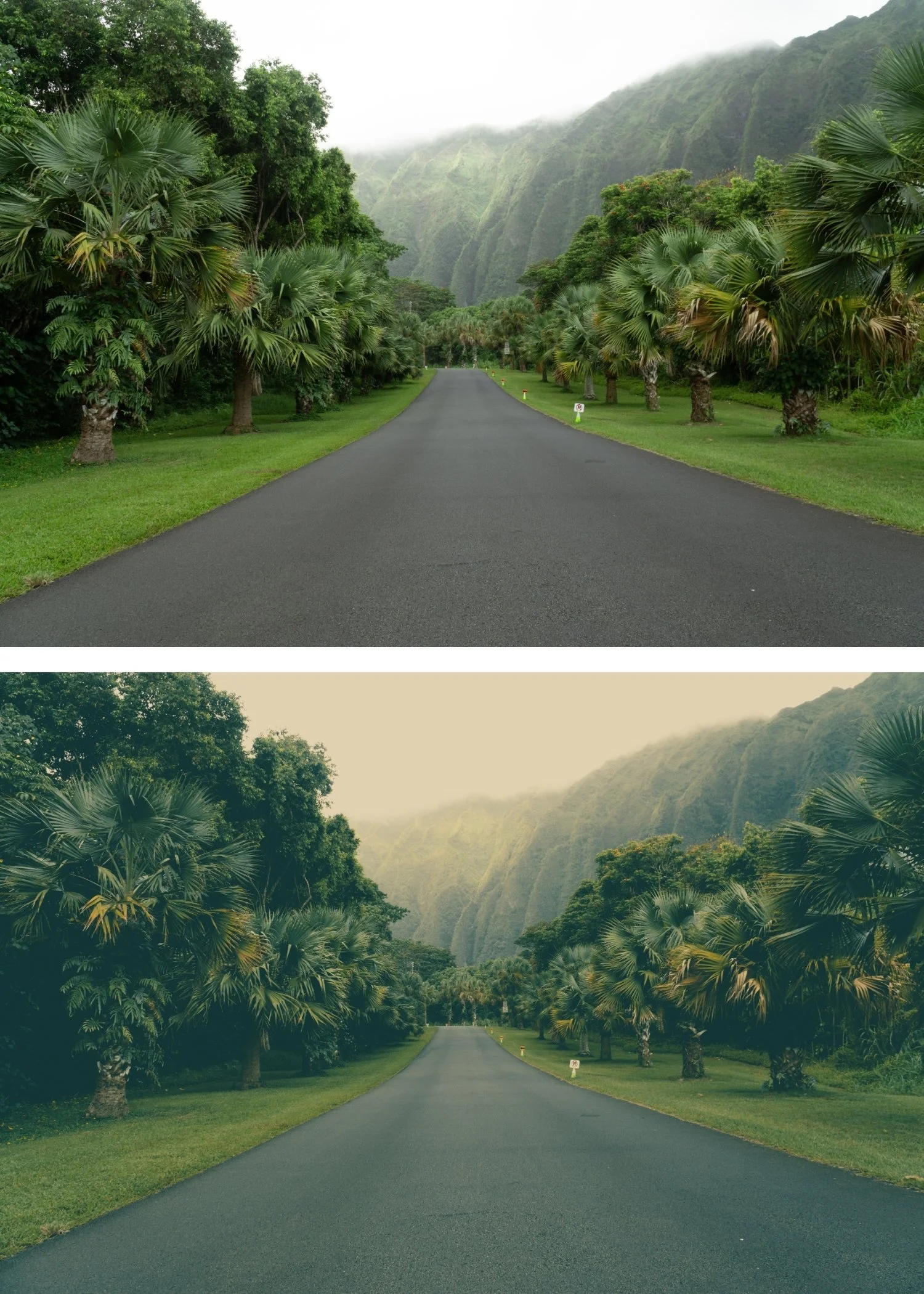 Image 3 of 4
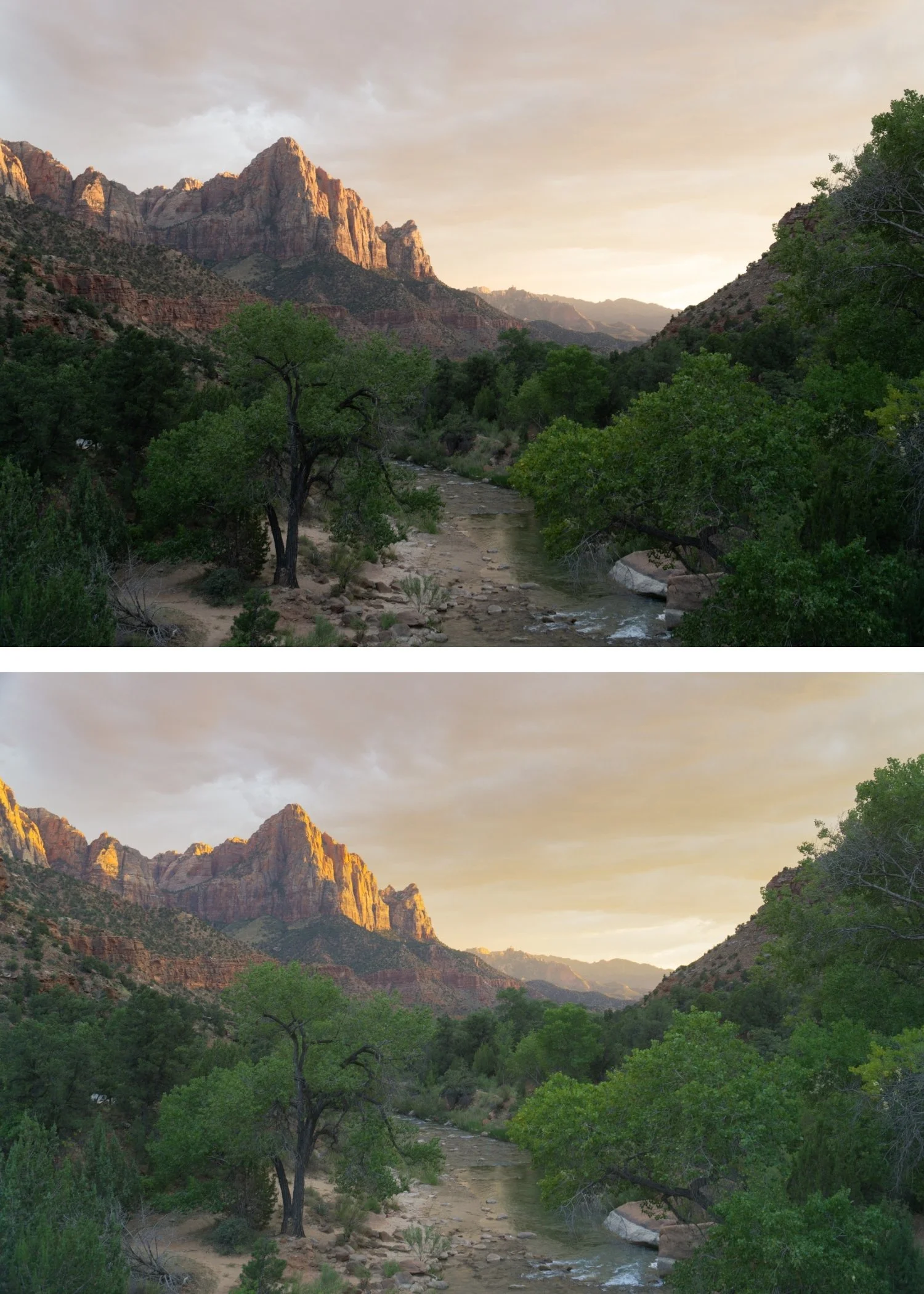
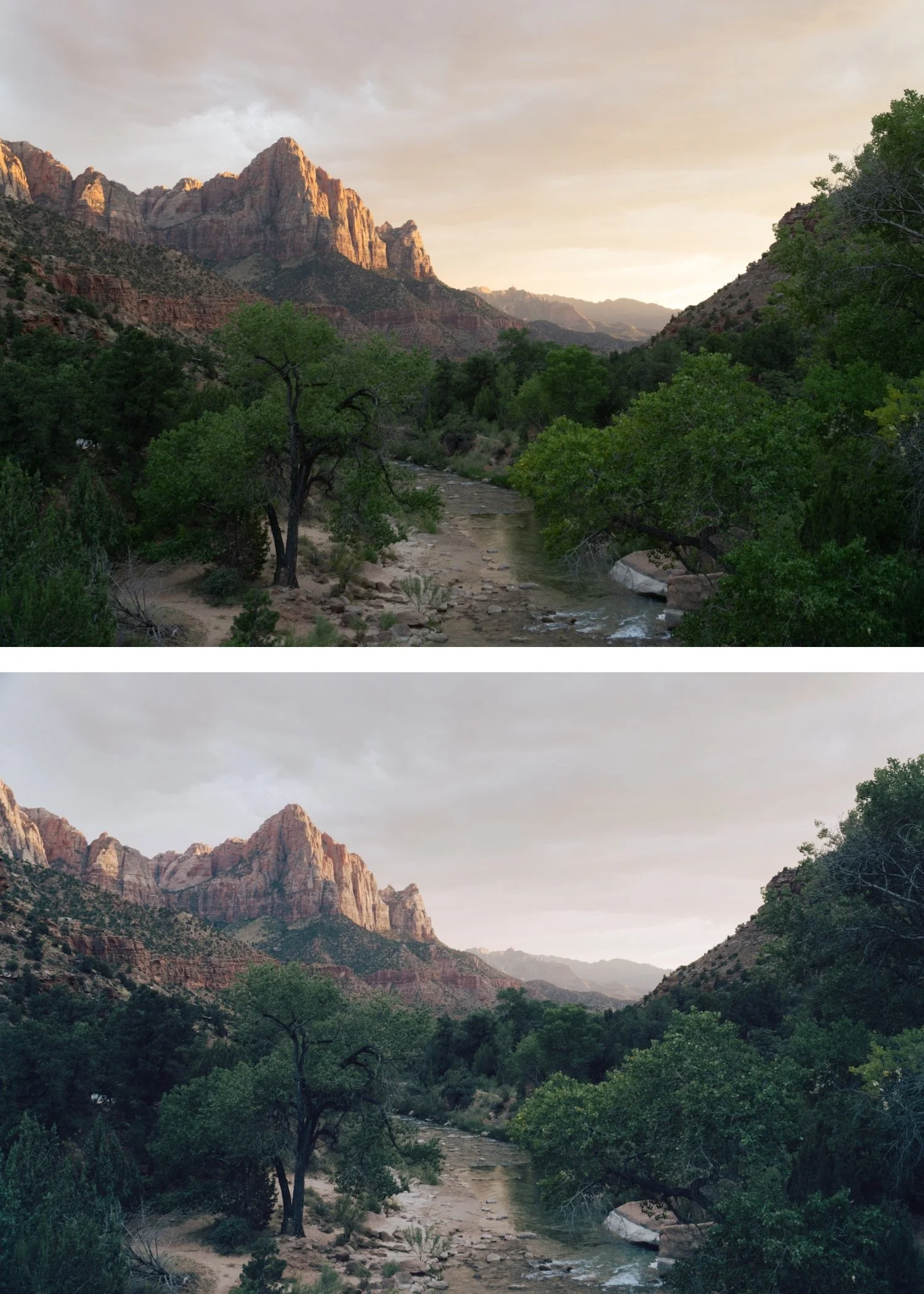
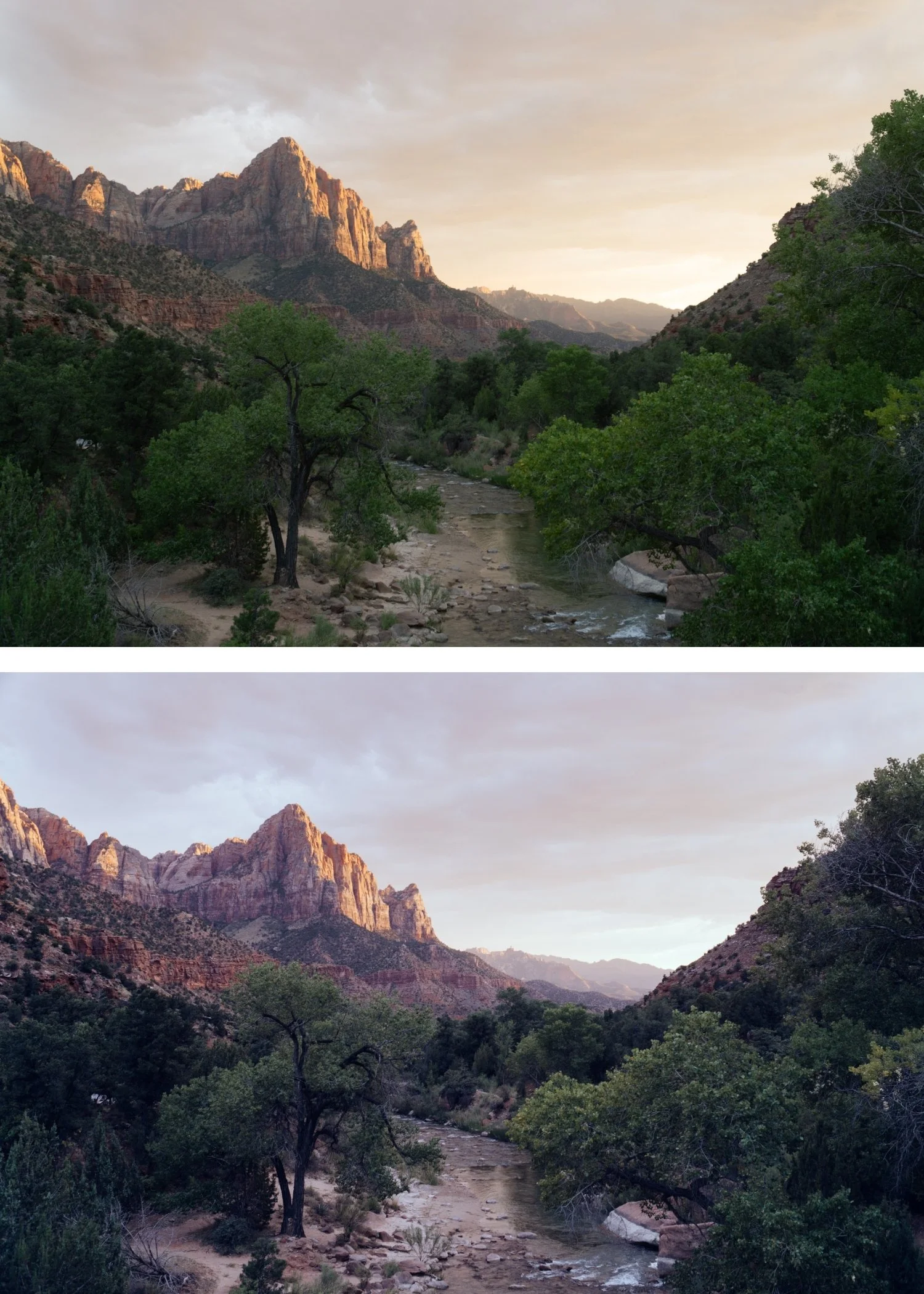
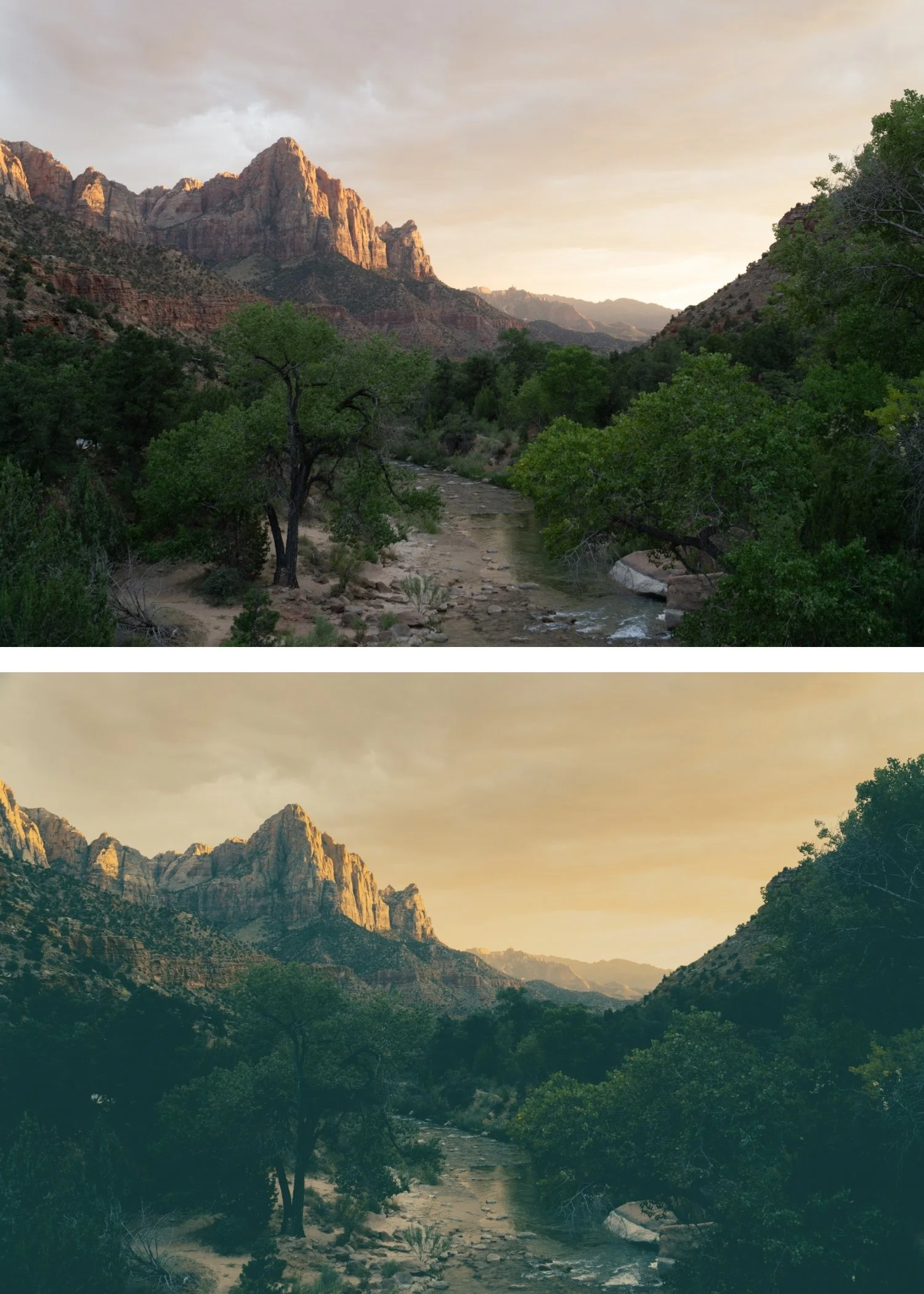 Image 4 of 4
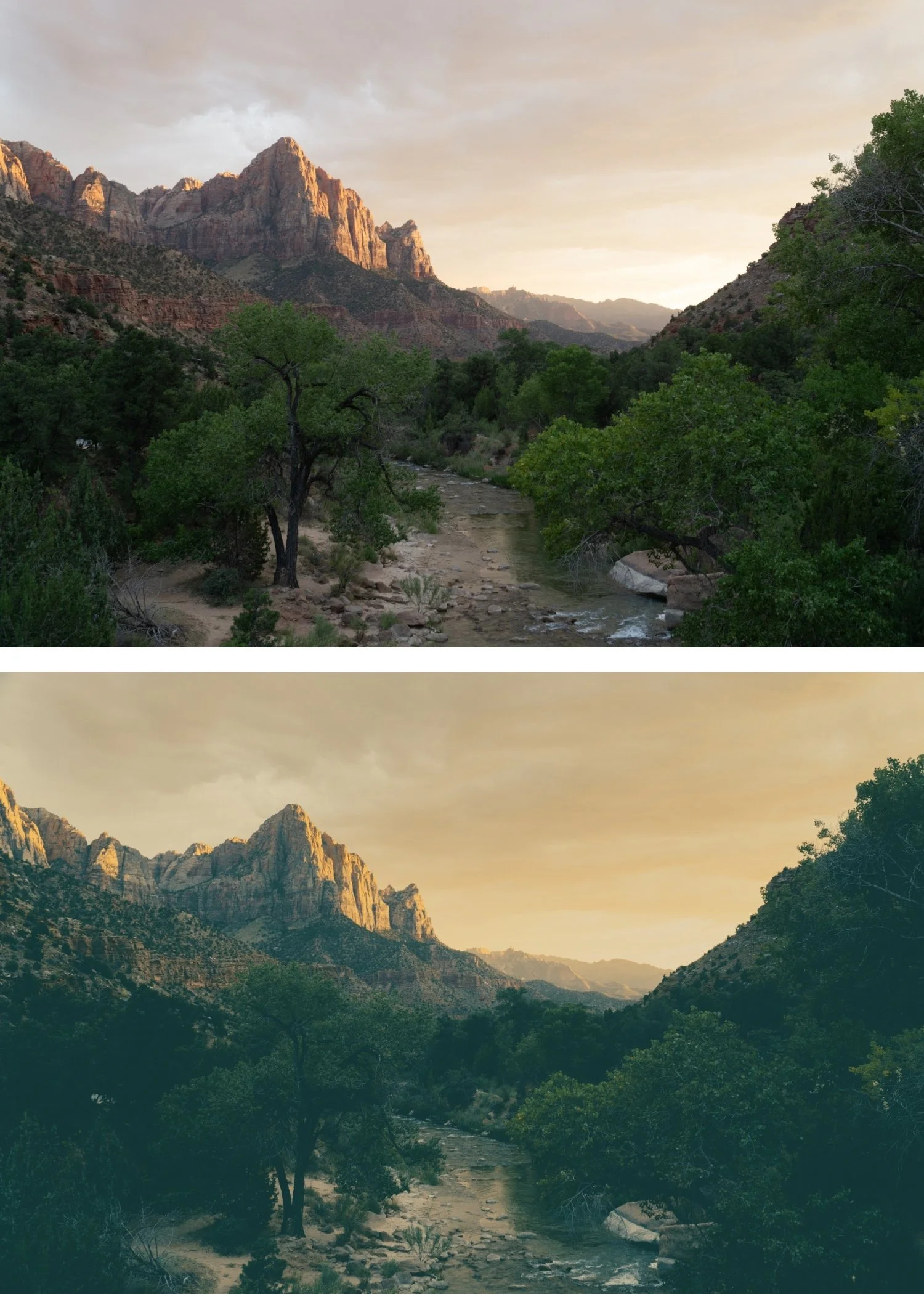
Polaroid 01 Instant Warm | Instant Film Preset for Lightroom Mobile & Desktop
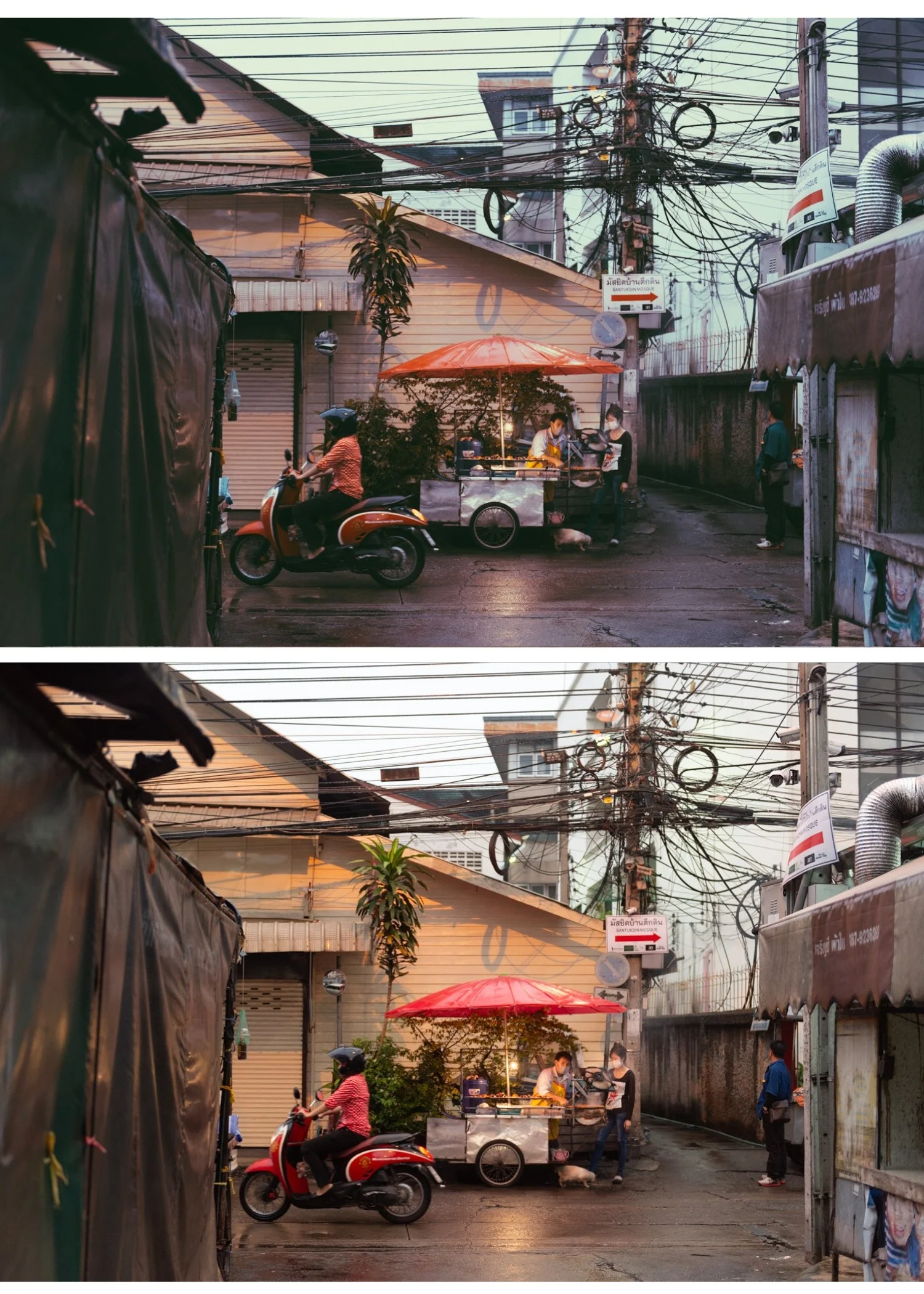

-
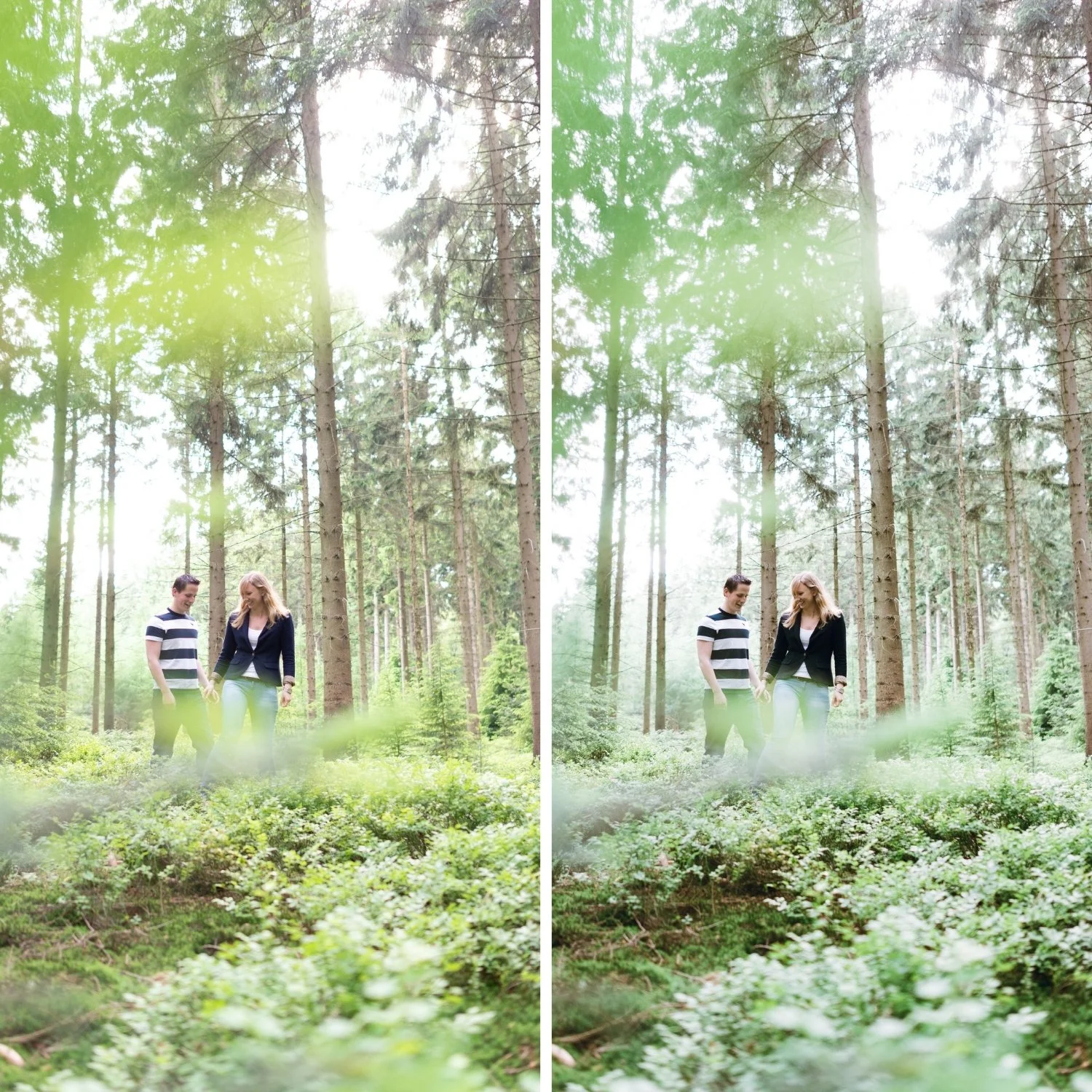
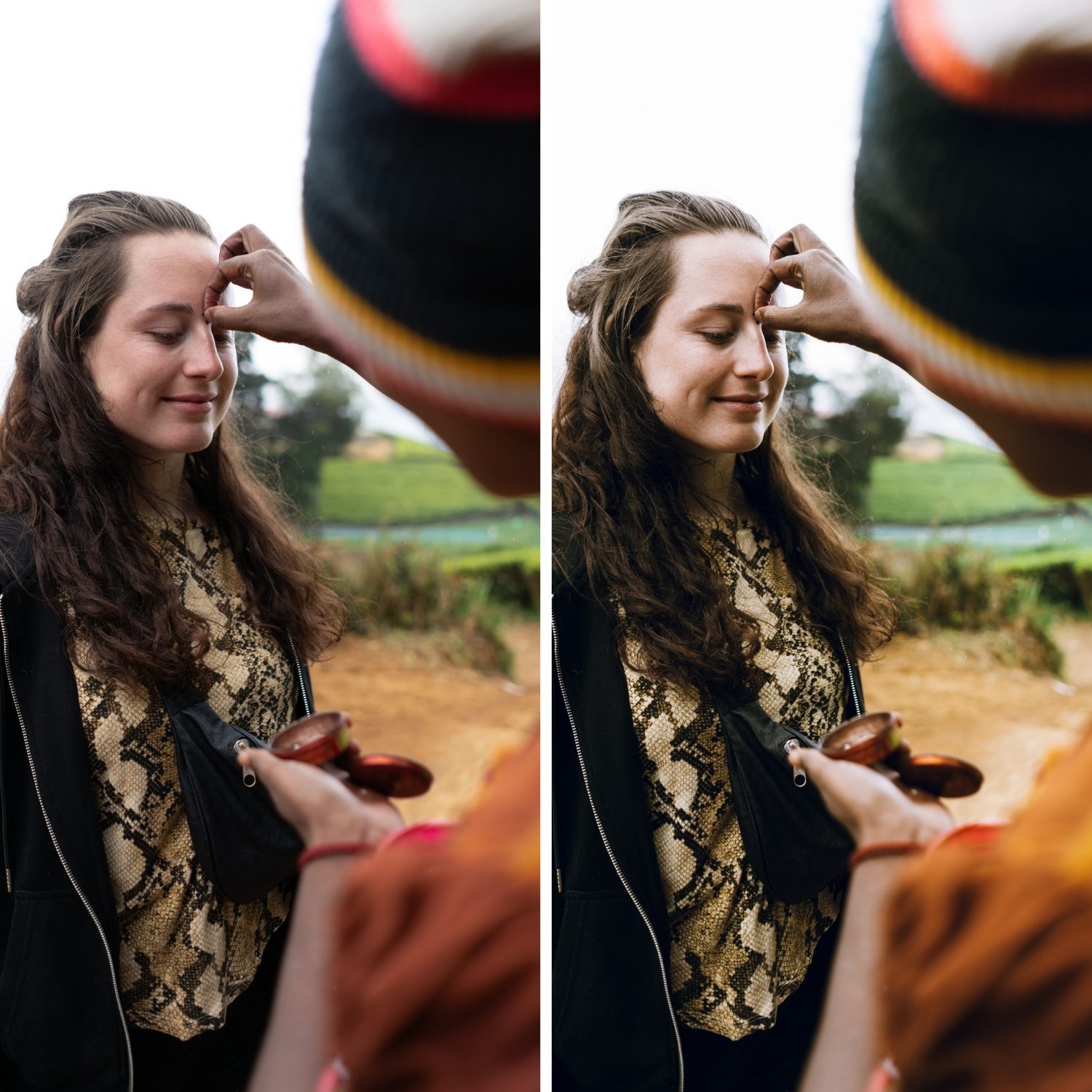
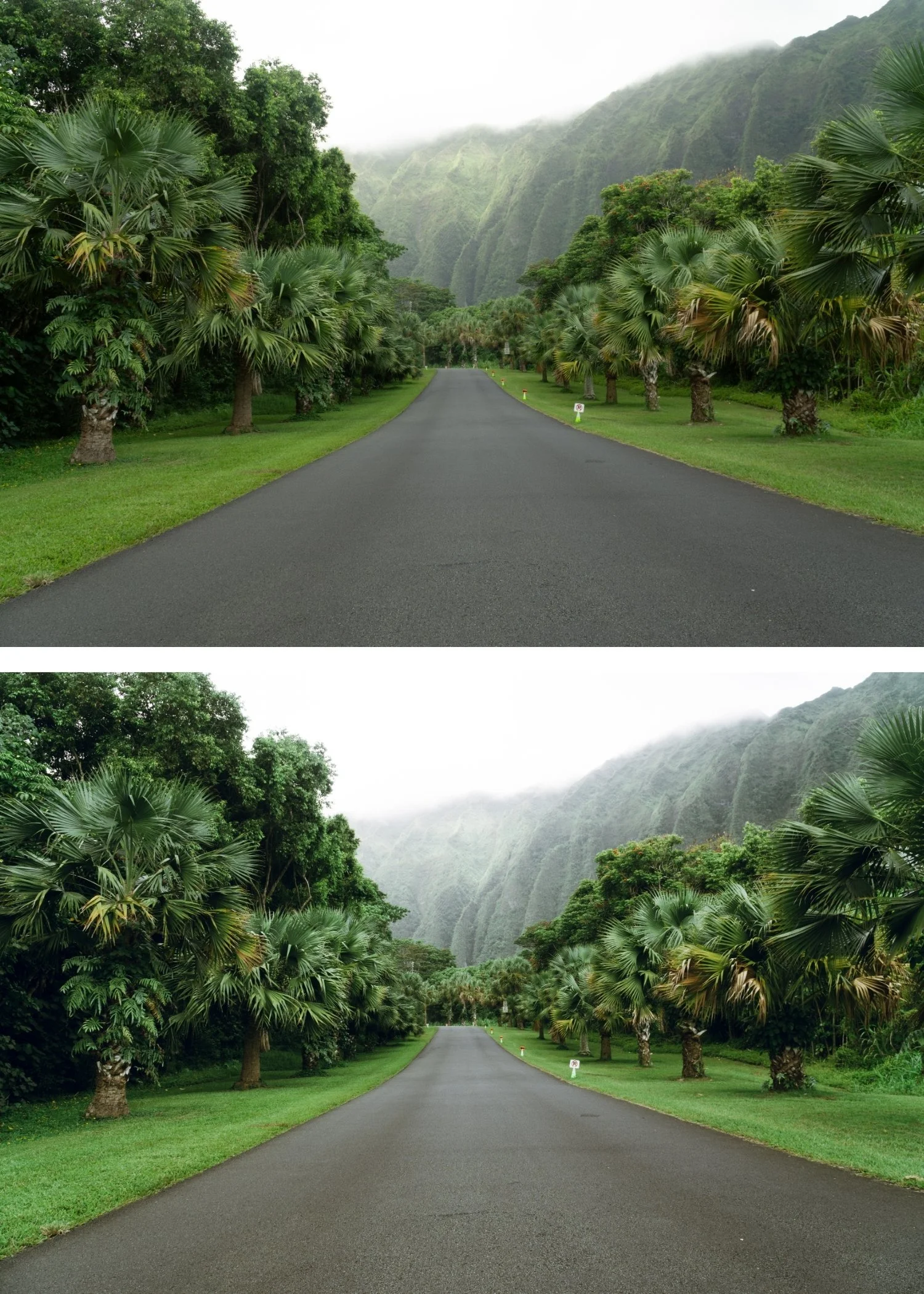
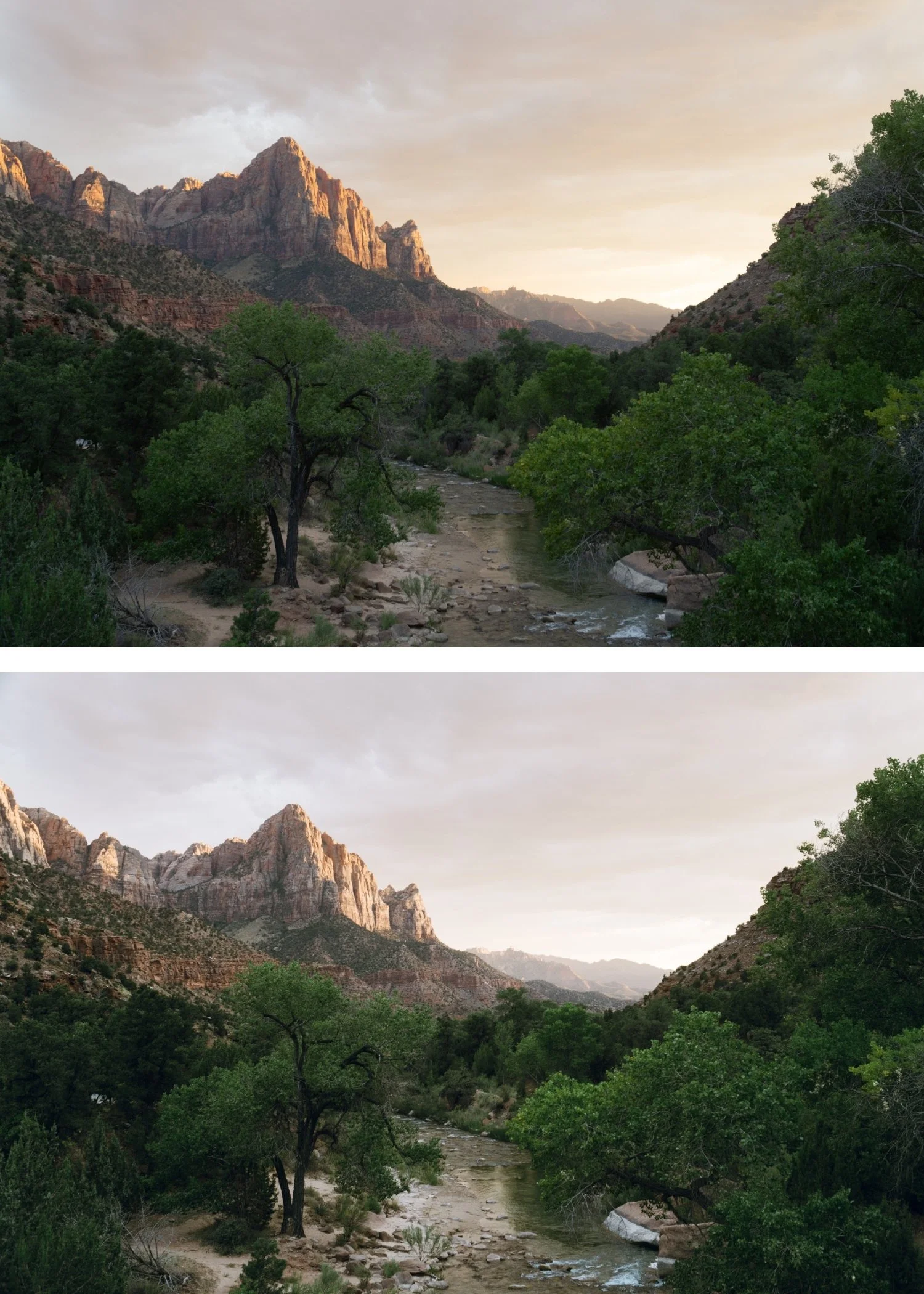
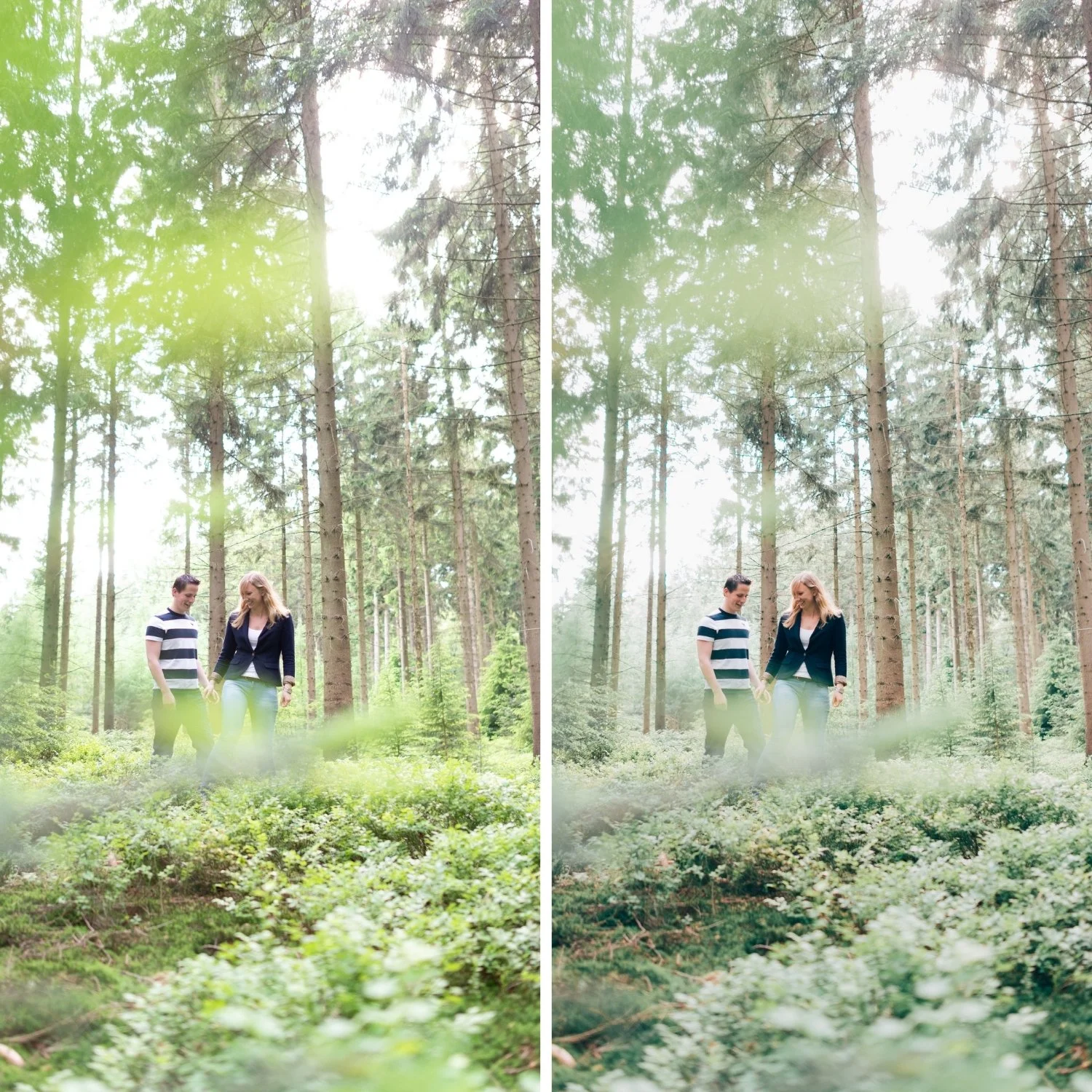
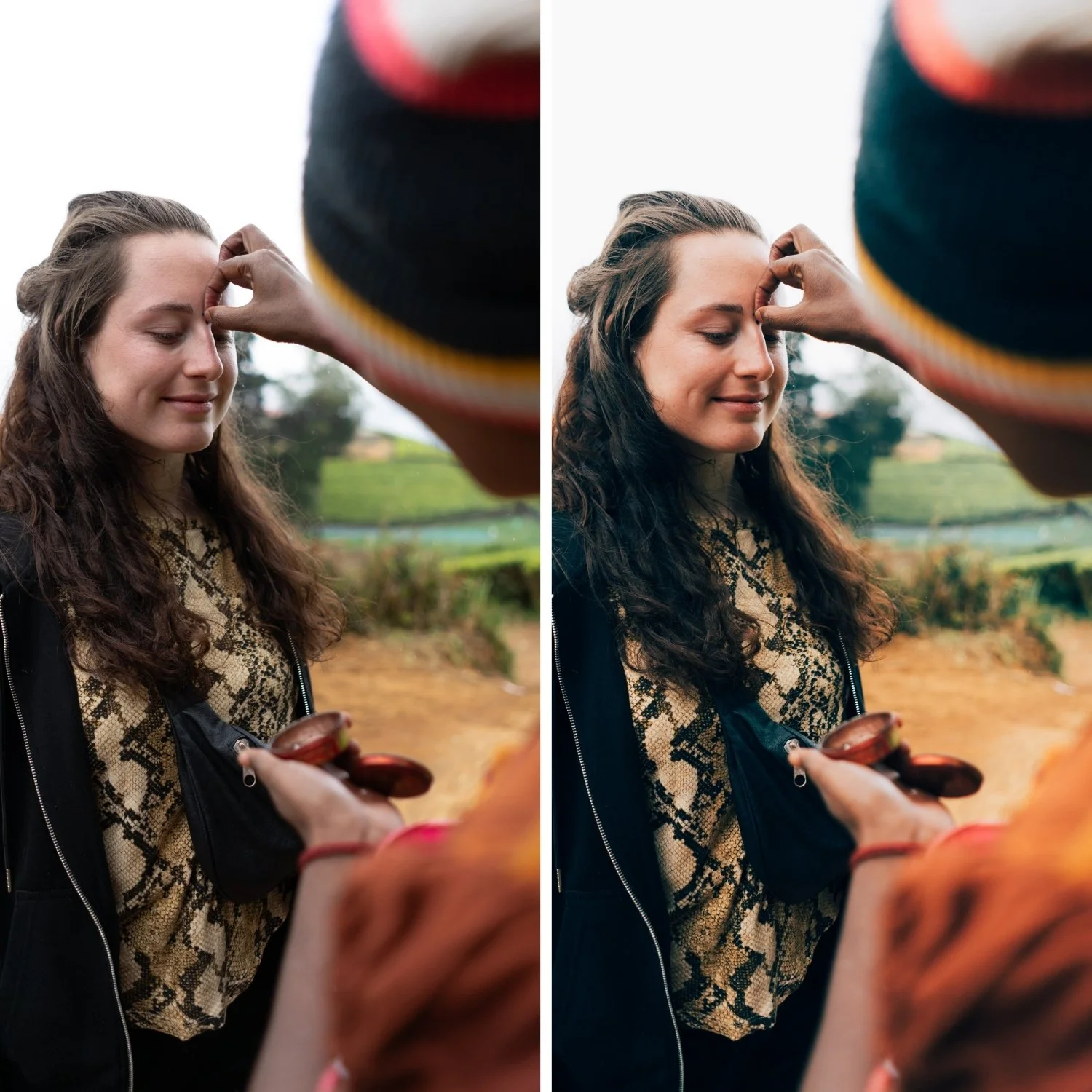
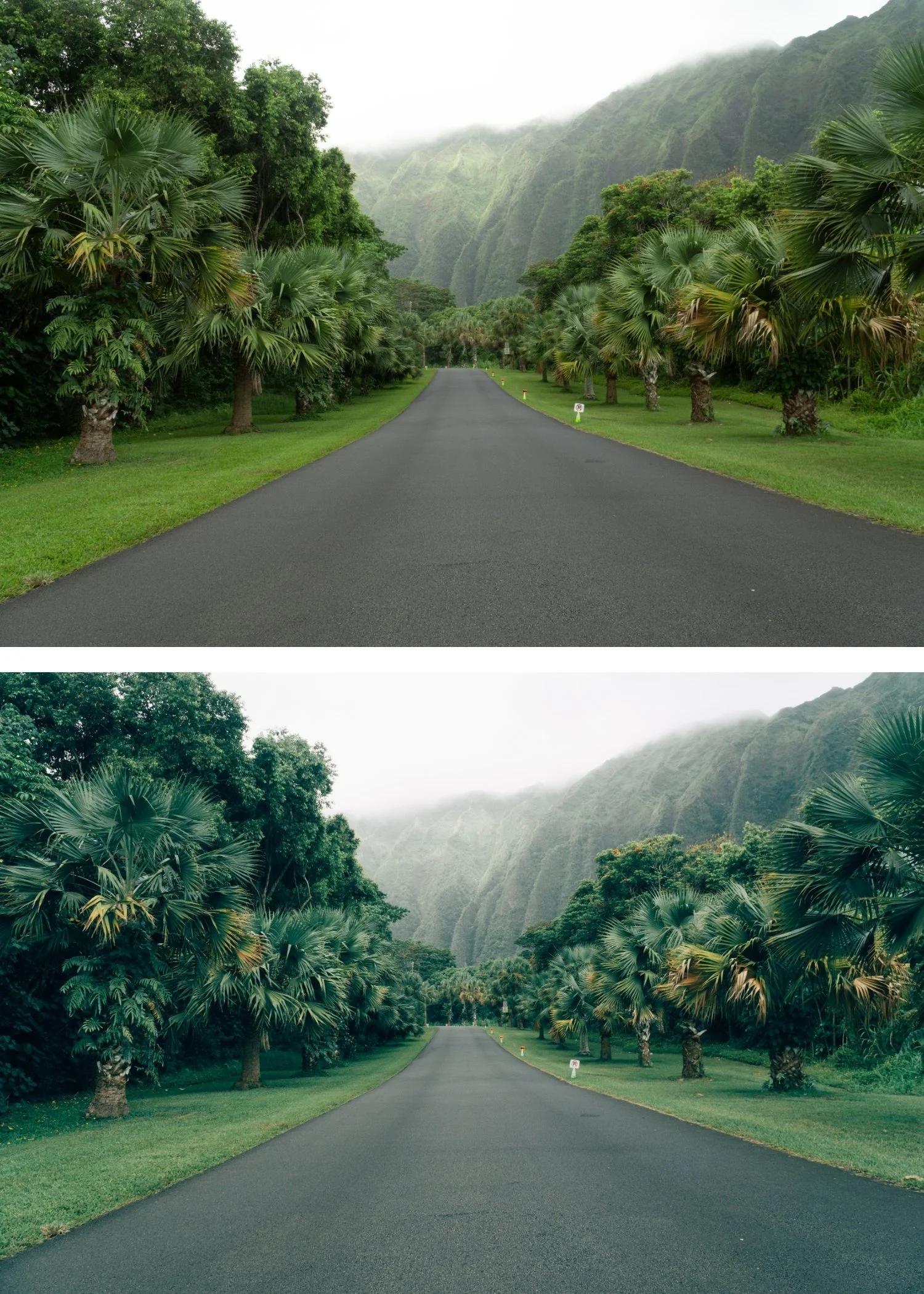
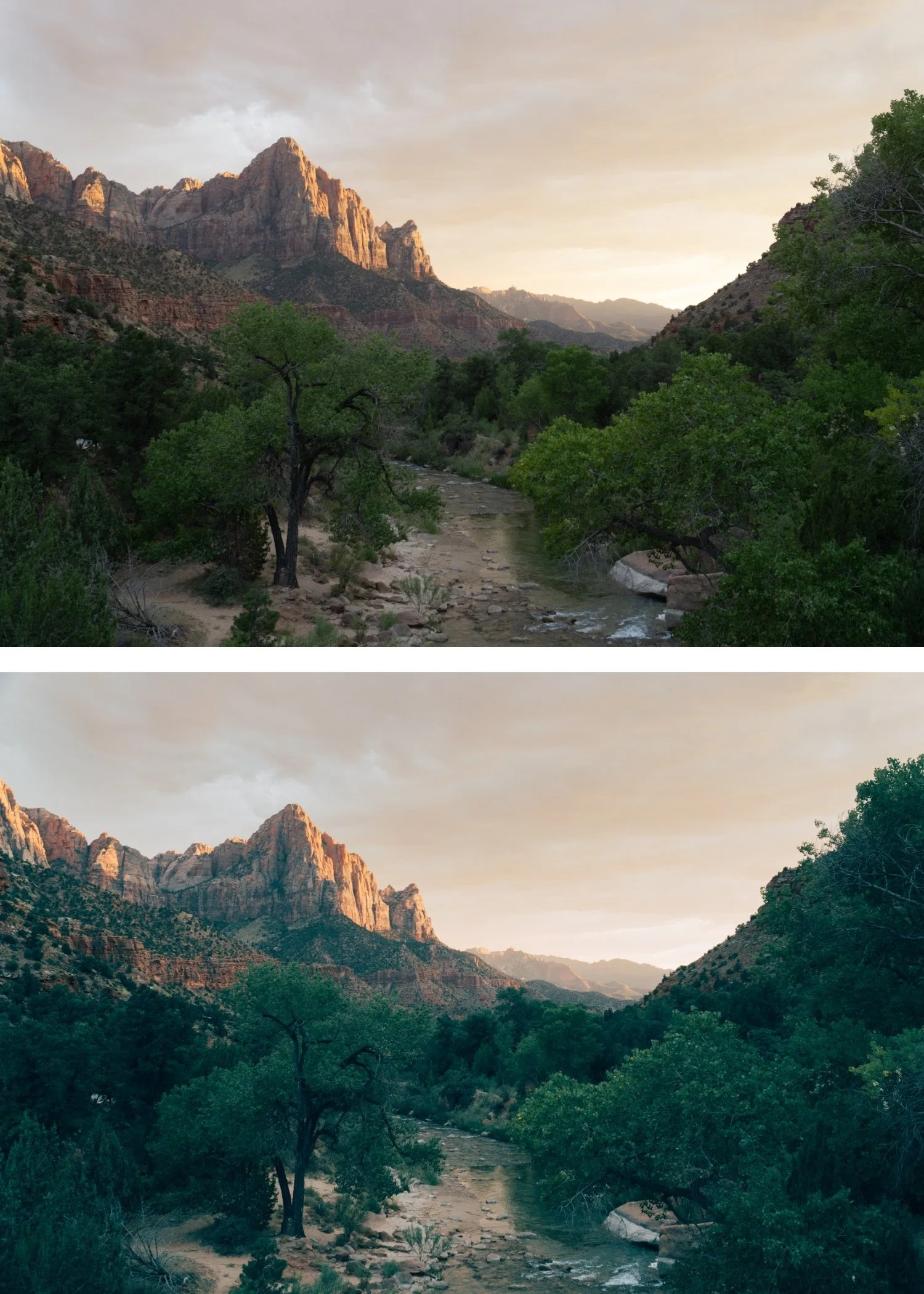
P1 is for photographers who want the warmth and organic quality of instant film applied subtly — present enough to feel intentional, restrained enough to work across varied content including portraits, lifestyle, and travel.
For photographers new to the Polaroid Instant Archive who want to understand the collection's instant film character before exploring more pronounced presets.
-
The instant quality is present without being obvious. P1's subtlety means viewers experience the warmth and organic character without identifying it as an instant film effect.
It is the most versatile preset in the collection. Outdoor, indoor, portrait, lifestyle, travel — P1's restrained warmth adapts across subjects and lighting conditions without fighting the ambient.
It is the best starting point. If you are new to instant film aesthetics, start here. Understand the warmth and character of P1 before moving to more pronounced presets.
-
1 × P1 Instant Warm DNG file — for Lightroom Mobile
1 × P1 Instant Warm XMP file — for Lightroom Classic
Installation guide
Lifetime access -
This preset captures the bright, hazy aesthetic similar to the iconic P1 filters. It’s the perfect professional alternative for those wanting an analog-inspired look that feels "happy" and light. By emulating the over-exposed chemical reaction of instant film, the P1 ensures your digital shots have a polished, airy finish that feels like a vintage postcard.
-
Step 1 — White balance first. P1 assumes a warm-neutral starting point — 5,200-5,600K for outdoor daylight, 5,800-6,200K for overcast. The warm instant film quality reads most naturally on a warm-neutral foundation. On cool white balance, the gentle warmth can read as slightly orange rather than warm and organic.
Step 2 — Apply P1 Instant Warm. The subtle instant film warmth, slightly lifted blacks, and film grain apply simultaneously.
Step 3 — Adjust Exposure and White Balance per photo. P1 handles the instant film identity. These two adjustments handle the per-photo differences.
Portrait photography with P1: P1 is the most portrait-friendly preset in the collection — the subtle warmth flatters skin without the yellow cast of more characterful presets. Apply at 85% strength for portraits and check that skin reads warm rather than orange.
On phone photos: 83-85% strength. P1's gentle character applies cleanly to phone photos without the over-application issues that more characterful presets can produce.
-
What is the difference between P1 and P2 Classic Instant? P1 is the lightest, most subtle instant look — warm and gently vintage without the obvious Polaroid character. P2 has the full balanced Polaroid quality — warm yellow cast, more lifted blacks, and the most recognisable instant film rendering. P1 for subtle everyday use, P2 for the authentic Polaroid look.
Does P1 work in Lightroom Mobile free? Yes. Preset installation and use is completely free in Lightroom Mobile. No Creative Cloud subscription needed.
Can I upgrade to the full Polaroid Instant Archive after purchasing P1? Yes — contact us and we will credit your P1 purchase toward the full archive.
GET ALL 9 POLAROID INSTANT ARCHIVE PRESETS
The full Polaroid Instant Archive gives you nine calibrated instant film looks — Instant Warm for subtle vintage character, Classic Instant for the balanced Polaroid look, Soft Instant for dreamlike portraits, Vintage Instant for nostalgic travel, Faded Instant for maximum fade, Warm Dark for atmospheric indoor photography, Cool Instant for the only cool-leaning instant option, High Key Instant for bright outdoor work, and Deep Vintage for maximum retro depth.
Nine presets. One retro philosophy. $3 per preset.
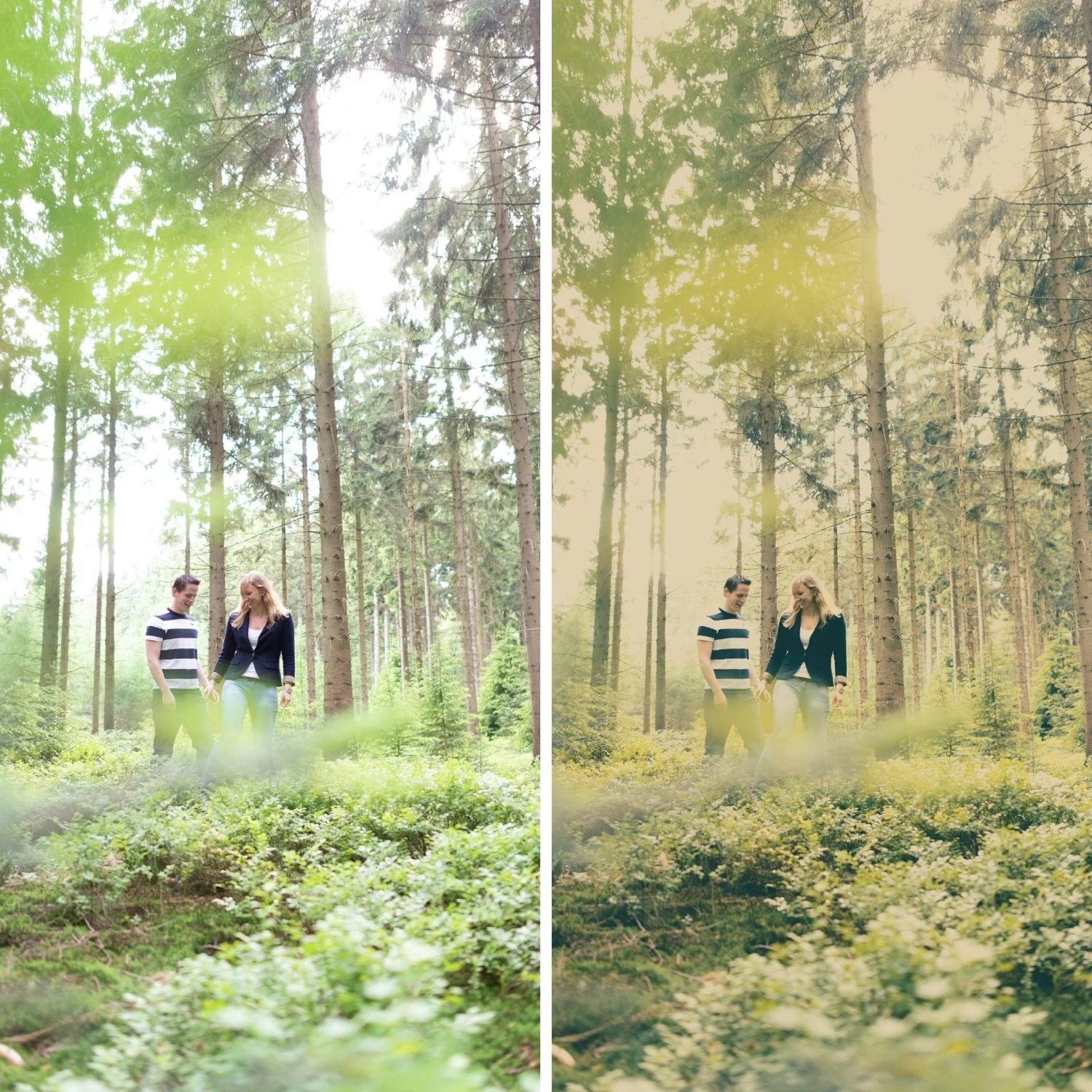
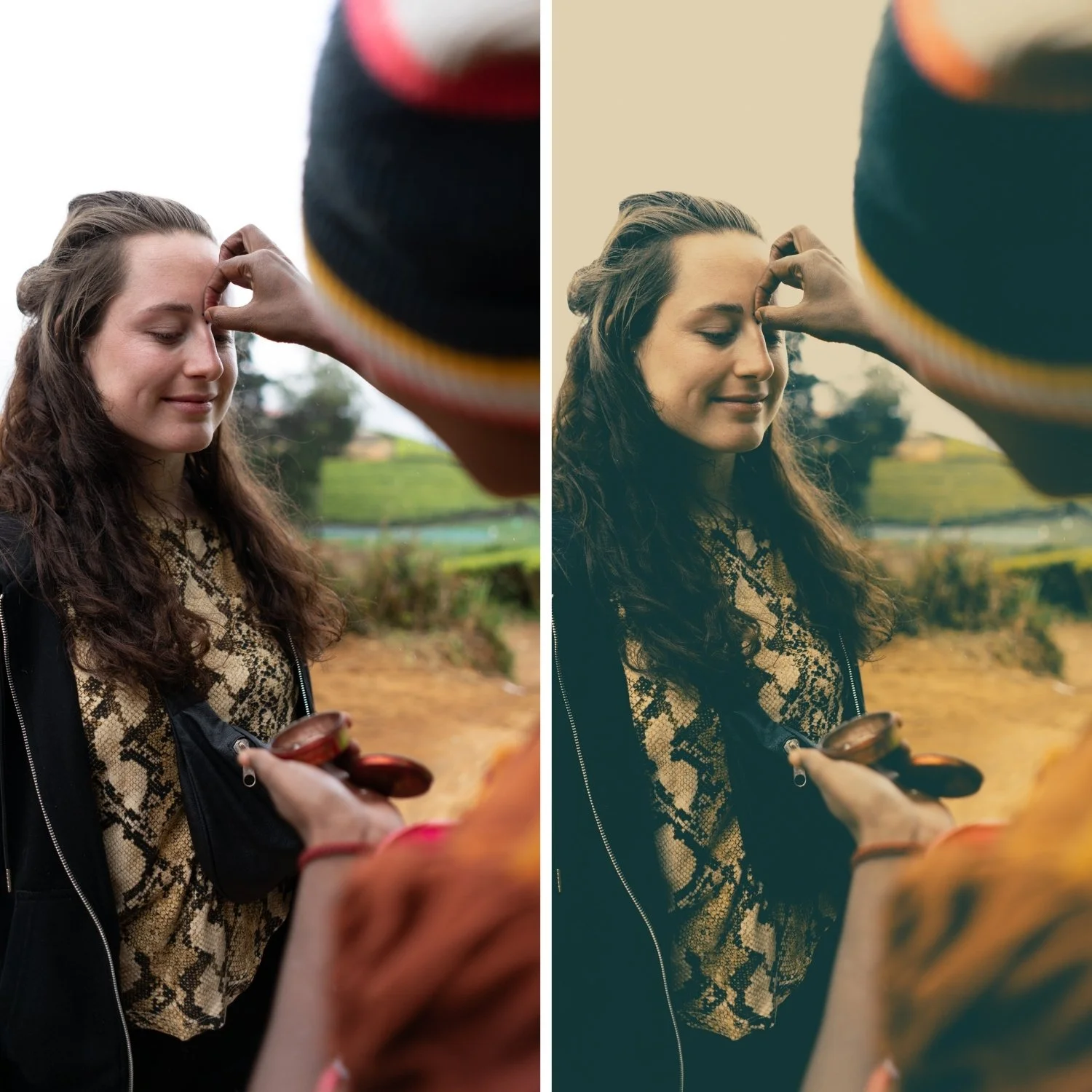
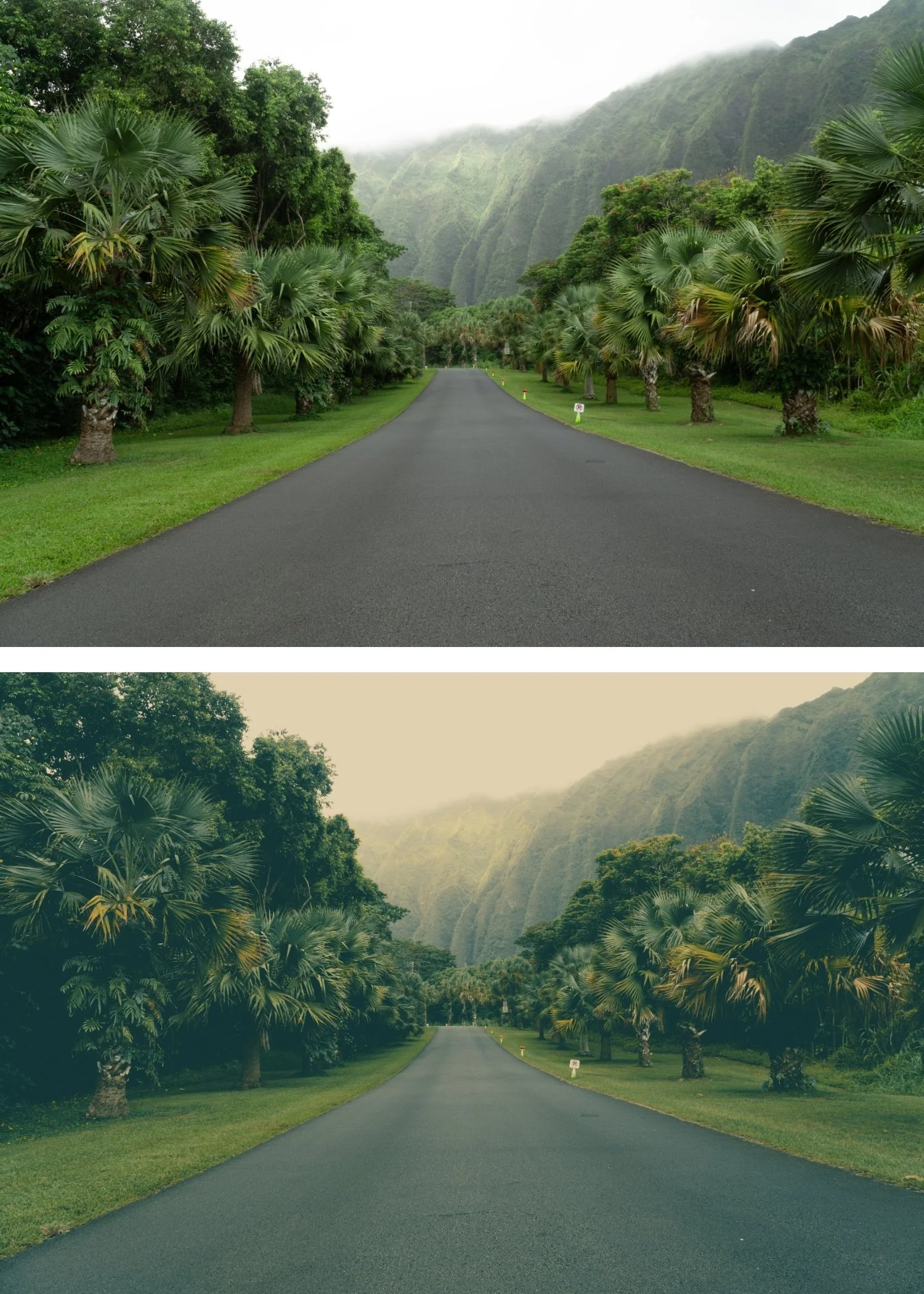
THE STUDIO ARCHIVE
Want everything? The Studio Archive contains 130+ presets — every collection we make, including the complete Polaroid Instant Archive — for $89 total. That is $0.68 per preset with every future release included for life.