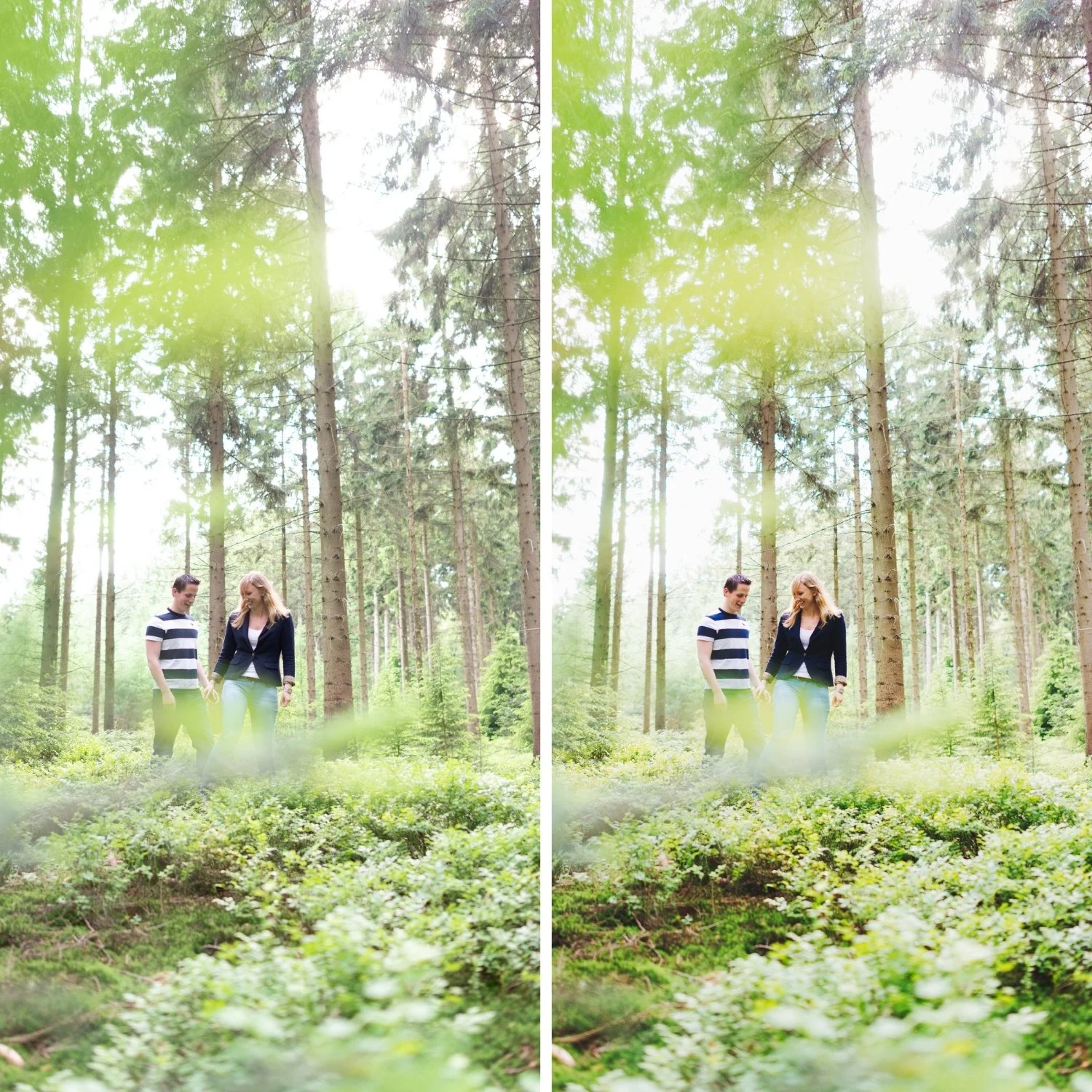
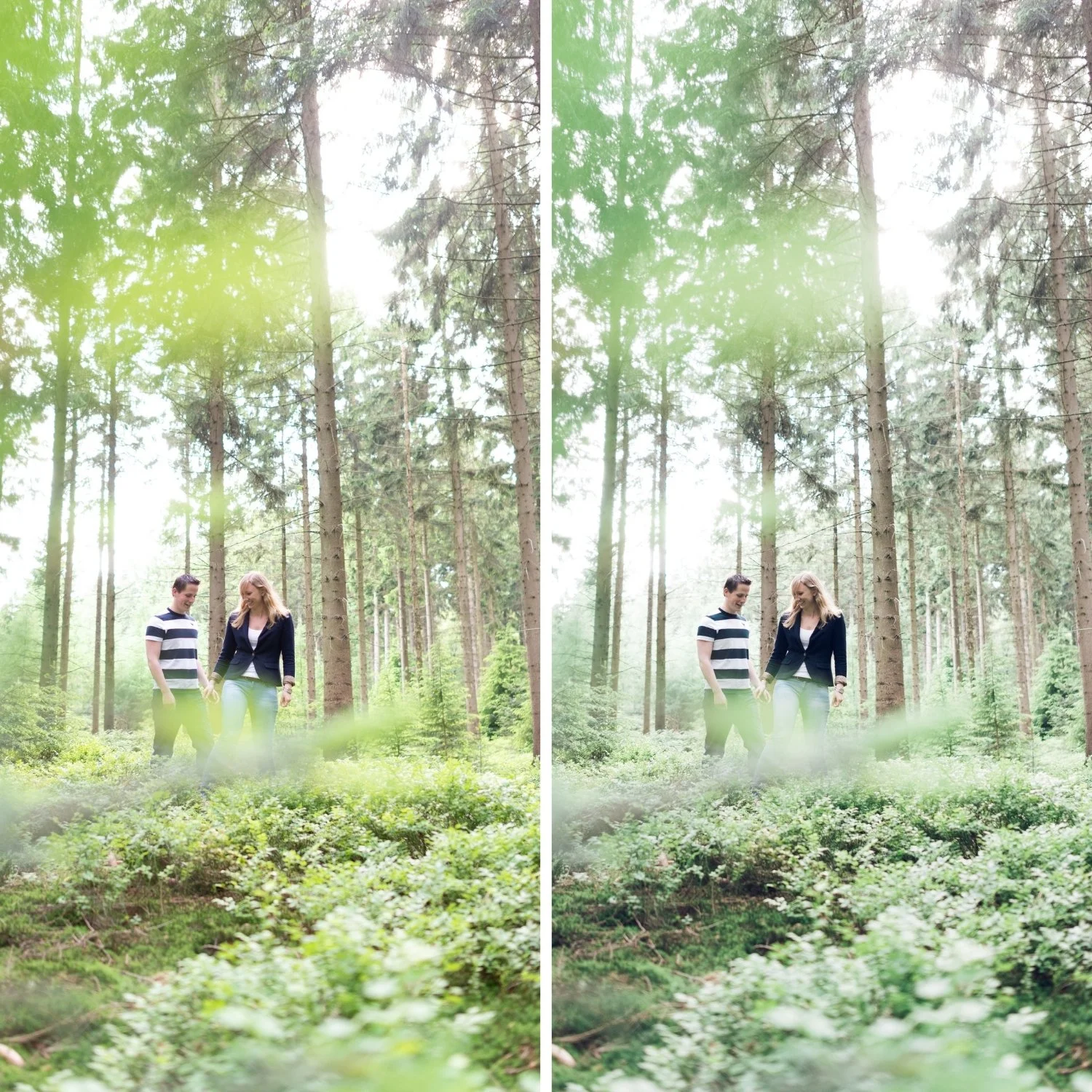
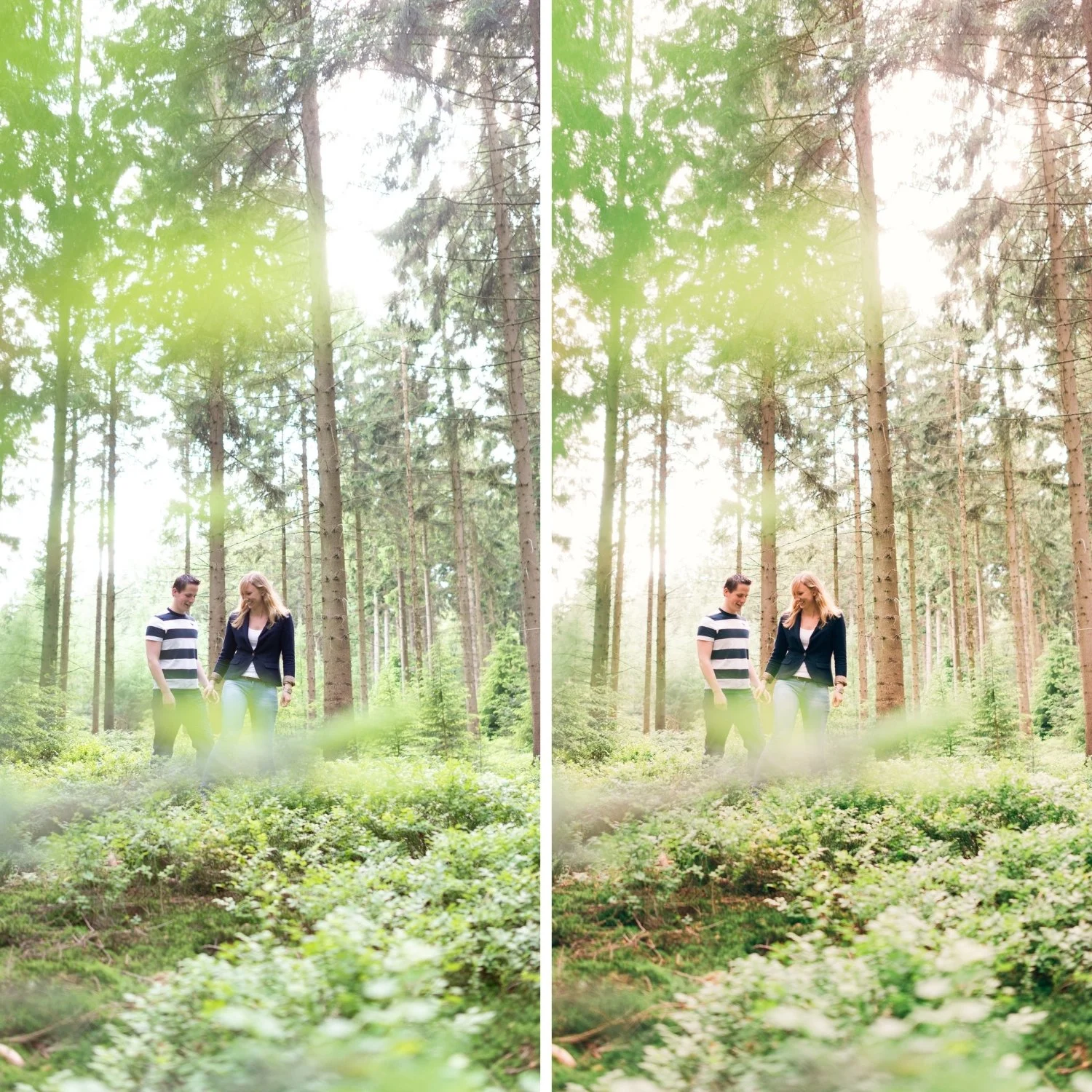
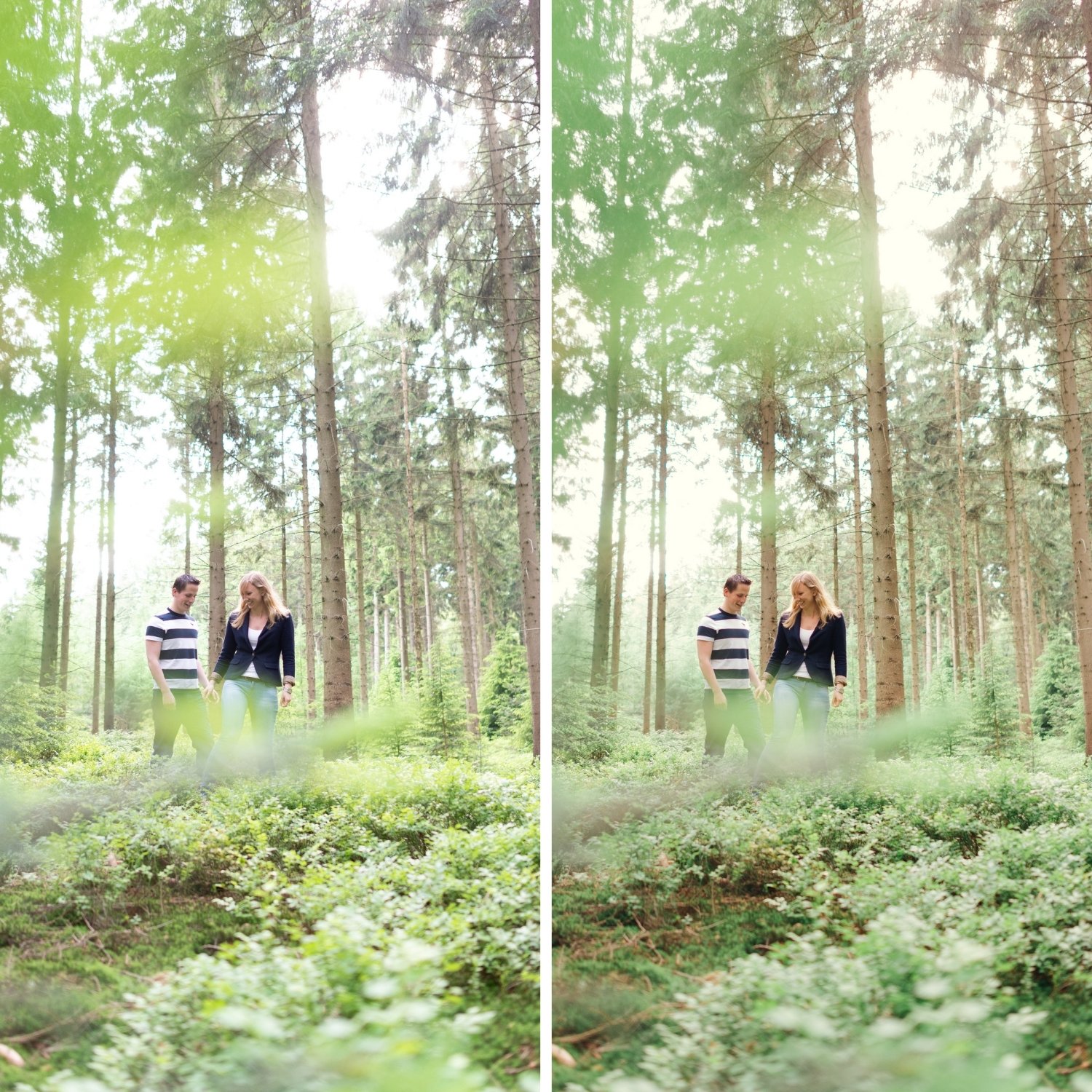
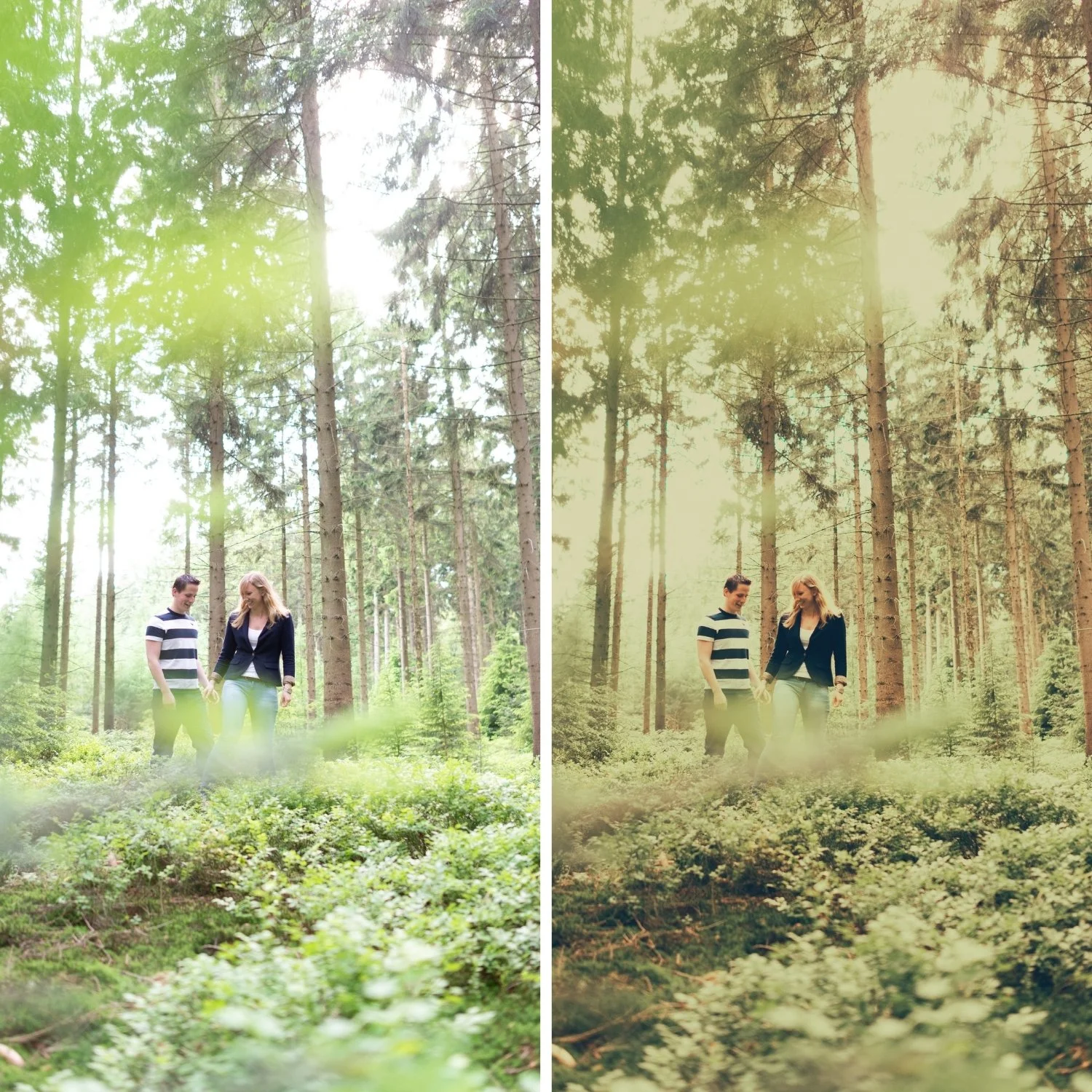
 Image 1 of 4
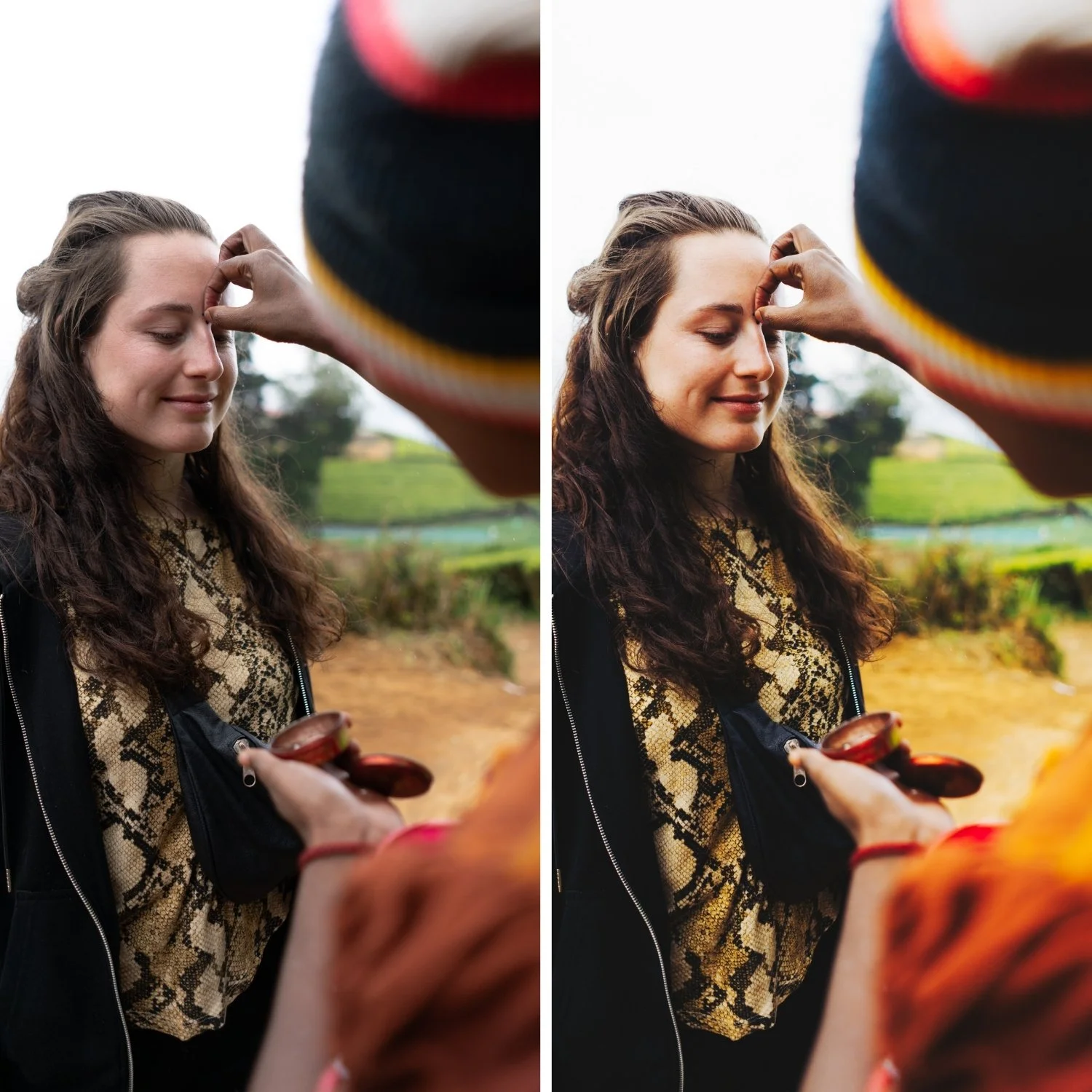
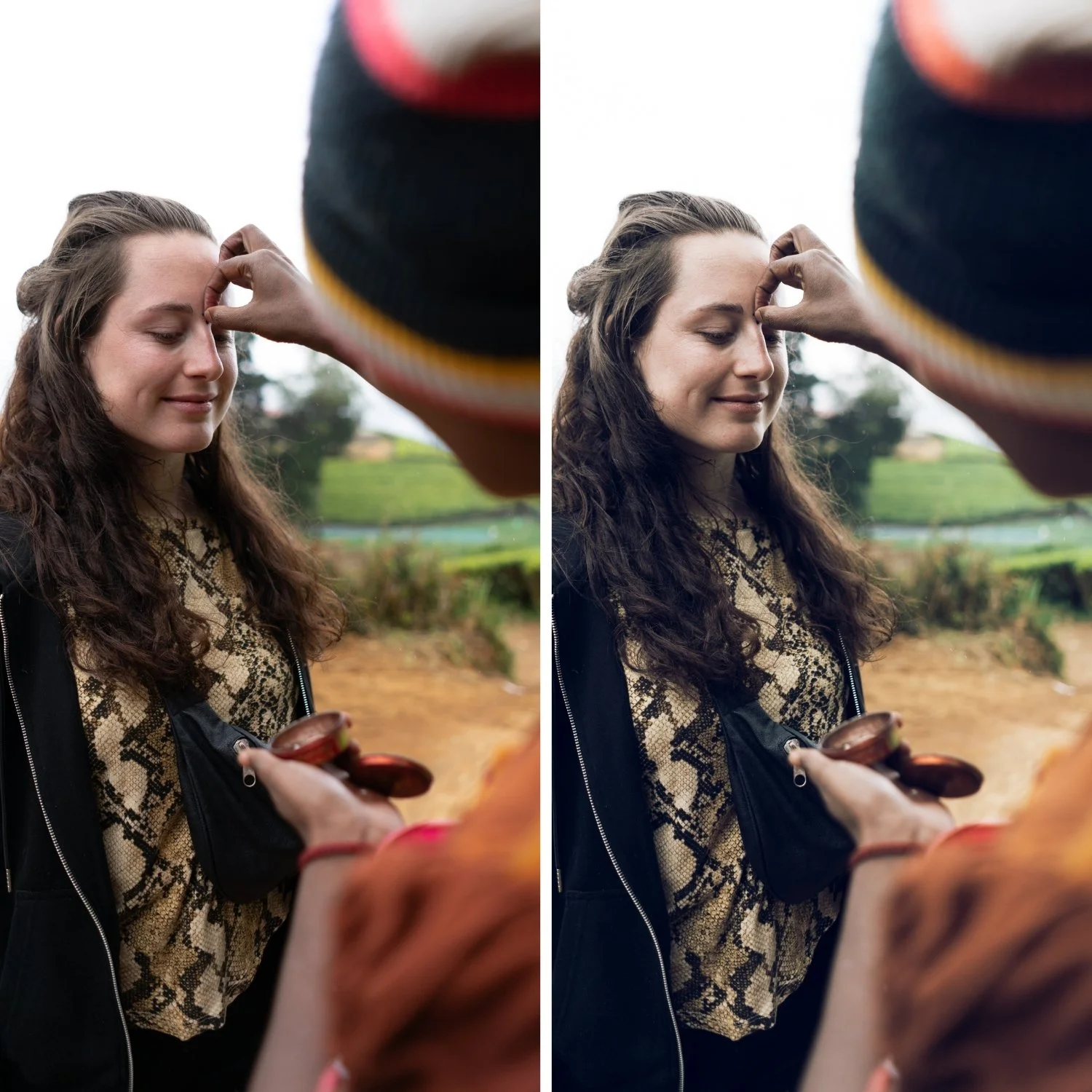
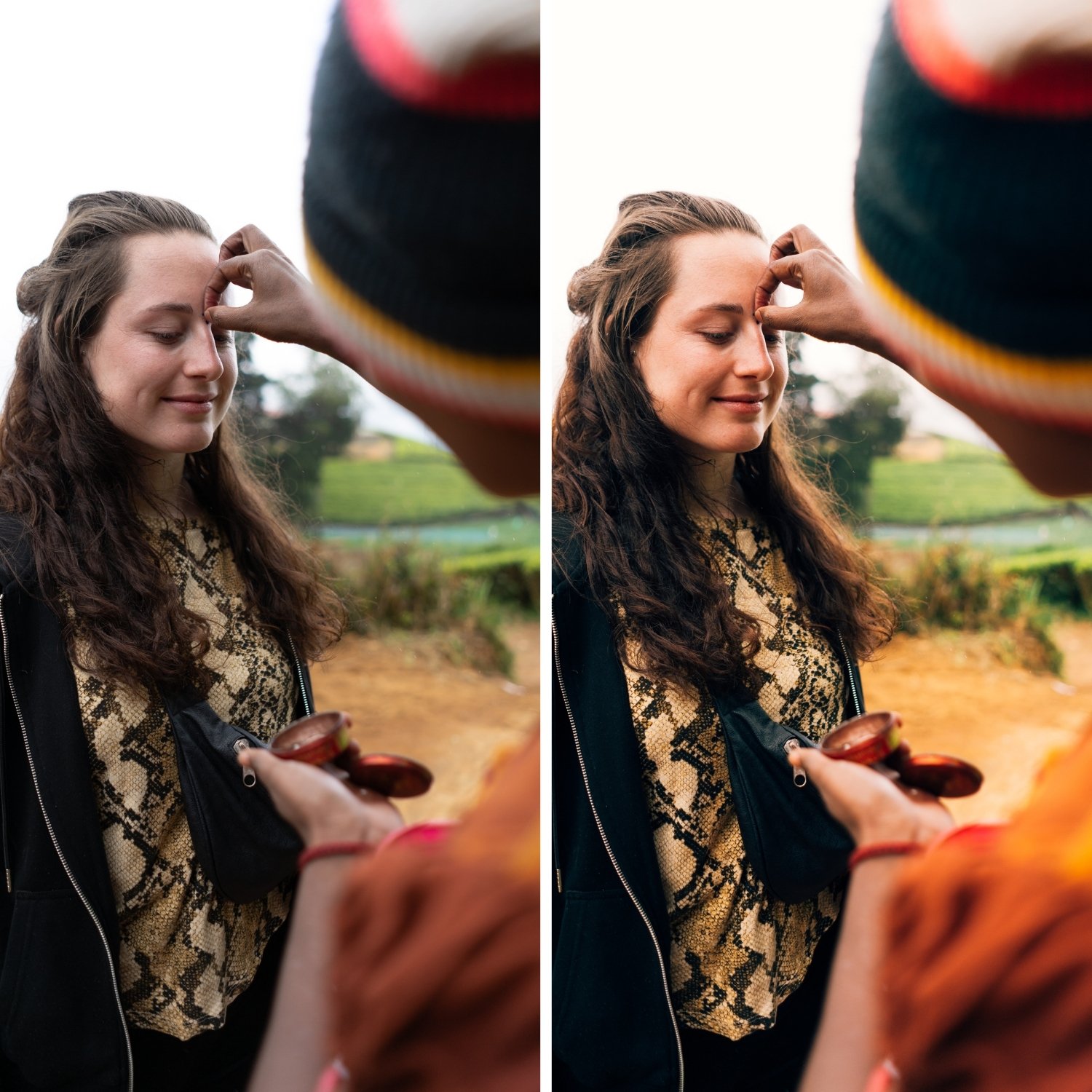
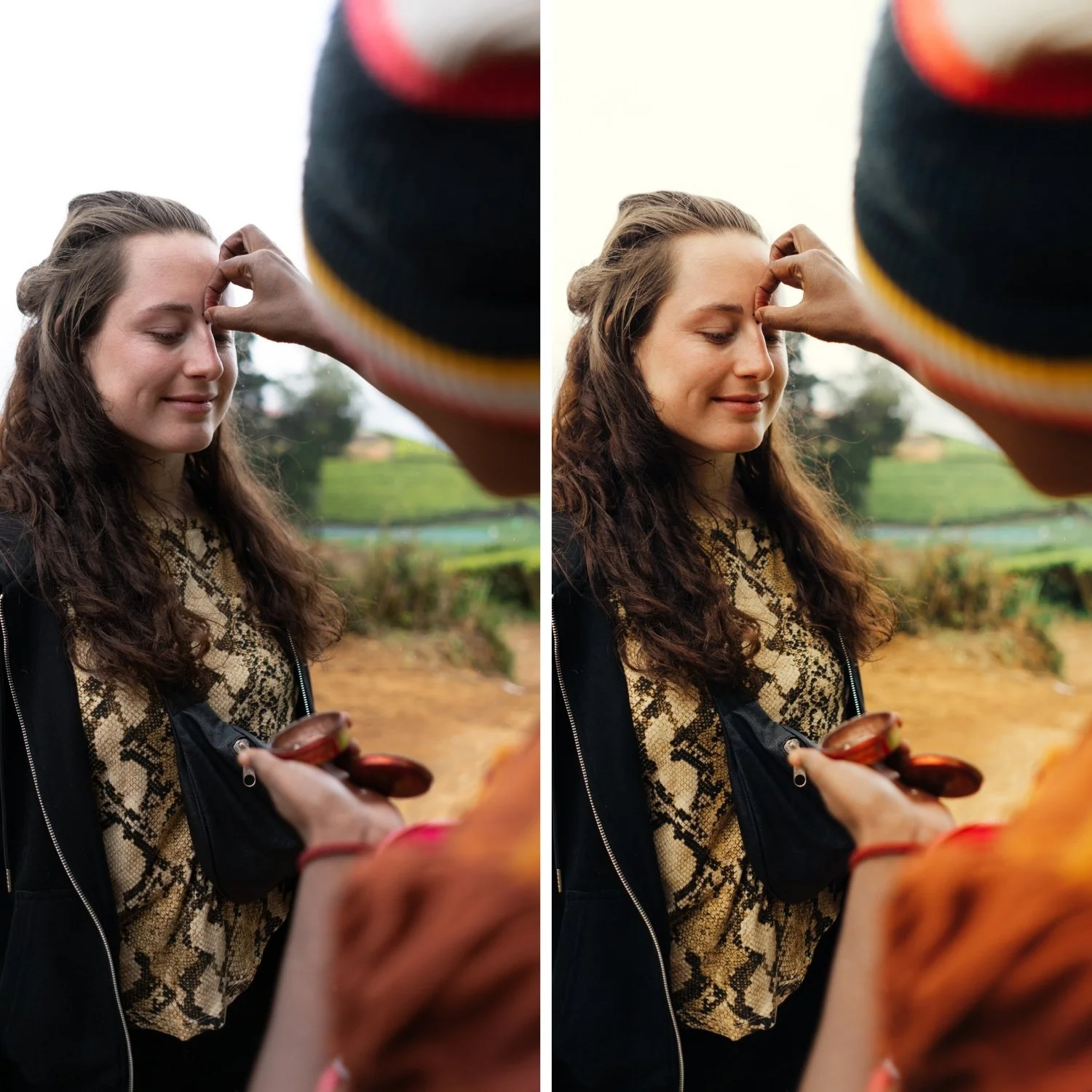
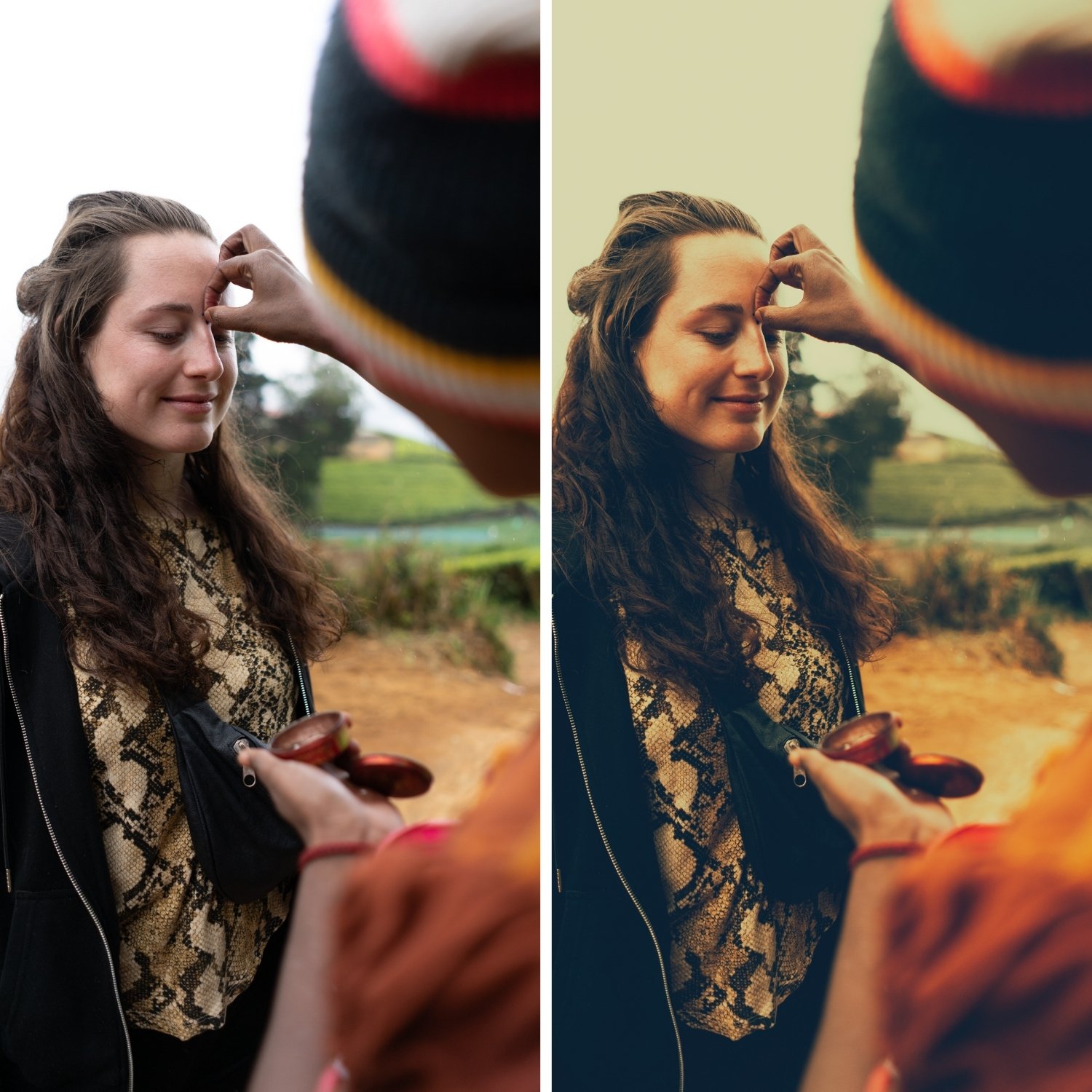 Image 2 of 4
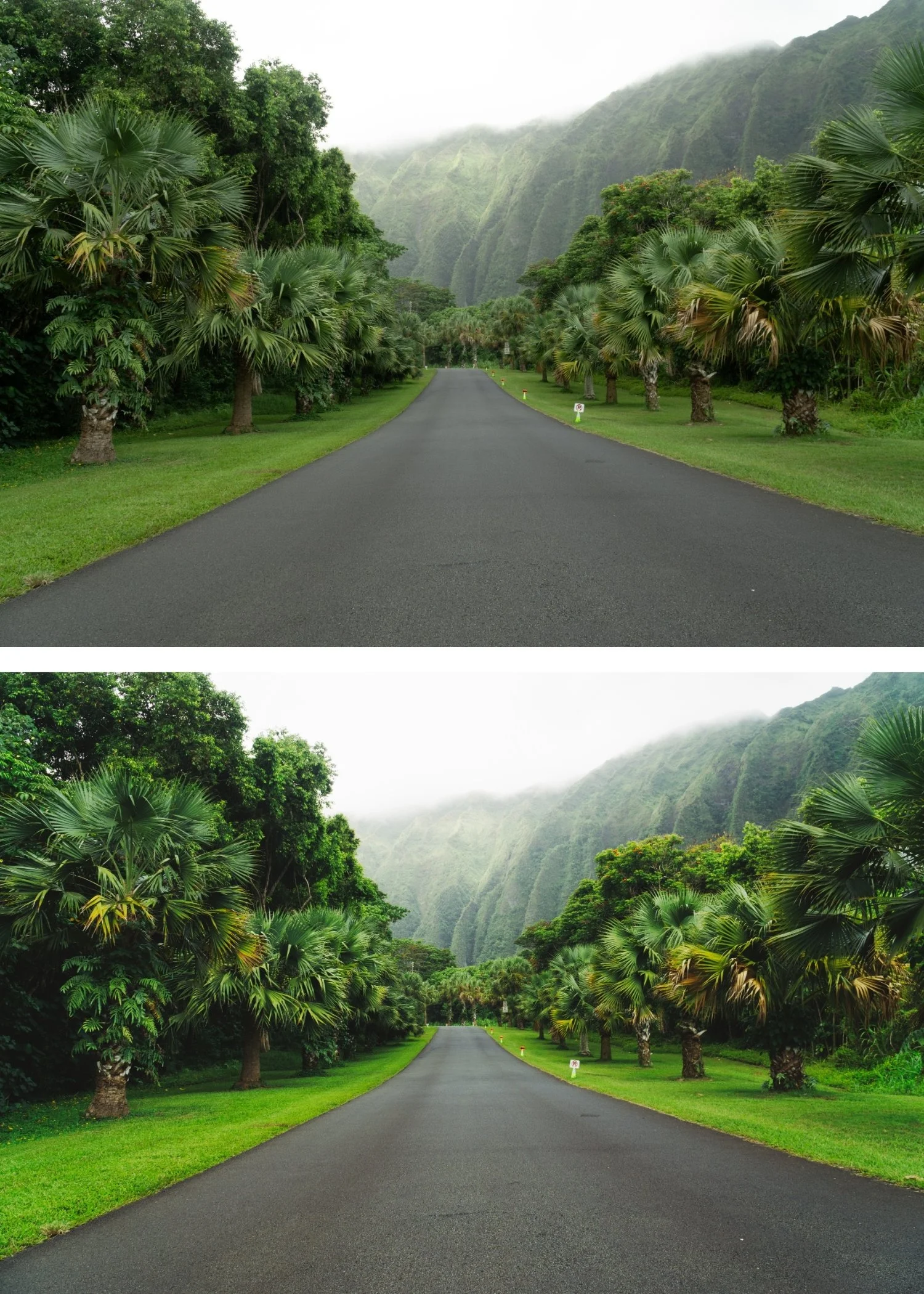
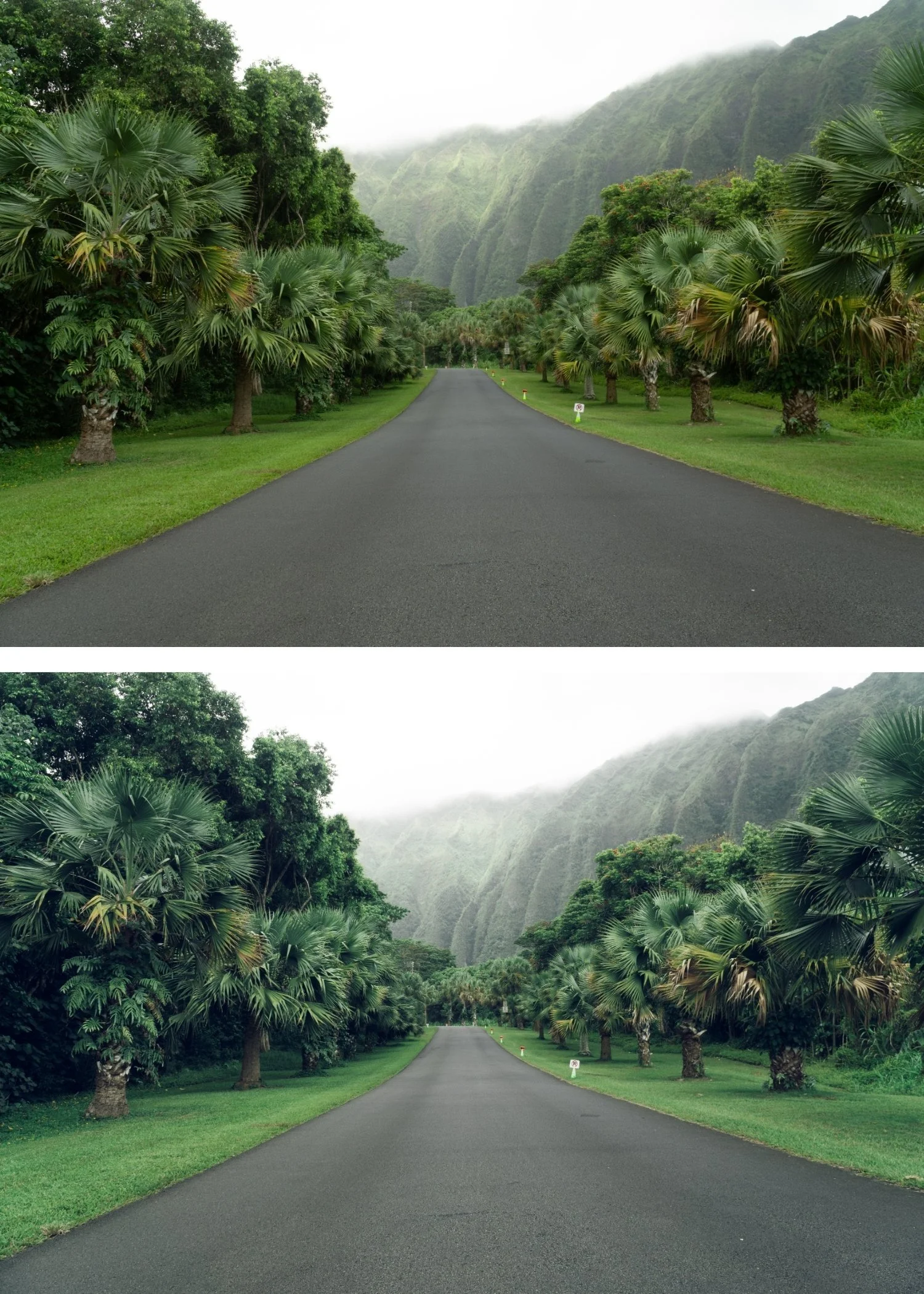
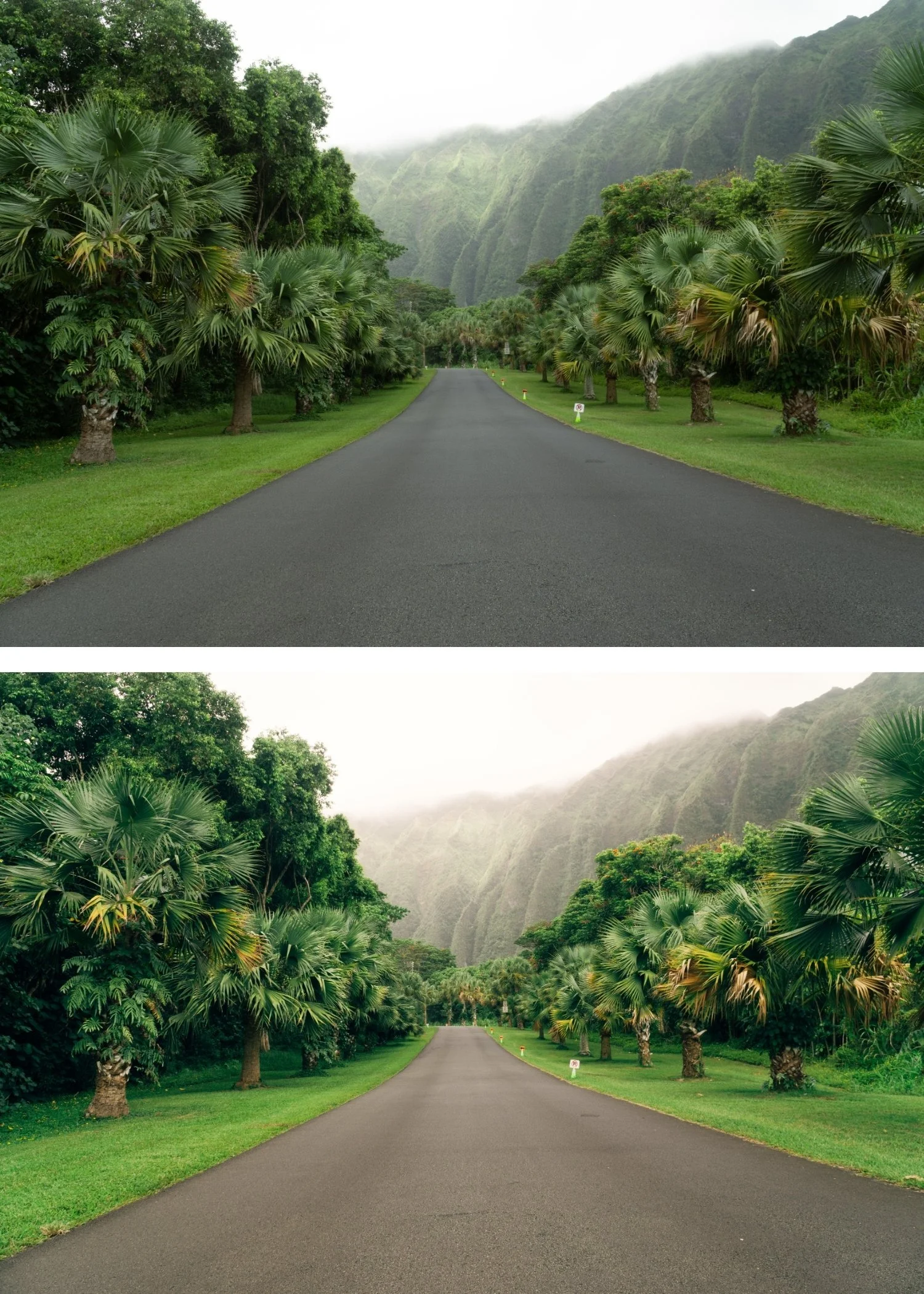
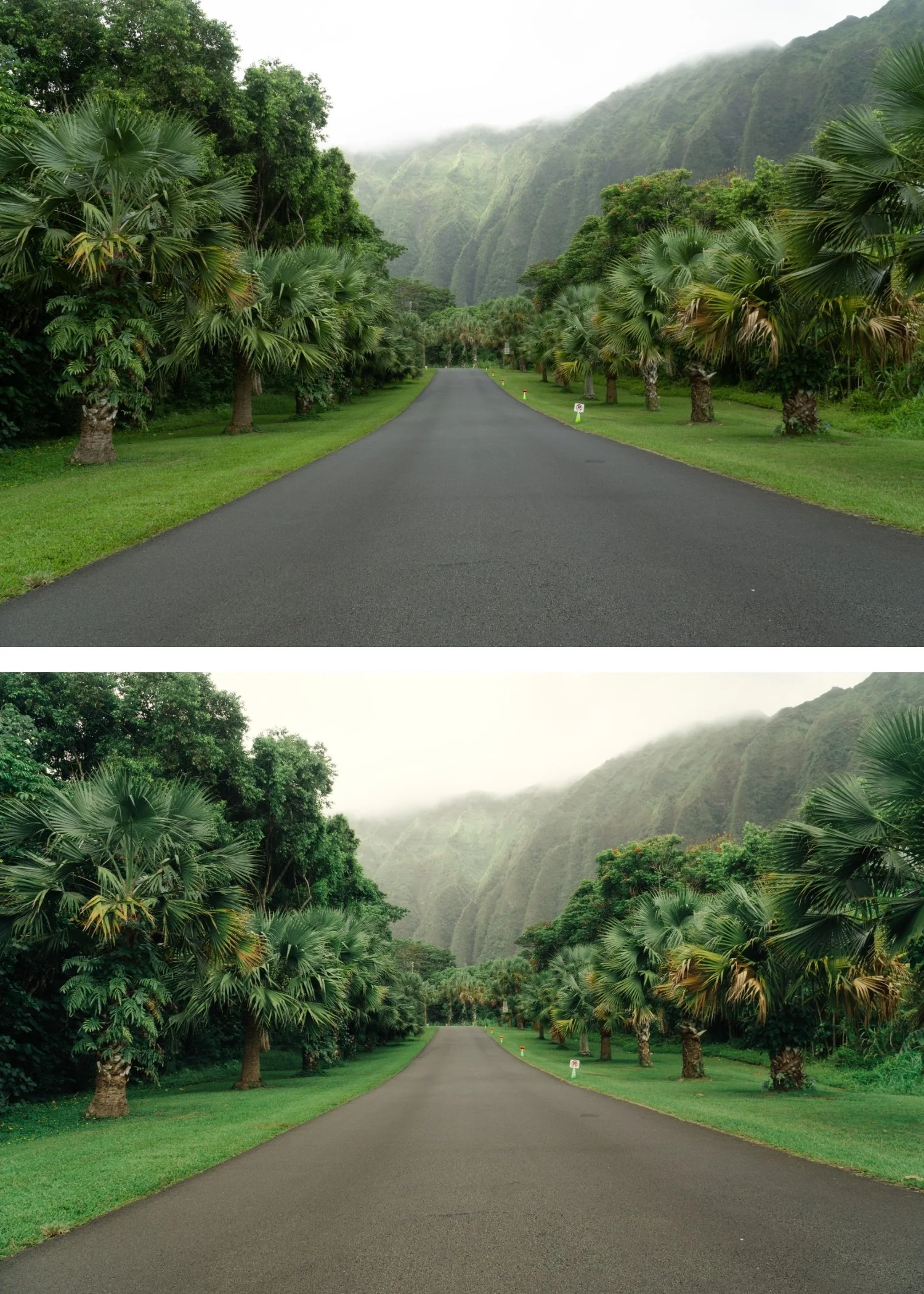
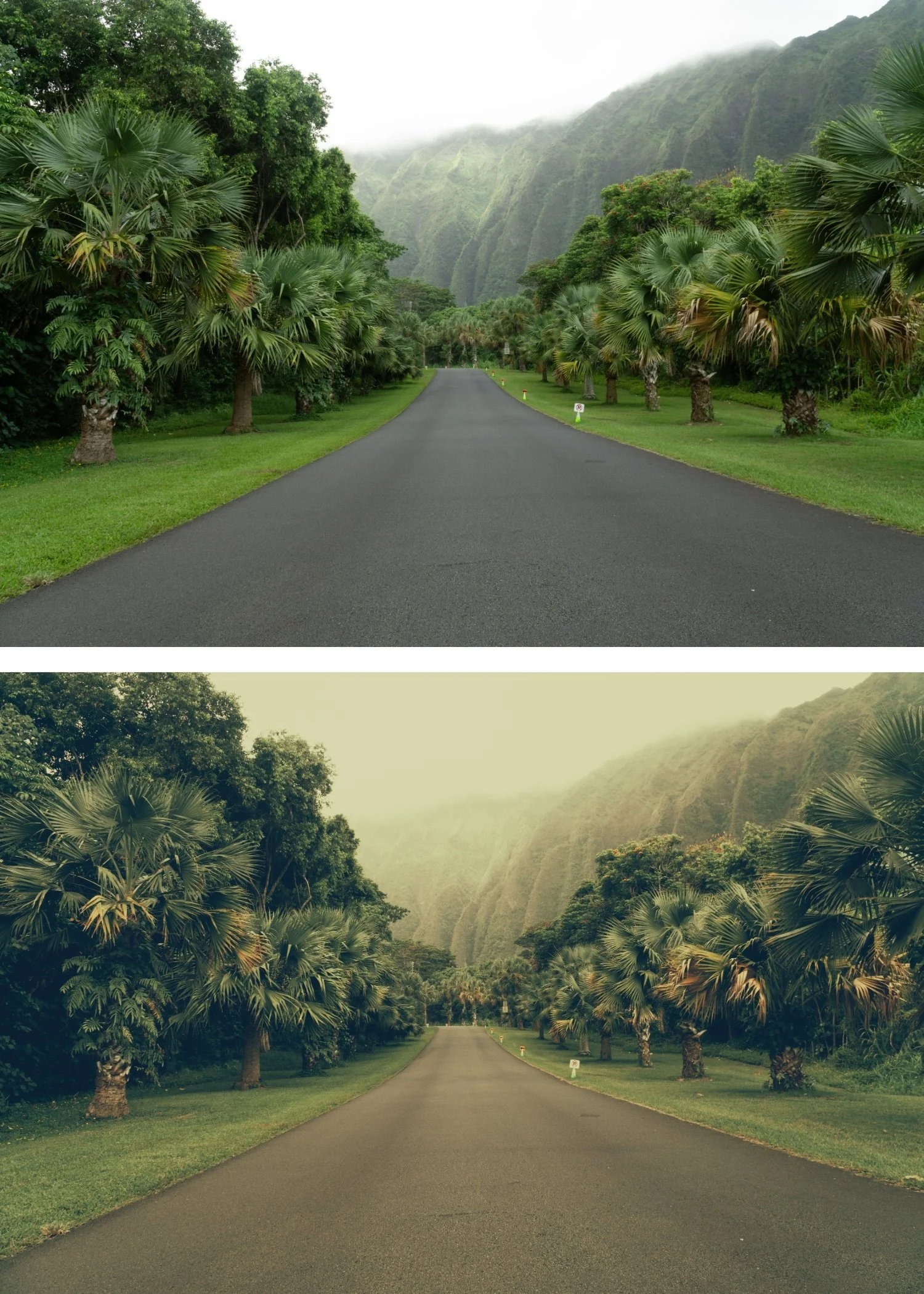 Image 3 of 4
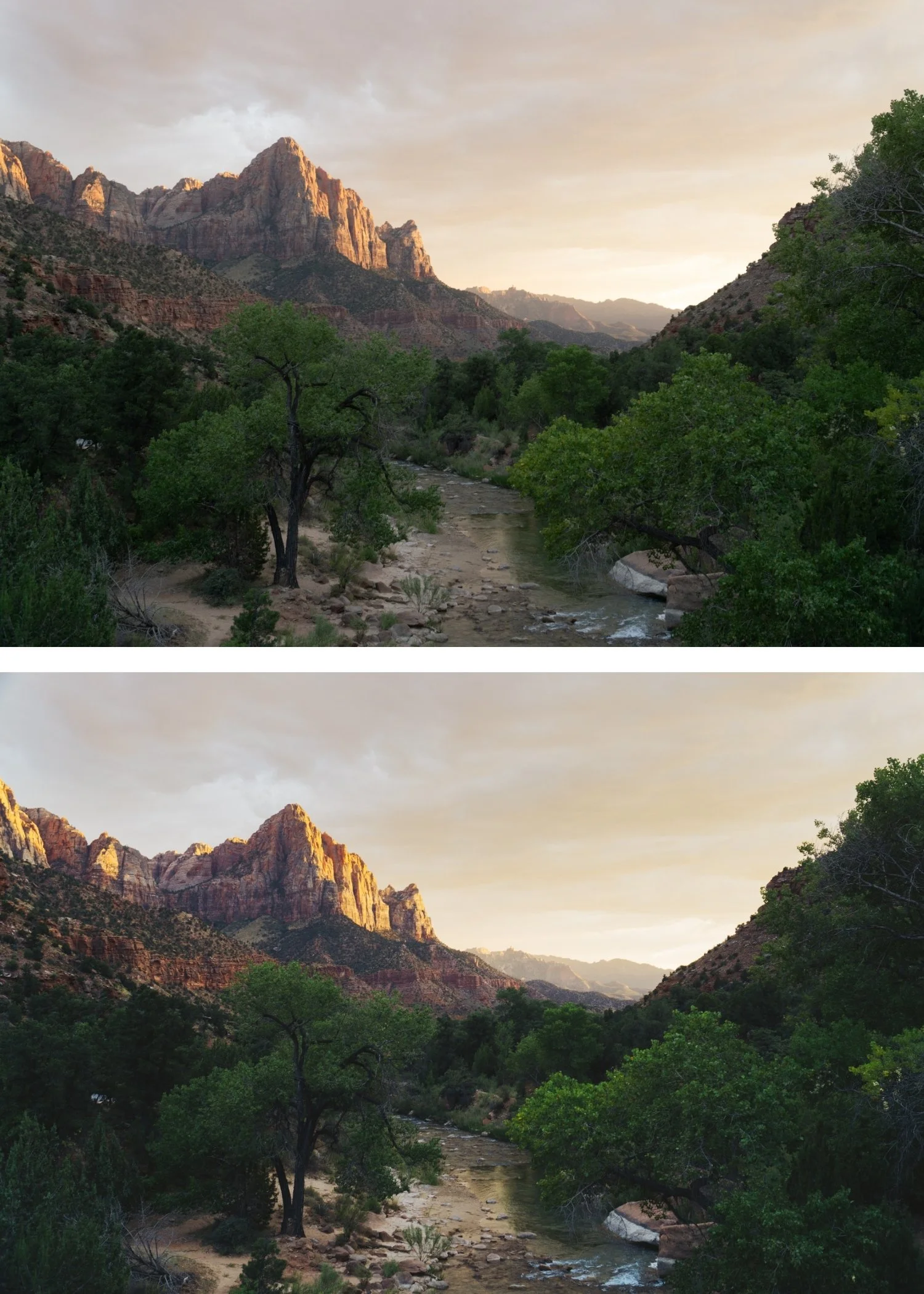
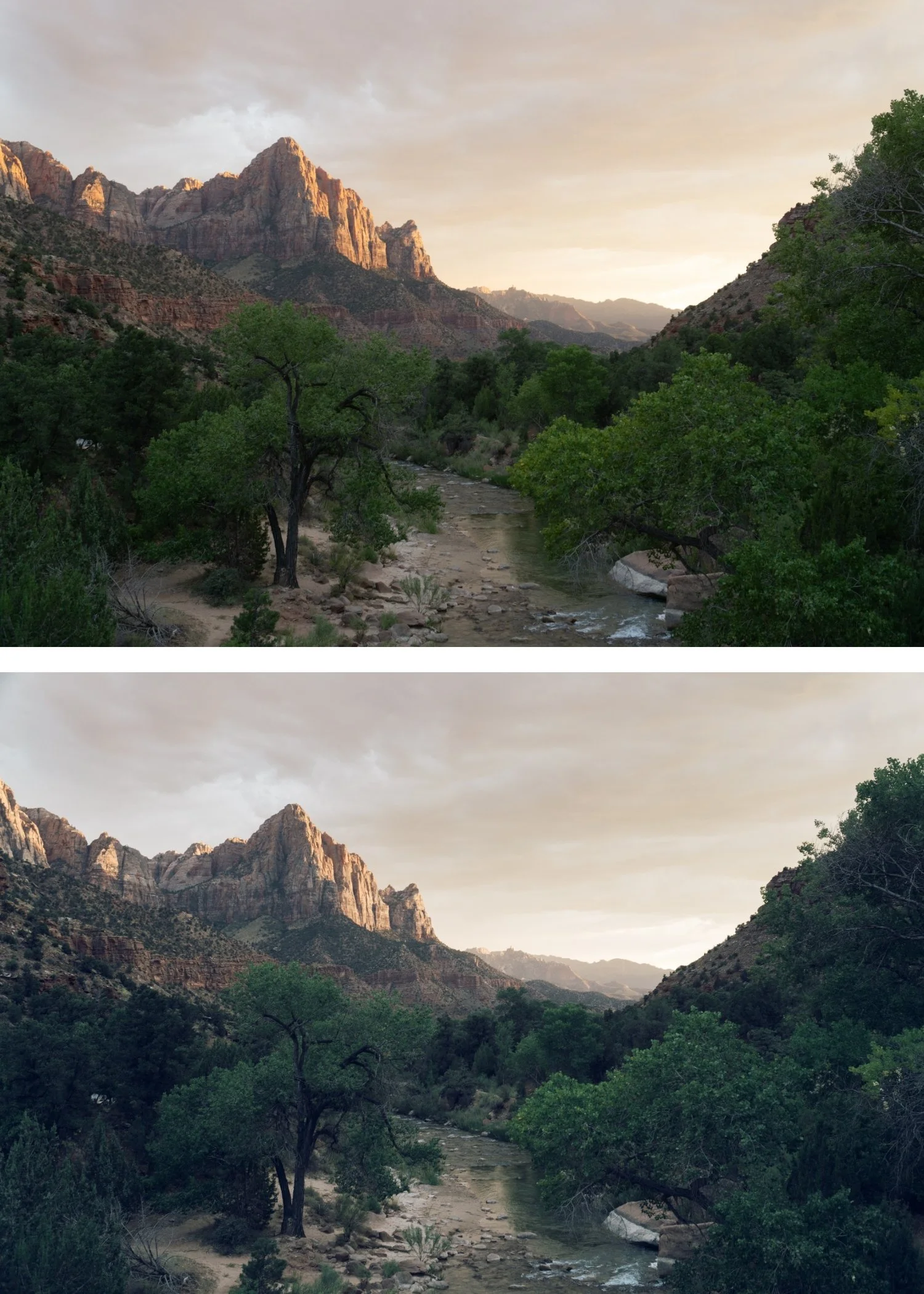
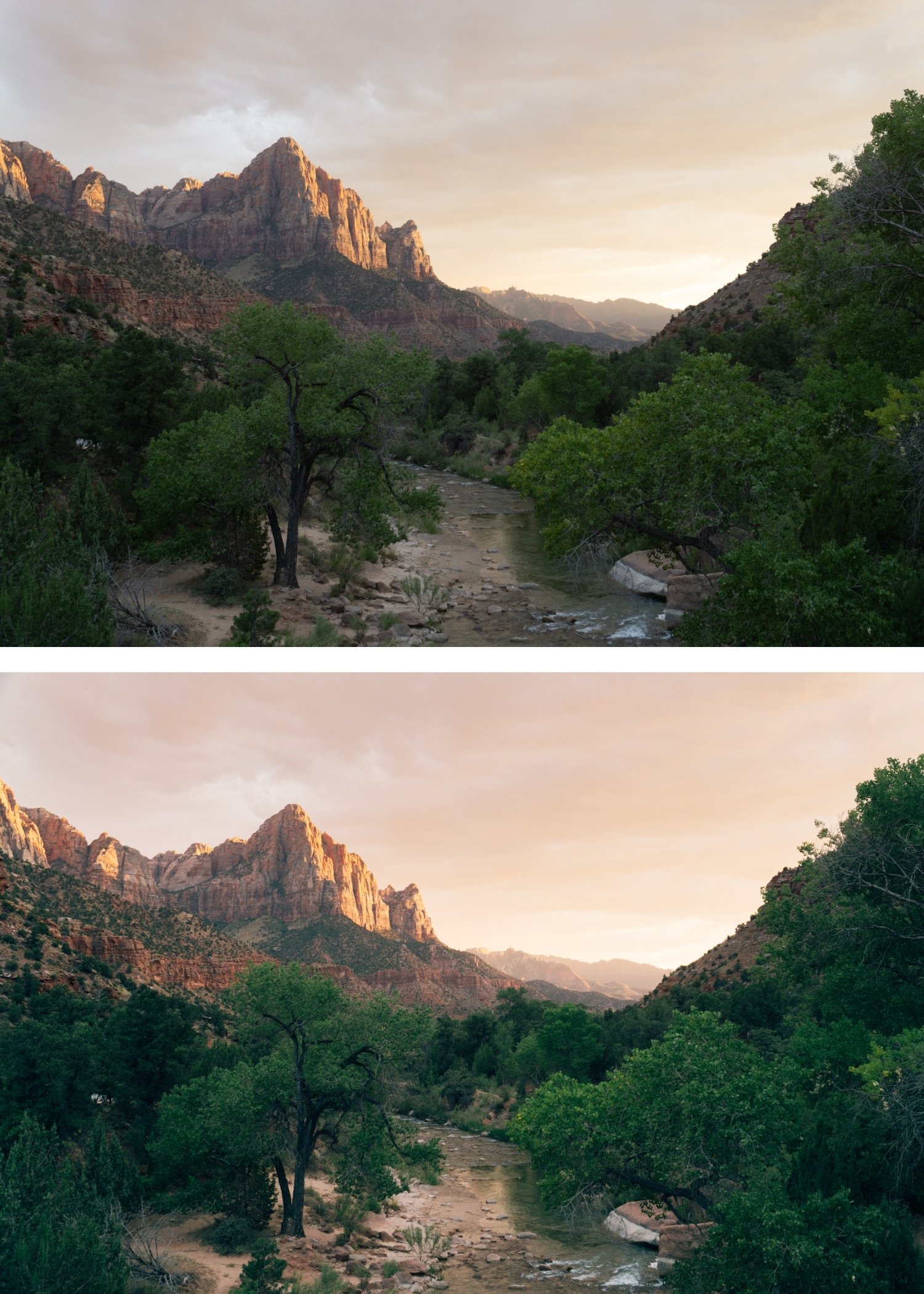
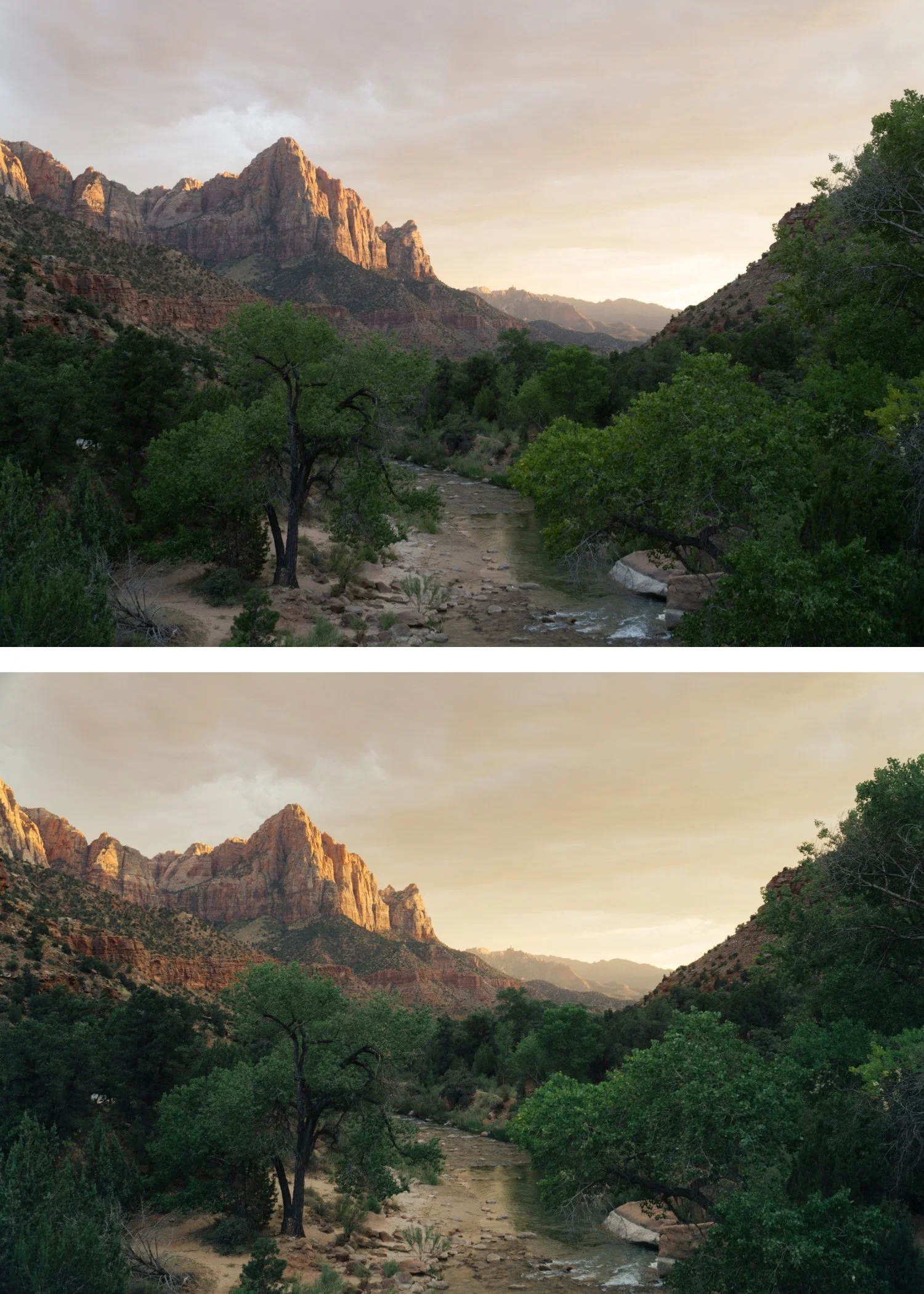
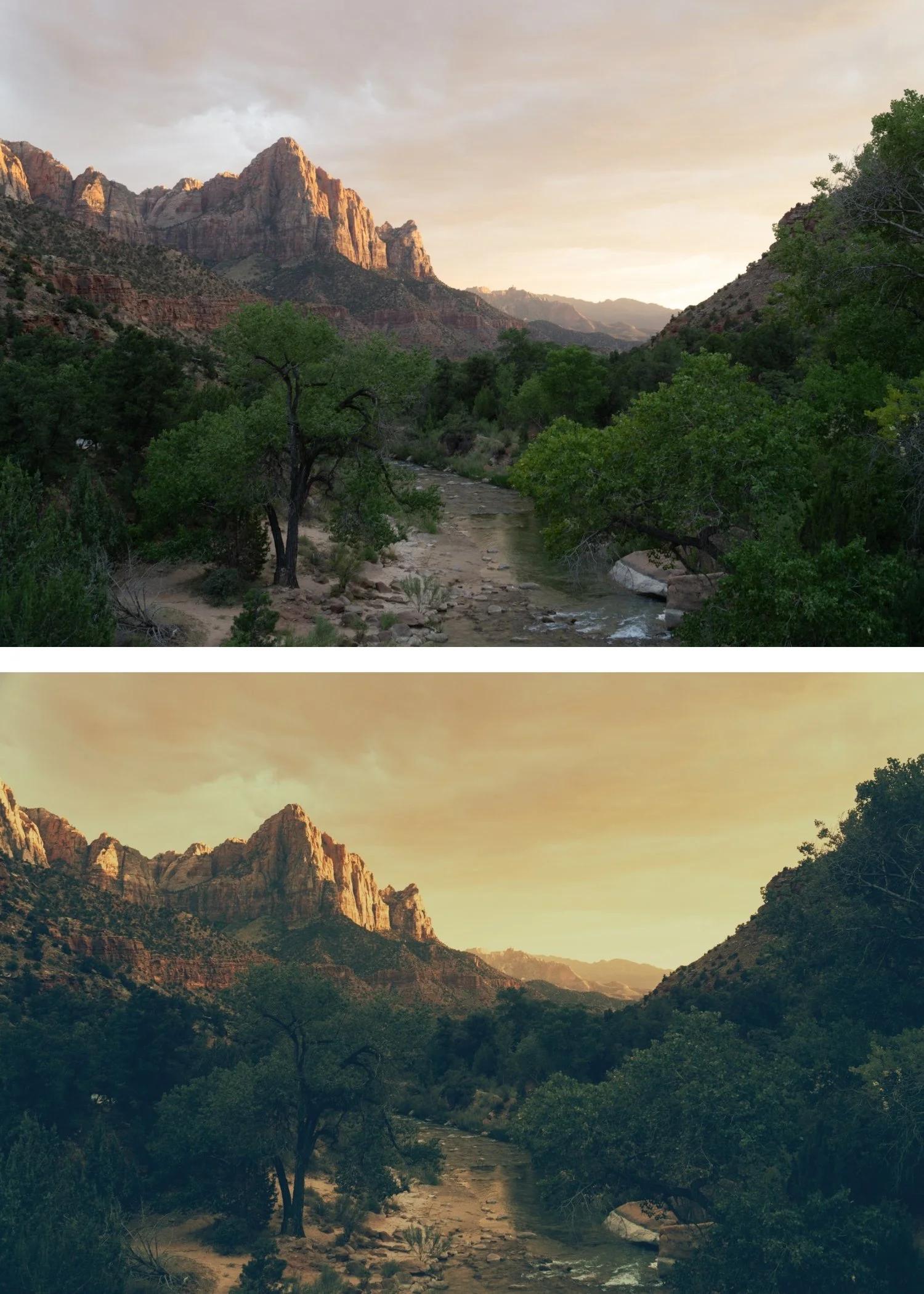 Image 4 of 4
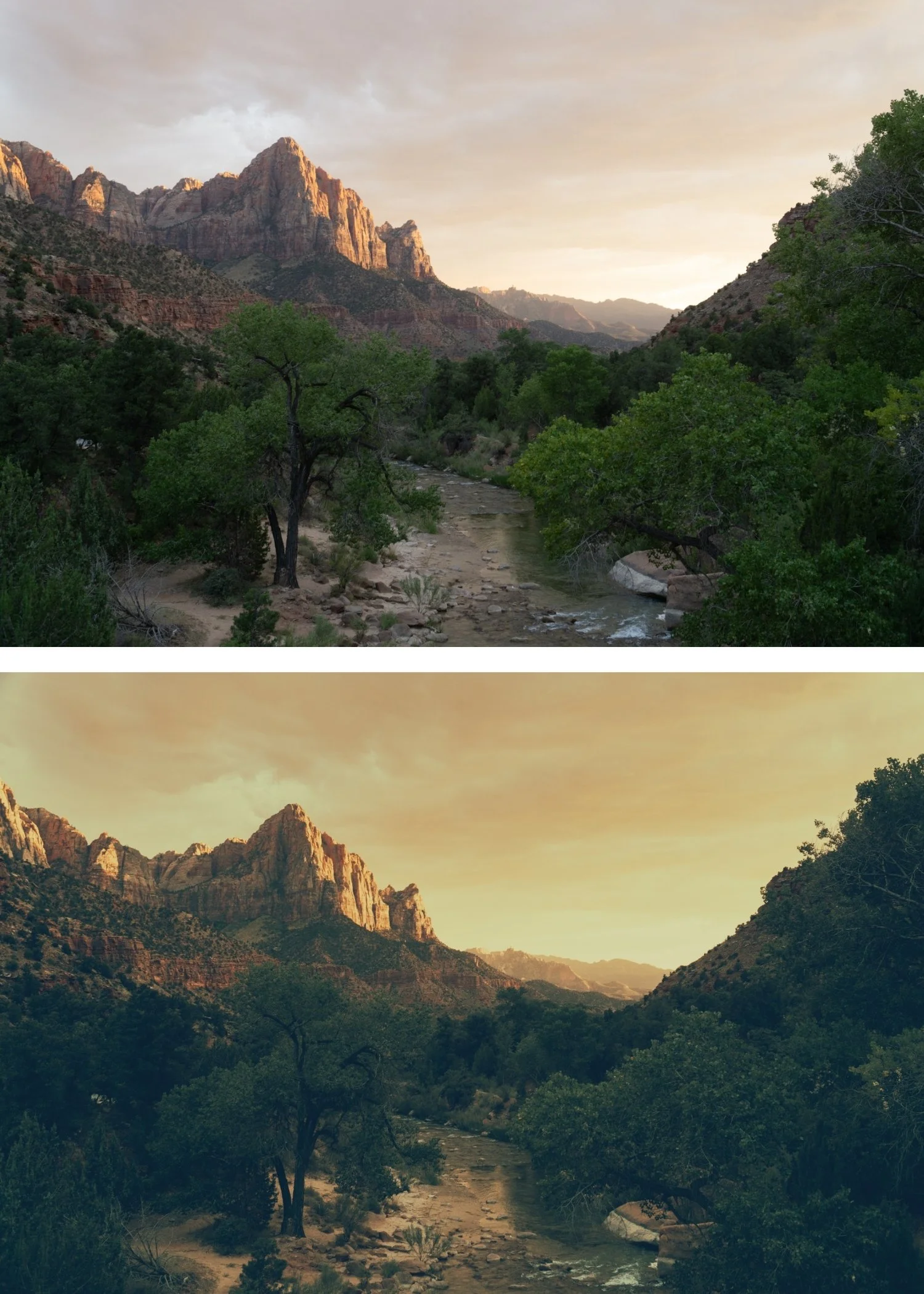
Polaroid 02 Classic Instant | Instant Film Preset for Lightroom Mobile & Desktop

-
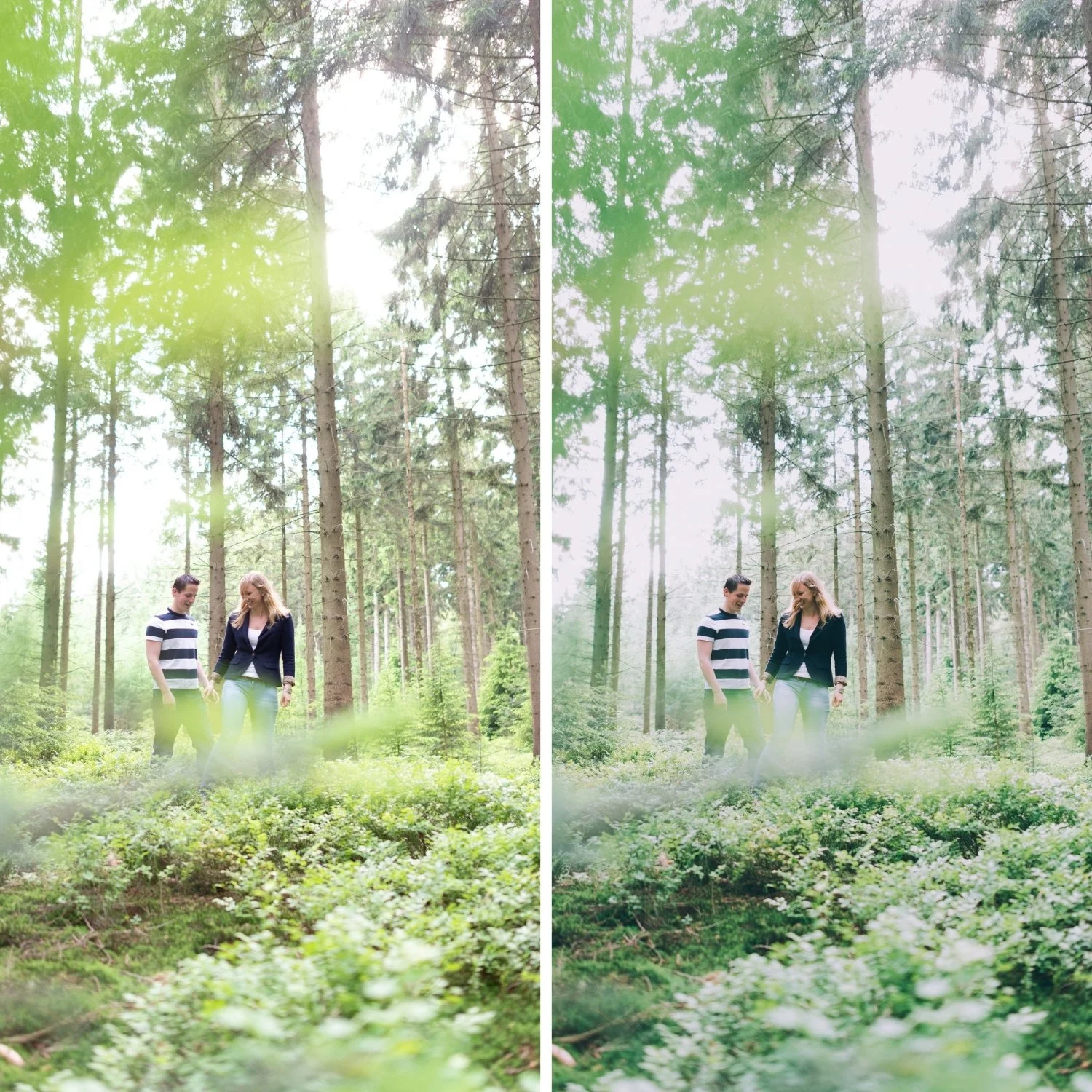
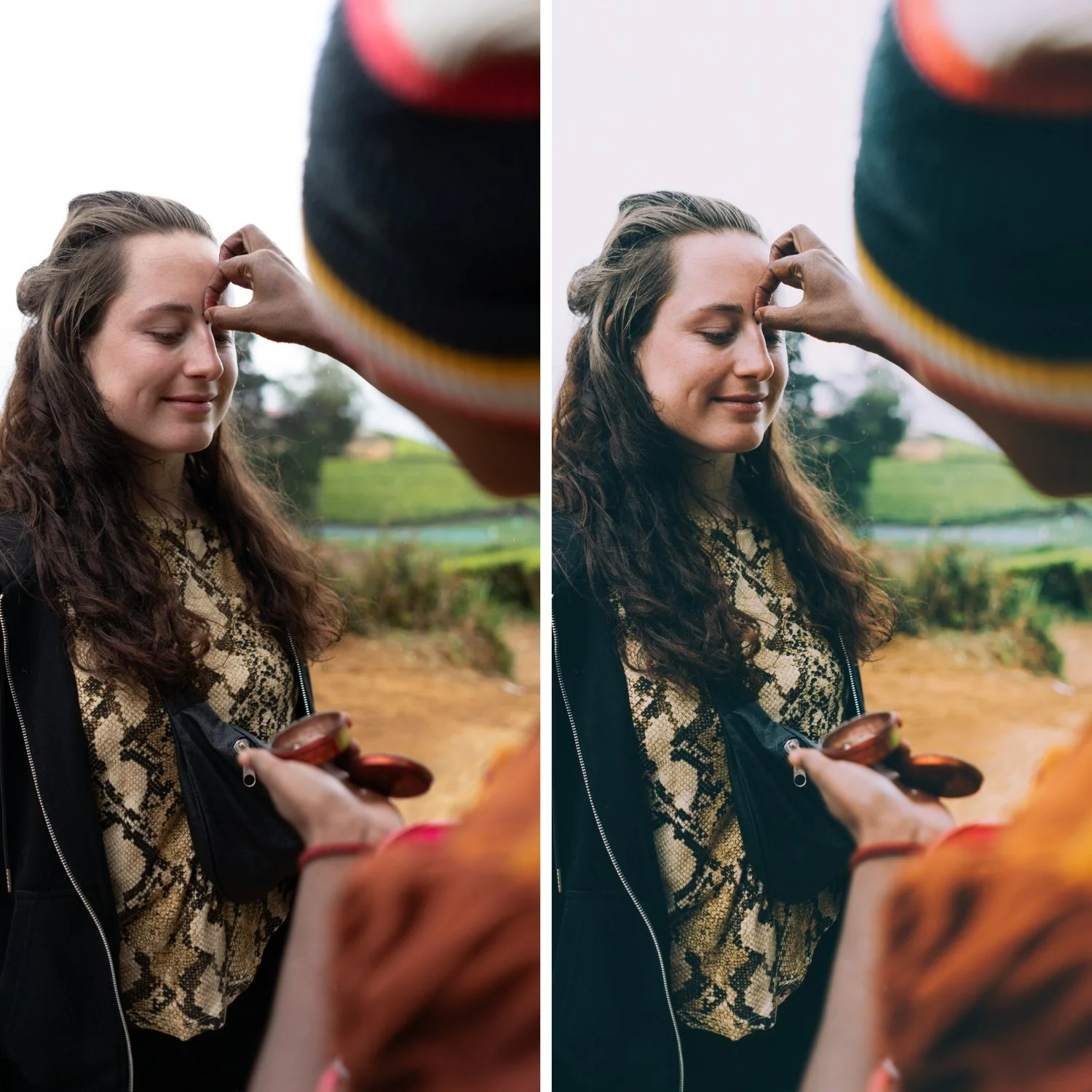
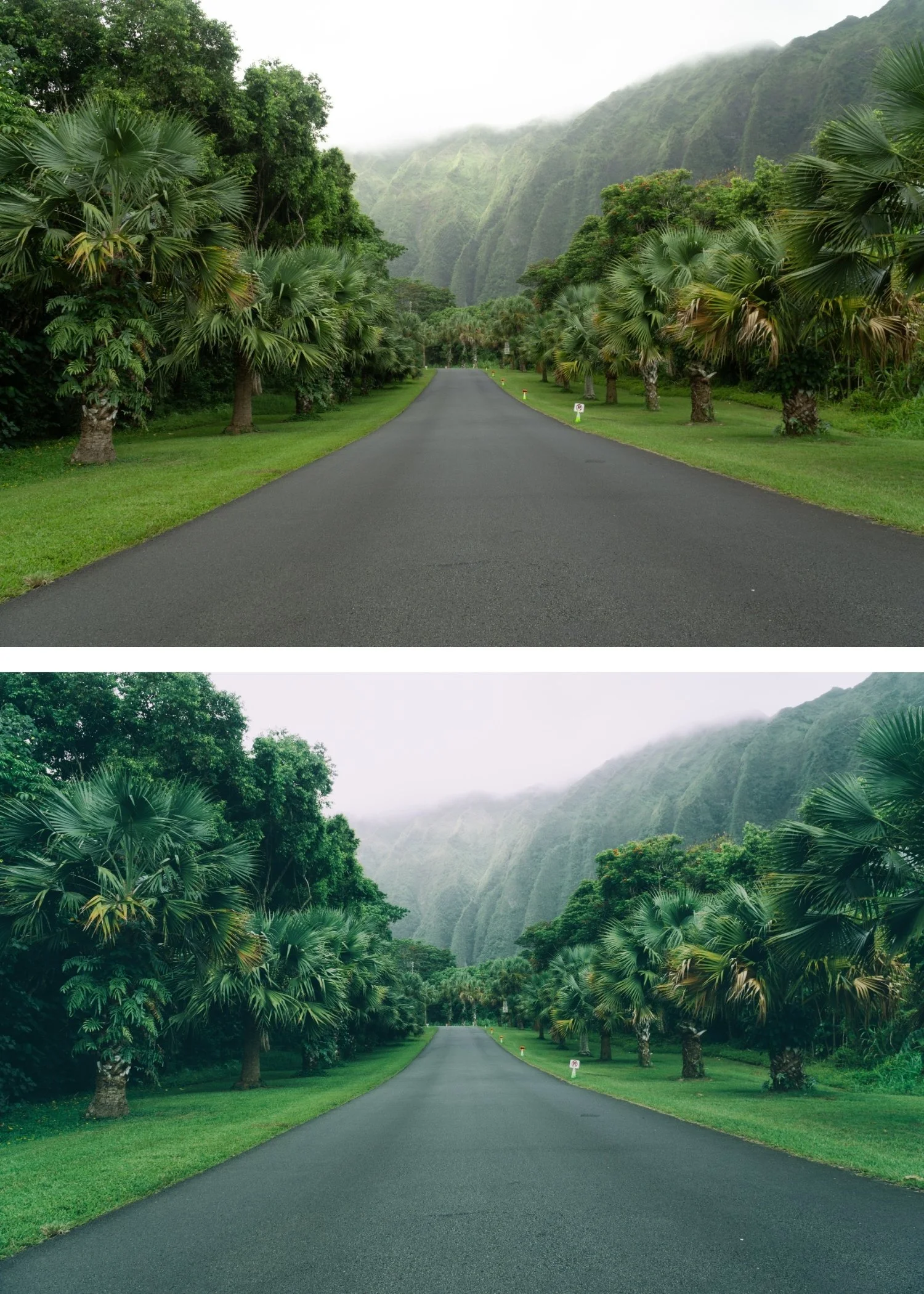
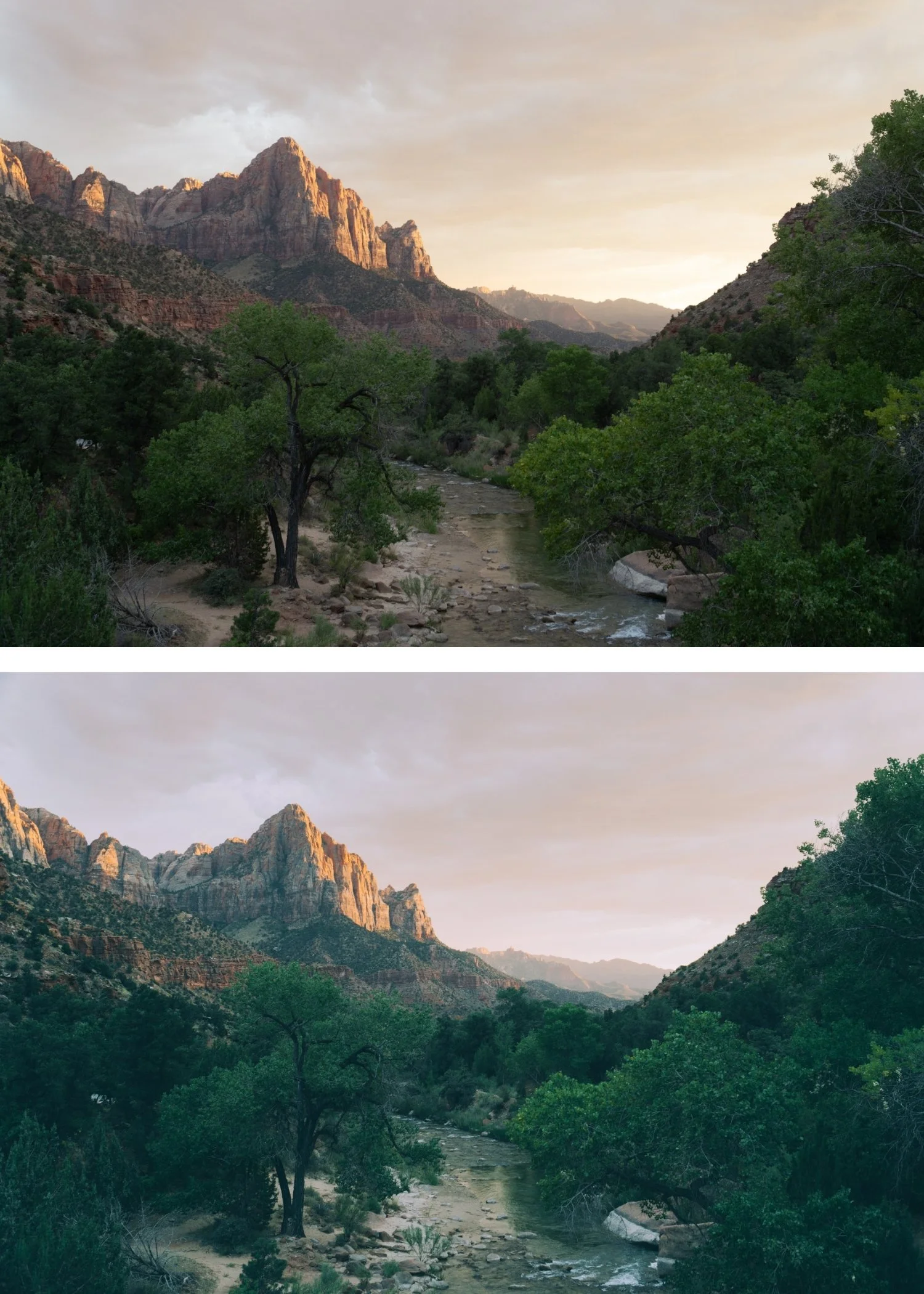
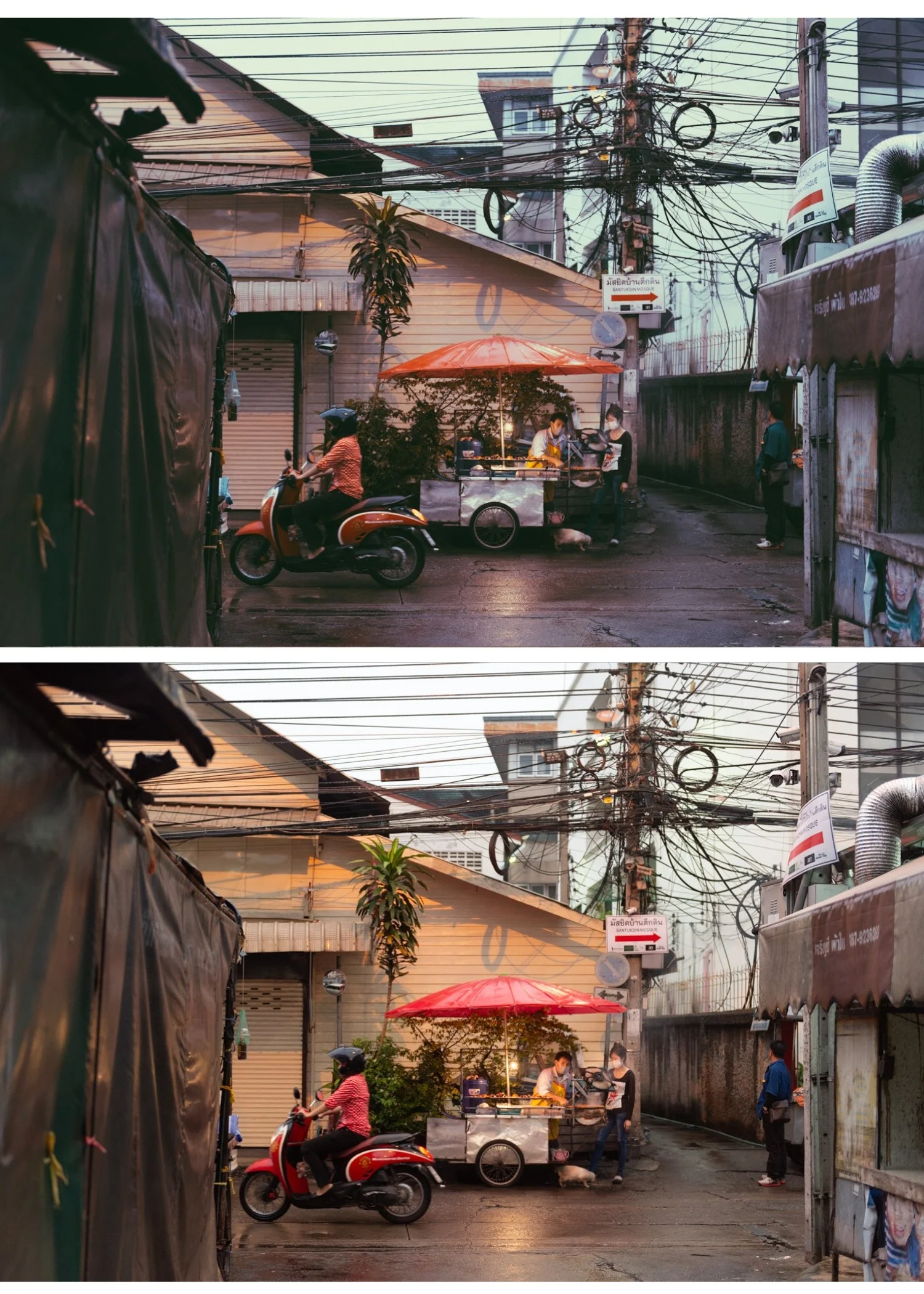
P2 is for photographers who want the authentic Polaroid look applied at a balanced level — recognisable instant film quality that works across portrait, lifestyle, and candid photography without being too subtle or too heavy.
For photographers who want the Polaroid Instant Archive's signature character in its most direct expression — the preset that most directly answers the question of what Polaroid film photography looked like.
-
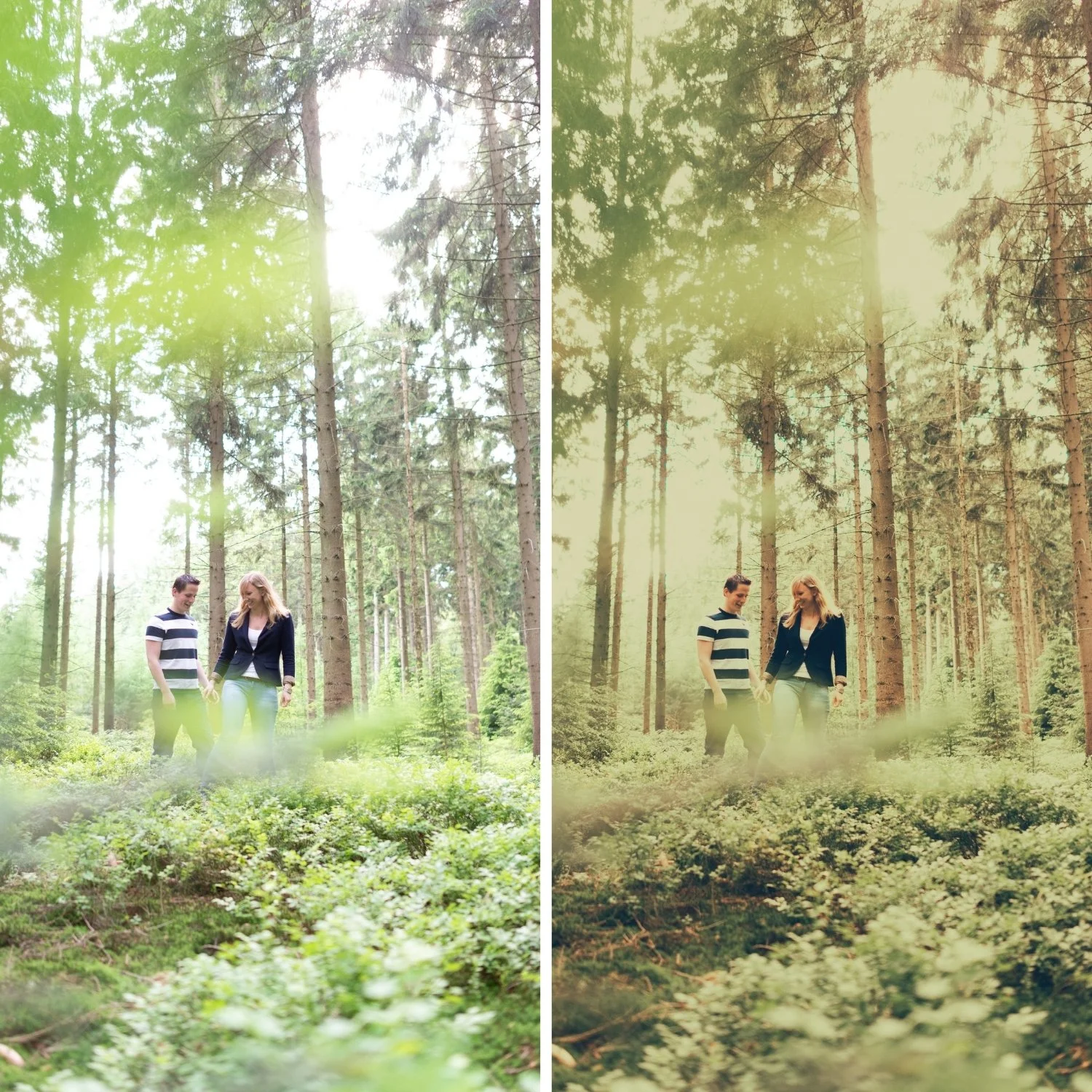
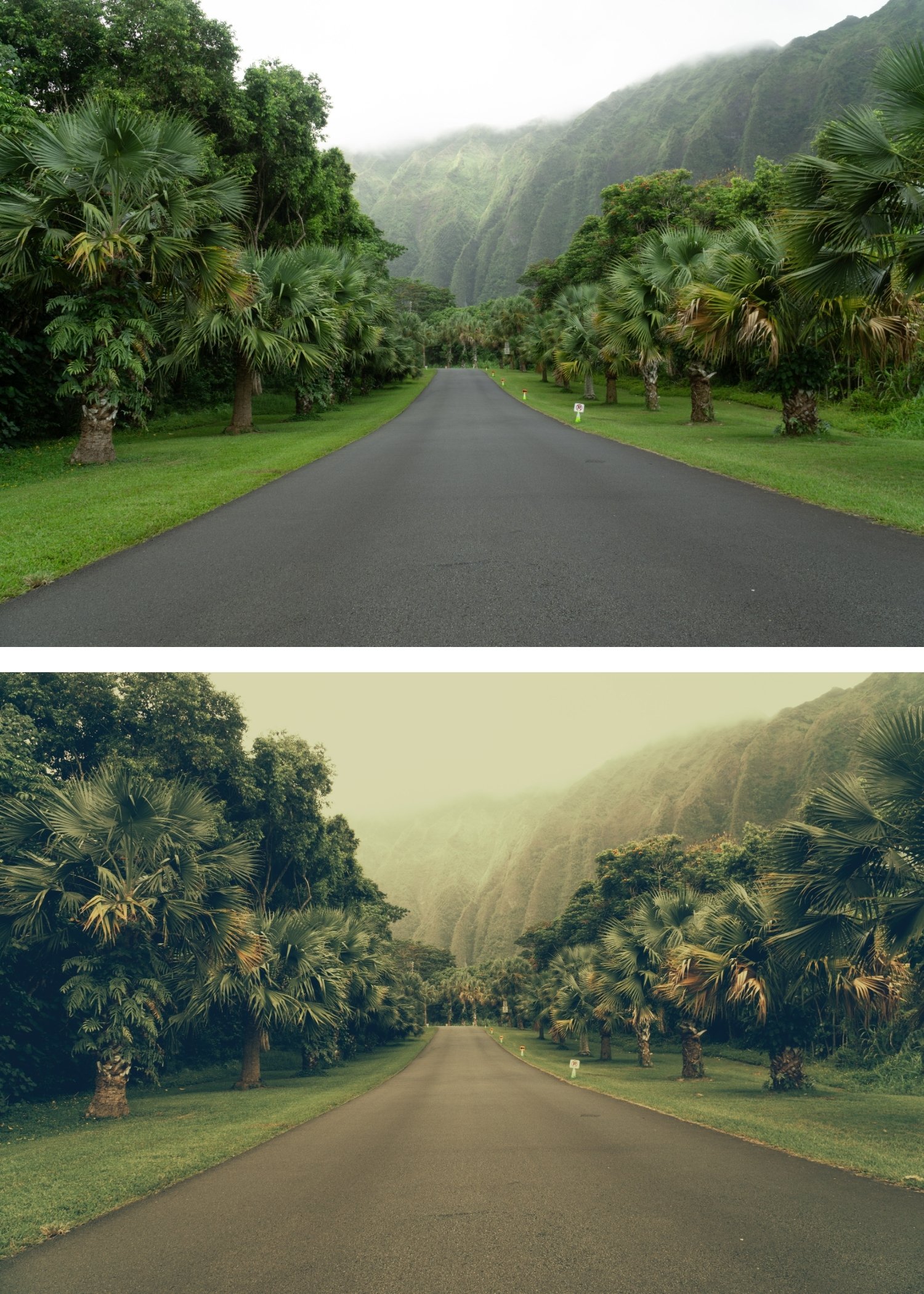
It is the most faithful Polaroid recreation. P2's warm yellow cast, lifted blacks, and soft contrast together reference the specific quality of classic Polaroid 600 film better than any other preset in the collection.
The character is balanced. Not too subtle, not too heavy — P2 sits at the precise point where the instant film quality is most present and most flattering for the widest range of subjects.
It works across the full range of instant film subjects. Portraits, lifestyle, food, candid, travel — the subjects that worked well on actual Polaroid film work well with P2.
-
1 × P2 Classic Instant DNG file — for Lightroom Mobile
1 × P2 Classic Instant XMP file — for Lightroom Classic
Installation guide
Lifetime access -
Step 1 — White balance first. P2's warm yellow cast reads most naturally on a warm-neutral starting point — 5,200-5,600K for outdoor daylight. On cool white balance, the yellow cast can read as green-yellow rather than warm golden. Correct to warm-neutral before applying.
Step 2 — Apply P2 Classic Instant. The Polaroid colour cast, lifted black point, and soft contrast apply simultaneously.
Step 3 — Adjust Exposure and White Balance per photo. P2 handles the Polaroid identity. Fine-tune Exposure per photo — Polaroid had limited dynamic range and the preset's shadow lift means the correct Exposure is often 0 to +0.1.
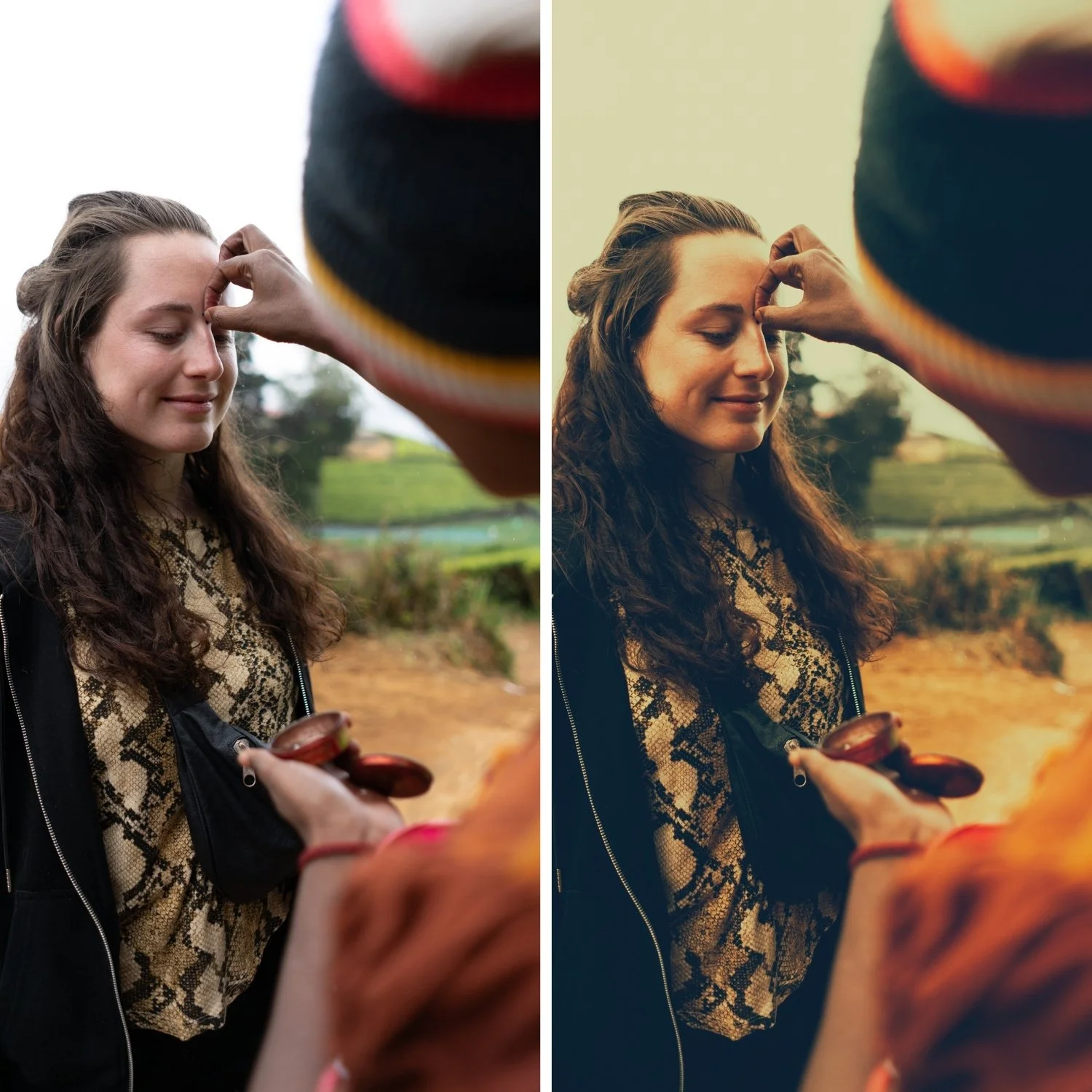
Portrait photography with P2: the warm yellow cast of P2 suits warm-light portrait photography naturally. In cool or overcast light, add White Balance +300K before applying to keep the yellow reading as warm rather than slightly green. Check Orange Luminance after applying — add +5 if skin reads slightly flat within P2's warm character.
On phone photos: 82-84% strength. The computational warmth of phone cameras combines with P2's yellow cast — reduce slightly to keep the result warm rather than orange-yellow.
-
Is P2 accurate to actual Polaroid 600 film? P2 is calibrated to the visual characteristics of Polaroid 600 — the warm yellow cast, lifted shadow floor, and soft contrast. It is a Lightroom interpretation of those qualities rather than a chemical emulation, but it references the specific visual character of the film faithfully.
What is the difference between P2 and P4 Vintage Instant? P2 is the balanced authentic Polaroid look — clean and immediately recognisable. P4 adds more pronounced vintage character with more shadow warmth and slightly more colour fade. P2 for the direct Polaroid quality, P4 for a more aged and nostalgic feel.
GET ALL 9 POLAROID INSTANT ARCHIVE PRESETS
The full Polaroid Instant Archive gives you nine calibrated instant film looks — Instant Warm for subtle vintage character, Classic Instant for the balanced Polaroid look, Soft Instant for dreamlike portraits, Vintage Instant for nostalgic travel, Faded Instant for maximum fade, Warm Dark for atmospheric indoor photography, Cool Instant for the only cool-leaning instant option, High Key Instant for bright outdoor work, and Deep Vintage for maximum retro depth.
Nine presets. One retro philosophy. $3 per preset.
THE STUDIO ARCHIVE
Want everything? The Studio Archive contains 130+ presets — every collection we make, including the complete Polaroid Instant Archive — for $89 total. That is $0.68 per preset with every future release included for life.