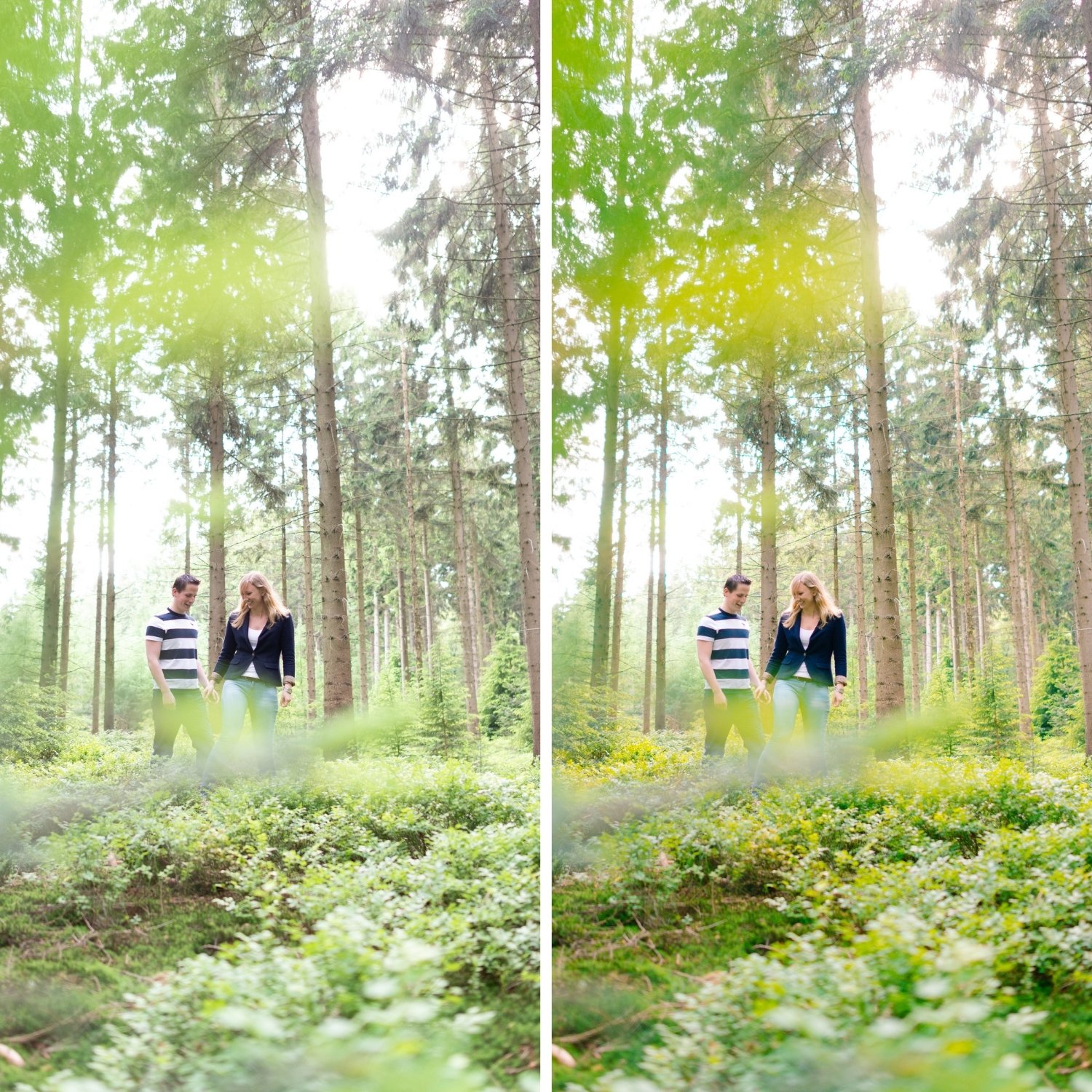
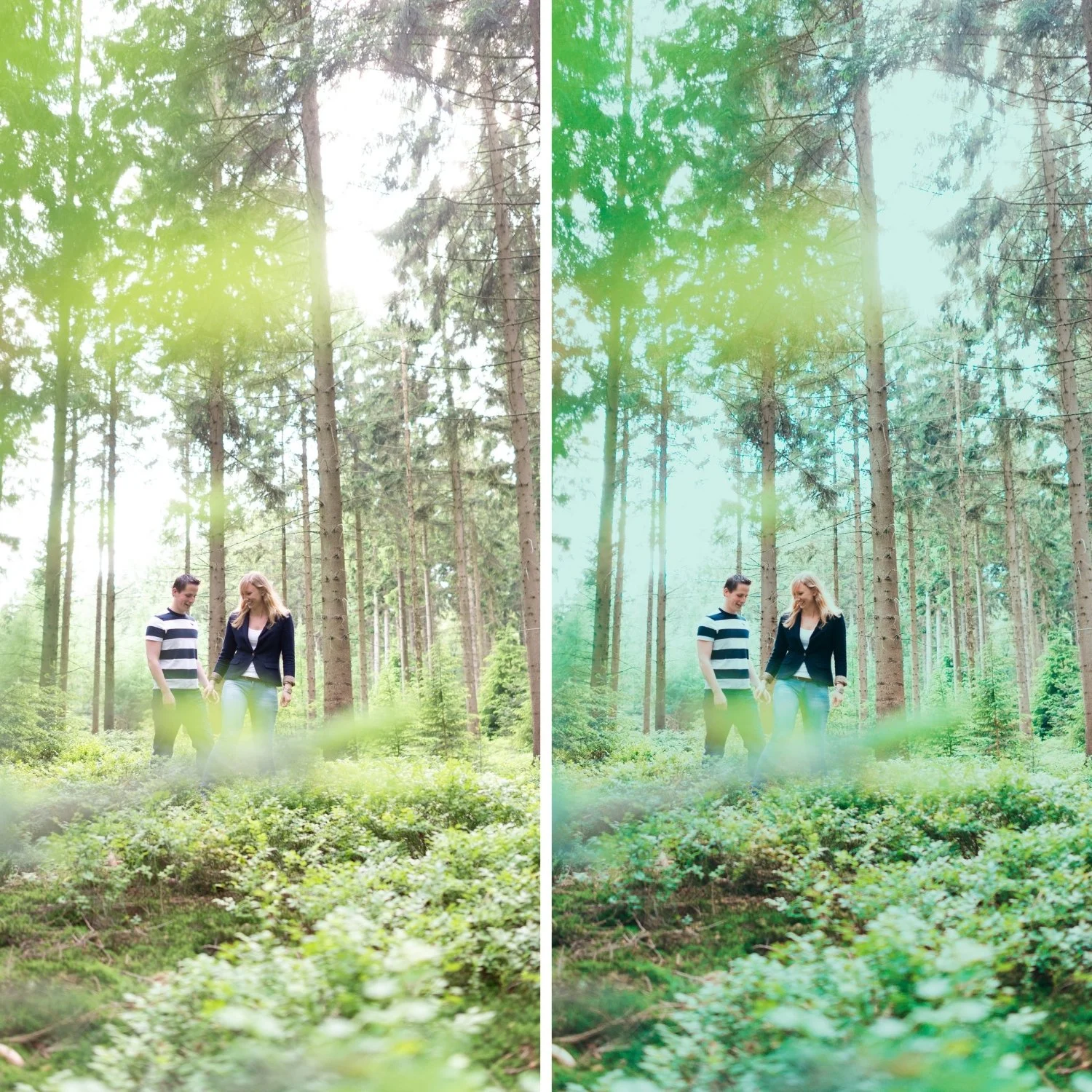
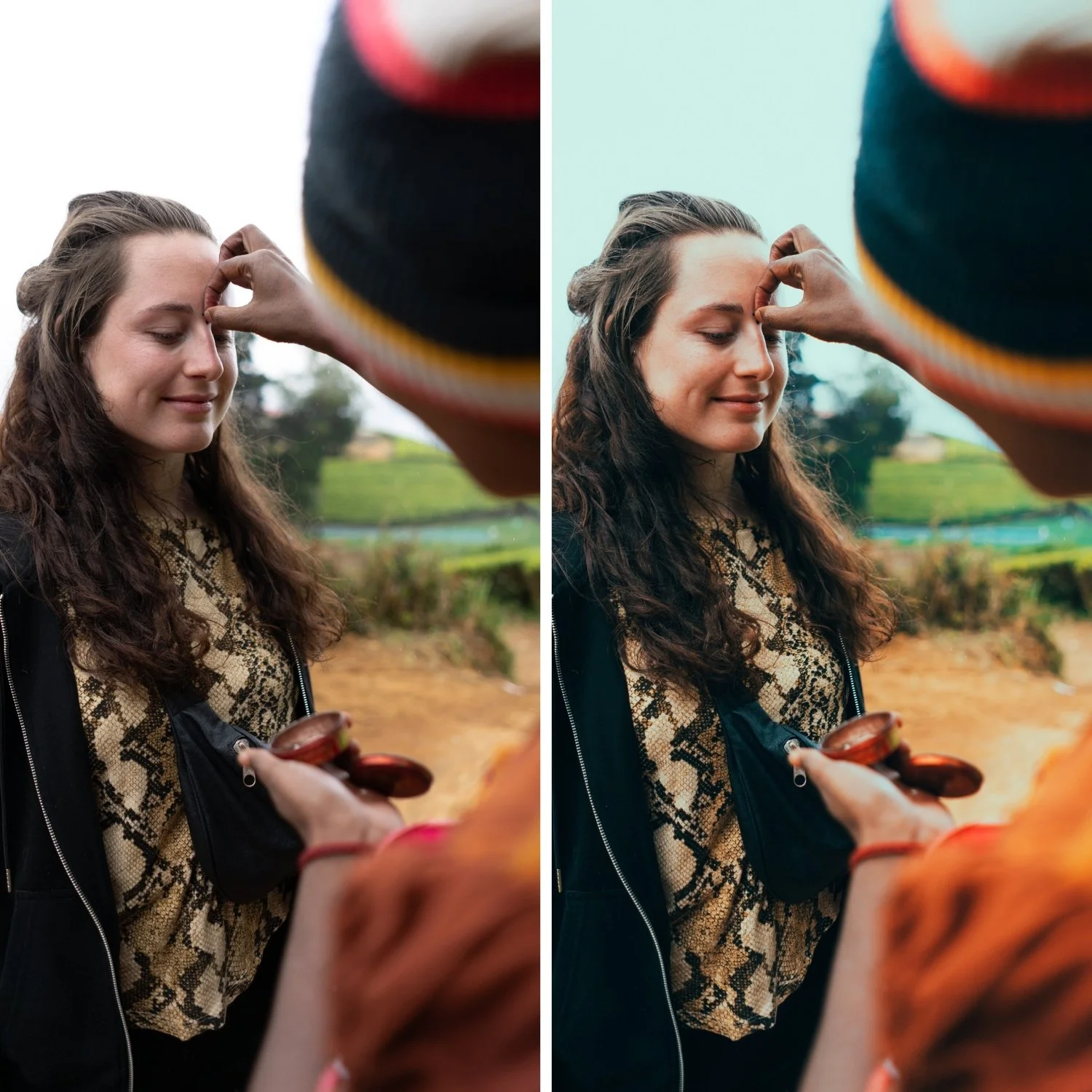
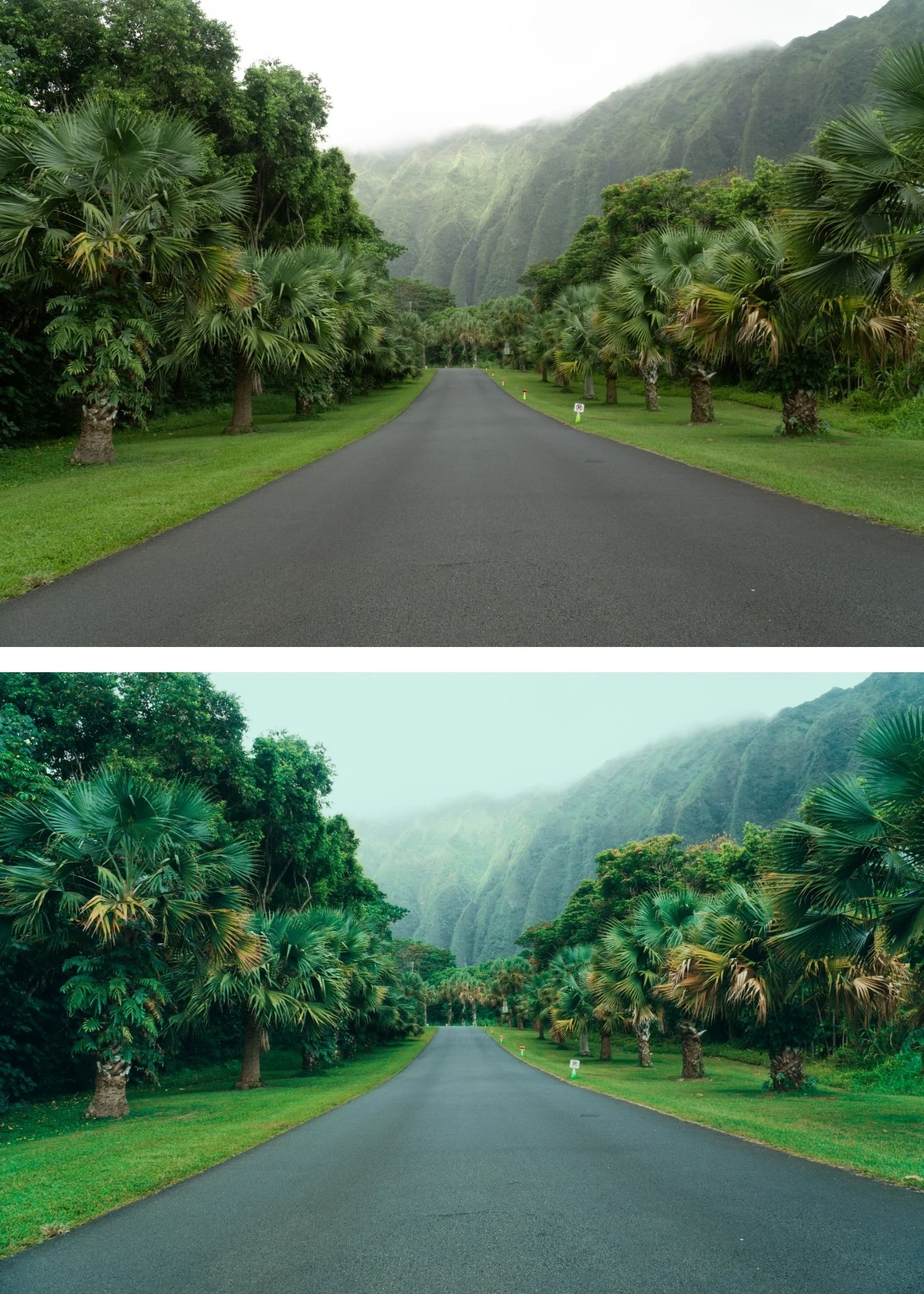
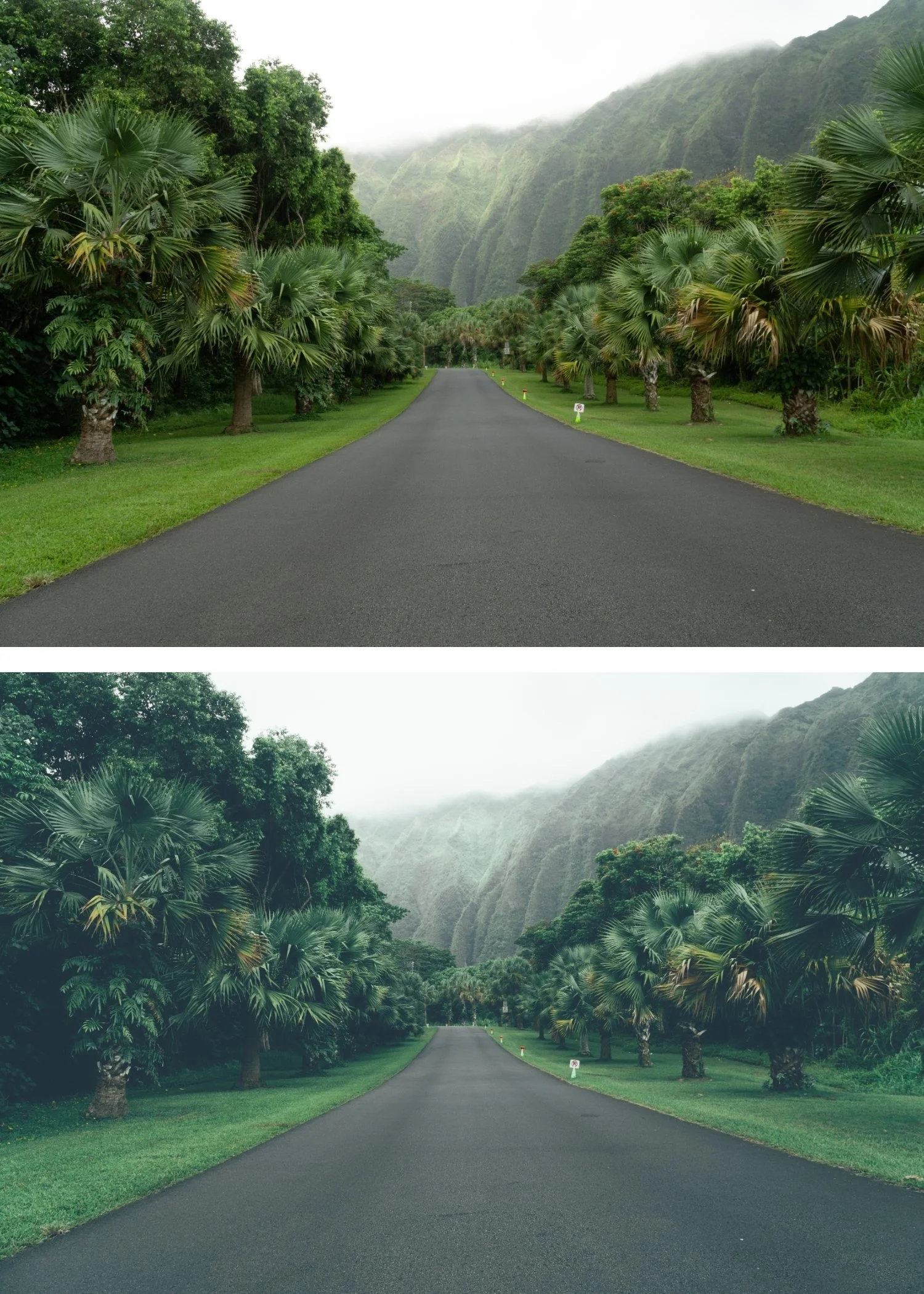
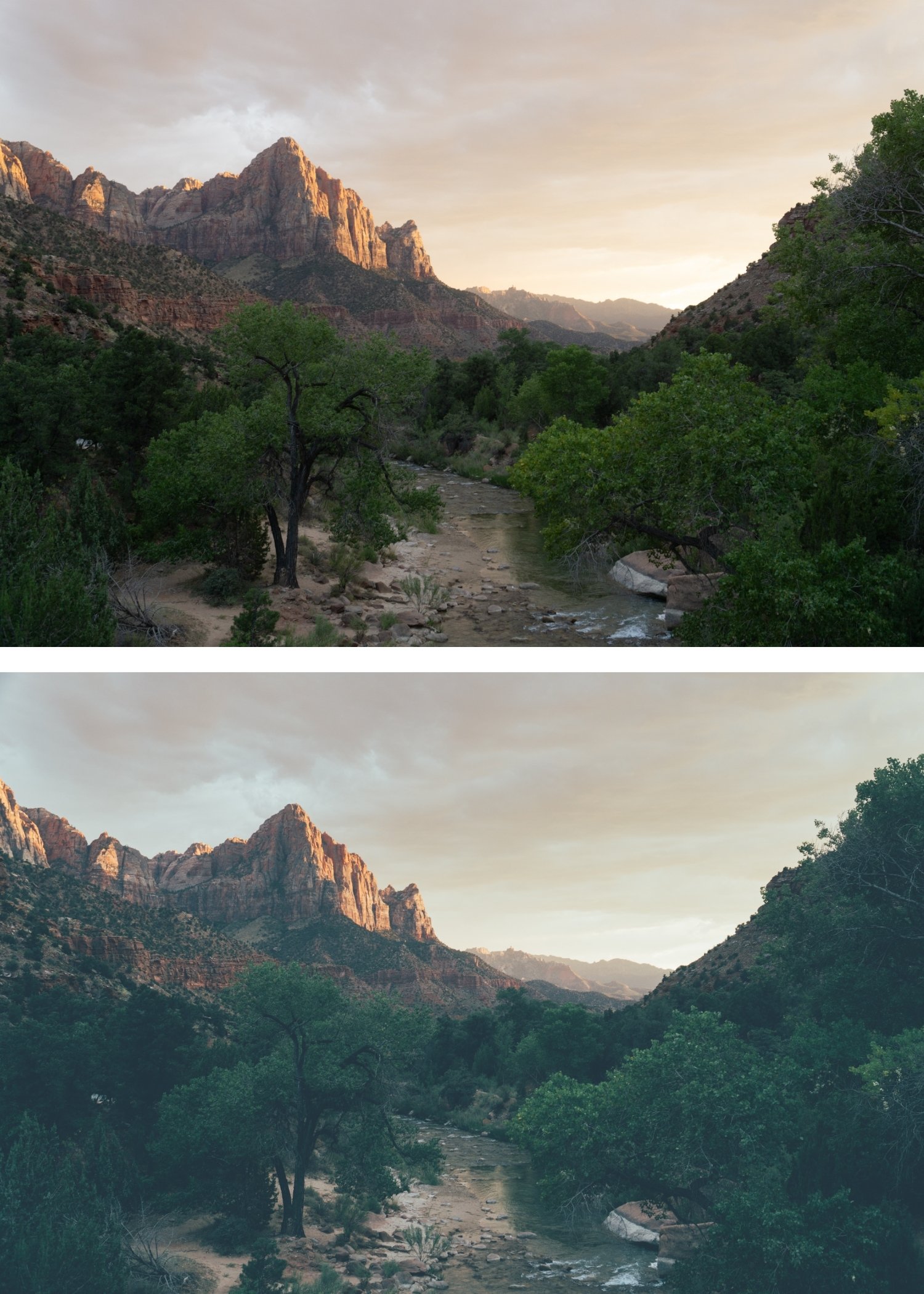
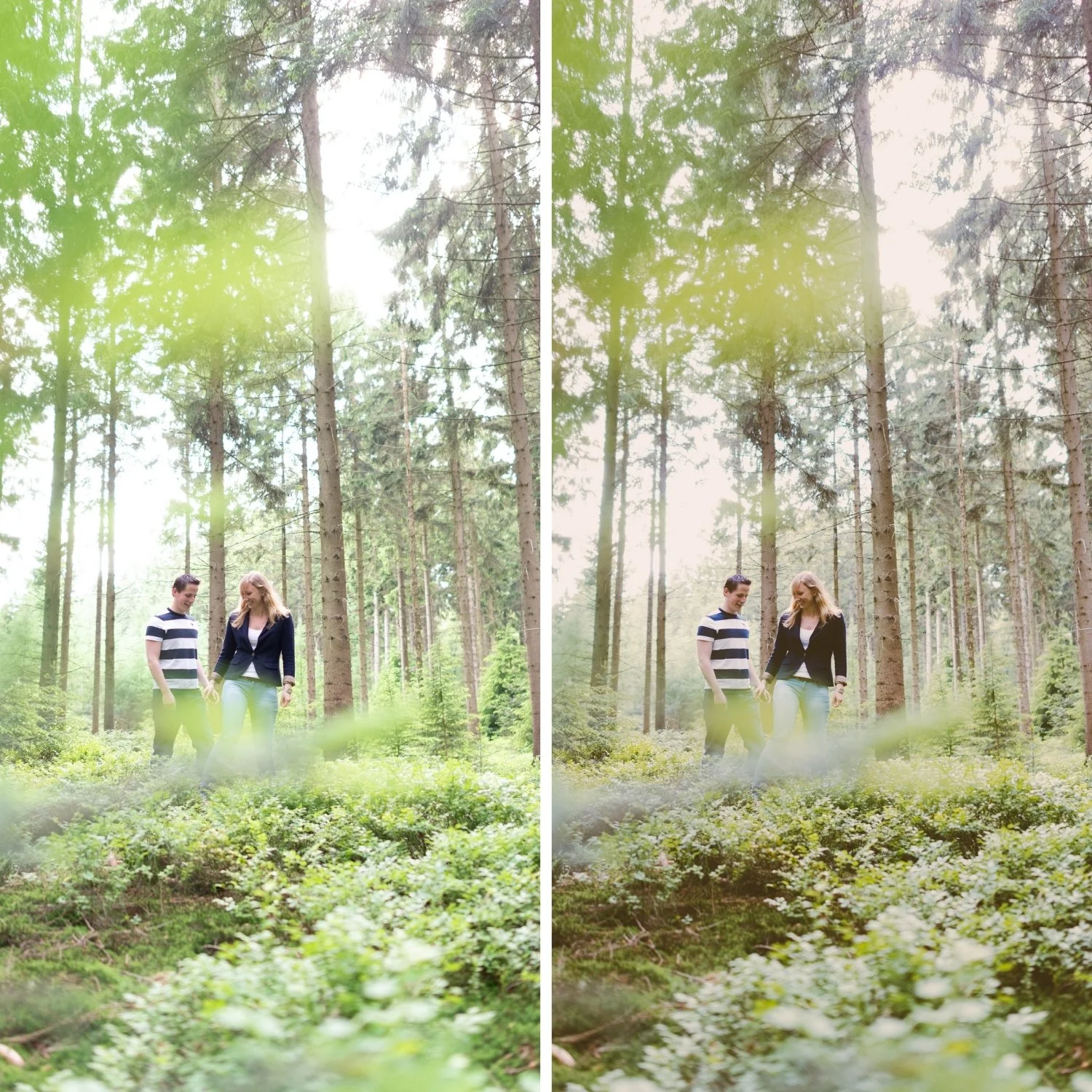
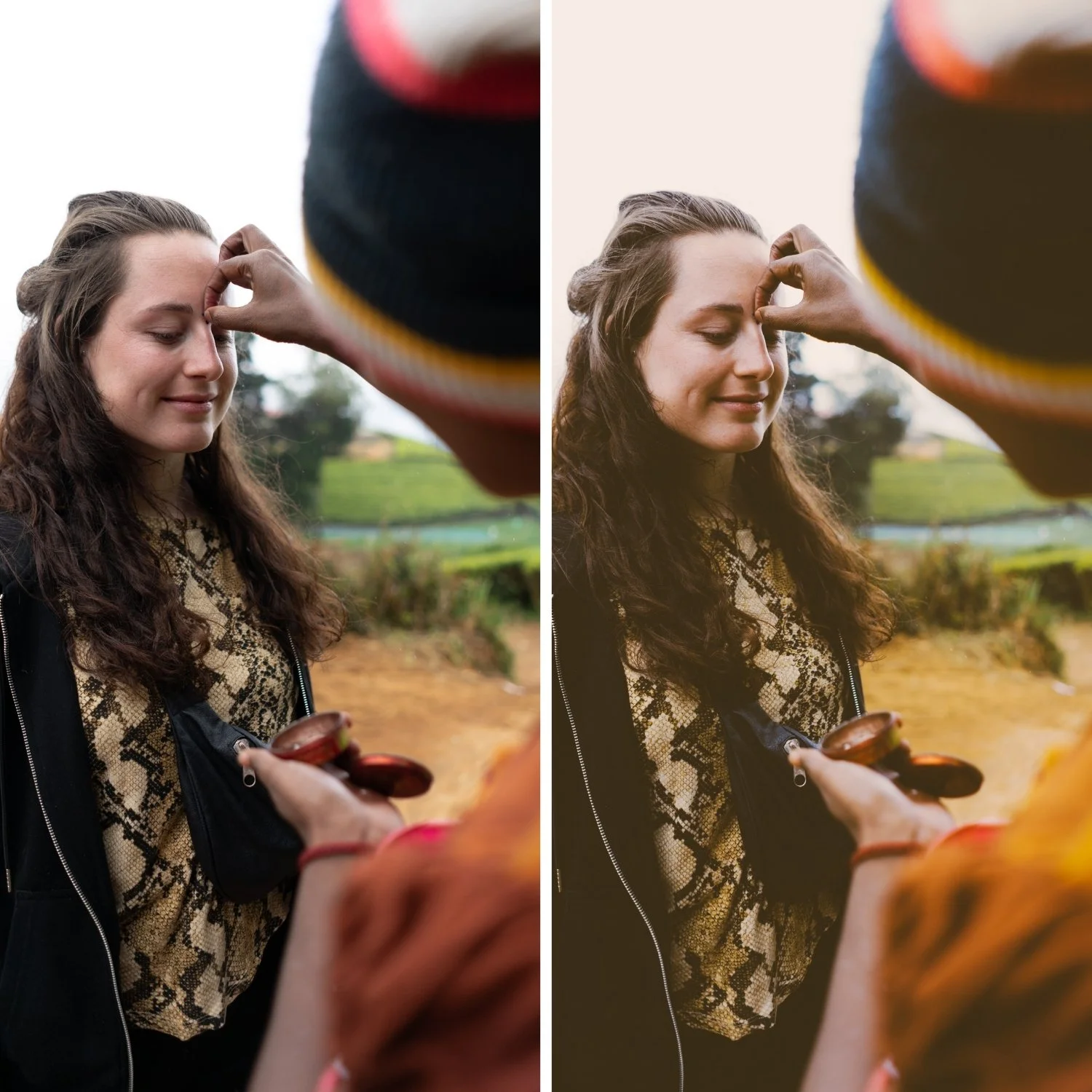
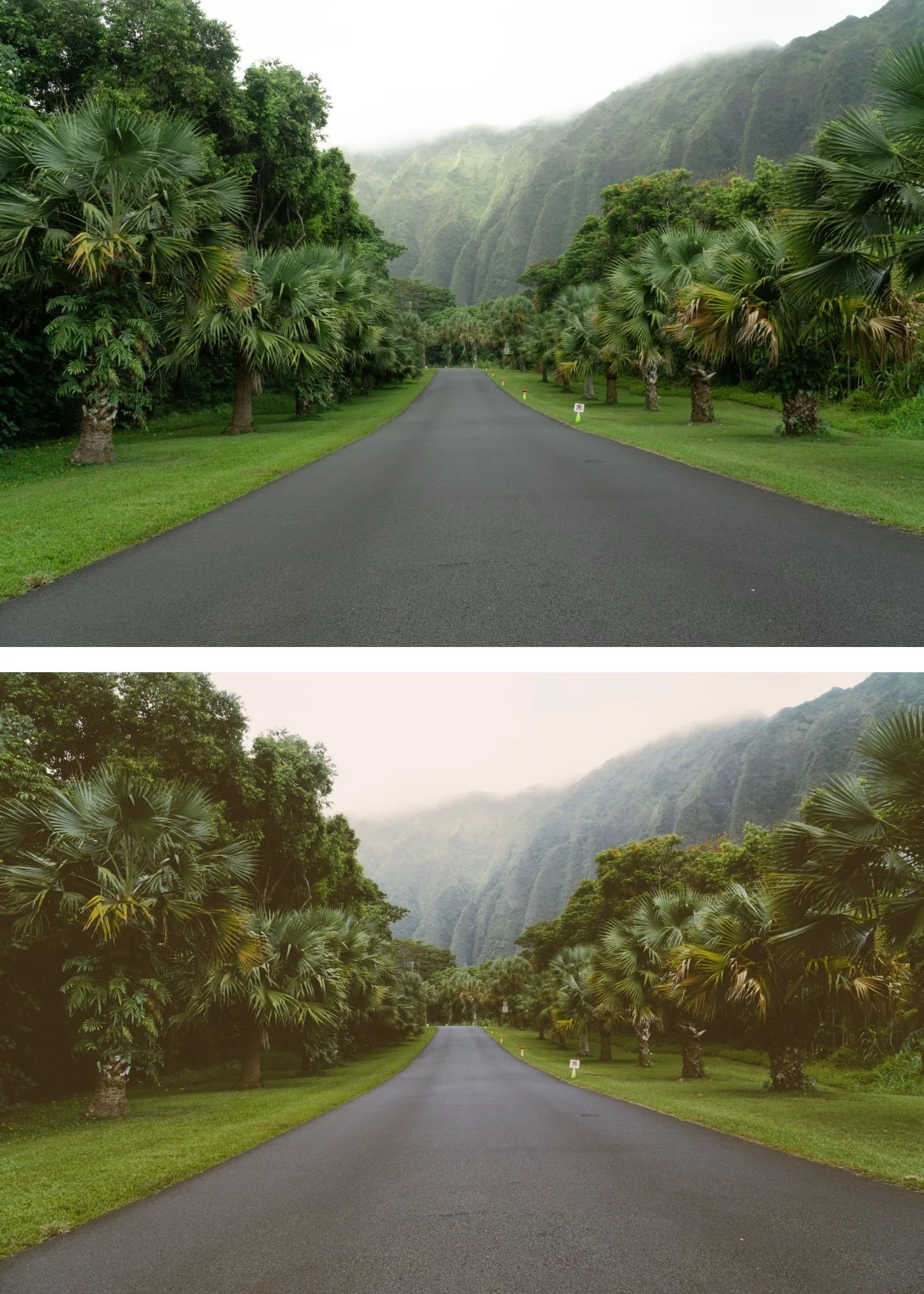
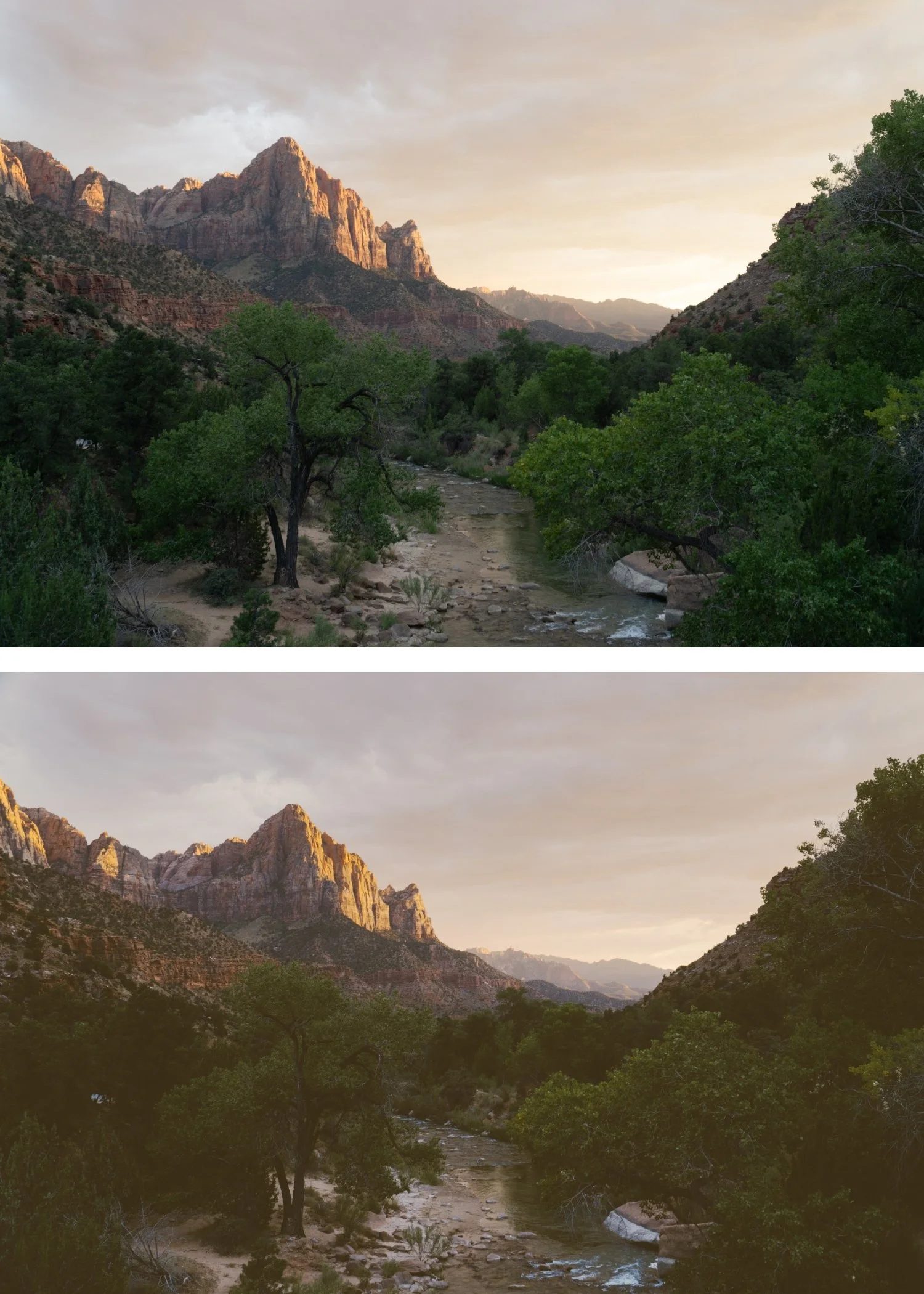
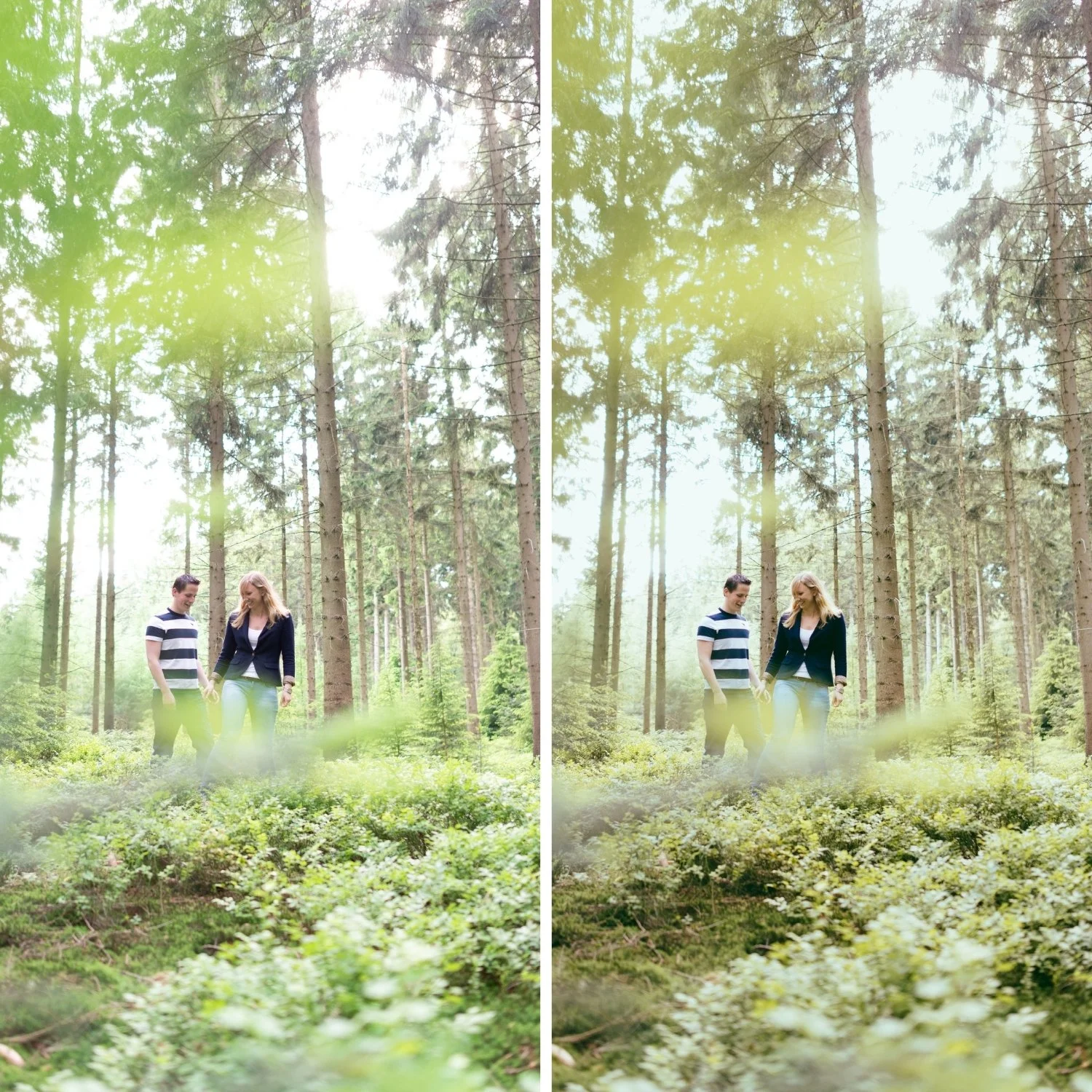
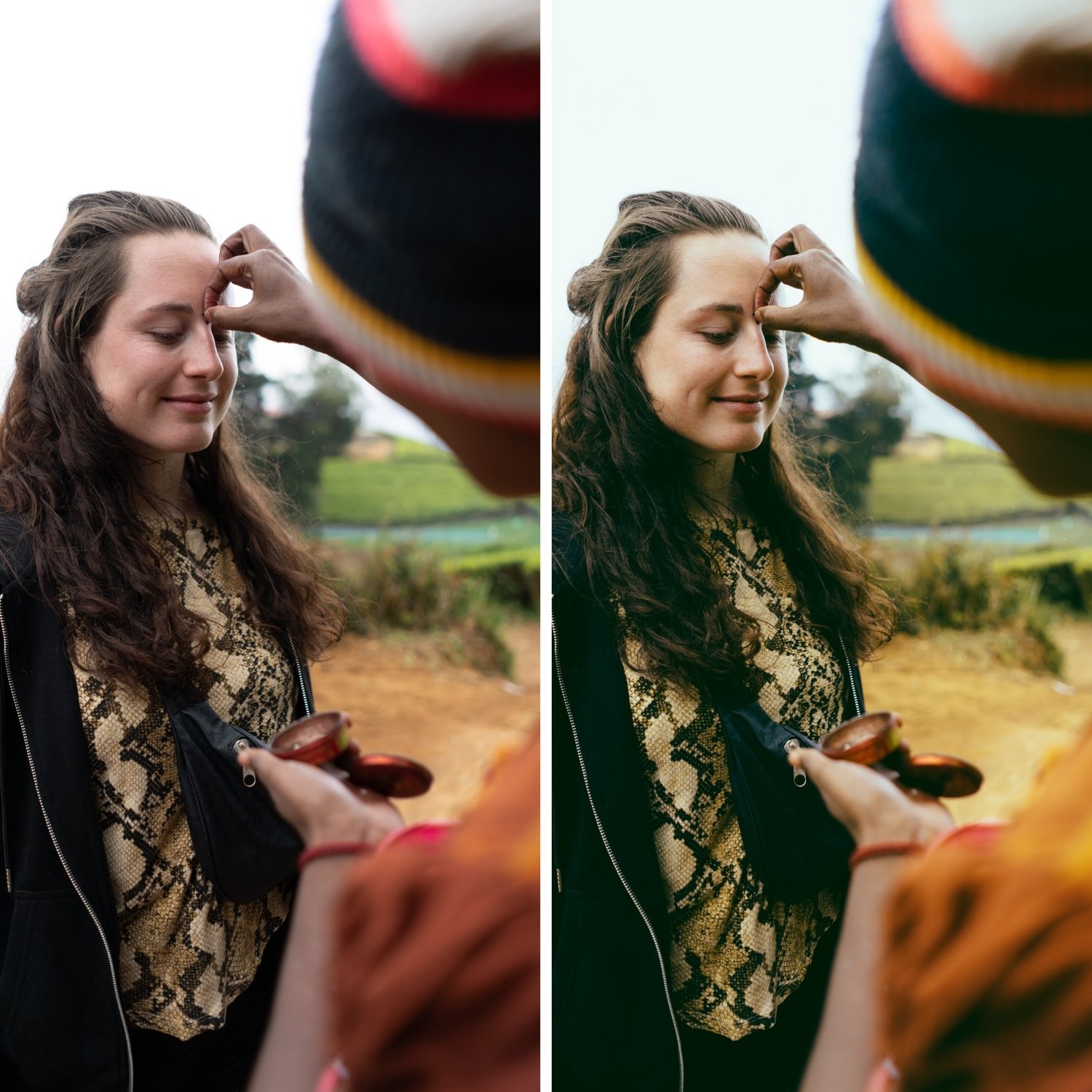
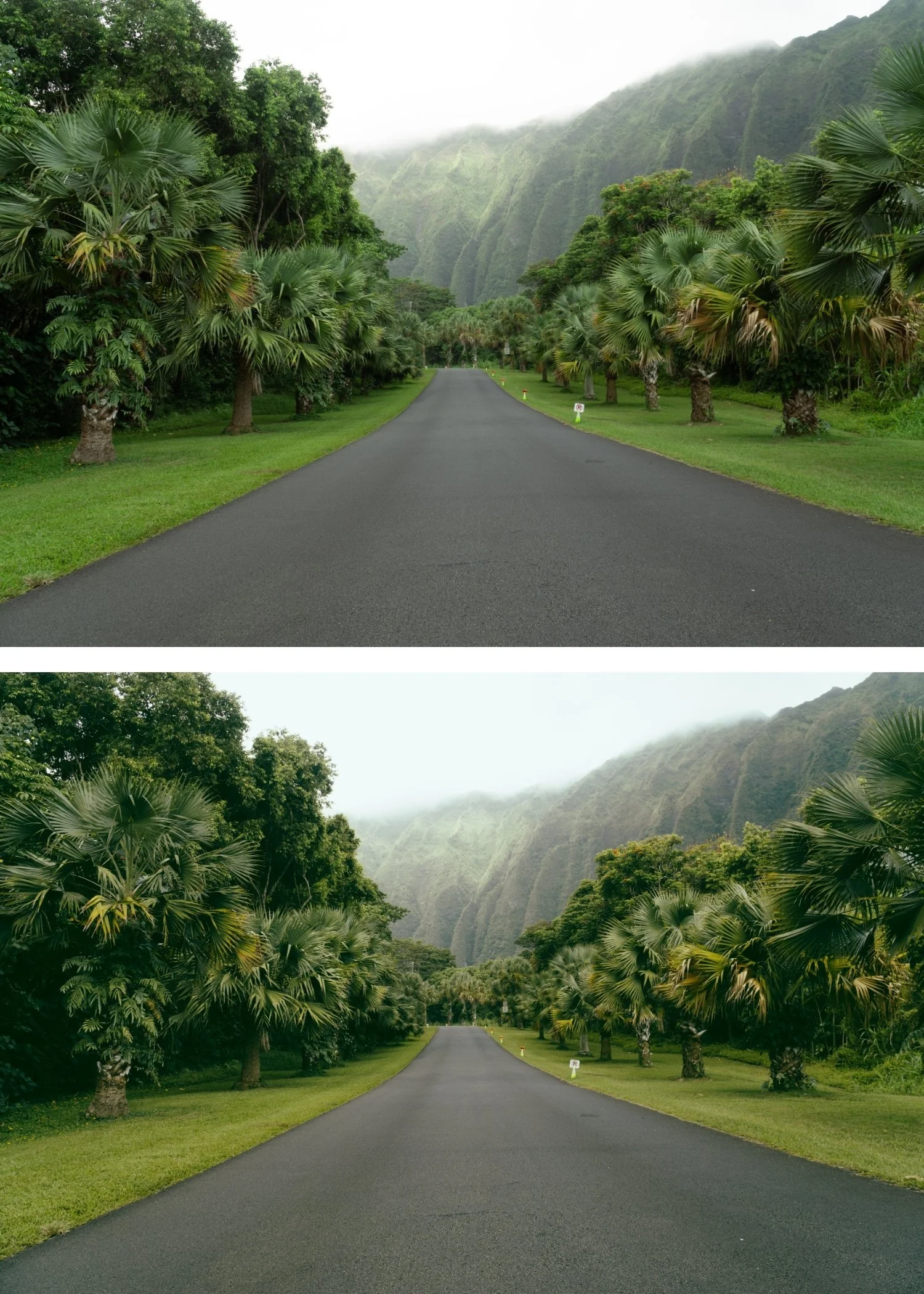
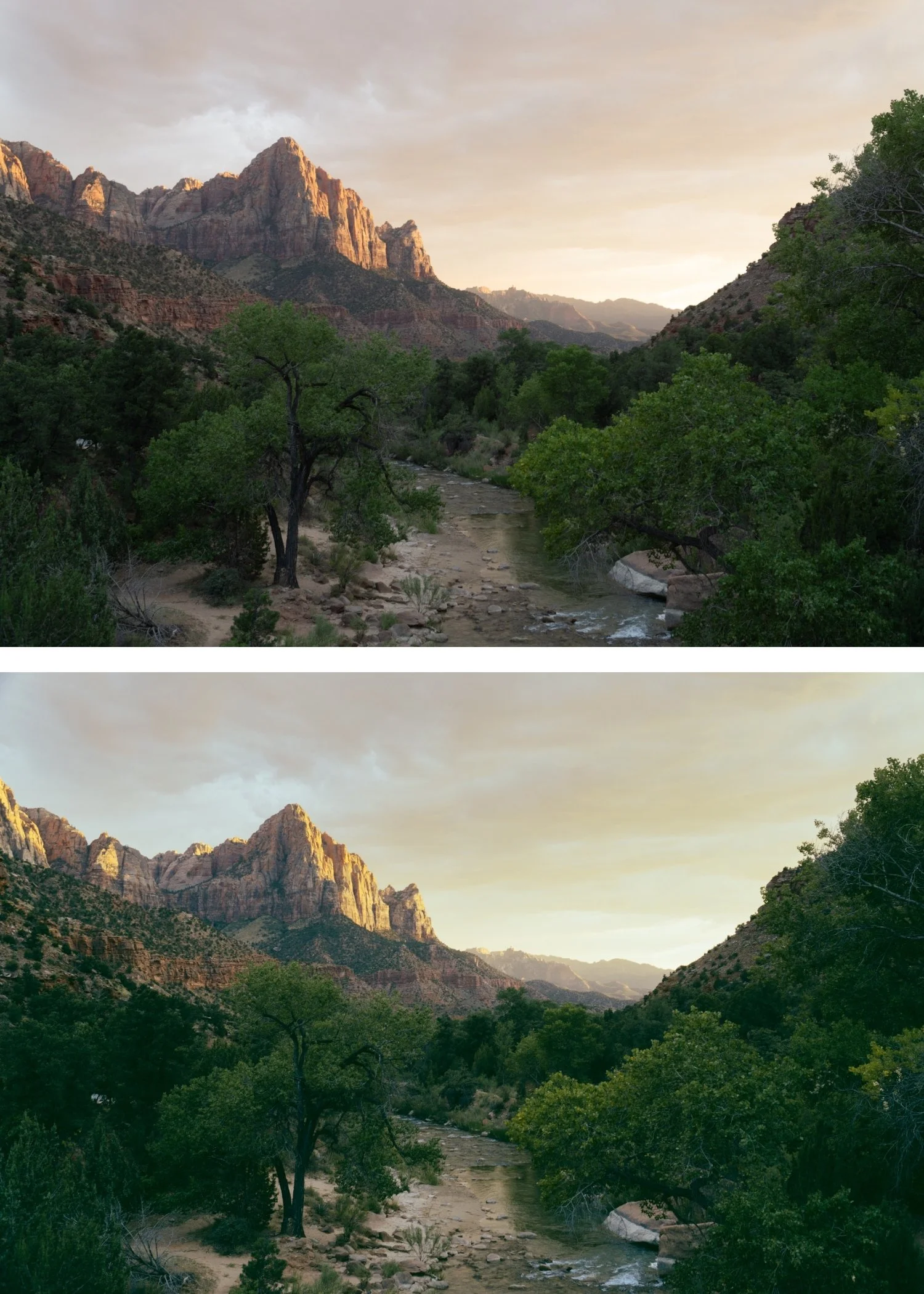
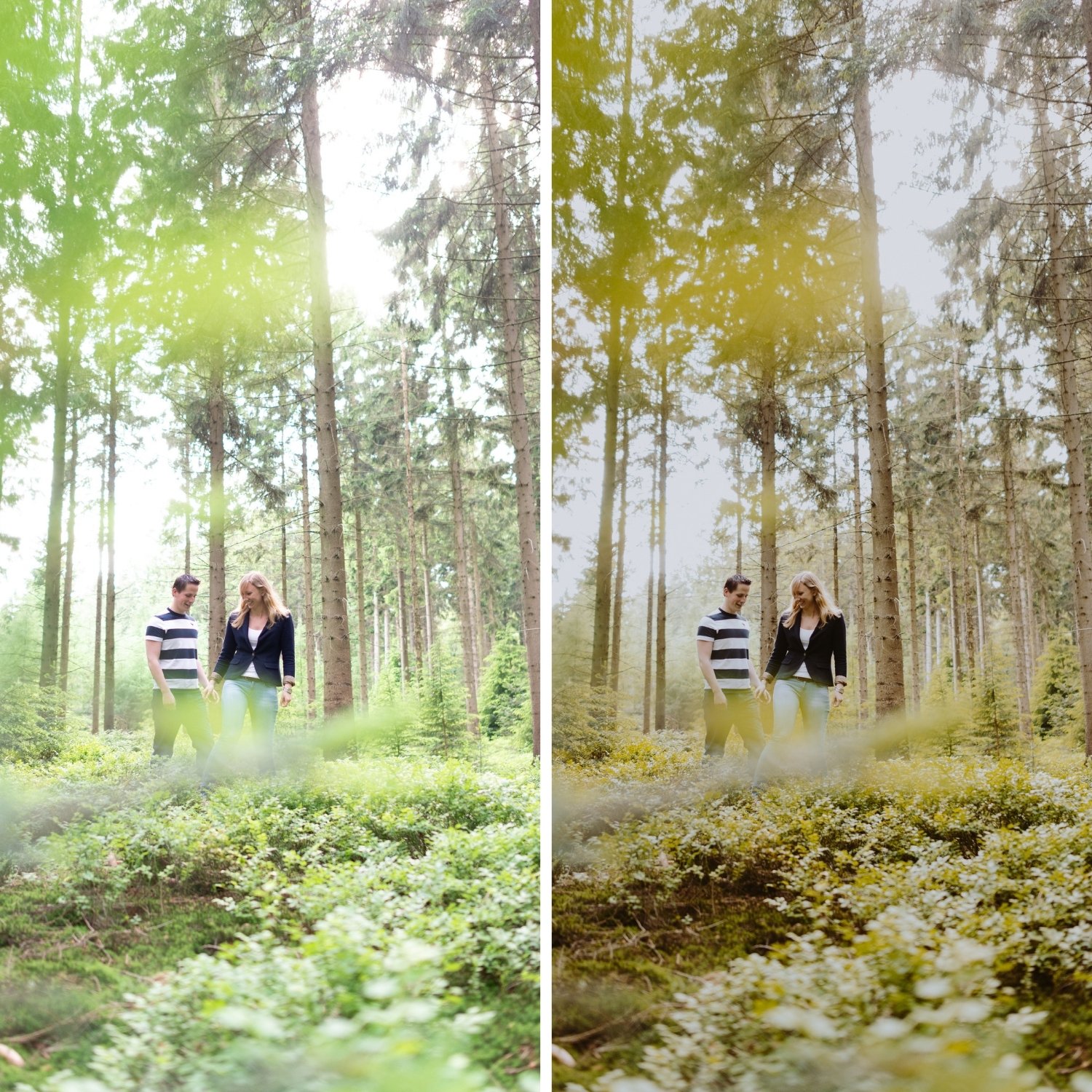
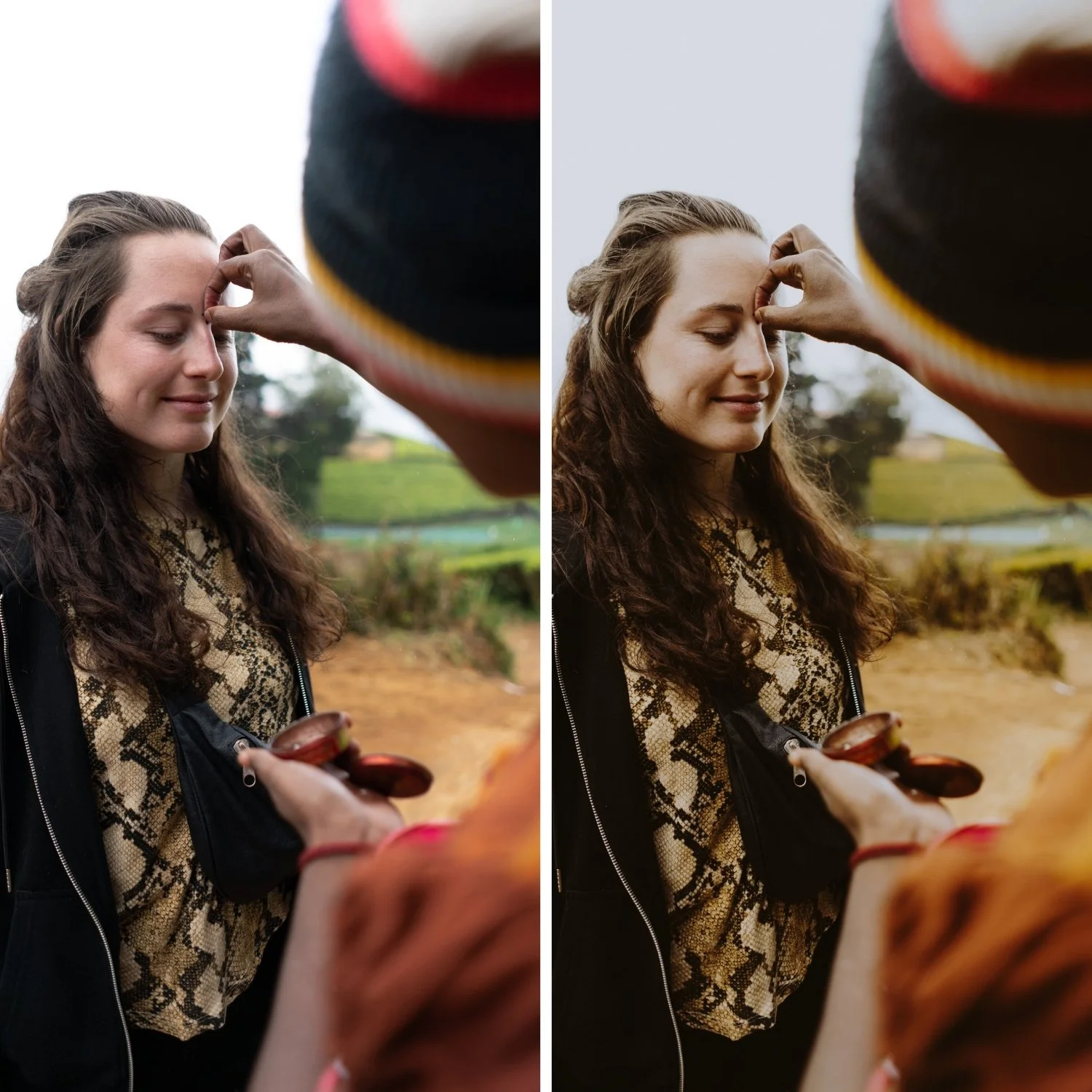
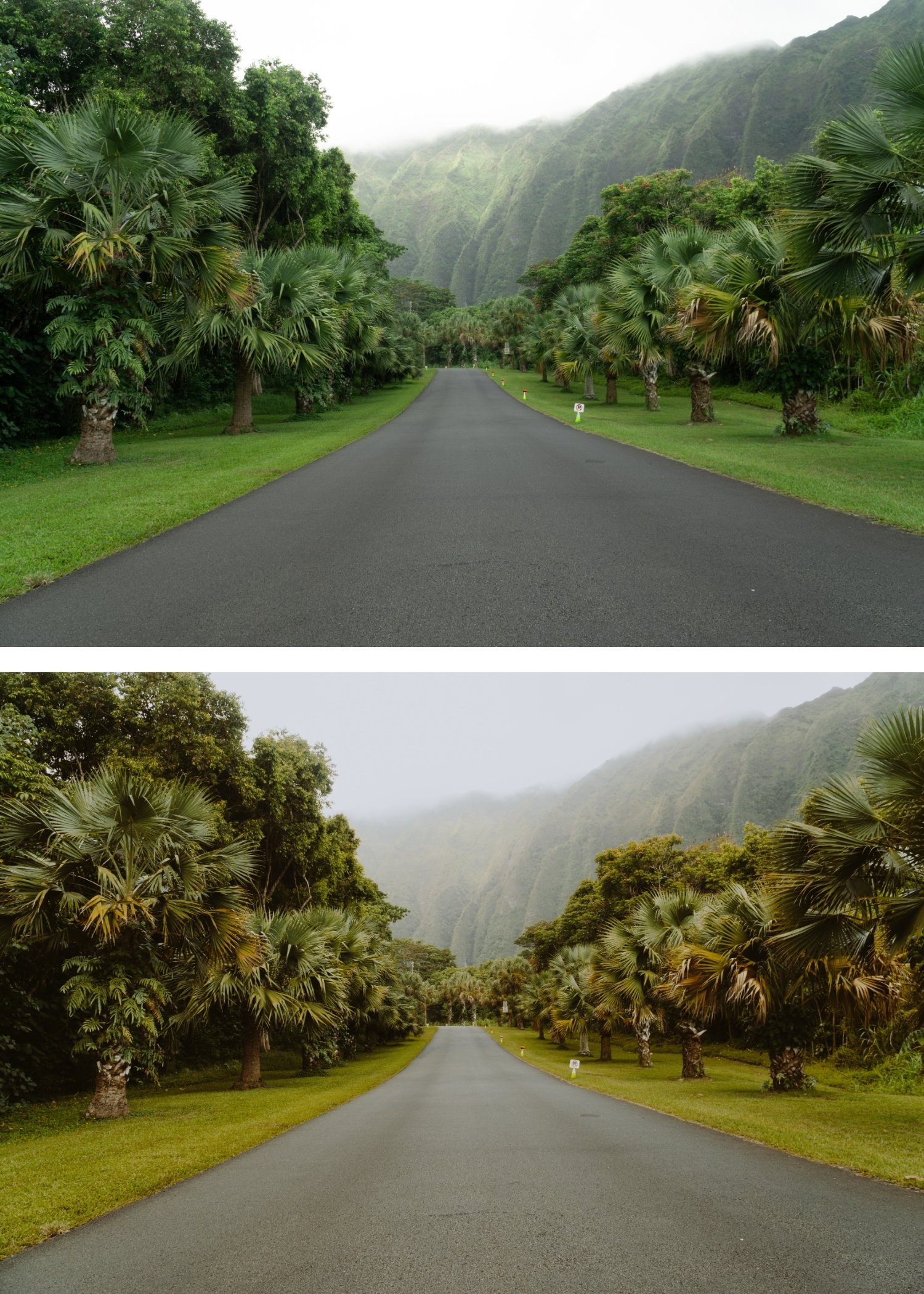
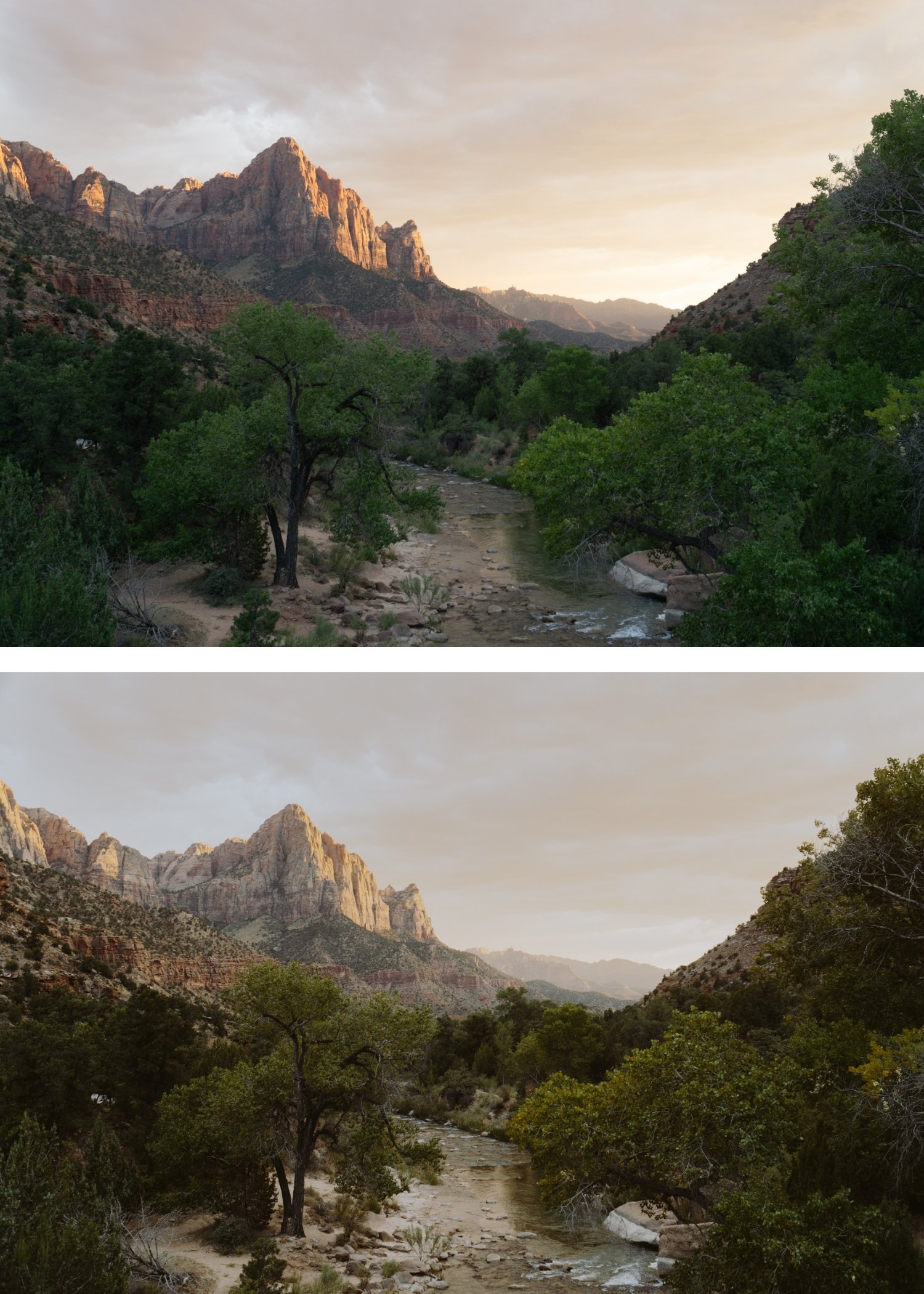
 Image 1 of 4
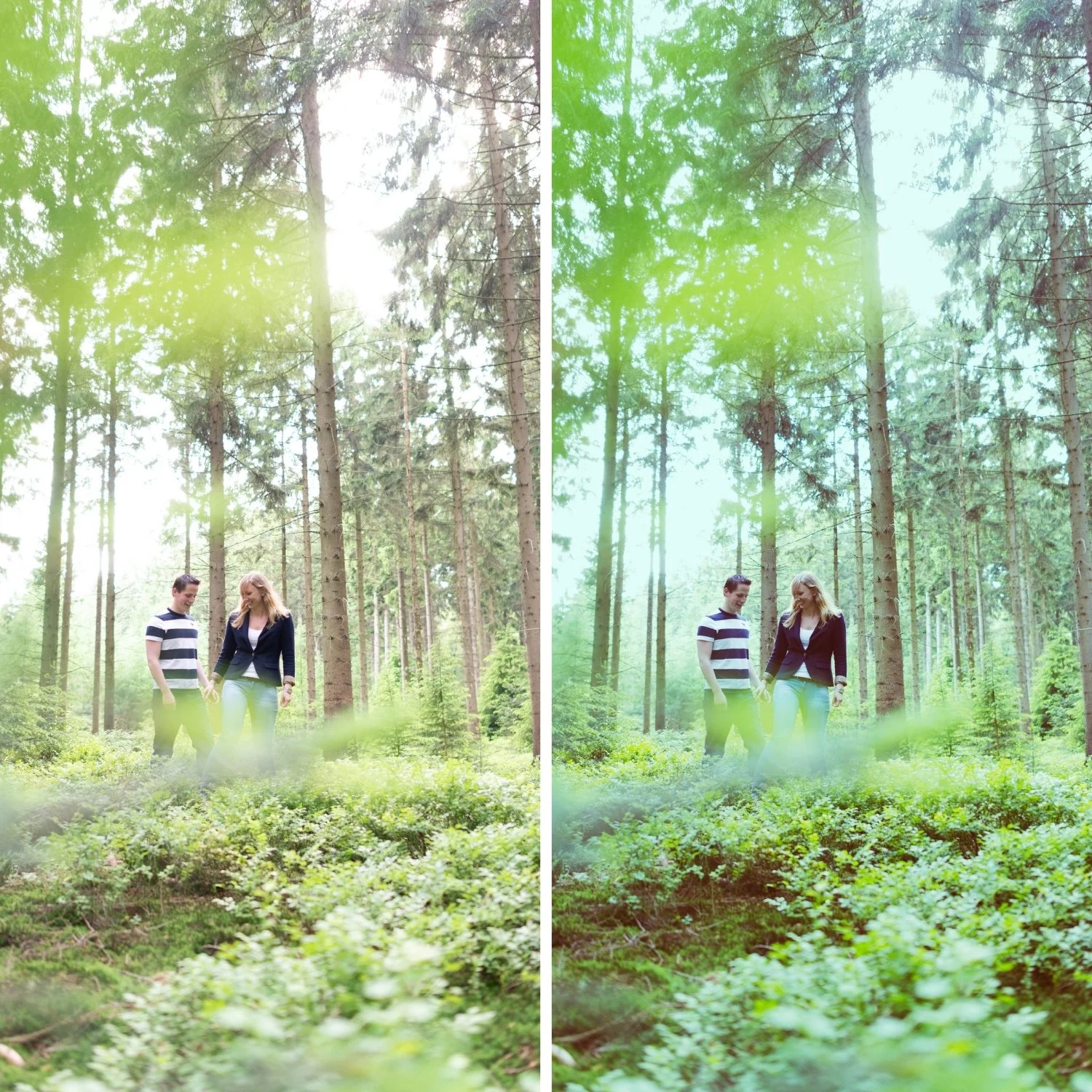
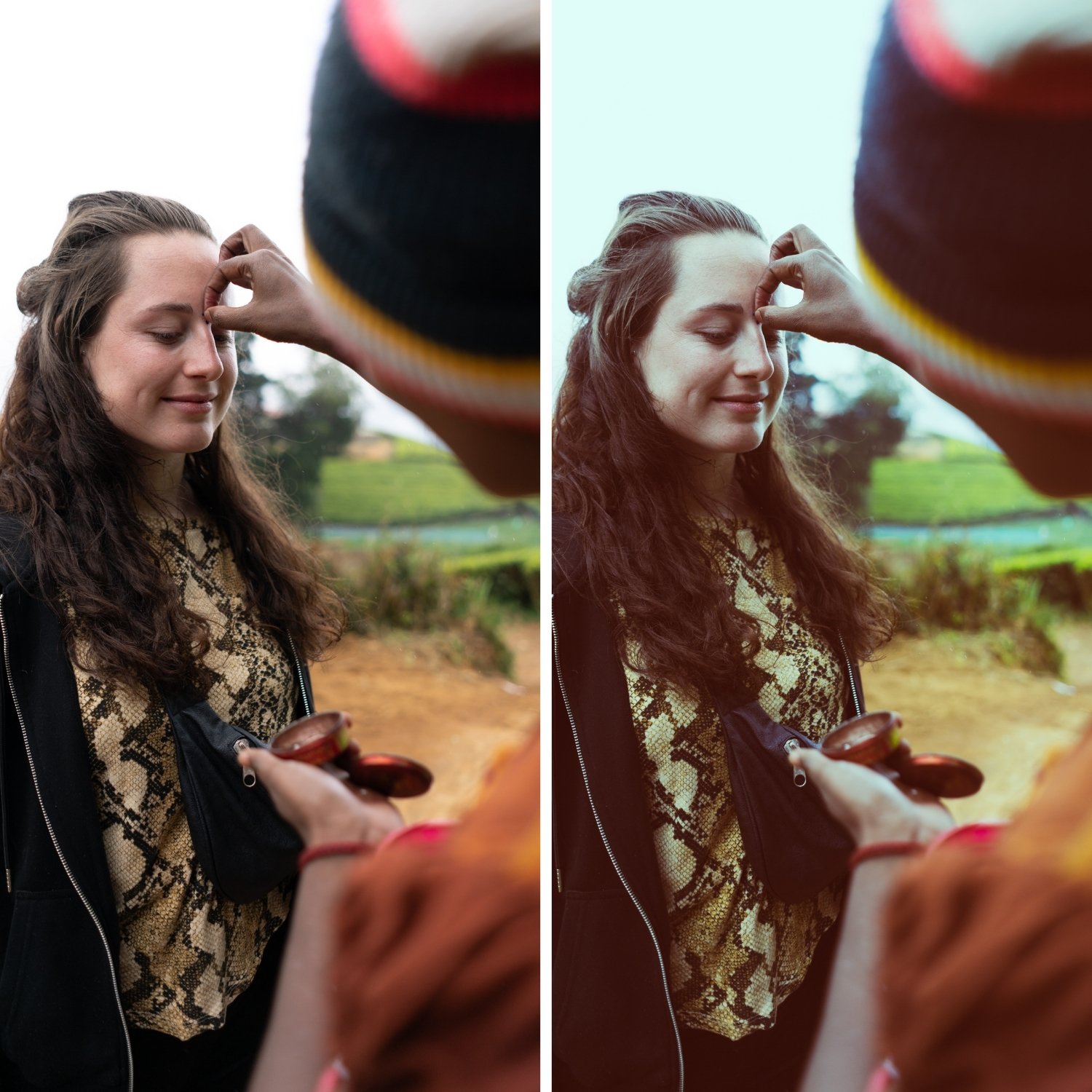 Image 2 of 4
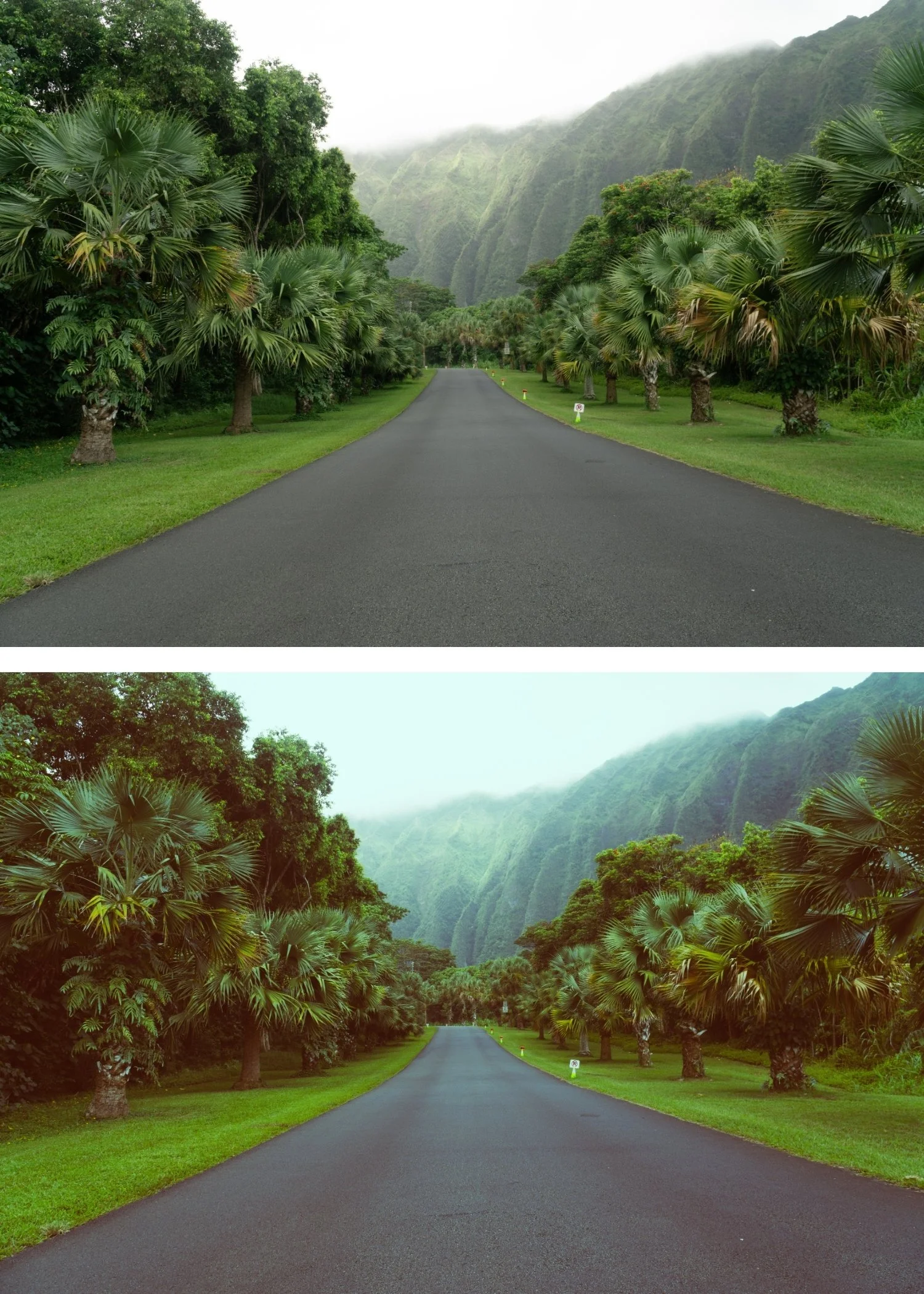 Image 3 of 4
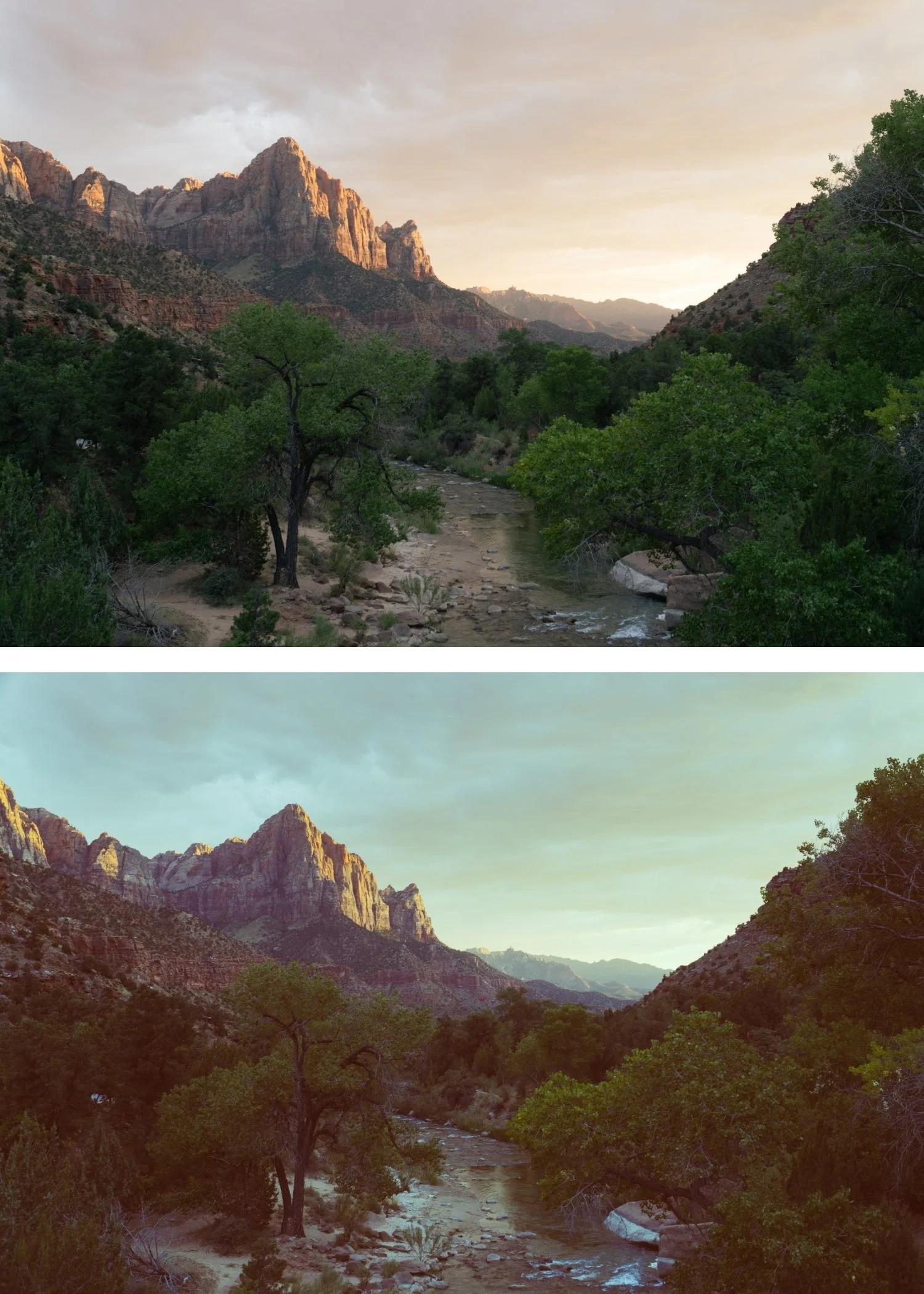 Image 4 of 4
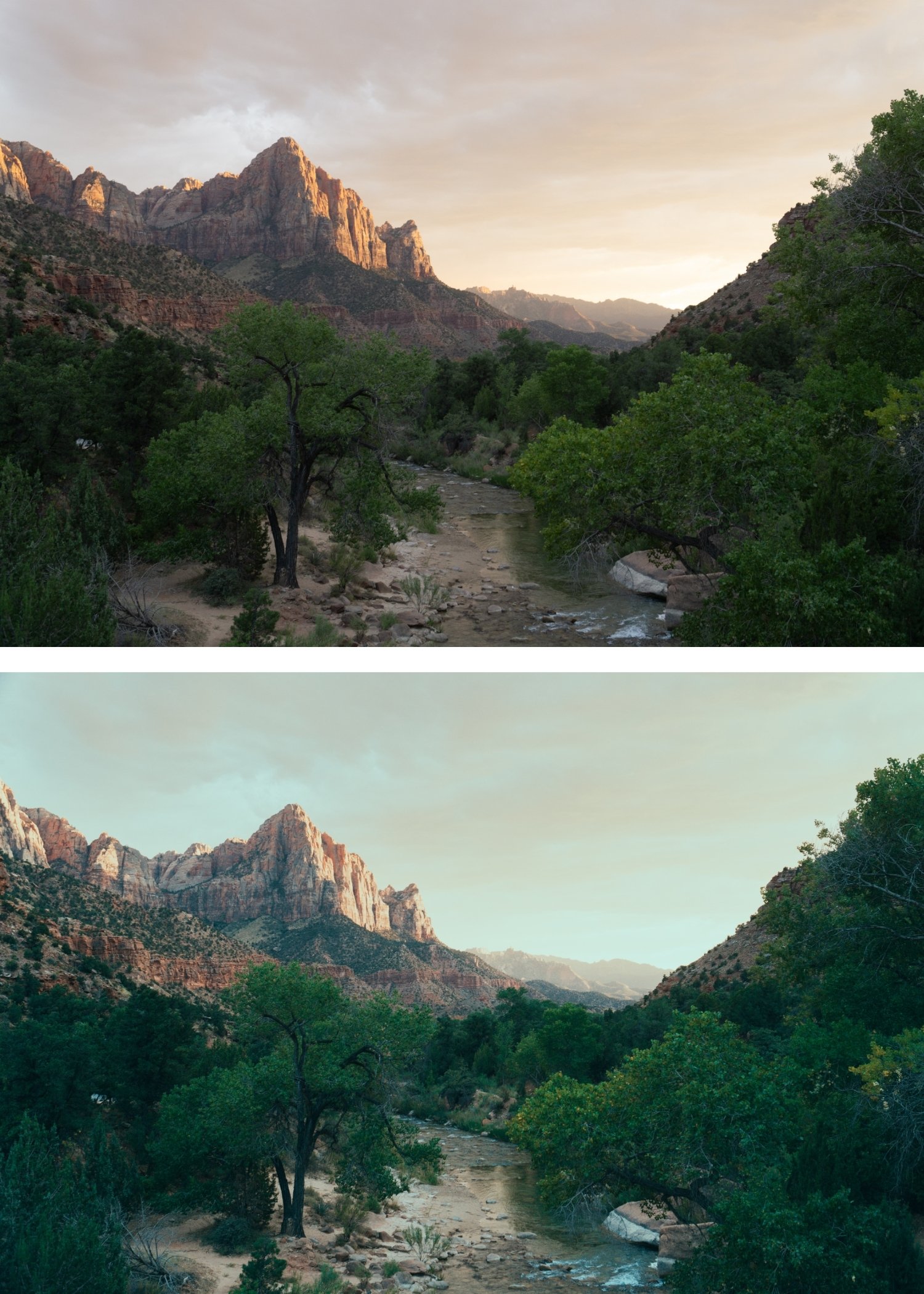
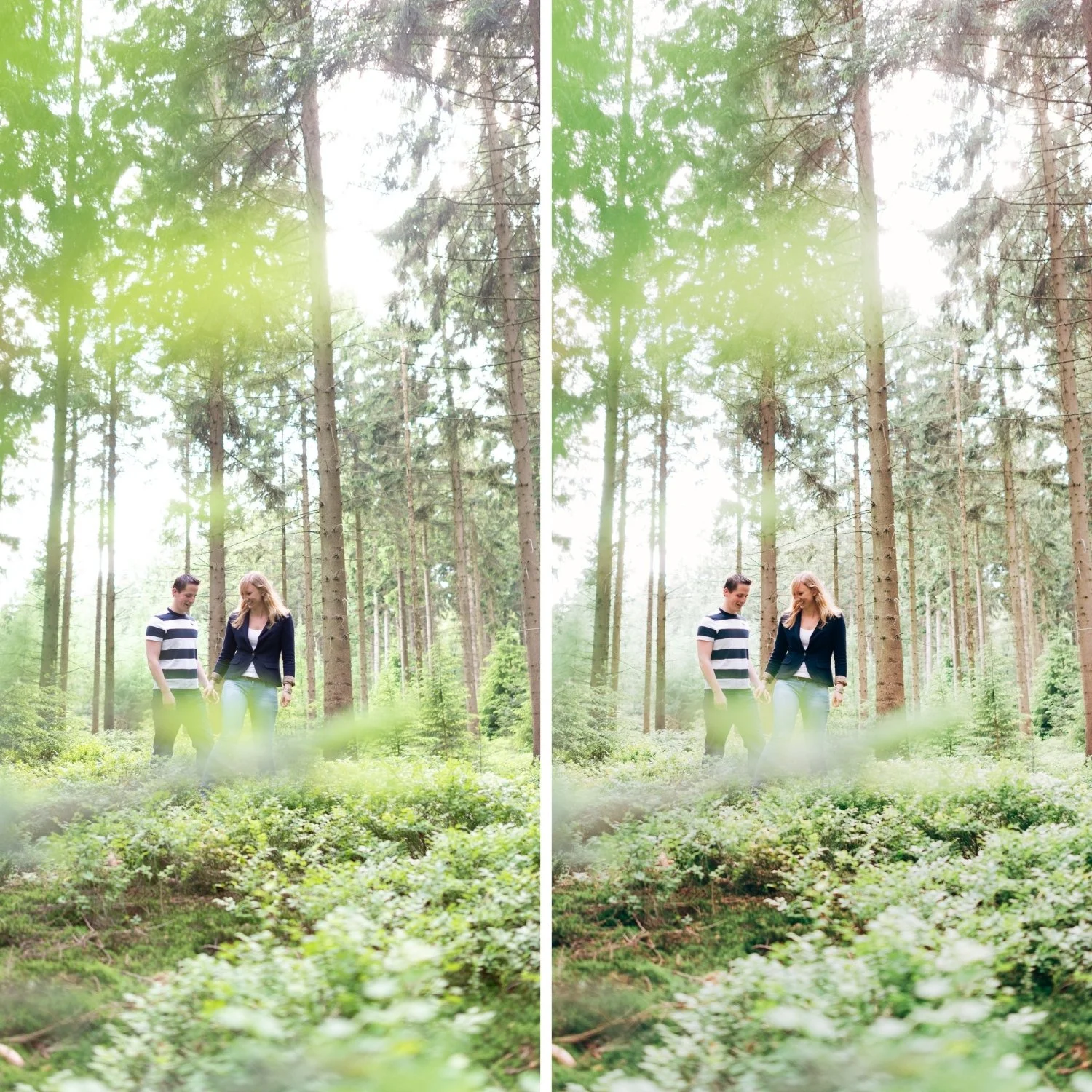
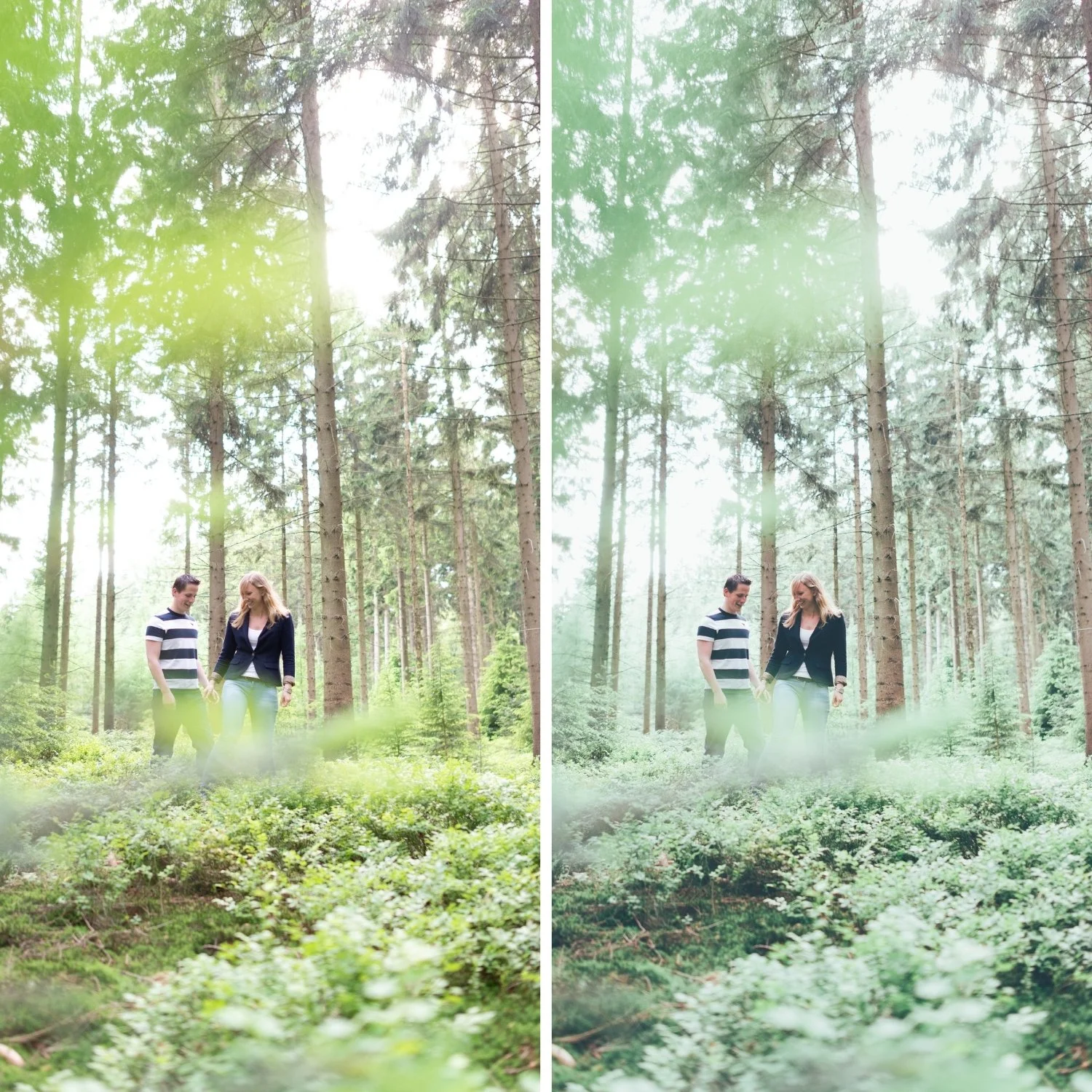
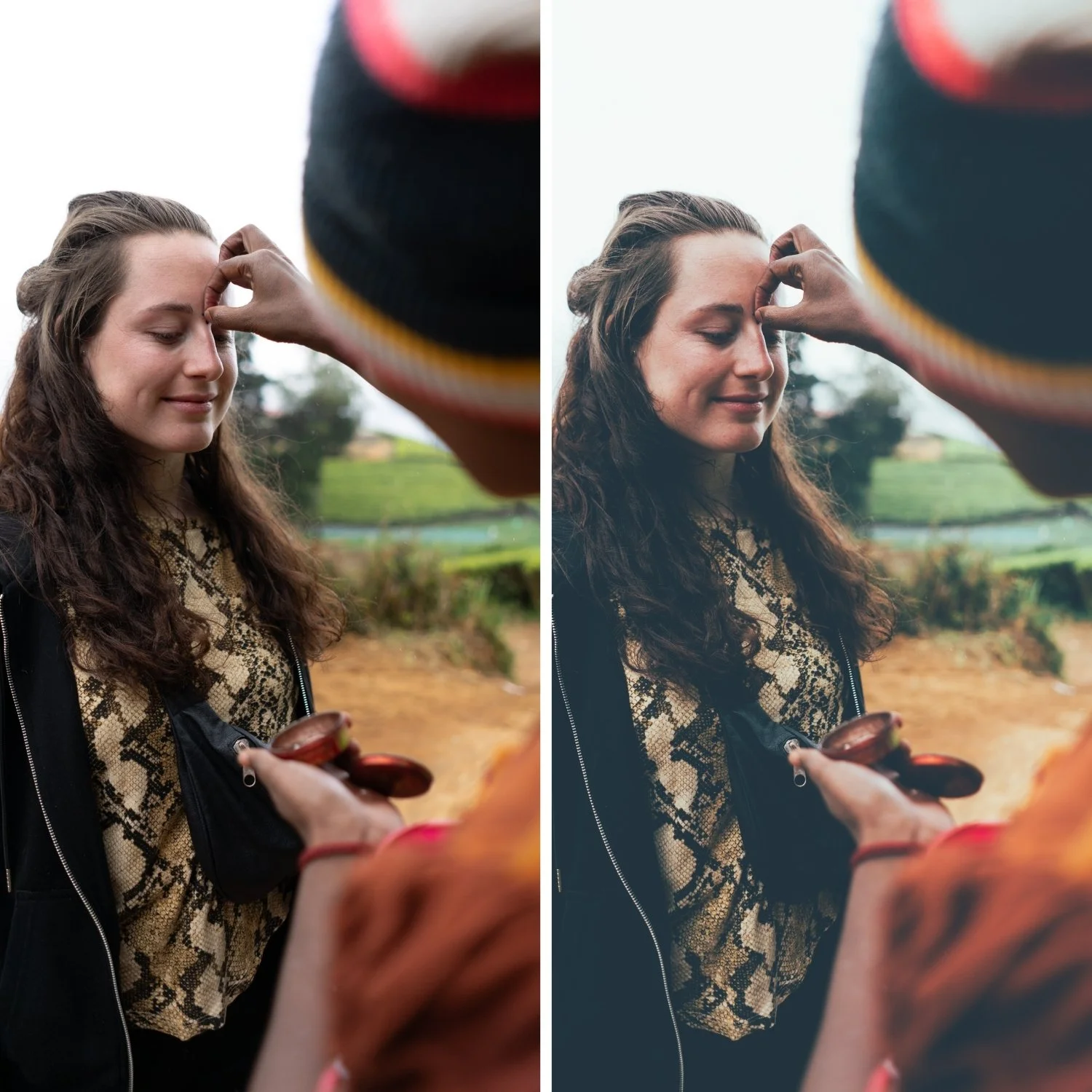
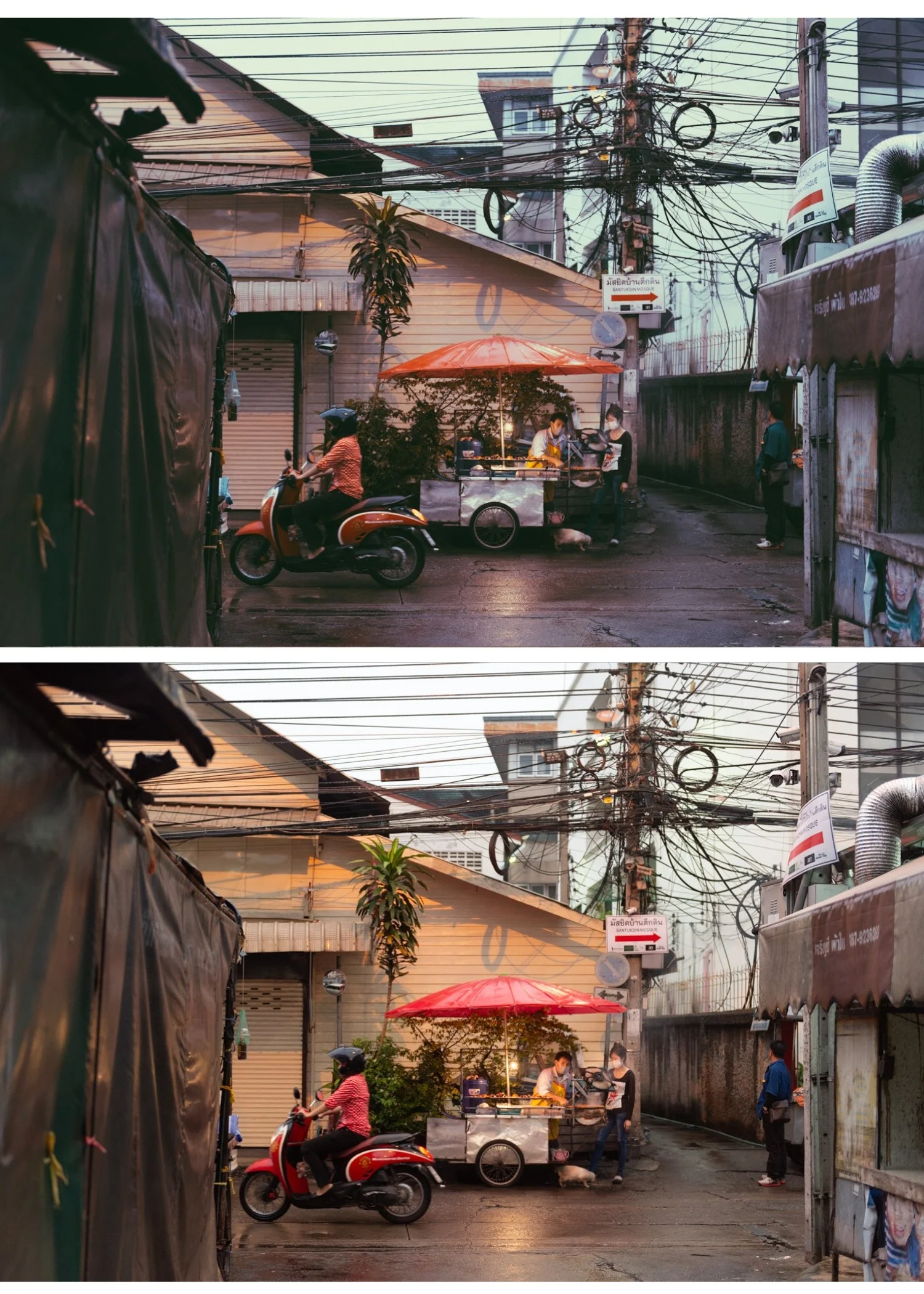
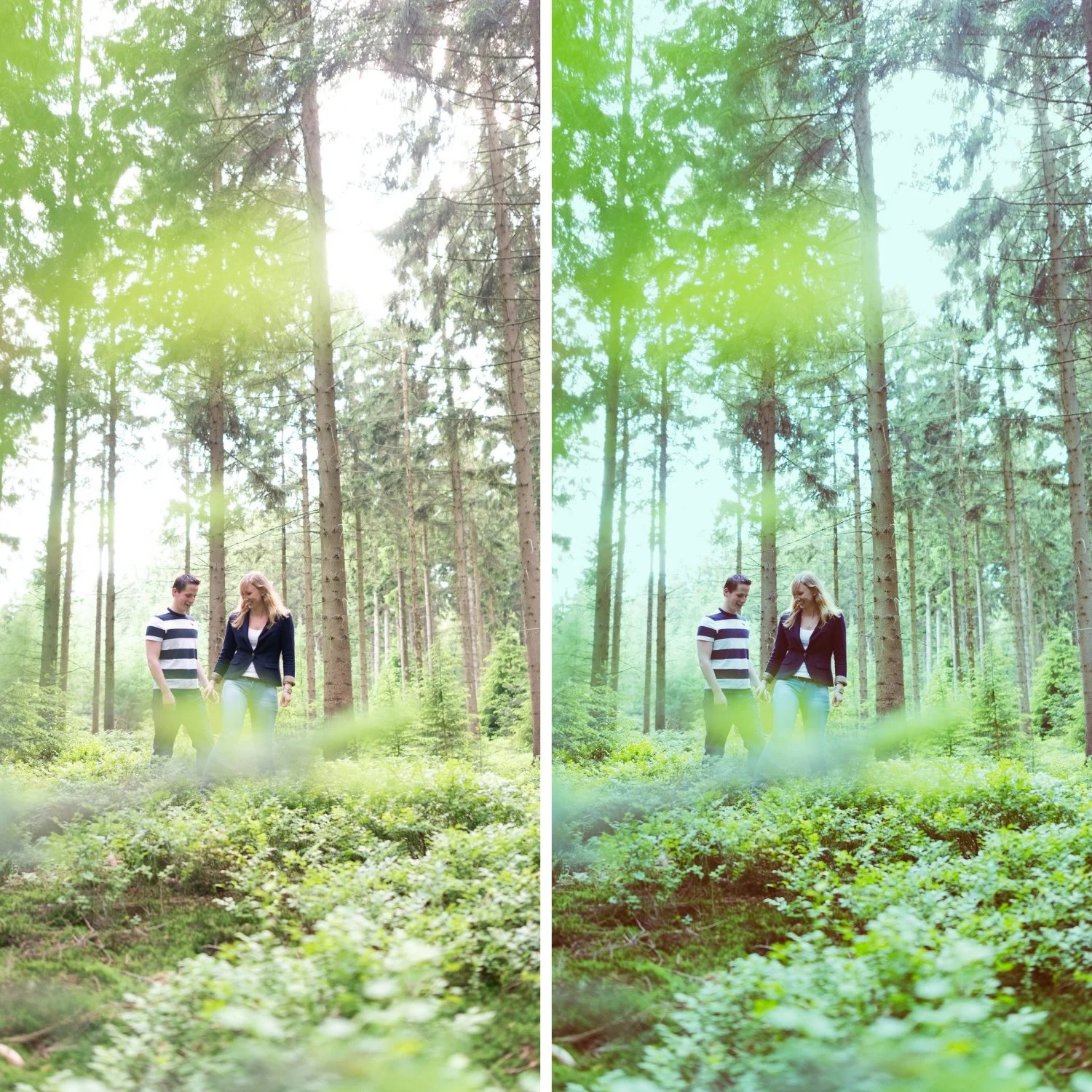
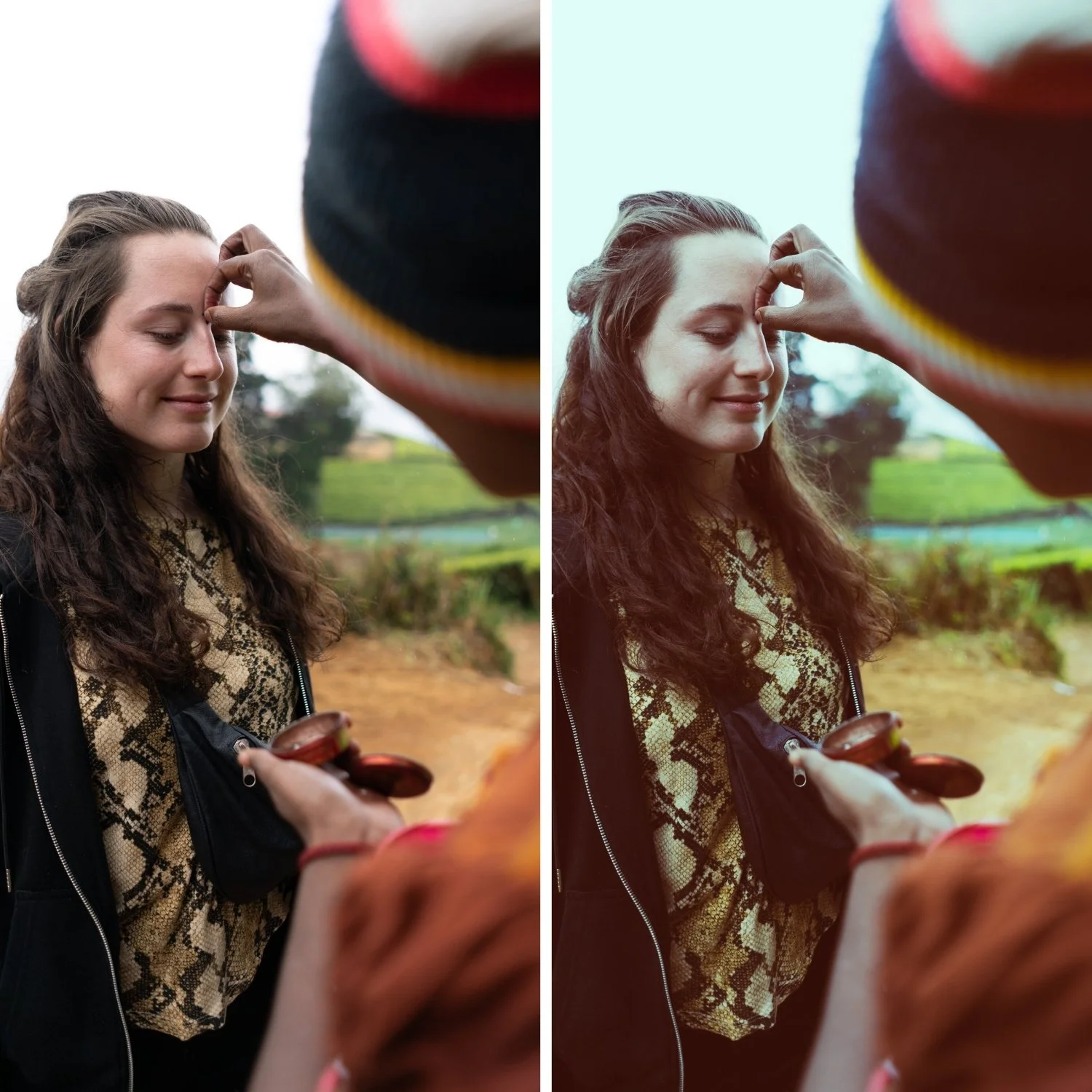
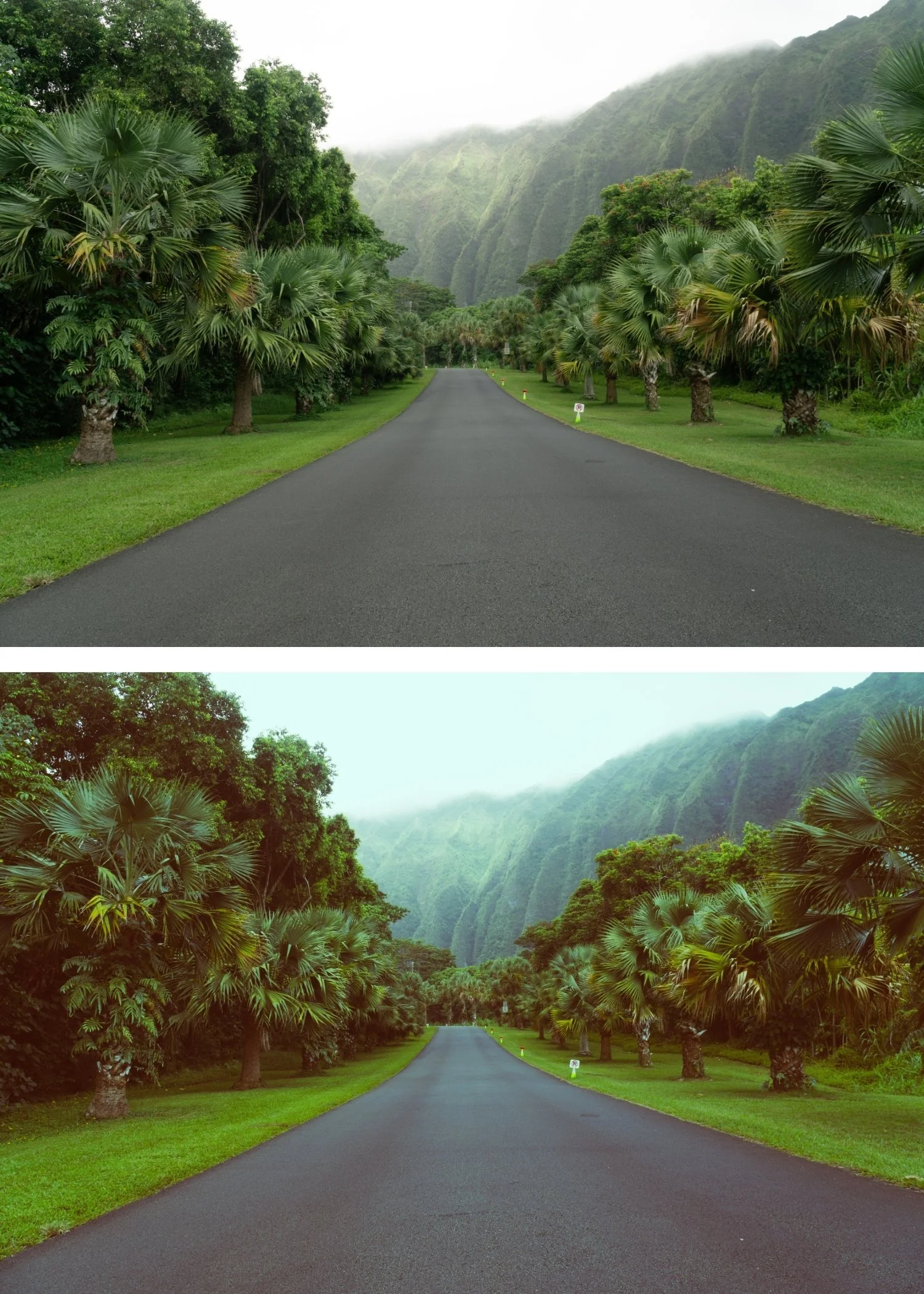
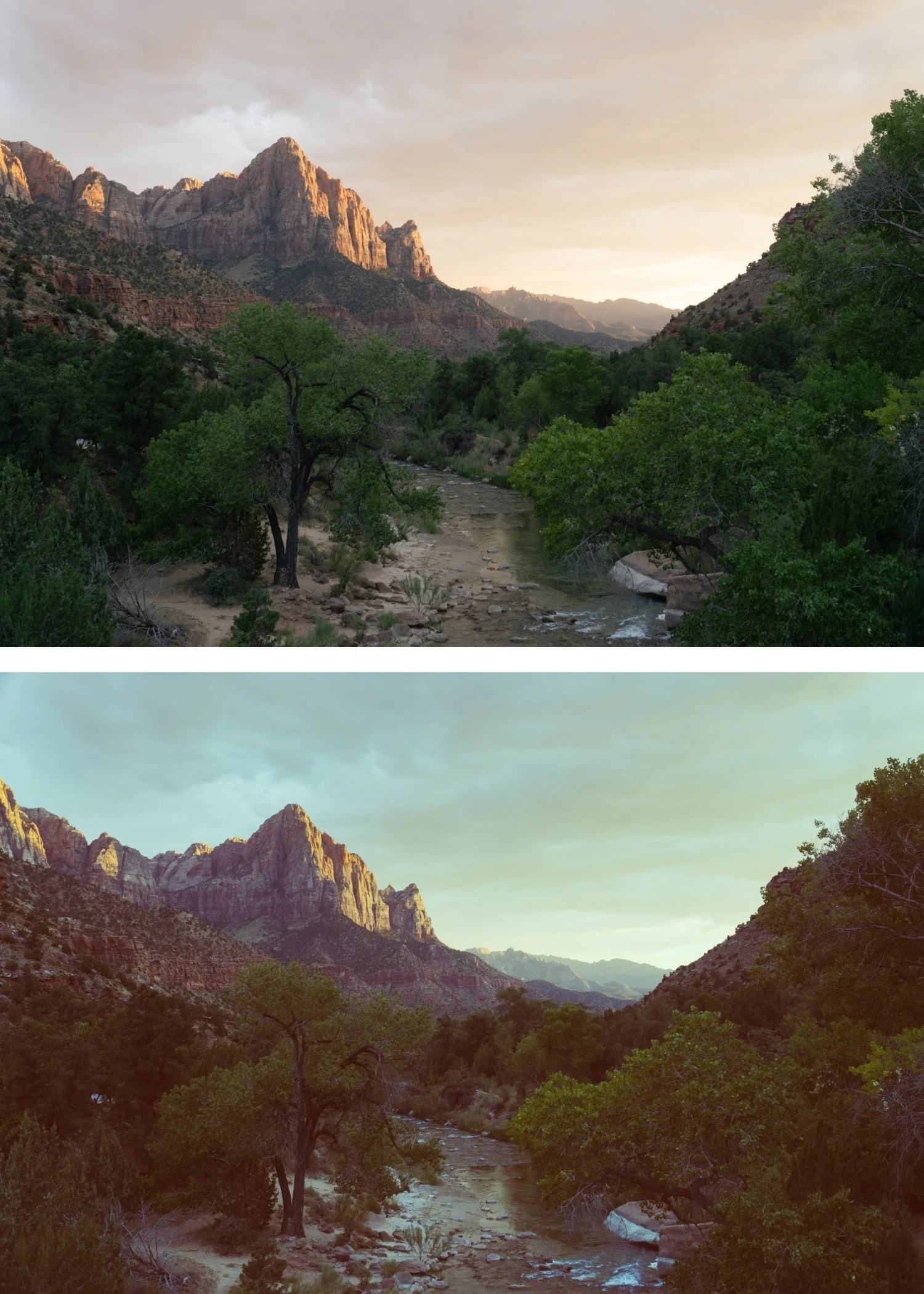
Polaroid 06 Warm Dark | Instant Film Preset for Lightroom Mobile & Desktop

-
P6 is for photographers who shoot primarily indoors and in low-light conditions — indoor events, candlelit venues, warm interior scenes — and want an instant film quality that suits the darker ambient rather than the nostalgic outdoor quality of P1 through P5.
For wedding and event photographers who want instant film character for their indoor reception coverage.
-
The warmth and darkness work together. P6's deeper shadows and amber shadow warmth create an intimate, atmospheric quality that is distinctly different from the lighter presets — warm and enclosed rather than bright and nostalgic.
It is the only truly atmospheric instant film preset. Of the nine presets, P6 is specifically calibrated for darker, more atmospheric scenarios where the other presets feel too light.
It suits warm indoor photography directly. Candlelit tables, warm venue lighting, intimate indoor moments — P6's character references and enhances these conditions naturally.
-
1 × P6 Warm Dark DNG file — for Lightroom Mobile
1 × P6 Warm Dark XMP file — for Lightroom Classic
Installation guide
Lifetime access -
This preset captures the moody, cool-toned aesthetic similar to the legendary P6 filters. It’s the perfect professional alternative for those wanting an analog-inspired look that feels "deep" rather than "airy." By emulating the chemical shift of instant film stored in cool conditions, the P6 ensures your digital shots have a polished, cinematic finish that feels like an indie-magazine editorial.
-
Step 1 — White balance first. P6 works in warm indoor conditions — set Temperature to 3,200-4,500K for warm ambient light. P6's deeper shadow warmth builds on a warm ambient foundation. For outdoor use at dusk: 5,000-5,400K.
Step 2 — Apply P6 Warm Dark. The deep amber shadow warmth, deeper tonal range, and film grain apply simultaneously.
Step 3 — Adjust Exposure per photo. P6 is the darkest preset in the collection — start at Exposure 0 or +0.1 for indoor photography. Do not increase aggressively before applying or the atmospheric depth will be lost.
Wedding and event photography with P6: P6 is specifically well-suited to wedding reception photography. The warm shadow quality and atmospheric depth suit candlelit venues, dance floor photography, and intimate indoor portrait moments. Correct white balance to the dominant light source before applying — typically 3,200-4,200K for warm venue ambient.
On phone photos: 80-82% strength. AI night mode processing on phones can conflict with P6's intended darkness — if the phone has processed the photo aggressively toward brightness, P6 at full strength may not achieve the atmospheric depth. Reduce AI processing in camera settings where possible.
-
What is the difference between P6 and P9 Deep Vintage? P6 is darker and more atmospheric — the depth comes from shadow character and reduced exposure. P9 is the most characterful vintage expression — rich, deep colour and maximum vintage depth in a more colourful register. P6 for dark warm indoor instant film, P9 for maximum rich vintage character.
Does P6 work for outdoor photography at night? Yes — P6's atmospheric quality works for outdoor low-light and dusk photography. The warm shadow character suits the warm artificial lights of outdoor evening scenes.
GET ALL 9 POLAROID INSTANT ARCHIVE PRESETS
The full Polaroid Instant Archive gives you nine calibrated instant film looks — Instant Warm for subtle vintage character, Classic Instant for the balanced Polaroid look, Soft Instant for dreamlike portraits, Vintage Instant for nostalgic travel, Faded Instant for maximum fade, Warm Dark for atmospheric indoor photography, Cool Instant for the only cool-leaning instant option, High Key Instant for bright outdoor work, and Deep Vintage for maximum retro depth.
Nine presets. One retro philosophy. $3 per preset.
THE STUDIO ARCHIVE
Want everything? The Studio Archive contains 130+ presets — every collection we make, including the complete Polaroid Instant Archive — for $89 total. That is $0.68 per preset with every future release included for life.