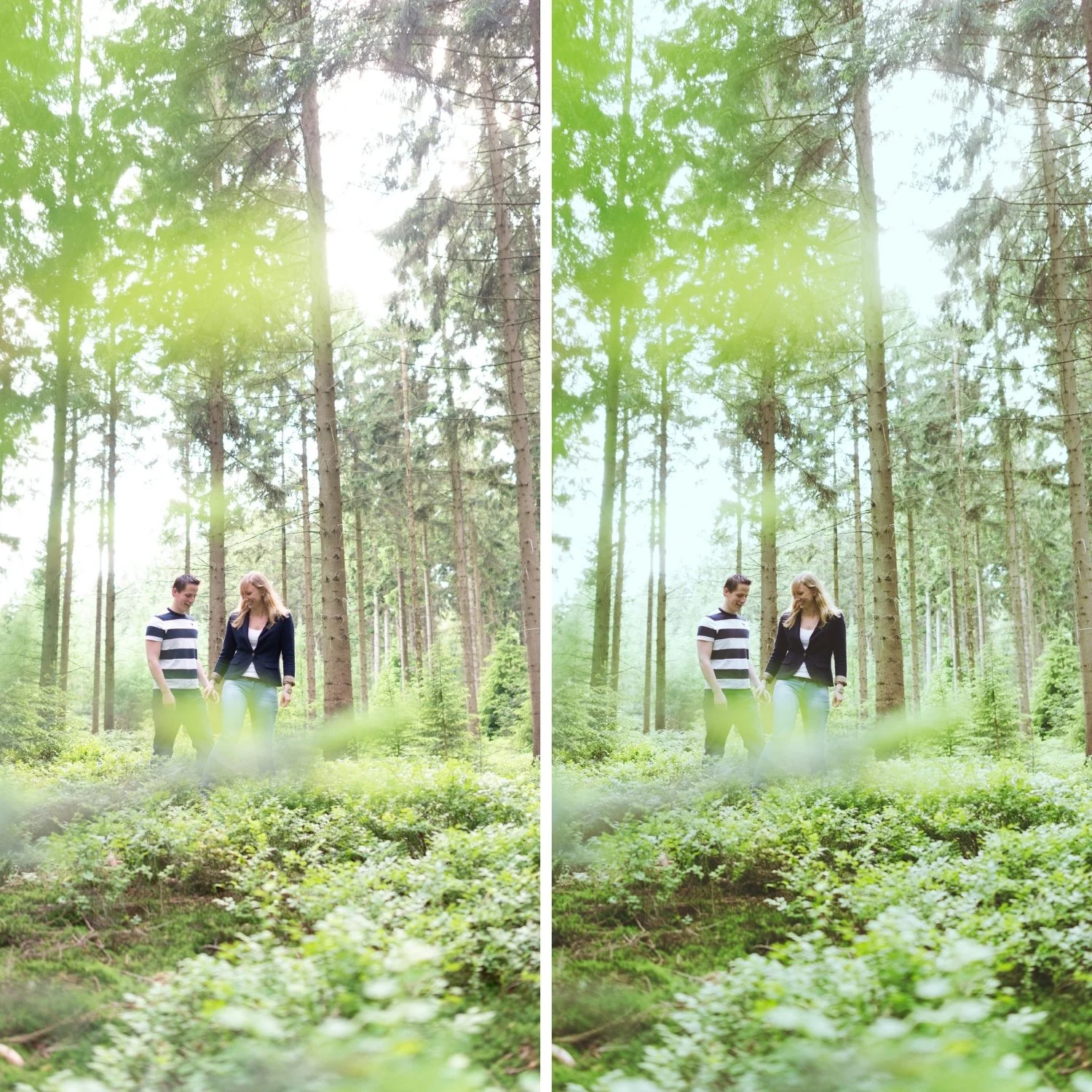
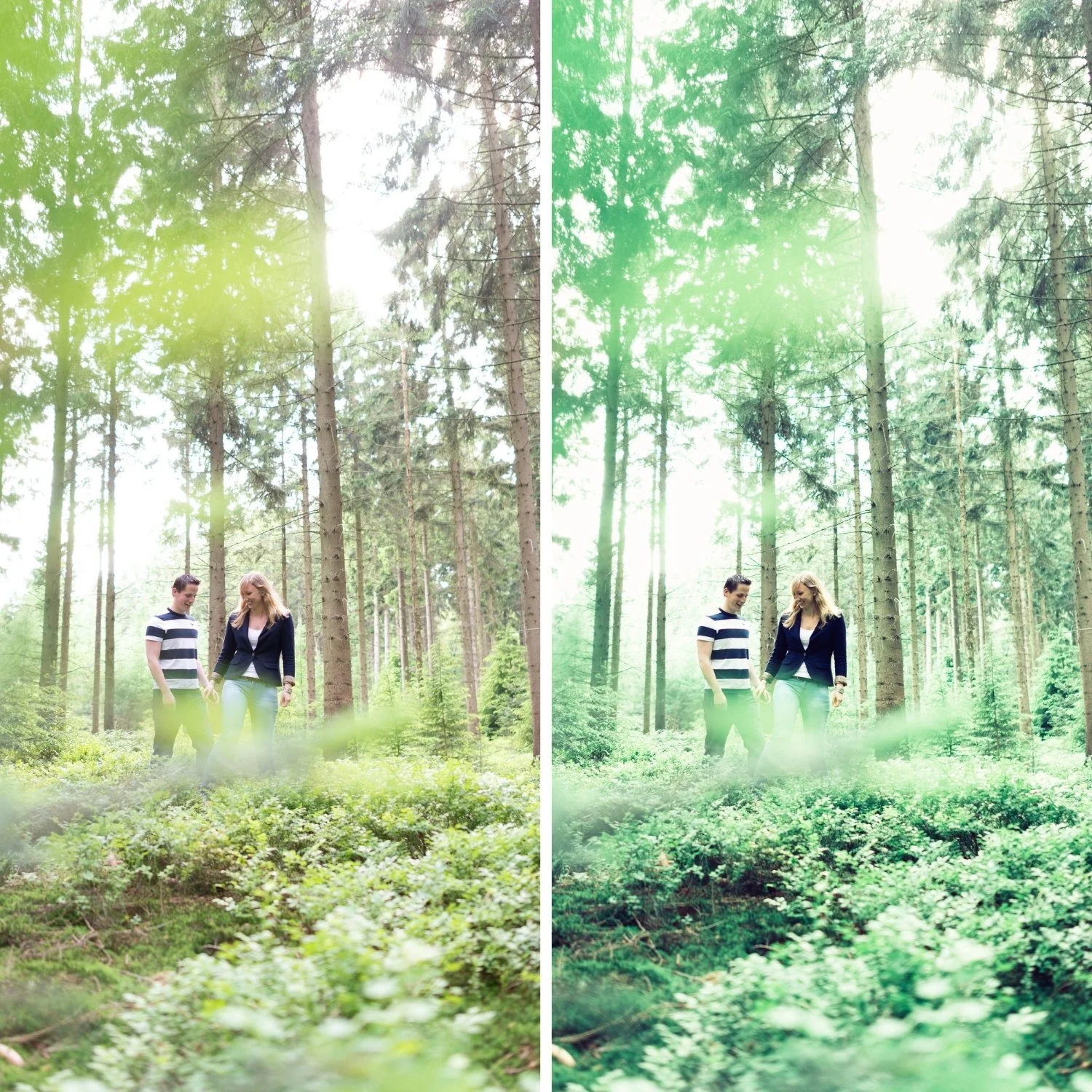
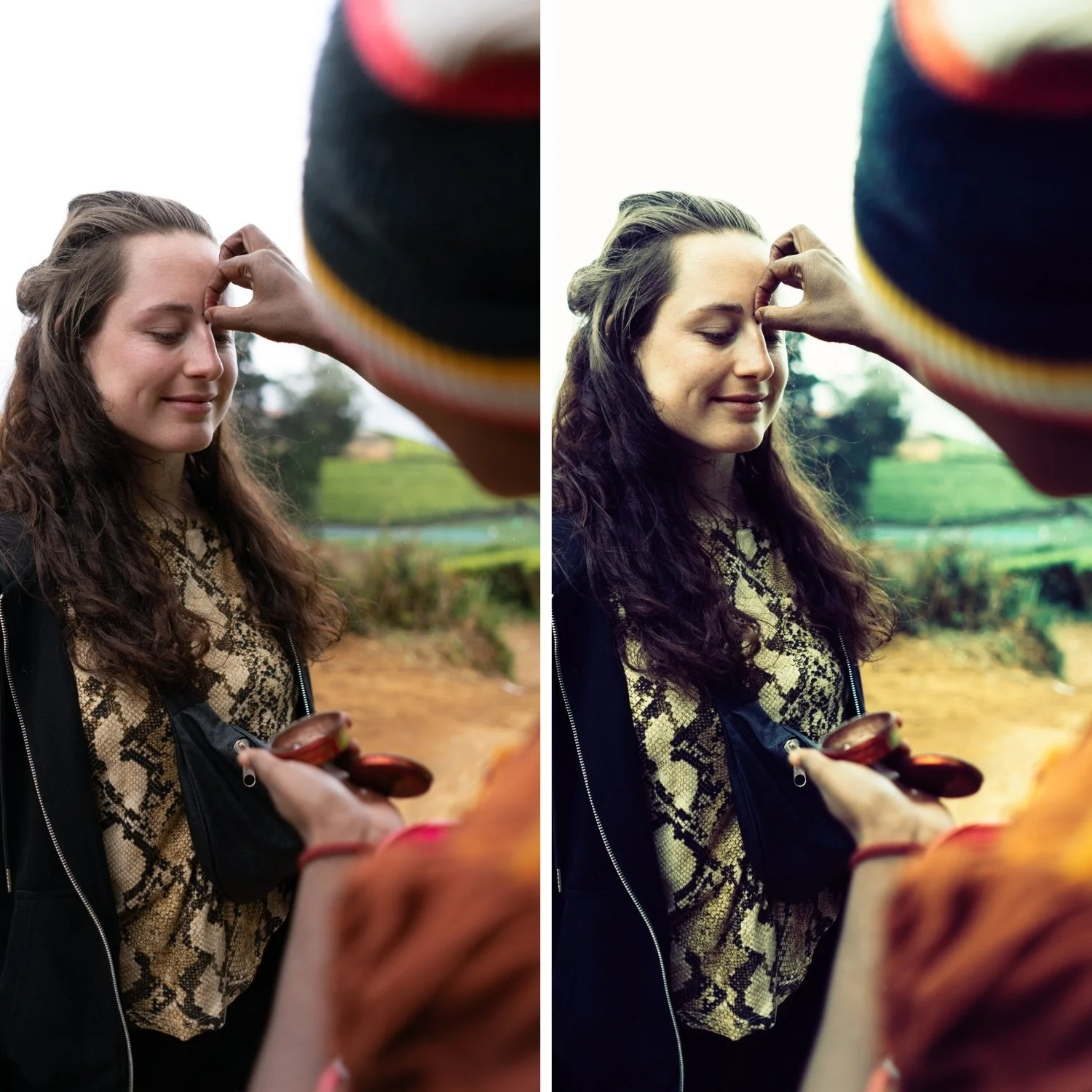
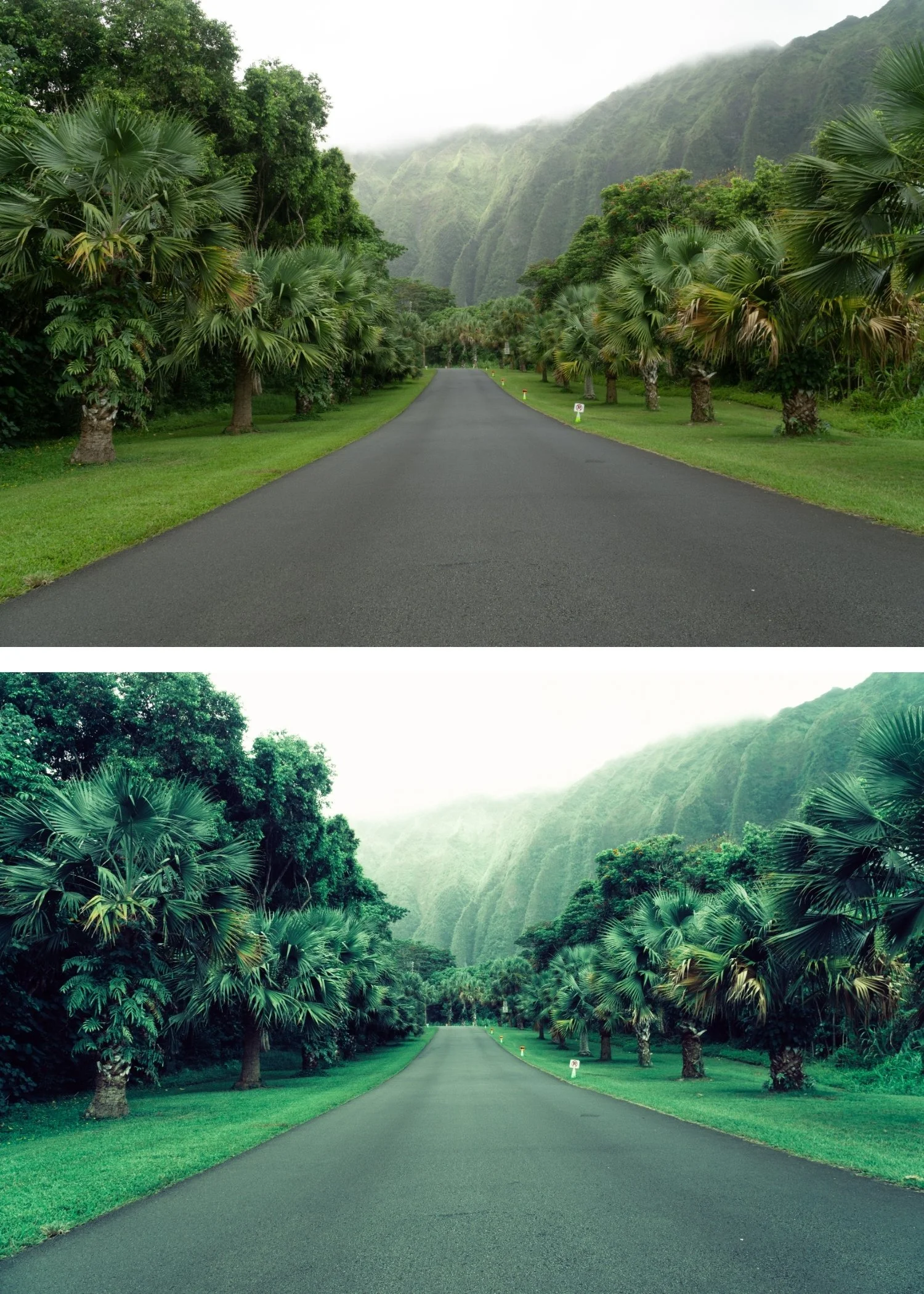
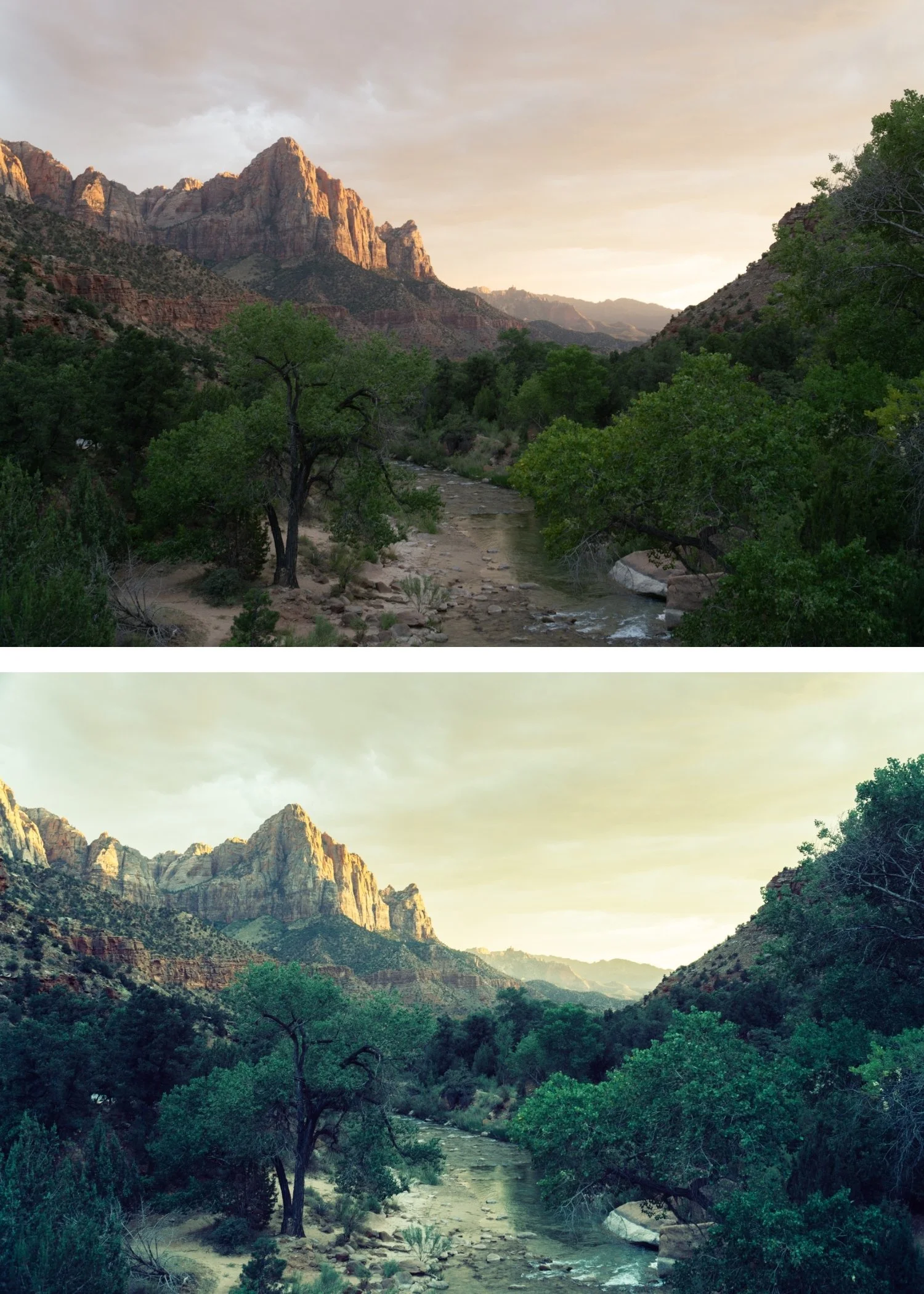
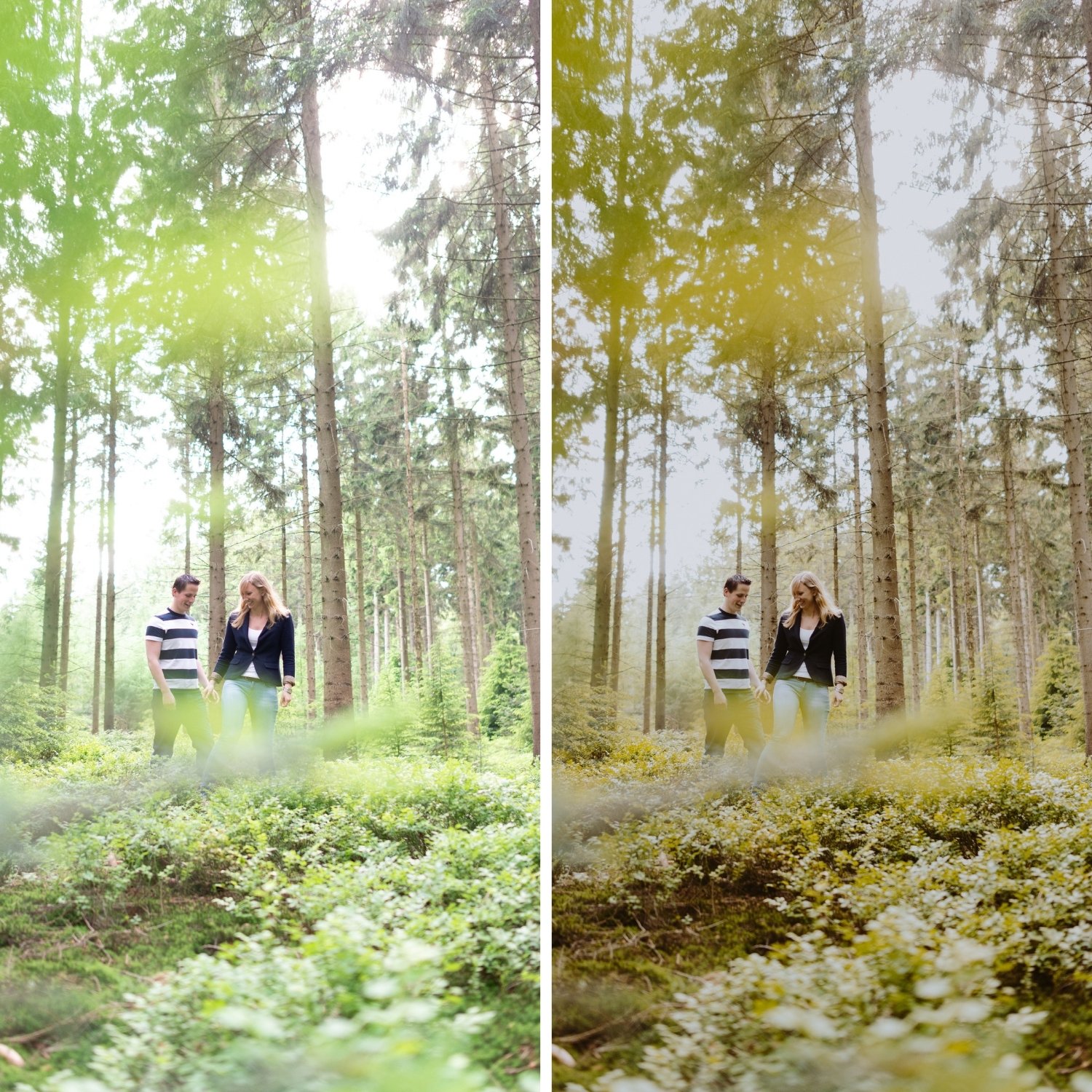
 Image 1 of 4
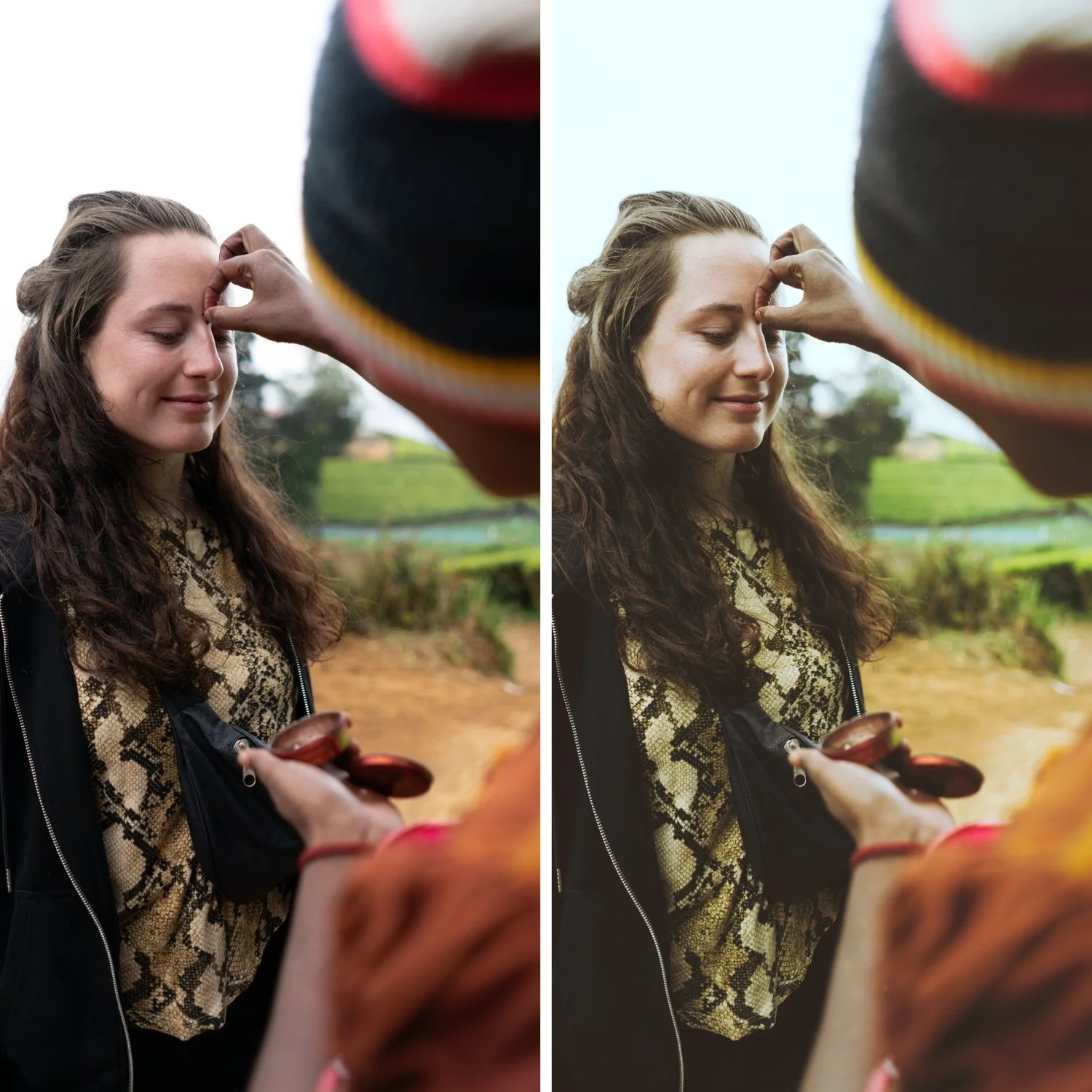
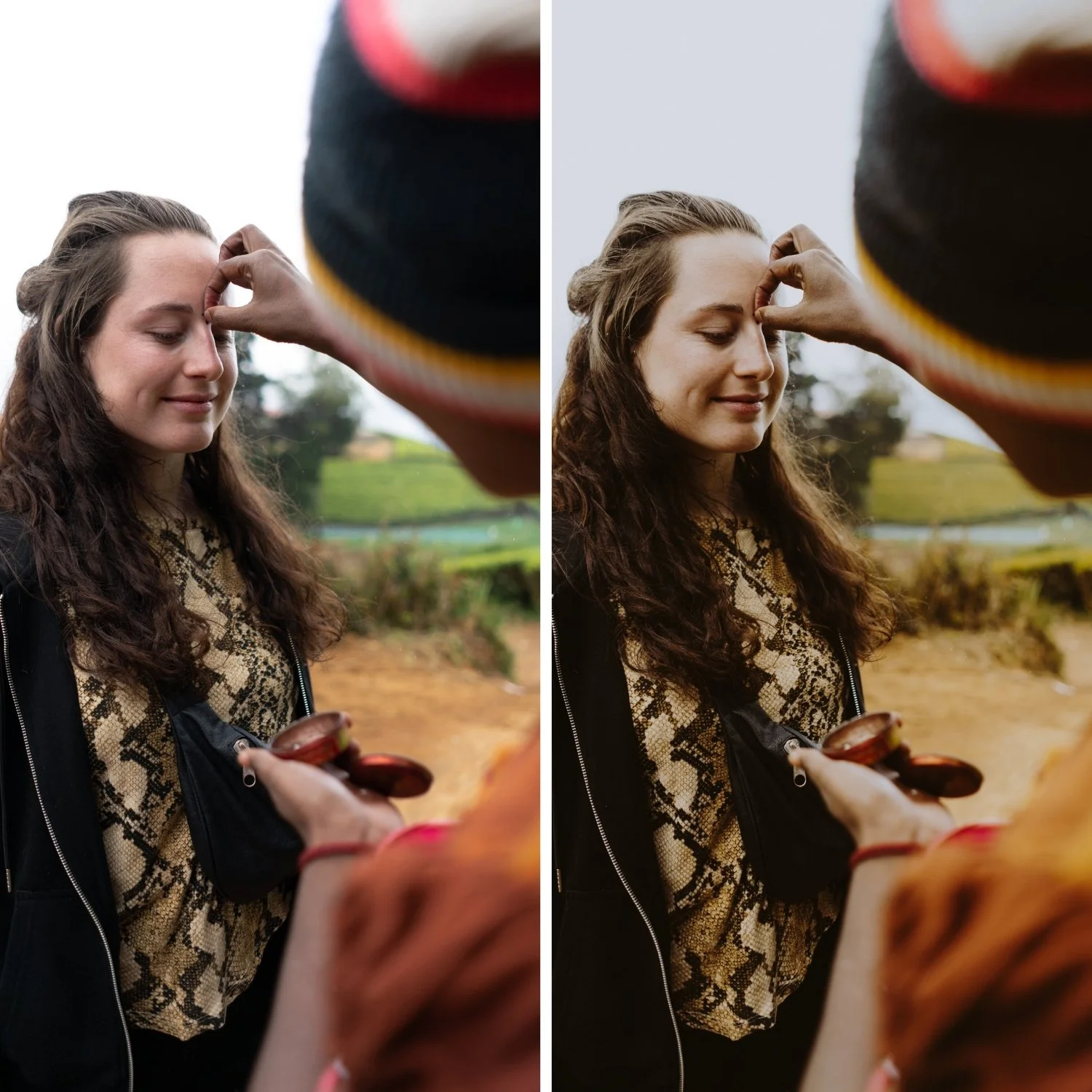
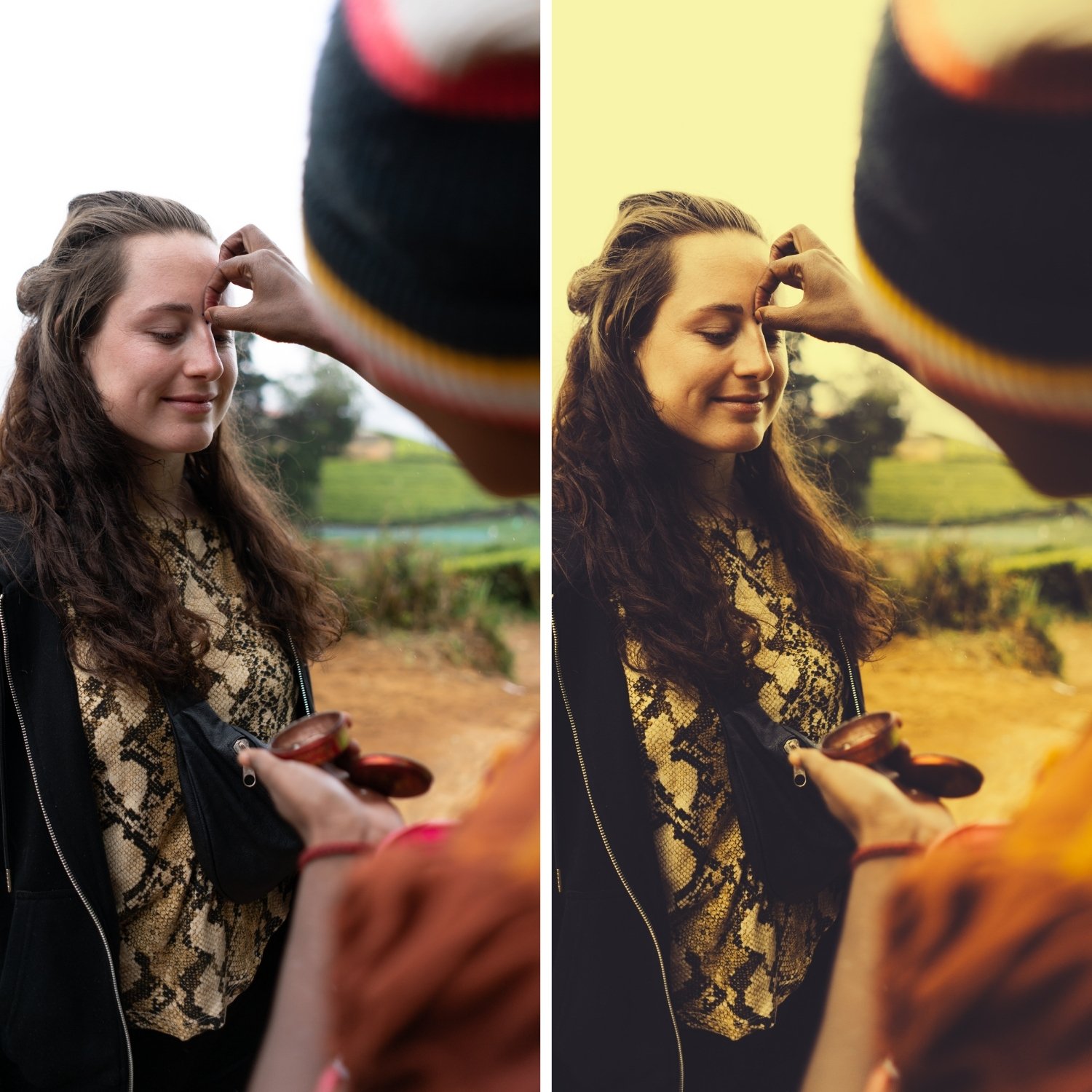 Image 2 of 4
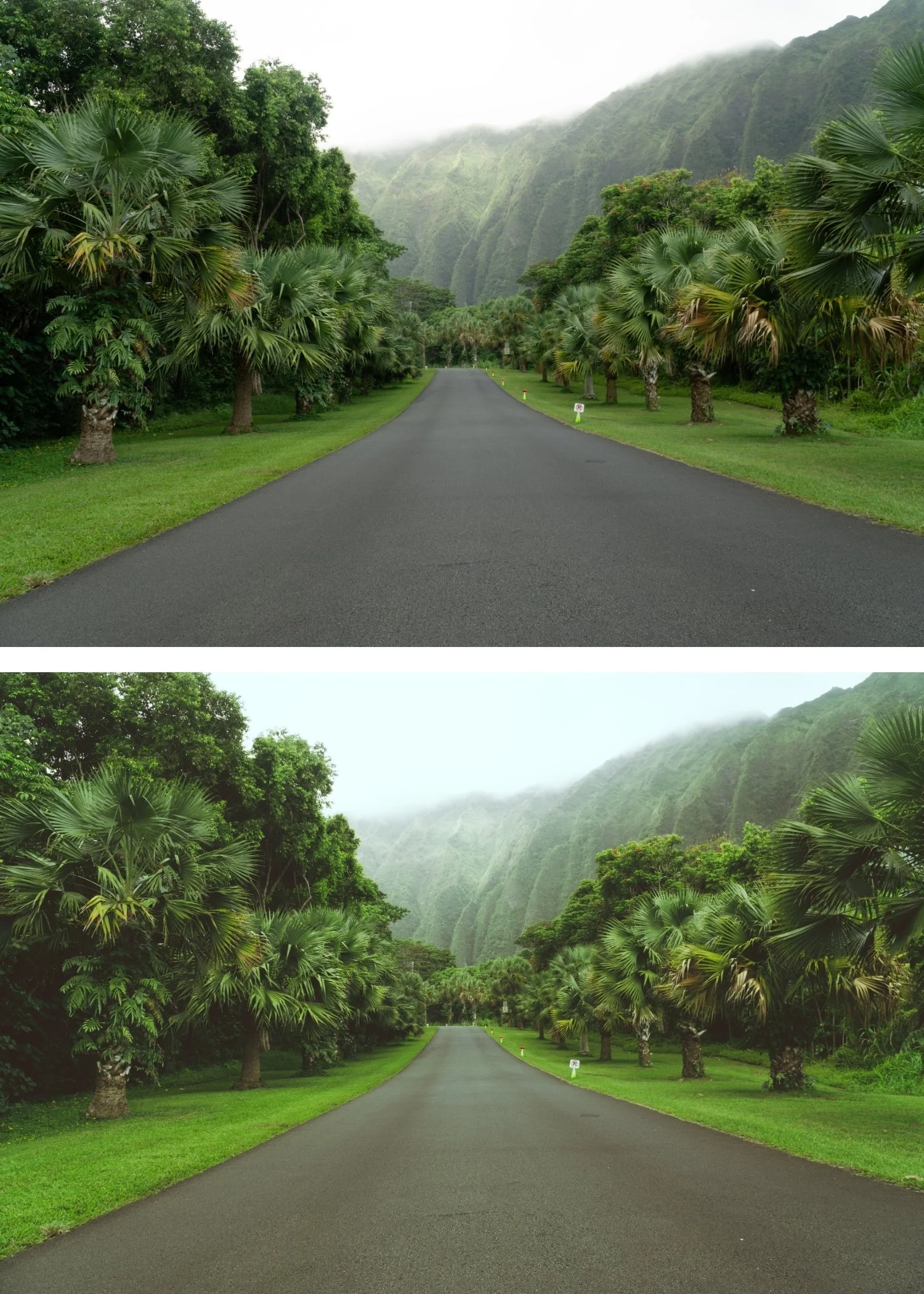
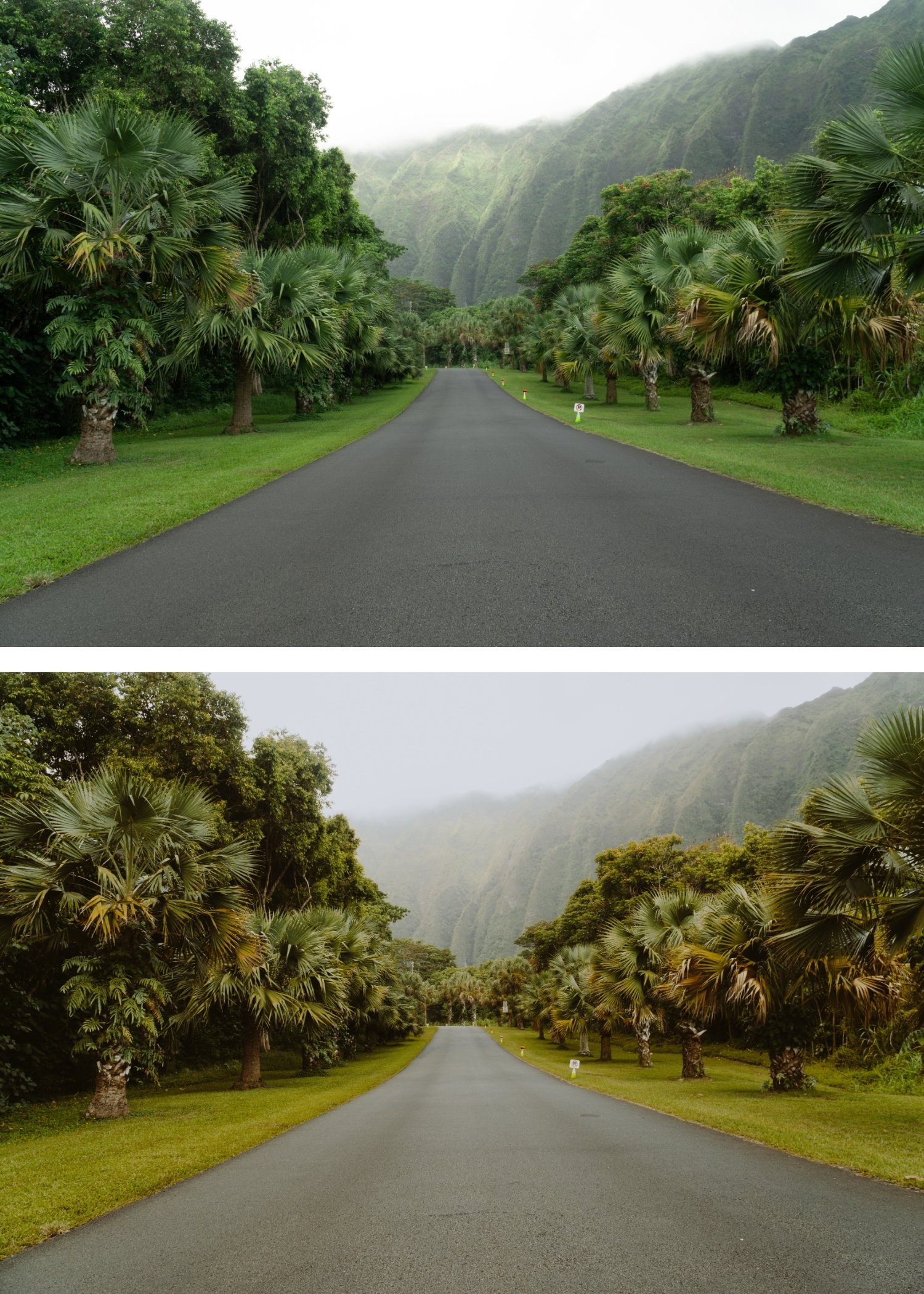
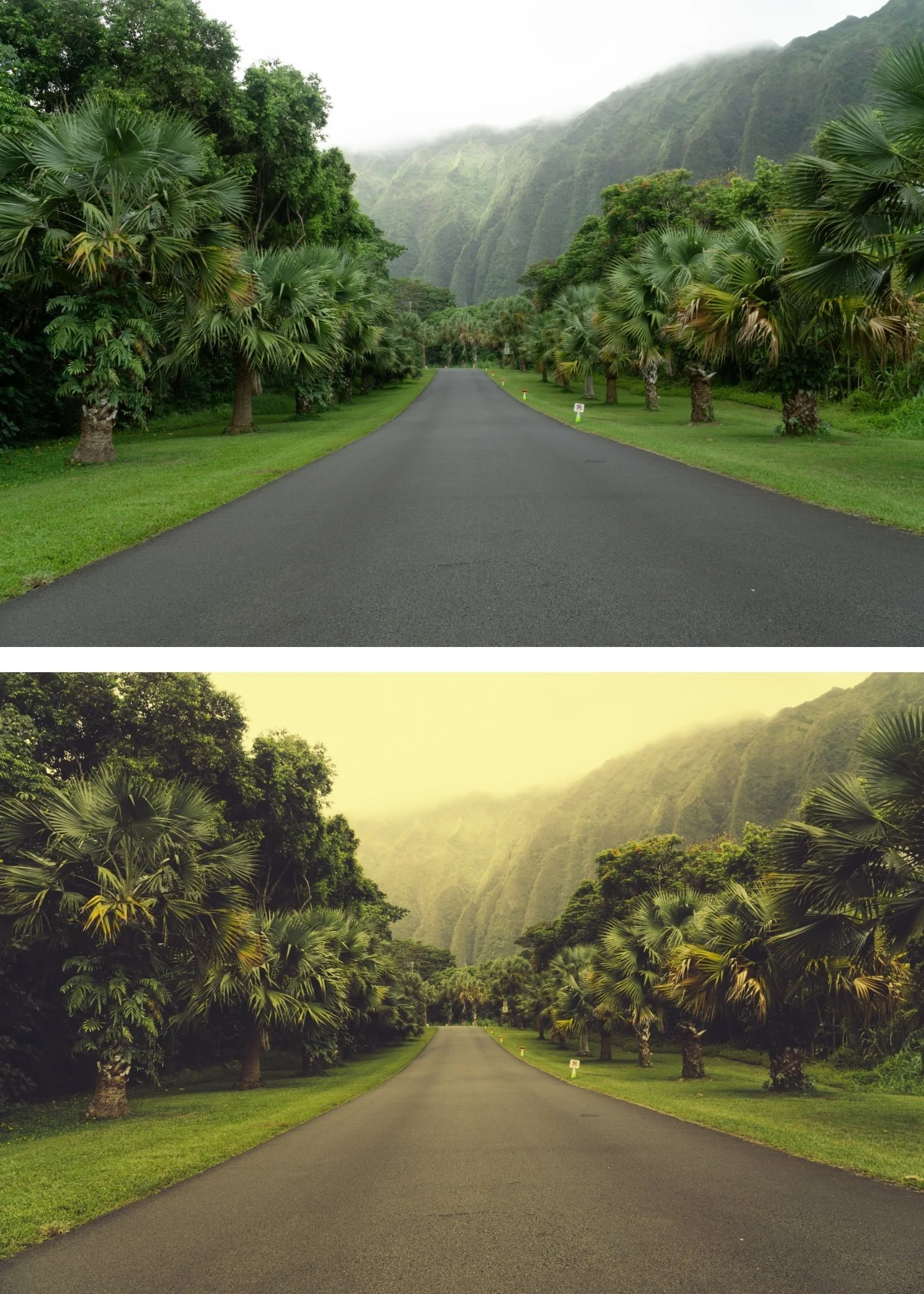 Image 3 of 4
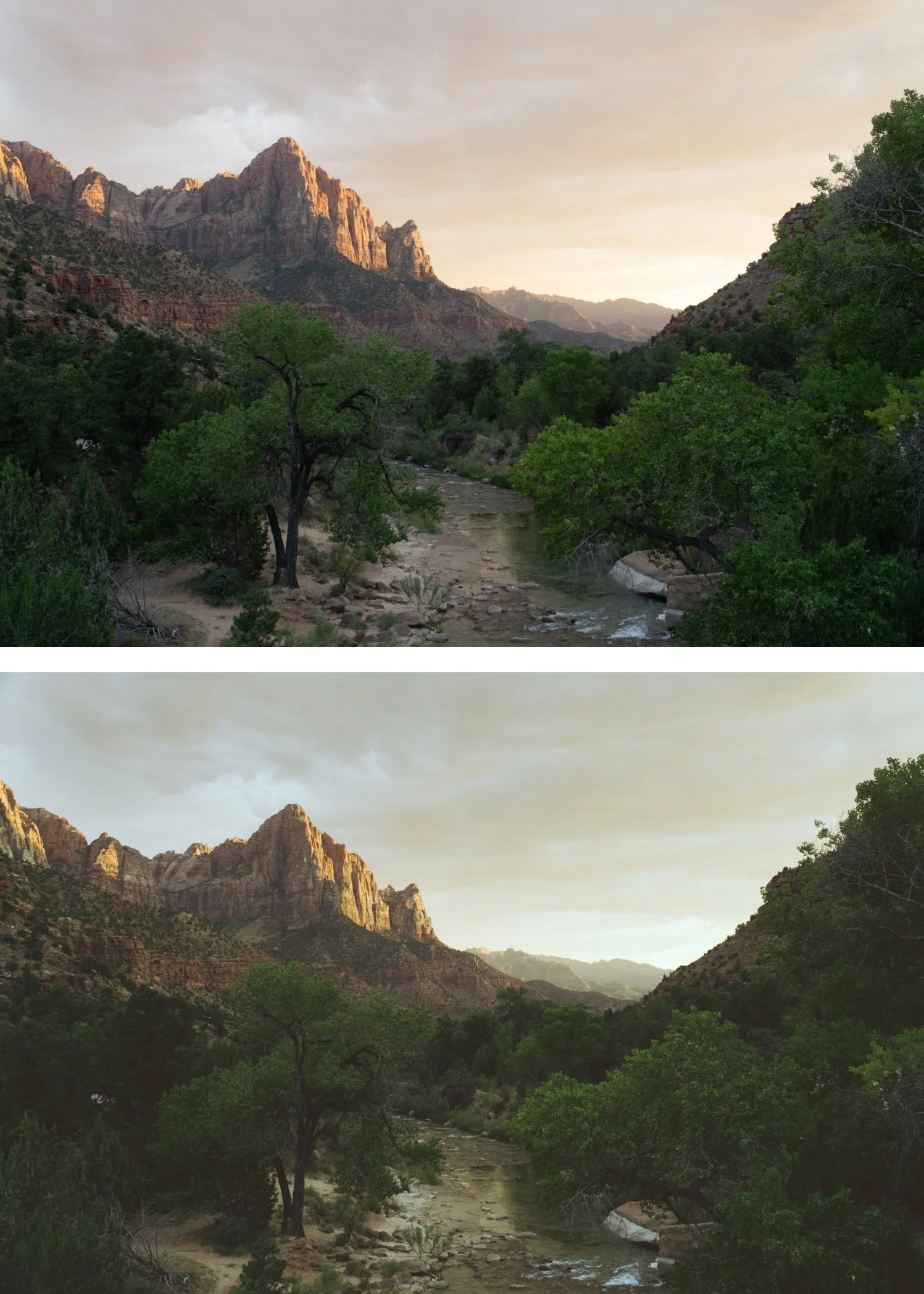
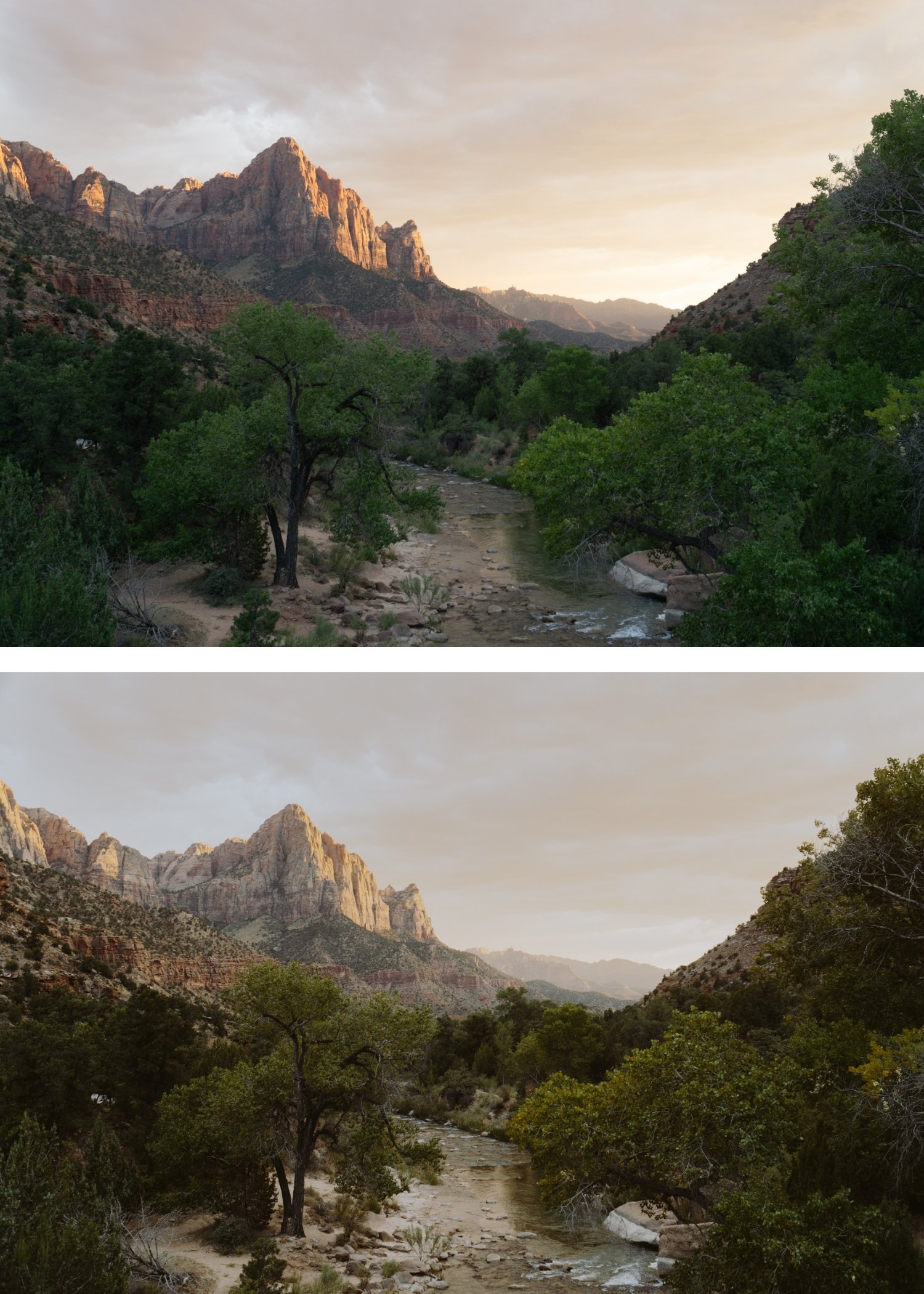
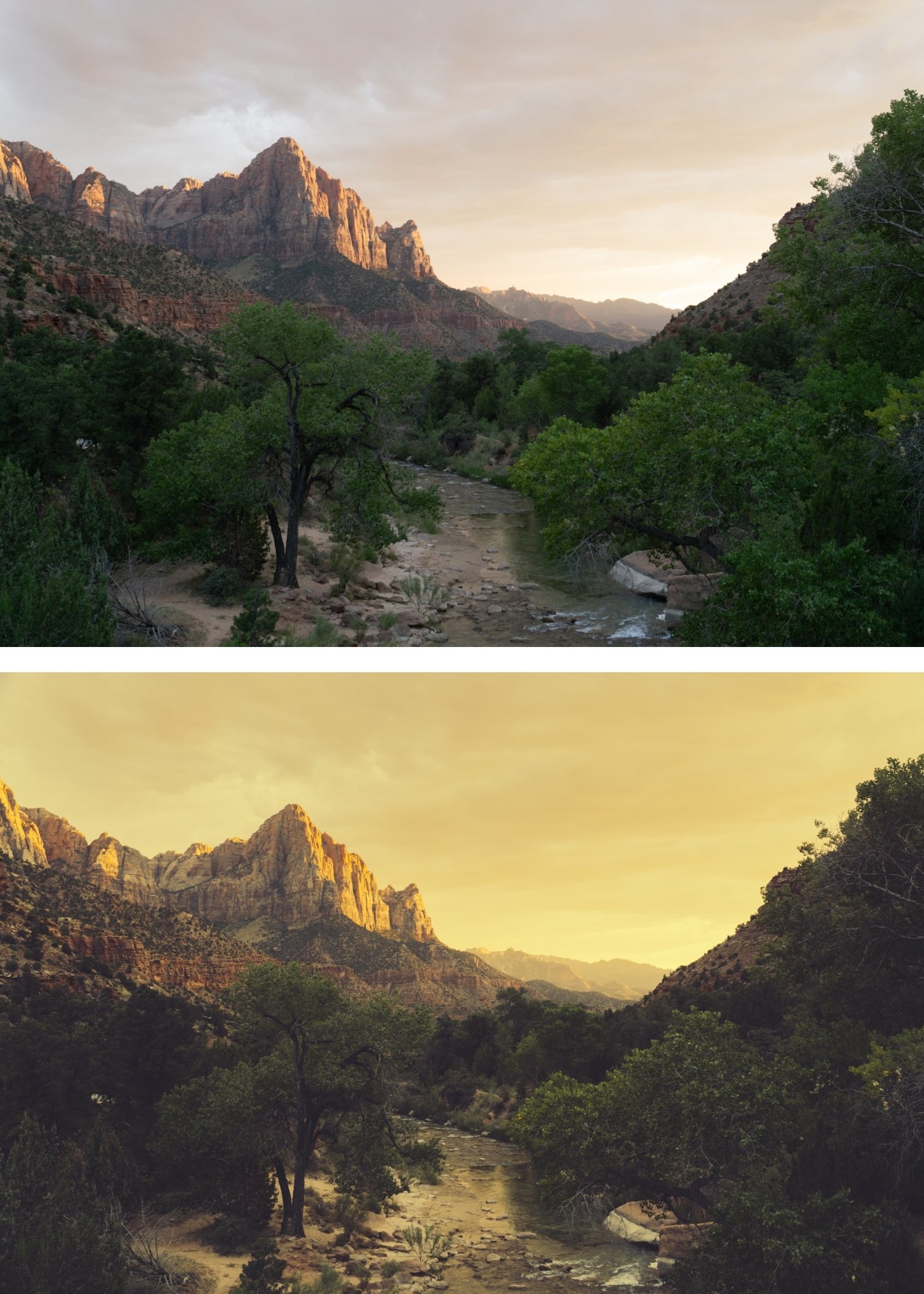 Image 4 of 4
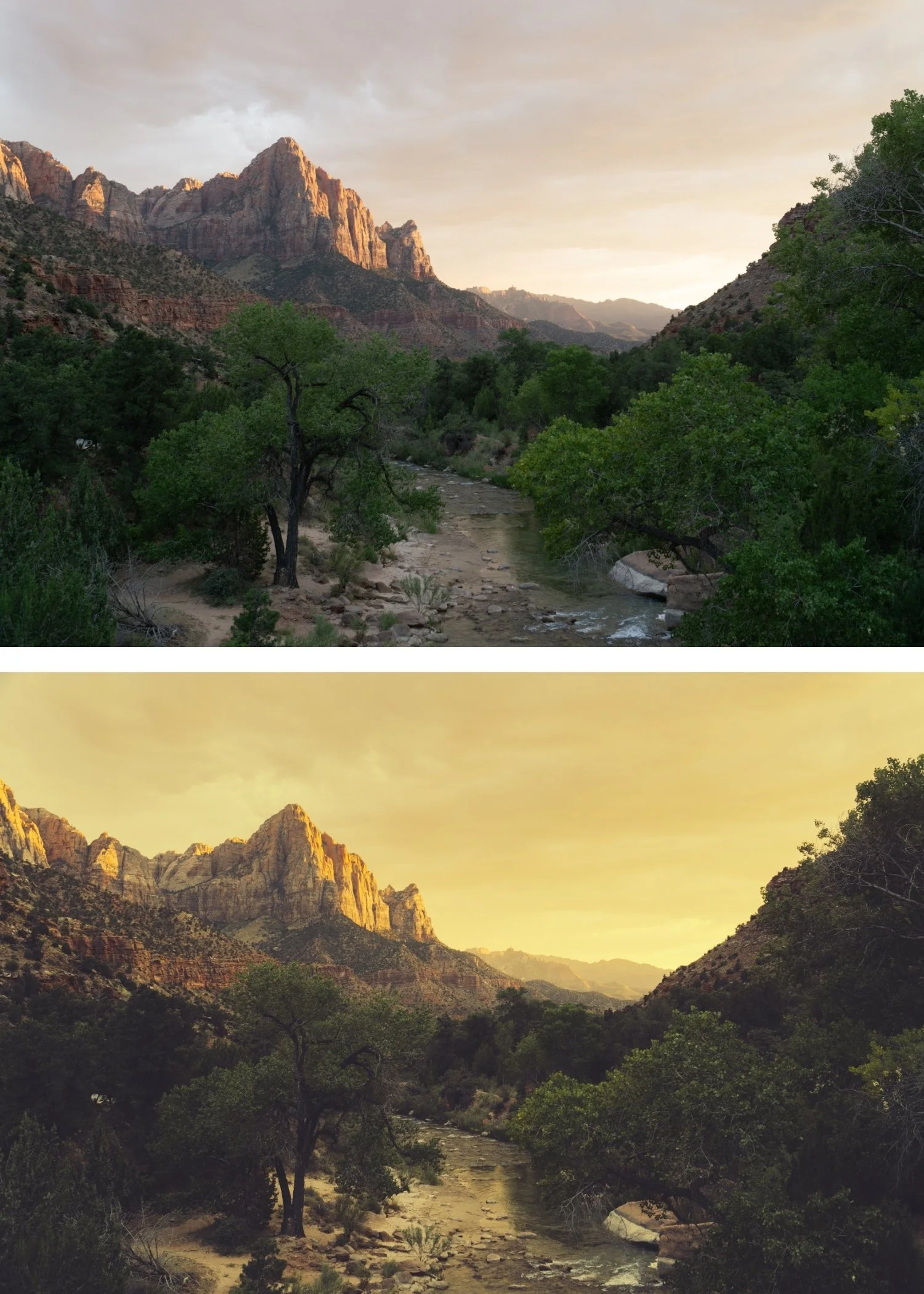
Polaroid 09 Deep Vintage | Instant Film Preset for Lightroom Mobile & Desktop

-
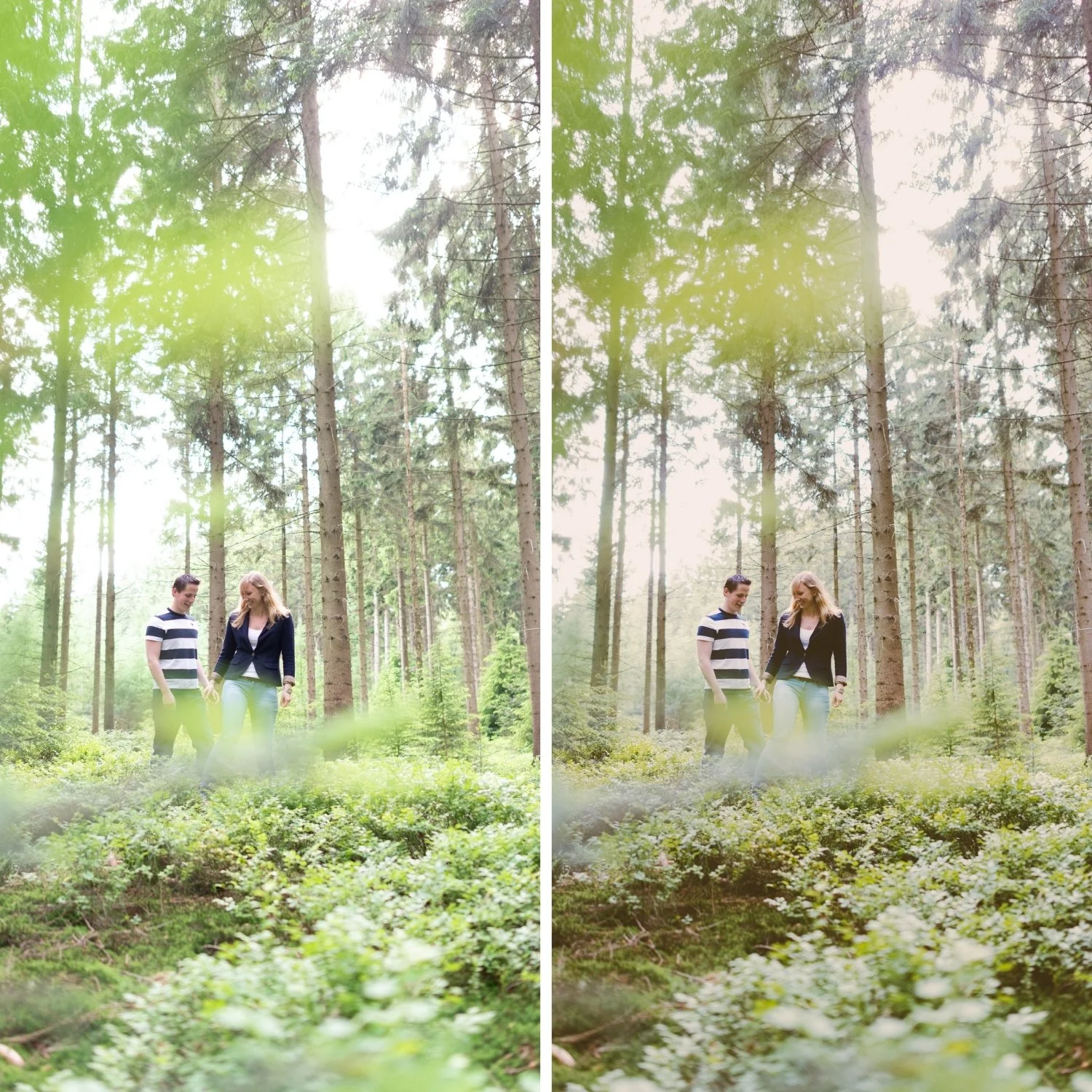
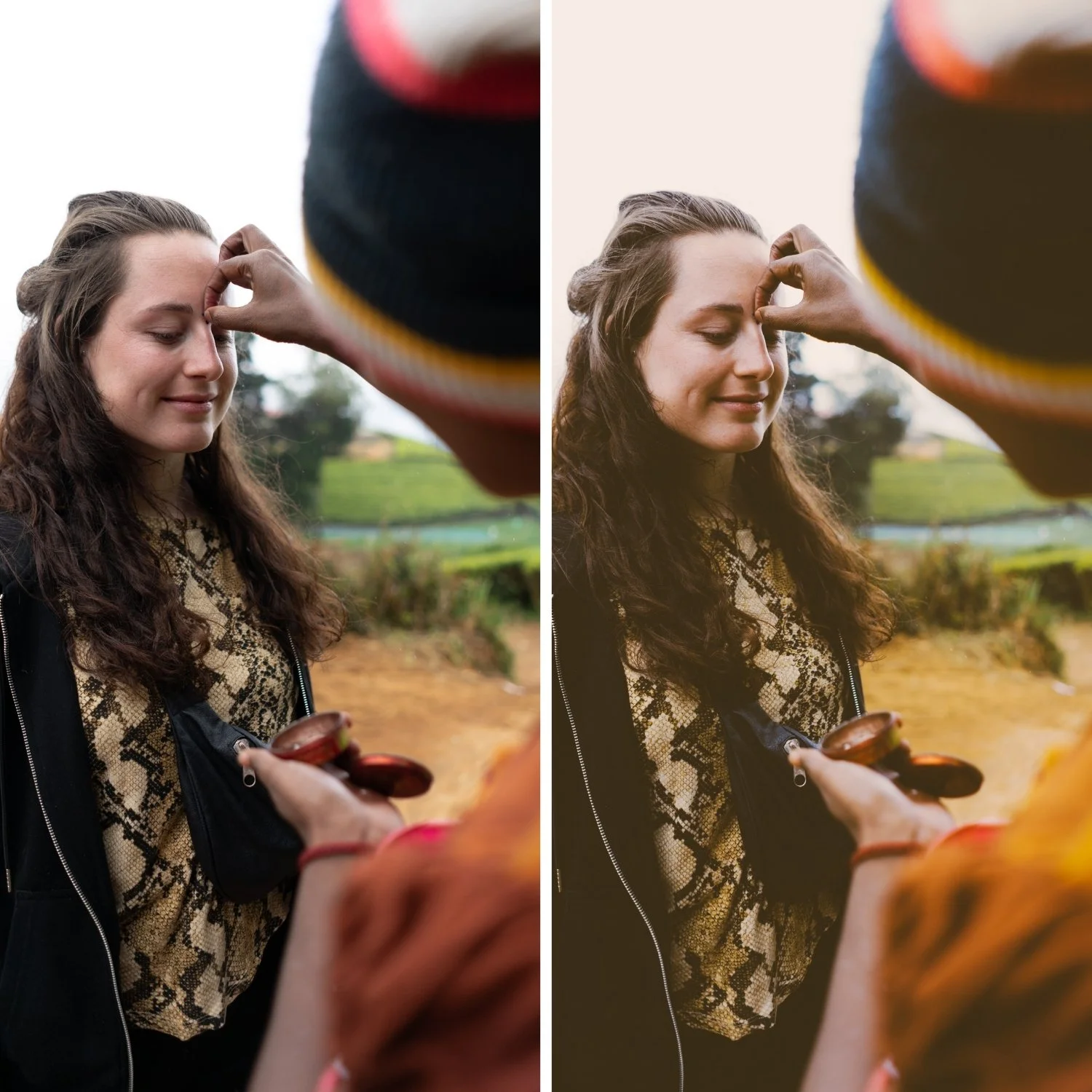
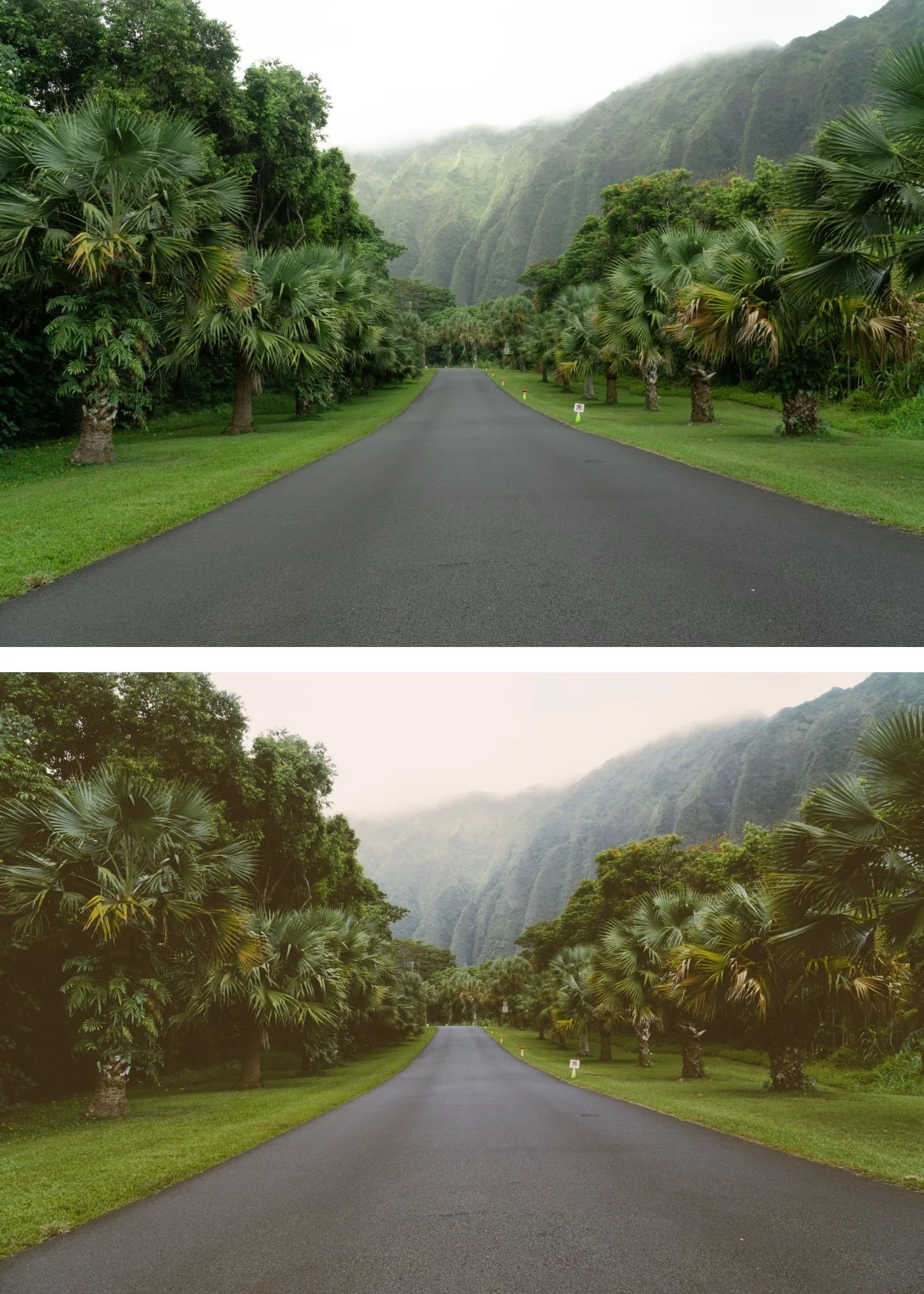
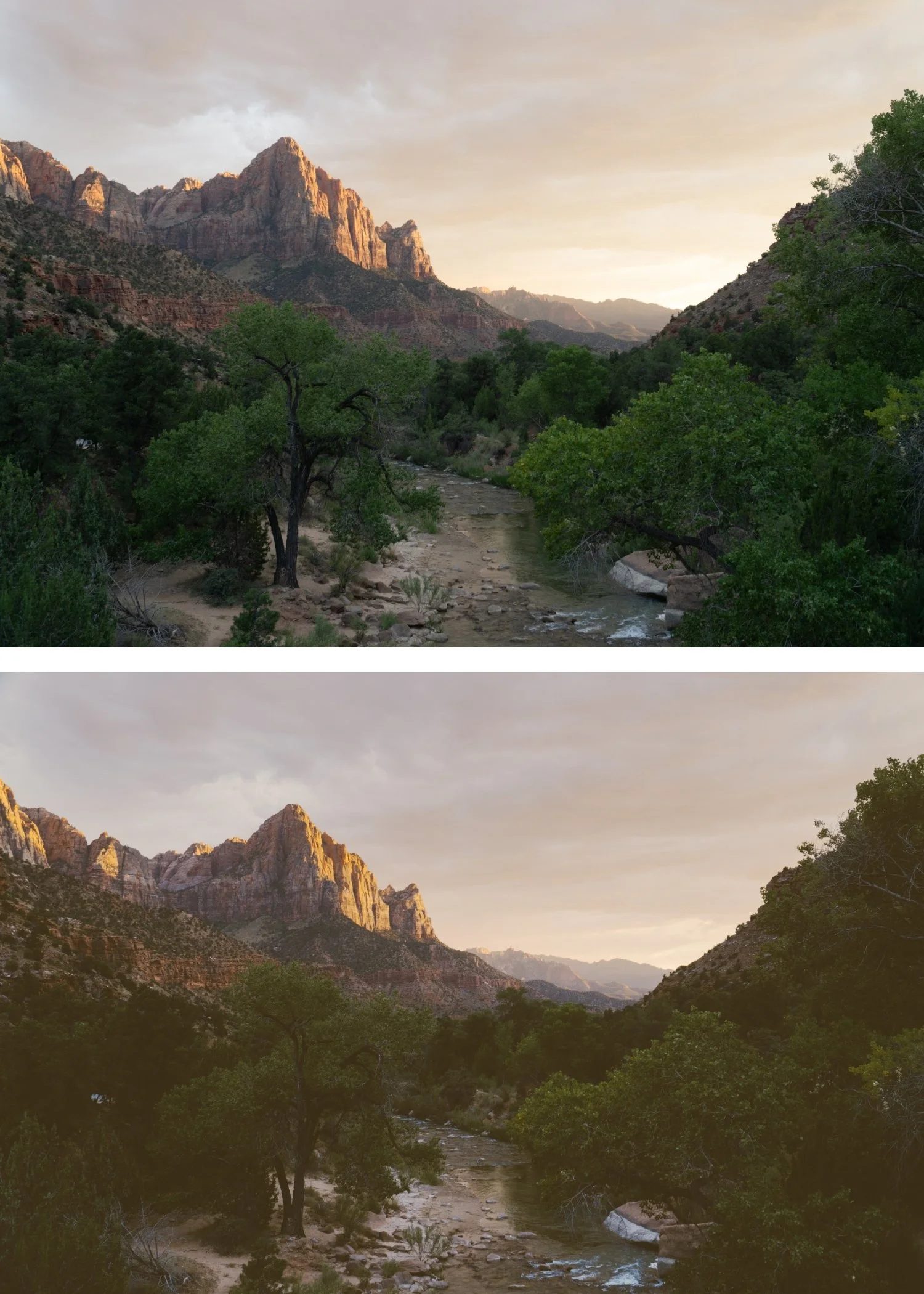
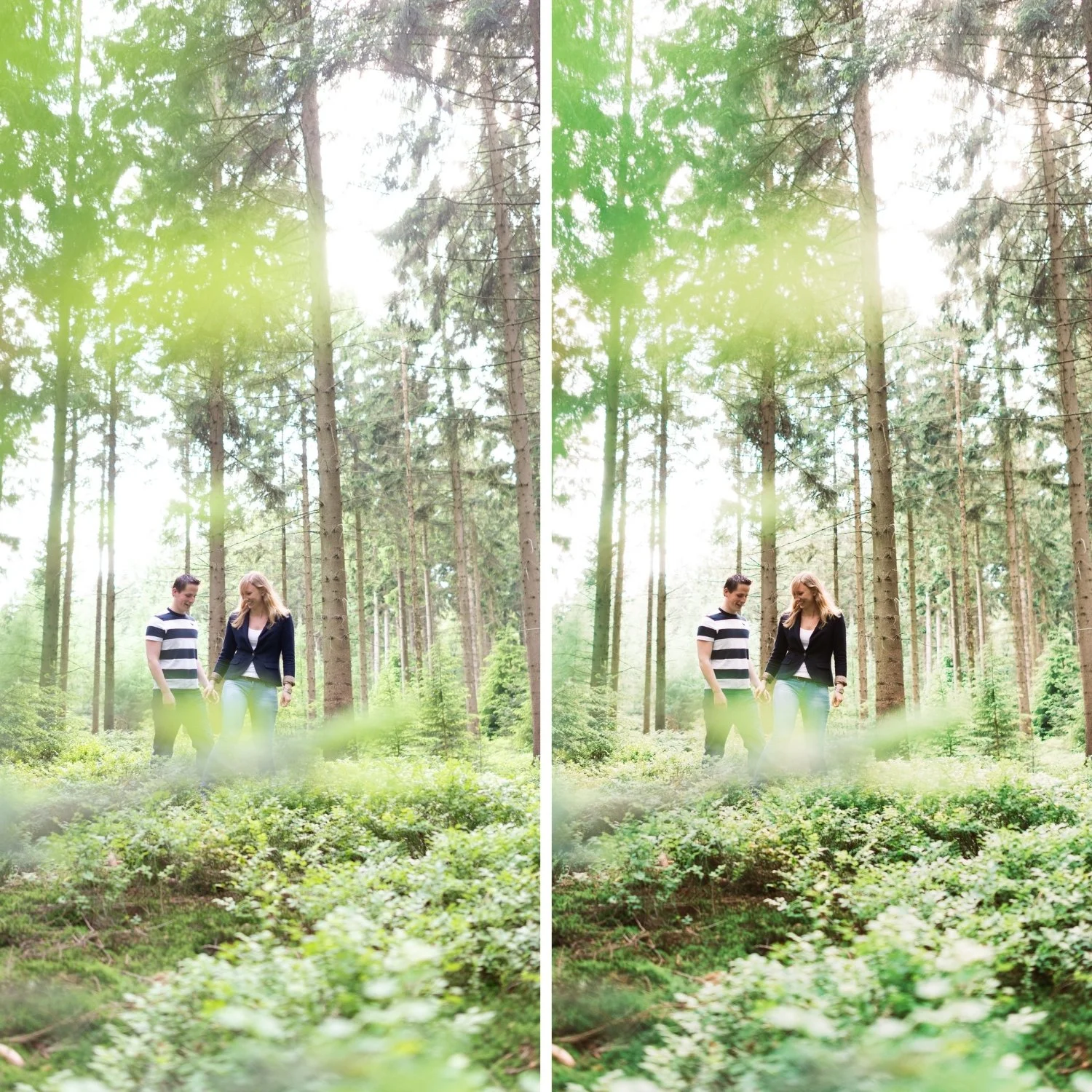
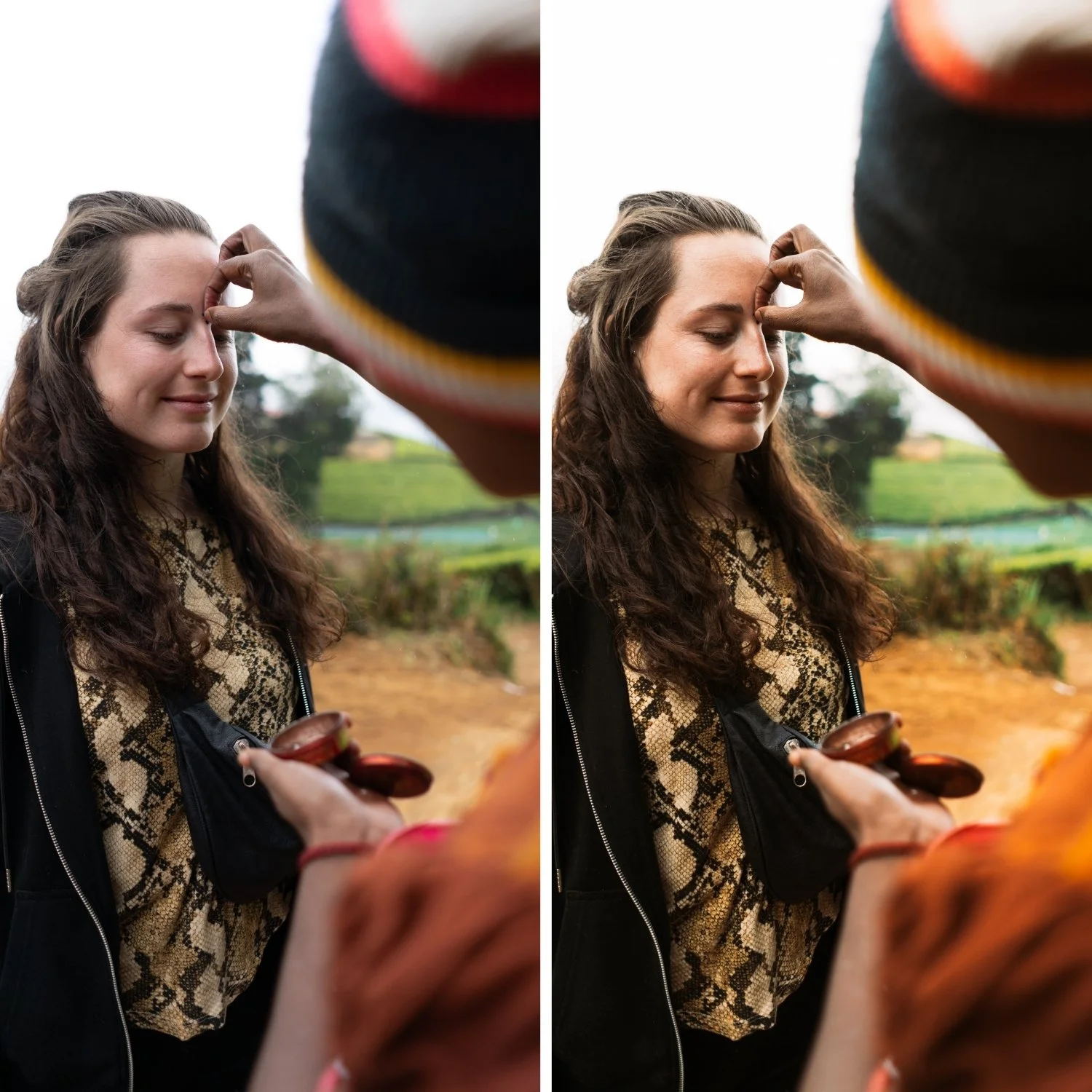
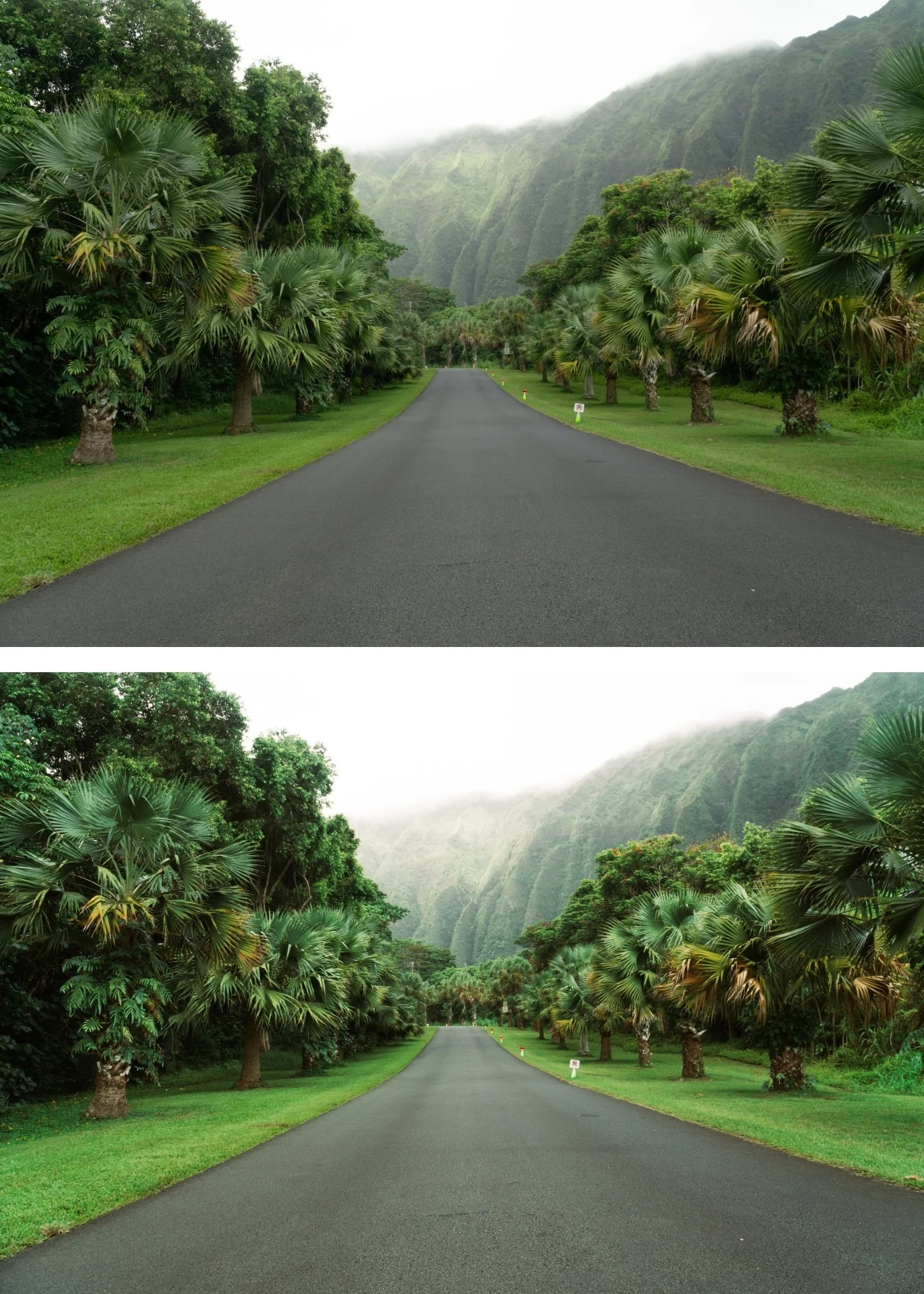
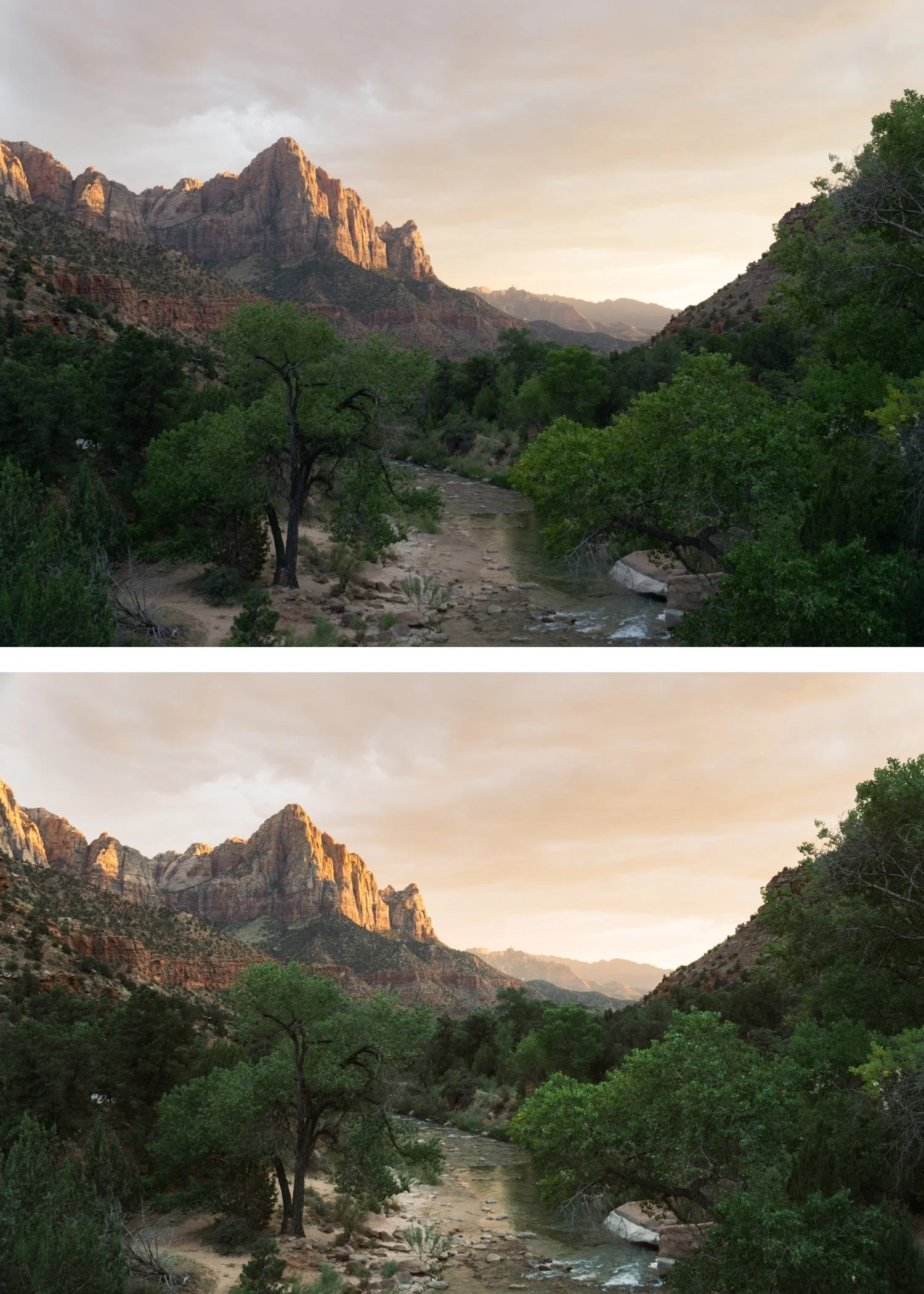
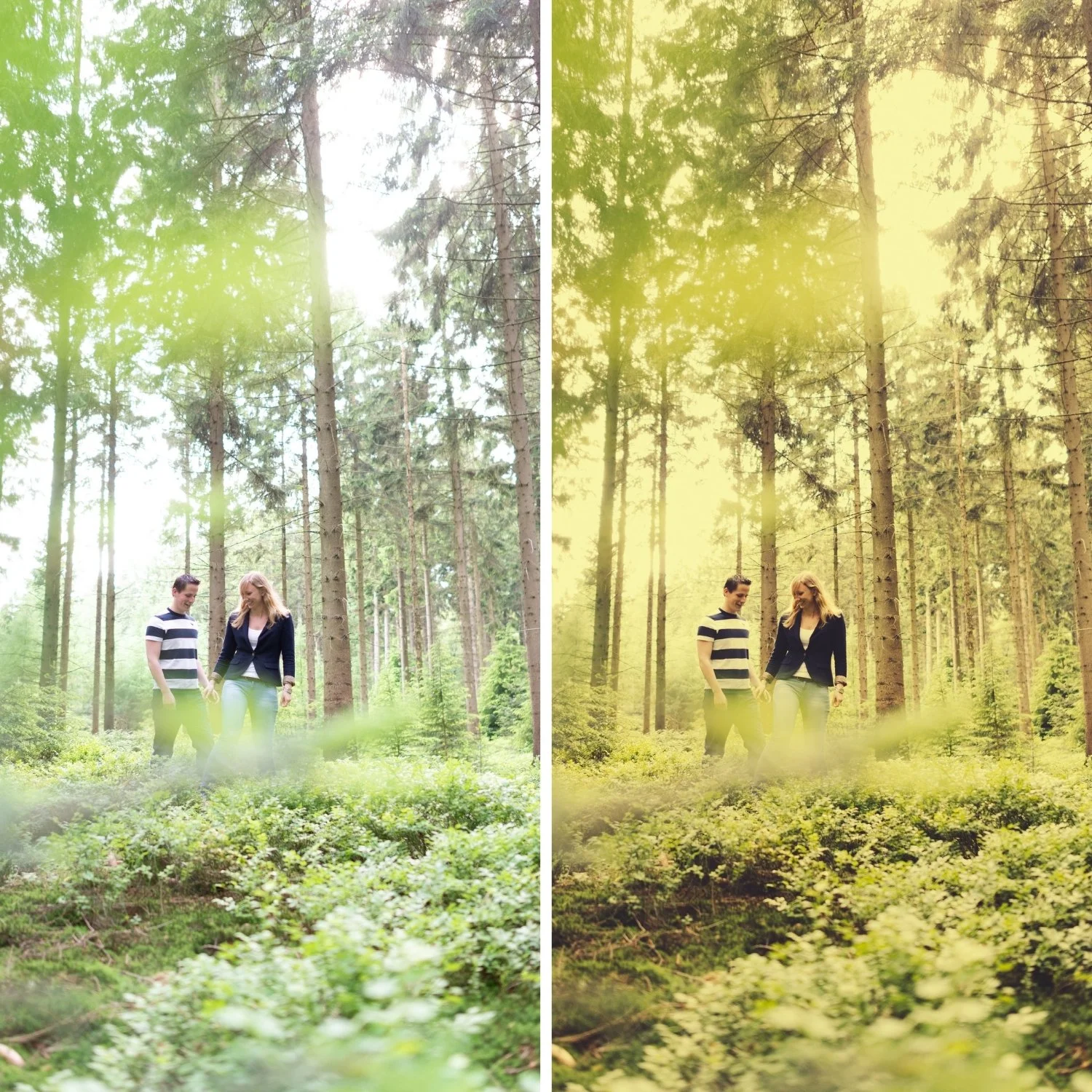
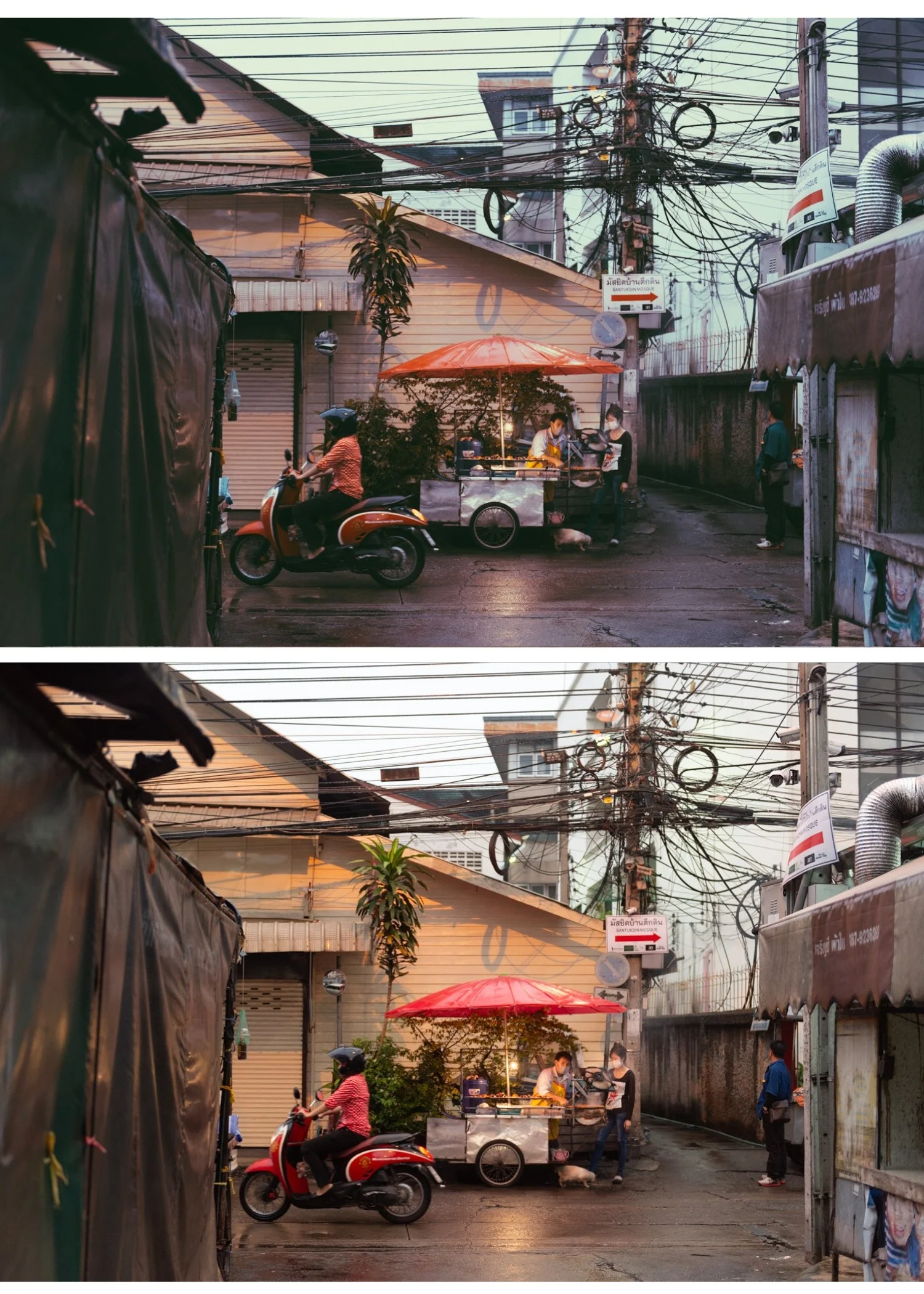
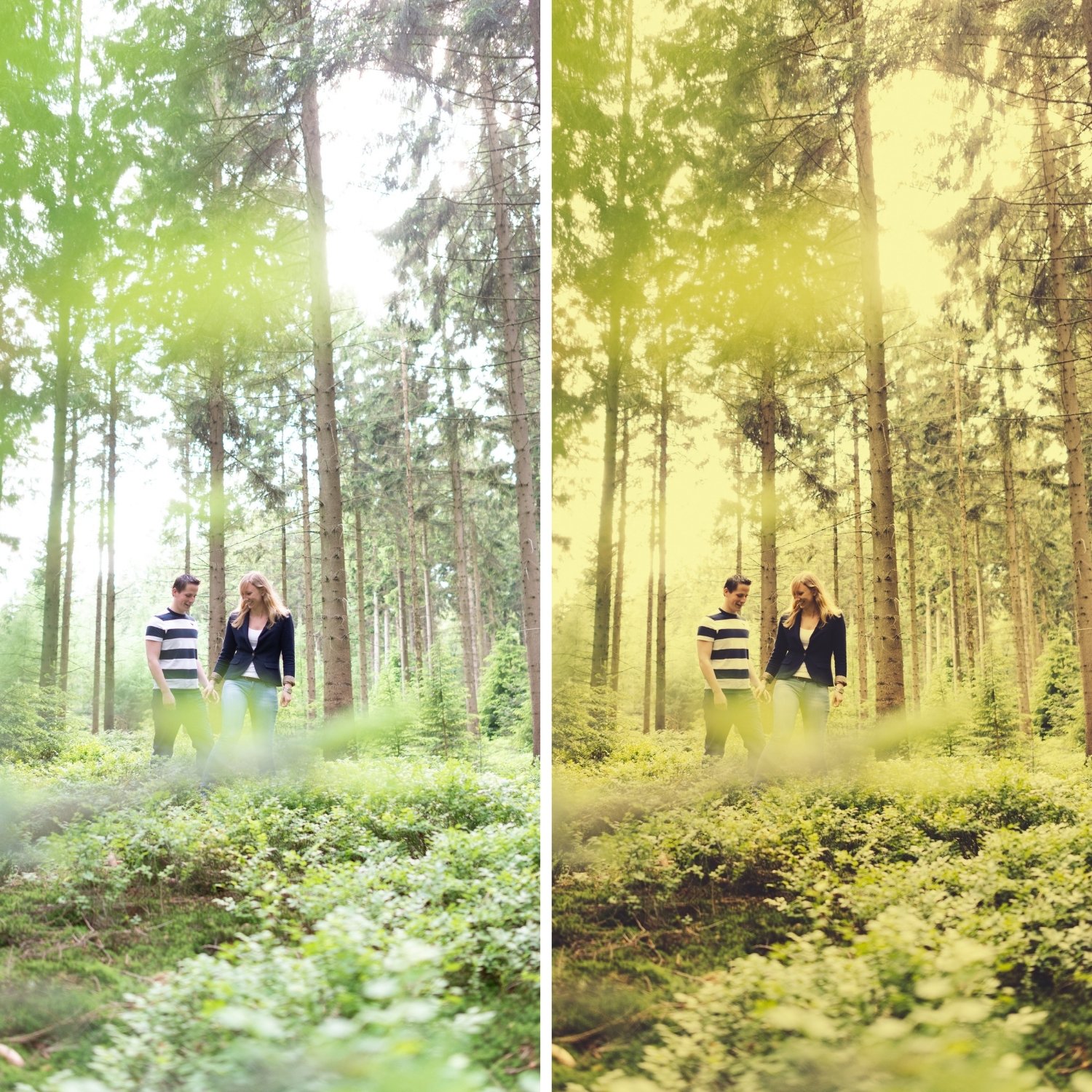
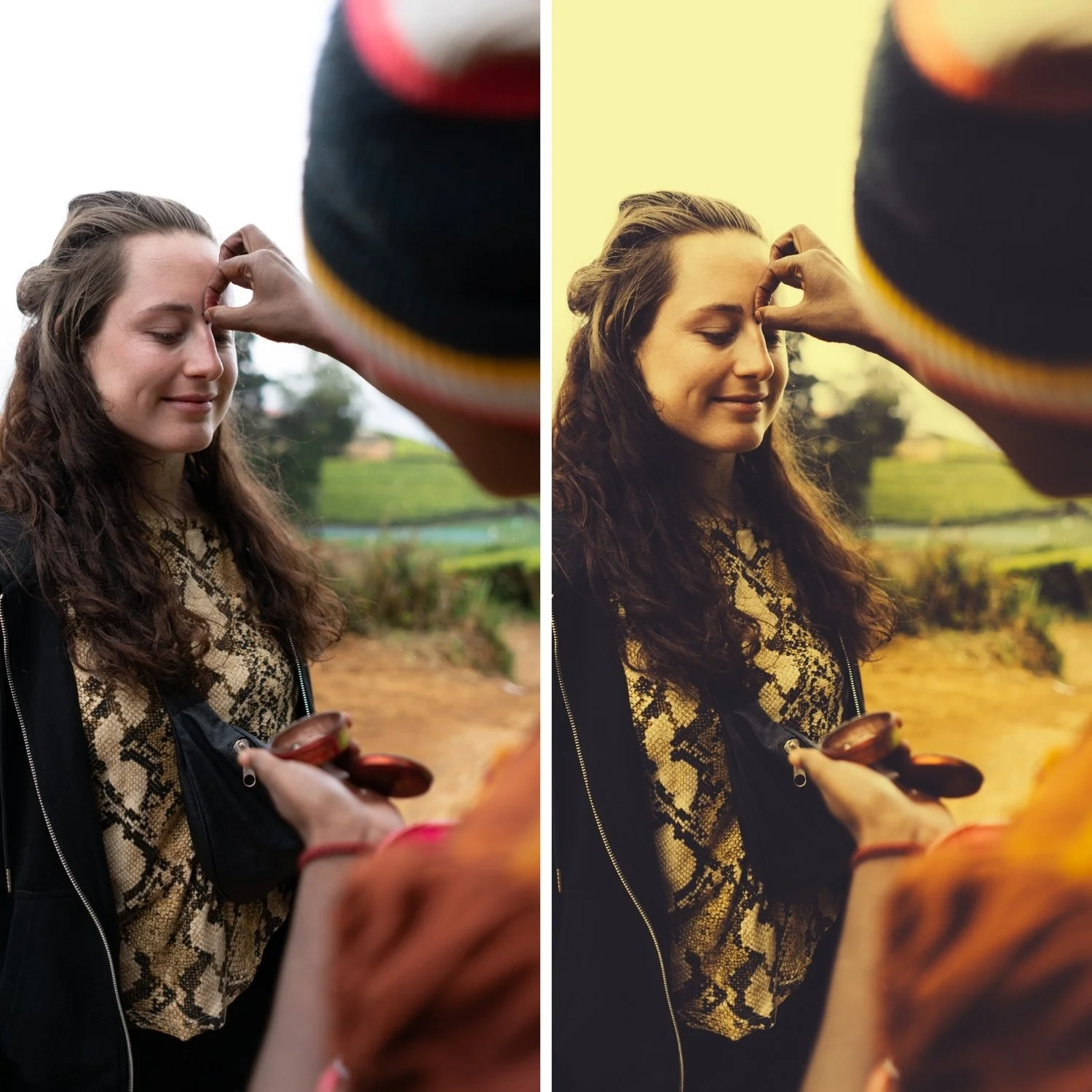
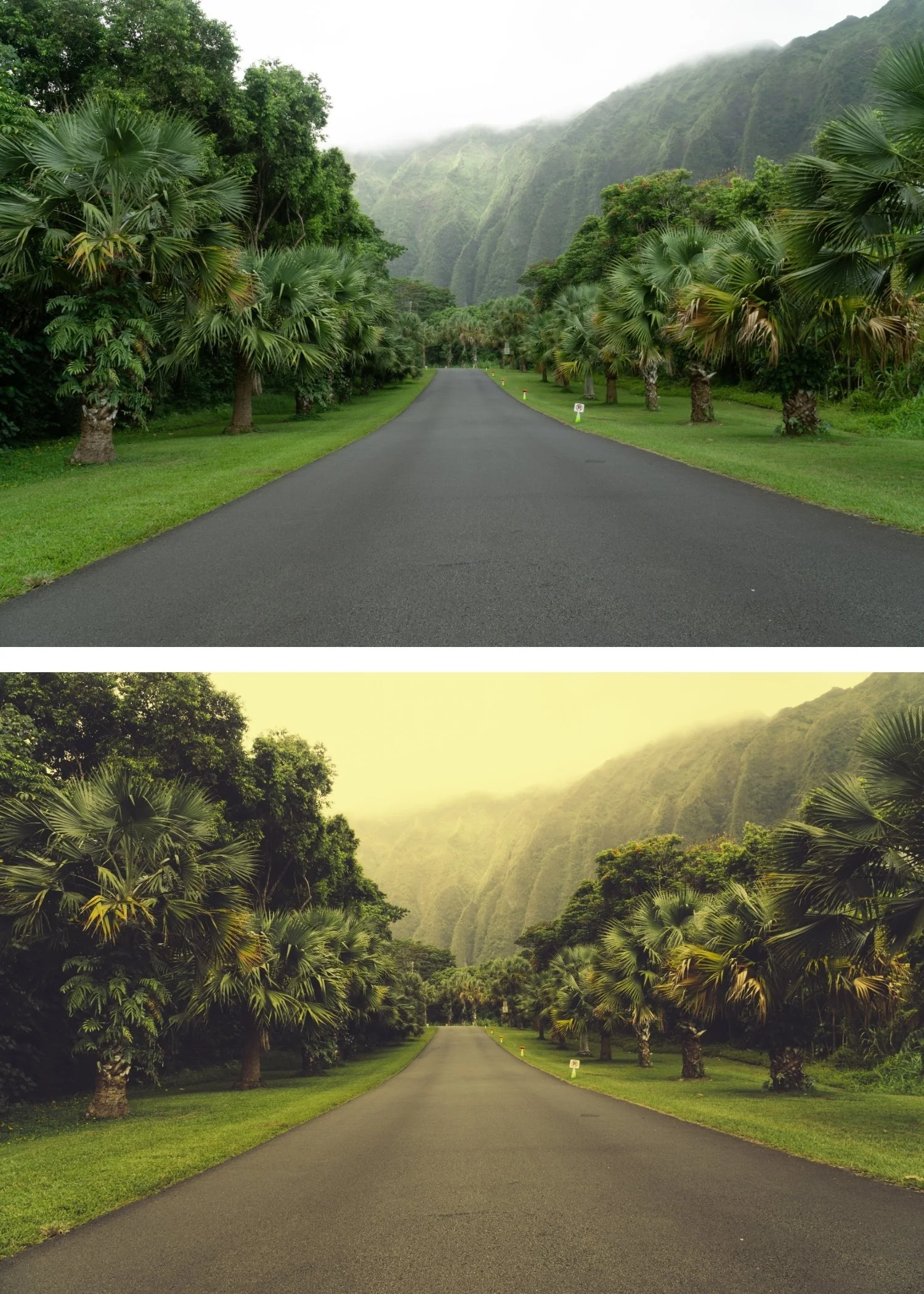
P9 is for photographers whose work is explicitly retro and deeply nostalgic — where the maximum instant film character of P9 is the entire aesthetic goal rather than a starting point.
For photographers who find the rest of the collection insufficiently characterful and want the most complete and richest expression of the Polaroid vintage look.
-
Fully Compatible Designed to work seamlessly across iOS, Android, and Desktop (Mac/Windows).
The "Quiet Luxury" Palette Instantly tones down loud colors, creating a cohesive and expensive-looking feed dominated by neutrals and soft tones.
Milky Contrast Specifically calibrated to soften the blacks without making them look "grey," giving your photos a rich, velvety texture that is incredibly flattering.
The Minimalist & Fashion Essential Works exceptionally well for outfit-of-the-day shots, high-end architecture, "clean" lifestyle content, and soft portraits.
-
1 × P9 Deep Vintage DNG file — for Lightroom Mobile
1 × P9 Deep Vintage XMP file — for Lightroom Classic
Installation guide
Lifetime access -
This preset captures the muted, editorial aesthetic similar to the legendary P9 filters. It’s the perfect professional alternative for those wanting an analog-inspired look that feels "adult" and refined. By emulating the look of professional film stocks developed for a lower saturation and soft grain, the P9 ensures your digital shots have a polished, "high-fashion" finish.
-
Step 1 — White balance and exposure assessment. P9 is the darkest and most characterful preset in the collection. Assess the starting file — if it is already moderately dark, reduce Exposure -0.1 to -0.2 before applying to prevent the result going too dark. Set White Balance to 5,200-5,600K, Tint +5 — P9's deep amber warmth builds on a warm-neutral foundation.
Step 2 — Apply P9 Deep Vintage. The deep vintage colour, pronounced shadow warmth, heavily lifted blacks, and film grain apply simultaneously.
Step 3 — Adjust Exposure and White Balance carefully per photo. P9 produces the most variation between photos of any preset in the collection — per-photo Exposure adjustment matters more here than with lighter presets. Bright outdoor photos may need Exposure -0.1. Dark indoor photos may need Exposure +0.1 to +0.2.
Portrait photography with P9: P9's deep vintage character creates a strongly retro portrait quality. Add Orange Luminance +12 to +15 after applying to maintain skin visibility and warmth within the deep vintage palette. A Radial Gradient on the face with Shadows +10 can lift facial detail against P9's atmospheric background.
Camera-specific notes: Canon files are a natural fit for P9's warm direction. Sony files benefit from Green Hue +8 toward yellow after applying — Sony's neutral colour science can give P9's amber a slightly green cast without this correction.
On phone photos: 79-81% strength. P9's deep character at full strength on phone photos can over-apply on the already-processed phone output — the slight reduction maintains the deep vintage quality without going too dark or heavy.
-
What is the difference between P9 and P5 Faded Instant? P5 is the maximum fade preset — lifted blacks, muted colour, emphasis on lightness and fade. P9 is the maximum depth preset — lifted blacks, but with rich amber warmth and tonal depth alongside the vintage character. P5 for washed-out nostalgic fade, P9 for rich deep vintage quality with presence.
Is P9 good for wedding photography? P9 can work for deliberately vintage-aesthetic wedding photography — specifically for film-inspired wedding editorial and styled shoots. For natural flattering wedding portraits, P2 or P1 produce more universally appealing results. For atmospheric indoor reception photography, P6 Warm Dark is more appropriate than P9.
GET ALL 9 POLAROID INSTANT ARCHIVE PRESETS
The full Polaroid Instant Archive gives you nine calibrated instant film looks — Instant Warm for subtle vintage character, Classic Instant for the balanced Polaroid look, Soft Instant for dreamlike portraits, Vintage Instant for nostalgic travel, Faded Instant for maximum fade, Warm Dark for atmospheric indoor photography, Cool Instant for the only cool-leaning instant option, High Key Instant for bright outdoor work, and Deep Vintage for maximum retro depth.
Nine presets. One retro philosophy. $3 per preset.
THE STUDIO ARCHIVE
Want everything? The Studio Archive contains 130+ presets — every collection we make, including the complete Polaroid Instant Archive — for $89 total. That is $0.68 per preset with every future release included for life.