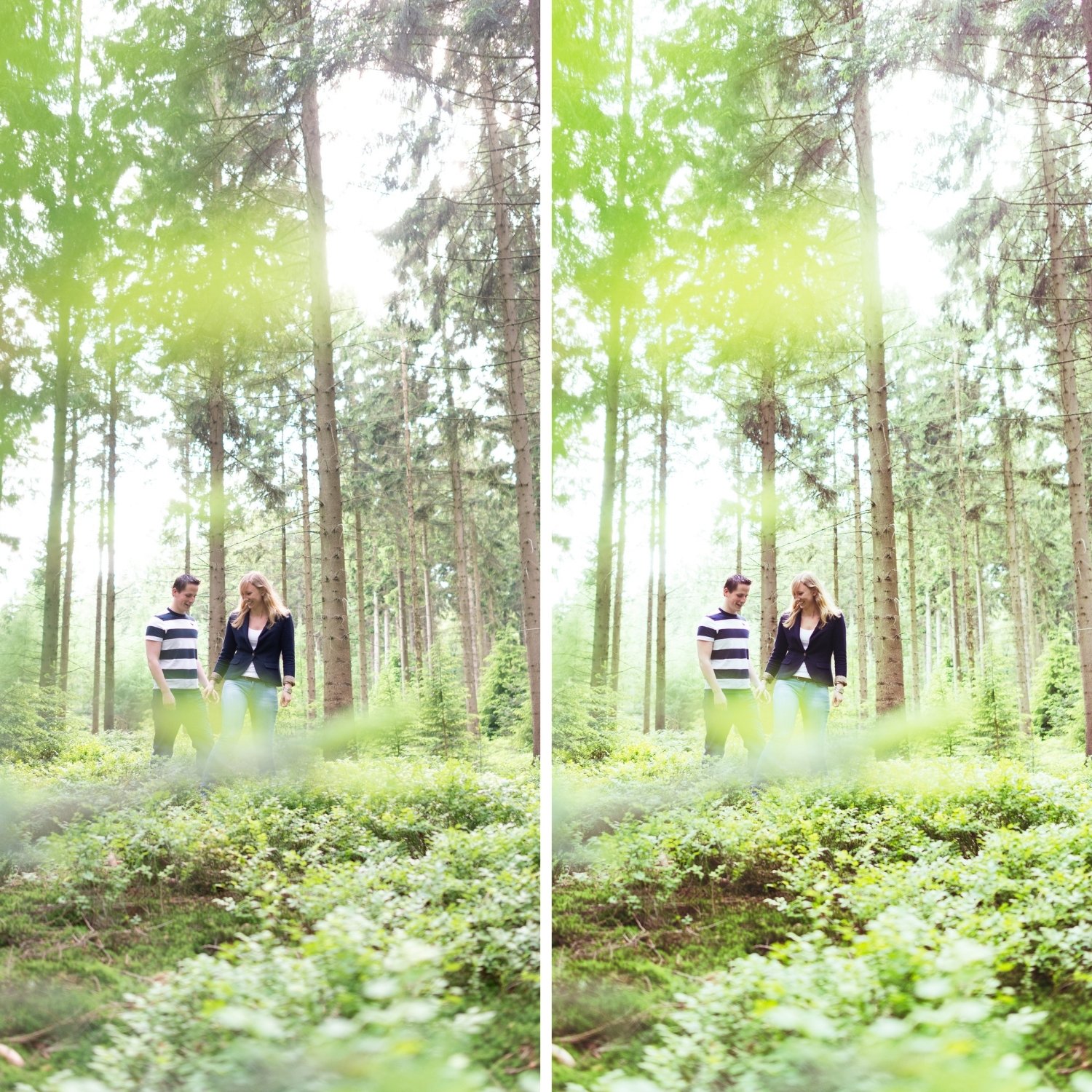
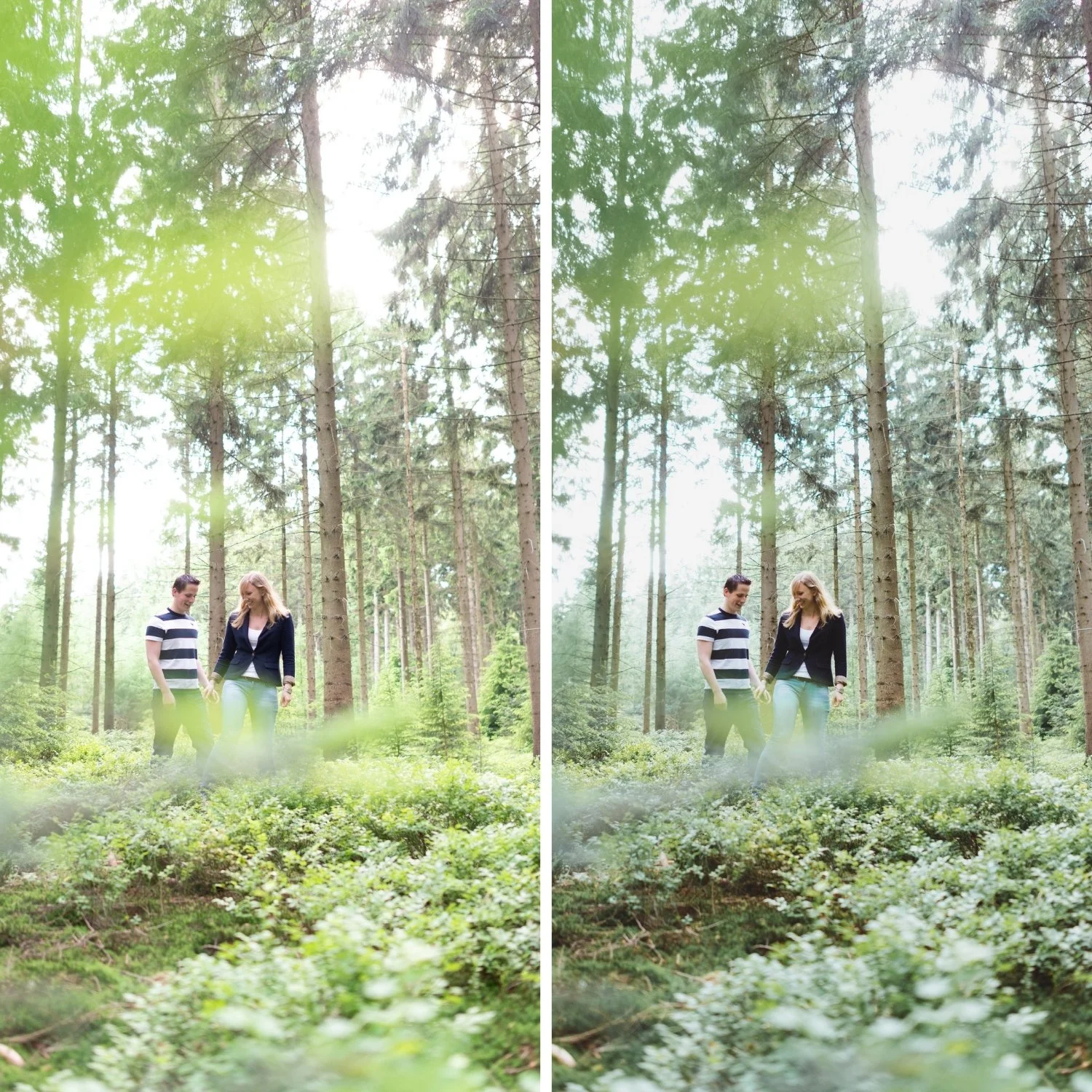
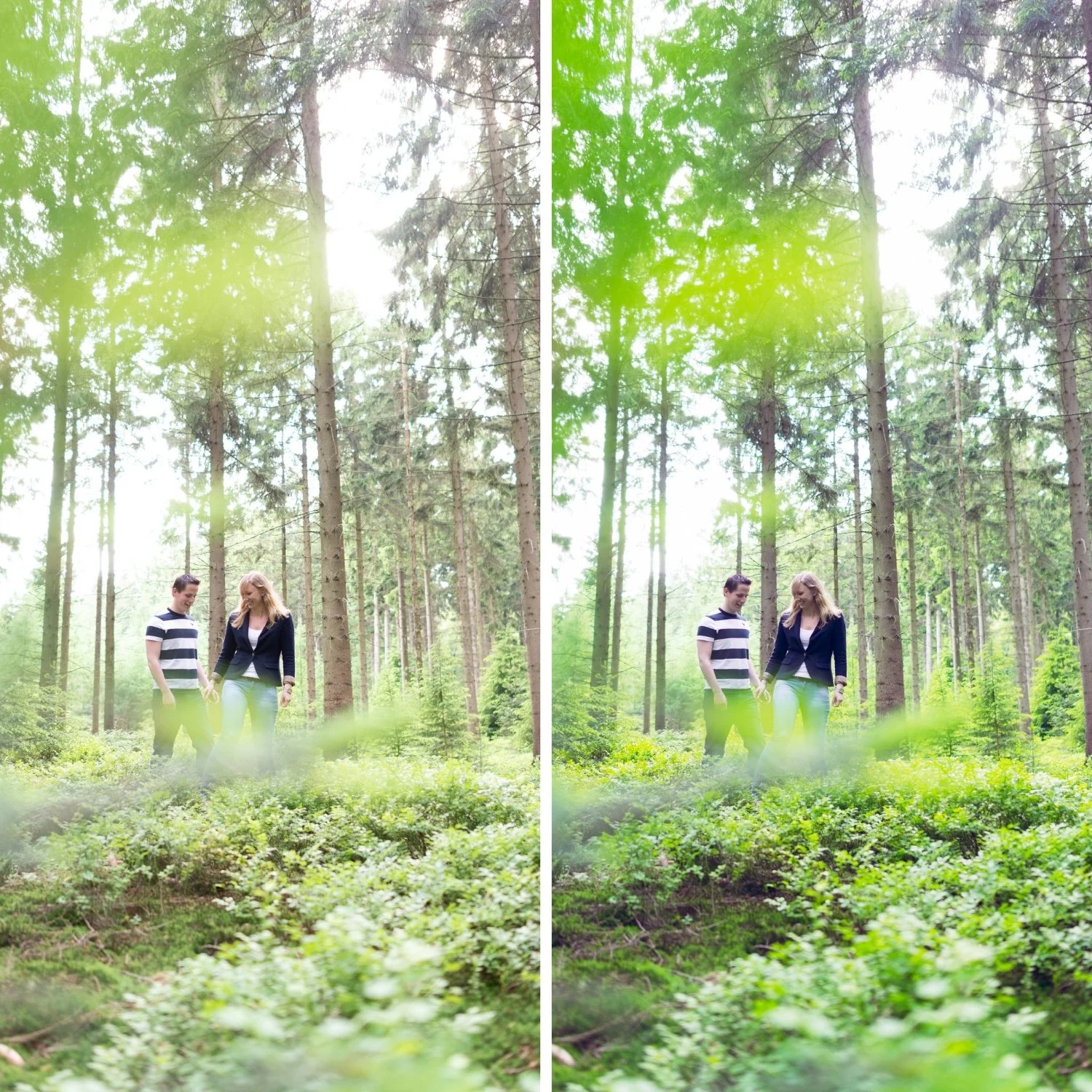
 Image 1 of 4
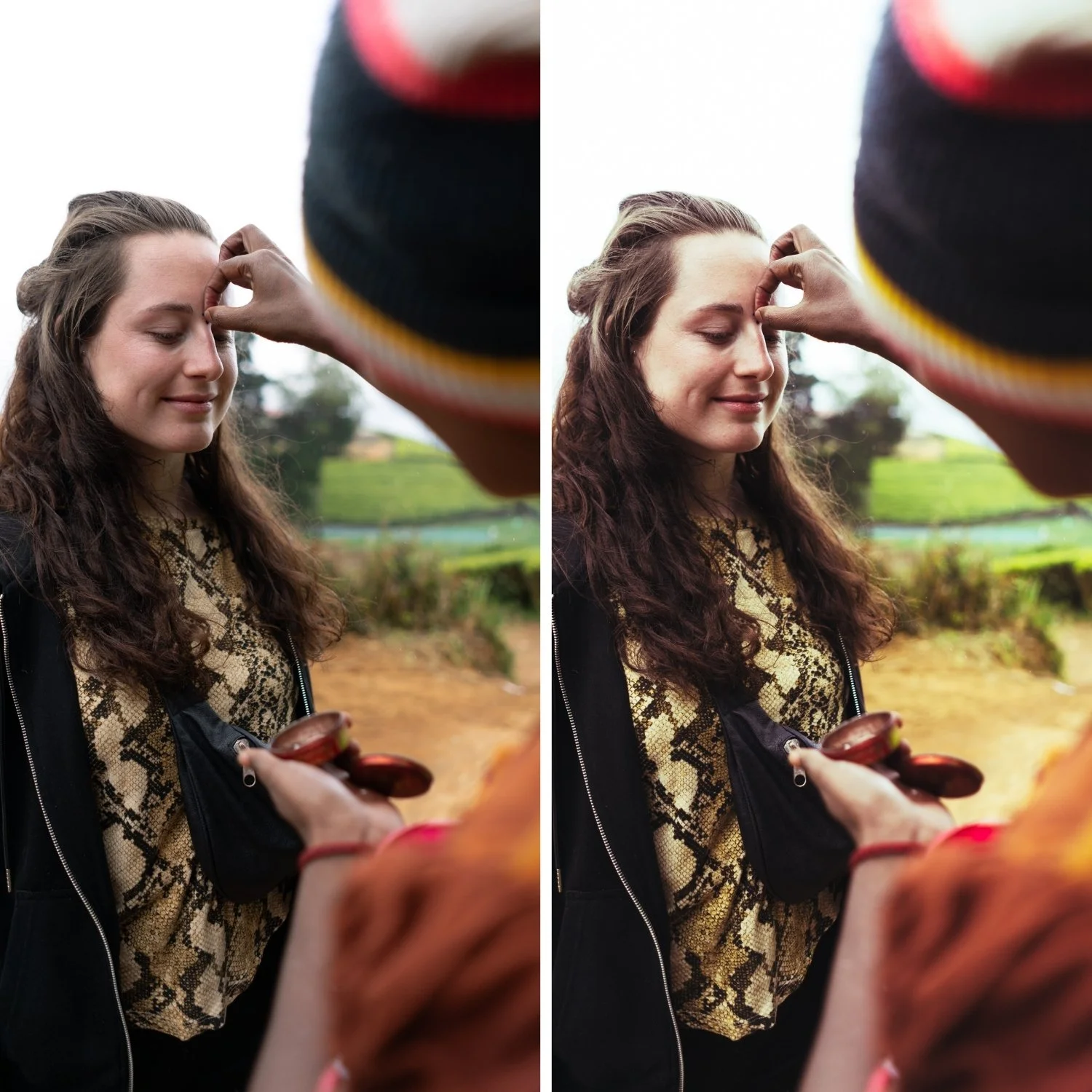
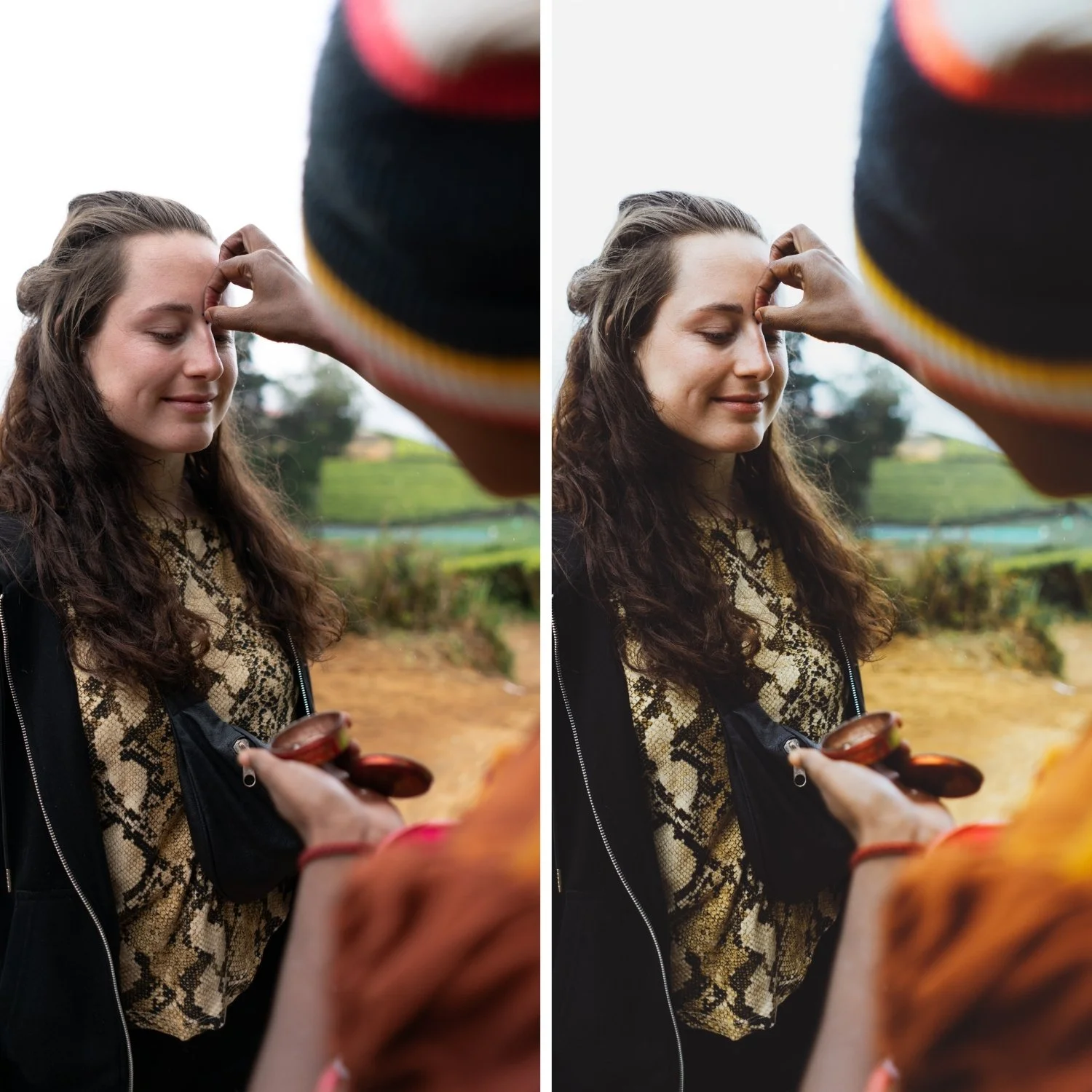
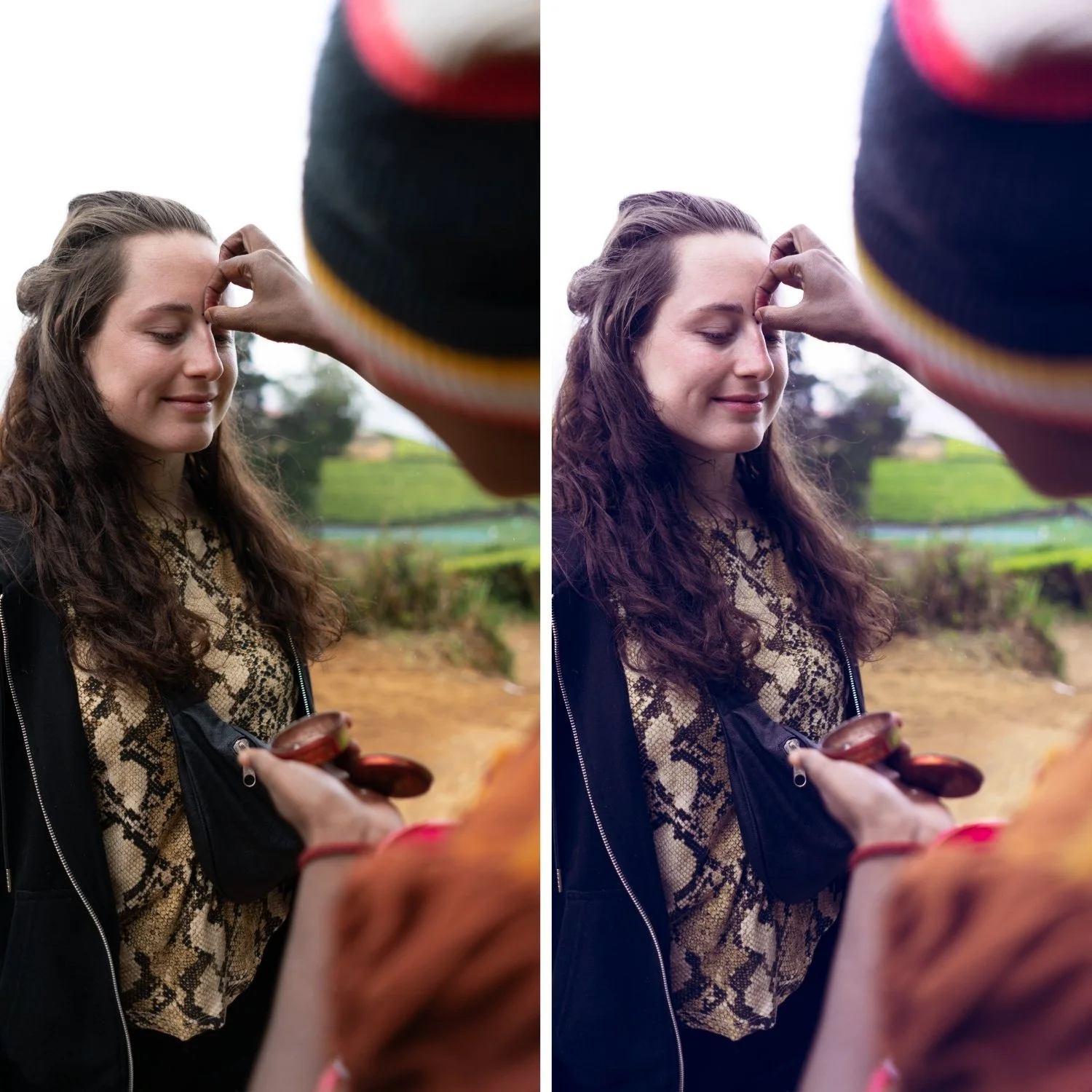
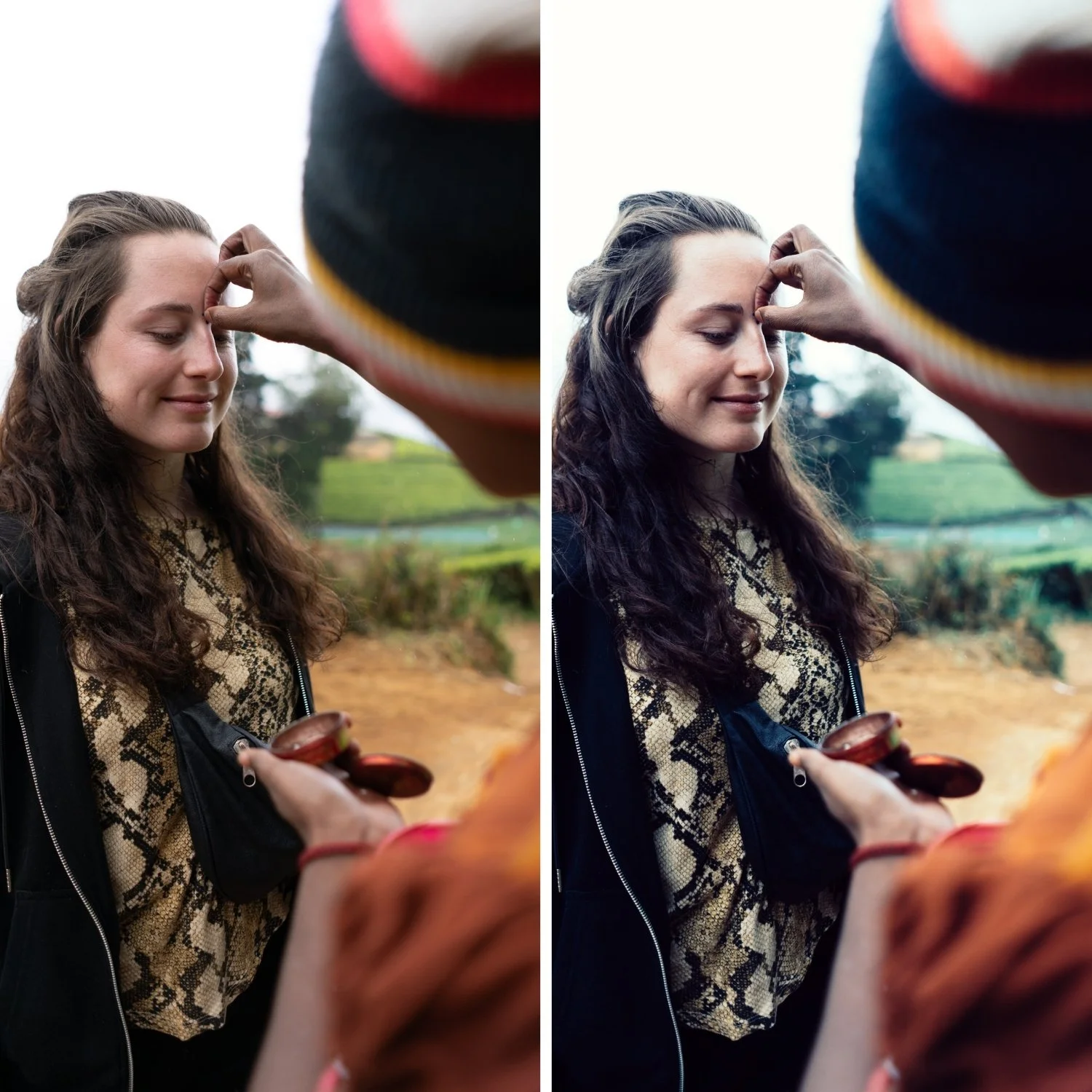 Image 2 of 4
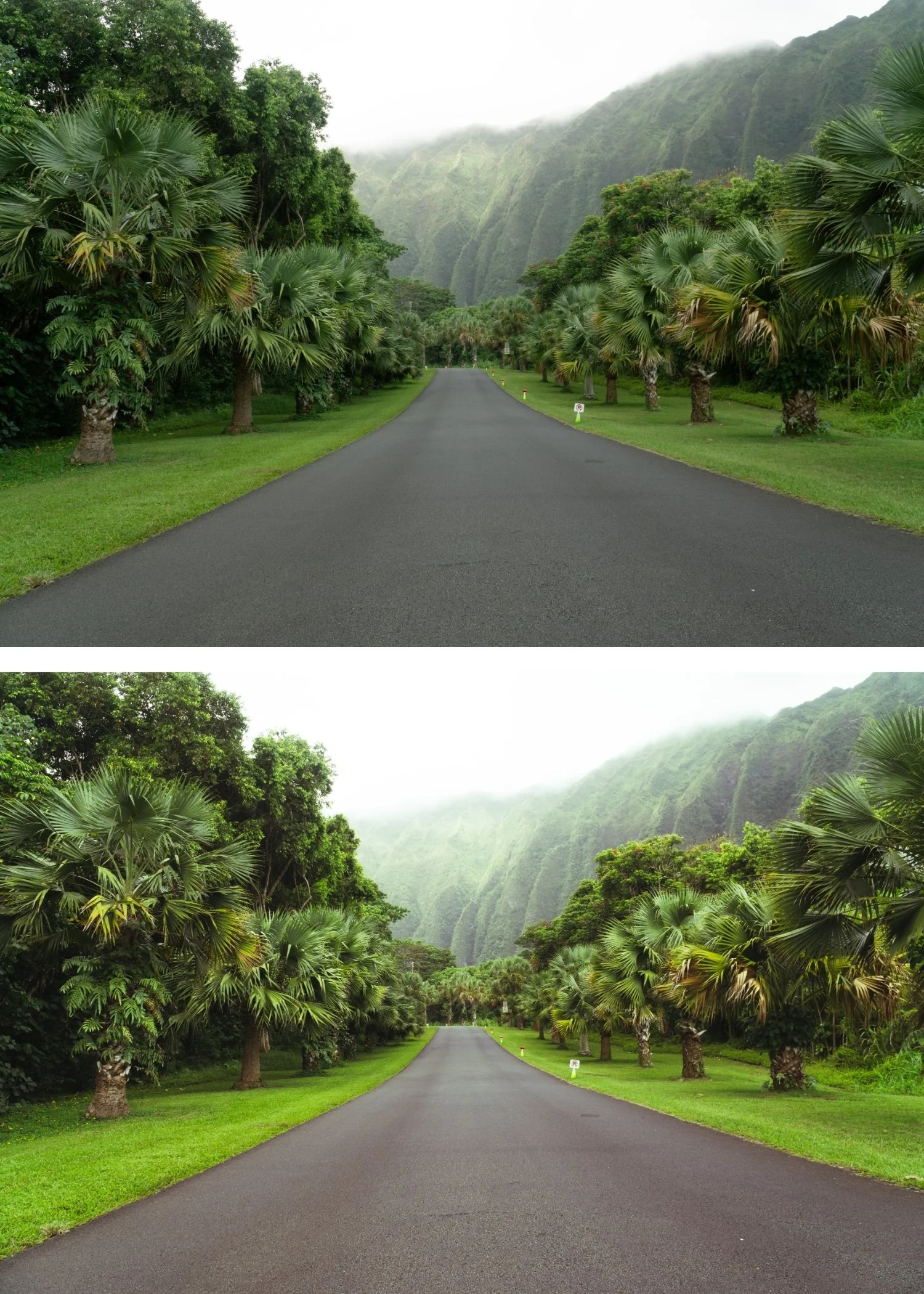
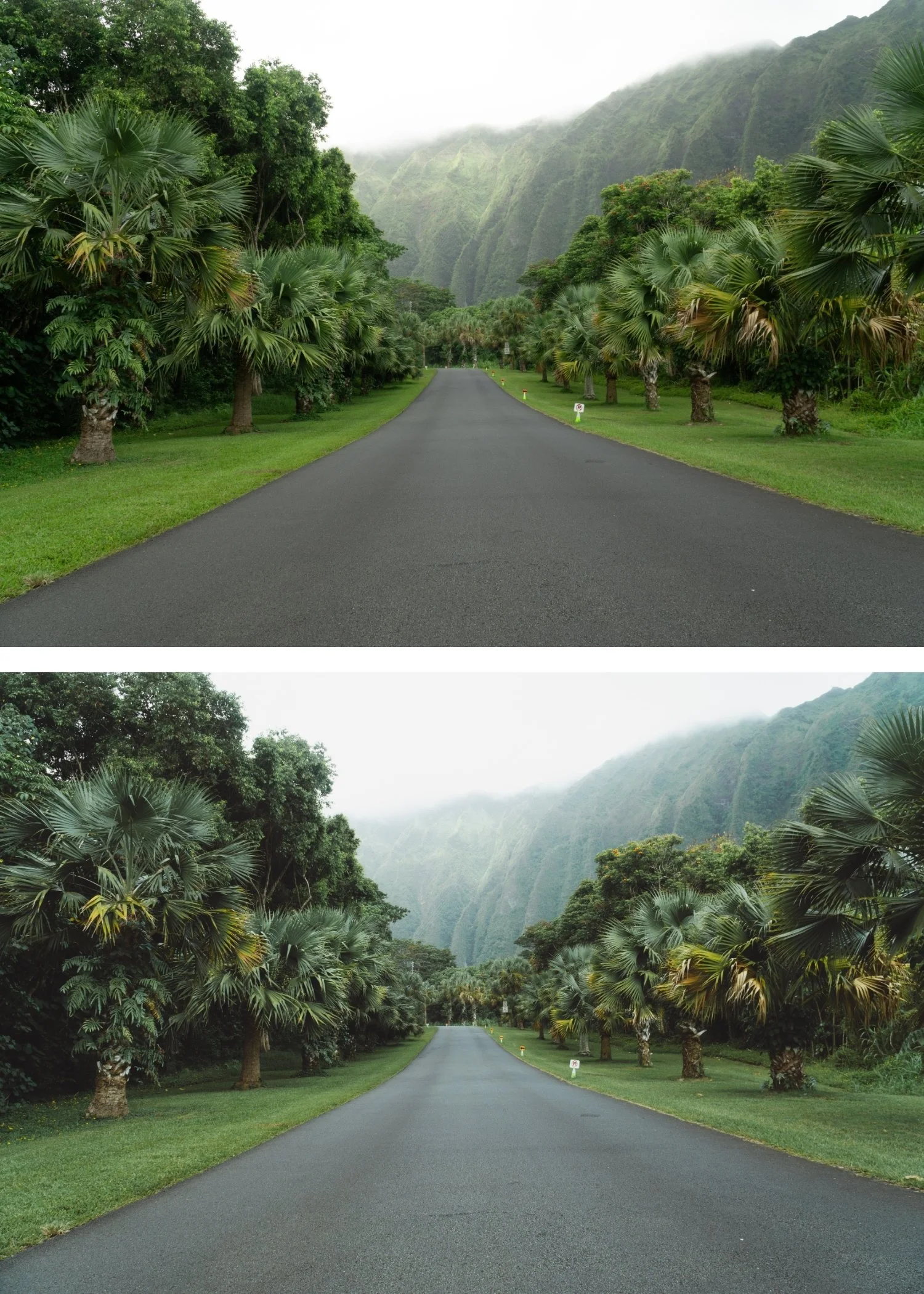
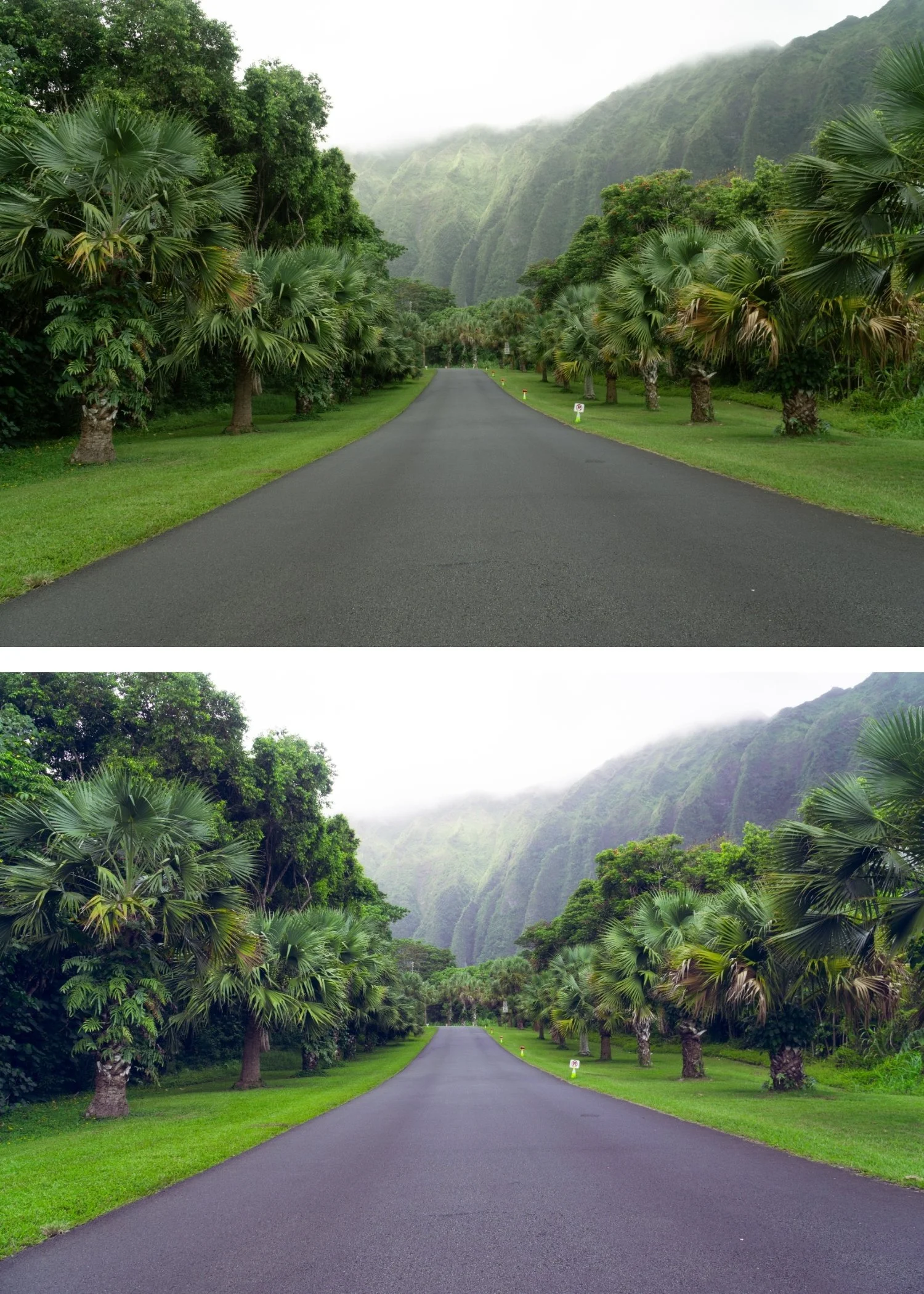
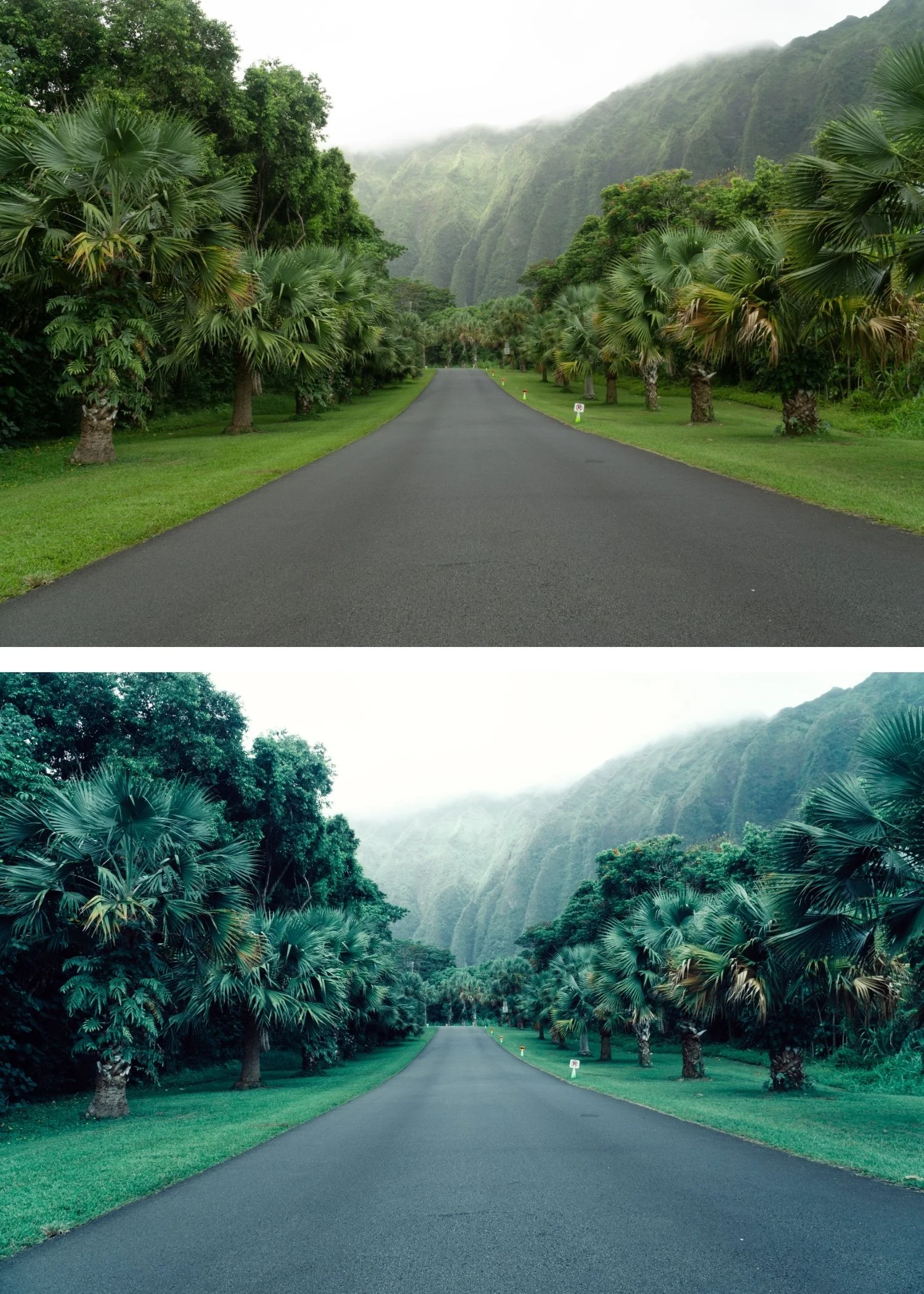 Image 3 of 4
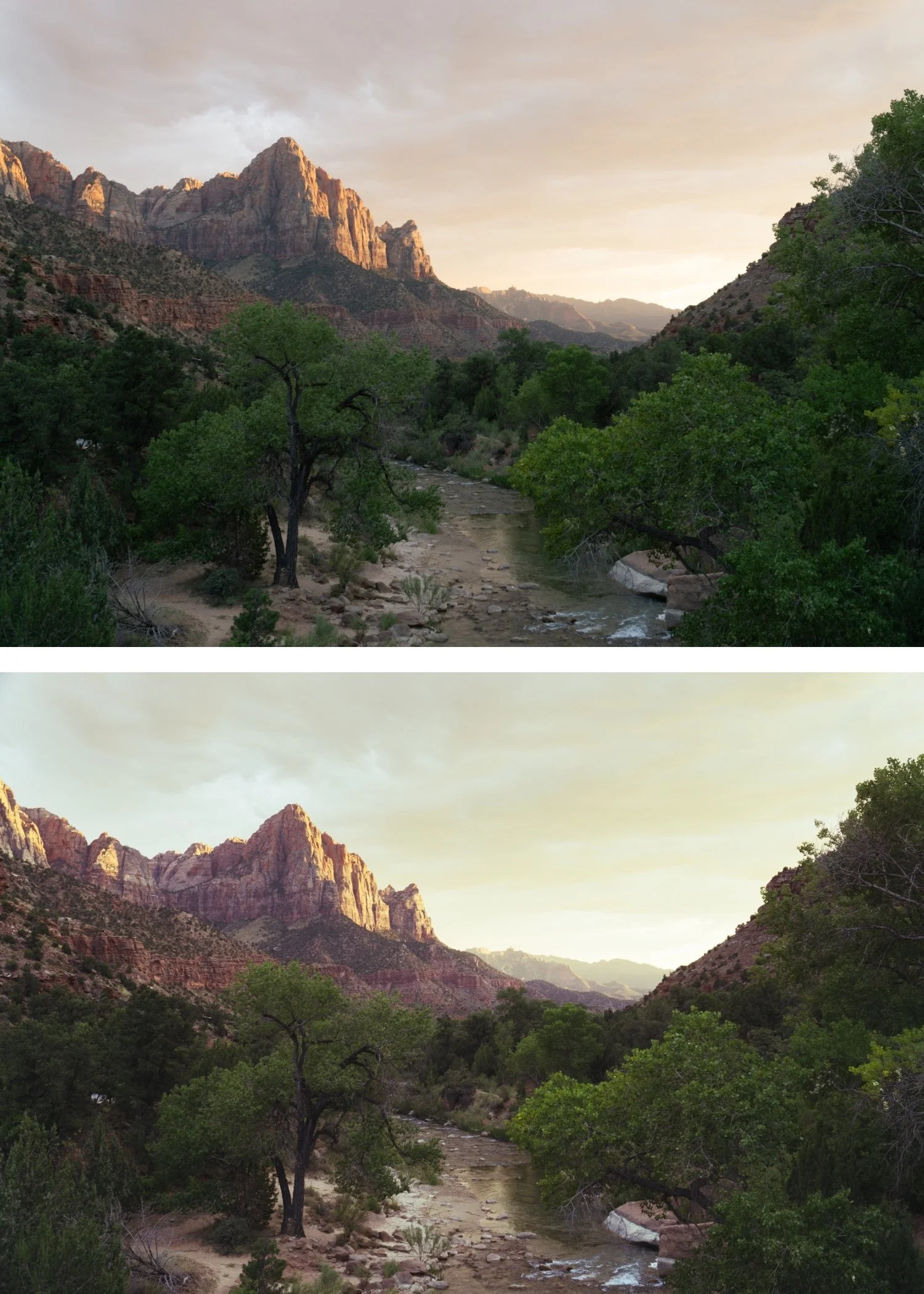
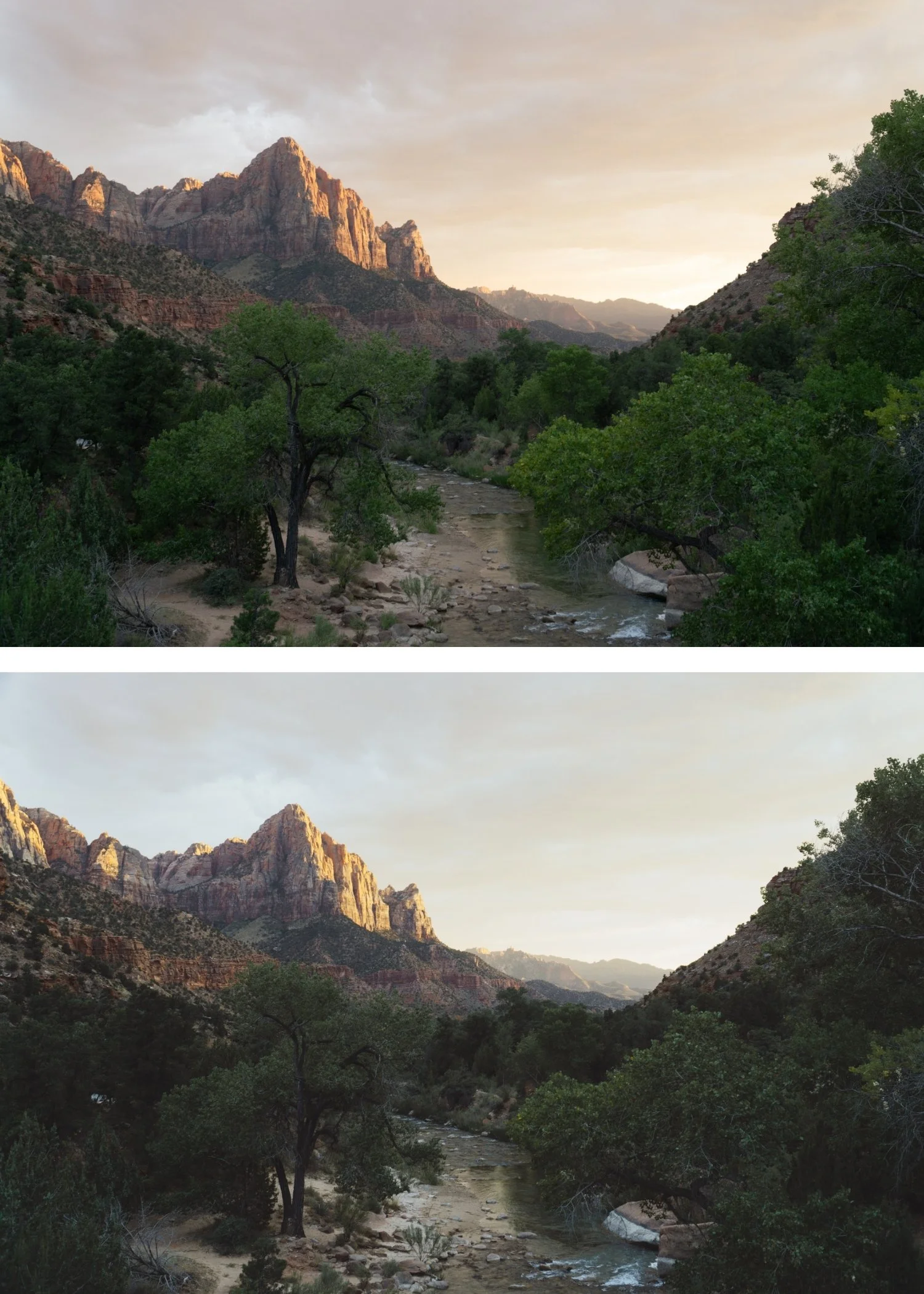
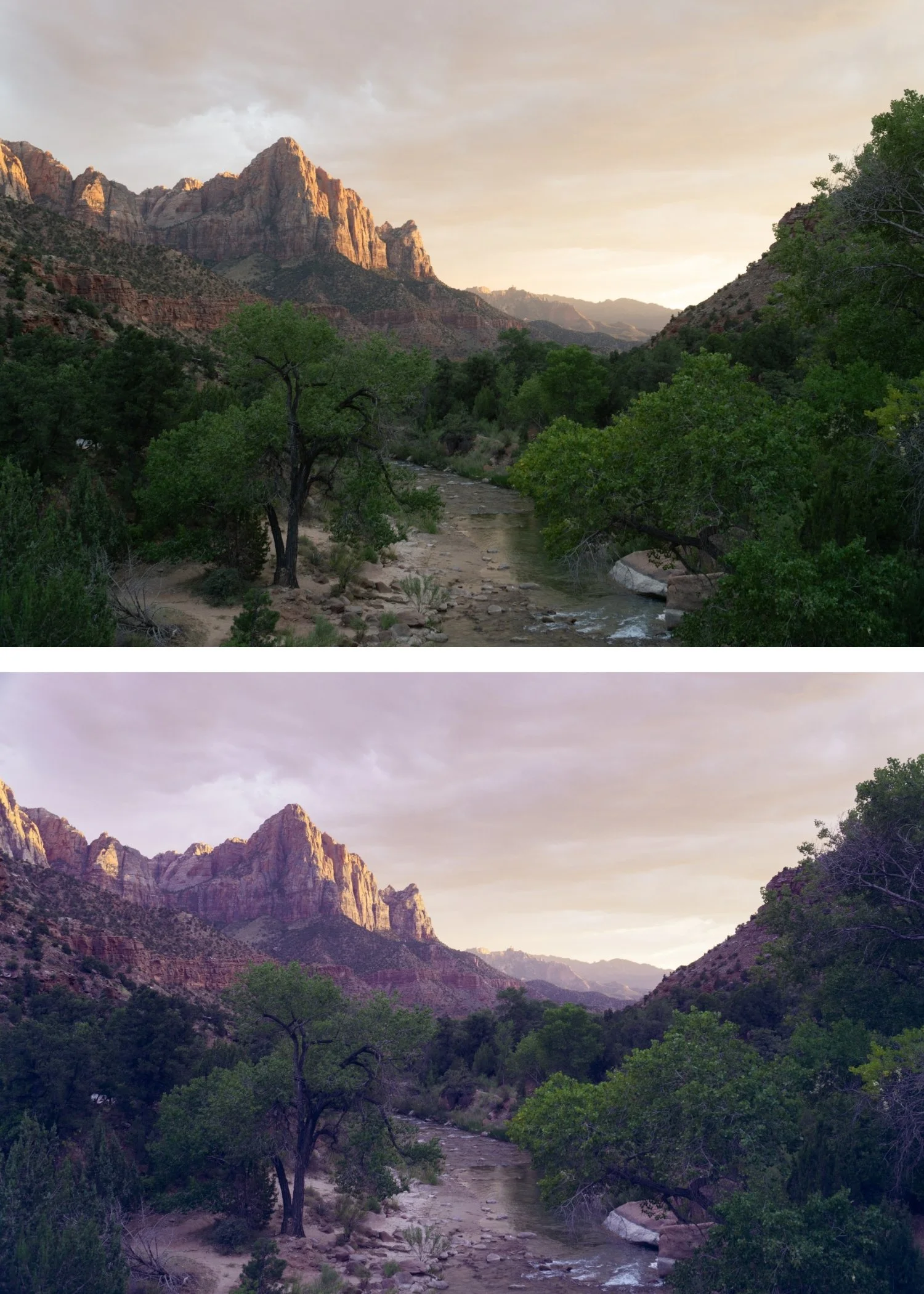
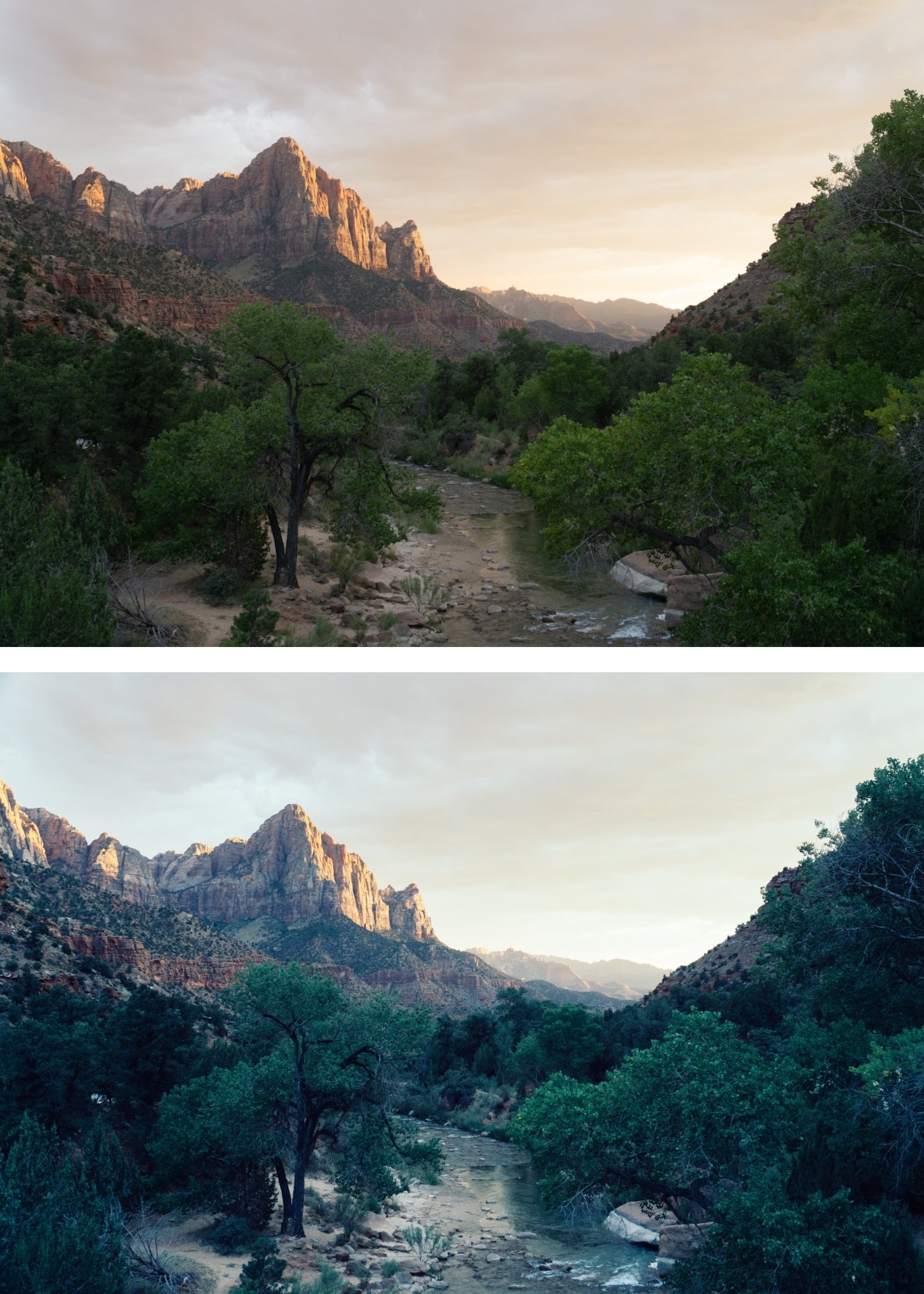 Image 4 of 4
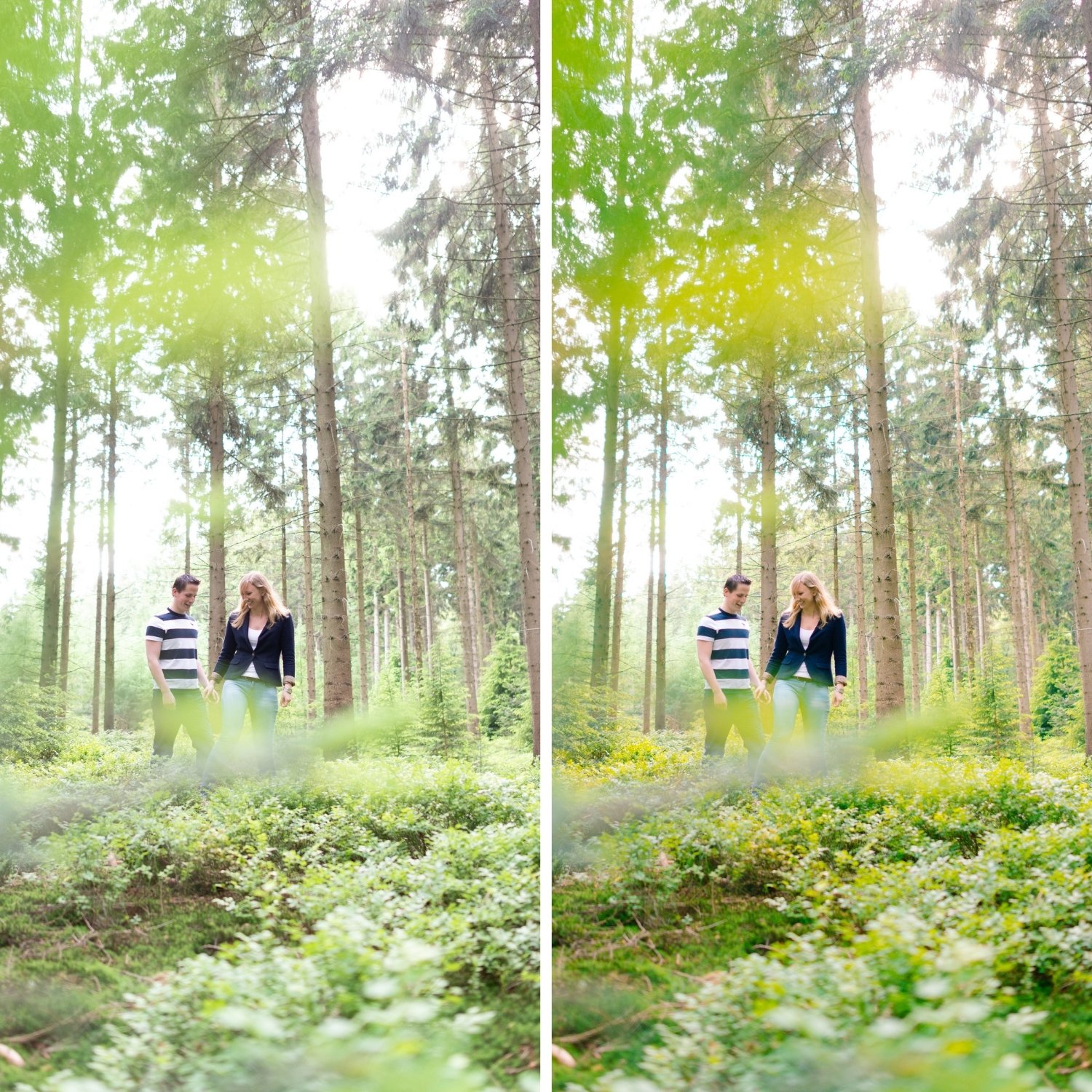
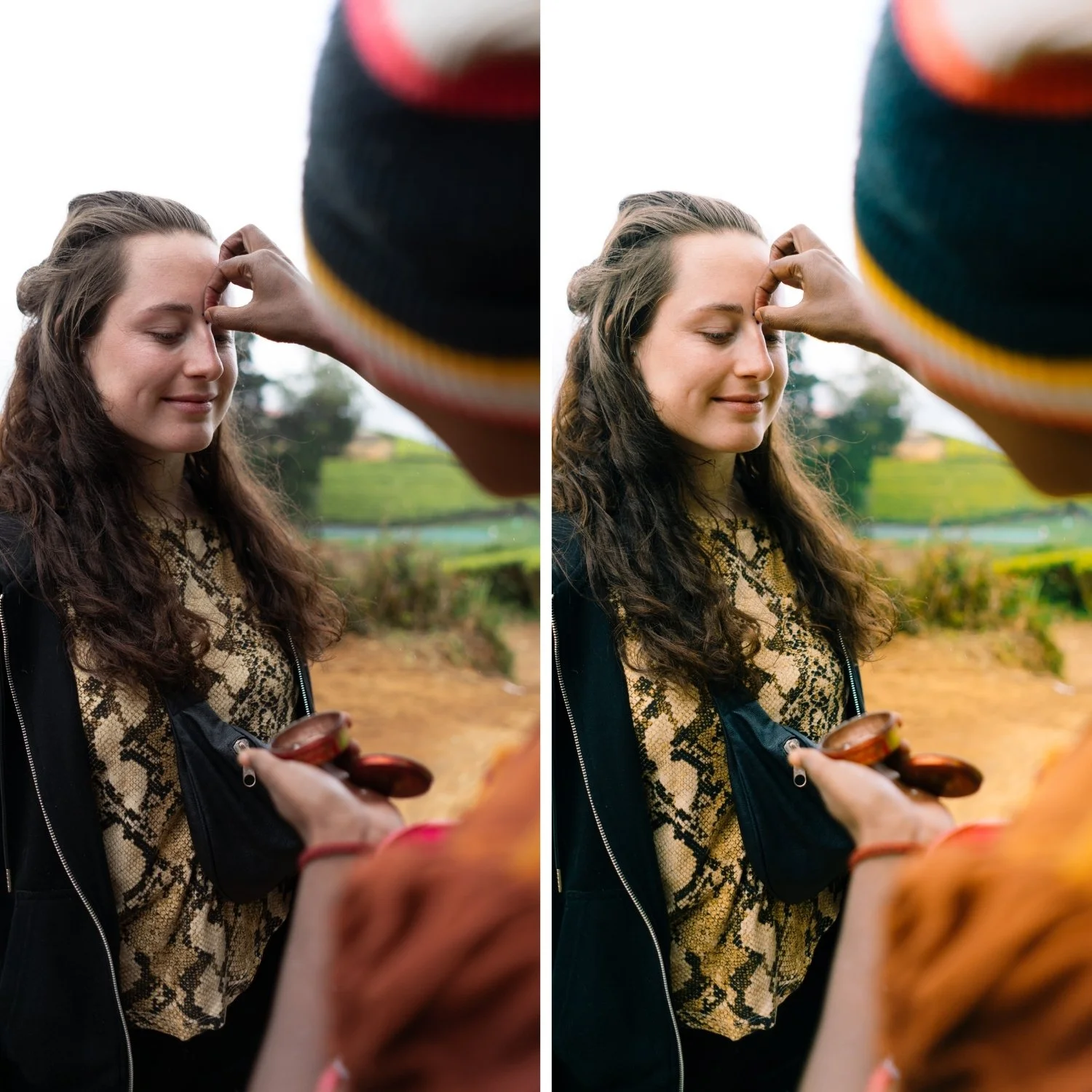
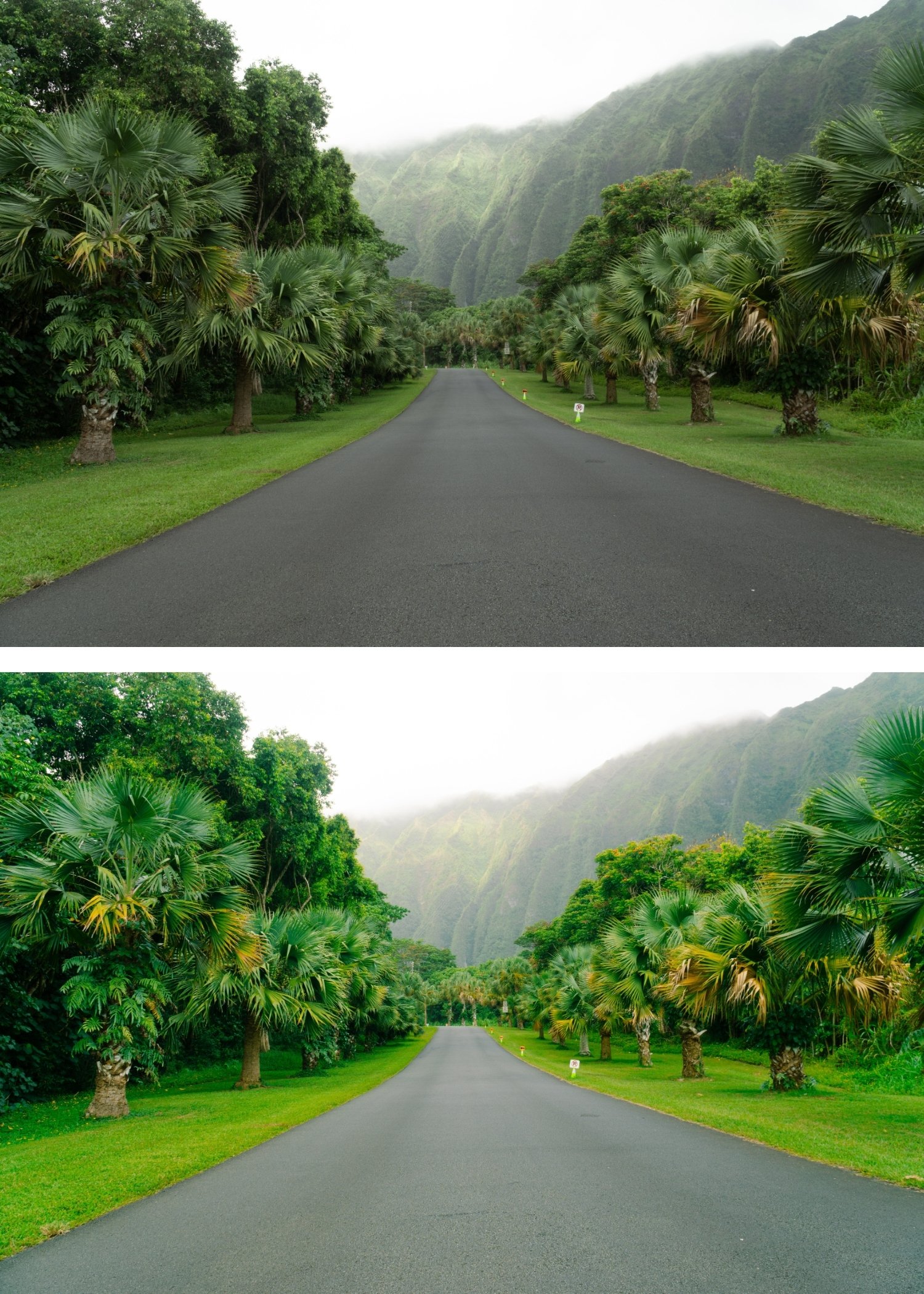
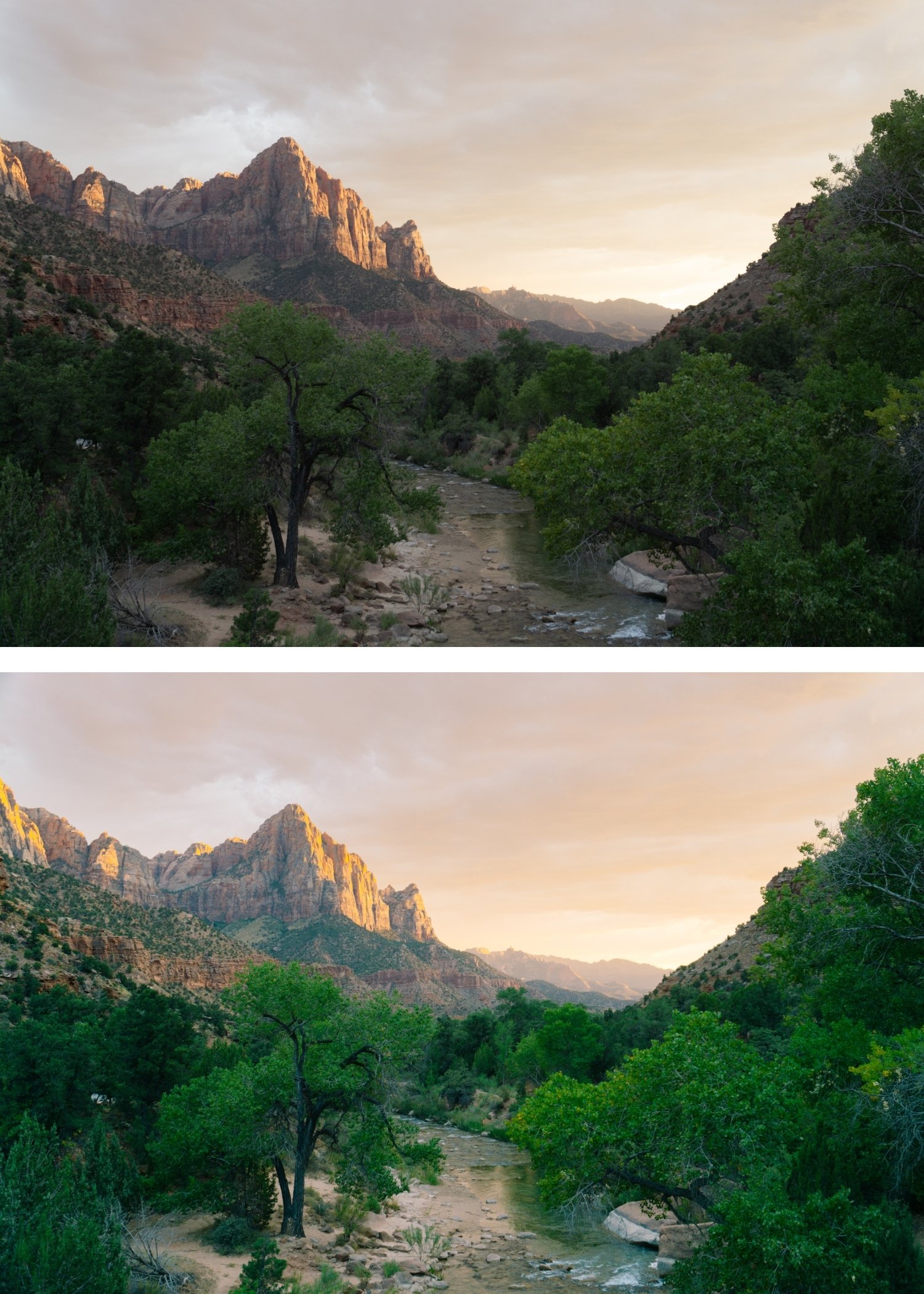
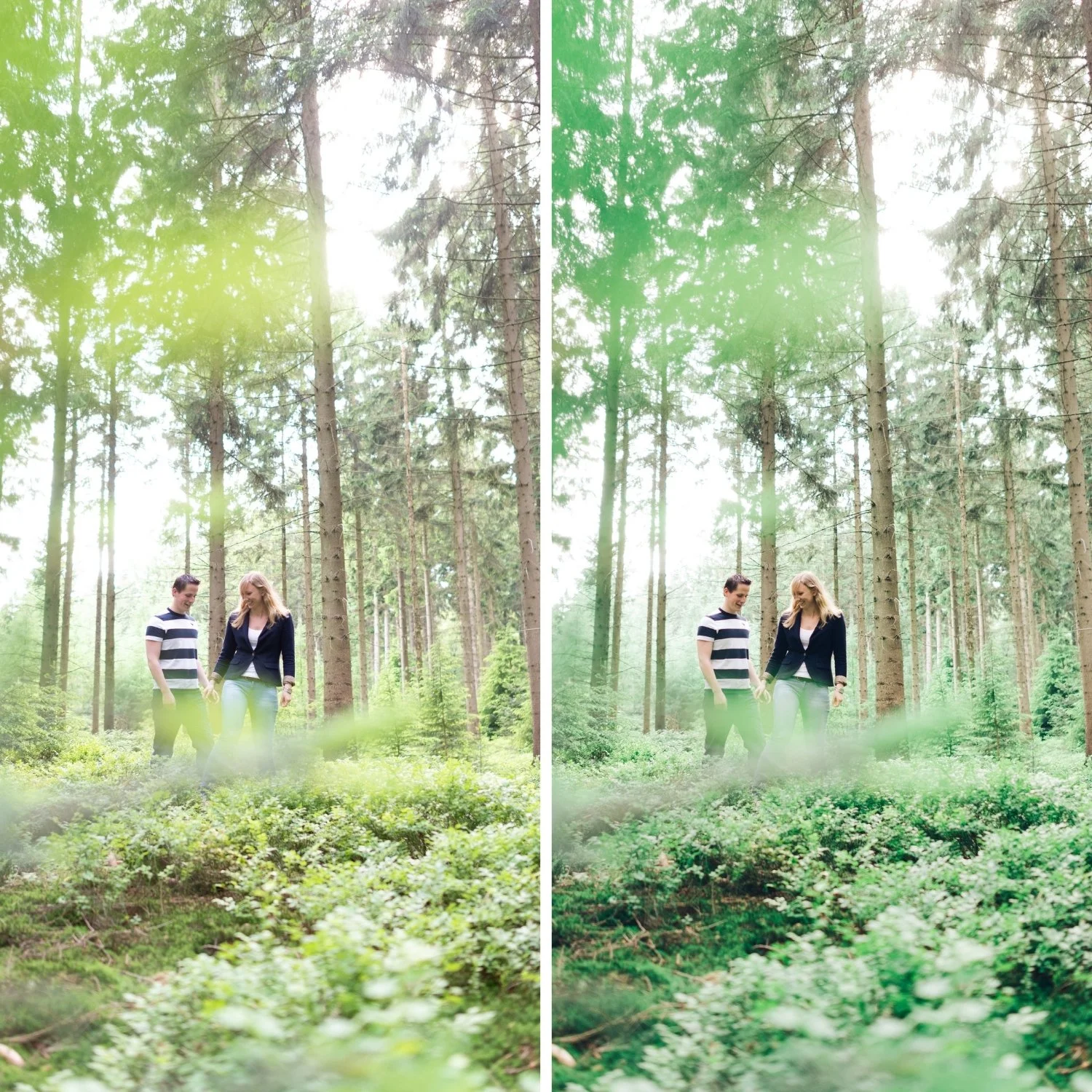
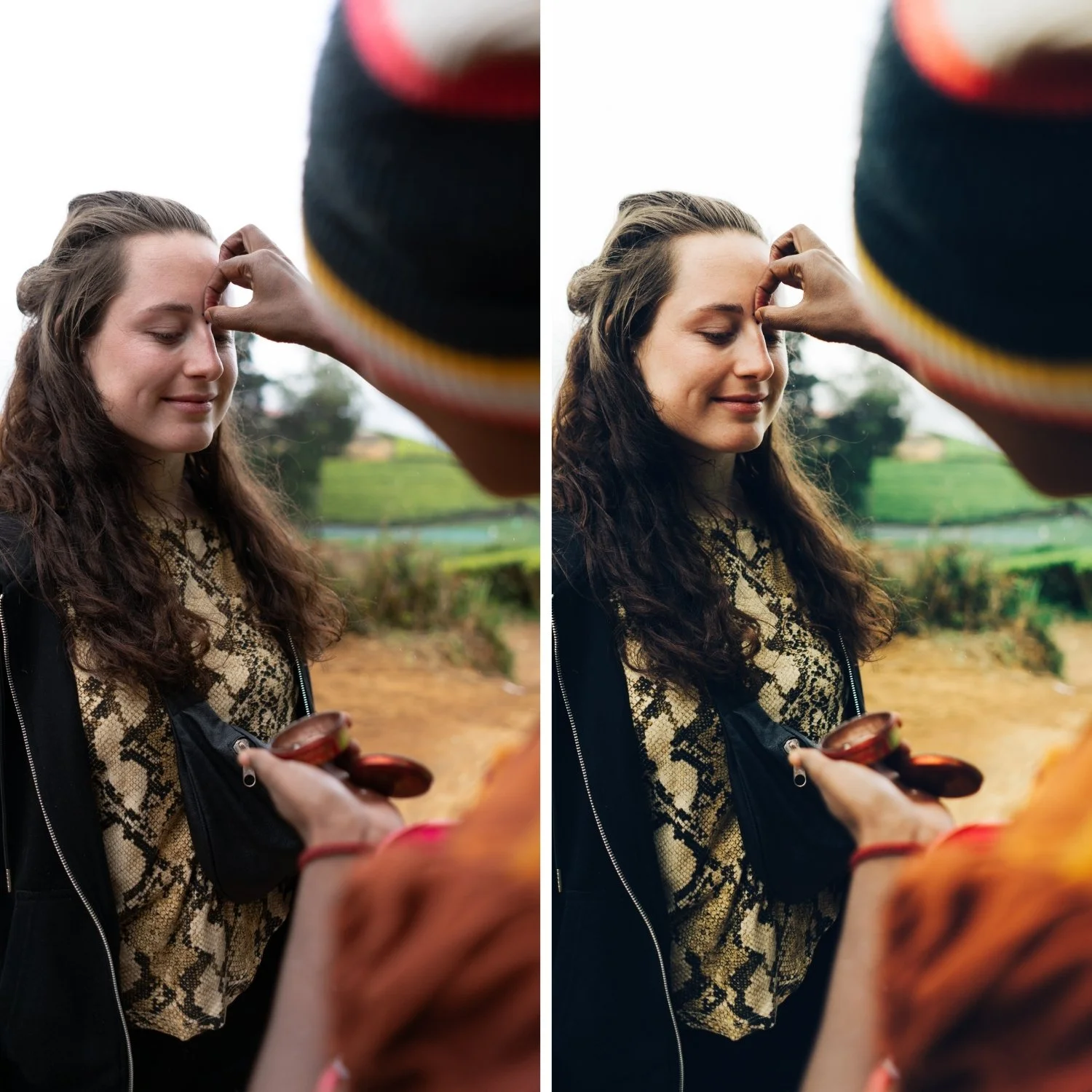
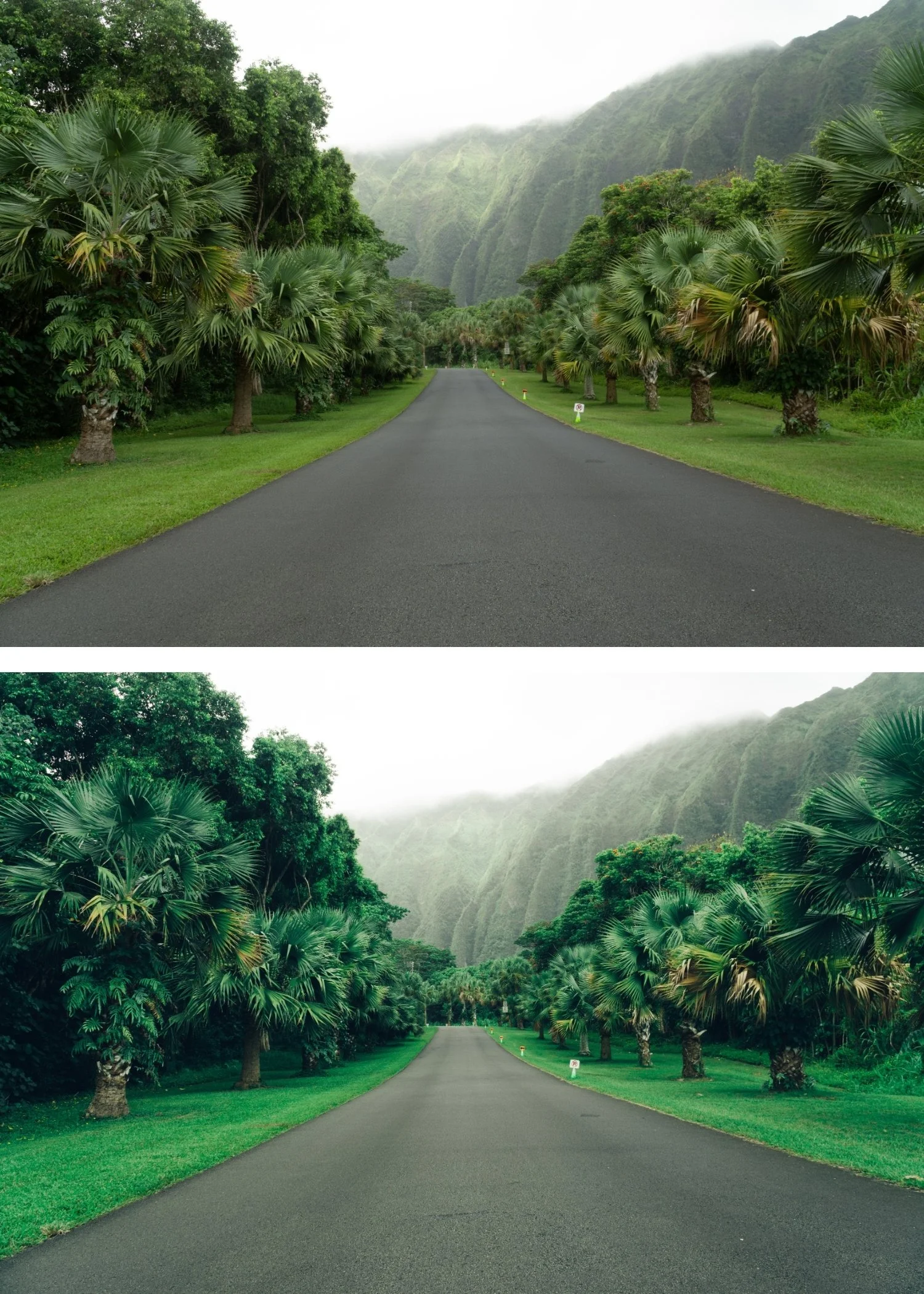
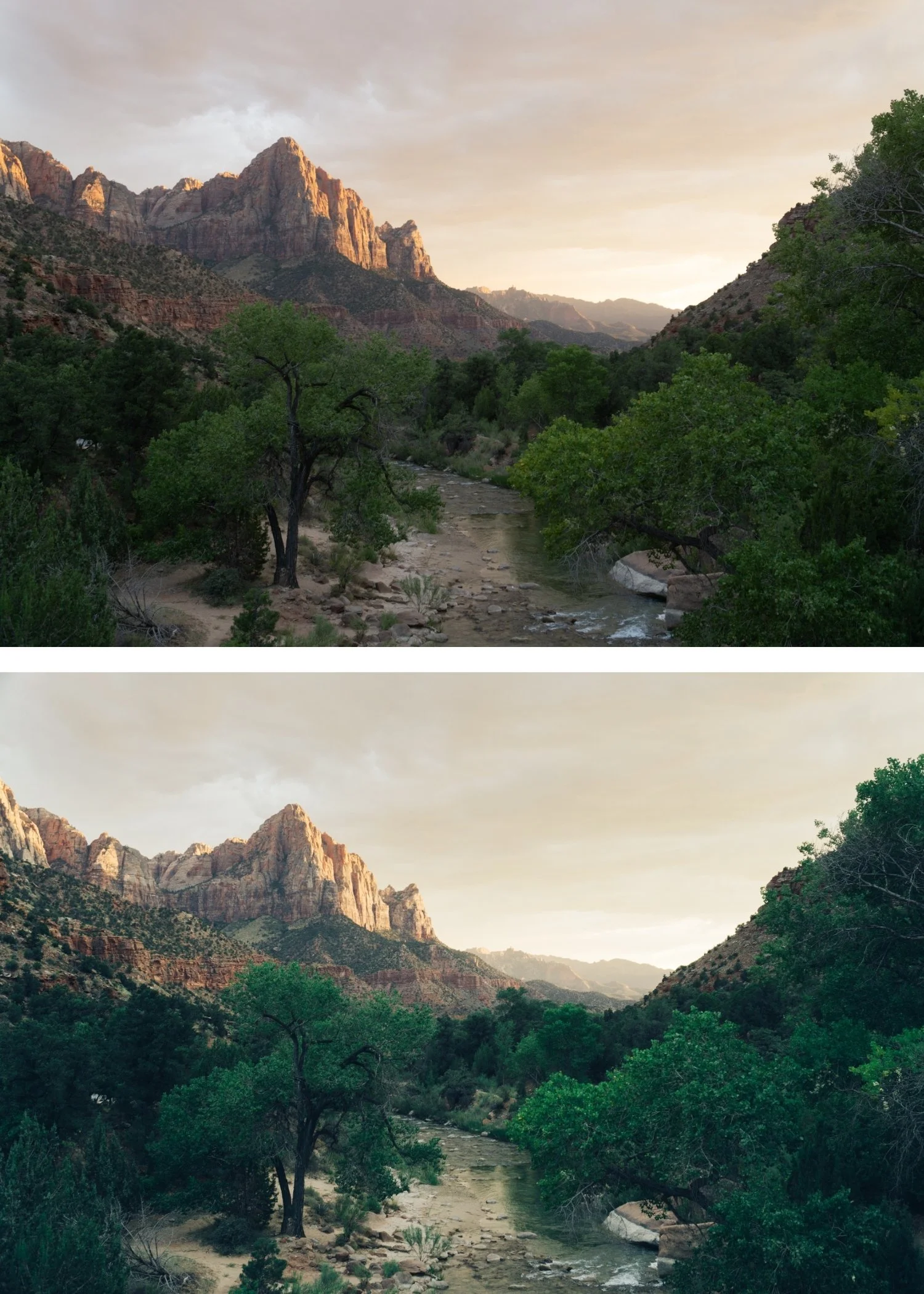
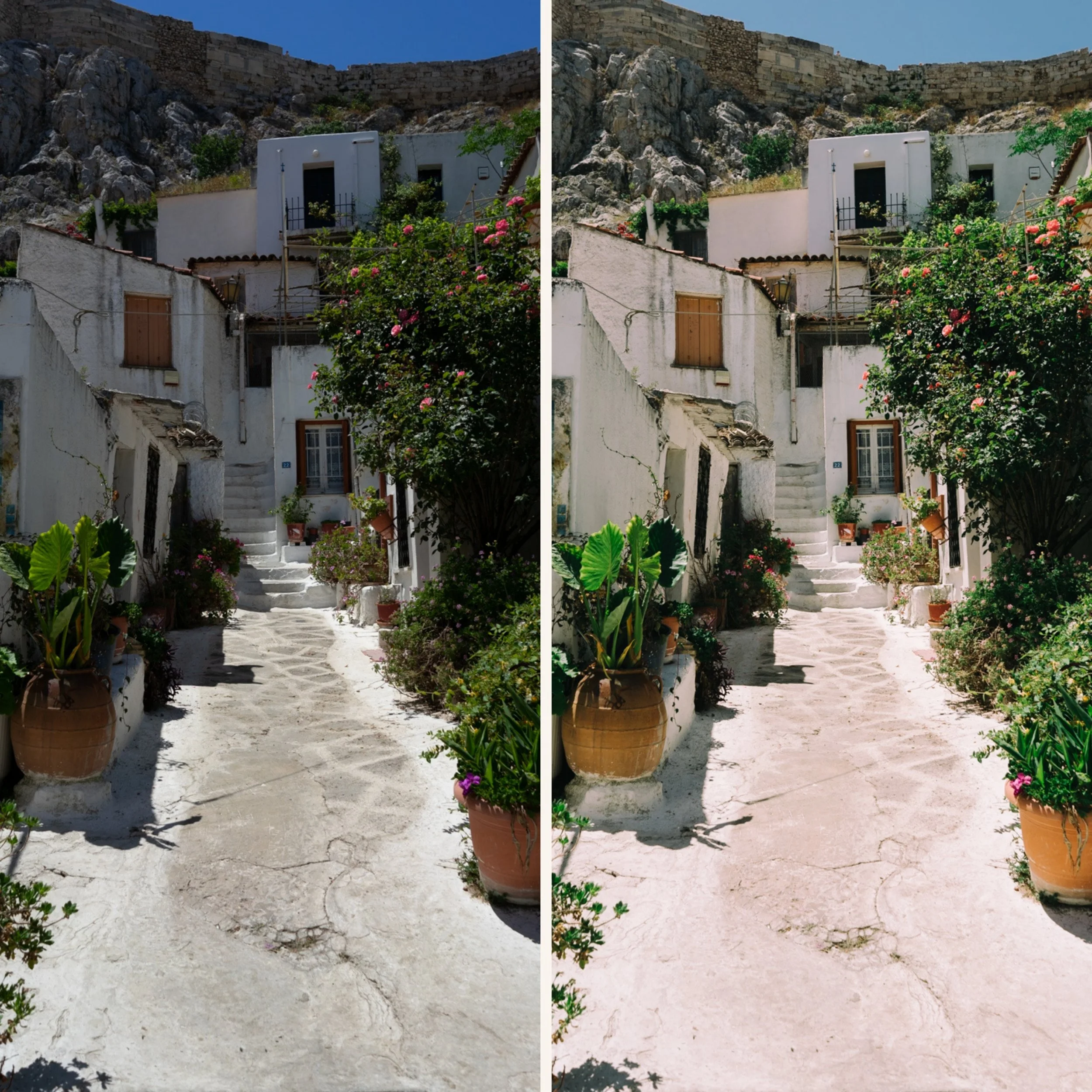
Quartz 04 Warm Cross | Cross-Processed Film Preset for Lightroom Mobile & Desktop

-
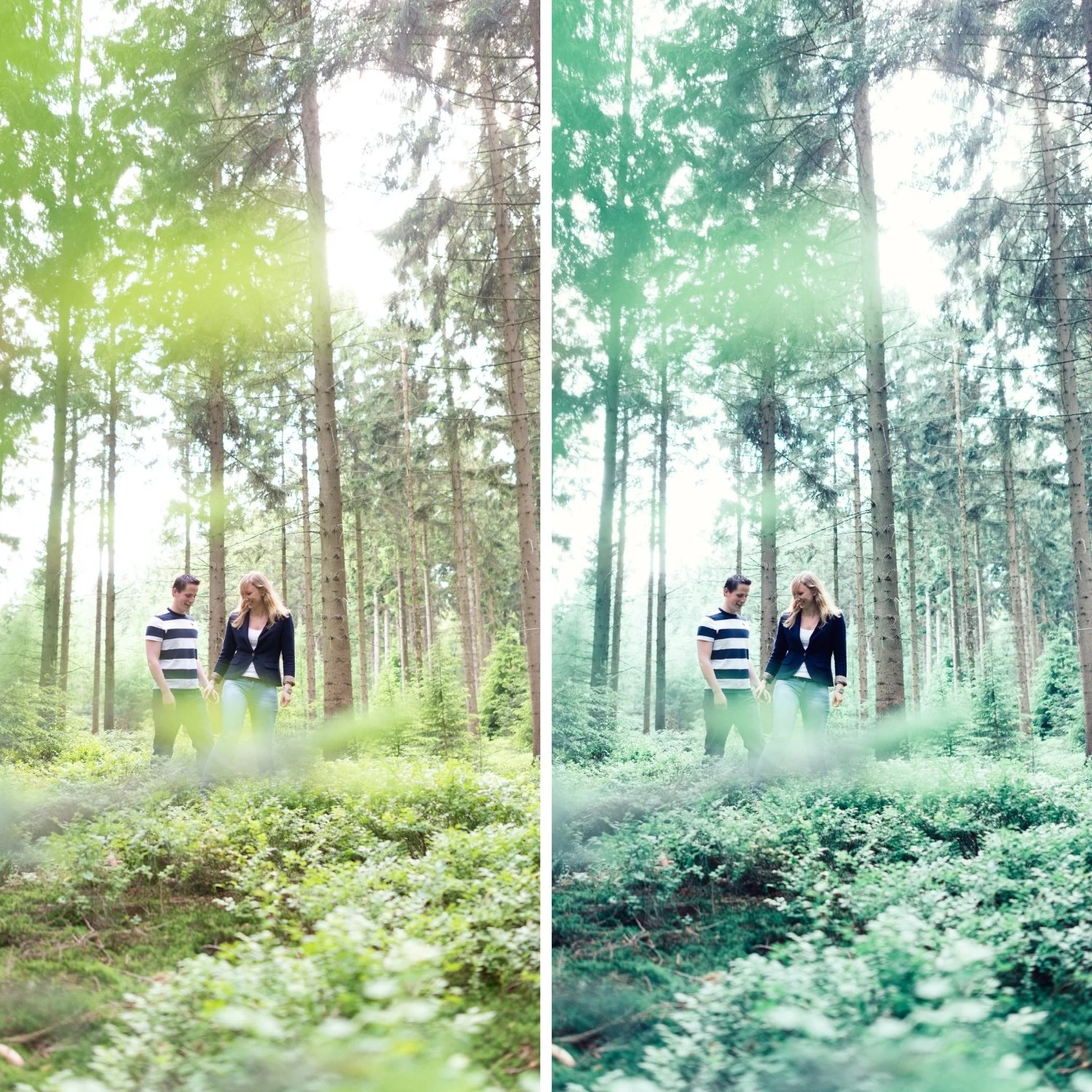
Q4 is for outdoor editorial, travel, and lifestyle photographers who want cross-processed colour applied in a warm direction — the distinctive editorial quality of the Quartz Archive in a warm, golden register.
For photographers who shoot primarily in warm light and want the Q series character to complement rather than fight the ambient warmth.
-
The warmth makes the cross-processed quality organic. Q4's golden character grounds the distinctive colour shifts in warm natural light — the result feels like it belongs to the location.
It suits warm-climate travel photography. Mediterranean architecture, golden-hour beaches, warm markets — Q4's cross-processed warmth amplifies these environments in a distinctive editorial direction.
It is the most accessible warm cross-processed preset. Q4 bridges the Quartz Archive's editorial character with the warm outdoor philosophy of the California Archive.
-
1 × Q4 Warm Cross DNG file — for Lightroom Mobile
1 × Q4 Warm Cross XMP file — for Lightroom Classic
Installation guide
Lifetime access -
This preset captures the crisp, industrial aesthetic of professional cold-balanced films used in architectural and fashion photography. It is the professional answer for photographers who want their work to feel modern and "clean" without losing the filmic texture. By emulating the clean highlight separation and the neutral, silvery blacks of classic high-end emulsions—known for their precision and clarity—Q4 ensures your photos possess an expensive, curated quality. It transforms digital files into frames that look like they were shot on a crisp morning in a Nordic city.
-
Step 1 — White balance first. Cross-processed film had unpredictable white balance responses — set Temperature to 5,000-5,400K as a neutral starting point. The colour shifts of cross-processing are built into the preset's calibration rather than the white balance, so a neutral starting point gives the shifts the most consistent foundation.
Step 2 — Apply Q4 Warm Cross. The warm cross-processed shifts and golden character apply simultaneously.
Step 3 — Adjust Exposure per photo. Q4 works best in warm ambient light — in cool conditions the warm shifts can read heavy. For cool conditions, Q1 or Q2 are more appropriate.
White balance: preserve the warm ambient rather than neutralising it — 5,200-5,600K, Tint +5.
On phone photos: 80-82% strength. Check Orange Saturation after applying — Q4's warm cross combined with phone warmth can push skin toward orange. Reduce Orange Saturation -3 to -5 if needed.
-
What is the difference between Q4 and Q1? Q1 is subtly warm and accessible — a gentle introduction to cross-processed character. Q4 has pronounced warm cross-processed colour shifts — a richer, more obviously warm editorial quality. Q1 for subtle everyday editorial, Q4 for warm outdoor editorial with more visible character.
Does Q4 work for golden hour photography? Yes — Q4 is specifically well-suited to golden hour outdoor photography. The warm cross-processed quality amplifies the ambient golden light in a distinctive way.
GET ALL 10 QUARTZ ARCHIVE PRESETS
The full Quartz Archive gives you ten calibrated cross-processed editorial looks — Clean Cross for subtle everyday editorial character, Cool Editorial for refined fashion photography, Bold Shift for clearly distinctive colour, Warm Cross for golden outdoor editorial, Deep Cinematic for maximum tonal impact, Cool Moody for atmospheric urban depth, Vibrant Bold for maximum colour statement, Soft Faded for gentle editorial lifestyle, High Contrast for dramatic directional light, and Experimental for the most extreme creative expression.
Ten presets. One editorial philosophy. $2.70 per preset.

THE STUDIO ARCHIVE
Want everything? The Studio Archive contains 130+ presets — every collection we make, including the complete Quartz Archive — for $89 total. That is $0.68 per preset with every future release included for life.