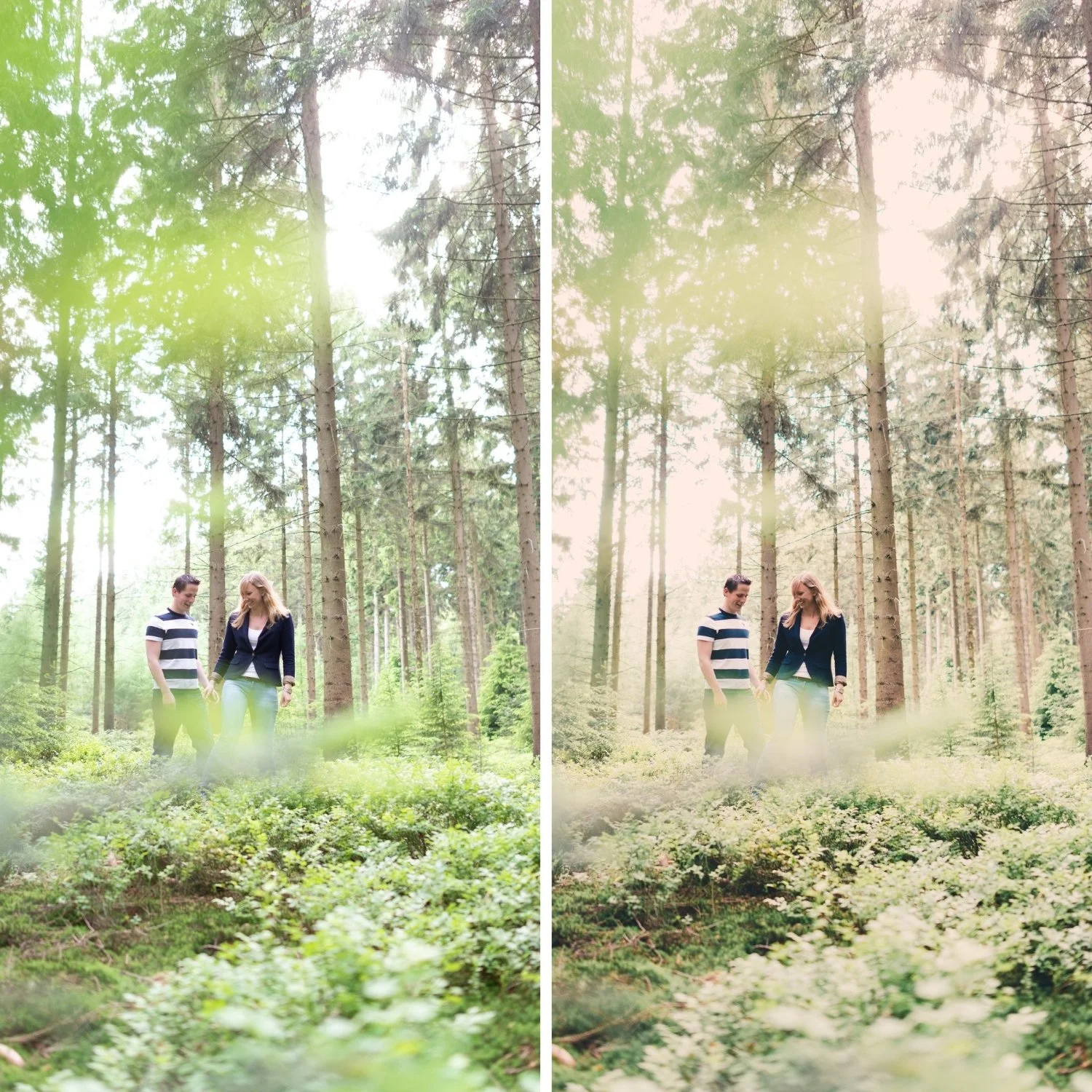
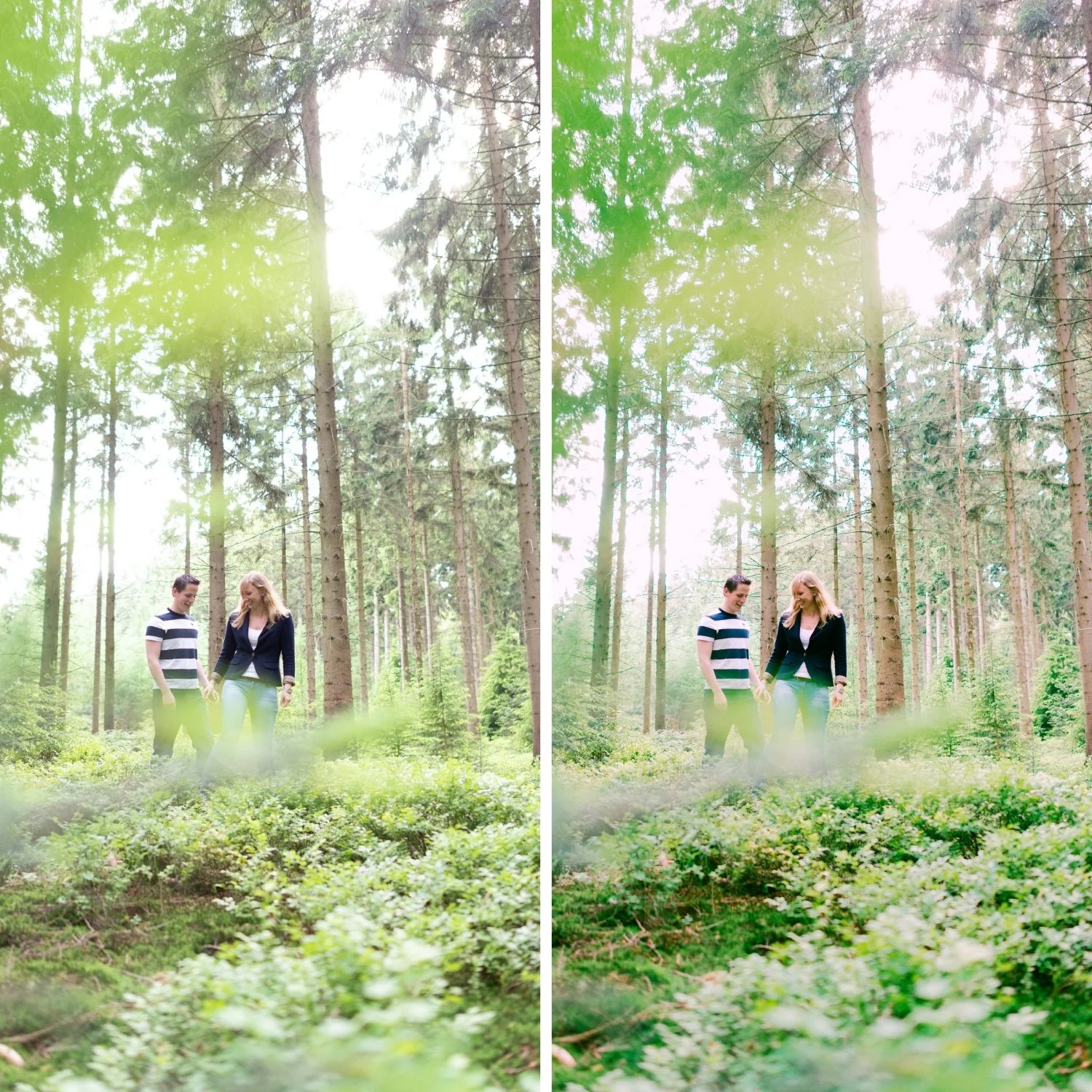
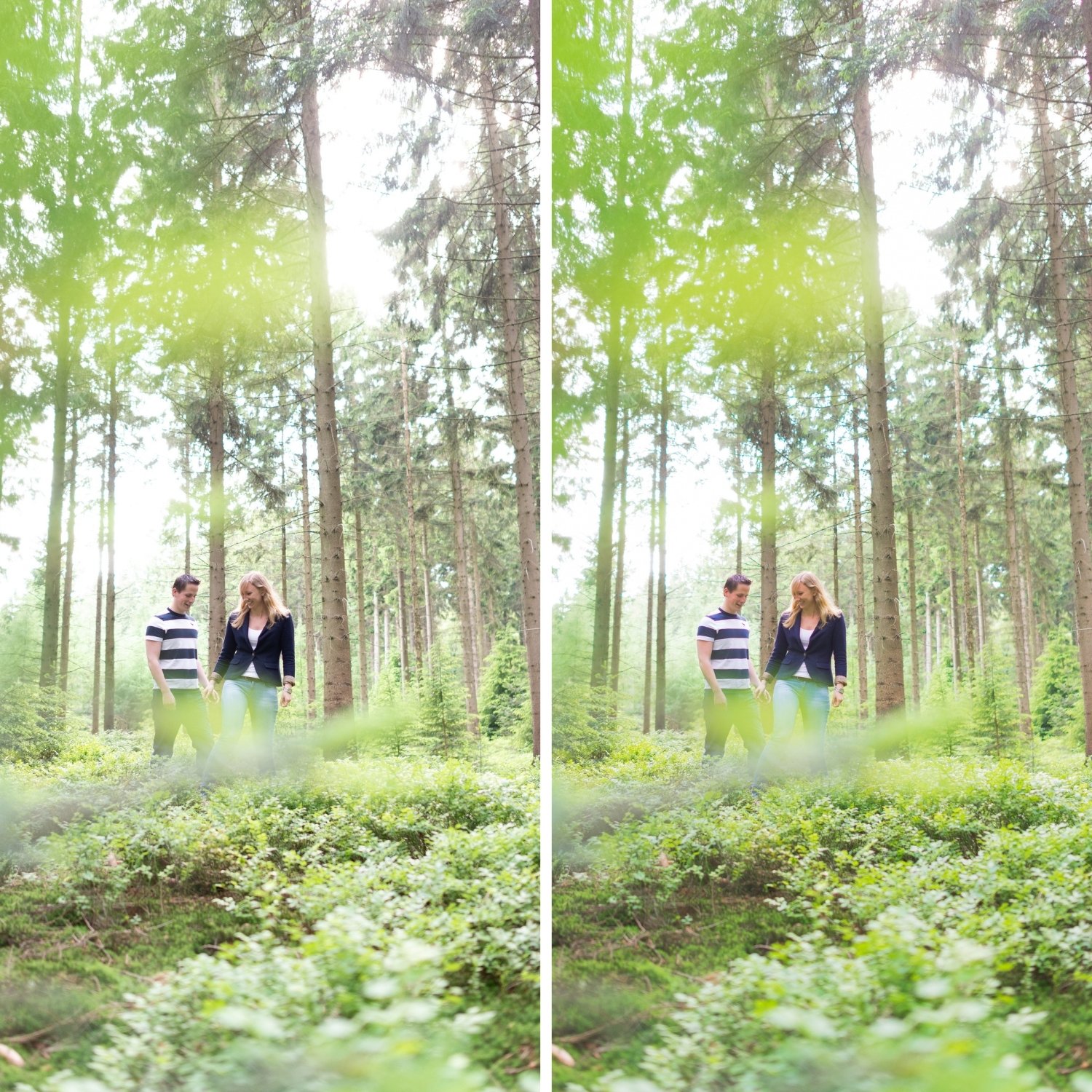
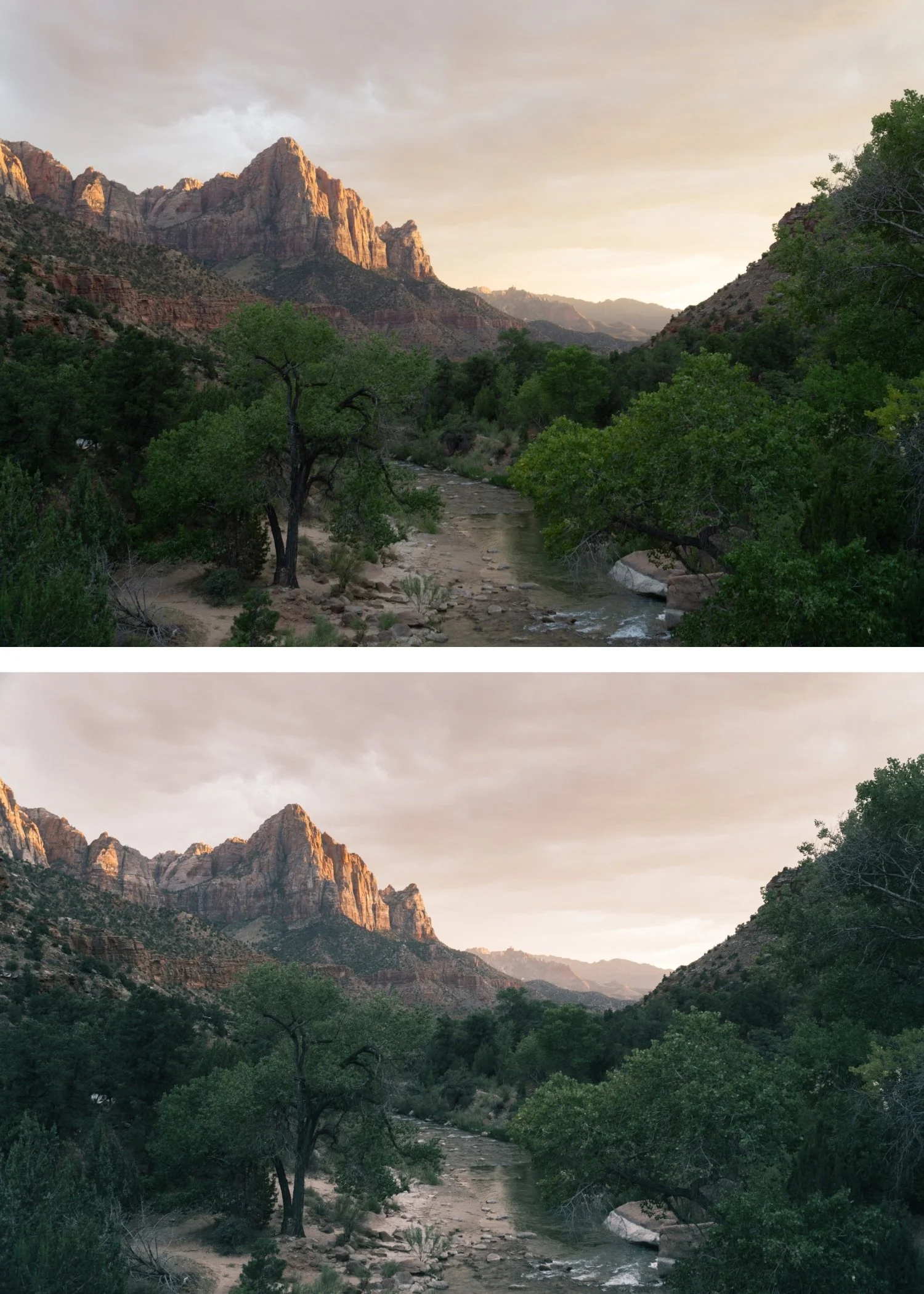
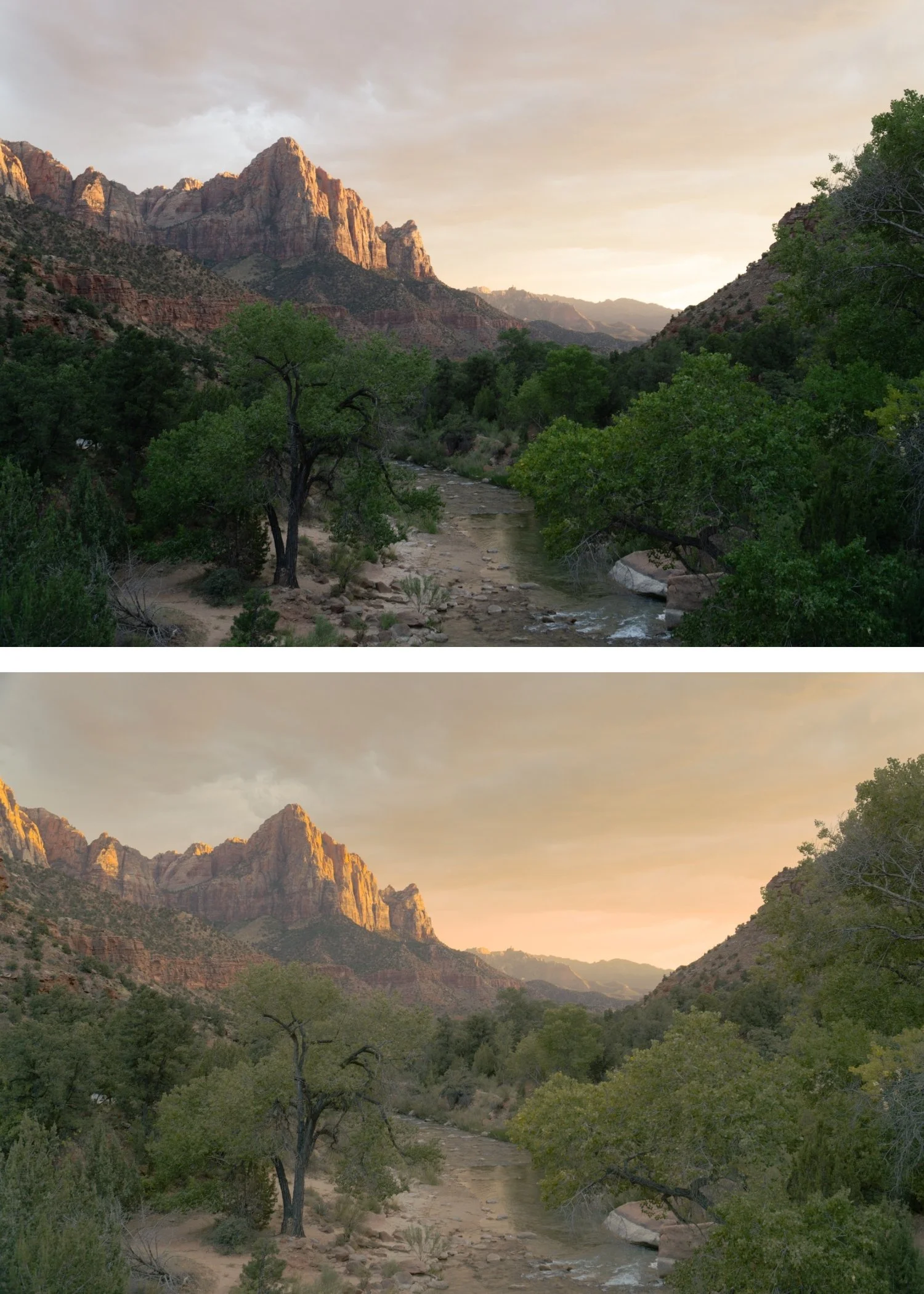
 Image 1 of 4
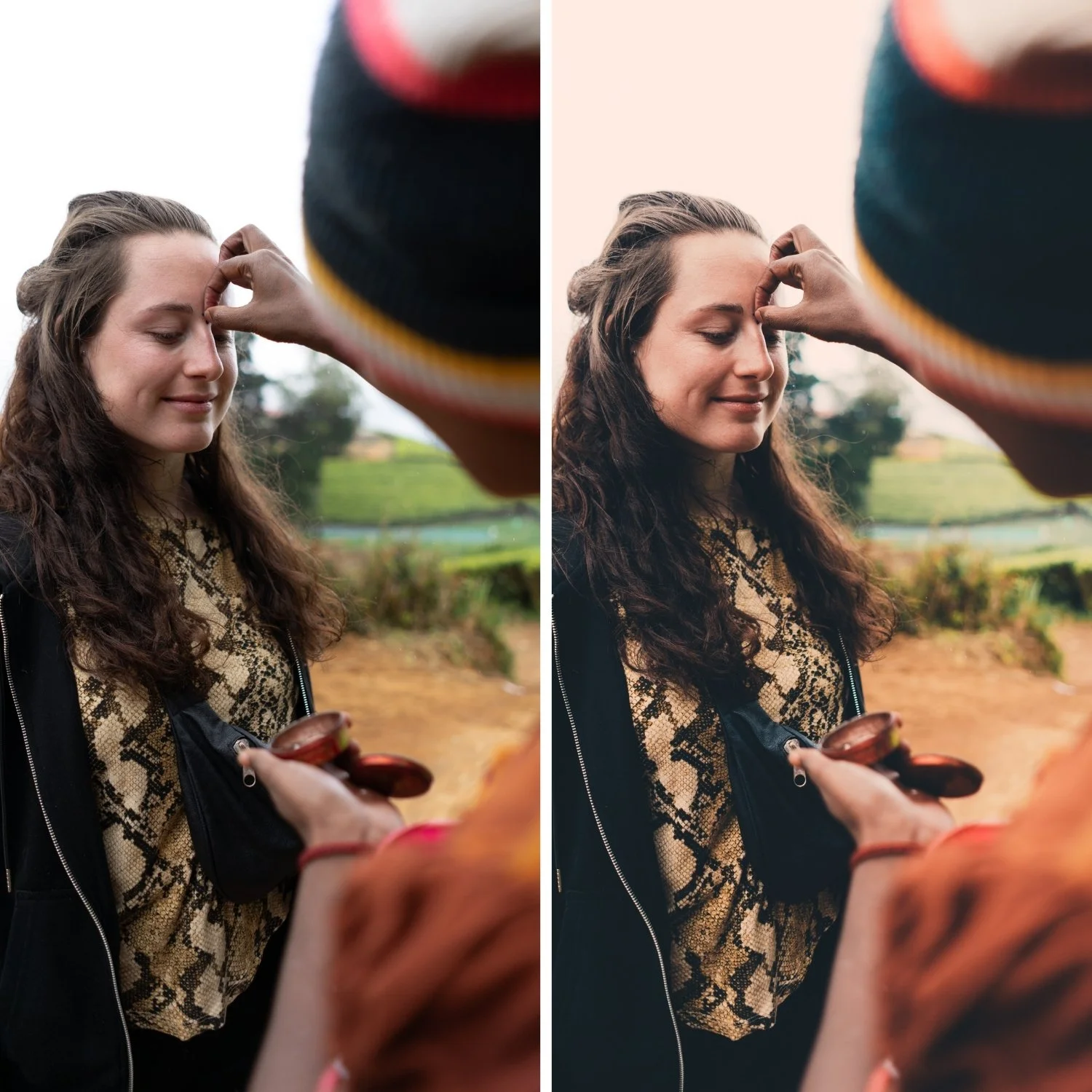
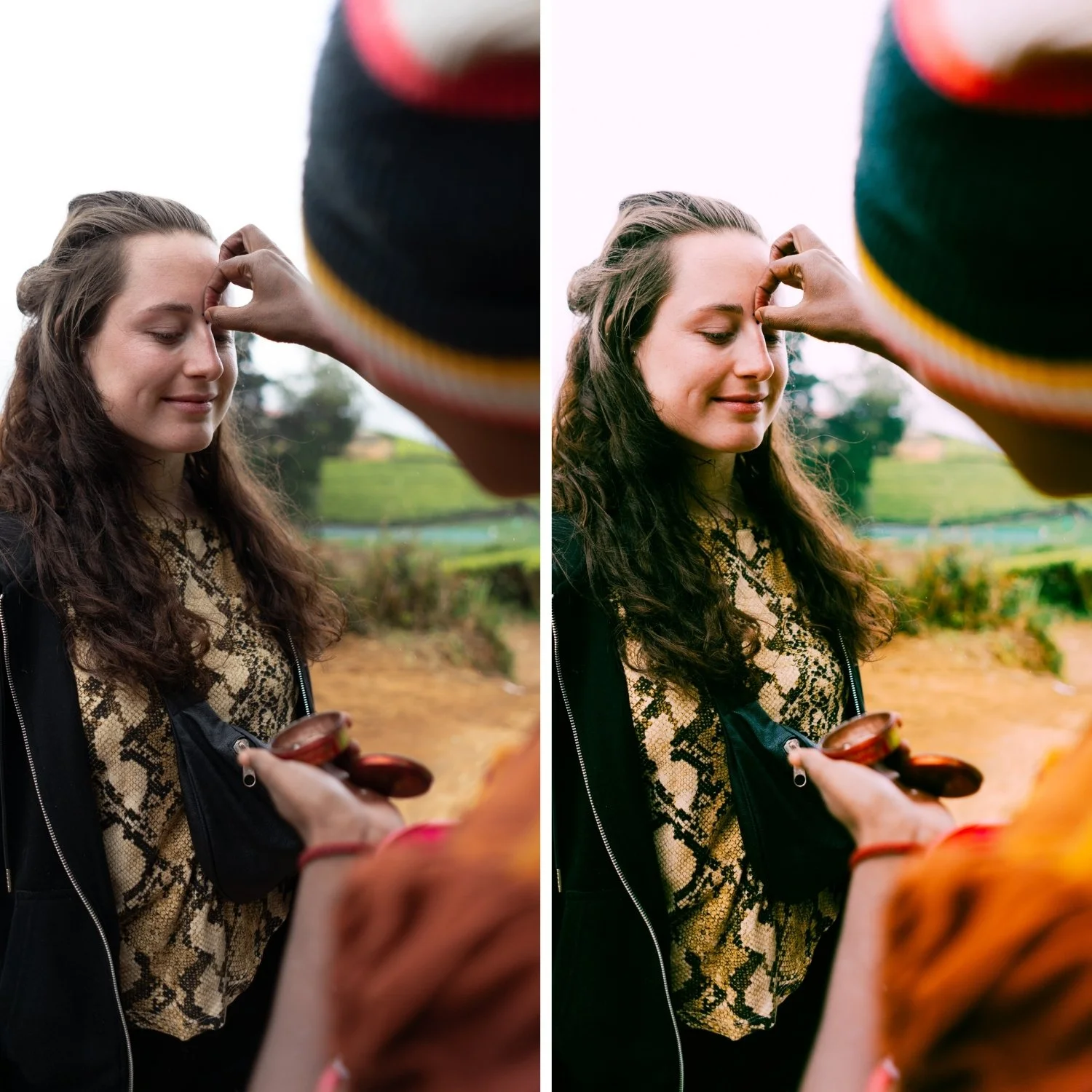
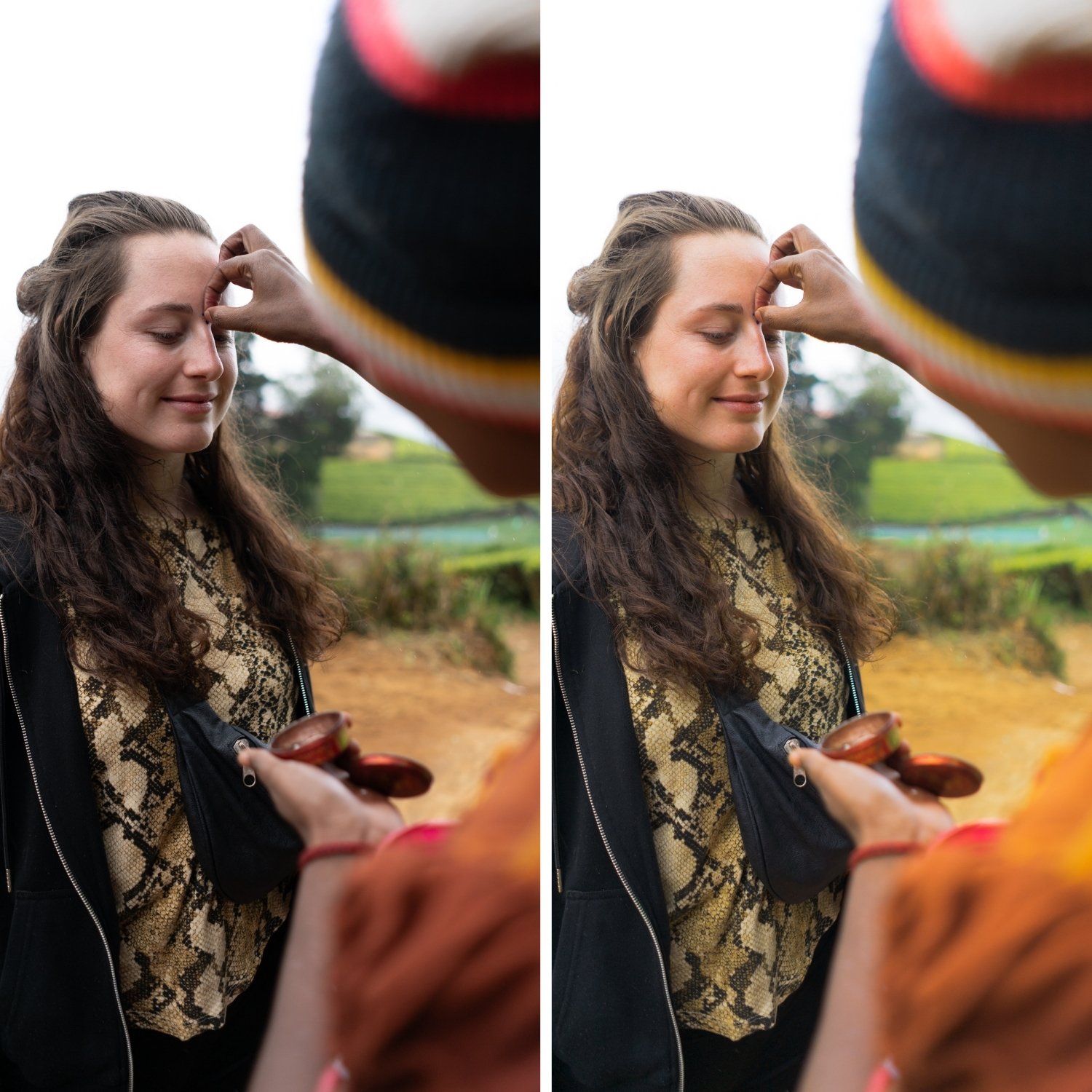
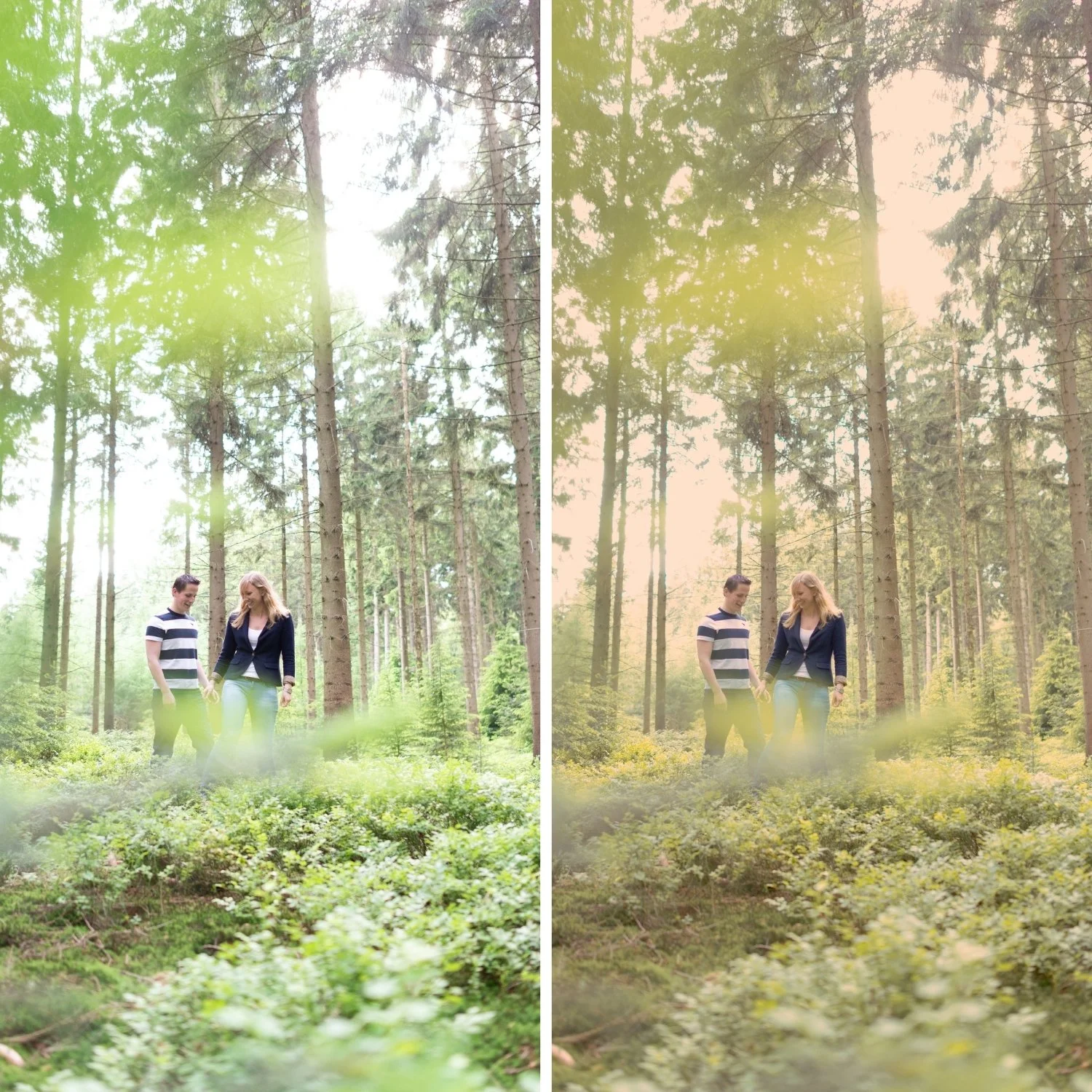
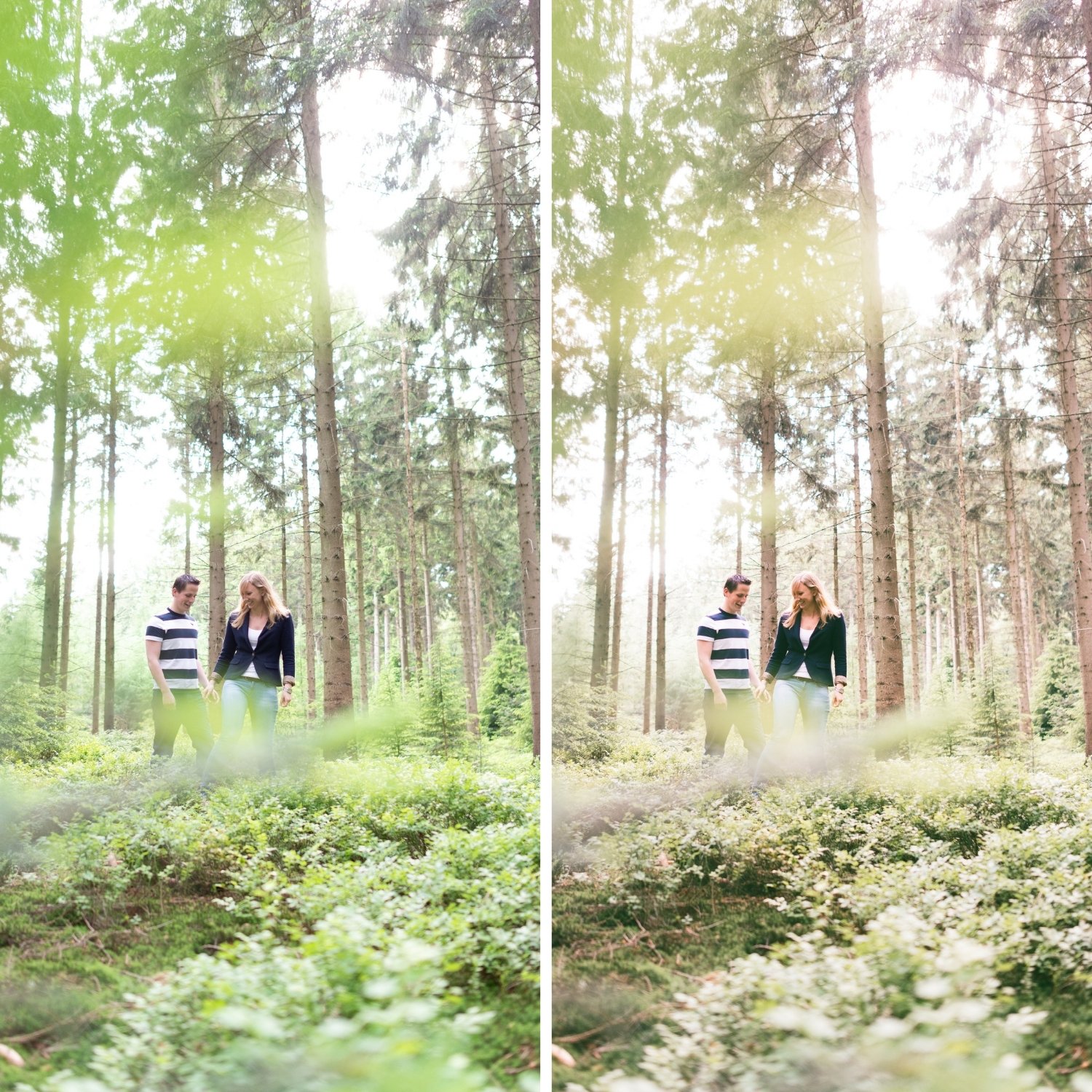
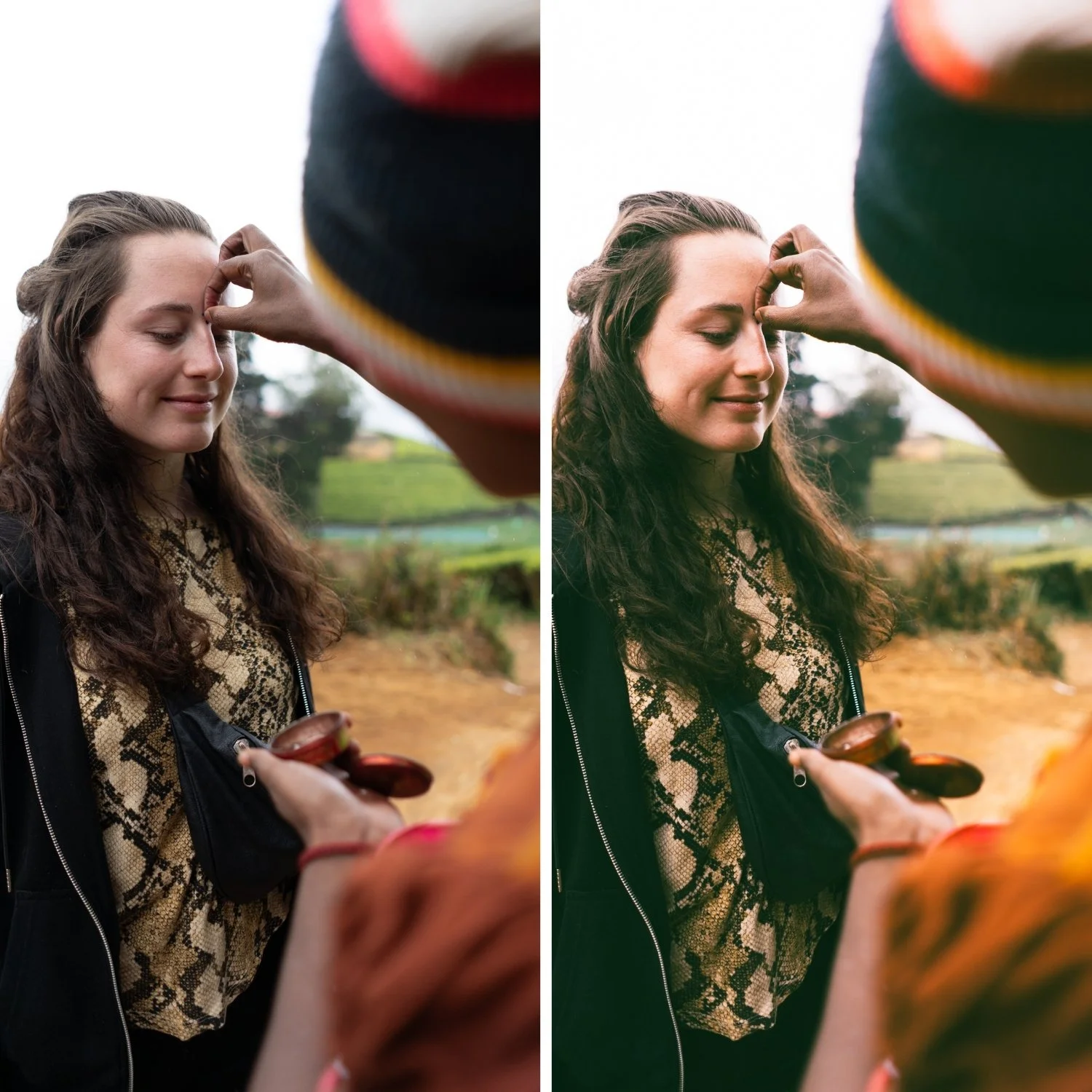 Image 2 of 4
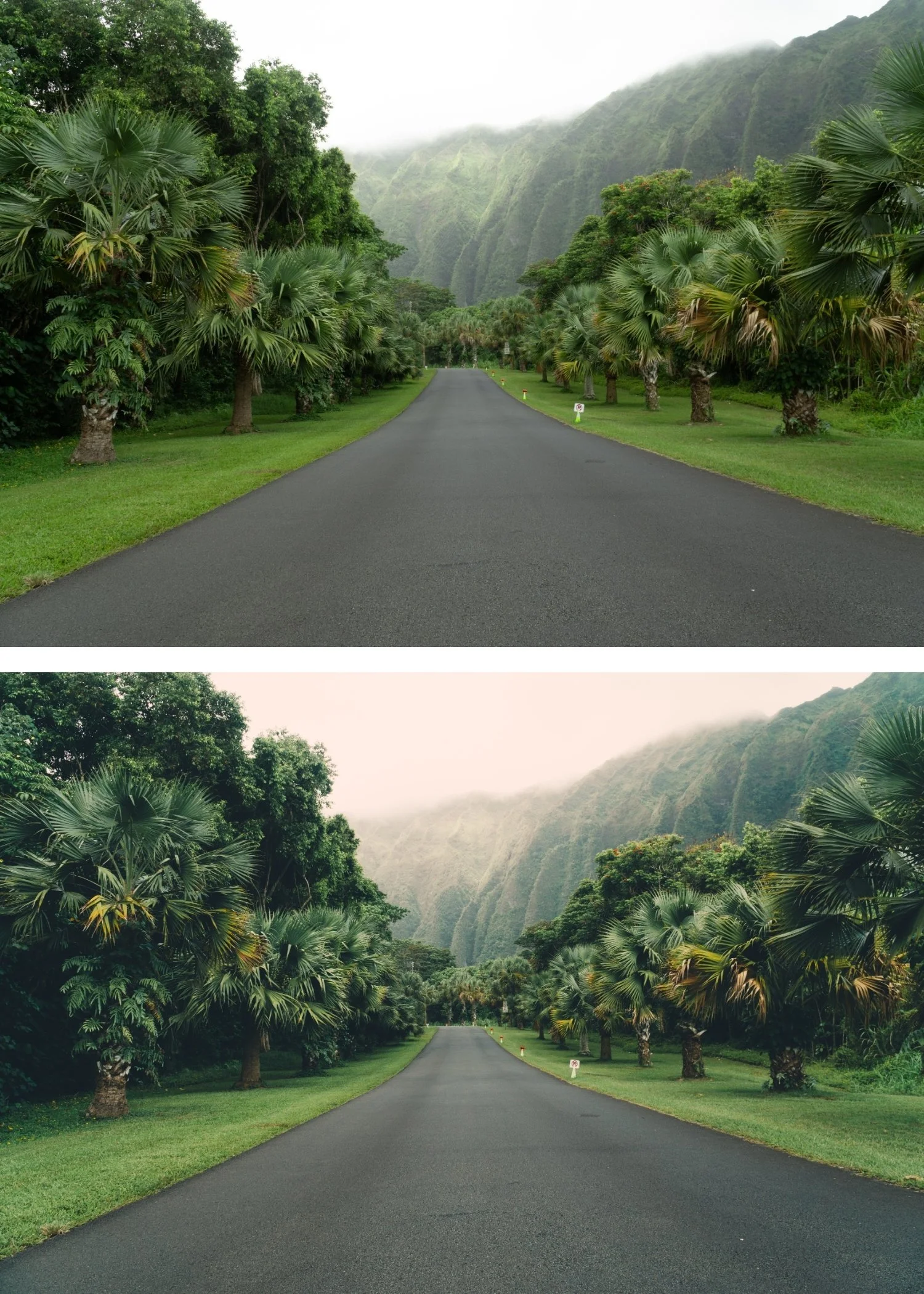
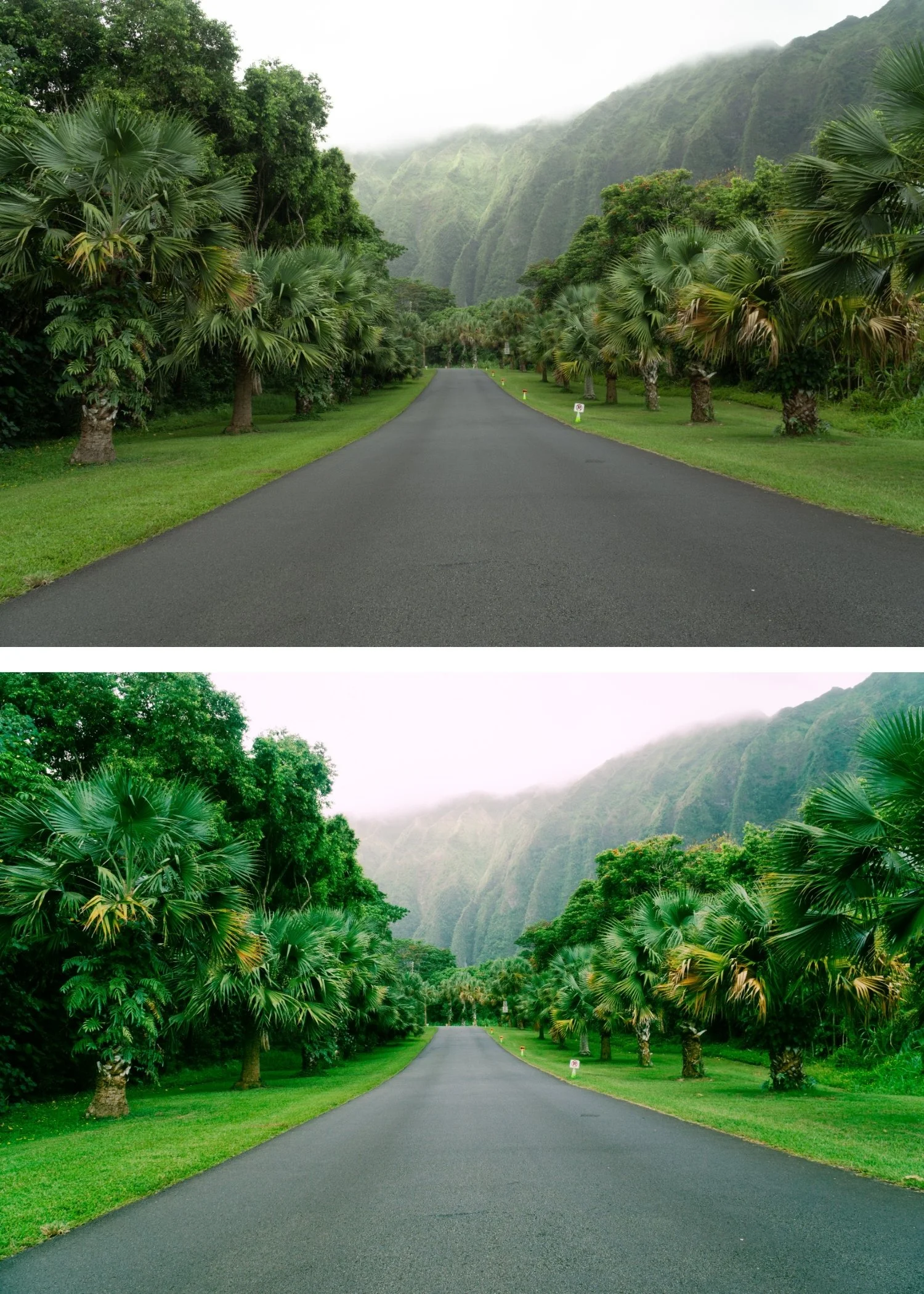
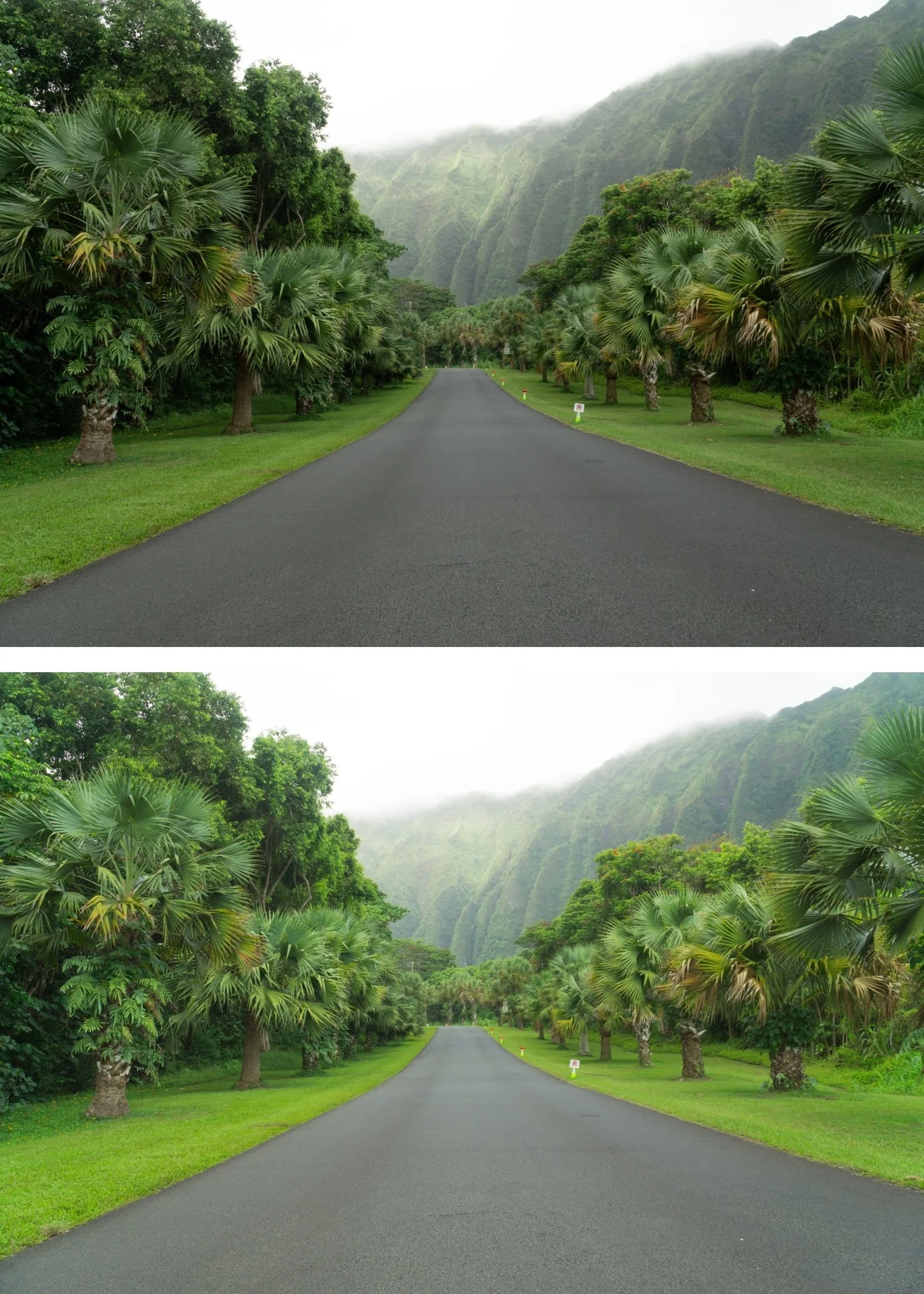
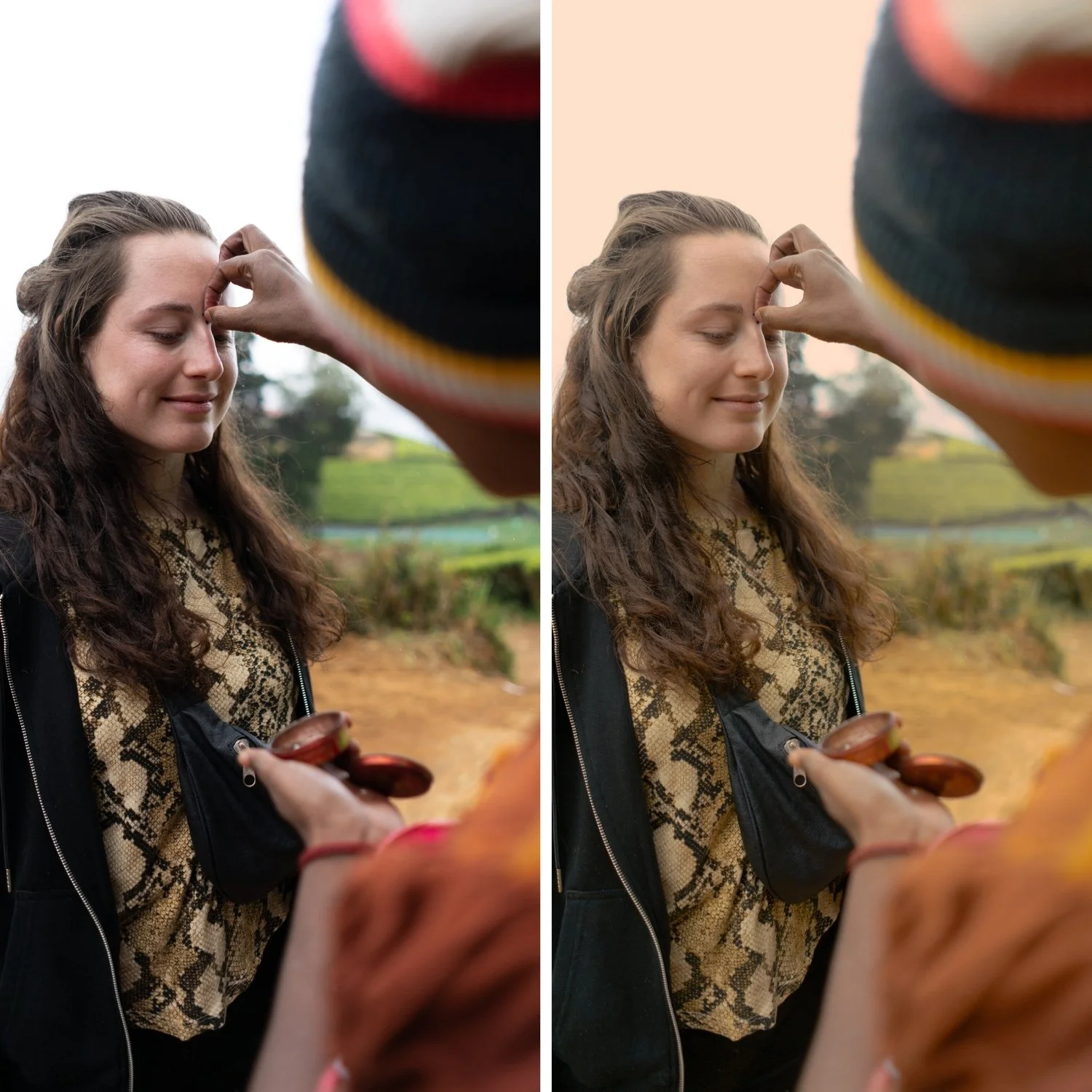
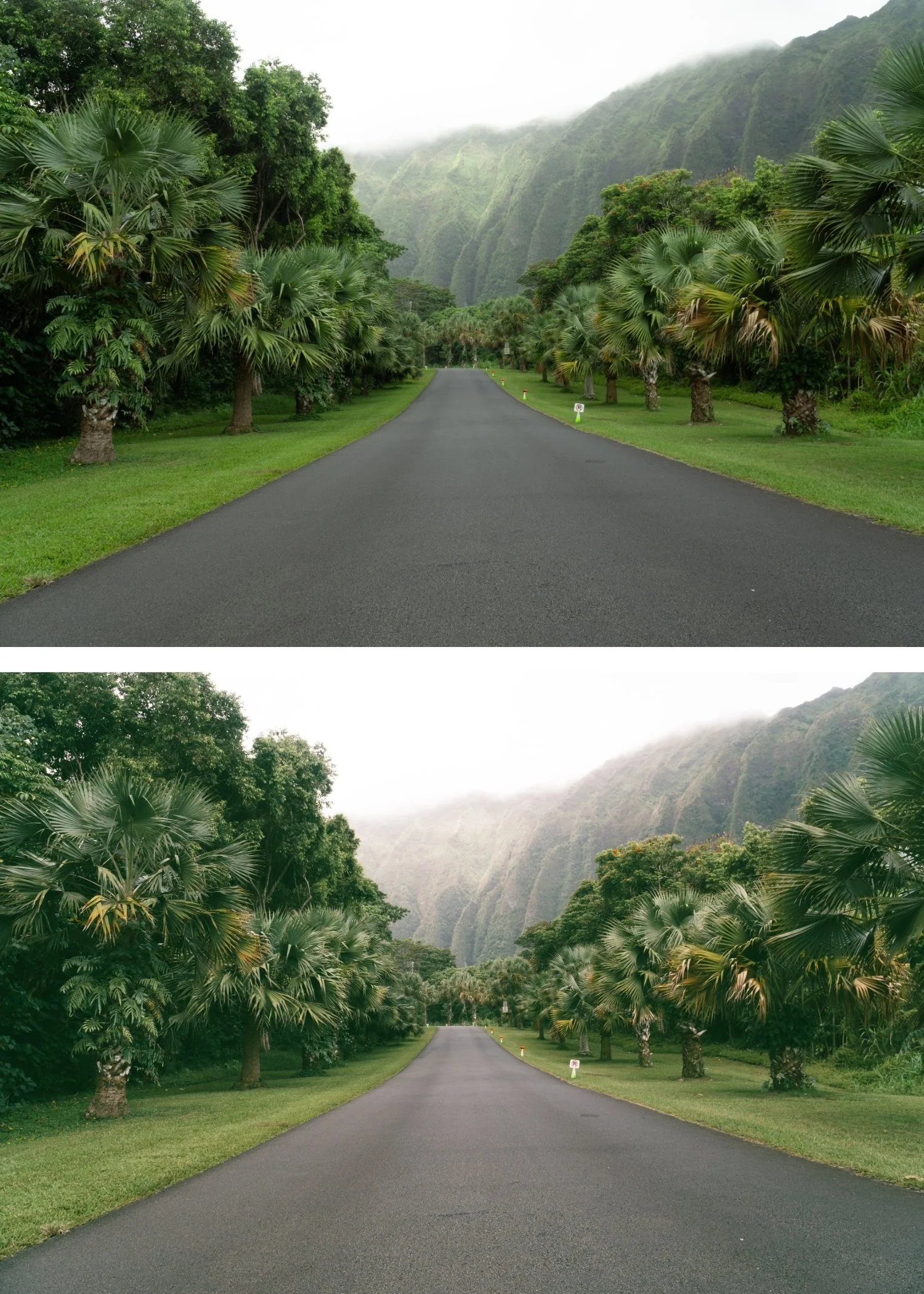 Image 3 of 4
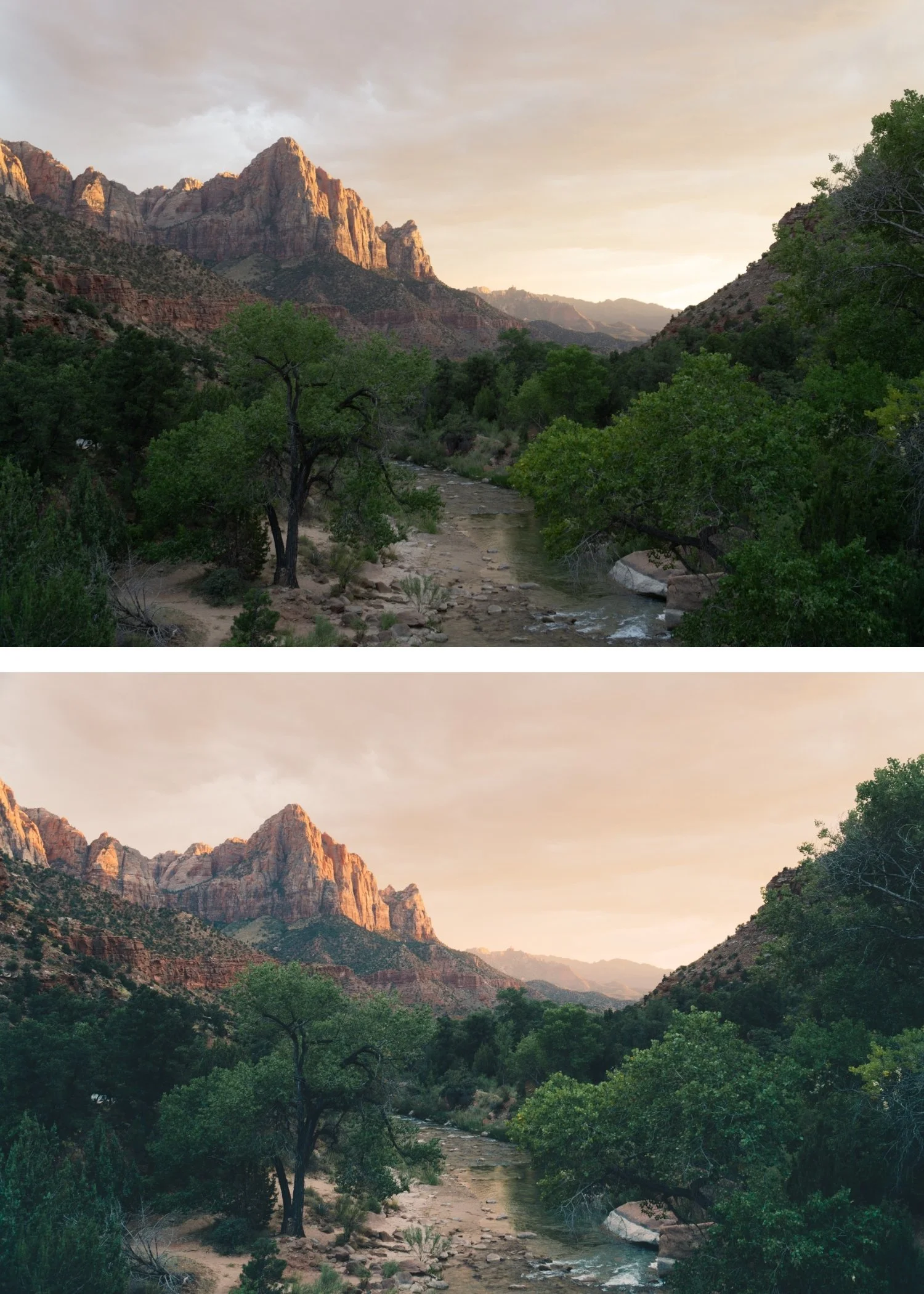
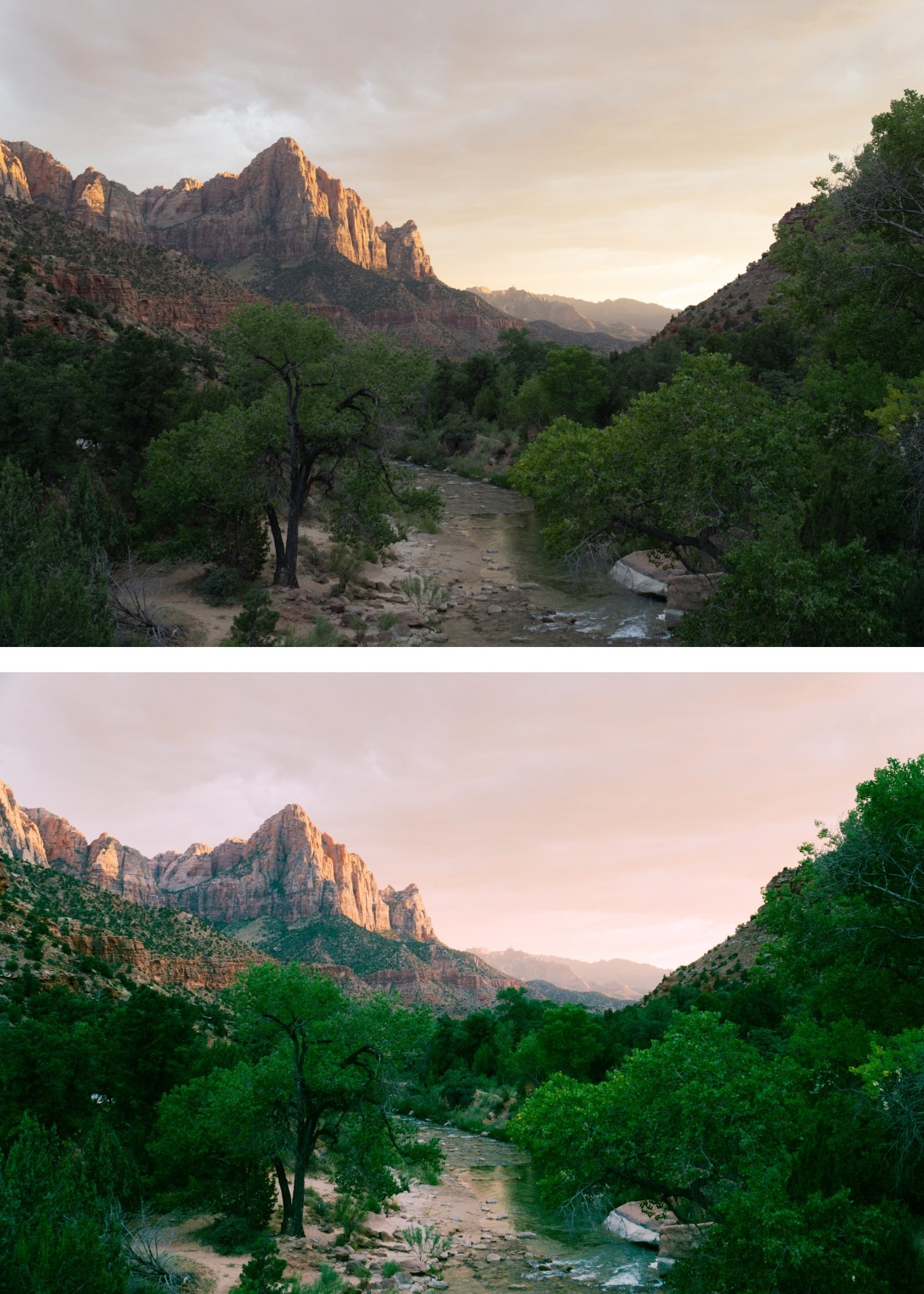
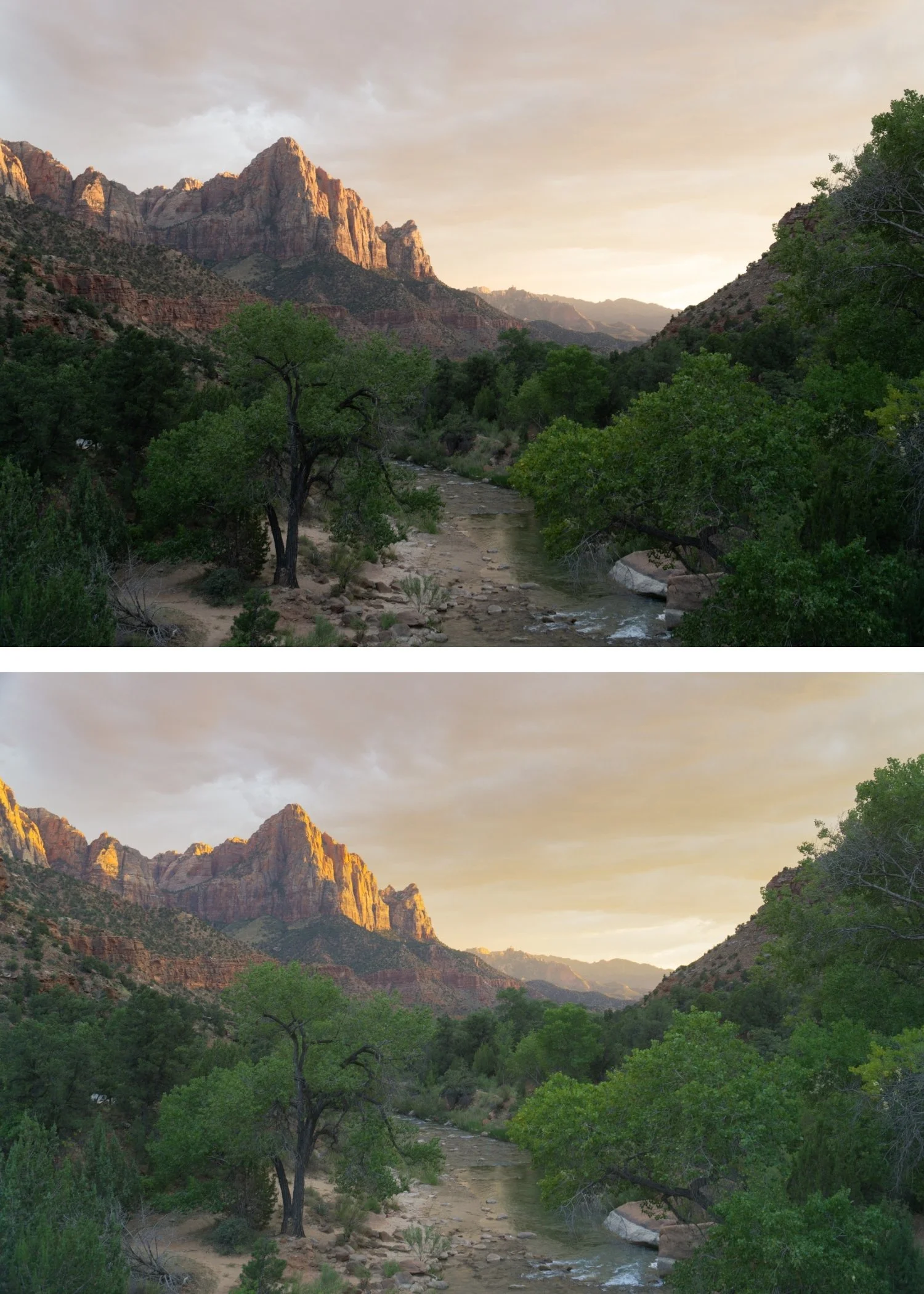
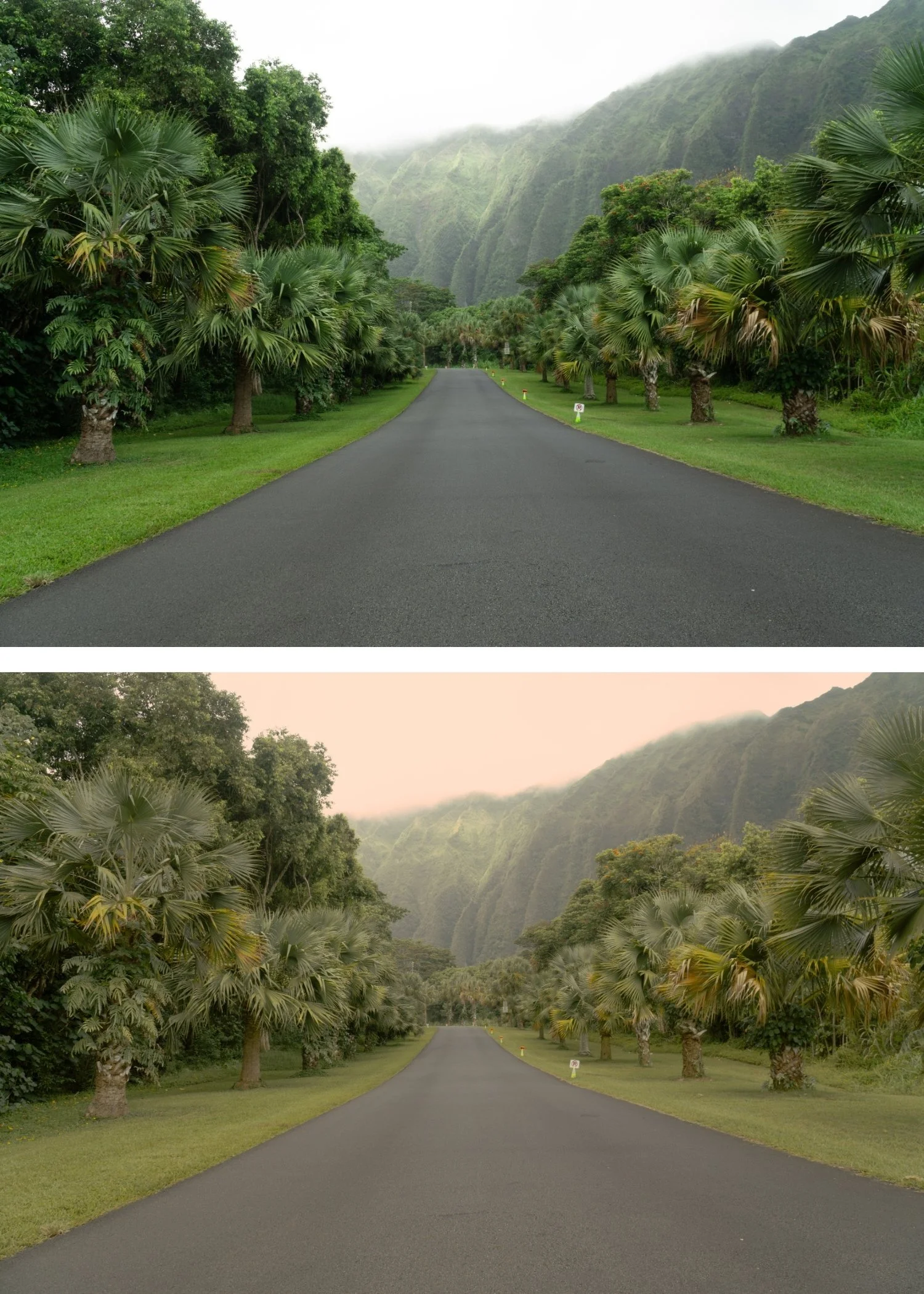
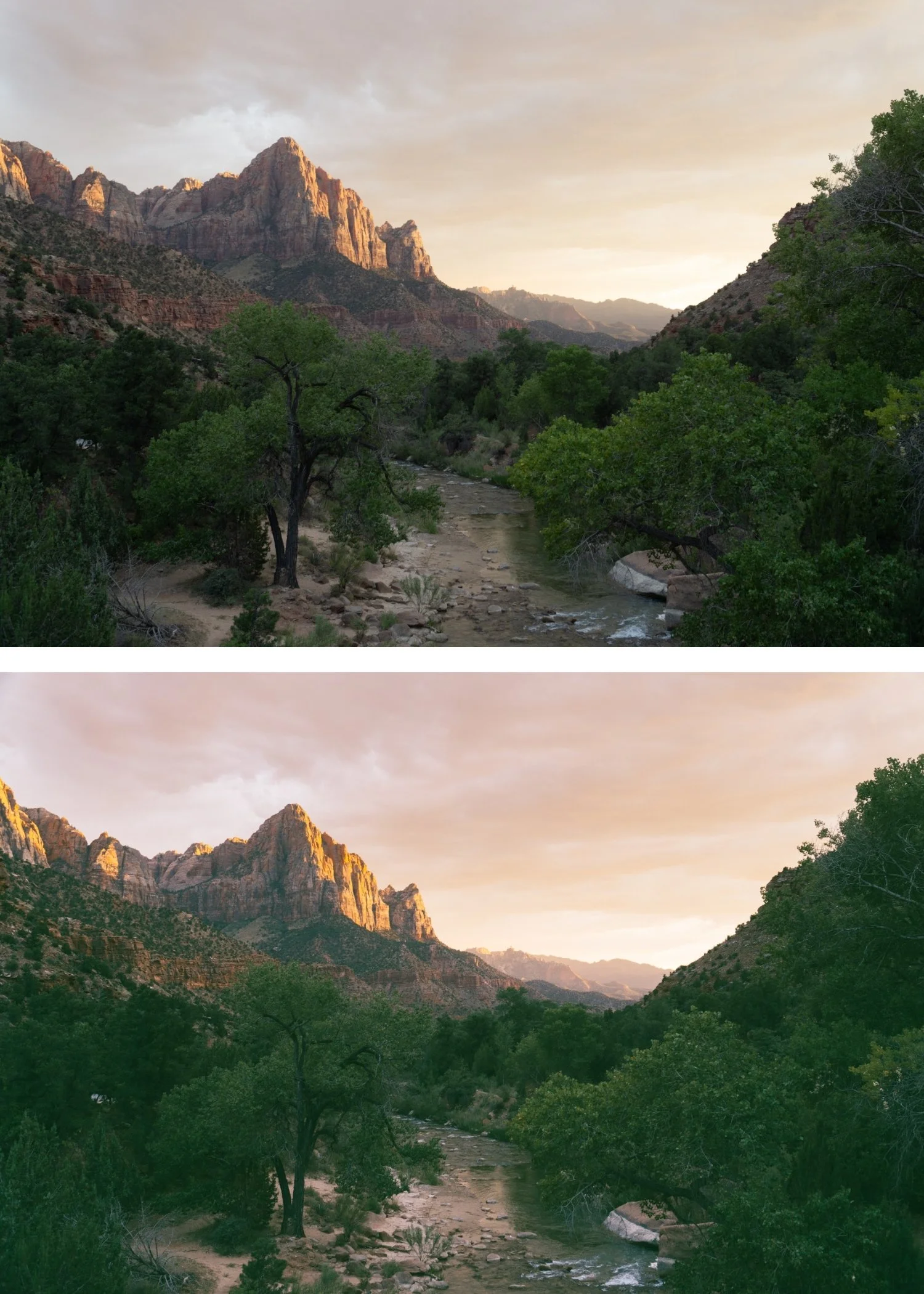 Image 4 of 4
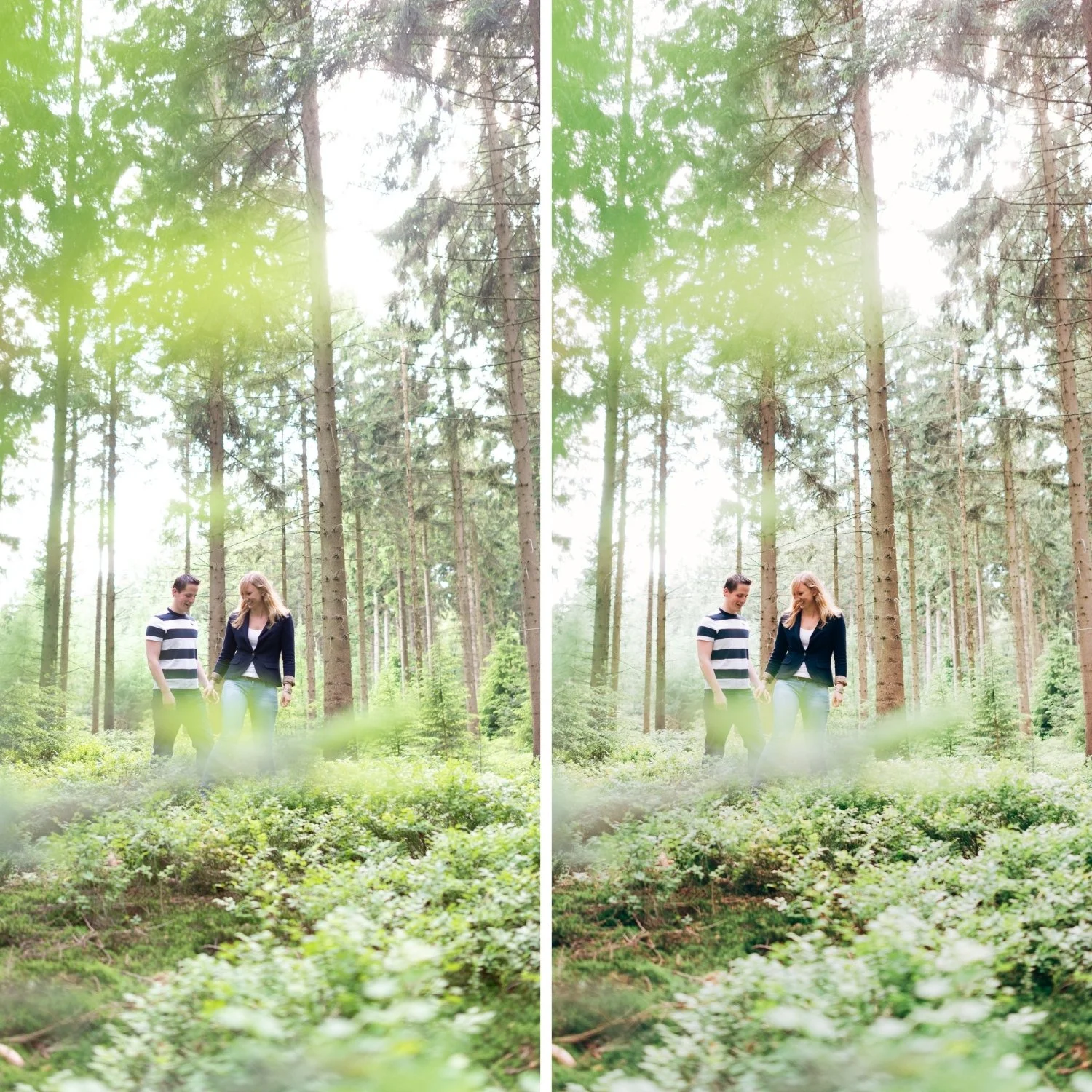
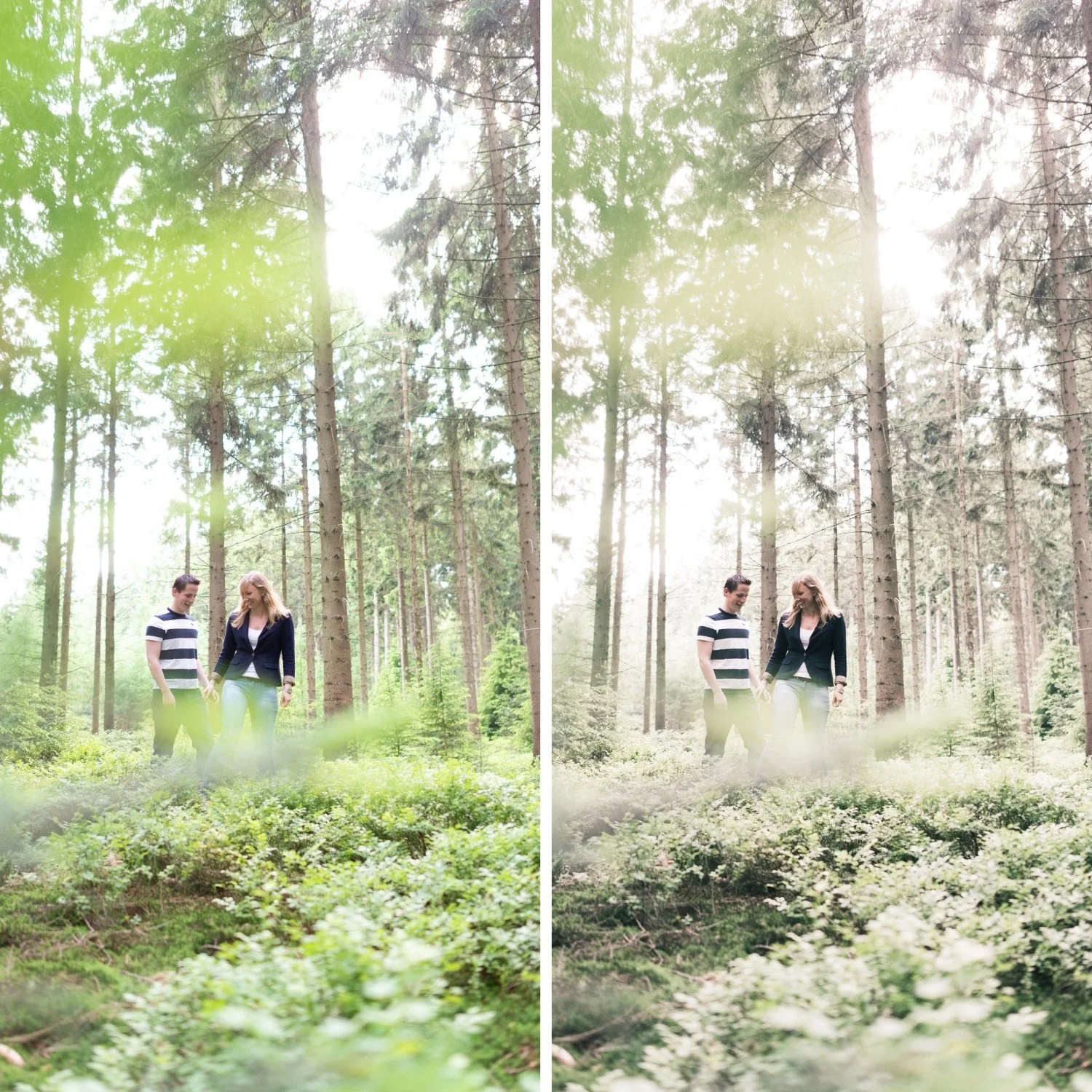
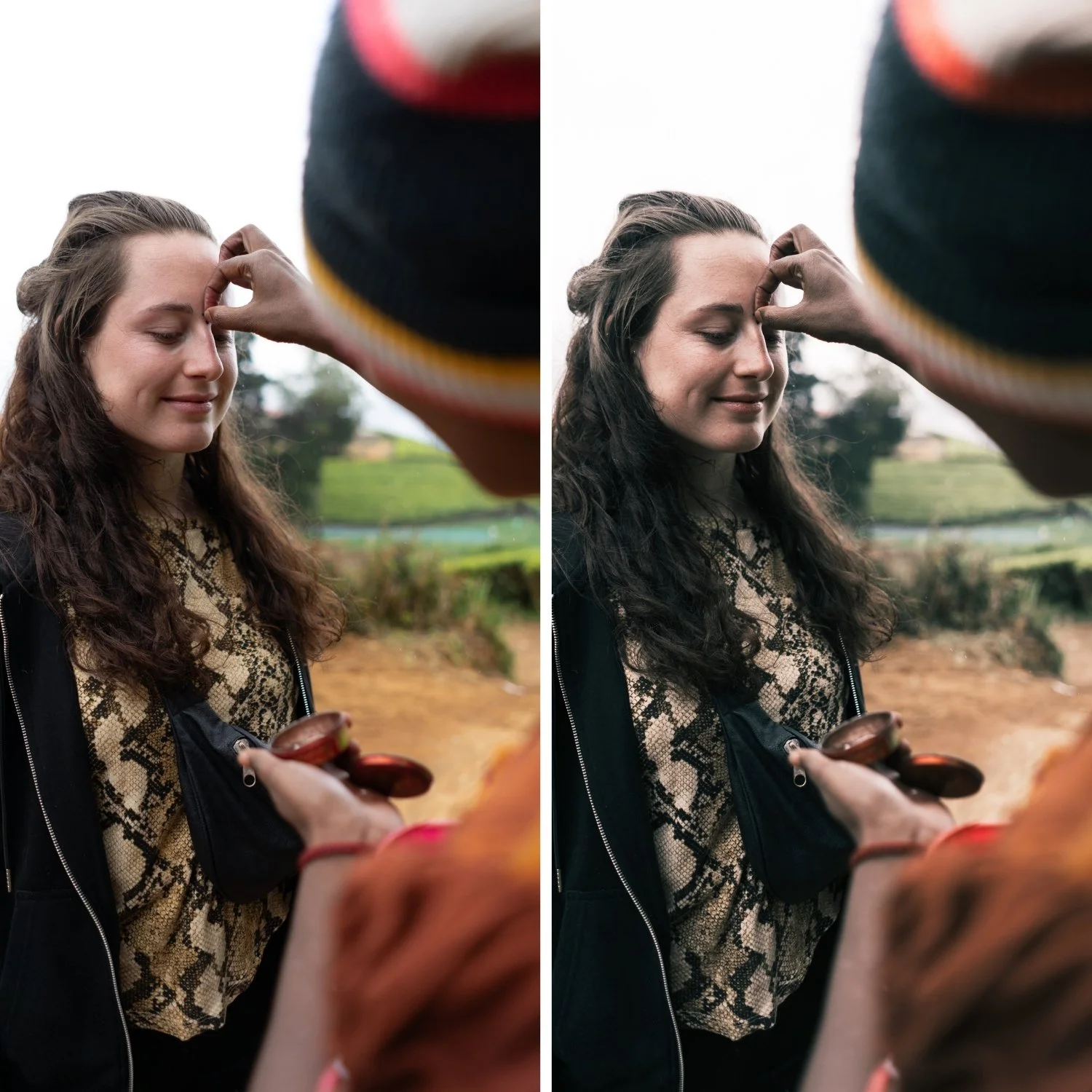
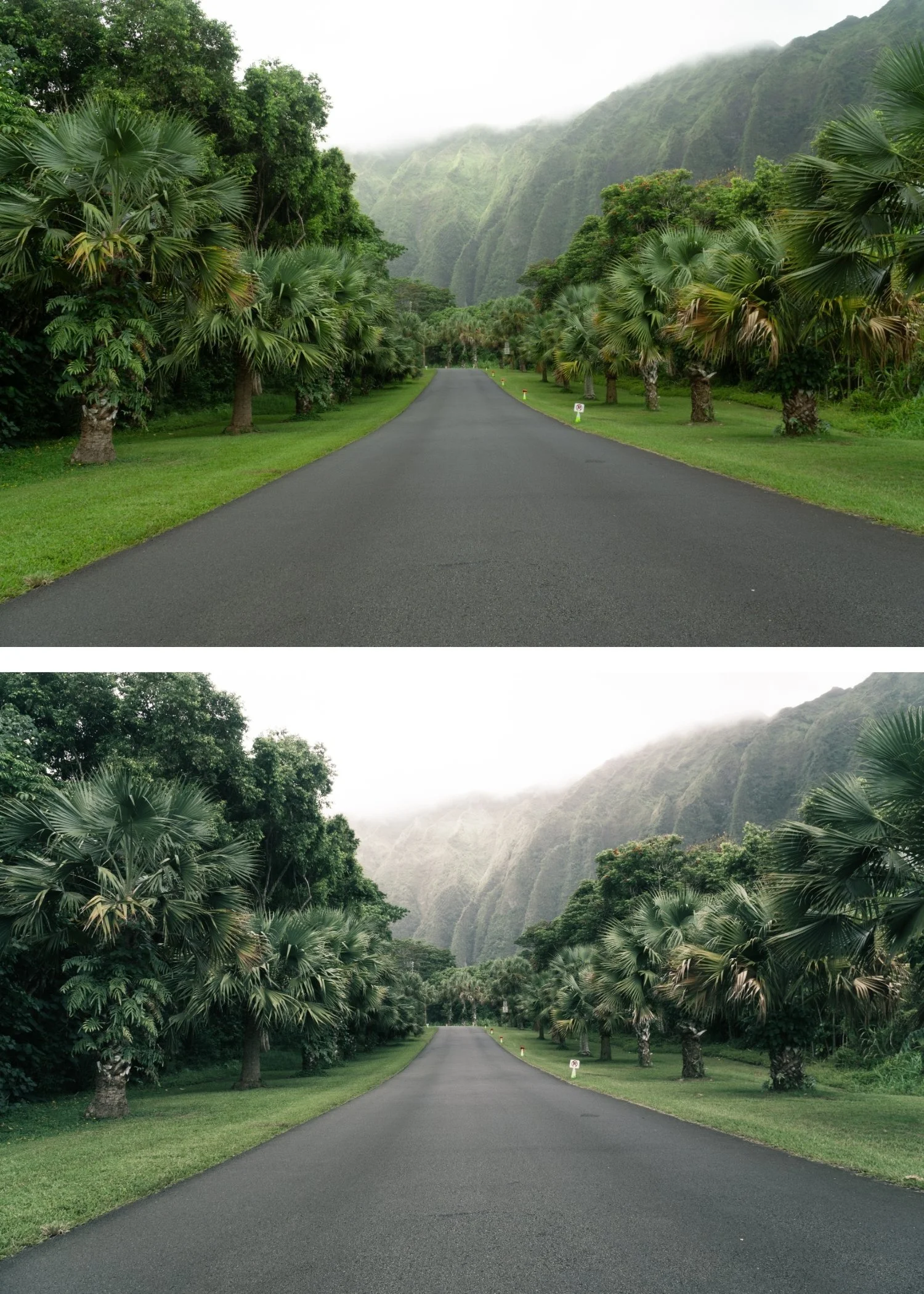
Quartz 08 Soft Faded | Cross-Processed Film Preset for Lightroom Mobile & Desktop

-
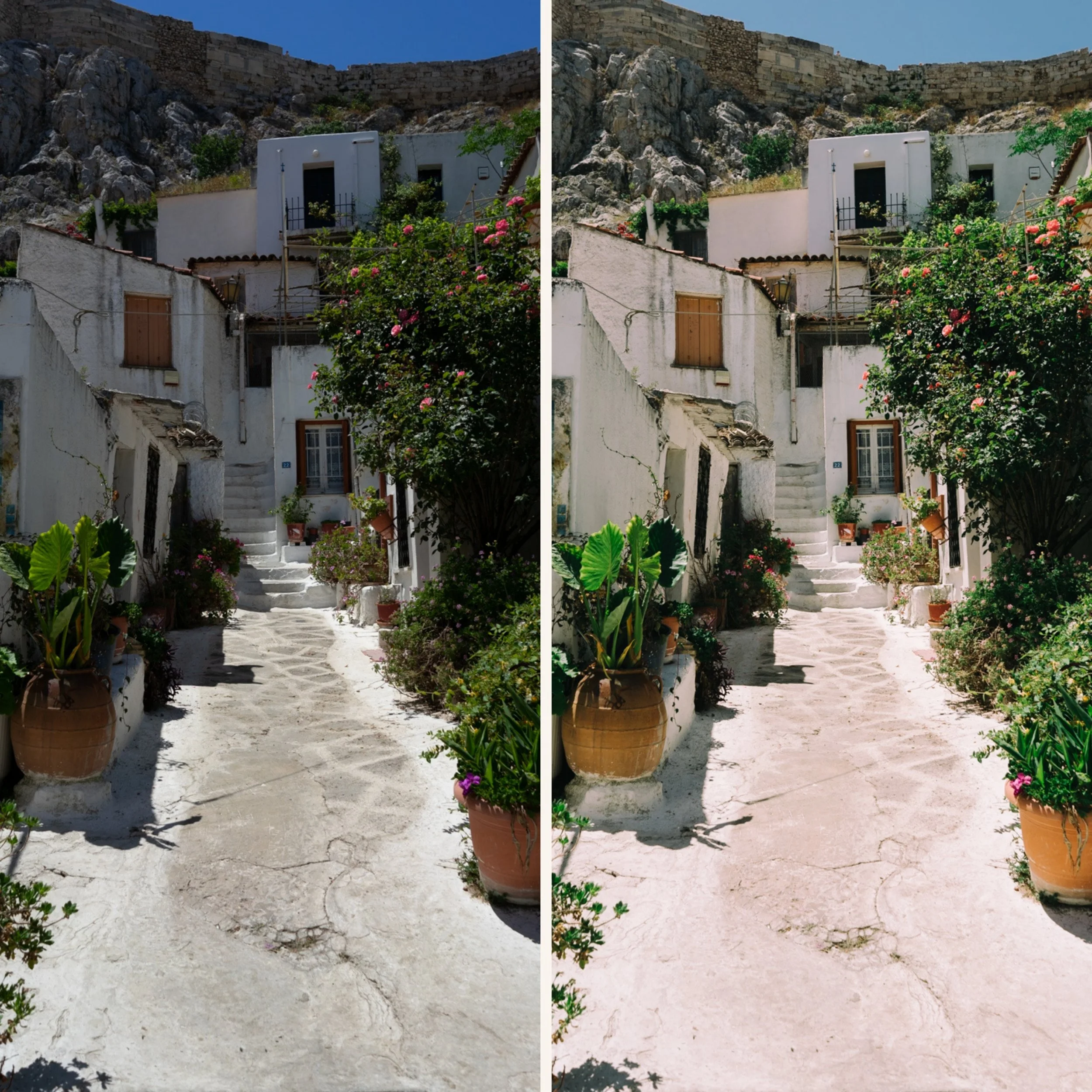
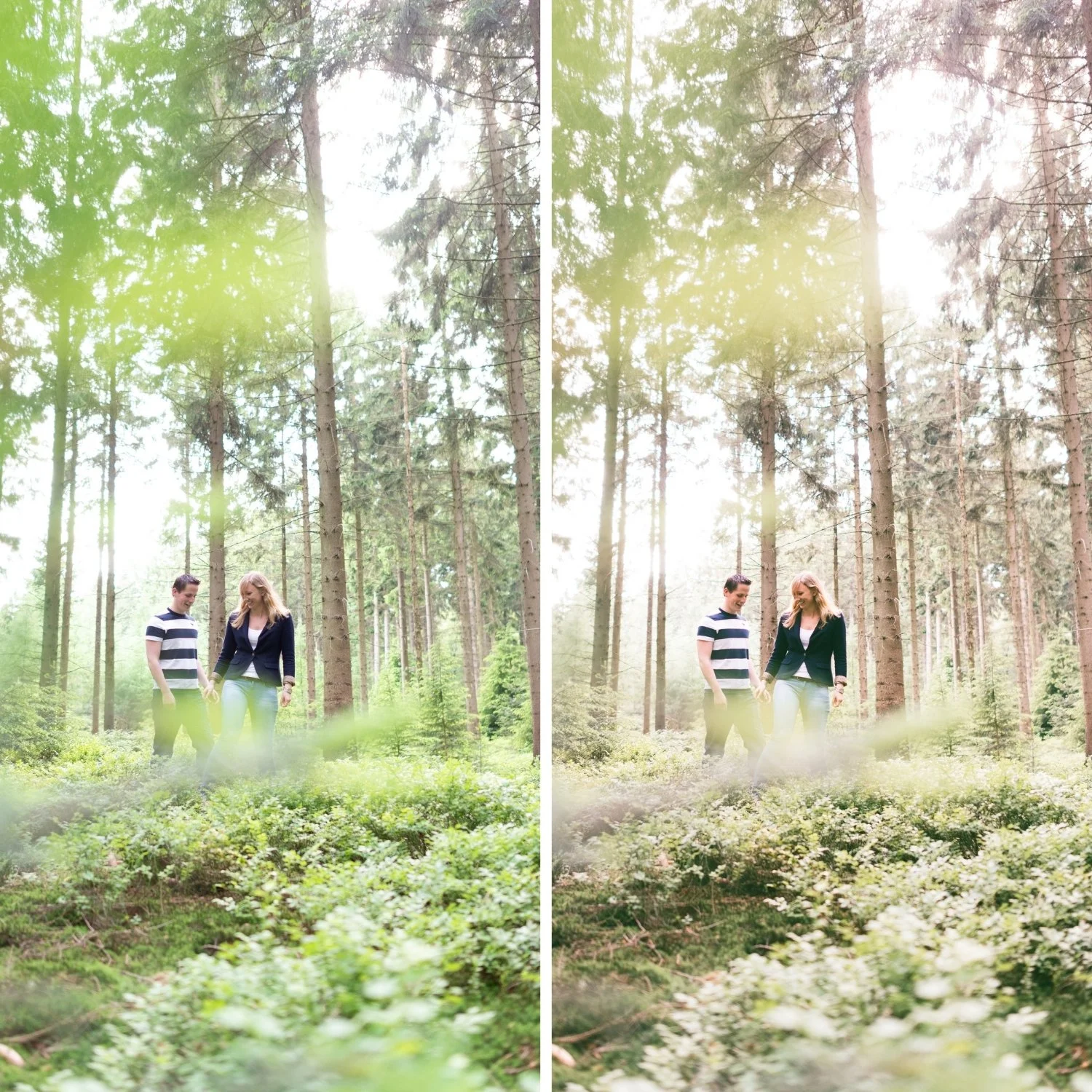
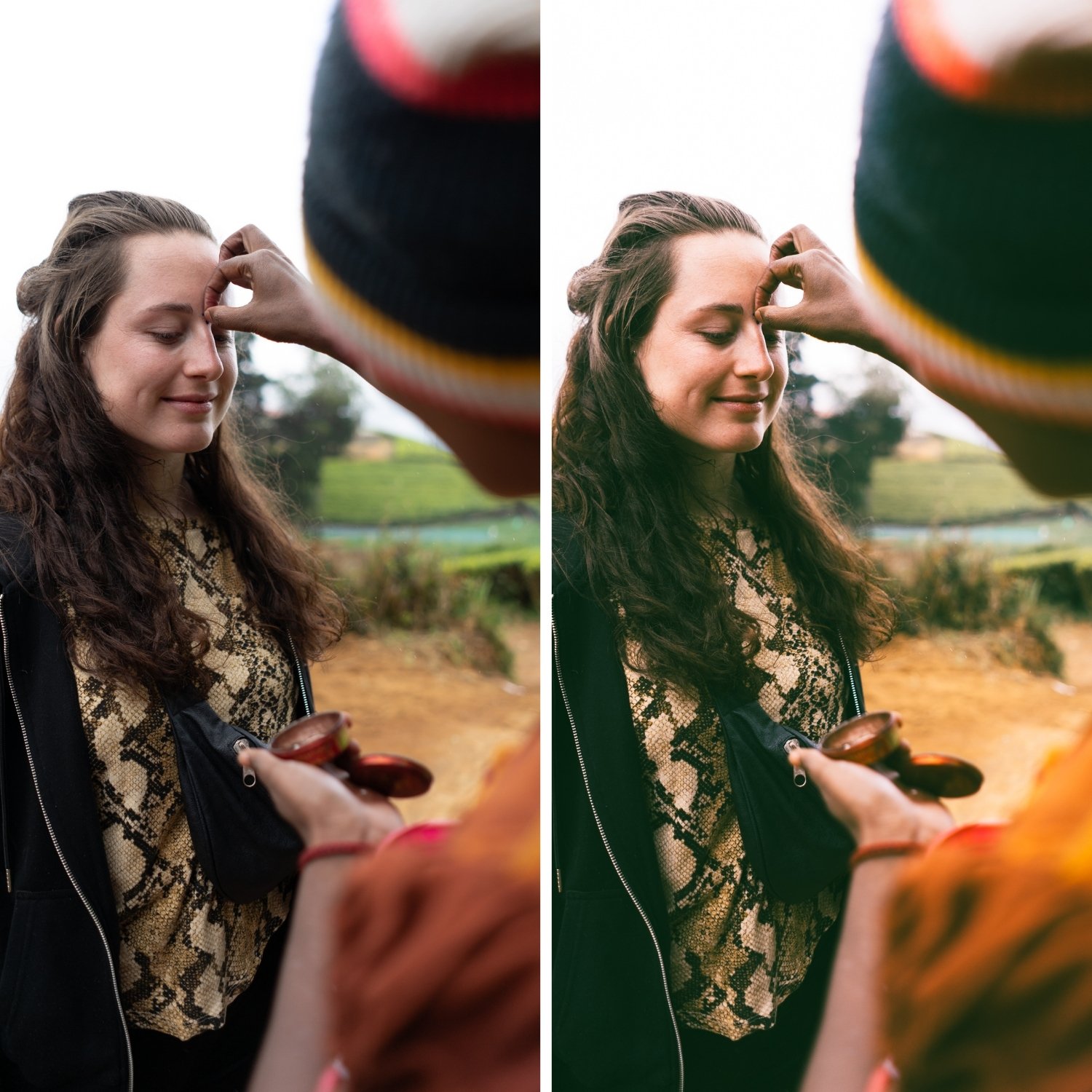
Q8 is for lifestyle and travel photographers who want the distinctive editorial quality of cross-processed film applied with the lightness of a gentle fade — photographers who want Q series character in everyday content without the obvious cross-processed look.
For photographers who find Q1 and Q2 slightly too controlled and want a softer, more organic feeling starting point.
-
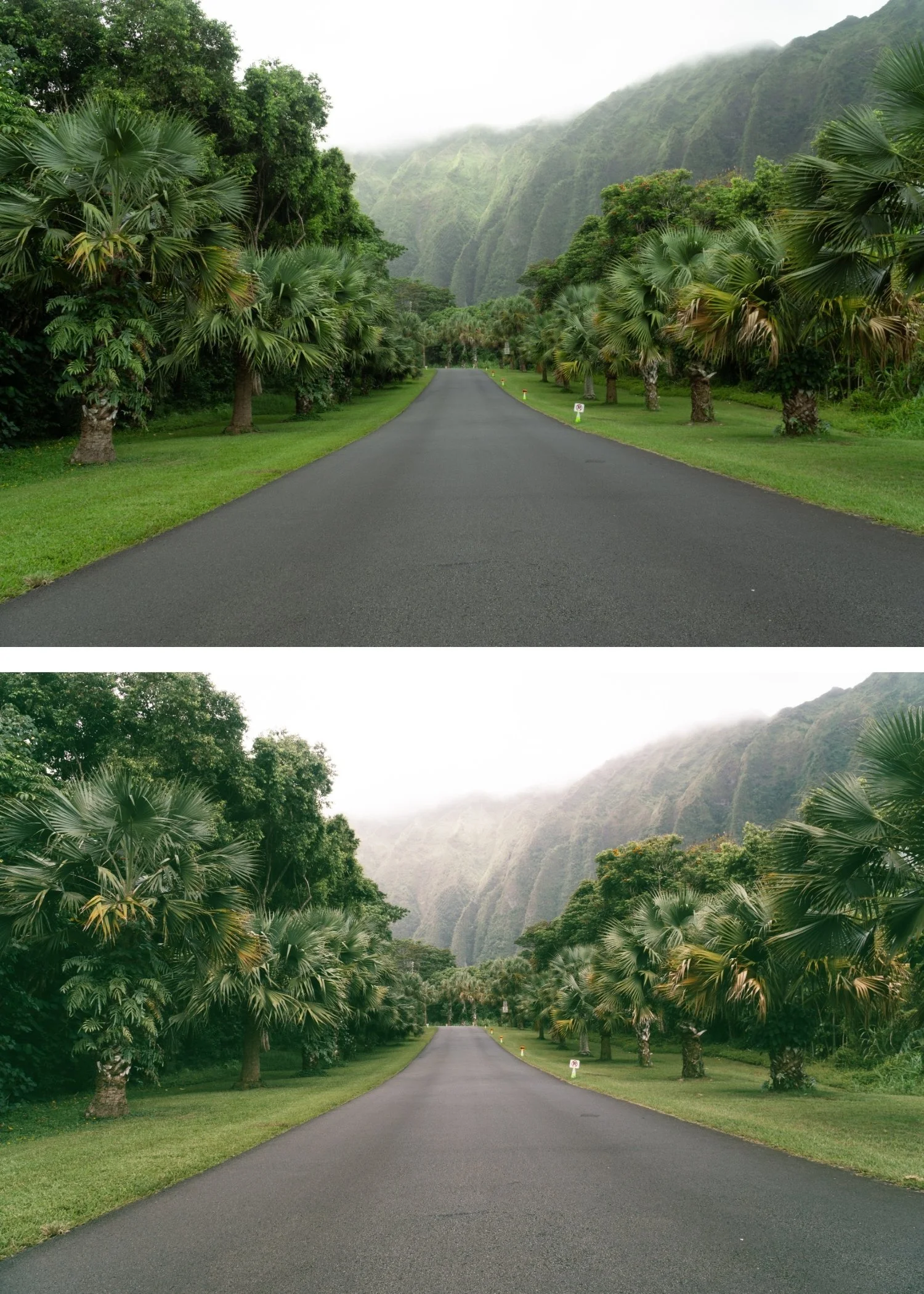
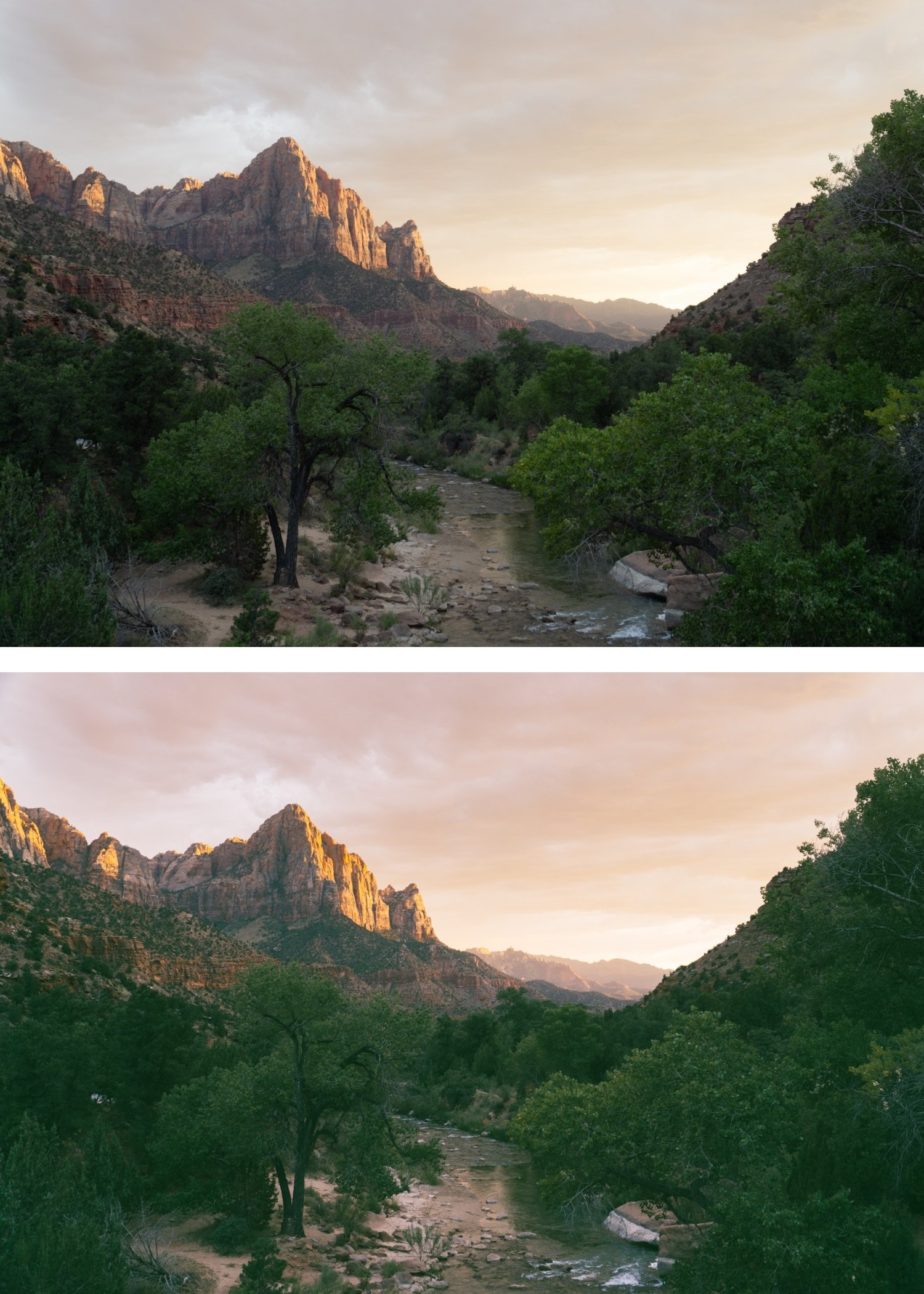
Deep Olive Shadow Depth Q8 replaces generic blacks with a rich, olive-tinted shadow profile that adds an instant "high-end nature" feel to any shot.
Grounded Color Palette It excels at taming vibrant greens and yellows, turning them into sophisticated moss, sage, and tobacco tones.
Warm Cinematic Mystery Unlike the coldness of Q6 or Q7, Q8 feels "intimate" even in the dark, making it ideal for cabin interiors and campfire storytelling.
Textural Richness By emphasizing local contrast in the lower-midtones, Q8 brings out the grain of wood, the weave of wool, and the grit of the earth.
-
1 × Q8 Soft Faded DNG file — for Lightroom Mobile
1 × Q8 Soft Faded XMP file — for Lightroom Classic
Installation guide
Lifetime access -
This preset captures the aesthetic of underexposed color-negative films often used in nature documentaries and cinematic heritage pieces. It is the professional answer for those who want their work to feel grounded and raw. By emulating the subtle yellow-green shadow shifts and the dense, warm blacks of professional "Earth-balanced" emulsions—known for their ability to render organic textures with incredible soul—Q8 ensures your photos feel like a discovered archival print. It transforms digital files into frames that look like they were pulled from a 35mm motion picture shot in the deep wilderness.
-
Step 1 — White balance first. Cross-processed film had unpredictable white balance responses — set Temperature to 5,000-5,400K as a neutral starting point. The colour shifts of cross-processing are built into the preset's calibration rather than the white balance, so a neutral starting point gives the shifts the most consistent foundation.
Step 2 — Apply Q8 Soft Faded. The subtle shifts, gentle fade, and film grain apply simultaneously.
Step 3 — Adjust Exposure and White Balance per photo. Q8 works across all lighting conditions — the fade quality adapts naturally. For very bright outdoor photos: add Contrast +6 if the result reads flat rather than softly faded.
Portrait photography with Q8: Q8's gentle character is well-suited to portrait and lifestyle photography. Apply at 85% and add Orange Luminance +5 to ensure skin is present within the faded palette.
On phone photos: 83-85% strength.
-
Is Q8 similar to E3 Heritage Fade? Both have a fade quality but with different colour characters. E3 has earthy vintage warmth — the warmth is the defining quality. Q8 has subtle cross-processed colour shifts within a fade framework — the editorial distinctiveness differentiates Q8 from E3's vintage warmth.
What is the difference between Q8 and Q1? Q1 has subtle warm cross-processed shifts with no fade quality. Q8 has subtle shifts plus a gentle fade — the softness and organic aged quality are what Q8 adds on top of Q1's character.
GET ALL 10 QUARTZ ARCHIVE PRESETS
The full Quartz Archive gives you ten calibrated cross-processed editorial looks — Clean Cross for subtle everyday editorial character, Cool Editorial for refined fashion photography, Bold Shift for clearly distinctive colour, Warm Cross for golden outdoor editorial, Deep Cinematic for maximum tonal impact, Cool Moody for atmospheric urban depth, Vibrant Bold for maximum colour statement, Soft Faded for gentle editorial lifestyle, High Contrast for dramatic directional light, and Experimental for the most extreme creative expression.
Ten presets. One editorial philosophy. $2.70 per preset.
THE STUDIO ARCHIVE
Want everything? The Studio Archive contains 130+ presets — every collection we make, including the complete Quartz Archive — for $89 total. That is $0.68 per preset with every future release included for life.