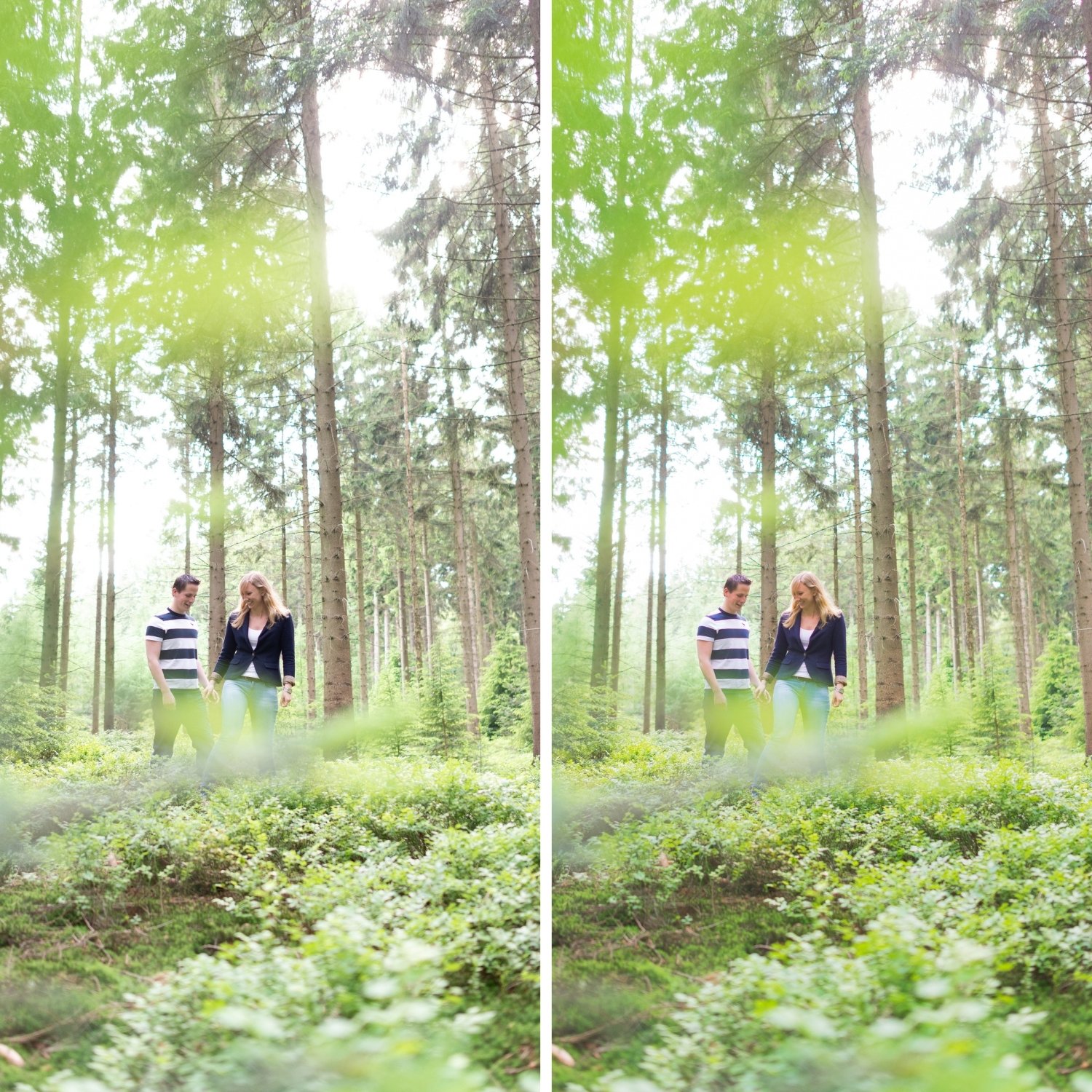
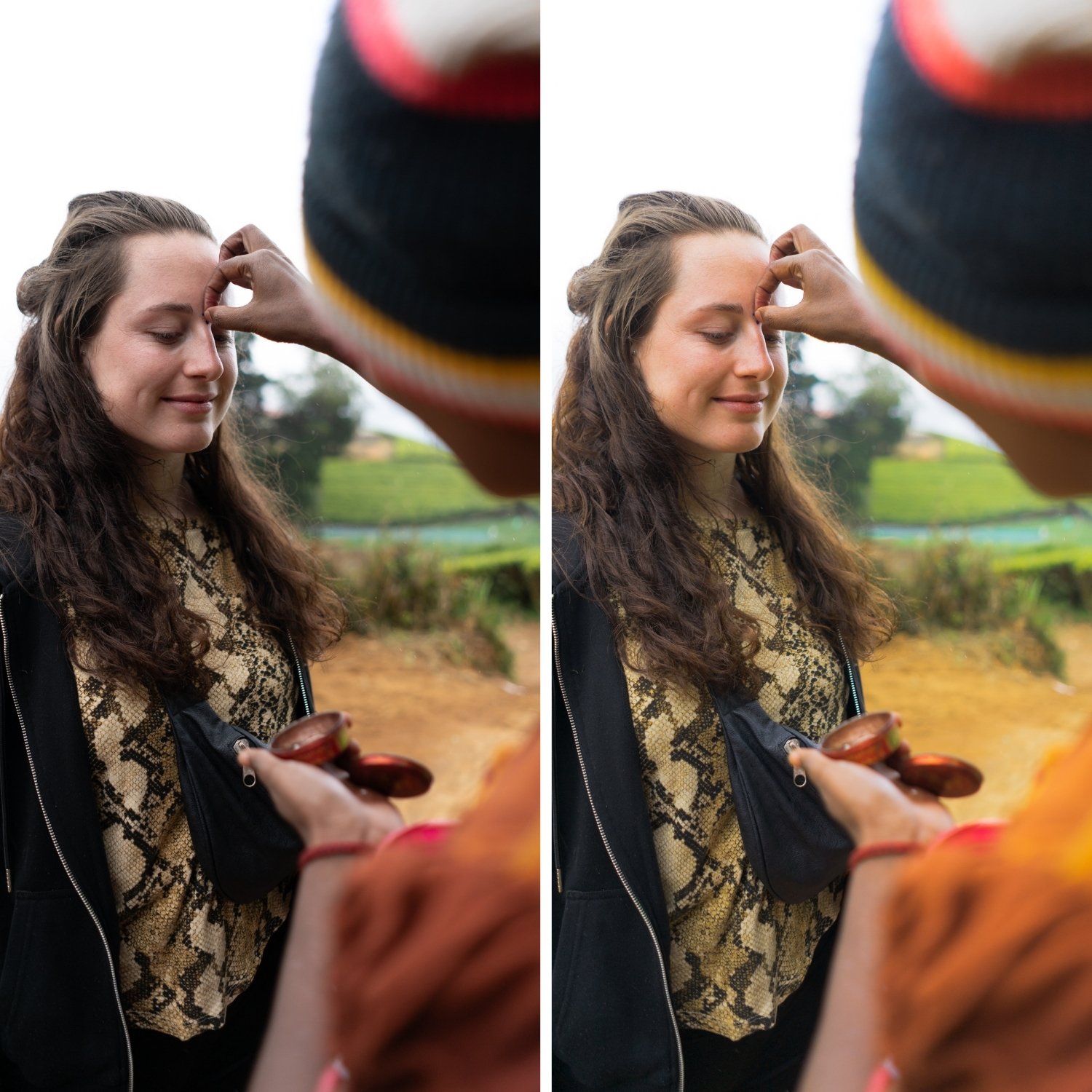
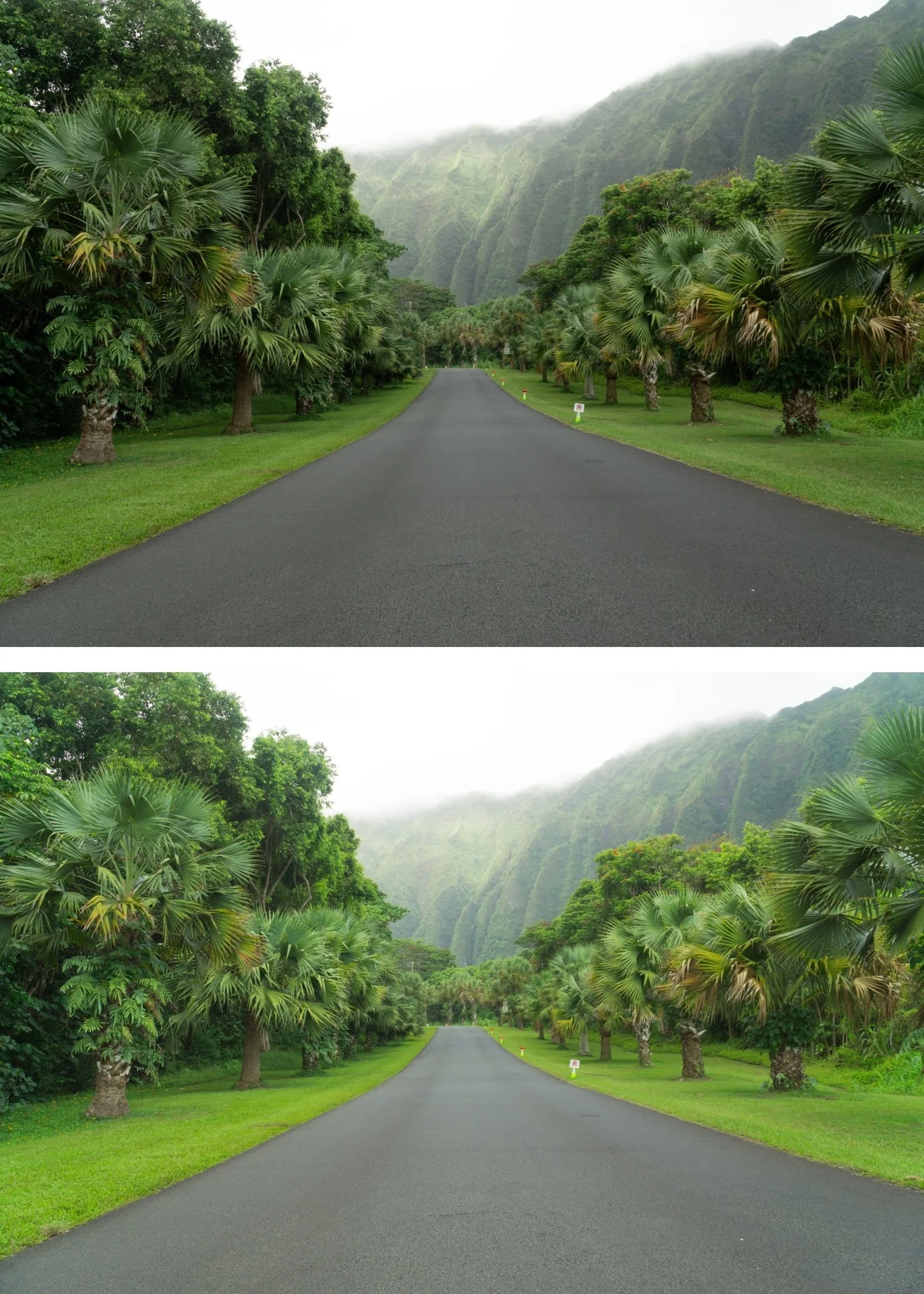
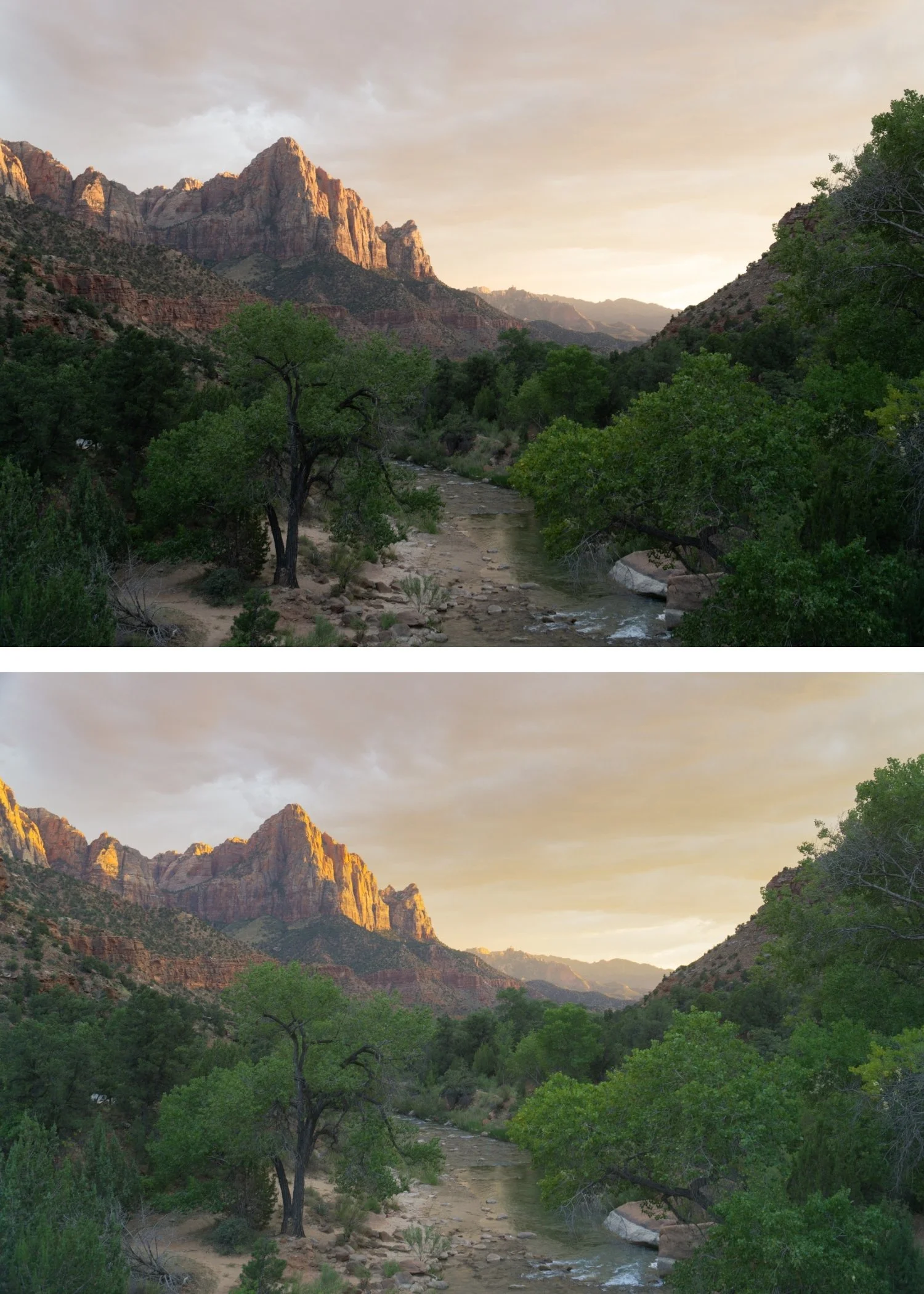
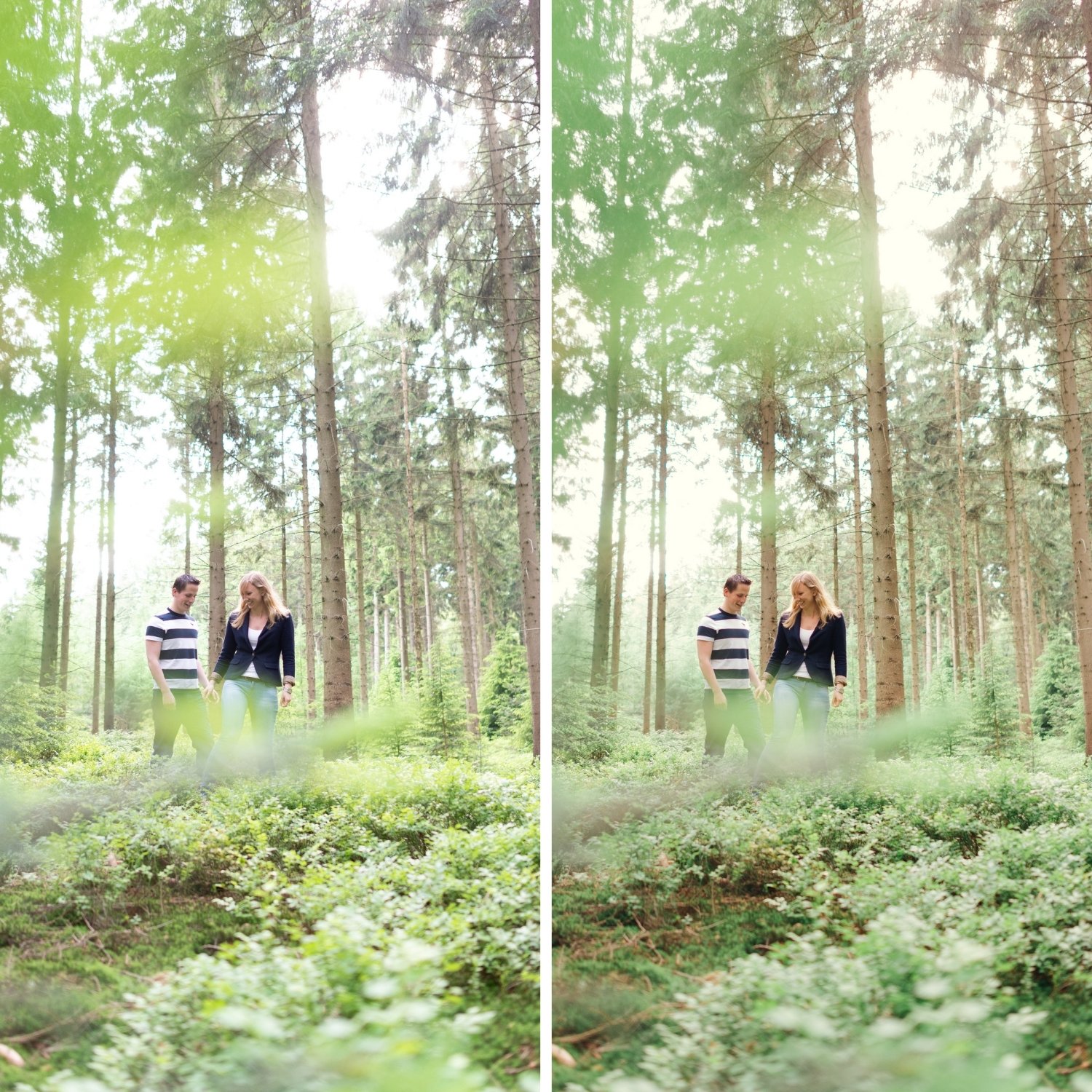
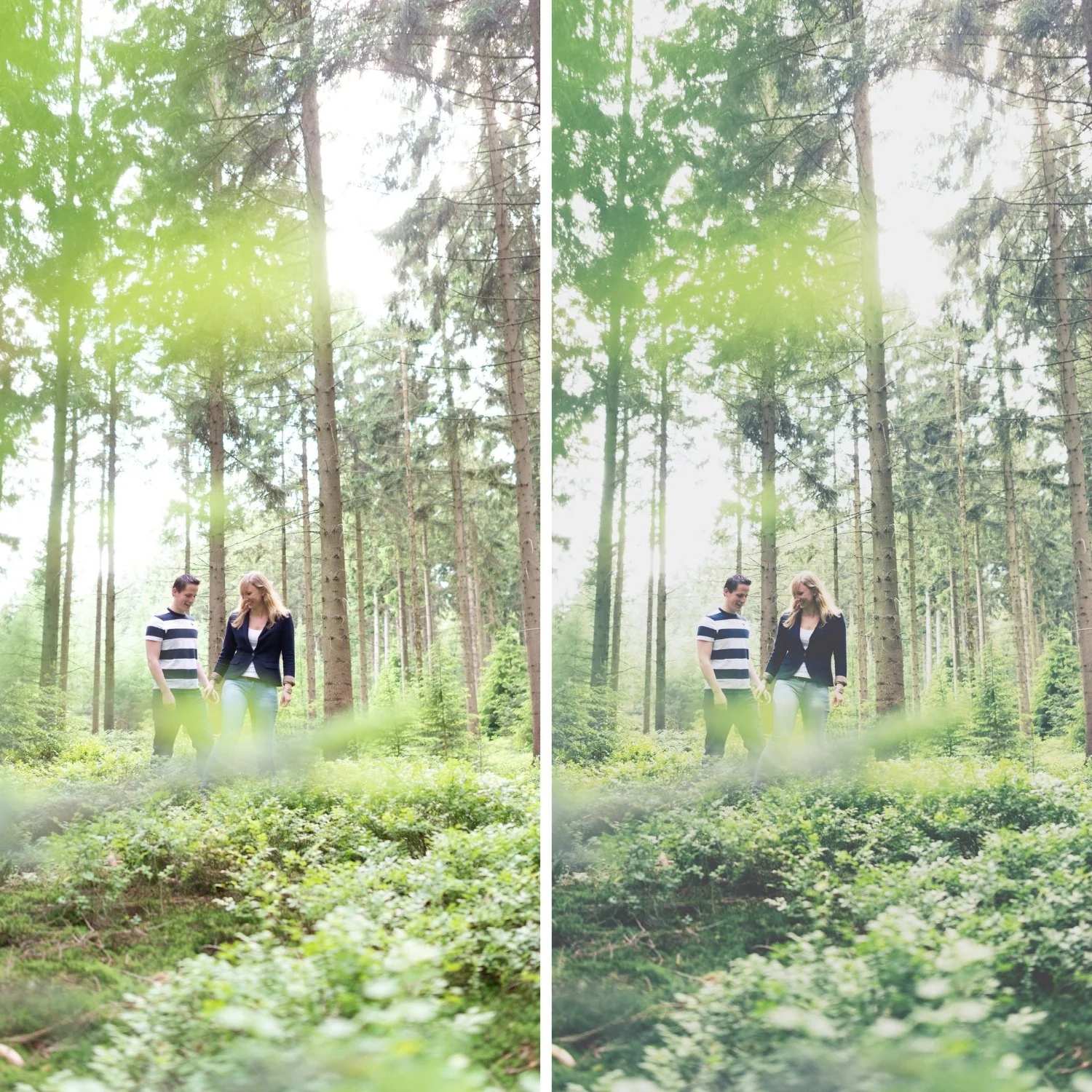
 Image 1 of 4
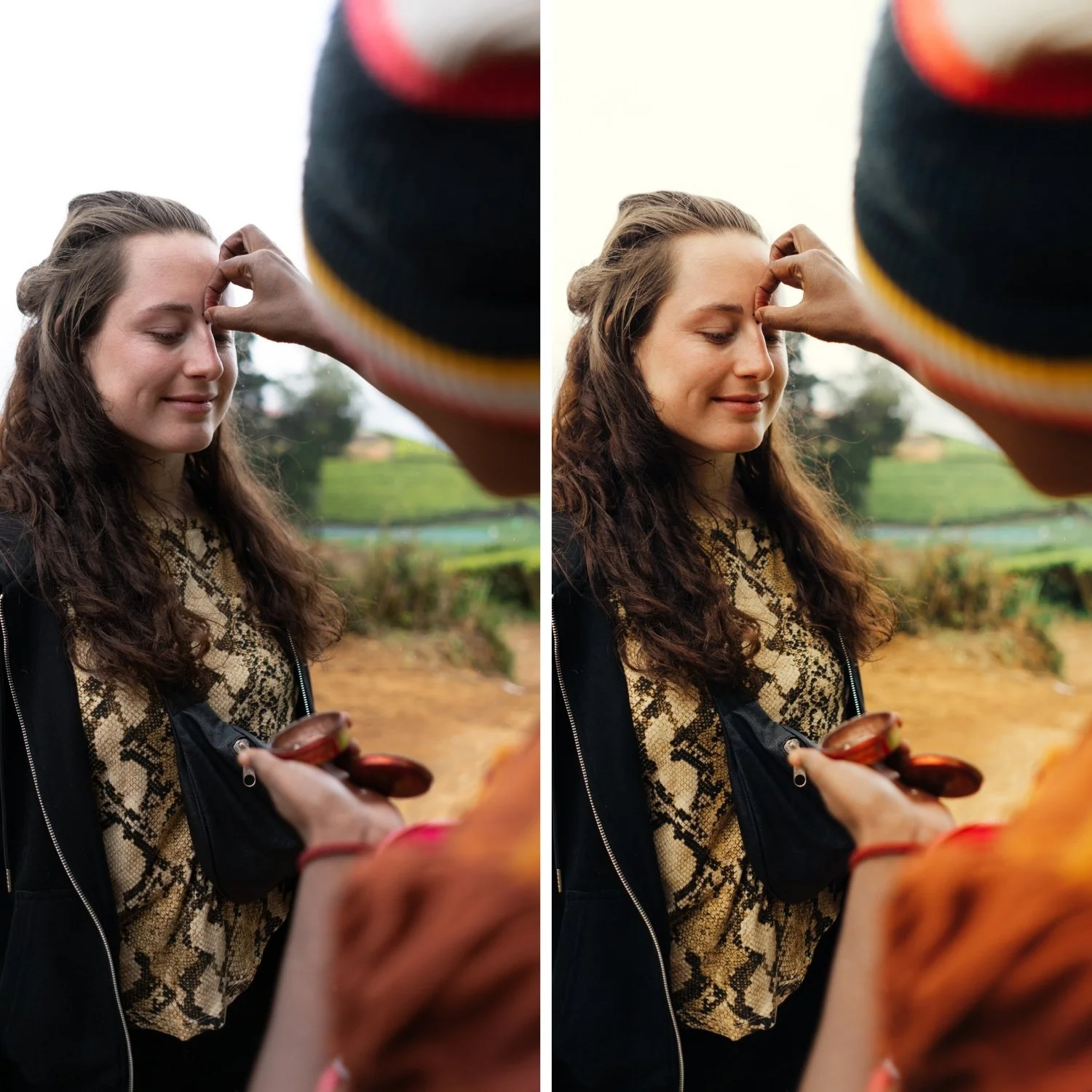
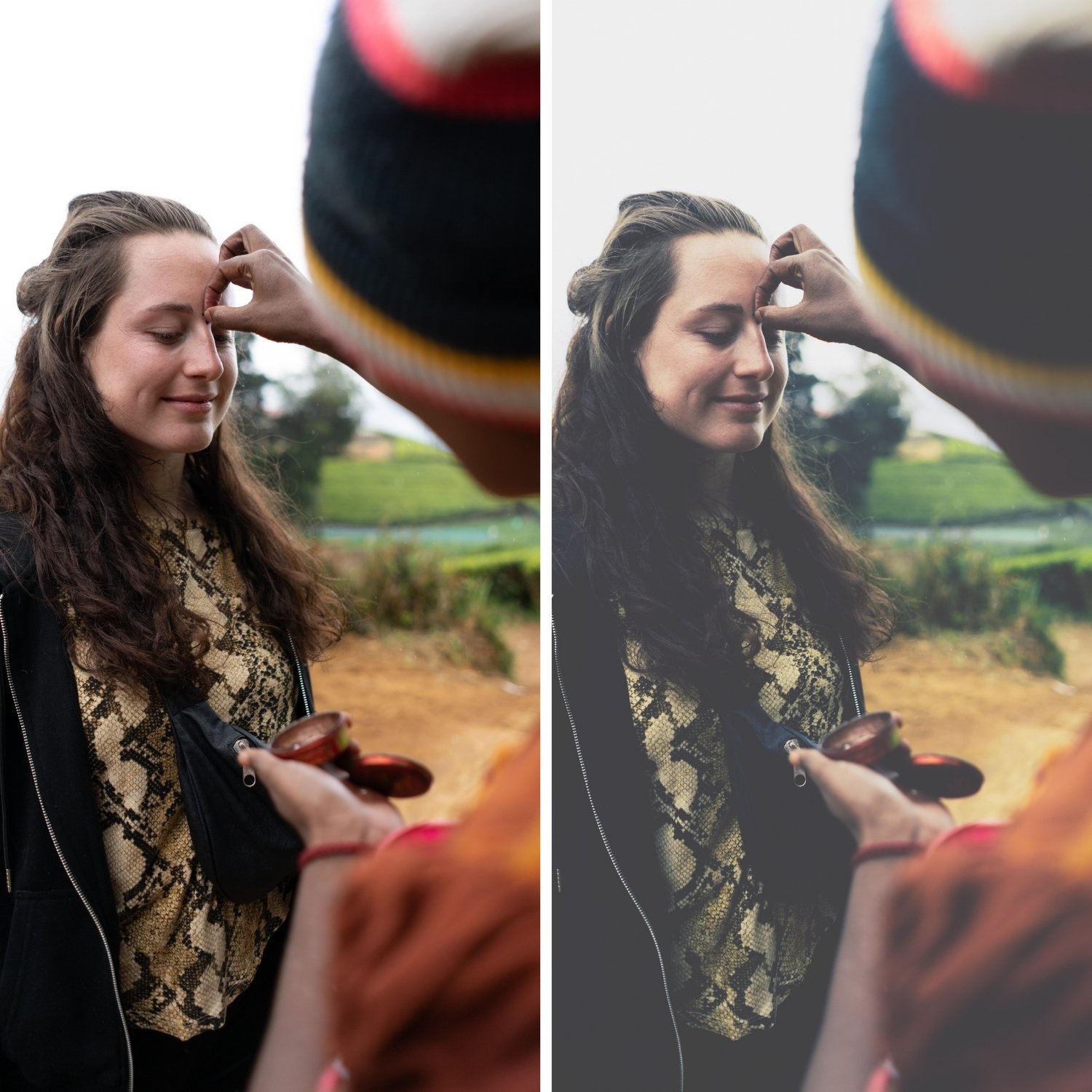 Image 2 of 4
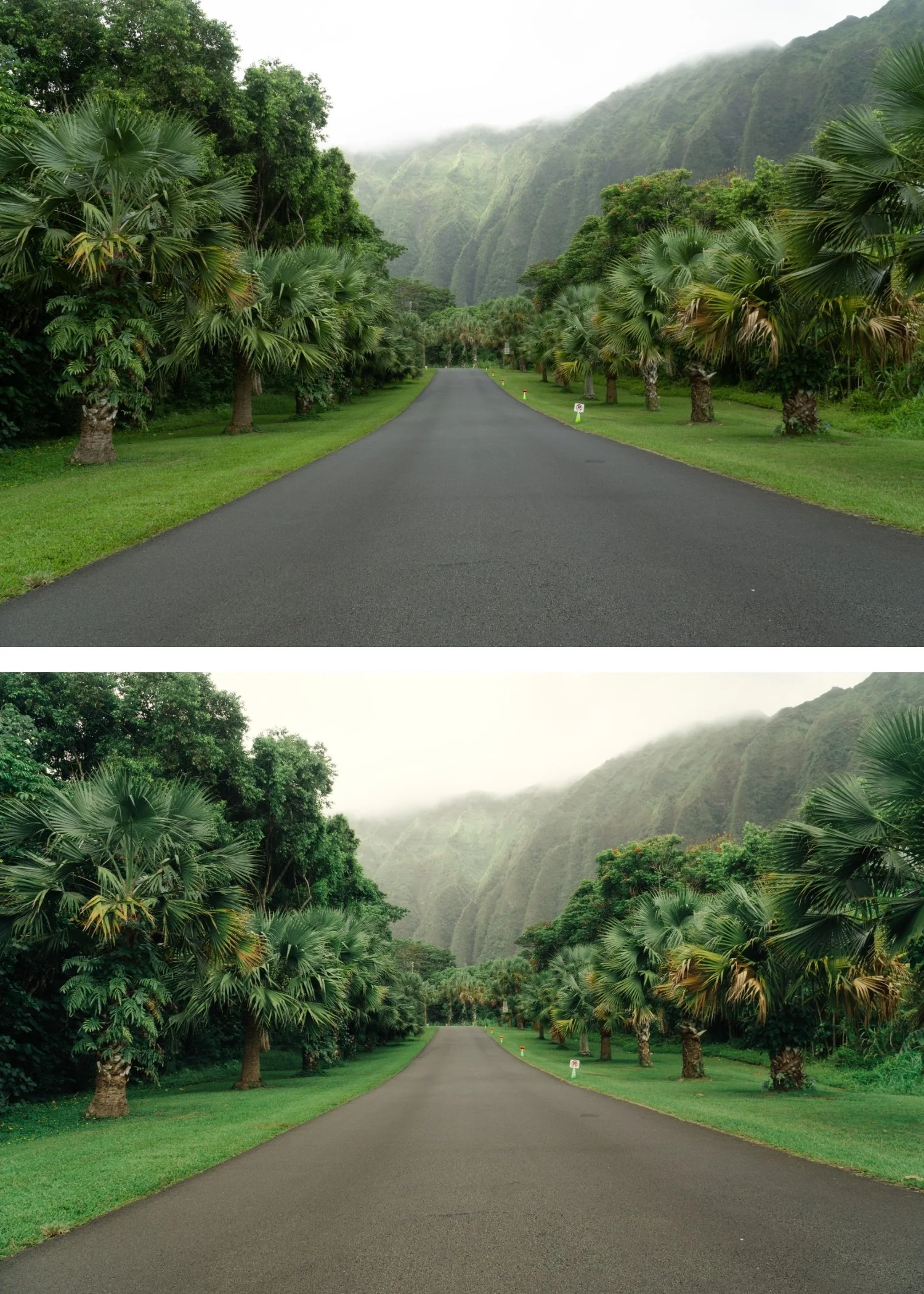
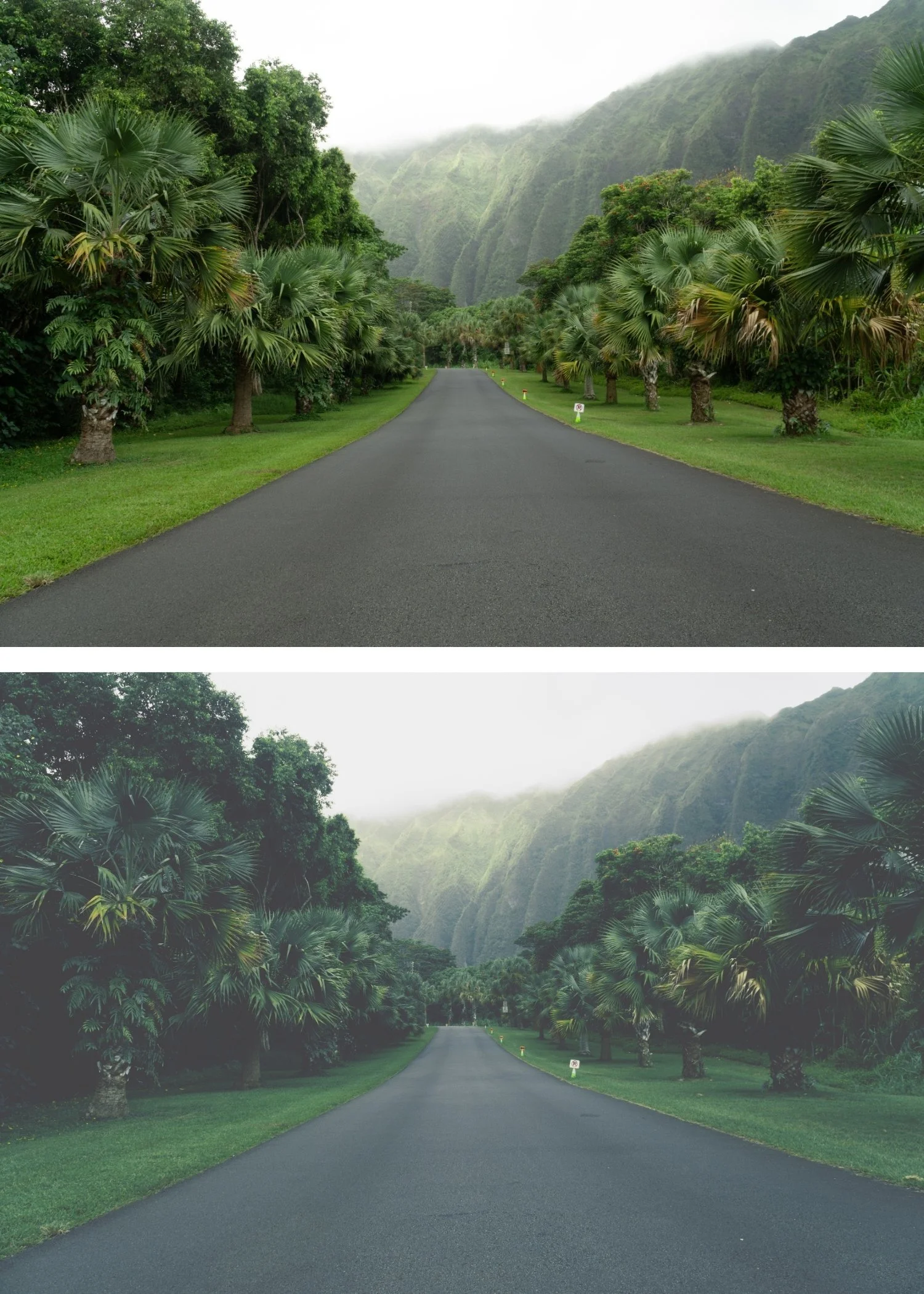 Image 3 of 4
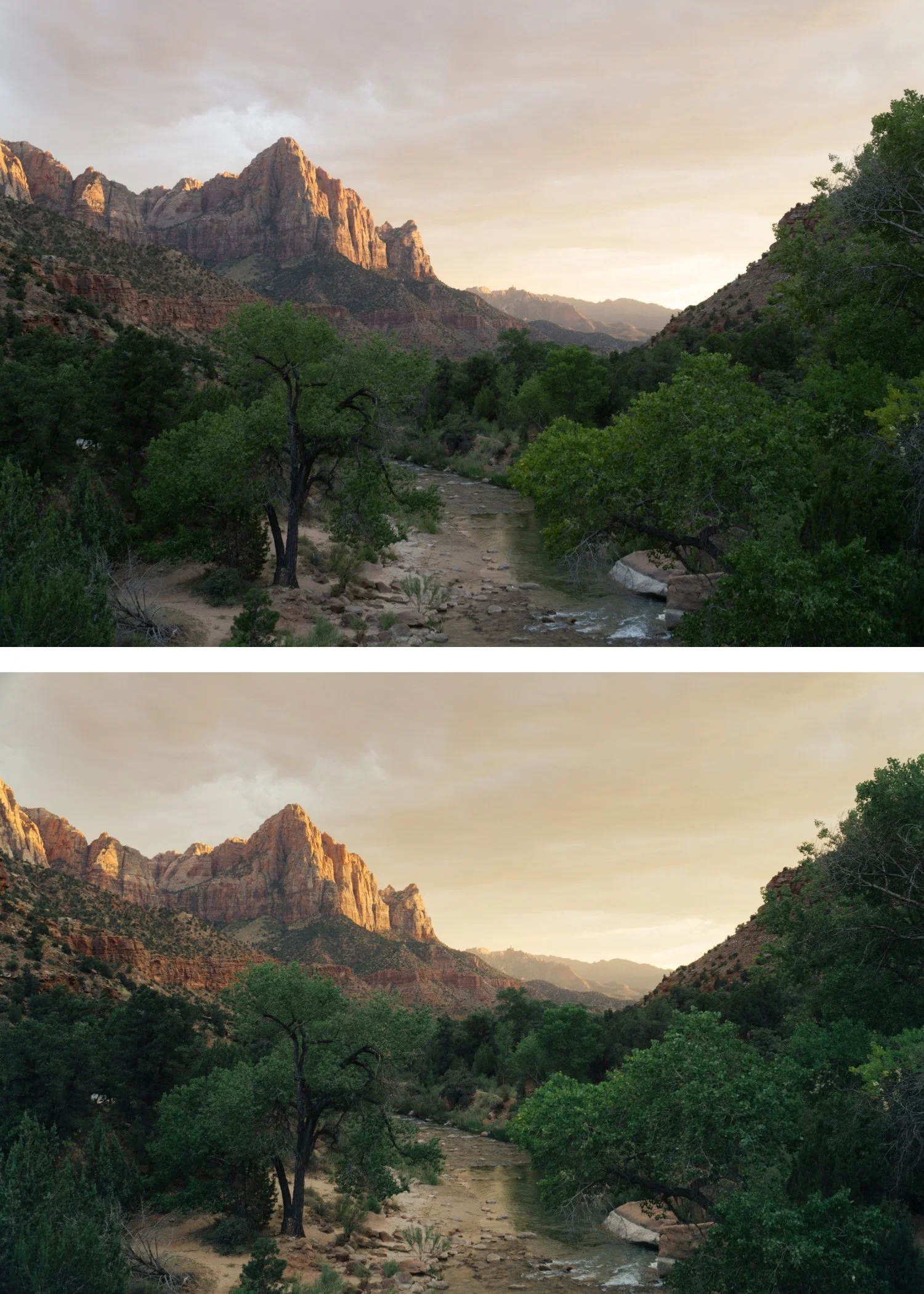
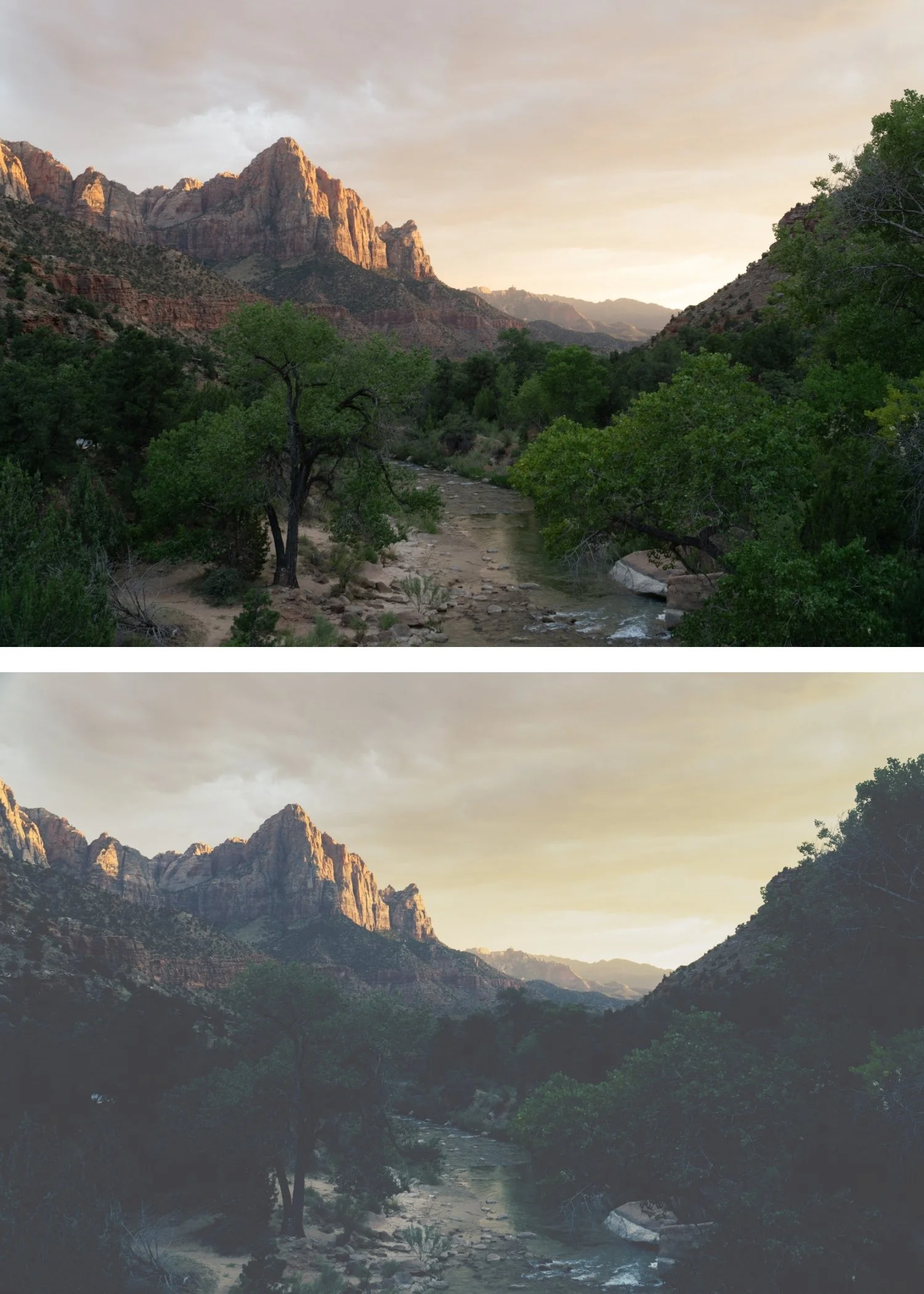 Image 4 of 4
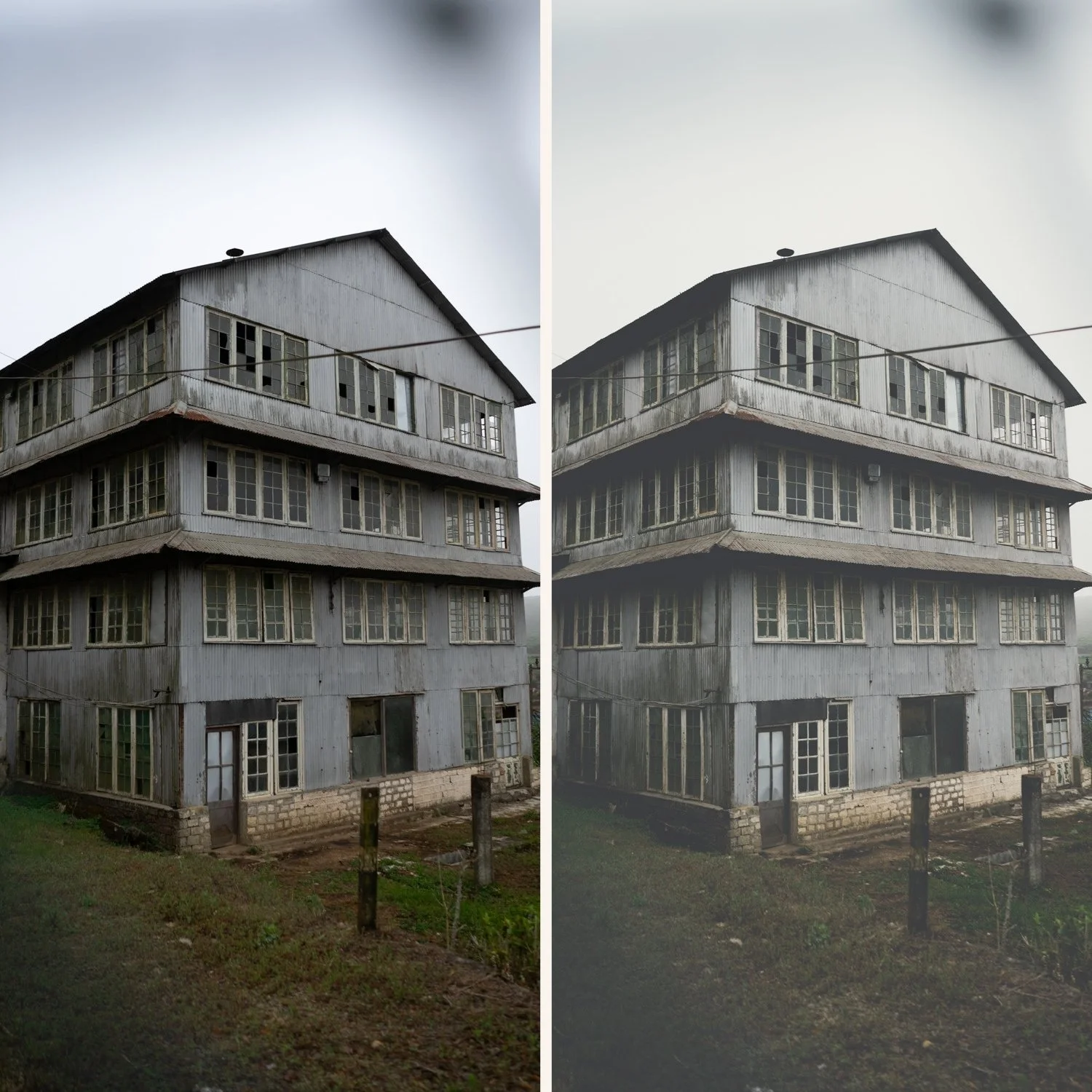
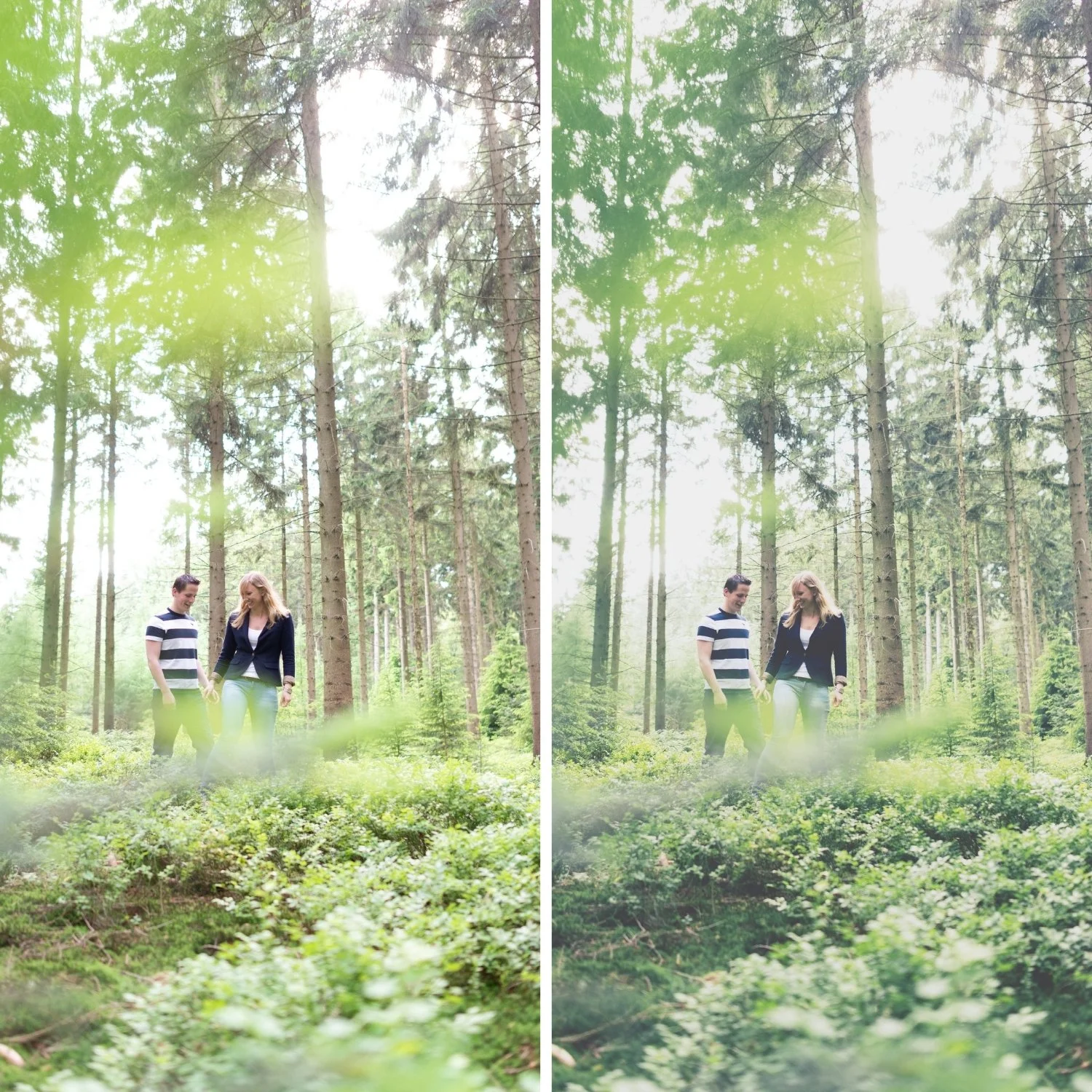
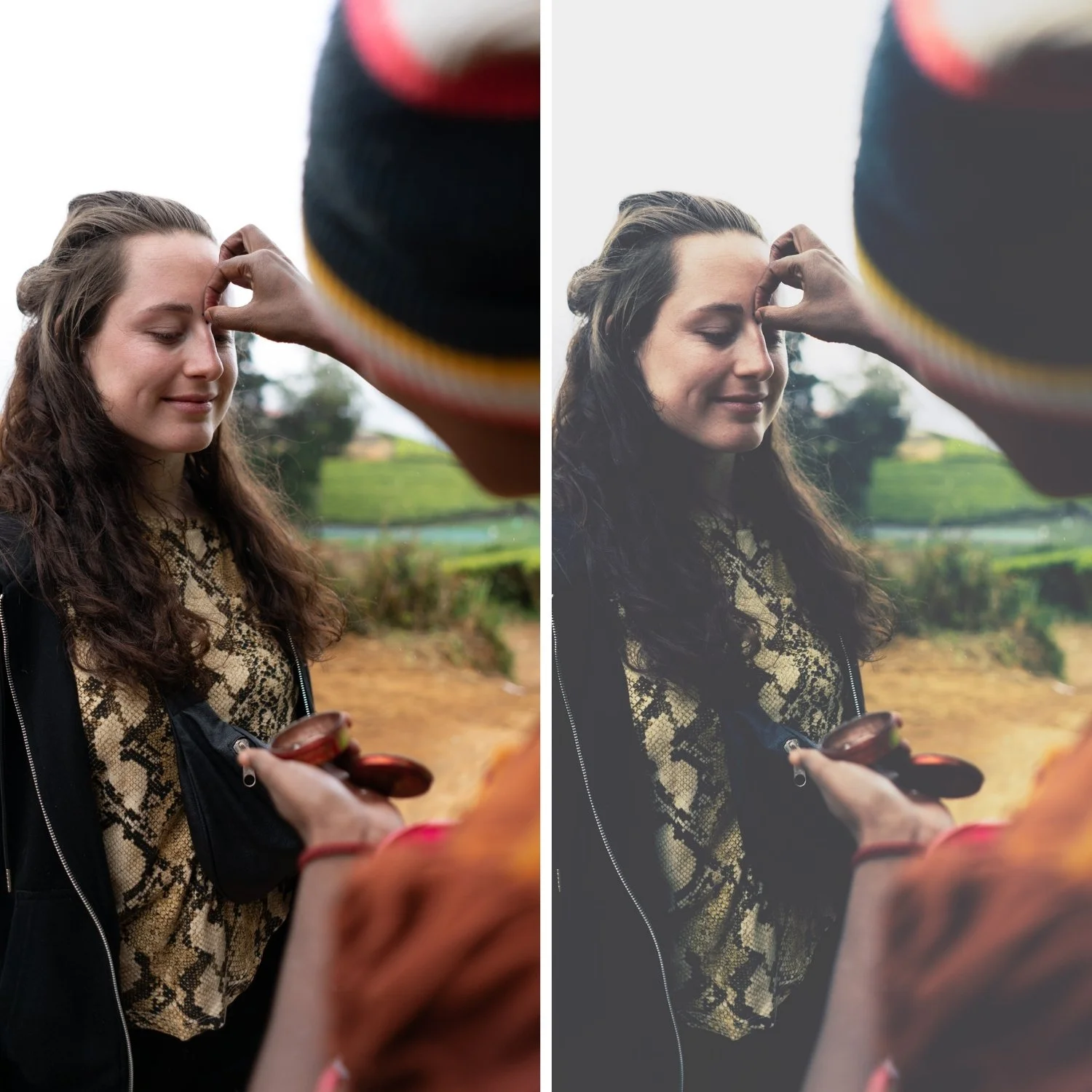
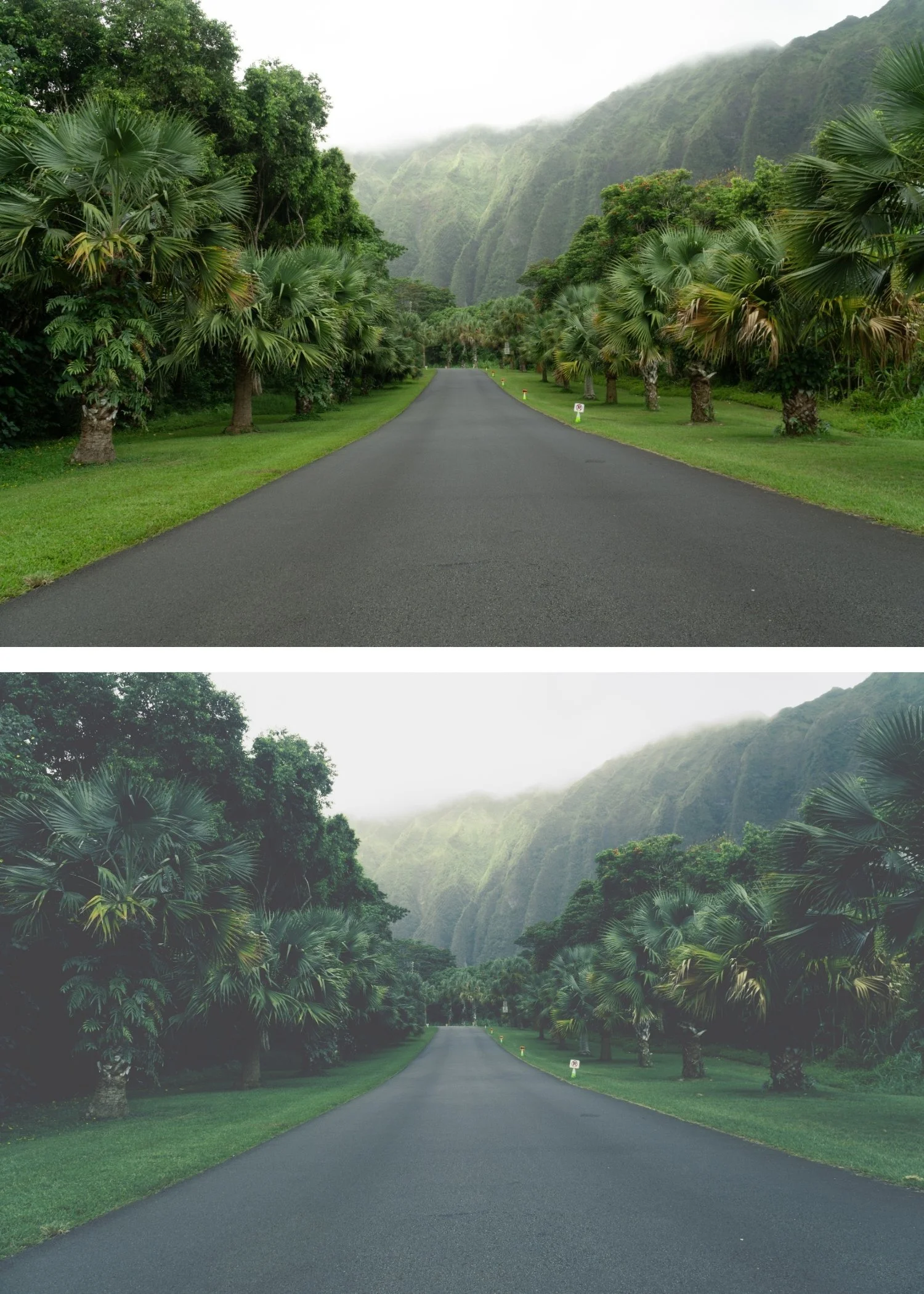
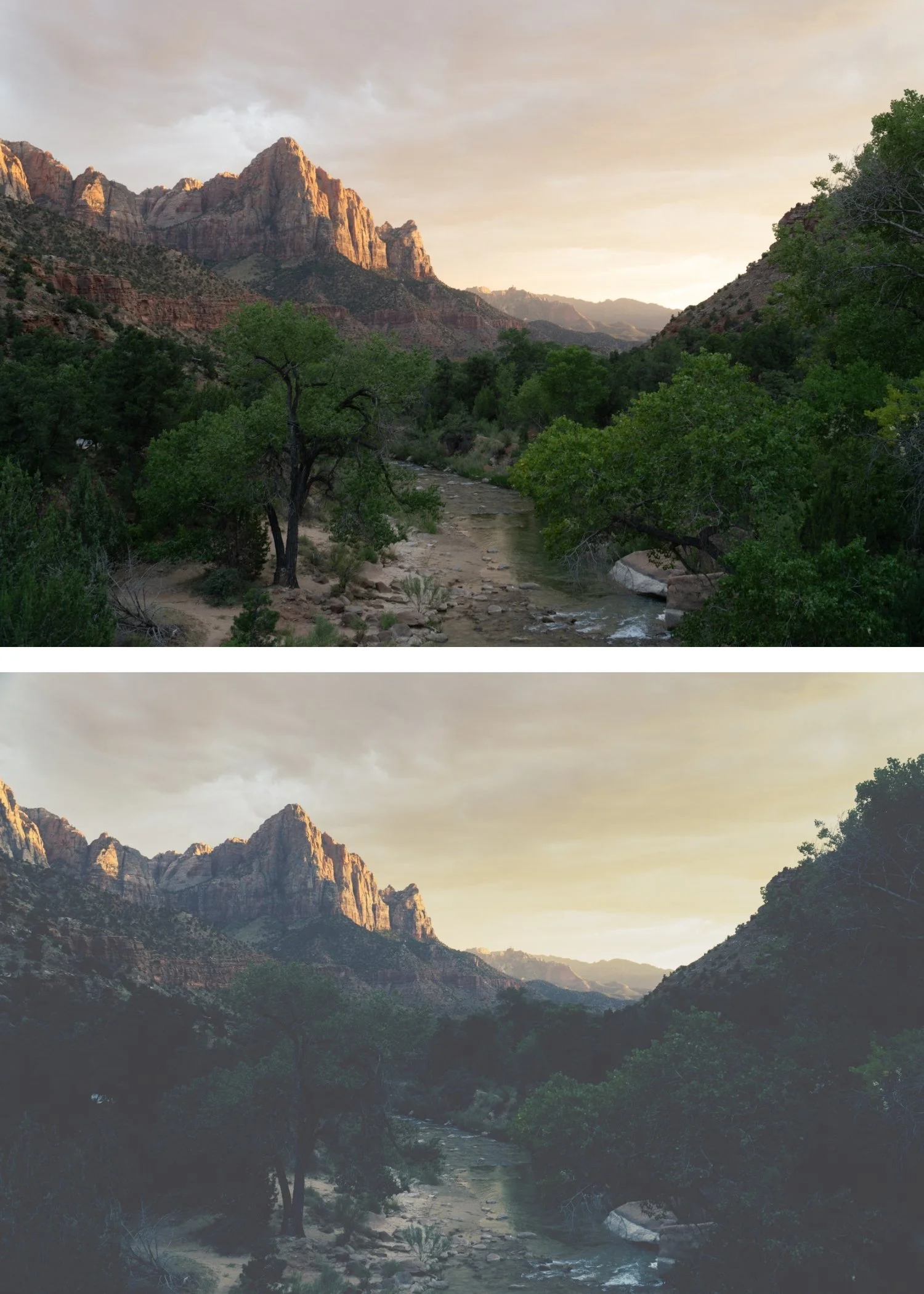
Tide 02 Cool Editorial | Coastal Editorial Preset for Lightroom Mobile & Desktop

-
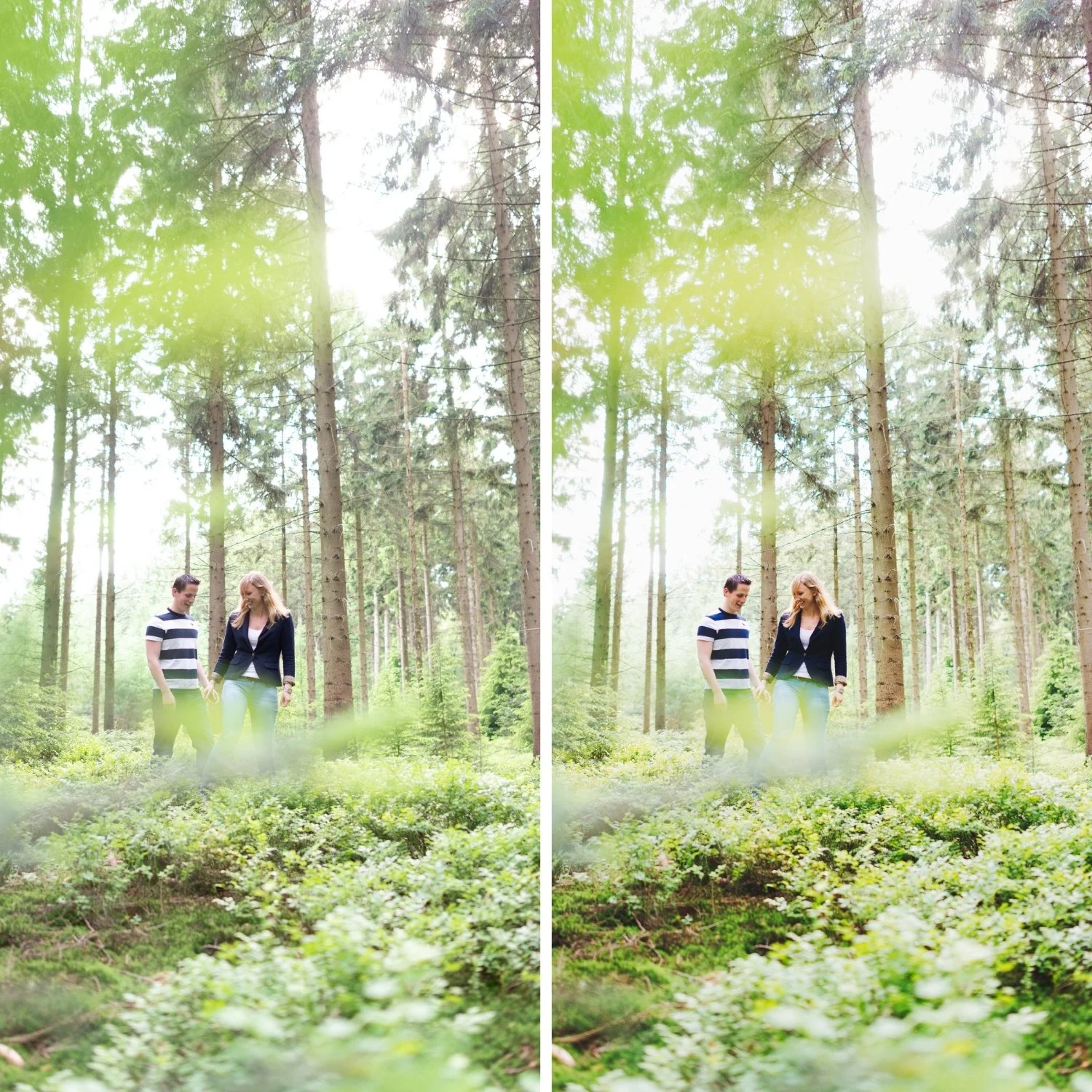
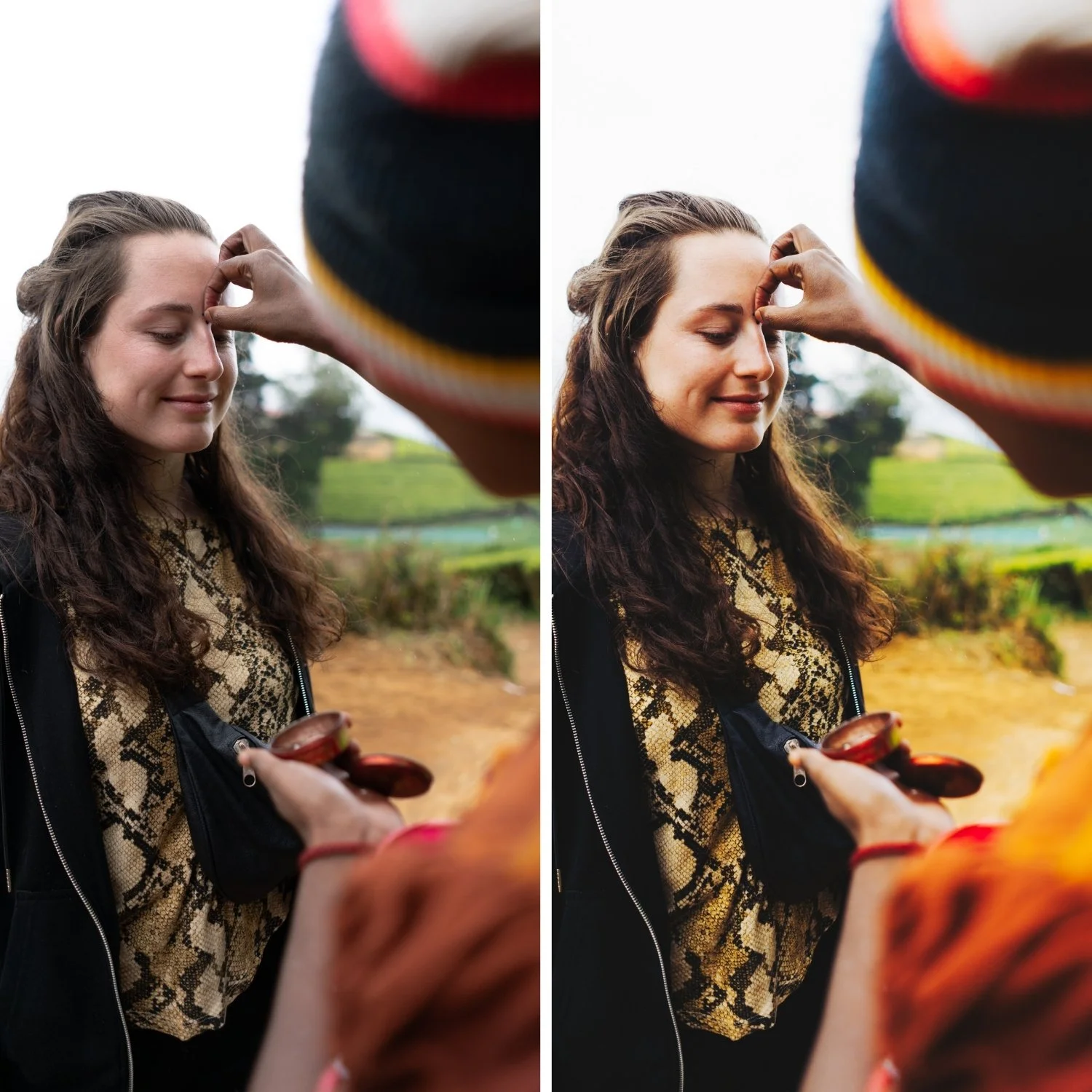
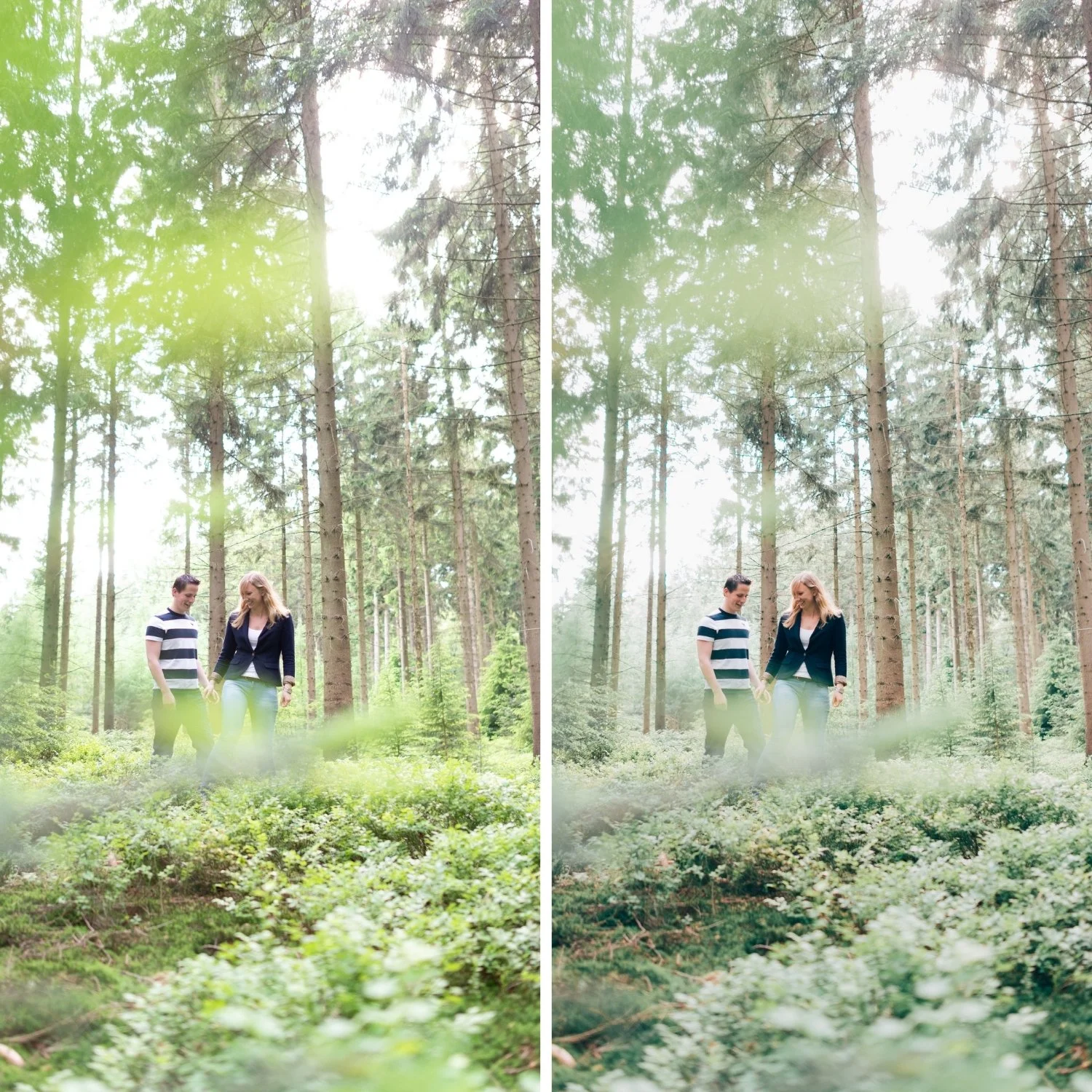
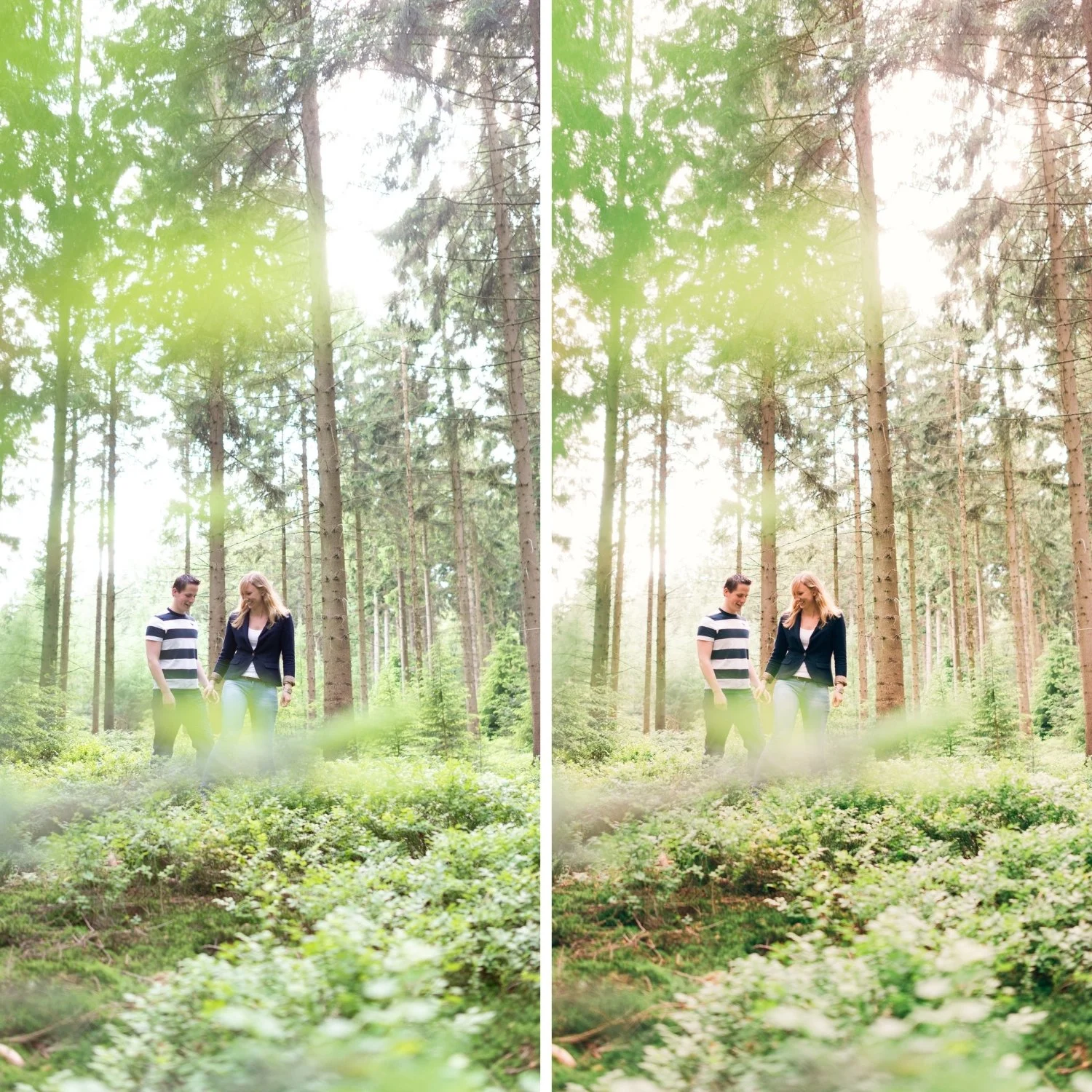
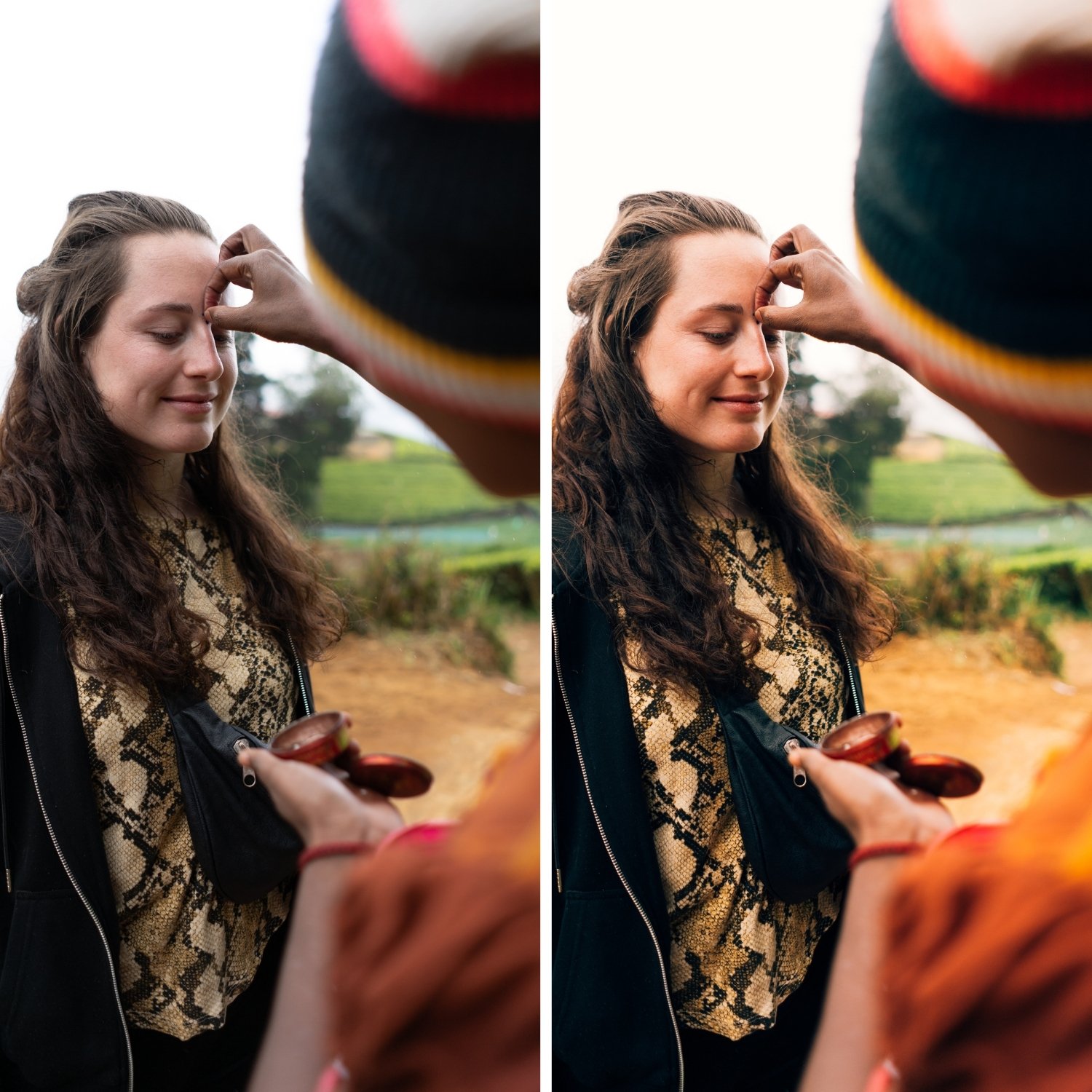
T2 is for fashion, minimalist lifestyle, and travel photographers whose work references the refined, controlled visual language of contemporary editorial photography — where the Tide Archive's coastal quality is expressed most elegantly.
For photographers who find T1 slightly too warm or casual for their editorial work and want the cooler, more refined expression of the same coastal philosophy.
For photographers who deliver to fashion or minimalist lifestyle brands where the cooler, more restrained quality of T2 communicates the brand's visual values more directly than T1's warmth.
-
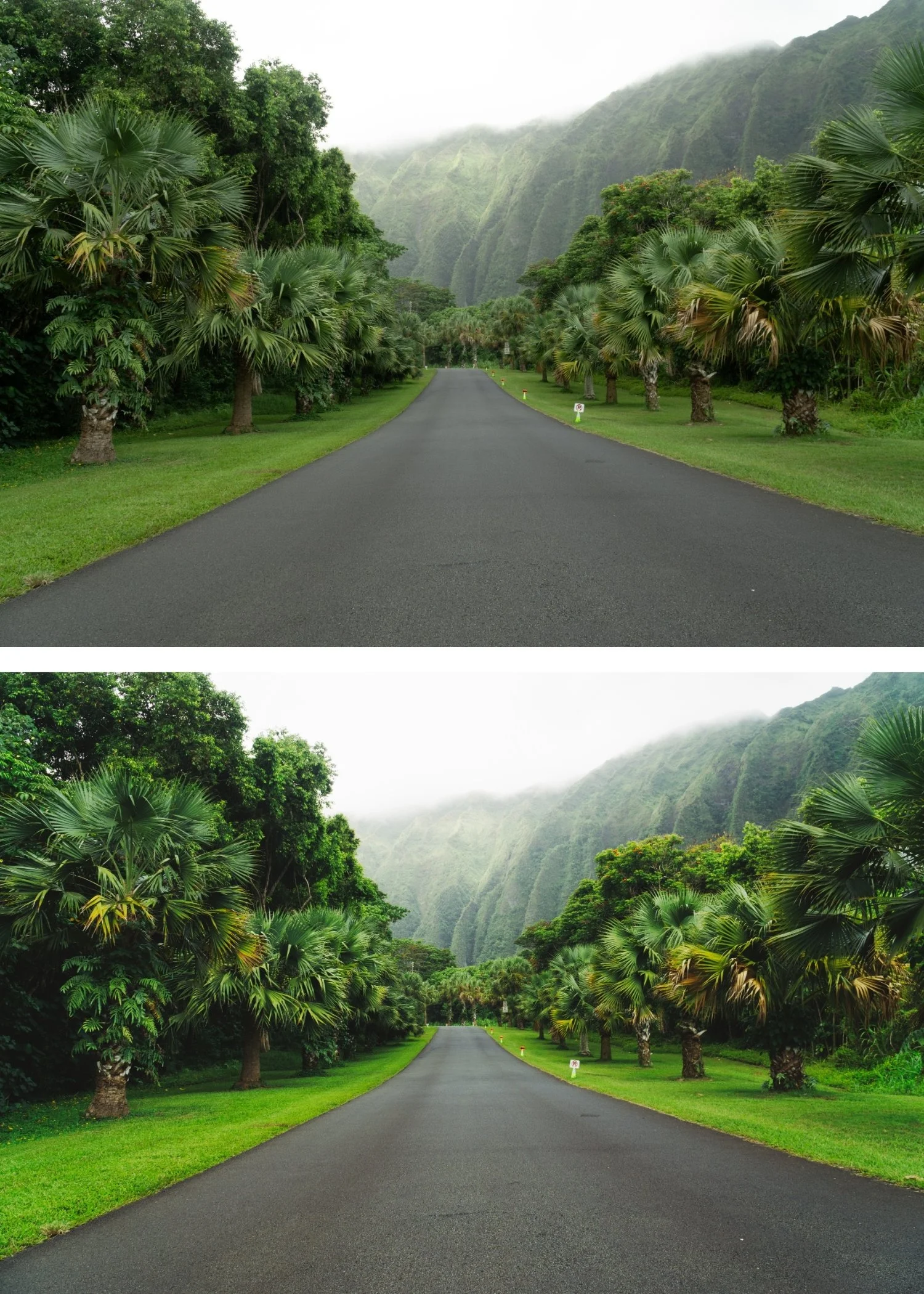
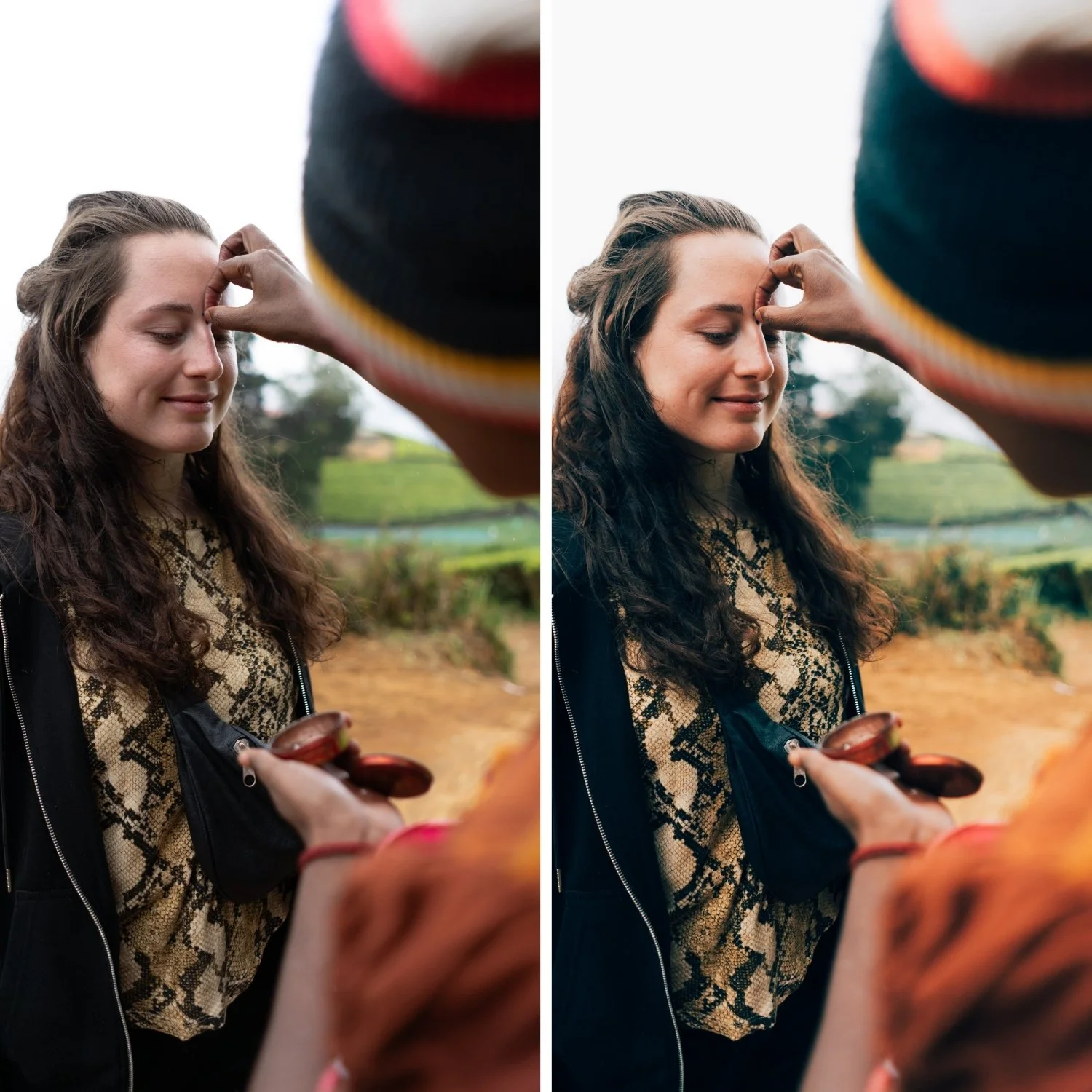
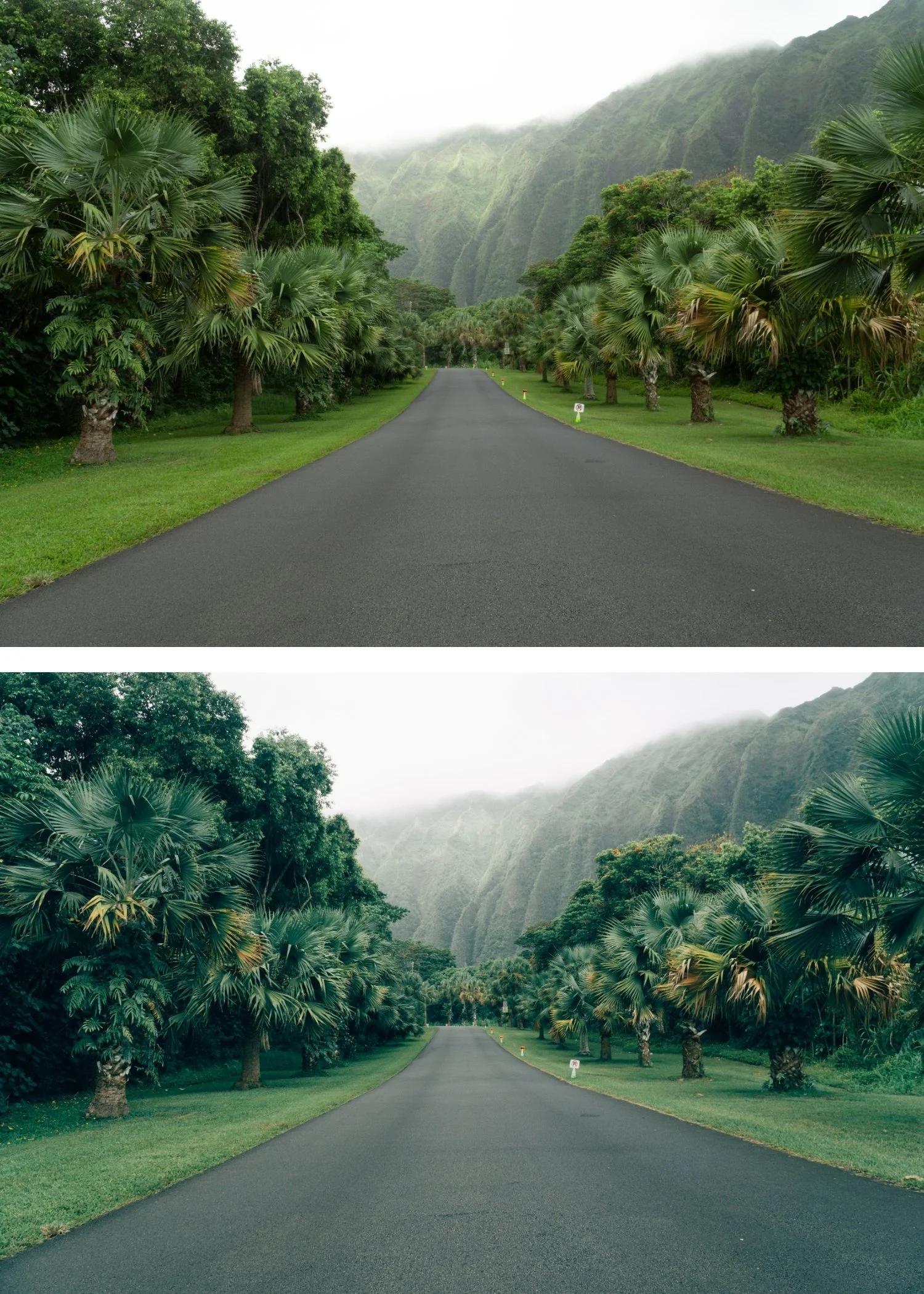
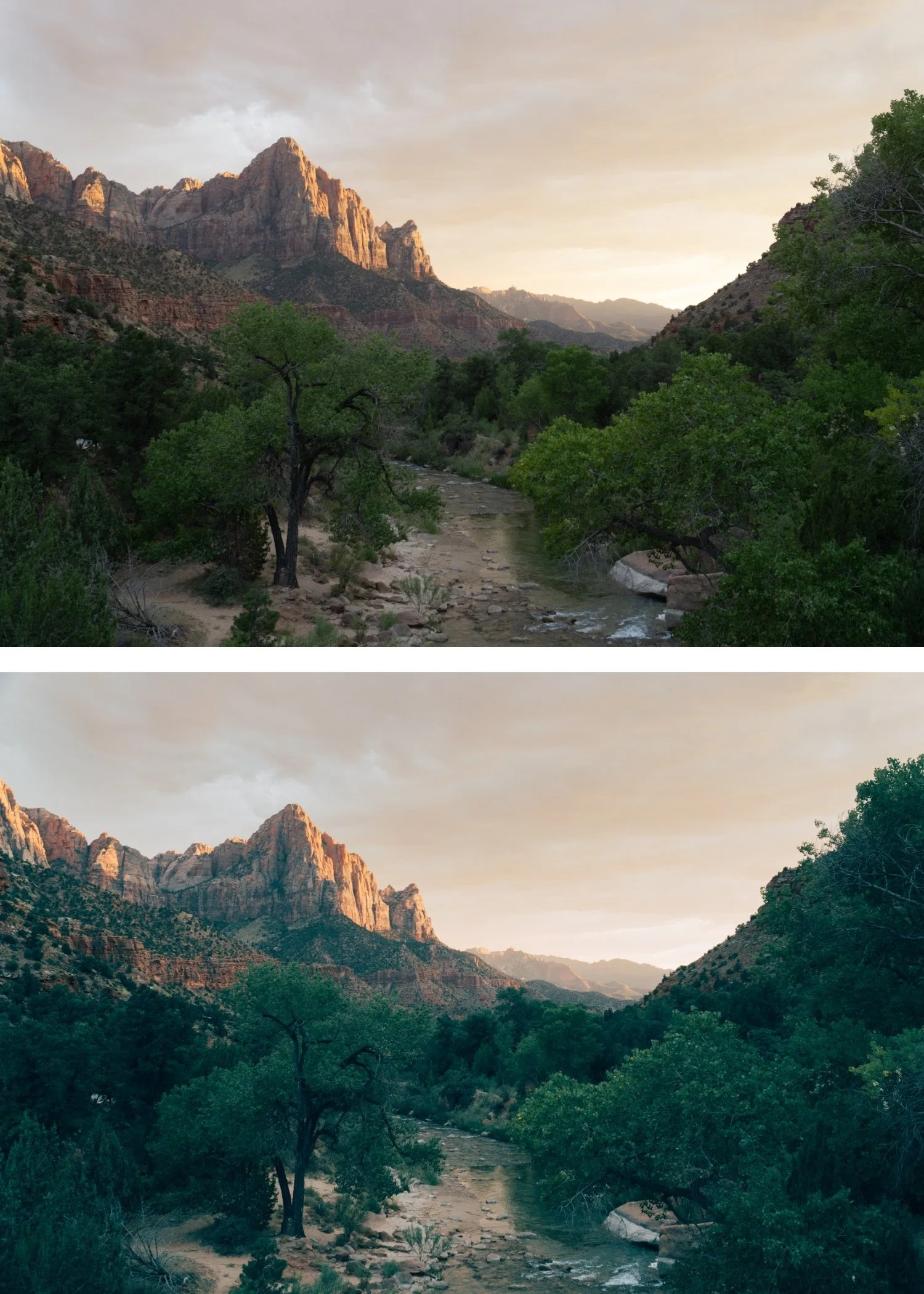
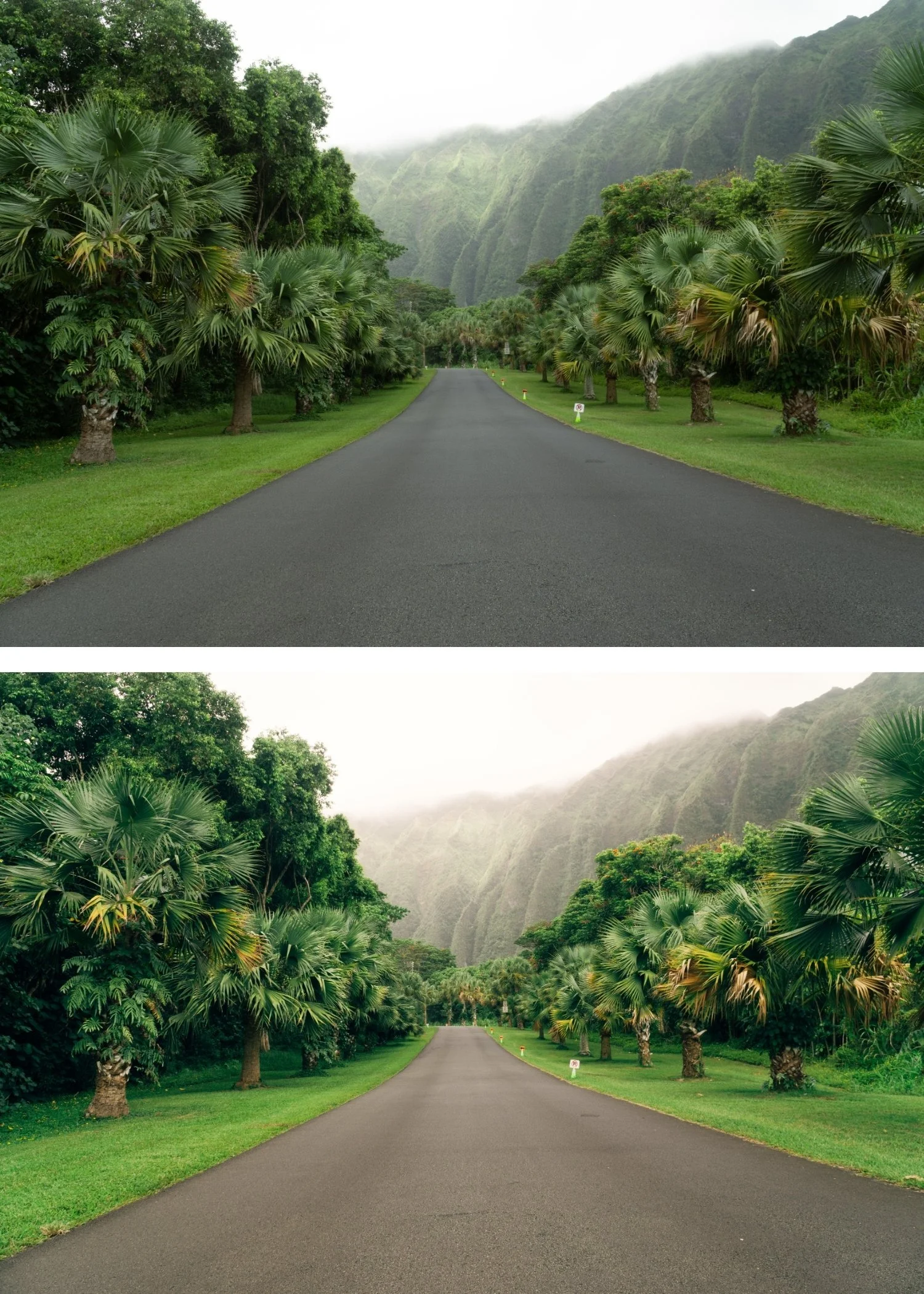
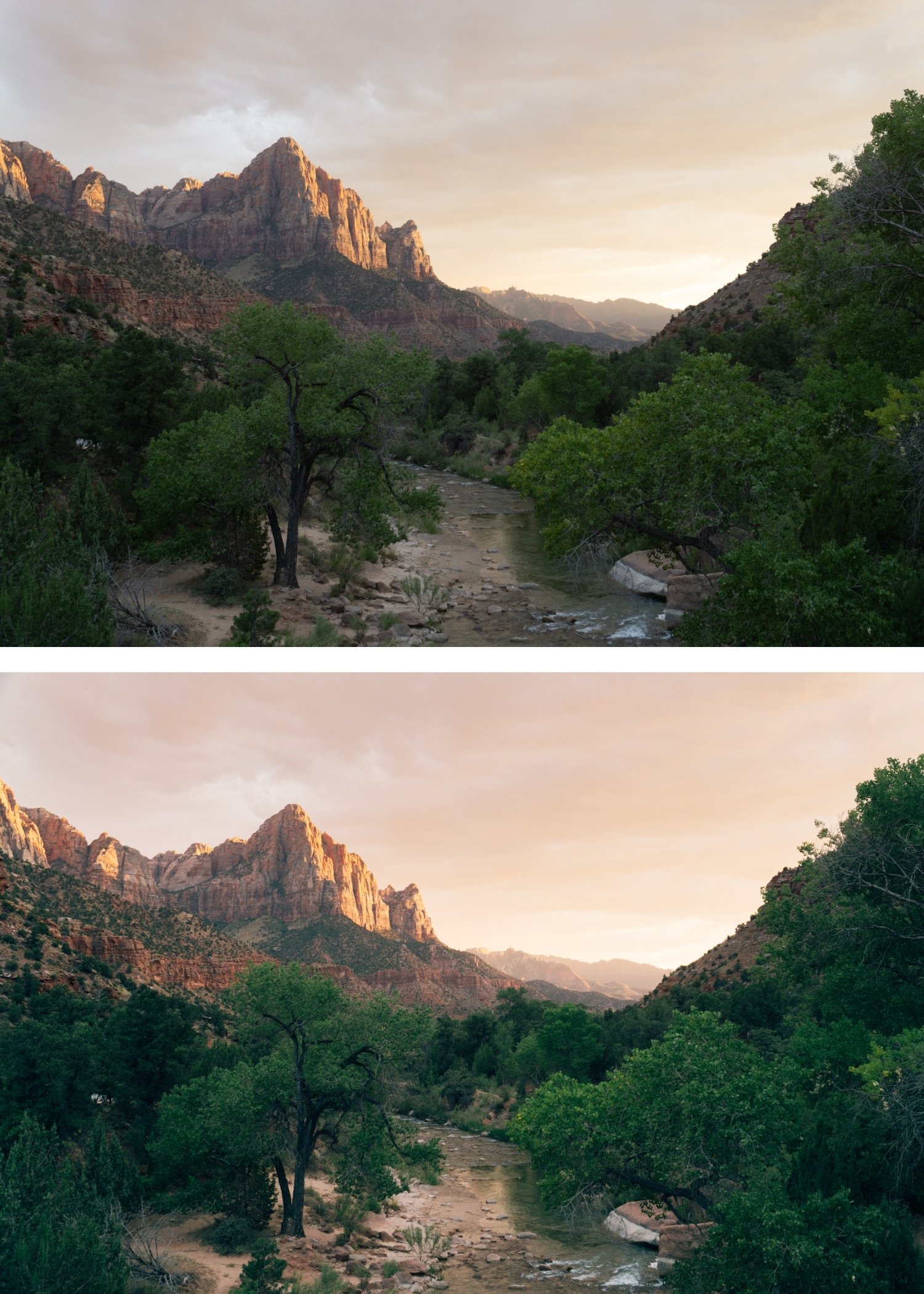
The cool quality reads as editorial. T2's slight cool direction adds precision and control — the result reads as fashion editorial and considered photography rather than warm lifestyle content.
It is the most refined preset in the collection. T2's muted, cool quality communicates the most sophisticated version of the Tide Archive's coastal philosophy — restrained, precise, and quietly high-end.
It suits minimalist content. Less colour, more restraint — T2 aligns with the visual language of minimalist lifestyle and fashion photography where understatement communicates quality.
It bridges fashion and travel photography. T2's quality works for both editorial fashion and refined travel content — the same preset handles both contexts with the same coastal editorial identity.
-
1 × T2 Cool Editorial DNG file — for Lightroom Mobile on iPhone and Android
1 × T2 Cool Editorial XMP file — for Lightroom Classic on Mac and Windows
Step-by-step installation guide for Mobile and Desktop
Lifetime access — download again anytime -
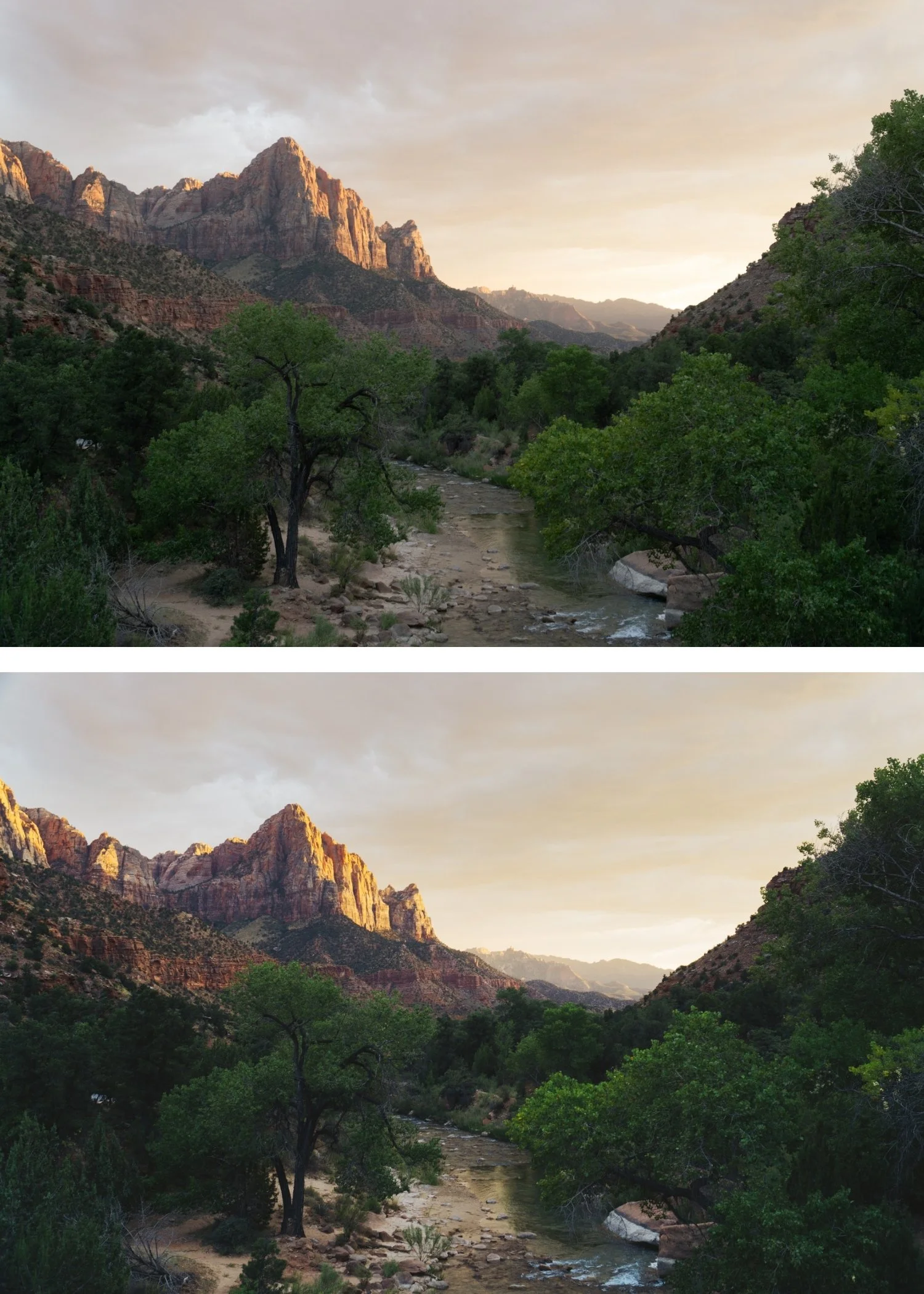
This preset captures the aesthetic of professional 35mm film stocks like Fujifilm Pro 400H or Kodak Portra 800 when shot in slightly overcast or shaded conditions. It is the professional answer for those who want their work to feel "thick" and cinematic. By emulating the characteristic cool-cyan shadow shifts and the soft, matte-like highlight roll-off of these legendary emulsions celebrated for their ability to render mood without losing elegance T2 ensures your photos possess a gripping, archival quality. It transforms digital files into frames that look like they were pulled from a modern independent film.
-
Step 1 — White balance. T2 assumes a neutral starting point — 5,000-5,400K. Do not warm aggressively before applying.
Step 2 — Apply T2 Cool Editorial. Open any photo in Lightroom. Apply T2 Cool Editorial. The refined cool colour and soft contrast apply simultaneously.
Step 3 — Fine-tune. For portrait photography: add Orange Luminance +6 after applying to maintain skin presence within the muted palette.
On phone photos: 83-85% strength.
-
What is the difference between T2 and LV1 Muted Clean? LV1 is the muted luxury direction — selectively desaturated with a sophisticated restraint. T2 has the coastal editorial character — slightly cooler and more muted than T1 but within the Tide Archive's warm coastal framework. T2 for coastal and travel editorial, LV1 for the most restrained luxury aesthetic.
Does T2 work in the free version of Lightroom Mobile? Yes. Preset installation and use is completely free in Lightroom Mobile.
GET ALL 3 TIDE ARCHIVE PRESETS
The full Tide Archive gives you three calibrated coastal editorial looks — Clean Coastal for balanced versatile use, Cool Editorial for refined fashion territory, and Deep Coastal for maximum editorial impact.
Three presets. One coastal philosophy. $6.66 per preset.
THE STUDIO ARCHIVE
Want everything? The Studio Archive contains 130+ presets — every collection we make, including the complete Tide Archive — for $89 total. That is $0.68 per preset with every future release included for life.