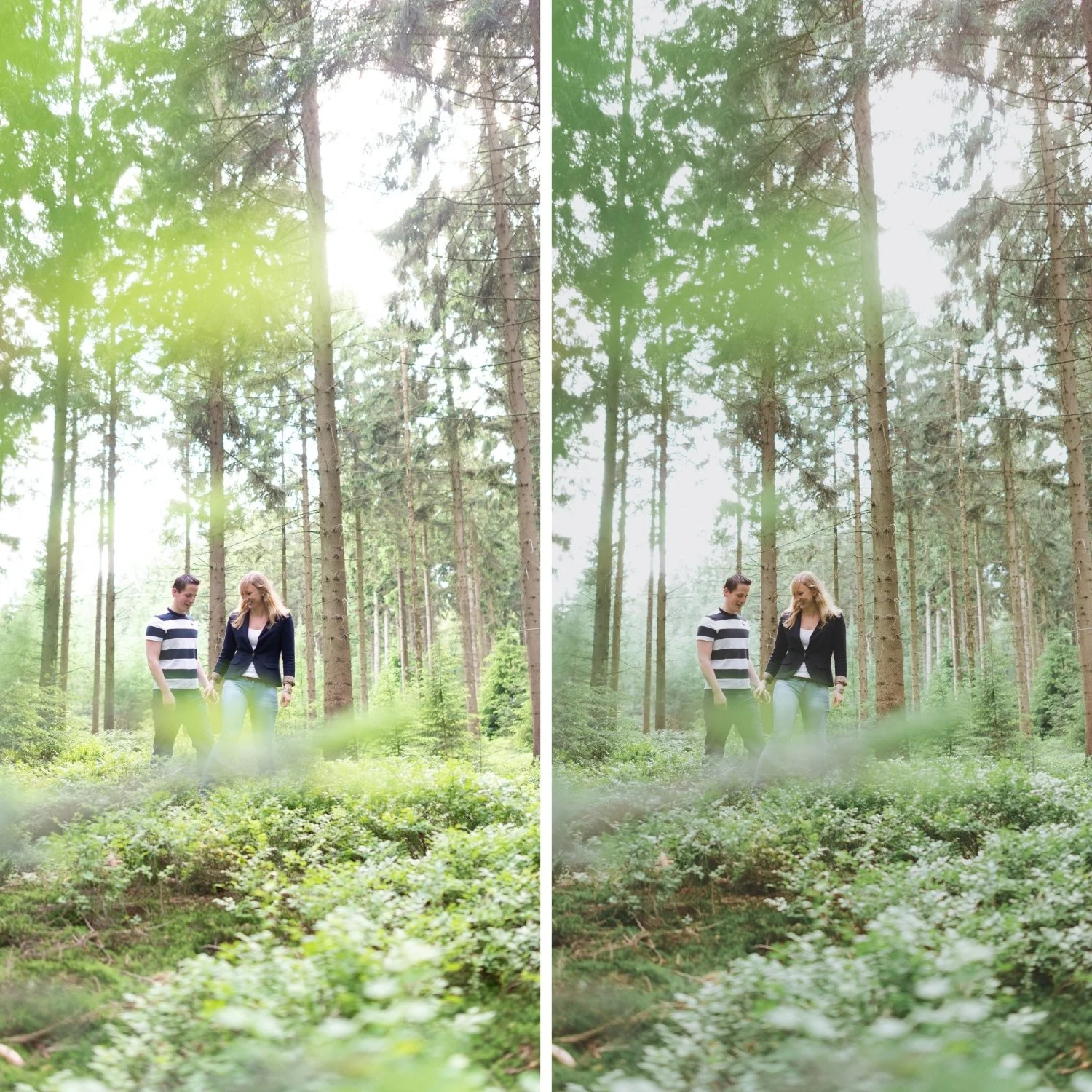
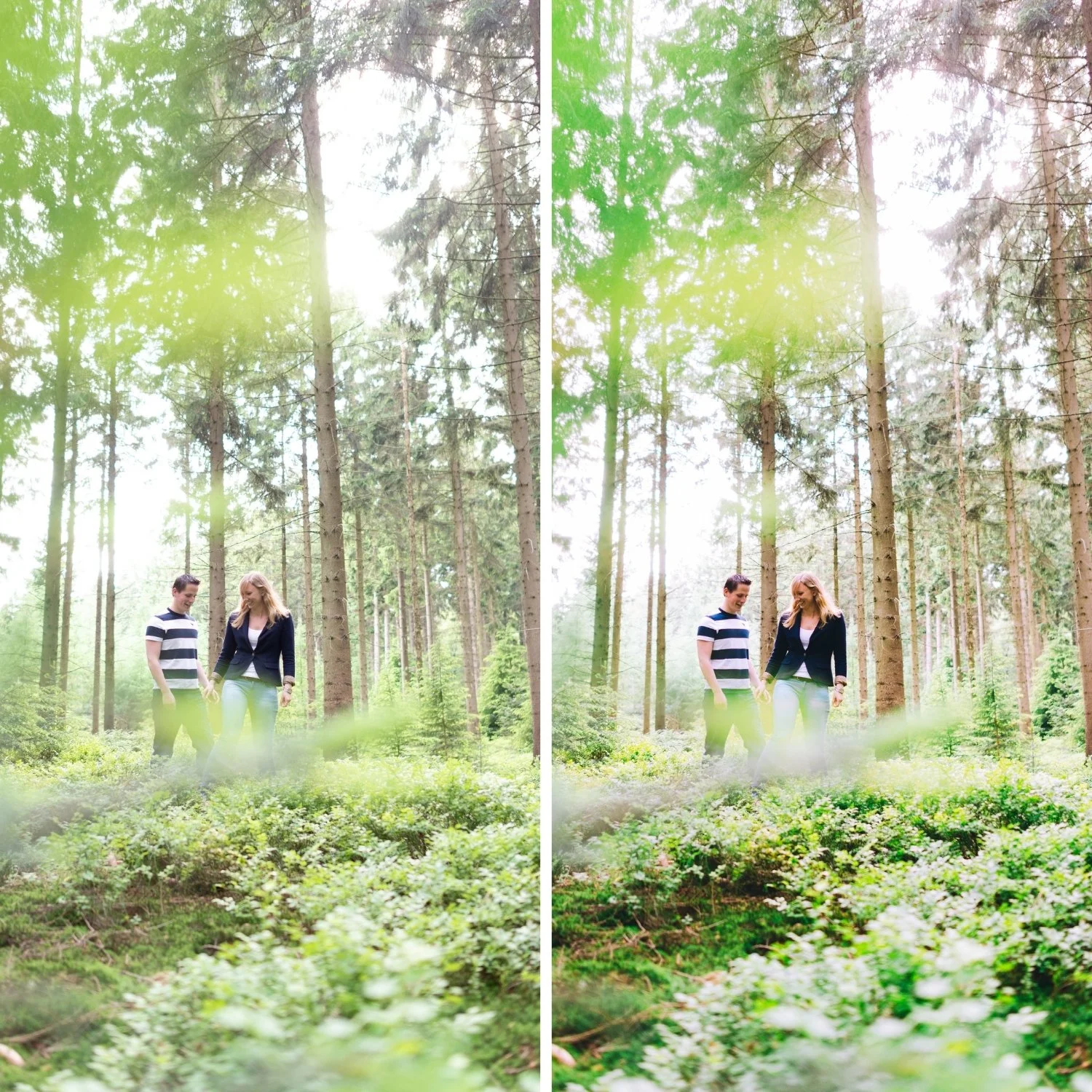
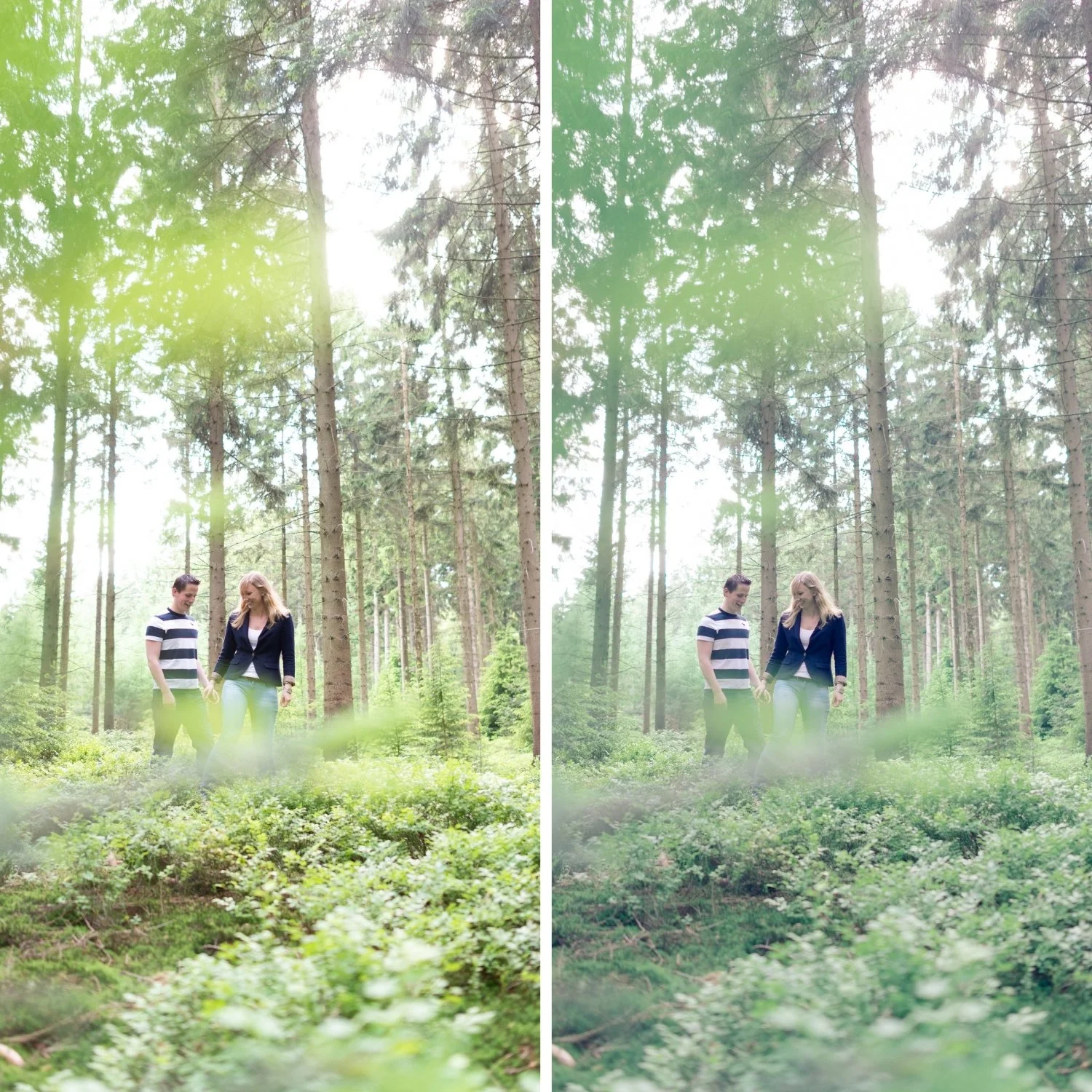
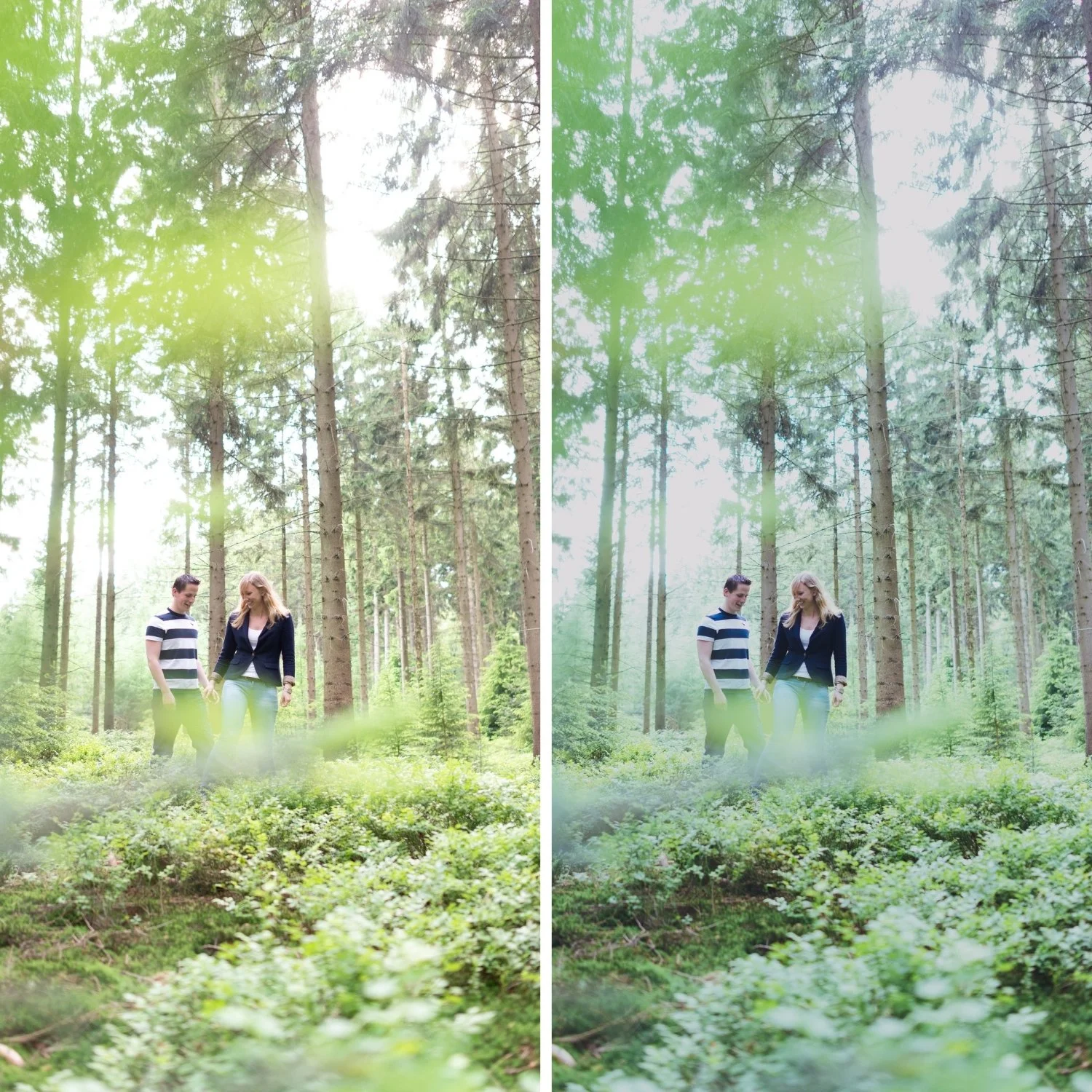
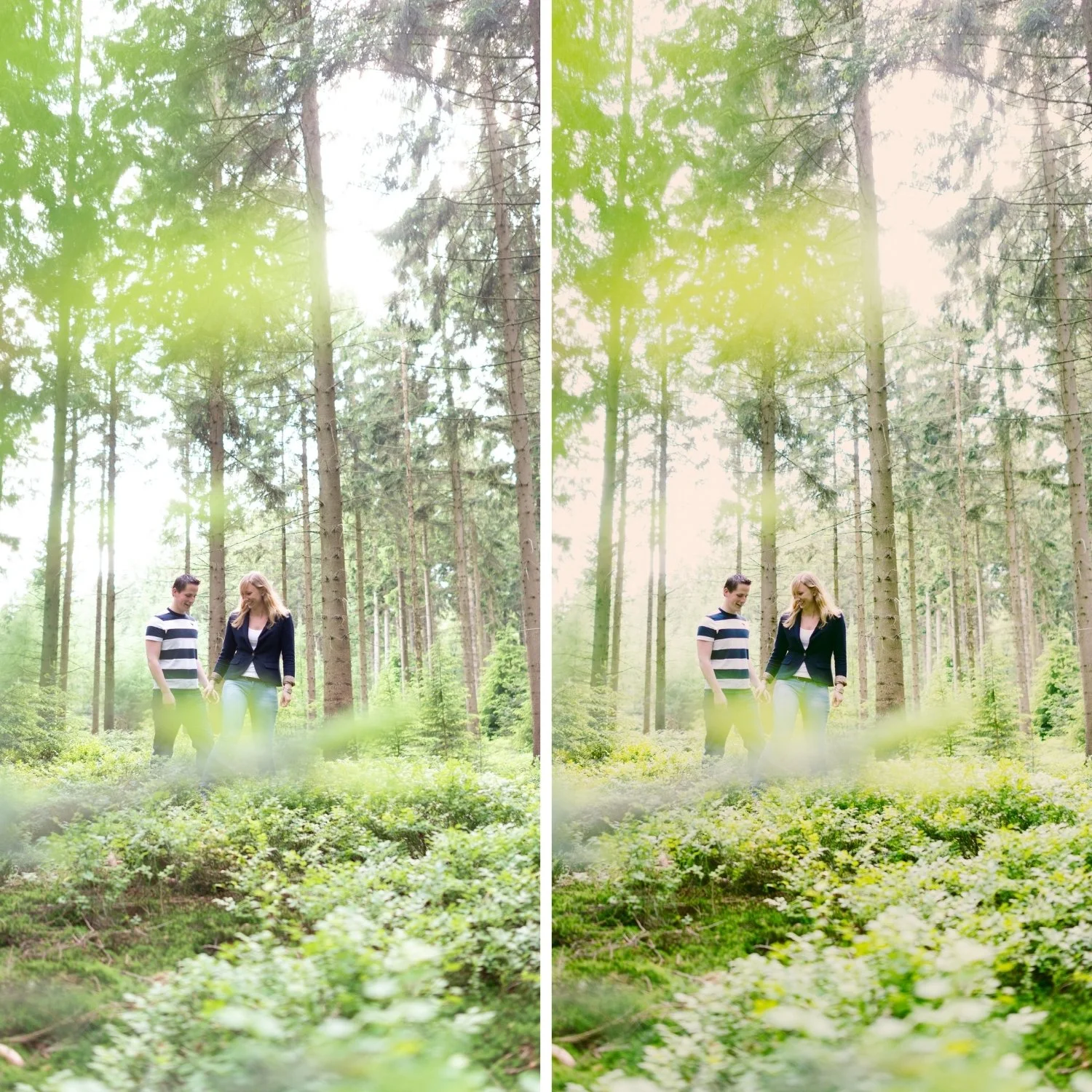
 Image 1 of 4
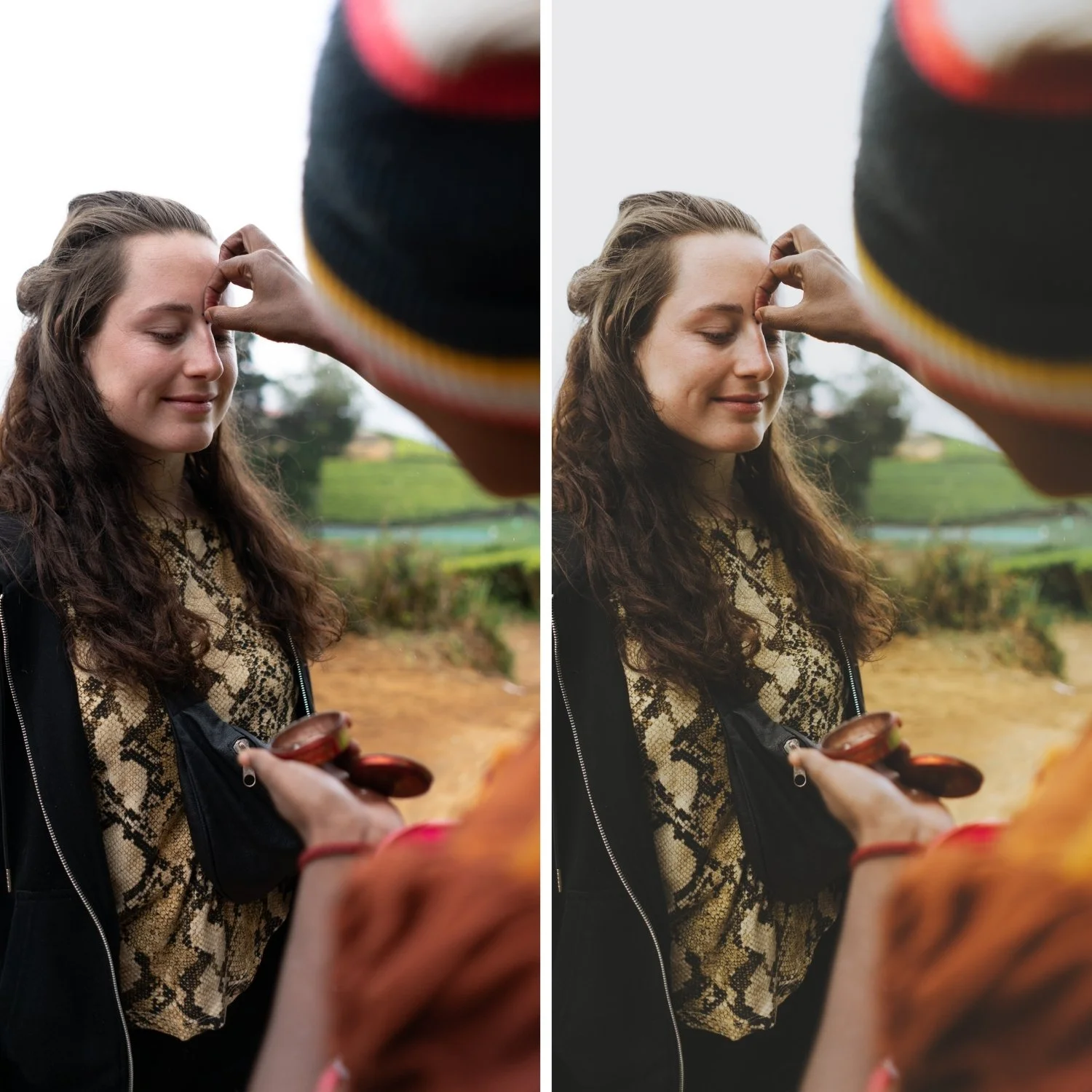
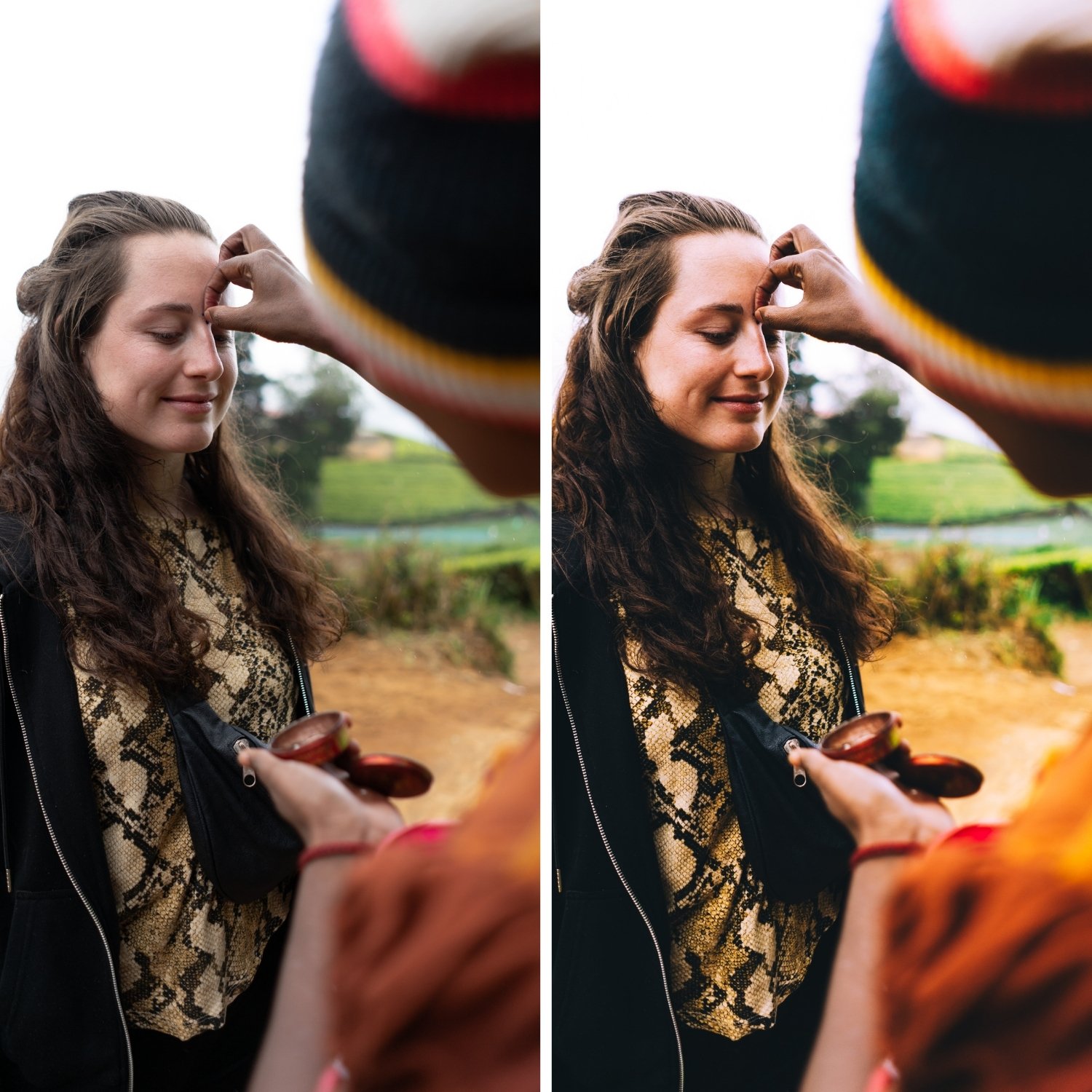
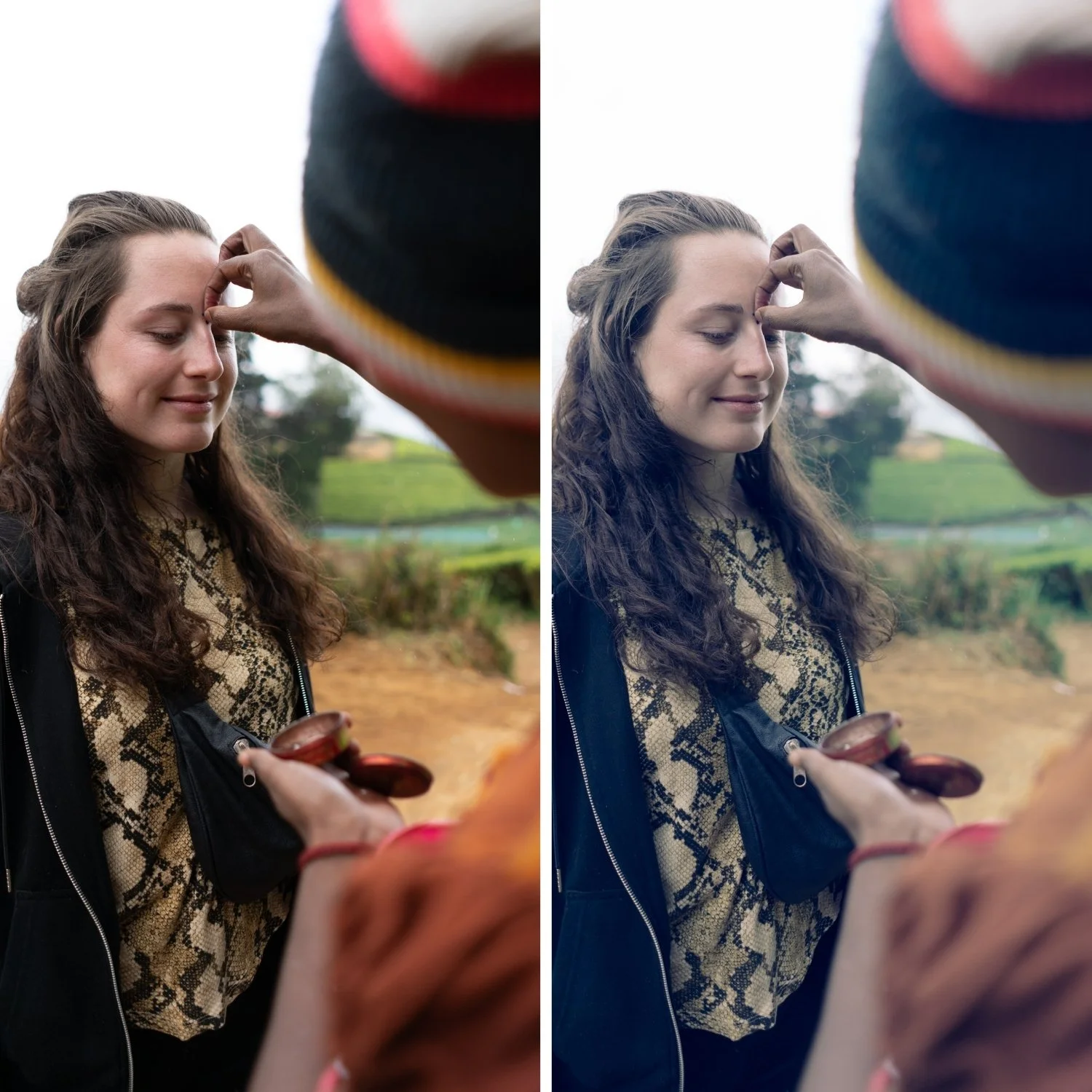
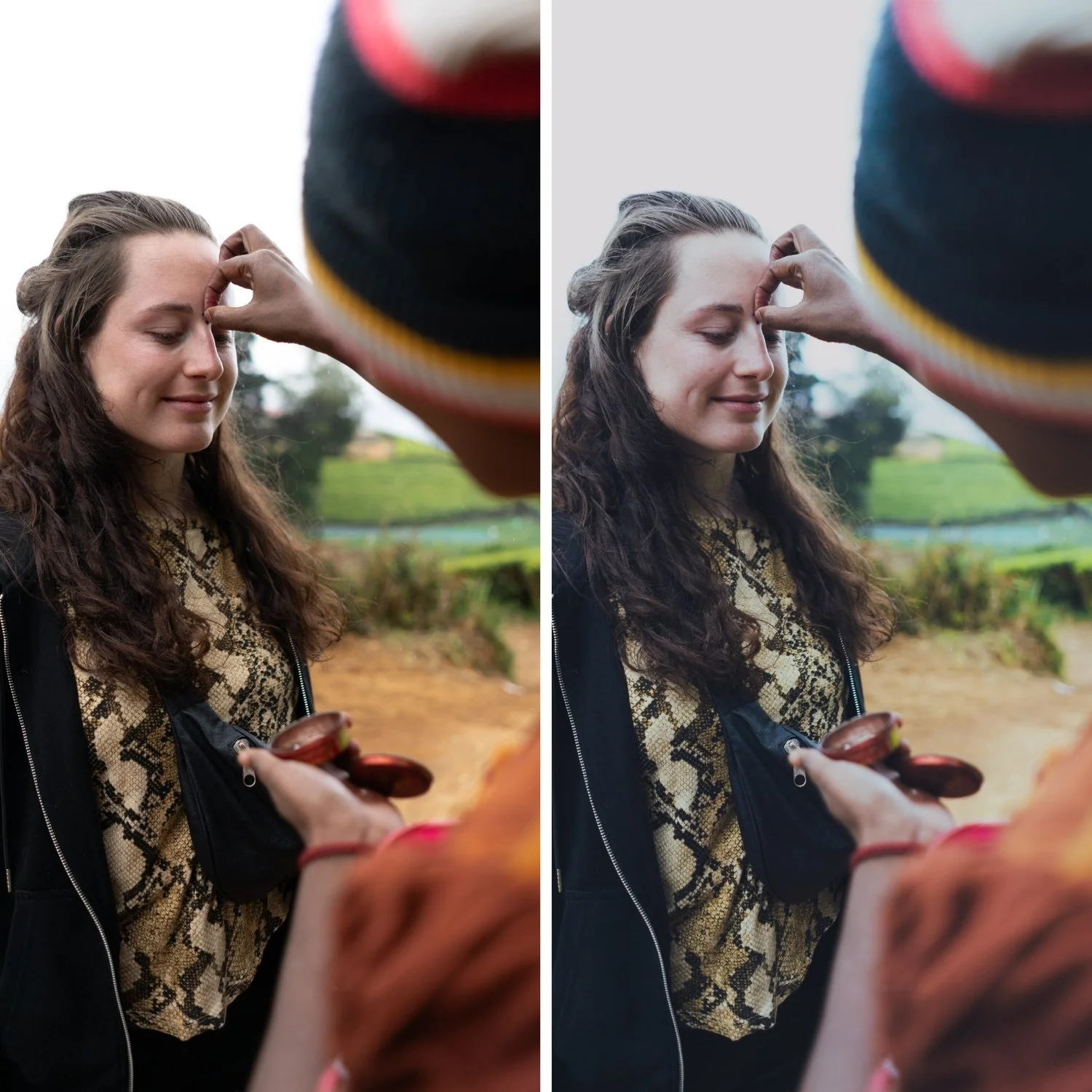
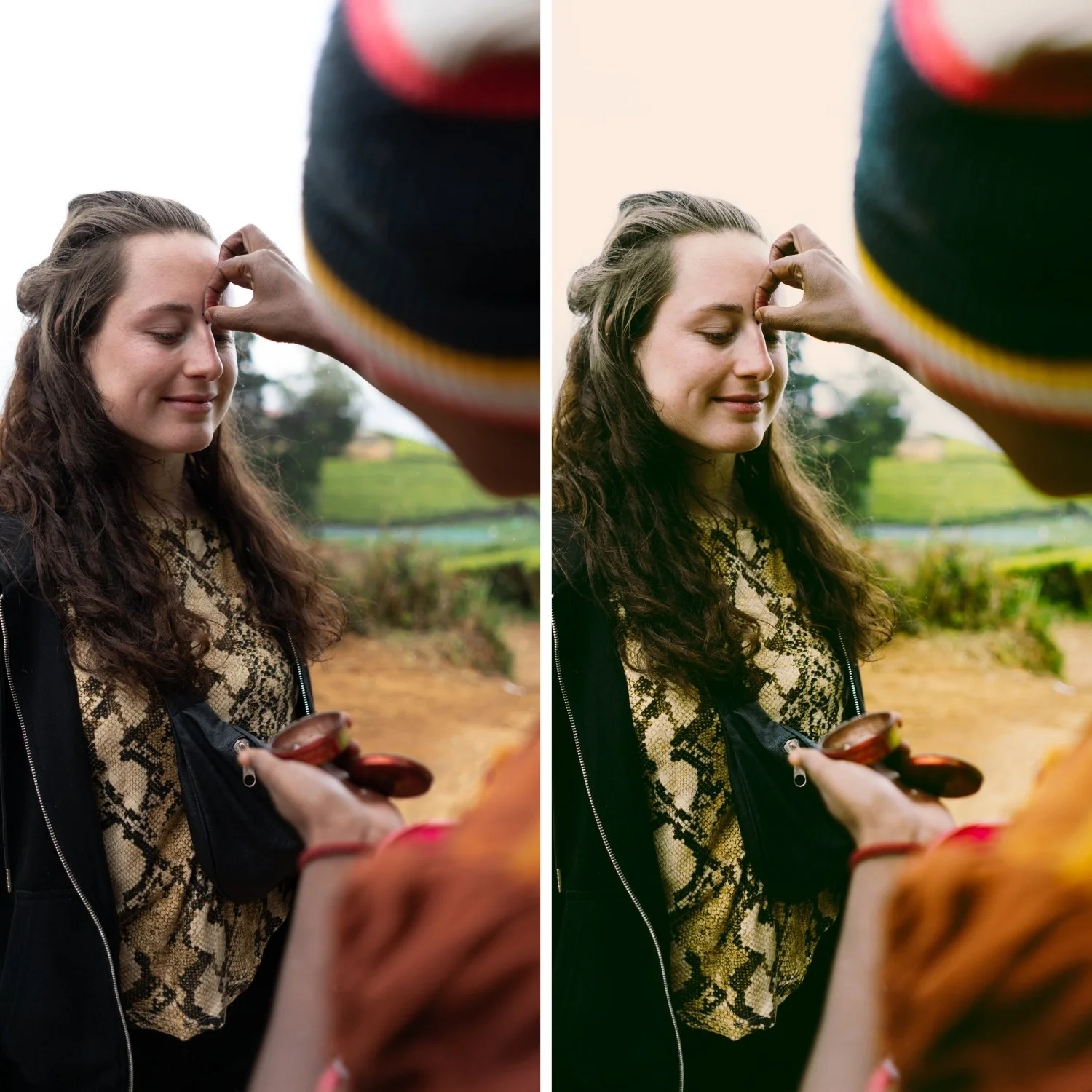
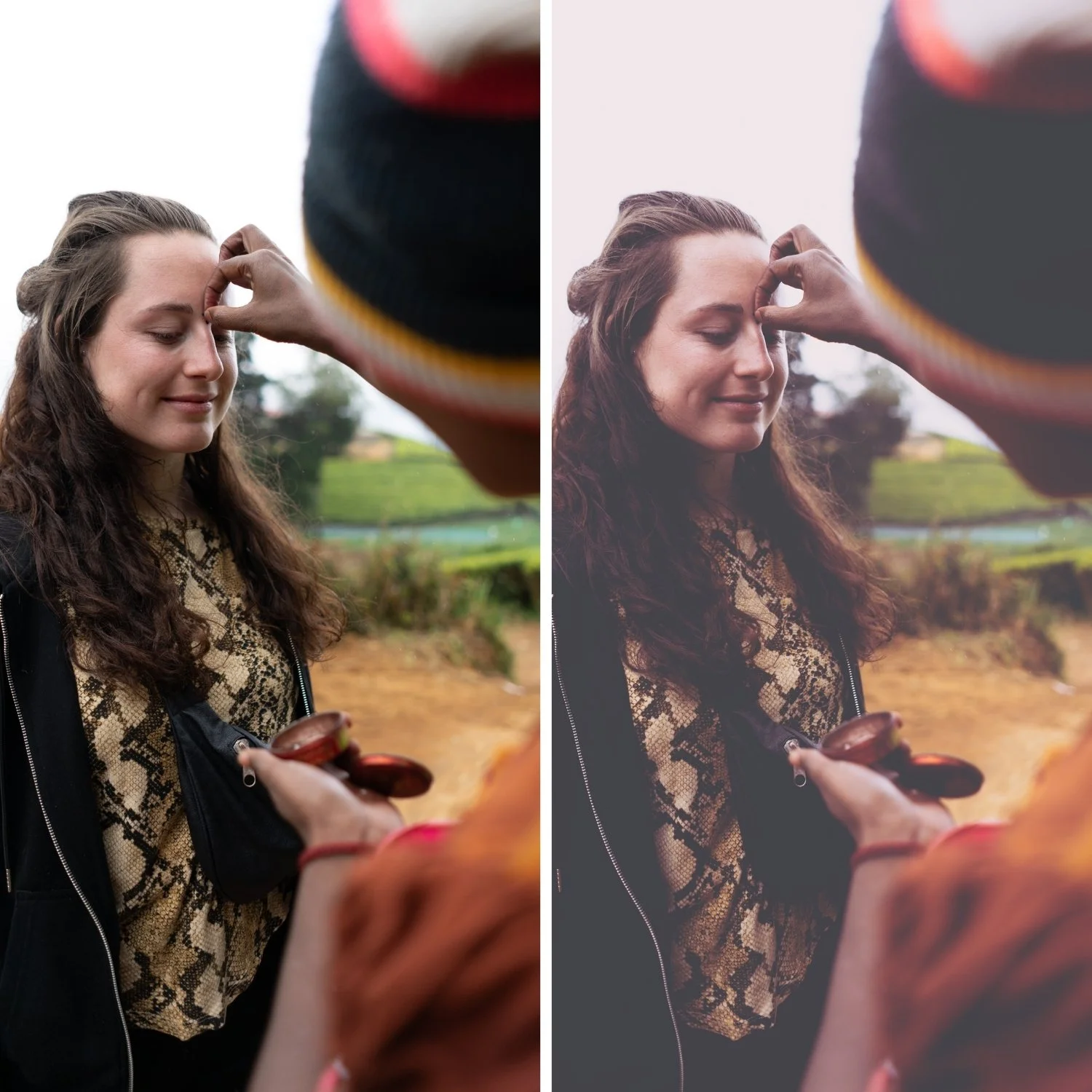 Image 2 of 4
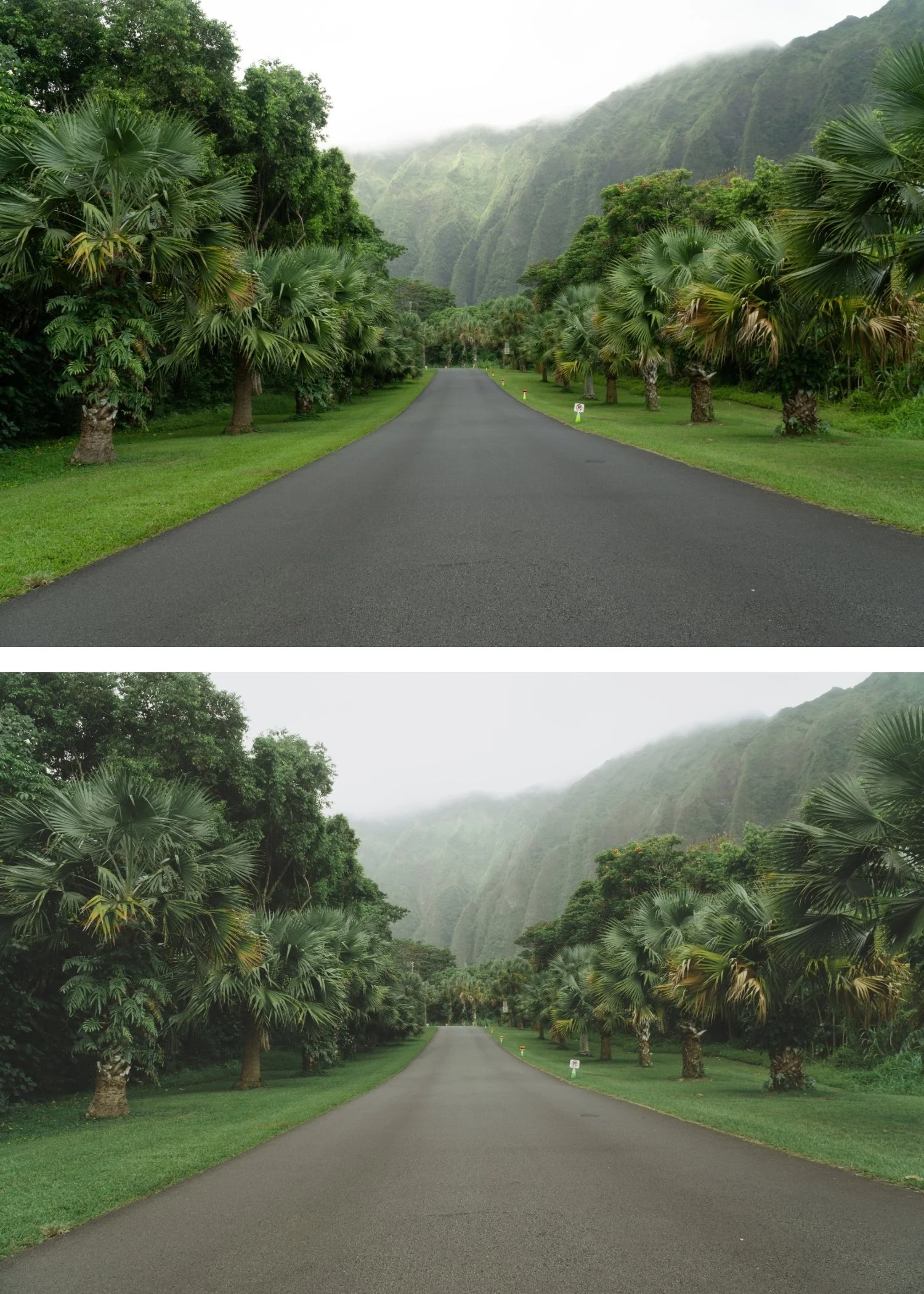
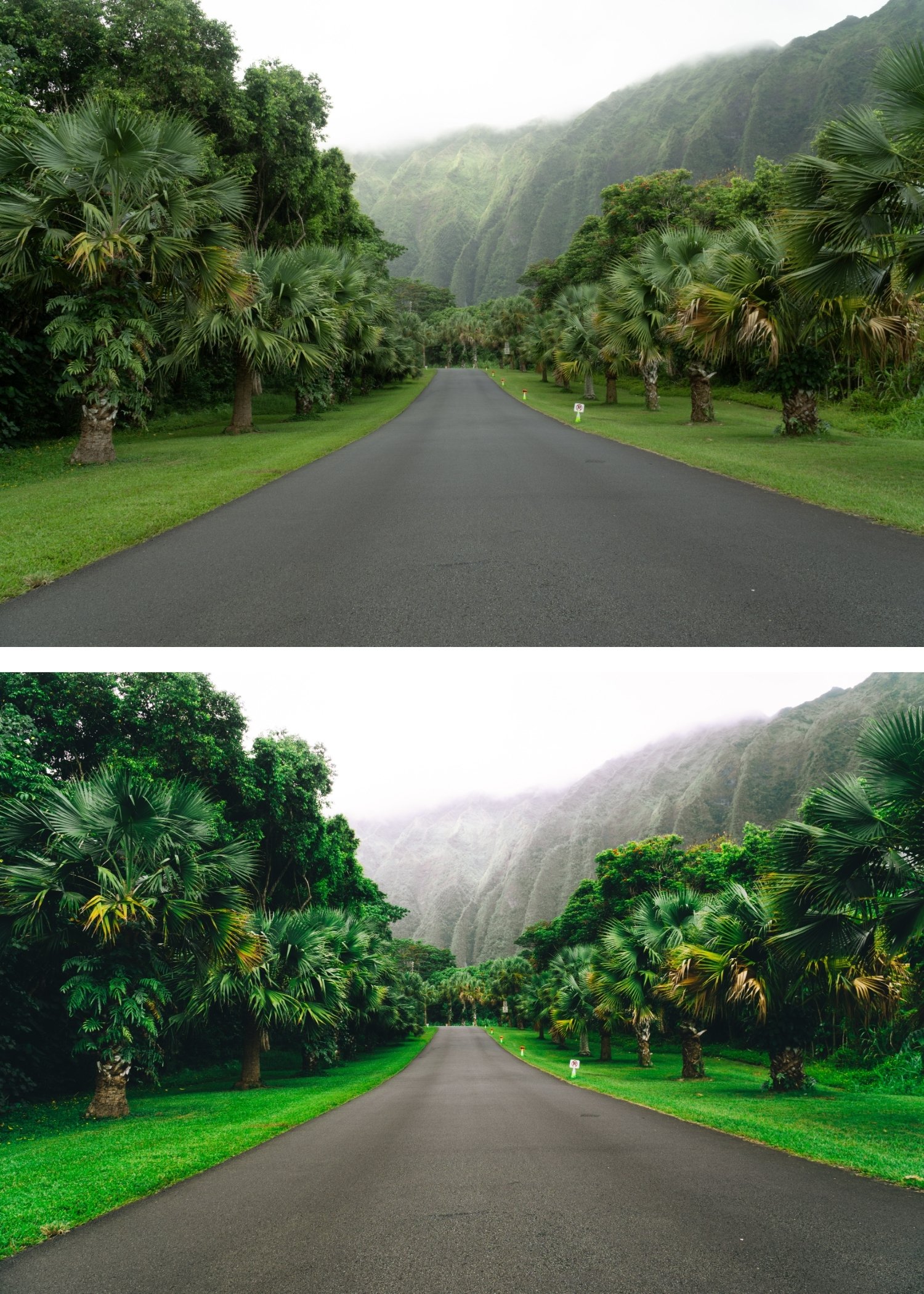
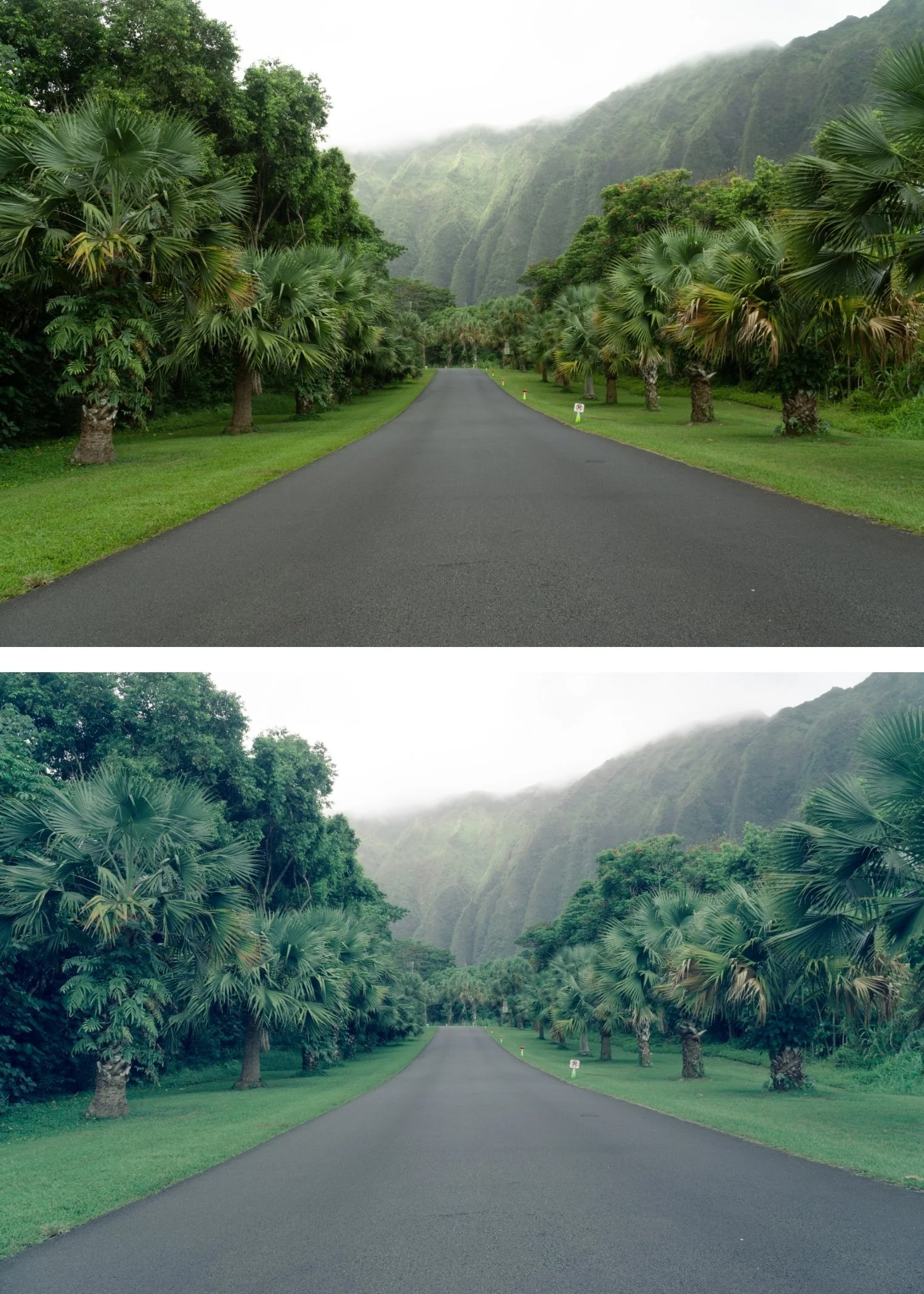
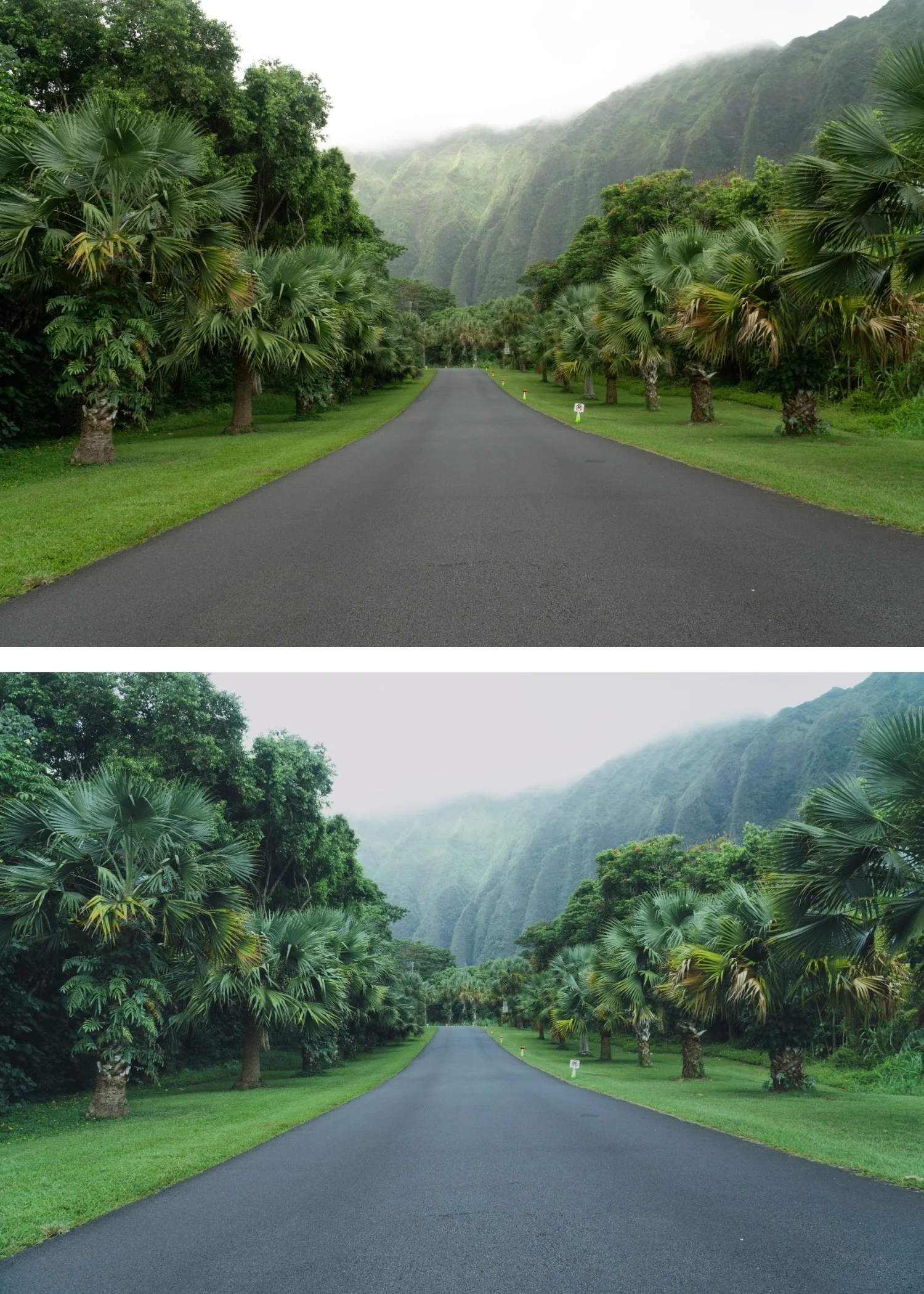
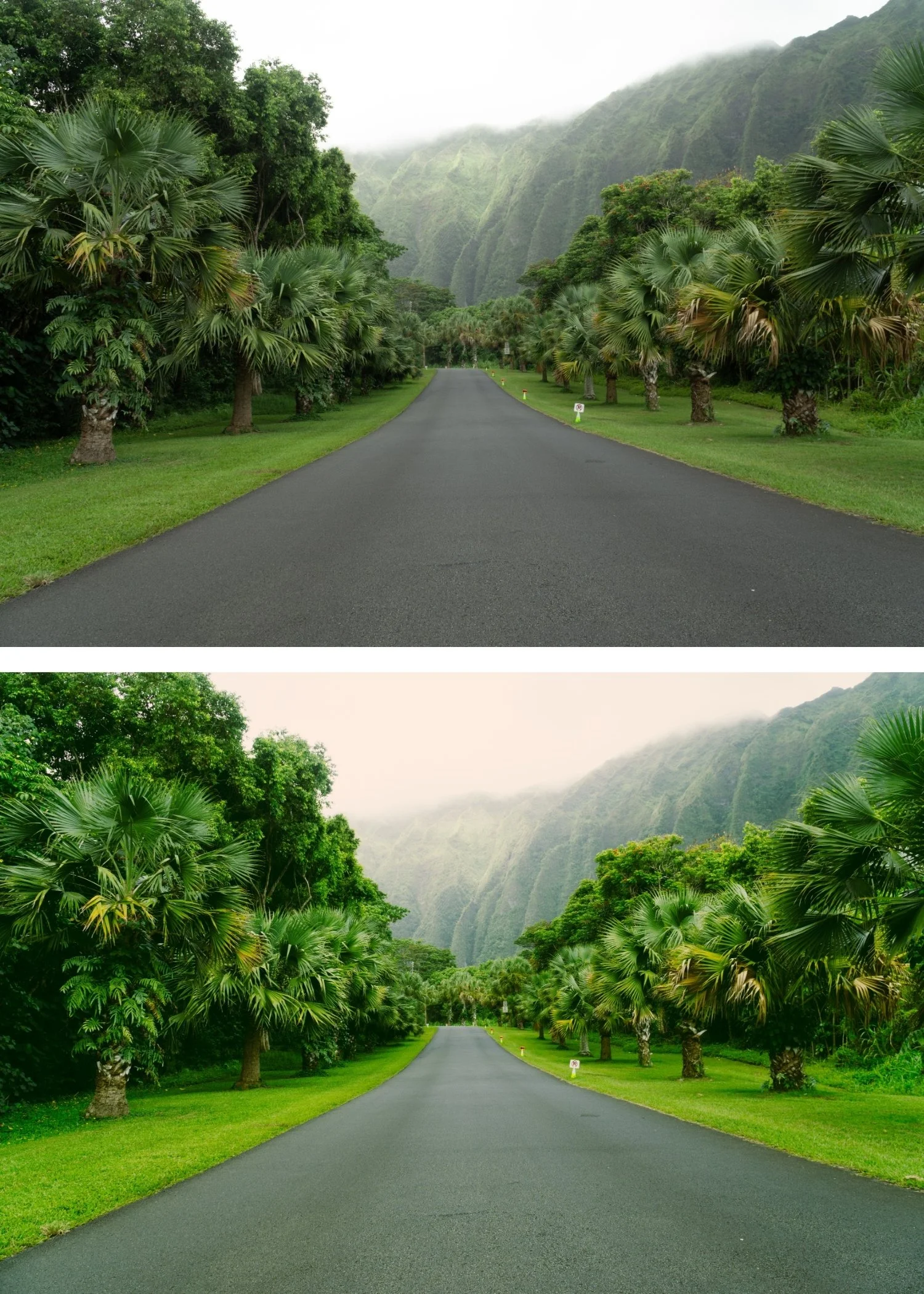
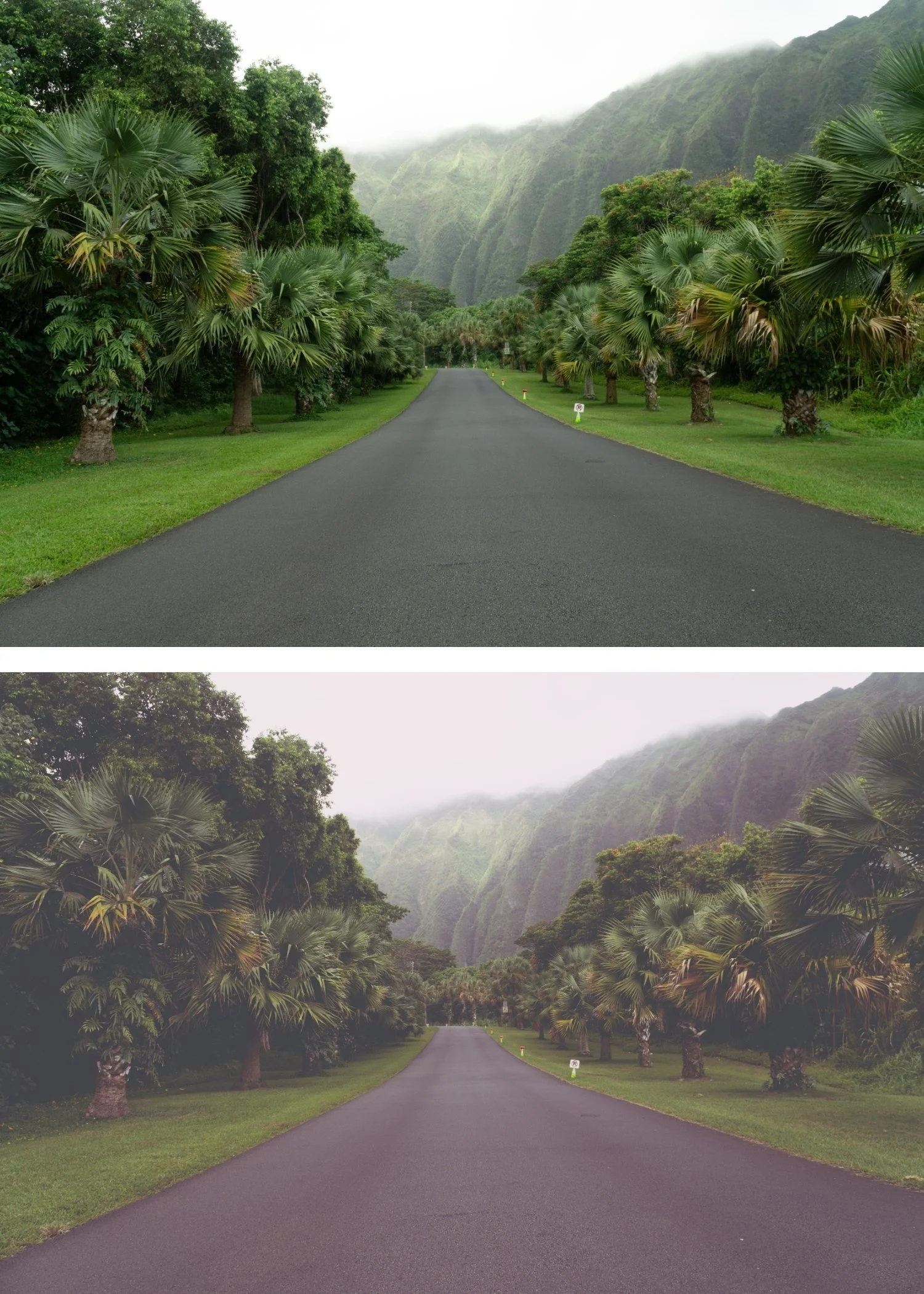 Image 3 of 4
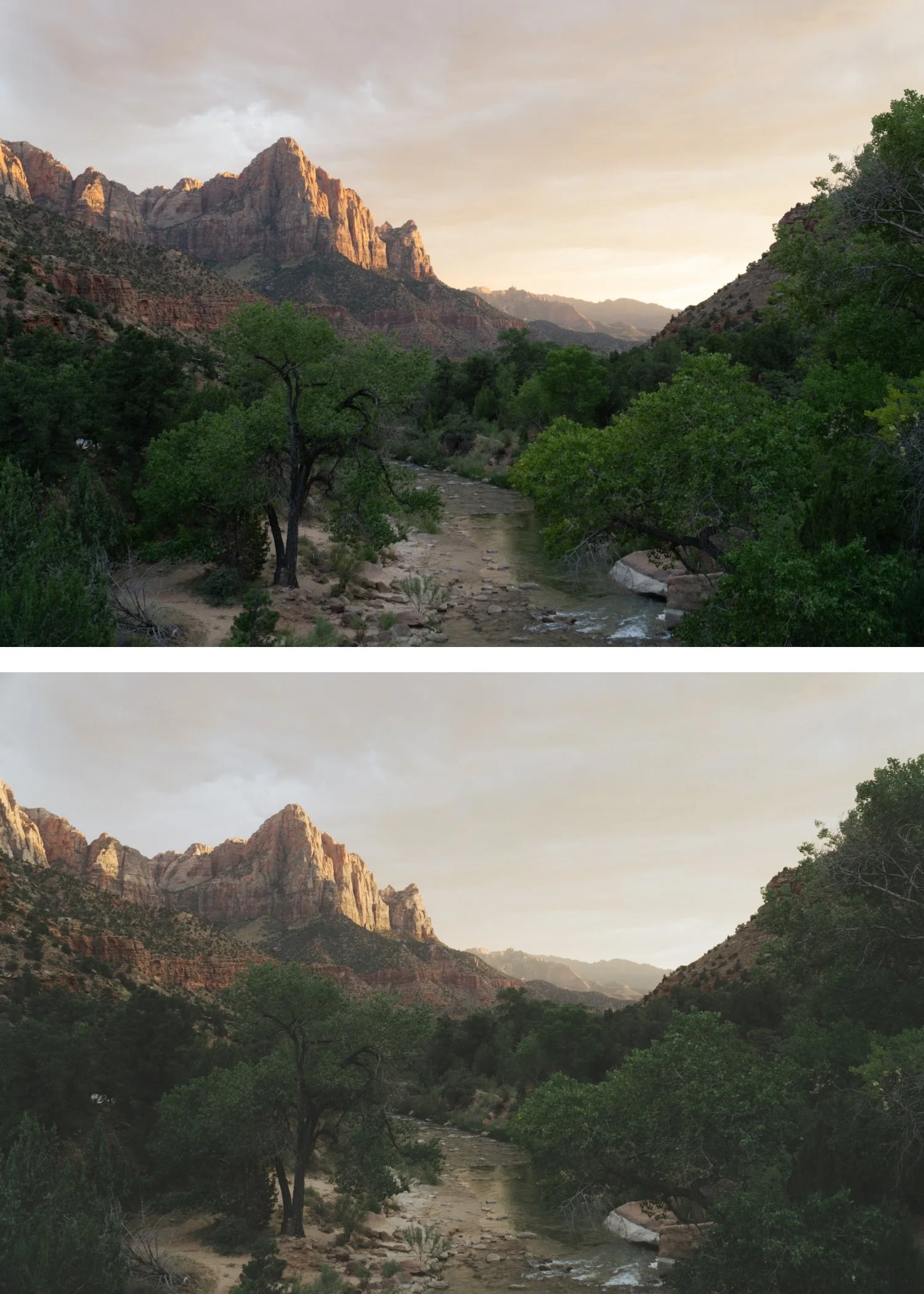
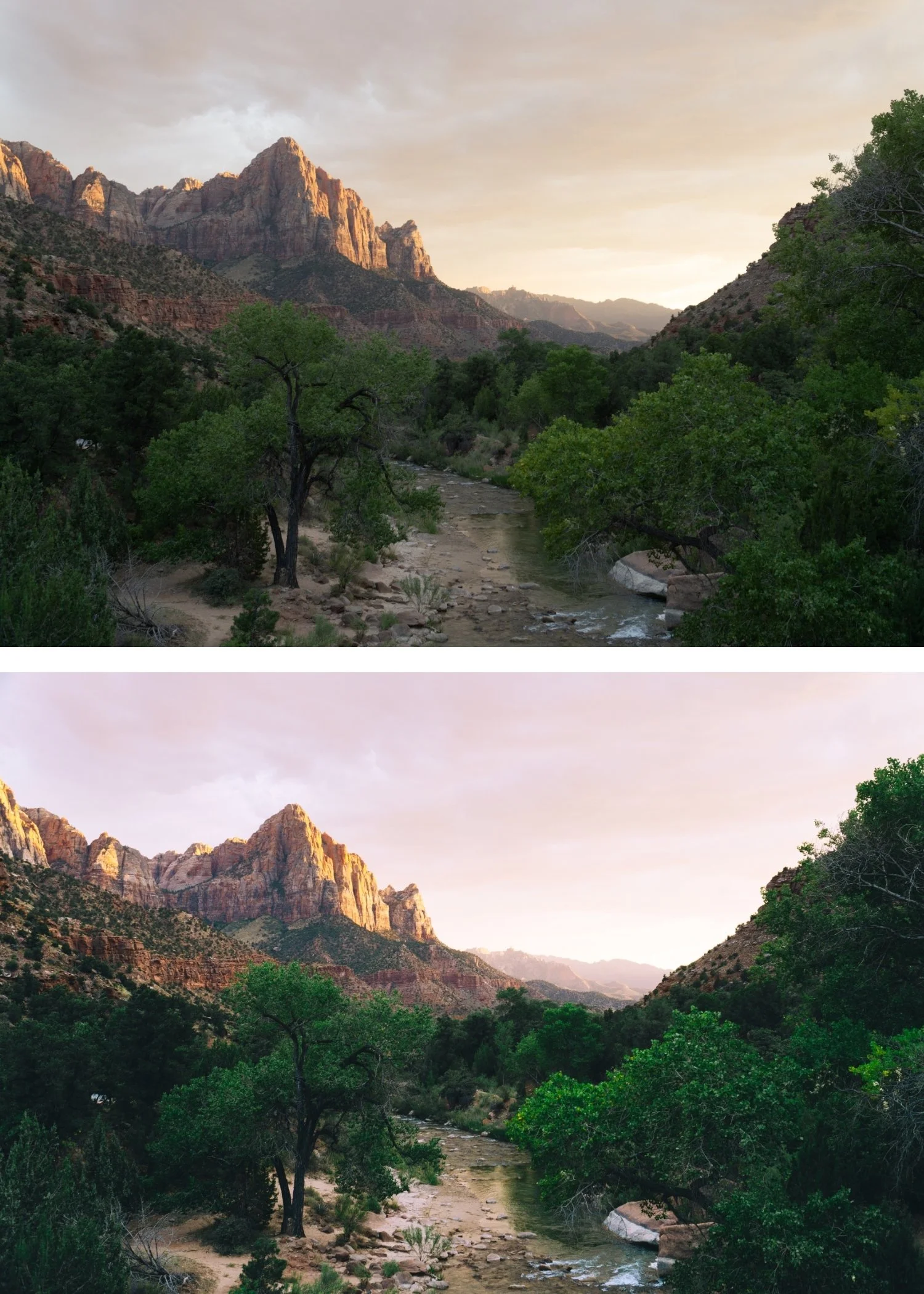
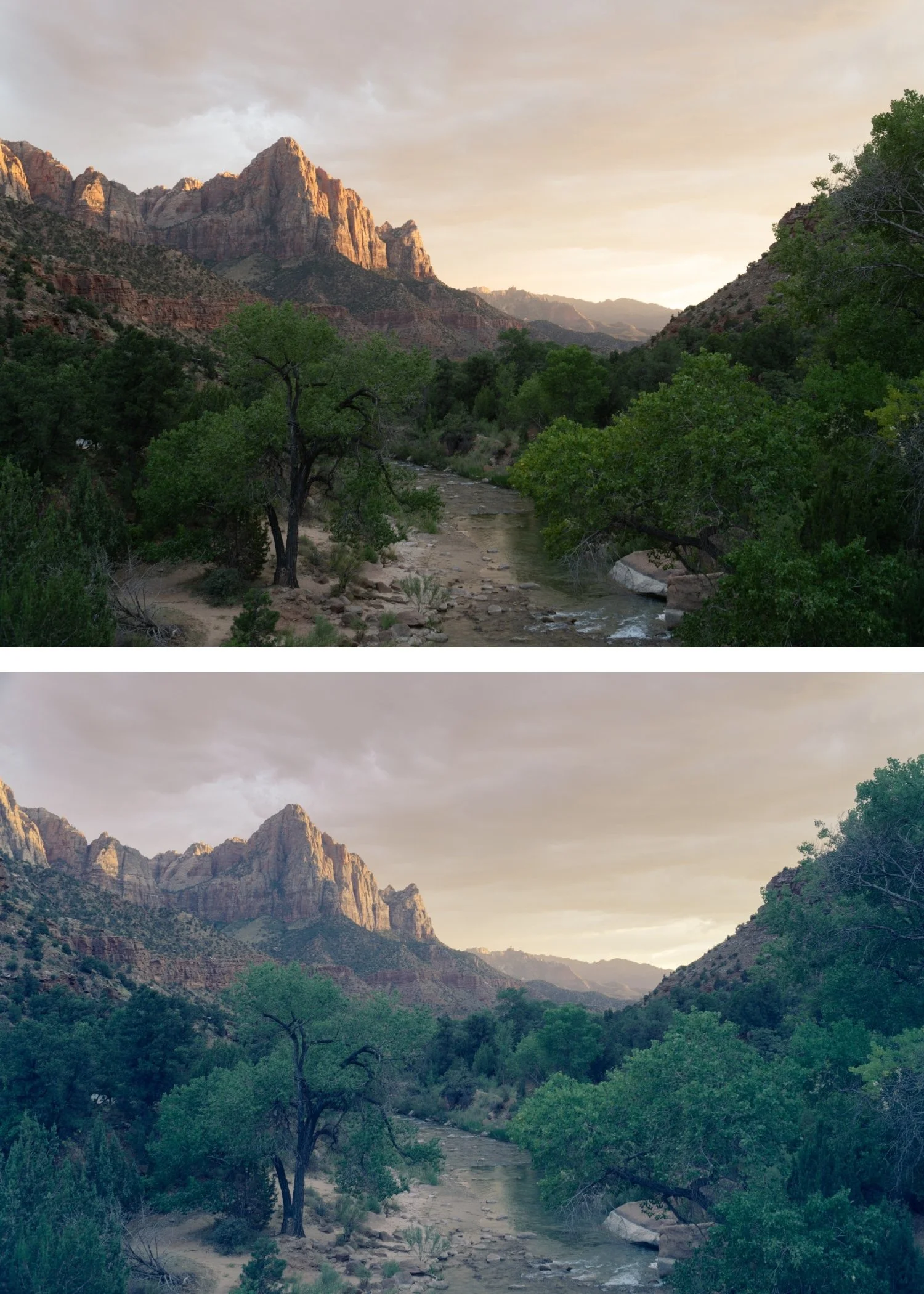
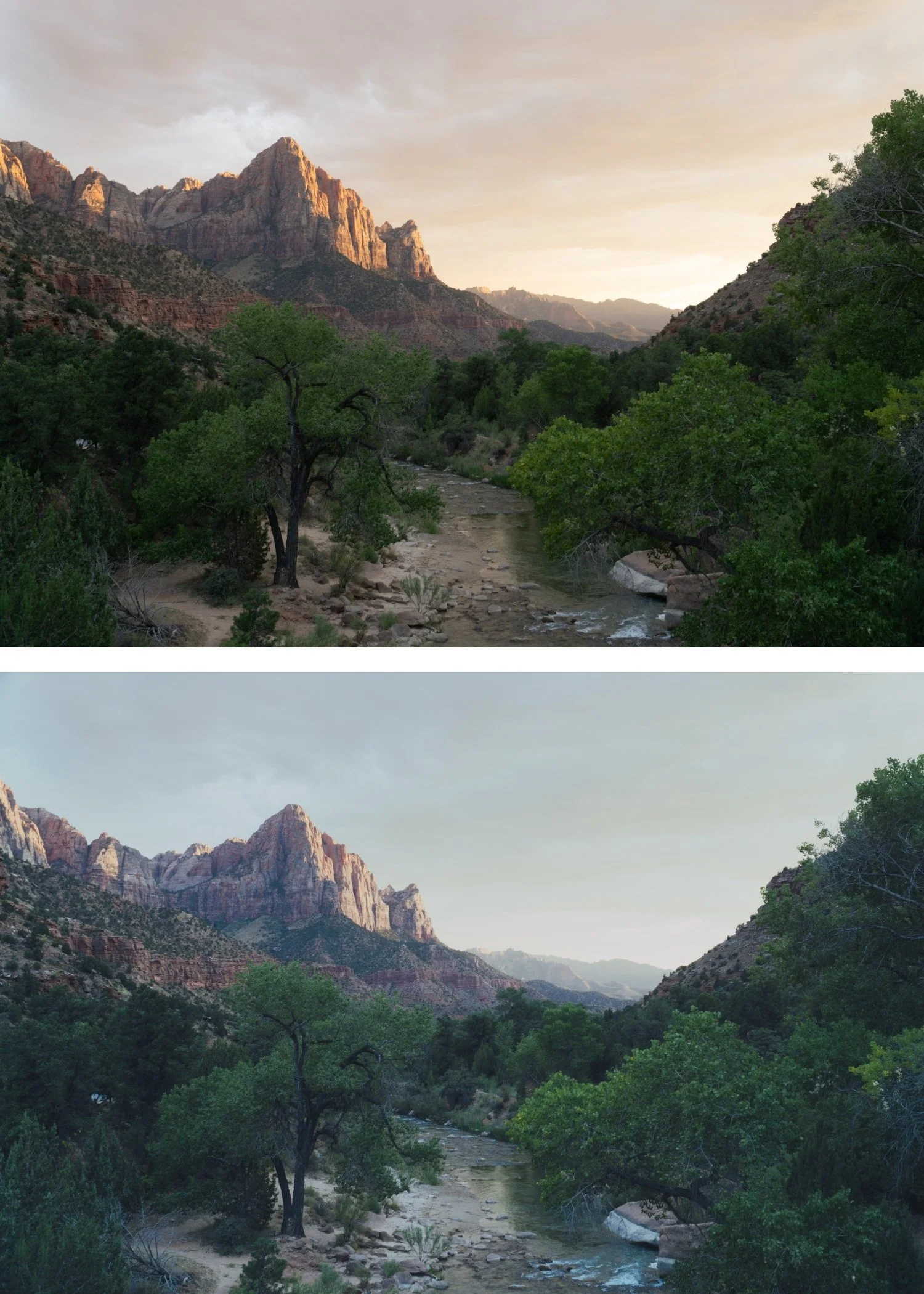
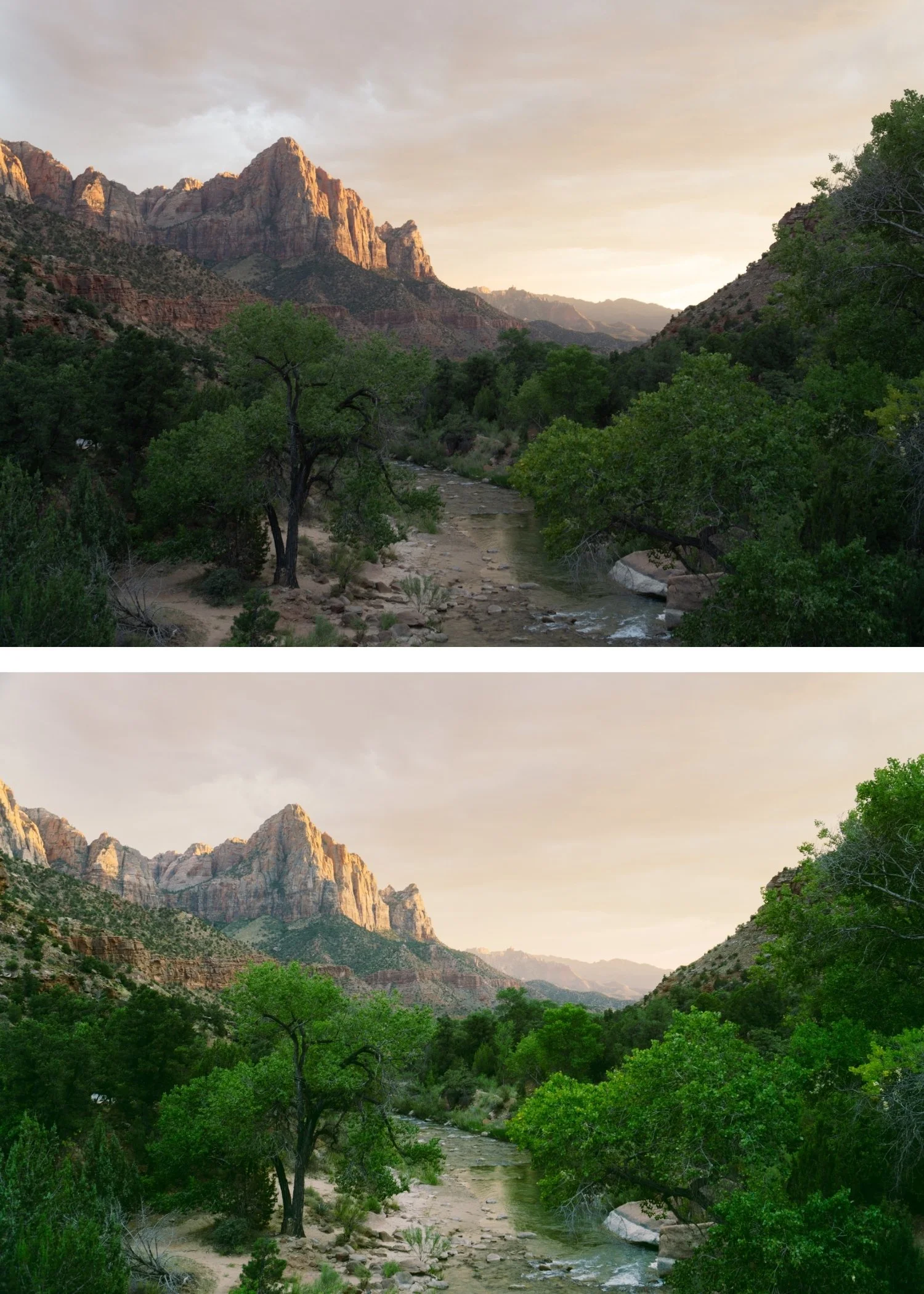
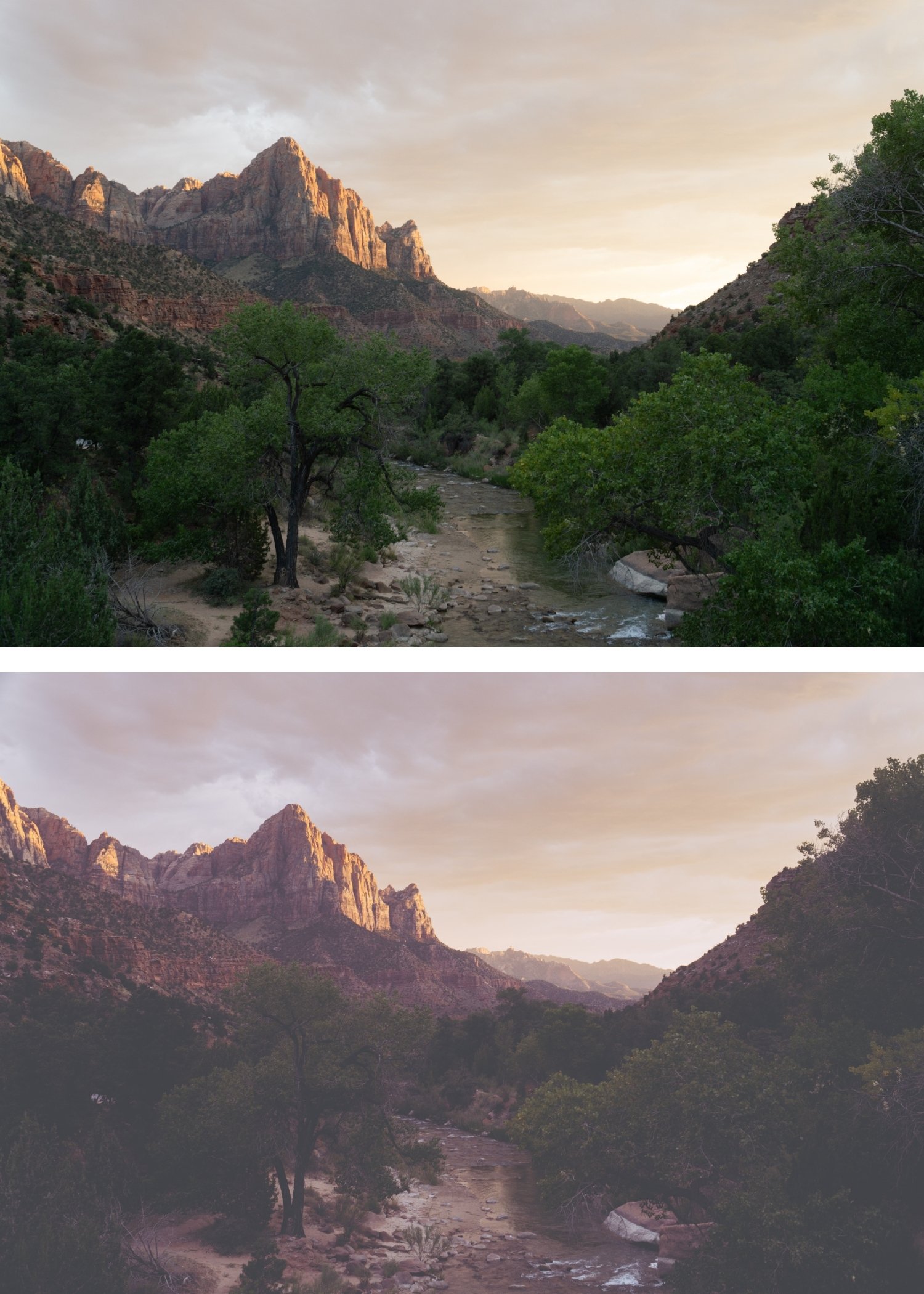 Image 4 of 4
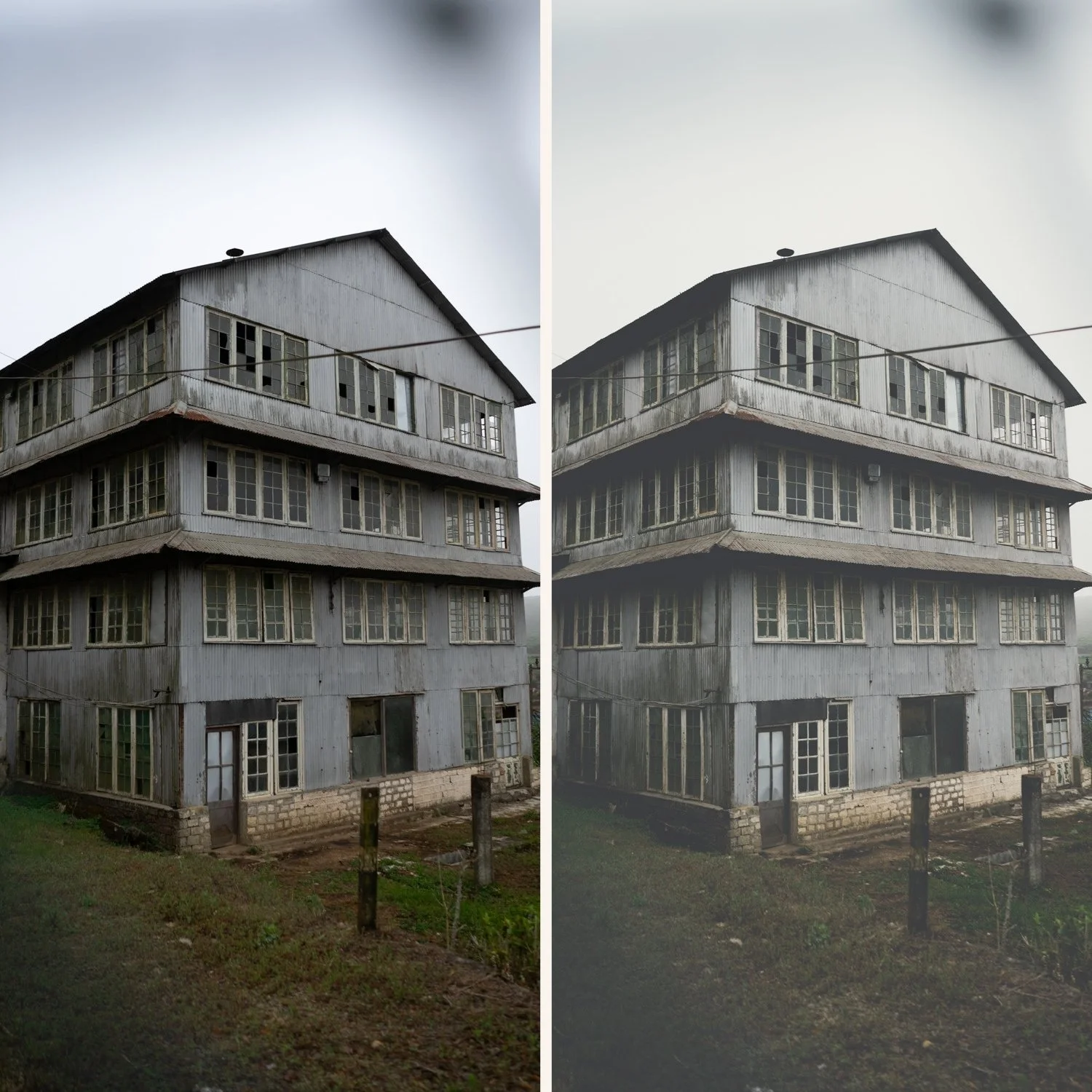
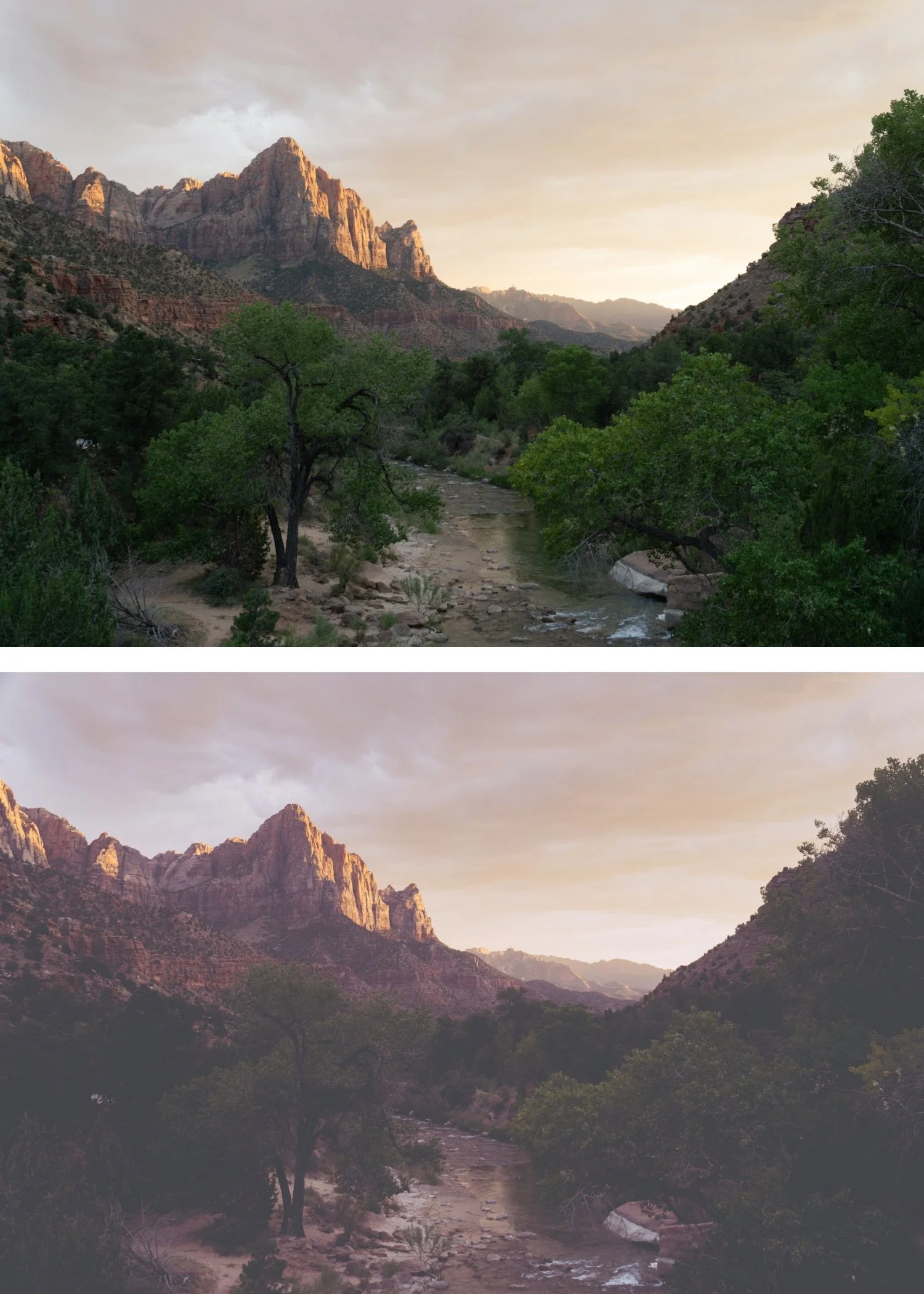
Tide 03 Deep Coastal | Coastal Editorial Preset for Lightroom Mobile & Desktop

-
T3 is for fashion, editorial, and commercial photographers who produce high-end visual content in outdoor environments and want maximum editorial impact from the Tide Archive's coastal philosophy.
For photographers who use T1 for versatile everyday editorial and T2 for refined fashion content, and need the bold coastal fashion quality of T3 for their most impactful hero shots and editorial content.
For photographers whose most important images — portfolio pieces, campaign work, editorial hero shots — need the strongest visual statement the Tide Archive can produce.
-
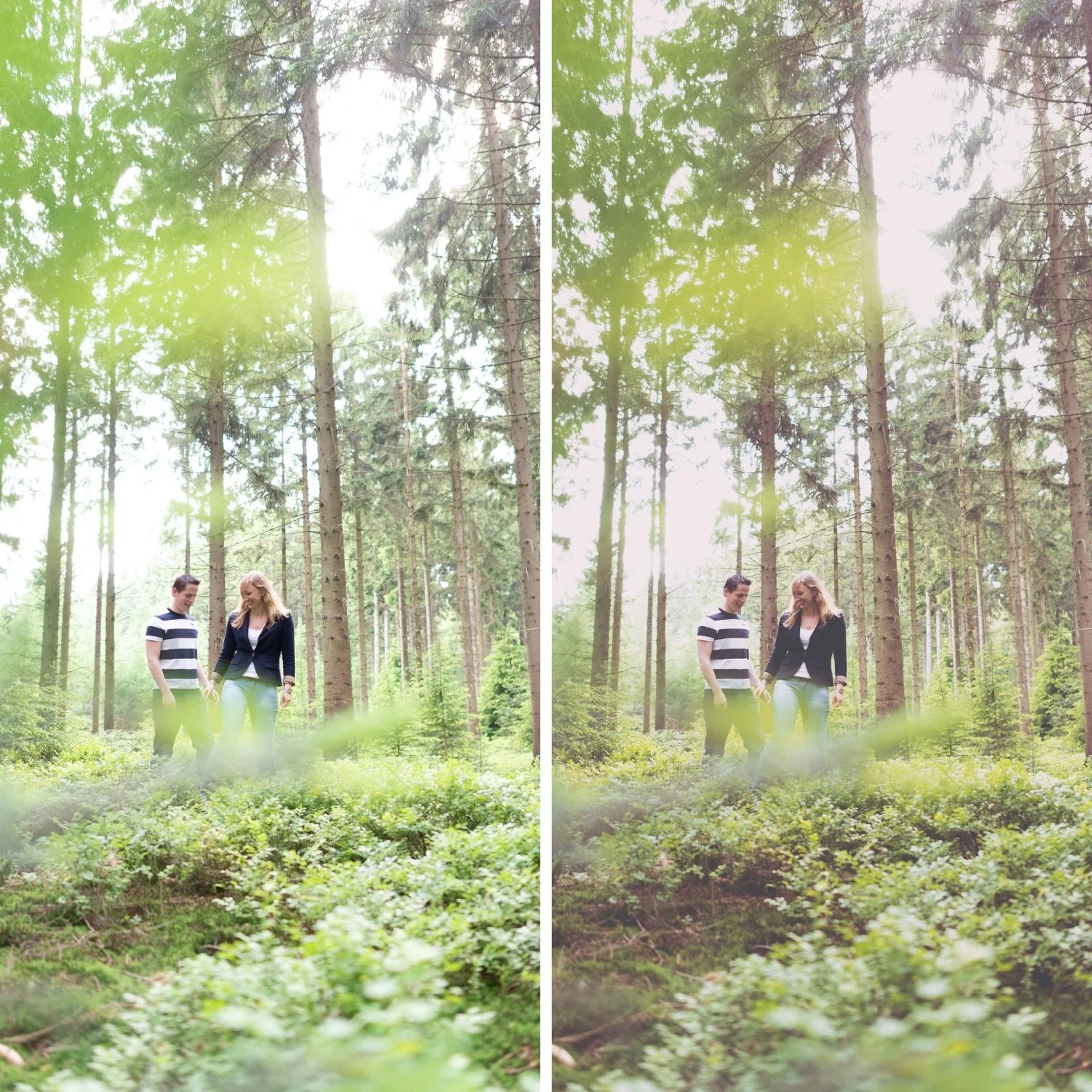
The contrast is editorial, not harsh. T3's stronger tonal separation creates the polished quality of professional fashion photography — dimensional and controlled rather than heavy-handed. The depth has quality rather than just darkness.
It gives the Tide Archive complete range. Clean and versatile (T1), refined and muted (T2), bold and dramatic (T3) — three distinct expressions of the same coastal editorial philosophy that together handle the full range of coastal editorial photography.
It produces the most immediately distinctive coastal editorial result. Of the three presets, T3 creates the strongest visual identity and the most immediately striking photographs in outdoor conditions with good light.
It pairs with T1 for comprehensive coverage. T1 for versatile everyday editorial, T3 for hero shots and maximum impact editorial content. The same archive handles both registers.
-
1 × T3 Deep Coastal DNG file — for Lightroom Mobile on iPhone and Android
1 × T3 Deep Coastal XMP file — for Lightroom Classic on Mac and Windows
Step-by-step installation guide for Mobile and Desktop
Lifetime access — download again anytime -
This preset captures the aesthetic of professional color-negative film like Kodak Gold or Portra 400 when shot in warm, direct sunlight. It is the professional answer for those who want their work to feel nostalgic and "lived-in." By emulating the characteristic warm highlight roll-off and the gentle "sepia-bias" of vintage film stocks known for their ability to turn ordinary light into a poetic memory T3 ensures your photos possess an unmistakable, timeless warmth. It transforms digital files into frames that look like they were pulled from a curated family archive from the 1970s.
-
Step 1 — Exposure check before applying. T3's stronger contrast amplifies both qualities and problems. Ensure correct exposure and check that highlights are not clipping before applying.
Step 2 — Apply T3 Deep Coastal. Open any photo in Lightroom. Apply T3 Deep Coastal. The bold coastal contrast and deeper shadows apply simultaneously.
Step 3 — Fine-tune. For portrait photography: reduce to 78-80% and add a Radial Gradient on the face with Highlights -10 and Shadows +8.
On phone photos: 78-80% strength.
-
What is the difference between T3 and T1? T1 is the clean, balanced, versatile foundation — warm but controlled. T3 has deeper shadows and stronger contrast — the most dramatic and bold expression of the Tide Archive. T1 for everyday editorial versatility, T3 for maximum coastal fashion impact in controlled conditions.
Does T3 work in the free version of Lightroom Mobile? Yes. Preset installation and use is completely free in Lightroom Mobile.
GET ALL 3 TIDE ARCHIVE PRESETS
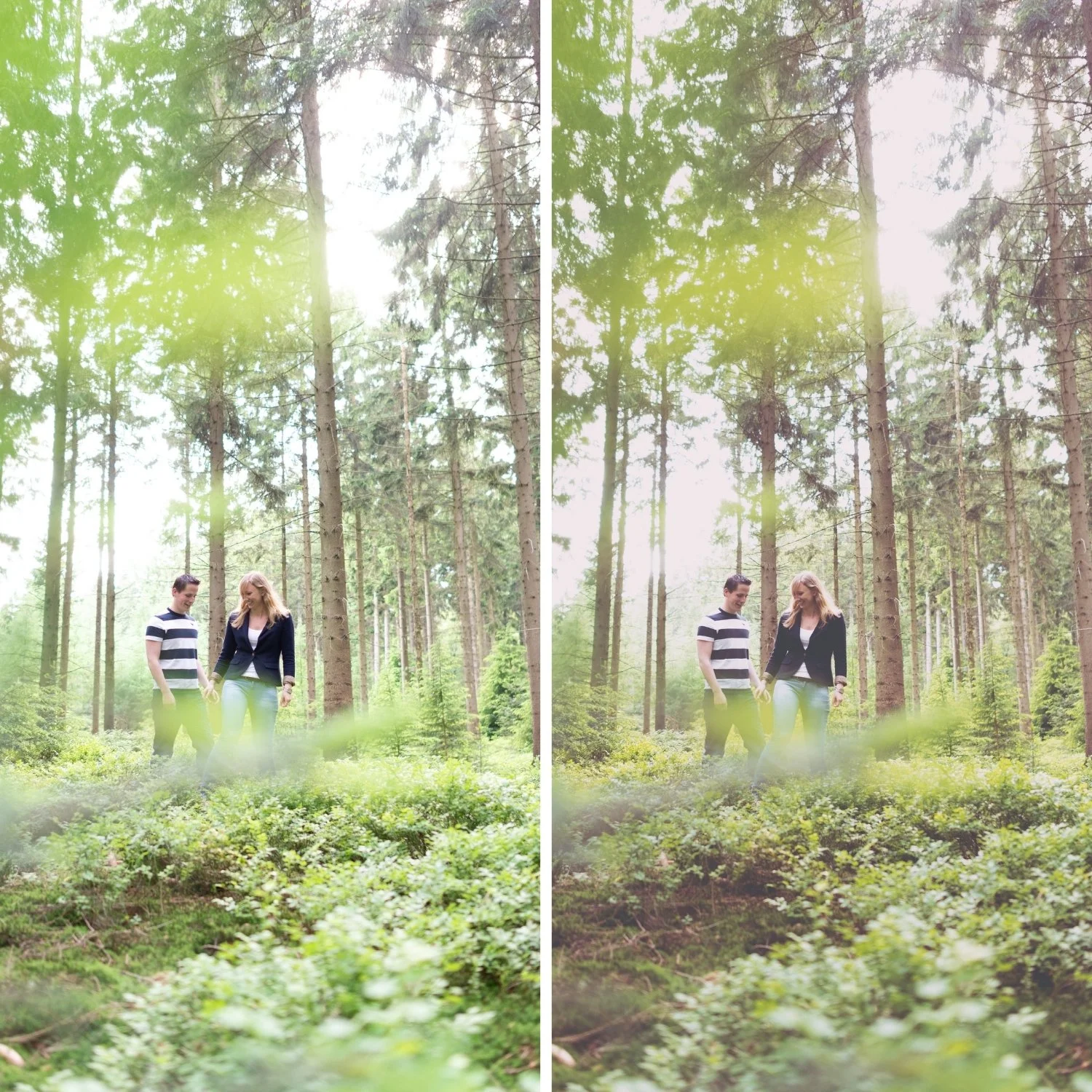
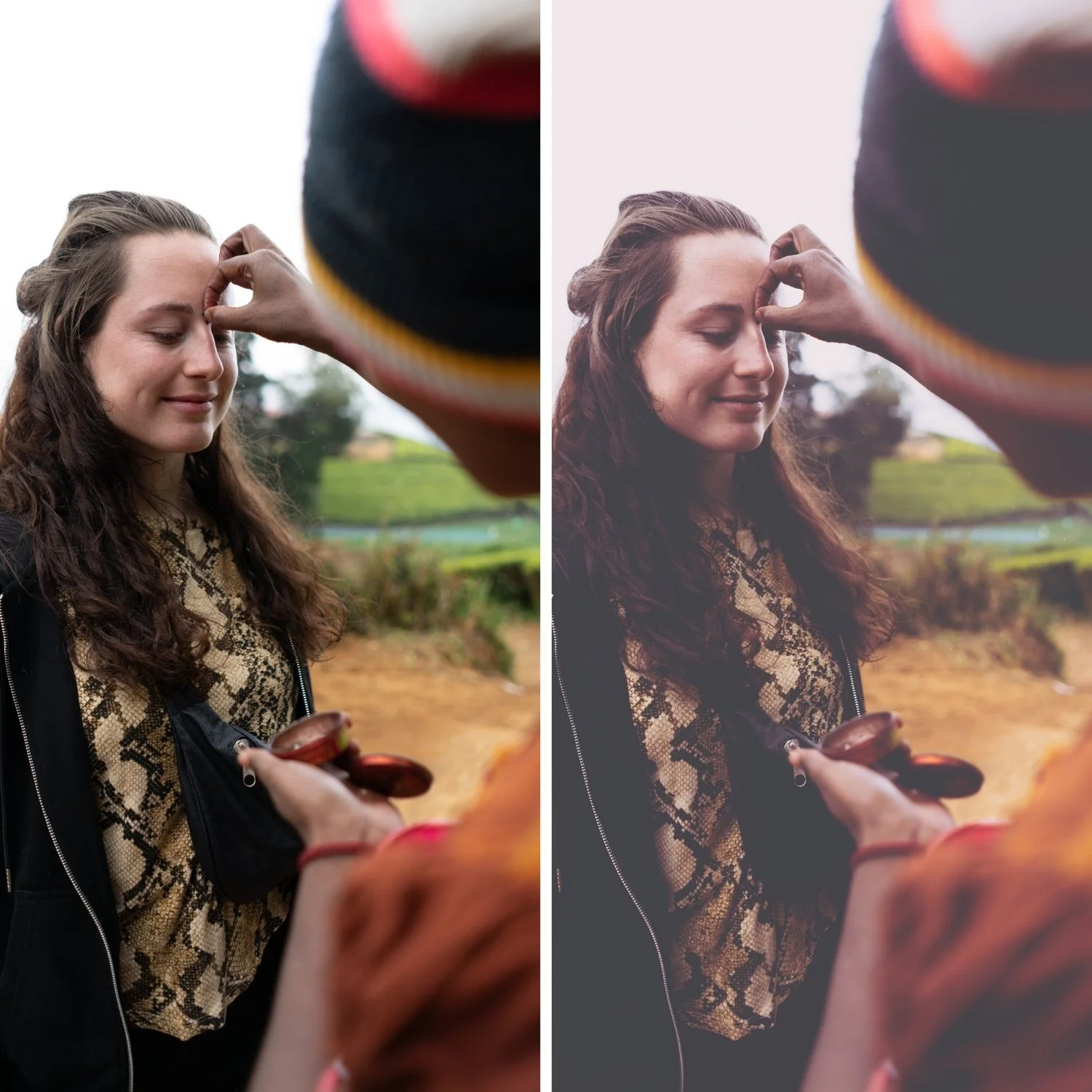
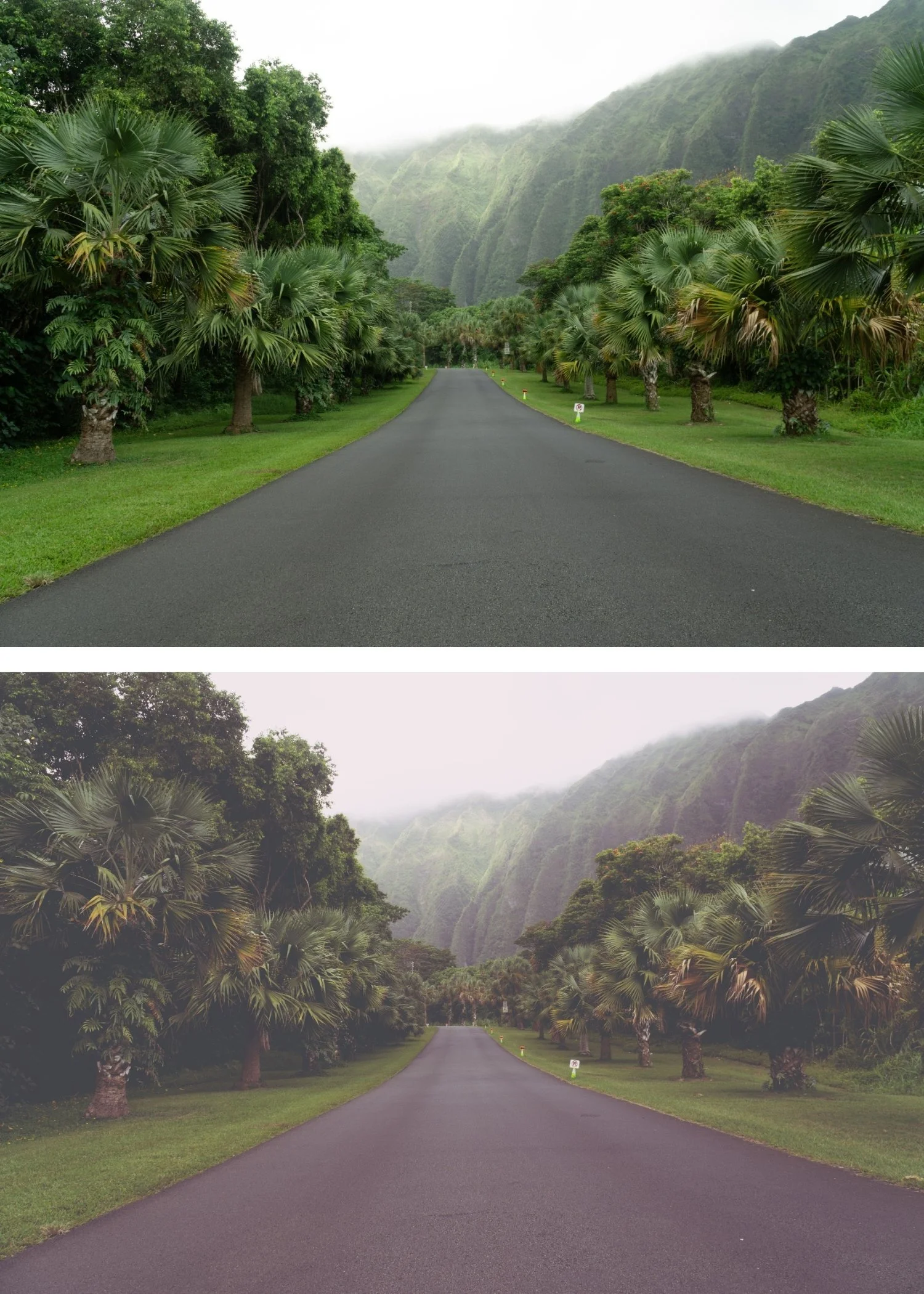
The full Tide Archive gives you three calibrated coastal editorial looks — Clean Coastal for balanced versatile use, Cool Editorial for refined fashion territory, and Deep Coastal for maximum editorial impact.
Three presets. One coastal philosophy. $6.66 per preset.


THE STUDIO ARCHIVE
Want everything? The Studio Archive contains 130+ presets — every collection we make, including the complete Tide Archive — for $89 total. That is $0.68 per preset with every future release included for life.