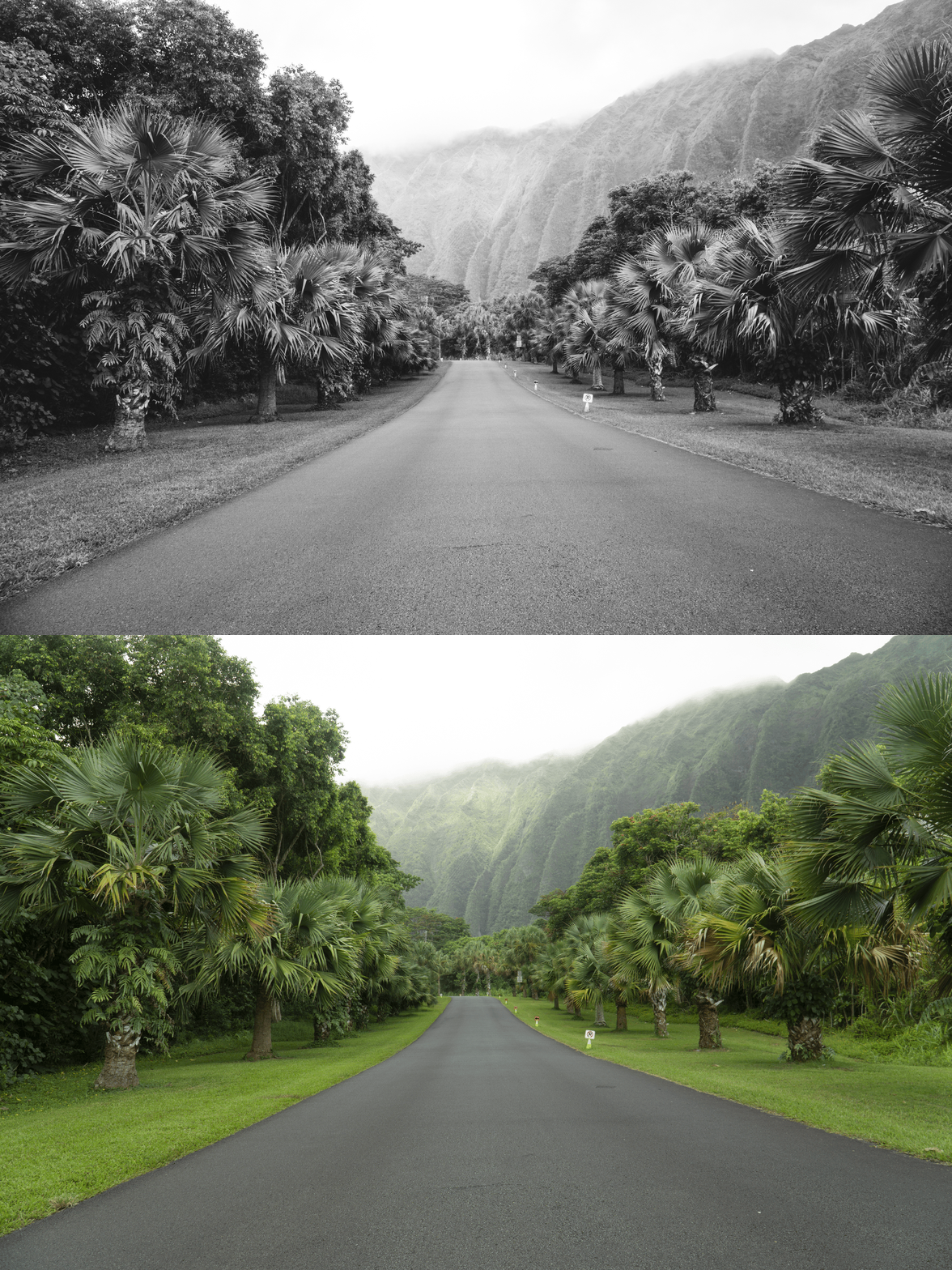
 Image 1 of 1
VSCO M5 Preset | Vintage Warm Photo Filter for Lightroom Desktop & Mobile


-
Cinematic Warmth: Specifically engineered to bring a rich, golden-hour feel to your photos, even in flat lighting.
Mood & Texture: Perfectly balances deep shadows with a refined film grain, removing the digital edge for a true analog feel.
Professional Skin Tones: Optimized to keep skin tones looking natural and healthy while maintaining a moody environment.
Universal Compatibility: Works seamlessly on iOS, Android, and Desktop.
-
1x VSCO M5 Preset for Lightroom MOBILE (DNG file).
1x VSCO M5 Preset for Lightroom DESKTOP (XMP file).
Easy Step-by-Step Installation Guide.
-
Step 1: Get Started Download your VSCO M5 and install the preset into the Adobe Lightroom app on your phone or computer.
Step 2: Set the Scene Import your images—this preset is the perfect match for golden hour portraits, cozy interiors, travel photography, or vintage-inspired lifestyle shots.
Step 3: The Transformation Apply the M5 preset with just one tap for an instant warm, moody character and professional depth.
Step 4: Make it Yours Use the Exposure slider to control the "underexposed" intensity and adjust Temp to find your perfect level of warmth.
Step 5: Share your Glow Watch your photos transform with a sophisticated, cinematic vibe. Don't forget to tag @theeditingstudio so we can feature your work!