 Image 1 of 1
F-Series Fine Art Archive | 3 Essential Mellow & Fade Presets for Lightroom & Mobile

-
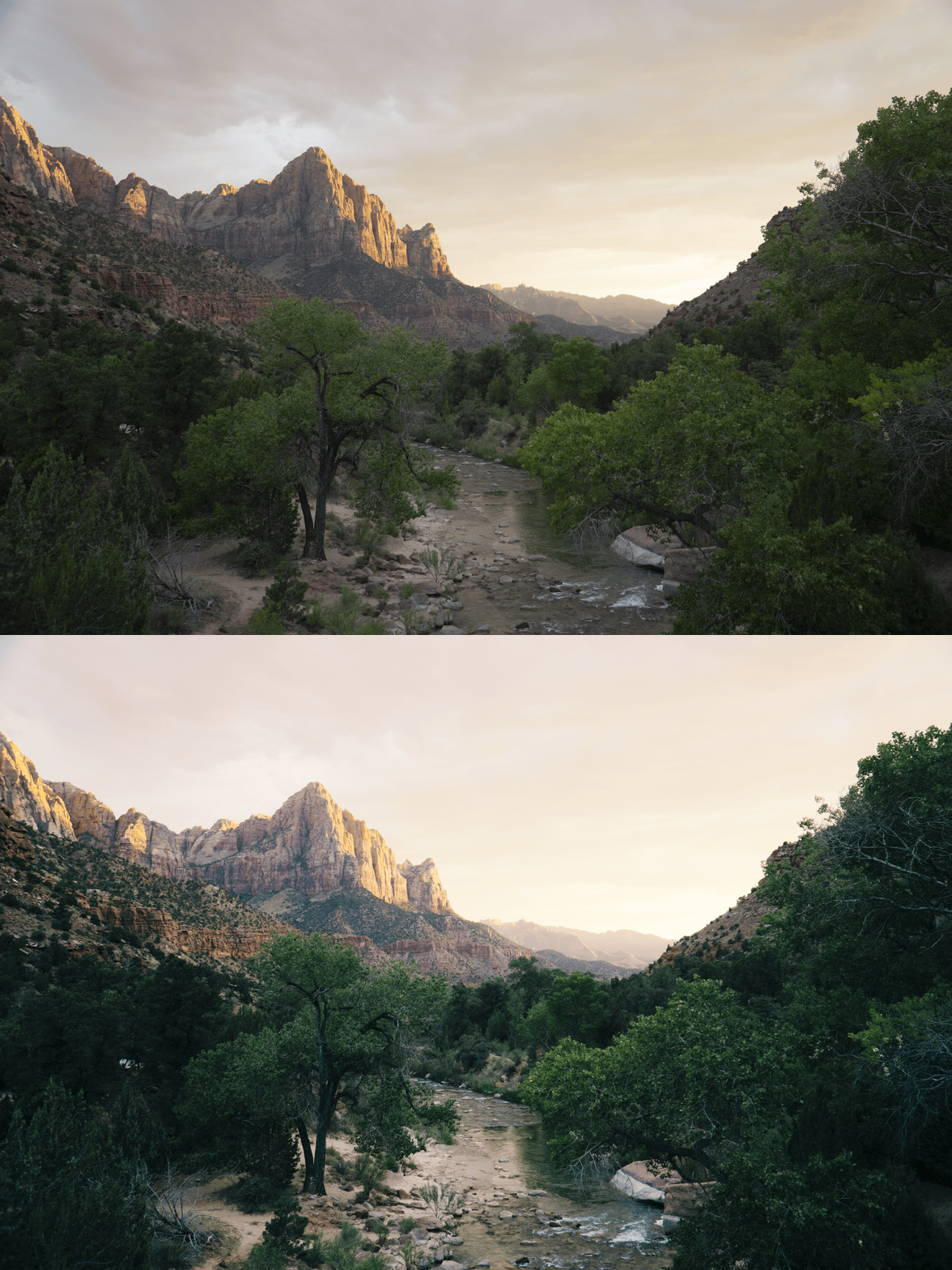
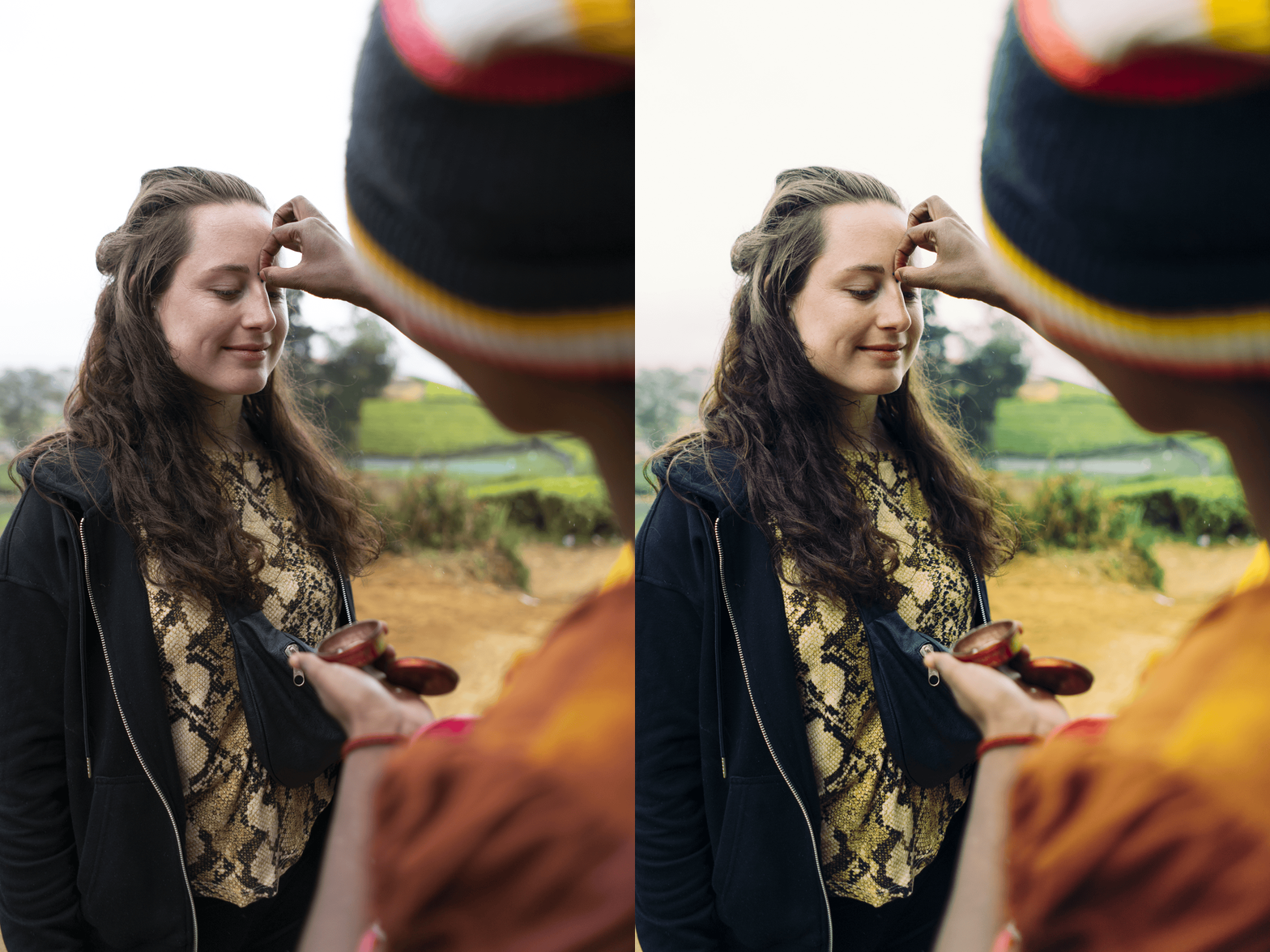
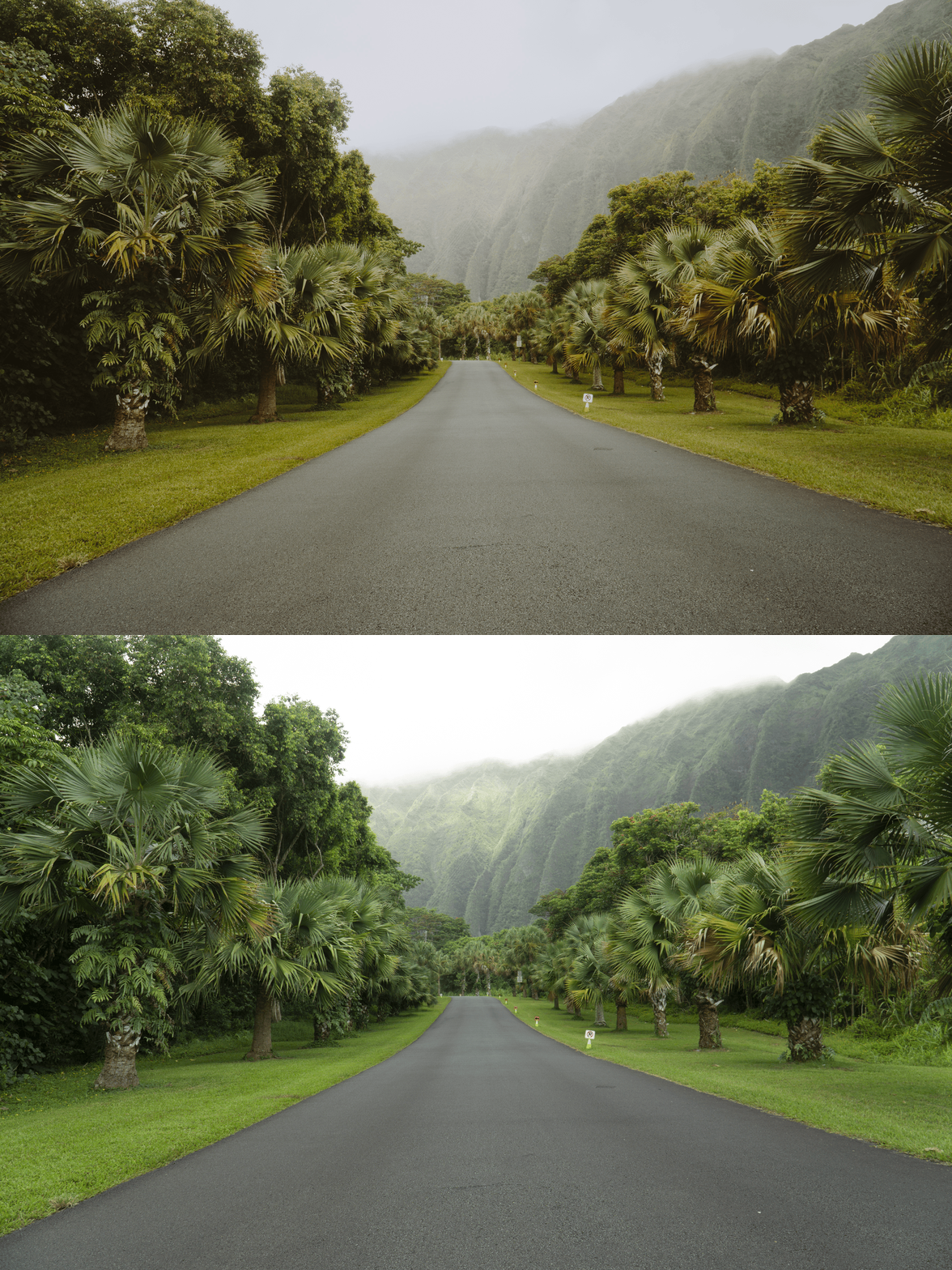
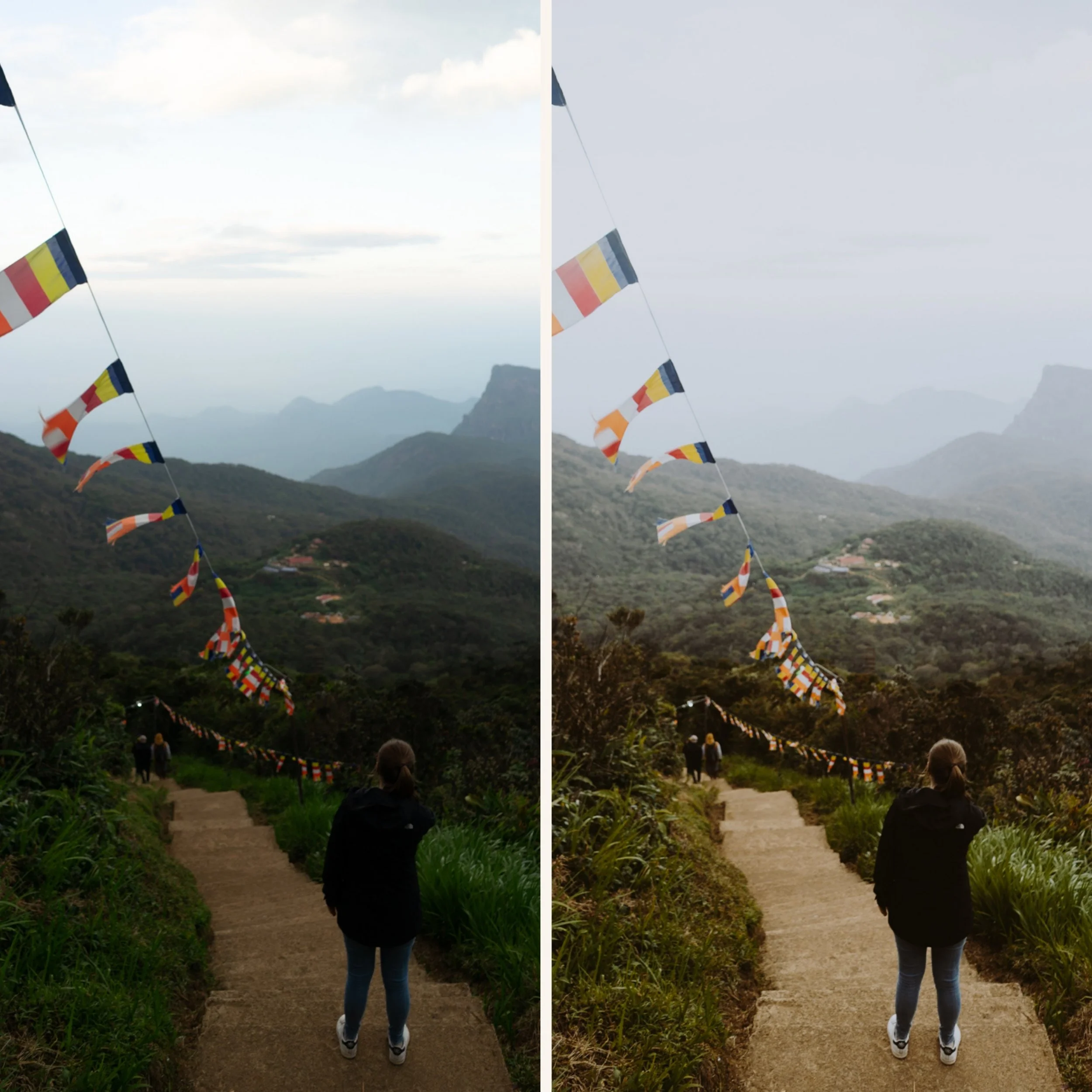
The Cinematic Fade Instantly remove that "straight-from-your-phone" look. The F-Series applies a professional matte finish to your shadows, giving your photos the depth and soul of an independent film still.
Muted & Meaningful Colors Tired of oversaturated, neon-looking photos? This pack desaturates harsh colors and balances tones, creating a calm, cohesive aesthetic that lets the subject and texture of your photo speak for itself.
Master of Low-Light The F-Series is a secret weapon for photos taken in low light, indoors, or on moody overcast days. It embraces the shadows rather than fighting them, turning "bad lighting" into an intentional, artistic choice.
The Ultimate Minimalist Feed Because of its consistent "Fade" profile, this pack is the easiest way to create a uniform Instagram grid. It ties different locations and subjects together through a shared moody atmosphere.
-
3x F-Series Presets (F1–F3) for Lightroom MOBILE (DNG files).
3x F-Series Presets (F1–F3) for Lightroom DESKTOP (XMP files).
Easy Step-by-Step Installation Guide for professional results on any device.
-
This preset captures the understated, cinematic aesthetic of the legendary Mellow & Fade style. It’s the perfect professional alternative for those wanting a look that feels "low-contrast" and effortlessly moody. By emulating the look of underexposed film and matted shadows, the F-Series ensures your digital shots have a desaturated, timeless excellence. It transforms everyday scenes into a muted, atmospheric story, focusing on texture and "faded" blacks rather than vibrant colors—reminiscent of independent cinema and minimalist editorial photography.
-
Step 1: Get Started Download your F-Series Fine Art Archive and install the 3-preset collection into the Adobe Lightroom app on your phone or computer.
Step 2: Set the Scene Import your favorite shots. The F-Series works exceptionally well on images with deep shadows, architectural textures, and neutral color palettes.
Step 3: The Transformation Explore the 3 variations to find the right level of "fade" for your photo. Watch as the colors become muted and the contrast softens with a single tap.
Step 4: Make it Yours The F-Series is all about the "mood." If the photo feels too dark, use the Shadows slider to lift the blacks even further, or decrease the Saturation for an even more desaturated, cinematic feel.
Step 5: Share your Story Watch your photos transform with a soulful, film-like character. Don't forget to tag @theeditingstudio so we can feature your moody, aesthetic work!