Sale Price:
$27.00
Original Price:
$39.95
Four golden hour expressions. One golden hour philosophy. $6.75 per preset.
Most photographers pay $10 per preset. The Golden Hour Archive gives you four — for $6.75 each.
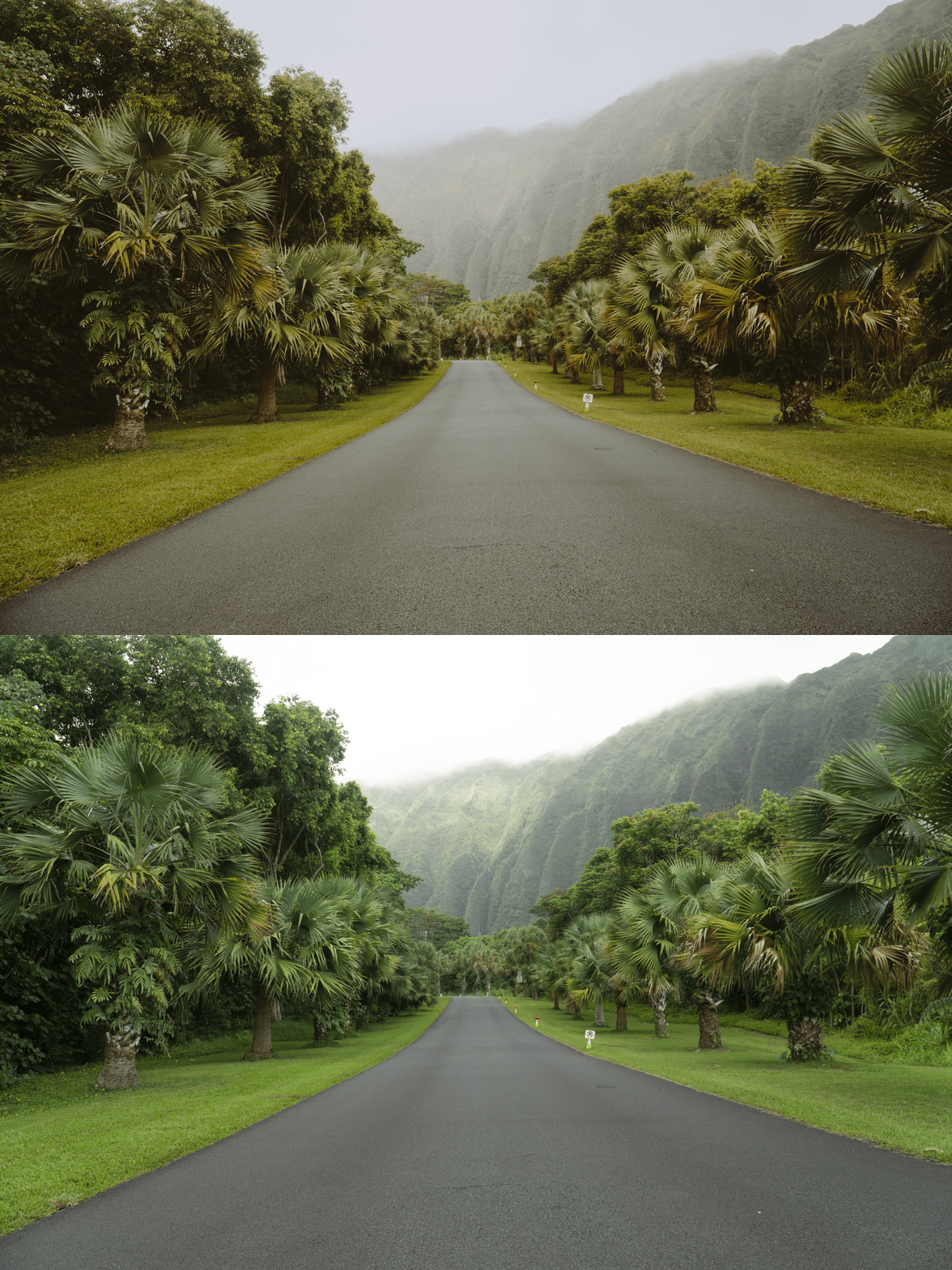
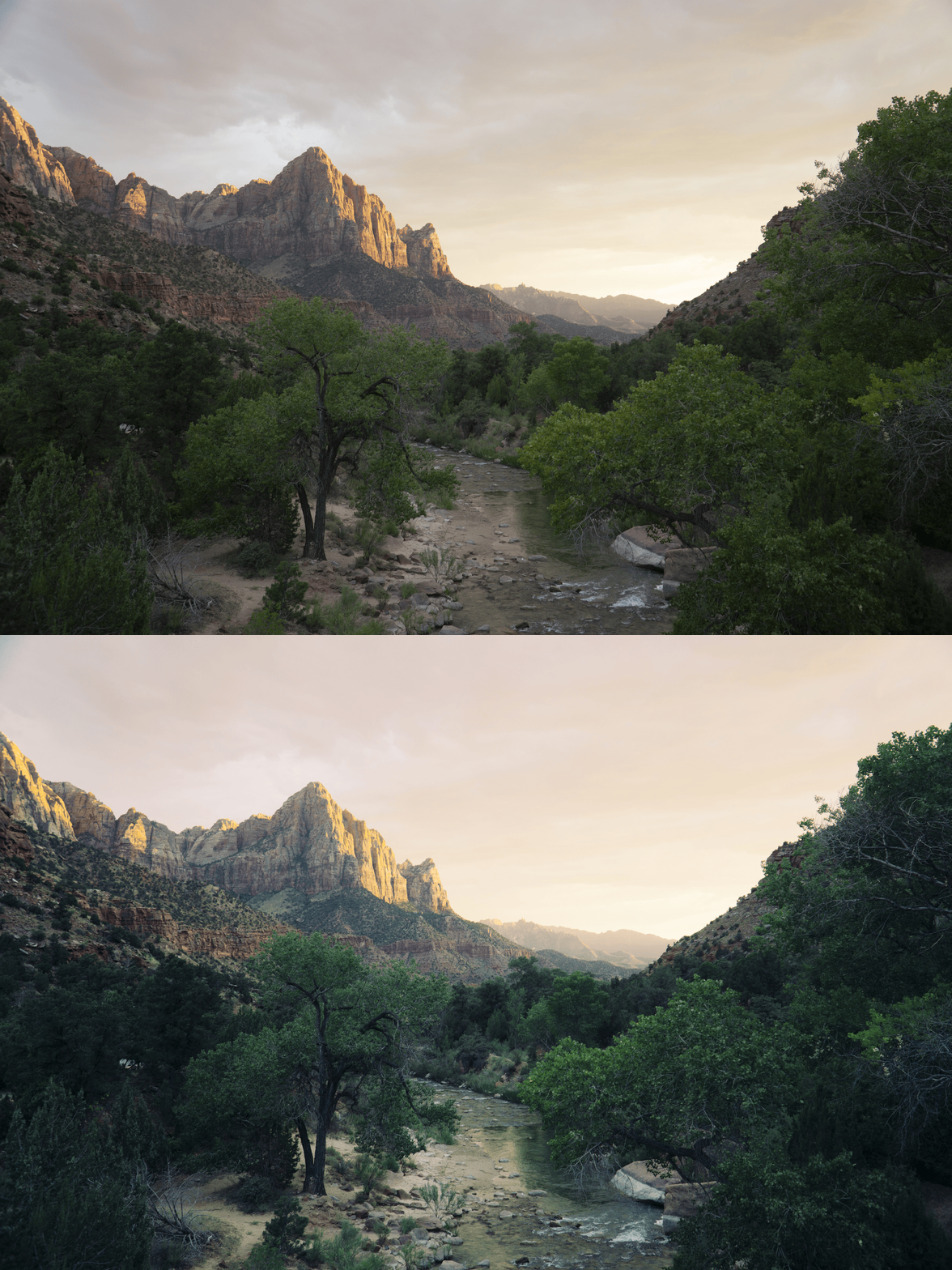
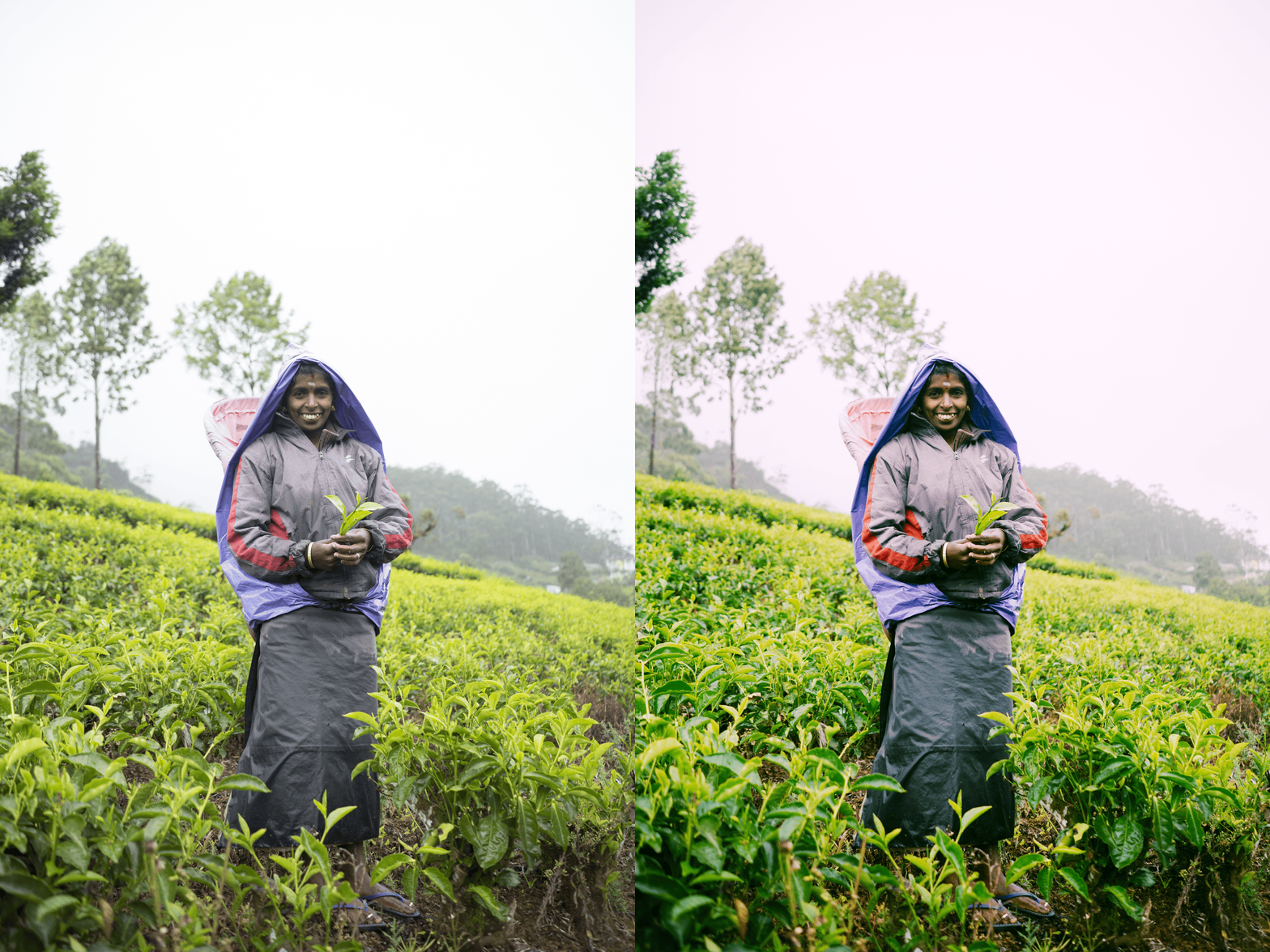
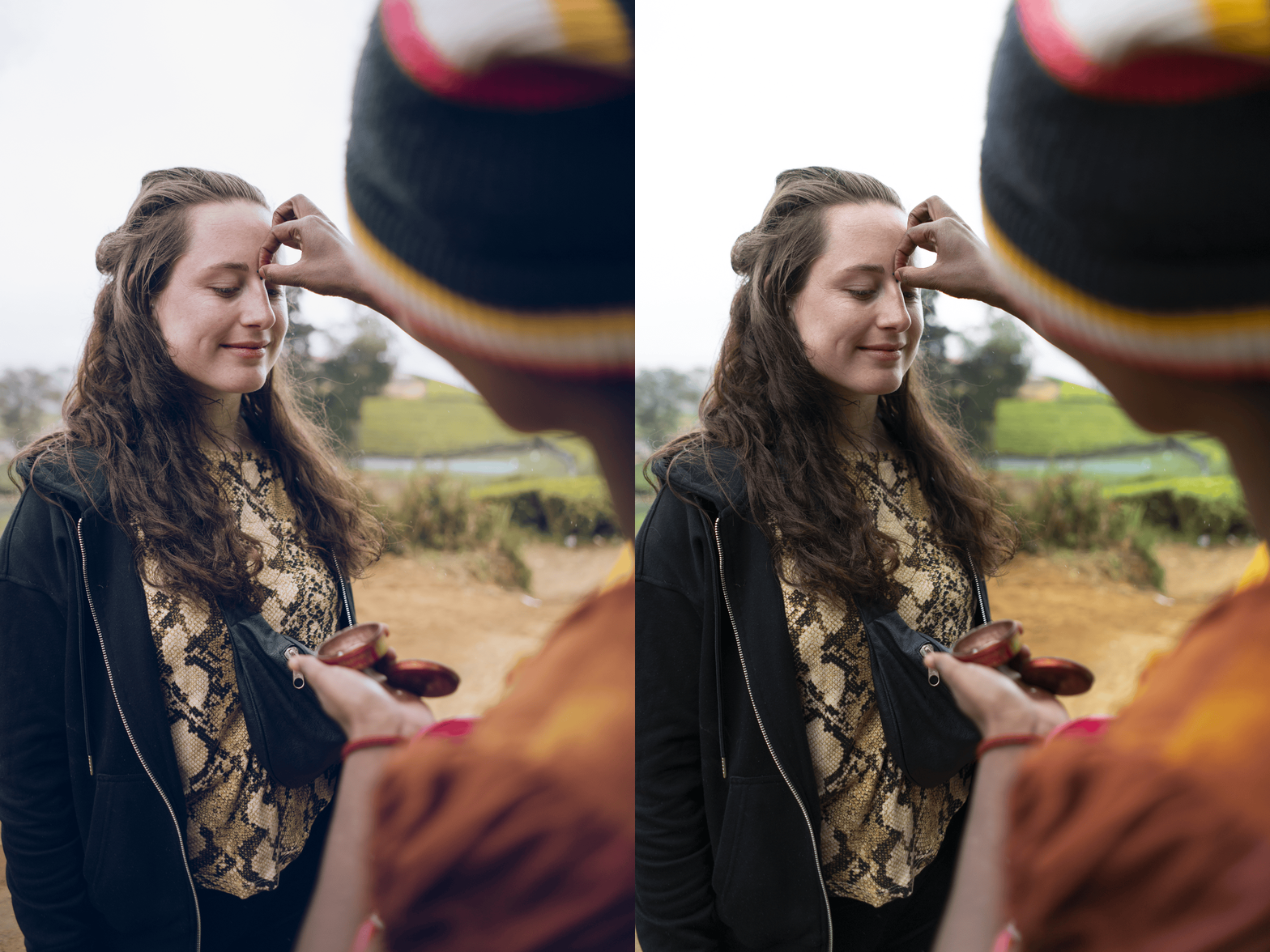
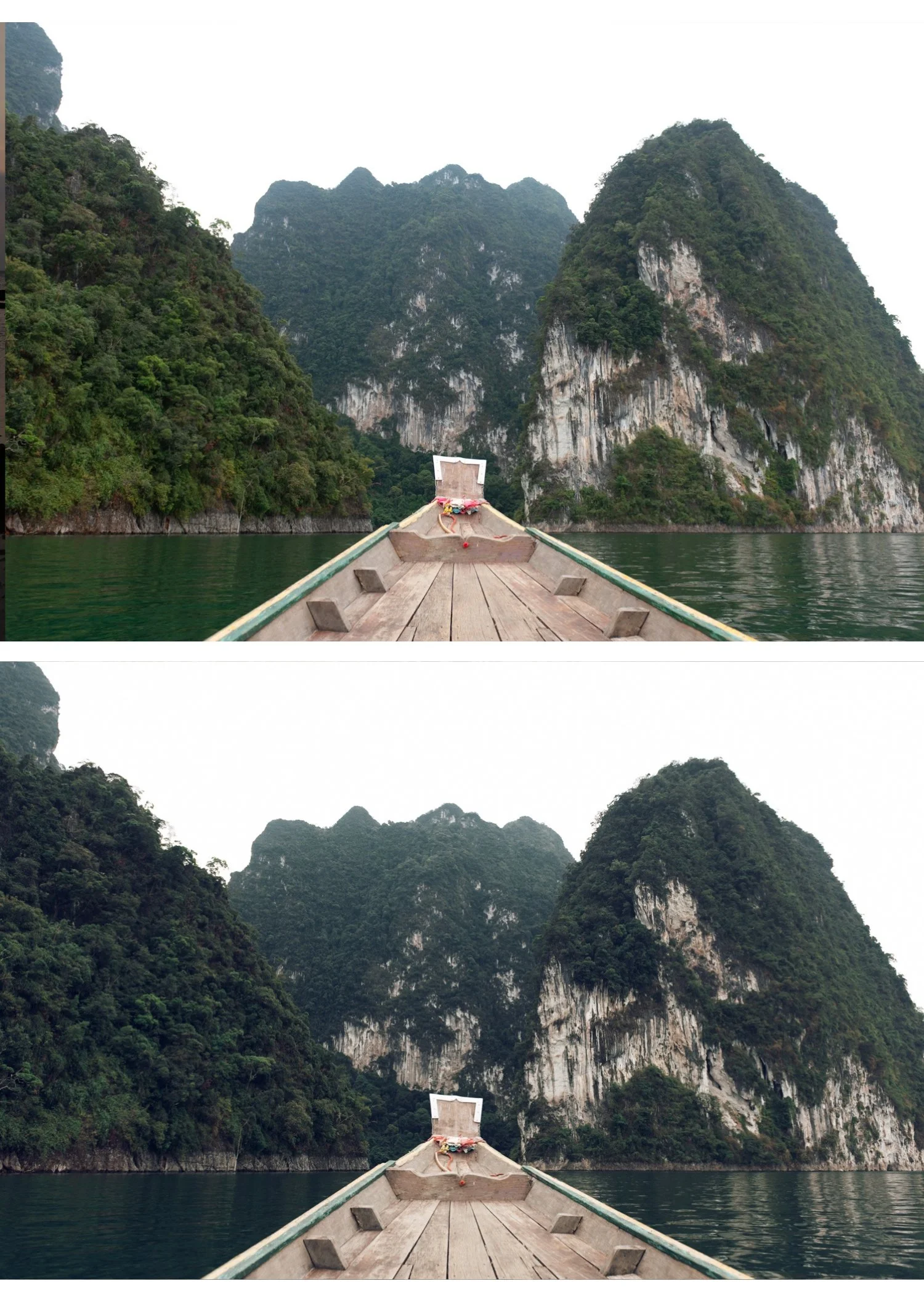
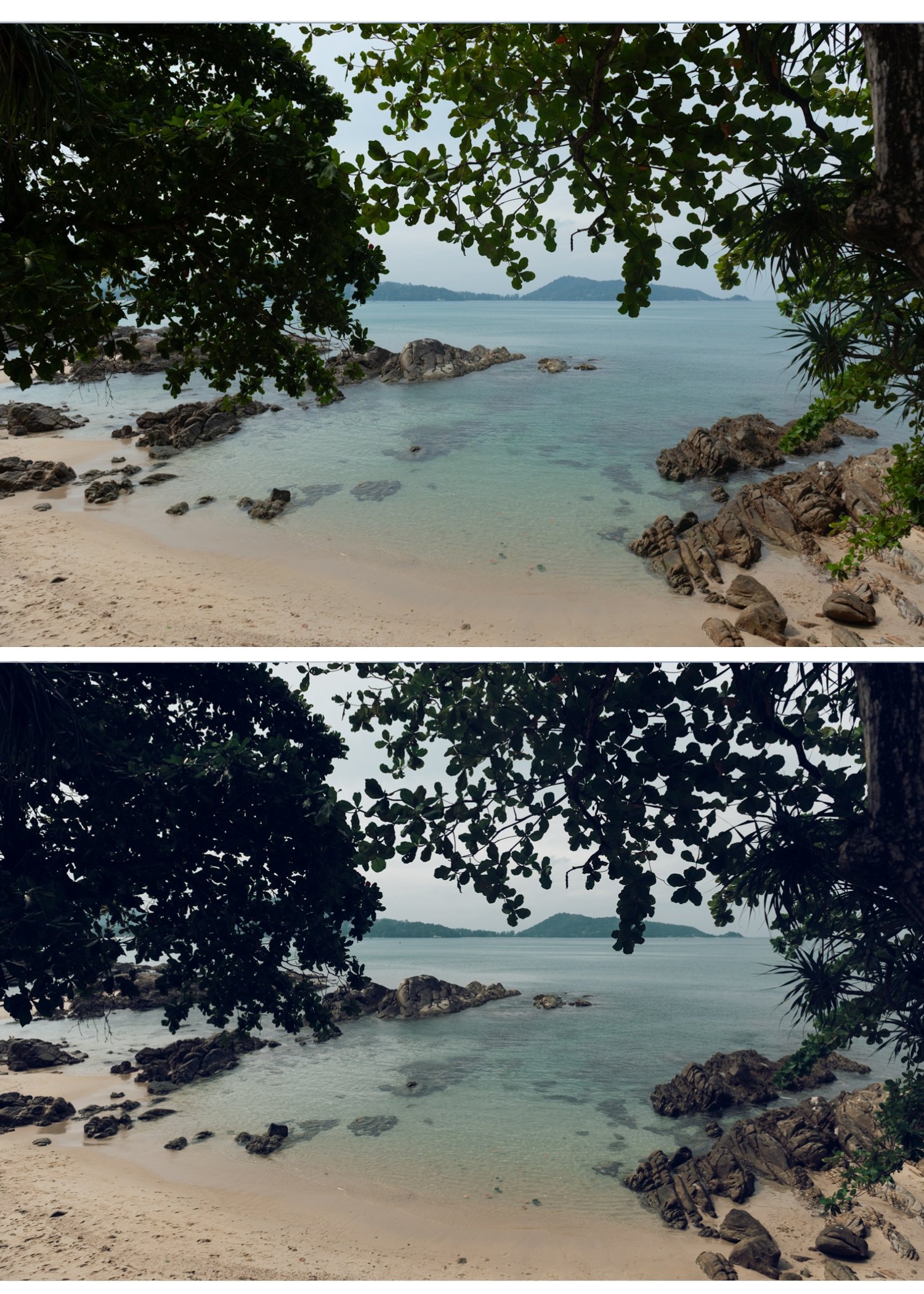
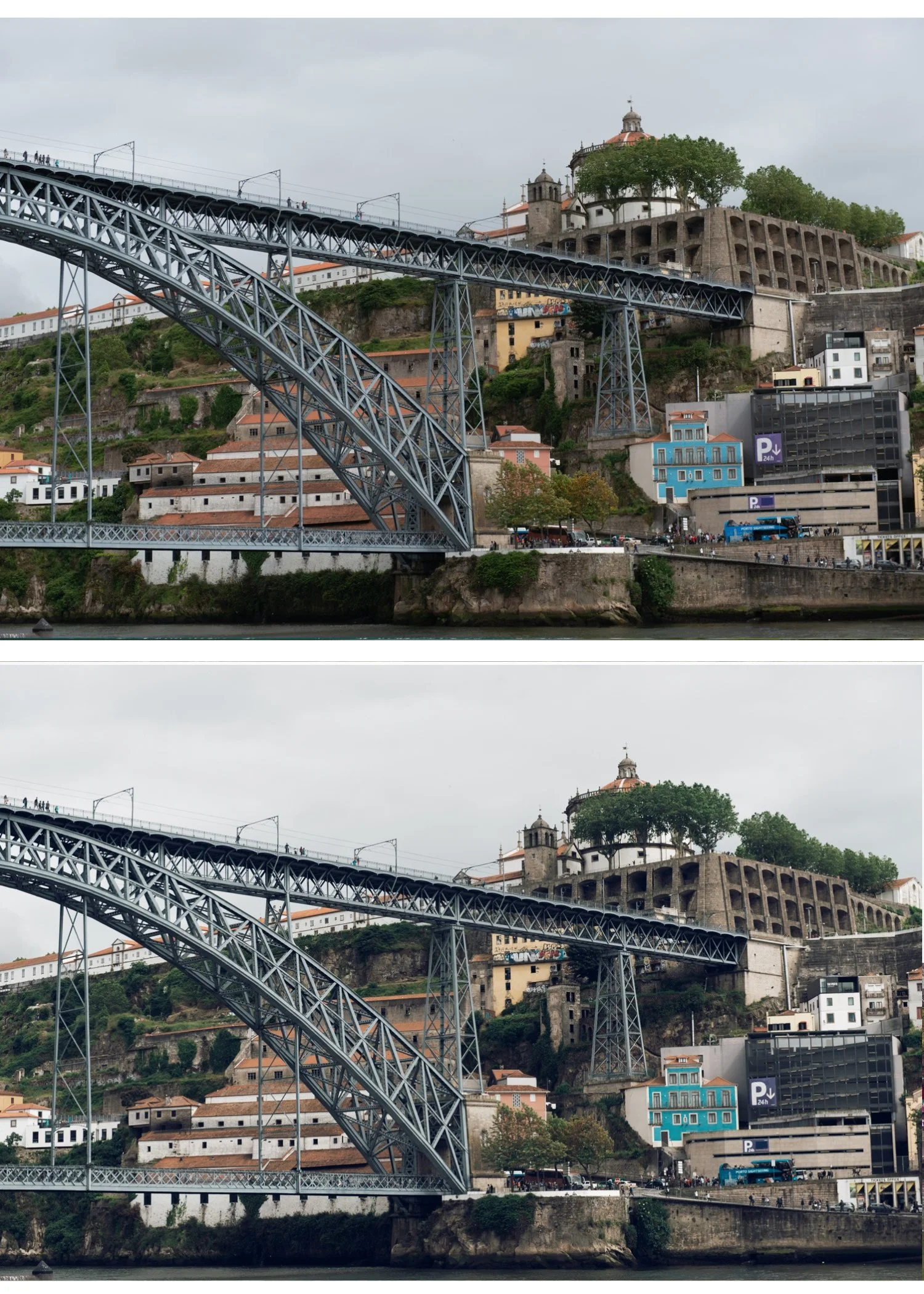
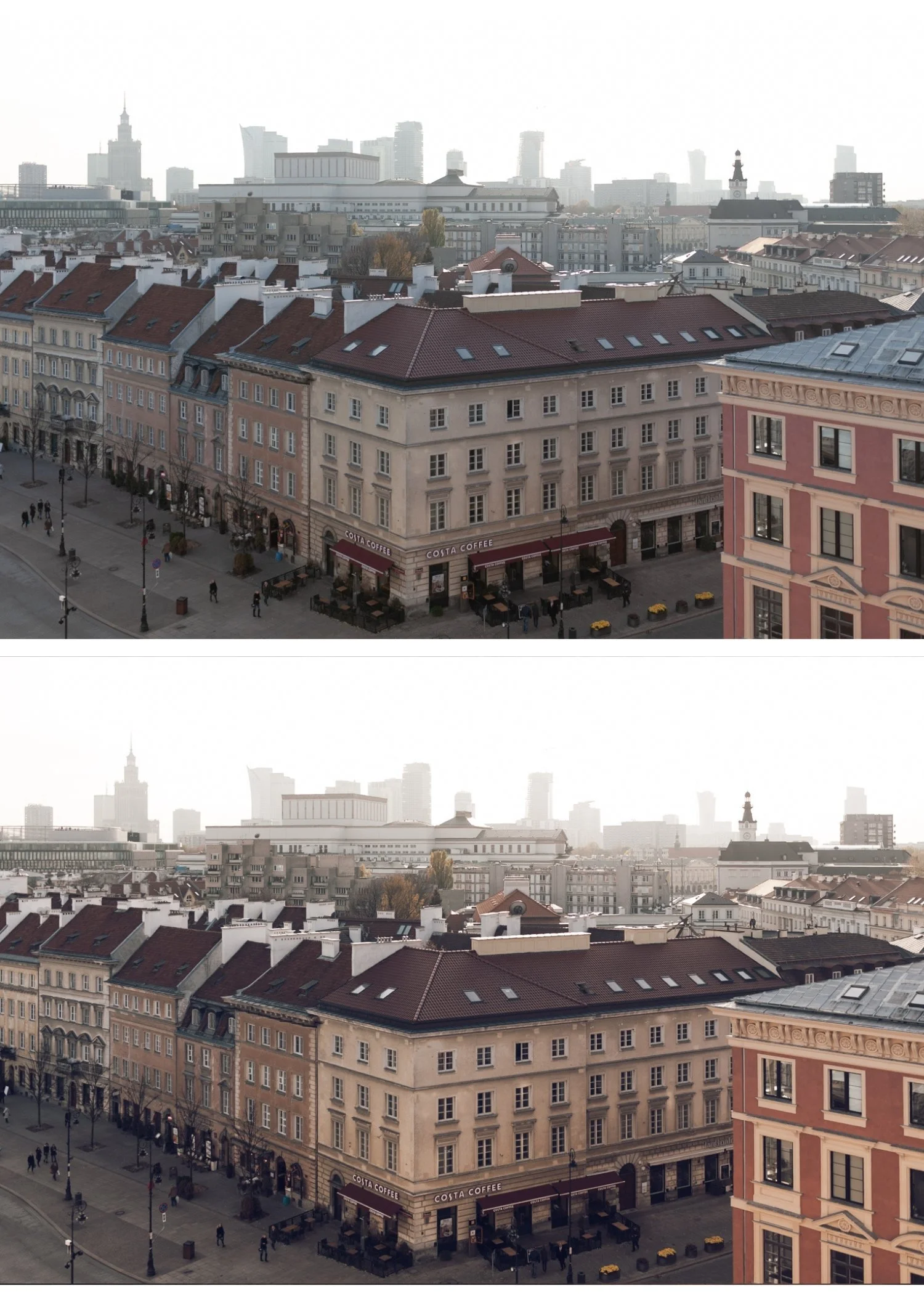
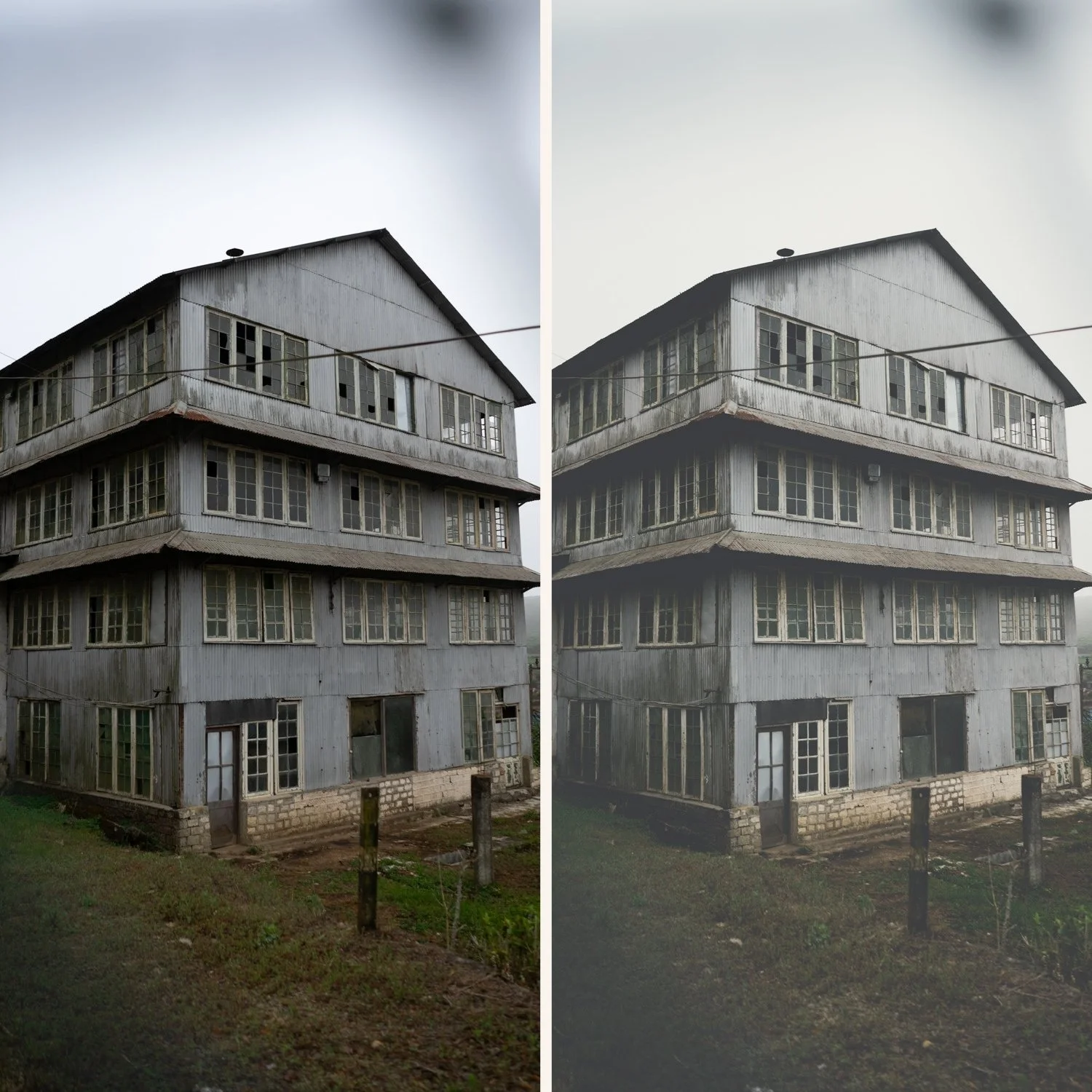
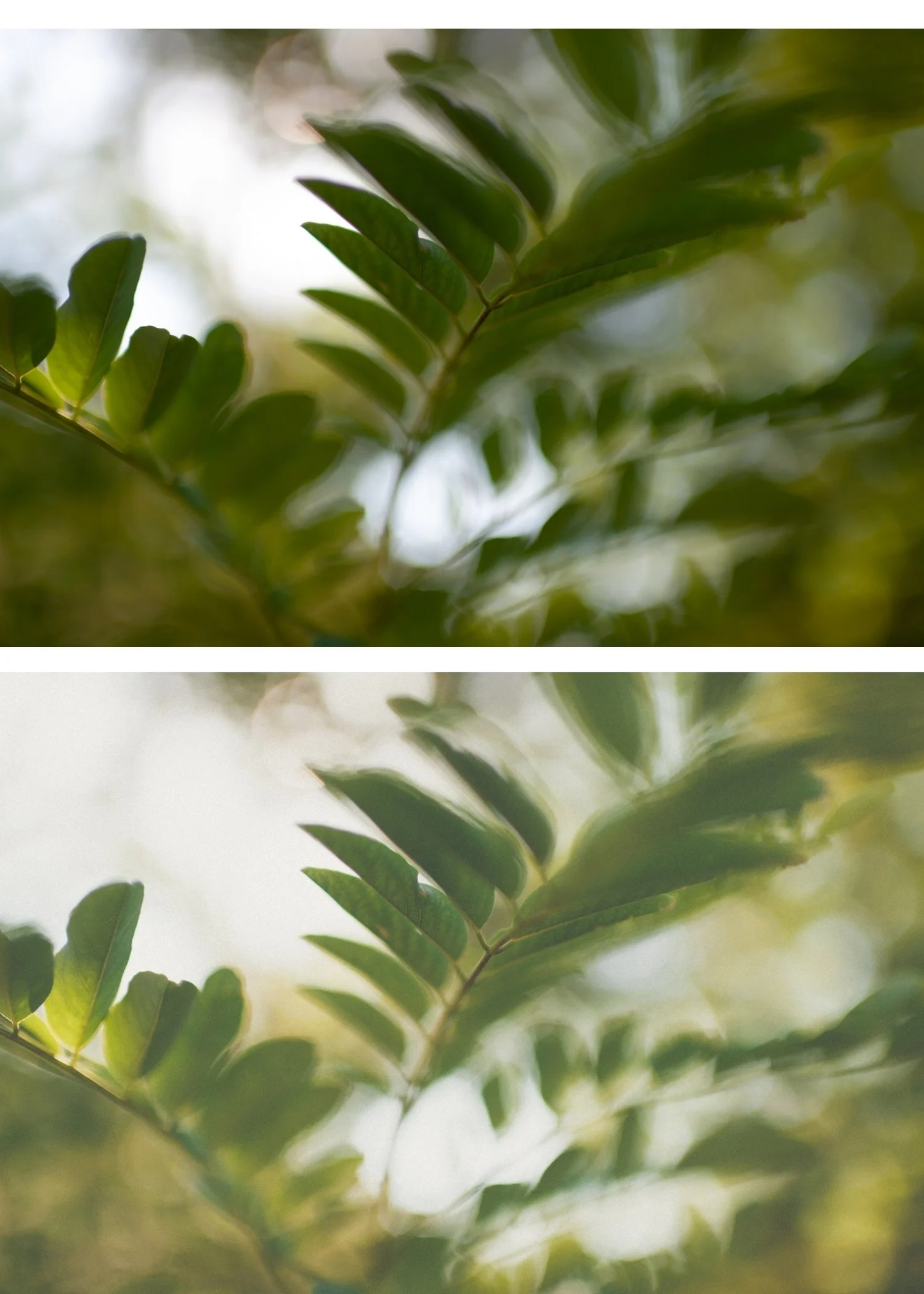
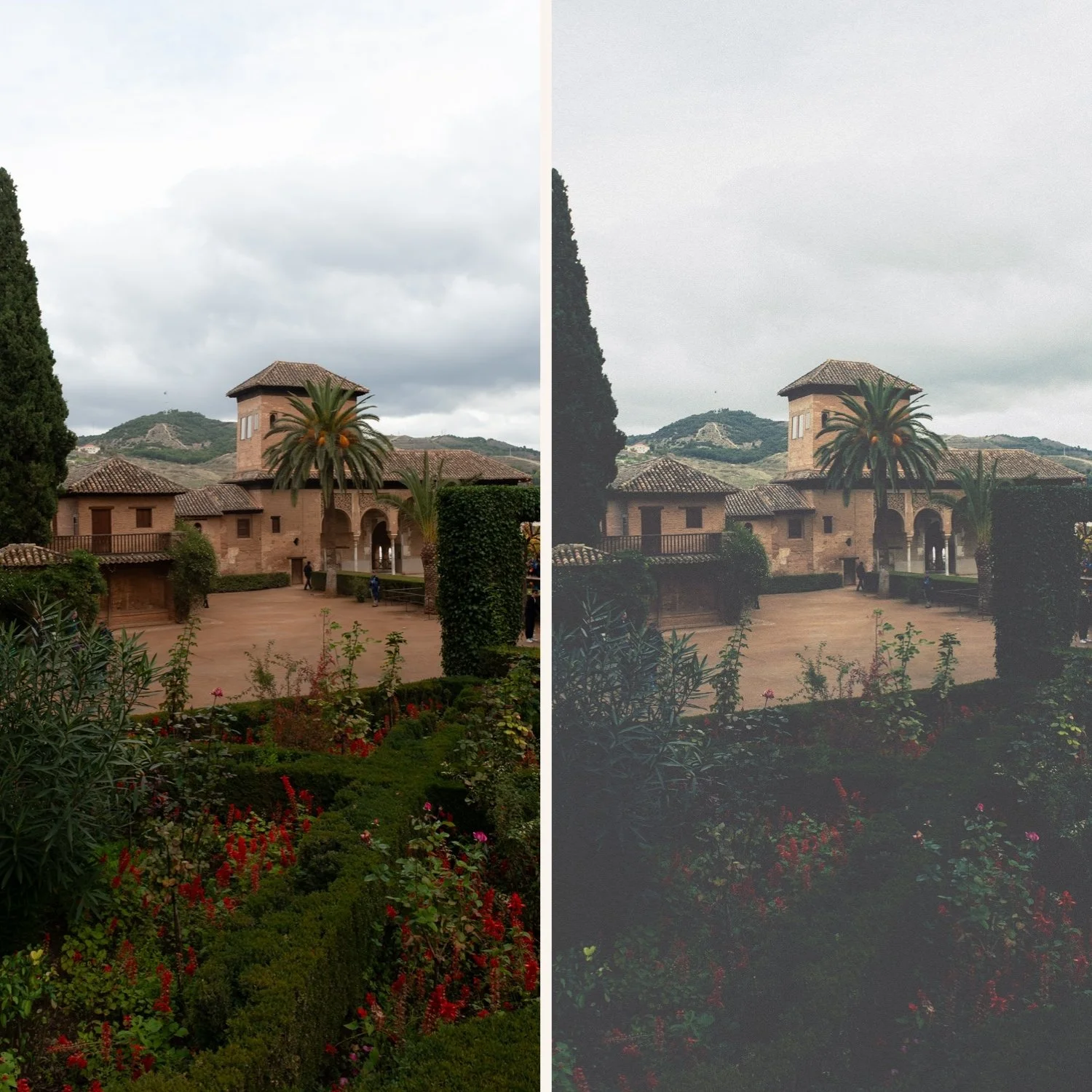
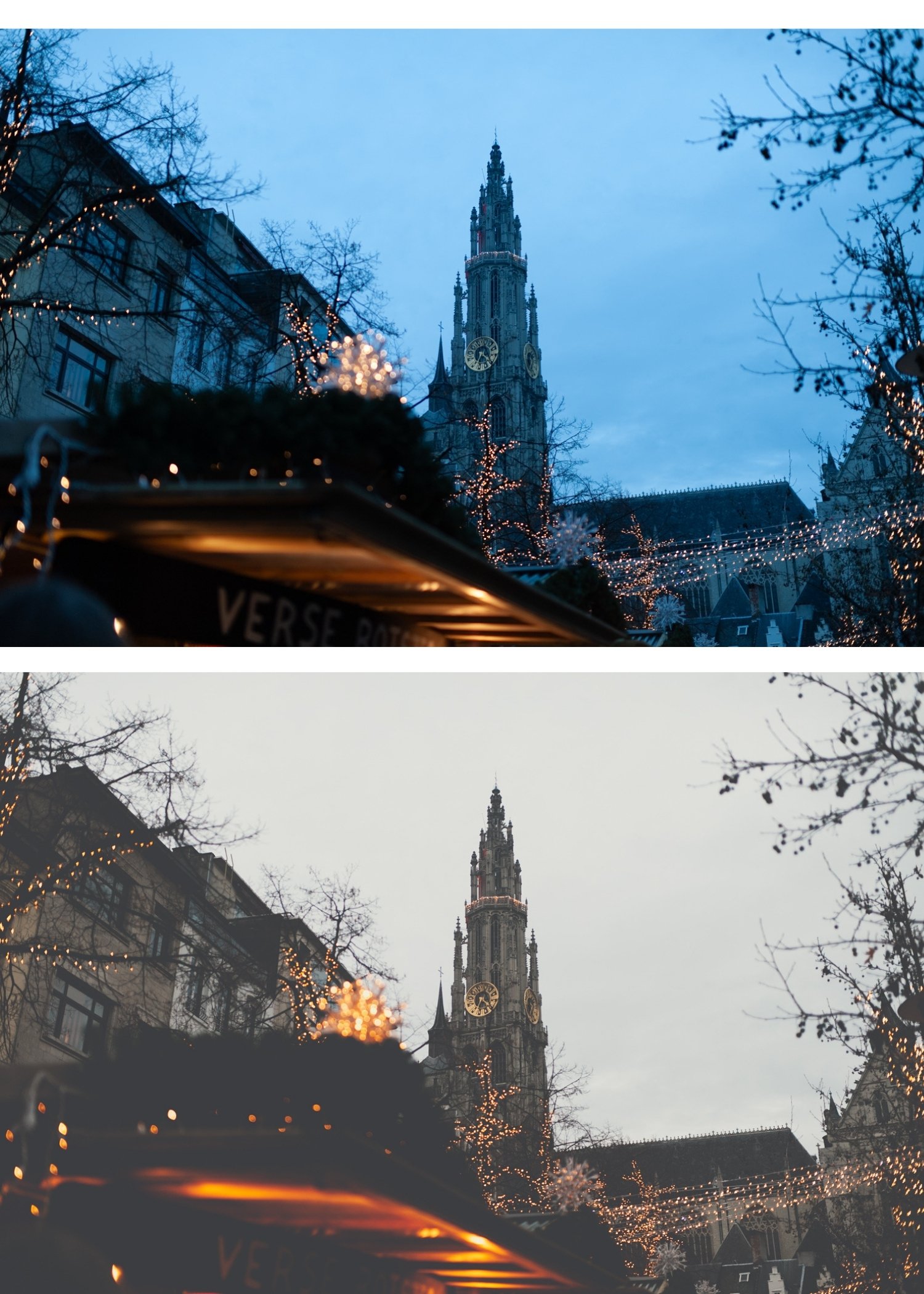
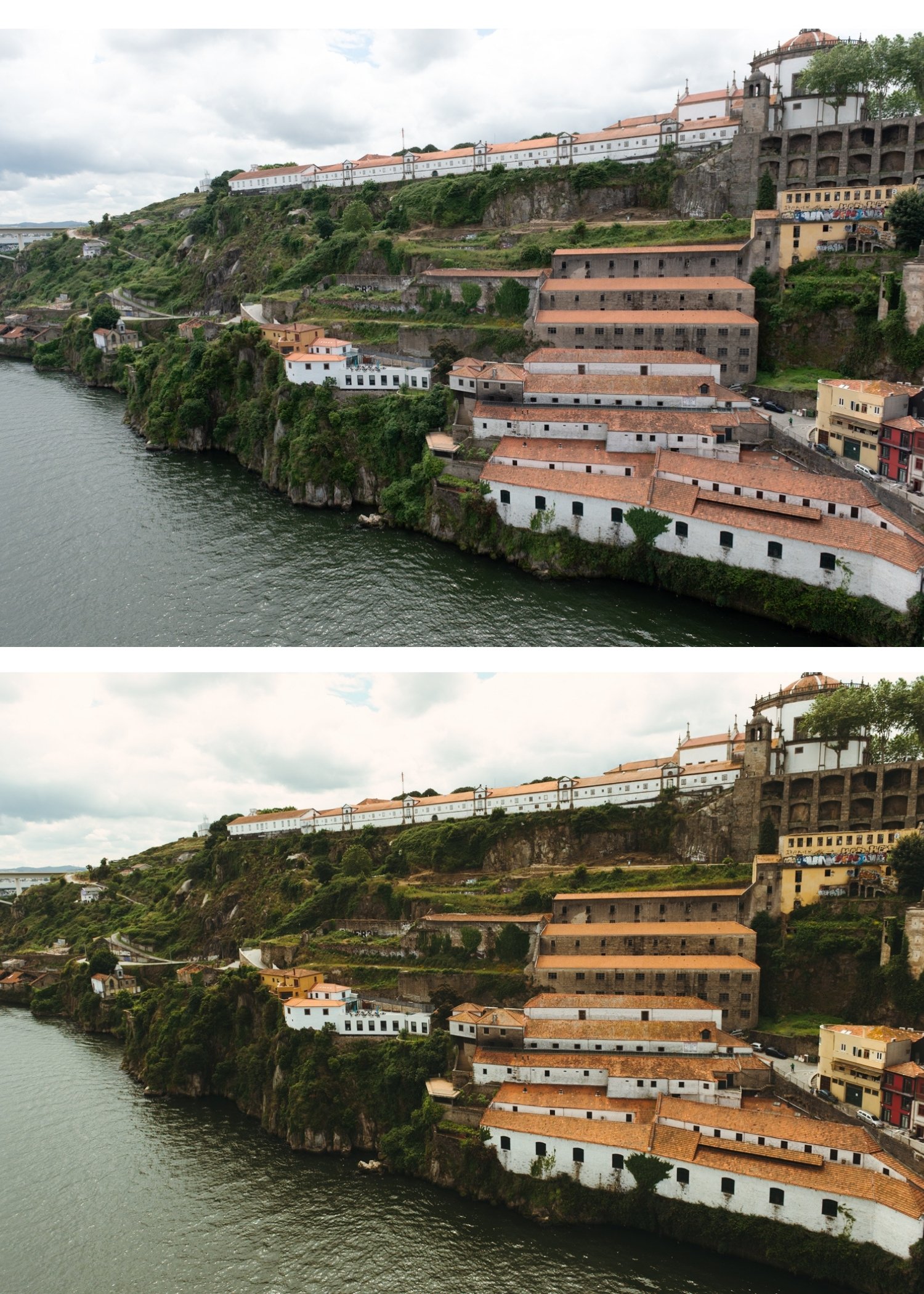
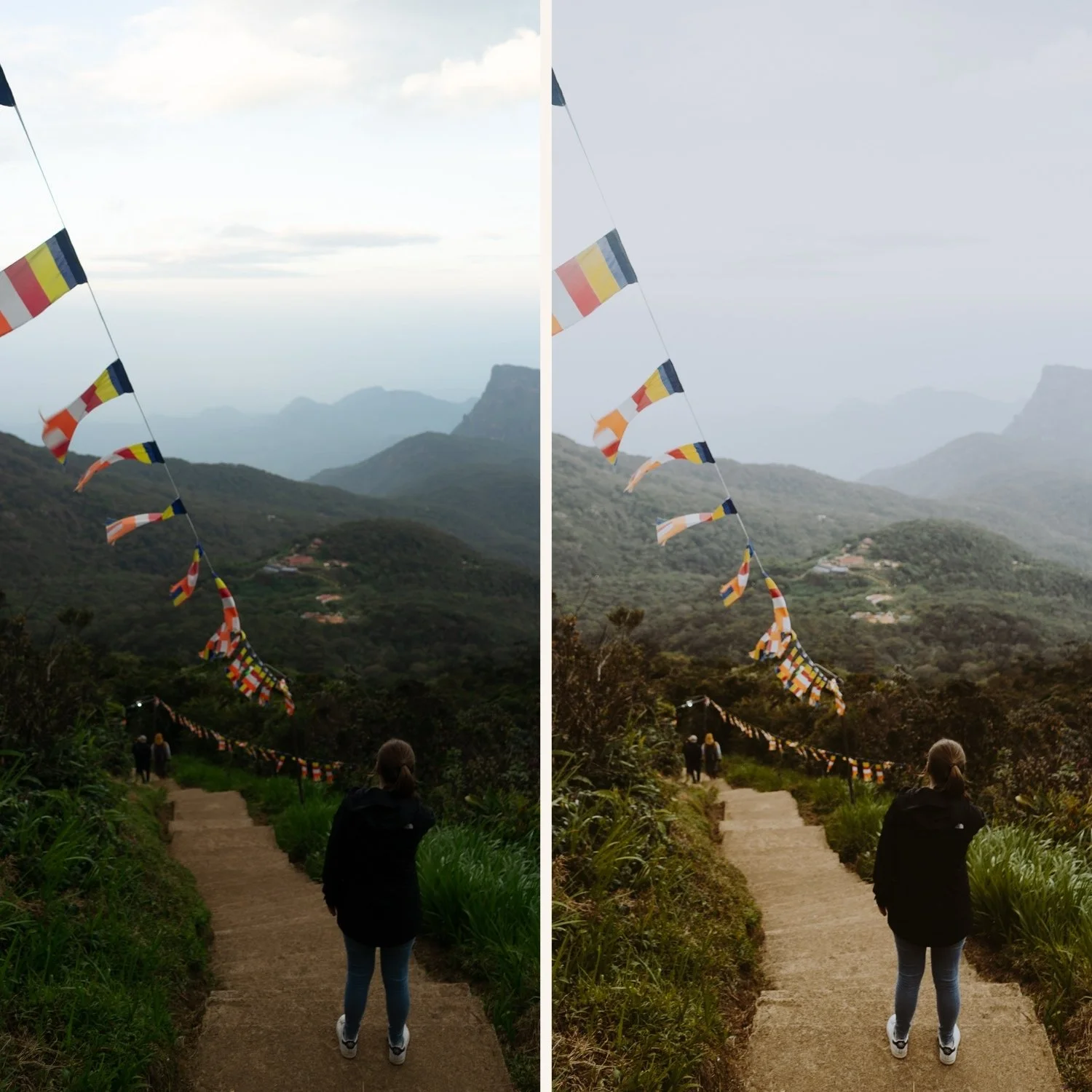
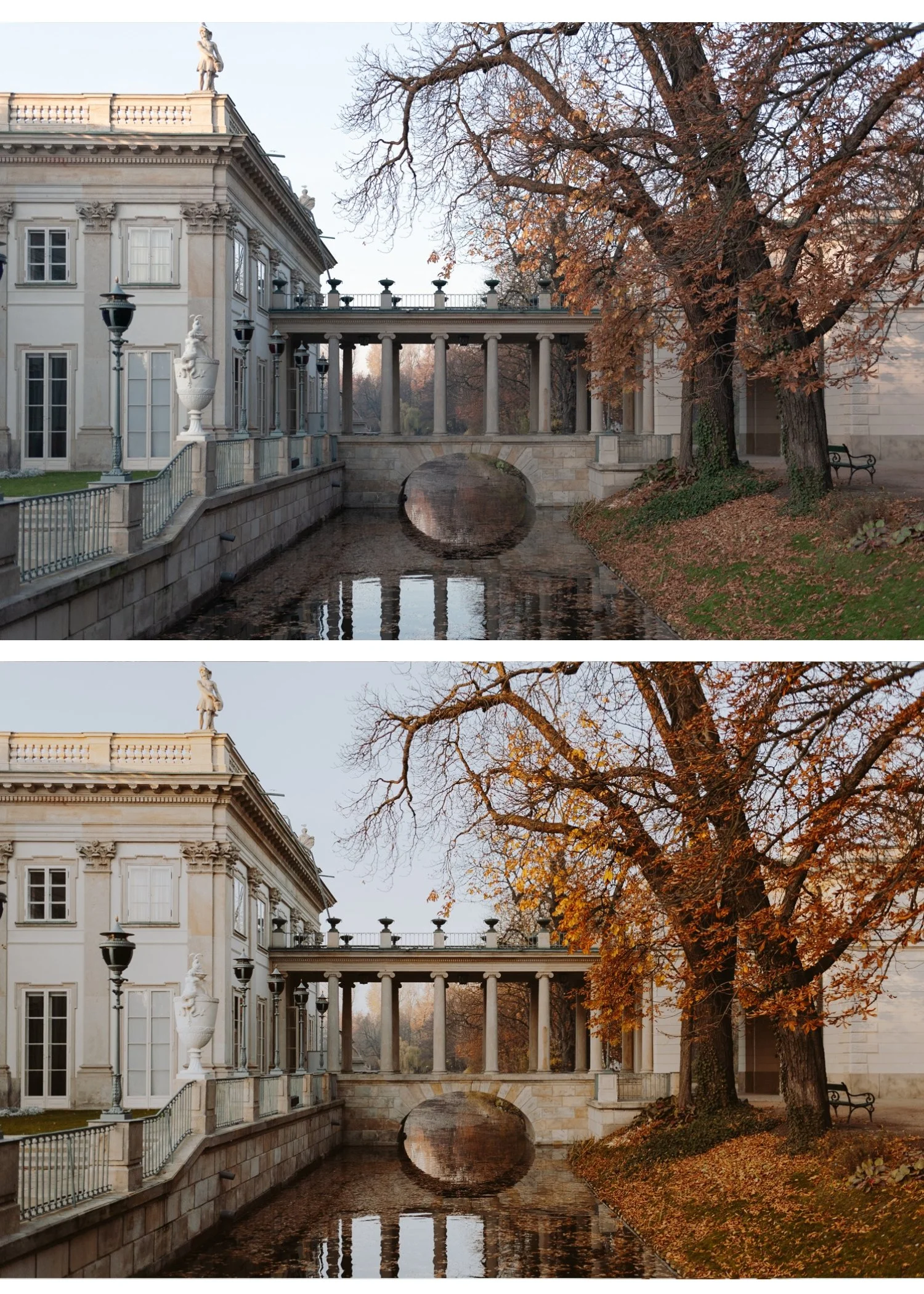
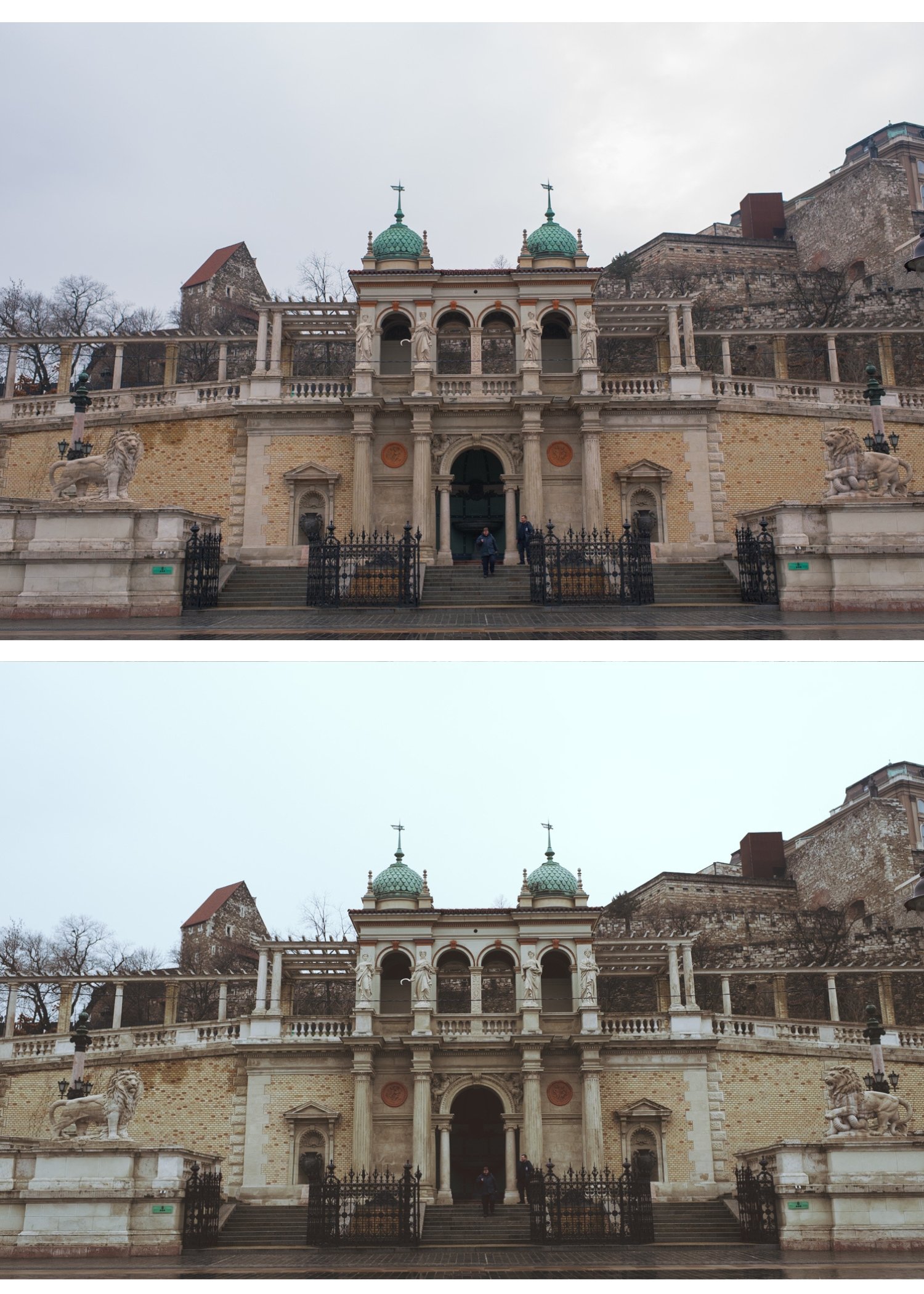
Four carefully chosen presets covering different expressions of golden hour film photography — each calibrated to work together as a system.
✅ Lightroom Mobile & Desktop
✅ Works on RAW and JPEG
✅ Instant download
✅ Beginner friendly
✅ Lifetime access
THE GOLDEN HOUR ARCHIVE — 4 PRESETS, ONE GOLDEN HOUR PHILOSOPHY
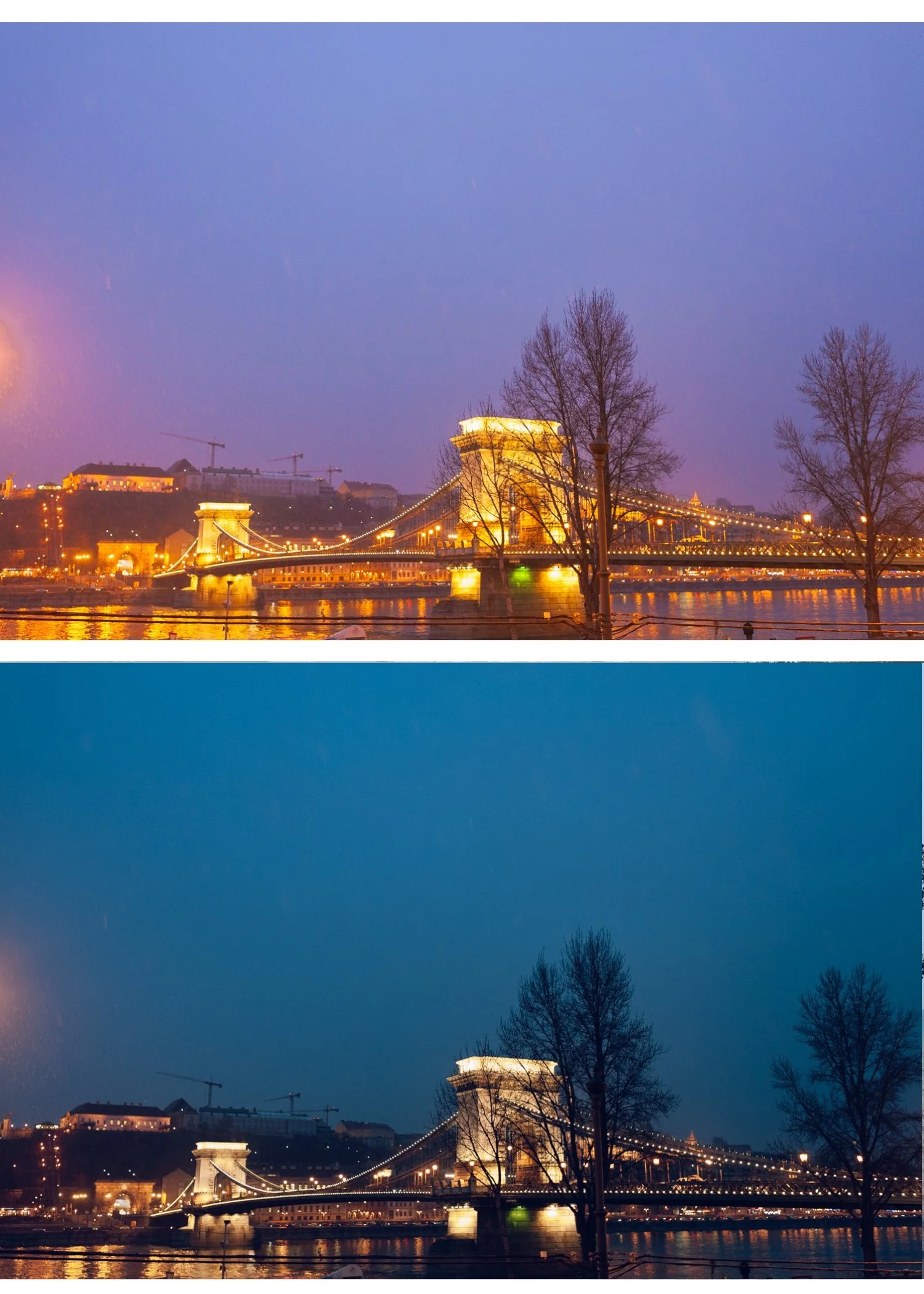
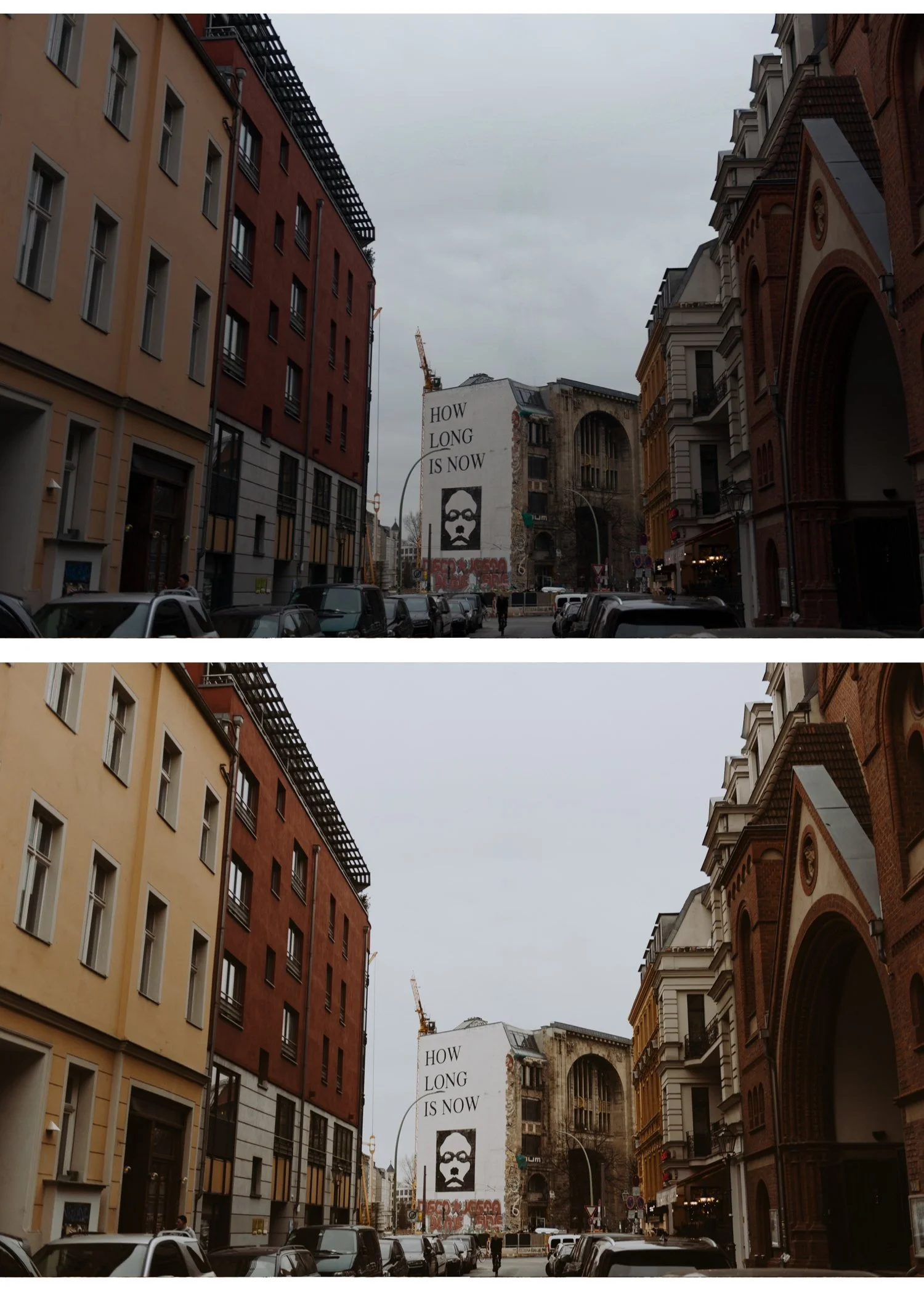
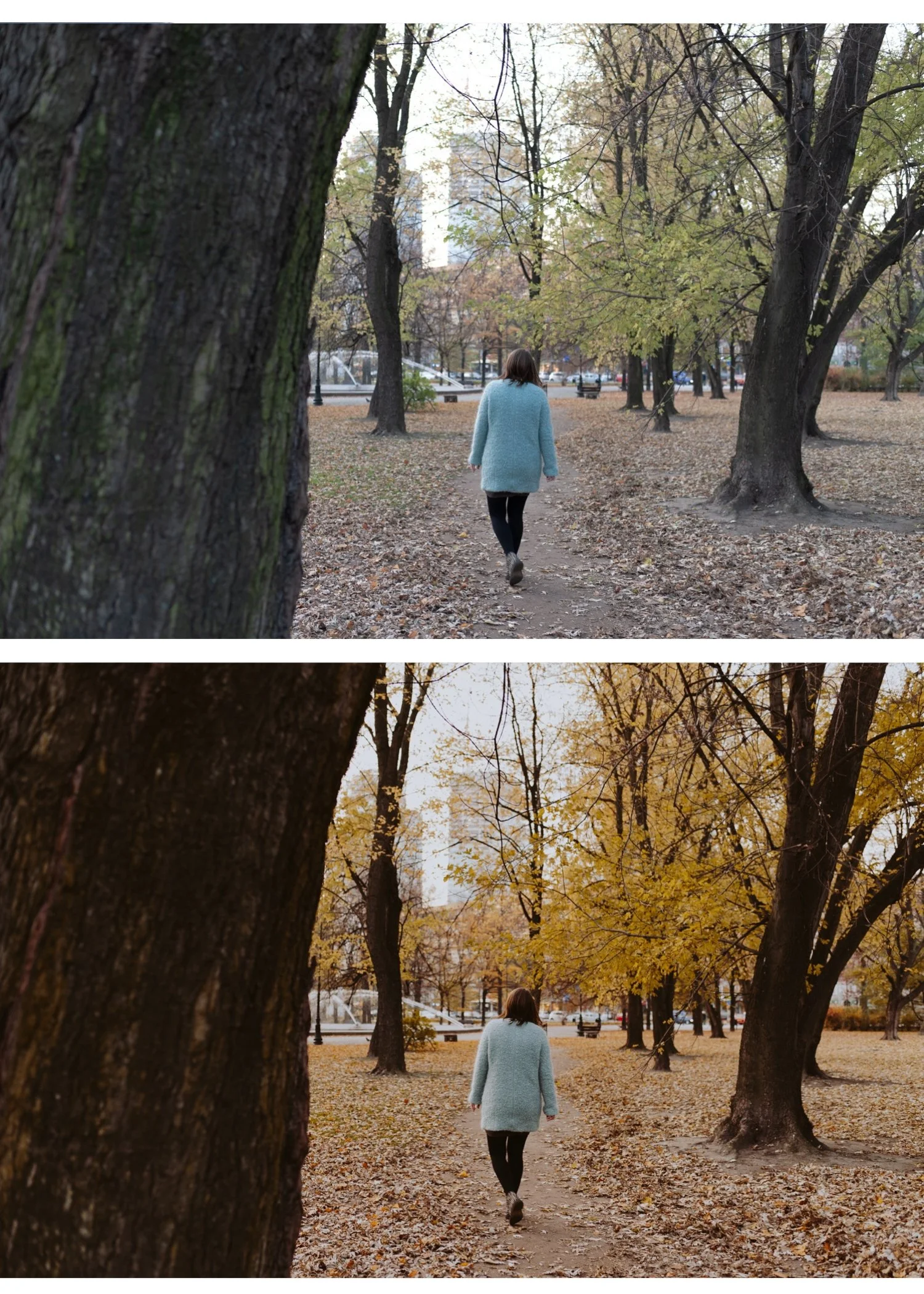
The Golden Hour Archive is four presets covering every expression of warm, late-day photography. From clean everyday warmth to dark cinematic depth — four calibrated looks that work together across a complete golden hour session.
Apply in one click. Fine-tune white balance and exposure. Done.
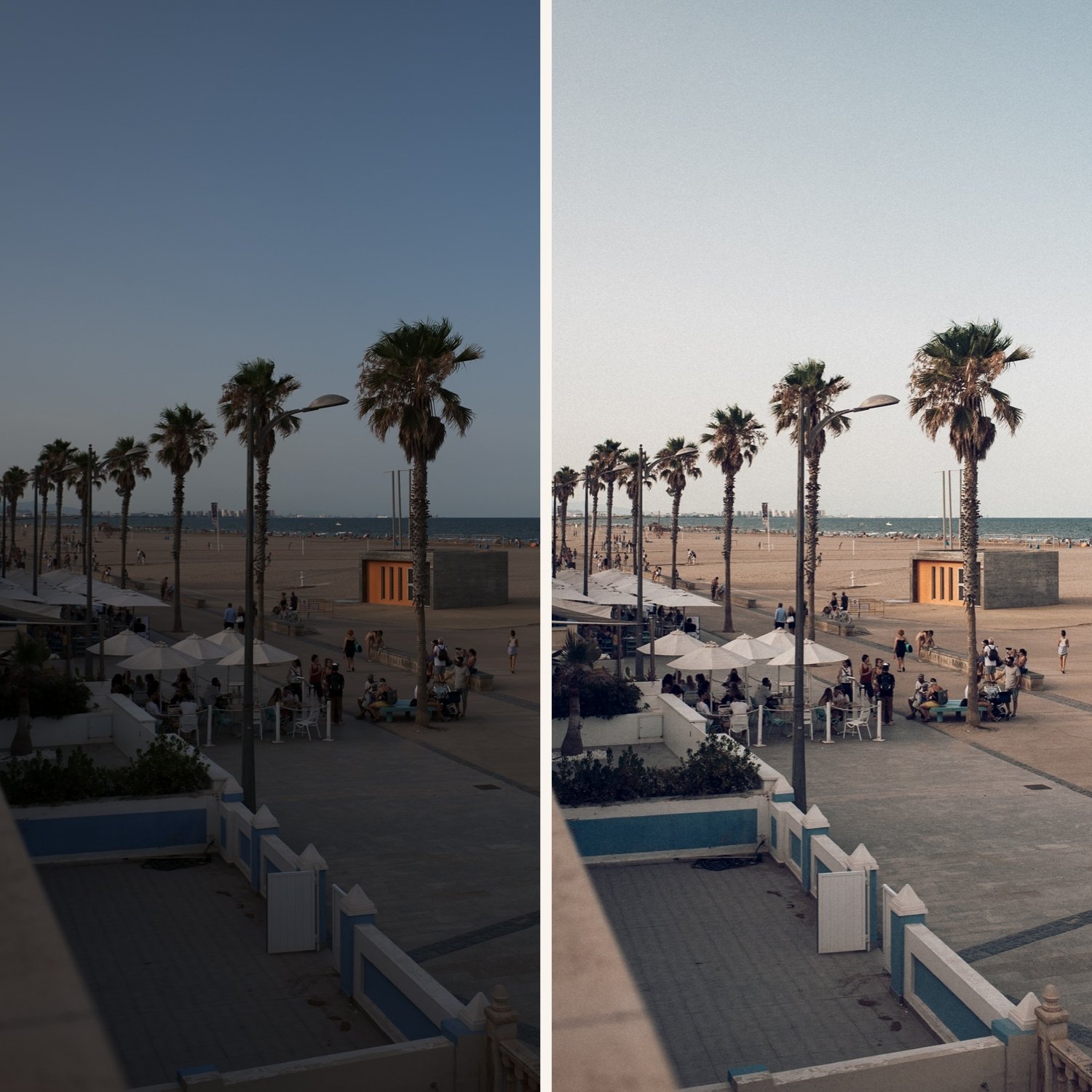
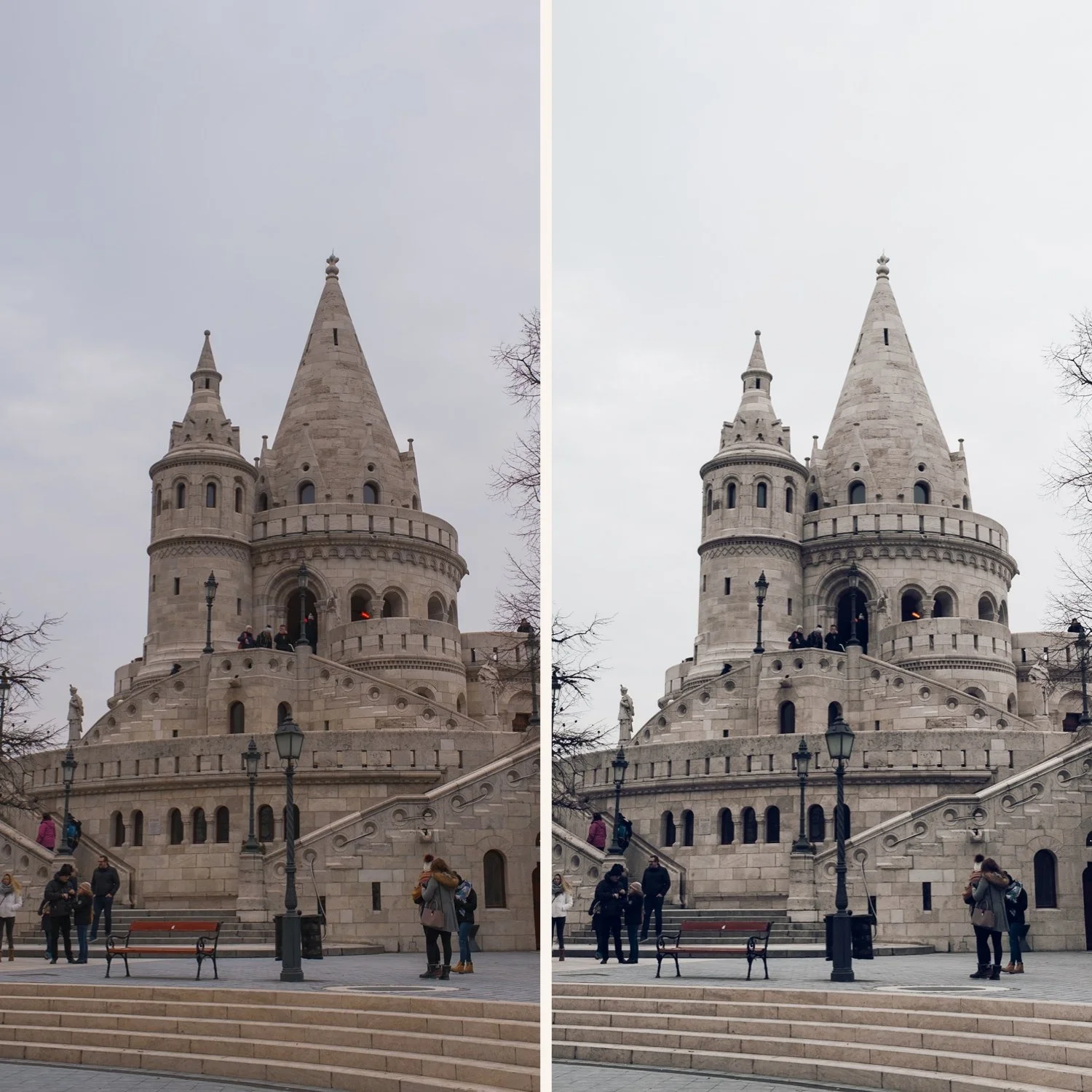
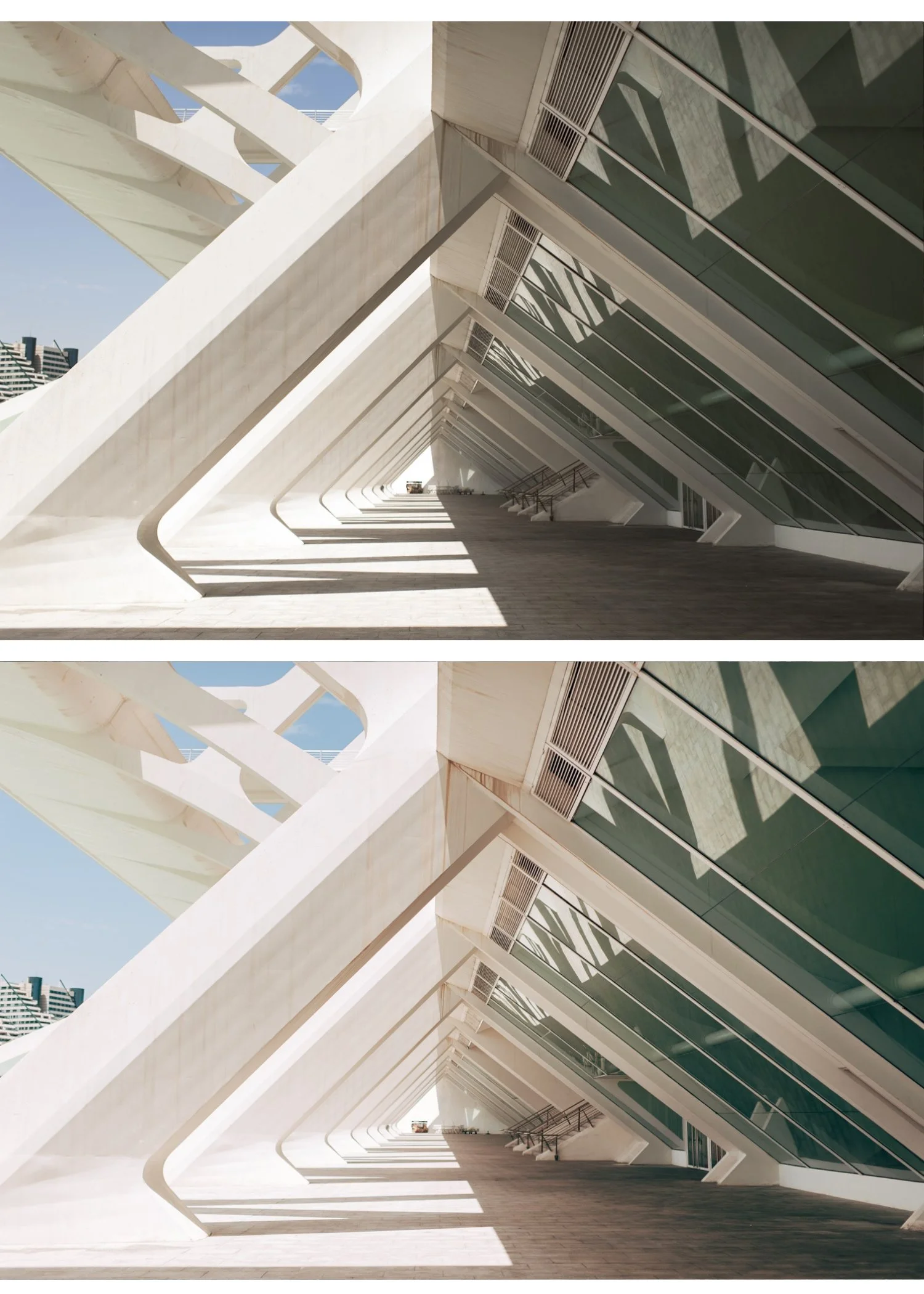
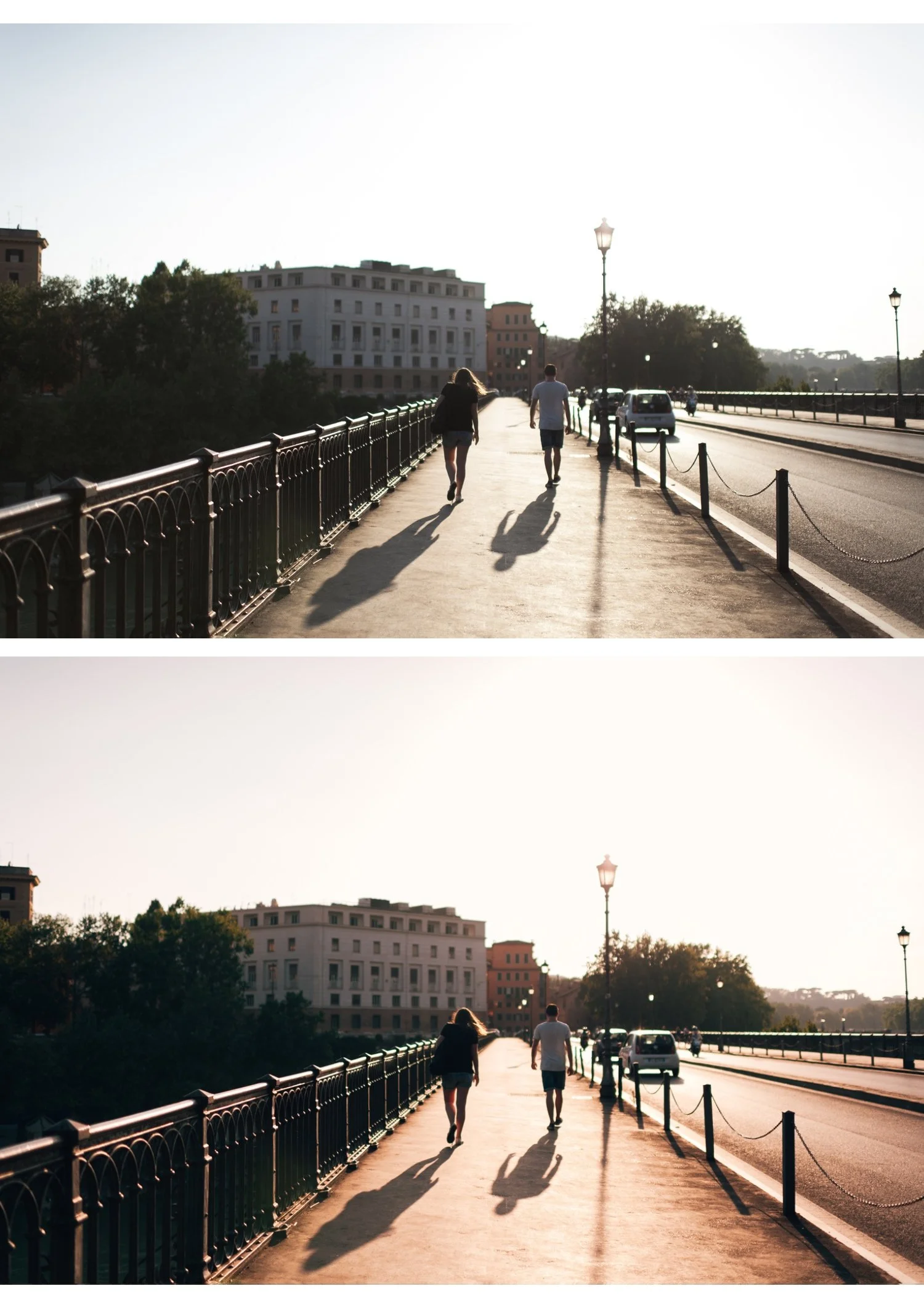
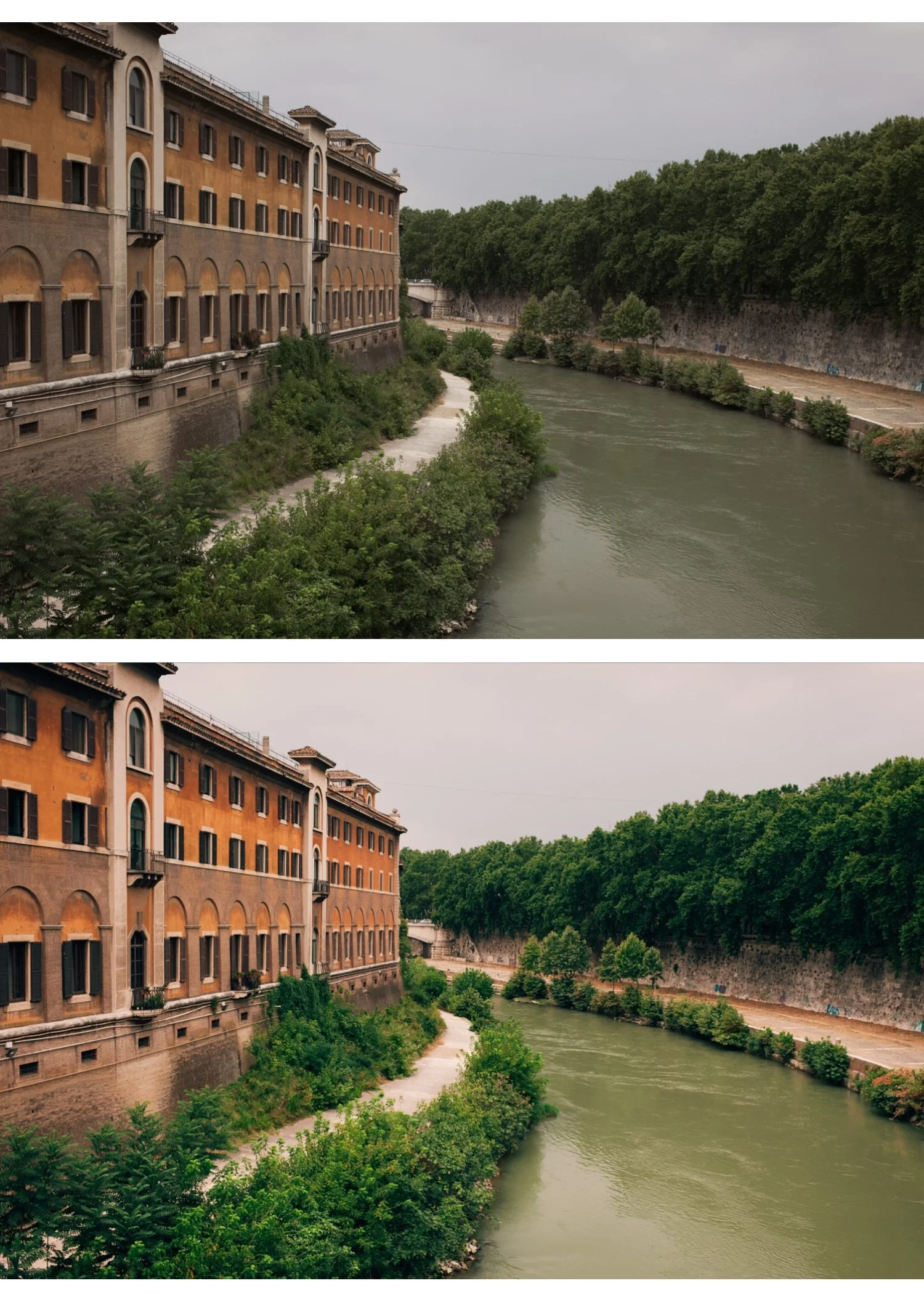
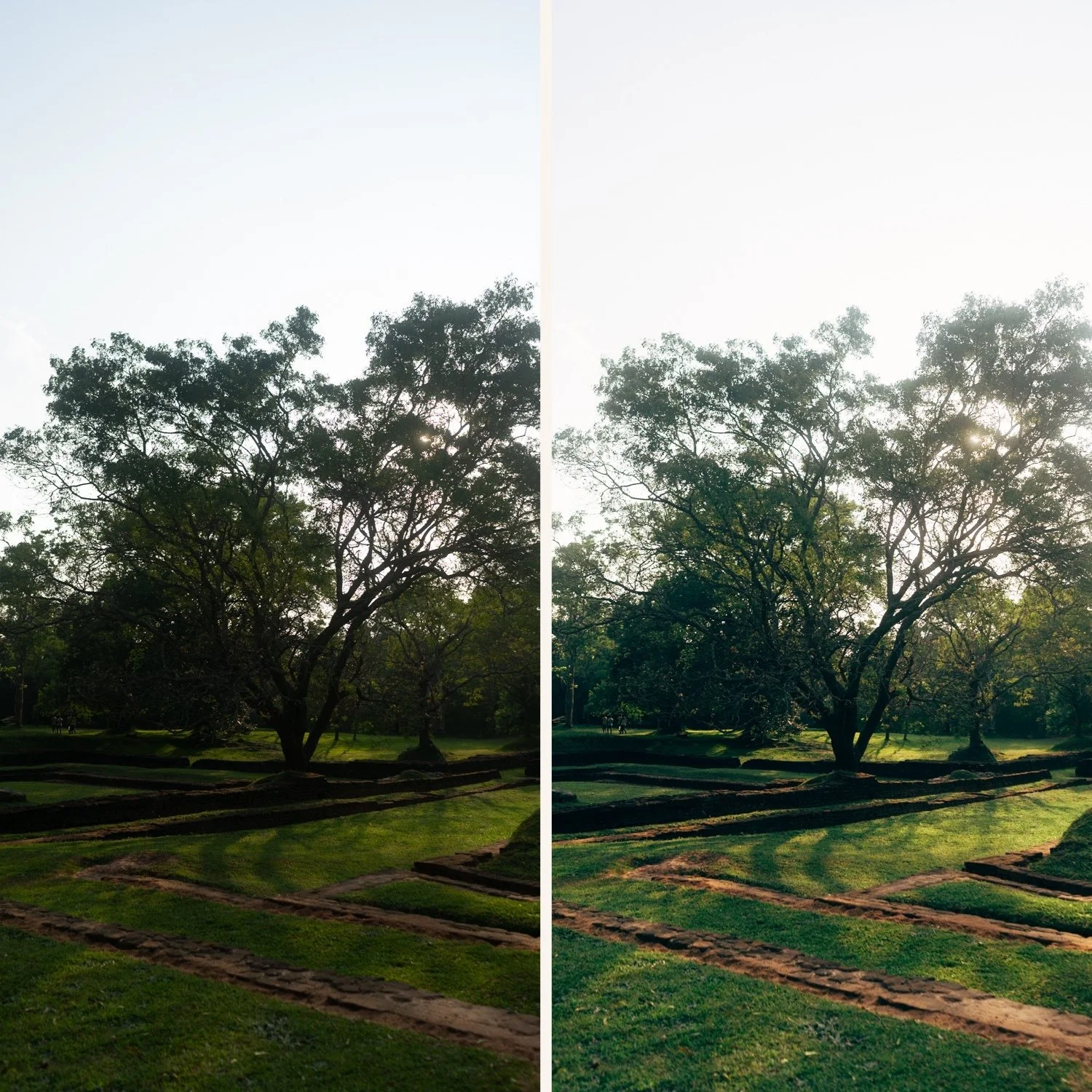
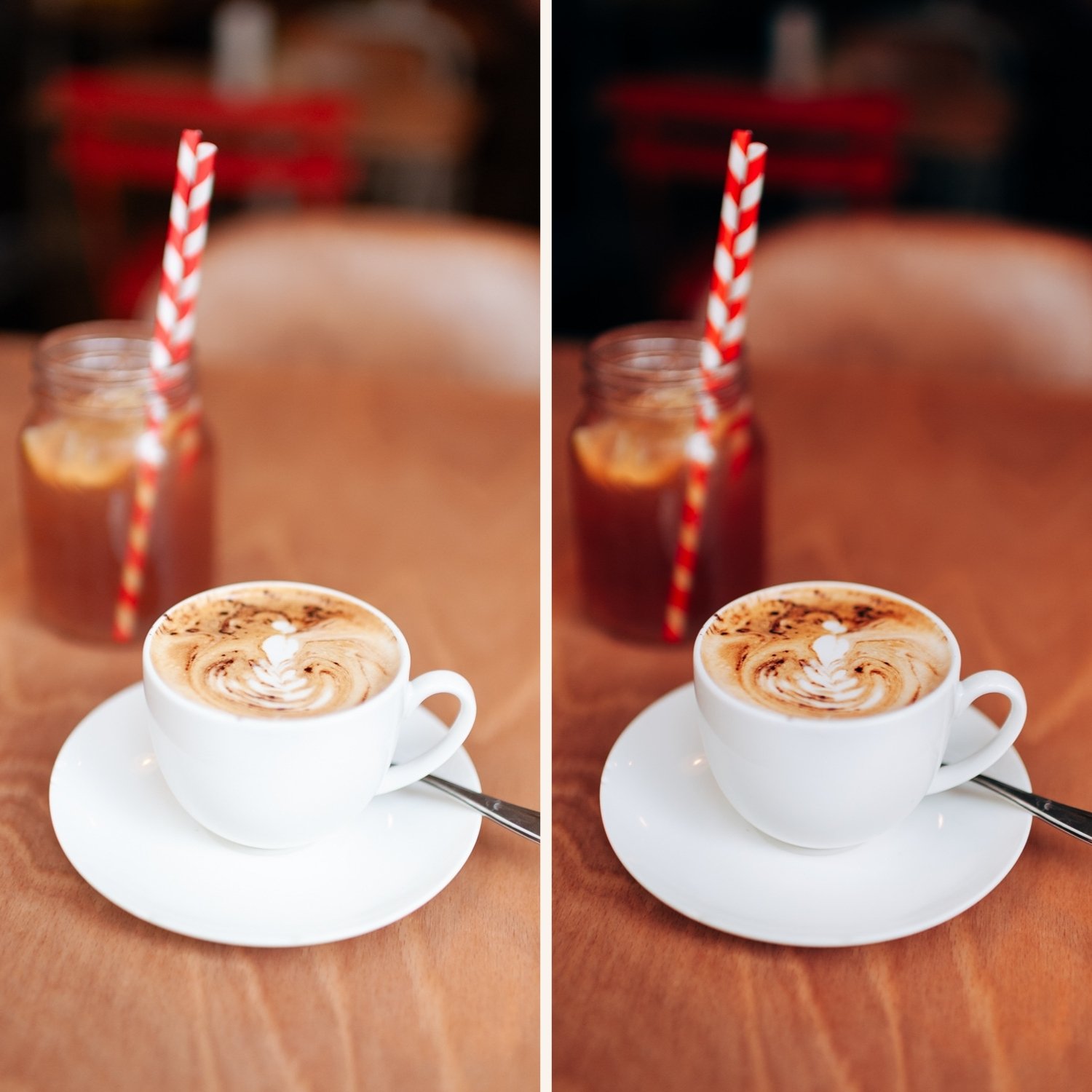
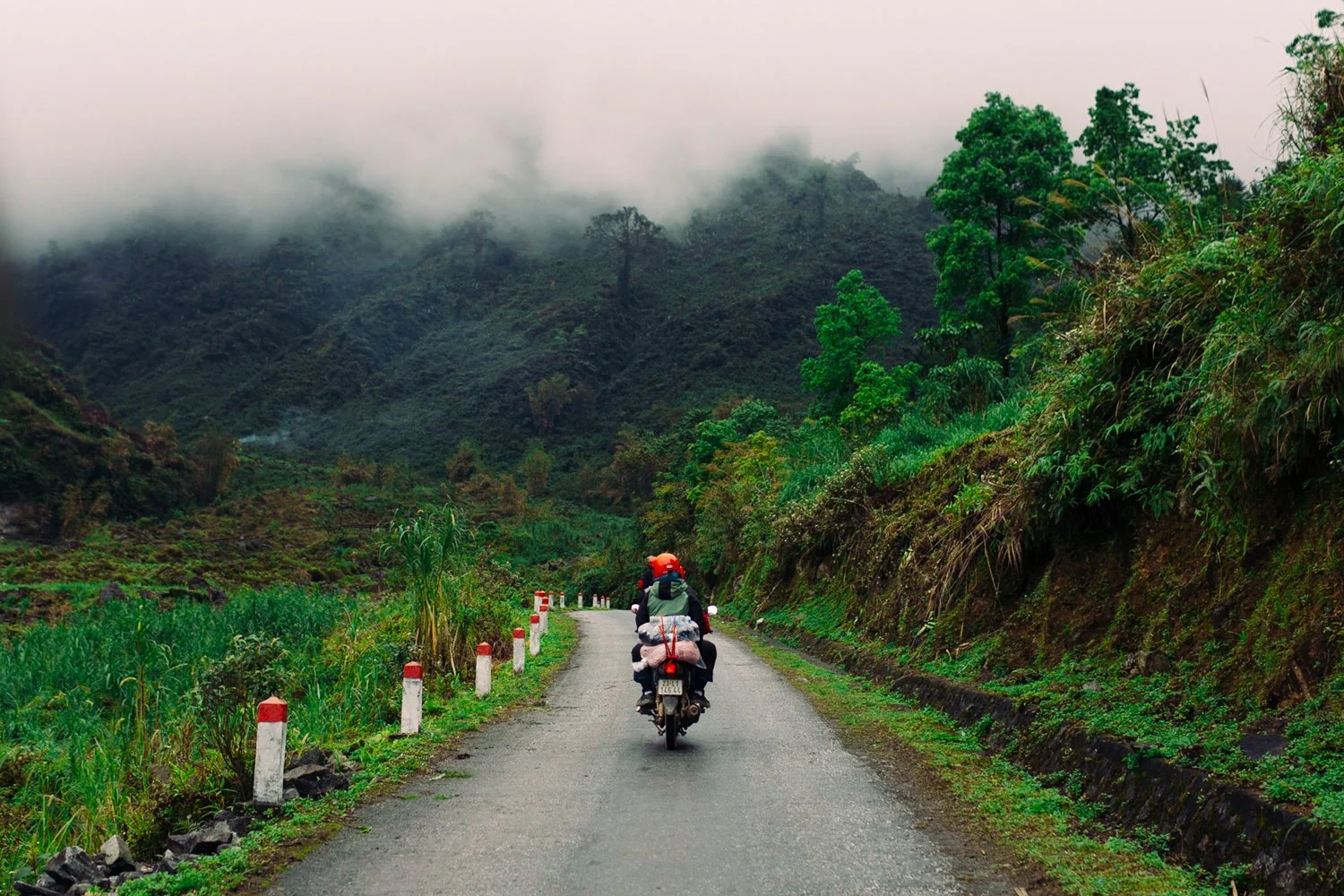
C1 — Warm Outdoor Clean, warm film tones for outdoor photography. Natural warmth, slightly elevated color, fresh quality. The most versatile golden hour starting point.
M5 — Warm Dark Warm, dark, and atmospheric. Rich warm shadows with deeply muted color. Best for golden hour portraits with depth and emotional weight.
M6 — Dark Dramatic The darkest and most dramatic preset. Maximum cinematic depth for golden hour scenes with strong directional light.
E5 — Warm Contrast Warm tones with elevated contrast. Heritage film quality with golden hour character. Best for portraits and outdoor sessions in warm directional light.
Want more than 4 presets?
The Studio Archive contains every preset collection we make — 130+ presets for $89. That is $0.68 per preset, and it includes every new preset we release for life.
View the Studio Archive →
Four golden hour expressions. One golden hour philosophy. $6.75 per preset.
Most photographers pay $10 per preset. The Golden Hour Archive gives you four — for $6.75 each.
Four carefully chosen presets covering different expressions of golden hour film photography — each calibrated to work together as a system.
✅ Lightroom Mobile & Desktop
✅ Works on RAW and JPEG
✅ Instant download
✅ Beginner friendly
✅ Lifetime access
THE GOLDEN HOUR ARCHIVE — 4 PRESETS, ONE GOLDEN HOUR PHILOSOPHY
The Golden Hour Archive is four presets covering every expression of warm, late-day photography. From clean everyday warmth to dark cinematic depth — four calibrated looks that work together across a complete golden hour session.
Apply in one click. Fine-tune white balance and exposure. Done.
C1 — Warm Outdoor Clean, warm film tones for outdoor photography. Natural warmth, slightly elevated color, fresh quality. The most versatile golden hour starting point.
M5 — Warm Dark Warm, dark, and atmospheric. Rich warm shadows with deeply muted color. Best for golden hour portraits with depth and emotional weight.
M6 — Dark Dramatic The darkest and most dramatic preset. Maximum cinematic depth for golden hour scenes with strong directional light.
E5 — Warm Contrast Warm tones with elevated contrast. Heritage film quality with golden hour character. Best for portraits and outdoor sessions in warm directional light.
Want more than 4 presets?
The Studio Archive contains every preset collection we make — 130+ presets for $89. That is $0.68 per preset, and it includes every new preset we release for life.
View the Studio Archive →
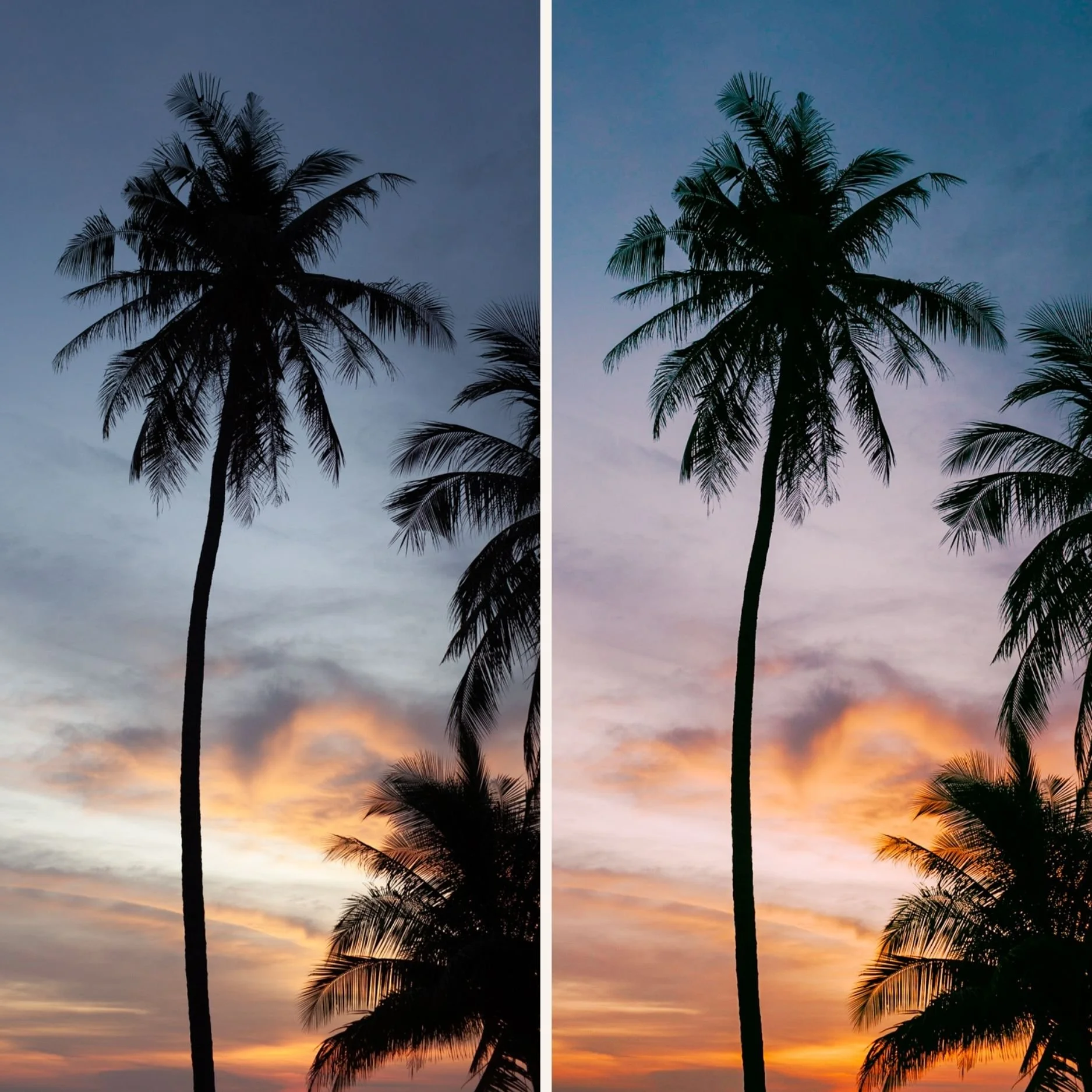 Image 1 of 1