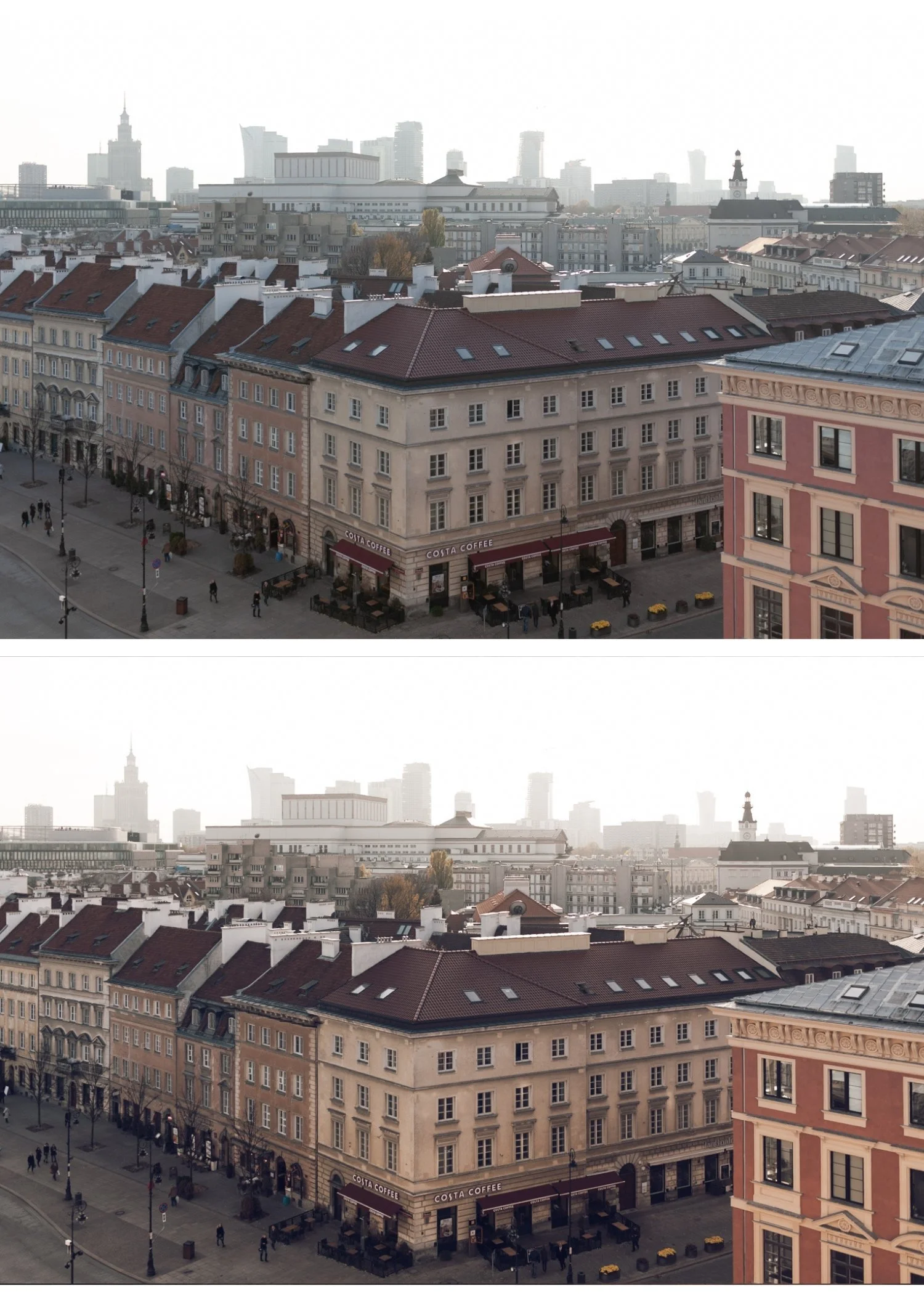
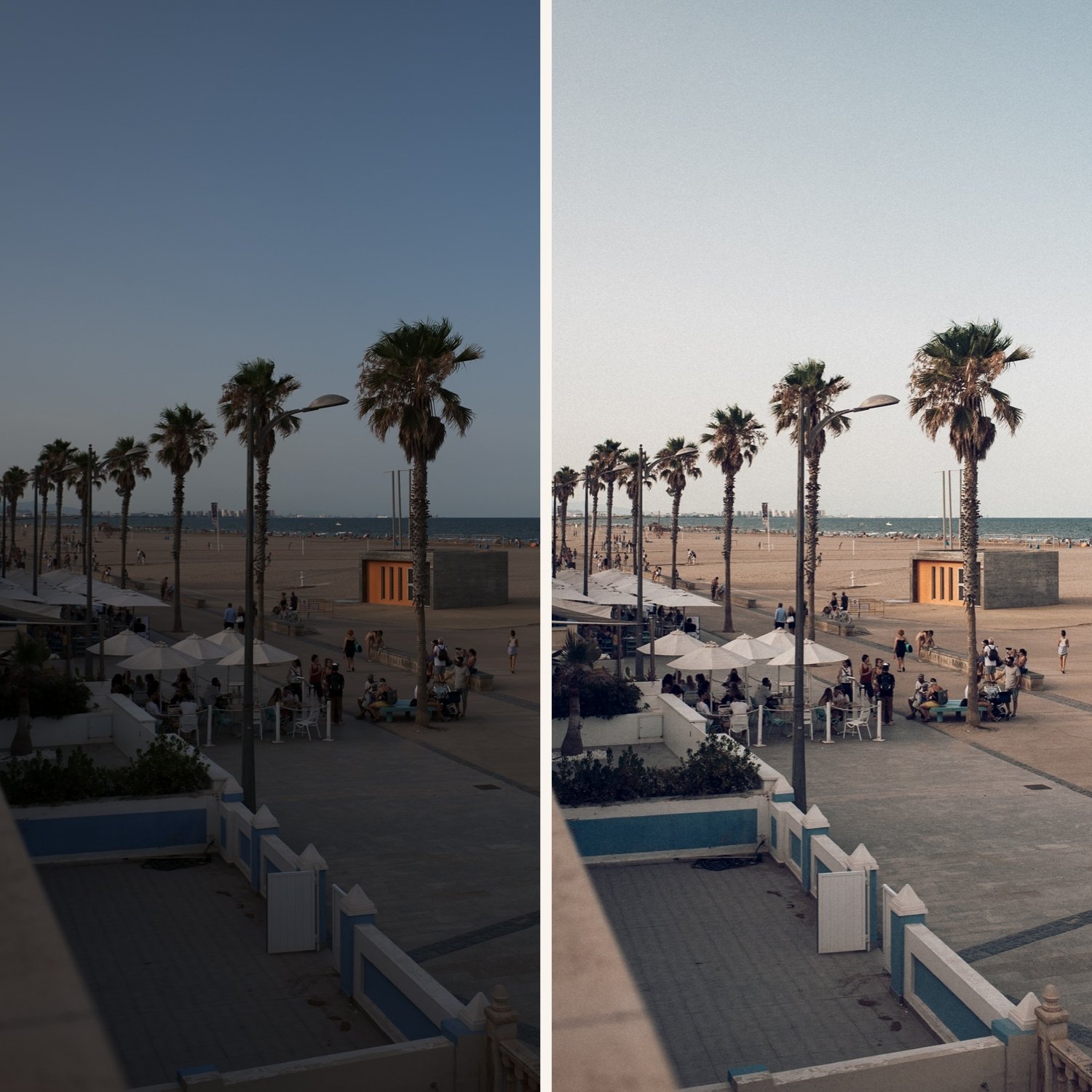
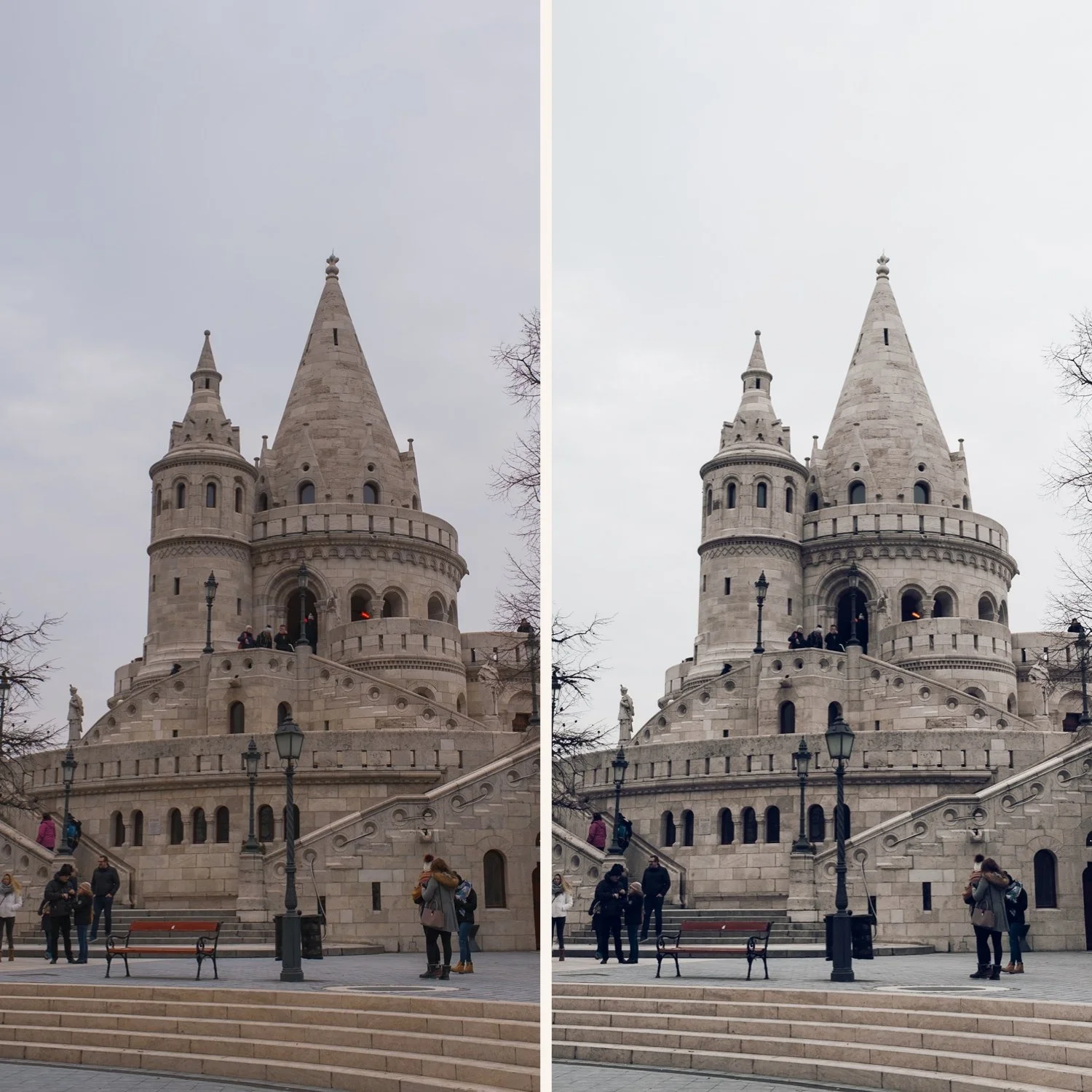
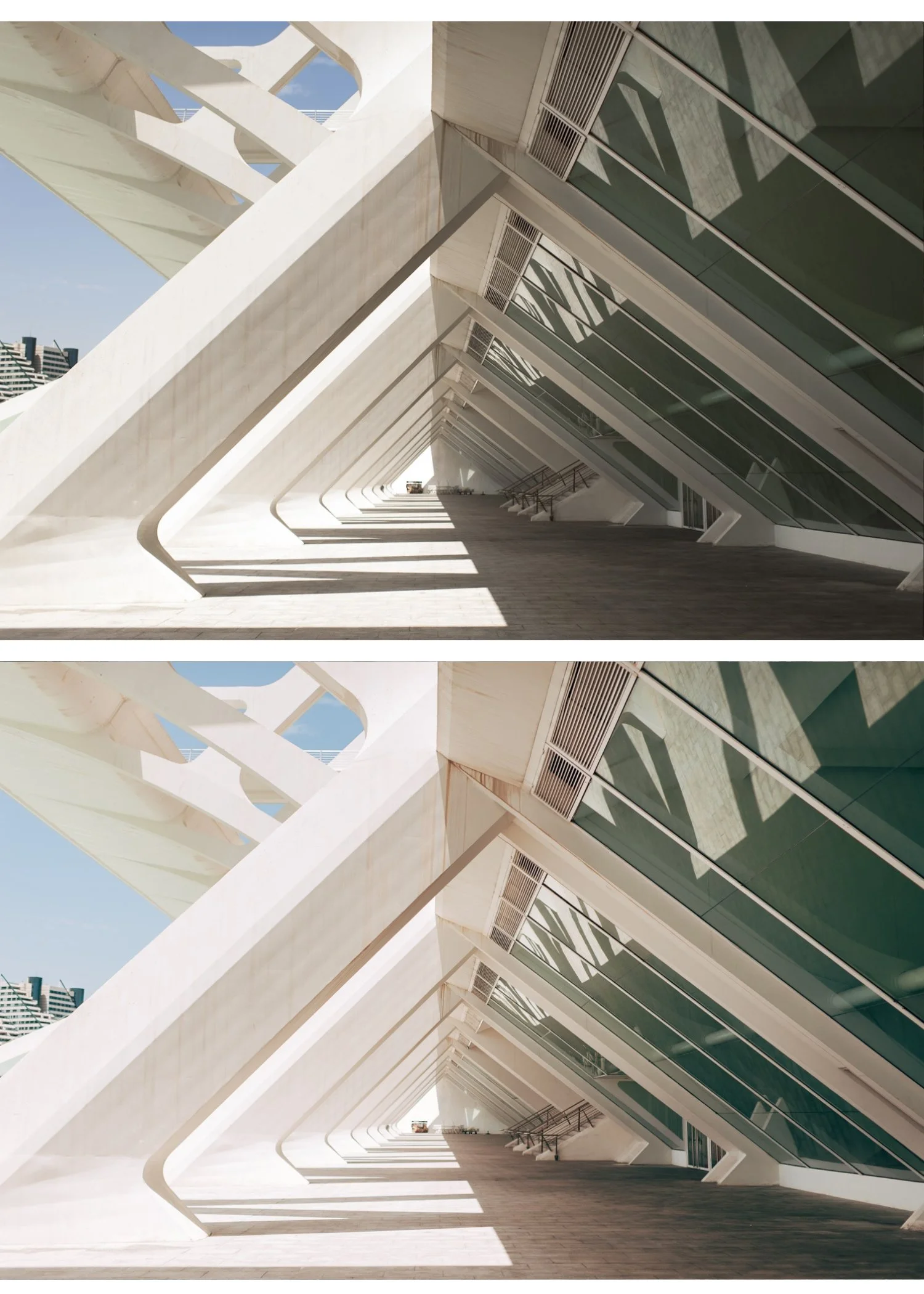
 Image 1 of 6
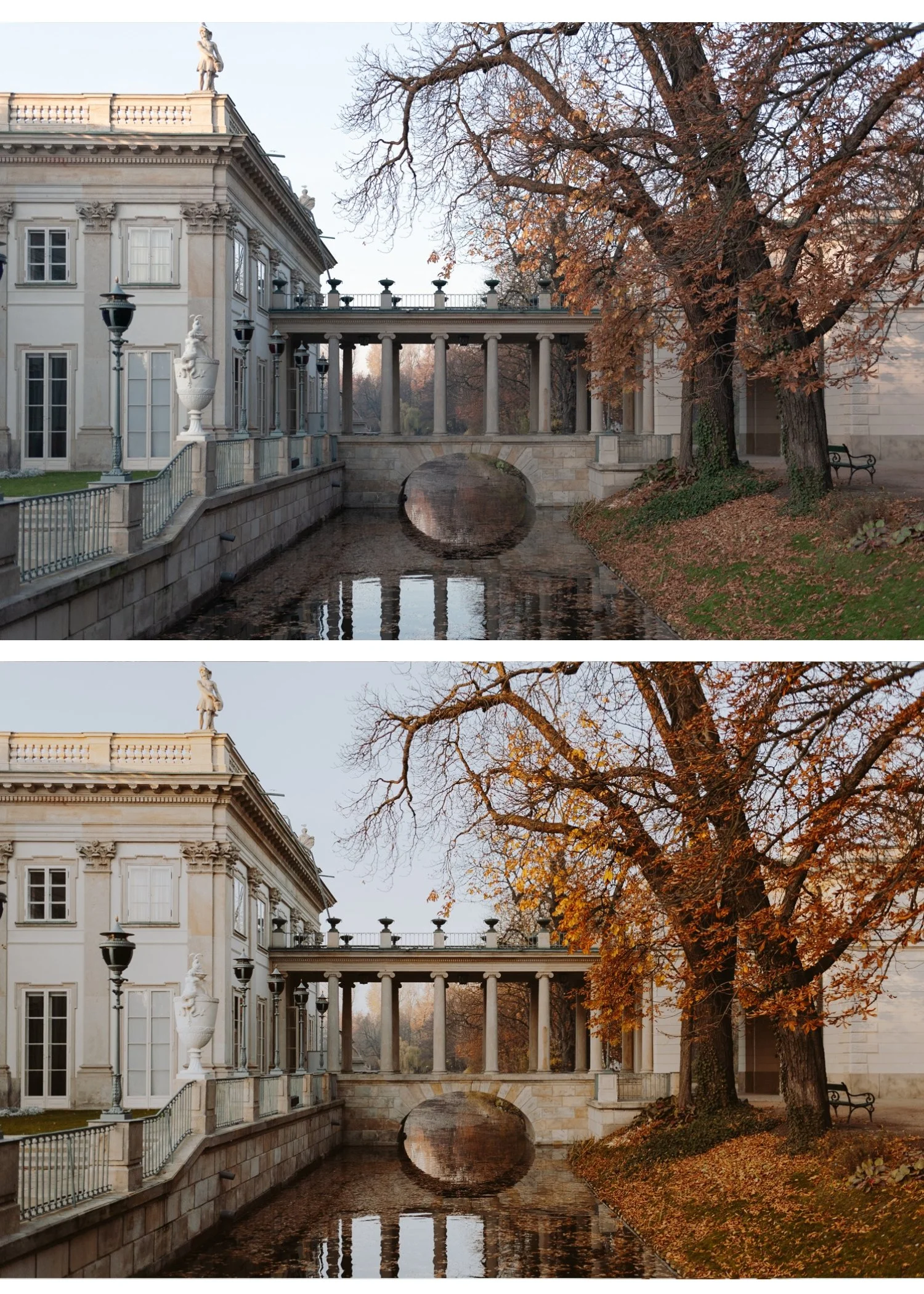 Image 2 of 6
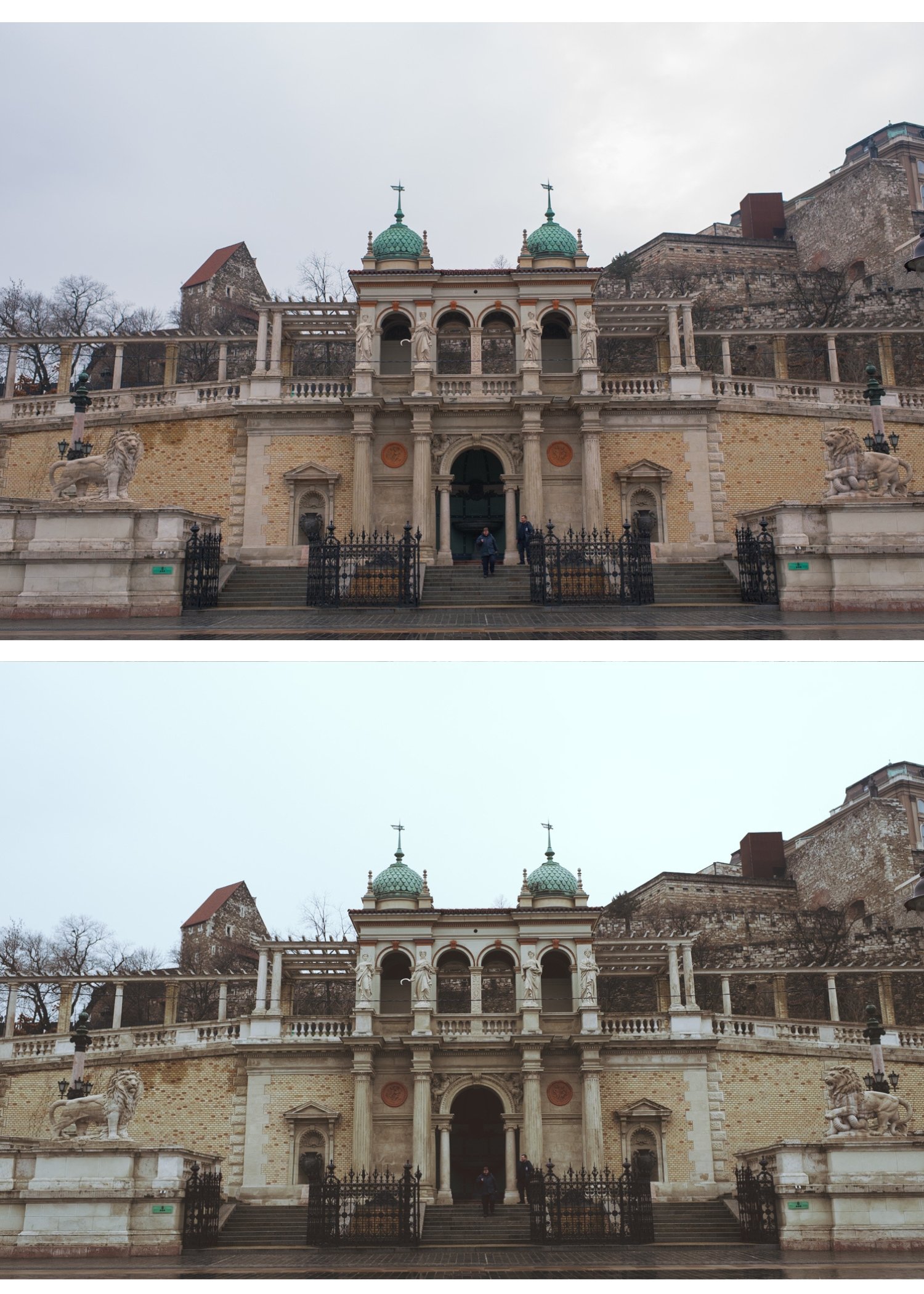 Image 3 of 6
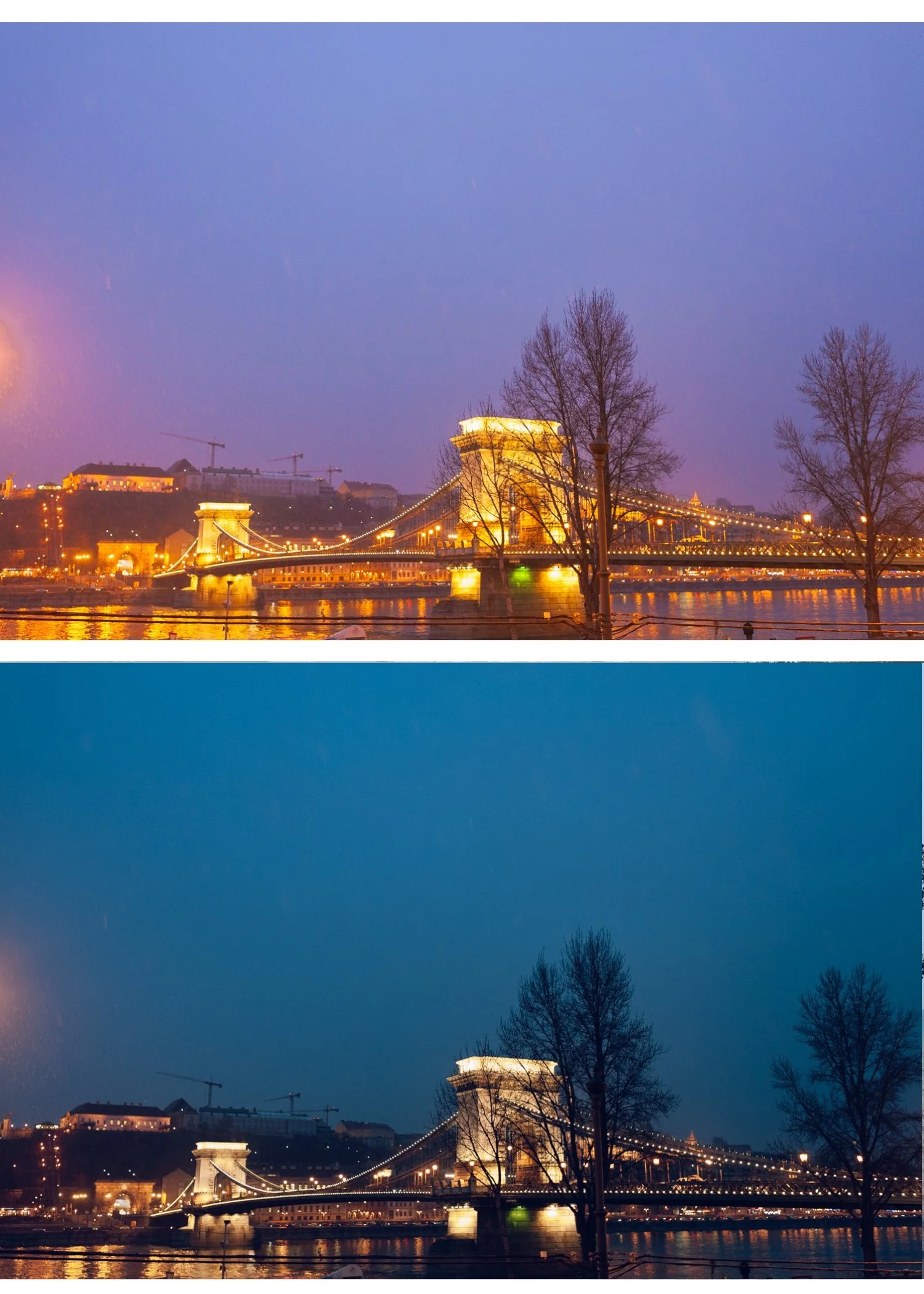 Image 4 of 6
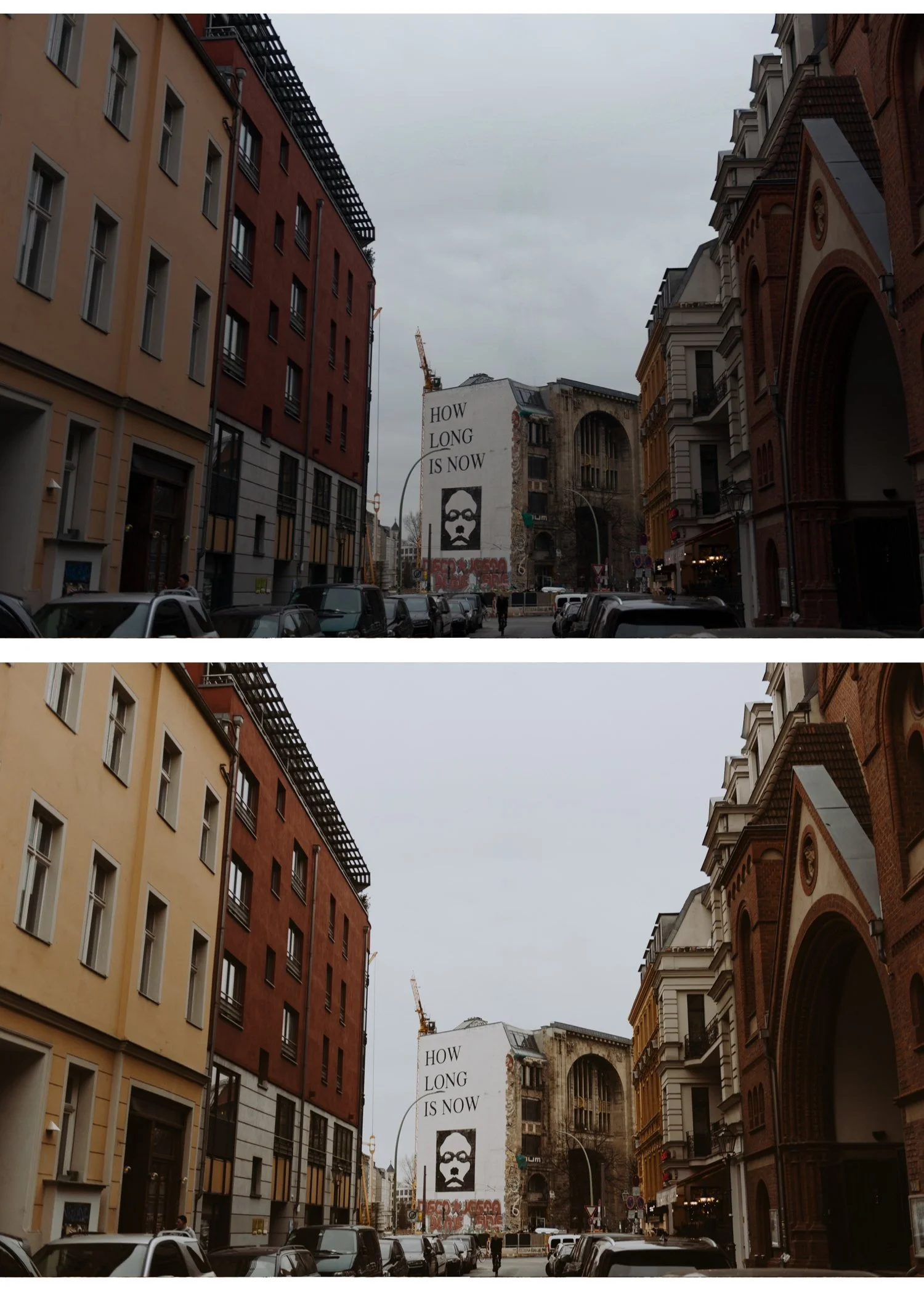 Image 5 of 6
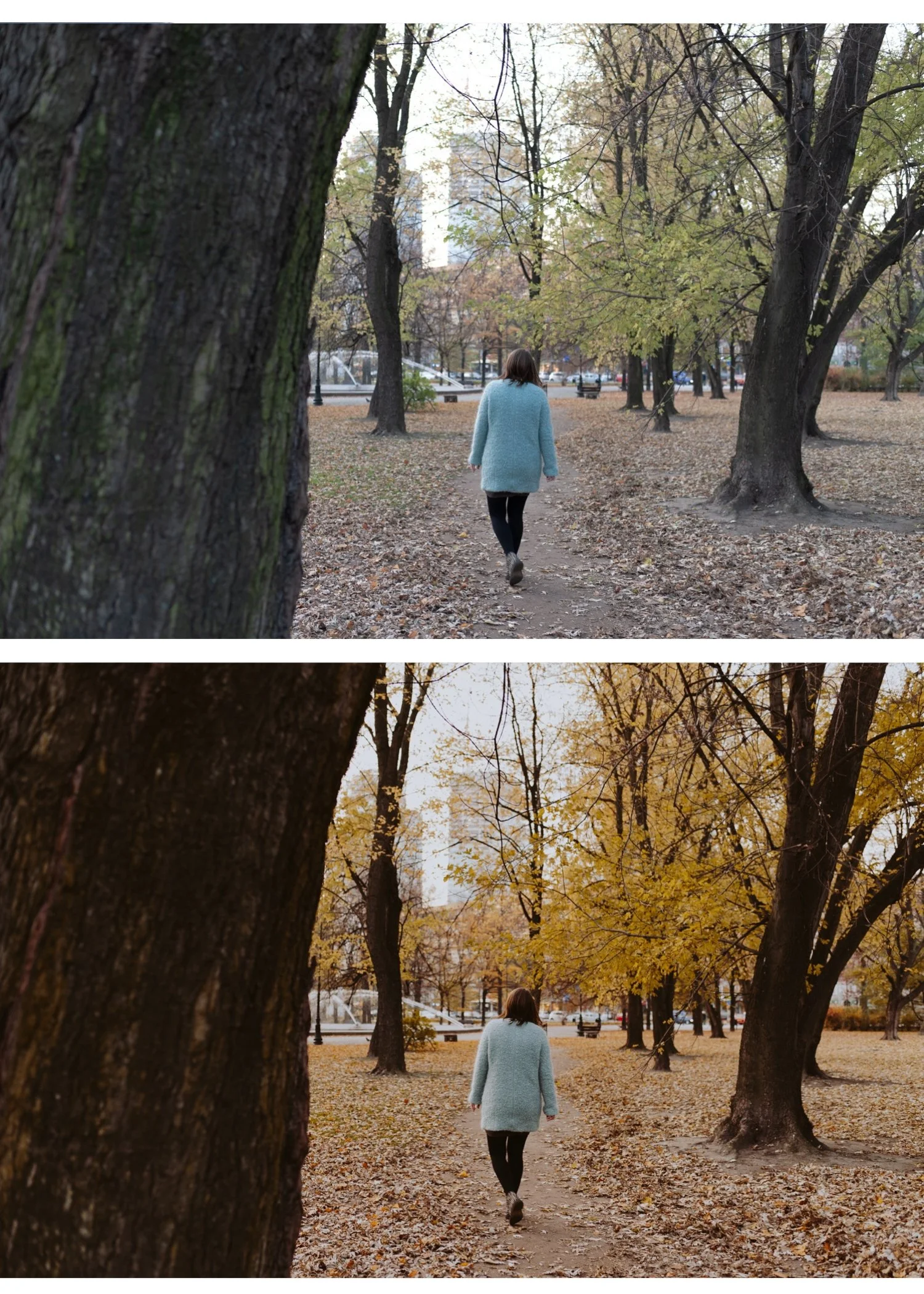 Image 6 of 6
Moody Film Archive | 6 Cinematic Film Presets for Lightroom Mobile & Desktop

-
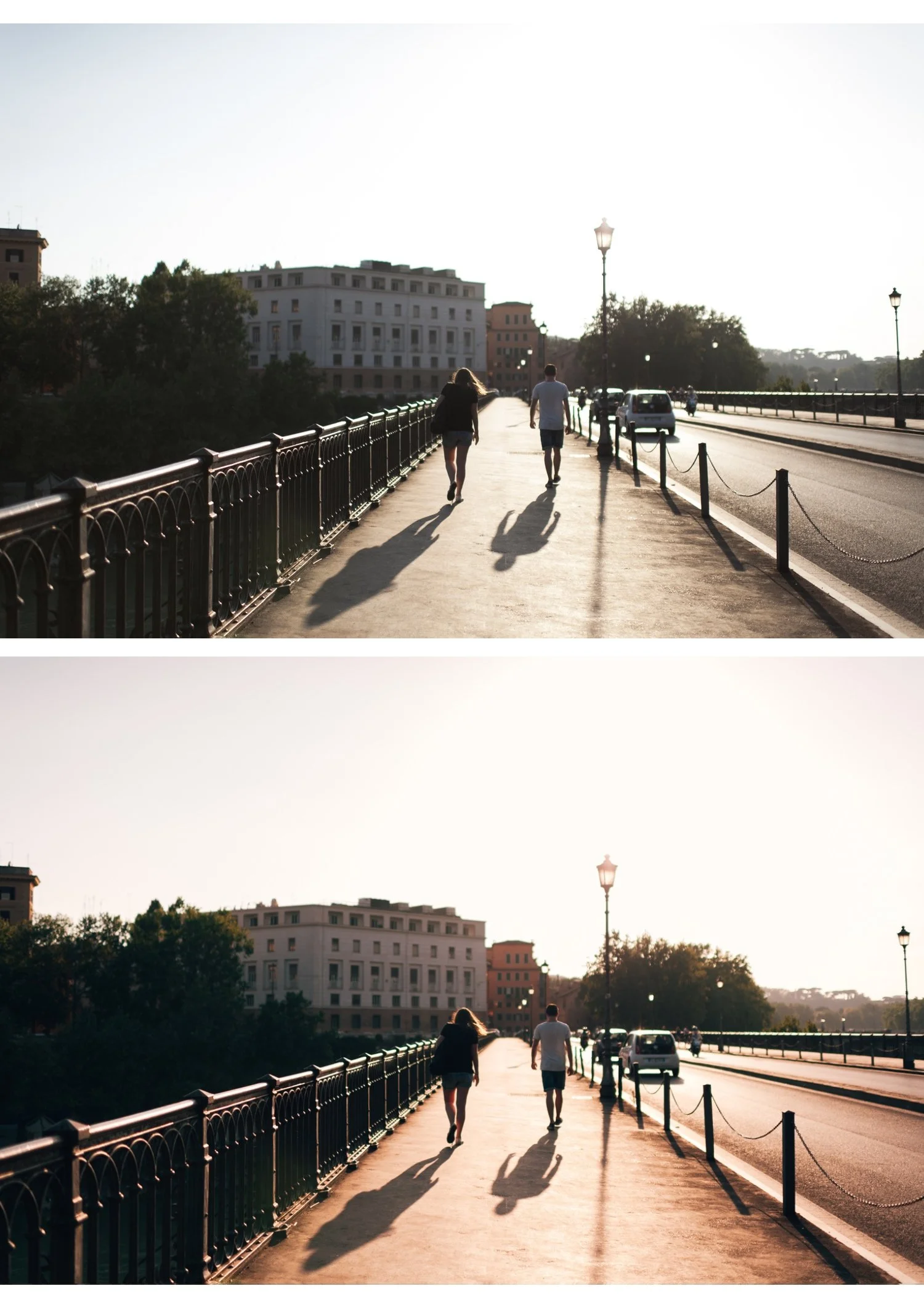
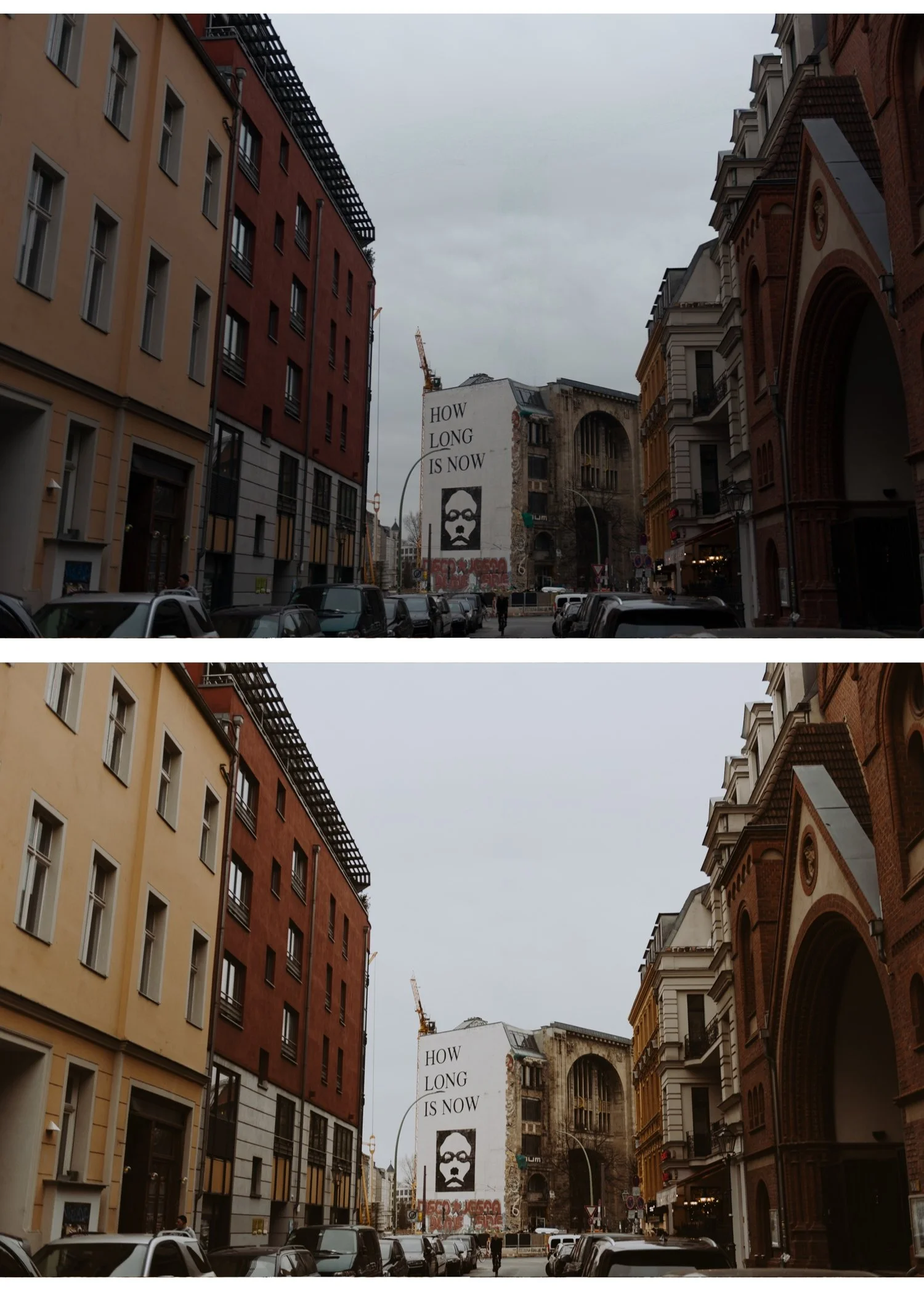
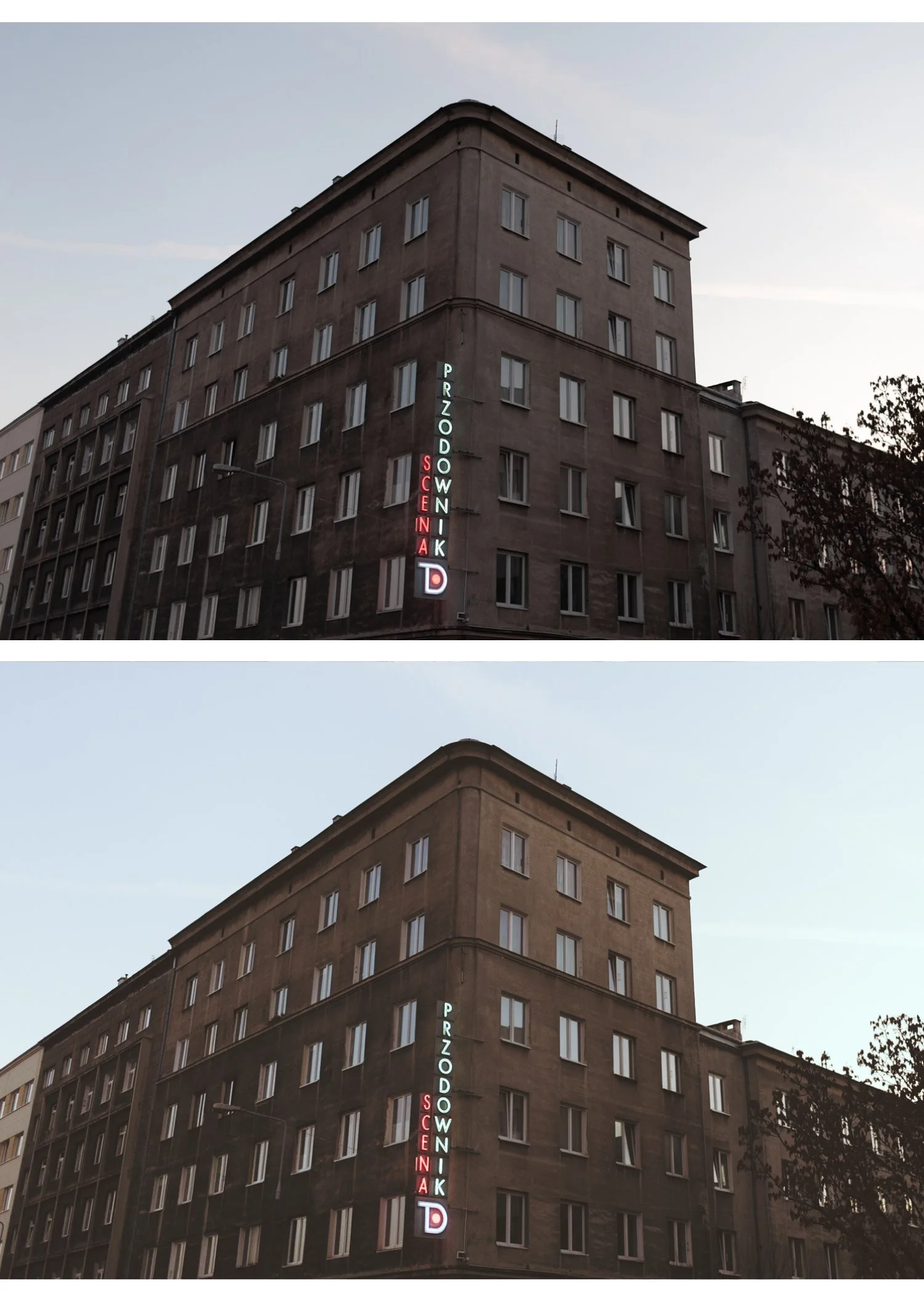
Street and urban photography — directional artificial light, concrete and shadow, human moments. The moody look was made for this.
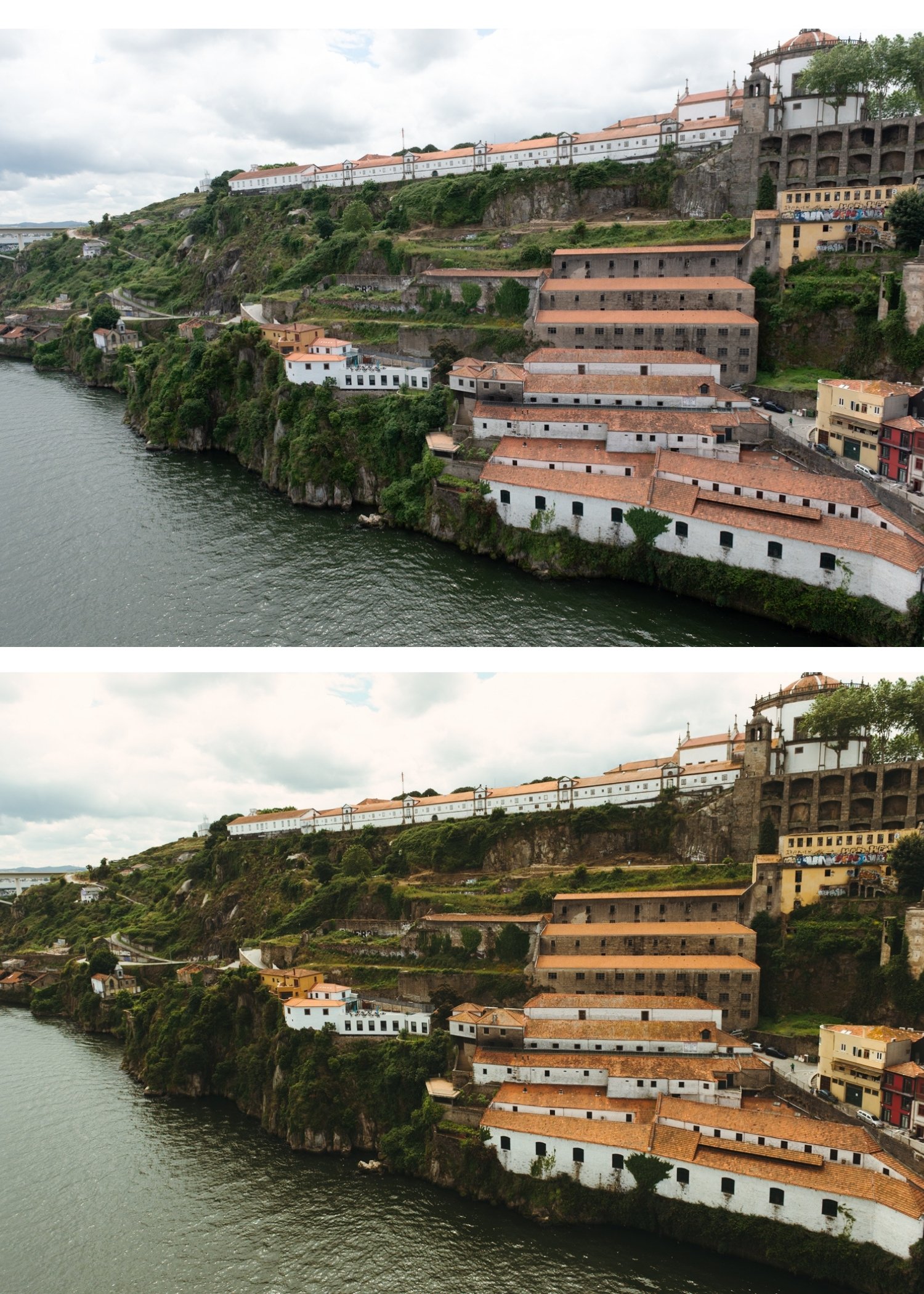
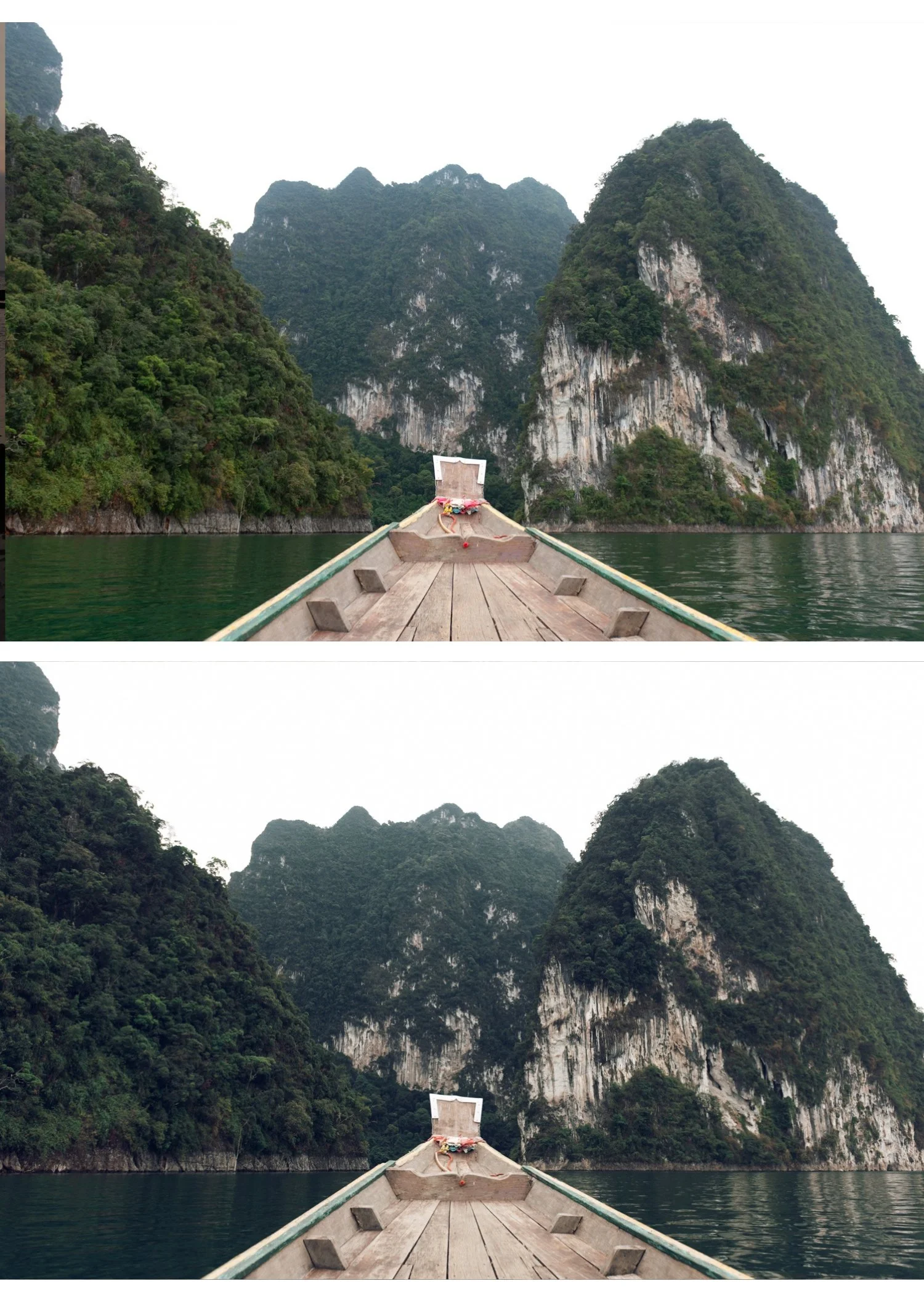
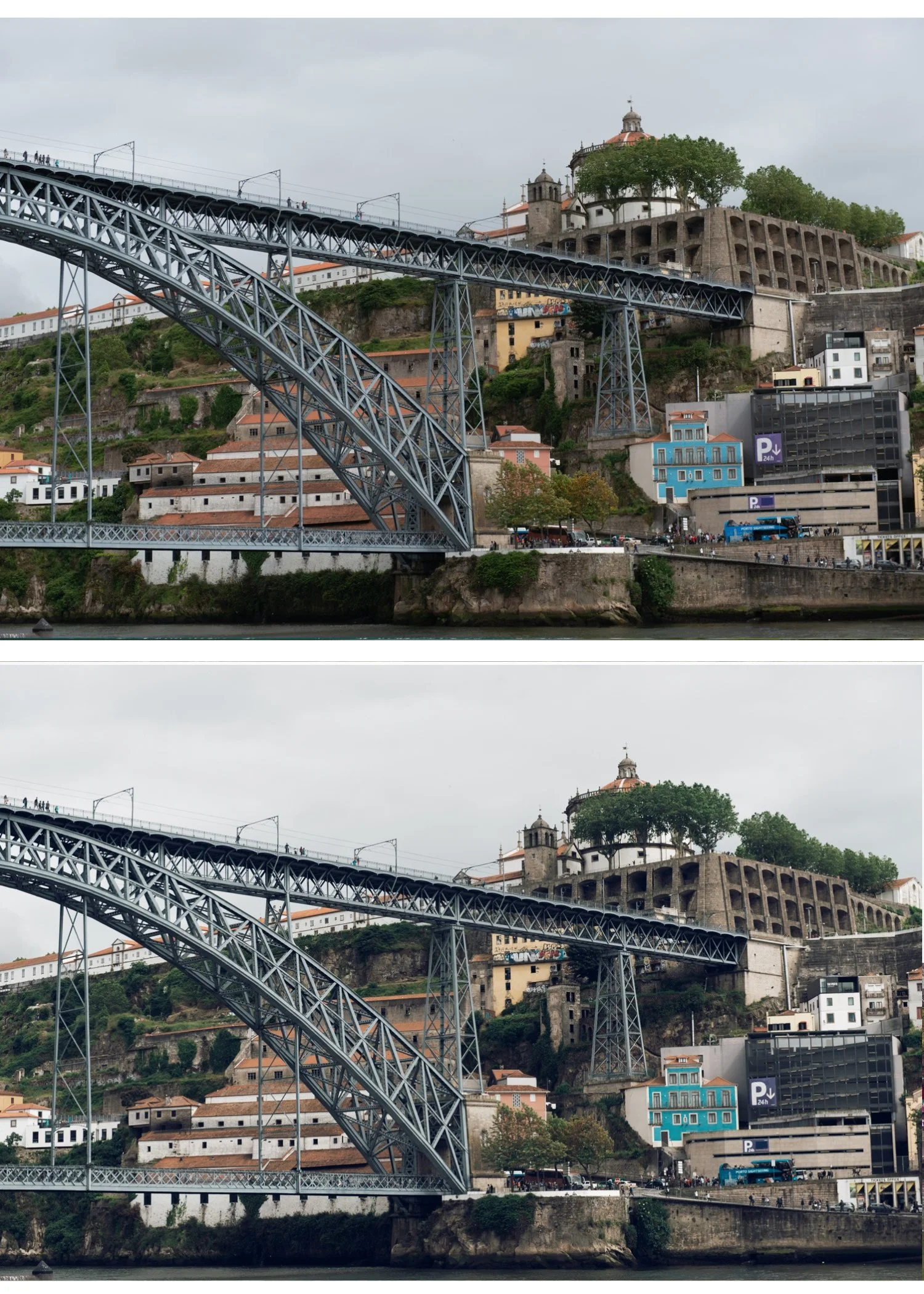
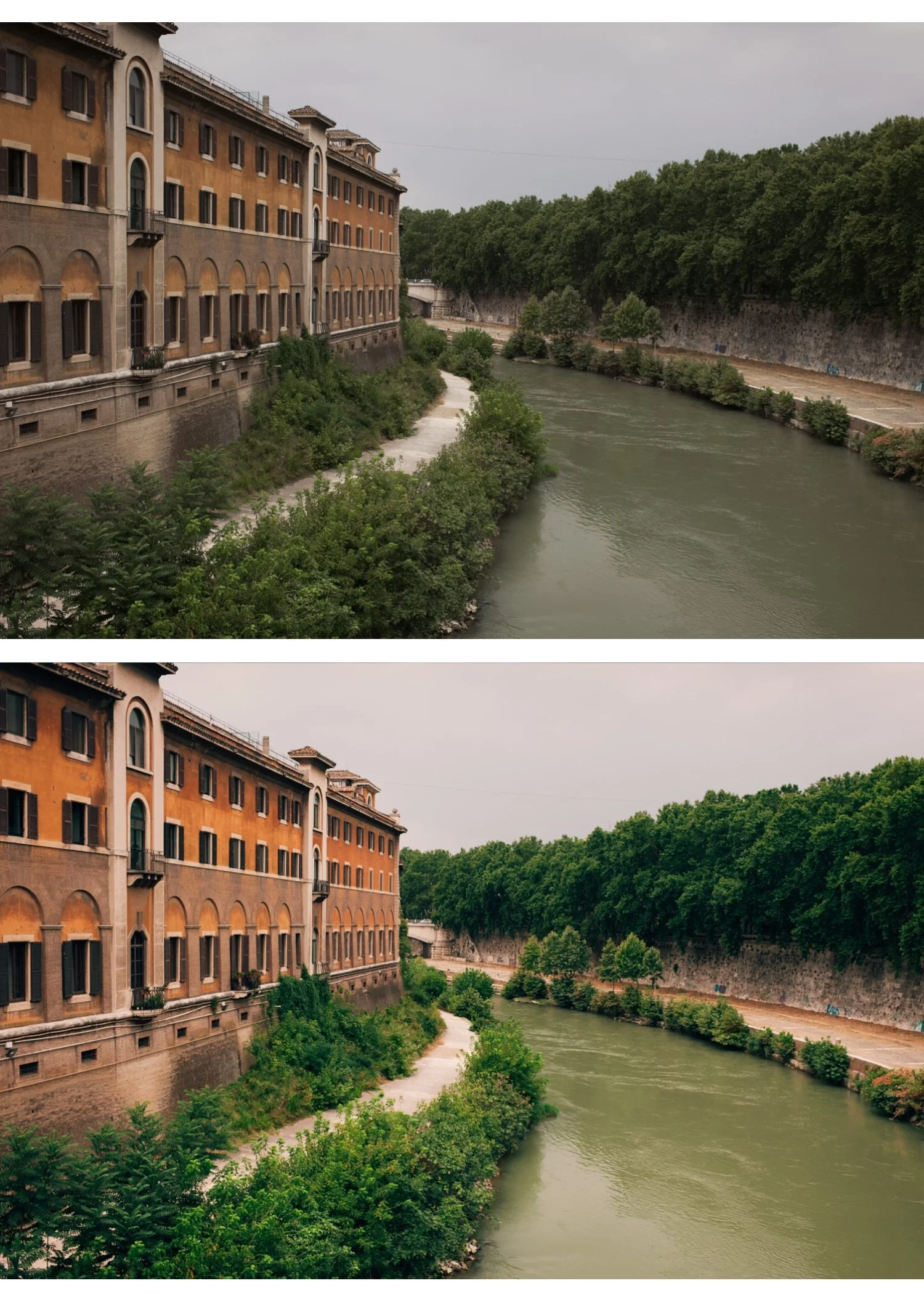
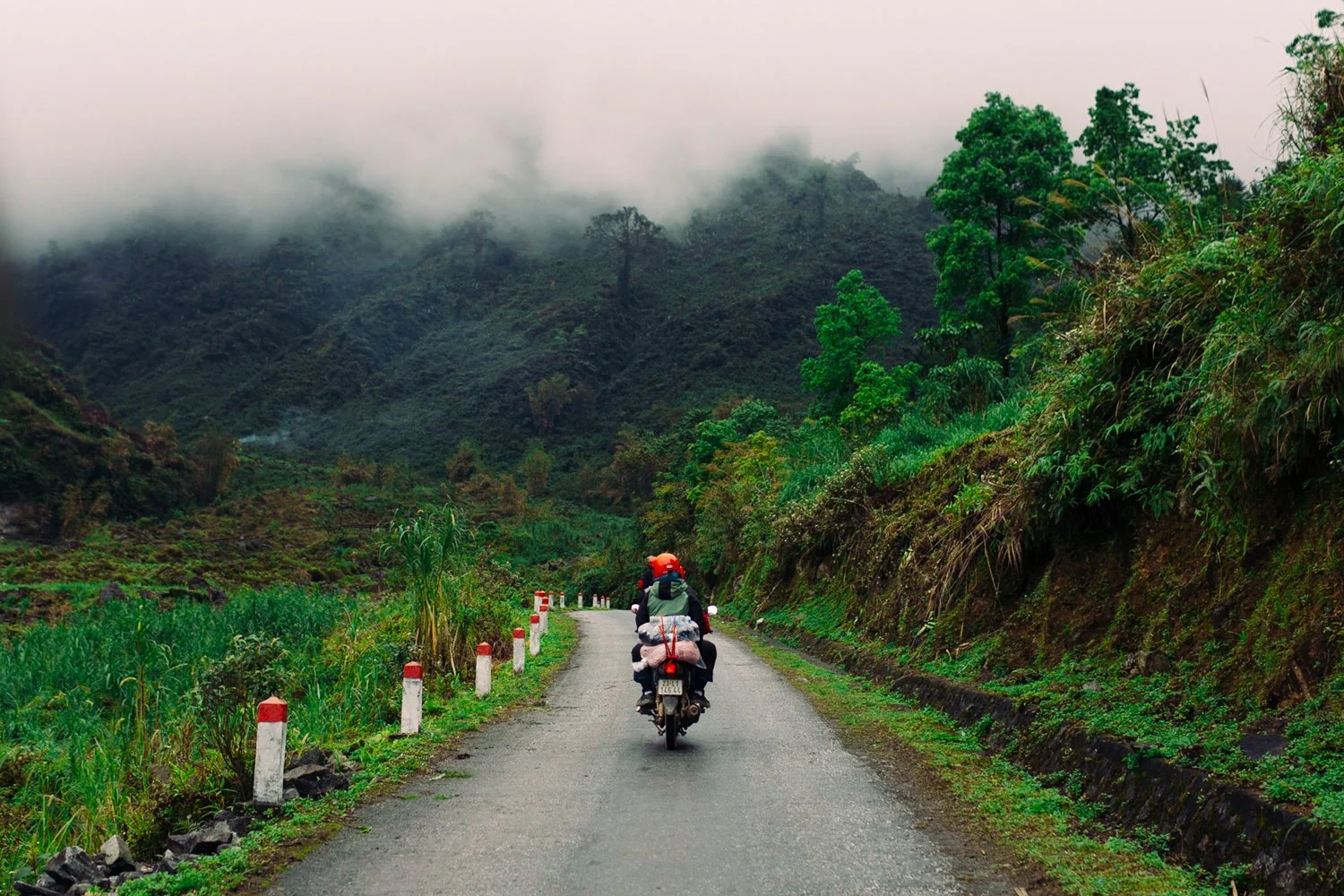
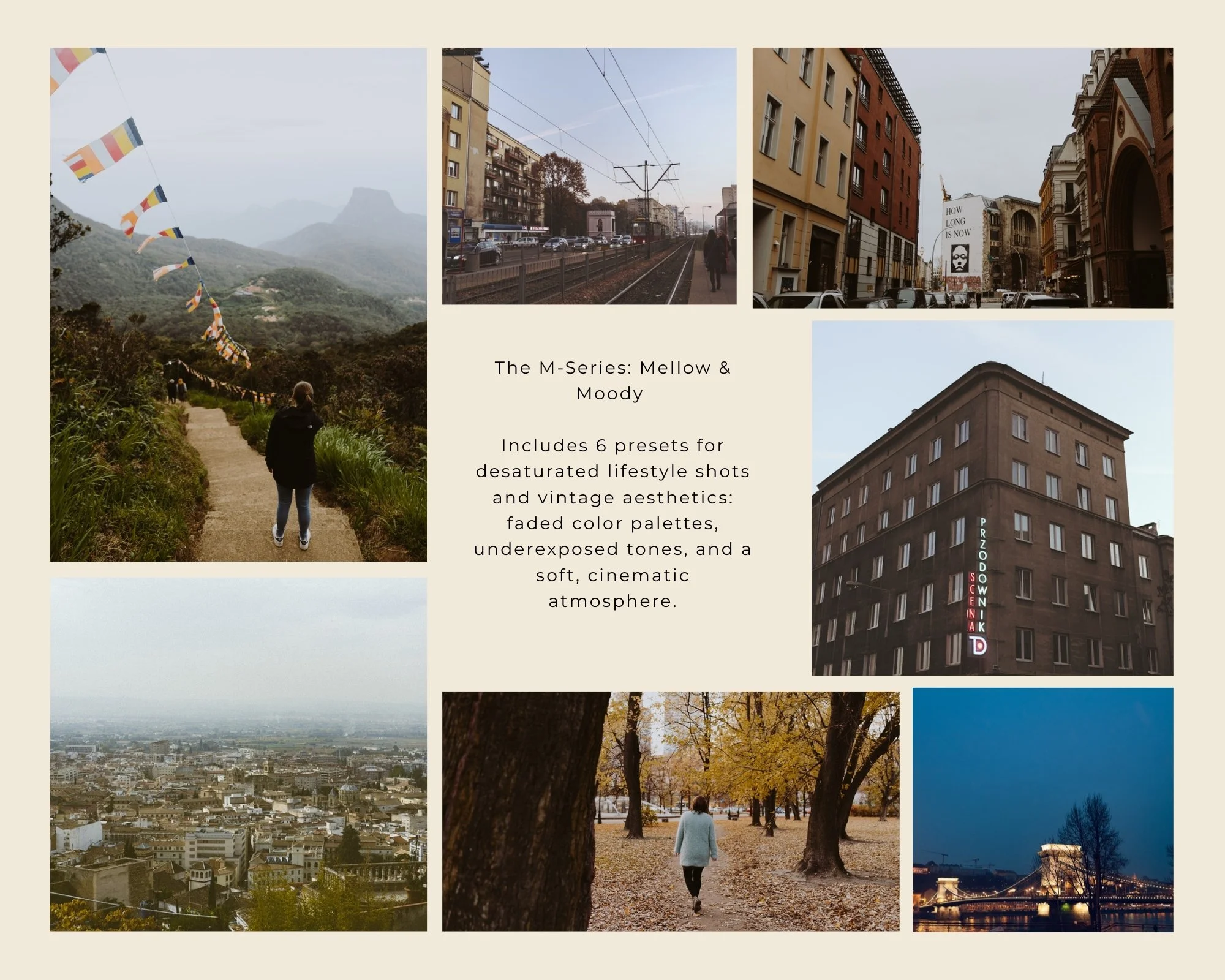
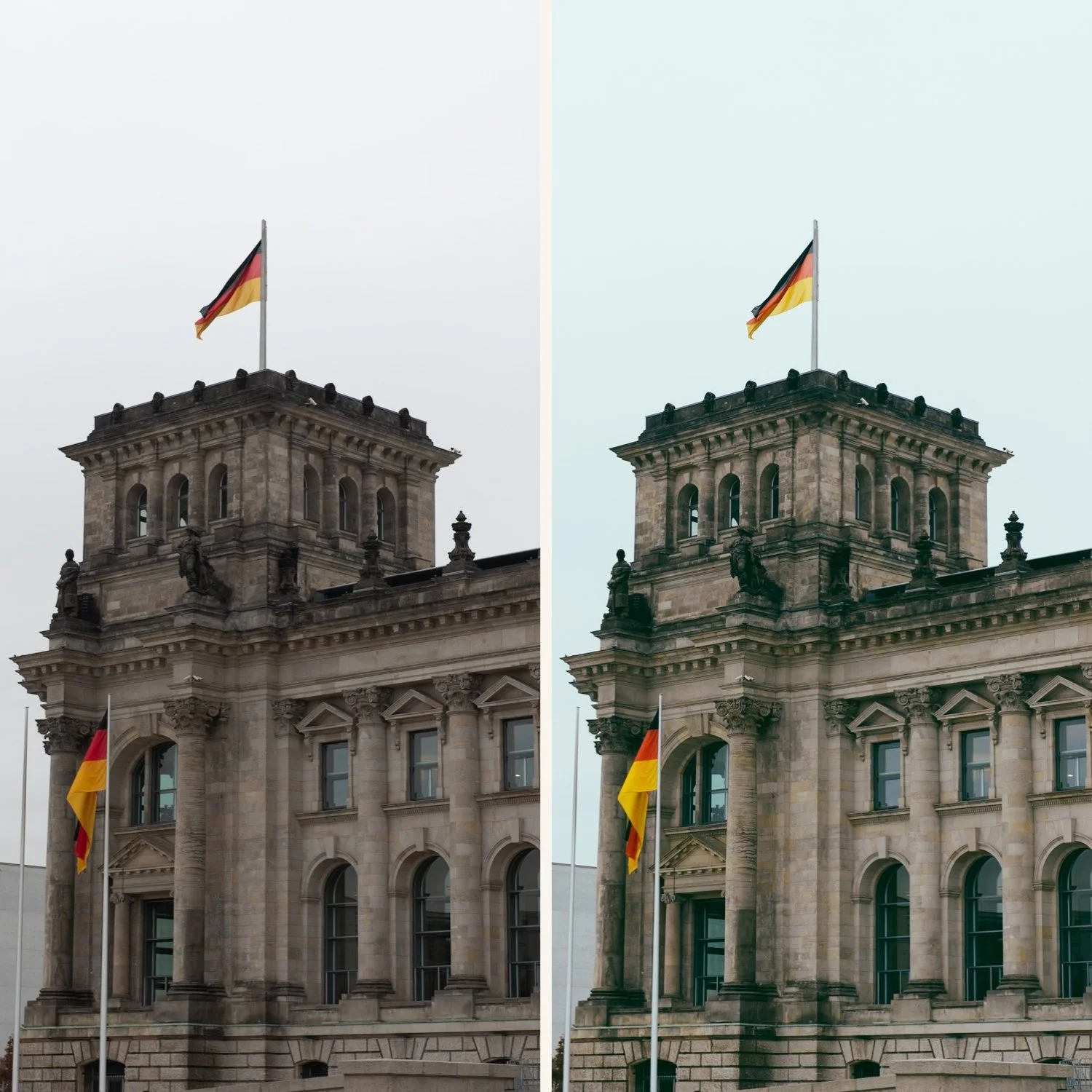
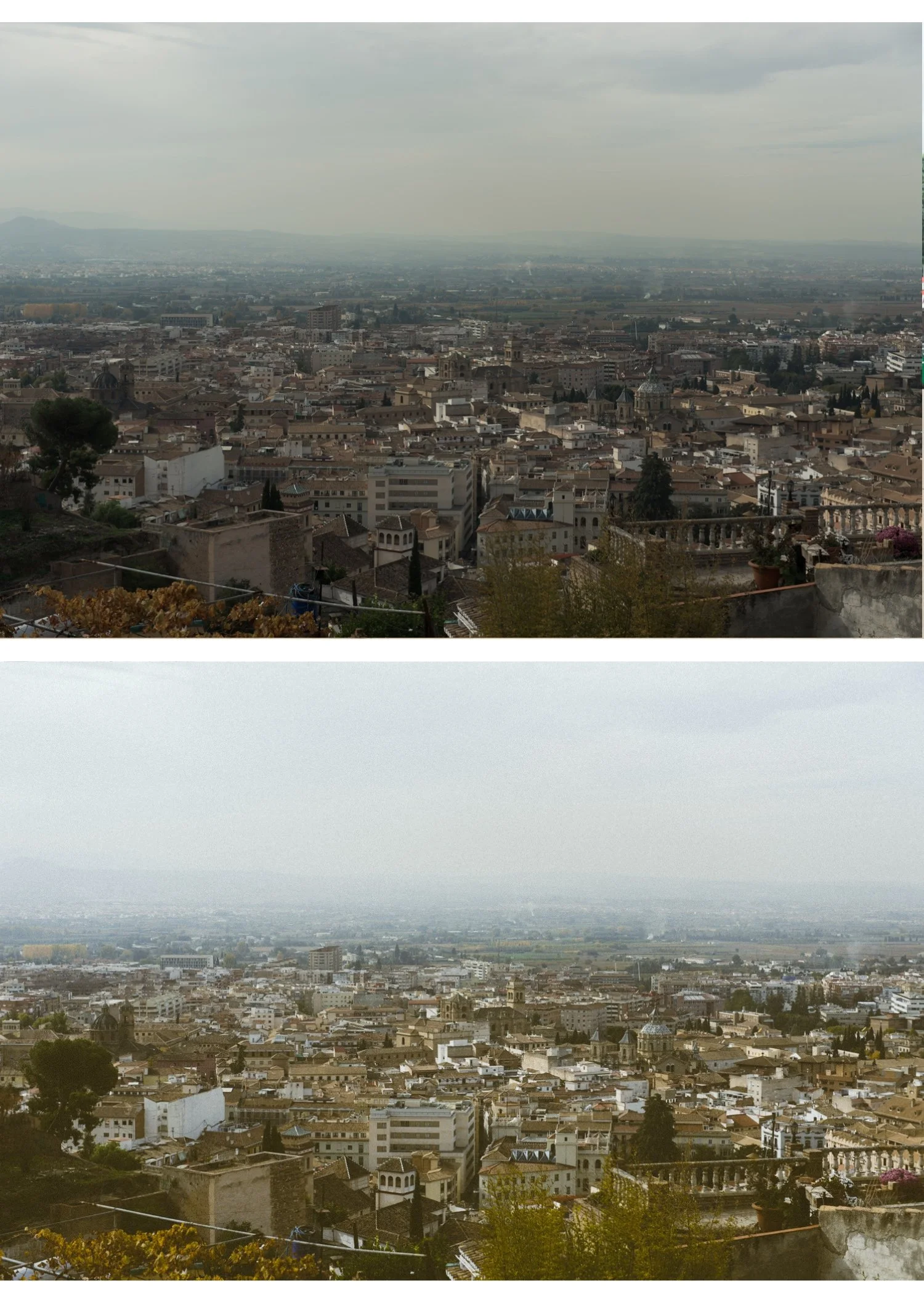
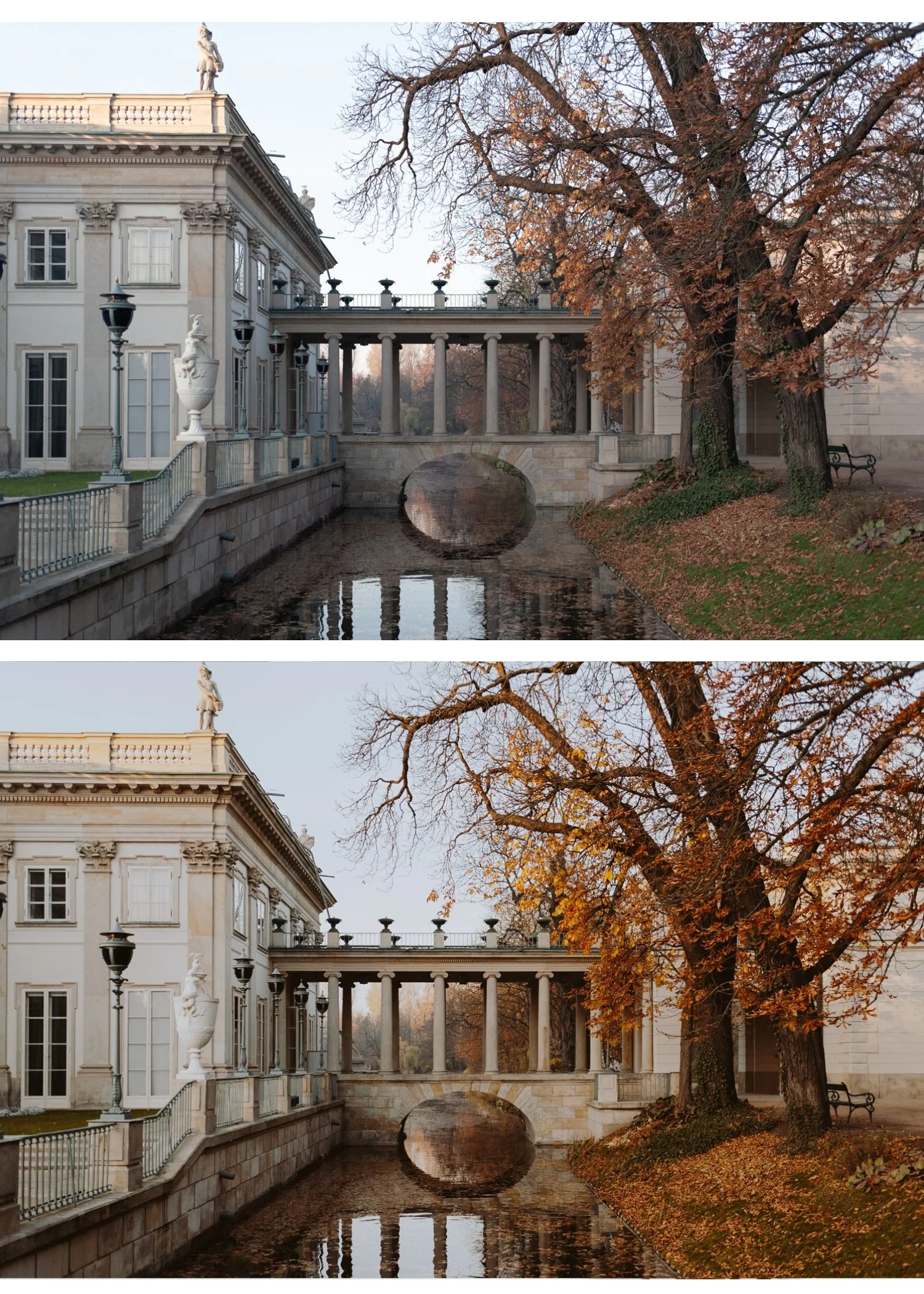
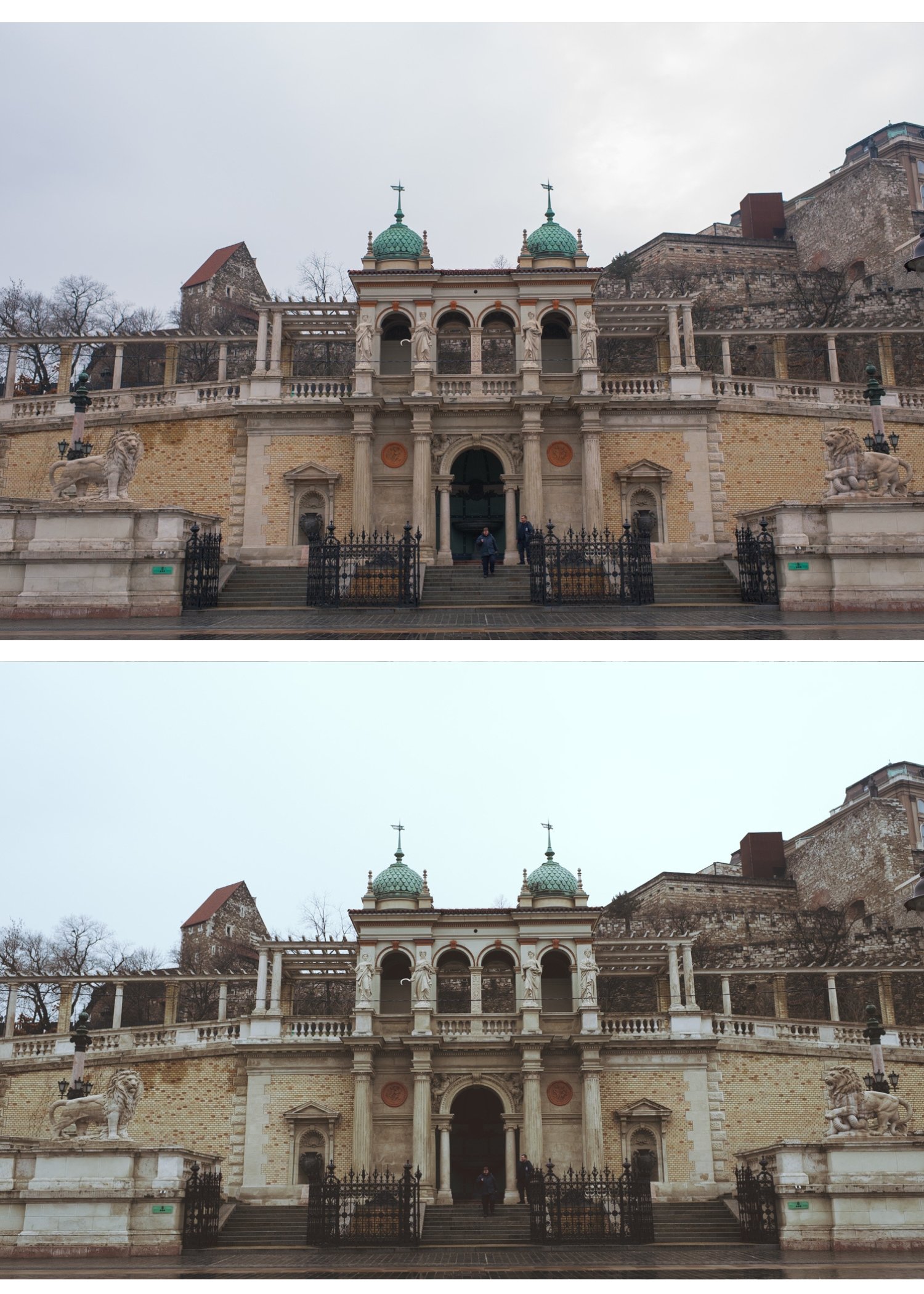
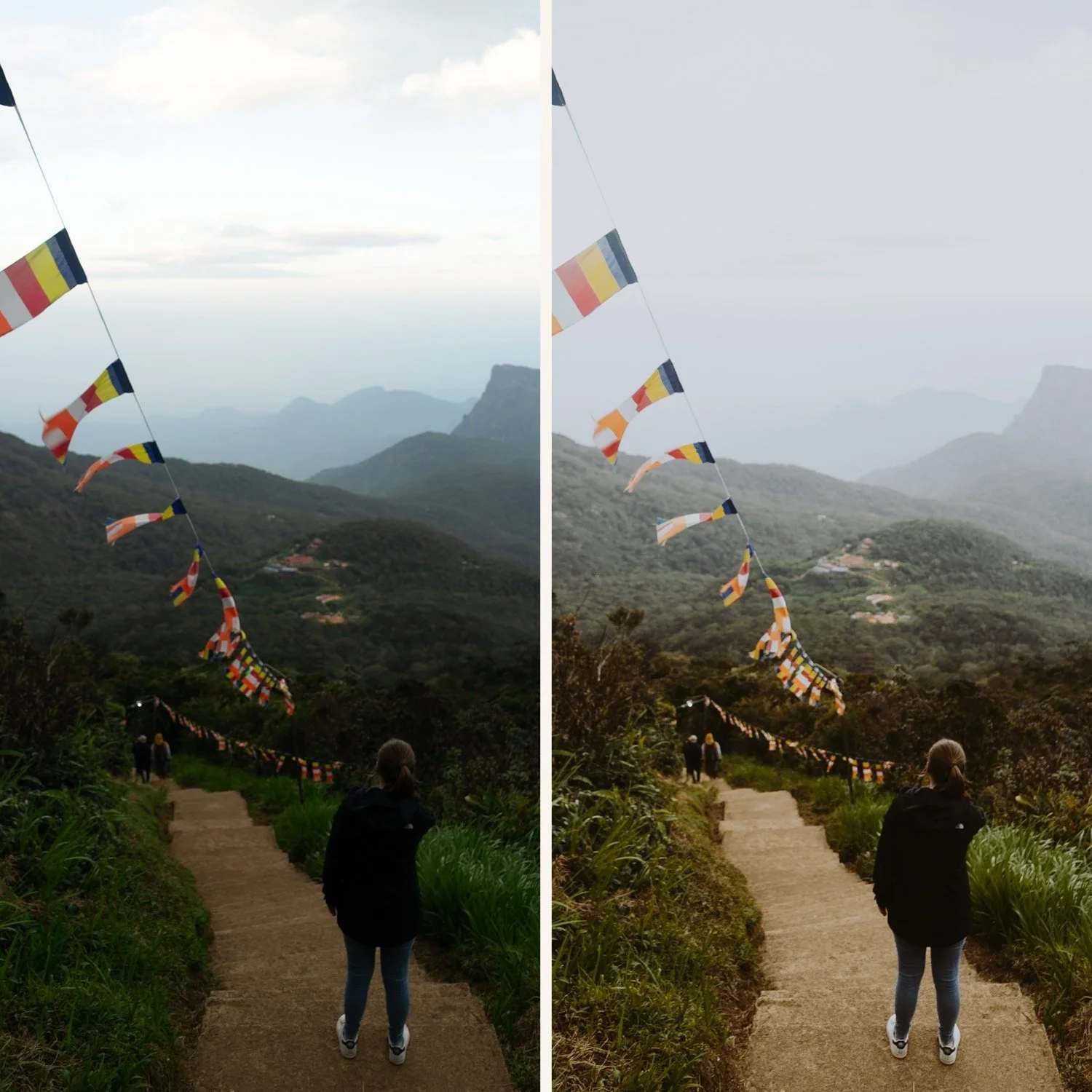
Travel photography — European architecture, overcast landscapes, textured environments. Atmospheric depth without heavy-handedness.
Portrait photography — M1 and M5 are the most skin-friendly. Warm, controlled shadows that add emotional weight without flattening skin tones.
Editorial and lifestyle — a consistent moody aesthetic for feeds and portfolios that want to feel intentional and distinctive.
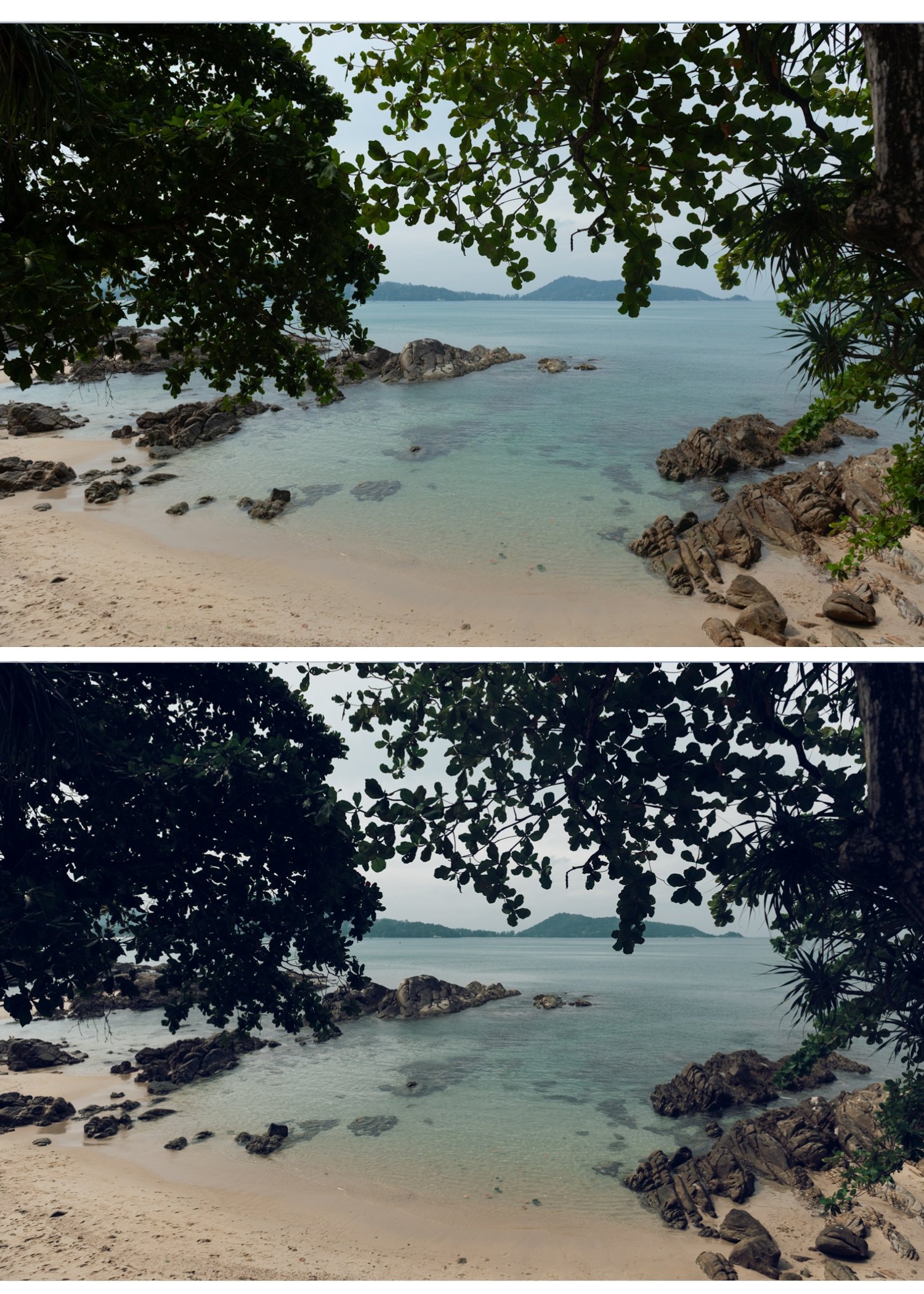
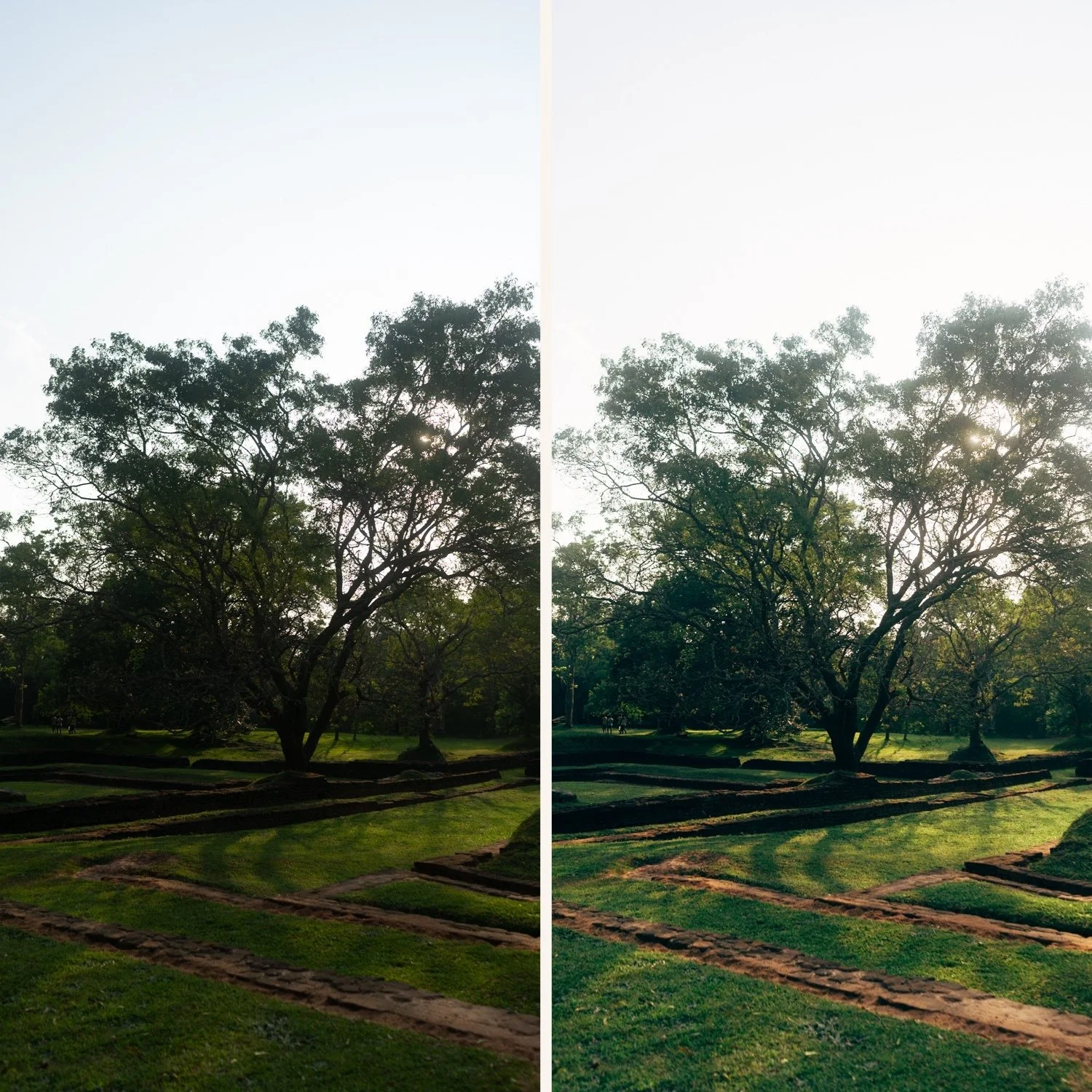
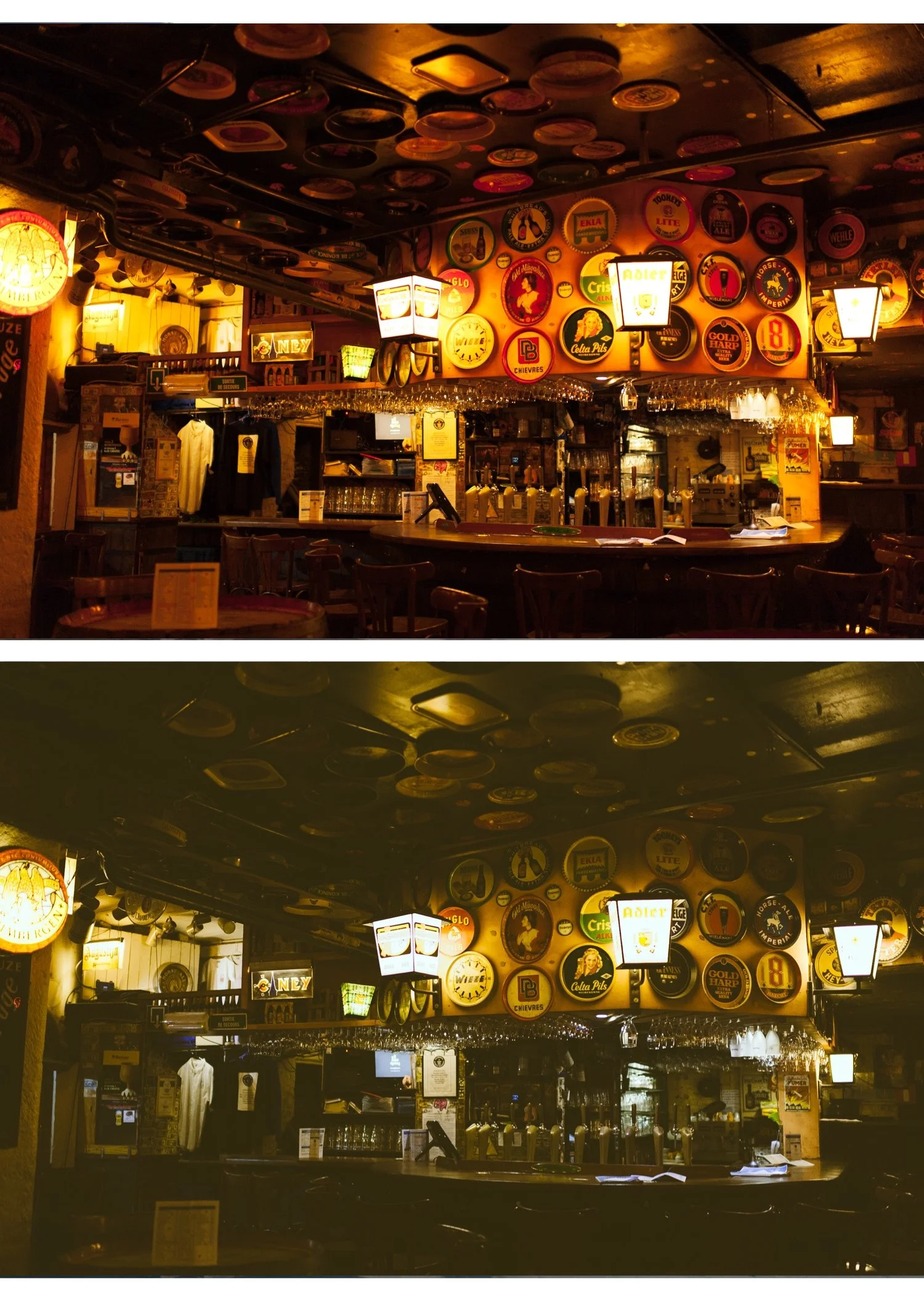
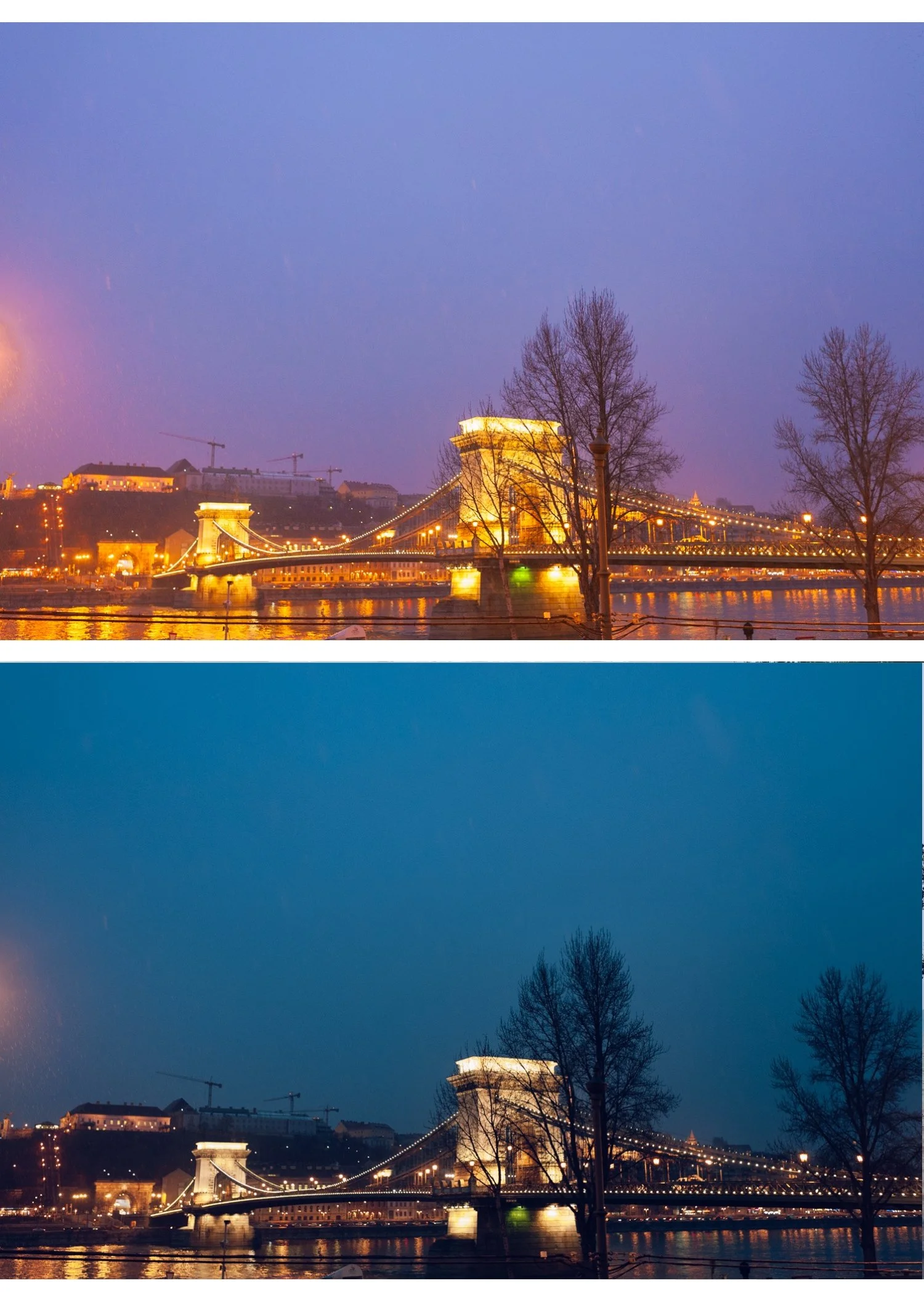
Low-light photography — the collection is calibrated for scenes with shadow depth. It enhances available shadow rather than fighting against it.
-
$4.50 per preset — most photographers pay $10 per preset. The Moody Film Archive gives you six for less than the price of two individual presets.
One cinematic philosophy across six variations — all presets are built on the same moody color foundation. Switch between them without breaking your visual consistency.
Shadow detail preserved — moody doesn't mean crushed blacks. Every preset in the collection maintains visible shadow texture and separation.
Skin-safe calibration — M1 and M5 are specifically calibrated for portrait use. Natural warmth without orange casts even in warm lighting.
Works everywhere — Lightroom Classic, Lightroom CC, and Lightroom Mobile on iPhone and Android.
-
6 presets for Lightroom Mobile (DNG) 6 presets for Lightroom Desktop (XMP) Step-by-step installation guide Instant download after purchase Lifetime access
-
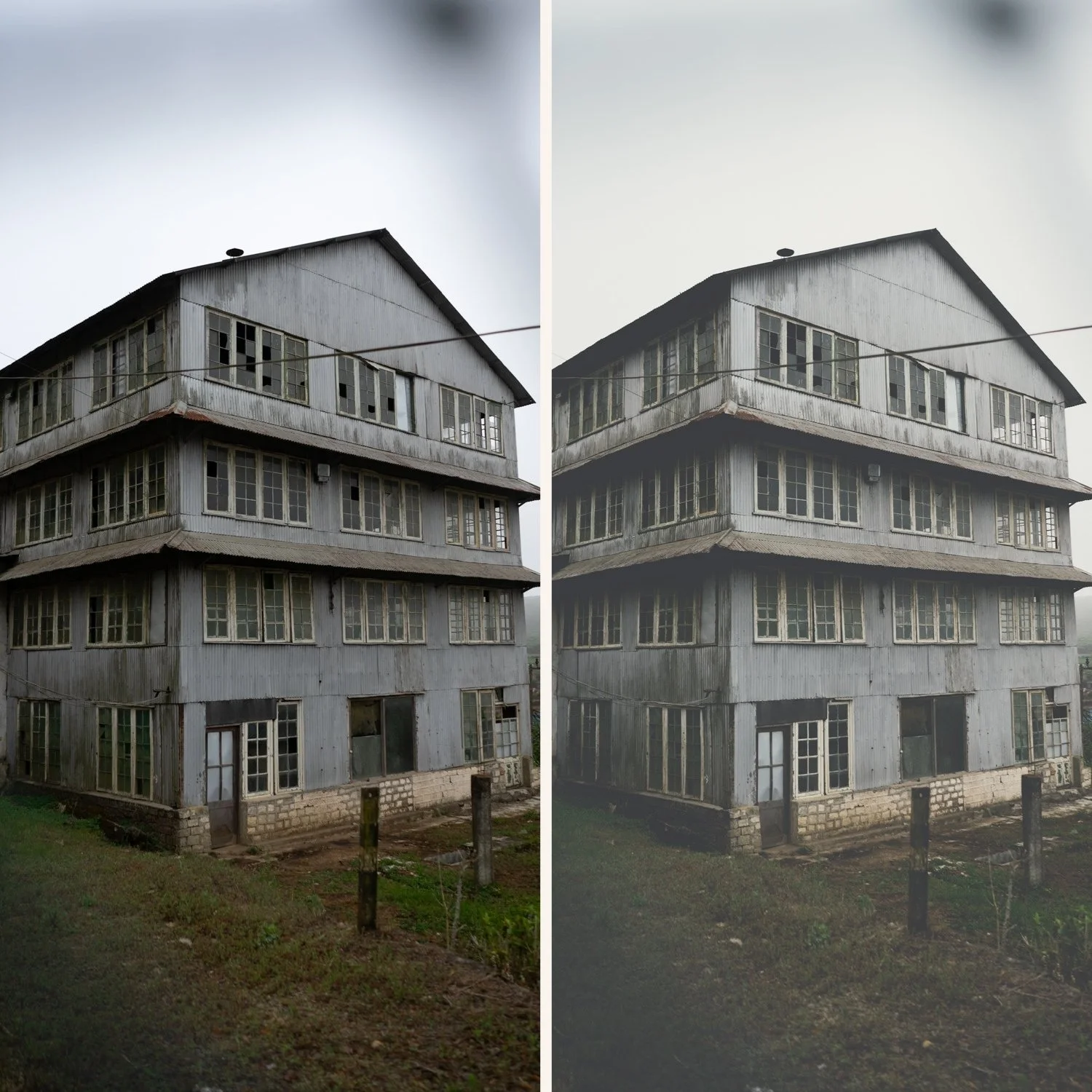
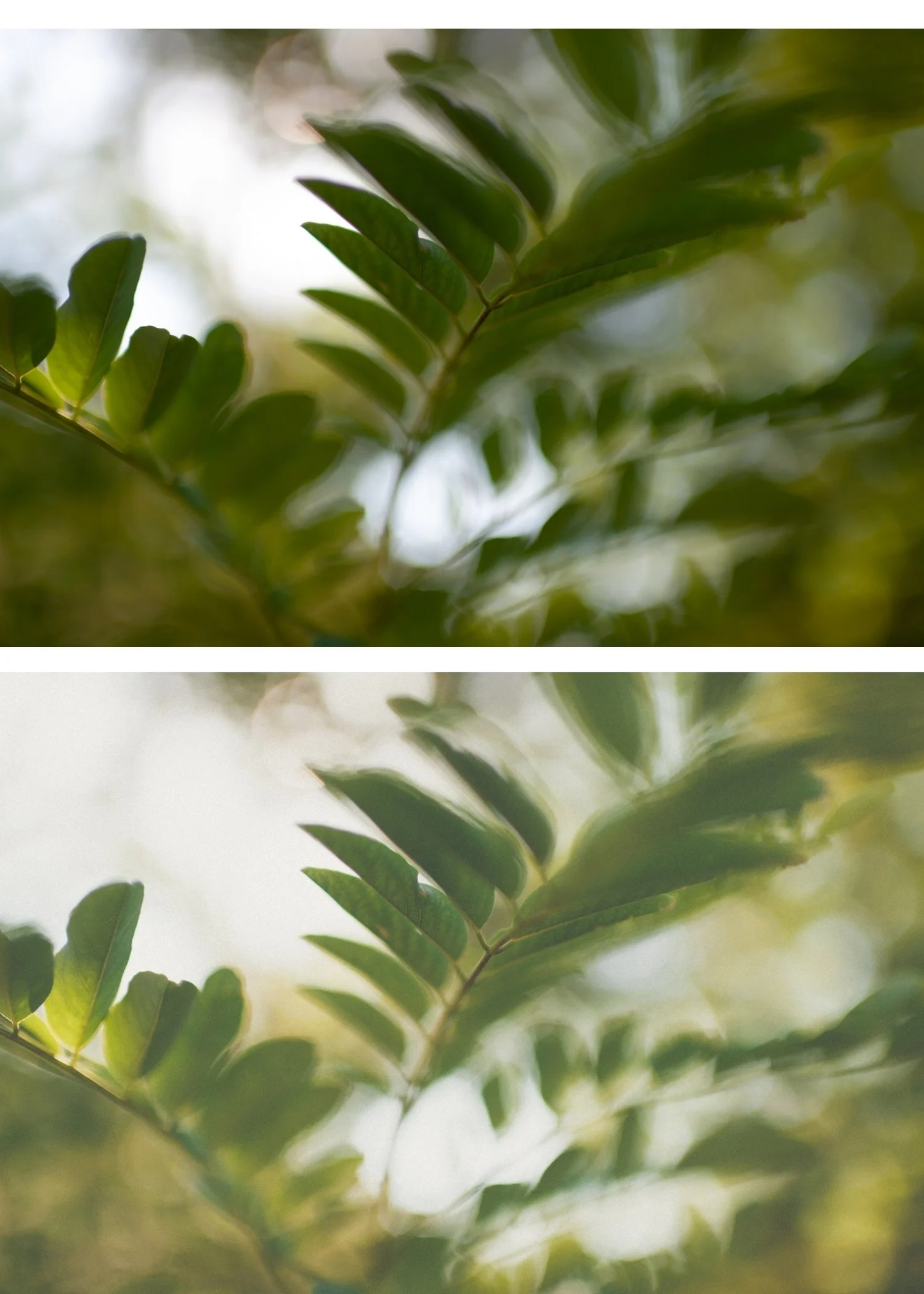
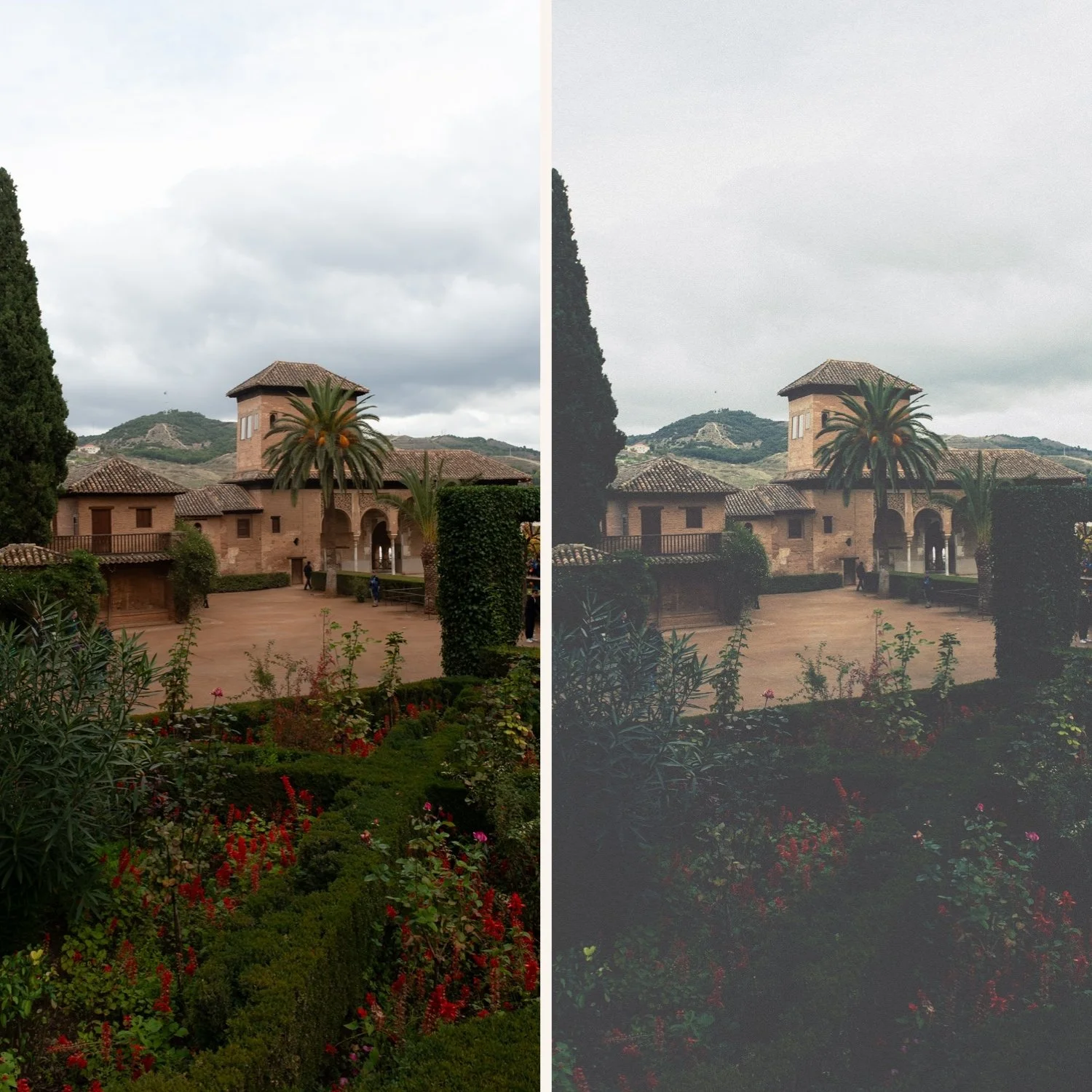
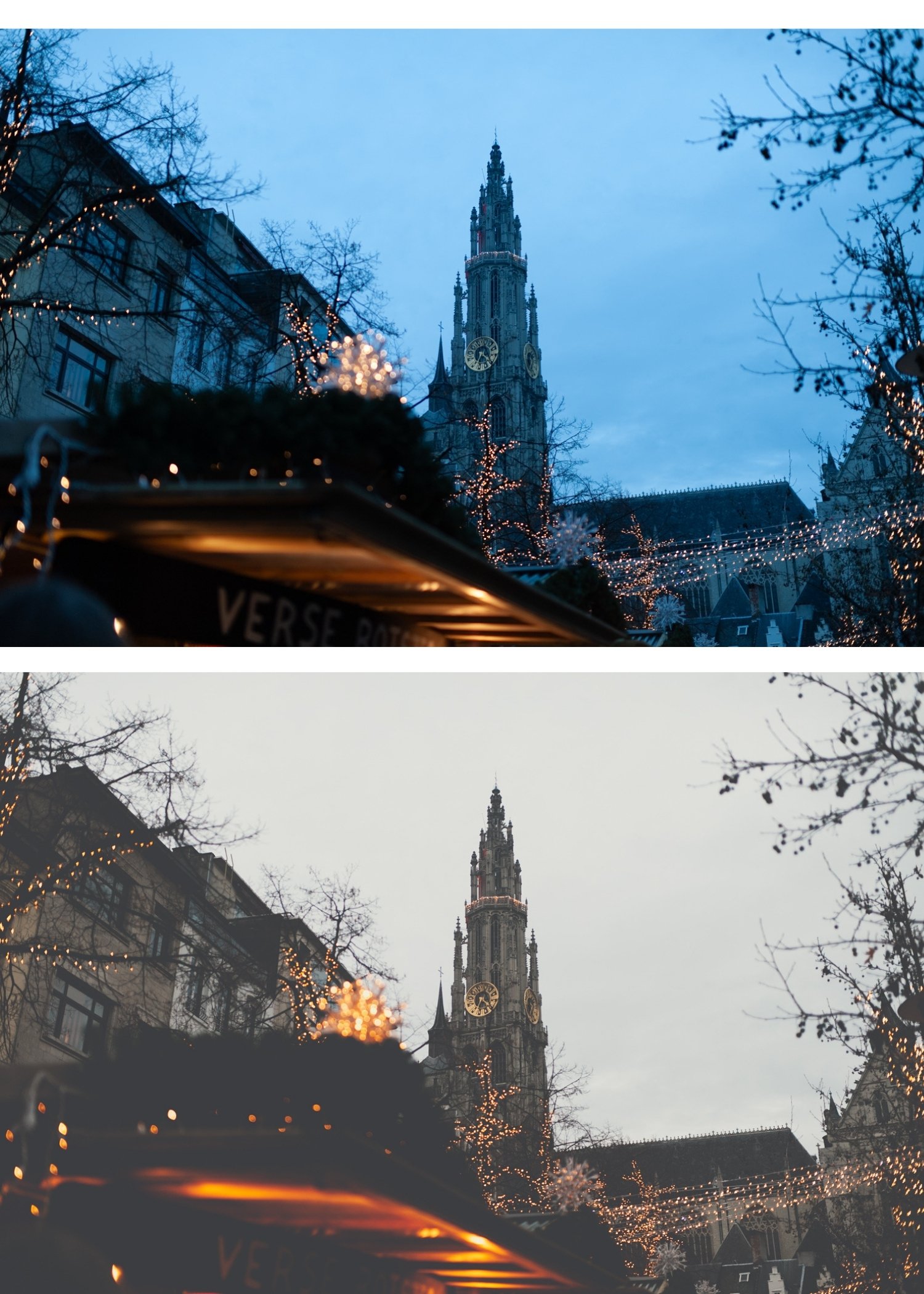
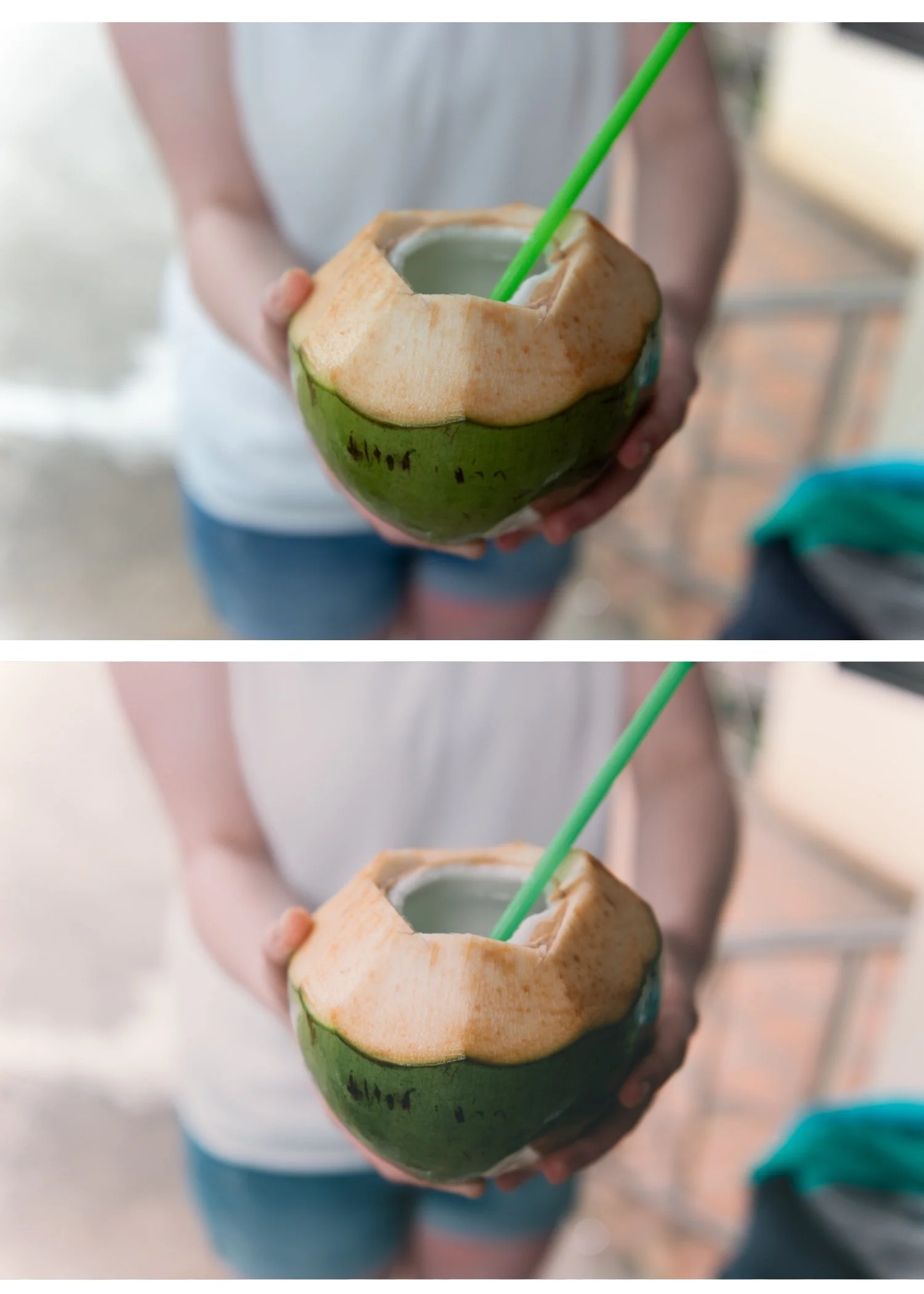
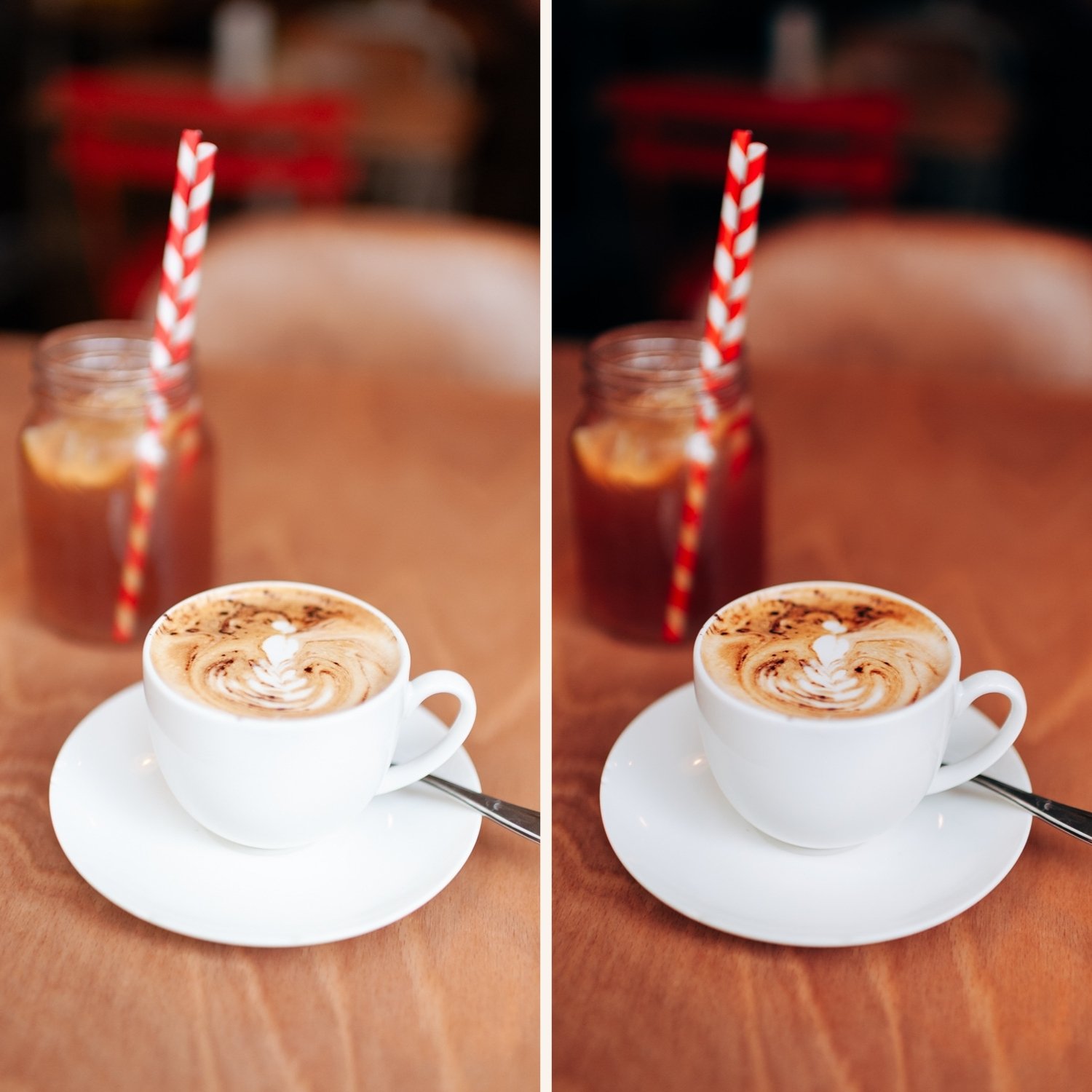
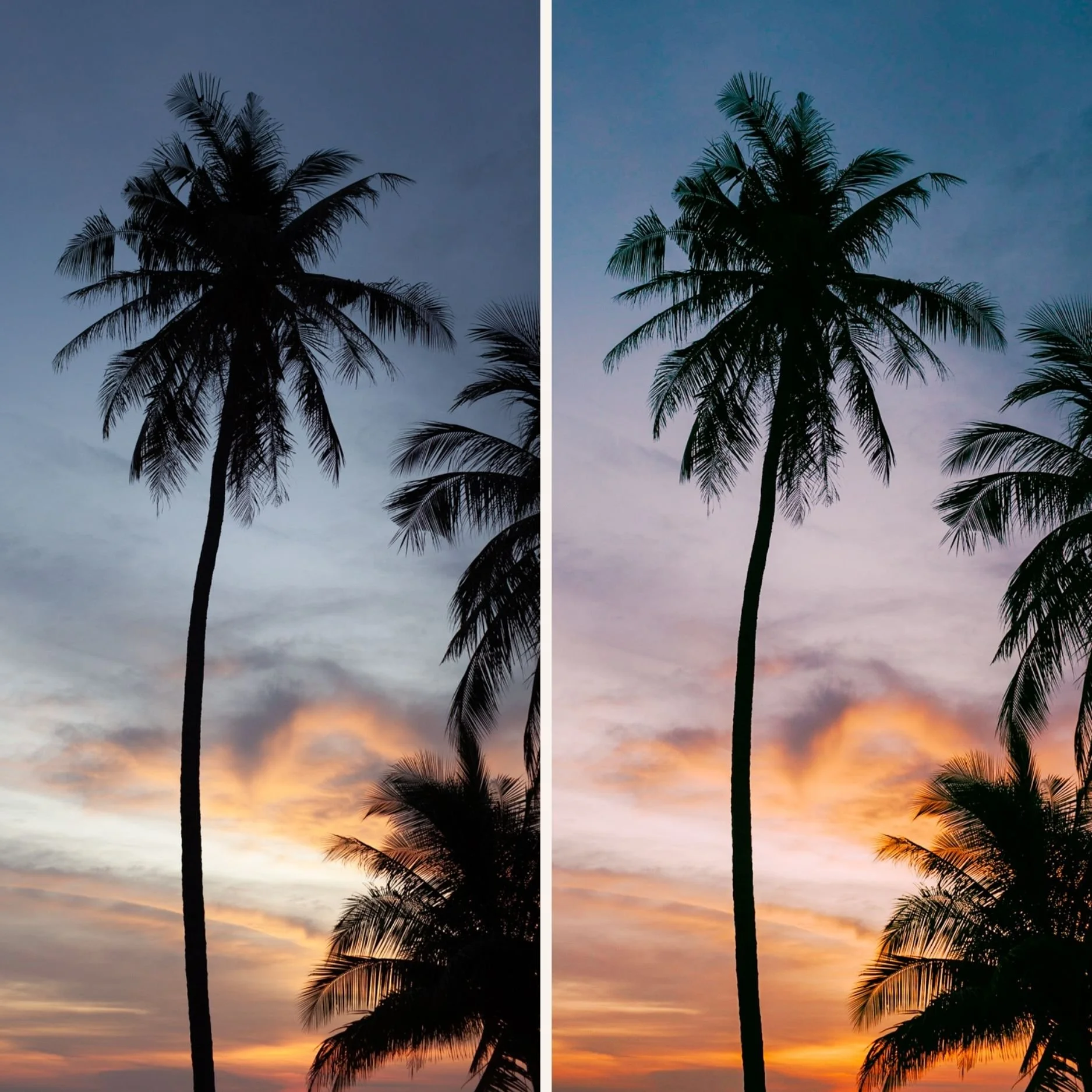
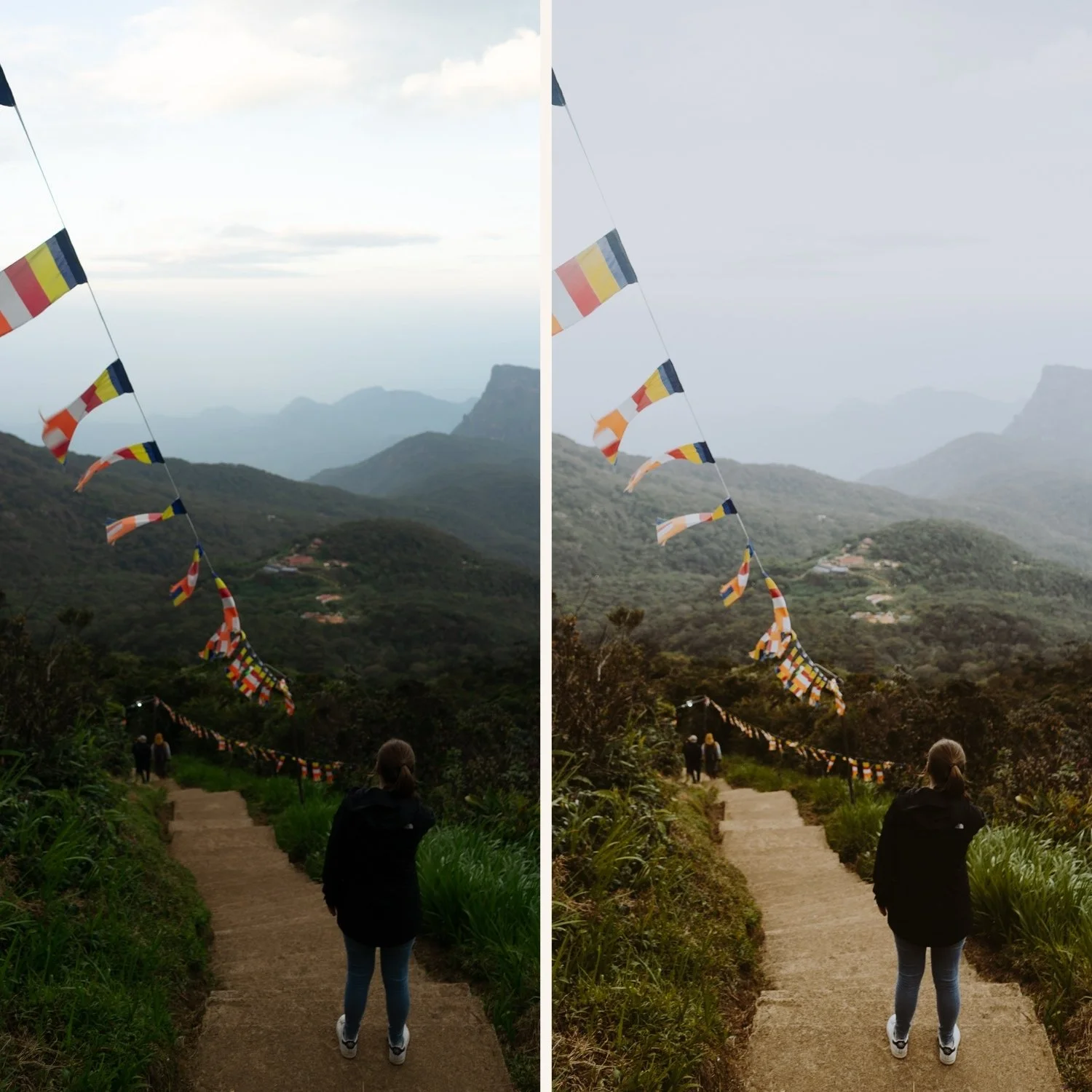
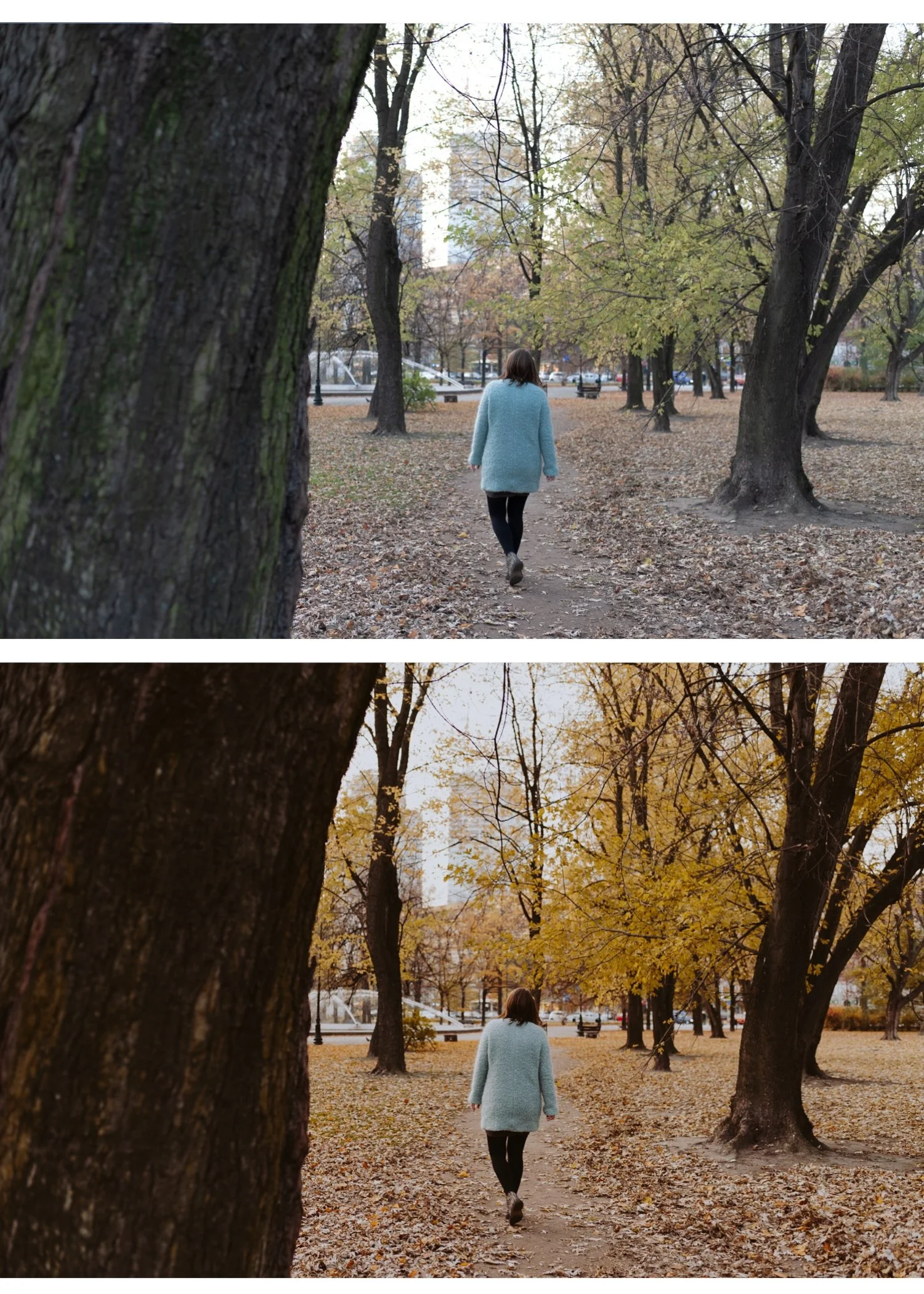
Inspired by classic analog photography, this collection recreates muted color, soft highlight roll-off, and matte shadow detail. The result is a grounded, cinematic aesthetic that feels natural, timeless, and editorial.
Designed to remove the harshness of digital images and replace it with depth, atmosphere, and subtle film character.
-
Purchase and download instantly
Import into Lightroom Mobile or Desktop — takes 2 minutes.
Apply any preset in one click
Adjust exposure and white balance for your specific photo
Done — consistent cinematic results across your gallery
Want more than 6 presets?
The Studio Archive contains every preset collection we make — 130+ presets for $89. That's $0.68 per preset, and it includes every new preset we release for life.
Most photographers who start with the Moody Film Archive upgrade to the Studio Archive within a month.