Sale Price:
$27.00
Original Price:
$39.95
Four black and white looks. Every monochrome direction. $6.75 per preset.
Most photographers pay $10 per preset. The Noir & Silver Archive gives you four — for $6.75 each.
Not four versions of the same desaturation. Four distinct monochrome expressions — clean modern silver, warm classic darkroom tone, bold dramatic contrast, and cool vintage instant quality.
The complete black and white spectrum in one archive.
✅ Lightroom Mobile & Desktop
✅ Works on RAW and JPEG
✅ Instant download
✅ Beginner friendly
✅ Lifetime access
THE NOIR & SILVER ARCHIVE — 4 PRESETS, THE COMPLETE B&W SPECTRUM
Black and white photography is not one aesthetic. It is a spectrum — from clean and modern to warm and classic, from bold and dramatic to cool and quietly distinctive.
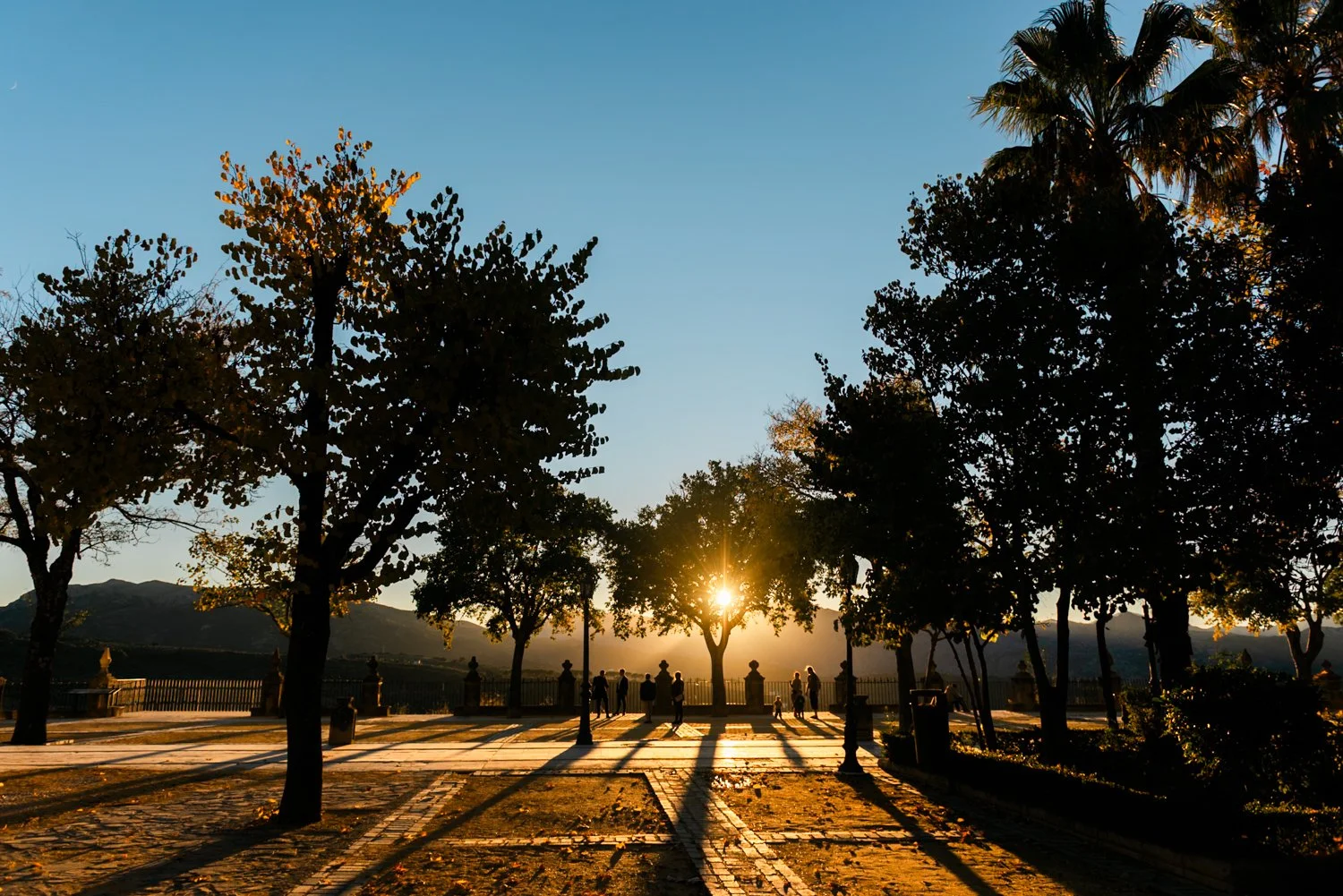
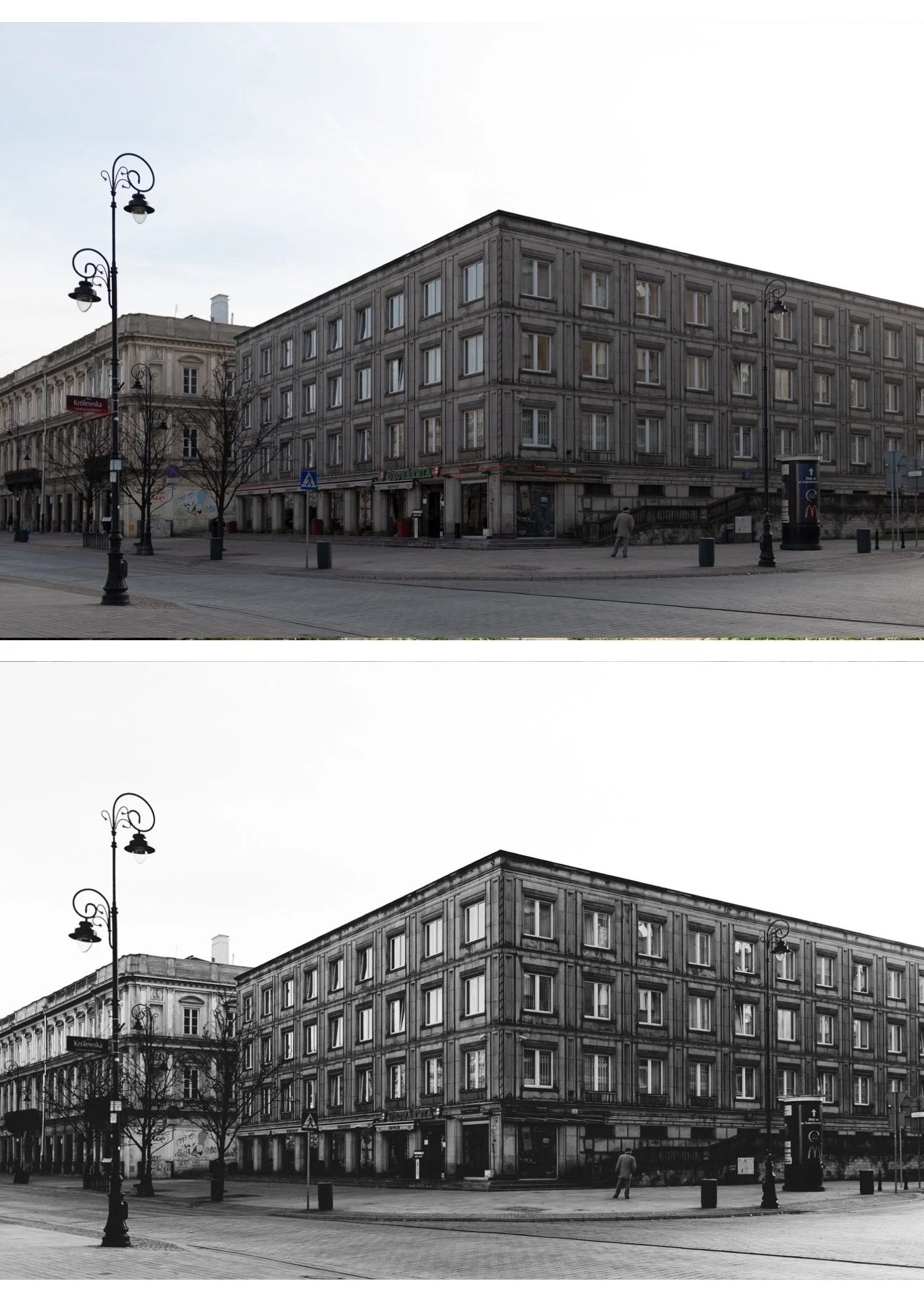
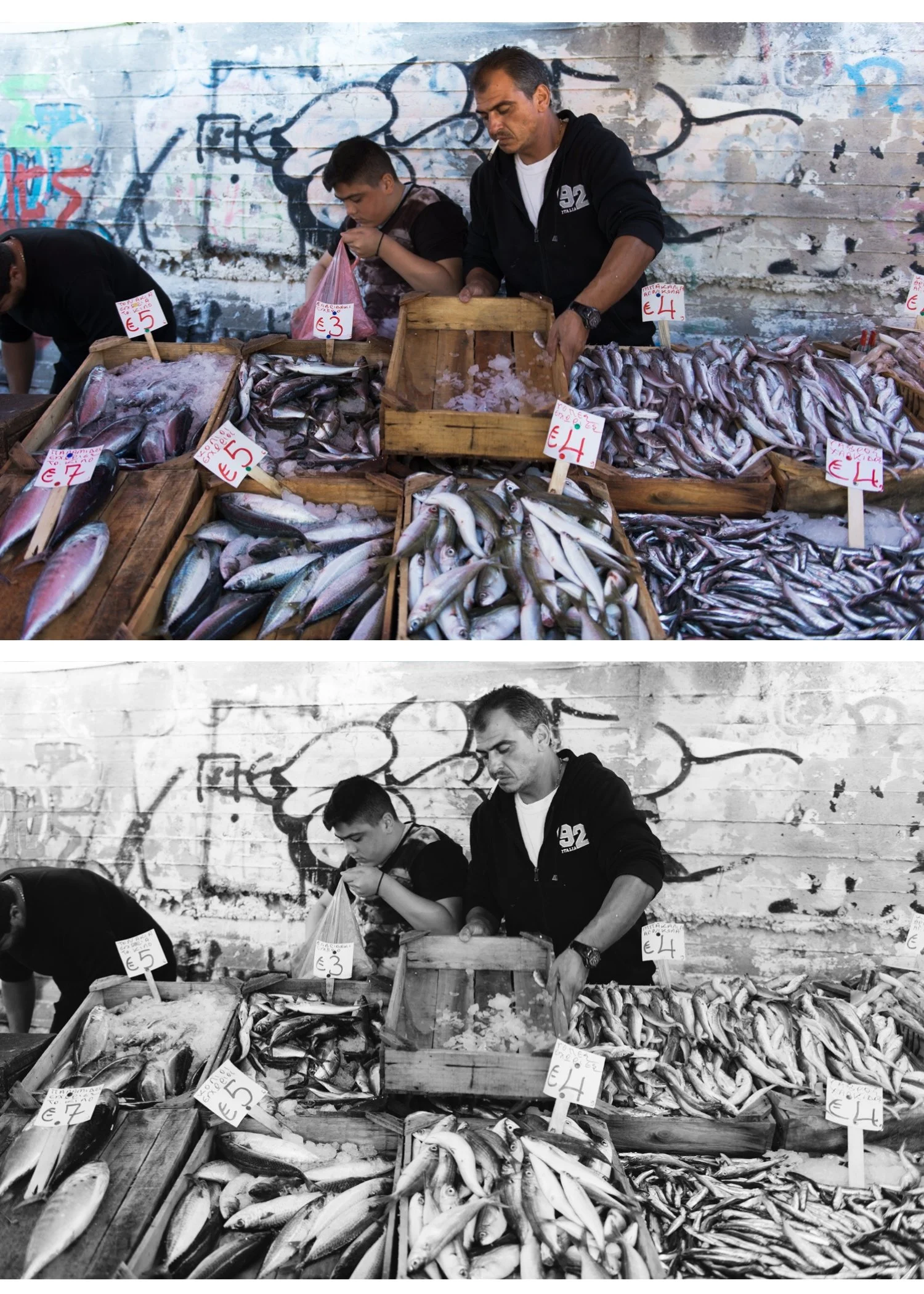
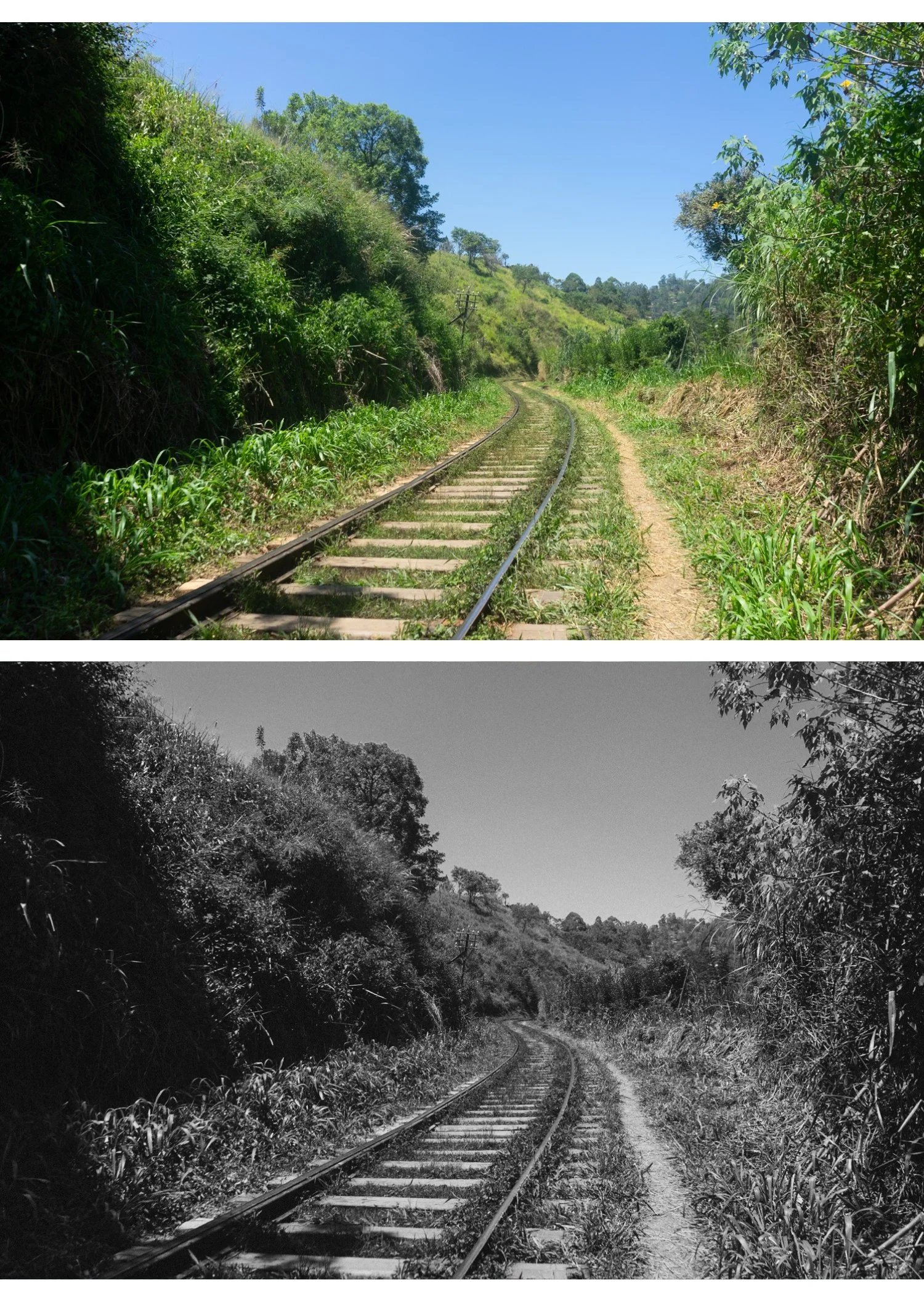
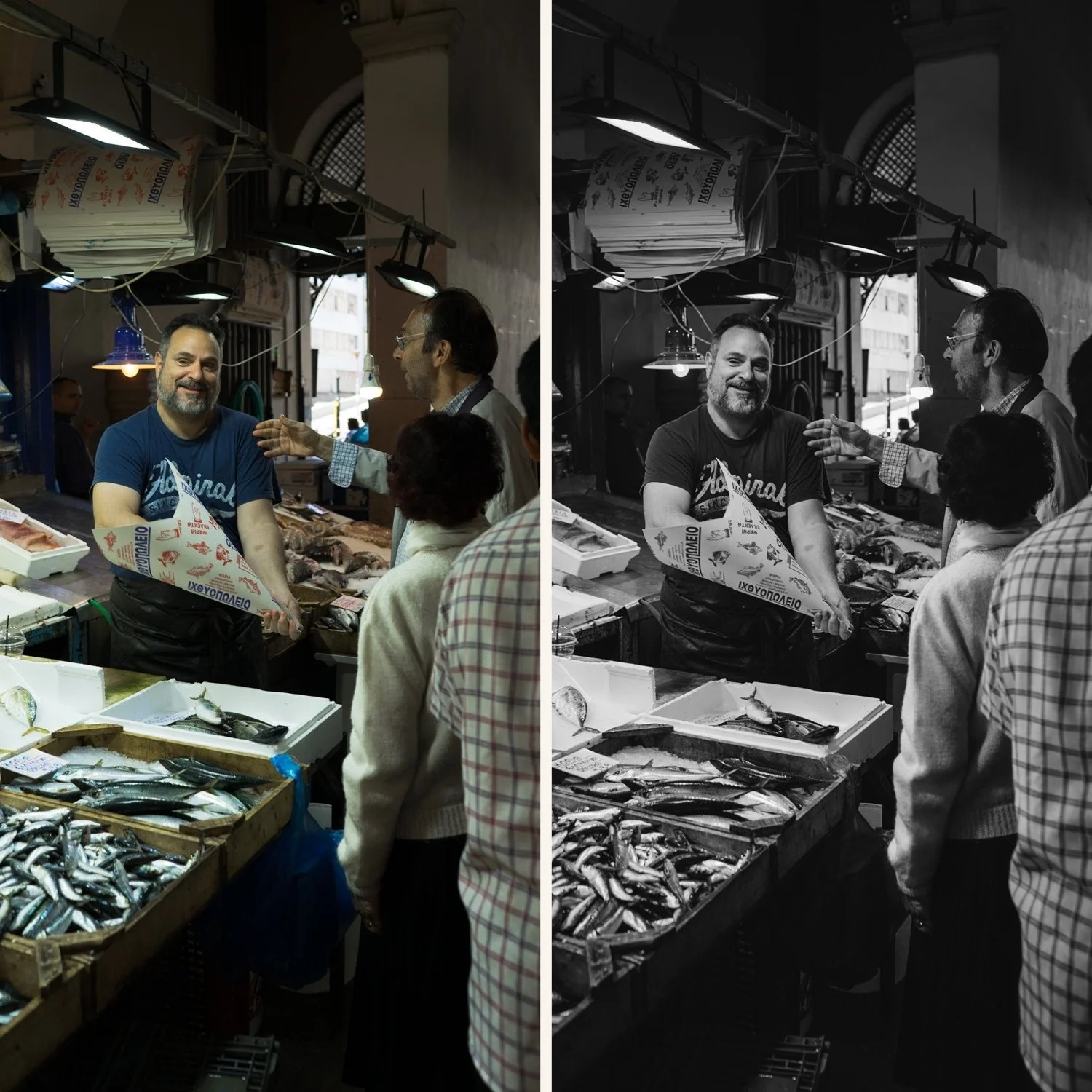
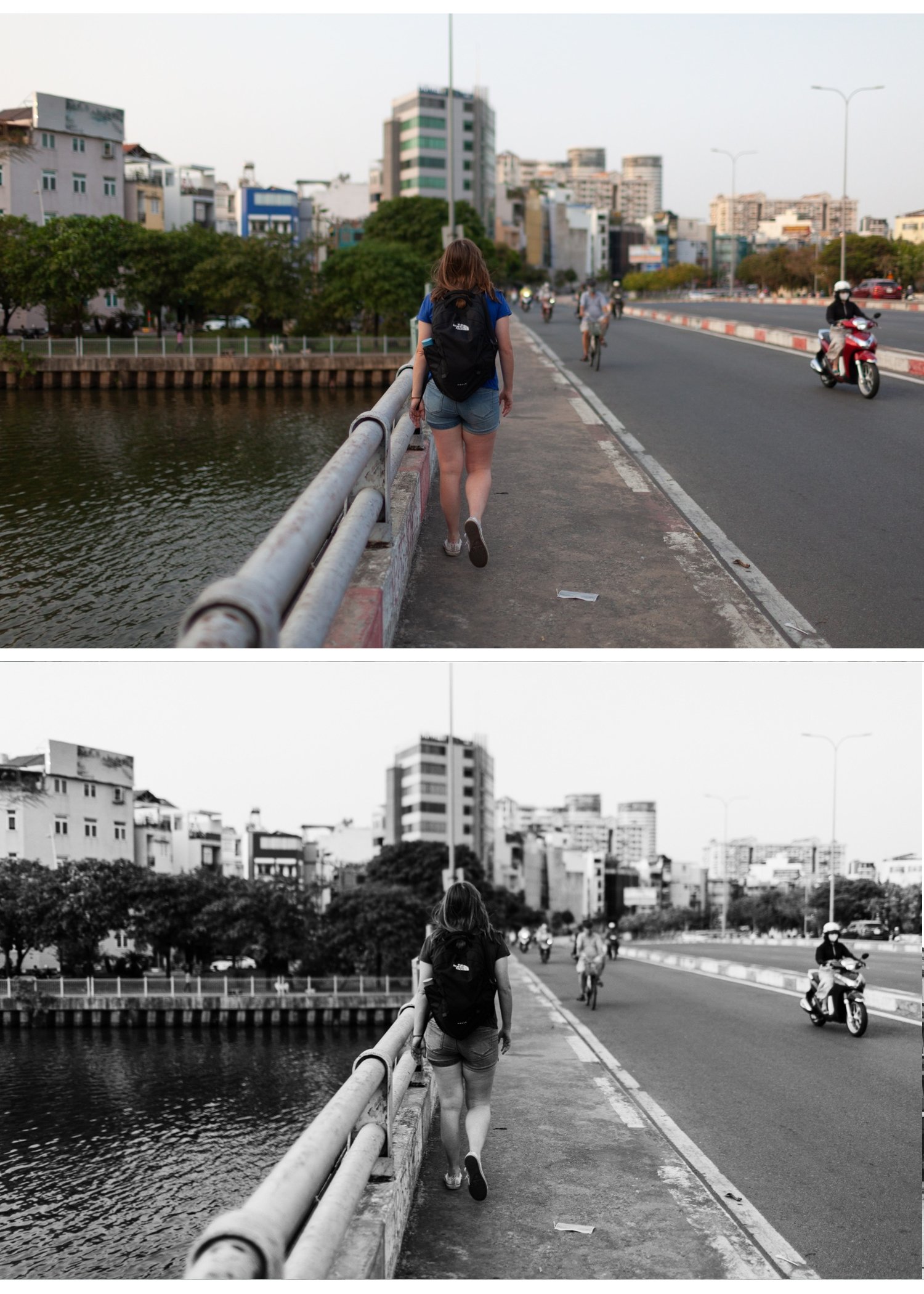
B1 — Clean Silver The foundation of the collection. Clean, neutral black and white with balanced tonal range and a modern silver quality. No warmth, no coolness — pure, precise monochrome. The most versatile preset in the archive, works across portrait, street, landscape, and lifestyle photography in any lighting condition. Start here if you are new to B&W editing.
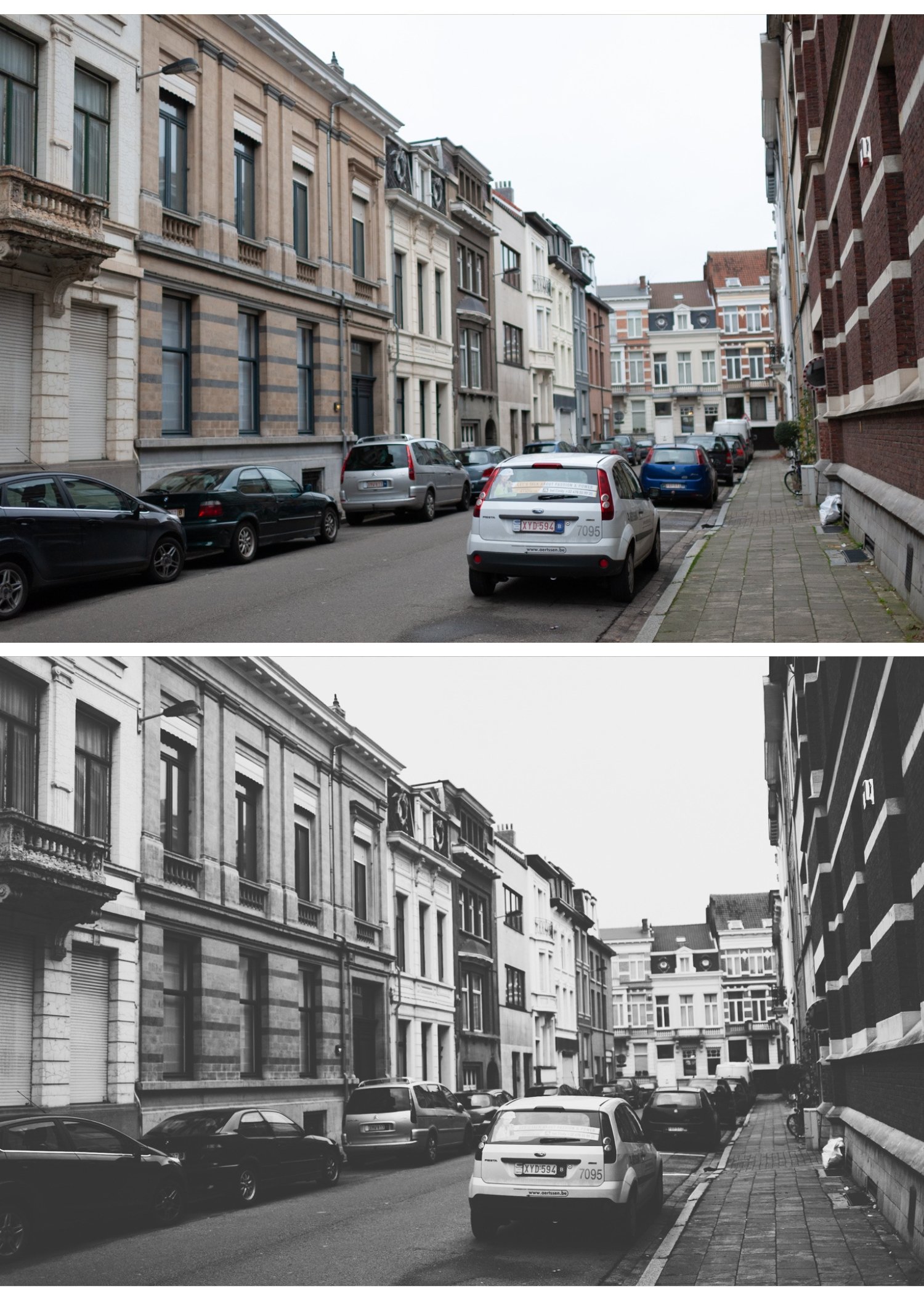
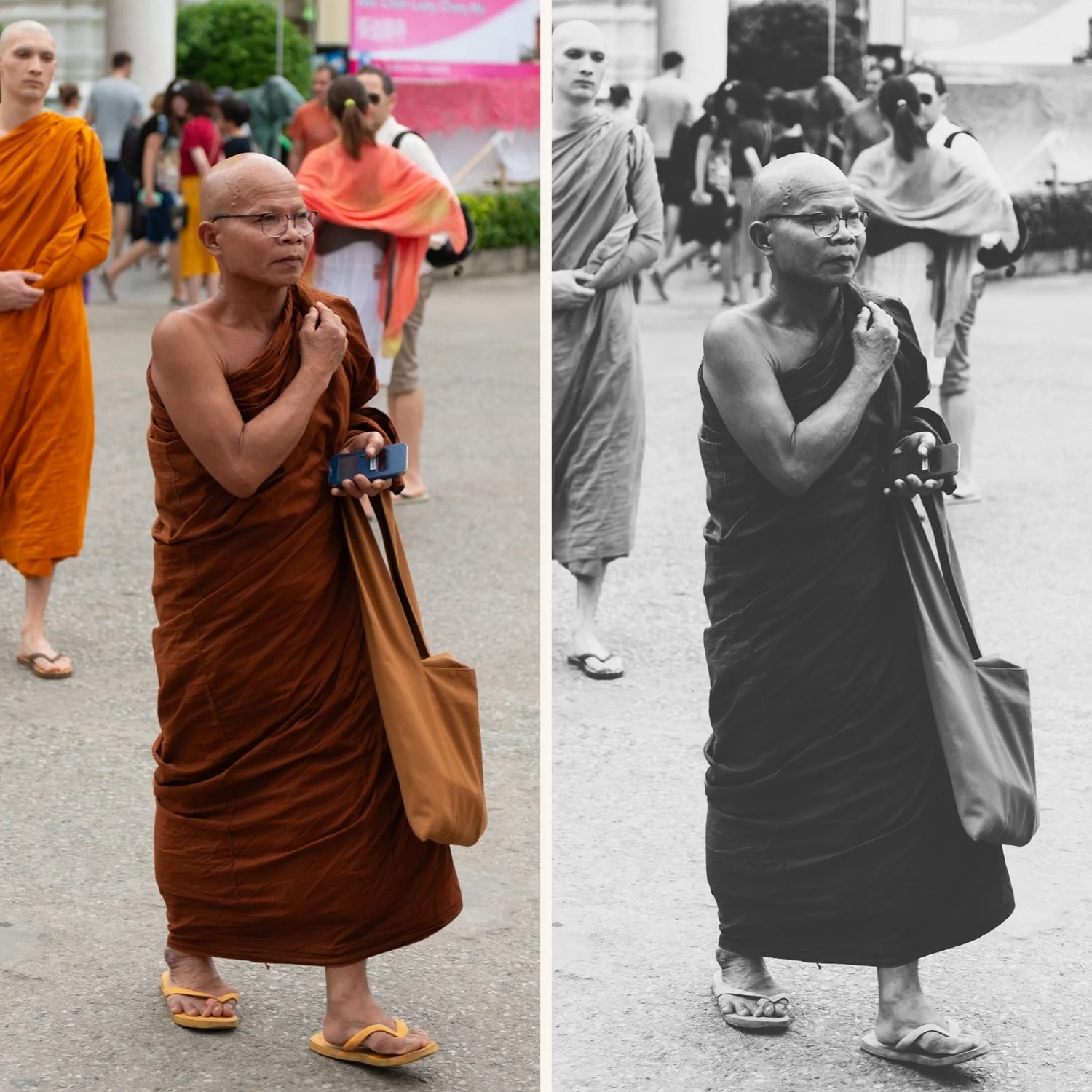
B5 — Warm Silver Warm-toned black and white with classic darkroom character. A silver-brown quality that references gelatin silver prints on warm-tone paper — the specific tonal warmth of traditional photographic printing. Timeless and refined. Best for portrait photography, fine art work, and any B&W where a classic, enduring quality is wanted.
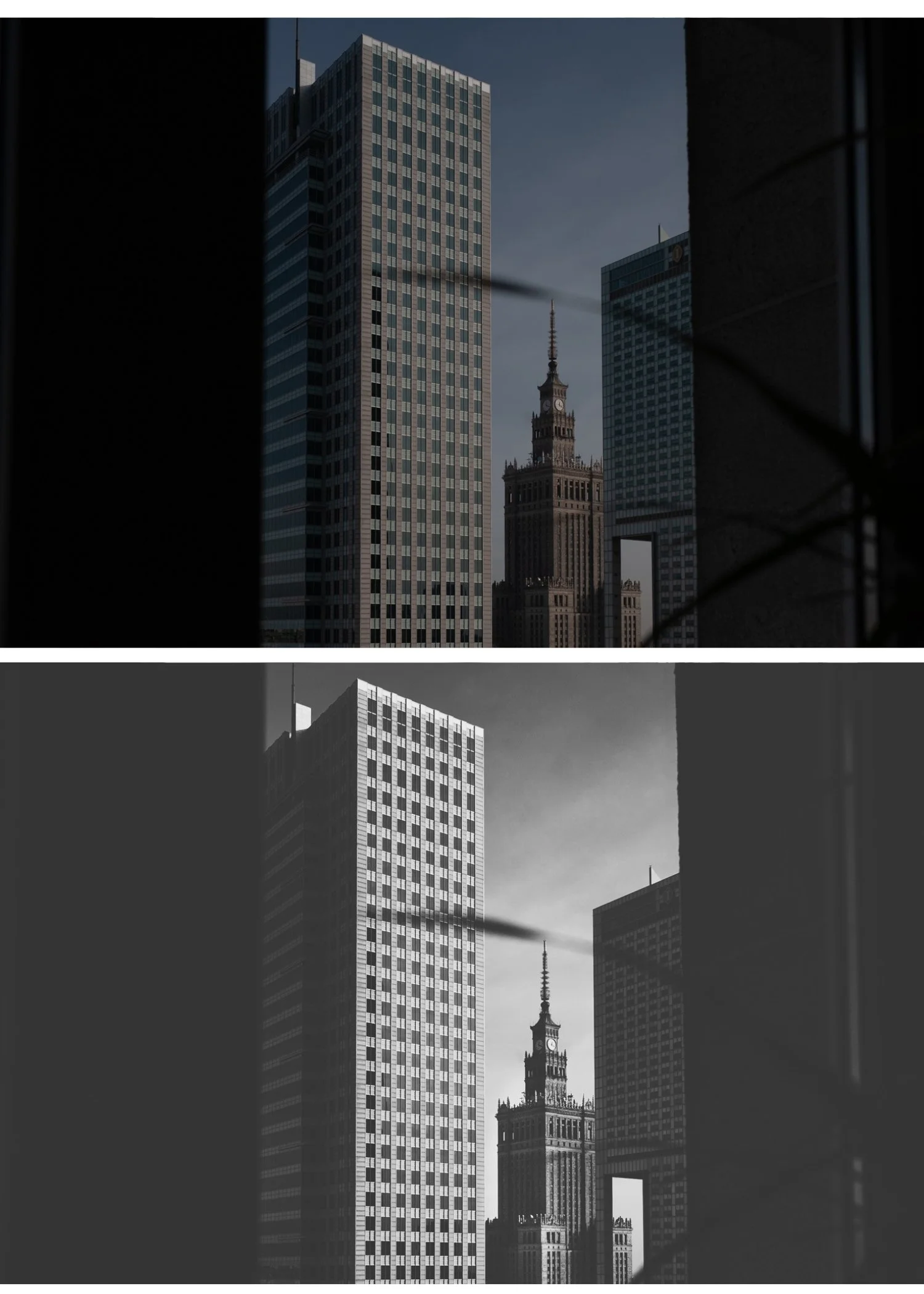
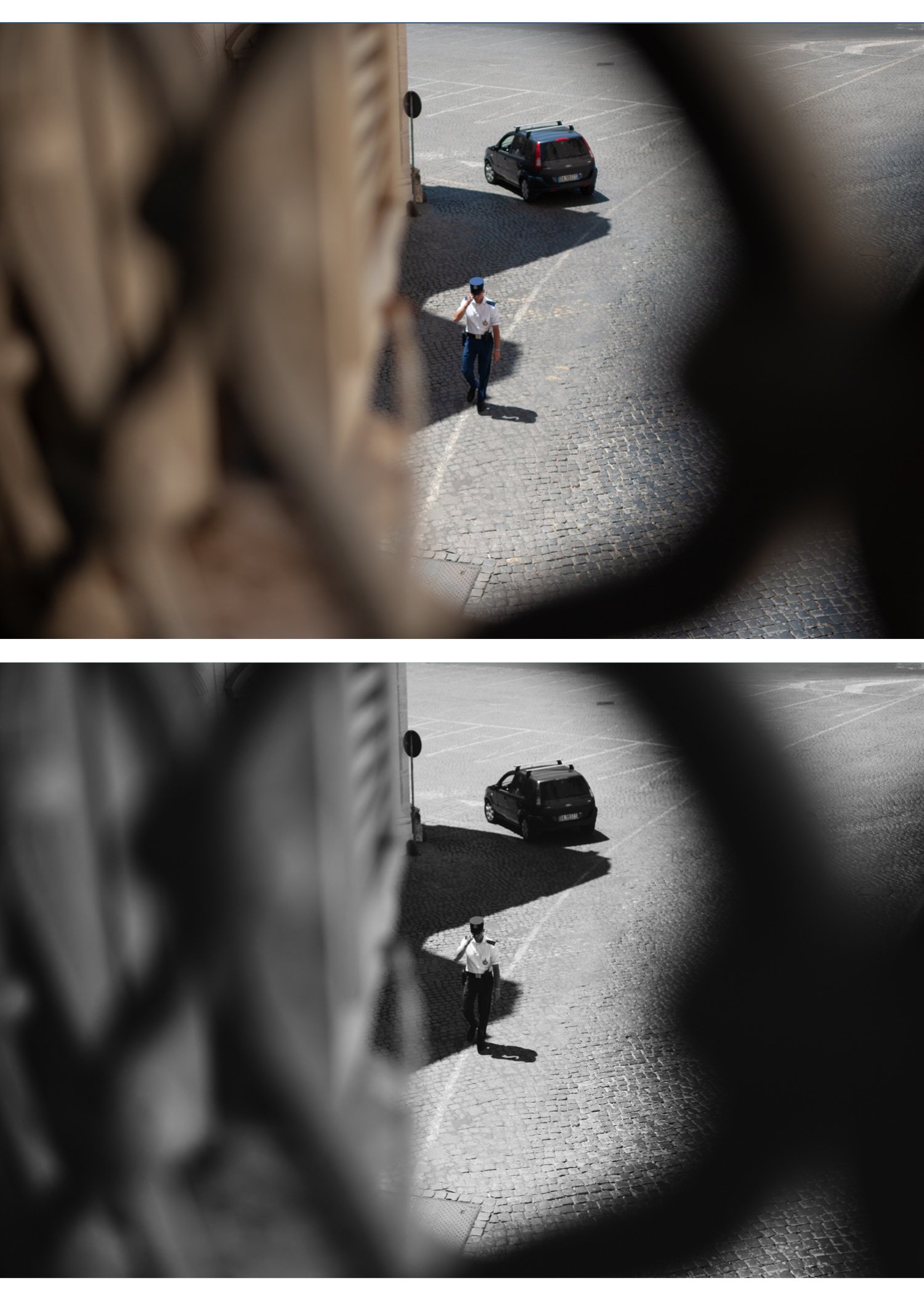
X1 — Dramatic Noir Bold, high-contrast black and white with strong tonal separation and expressive character. Deep shadows, bright highlights, clear visual hierarchy. Best for street photography, documentary work, and portrait photography where the drama and contrast of the scene is the subject. The most visually immediate preset in the collection.
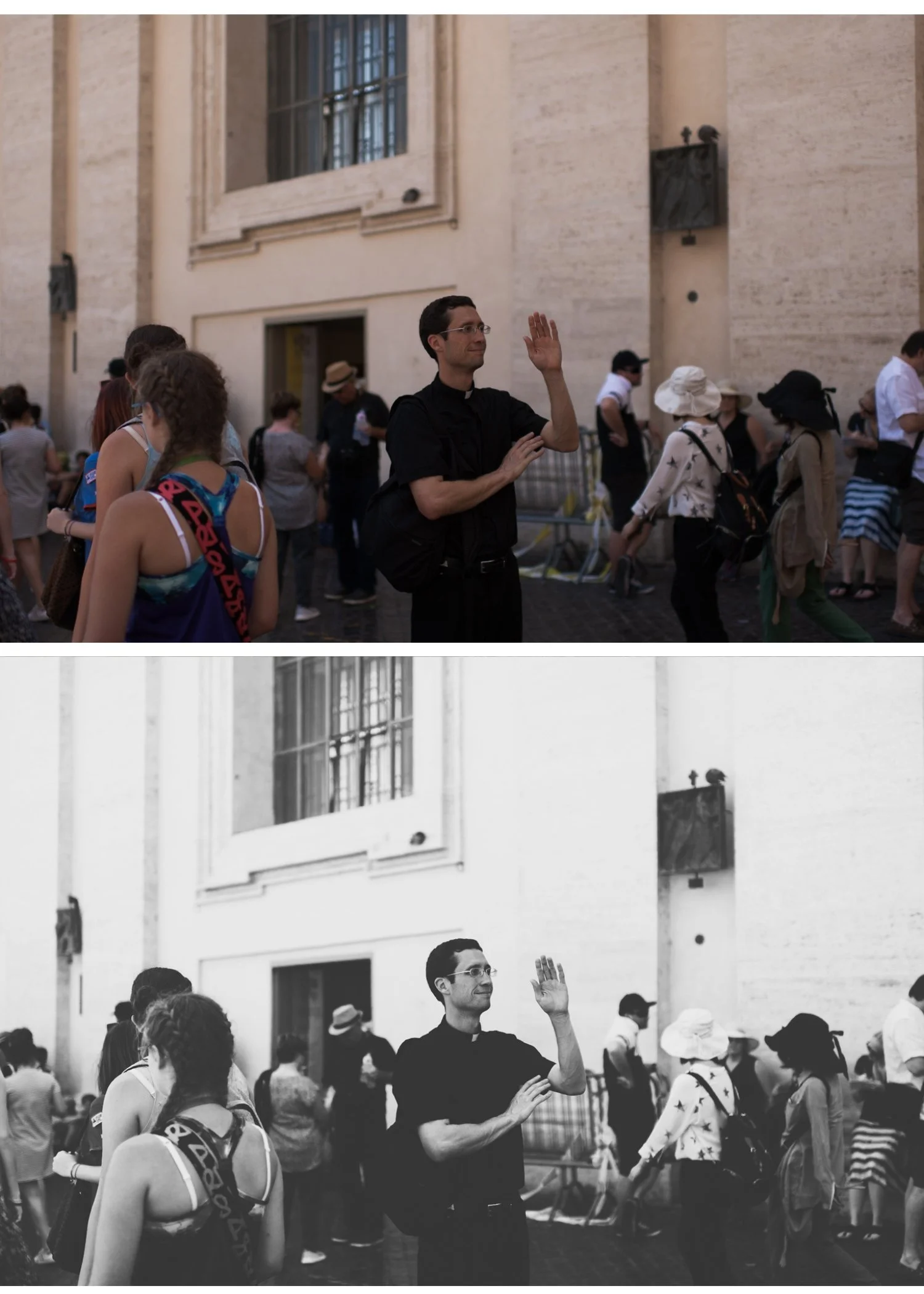
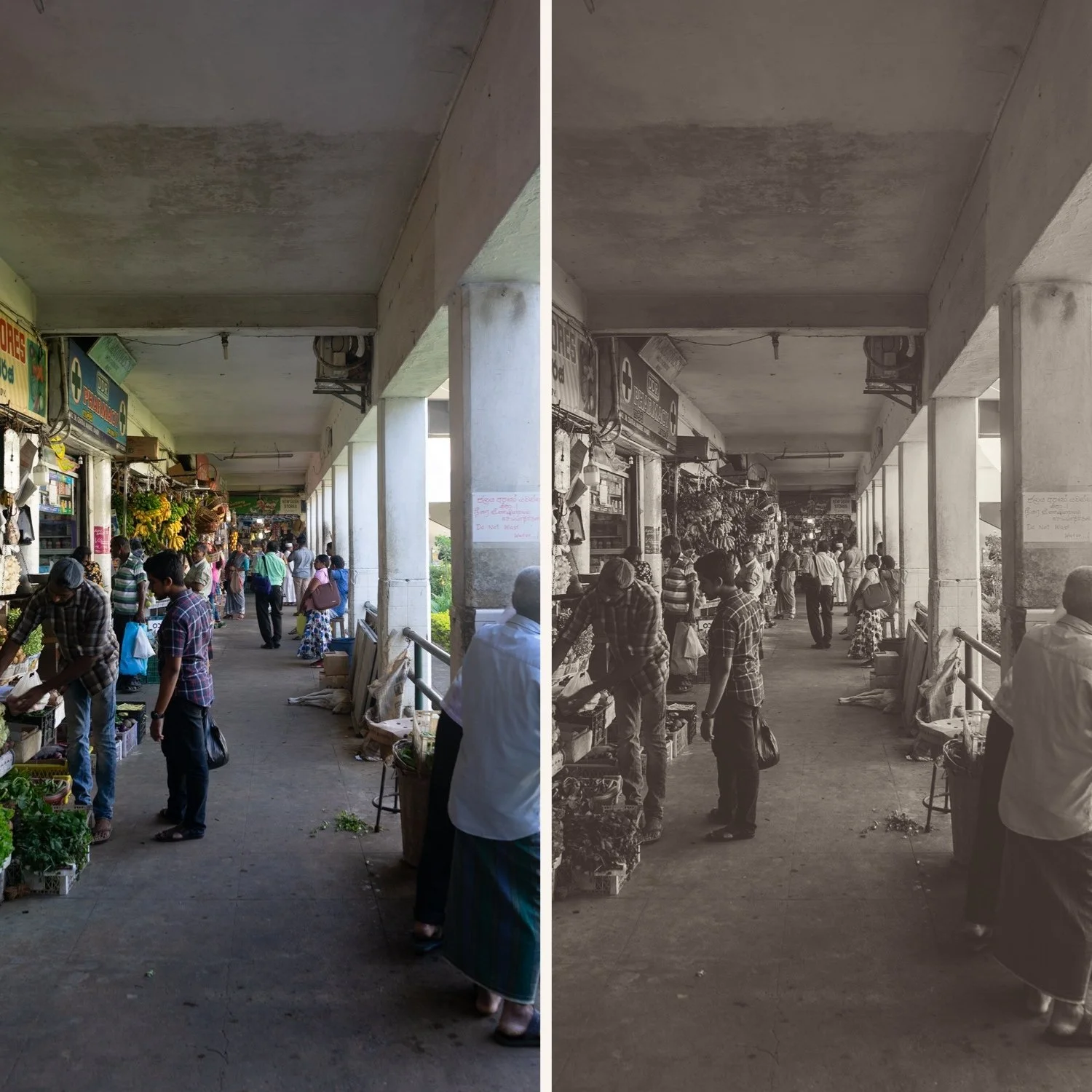
P5 B&W — Cool Vintage Cool-toned black and white with a subtle faded vintage quality. References the specific character of instant film photography converted to monochrome — slightly cool, slightly lifted, a distinctive quality that is unlike the other three presets. Best for creative and artistic photography, lifestyle content where a quieter vintage B&W character suits the subject, and editorial work where standing out from standard B&W editing is the goal.
Why four presets instead of one B&W look?
One B&W preset works in one tonal direction. A warm darkroom preset looks wrong on a bold documentary street scene. A dramatic high-contrast preset looks wrong on a delicate fine art portrait.
The Noir & Silver Archive covers the full B&W spectrum:
B1 for clean, neutral versatility. B5 for warm, classic portraiture quality. X1 for bold, dramatic impact. P5 B&W for cool, distinctive vintage character.
Four presets. Every monochrome scenario covered. All built on serious film B&W color science.
Most photographers pay $10 per preset. You pay $6.75.
Four professional B&W film presets below the market rate.
Want the full B&W collection plus everything else?
The Studio Archive contains every preset collection we make — including the complete Monochromatic Archive (B-Series) and X Archive — 130+ presets for $89. That is $0.68 per preset.
View the Studio Archive →
Four black and white looks. Every monochrome direction. $6.75 per preset.
Most photographers pay $10 per preset. The Noir & Silver Archive gives you four — for $6.75 each.
Not four versions of the same desaturation. Four distinct monochrome expressions — clean modern silver, warm classic darkroom tone, bold dramatic contrast, and cool vintage instant quality.
The complete black and white spectrum in one archive.
✅ Lightroom Mobile & Desktop
✅ Works on RAW and JPEG
✅ Instant download
✅ Beginner friendly
✅ Lifetime access
THE NOIR & SILVER ARCHIVE — 4 PRESETS, THE COMPLETE B&W SPECTRUM
Black and white photography is not one aesthetic. It is a spectrum — from clean and modern to warm and classic, from bold and dramatic to cool and quietly distinctive.
B1 — Clean Silver The foundation of the collection. Clean, neutral black and white with balanced tonal range and a modern silver quality. No warmth, no coolness — pure, precise monochrome. The most versatile preset in the archive, works across portrait, street, landscape, and lifestyle photography in any lighting condition. Start here if you are new to B&W editing.
B5 — Warm Silver Warm-toned black and white with classic darkroom character. A silver-brown quality that references gelatin silver prints on warm-tone paper — the specific tonal warmth of traditional photographic printing. Timeless and refined. Best for portrait photography, fine art work, and any B&W where a classic, enduring quality is wanted.
X1 — Dramatic Noir Bold, high-contrast black and white with strong tonal separation and expressive character. Deep shadows, bright highlights, clear visual hierarchy. Best for street photography, documentary work, and portrait photography where the drama and contrast of the scene is the subject. The most visually immediate preset in the collection.
P5 B&W — Cool Vintage Cool-toned black and white with a subtle faded vintage quality. References the specific character of instant film photography converted to monochrome — slightly cool, slightly lifted, a distinctive quality that is unlike the other three presets. Best for creative and artistic photography, lifestyle content where a quieter vintage B&W character suits the subject, and editorial work where standing out from standard B&W editing is the goal.
Why four presets instead of one B&W look?
One B&W preset works in one tonal direction. A warm darkroom preset looks wrong on a bold documentary street scene. A dramatic high-contrast preset looks wrong on a delicate fine art portrait.
The Noir & Silver Archive covers the full B&W spectrum:
B1 for clean, neutral versatility. B5 for warm, classic portraiture quality. X1 for bold, dramatic impact. P5 B&W for cool, distinctive vintage character.
Four presets. Every monochrome scenario covered. All built on serious film B&W color science.
Most photographers pay $10 per preset. You pay $6.75.
Four professional B&W film presets below the market rate.
Want the full B&W collection plus everything else?
The Studio Archive contains every preset collection we make — including the complete Monochromatic Archive (B-Series) and X Archive — 130+ presets for $89. That is $0.68 per preset.
View the Studio Archive →
 Image 1 of 1