 Image 1 of 1
E2 Modern Classic | Rich & Deep Warm Analog Preset for Lightroom & Mobile

-
Fully Compatible Designed to work seamlessly across iOS, Android, and Desktop (Mac/Windows).
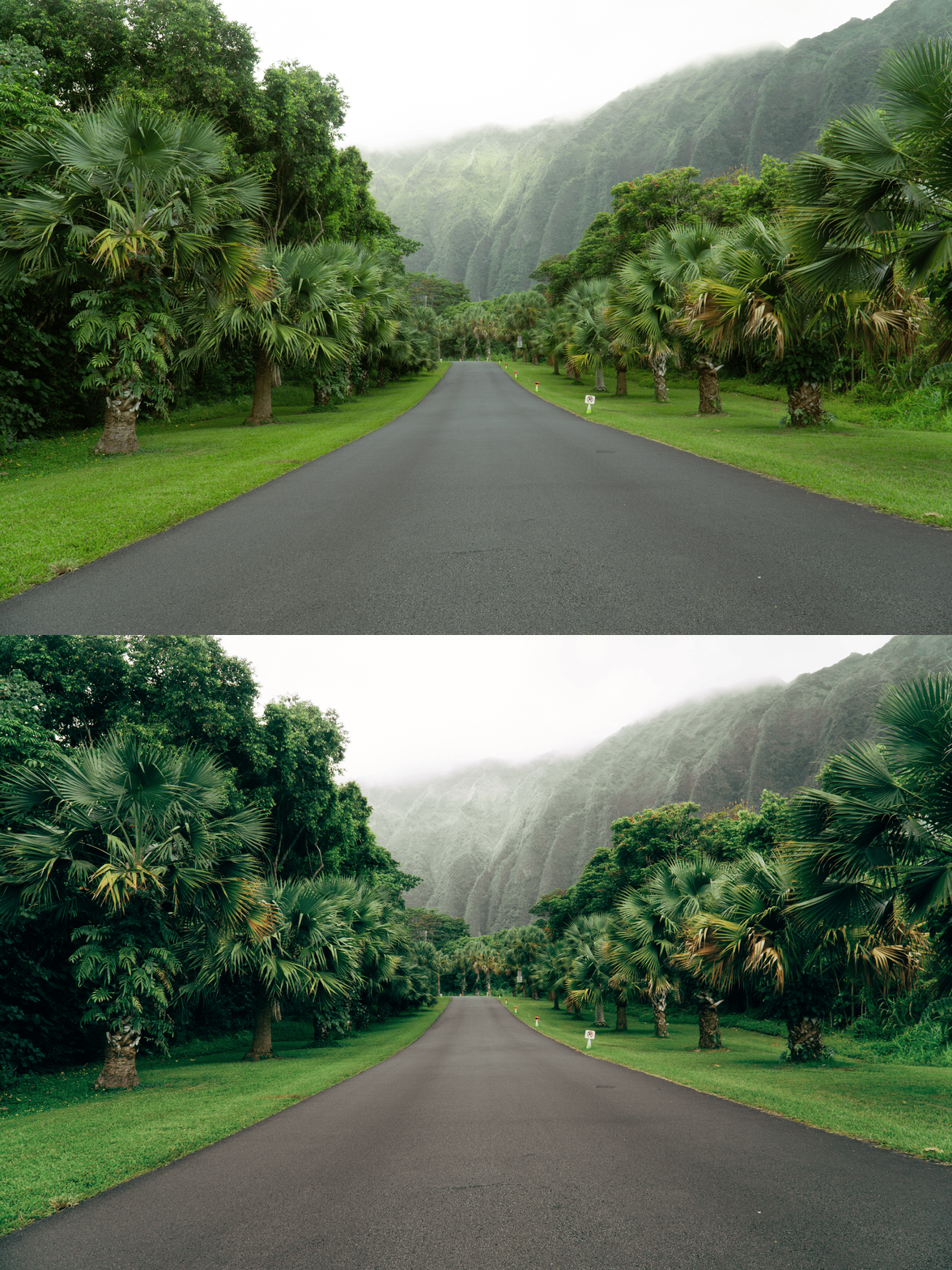
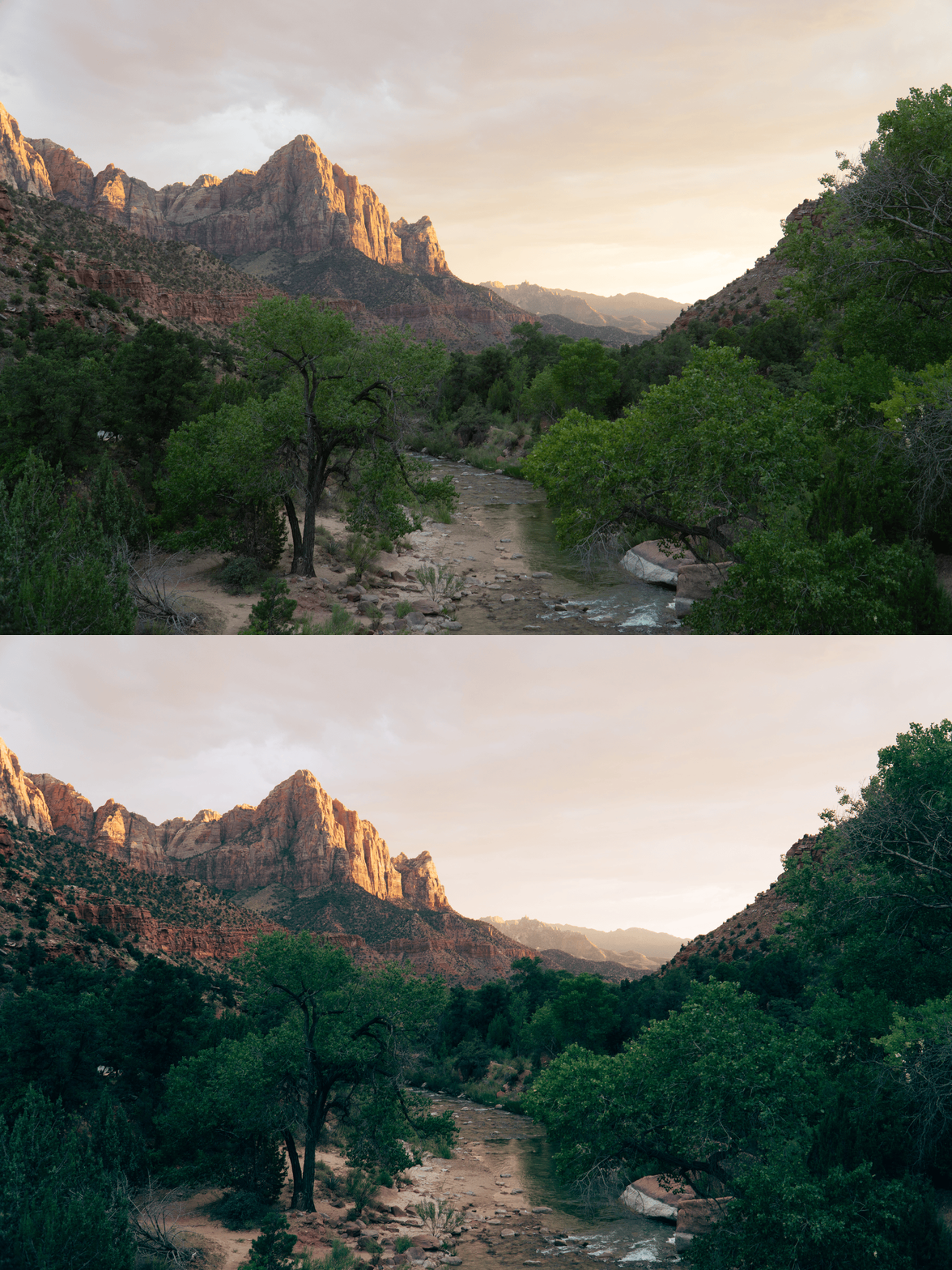
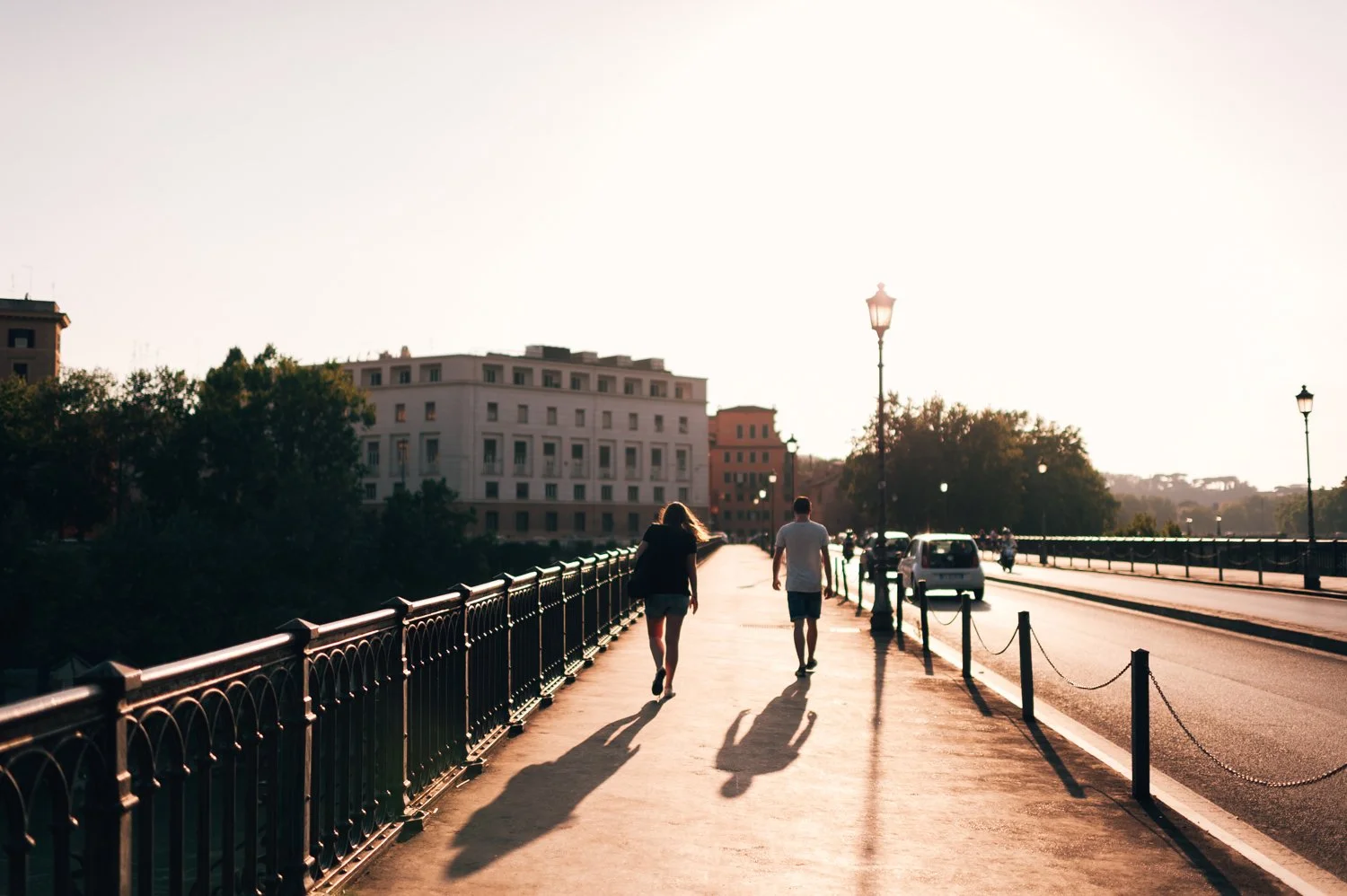
Golden Hour Intensity Instantly elevates your photos with a rich, bronze-toned glow that makes every shot feel like it was captured in the perfect light.
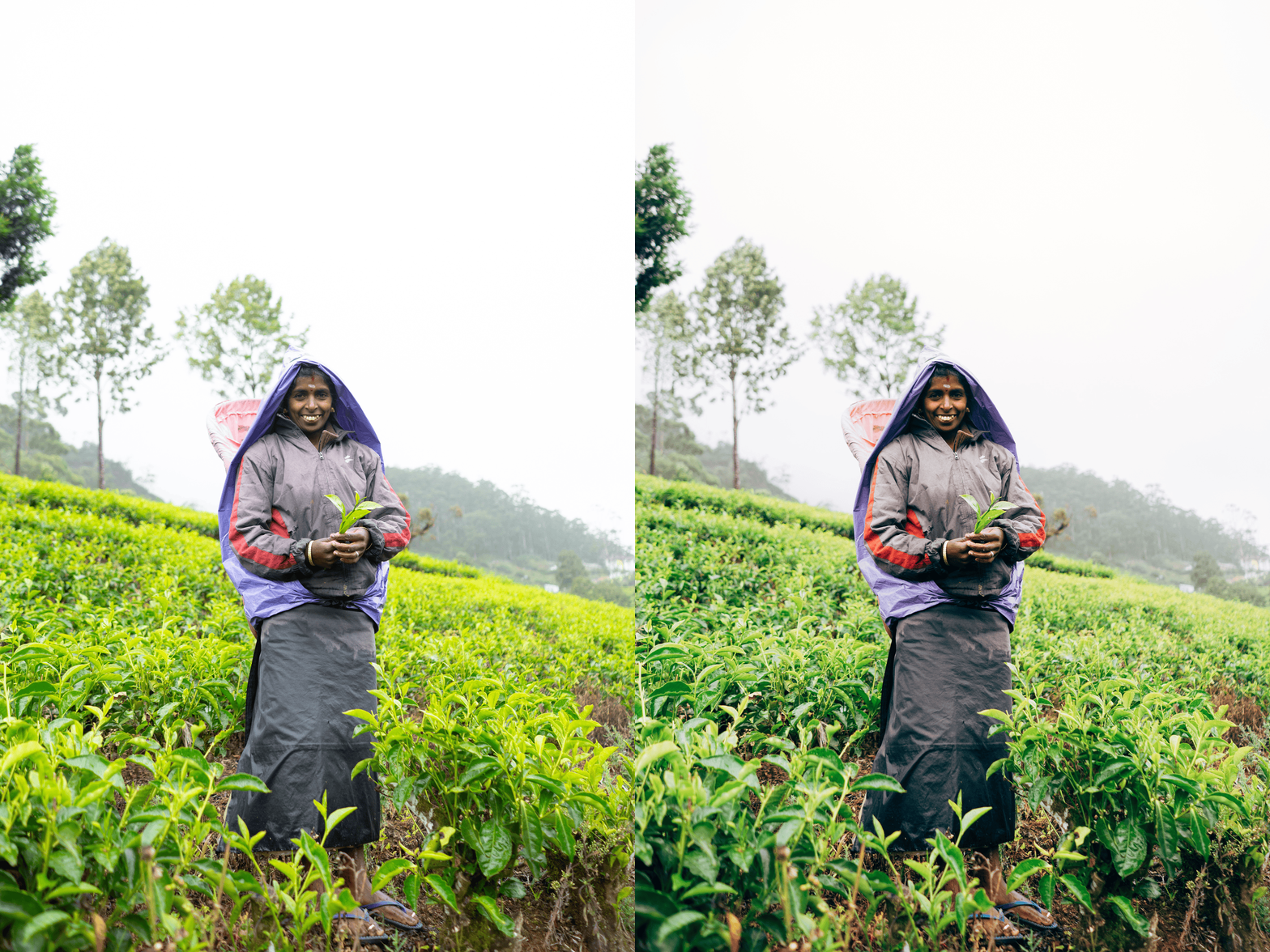
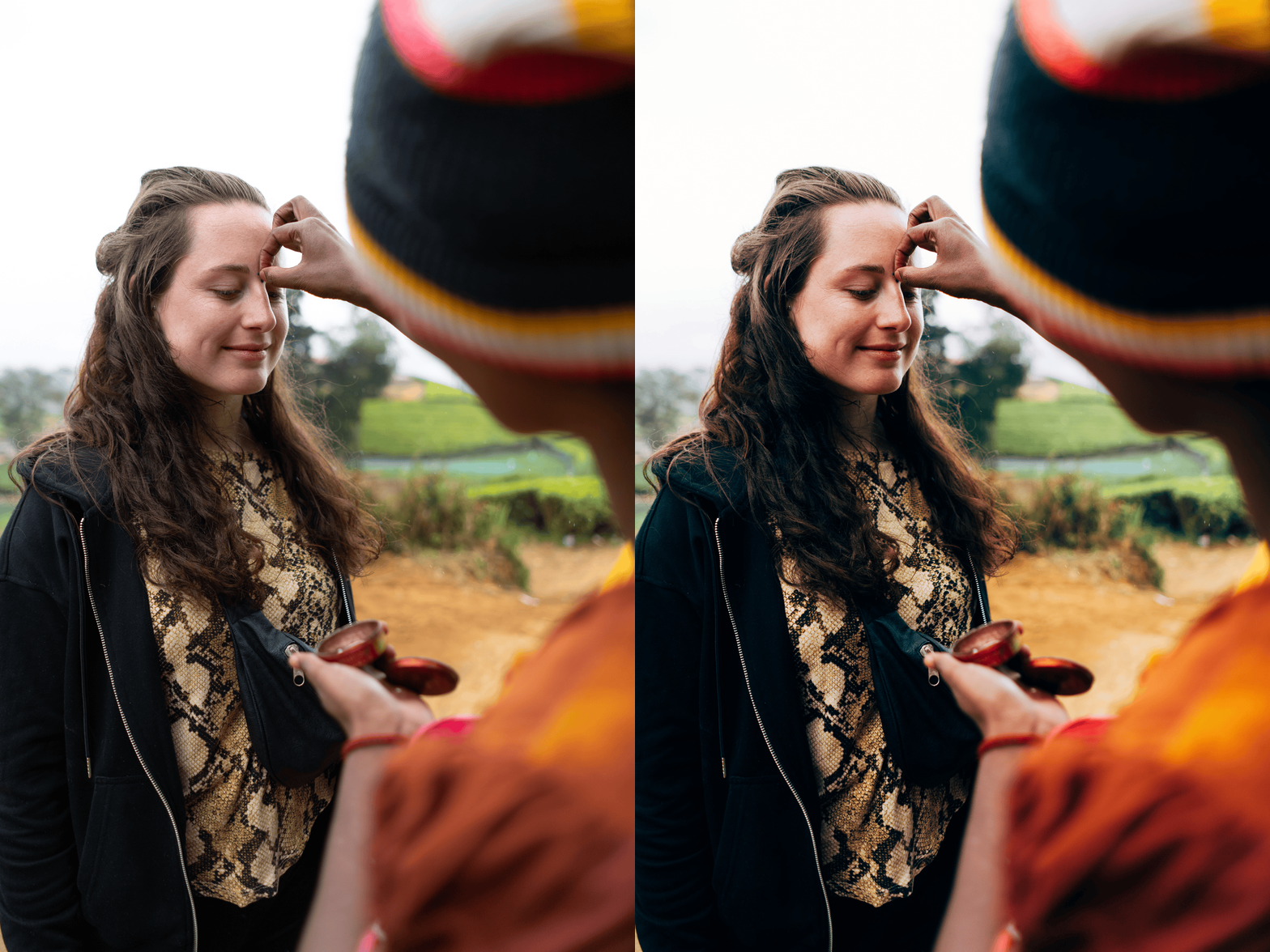
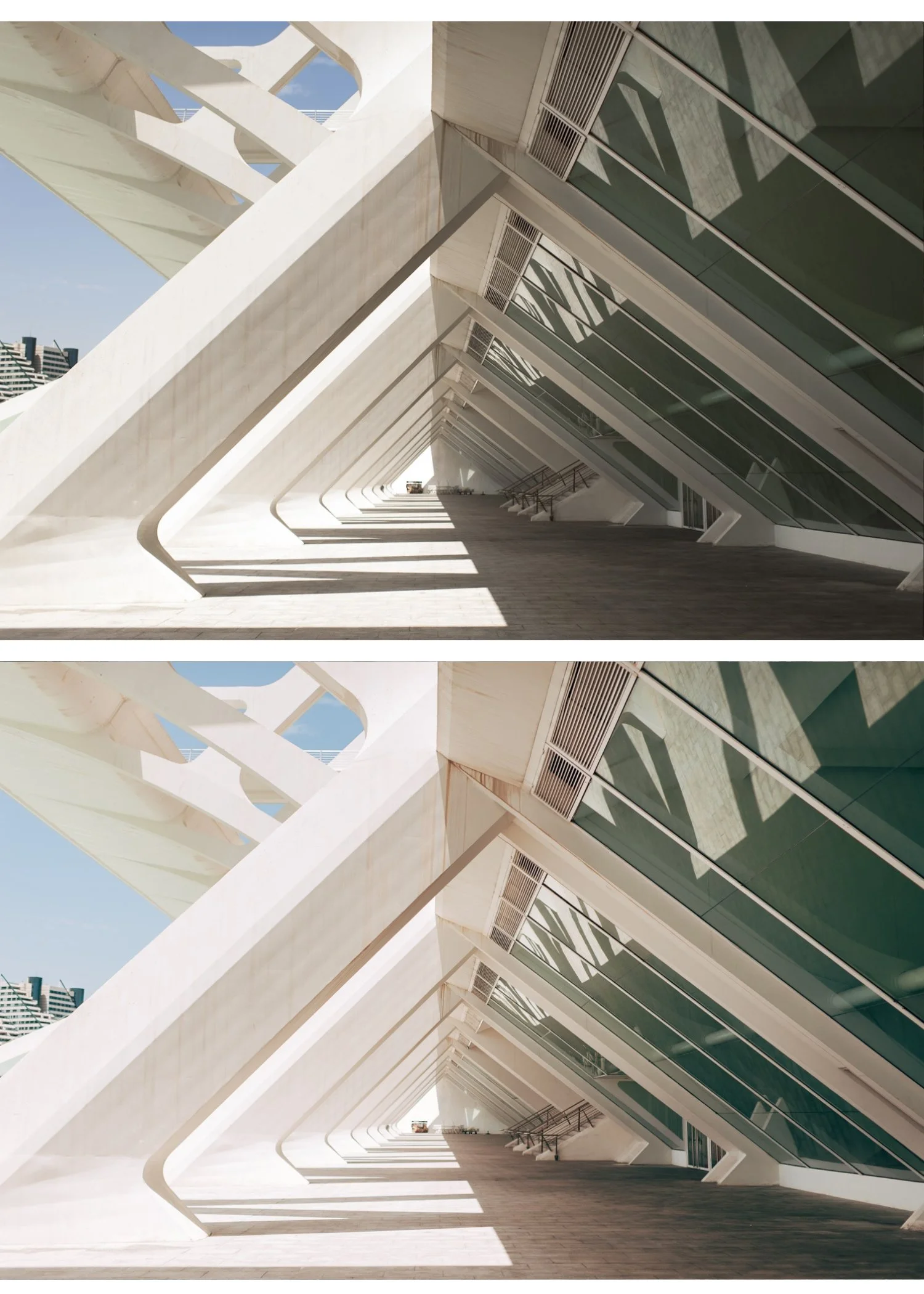
Enhanced Color Density Specifically calibrated to deepen the primary colors, providing a more "solid" and professional filmic appearance.
Atmospheric Depth Works beautifully on golden hour landscapes, wood-toned interiors, and outdoor lifestyle shots that require a touch of drama.
-
1x E2 Essence Preset for Lightroom MOBILE (DNG file).
1x E2 Essence Preset for Lightroom DESKTOP (XMP file).
Step-by-Step Guide for easy installation and professional results.
-
This preset captures the rich, saturated aesthetic and deep warm tones similar to the iconic E2 filters. It’s the perfect professional alternative for those wanting a bolder, analog-inspired look that emphasizes color density and light. By emulating the chemical richness of high-grade vintage film stocks, the E2 ensures your digital shots have a polished, developed finish that feels expensive on both desktop and mobile.
-
Step 1: Get Started Download your E2 Essence presets and easily install them into your Adobe Lightroom app. Whether you are on iPhone, Android, or Desktop, you’re just moments away from a dreamier feed.
Step 2: Set the Scene Import your favorite memories into your Lightroom gallery—whether it’s a late-afternoon street scene, a warm vacation sunset, or a rustic interior detail.
Step 3: The Transformation Apply the E2 preset with just one tap. Watch as the tones deepen and that iconic, rich analog aesthetic instantly takes over your photo with professional soul.
Step 4: Make it Yours Every photo is unique. Use the basic sliders to fine-tune the warmth or contrast to perfectly match your personal style, adding that final touch of editorial elegance.
Step 5: Share your Glow Watch your photographs come alive with a captivating vibe and irresistible charm. Your photos aren't just edited; they’re telling a story. Don't forget to tag @theeeditingstudio so we can feature your beautiful work!