 Image 1 of 1
LV-Series Modern Classic | LV2 Luminous Monochrome for Lightroom & Mobile

-
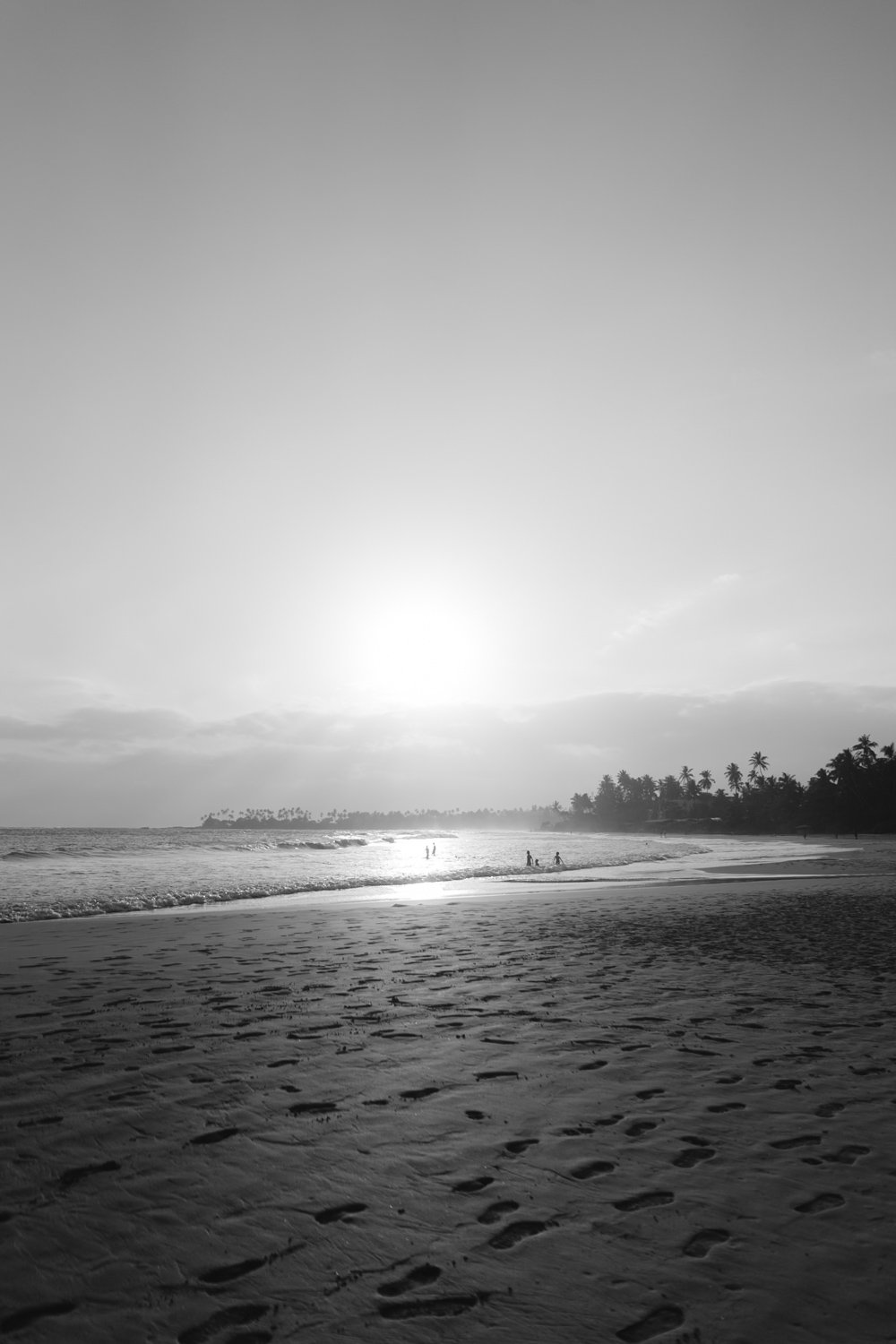
Luminous Tones Unlike traditional "moody" black-and-white presets, LV2 keeps the image bright and inviting, making it perfect for the Light & Airy photographer.
Silvery Highlights LV2 gives your whites a metallic, silvery glow that adds a sense of luxury and "fine-art" quality to your portfolio.
Flattering Skin Texture By optimizing the gray-scale conversion for skin tones, LV2 creates a smooth, porcelain-like finish that is incredibly flattering for portraits.
Clean & Minimalist It eliminates the "noise" of color, allowing the viewer to focus entirely on the light, the composition, and the raw emotion of the moment.
-
1x LV2 Luminous Preset for Lightroom MOBILE (DNG file for iOS & Android).
1x LV2 Luminous Preset for Lightroom DESKTOP (XMP file for Mac & Windows).
Easy Step-by-Step Installation Guide.
-
This preset captures the essence of classic high-speed black-and-white film stocks that were pushed in development to achieve a bright, ethereal glow. It is the professional answer for photographers who want a monochrome look that feels "breathable" rather than heavy or dark. By emulating the delicate grain and soft highlight compression of premium analog silver-halide emulsions characterized by their luminous mid-tones and "silvery" highlights LV2 ensures your photos feel like a timeless piece of art. It transforms modern digital files into elegant heirlooms, reminiscent of iconic fashion editorials and high-end gallery archives.
-
The Foundation: LV2 thrives on well-lit, high-key images. Start with a photo that has plenty of natural light.
Apply LV2: Watch as the colors vanish and are replaced by a sophisticated, luminous monochrome palette.
Adjust Whites/Blacks: Use the Whites slider to increase the "glow" or pull back the Blacks if you want a bit more structural depth.
Contrast Nudge: If the image feels too flat, a slight increase in Contrast (+5 to +10) can help the subject pop without losing the airy feel.
The Final Touch: Add a touch of Grain from the Toolkit to give the image that authentic, tactile film-print texture.


