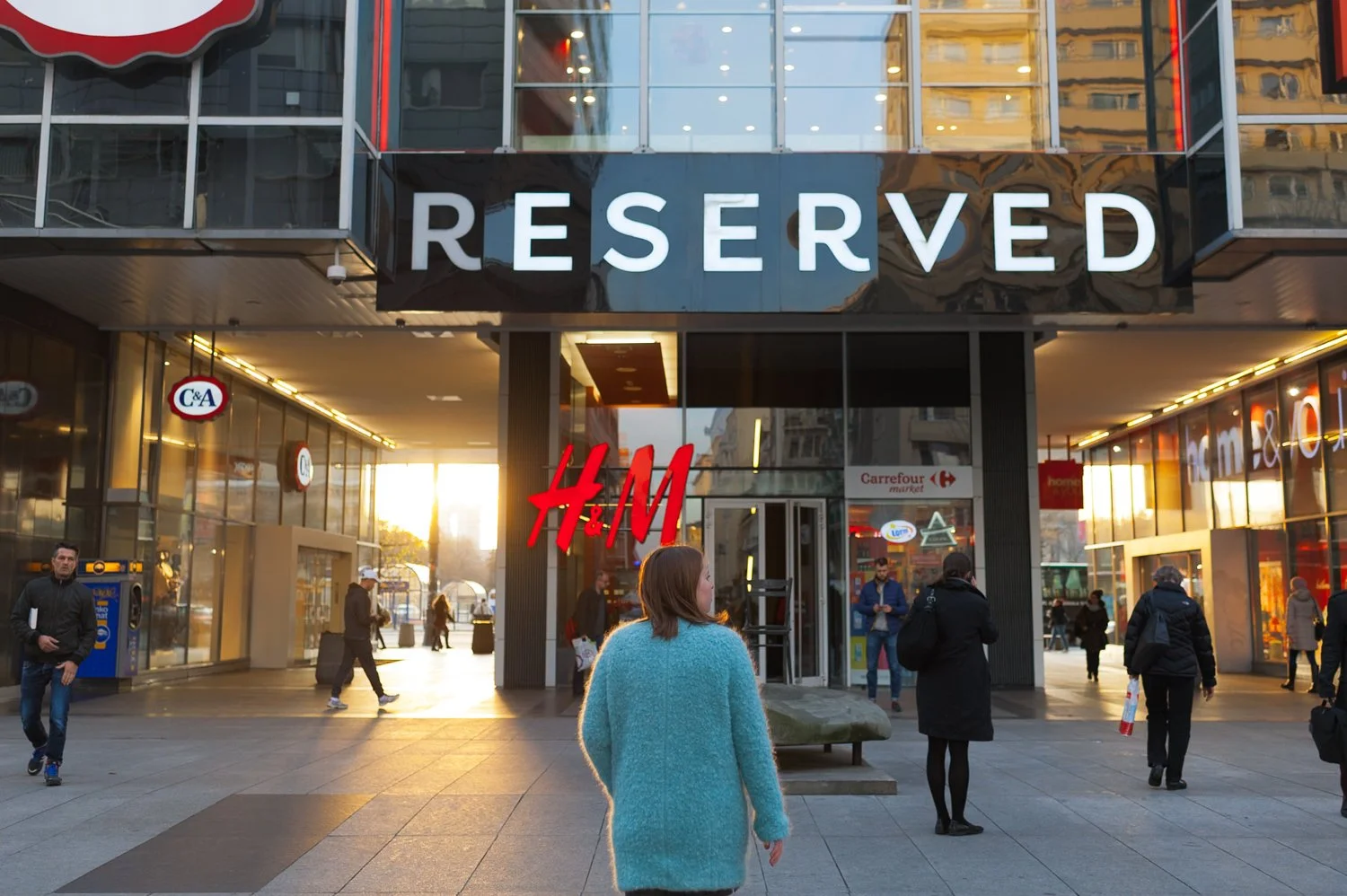
 Image 1 of 1
V-Series Modern Classic | V5 Velvet Archive for Lightroom & Mobile

-
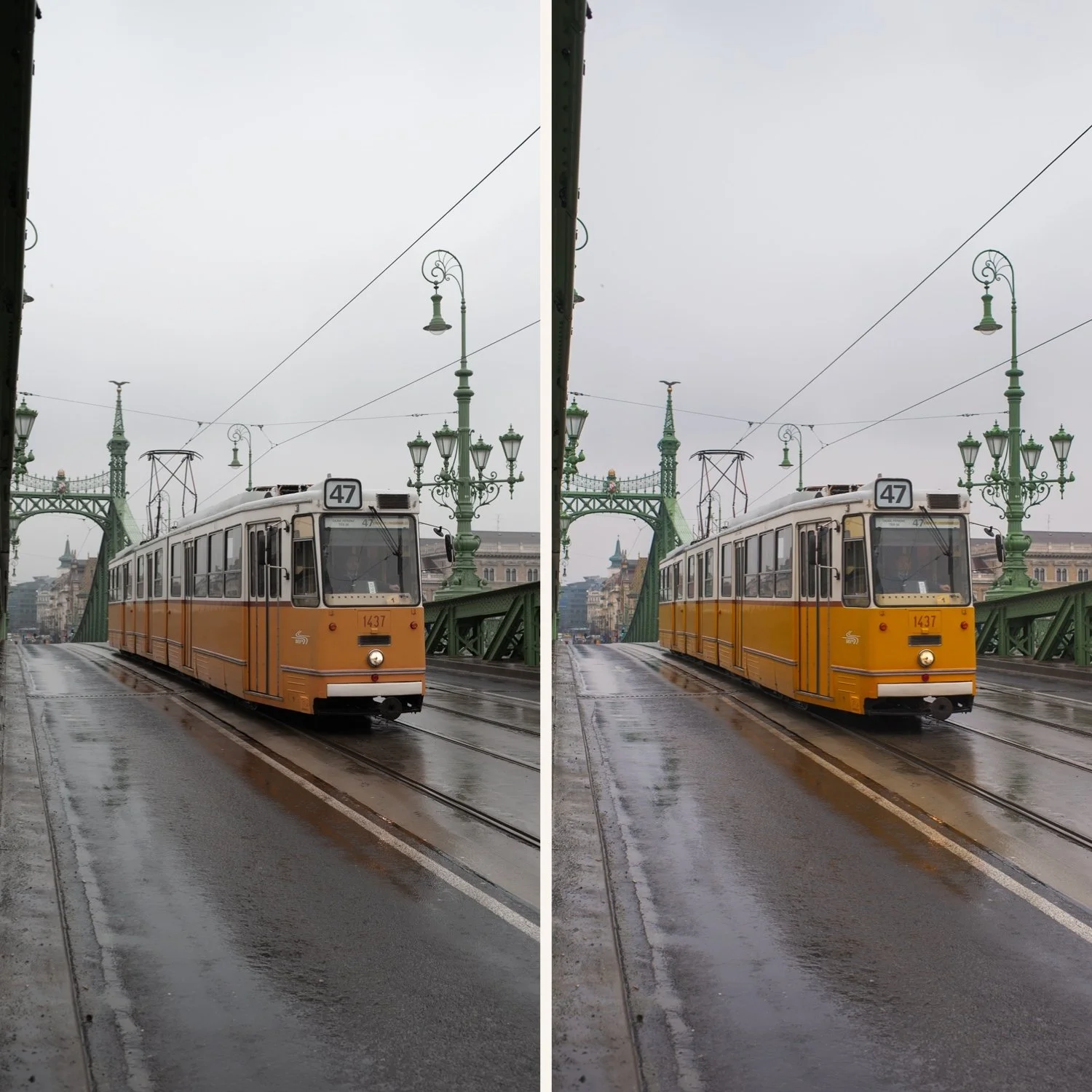
Sun-Kissed Skin Science V5 is a master of skin tones; it gives subjects a healthy, bronzed radiance that feels high-end and natural, neutralizing digital "paleness."
Toasted Matte Shadows It replaces harsh blacks with a warm, oker-tinted fade, adding depth and "weight" to the image without making it feel dark or heavy.
Rich Color Harmony By saturating the frame with warmth, it creates a cohesive story between the sky, the skin, and the environment.
The "Glow" Factor It softens the digital edge of modern lenses, creating a subtle bloom in the highlights that mimics expensive vintage glass.
-
1x V5 Golden Velvet Matte Preset for Lightroom MOBILE (DNG file for iOS & Android).
1x V5 Golden Velvet Matte Preset for Lightroom DESKTOP (XMP file for Mac & Windows).
Easy Step-by-Step Installation Guide.
-
This preset captures the aesthetic of professional color-negative film that has been exposed for the shadows and scanned with a warm-bias on a high-end Fuji Frontier scanner. It is the professional answer for those who want their work to feel "tangible" and lived-in.
By emulating the characteristic highlight compression and the rich color density found in iconic emulsions like Kodak Portra 400 famed for their ability to turn harsh sunlight into a poetic, golden palette—V5 ensures your photos possess an unmistakable, high-end soul. It transforms clinical digital files into frames that look like they were shot on a vintage medium-format camera during a hazy, Mediterranean afternoon. Unlike a simple filter, it replicates the organic crossover where the warm light bleeds into the shadows, creating a seamless, nostalgic atmosphere that feels like a classic cinematic still.
-
The Foundation: V5 thrives in natural light, outdoor settings, or interiors with earthy textures like wood, linen, and stone.
Apply V5: Watch the frame transform into a warm, cinematic memory where the colors feel vibrant yet sophisticated.
White Balance Control: If the image feels "too hot," nudge the Temp slider toward the left (Blue). The warm V5 "soul" will stay in the shadows while the highlights clean up.
Vibrance Check: If the oranges are too intense for your specific shot, slightly lower the Orange Saturation in the HSL panel.


