Best Film Presets for Canon Colors (2026)
Best Film Presets for Canon Colors (2026)
Canon cameras have warm, slightly red-shifted color that responds to film presets differently from Fuji, Sony, or Nikon files. The right preset on a Canon file produces warm, natural film quality. The wrong preset — or the right preset without Canon-specific preparation — produces orange skin and over-warm results.
These are the best film presets for Canon cameras and exactly how to use them.

Before applying any preset on Canon: three steps
Camera Calibration: Camera Neutral.
Change from Adobe Color to Camera Neutral in the Camera Calibration panel. This is the most neutral Canon profile and gives film presets the best starting foundation.
Red Hue: +5 to +8 toward orange.
Canon's red channel can render slightly ruddy. Shifting Red Hue toward orange before applying produces more natural skin.
Highlights: -35 to -45.
Canon clips highlights aggressively in bright conditions. Protect before applying.
These three steps take 45 seconds and make every film preset look more natural on Canon files.
Full workflow guide: Film Look on Canon — Complete Lightroom Workflow
Best presets by Canon use case
Portrait and wedding photography
Essence Archive E6 Soft Heritage or E2 Rich Warm.
Canon's warm skin rendering plus E-Series warm heritage tones creates naturally flattering portrait quality. E6 is the softer option — more flattering in challenging light. E2 for richer, warmer golden hour portrait work.
Glow Portrait Archive G1 Clean Glow.
Portrait-optimized with Orange Luminance specifically calibrated for natural skin. Works across Canon's range of skin tone rendering.
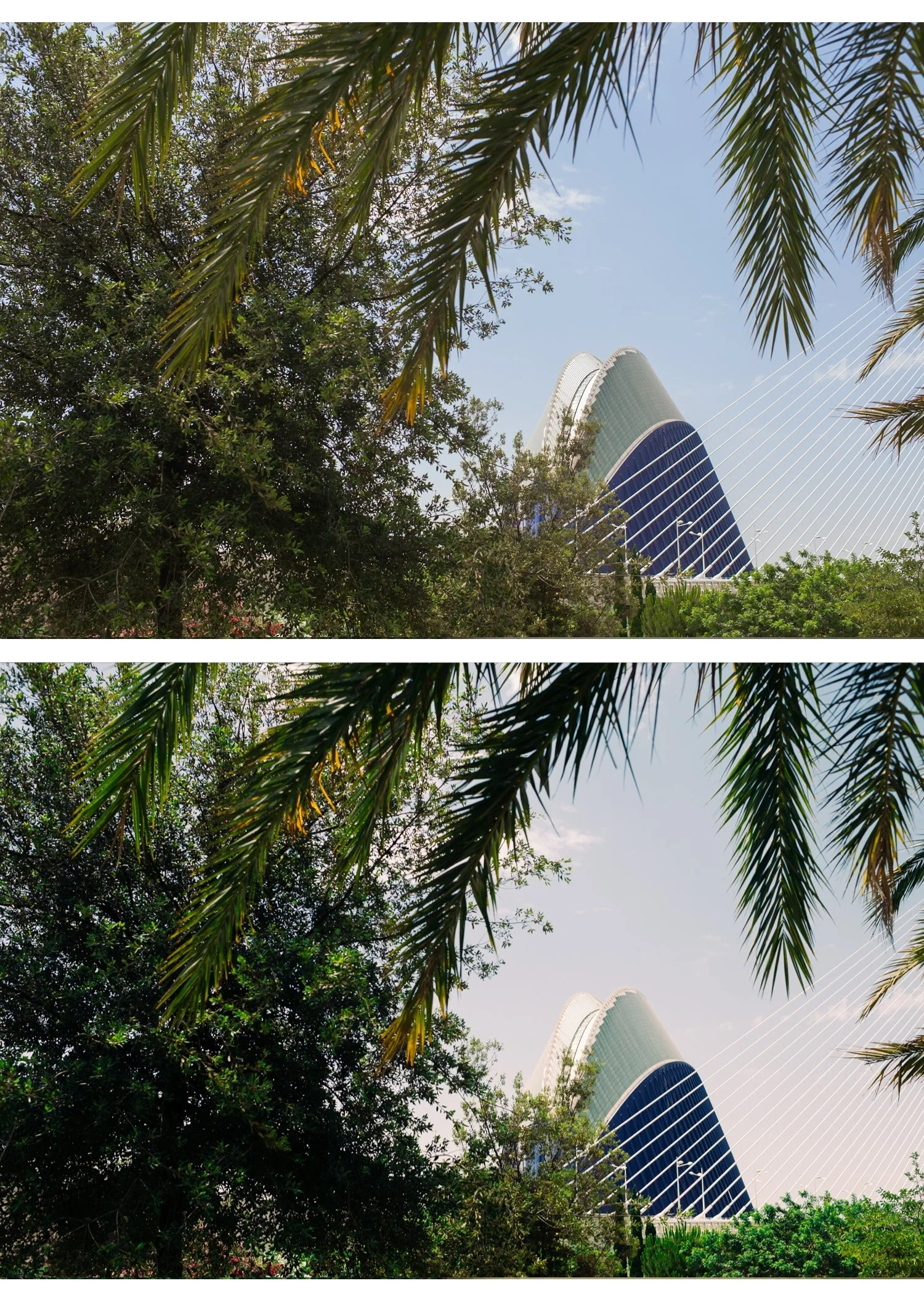
Outdoor travel and lifestyle
Analog Film Archive A6 Clean Portrait.
Clean and neutral — complements Canon's warmth without adding more. The best single starting preset for general Canon outdoor photography.
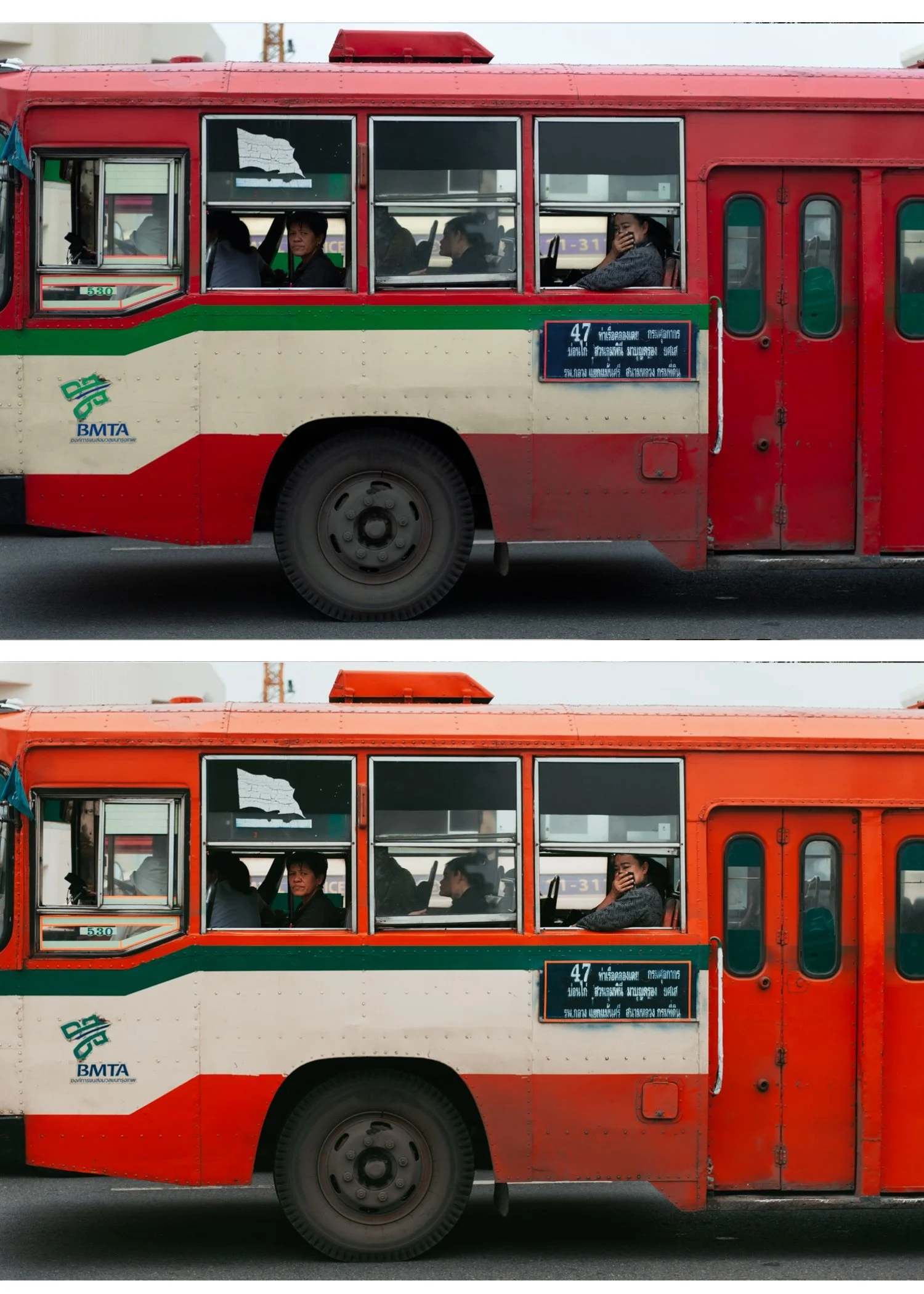
California Archive C1 Warm Outdoor.
For Canon photographers who want vibrant, warm outdoor color. Canon's naturally vivid rendering plus C1 creates bold, clean outdoor quality. Reduce preset amount to 80% on direct sun shots.
Dark and moody
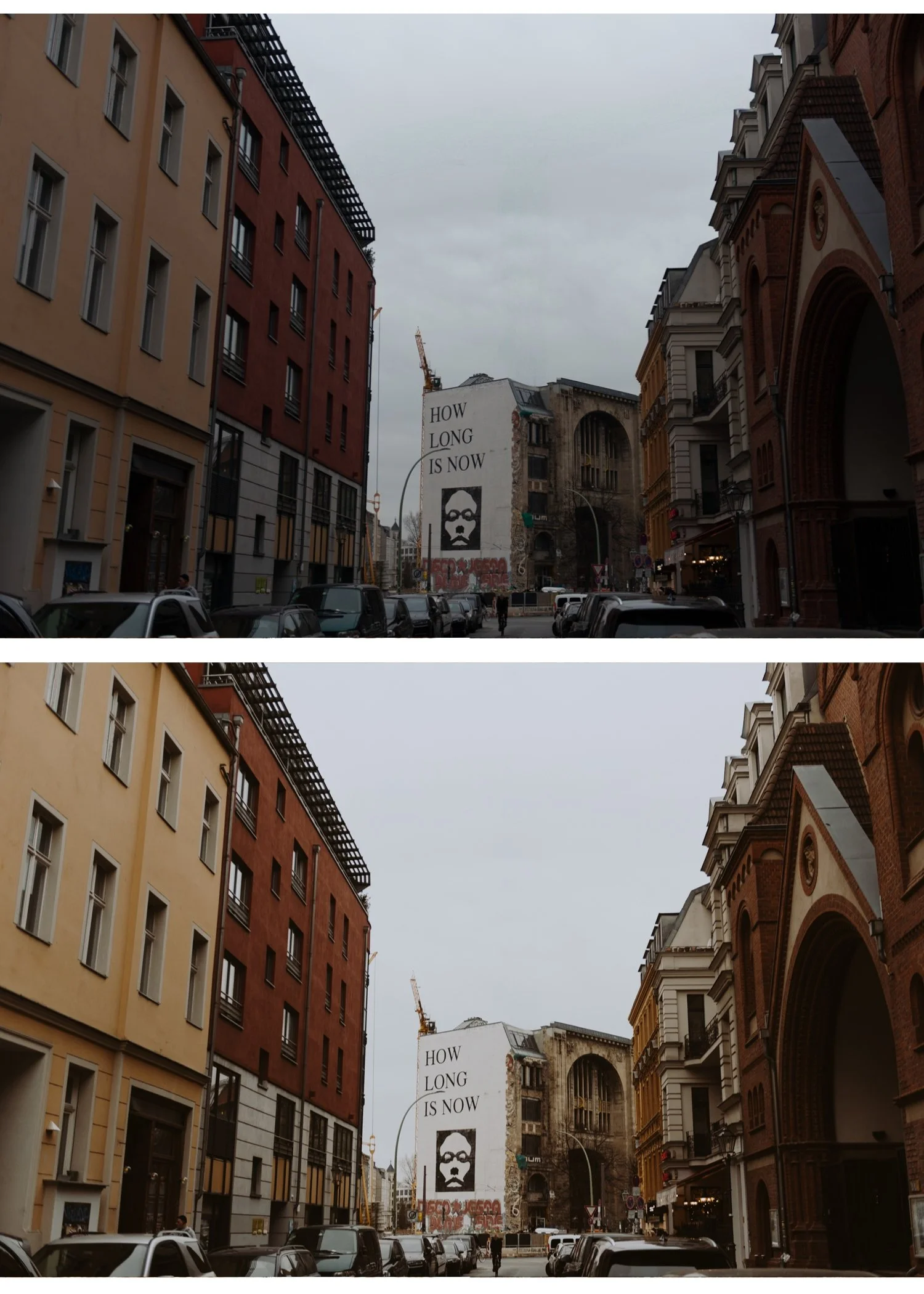
Moody Film Archive M4 Moody Classic.
Canon's high-contrast rendering works naturally with moody presets. M4's highlight protection and deep shadow quality complement Canon's tonal characteristics.
Black and white
X Archive X1 Dramatic Base.
Canon files convert to black and white with good tonal separation. X1 adds film B&W character on top of Canon's strong native contrast.
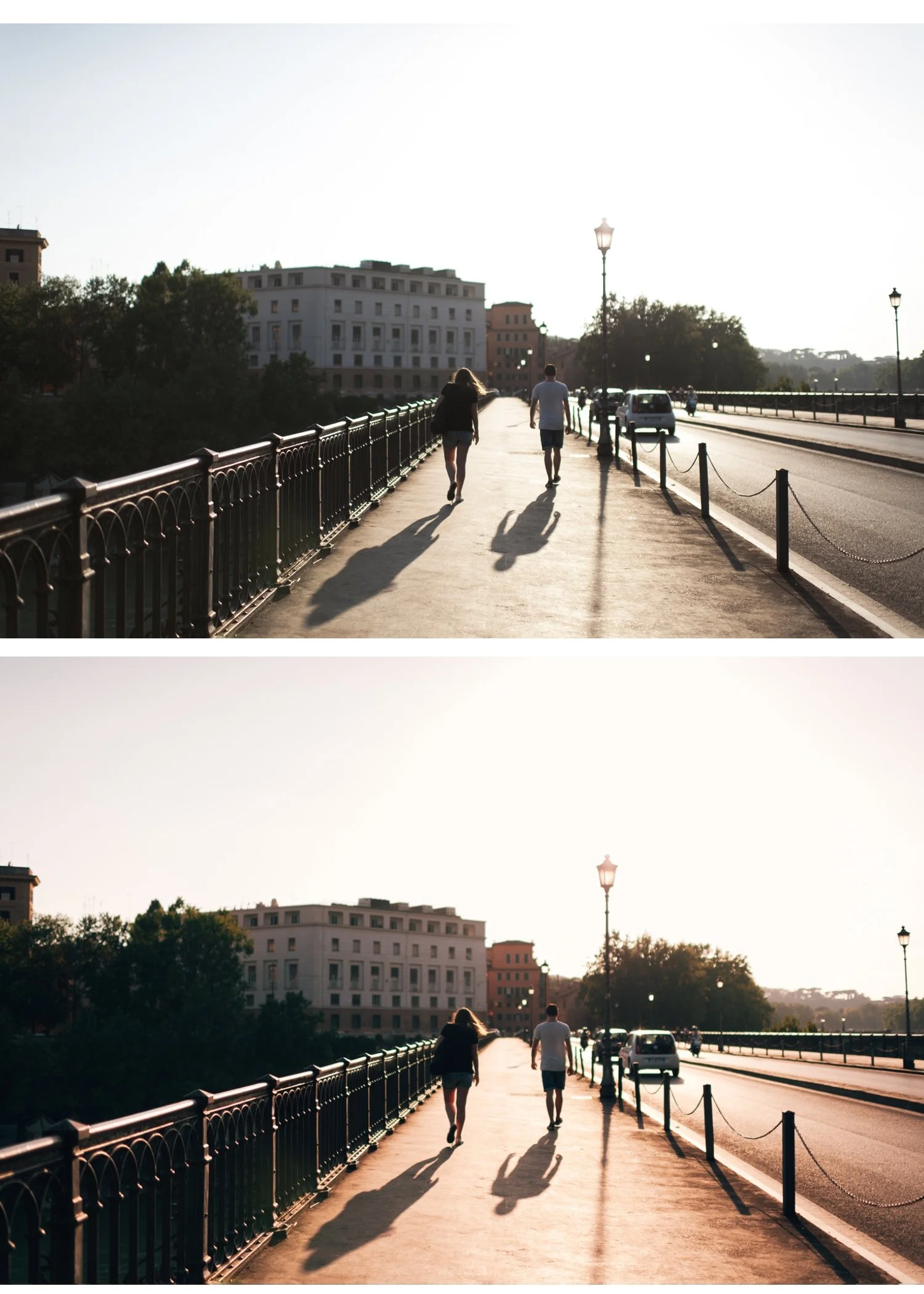
Wedding full gallery
Essence Archive (full E-Series).
Eight presets covering every wedding lighting scenario — from window light during getting ready (E6) to bright outdoor ceremony (E1) to dark reception (E8). All calibrated for consistent skin across Canon's warm rendering throughout a full wedding day.
Canon-specific preset strength
Canon RAW with
Camera Neutral profile: 85-90% strength.
Canon JPEG: 75-80% strength.
Canon JPEG in bright sun: 70-75% strength.
Canon JPEG processing adds more contrast and saturation than most cameras. Reducing preset strength compensates for this.
Preset + Canon = why it works better with preparation
A film preset applied to a Canon file without preparation often looks too warm because Canon is already warm and the preset adds more warmth. The Camera Neutral profile and Red Hue adjustment create a more neutral starting point — the preset then adds its film character at the right level rather than amplifying Canon's existing warmth.
FAQ
Why does my Canon film preset look orange?
Canon's warm color science plus a warm preset creates combined warmth that pushes skin toward orange. Fix: Camera Calibration to Camera Neutral, Red Hue +6, reduce Orange Saturation to 0 after applying preset.
What is the best free preset for Canon cameras?
A6 Clean Portrait. Clean, neutral, specifically suited to Canon's warm starting point — adds film quality without amplifying the warmth.
