Best Lightroom Settings for Outdoor Portraits (2026)
Best Lightroom Settings for Outdoor Portraits (2026)
Outdoor portrait photography has three distinct lighting scenarios — golden hour, overcast, and direct sun — and each needs different Lightroom settings to produce natural film quality. The same preset applied identically to all three produces inconsistent results. This guide covers the specific settings per scenario.
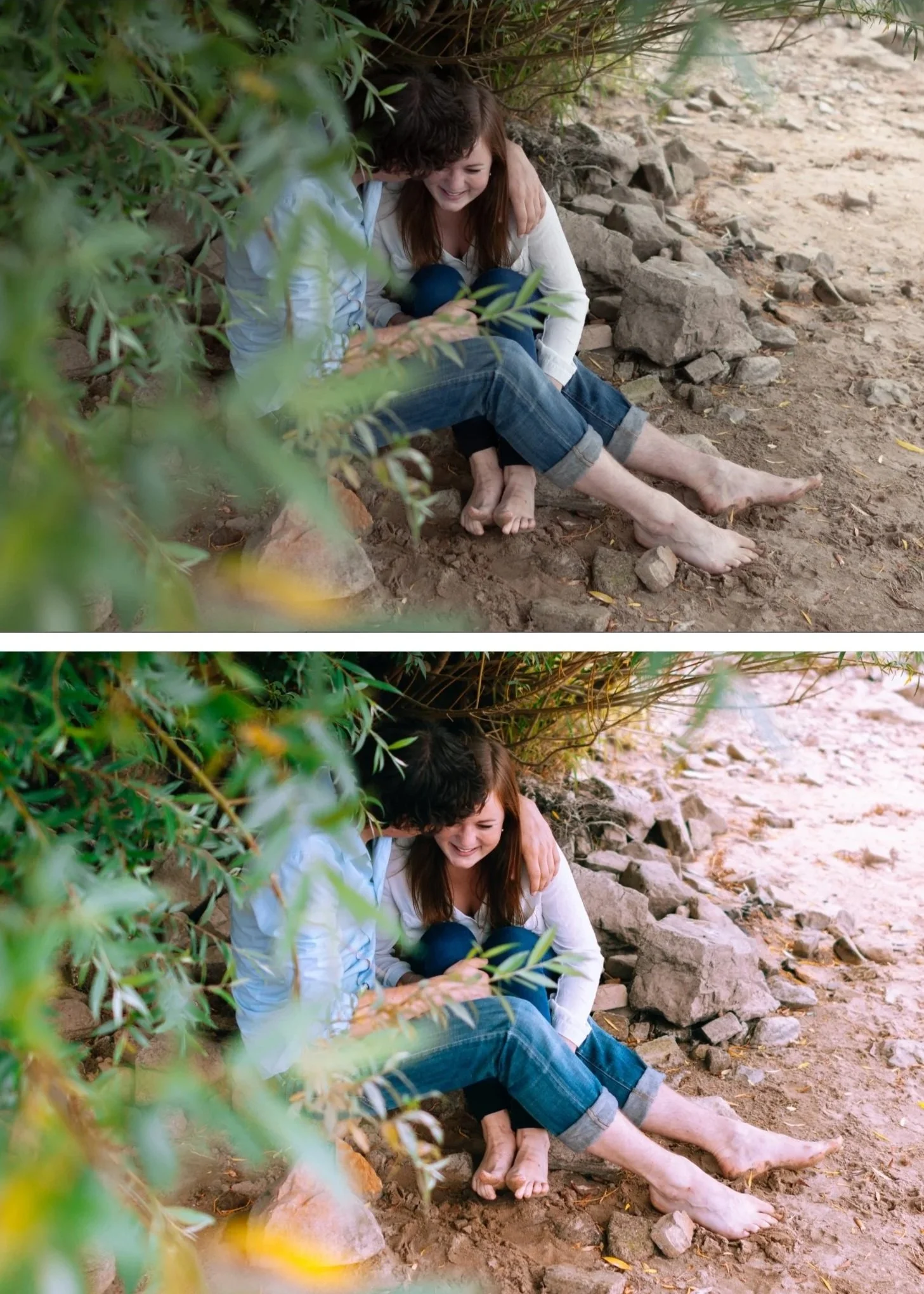
Universal outdoor portrait settings
These apply to every outdoor portrait regardless of lighting:
Camera Calibration: Camera Neutral (Canon), Camera Standard (Sony/Nikon), matching simulation profile (Fujifilm). Apply first, always.
Sharpening: 22-28 (camera RAW), 15-20 (phone). Skin does not need high sharpening.
Clarity: -10 to -14. Removes digital micro-contrast on skin.
Orange Luminance: +14 to +18. Natural skin brightness across all skin tones.
Orange Hue: +6 to +8 toward yellow. Golden warmth rather than vivid orange.
Blacks: +18 to +22. Film shadow lift.
Golden hour outdoor portraits
White Balance: 5,500-6,200K, Tint +6 to +8. Preserve rather than neutralize the warmth.
Highlights: -40 to -50. Forehead and cheekbone highlights from golden sun clip easily. Aggressive protection.
Exposure: 0 to +0.2. Golden hour light is already flattering — minimal exposure adjustment needed.
Shadow Color Grading: Hue 38, Saturation 14. The warmth is already ambient — reinforce rather than add.
Best preset: A4 Golden Warmth or V5 Golden Velvet at 85%.
Overcast outdoor portraits
White Balance: 5,800-6,500K, Tint +5. Overcast light is cool — add warmth manually before applying preset.
Highlights: -25 to -35. Overcast diffuses highlights naturally — less aggressive protection needed.
Exposure: +0.2 to +0.4. Overcast light is flat — a small exposure lift creates the luminous quality the diffused light lacks.
Shadow Color Grading: Hue 40, Saturation 14-16. Overcast removes ambient warmth — Color Grading compensates.
Best preset: A6 Clean Portrait or A8 Luminous Highlight at 85-90%.
Direct sun outdoor portraits (midday)
The most challenging scenario. Overhead sun creates harsh shadows under brows and nose, blown highlights on foreheads, and high overall contrast.
White Balance: 5,200-5,500K. Direct sun is relatively neutral — no need to add warmth.
Highlights: -50 to -65. More aggressive than any other scenario.
Shadows: +25 to +35. Fill the deep facial shadows from overhead light.
Contrast: -20. Actively reduce the harsh contrast of direct sun.
Clarity: -14 to -18. Direct sun amplifies micro-contrast on skin — more reduction needed.
Best preset: A6 at 75% (reduce strength — the aggressive manual adjustments do significant work before the preset).
Local adjustment: Add a Radial Gradient on the face with Shadows +15 and Highlights -10 to soften the specific harsh facial shadows without affecting the whole photo.
Skin tones across different skin tones in outdoor light
Fair/light skin in golden hour: Orange Saturation 0 to +3 (the warm light plus preset can push orange easily).
Medium/olive skin in any light: standard values above work well.
Deep/dark skin in overcast: Orange Luminance +20 to +25 (more lift needed than for lighter skin). Red Luminance +8 to +12 for depth and richness.
FAQ
Why does A6 look different on a golden hour photo versus an overcast photo?
White balance. The same preset on a warm white balance (golden hour) looks warmer than on a cool white balance (overcast). Always fix white balance before applying — the preset assumes a specific starting point.
Should I use the same preset for all three scenarios?
You can use A6 for all three by fixing white balance first and adjusting strength per scenario. Or use A4 for golden hour, A6 for overcast, and A6 at reduced strength for direct sun.
