Lightroom vs Photoshop — Which Should You Use for Photography? (2026)
Lightroom vs Photoshop — Which Should You Use for Photography? (2026)
Lightroom vs Photoshop is one of the most searched photography questions — and one of the most confusing. Both are made by Adobe. Both edit photos. Both cost money through Creative Cloud. So what is the difference, and which one do you actually need?
The short answer: Lightroom for editing and organizing photos. Photoshop for complex compositing, retouching, and graphic design. Most photographers need Lightroom. Some photographers also need Photoshop. Very few photographers need only Photoshop.

What Lightroom does
Lightroom is a photo editing and organization application built specifically for photographers. Its core workflow is designed around editing large numbers of photos efficiently — importing, organizing, editing, and exporting.
What Lightroom excels at:
RAW file processing and color correction
Batch editing — apply adjustments to hundreds of photos at once
Preset application — one-click film looks across a full gallery
Catalog management — organizing thousands of photos by date, keyword, rating
Non-destructive editing — original files are never changed
Cloud sync between desktop and mobile (Lightroom CC)
Consistent results across an entire shoot or gallery
What Lightroom cannot do:
Complex compositing — combining multiple photos into one image
Advanced retouching — removing complex objects, replacing skies convincingly
Typography and design — adding text, creating graphics
Working with layers — Lightroom has no layer system
Pixel-level editing — everything in Lightroom works at a tonal/color level
What Photoshop does
Photoshop is a pixel-level editing application for designers, illustrators, and photographers who need to manipulate images at a compositional level.
What Photoshop excels at:
Complex retouching — removing distracting elements, smoothing skin professionally
Compositing — combining multiple photos into seamless images
Sky replacement — swapping skies convincingly
Object removal — removing people, objects, backgrounds
Layer-based editing — non-destructive compositing using layers and masks
Typography and design — adding text, creating graphics and layouts
Generative AI tools — Fill, Expand, and object generation
What Photoshop is not ideal for:
Organizing large photo libraries — no catalog system
Batch editing — editing multiple photos efficiently requires workarounds
Mobile editing — Photoshop's mobile app is significantly more limited than Lightroom Mobile
Preset-based film looks — possible but not the natural workflow
The key difference: workflow vs composition
The clearest way to understand the difference is workflow.
Lightroom is a workflow tool. It is designed to take a shoot of 500 photos from import to export efficiently — culling, organizing, editing, and delivering with consistent results.
Photoshop is a composition tool. It is designed to take individual images and modify them at a pixel level — retouching, compositing, and creating visuals that require more than color and tone adjustments.
Most photography editing — color correction, presets, film looks, exposure adjustment — happens in Lightroom. The photos that need more — removing a distracting object, compositing a product shot, advanced skin retouching — go to Photoshop after Lightroom.
Which do you need?
You need Lightroom if:
You shoot RAW and want to edit with presets
You edit large numbers of photos from the same shoot
You want film looks and consistent color across a gallery
You edit on your phone and want mobile sync
You want to organize your photo library
You need Photoshop if:
You do commercial retouching at a professional level
You composite multiple images or need object removal
You work in graphic design alongside photography
You need pixel-level precision editing
You probably need both if:
You are a professional photographer who delivers retouched images
You shoot portraits that require skin retouching beyond what Lightroom's Healing tool provides
You create composite images for advertising or creative projects
The Photography Plan gives you both for the same monthly price as either app alone — around €12/month includes Lightroom Classic, Lightroom CC, and Photoshop.
Lightroom vs Photoshop for film presets
For film presets specifically — Lightroom is the correct tool. Presets in Lightroom apply saved editing settings (XMP files for desktop, DNG files for mobile) in one click. The entire film preset workflow is built around Lightroom.
Photoshop has a basic Camera Raw filter that can apply some similar adjustments, but it is not designed for preset-based film editing and lacks the efficiency of Lightroom's preset system.
If film photography looks and consistent editing are your goal, Lightroom is the application.
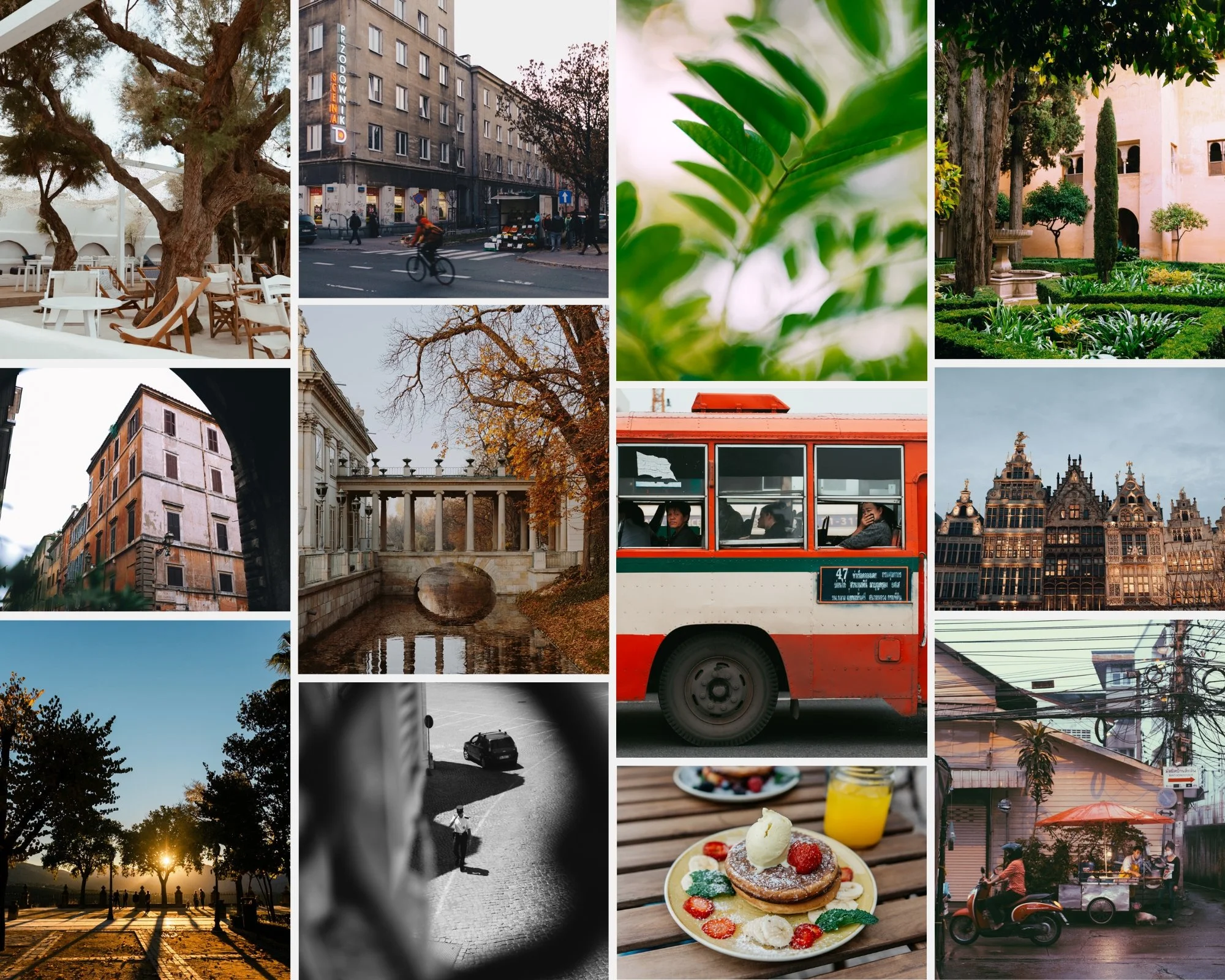
Free film preset for Lightroom
Download the free A6 preset and test it in Lightroom. It works in Lightroom Classic, Lightroom CC, and Lightroom Mobile.
FAQ
Can I use Lightroom presets in Photoshop?
Not directly. Lightroom presets (XMP files) are designed for Lightroom's editing engine. Photoshop's Camera Raw filter can import XMP files but the result may look different because the editing panels work differently.
Is Lightroom enough for professional photography?
For most professional photographers, yes — portrait, wedding, travel, commercial, and editorial photographers primarily use Lightroom for their editing workflow. Complex retouching and compositing work moves to Photoshop when needed.
Which is harder to learn?
Lightroom has a simpler learning curve — the workflow is logical and presets handle most of the technical work. Photoshop has a steeper learning curve because layer-based compositing and pixel-level editing require more technical knowledge.
Can I get Lightroom without Photoshop?
Yes — Adobe offers a Lightroom-only plan. But the Photography Plan (Lightroom + Photoshop + 20GB storage) is the same price as Lightroom alone in most regions, so it makes sense to get both.
