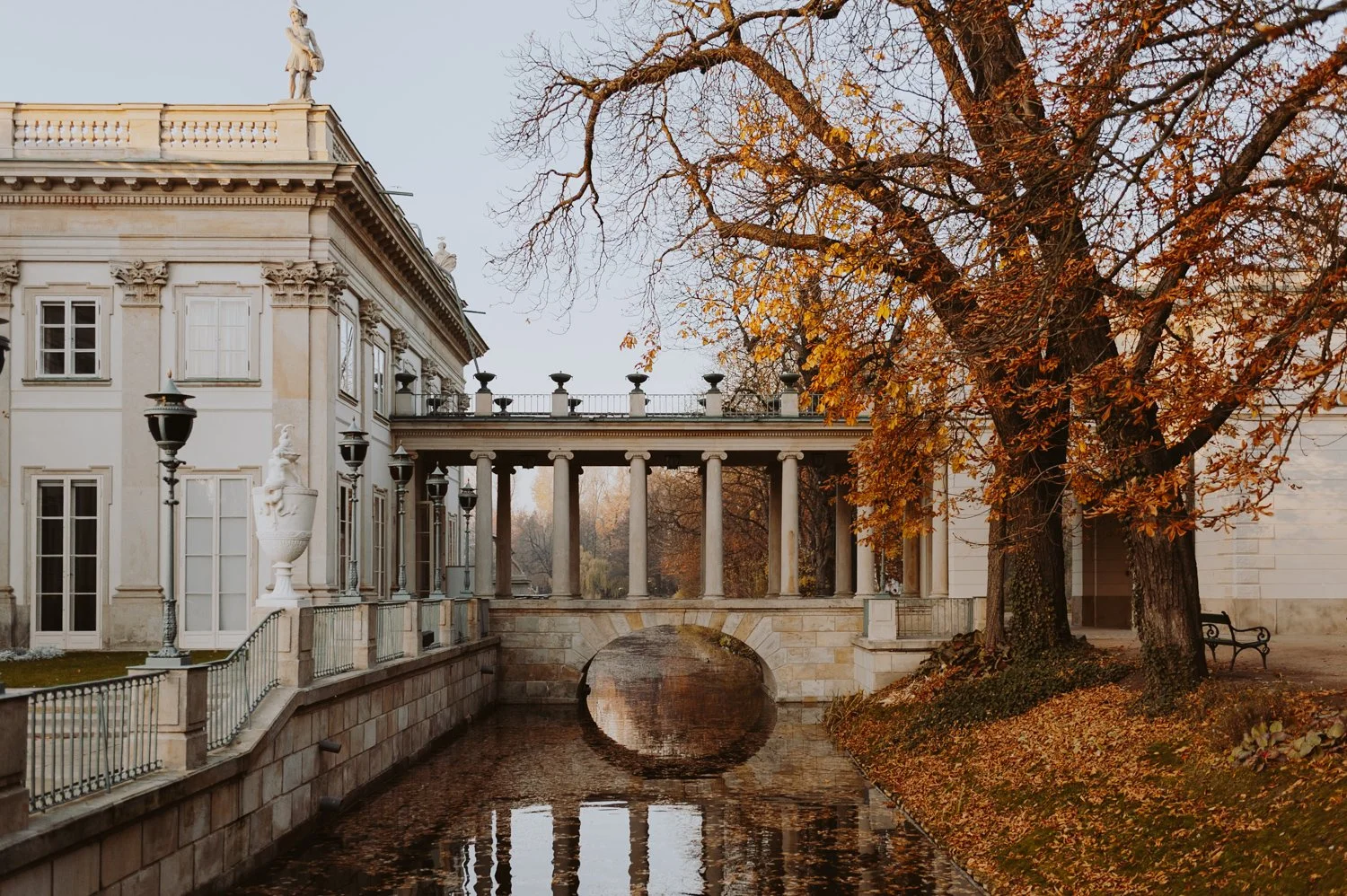
How to Get the M5 Earthy Warm Film Look in Lightroom: A Professional Guide
If you’ve been scrolling through aesthetic photography feeds for the last decade, you’ve encountered the legendary M5 aesthetic. Known for its deep, brownish shadows and signature "earthy" warmth, it became the gold standard for lifestyle and street photography.
However, as professional photographers transition to desktop workflows, the challenge is recreating that vibe without losing image quality. In this guide, we’ll show you how to bring that timeless film soul into Lightroom.
The Anatomy of the M5 Look
The charm of the M5-inspired look lies in its "underexposed" feel and organic palette. To recreate this professionally, we focus on three key elements:
Muted Greens: Transforming vibrant greens into soft, olive-toned hues.
Warm Shadows: Instead of pure blacks, we infuse the shadows with a golden-brown tint for a "matte" film finish.
Enhanced Skin Tones: Focus on a healthy, sun-kissed glow that remains natural even in tricky lighting.
Our Solution: The TES M5 Earthy Warm Preset
At The Editing Studio, we analyzed the classic M-series and rebuilt it from the ground up for RAW files. Our M5 Earthy Warm Preset gives you that iconic moody film look with one click, while preserving the dynamic range of your professional camera.
It’s the perfect choice for sunset sessions, intimate portraits, and nostalgic lifestyle content.