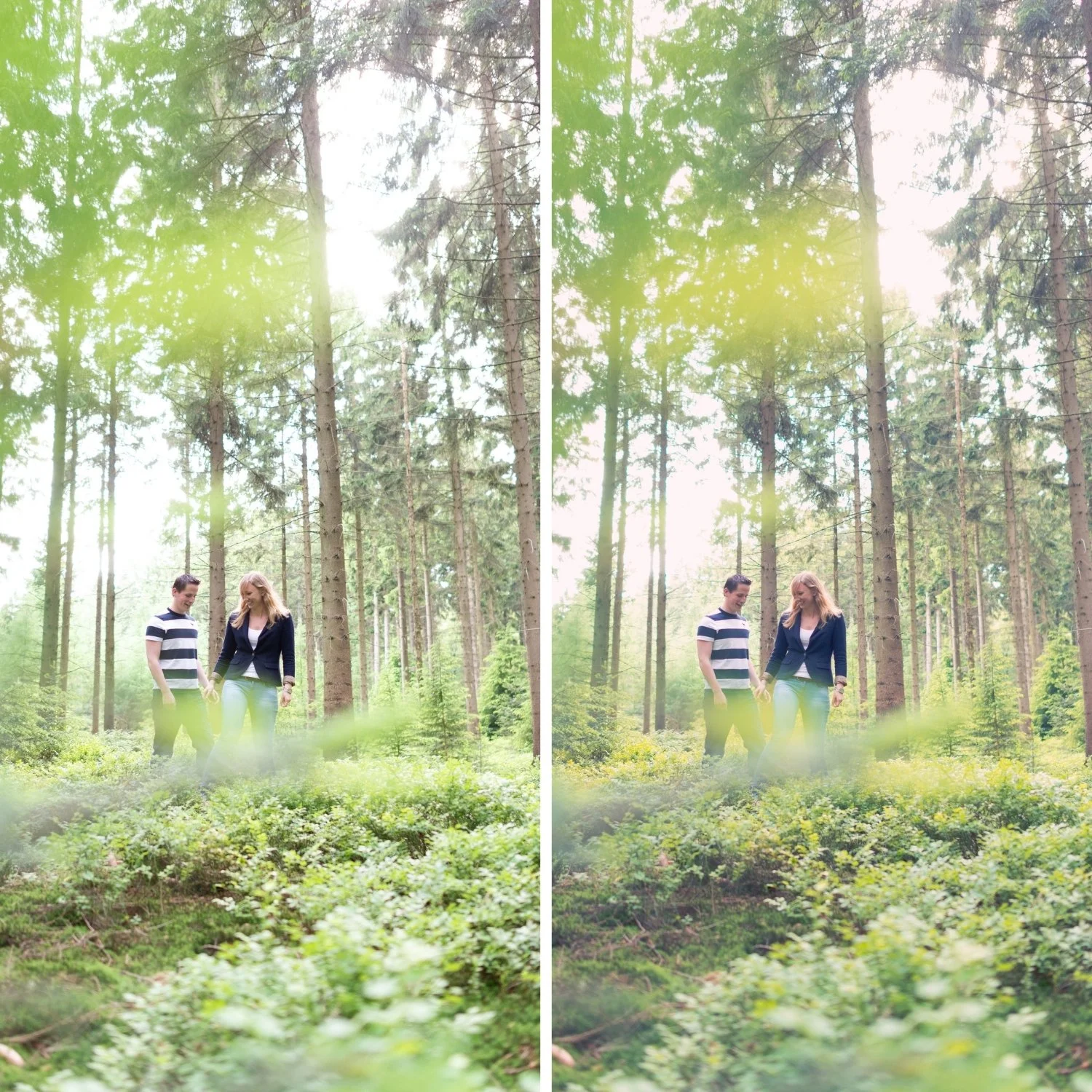
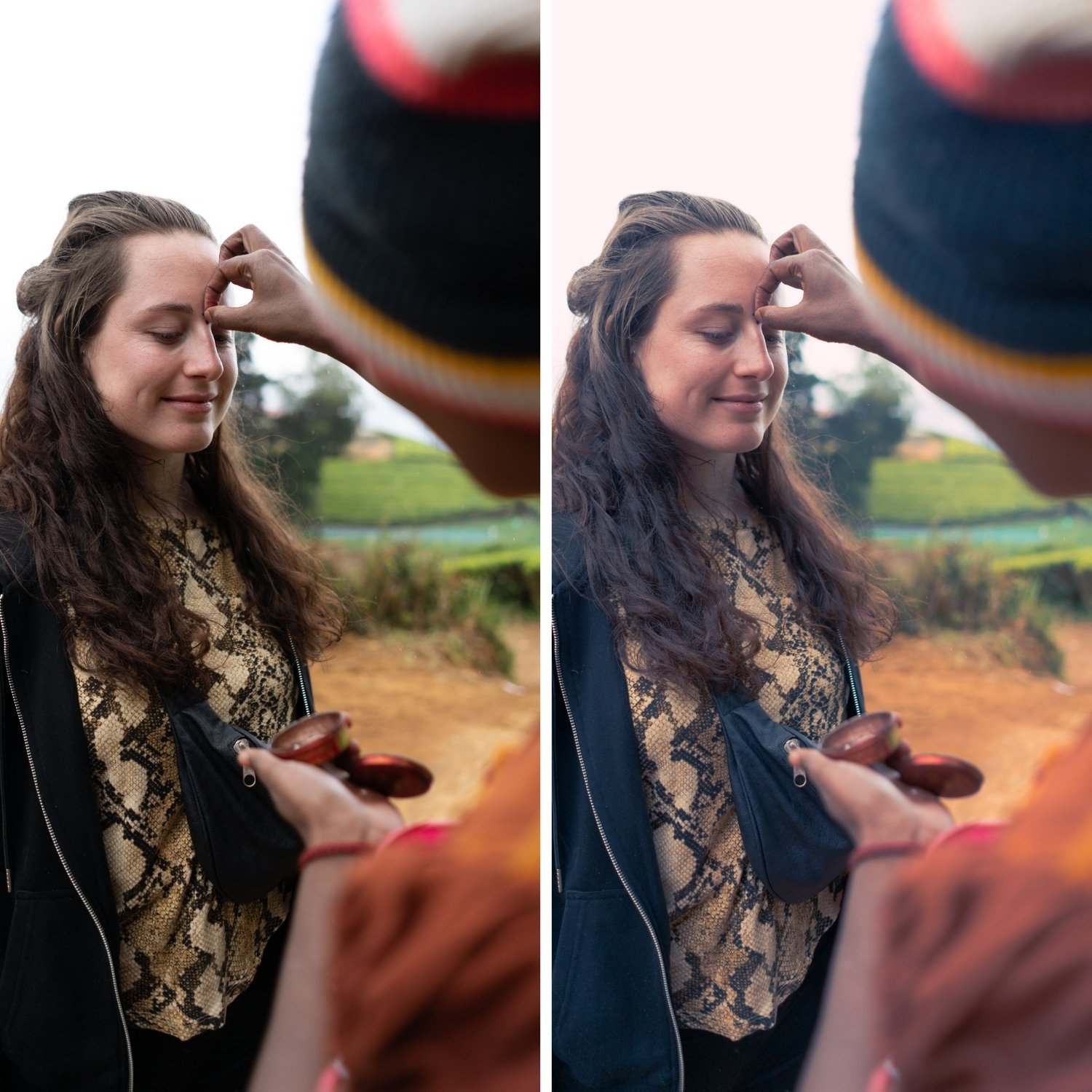
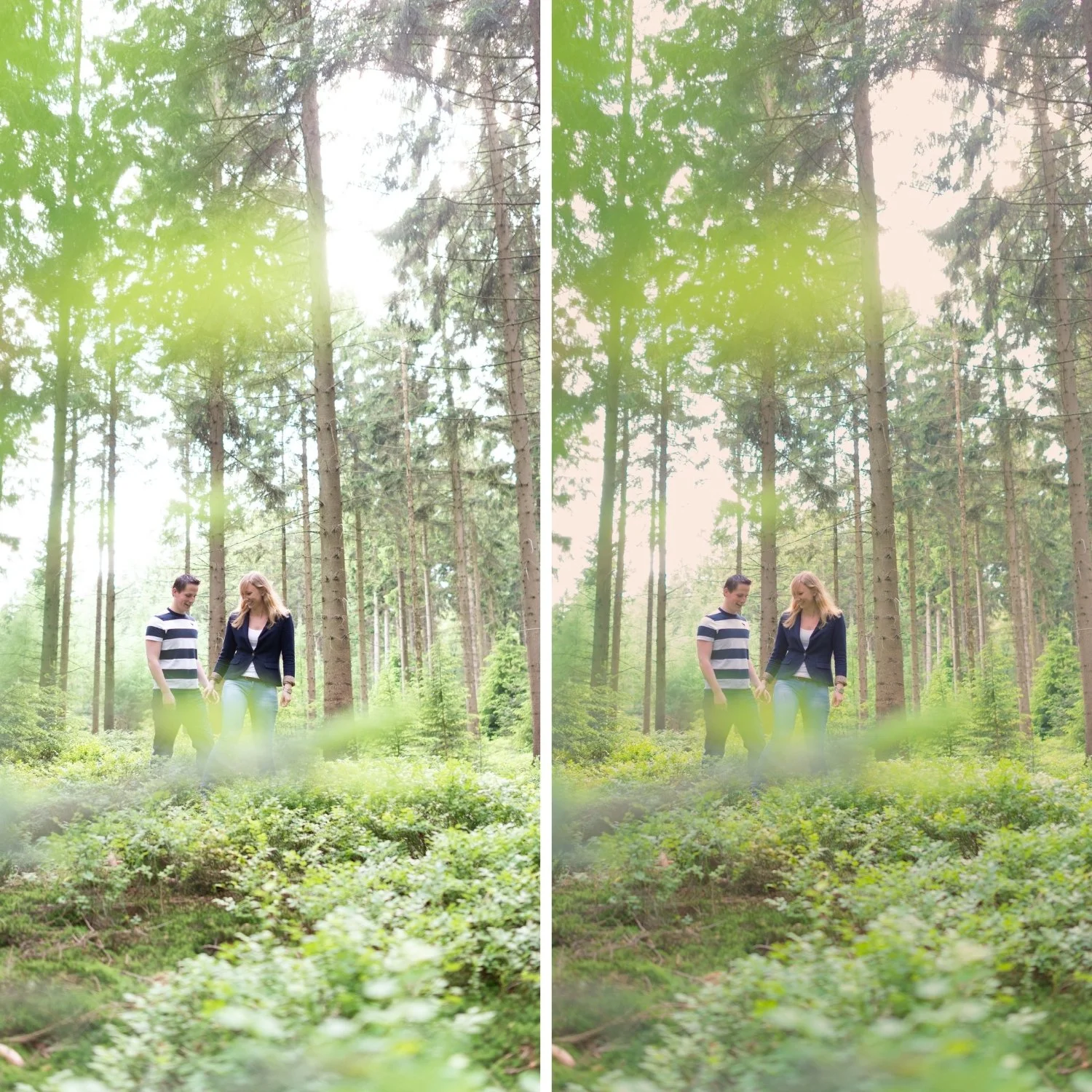
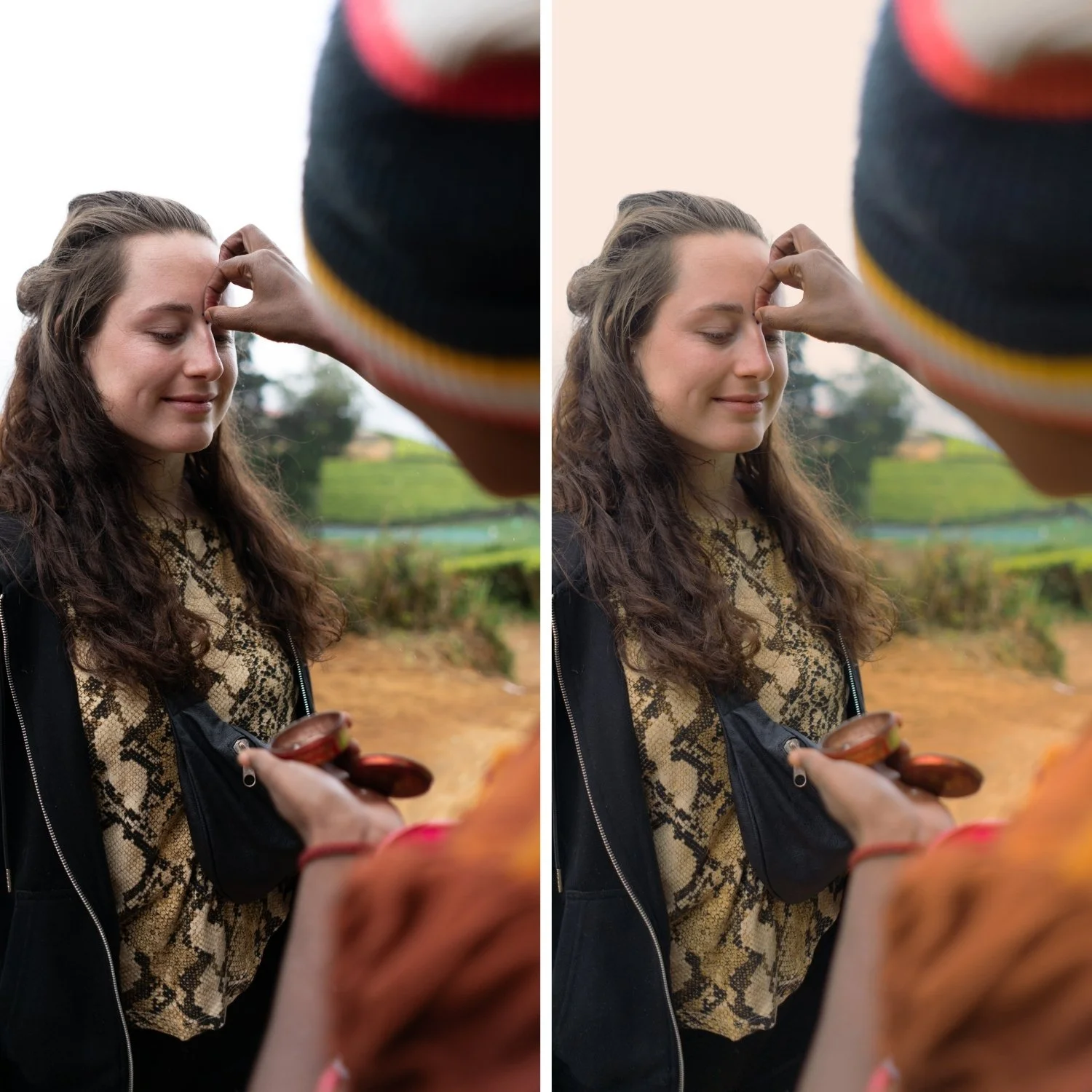
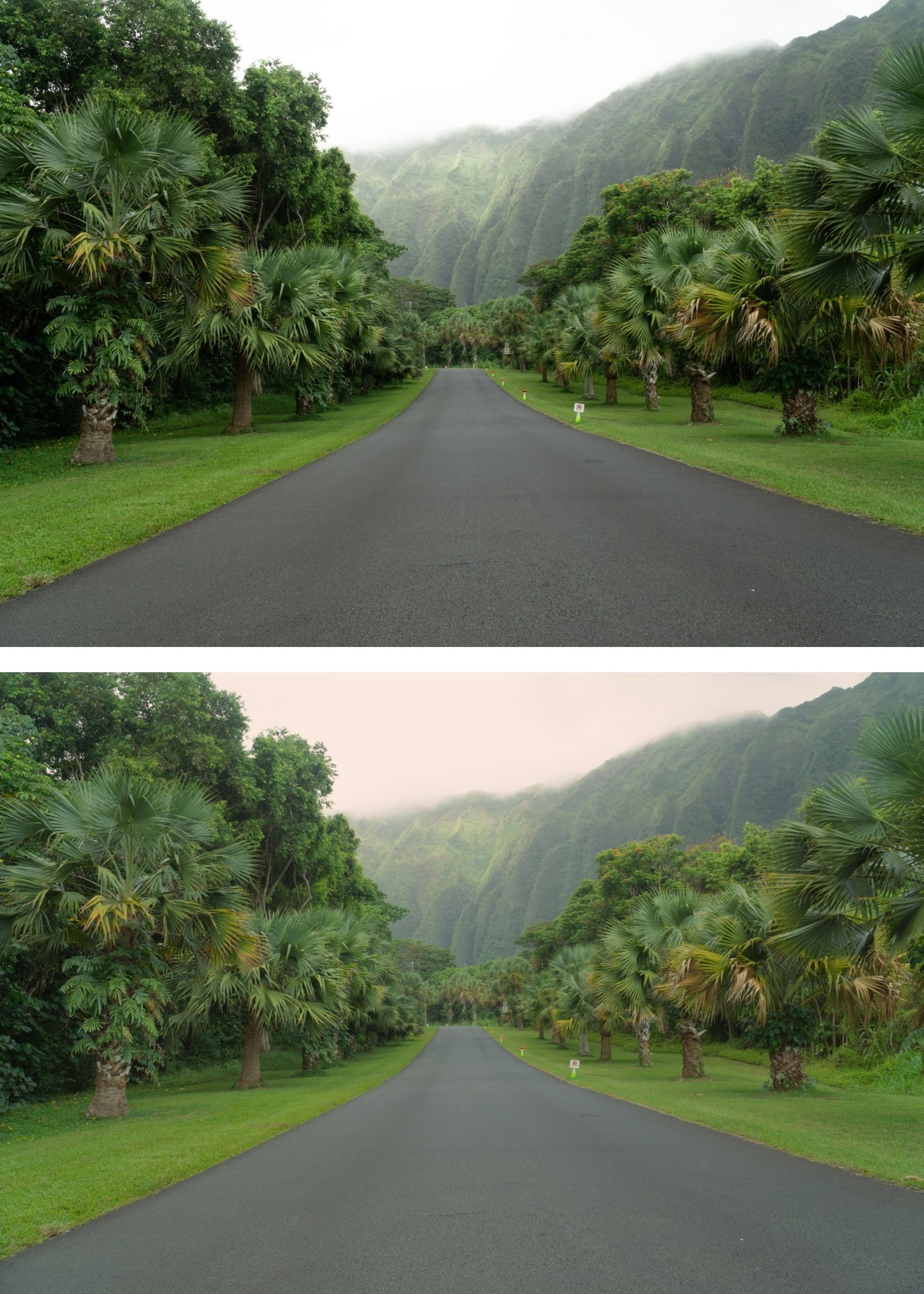
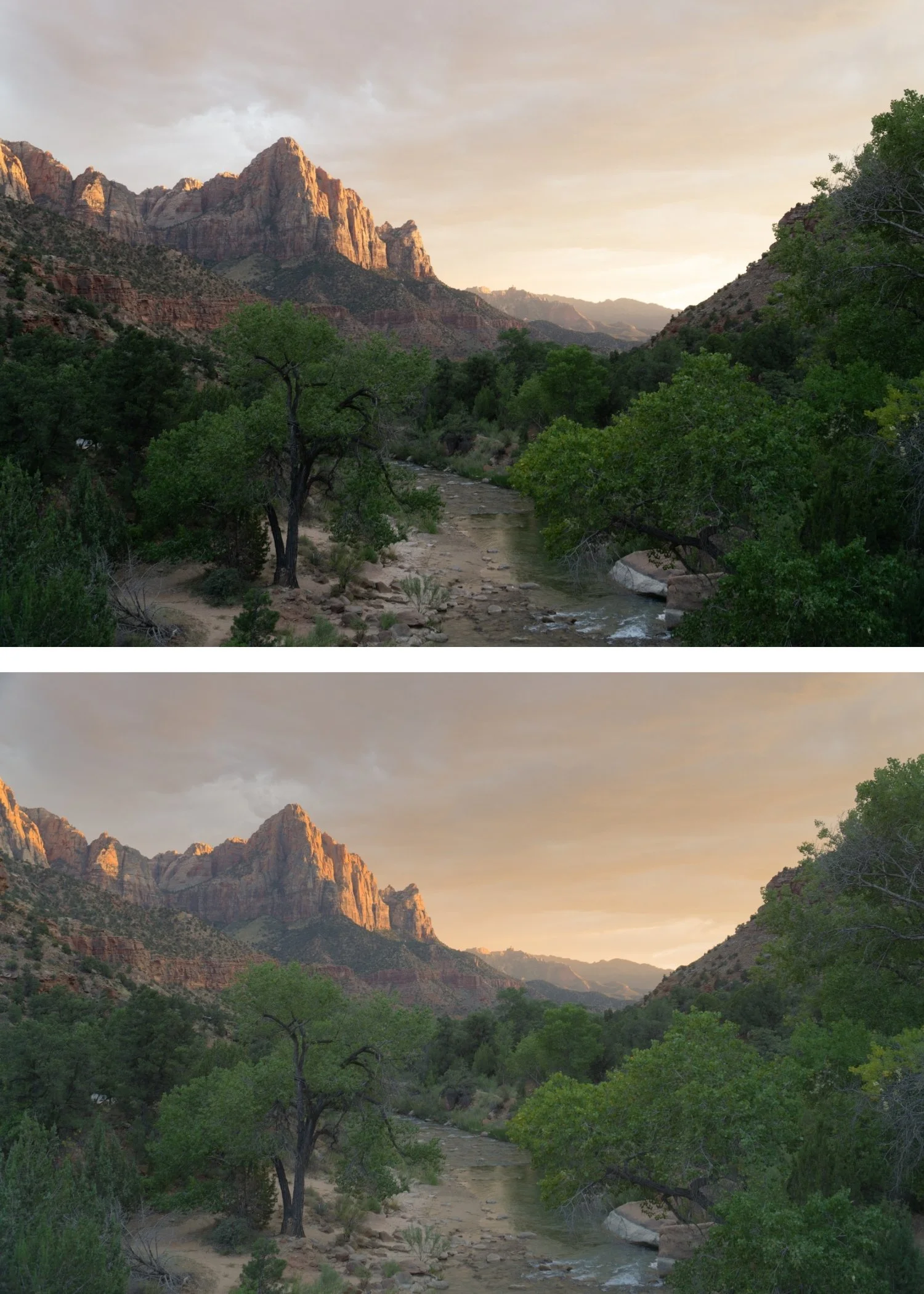
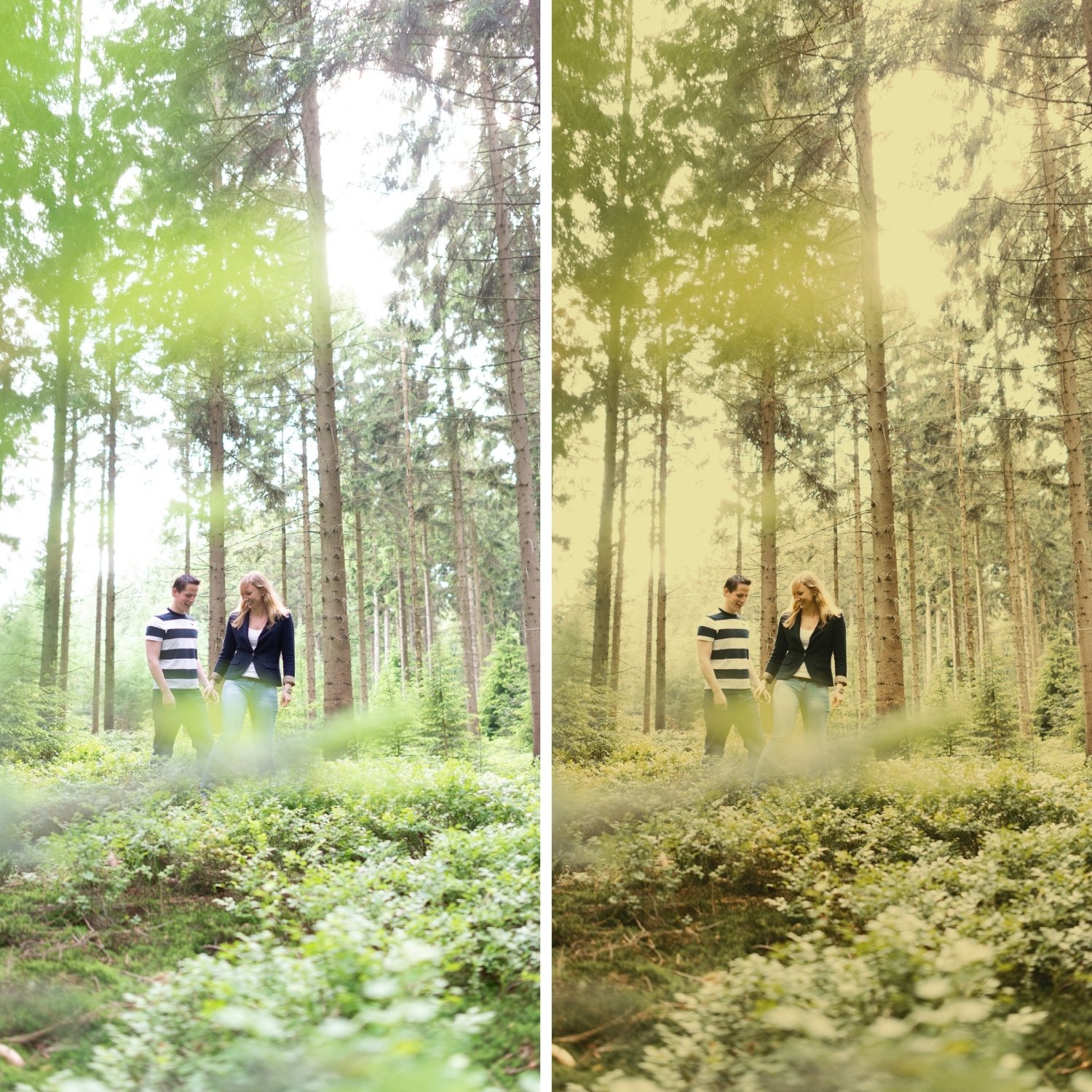
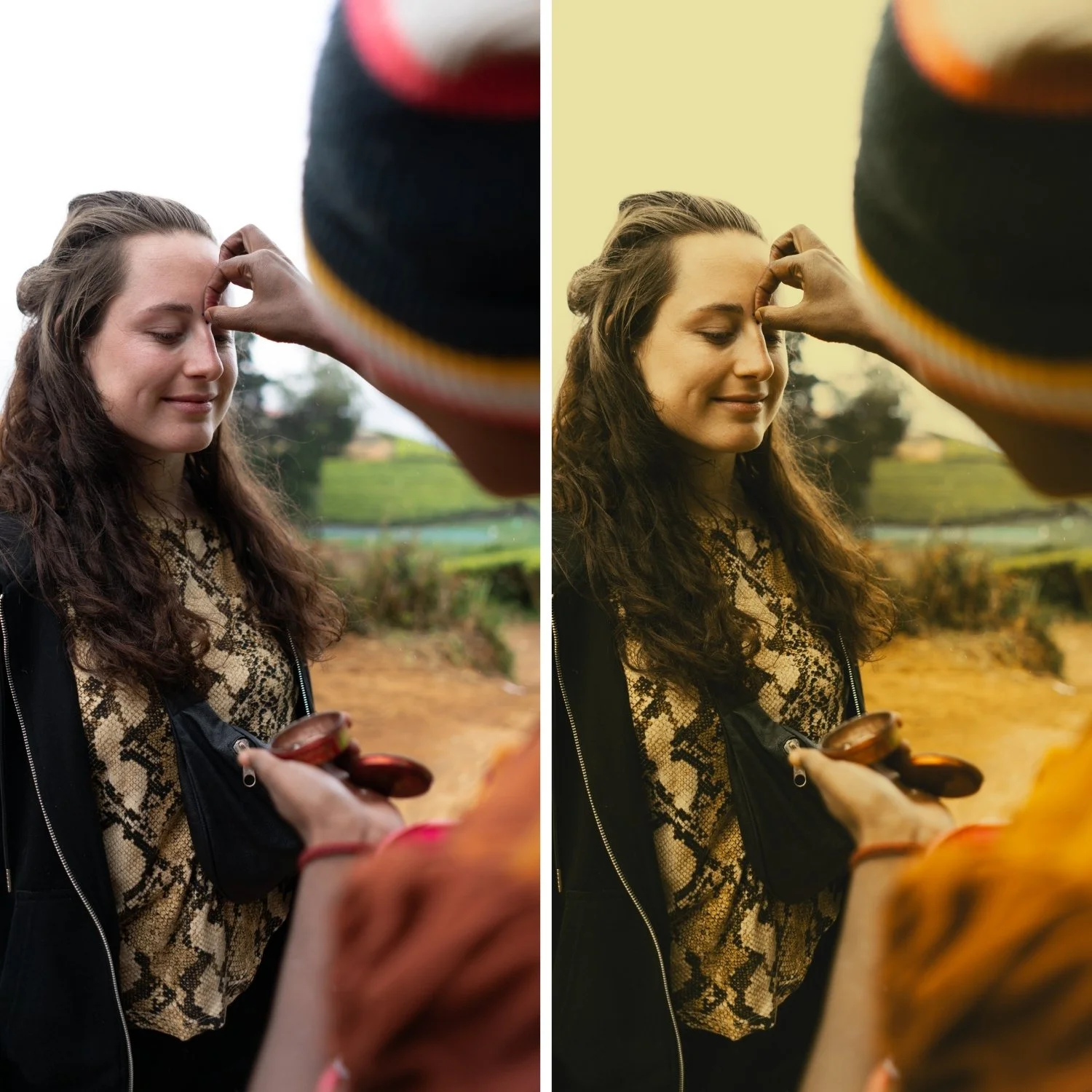
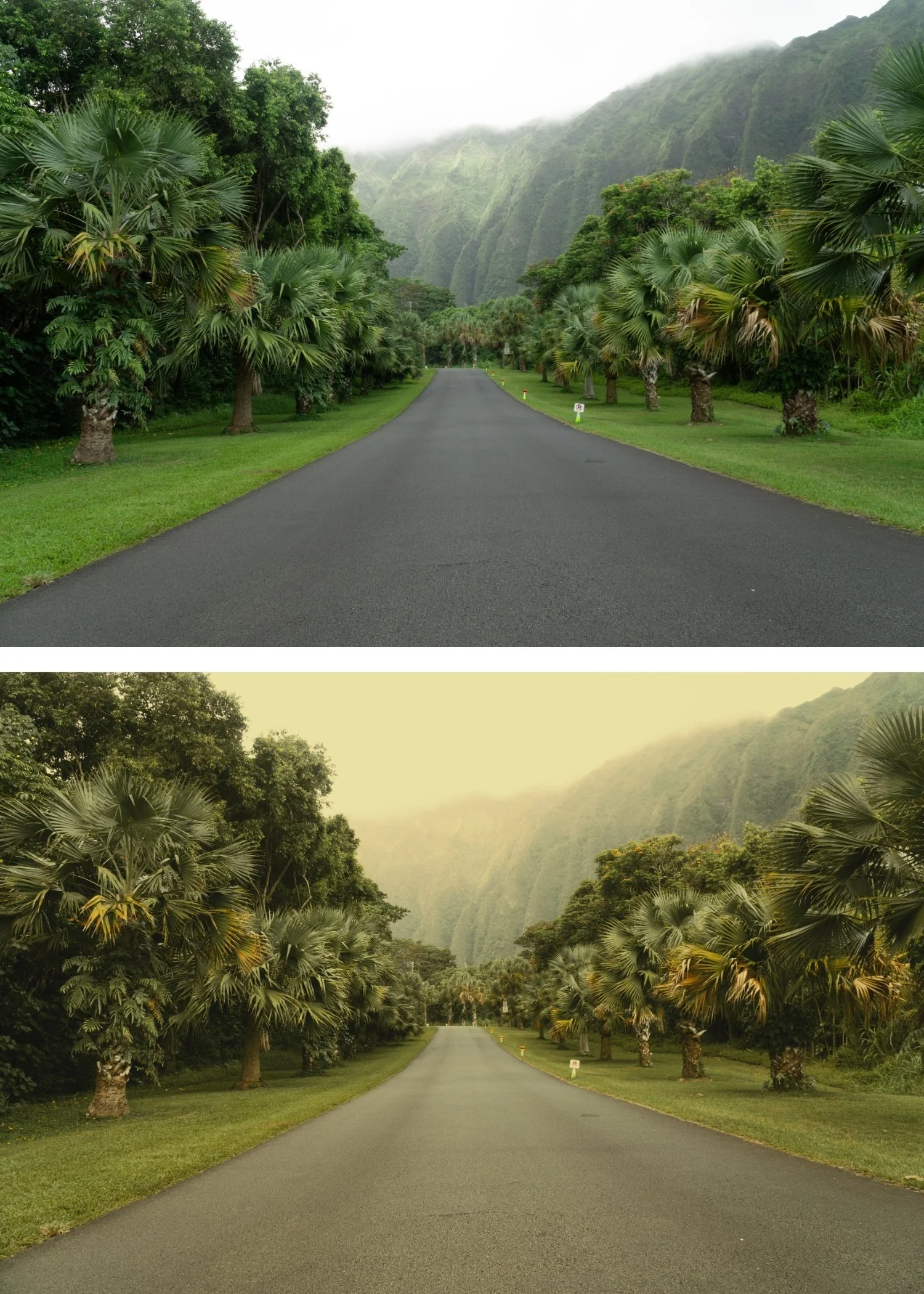
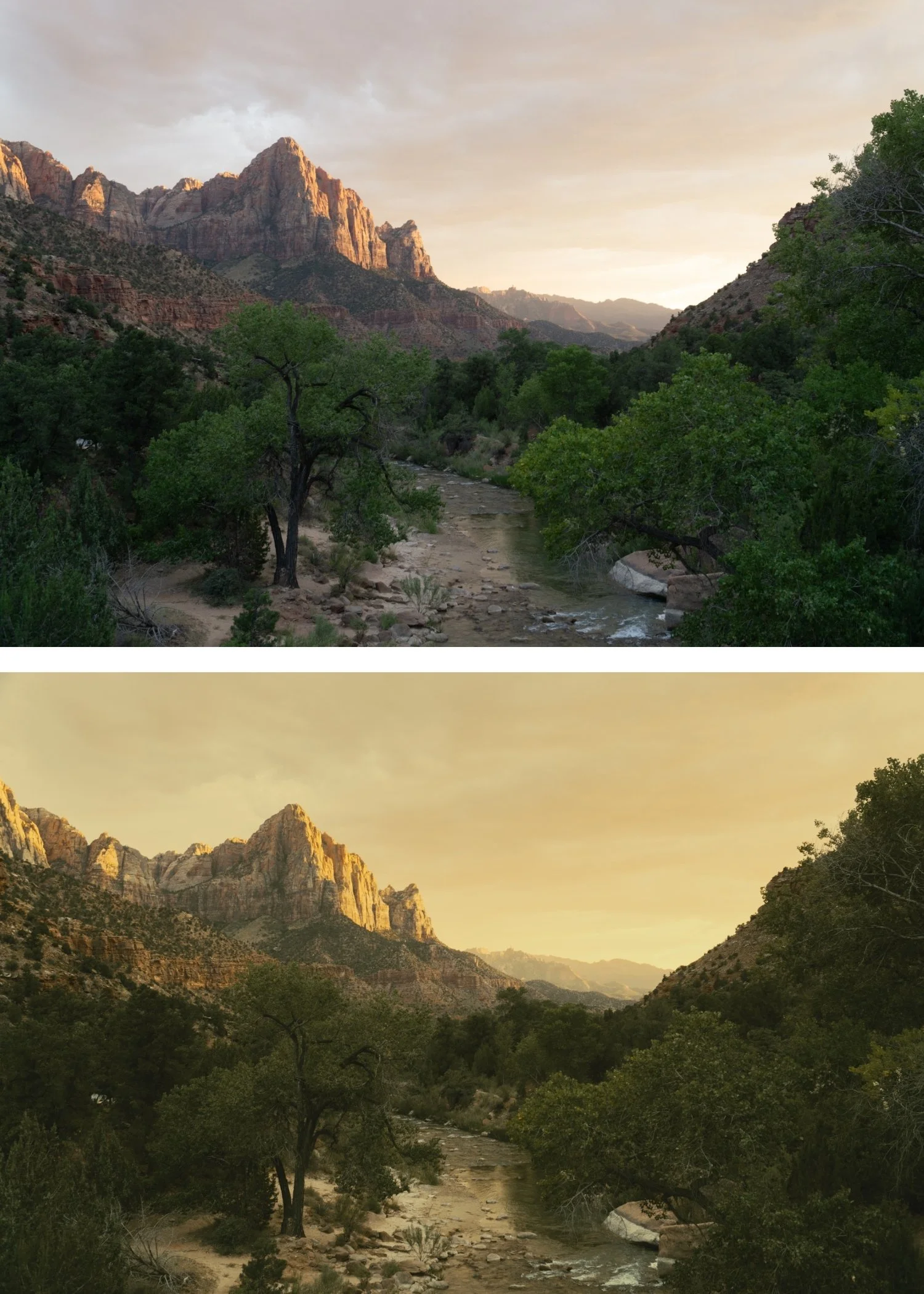
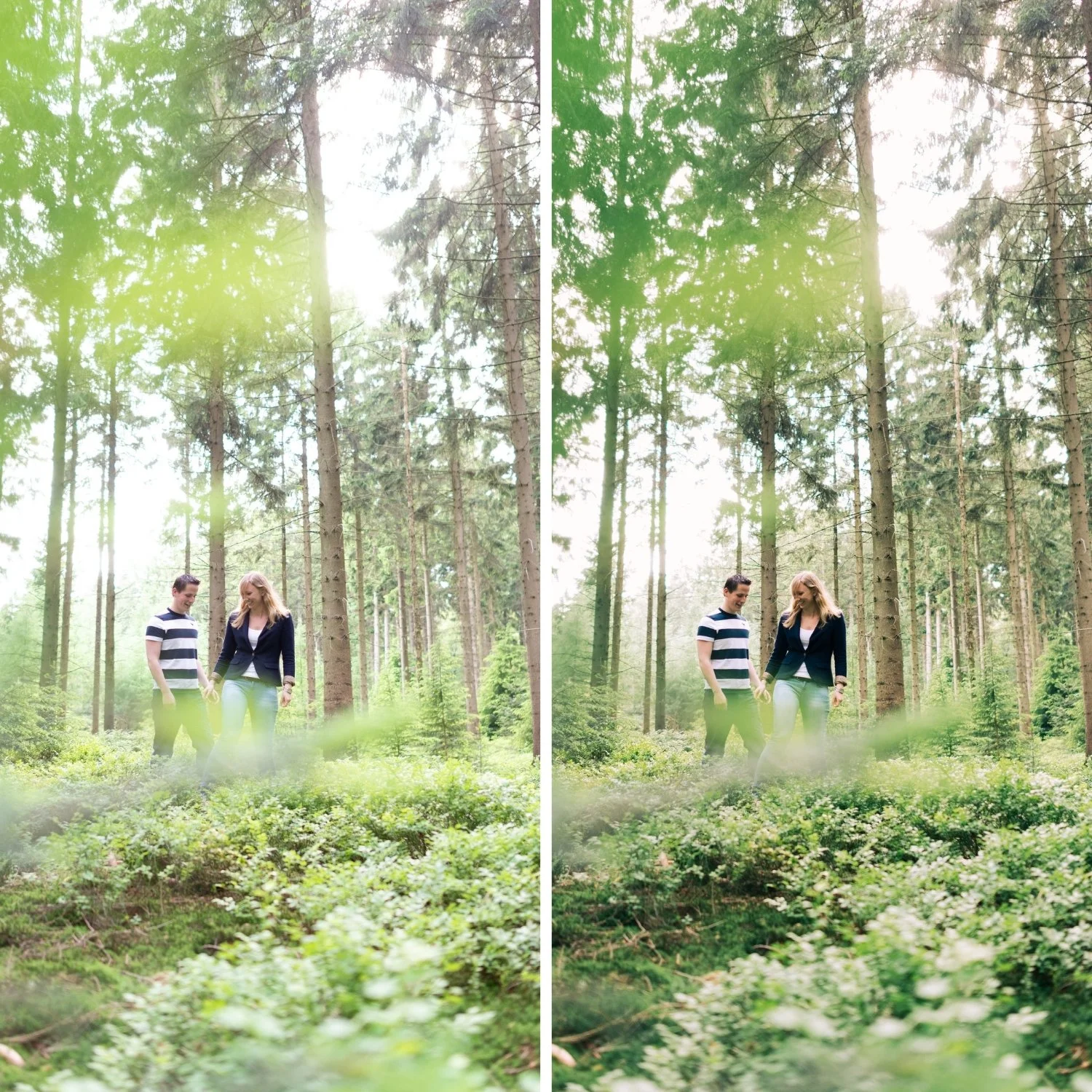
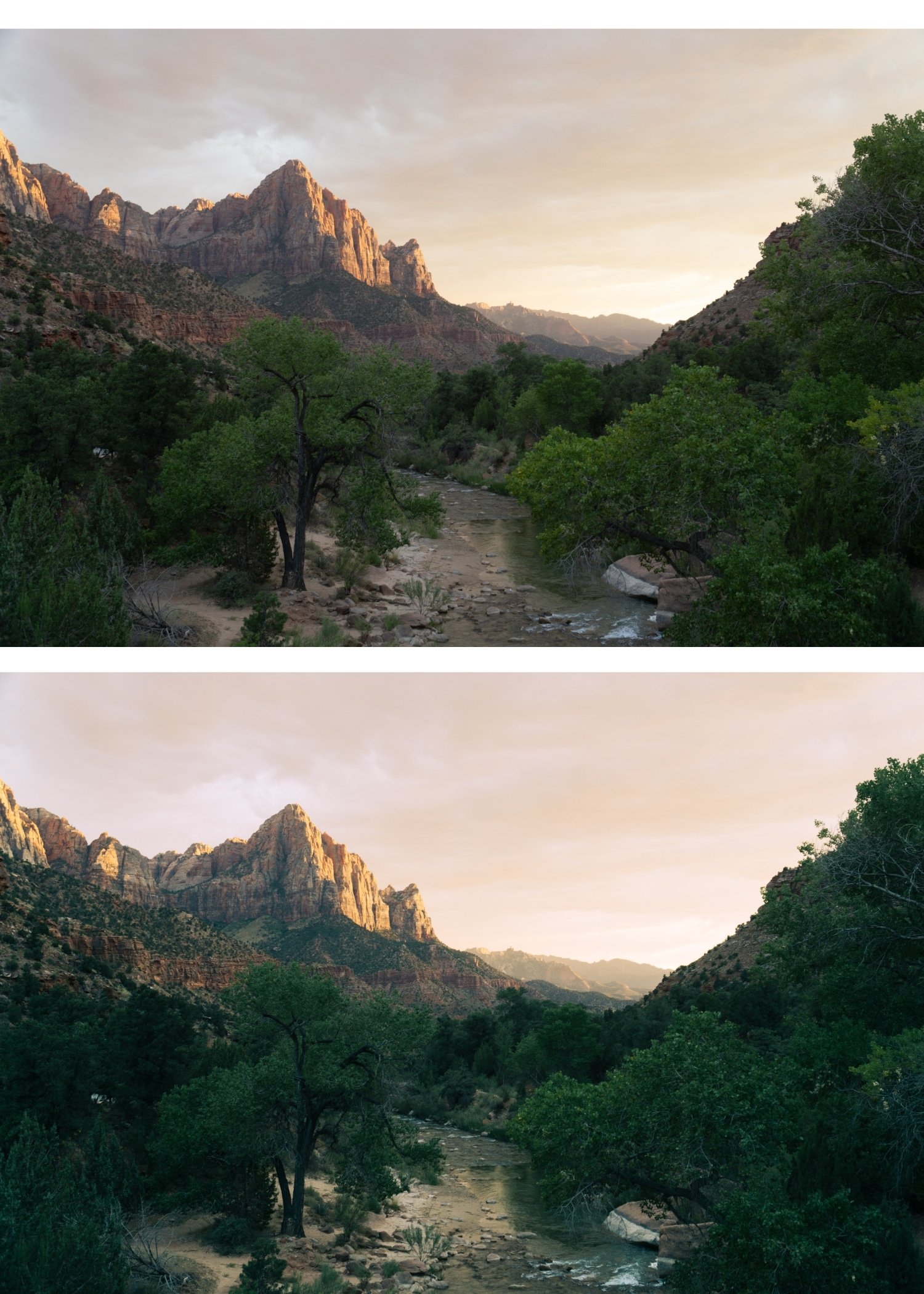
 Image 1 of 4
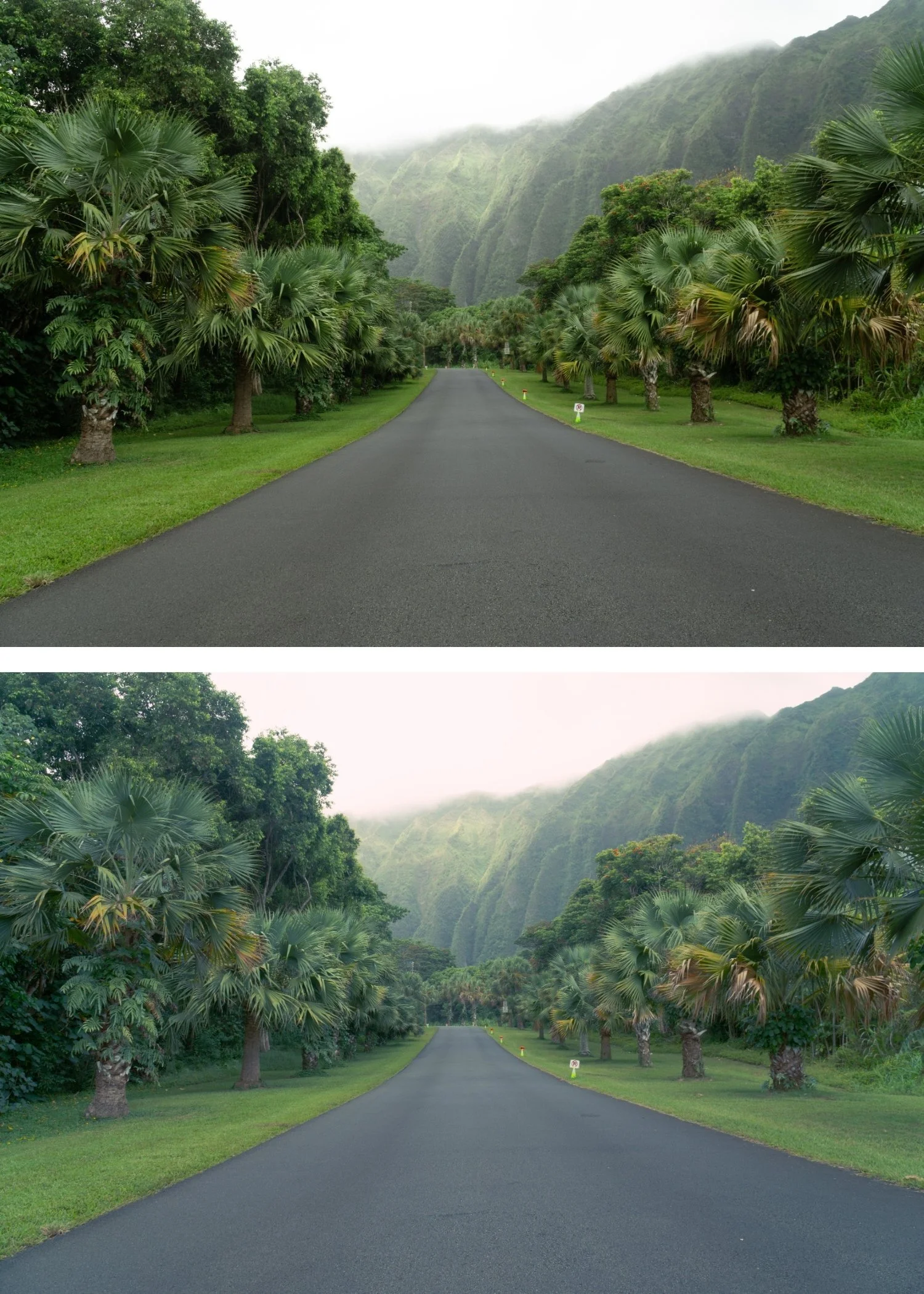
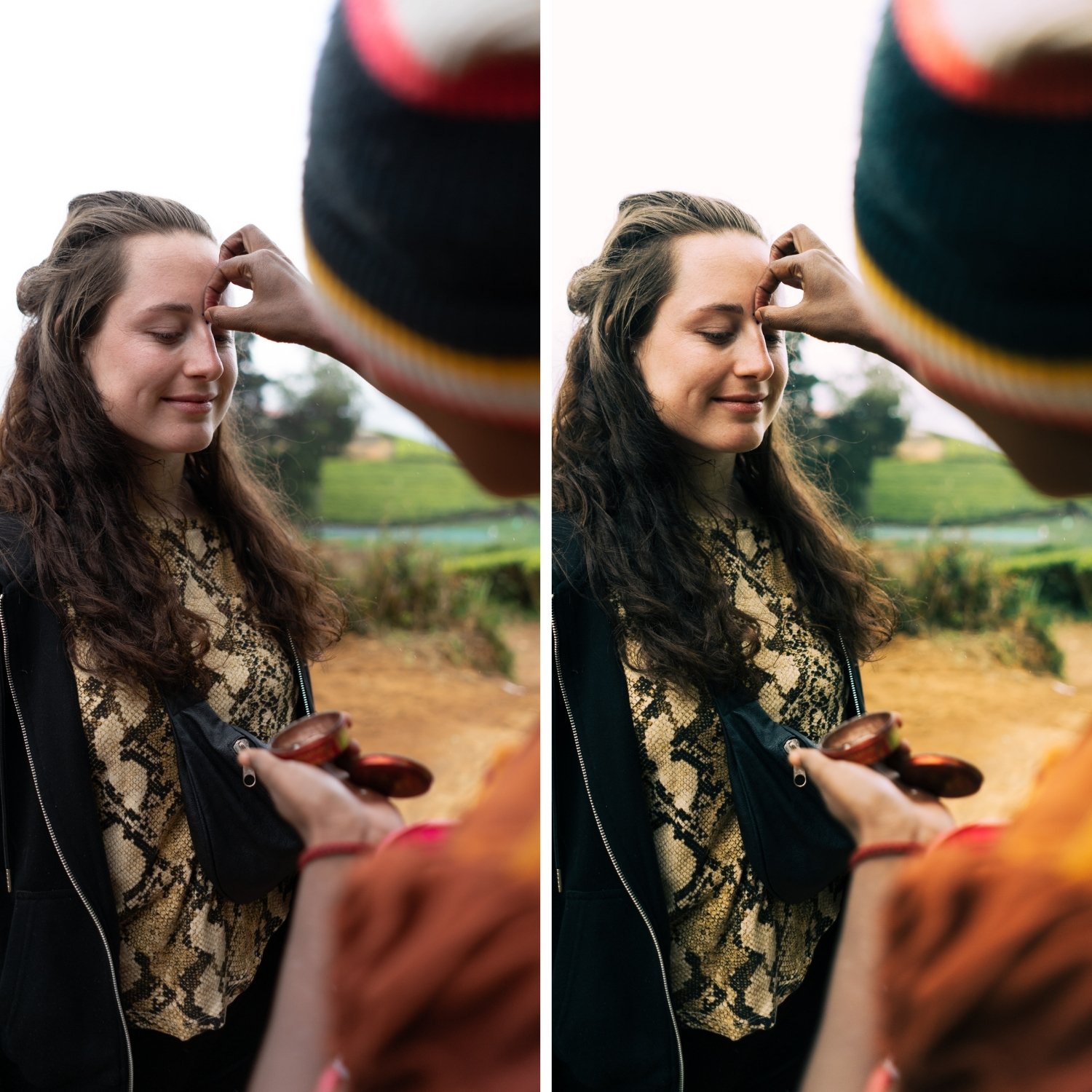 Image 2 of 4
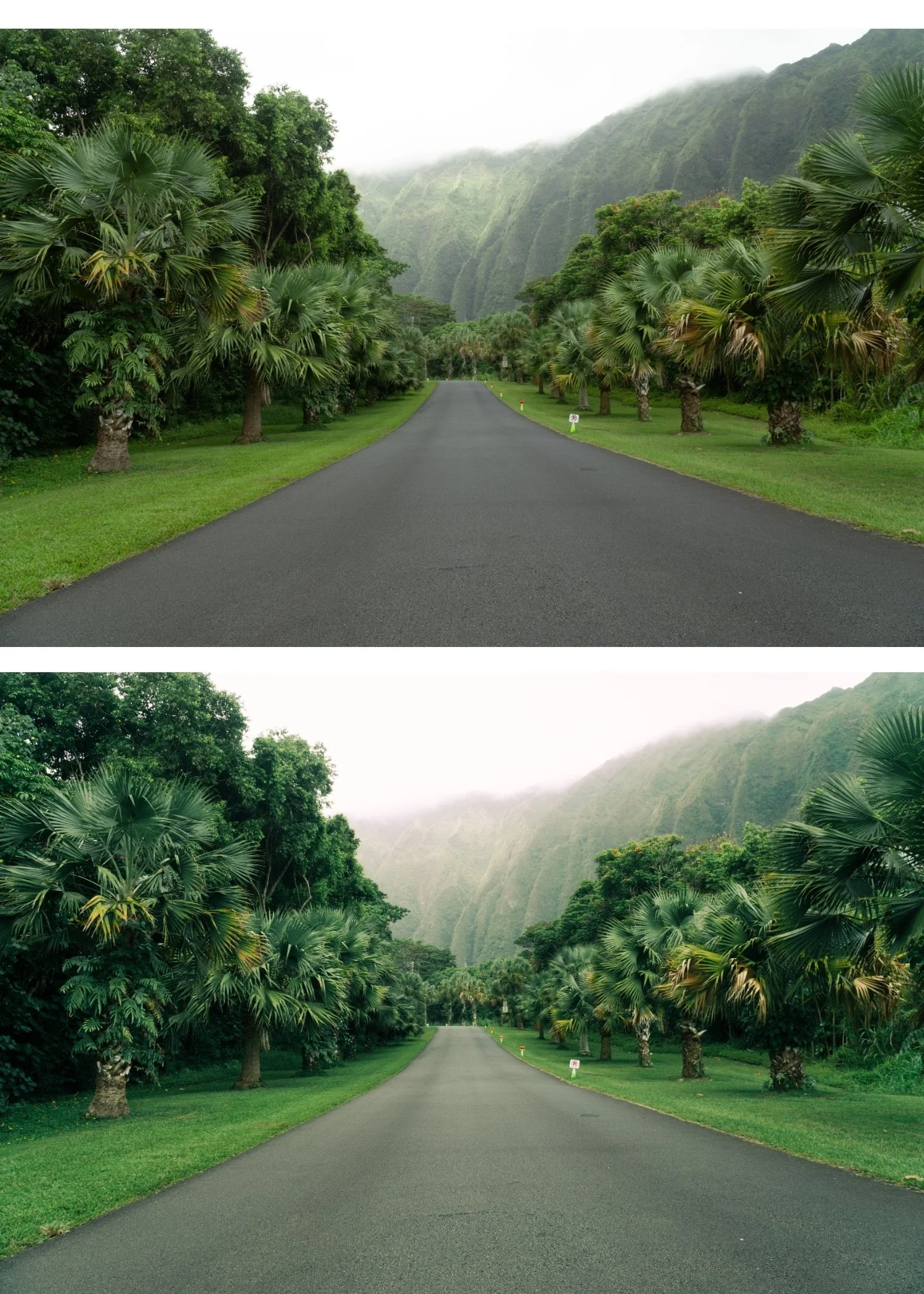 Image 3 of 4
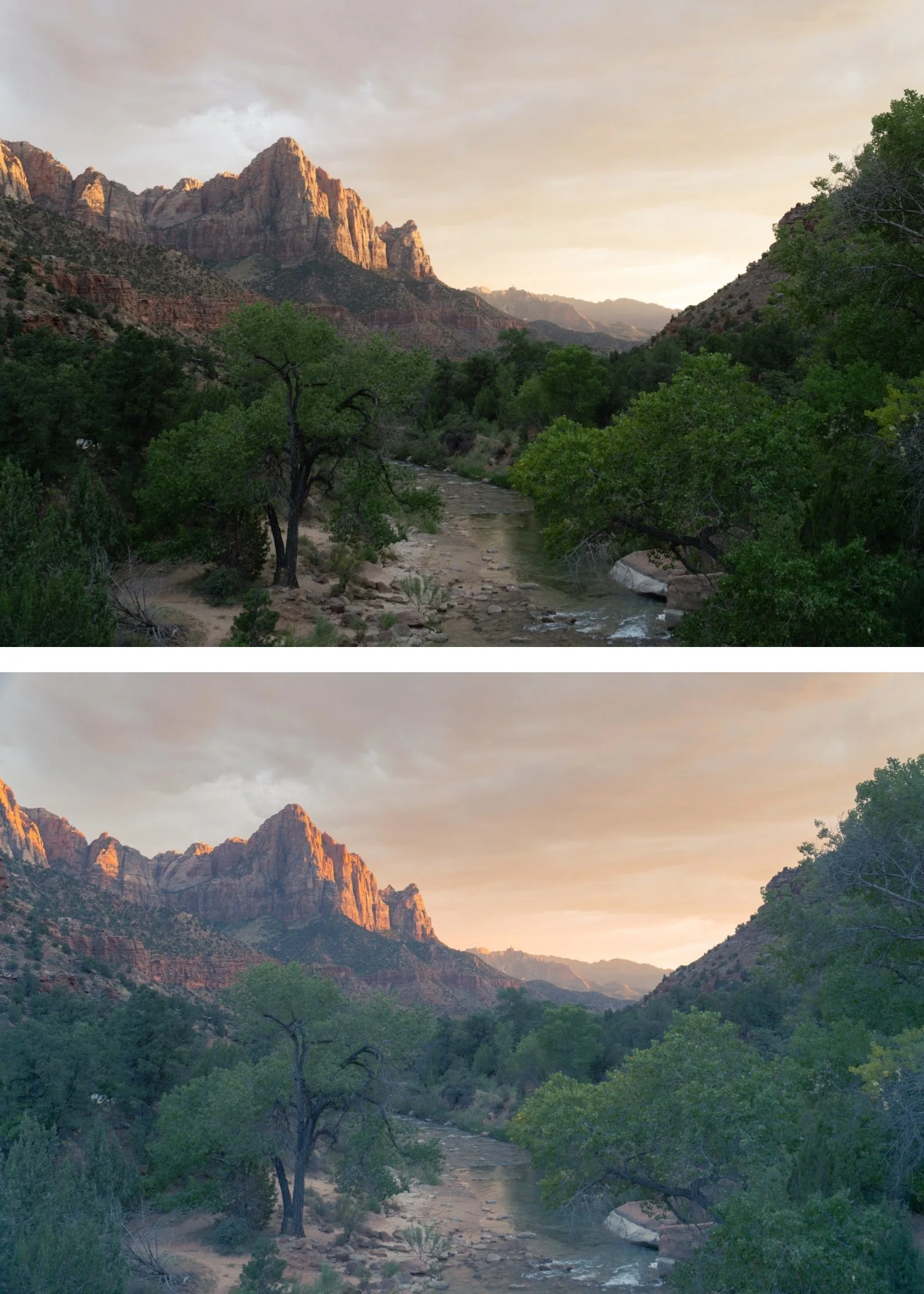
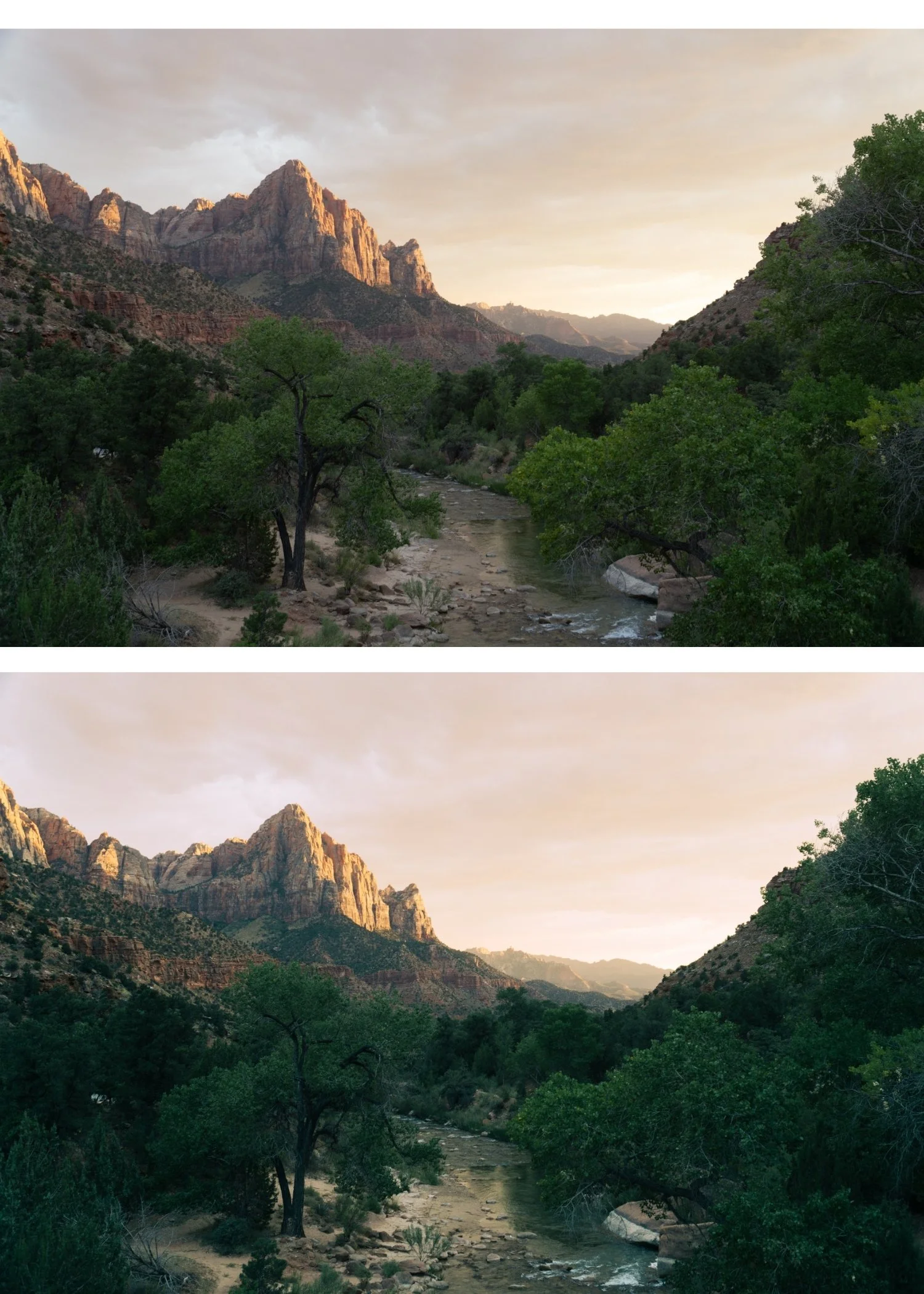 Image 4 of 4
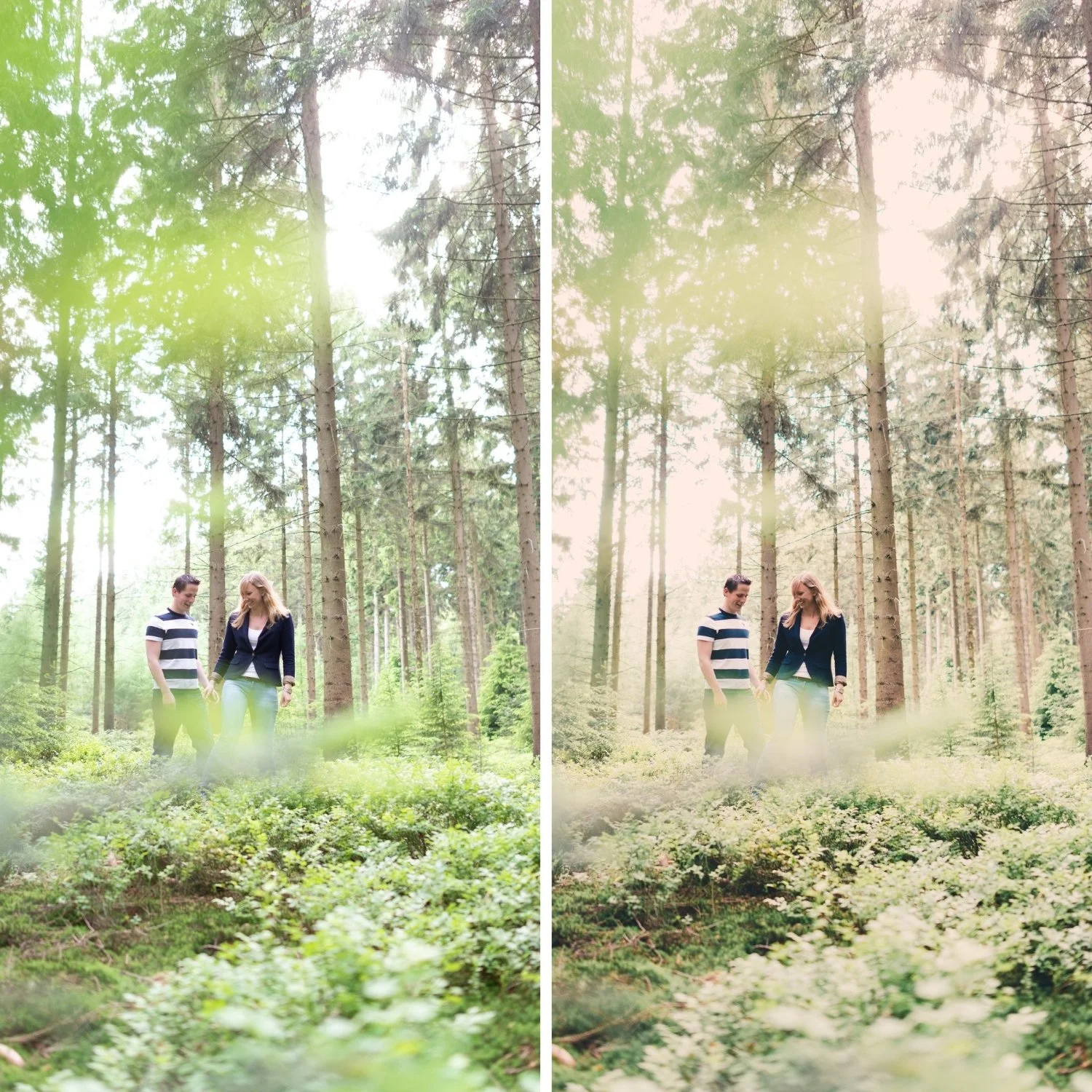
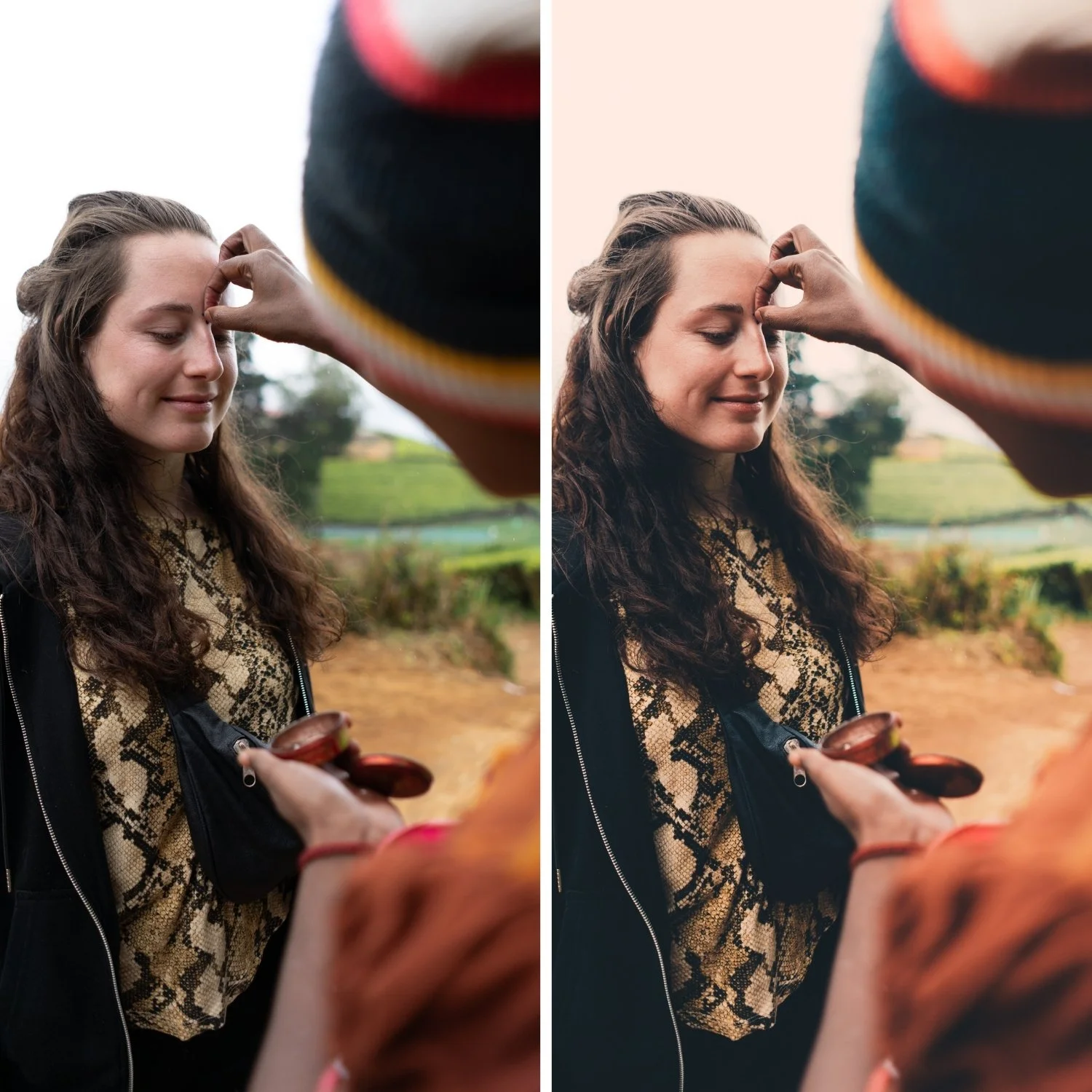
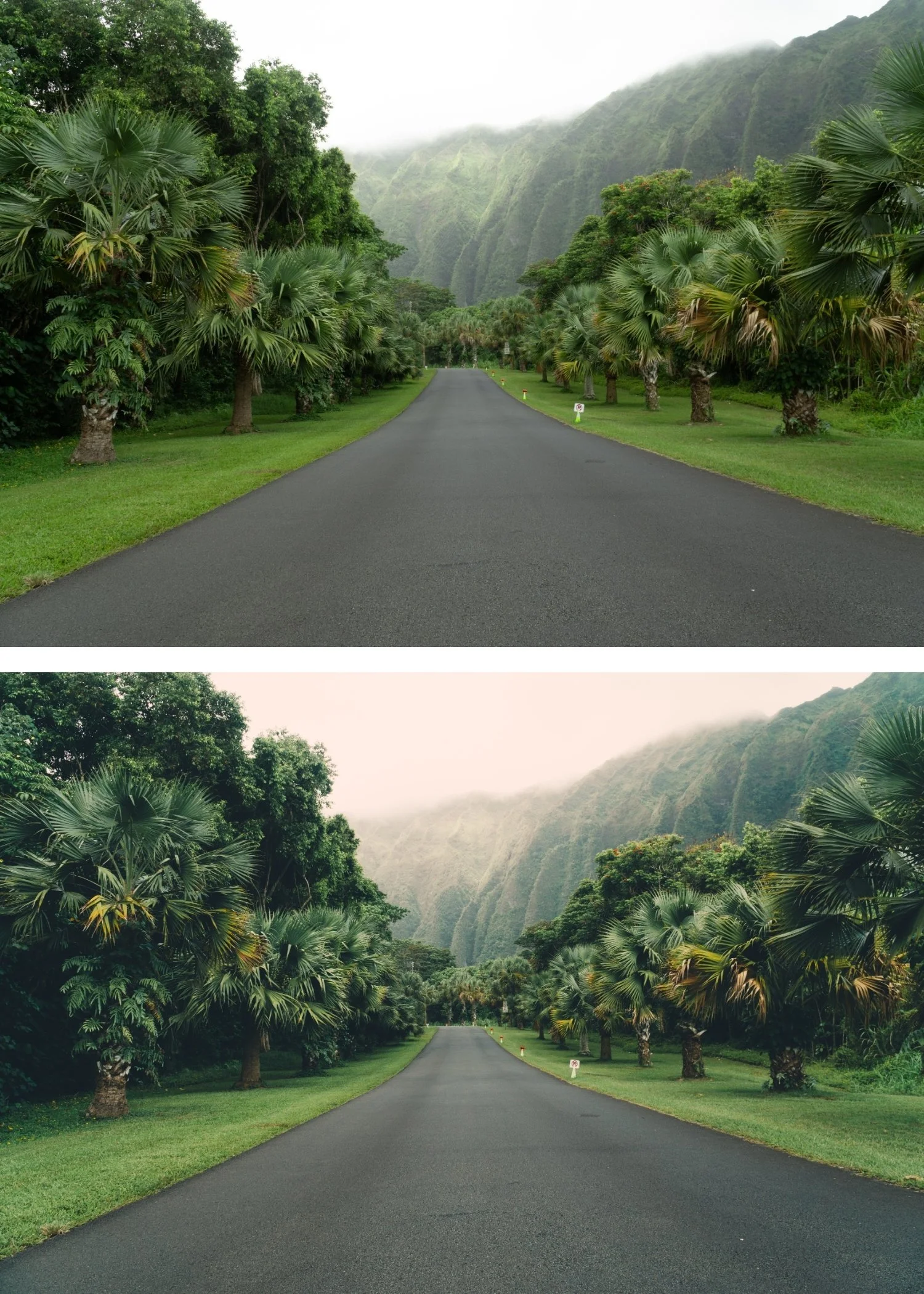
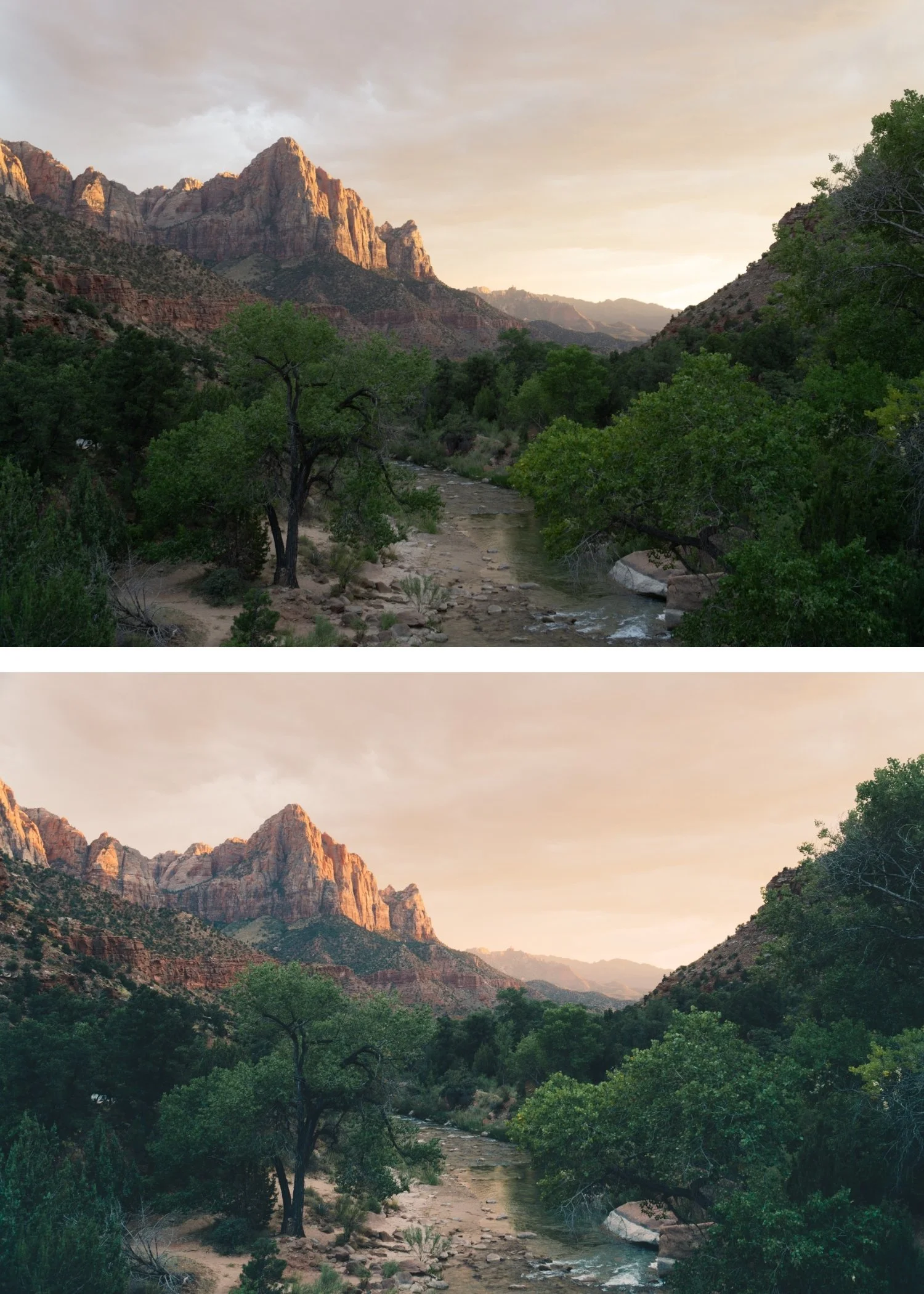
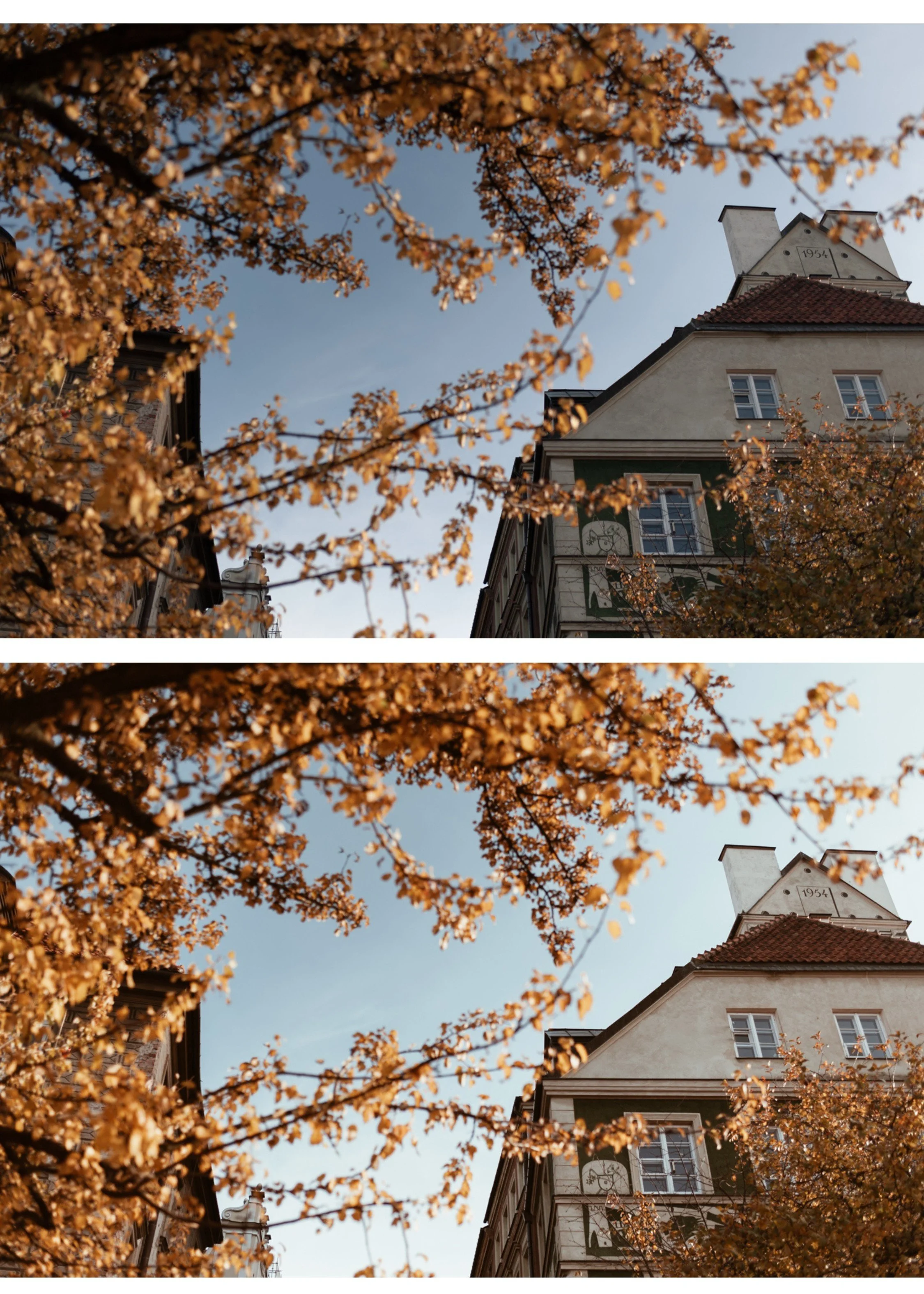
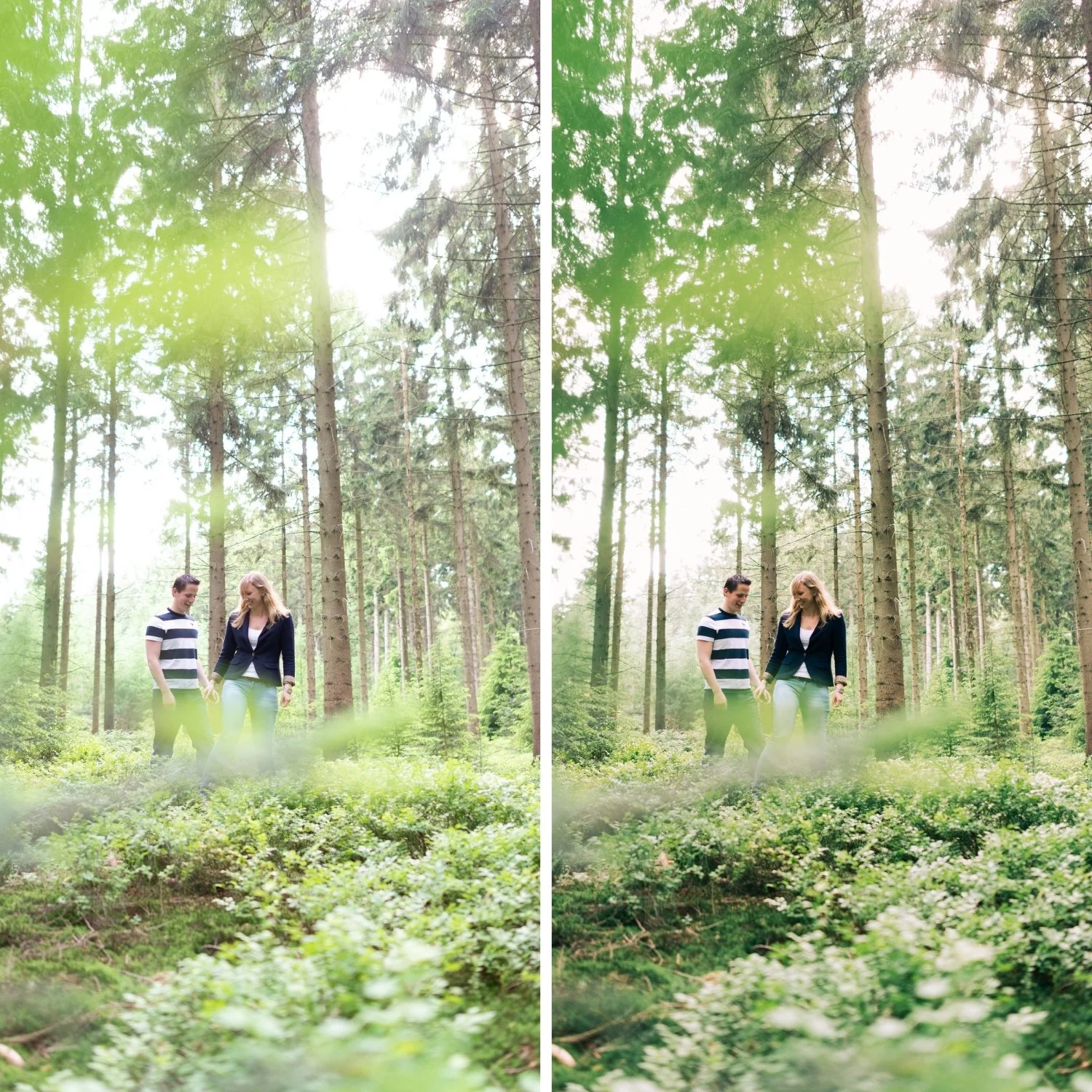
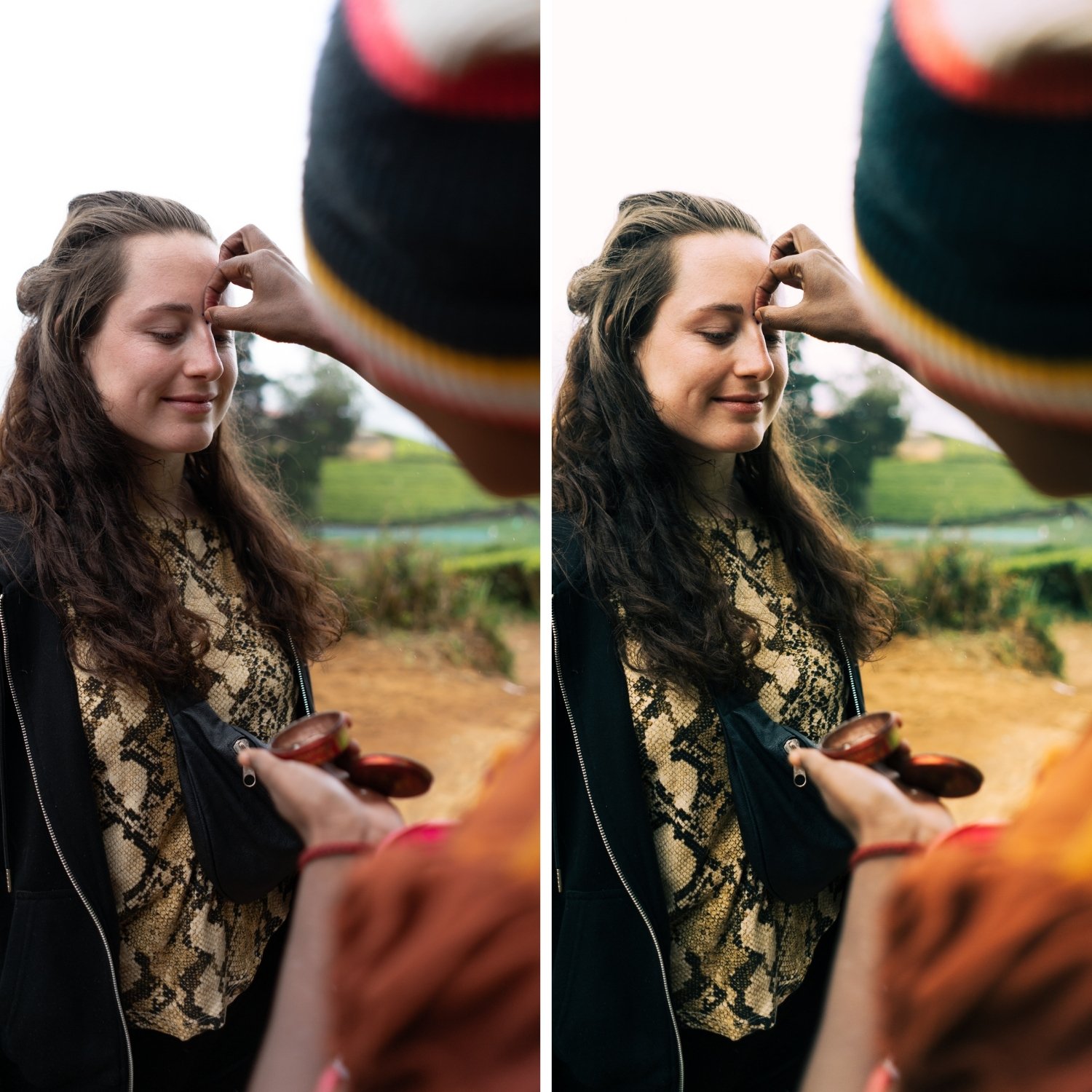
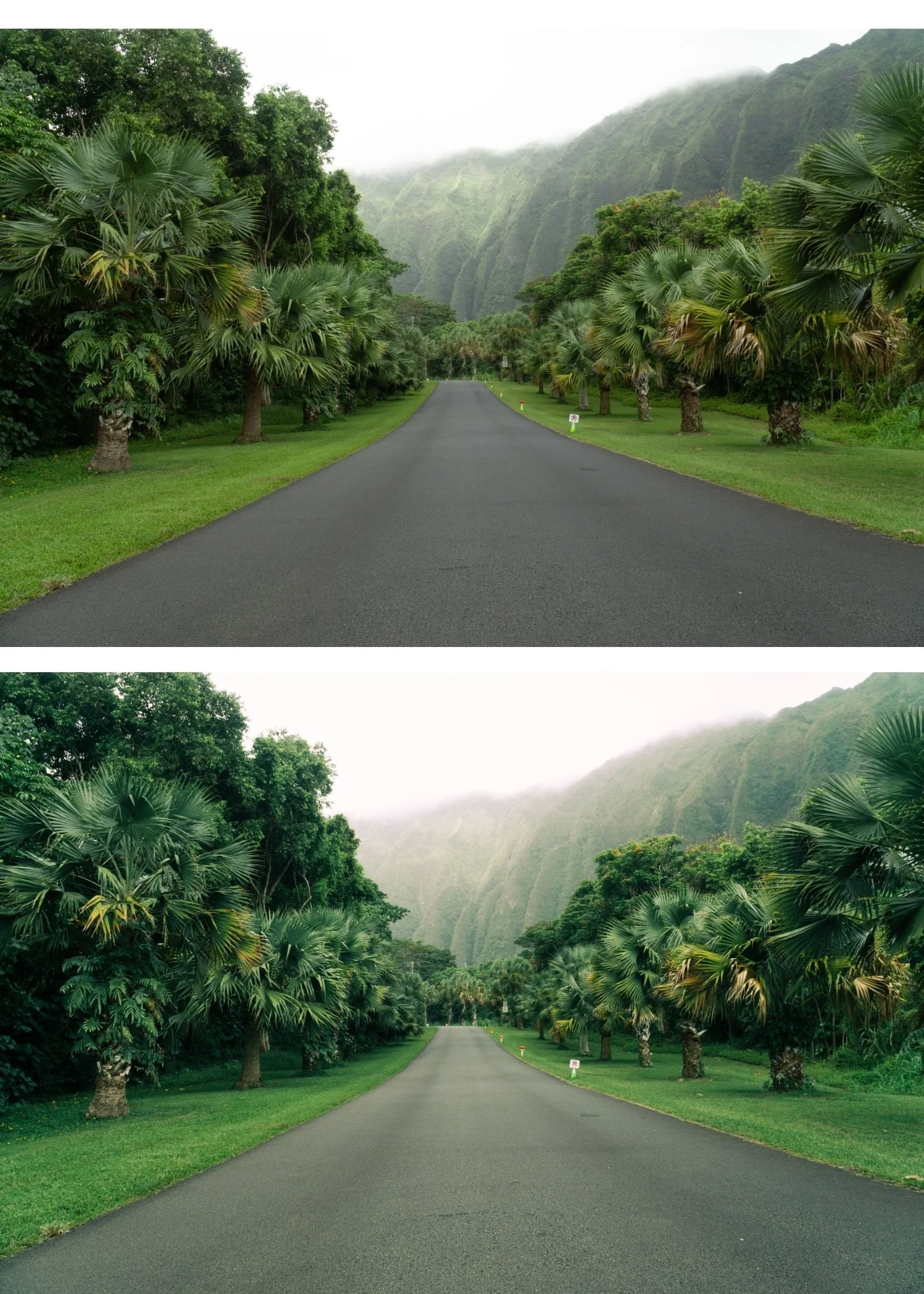
Analog 01 Original | Classic Film Preset for Lightroom Mobile & Desktop

-
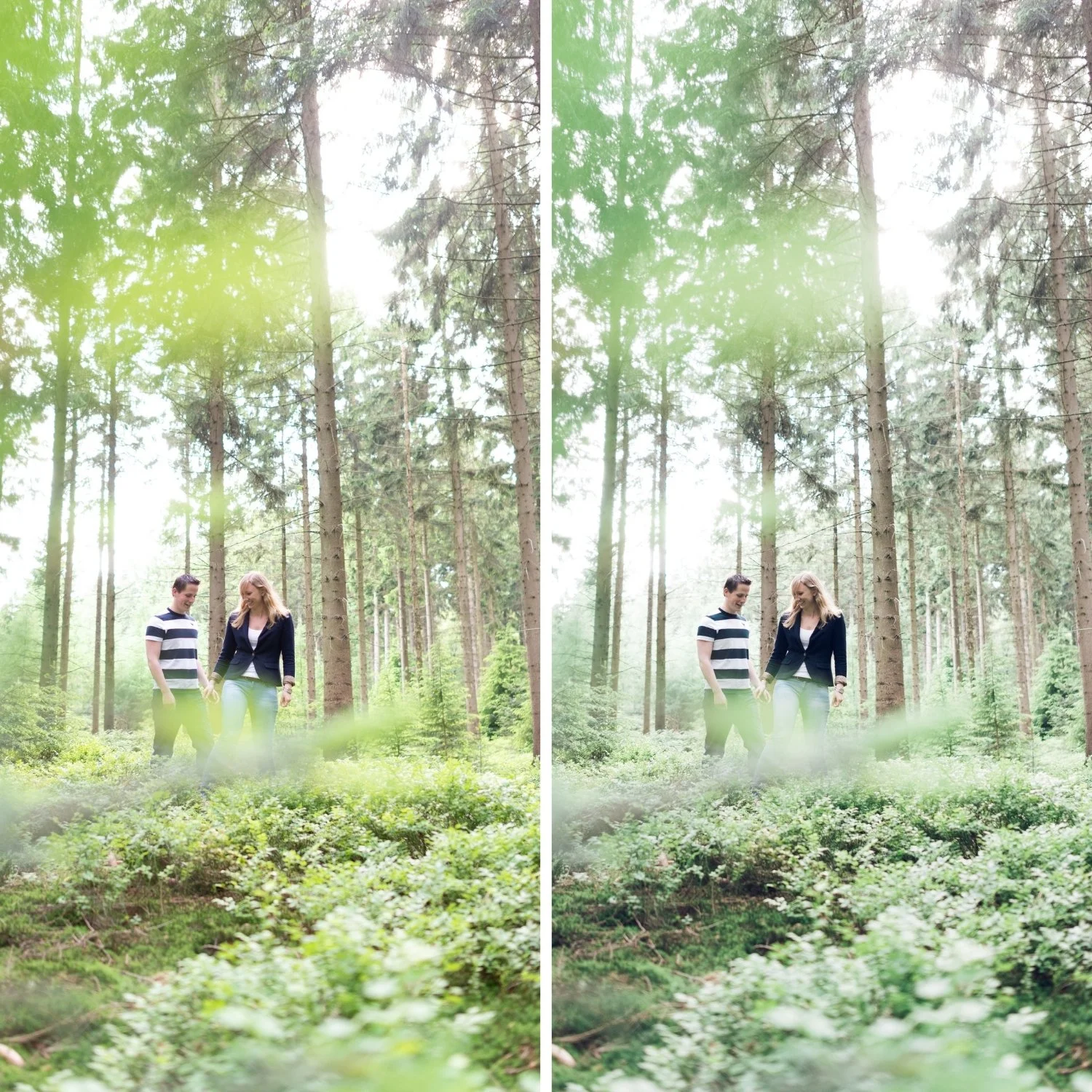
A1 is for photographers who want a clean, reliable film look that works across everything without needing adjustment for different subjects or lighting conditions.
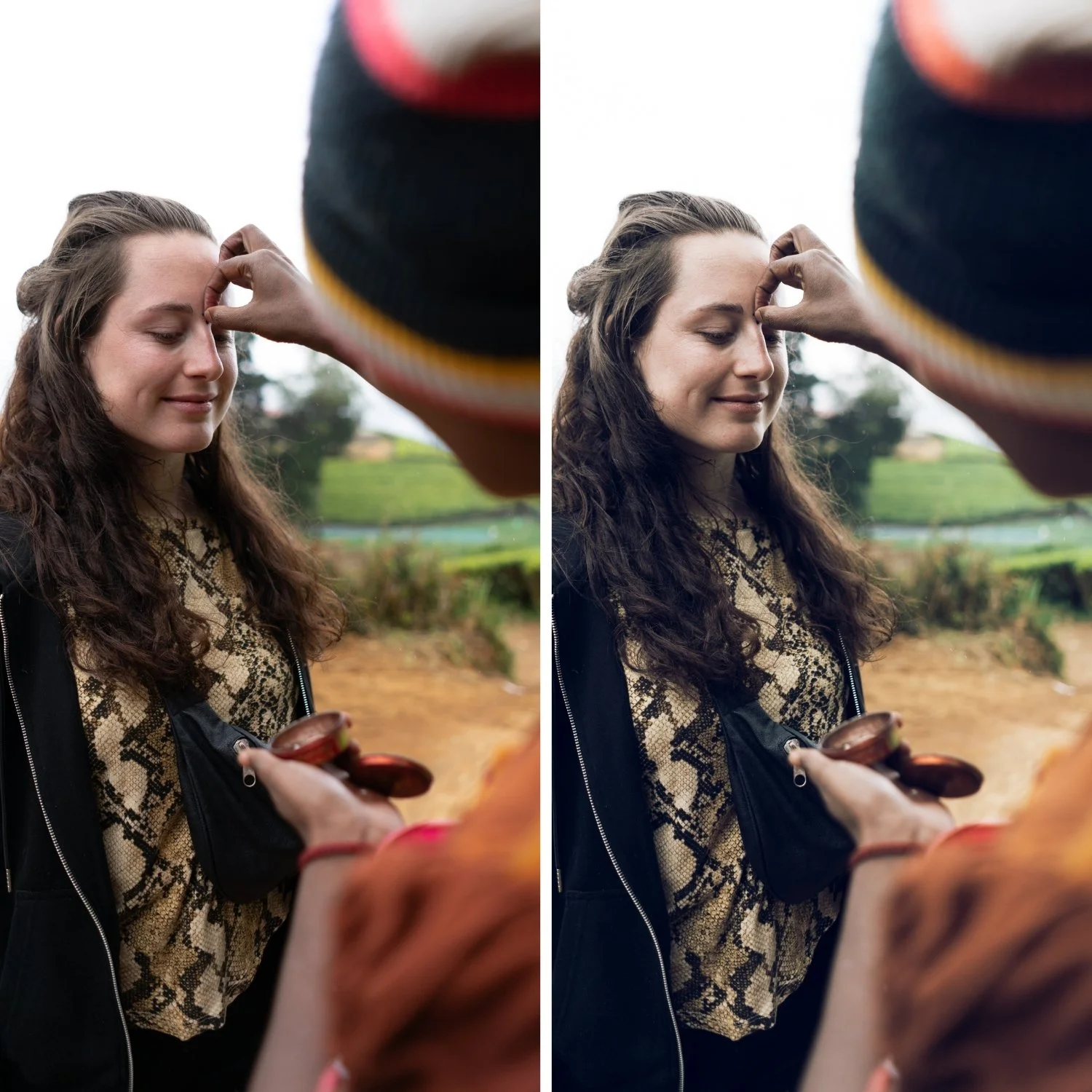
Portrait photographers who want natural skin tones without a warm orange push. Travel photographers who want a consistent analog quality across varied light. Lifestyle photographers who want their feed to look intentional without looking obviously edited.
It is also the right starting preset for photographers who are new to film editing and want to understand what the analog quality actually is before exploring more character-specific presets.
If you already love the free A6 preset and want something slightly more neutral across the board — A1 is the step back from A6's skin-specific optimization.
-
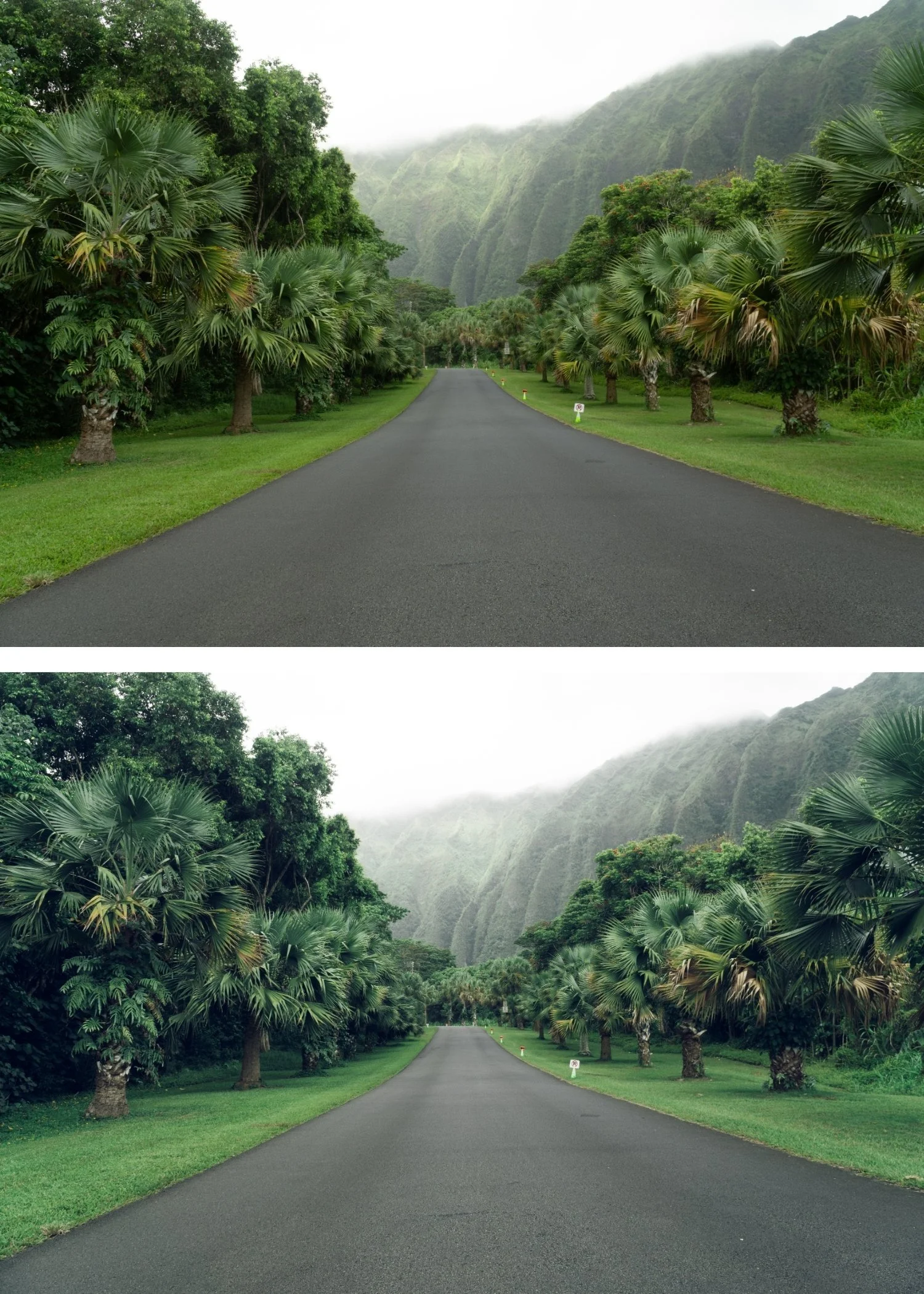
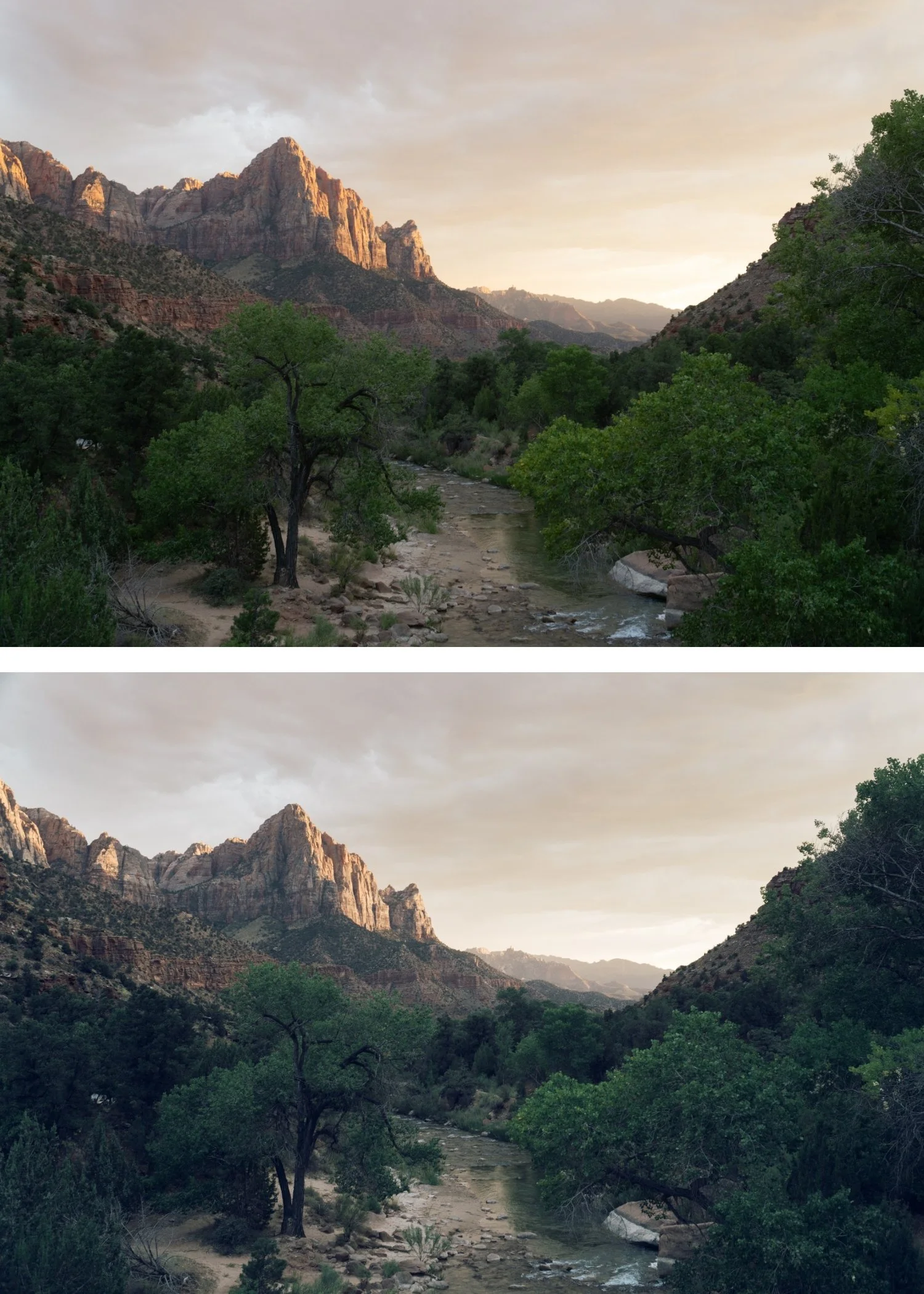
It works on everything. Portraits, landscapes, street, travel, food, architecture. Most presets are optimized for one or two scenarios. A1 is calibrated to produce natural, organic film quality across every subject and lighting condition without needing per-photo adjustment beyond exposure and white balance.
It does not announce itself. The best film presets are the ones viewers cannot identify as a preset. A1 adds quality that people notice without being able to explain why the photo looks good. That is the goal.
It ages well. A1 references the neutral analog quality of professional film photography from the 1970s to 2000s. That aesthetic has been consistent for decades and shows no signs of dating. Photos edited with A1 will look as good in five years as they do today.
It is the most versatile preset in the collection. If you could only have one preset and you needed it to work on every photo you take, A1 is the one.
-
1 × A1 Analog Original DNG file — for Lightroom Mobile on iPhone and Android 1 × A1 Analog Original XMP file — for Lightroom Classic on Mac and Windows Step-by-step installation guide for both Mobile and Desktop Lifetime access — download again anytime
-
Analog 01 draws inspiration from classic neutral film stocks known for balanced color response and controlled contrast. The goal was to create a preset that feels natural and honest — never over-processed.
It’s a calibrated direction, not a heavy filter.
-
Step 1 — Download Instant download after purchase. You receive both the DNG (mobile) and XMP (desktop) files.
Step 2 — Install Lightroom Mobile: import the DNG as a photo, copy the settings, save as a preset. Takes 2 minutes. Lightroom Classic: File, Import Profiles and Presets, select the XMP file.
Full install guide included with purchase. Also available here: How to Install Lightroom Presets on iPhone
Step 3 — Apply Open any photo in Lightroom. Tap or click A1 Analog Original. Fine-tune Exposure and White Balance per photo. Done.
On iPhone and Android: reduce preset strength to 75-80% for the most natural result.
-
Does A1 work in the free version of Lightroom Mobile? Yes. Preset installation and use is completely free in Lightroom Mobile. No Creative Cloud subscription needed.
What is the difference between A1 and A6? A6 is specifically optimized for skin tones — it has higher Orange Luminance and is calibrated for portrait and lifestyle photography. A1 is more neutral and works across a broader range of subjects without the portrait-specific adjustments.
Does A1 work on phone photos? Yes. Reduce Sharpening to 20 and Clarity to -10 before applying for the best result on iPhone and Android.
Can I use A1 on both mobile and desktop? Yes — the purchase includes both DNG (mobile) and XMP (desktop) formats.
GET ALL 10 A-SERIES PRESETS
A1 is the baseline. The full Analog Film Archive gives you nine more variations on the same color philosophy — from bright and airy (A2) to golden warm (A4) to portrait-optimized (A6) to cinematic (A10).
Ten presets. One color philosophy. $2.70 per preset.
STUDIO ARCHIVE
Want every preset we make? The Studio Archive includes the complete Analog Film Archive plus 120+ more presets across every collection — all for $89.
$0.68 per preset. Every future release included for life.