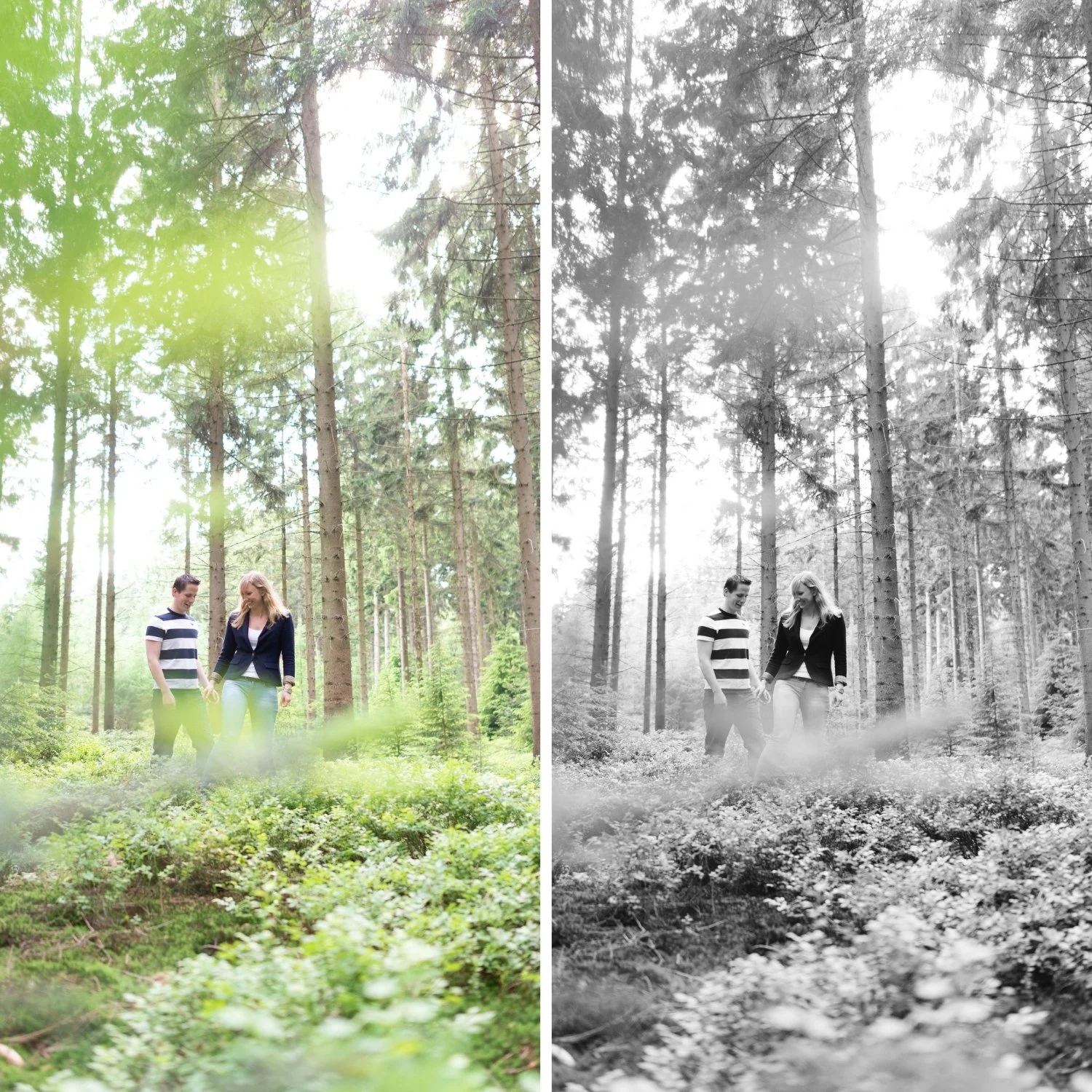
 Image 1 of 4
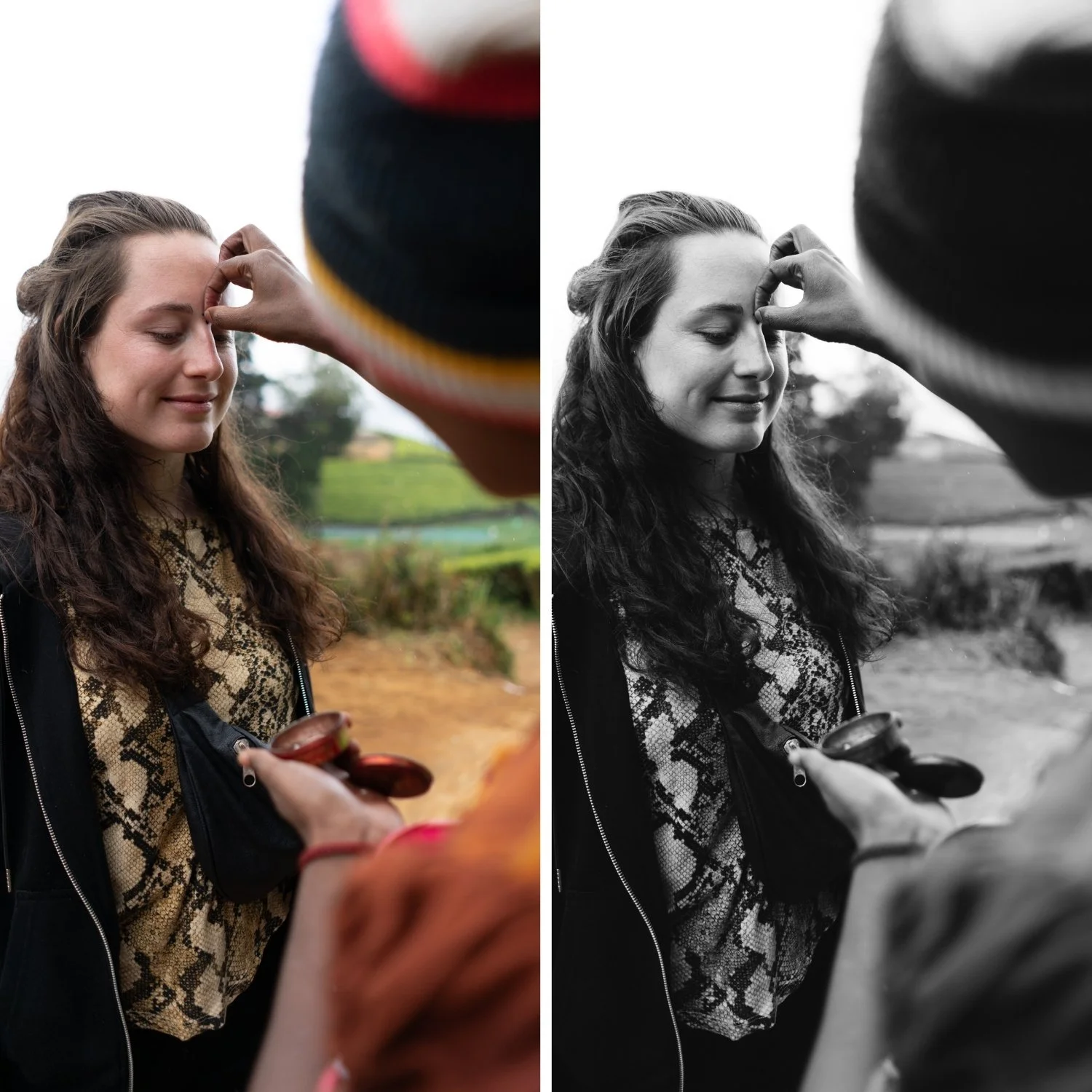 Image 2 of 4
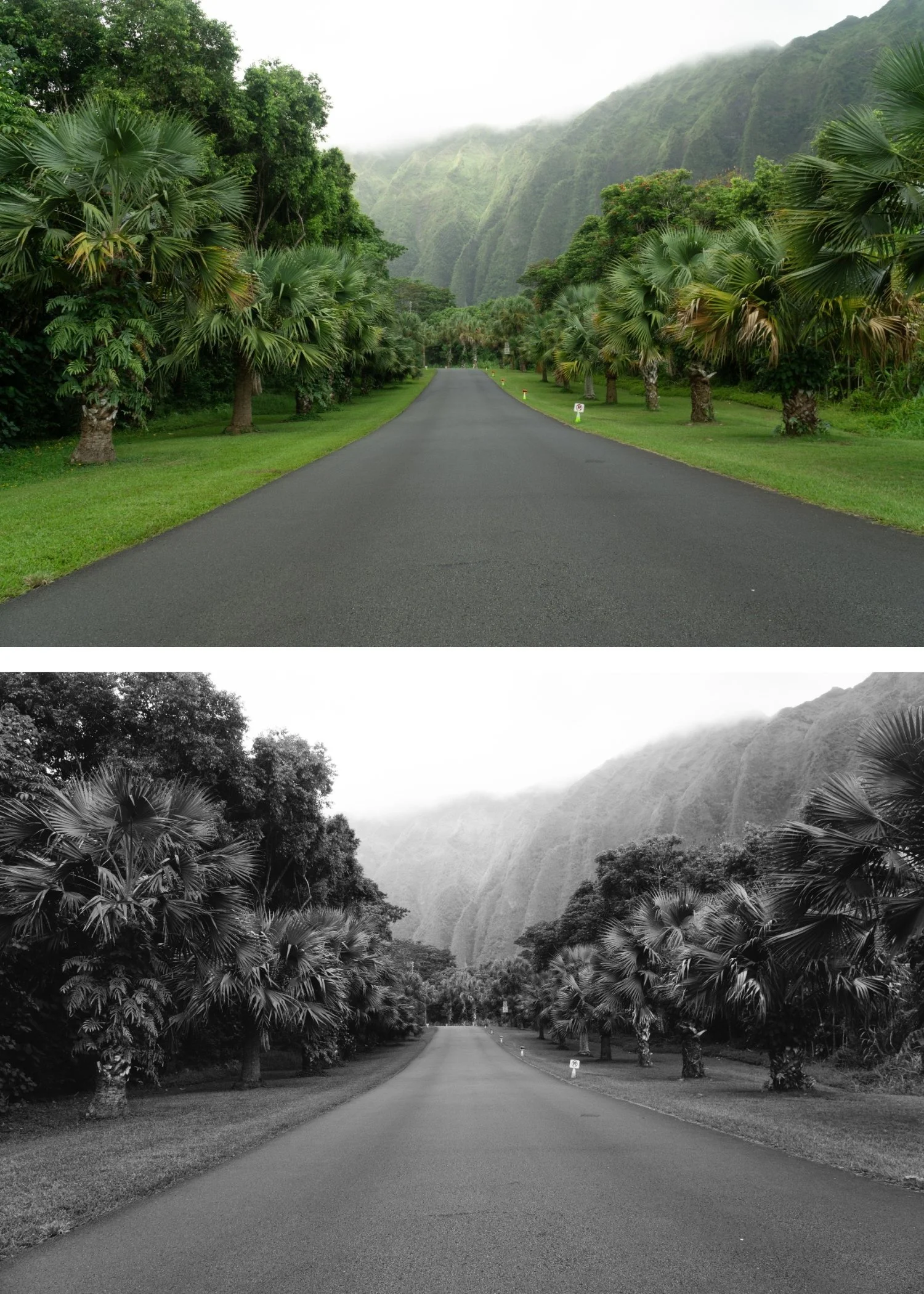 Image 3 of 4
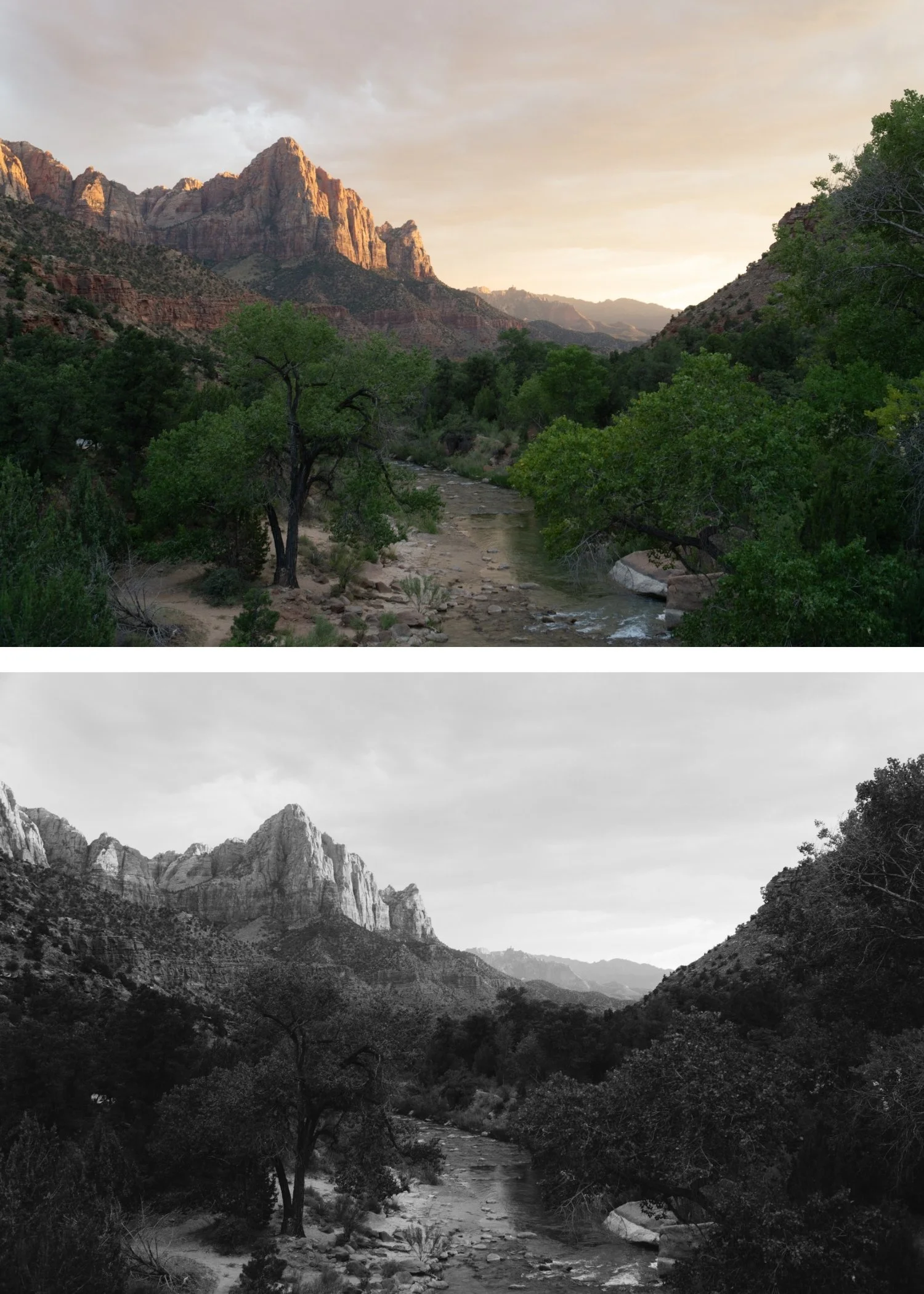 Image 4 of 4
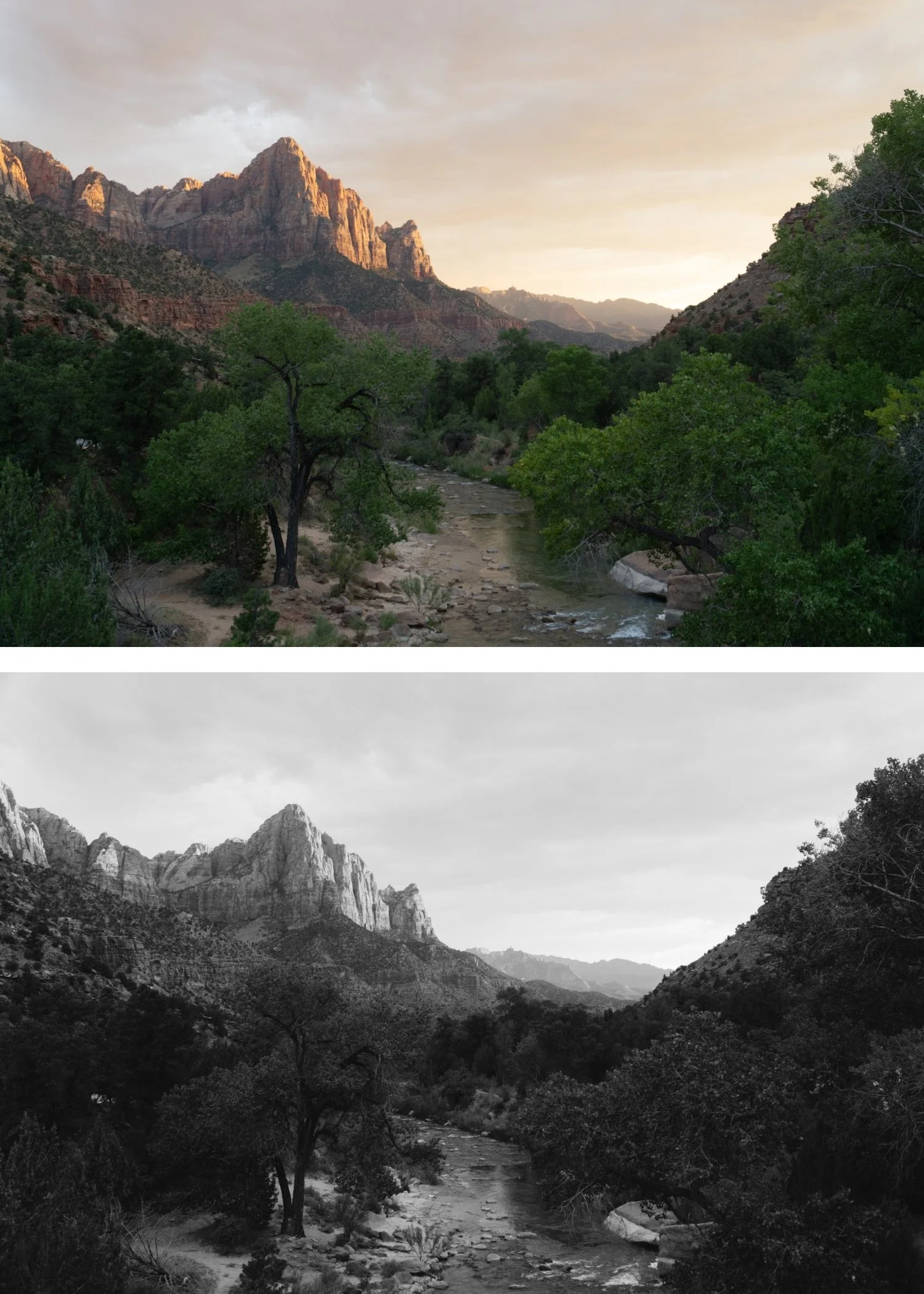
B1 Classic Silver | Black & White Film Preset for Lightroom Desktop & Mobile

-
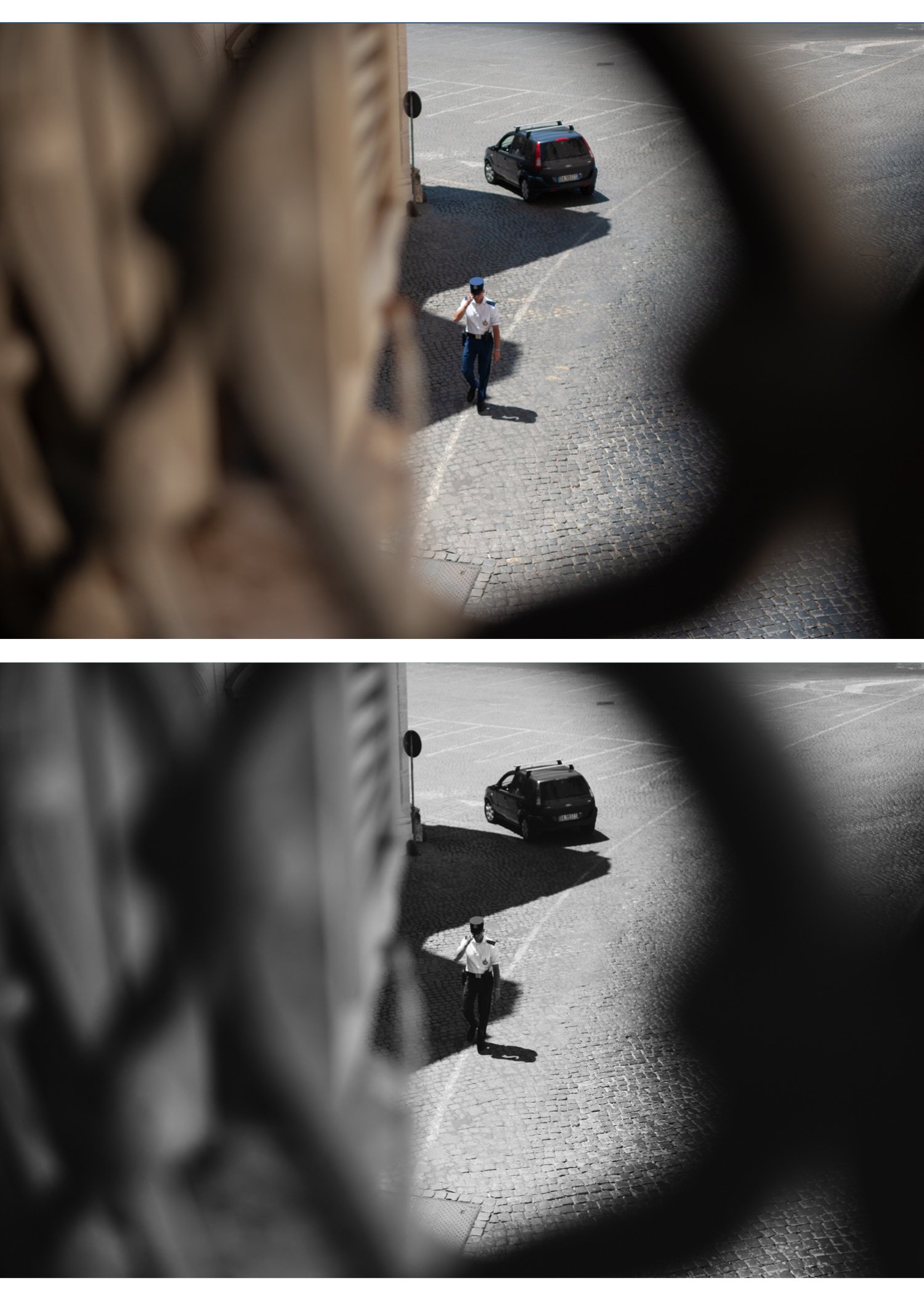
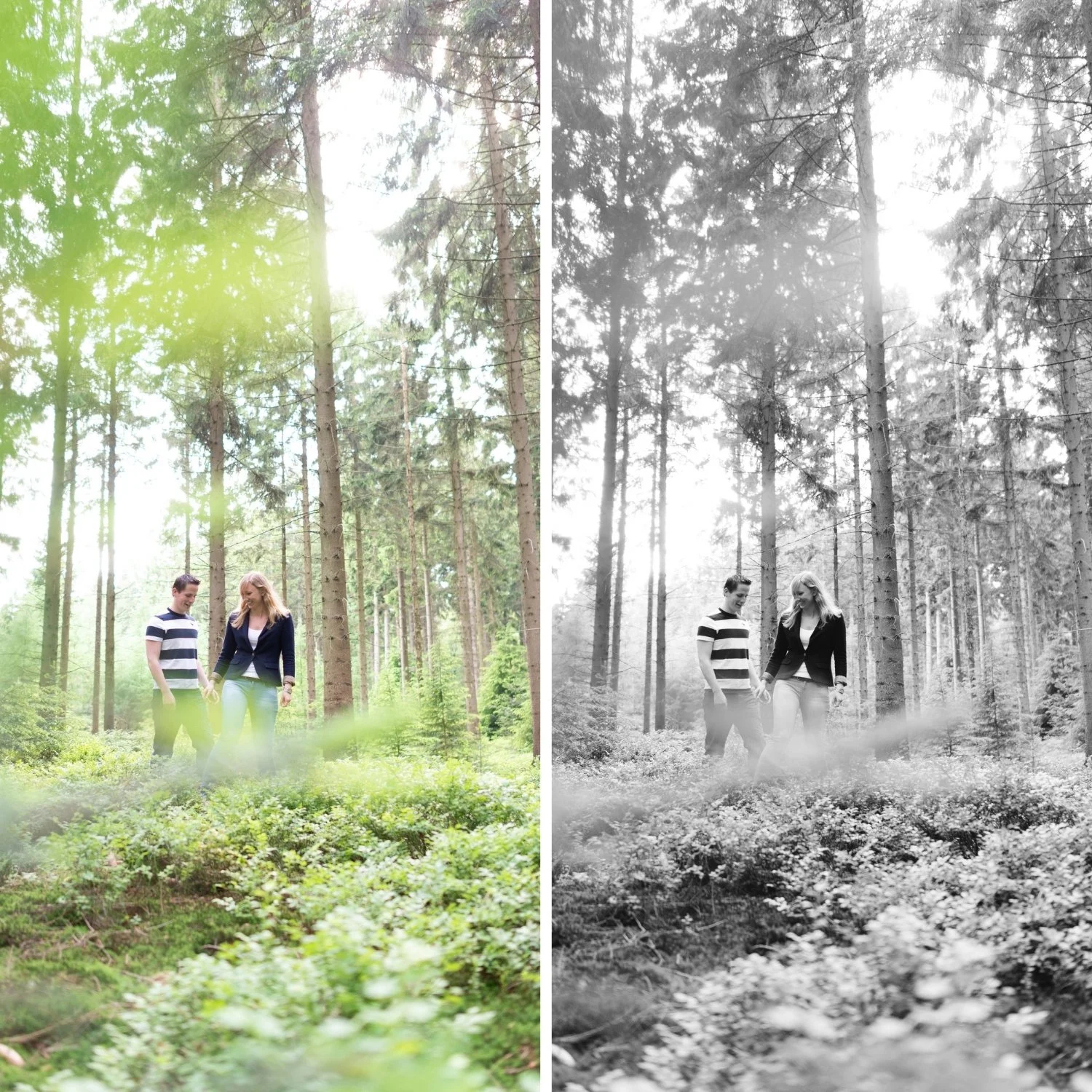
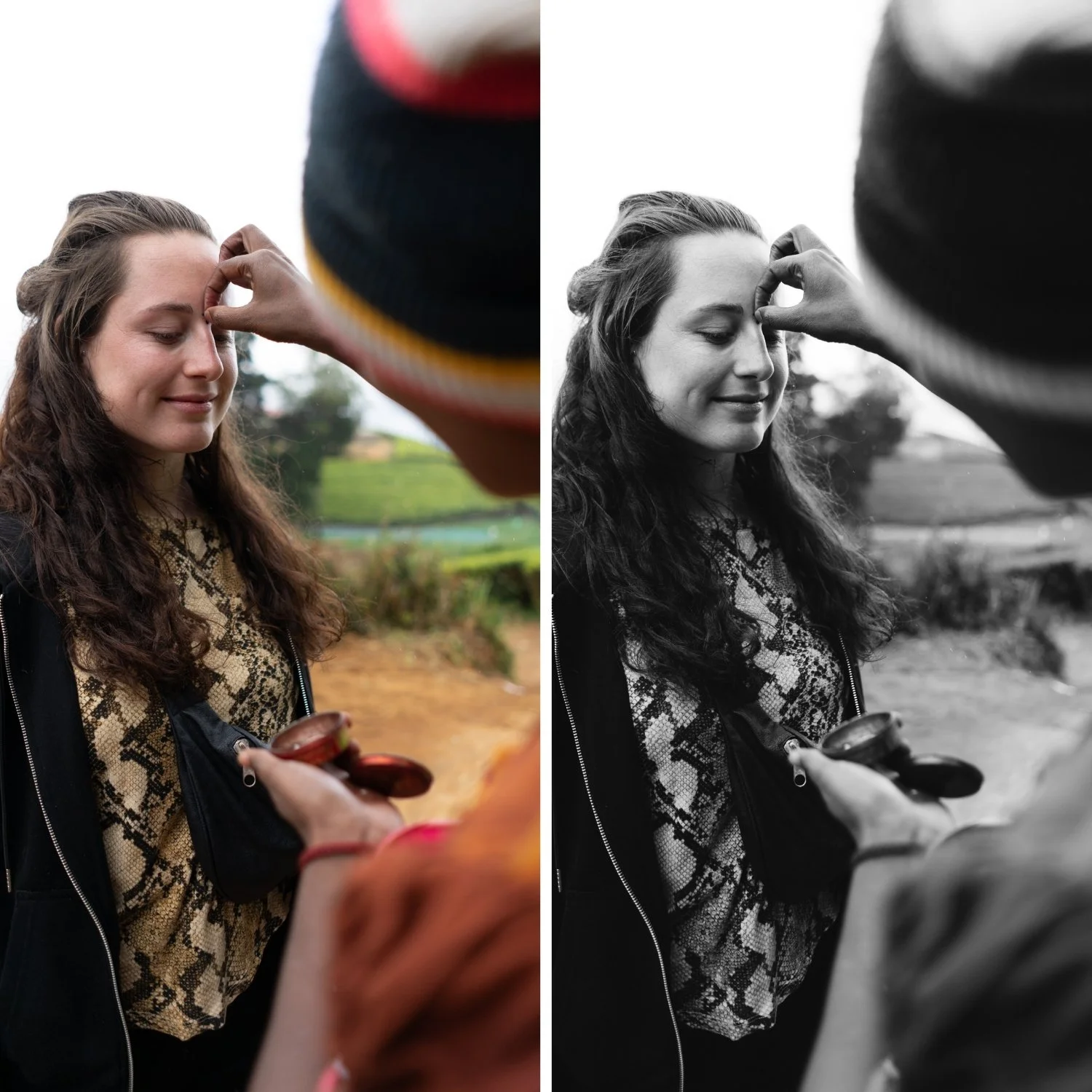
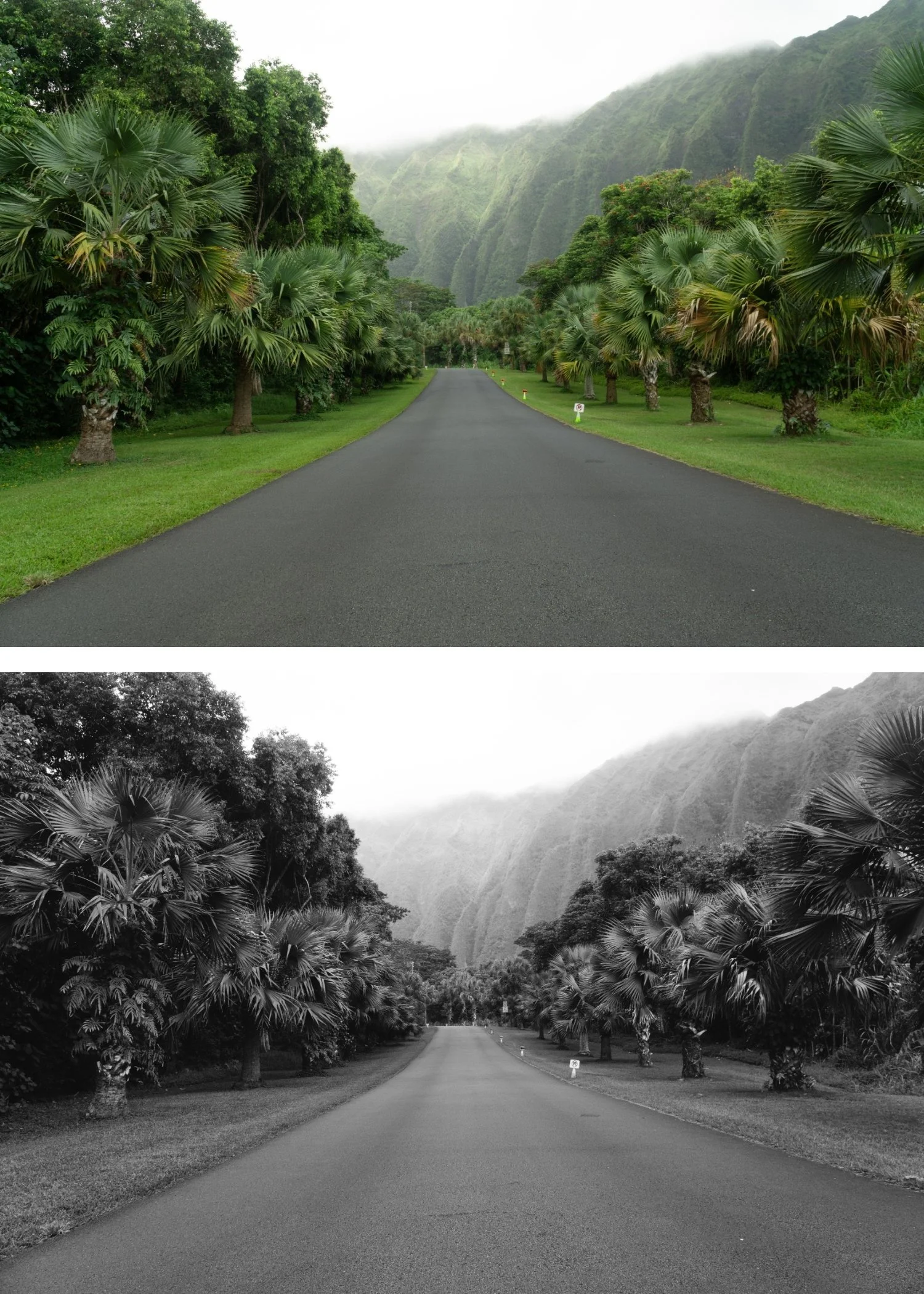
B1 is for photographers who want a reliable, versatile black and white look that works consistently across portrait, street, landscape, and documentary photography.
For photographers new to B&W editing who want to understand what authentic film monochrome looks like before exploring the more stylised options in the collection.
For photographers who produce mixed content — some colour, some B&W — and want a B&W preset that feels consistent with a clean analog colour workflow.
-
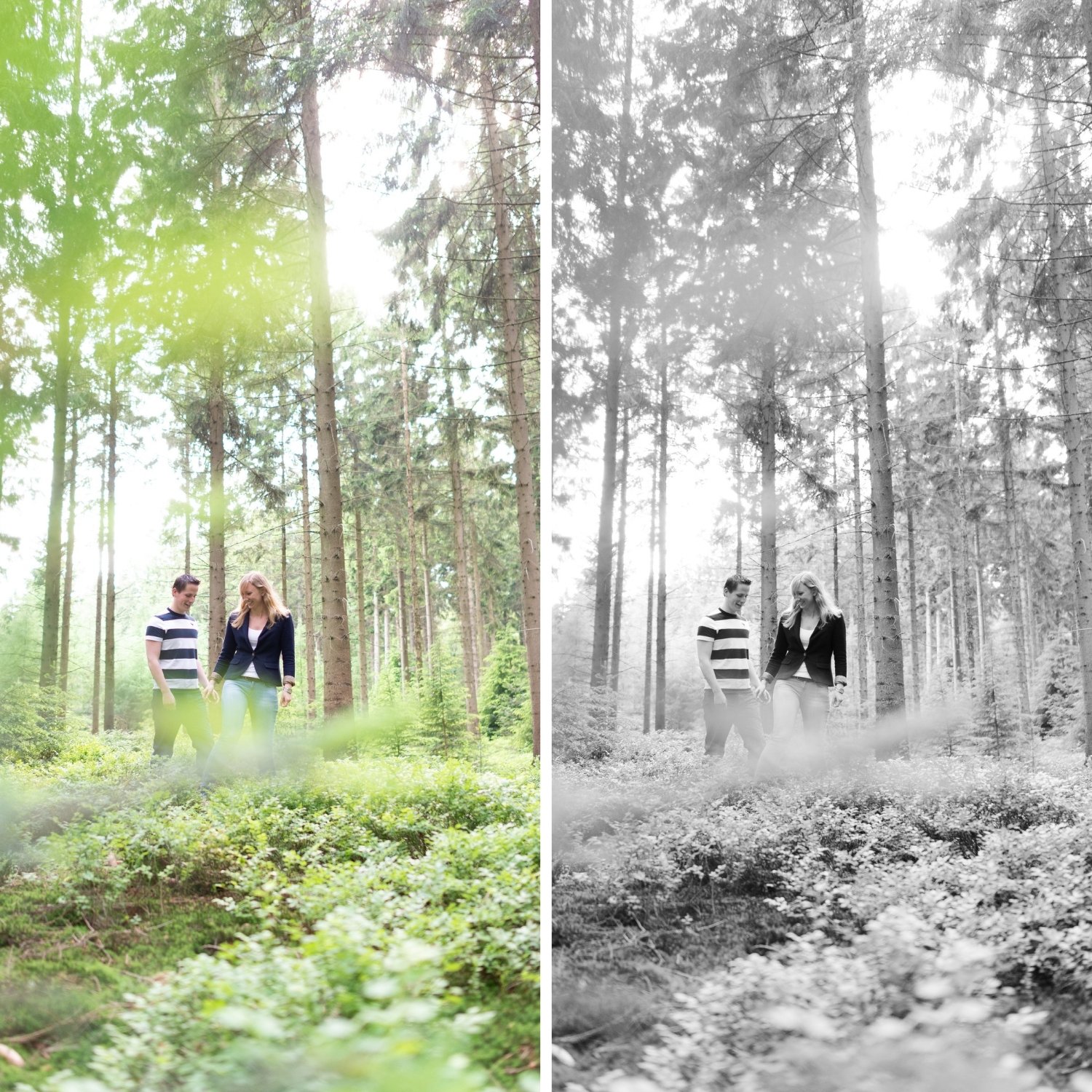
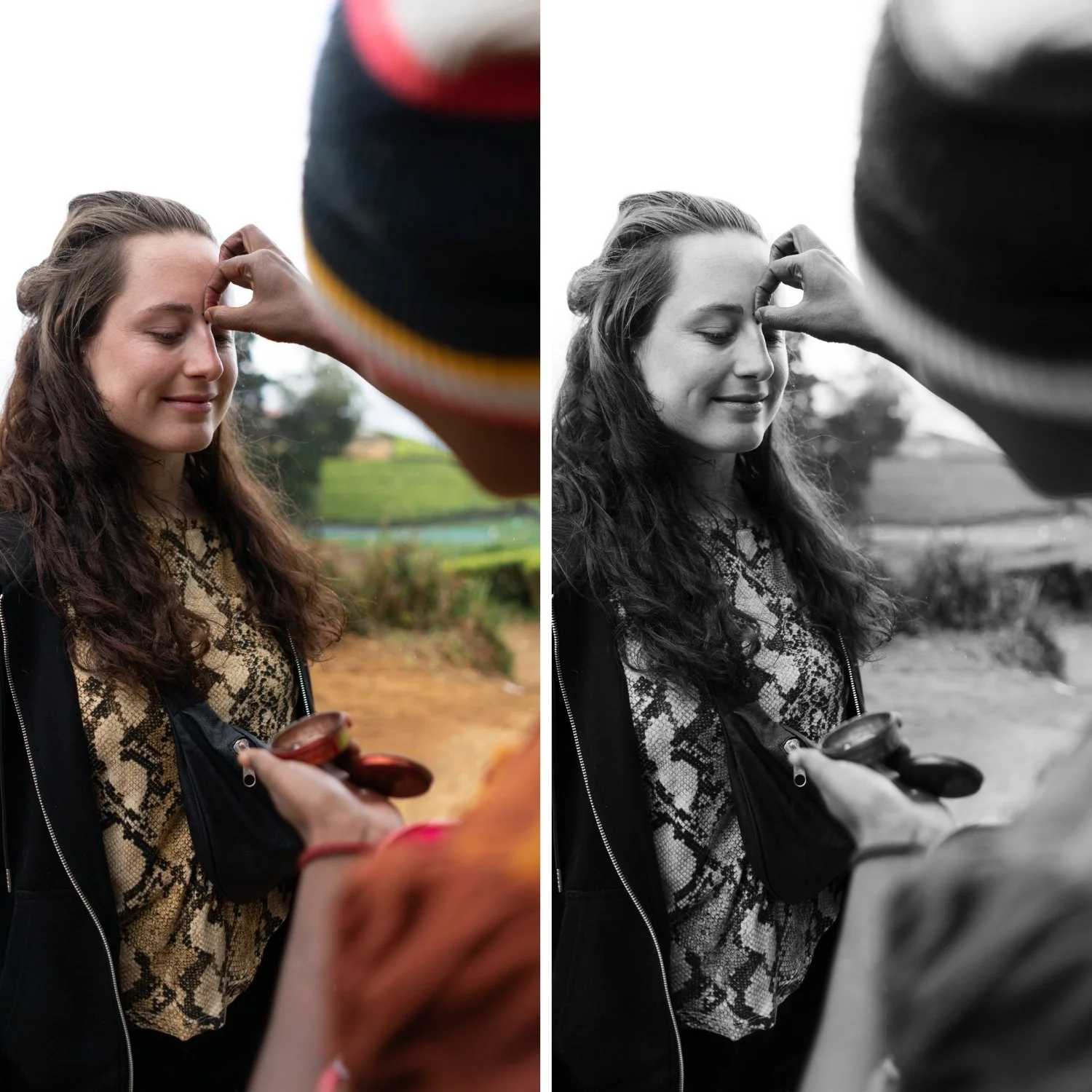
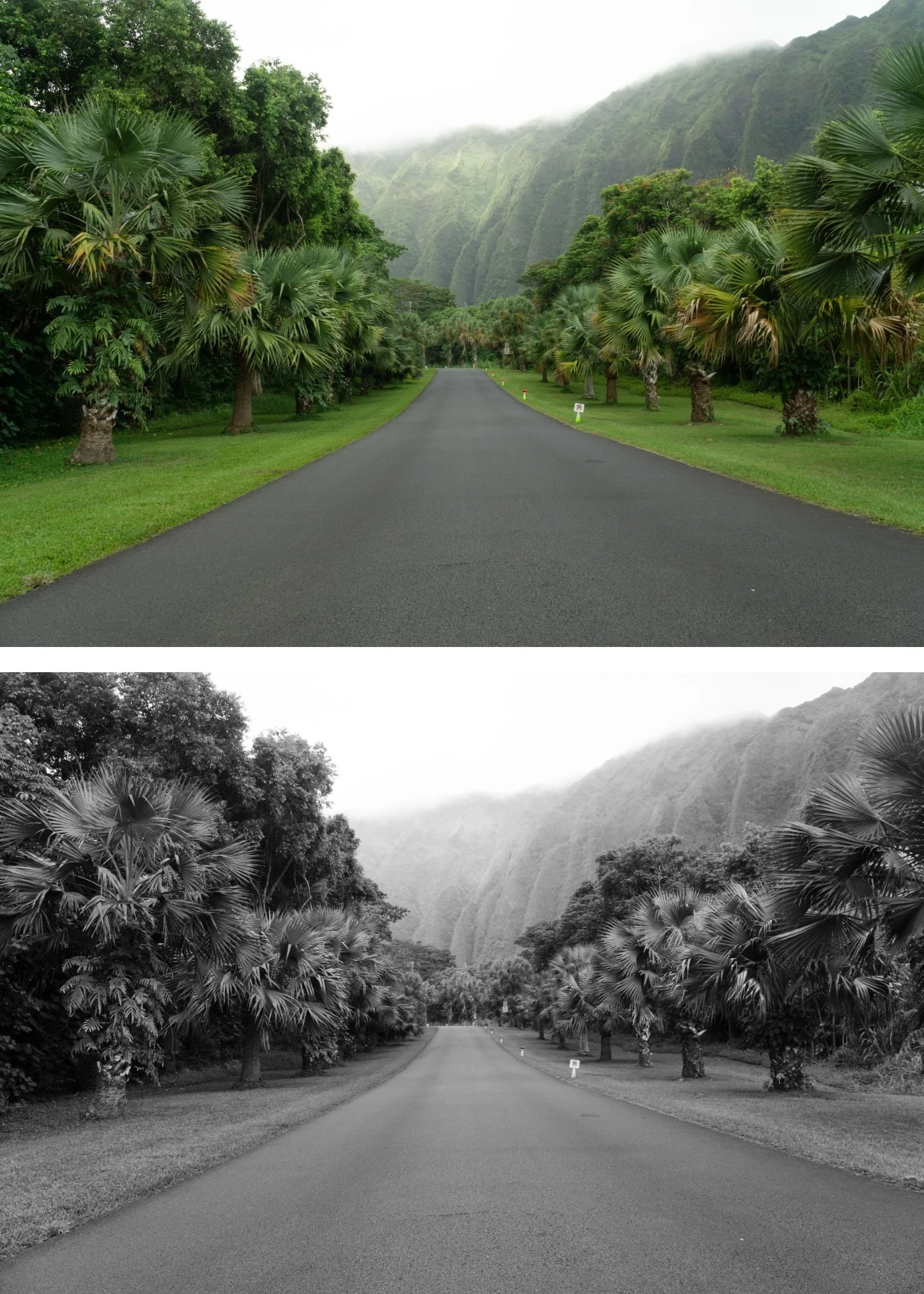
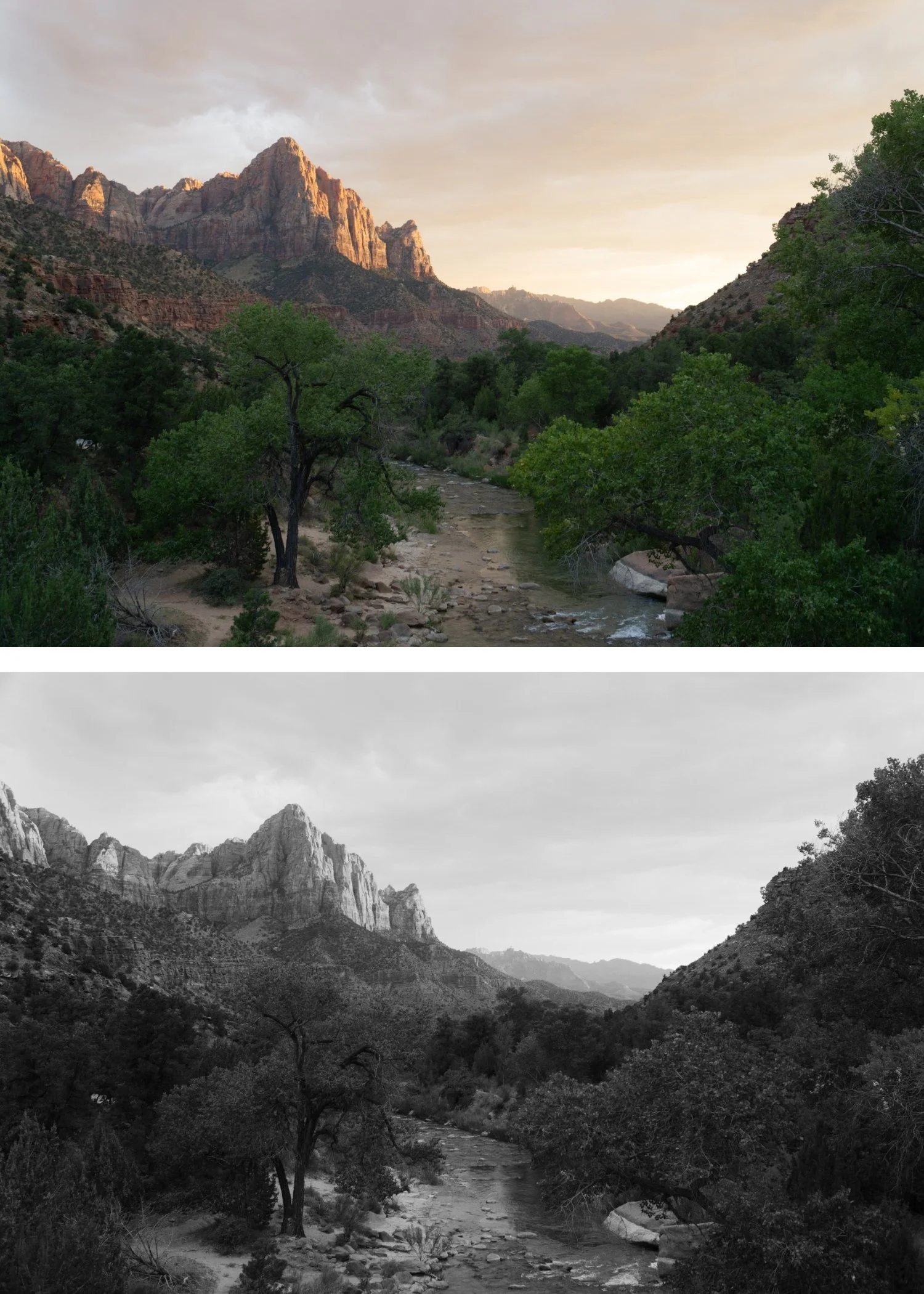
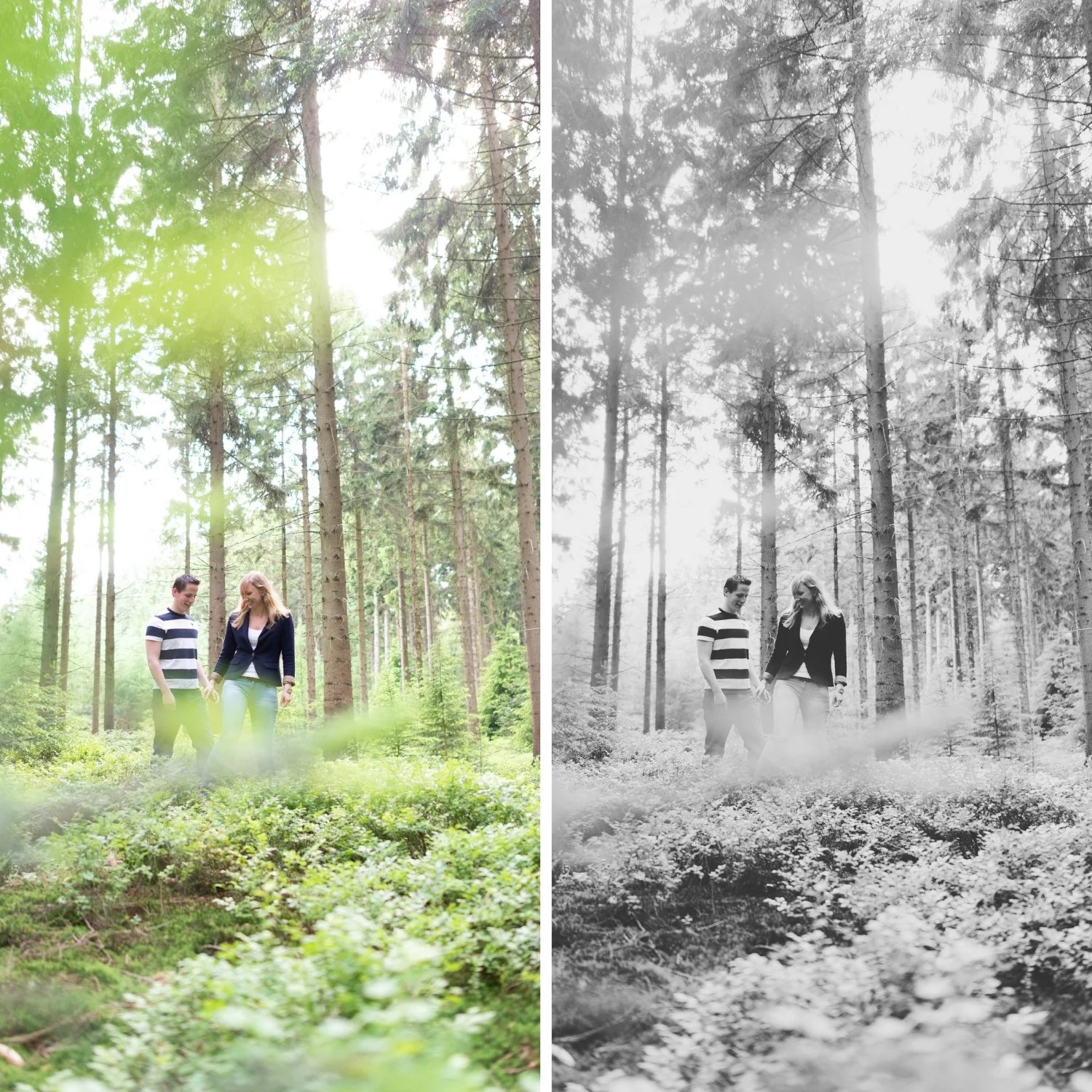
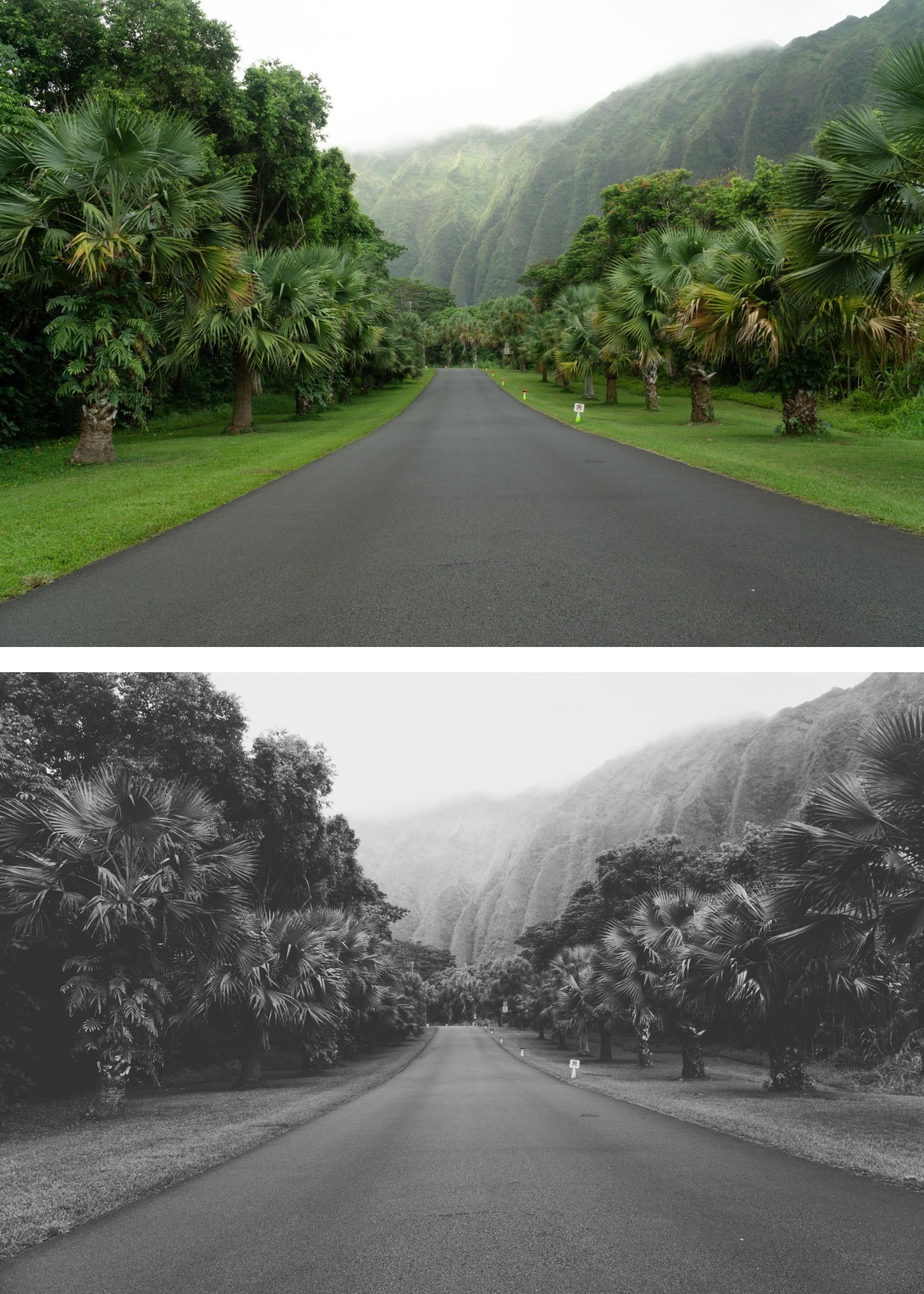
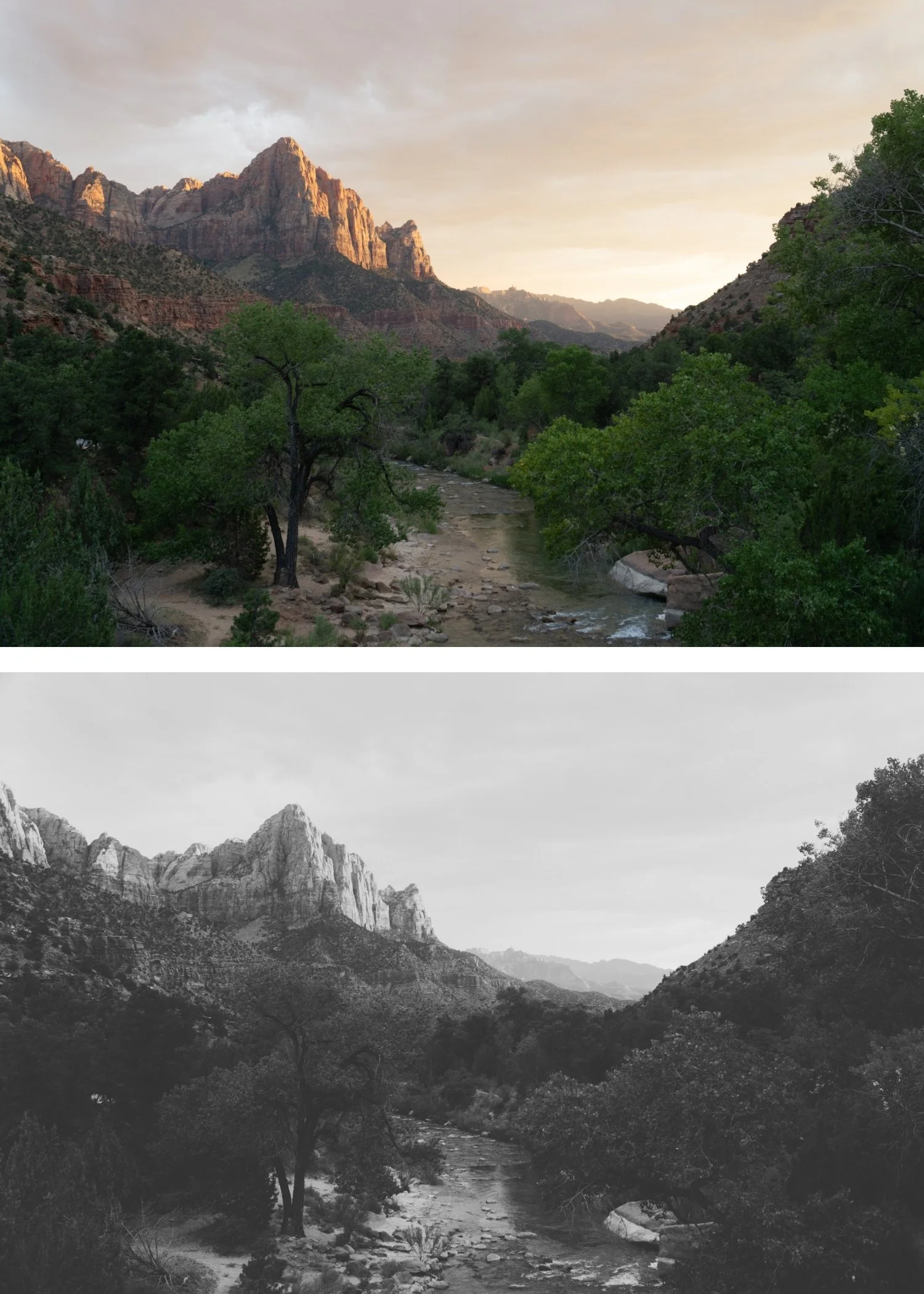
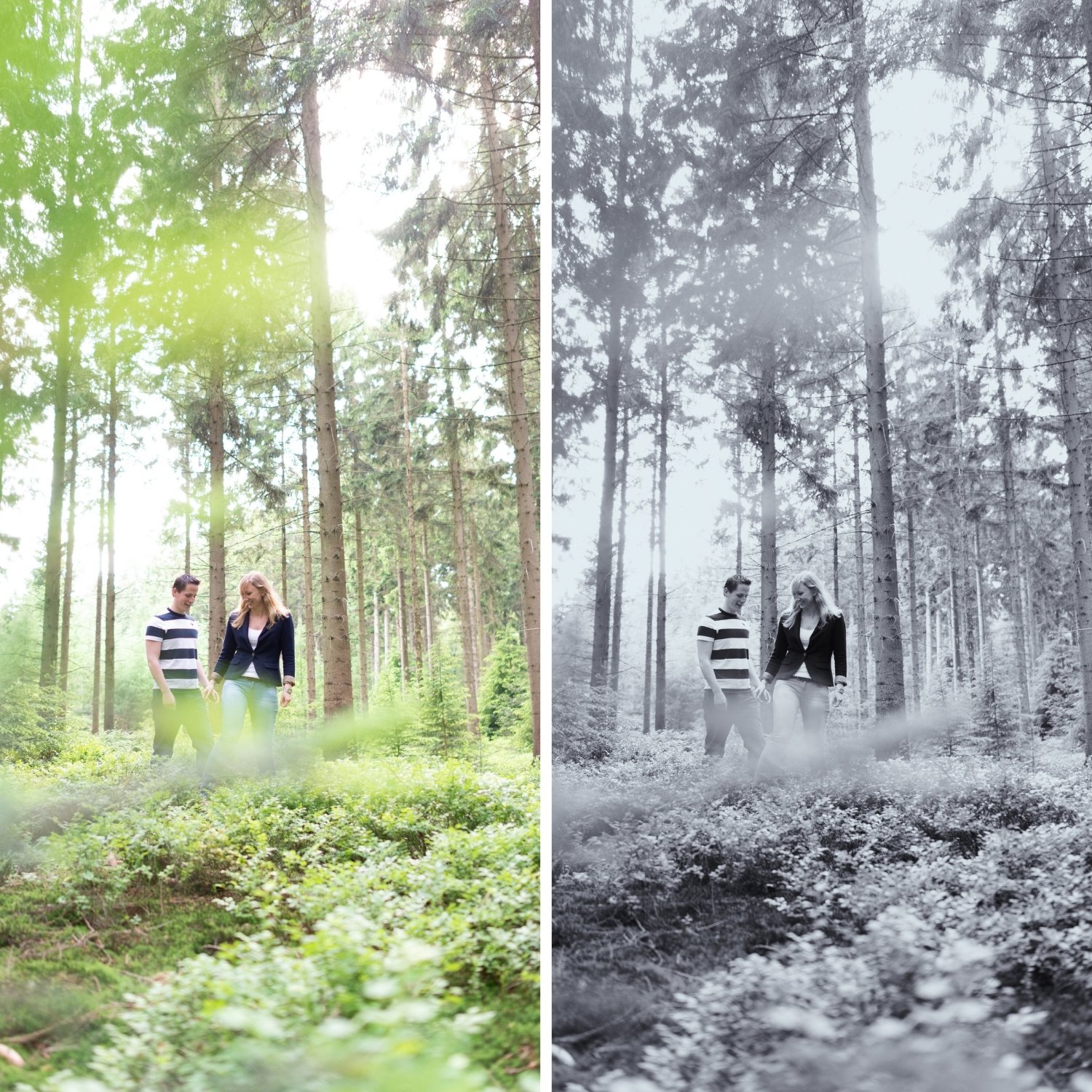
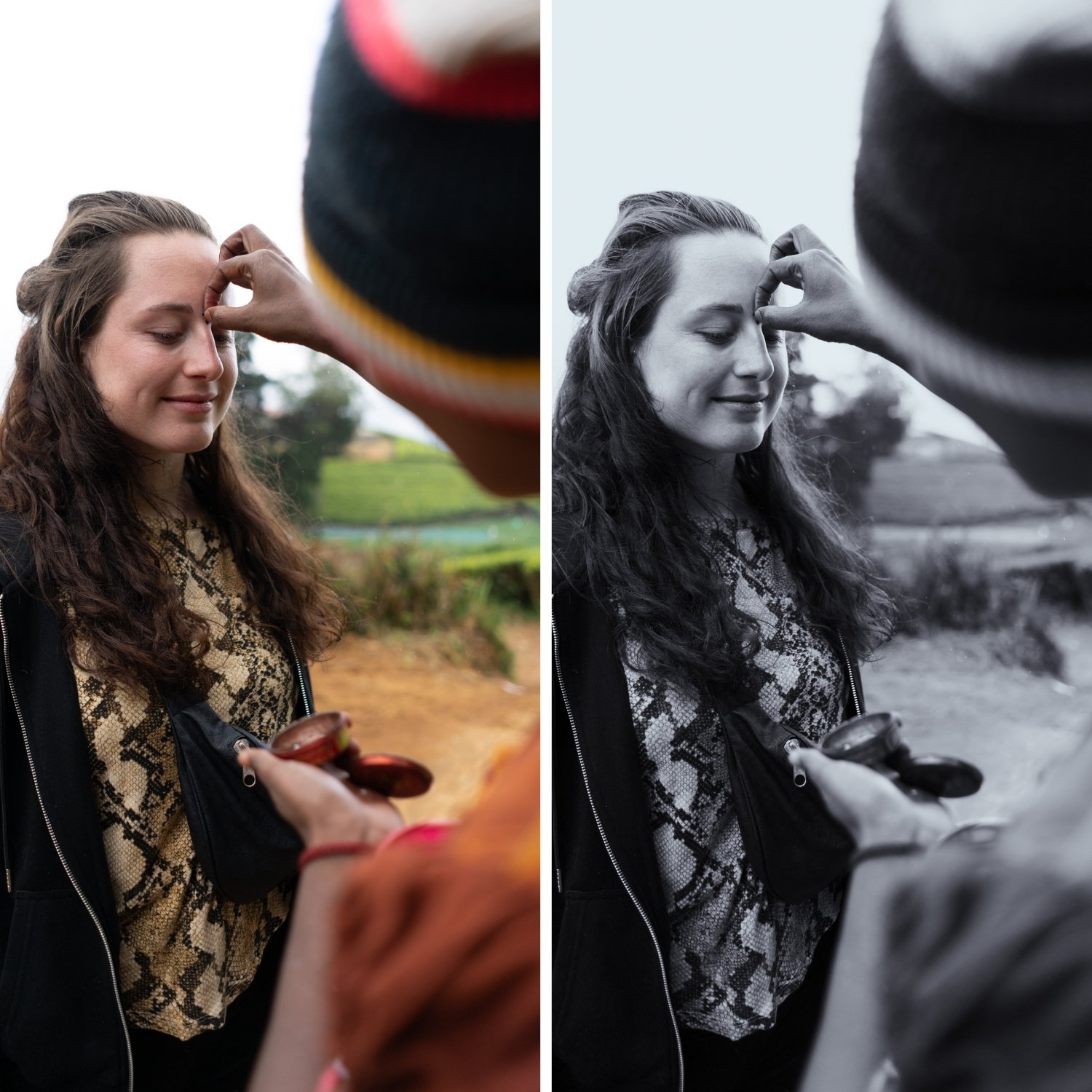
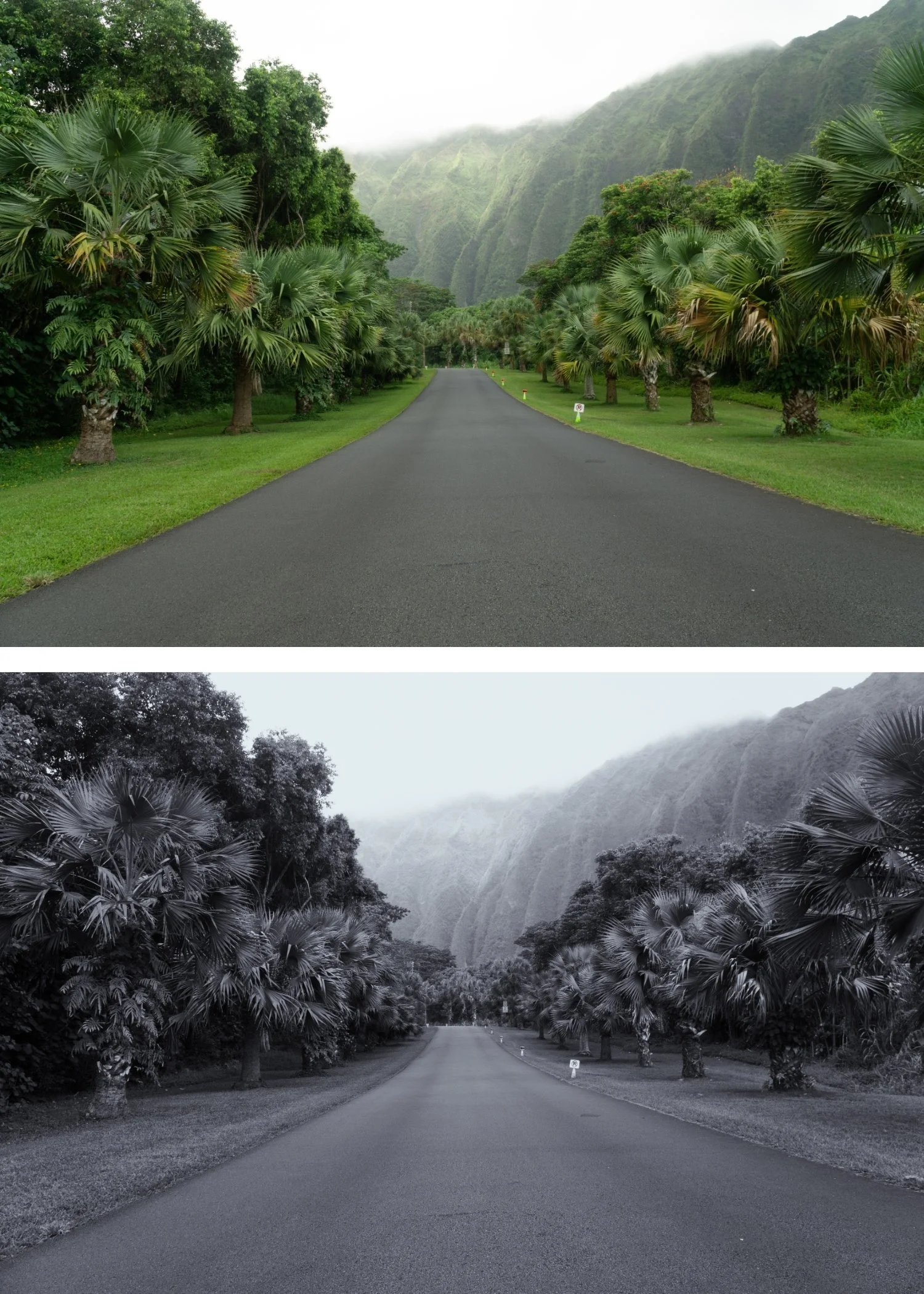
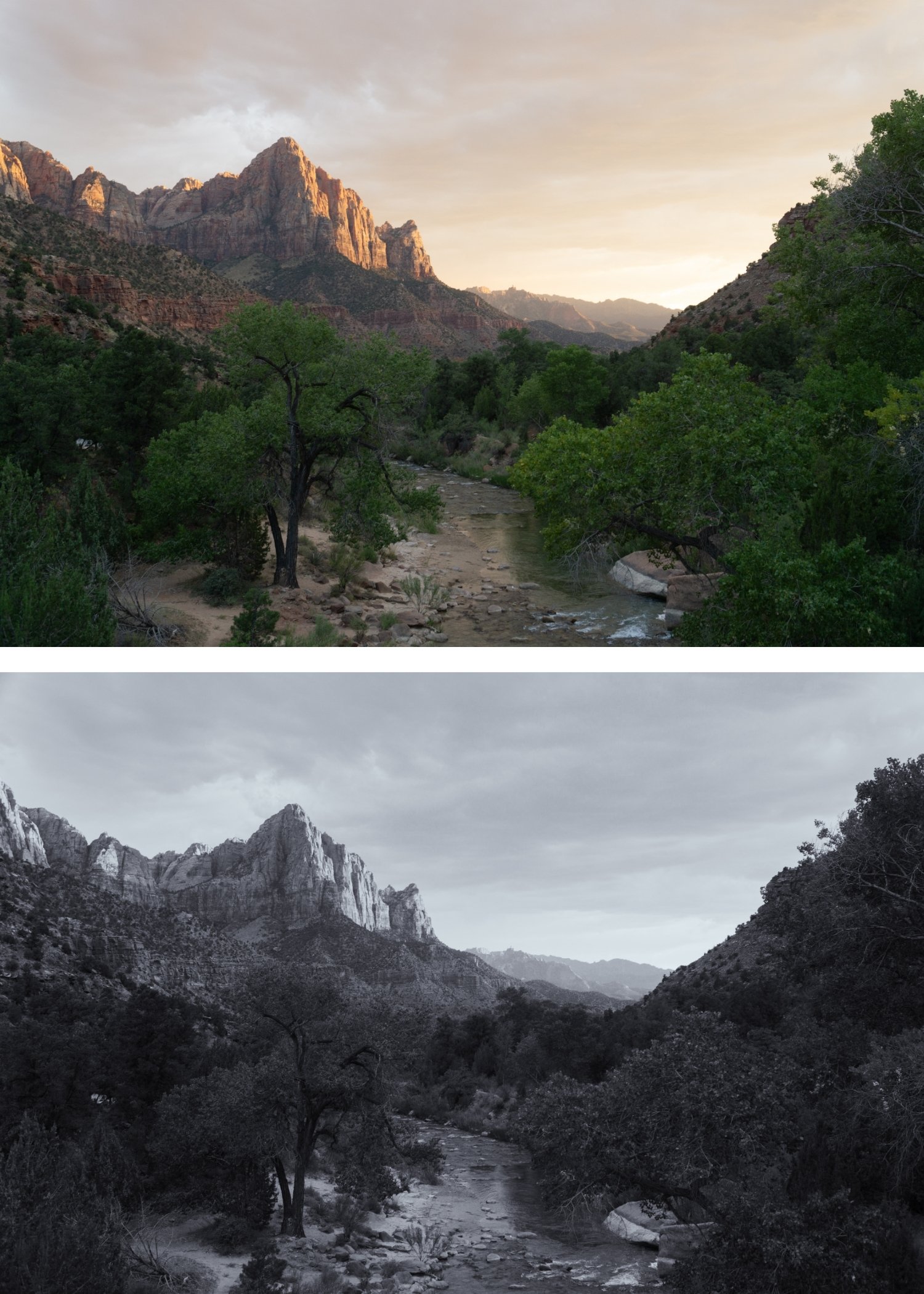
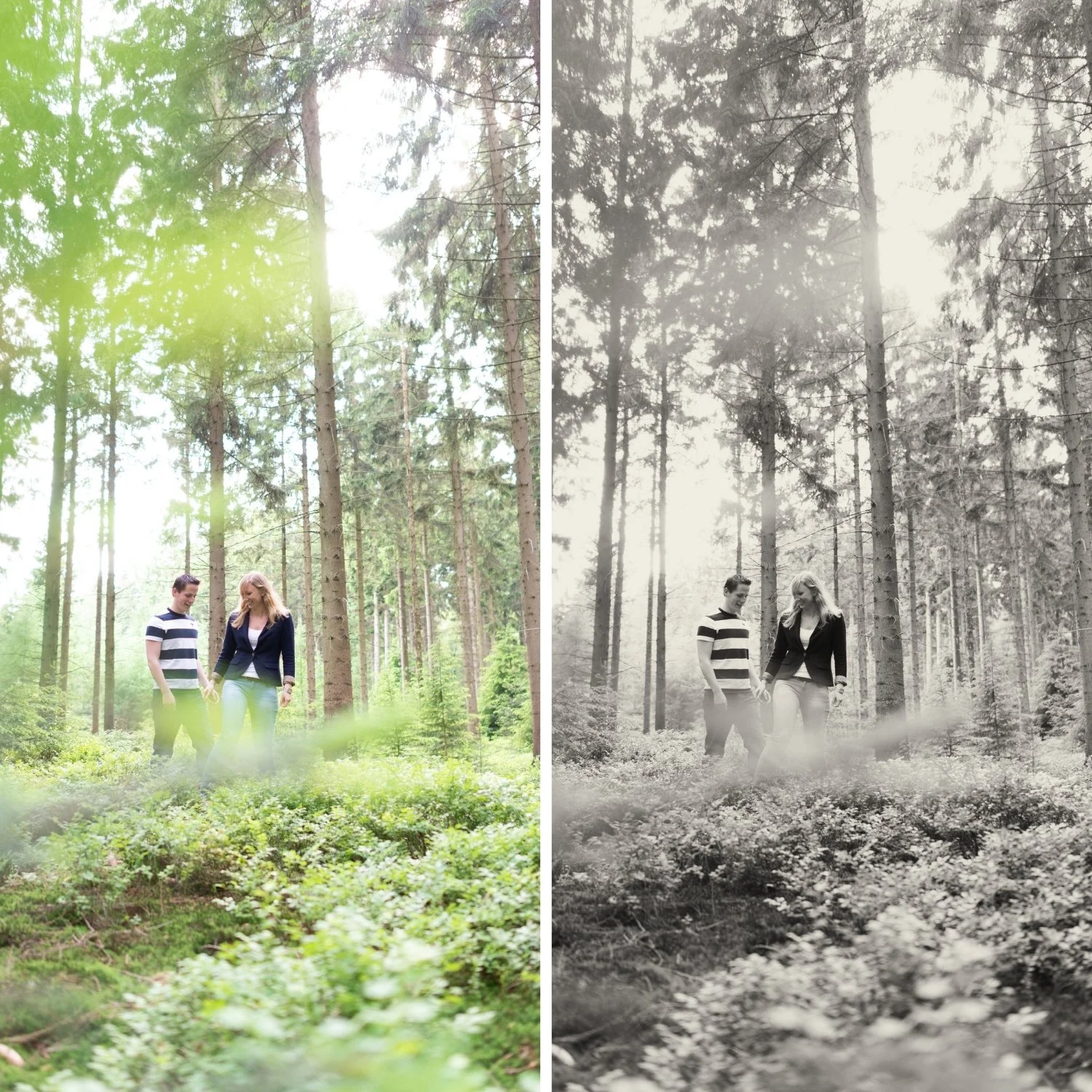
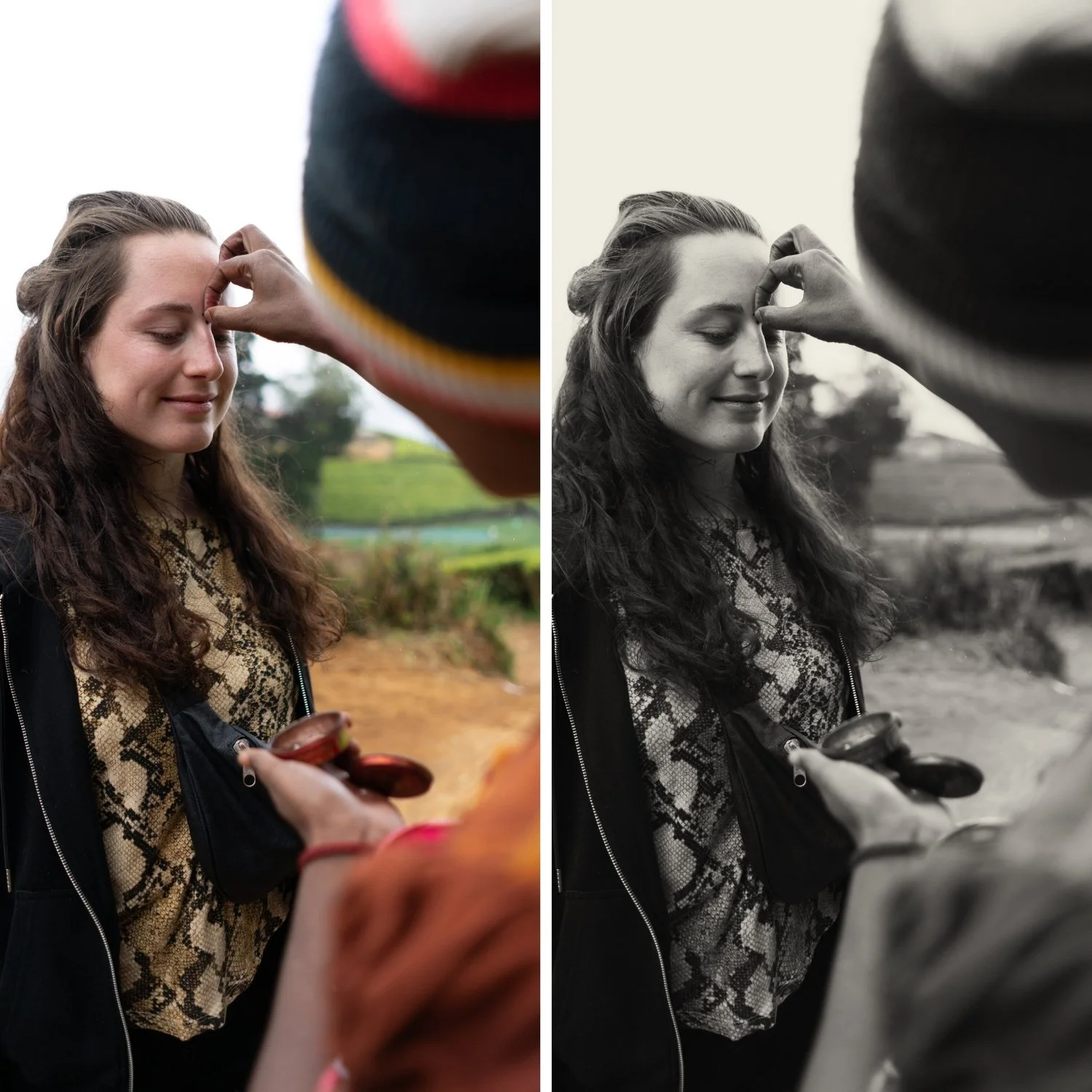
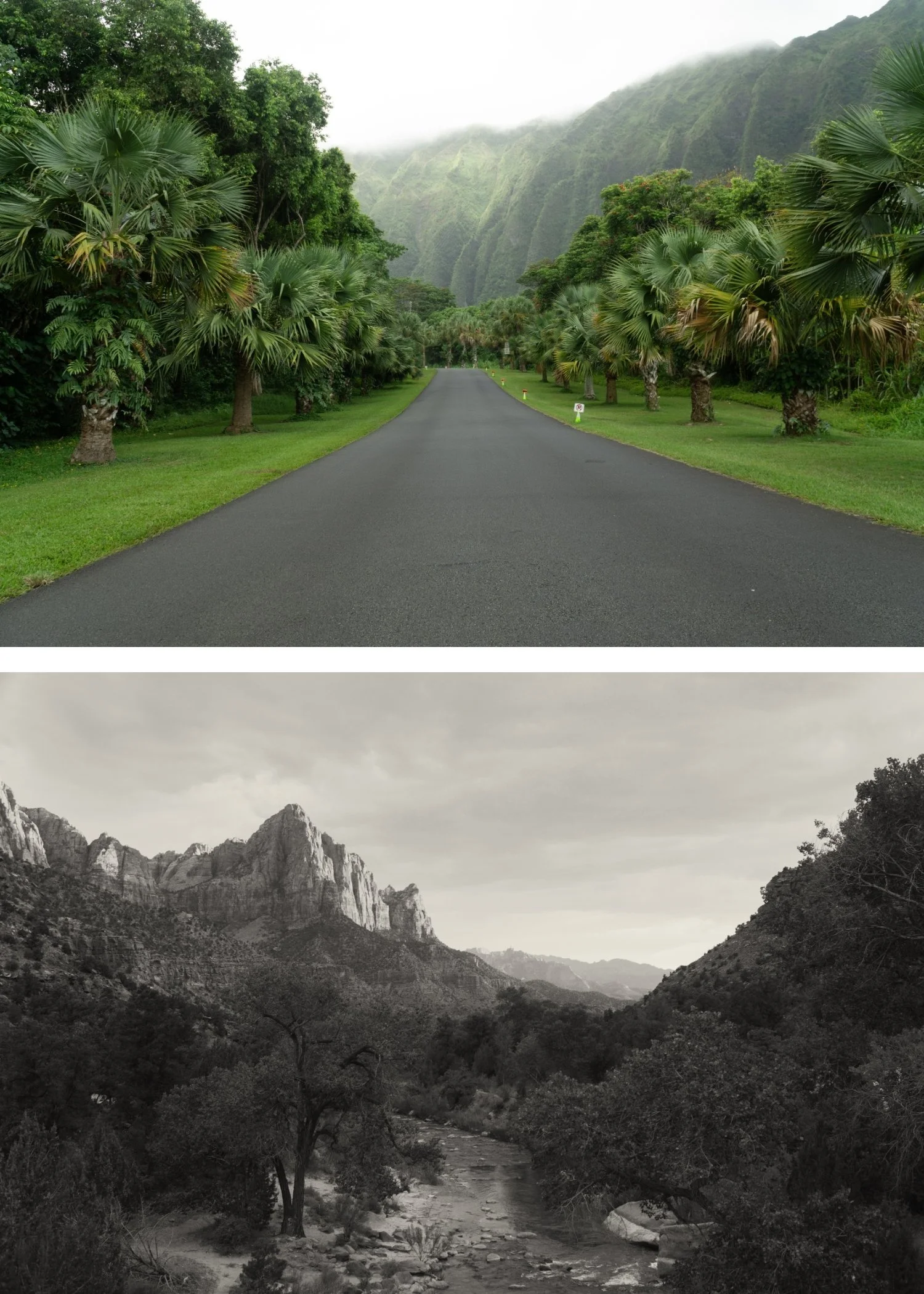
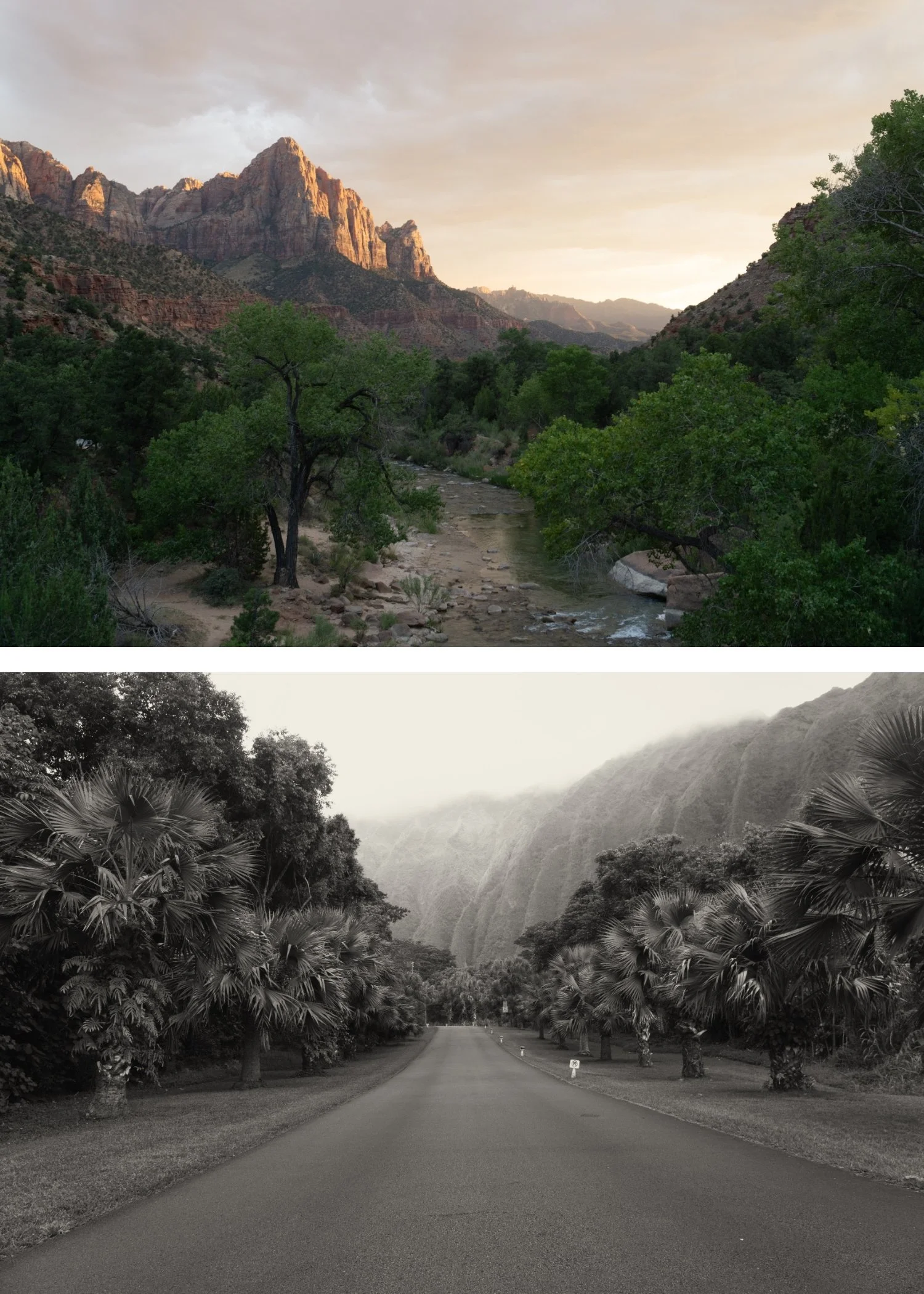
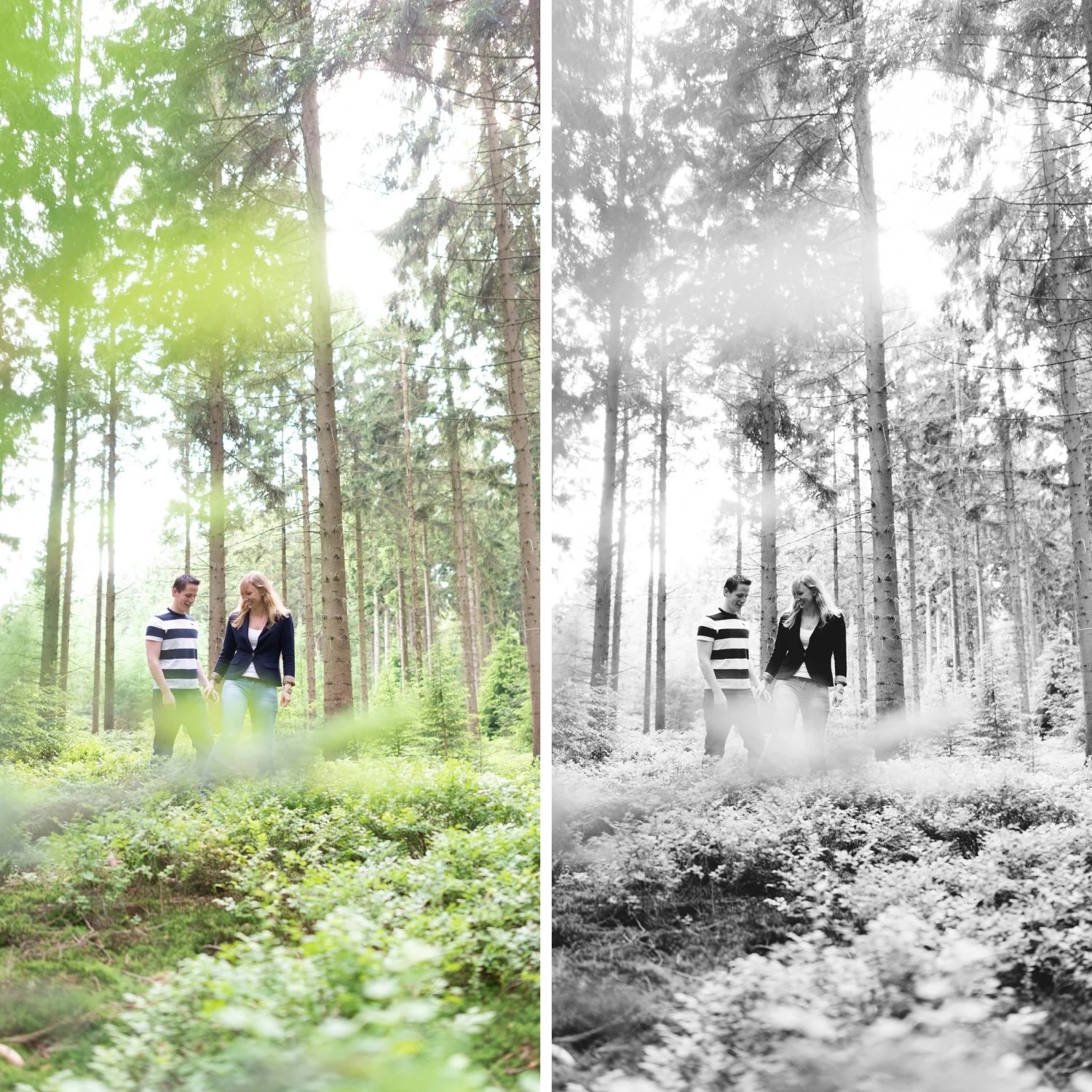
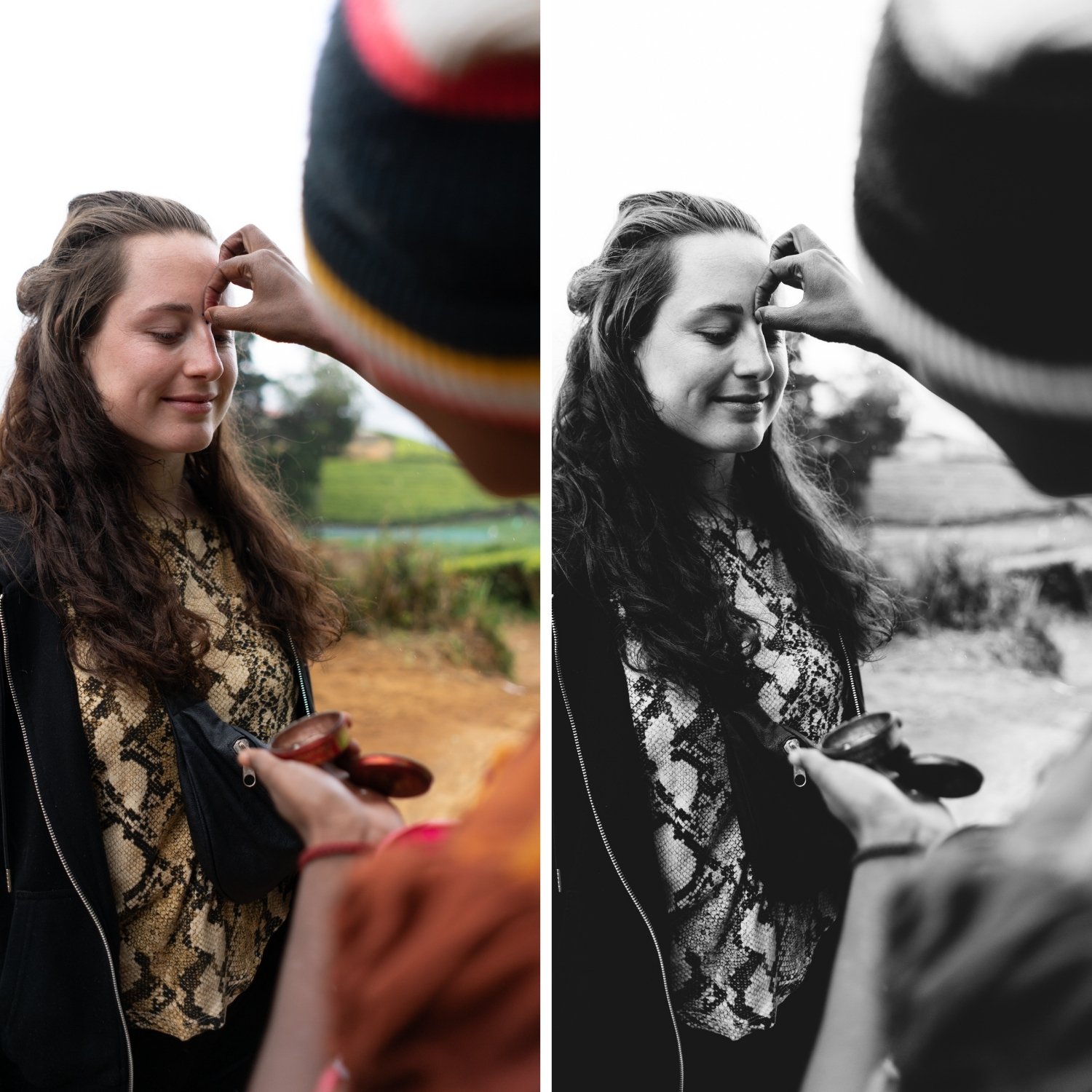
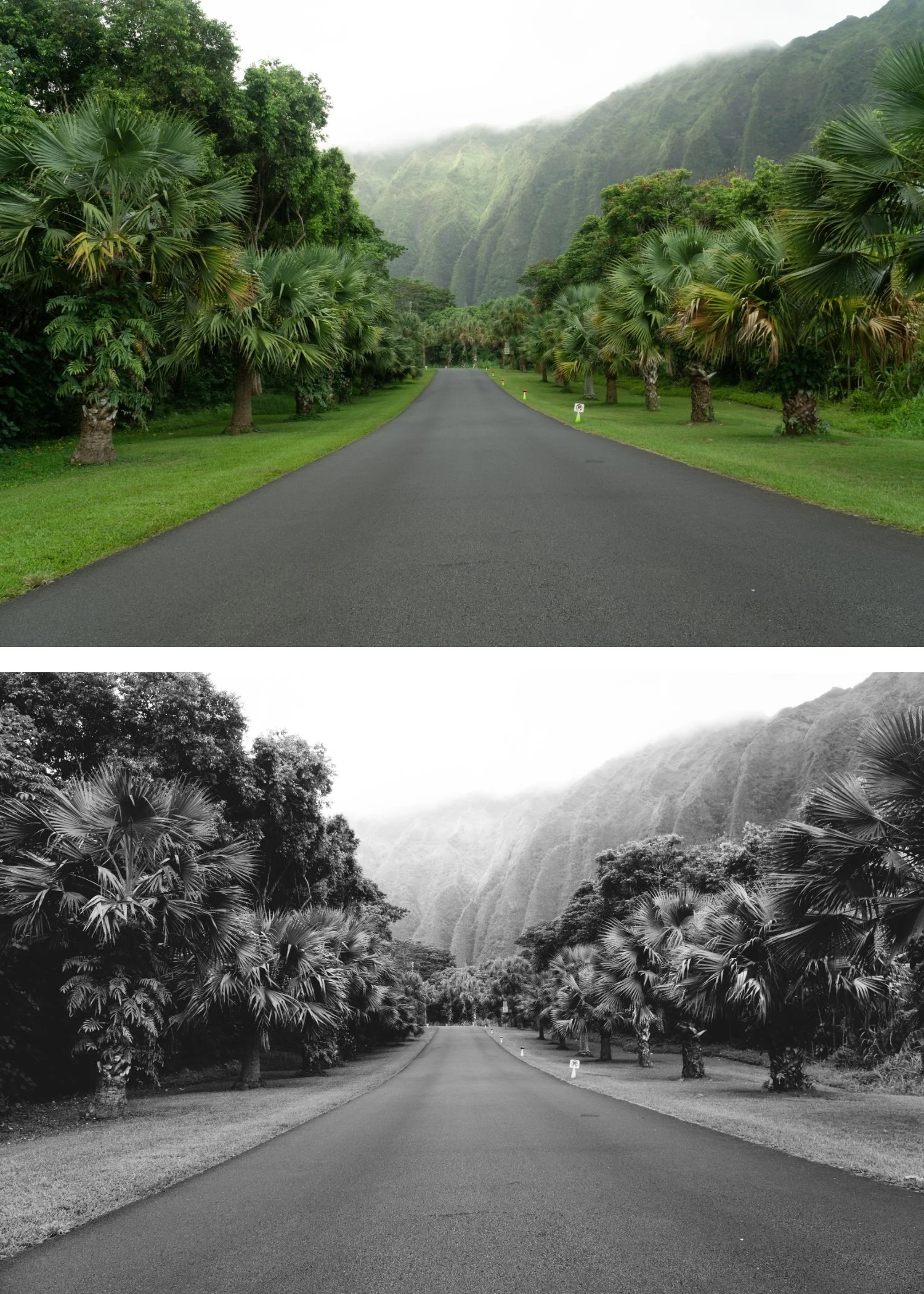
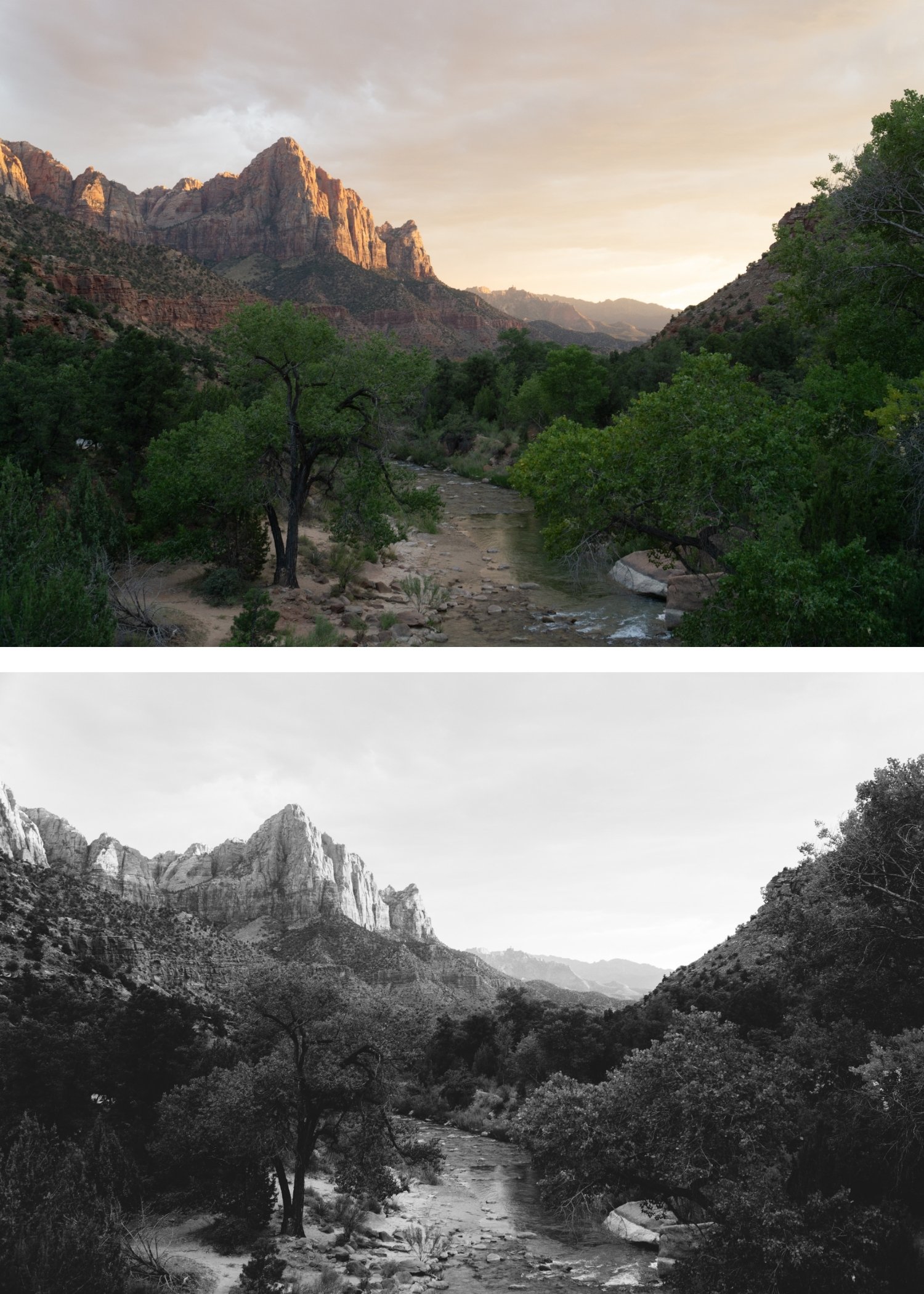
It works on everything. The balanced tonal character of B1 suits every subject. Portrait, travel, architecture, documentary — B1 produces a clean, film-quality result without needing adjustment for different subjects.
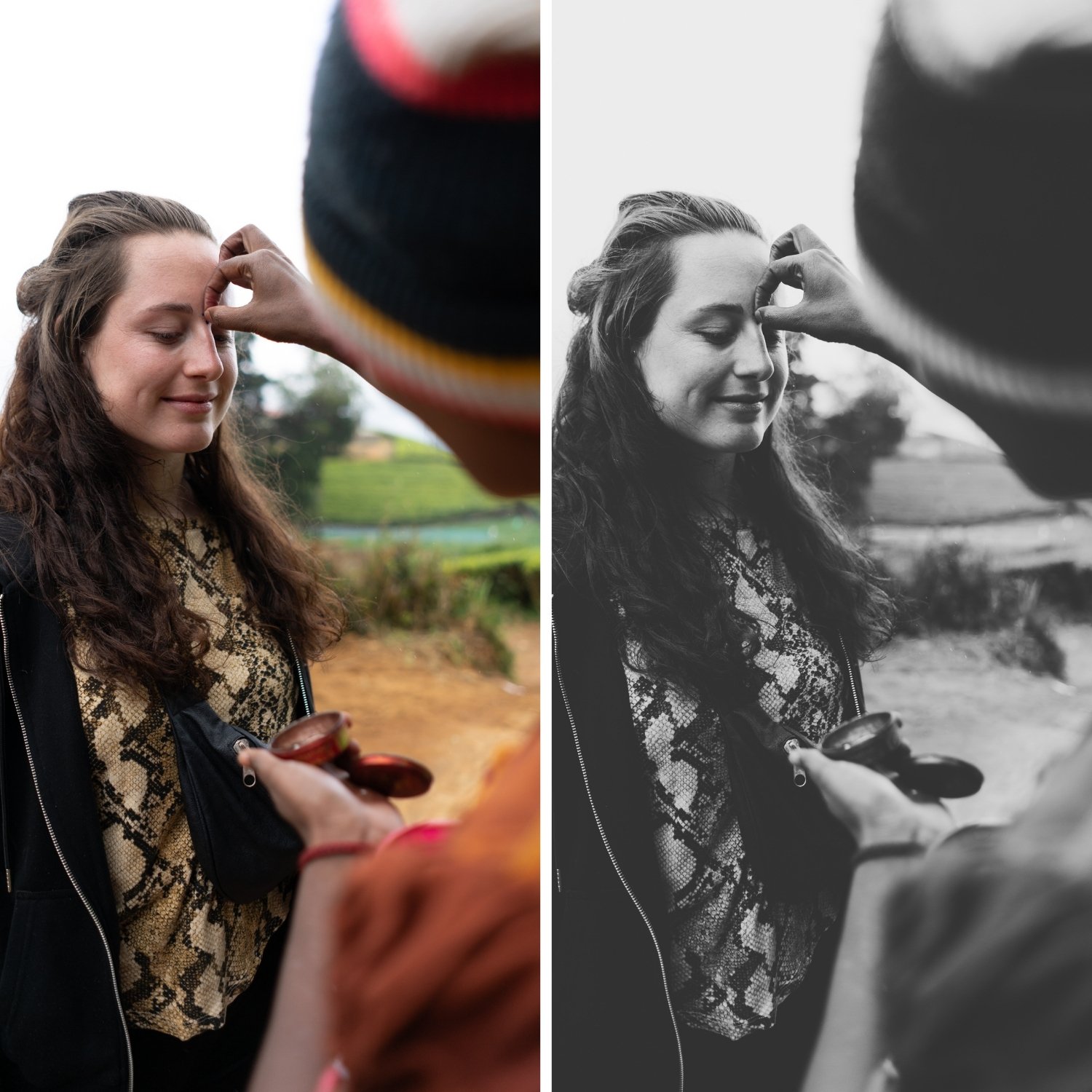
It looks photographed, not filtered. The tonal conversion and film grain of B1 reference real black and white film photography. The result looks like it was captured on film rather than desaturated in software.
It is the most consistent preset in the collection. B1 applies the same reliable quality across varied lighting conditions — overcast and direct sun both produce natural, balanced results.
It ages exceptionally well. Classic silver B&W is one of the most timeless aesthetics in photography. B1 will look as good in ten years as it does today.
-
1 × B1 Classic Silver DNG file — for Lightroom Mobile on iPhone and Android
1 × B1 Classic Silver XMP file — for Lightroom Classic on Mac and Windows
Step-by-step installation guide for both Mobile and Desktop
Lifetime access — download again anytime -
This preset captures the clean, balanced aesthetic and refined tonal range similar to the iconic B1 black-and-white filters. It’s the perfect professional alternative for those wanting a sophisticated, analog-inspired monochrome look that emphasizes texture and emotion. By emulating the subtle grain and light-sensitivity of classic black-and-white film stocks, the B1 ensures your digital shots feel like authentic, developed prints on both desktop and mobile.
-
Step 1 — Prepare the photo Fix Exposure before applying. B&W presets are sensitive to starting exposure — a correctly exposed photo produces the best tonal separation. Adjust Exposure so the photo looks naturally bright before converting.
Step 2 — Apply B1 Classic Silver Tap or click B1 Classic Silver. The tonal conversion, silver quality, and grain apply simultaneously.
Step 3 — Fine-tune per photo Adjust Exposure ±0.2 to ±0.5 per photo. For portraits, check that skin tones are lifting naturally — if skin reads too dark, add Orange Luminance +10 to +15 in Color Mix (even in B&W, the orange channel controls skin luminance).
On phone photos: reduce to 80-85% strength.
-
What is the difference between B1 and just desaturating a photo in Lightroom? Desaturation removes all colour equally and produces flat, grey results. B1 uses individual colour channel conversion — blue skies darken, skin tones stay luminous, foliage deepens. The result has the tonal depth and separation of real B&W film photography.
Does B1 work in the free version of Lightroom Mobile? Yes. Preset installation and use is completely free in Lightroom Mobile. No Creative Cloud subscription needed.
Which B-Series preset is best for portrait photography? B2 Soft Silver is specifically calibrated for portraits — softer contrast and more flattering skin tones. B1 also works well for portraits in strong, directional light.
Can I upgrade to the full bundle after purchasing B1? Yes — contact us and we will credit your B1 purchase toward the Monochromatic Archive.
GET ALL 6 B-SERIES PRESETS
B1 is the balanced starting point. The full Monochromatic Archive gives you five more — softer and more flattering for portraits (B2), high contrast for street and documentary (B3), warm darkroom tone (B4), cool editorial (B5), and matte aged film (B6).
Six presets. One tonal philosophy. $4.50 per preset.
THE STUDIO ARCHIVE
Want everything? The Studio Archive contains 130+ presets — every collection we make, including the complete Monochromatic Archive — for $89 total. That is $0.68 per preset with every future release included for life.