Image 1 of 1
B3 Modern Classic | Rich Tonal Black & White Analog Preset for Lightroom & Mobile
-
Fully Compatible Designed to work seamlessly across iOS, Android, and Desktop (Mac/Windows).
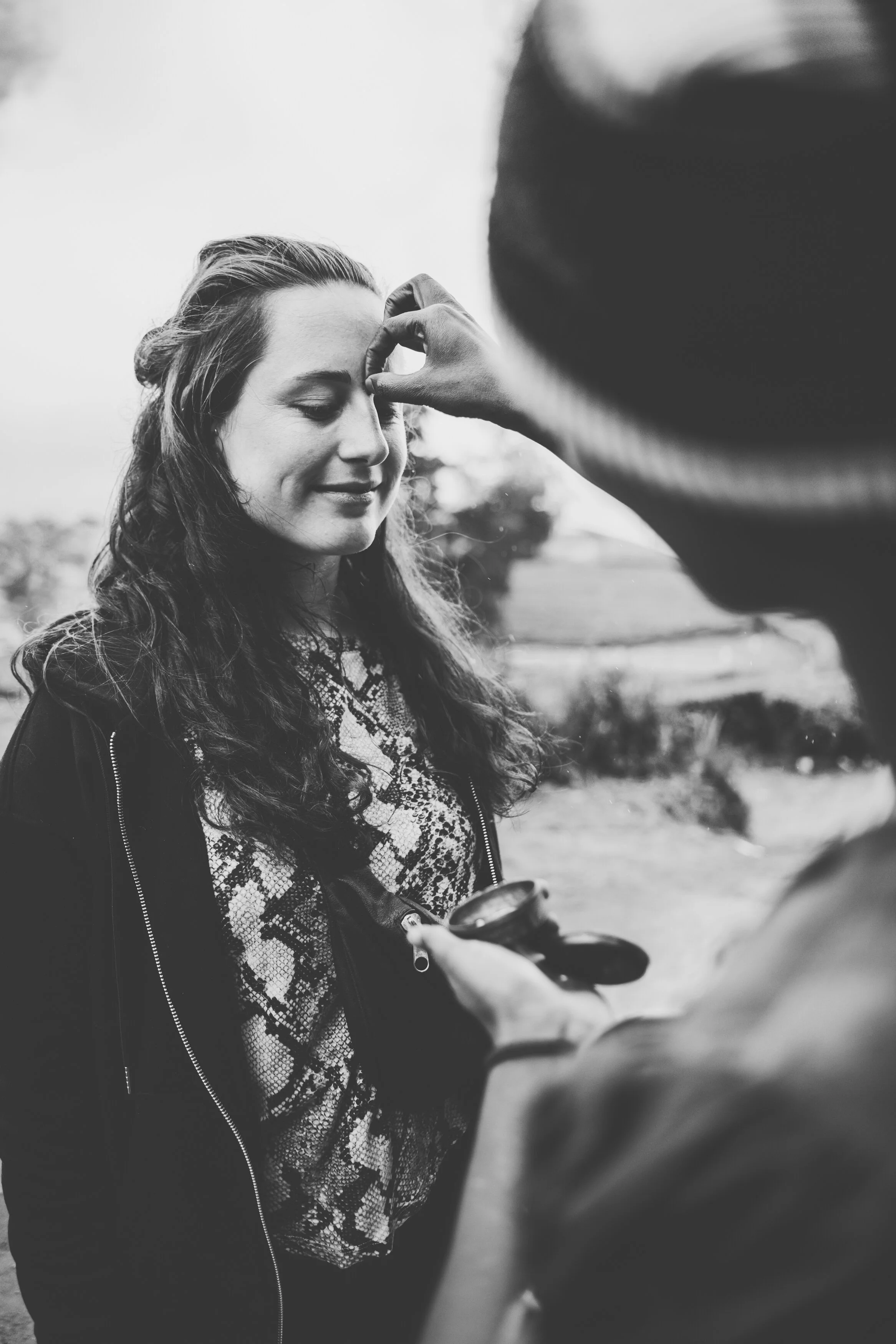
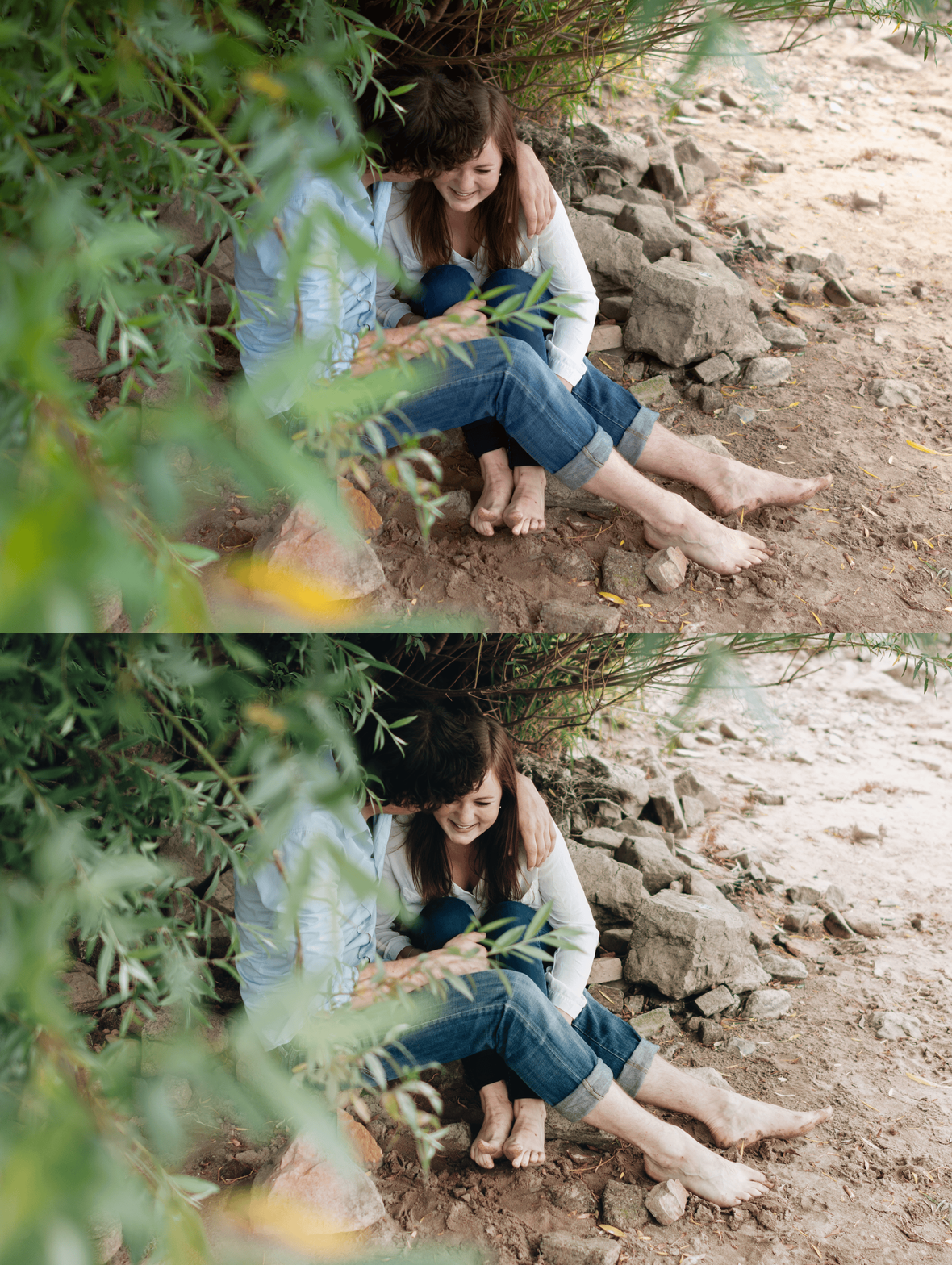
Cinematic Texture Adds a layer of professional film character that makes your digital photos feel like high-quality analog prints.
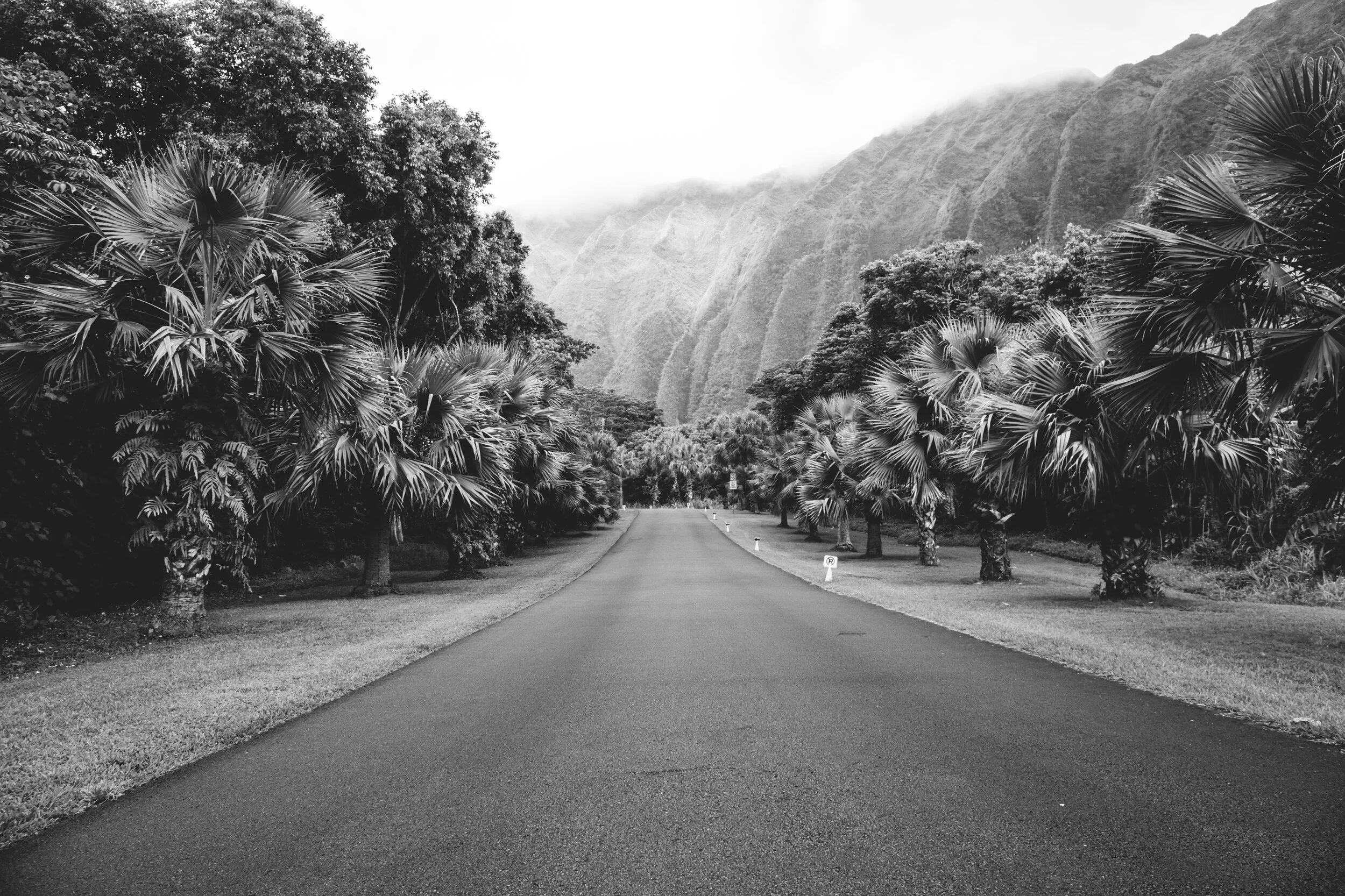
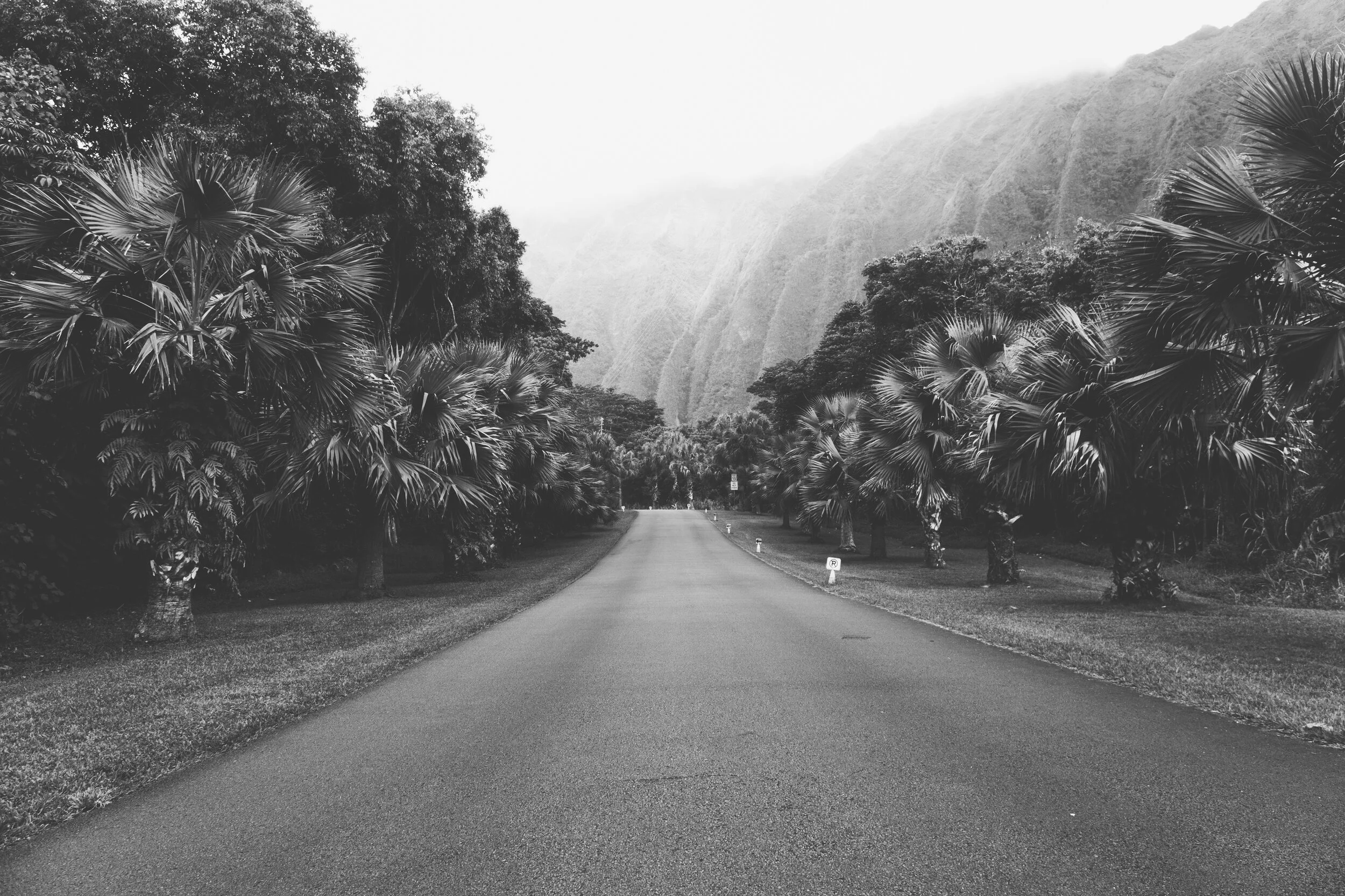
Rich Contrast Specifically calibrated to provide deep, velvety blacks without losing the essential details in your highlights.
Storyteller’s Choice Works exceptionally well for street photography, dramatic portraits, and architectural shots that need a strong visual impact.
-
1x B3 Essence Preset for Lightroom MOBILE (DNG file).
1x B3 Essence Preset for Lightroom DESKTOP (XMP file).
Step-by-Step Guide for easy installation and professional results.
-
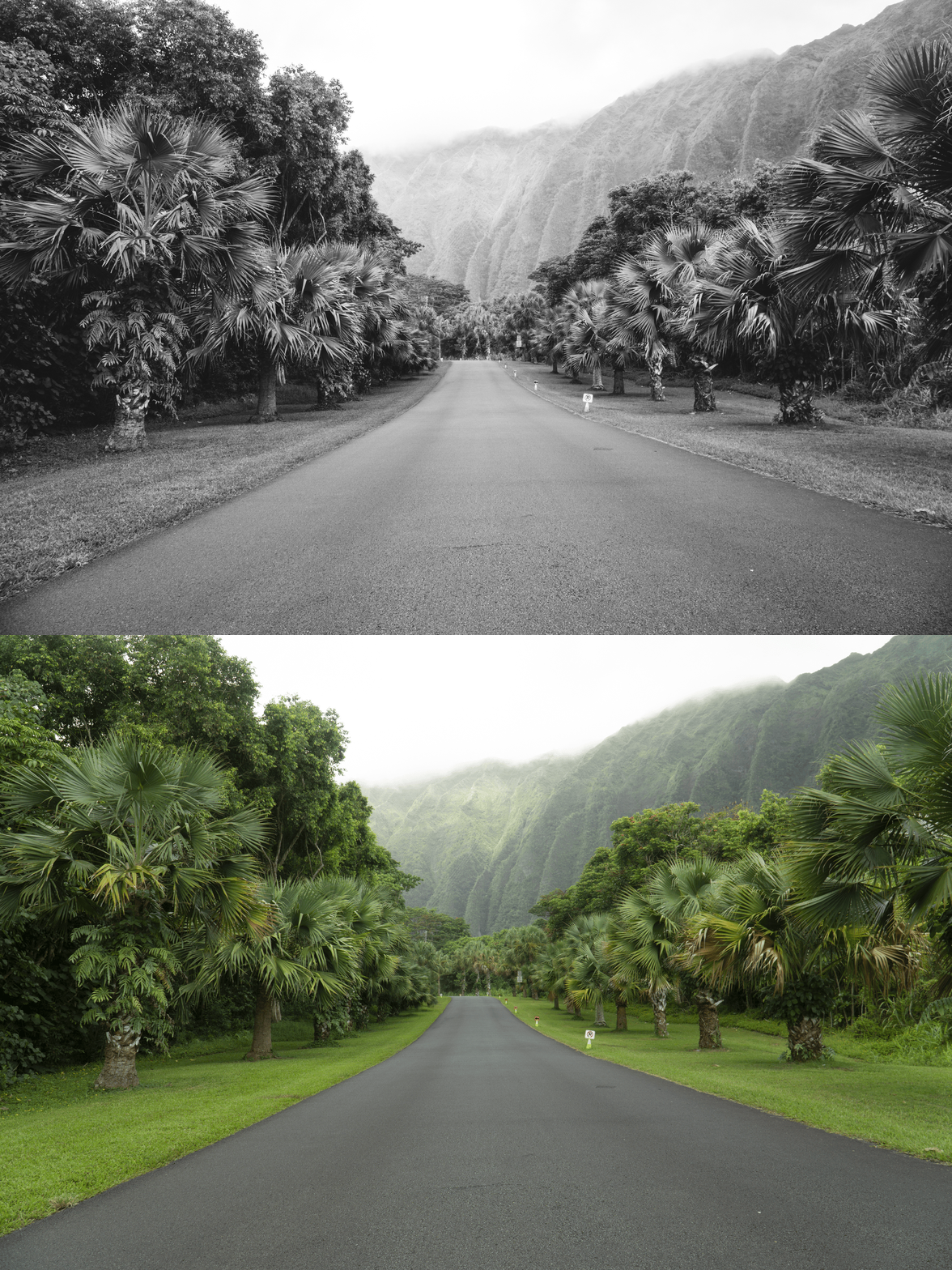
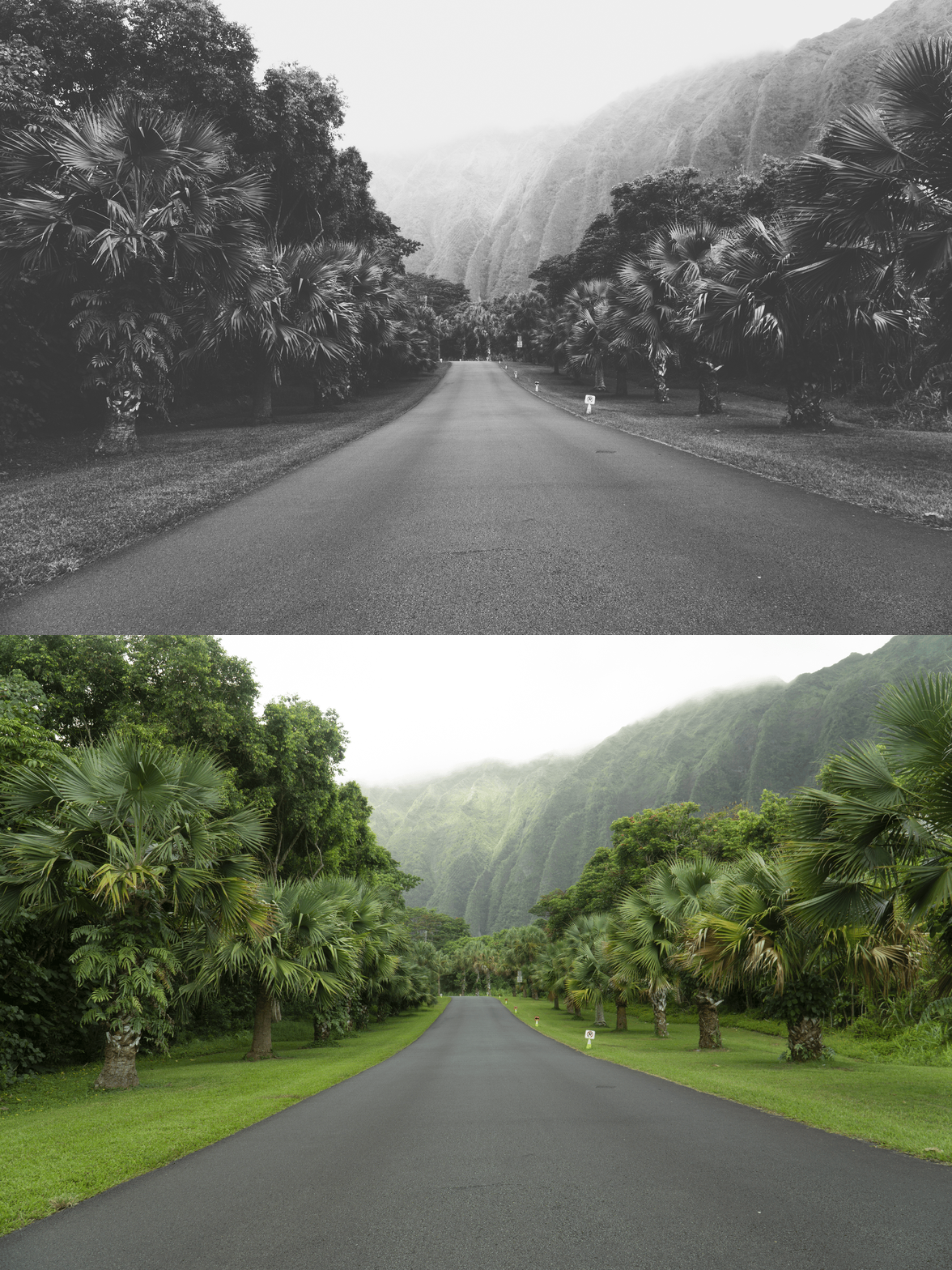
This preset captures the rich, tonal aesthetic and refined contrast similar to the iconic B3 black-and-white filters. It’s the perfect professional alternative for those wanting a powerful, analog-inspired monochrome look that emphasizes light and shadow. By emulating the high-grain and silver-halide density of classic medium-format film, the B3 ensures your digital shots have an atmospheric clarity that stands out on both desktop and mobile.
-
Step 1: Get Started Download your B3 Essence presets and easily install them into your Adobe Lightroom app. Whether you are on iPhone, Android, or Desktop, you’re just moments away from a dreamier feed.
Step 2: Set the Scene Import your favorite memories into your Lightroom gallery—whether it’s a moody city street, a high-fashion portrait, or a landscape with dramatic clouds.
Step 3: The Transformation Apply the B3 preset with just one tap. Watch as the tones shift into a rich monochrome palette and that iconic, cinematic analog aesthetic instantly takes over your photo.
Step 4: Make it Yours Every photo is unique. Use the basic sliders to fine-tune the blacks or contrast to perfectly match your personal style, adding that final touch of editorial elegance.
Step 5: Share your Glow Watch your photographs come alive with a captivating vibe and irresistible charm. Your photos aren't just edited; they’re telling a story. Don't forget to tag @theeeditingstudio so we can feature your beautiful work!