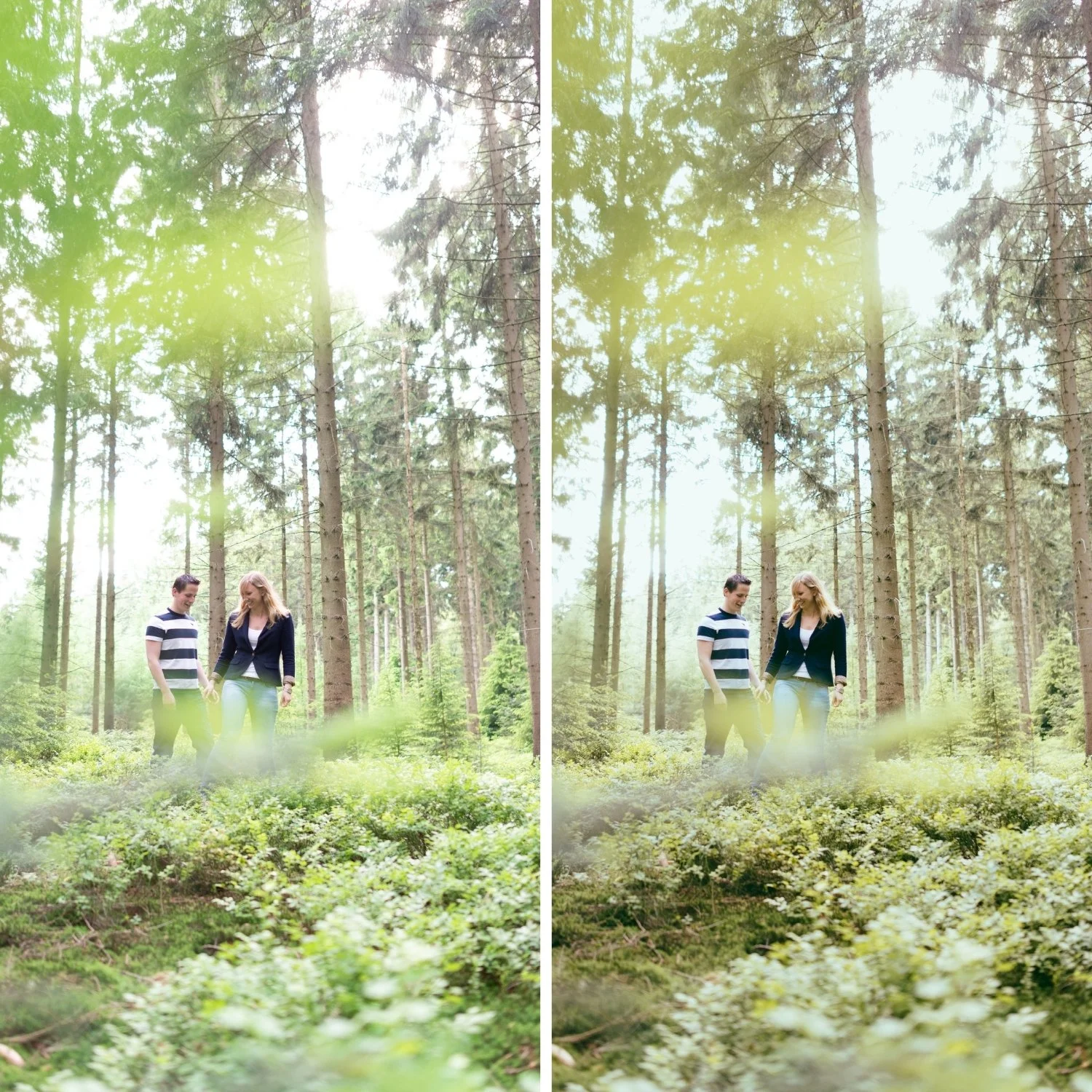
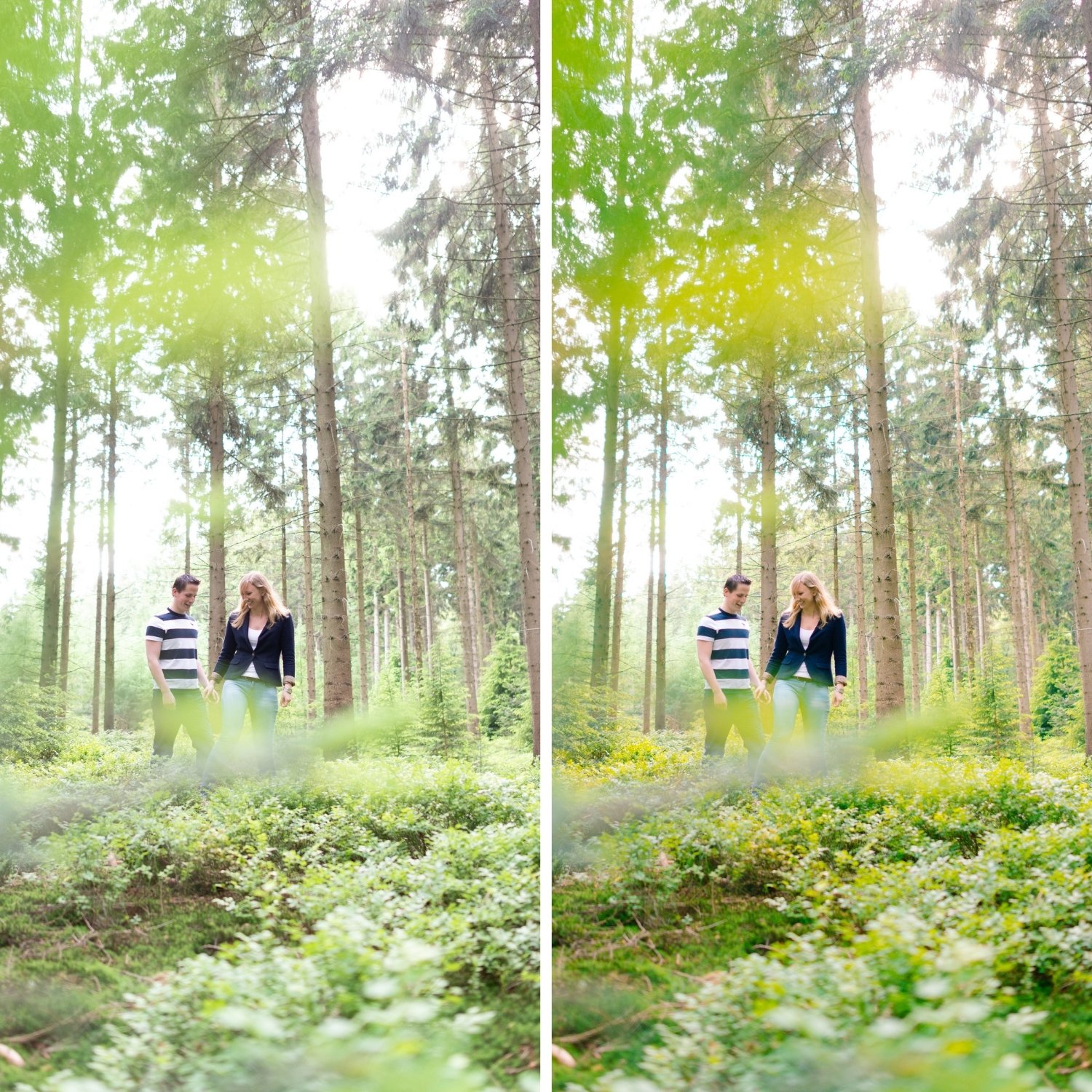
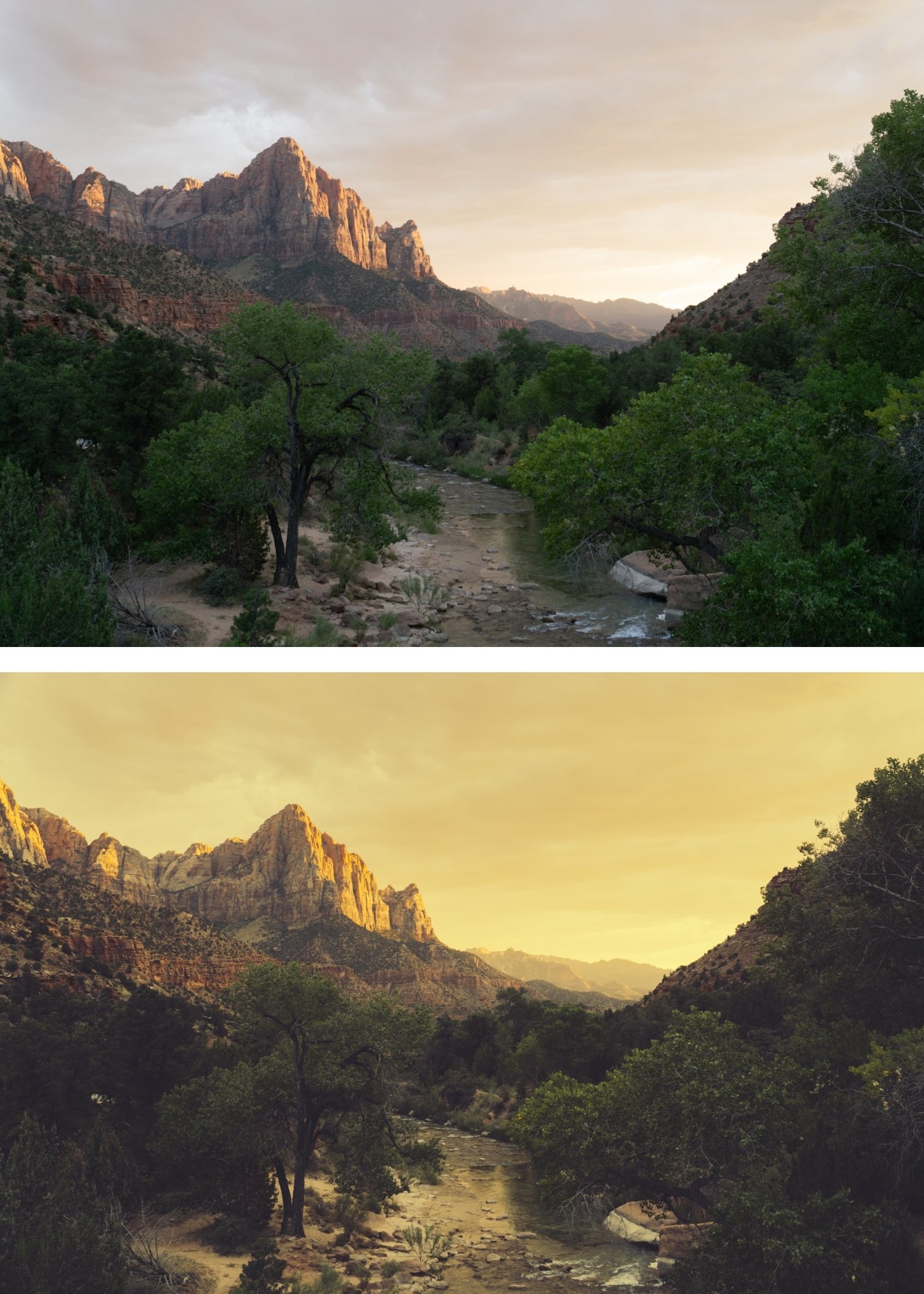
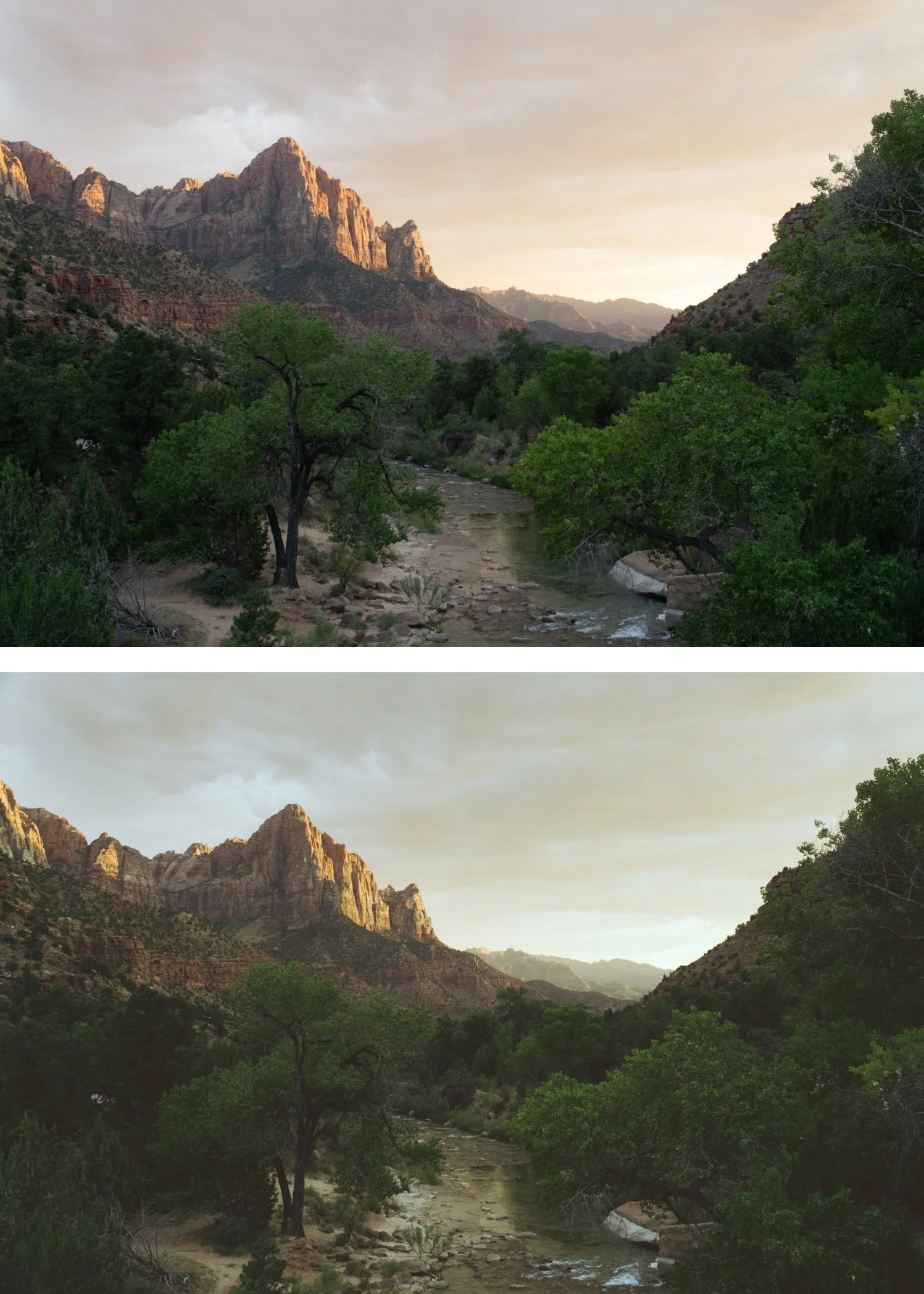
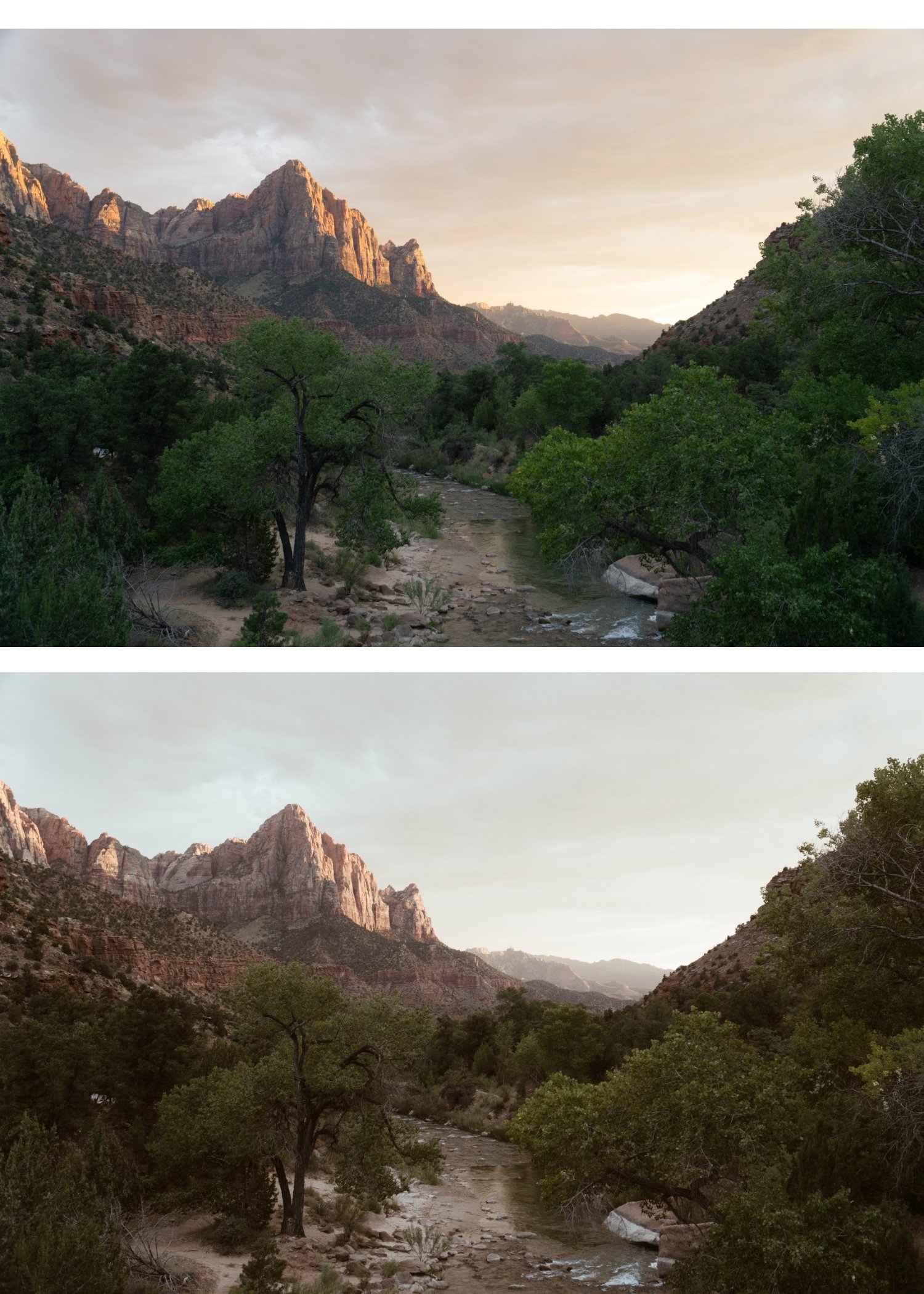
 Image 1 of 4
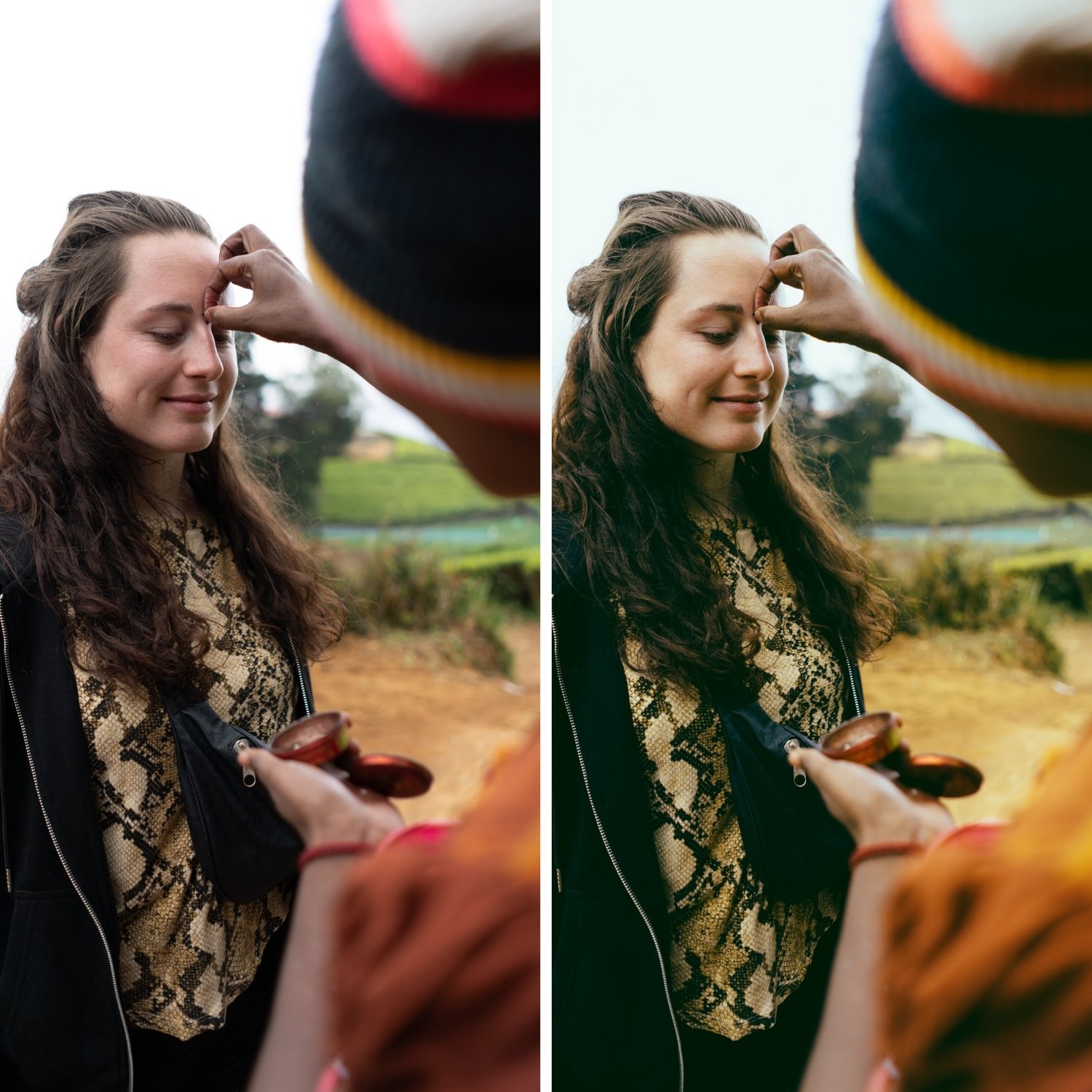
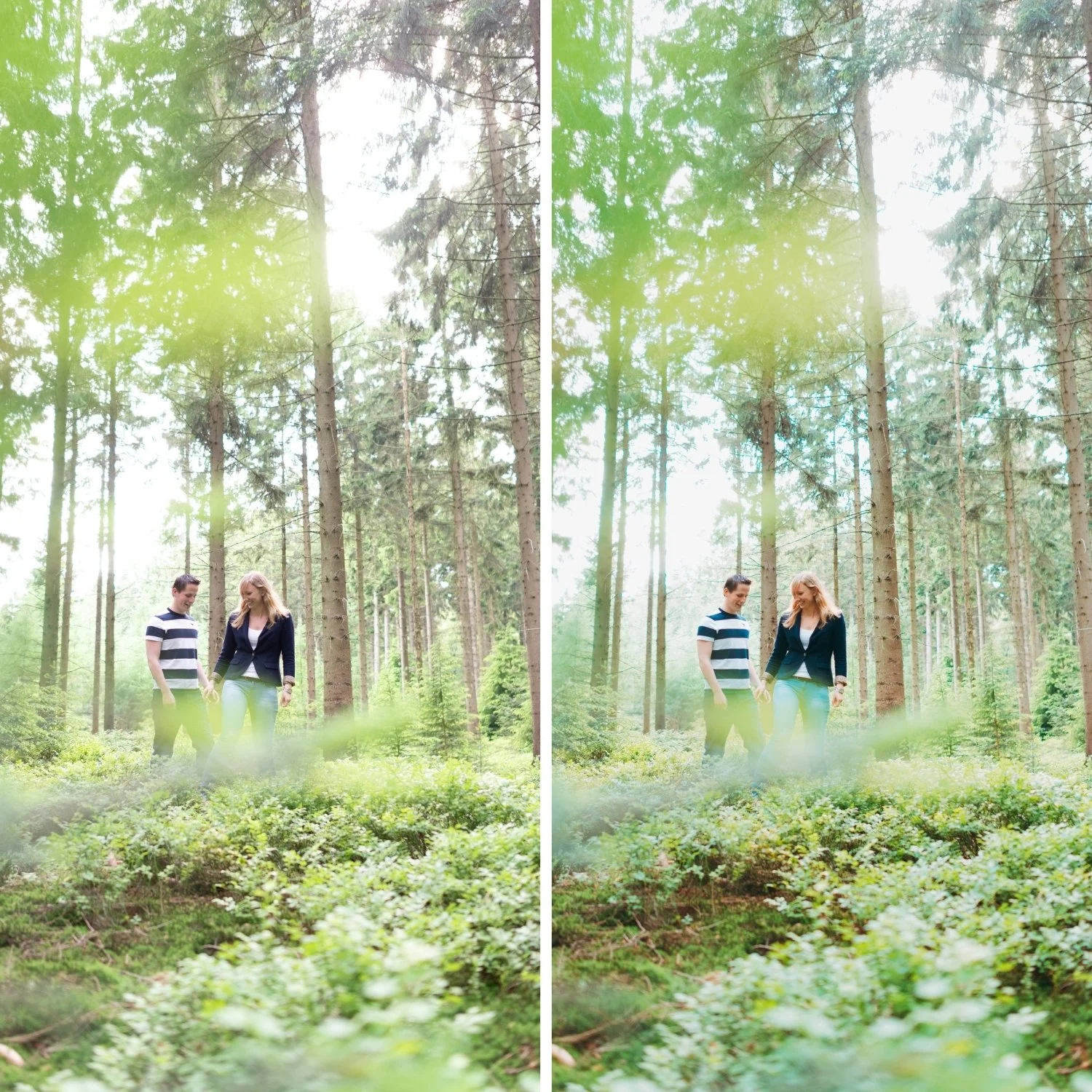
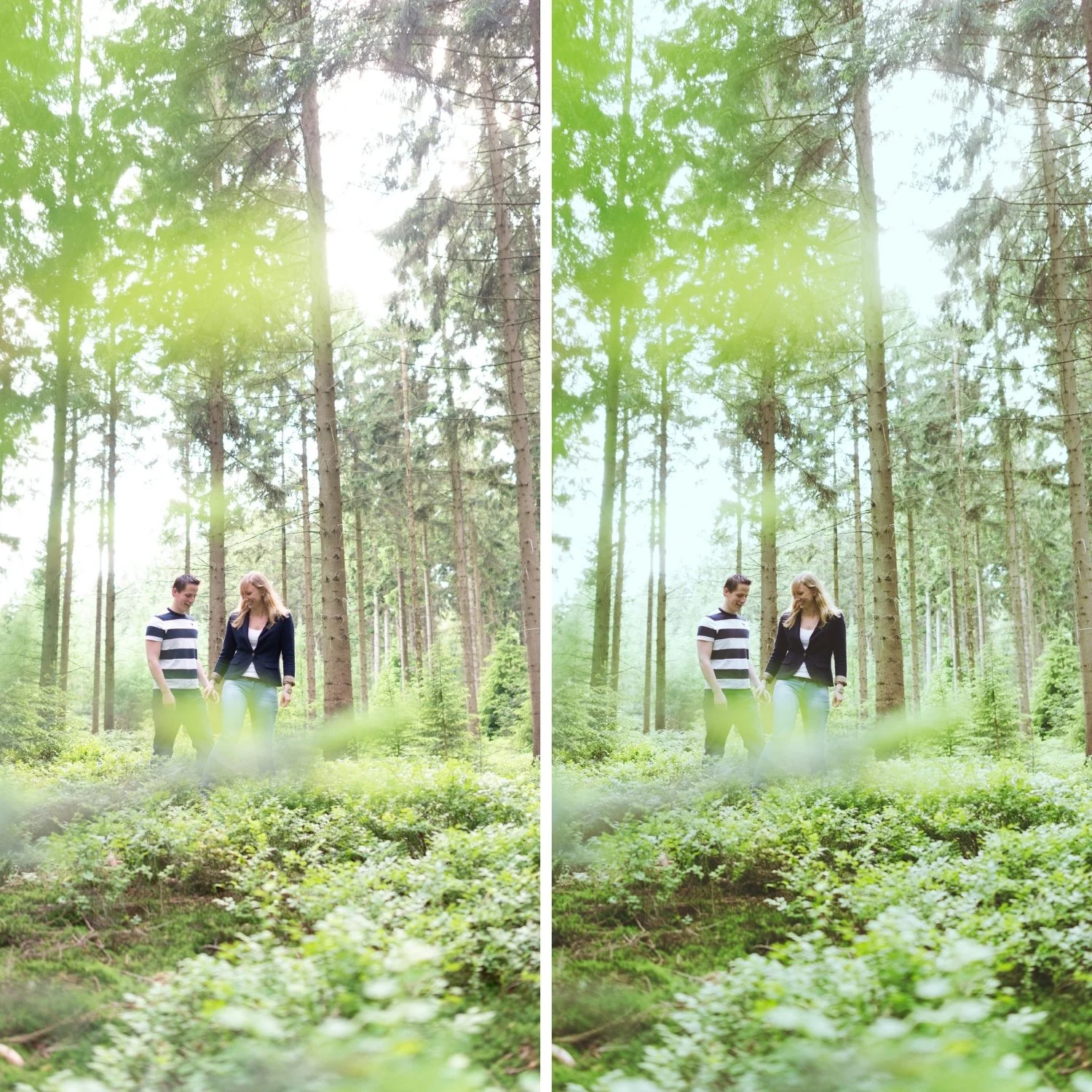
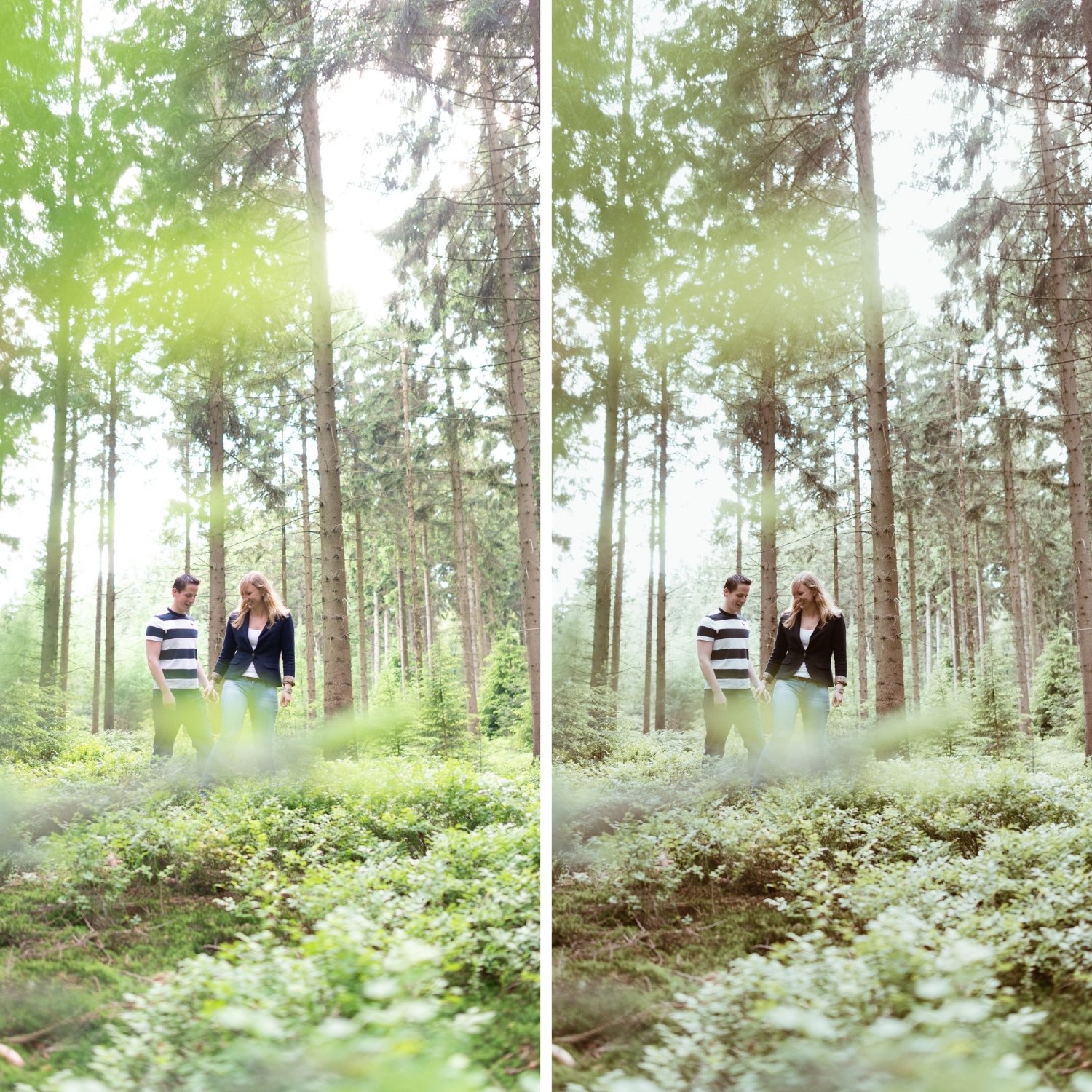
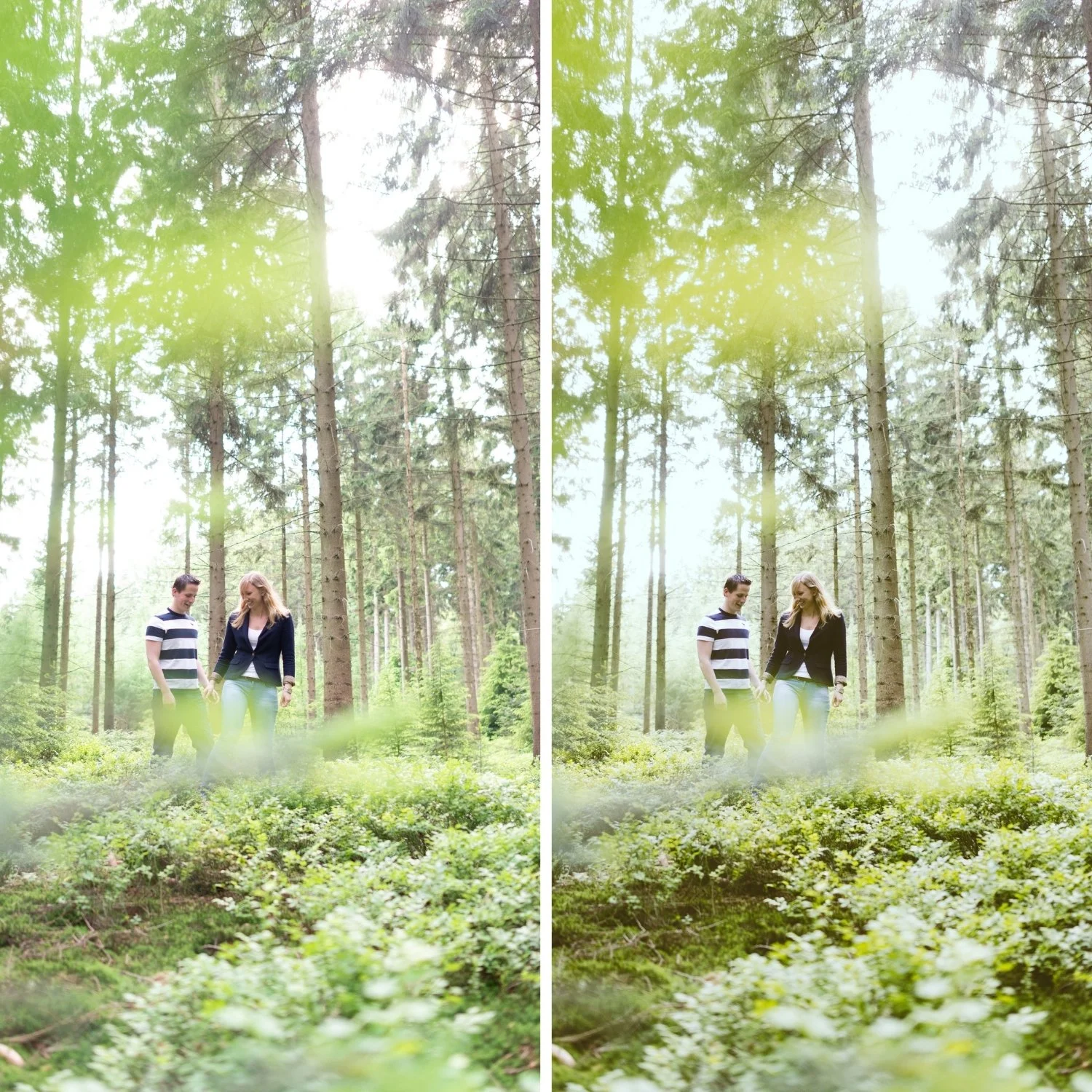
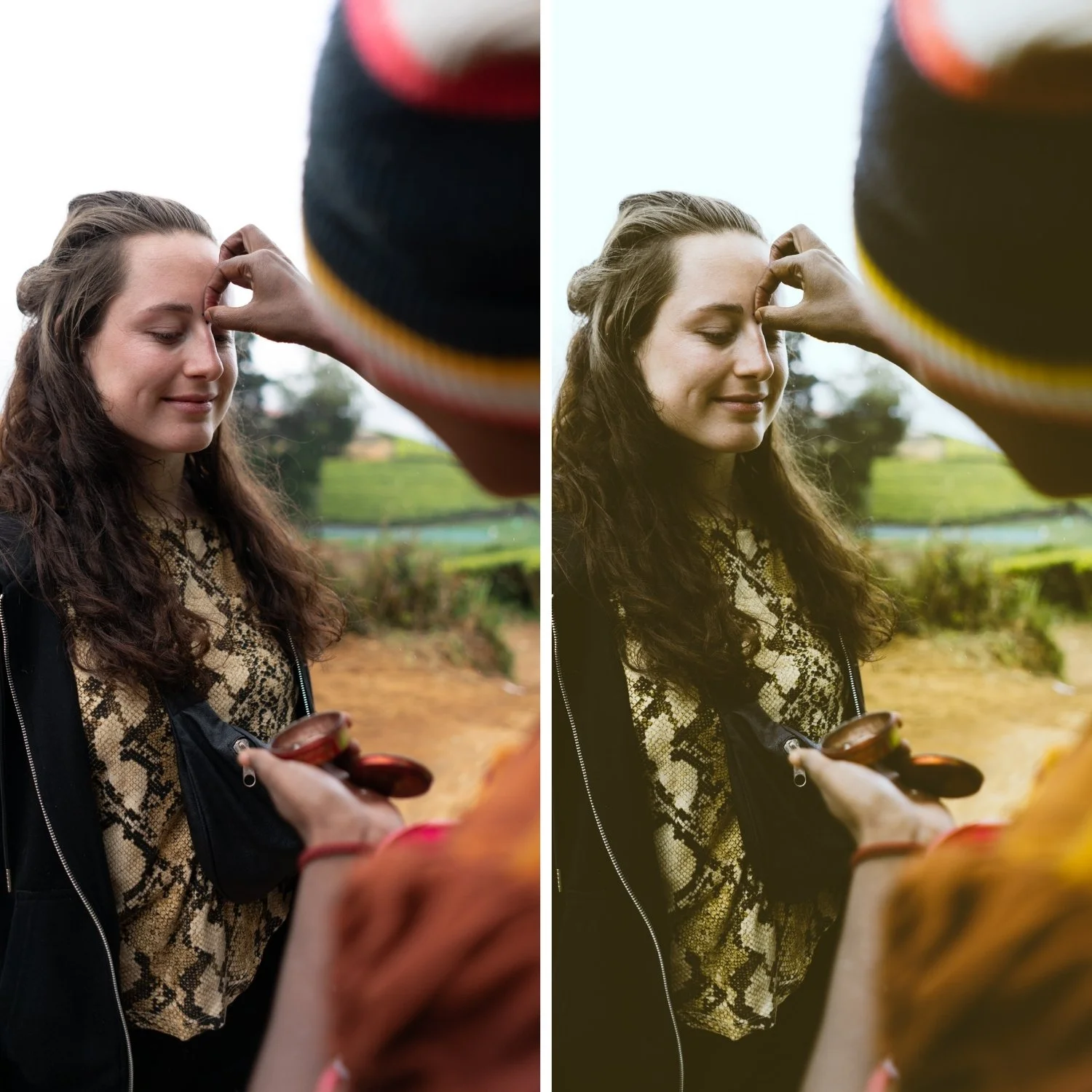 Image 2 of 4
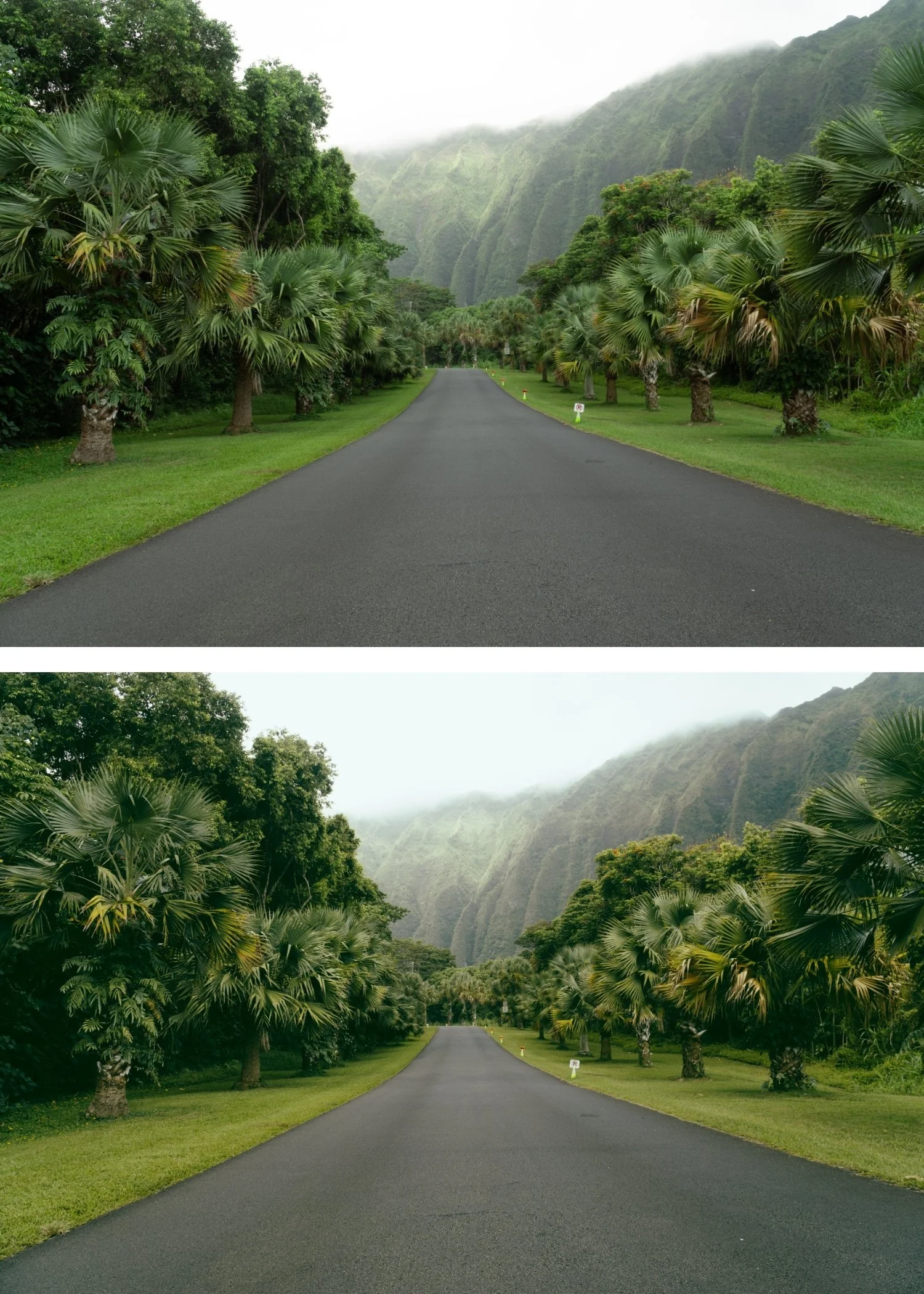
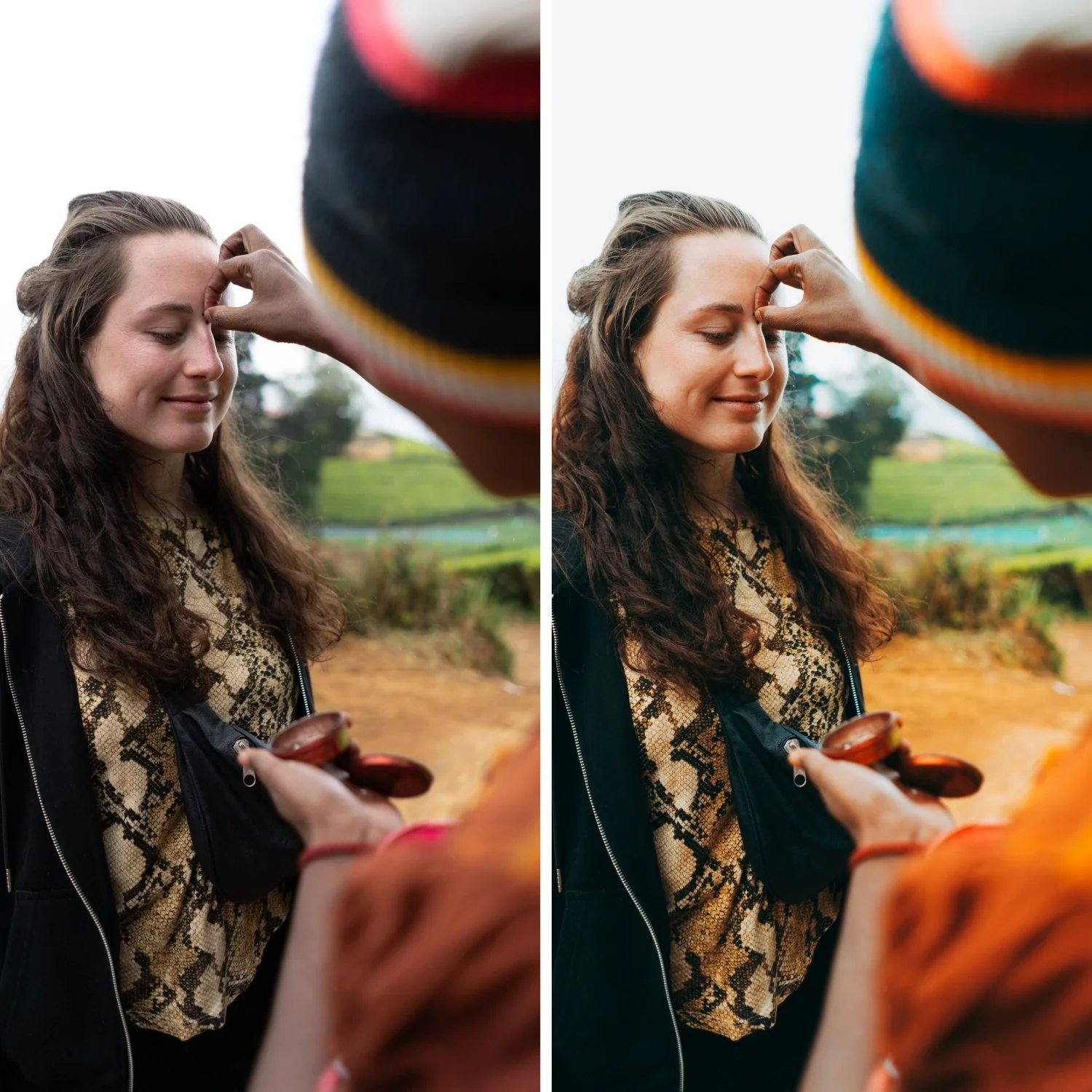
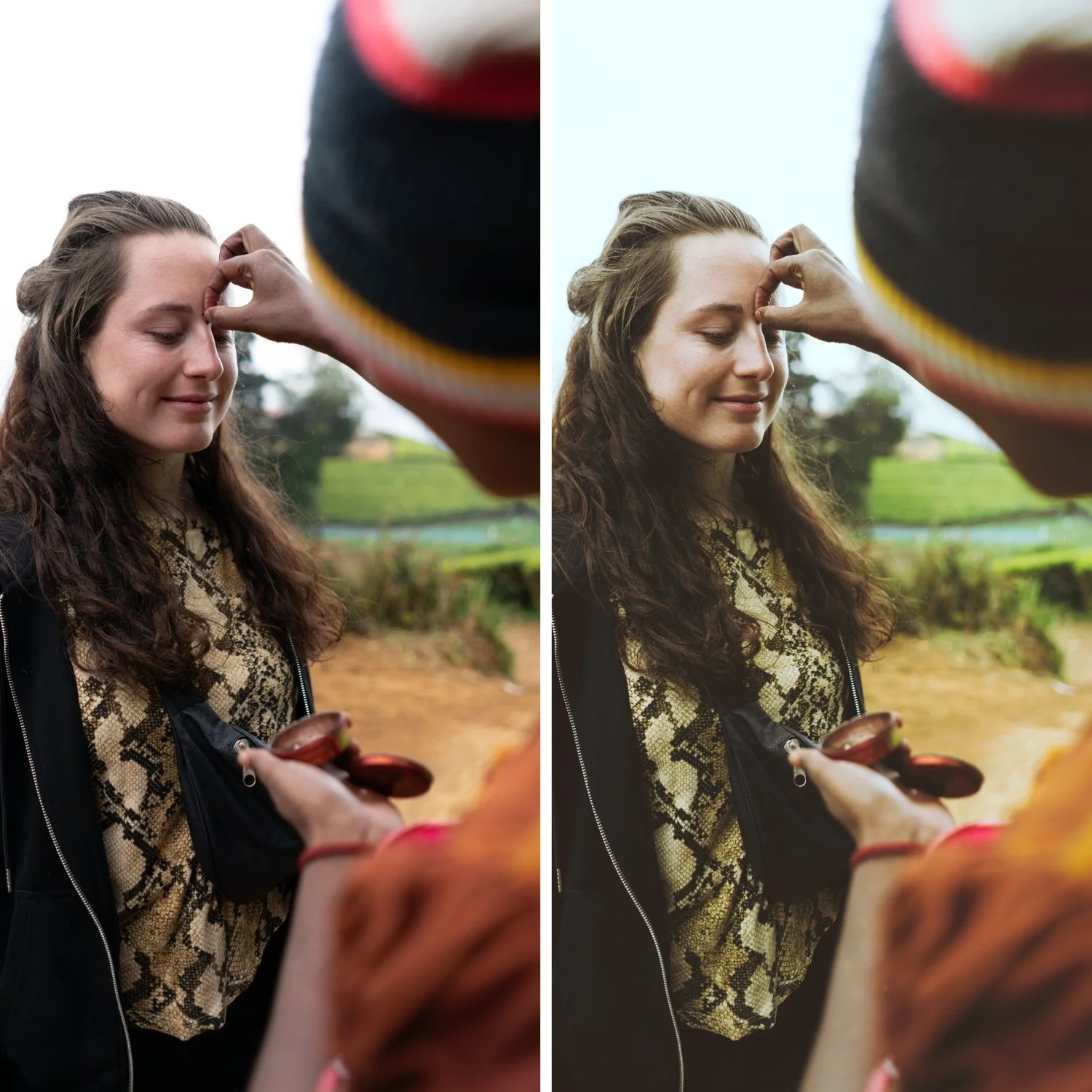
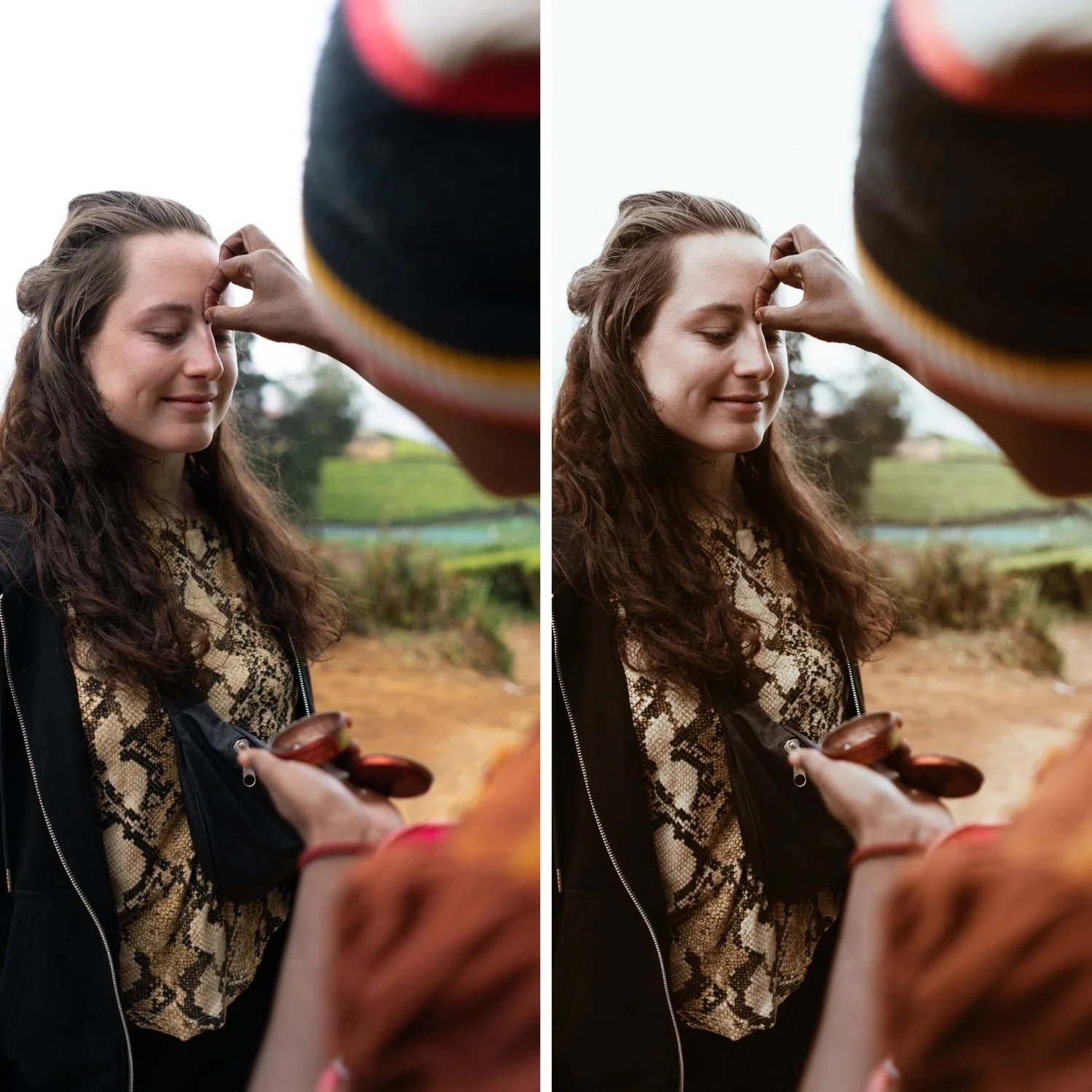
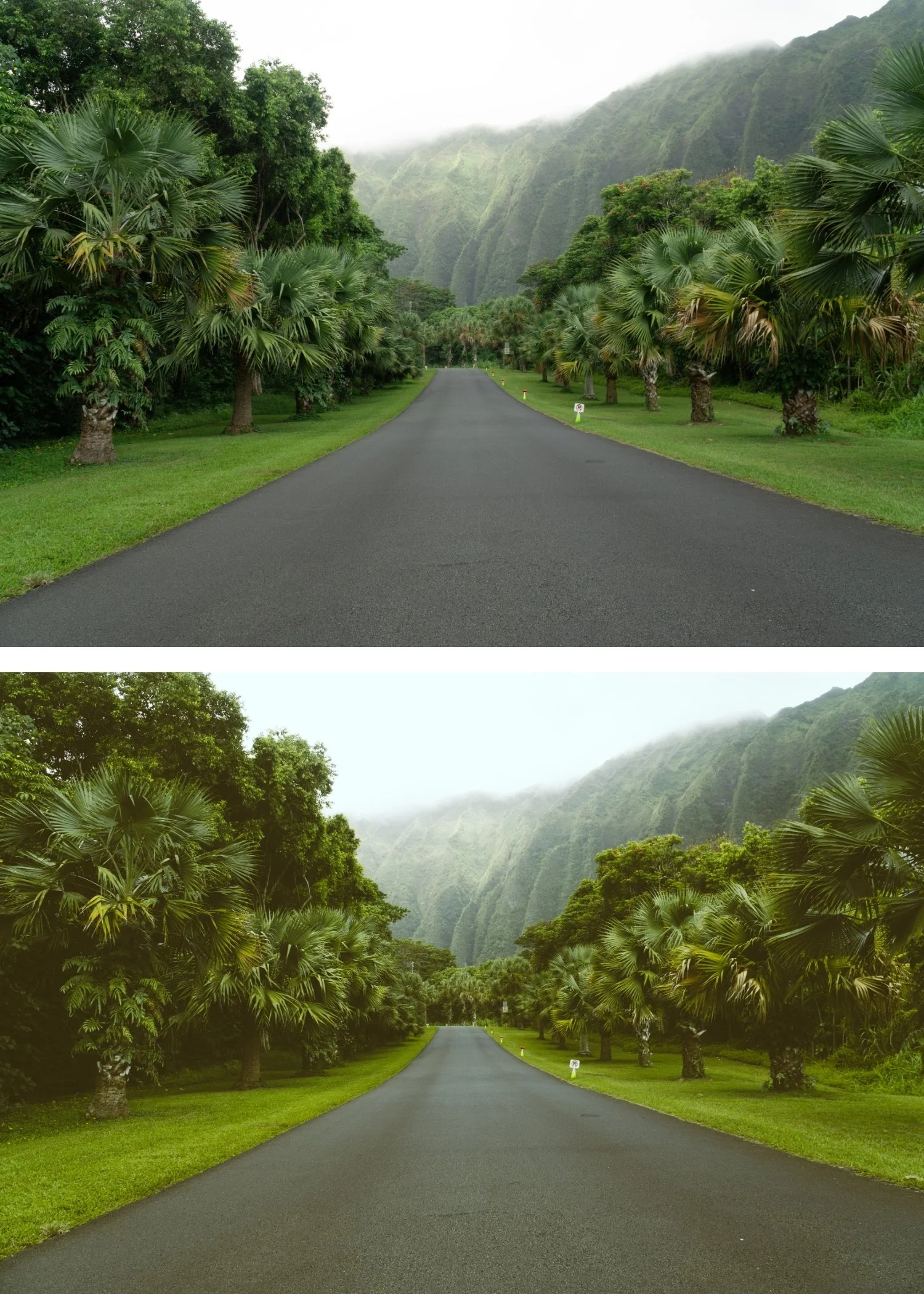 Image 3 of 4
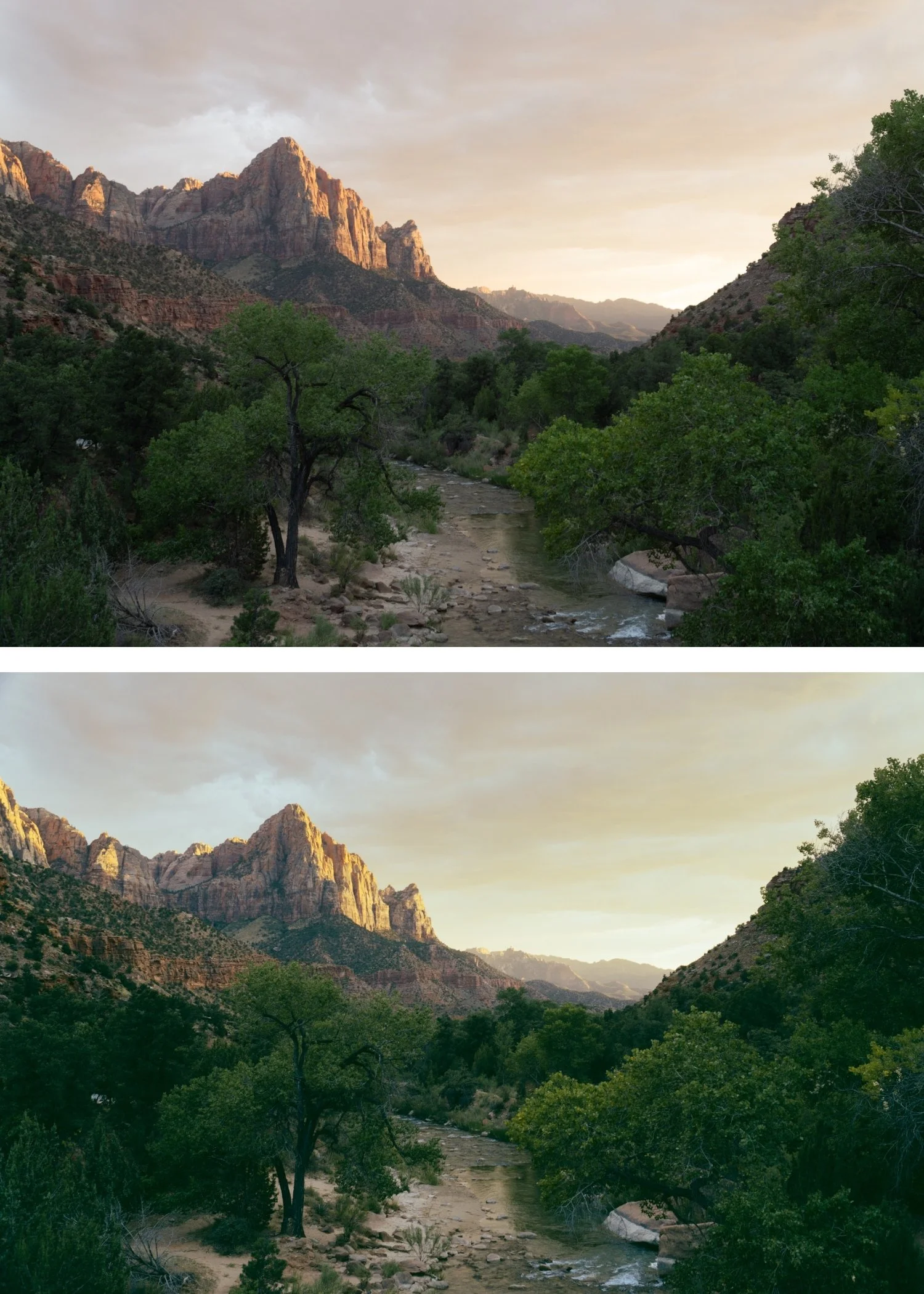
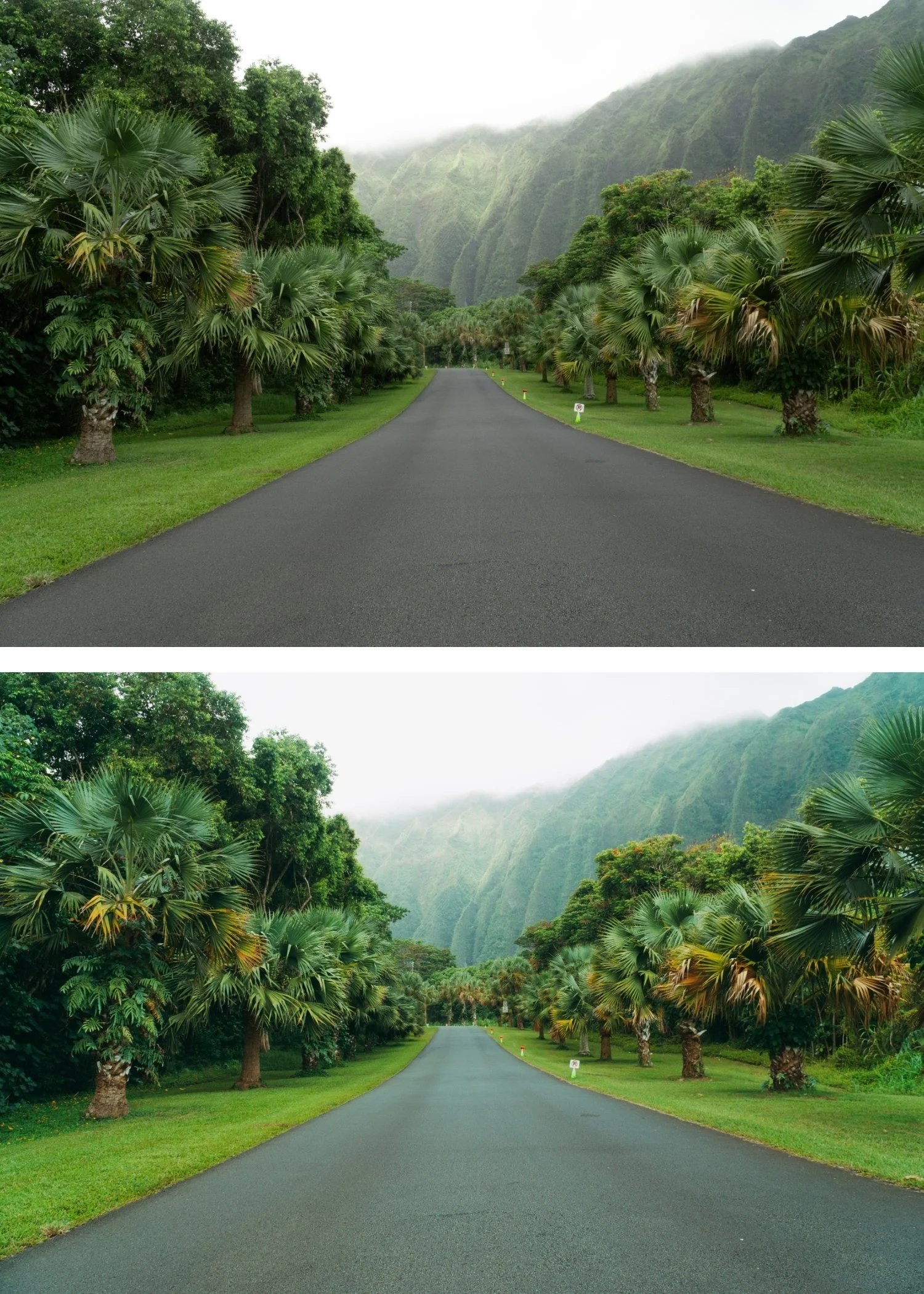
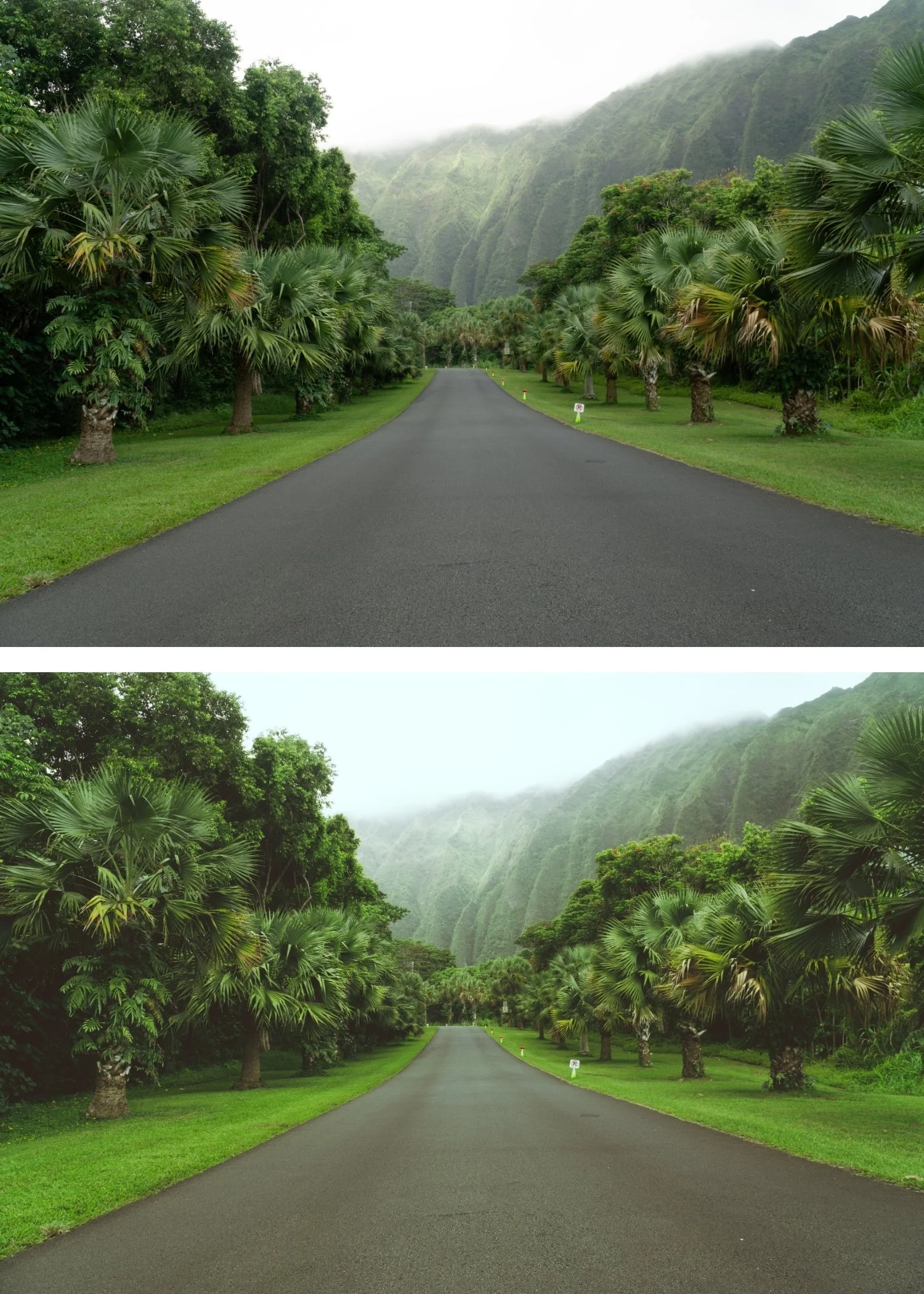
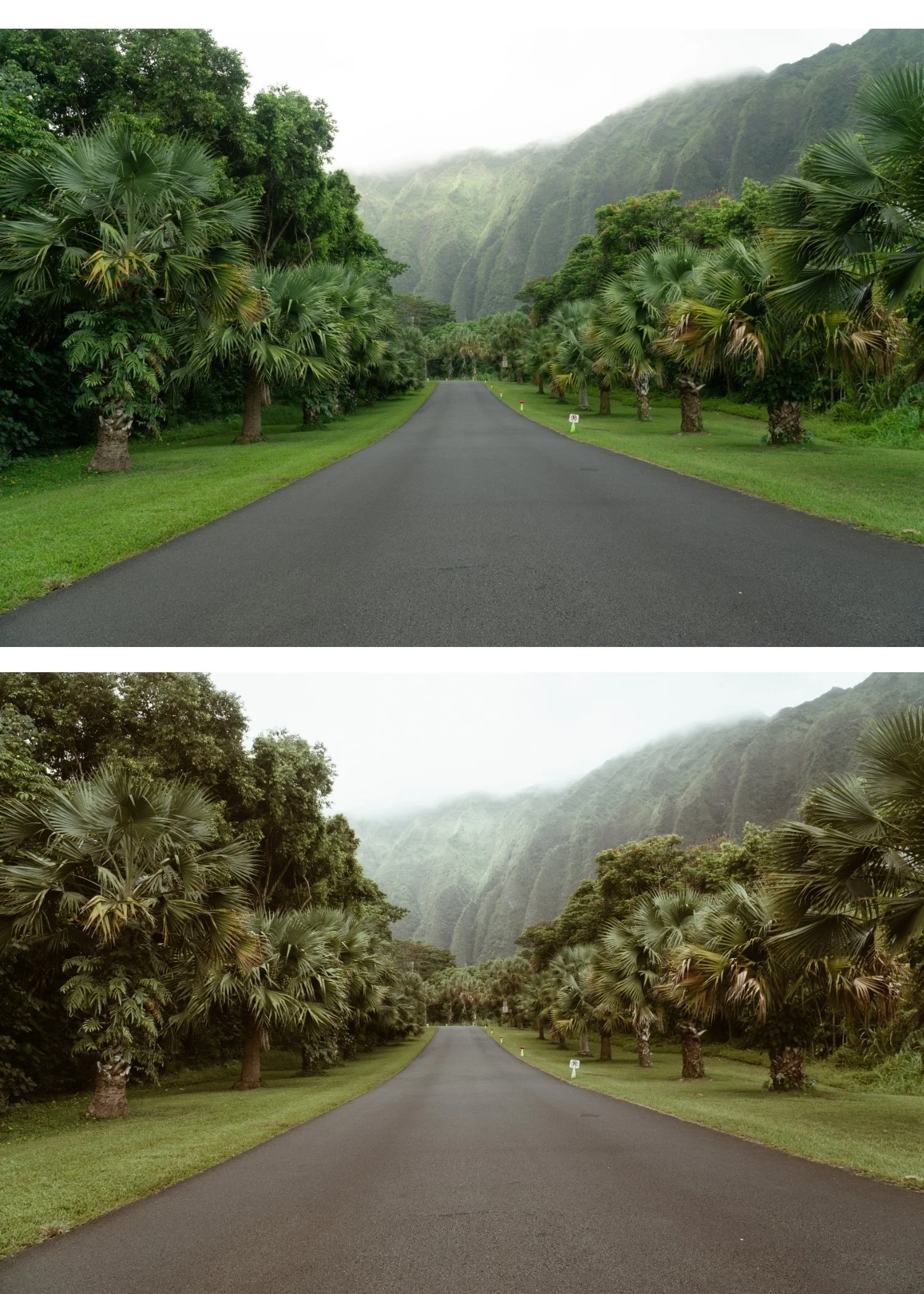
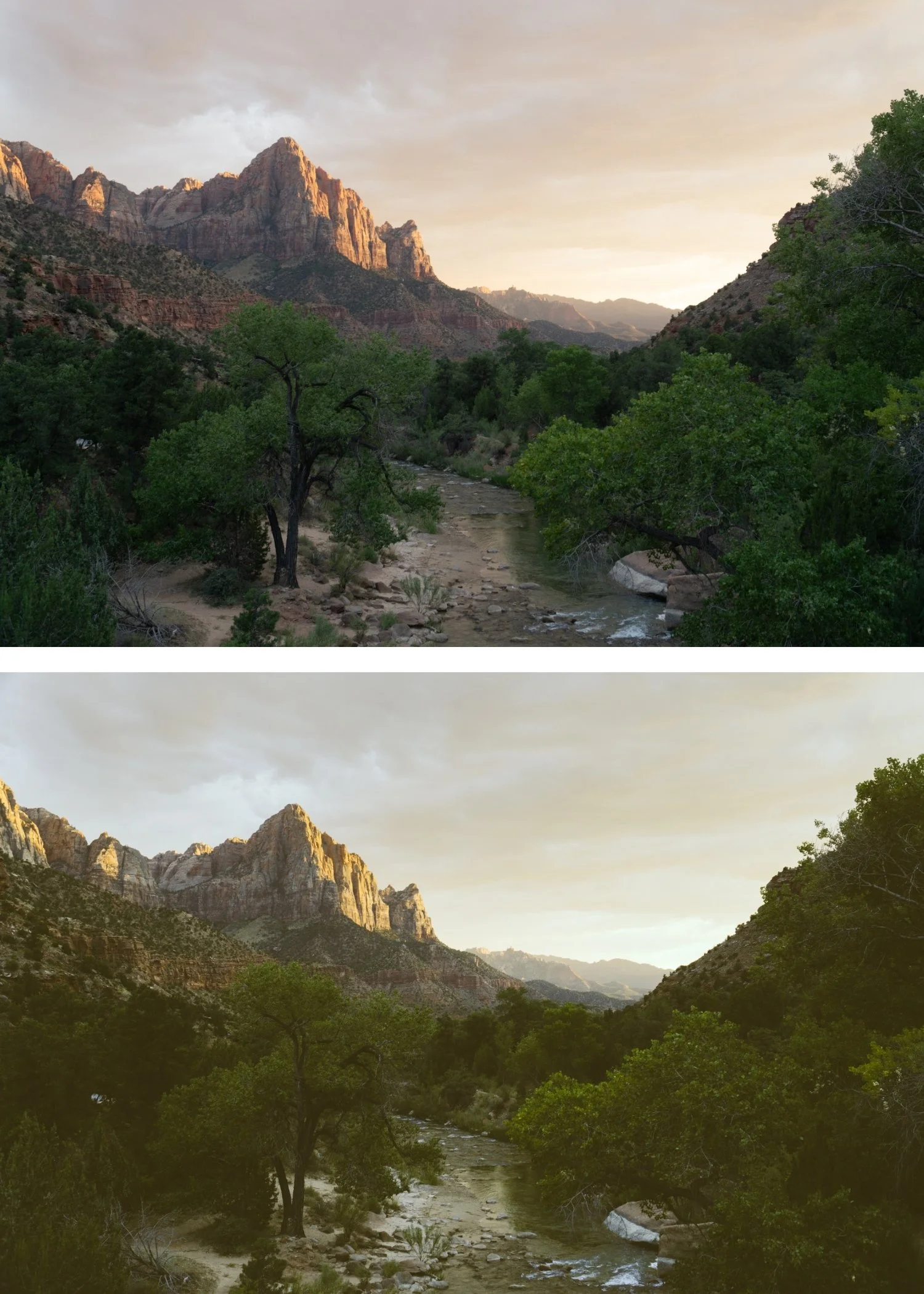 Image 4 of 4
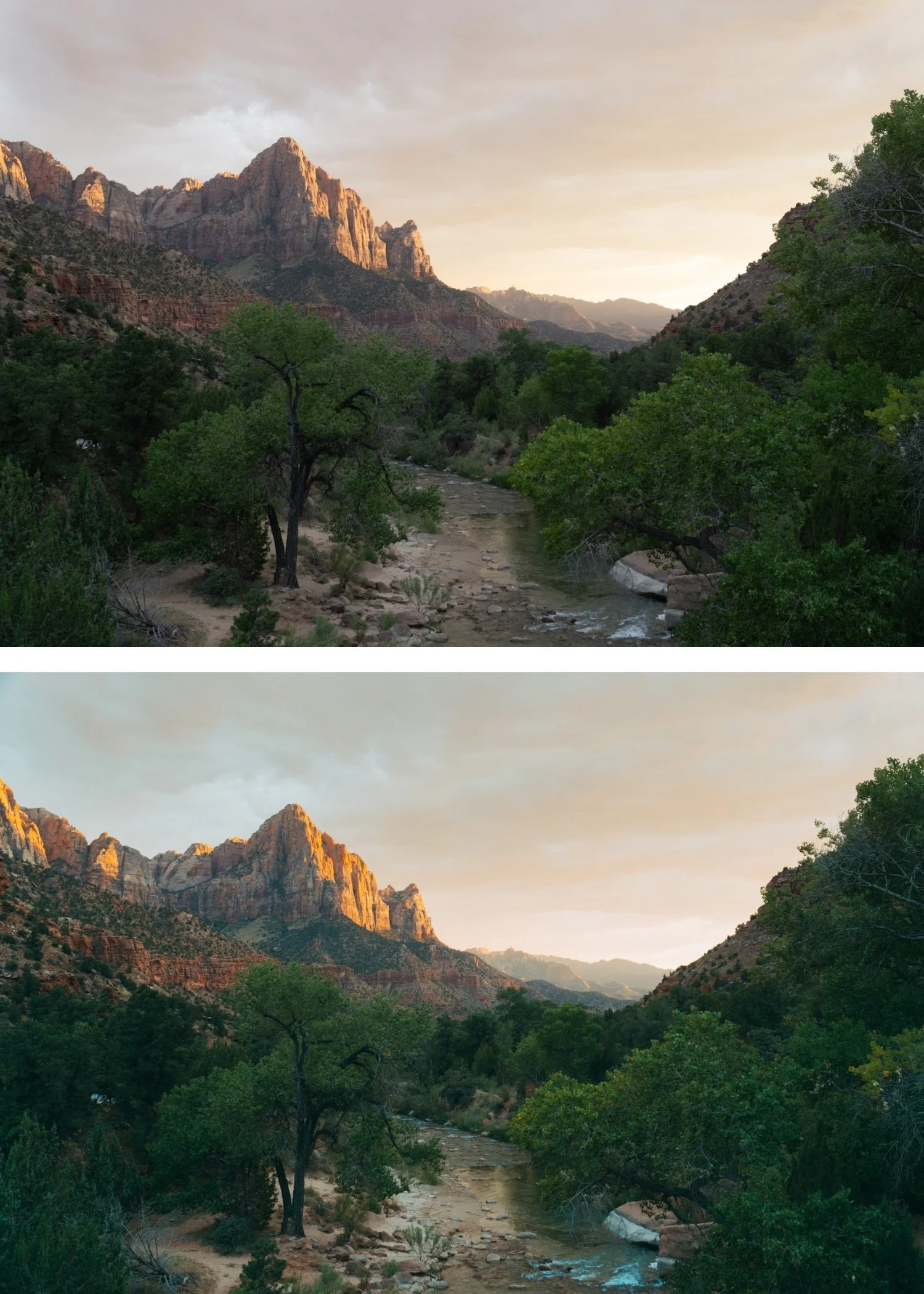
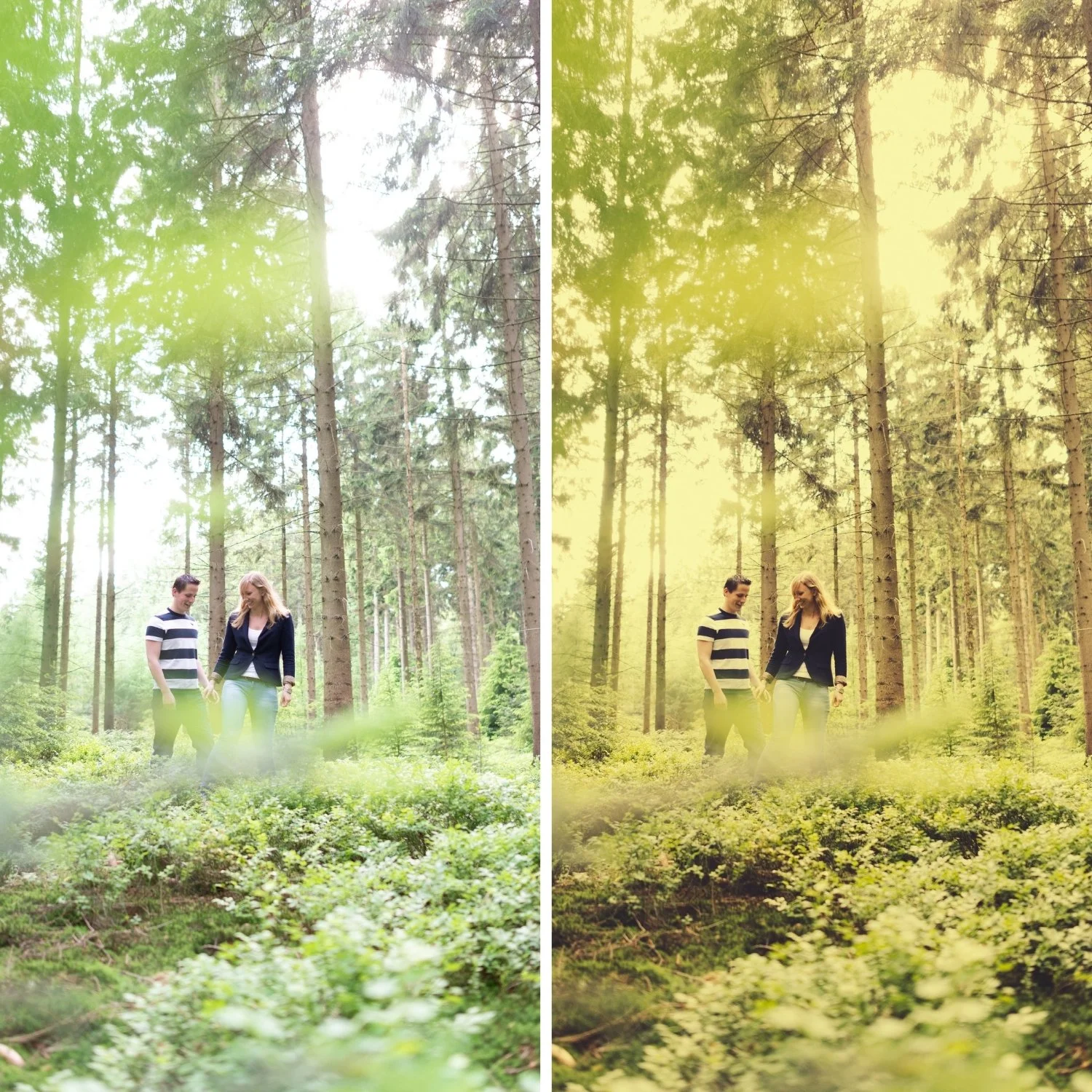
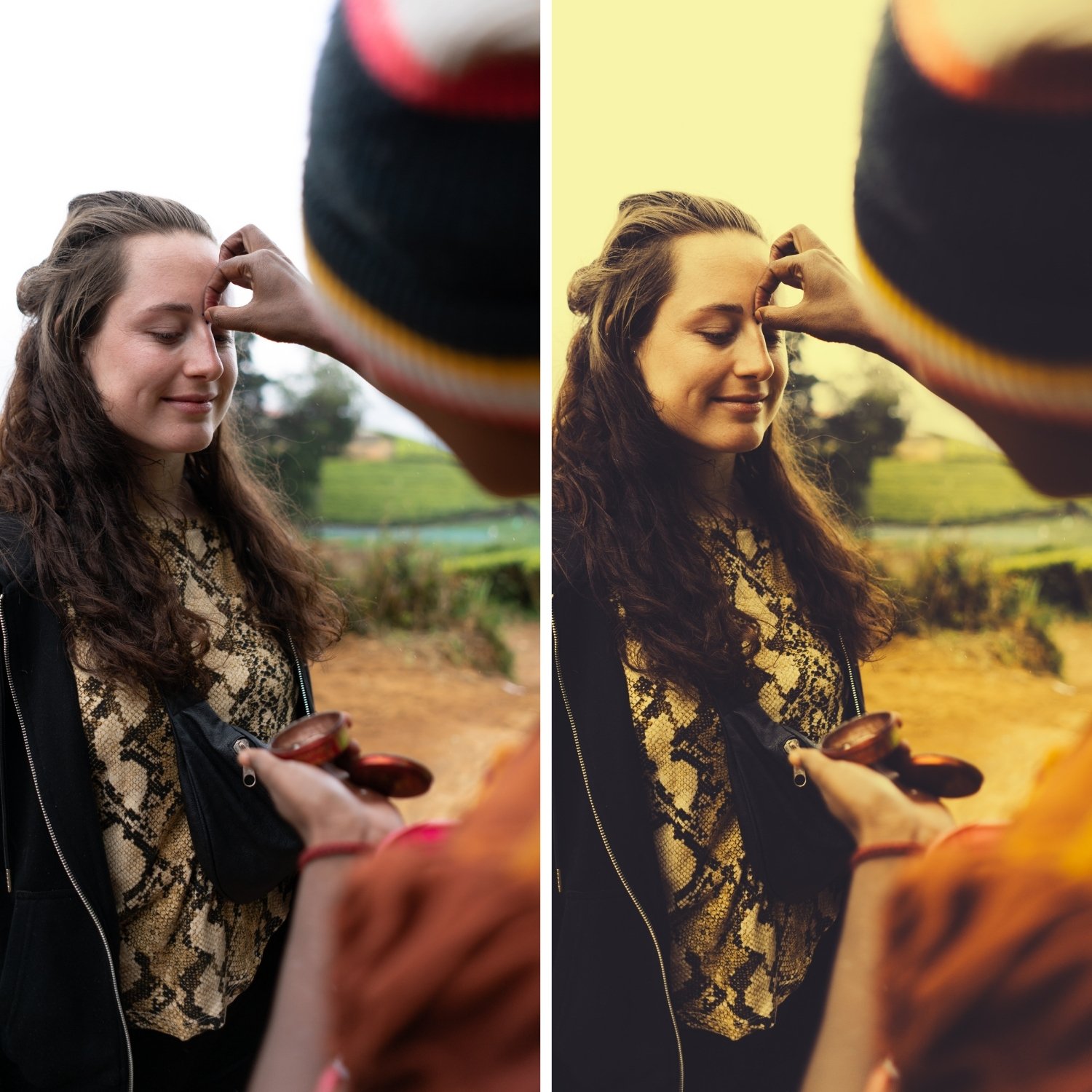
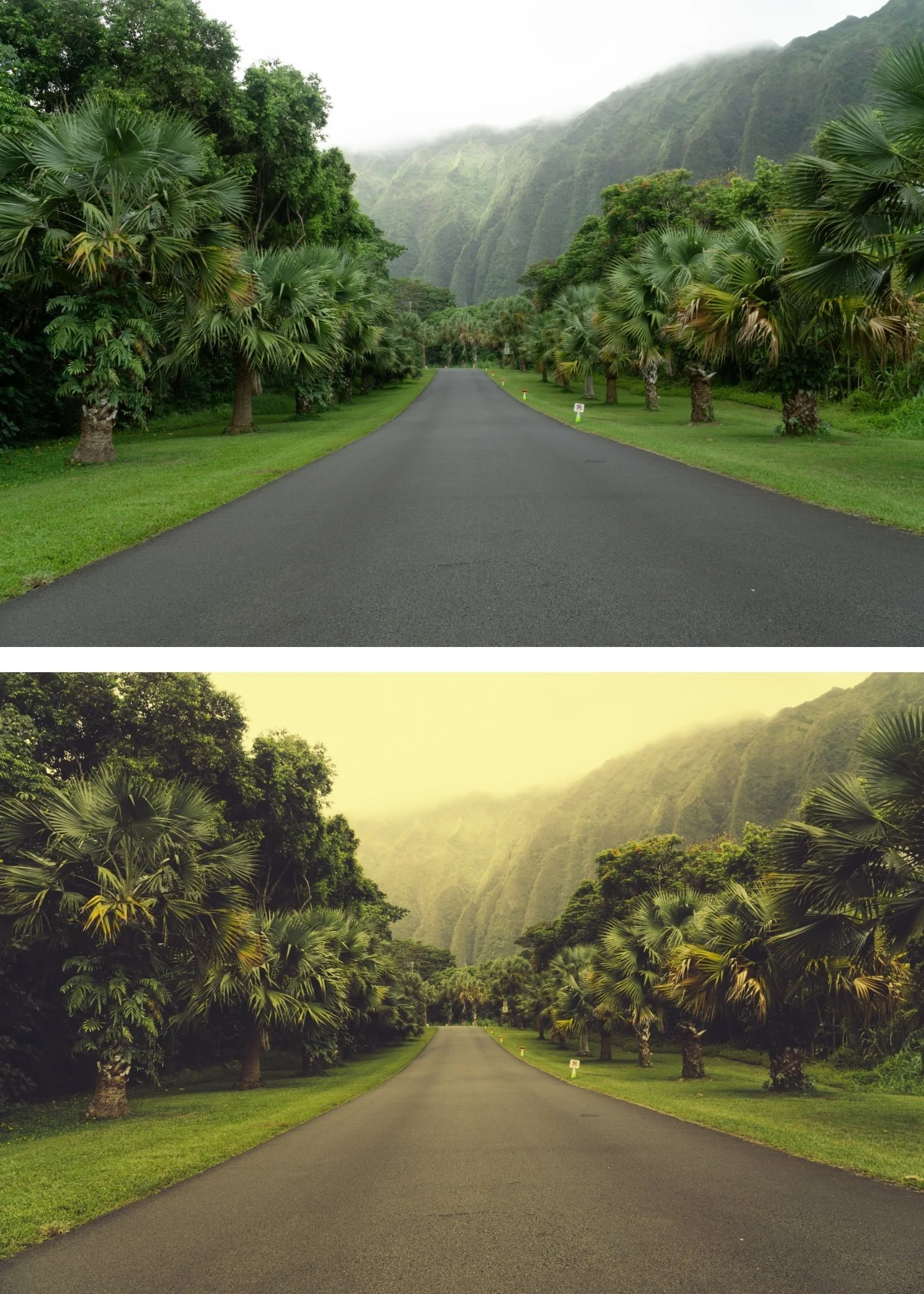
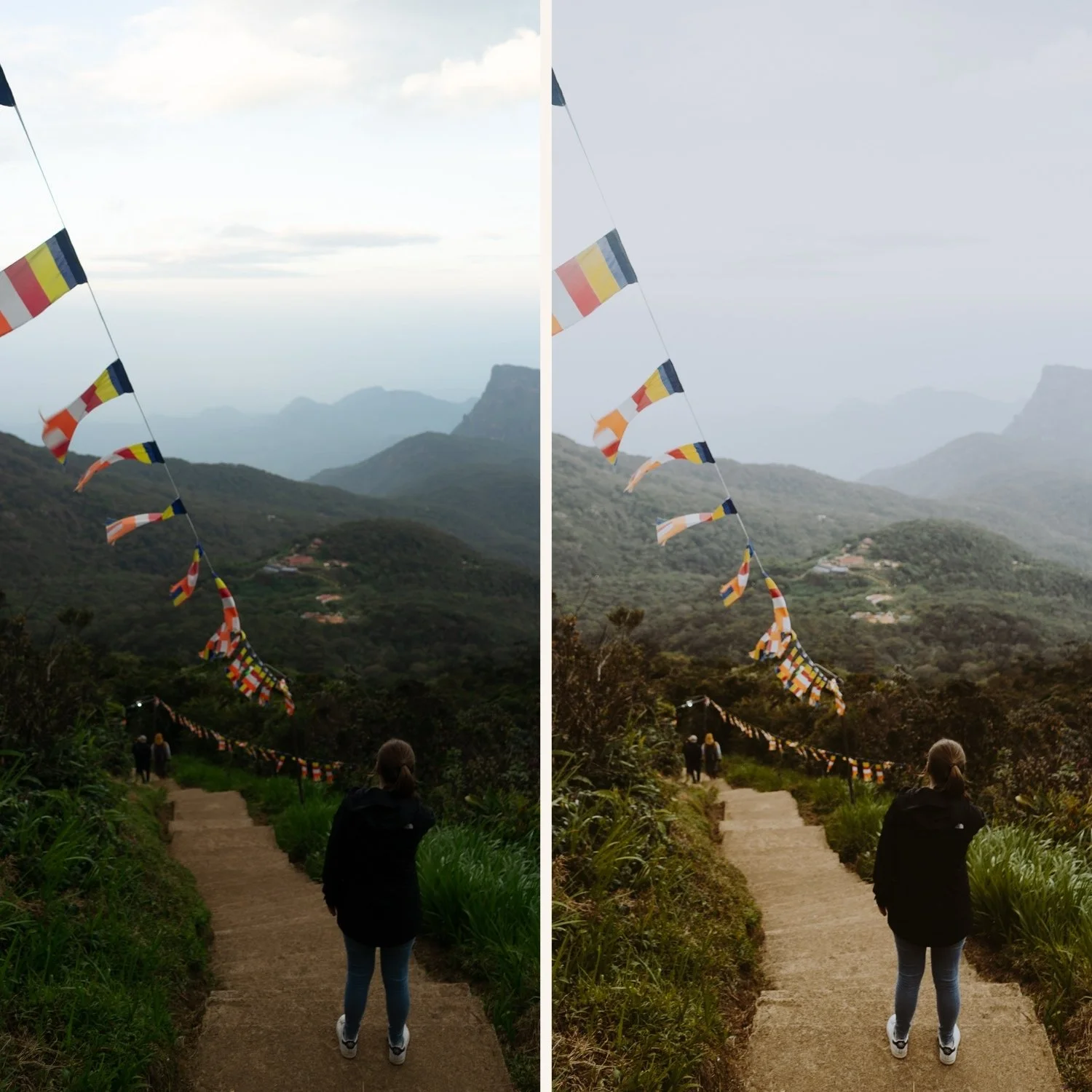
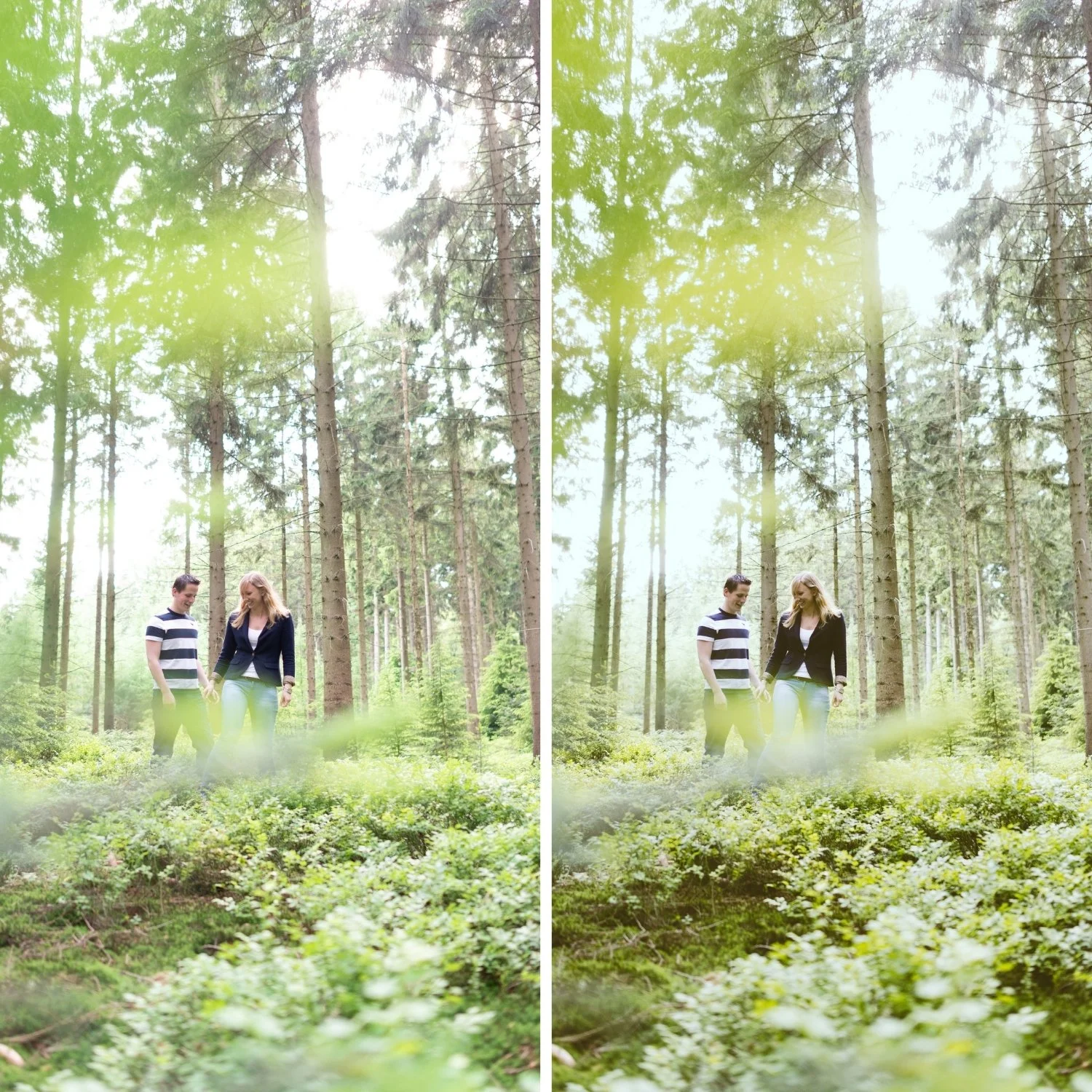
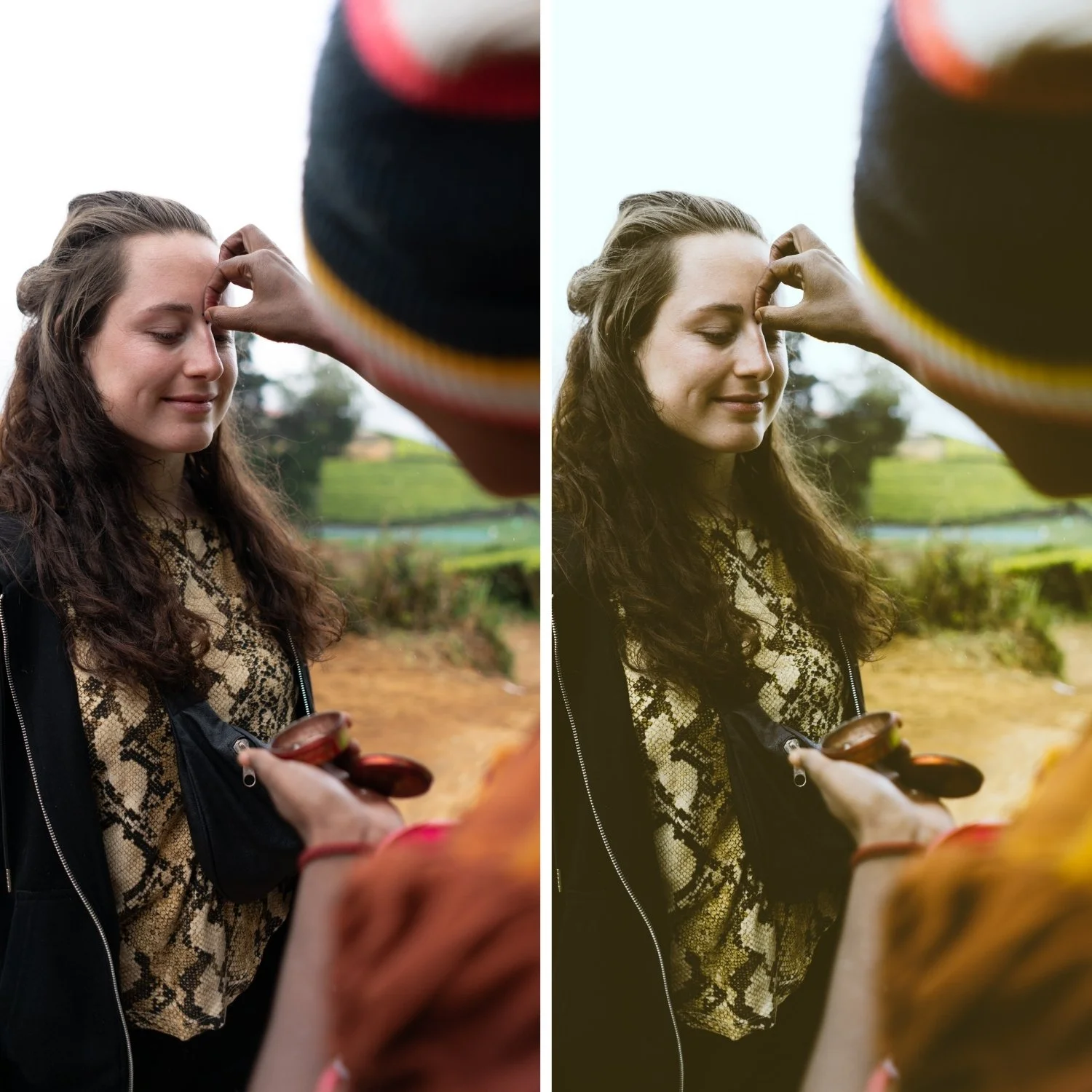
Moody Film 01 Moody Original | Moody Film Preset for Lightroom Mobile & Desktop

-
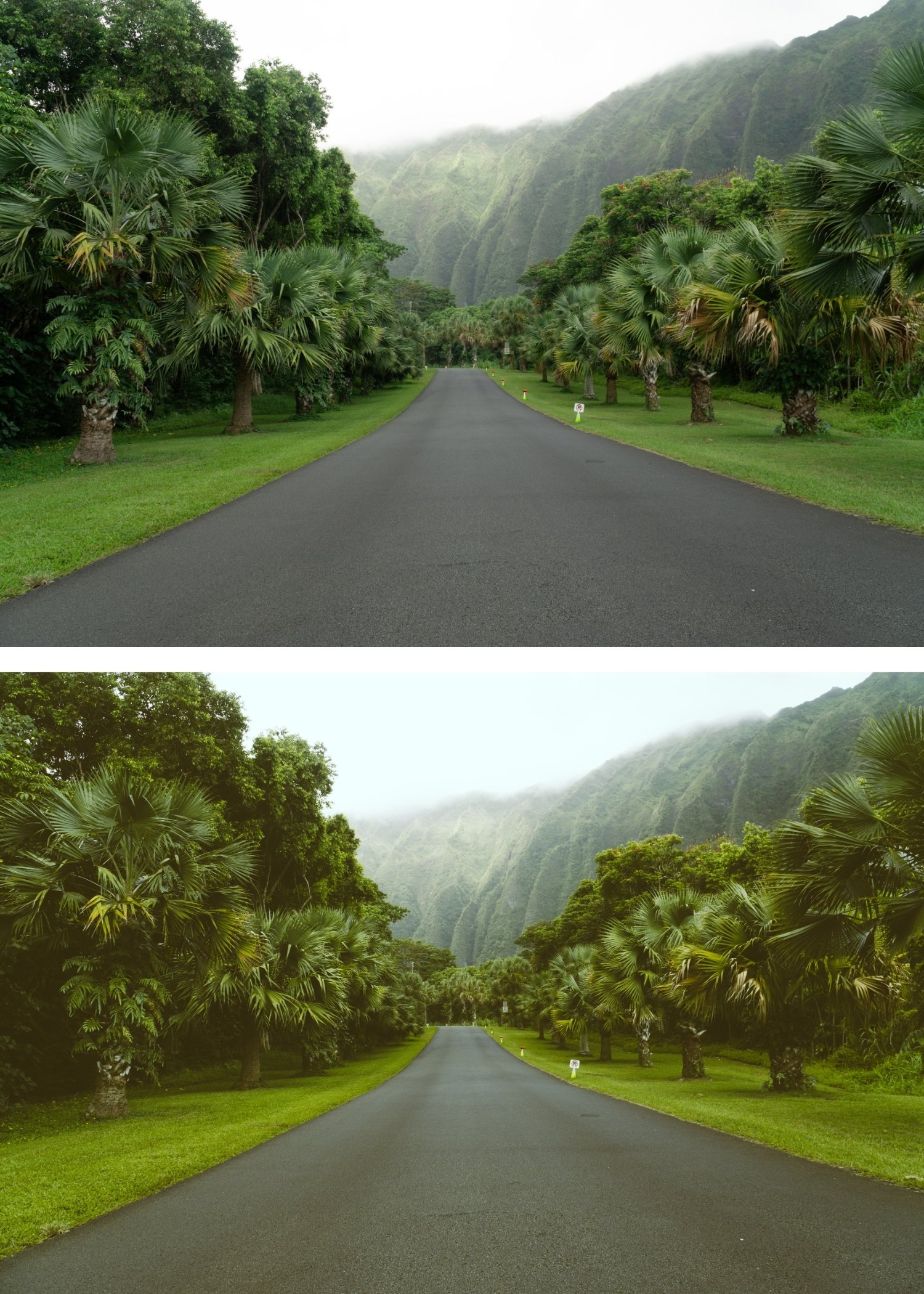
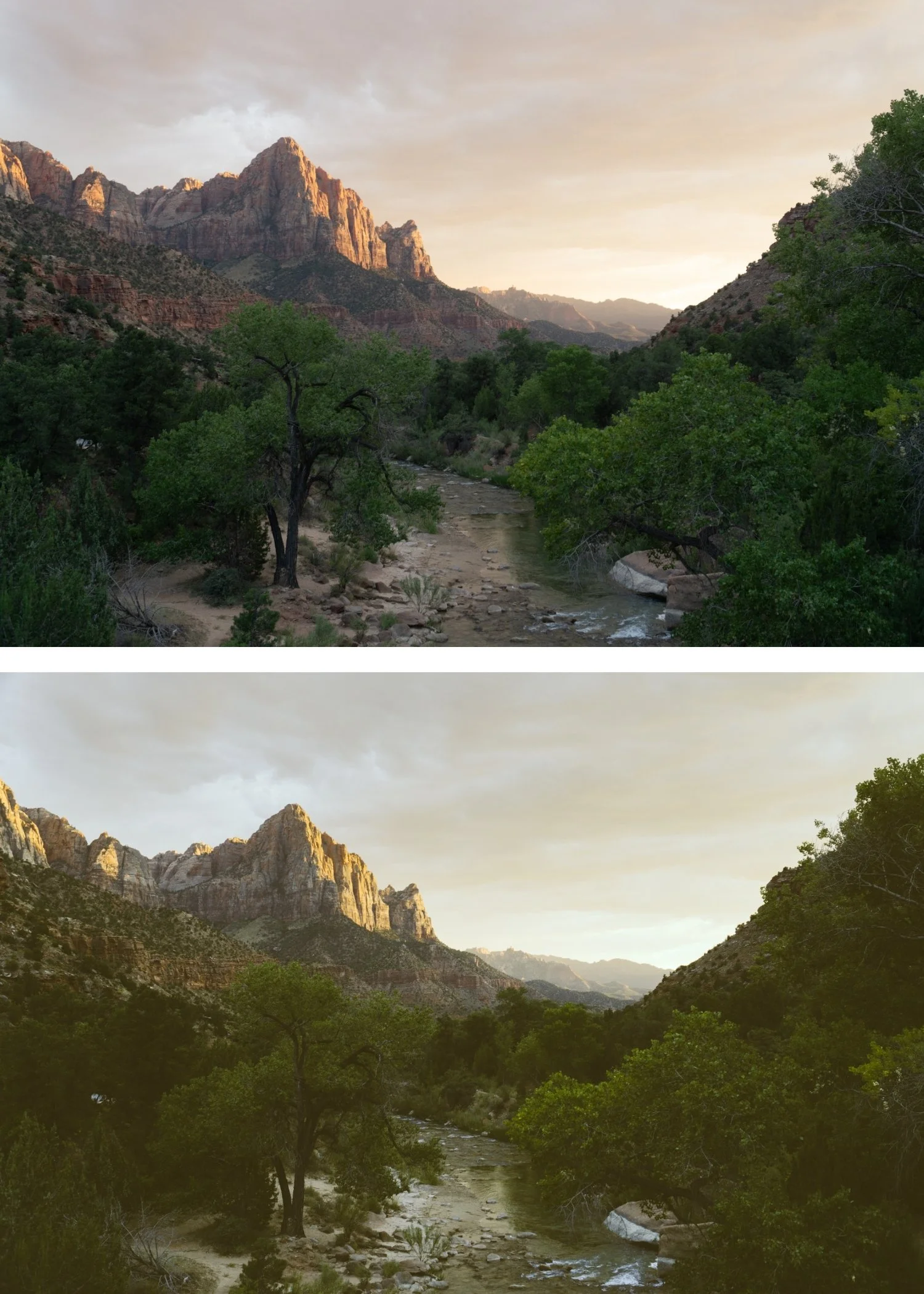
M1 is for photographers who want a moody, cinematic quality applied as a versatile everyday starting point — not the heaviest expression of the moody look, but a consistent, clean cinematic foundation.
For photographers new to the Moody Film Archive who want to understand the collection's character before exploring the more specific presets.
-
Fully Compatible Designed to work seamlessly across iOS, Android, and Desktop (Mac/Windows).
Retro Color Palette Instantly applies a beautiful, sun-kissed tint that warms up skin tones and gives greens and blues a nostalgic, earthy vibe.
The Perfect Fade Specifically calibrated with "soft-blacks" to create that signature aged-photo look without losing the essential details of your shot.
The Ultimate Storyteller Works exceptionally well for candid lifestyle shots, summer road trips, and retro-inspired fashion content.
-
1 × M1 Moody Original DNG file — for Lightroom Mobile
1 × M1 Moody Original XMP file — for Lightroom Classic
Installation guide
Lifetime access -
This preset captures the warm, faded aesthetic similar to the legendary M1 filters. It’s the perfect professional alternative for those wanting an authentic, 70s-inspired look that feels "lived-in" and cinematic. By emulating the chemical aging process of vintage consumer film stocks, the M1 ensures your digital shots have a polished, nostalgic finish that feels like a found treasure.
-
Step 1 — White balance first. M1 assumes a warm-neutral starting point — 5,200-5,500K for outdoor daylight. The matte quality reads most naturally on a warm-neutral foundation. On very cool white balance, the desaturation can read as cold rather than cinematic.
Step 2 — Apply M1 Moody Original. The balanced desaturation, soft contrast, and film grain apply simultaneously.
Step 3 — Adjust Exposure and White Balance per photo. M1 handles the moody cinematic identity. These two adjustments handle the per-photo differences.
Portrait photography with M1: check Orange Luminance after applying — add +5 to +8 if skin reads slightly flat within the muted palette. M1's desaturation can reduce skin luminance on close-up portraits — the Orange Luminance lift restores the presence without adding warmth.
On phone photos: 82-85% strength.
-
What is the difference between M1 and M2? M1 is the balanced baseline — versatile, clean moody character. M2 Earth Fade adds a more organic matte quality with subtle earthy warmth in the shadow range. M1 for clean cinematic versatility, M2 for more organic matte character.
Is M1 suitable for portrait photography? Yes — M1's balanced desaturation and soft contrast work for portrait photography in natural light. The Orange Luminance lift noted in How It Works ensures skin remains present within the muted palette.
GET ALL 6 MOODY FILM ARCHIVE PRESETS
The full Moody Film Archive gives you six calibrated moody film looks — Moody Original for balanced cinematic depth, Earth Fade for organic matte tones, Heritage Matte for vintage fade character, Cool Matte for cinematic cool depth, Editorial Depth for maximum dramatic presence, and Warm Matte for warm moody softness.
Six presets. One cinematic philosophy. $4.50 per preset.
THE STUDIO ARCHIVE
Want everything? The Studio Archive contains 130+ presets — every collection we make, including the complete Moody Film Archive — for $89 total. That is $0.68 per preset with every future release included for life.