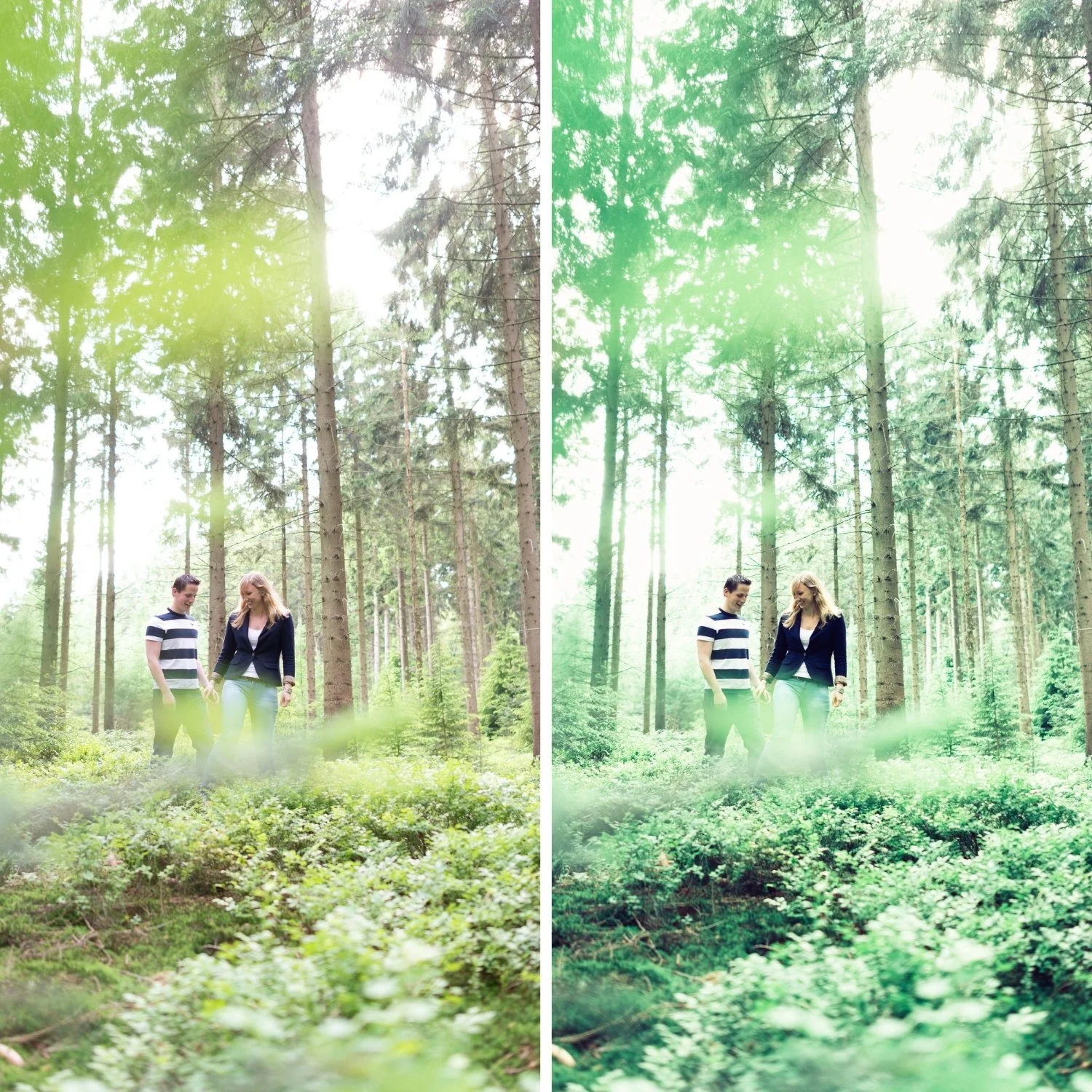
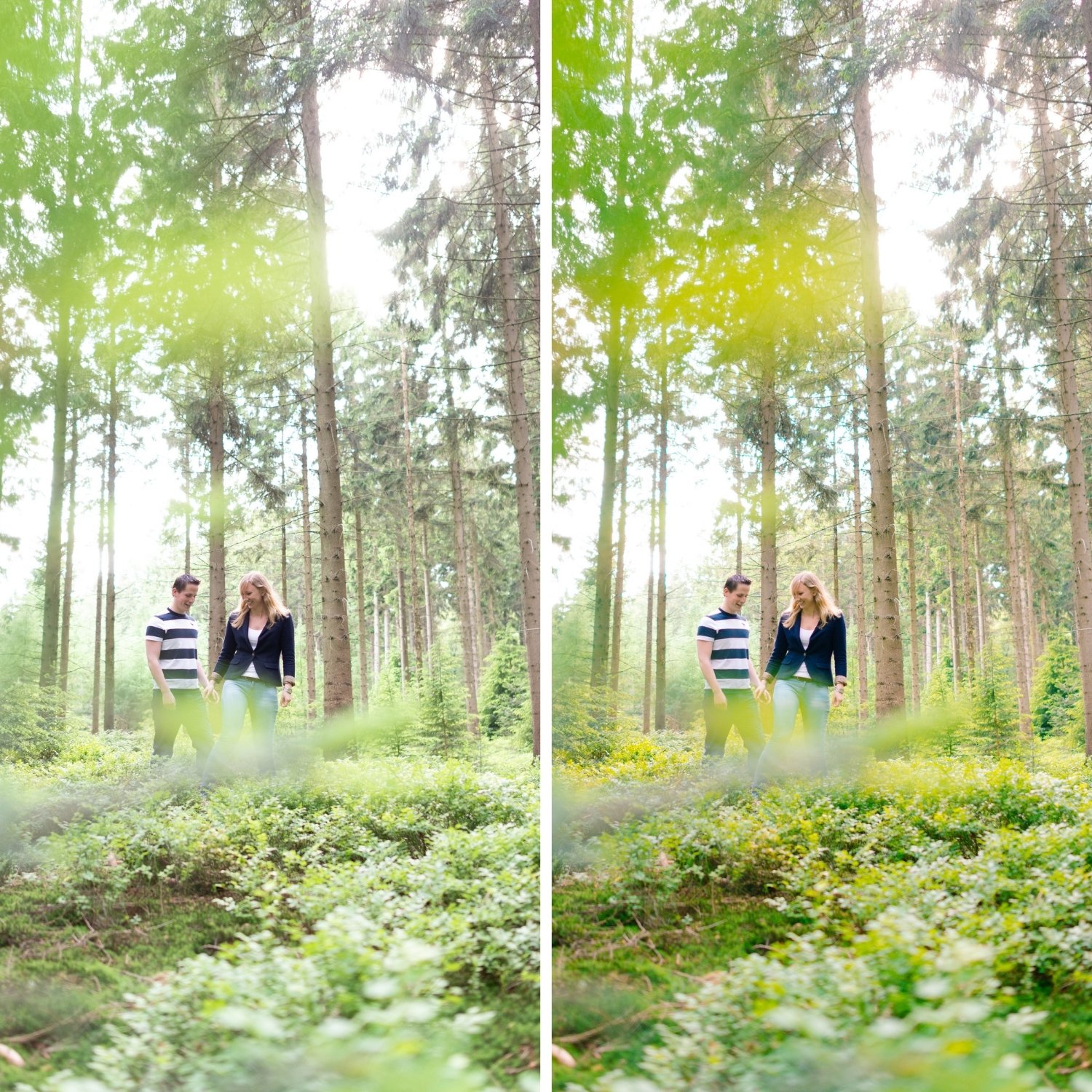
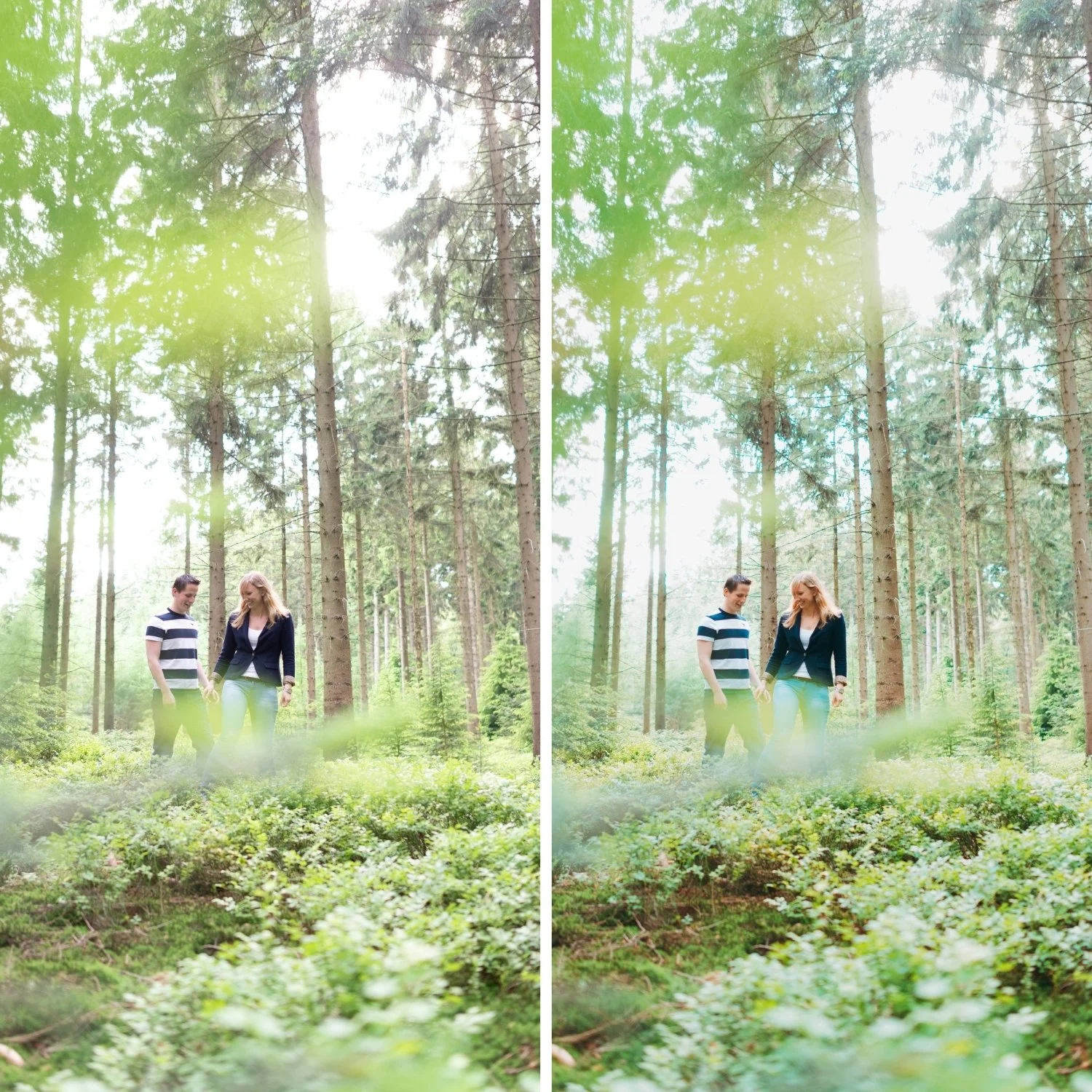
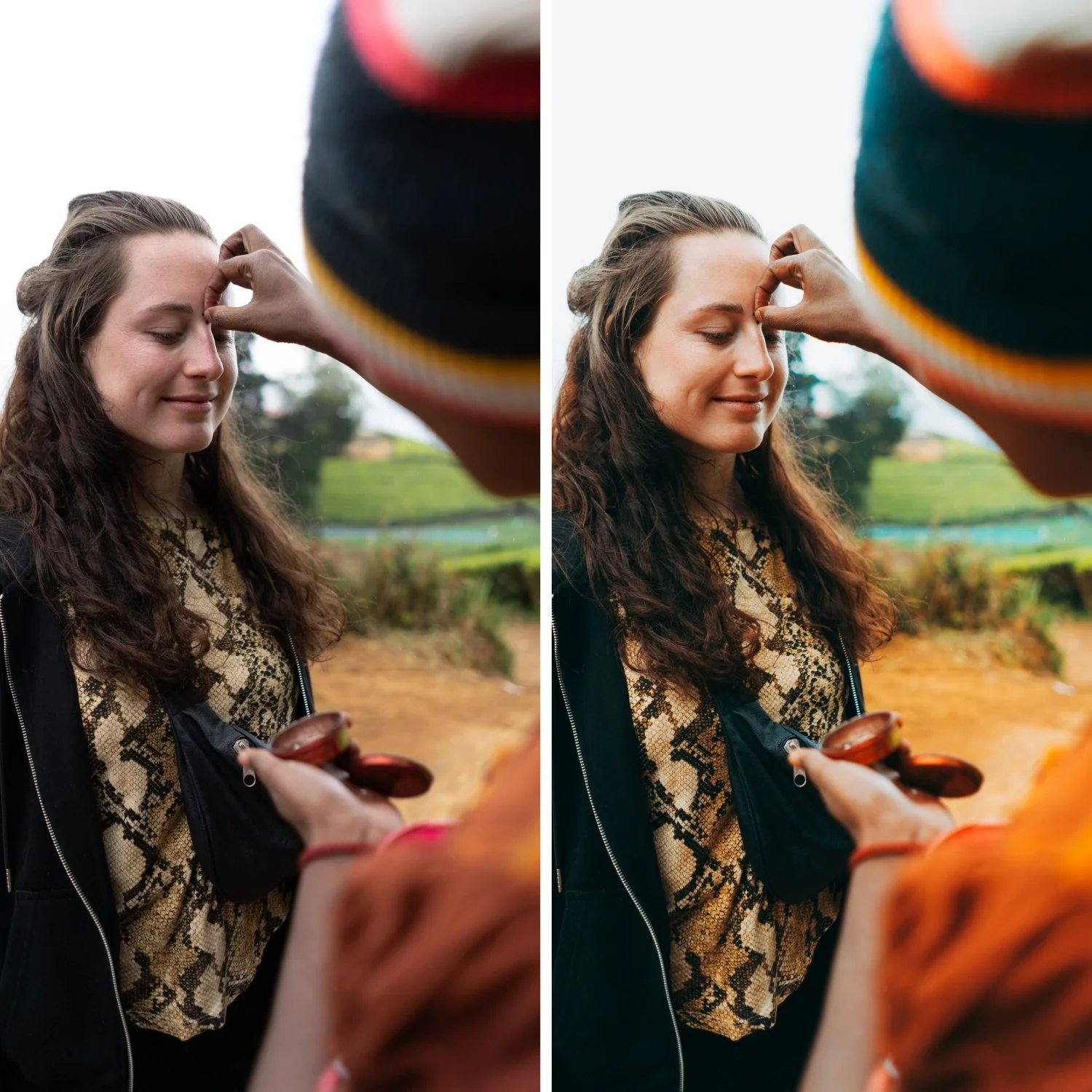
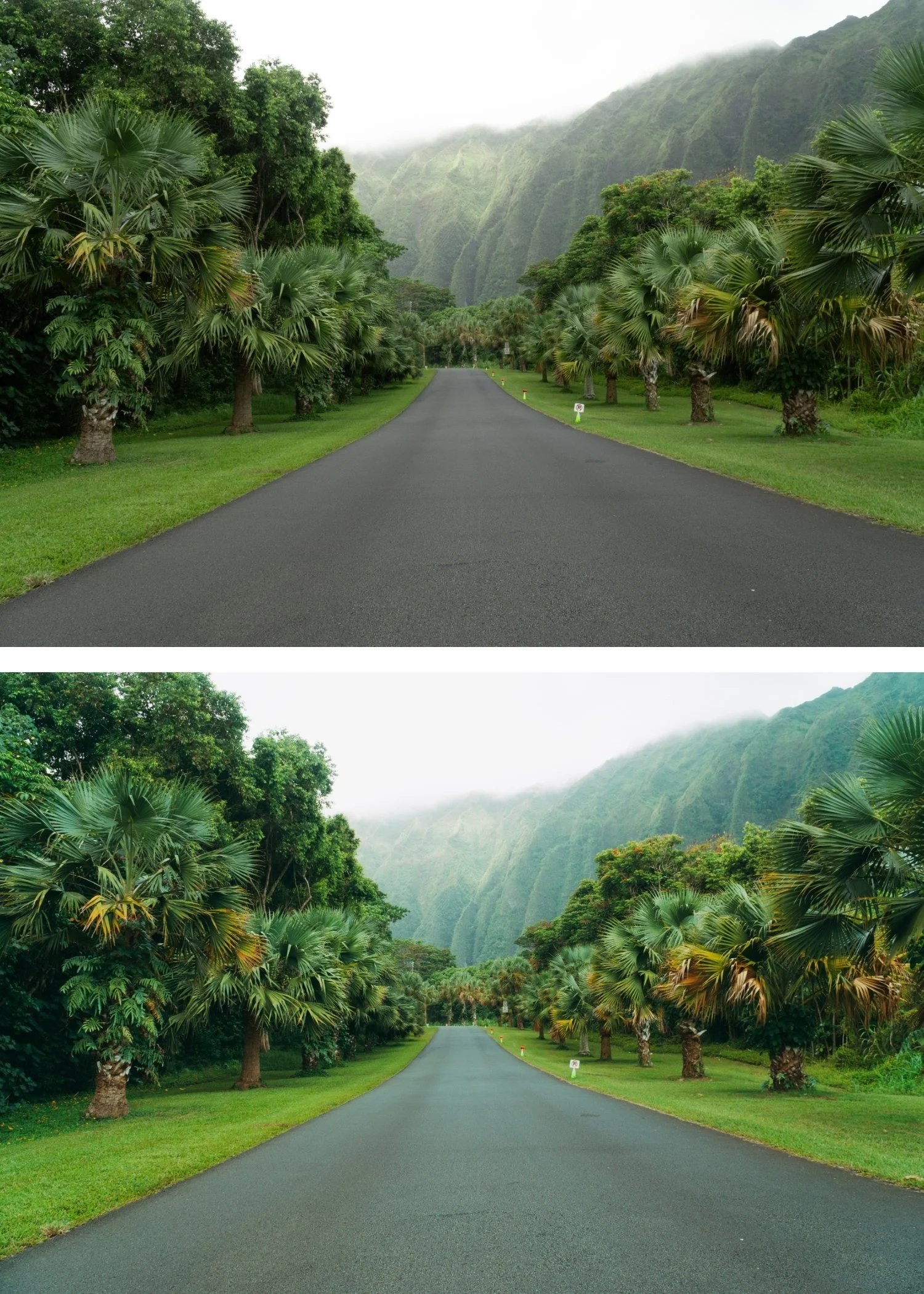
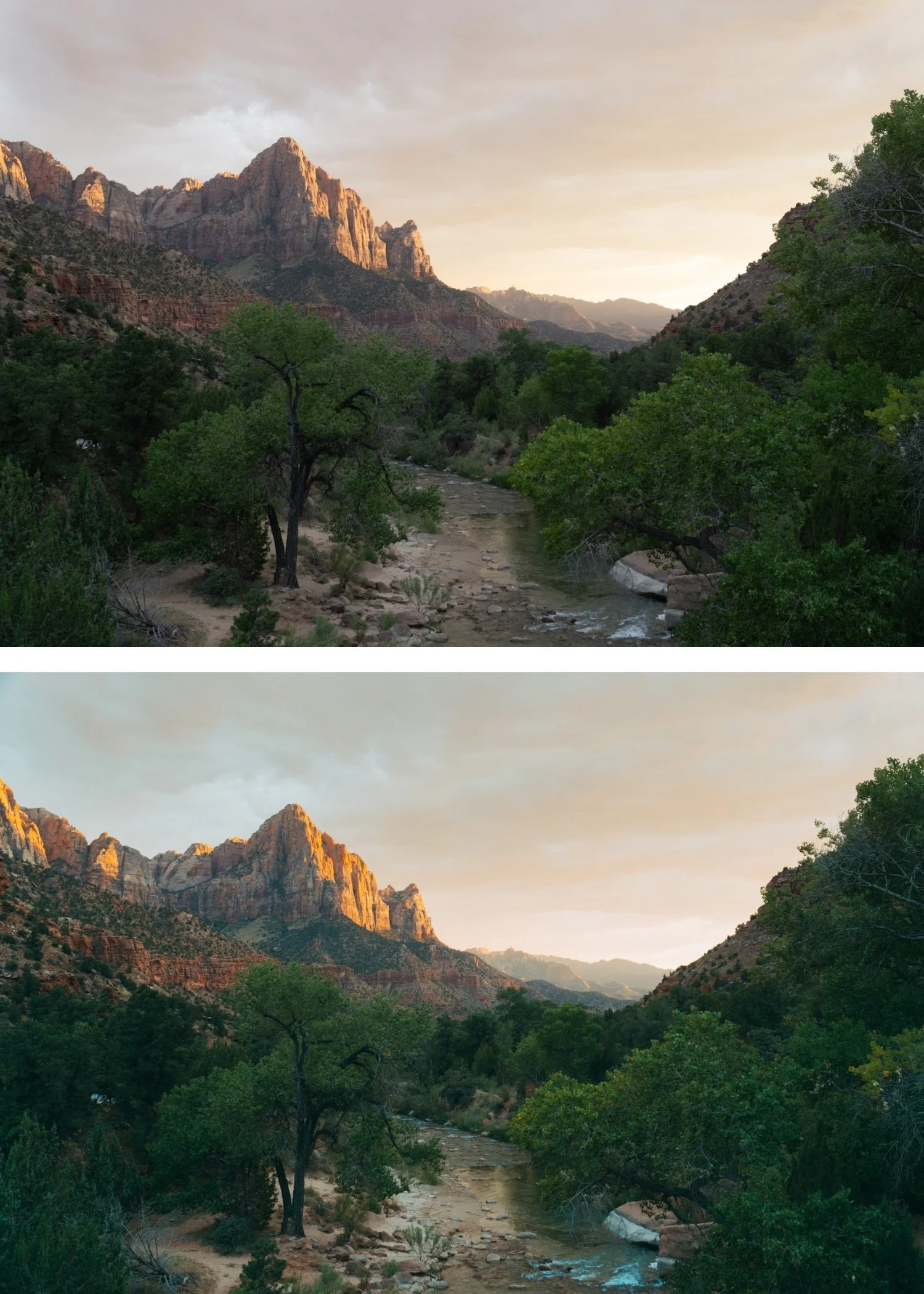
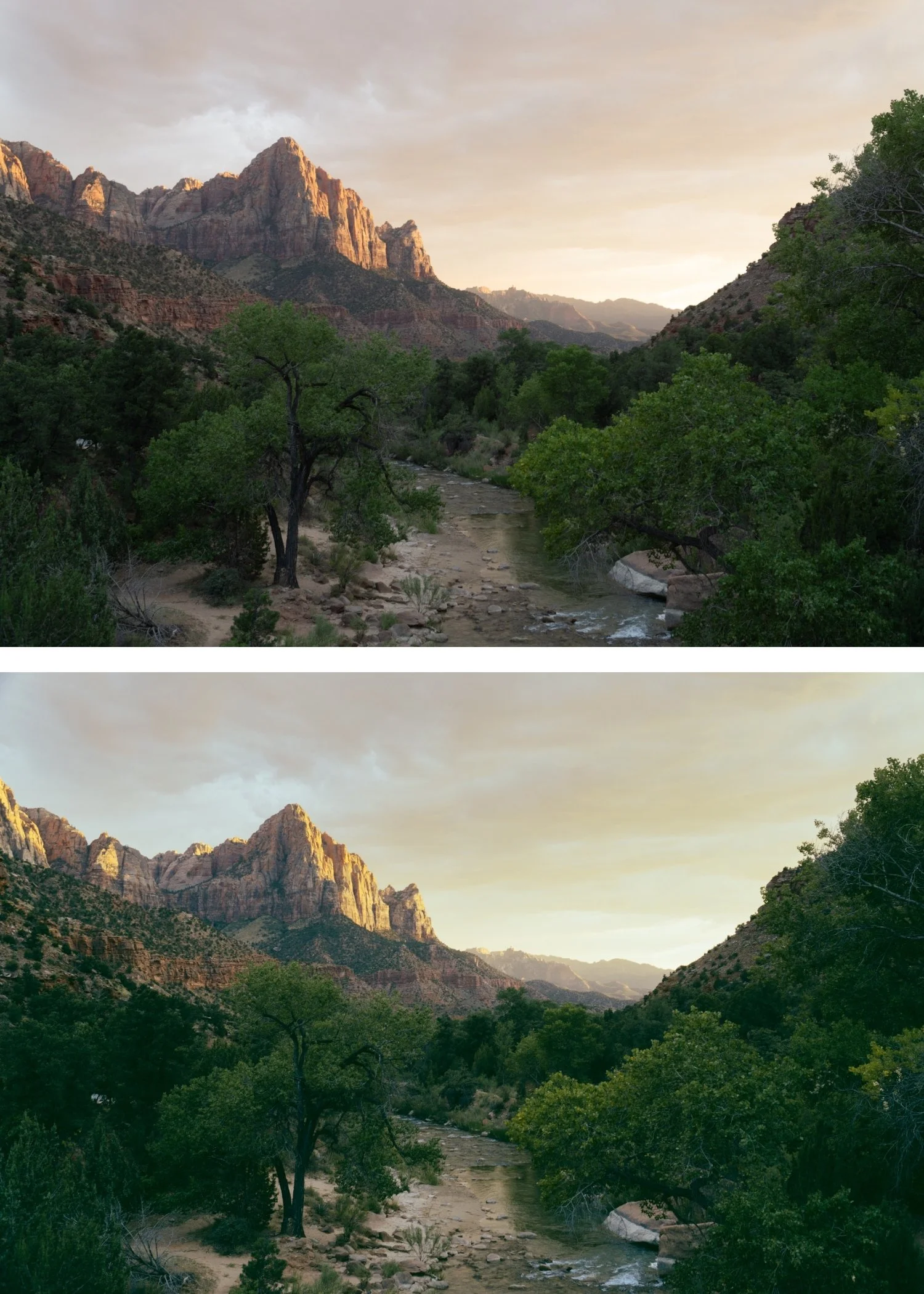
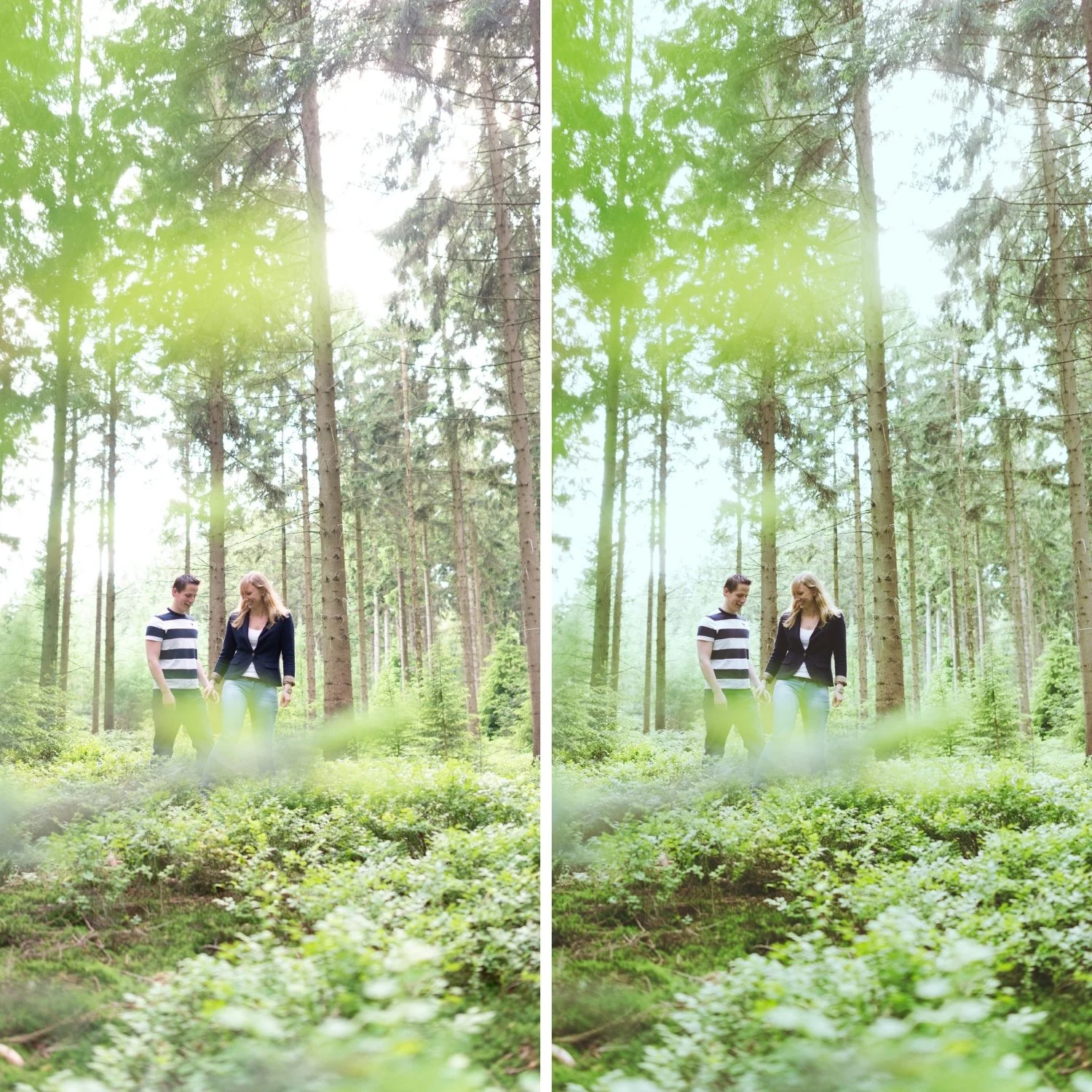
 Image 1 of 4
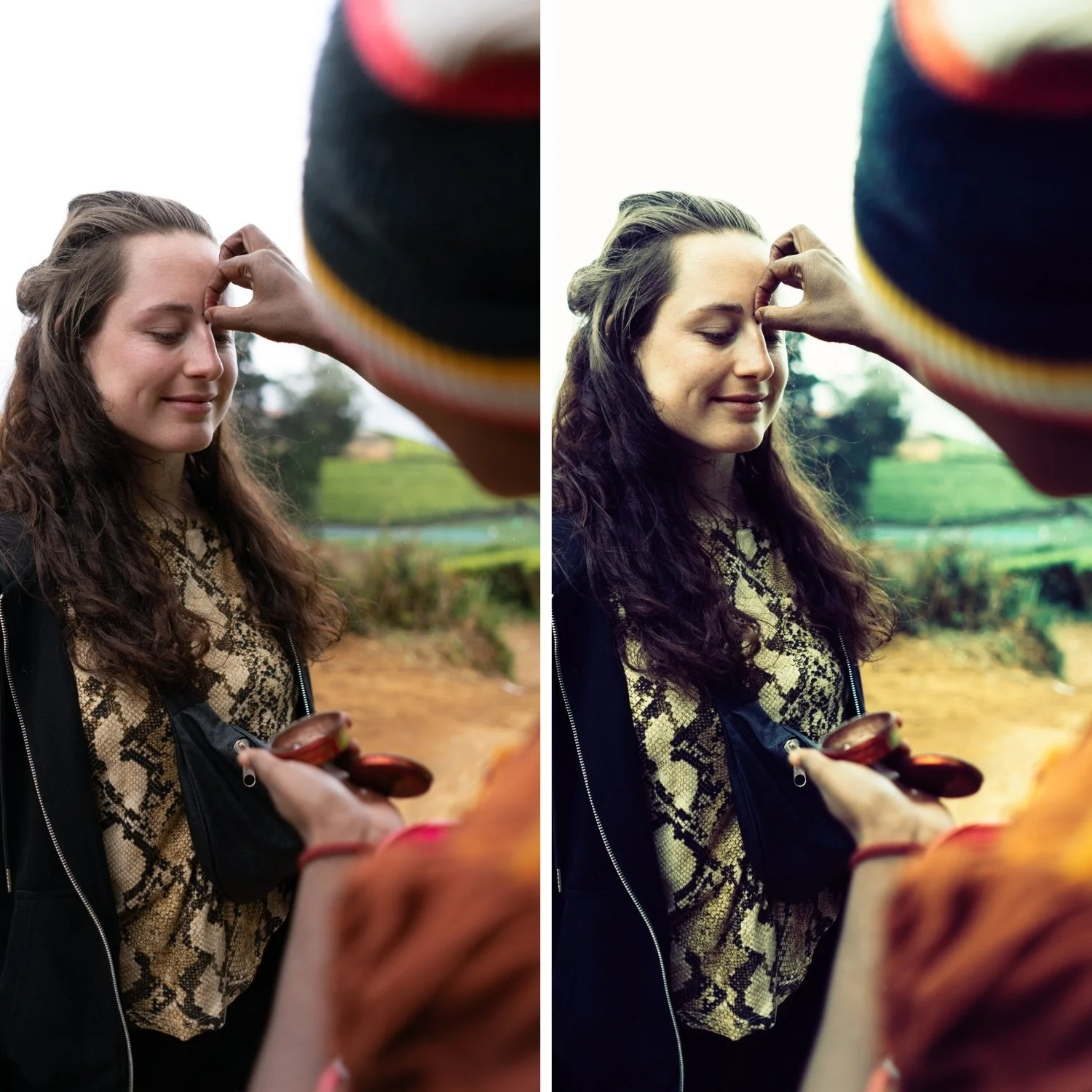
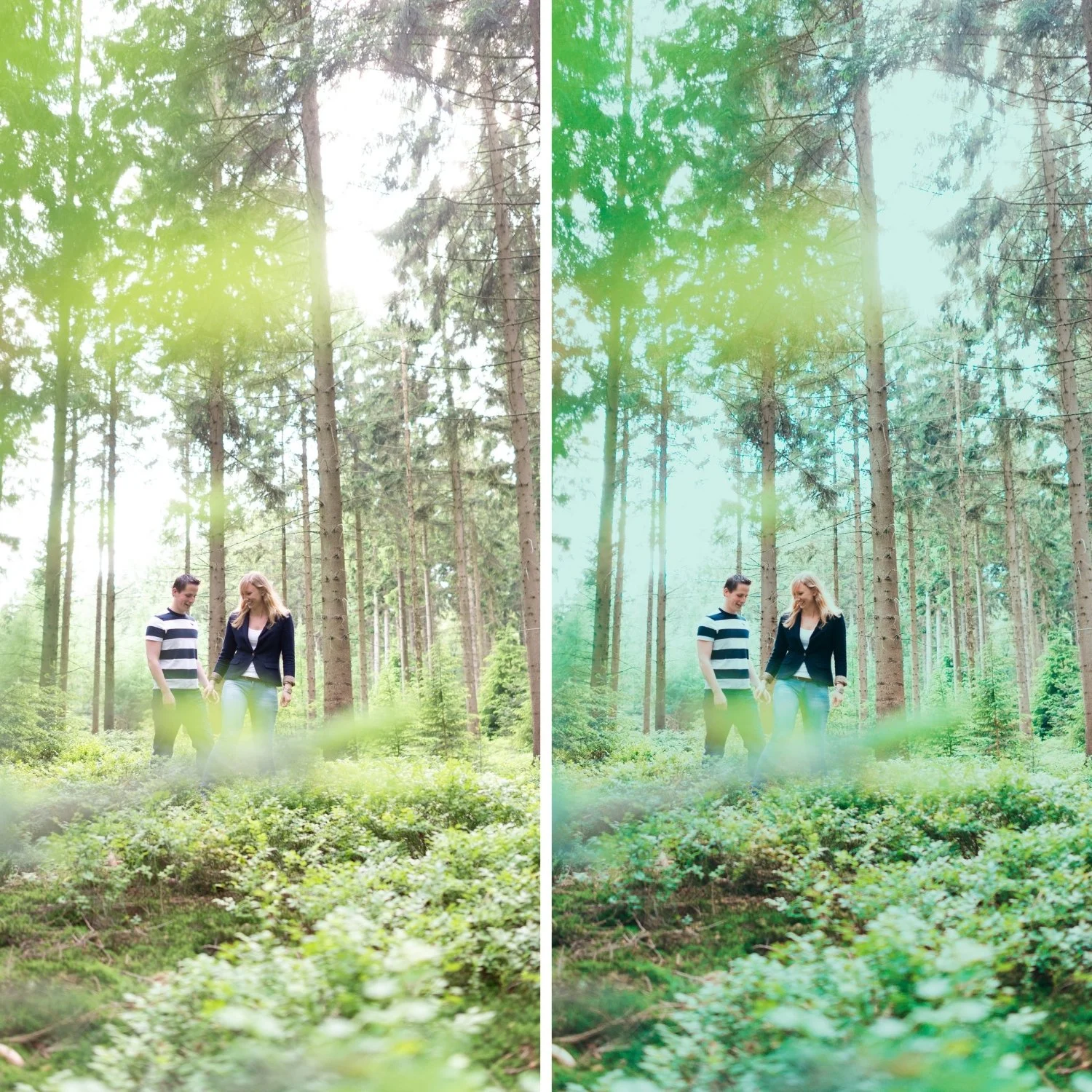
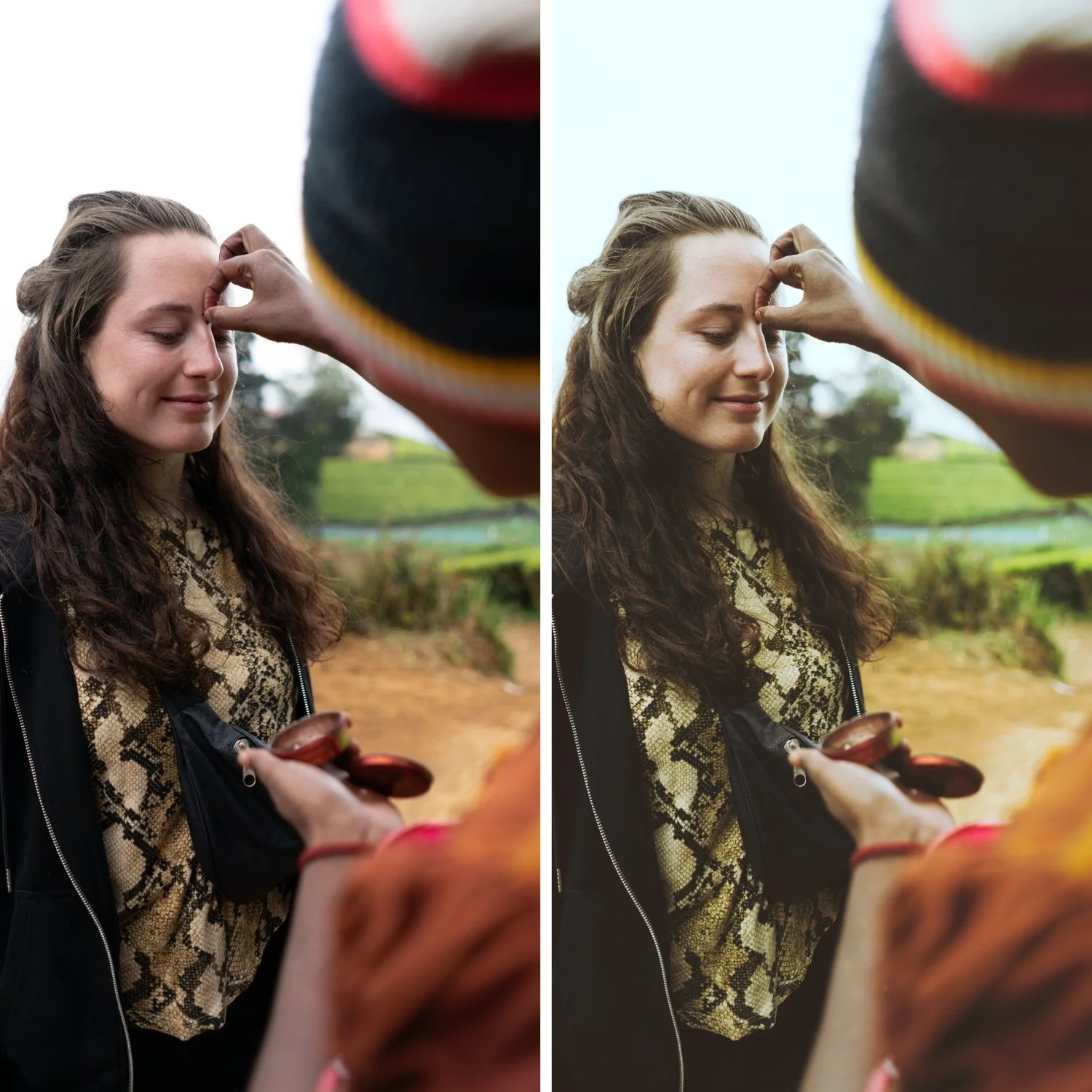 Image 2 of 4
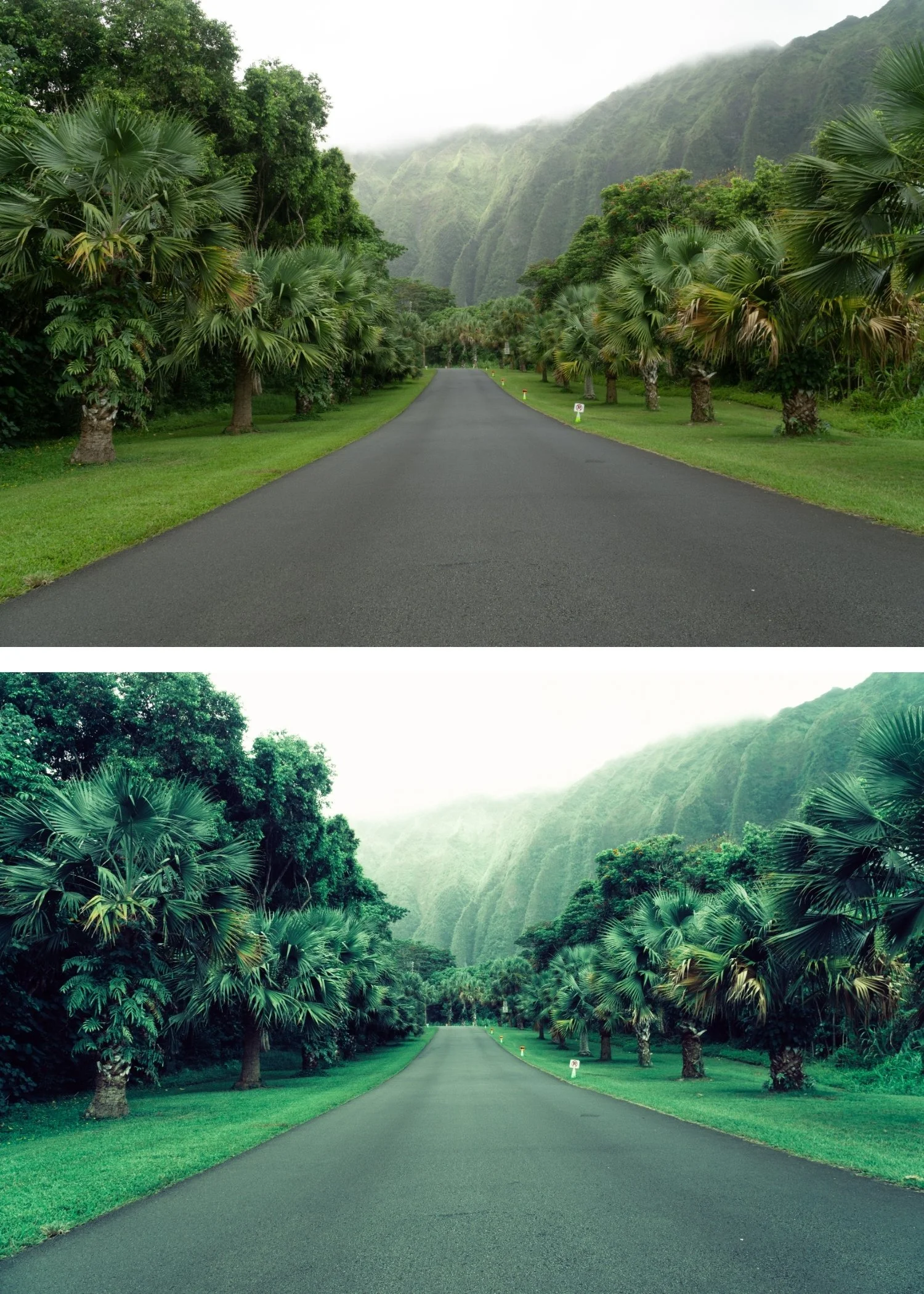
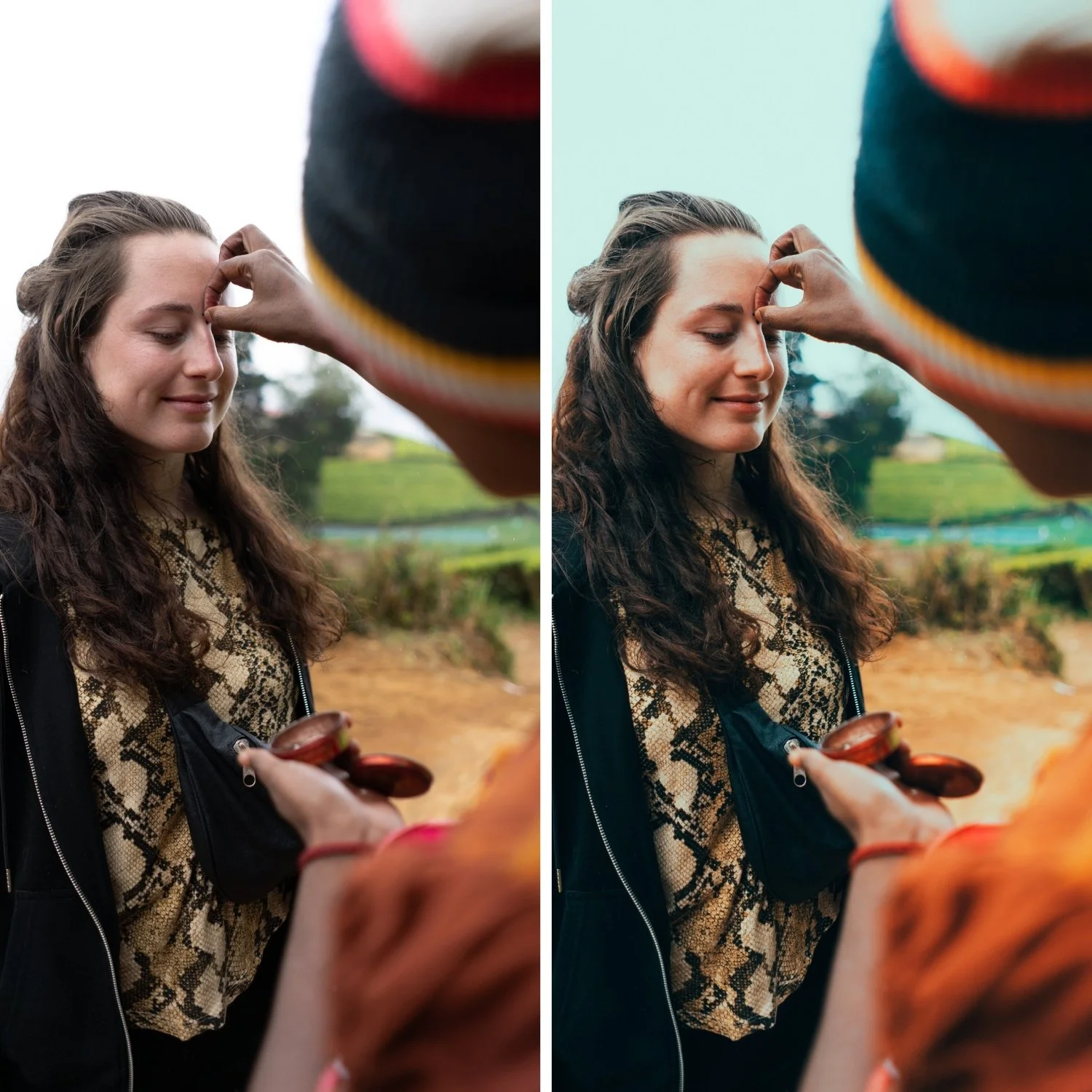
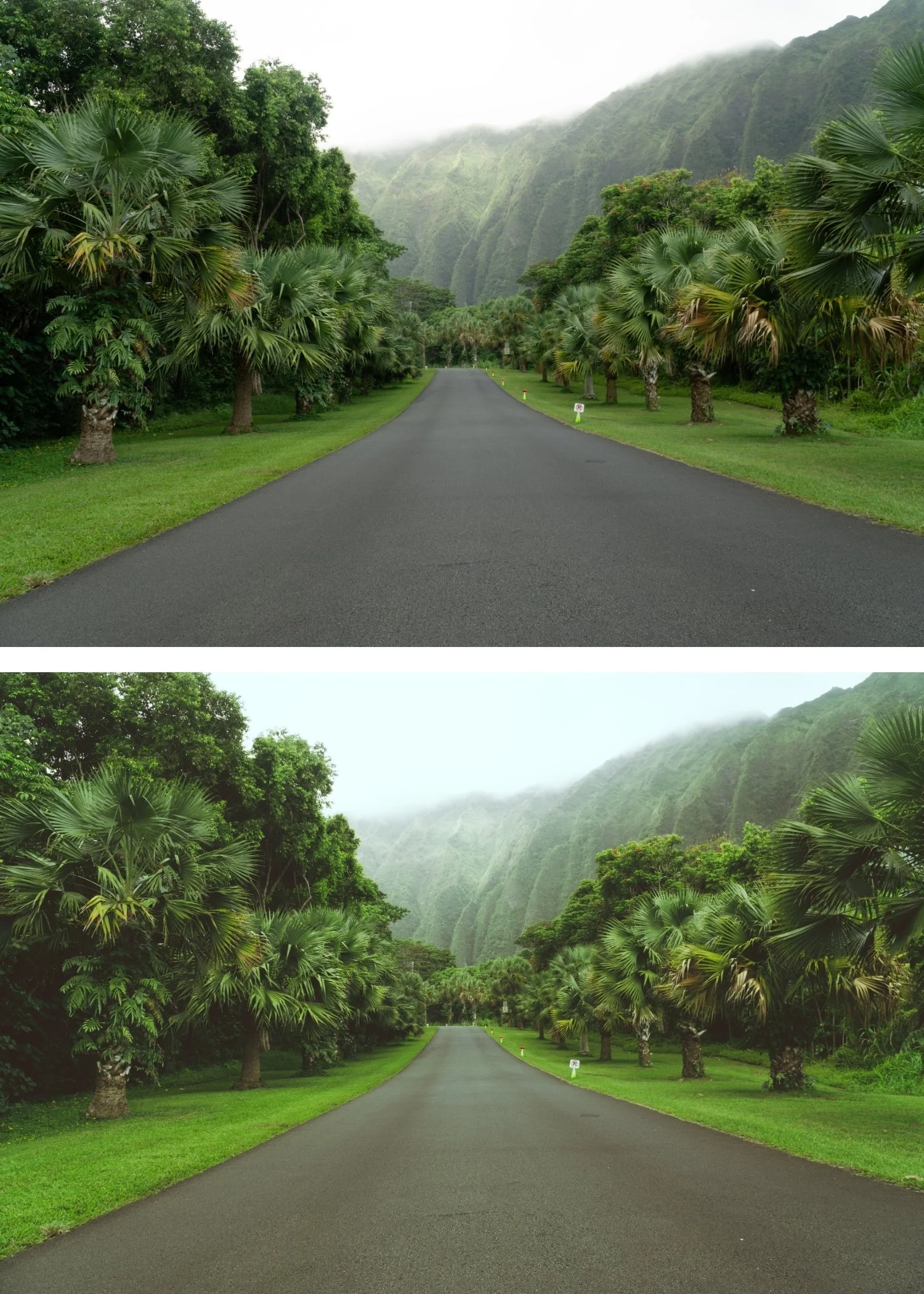 Image 3 of 4
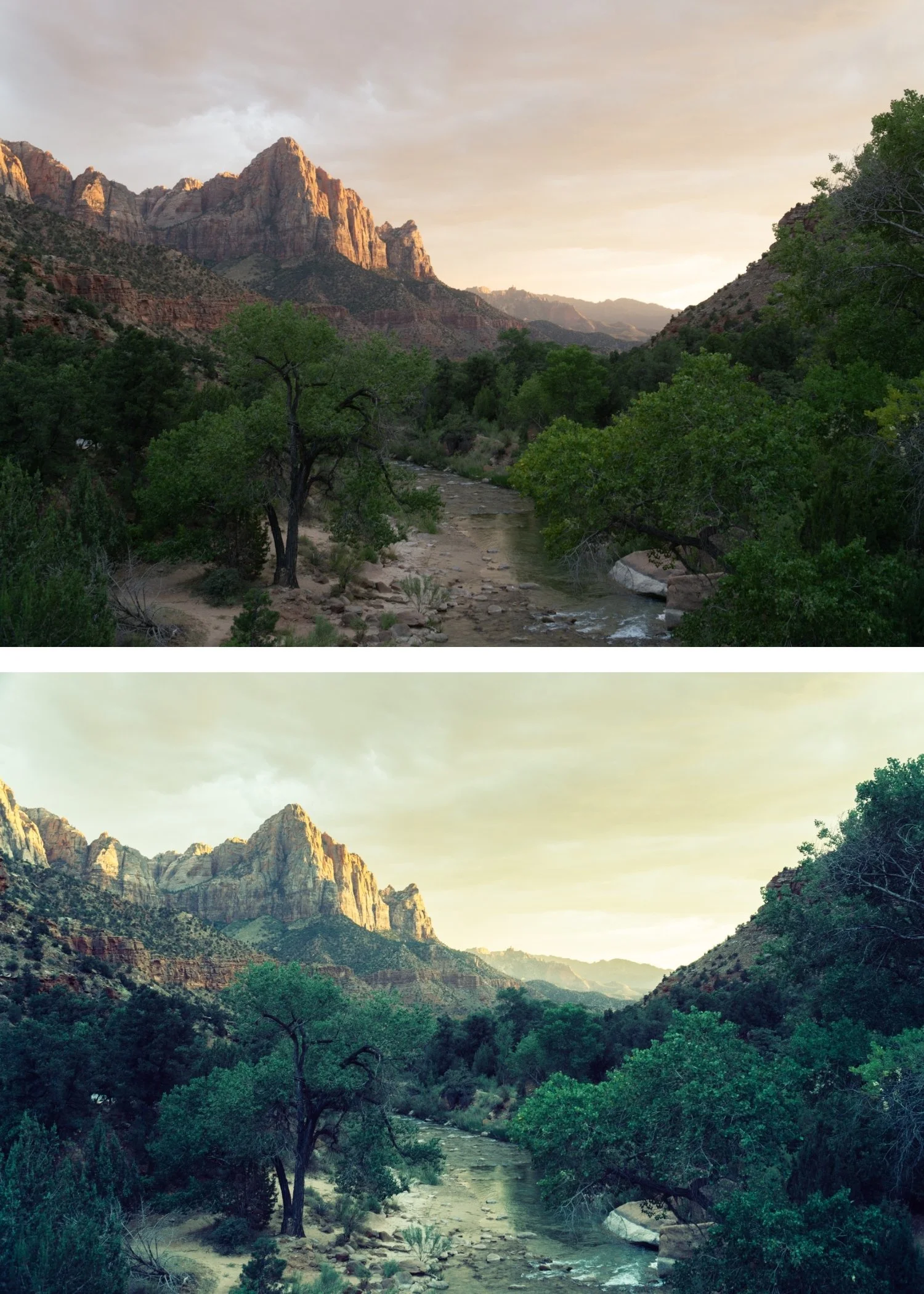
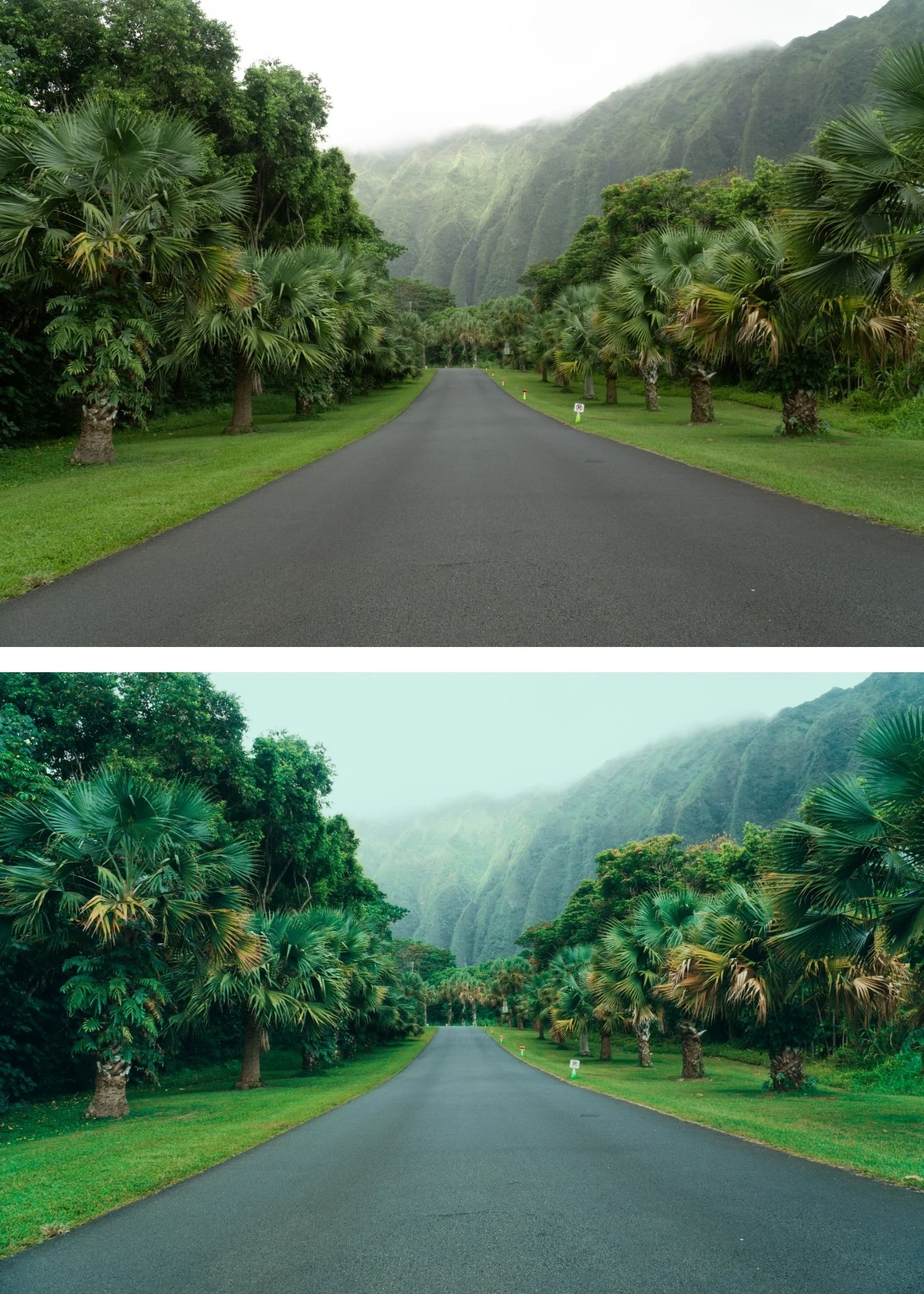
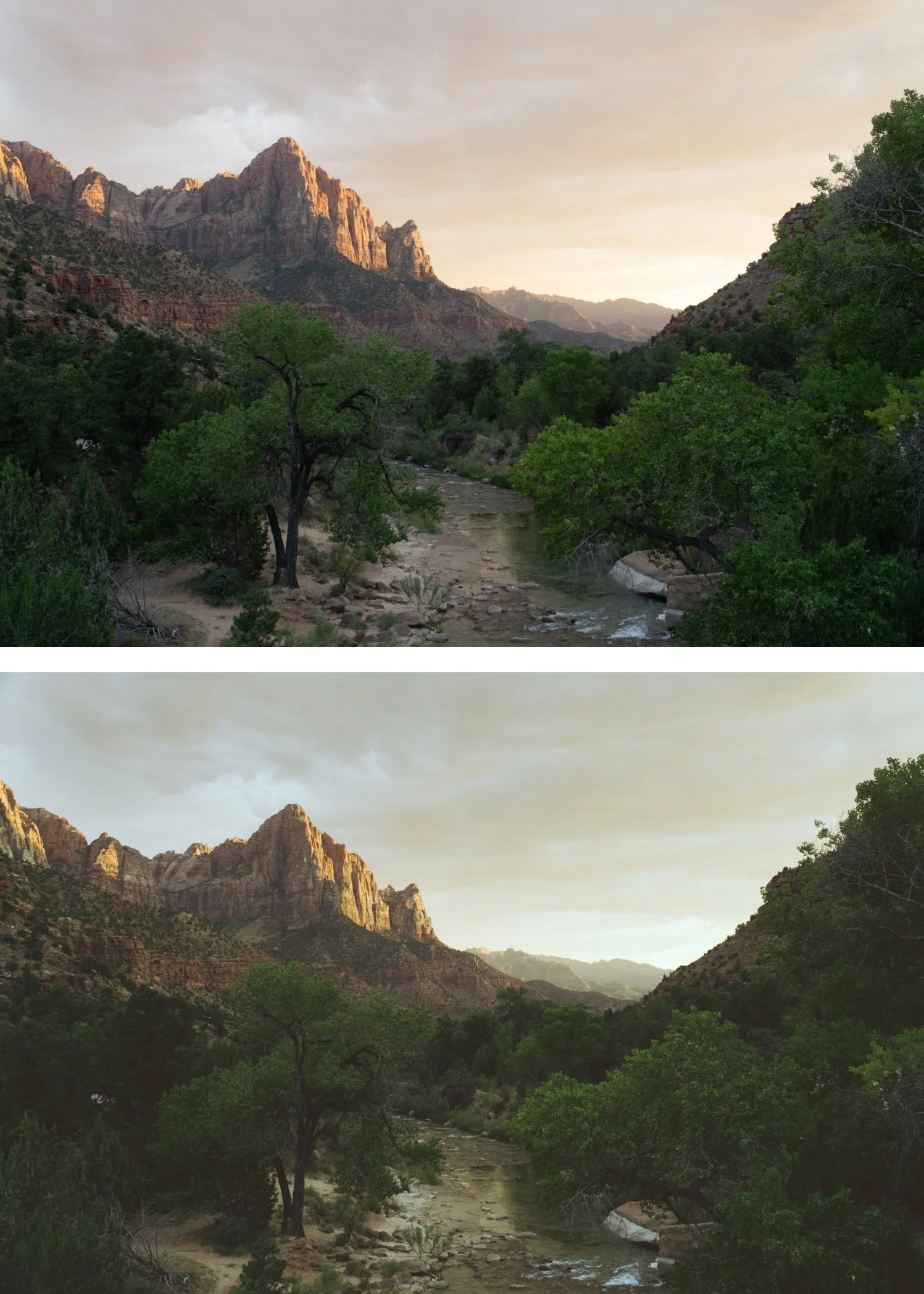 Image 4 of 4
Moody Film 03 Heritage Matte | Moody Film Preset for Lightroom Mobile & Desktop

-
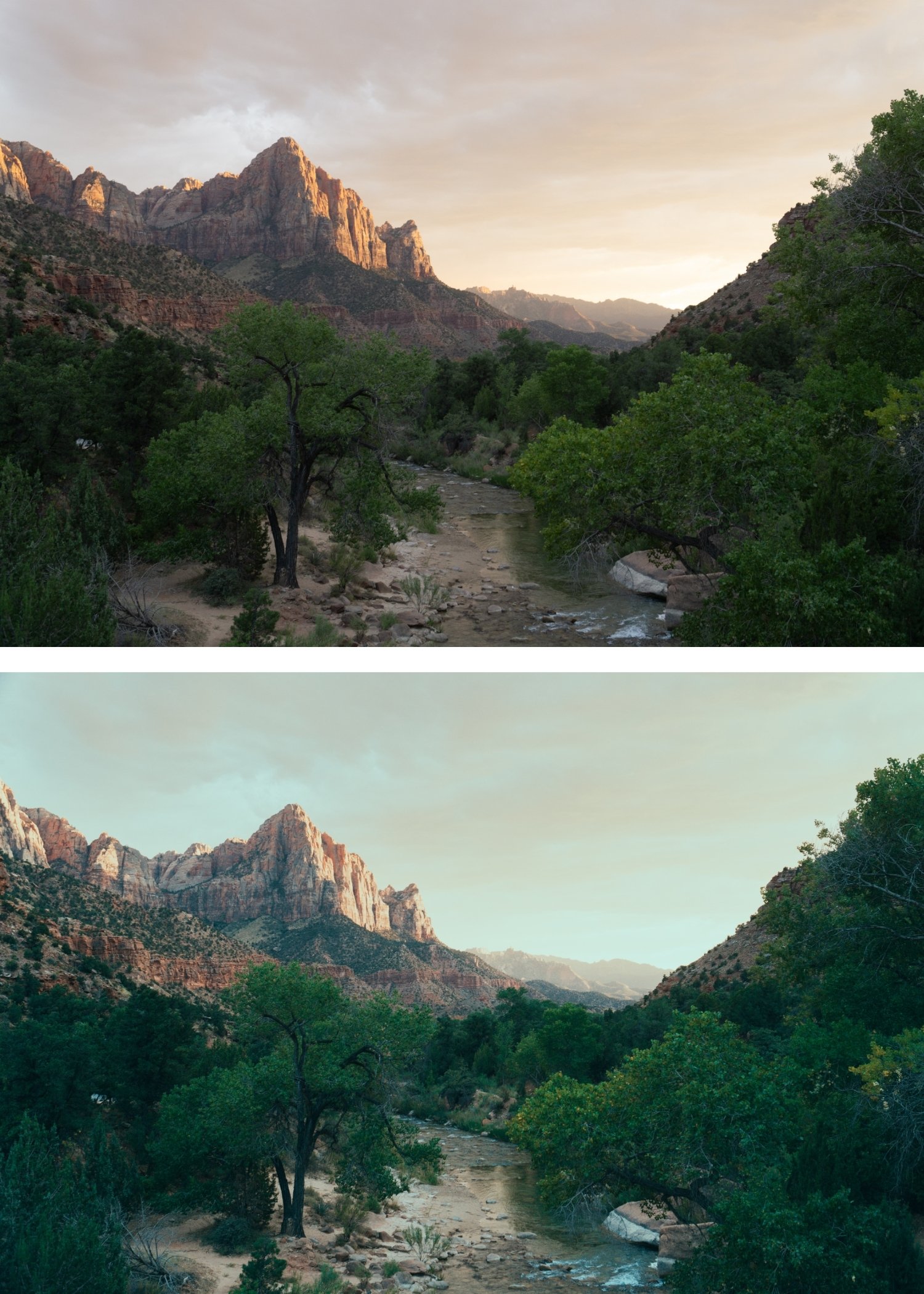
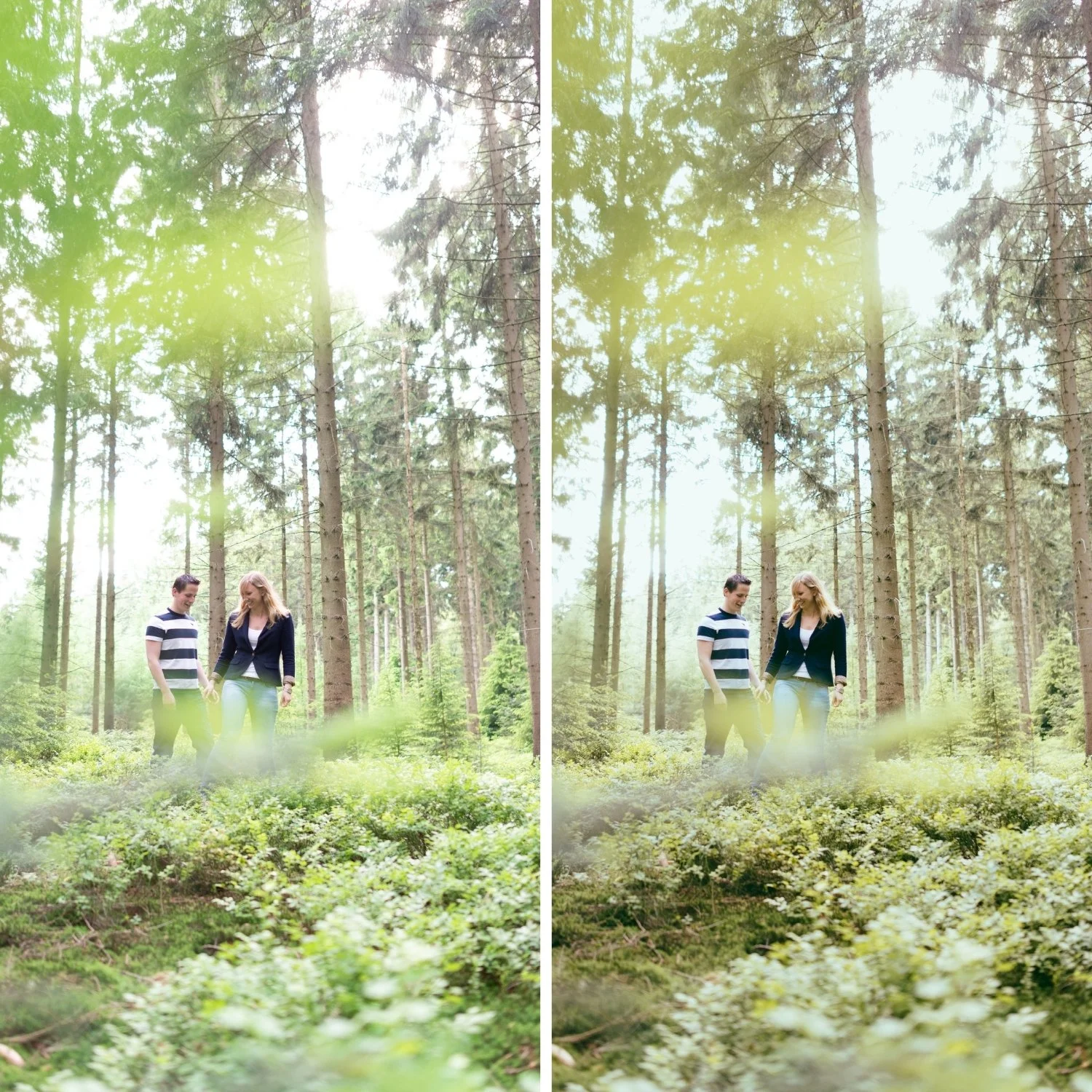
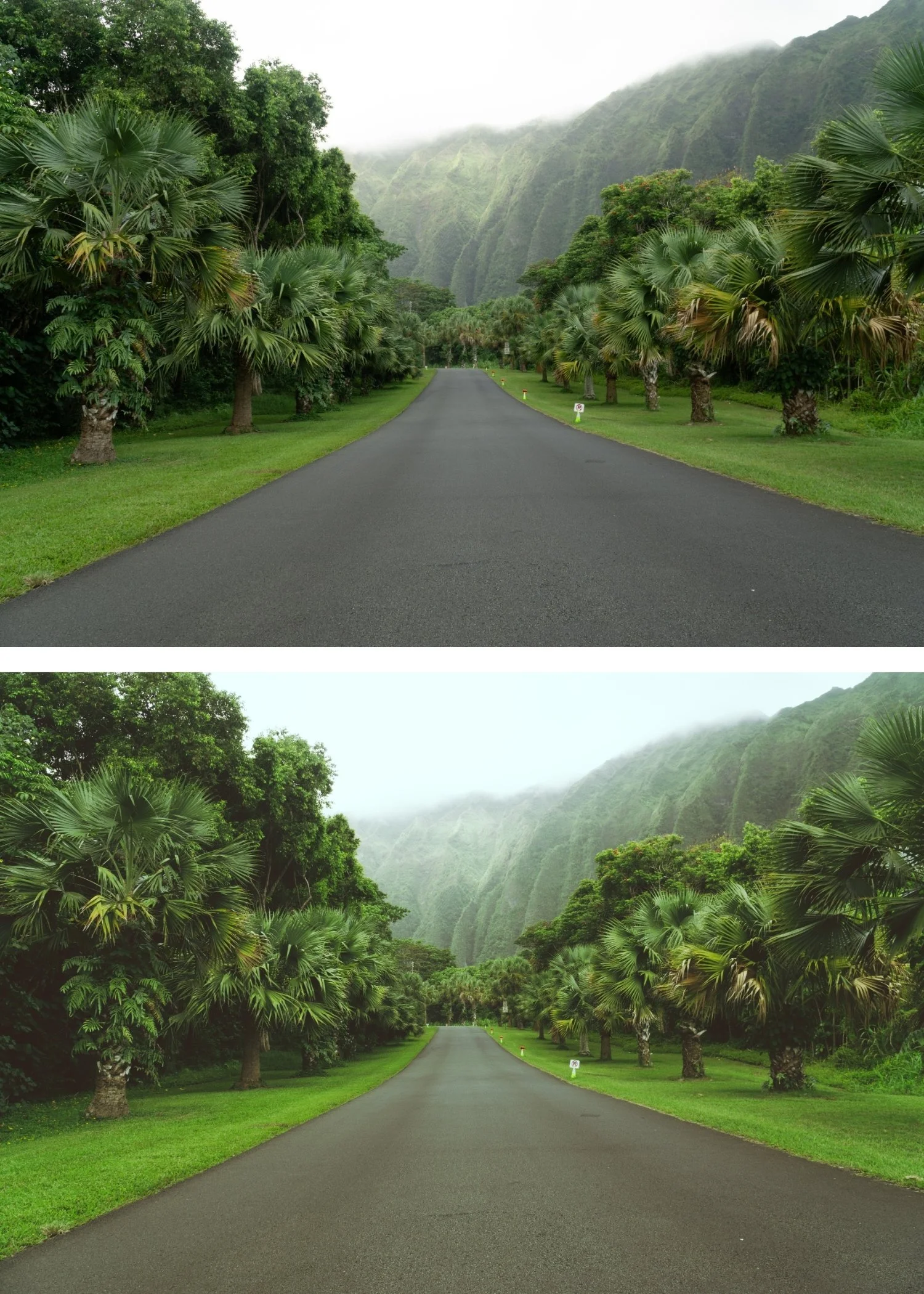
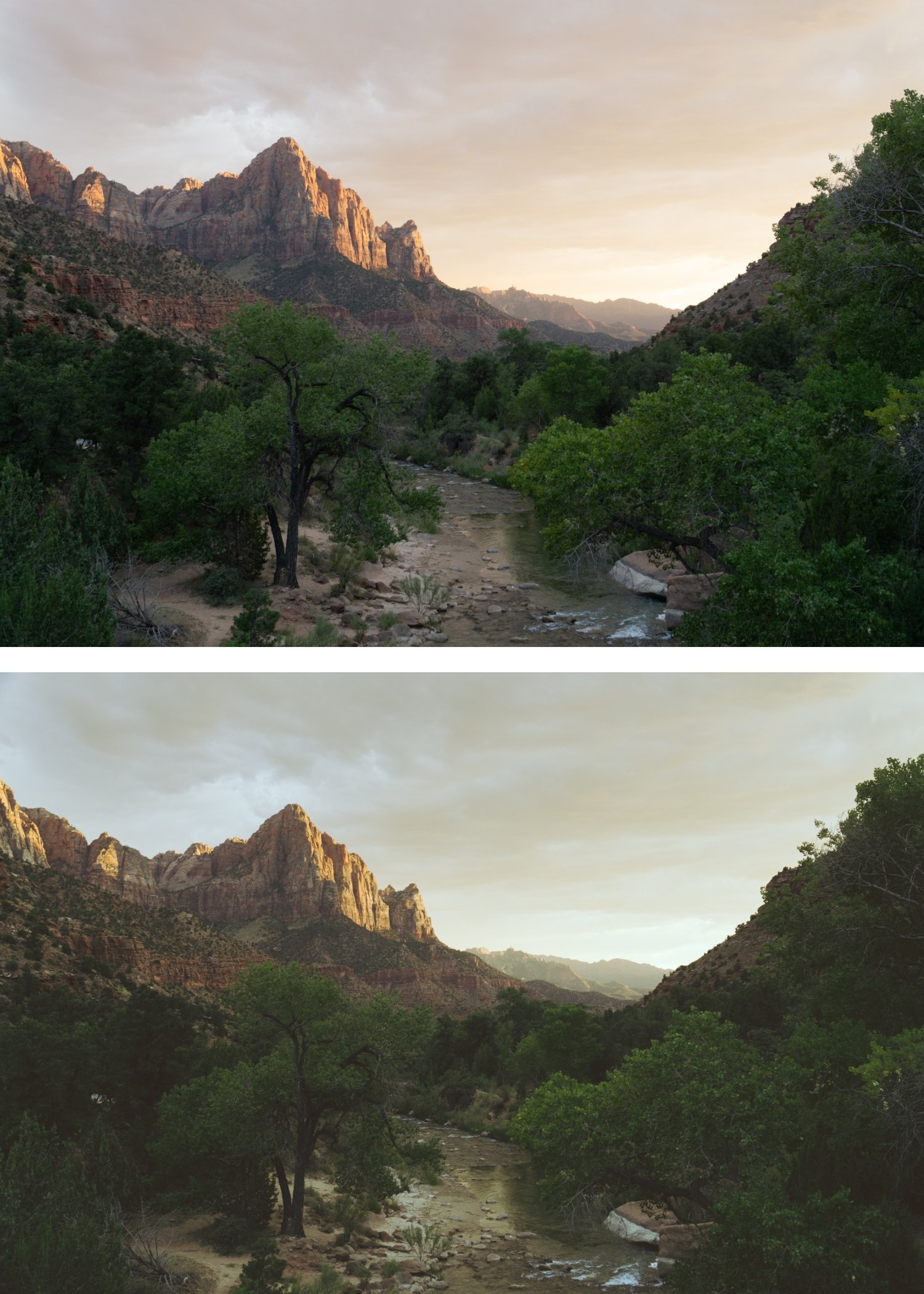
M3 is for documentary, street, and personal photographers whose work benefits from the specific quality of aged, matte film photography — photographs that feel like they have always existed.
For photographers who find M1 and M2 too subtle and want a more obviously vintage matte quality.
-
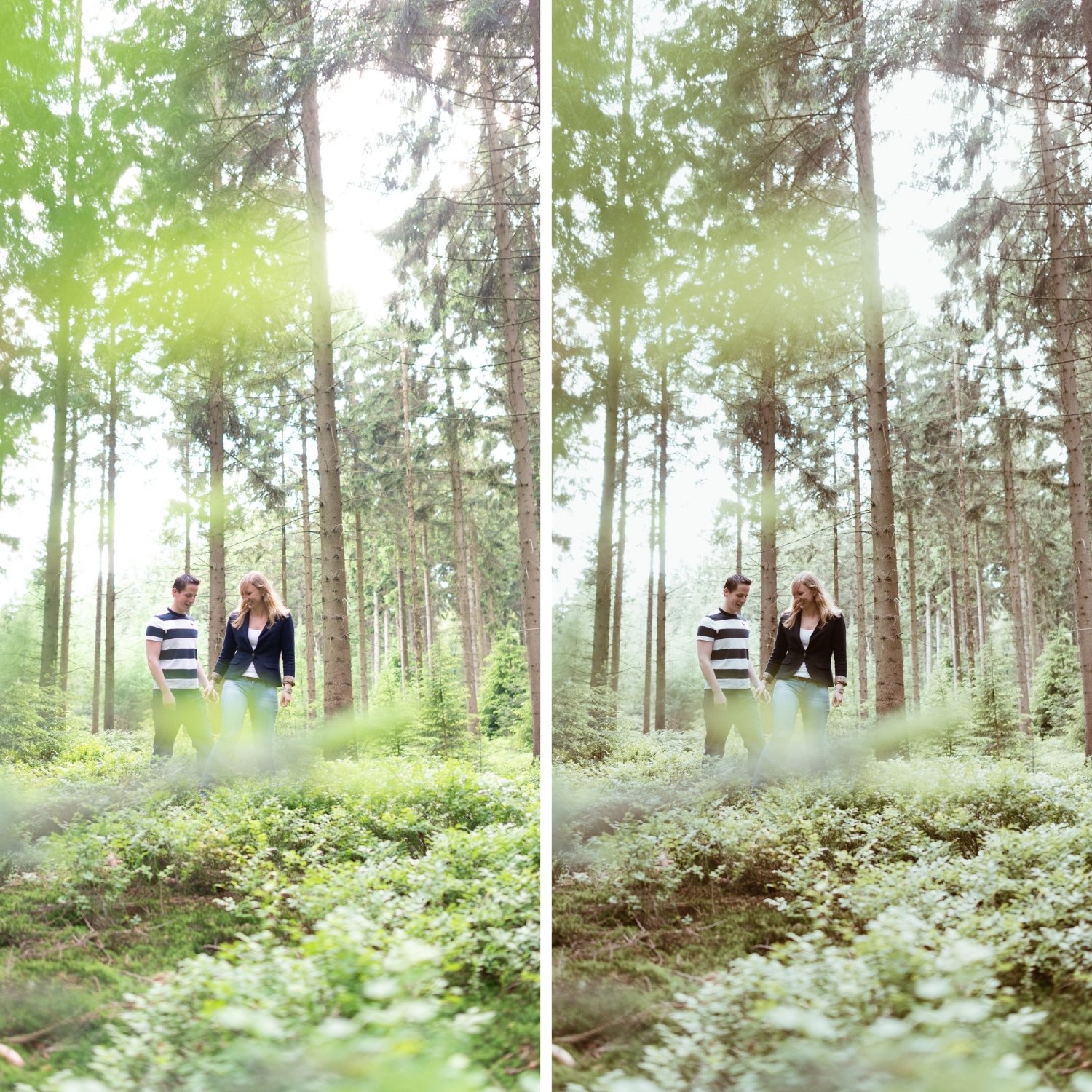
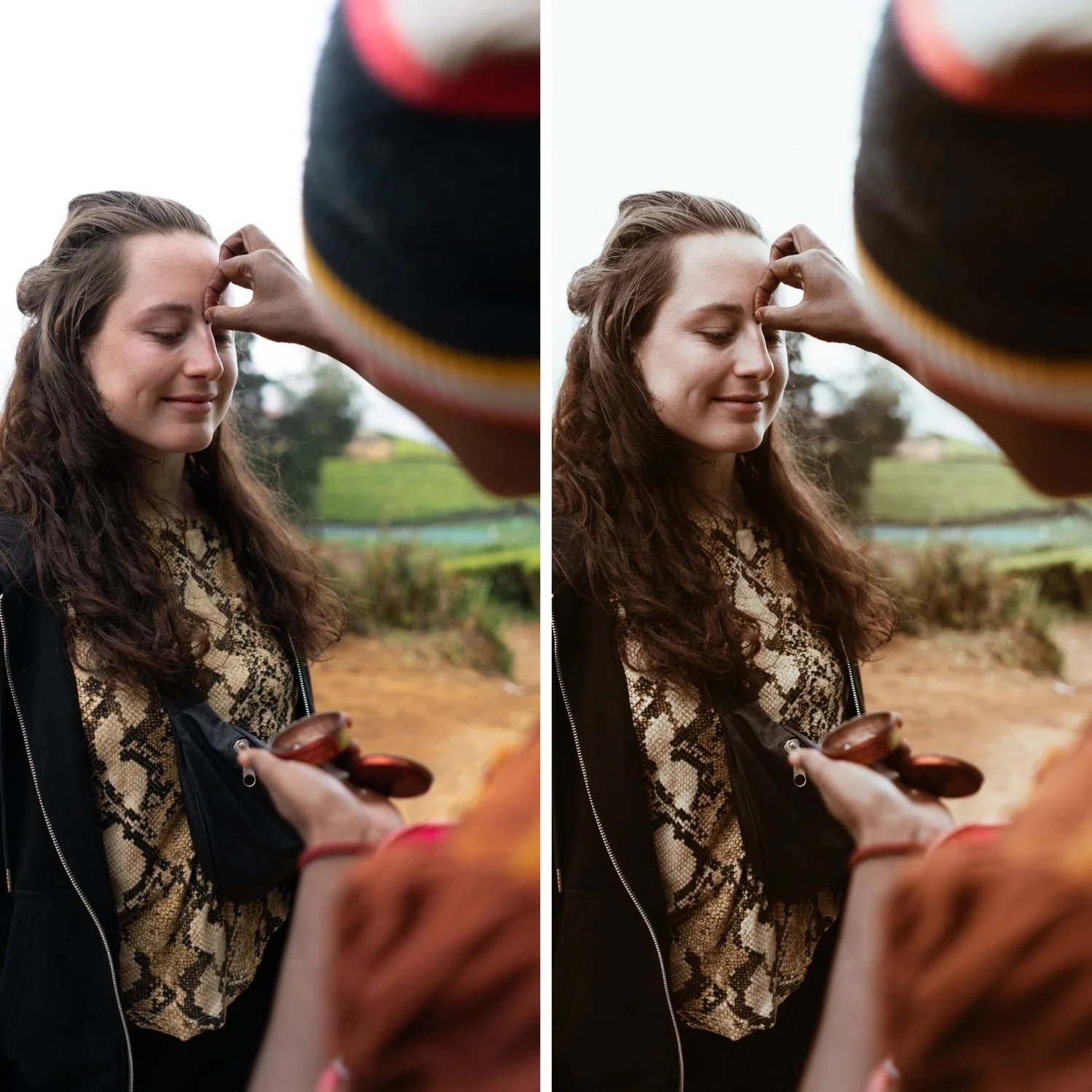
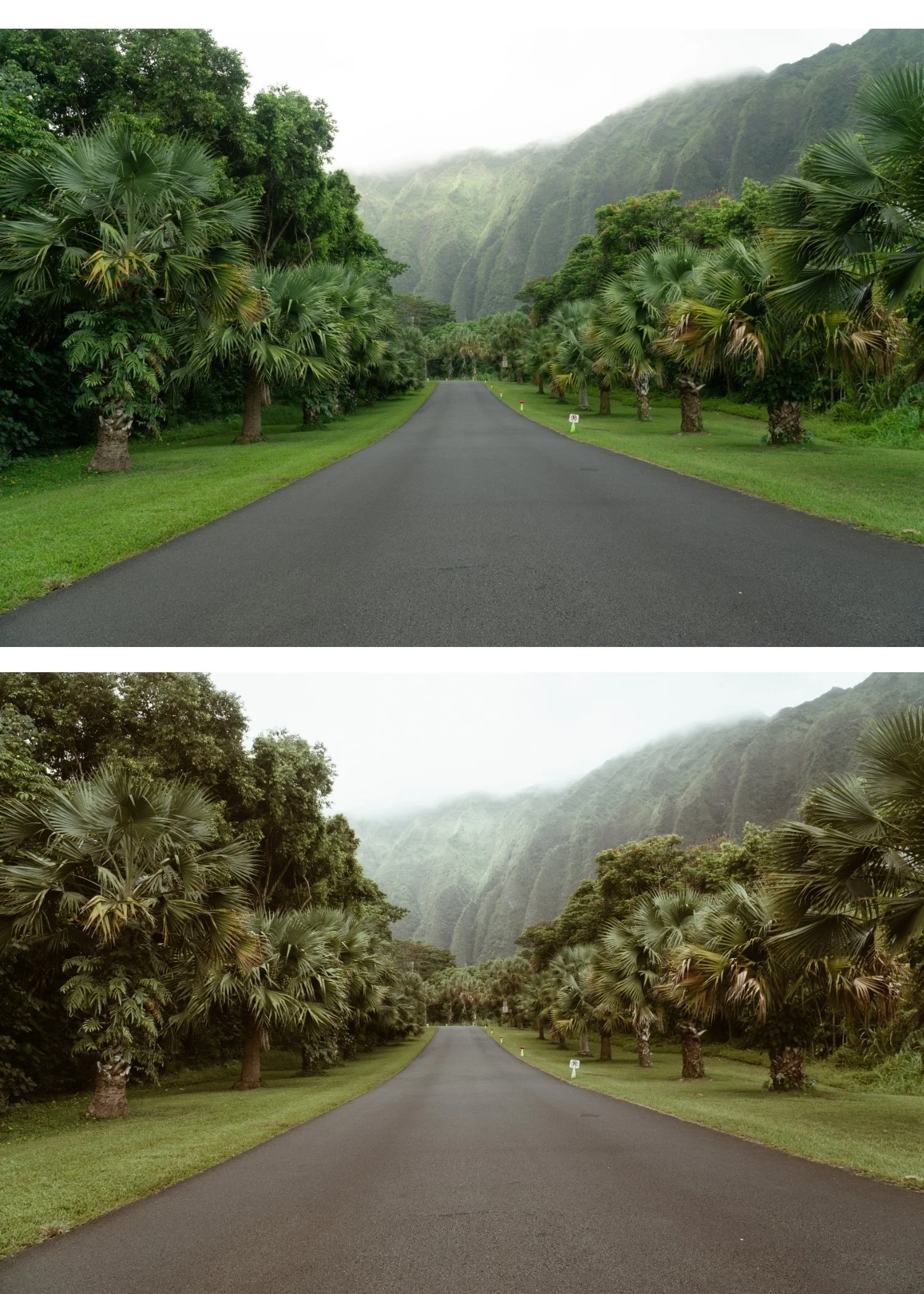
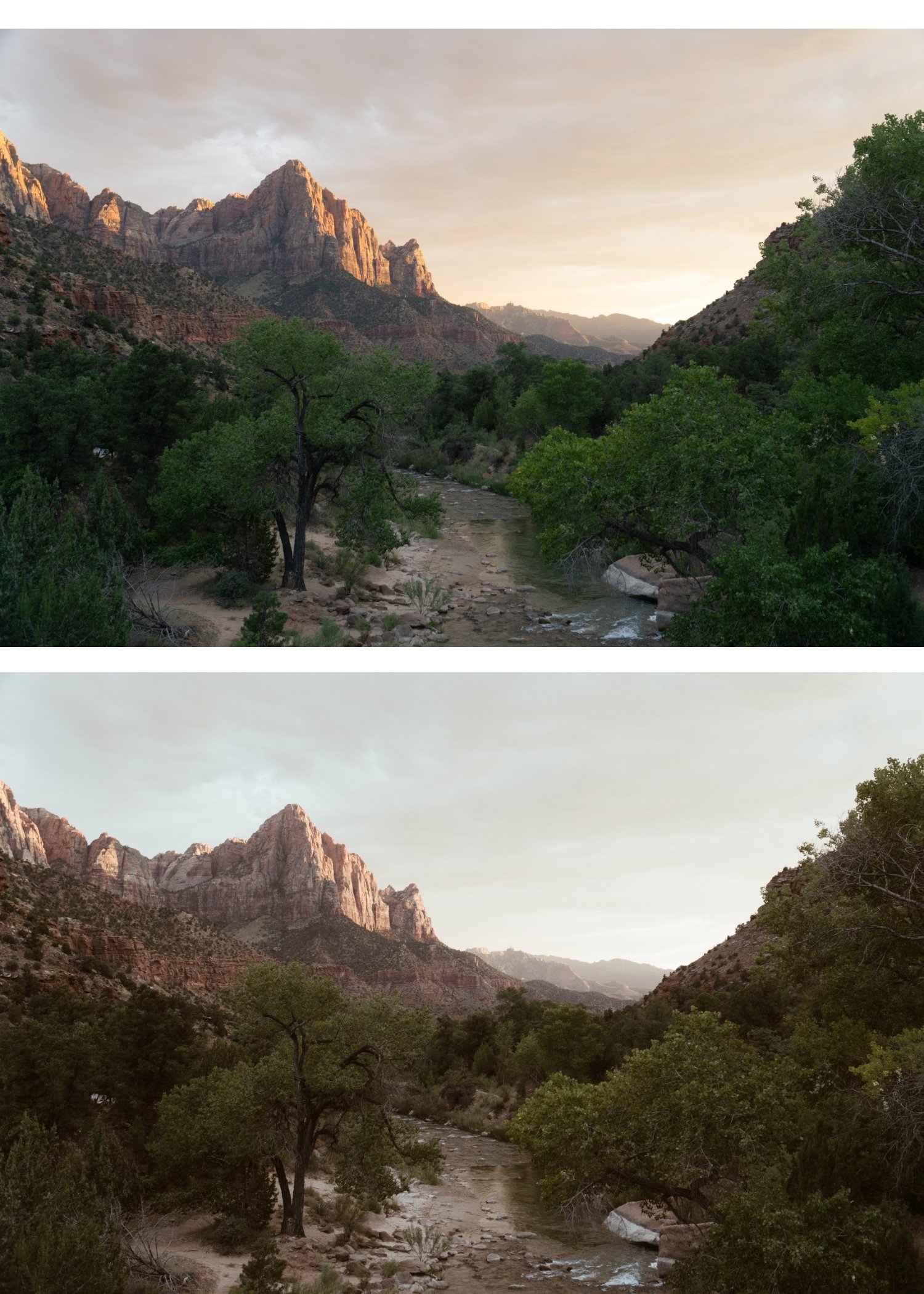
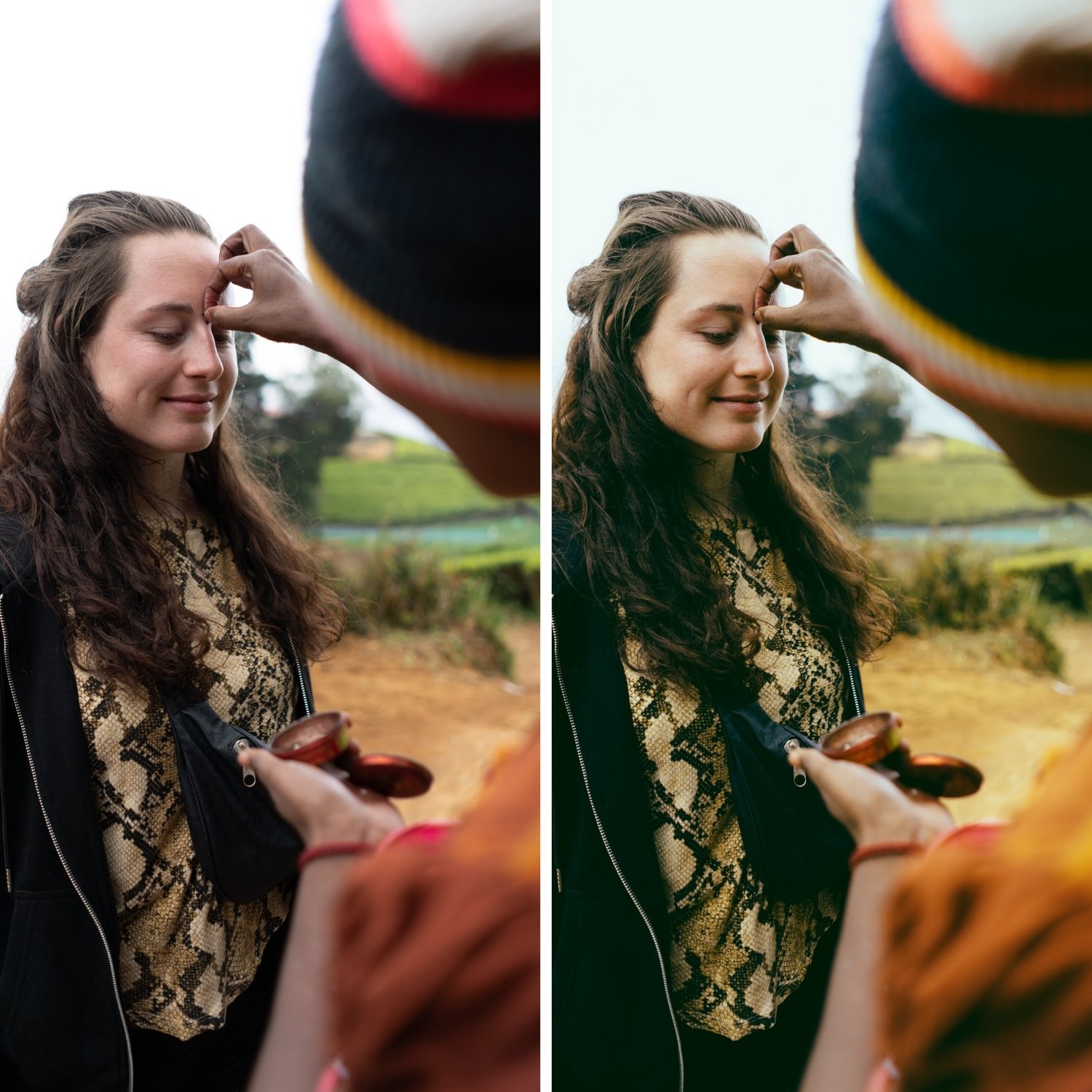
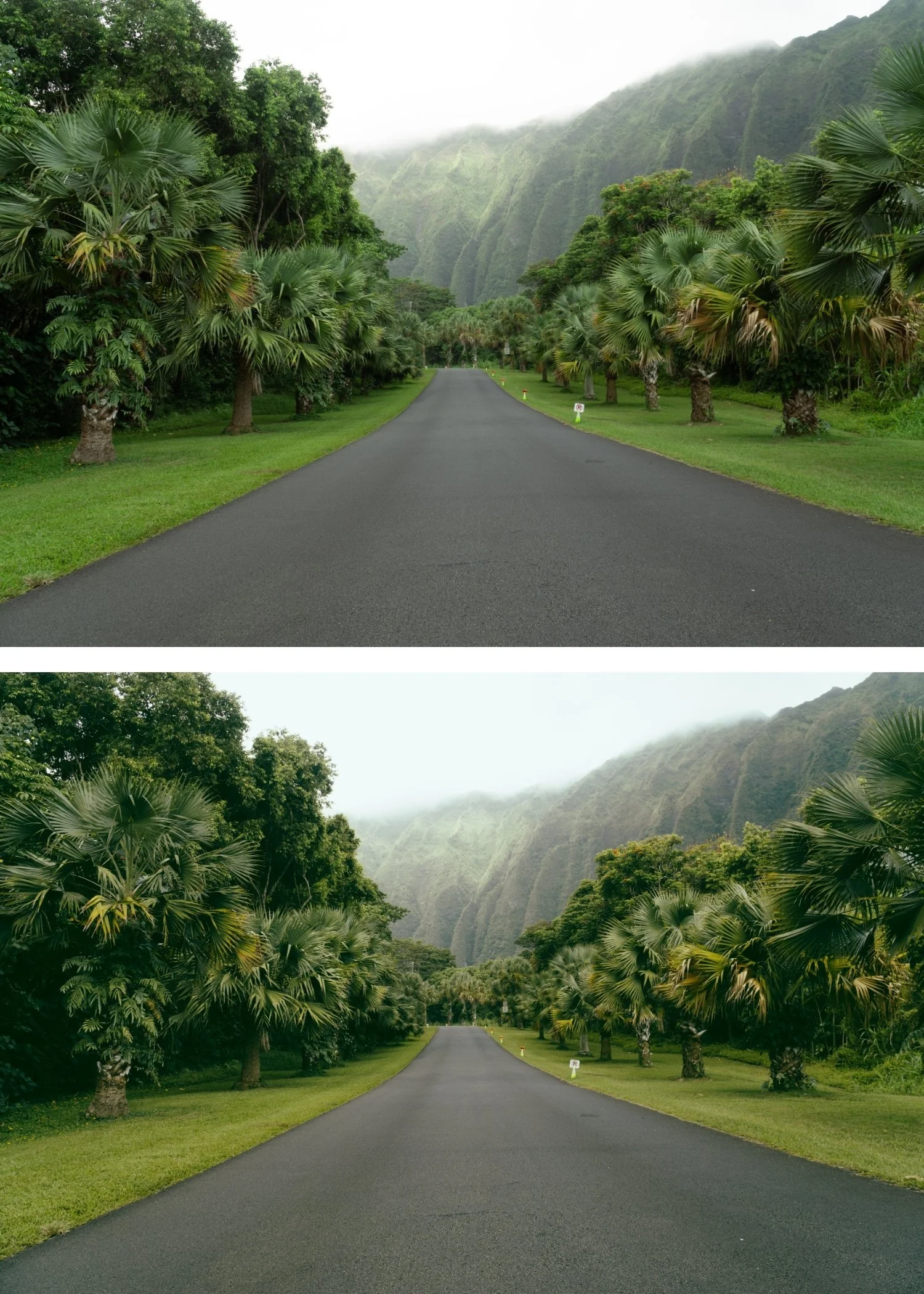
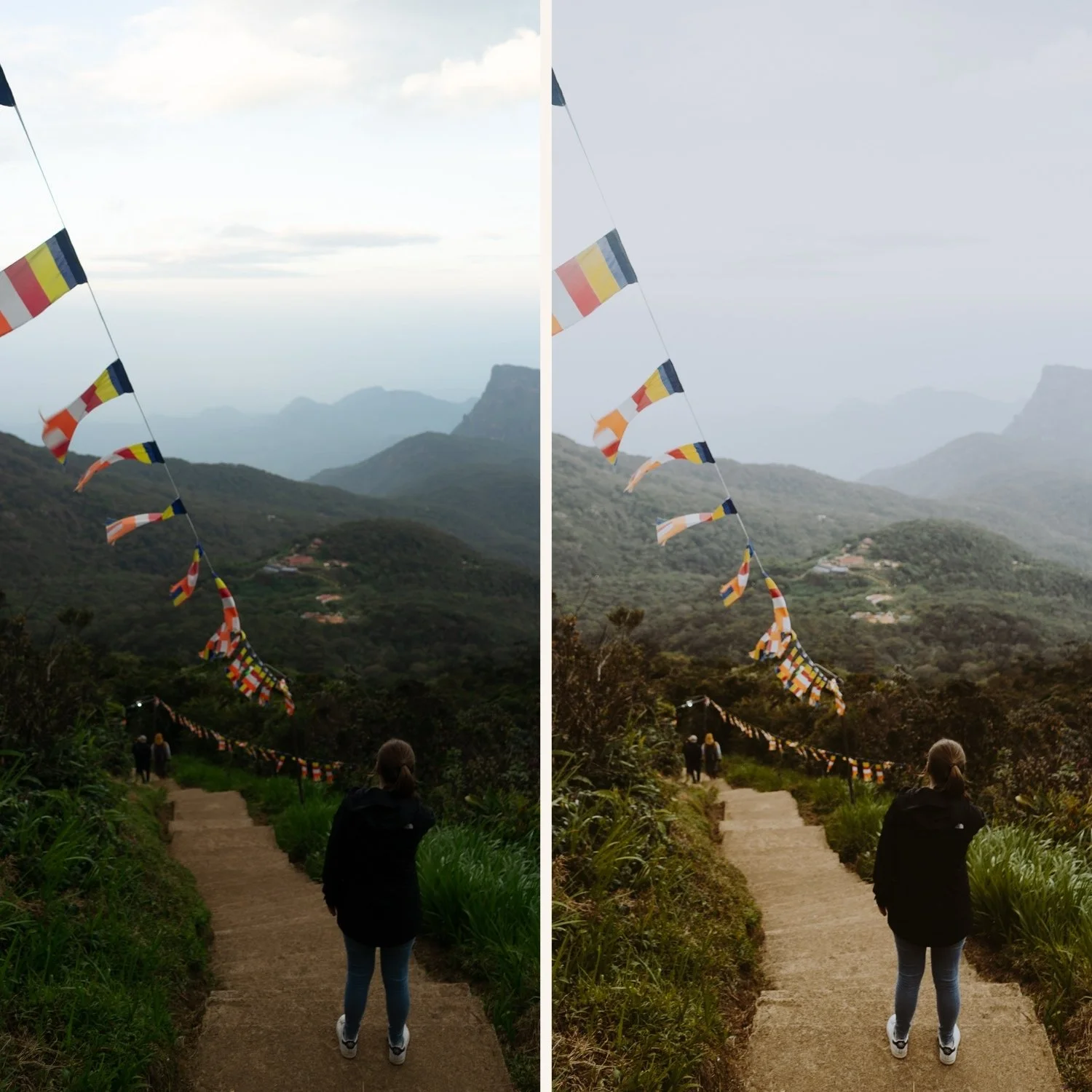
The vintage character is clear and intentional. M3's stronger fade is a deliberate aesthetic statement — photographs read as having heritage quality rather than being minimally processed.
The earthy warmth grounds the vintage quality. M3's shadow warmth prevents the stronger fade from going grey or cold — the result is vintage and organic rather than vintage and flat.
It suits the documentary photography tradition. M3's visual language references the specific quality of vintage documentary and street photography from the film era.
-
1 × M3 Heritage Matte DNG file — for Lightroom Mobile
1 × M3 Heritage Matte XMP file — for Lightroom Classic
Installation guide
Lifetime access -
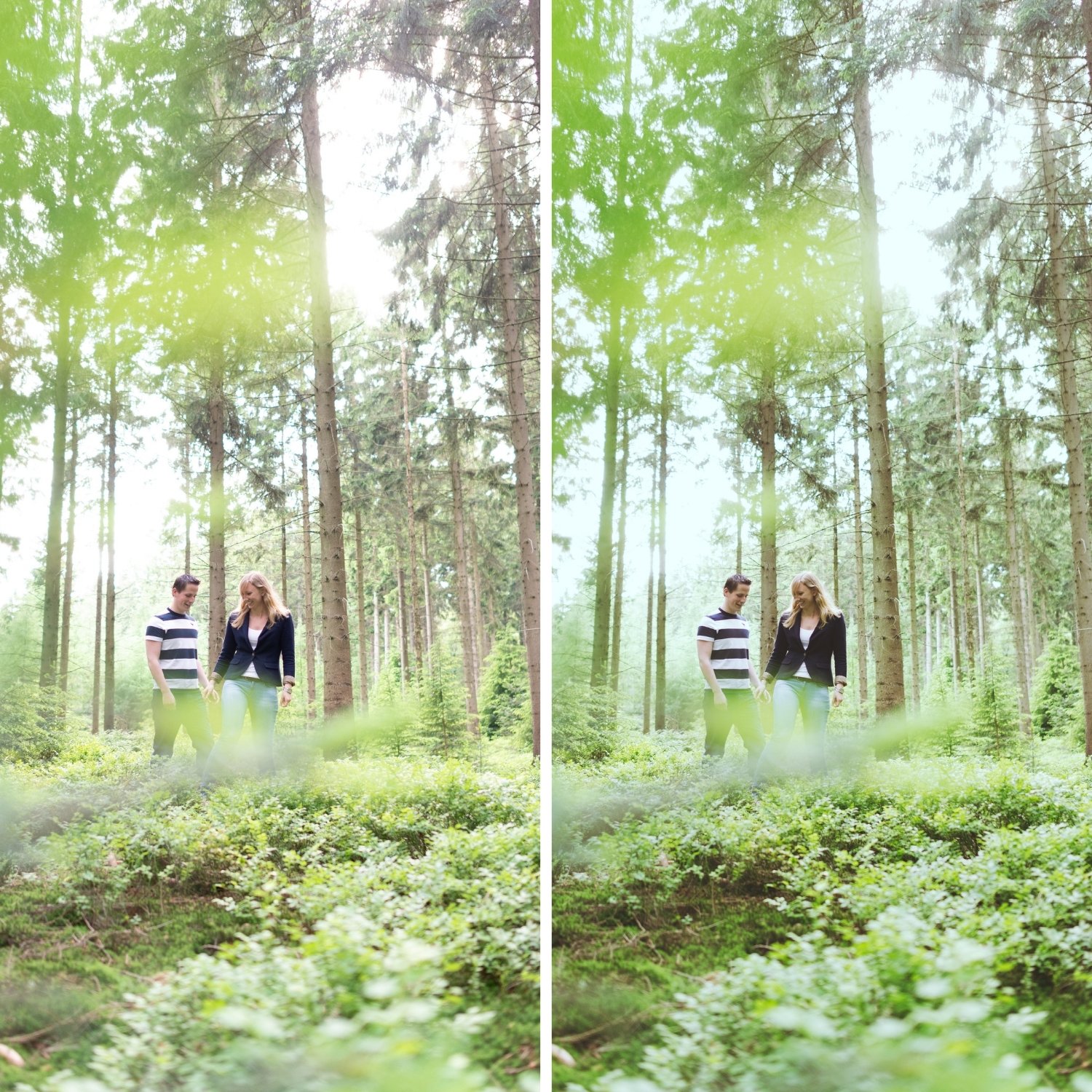
This preset captures the soft, over-exposed aesthetic similar to the legendary M3 filters. It’s the perfect professional alternative for those wanting an analog-inspired look that feels light and airy yet nostalgically old-school. By emulating the look of expired vintage film stocks shot in bright, diffused light, the M3 ensures your digital shots have a polished, "dream-like" finish.
-
Step 1 — White balance. M3's stronger fade reads most naturally on a warm-neutral foundation — 5,300-5,700K. On very cool white balance the fade can read as cold rather than vintage.
Step 2 — Apply M3 Heritage Matte. The stronger fade, vintage character, and earthy warmth apply simultaneously.
Step 3 — Adjust Exposure and White Balance per photo. For very bright photos: add Contrast +8 after applying — M3's stronger fade in bright conditions can read flat rather than vintage.
Street and documentary photography: M3 at full 85% strength. The vintage matte quality suits the documentary register directly.
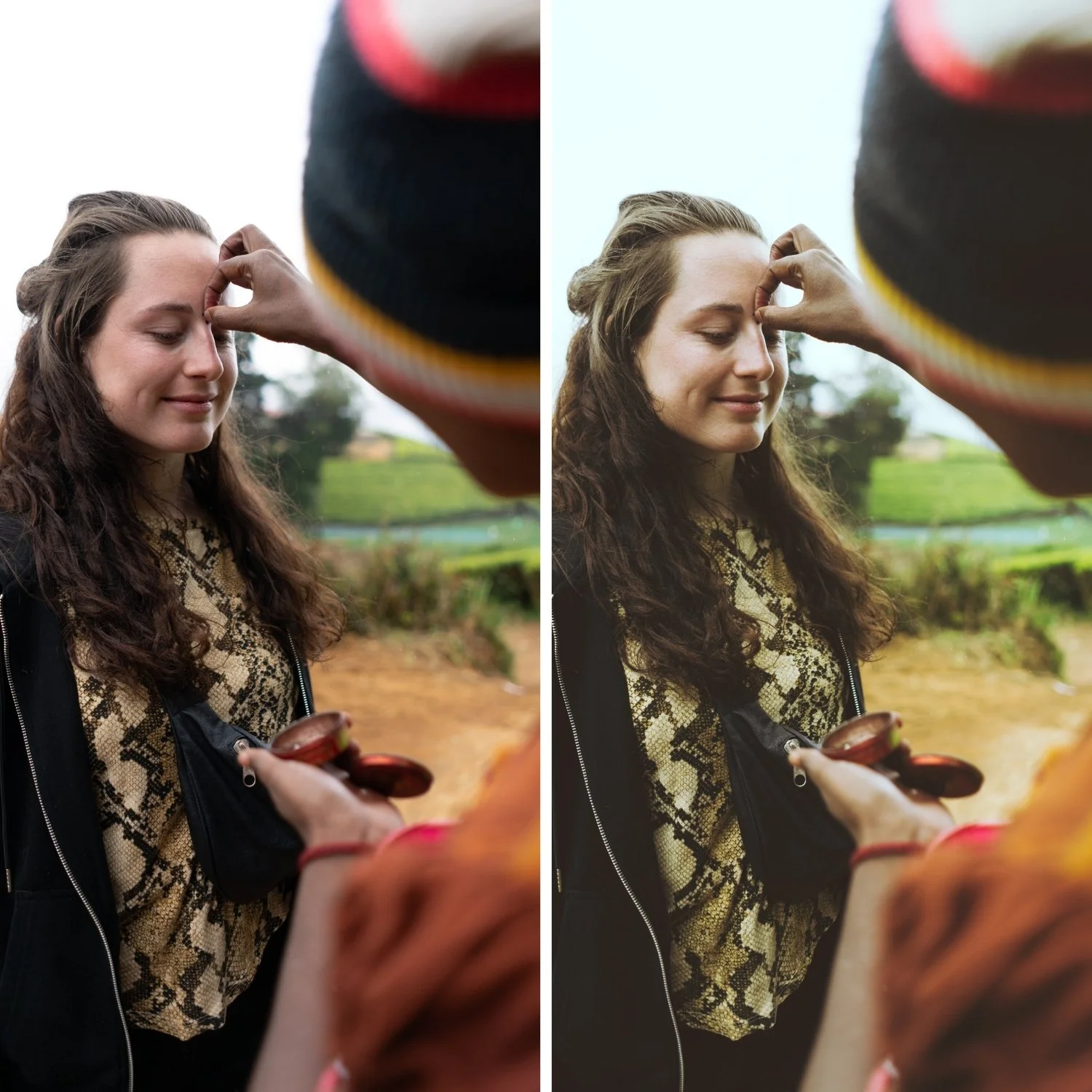
Portrait photography with M3: M3's stronger fade mutes skin tone presence — add Orange Luminance +8 to +12 after applying to keep skin present within the muted vintage palette.
On phone photos: 83-85% strength.
-
What is the difference between M3 and E3 Heritage Fade? E3 is in the Essence Archive — warm, earthy, vintage quality in a lighter register. M3 is in the Moody Film Archive — the same heritage character applied more strongly within a moody cinematic framework. E3 for lighter vintage lifestyle, M3 for stronger vintage documentary.
Does M3 work for travel photography? Yes — M3's vintage matte quality suits the documentary register of travel photography, particularly for historical destinations and candid street photography.
GET ALL 6 MOODY FILM ARCHIVE PRESETS
The full Moody Film Archive gives you six calibrated moody film looks — Moody Original for balanced cinematic depth, Earth Fade for organic matte tones, Heritage Matte for vintage fade character, Cool Matte for cinematic cool depth, Editorial Depth for maximum dramatic presence, and Warm Matte for warm moody softness.
Six presets. One cinematic philosophy. $4.50 per preset.
THE STUDIO ARCHIVE
Want everything? The Studio Archive contains 130+ presets — every collection we make, including the complete Moody Film Archive — for $89 total. That is $0.68 per preset with every future release included for life.