Image 1 of 1
M4 Modern Classic | Cinematic Cool Vintage & Retro Indie Preset for Lightroom & Mobile

-
Fully Compatible Designed to work seamlessly across iOS, Android, and Desktop (Mac/Windows).
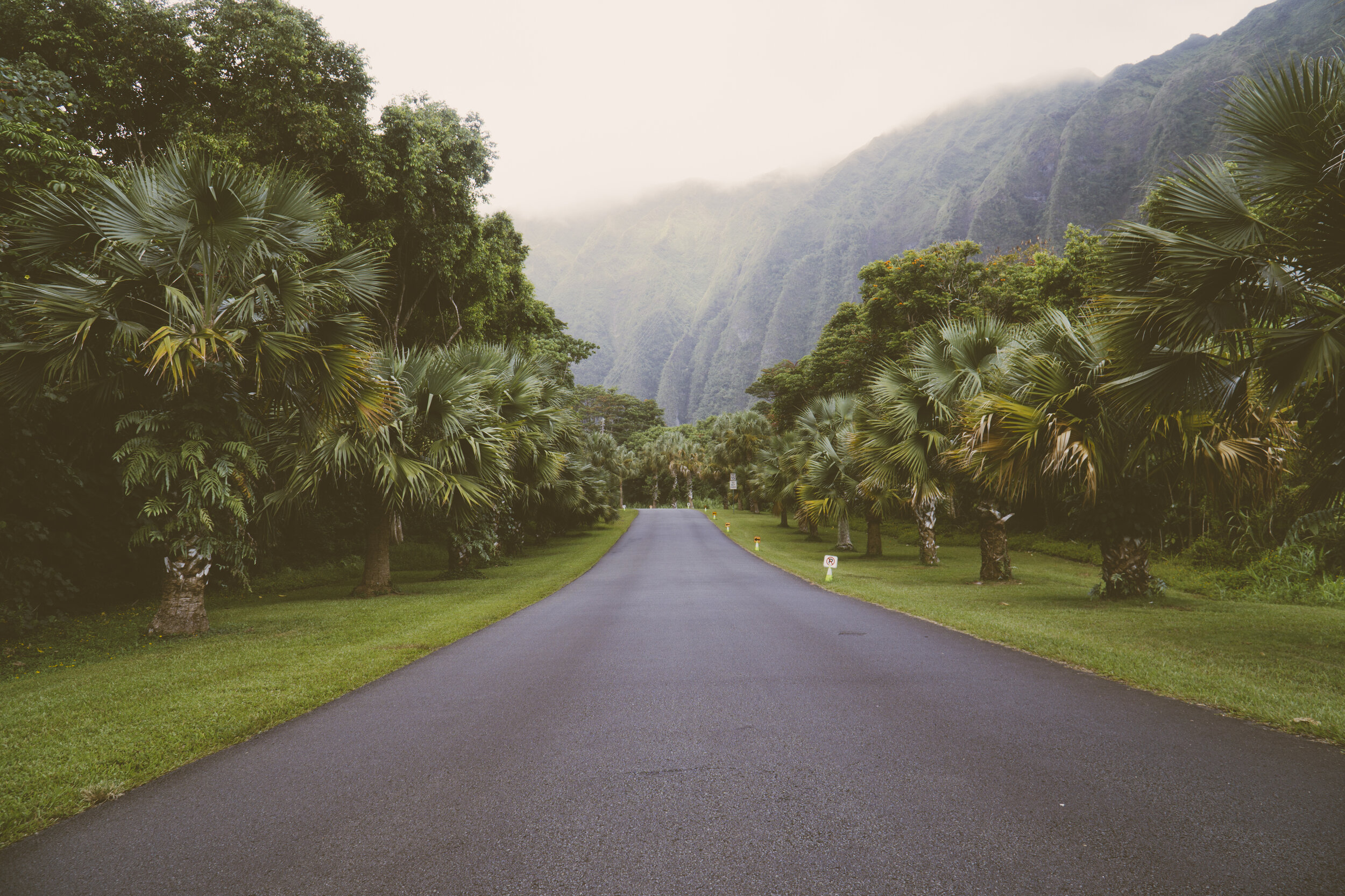
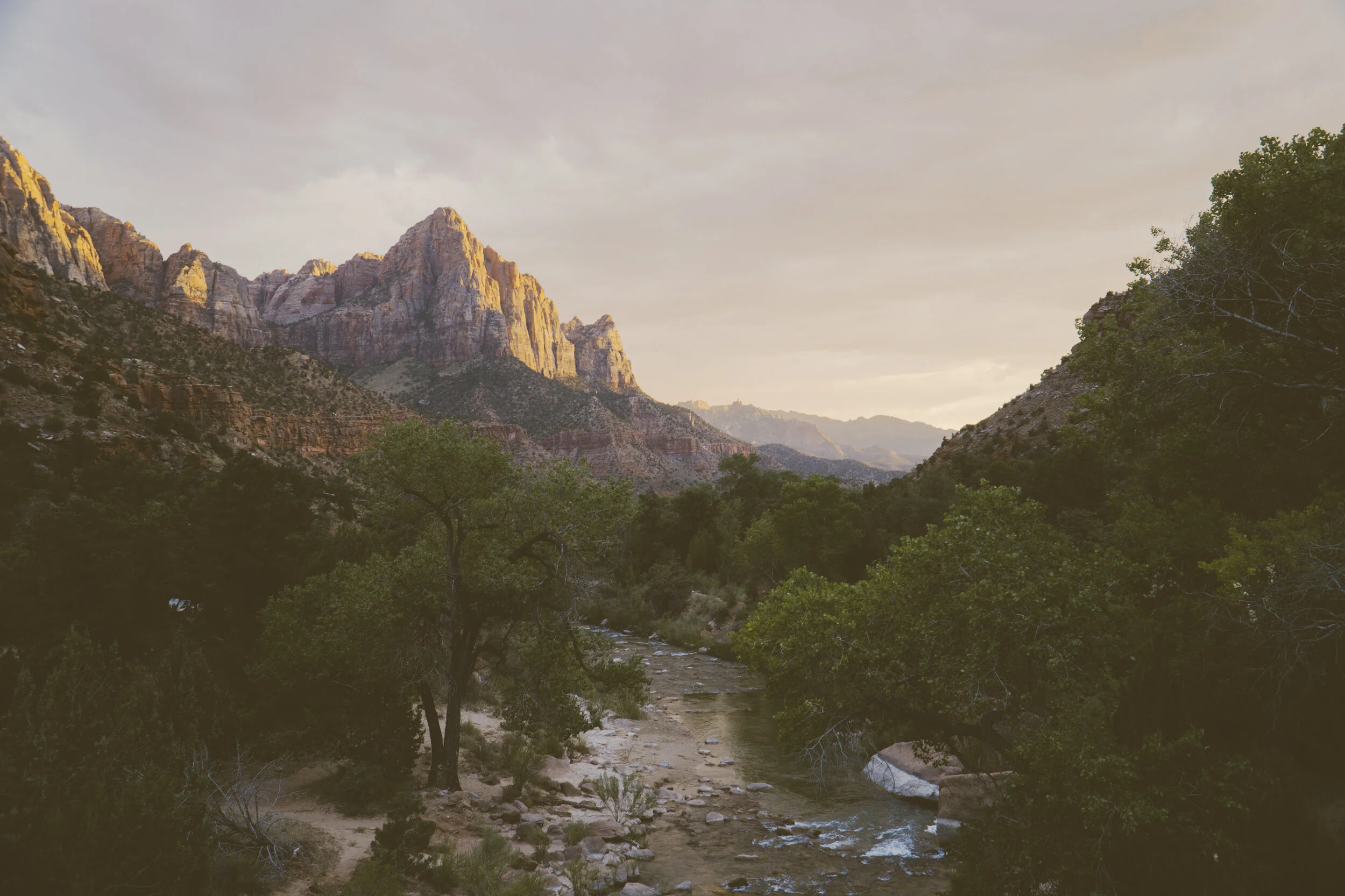
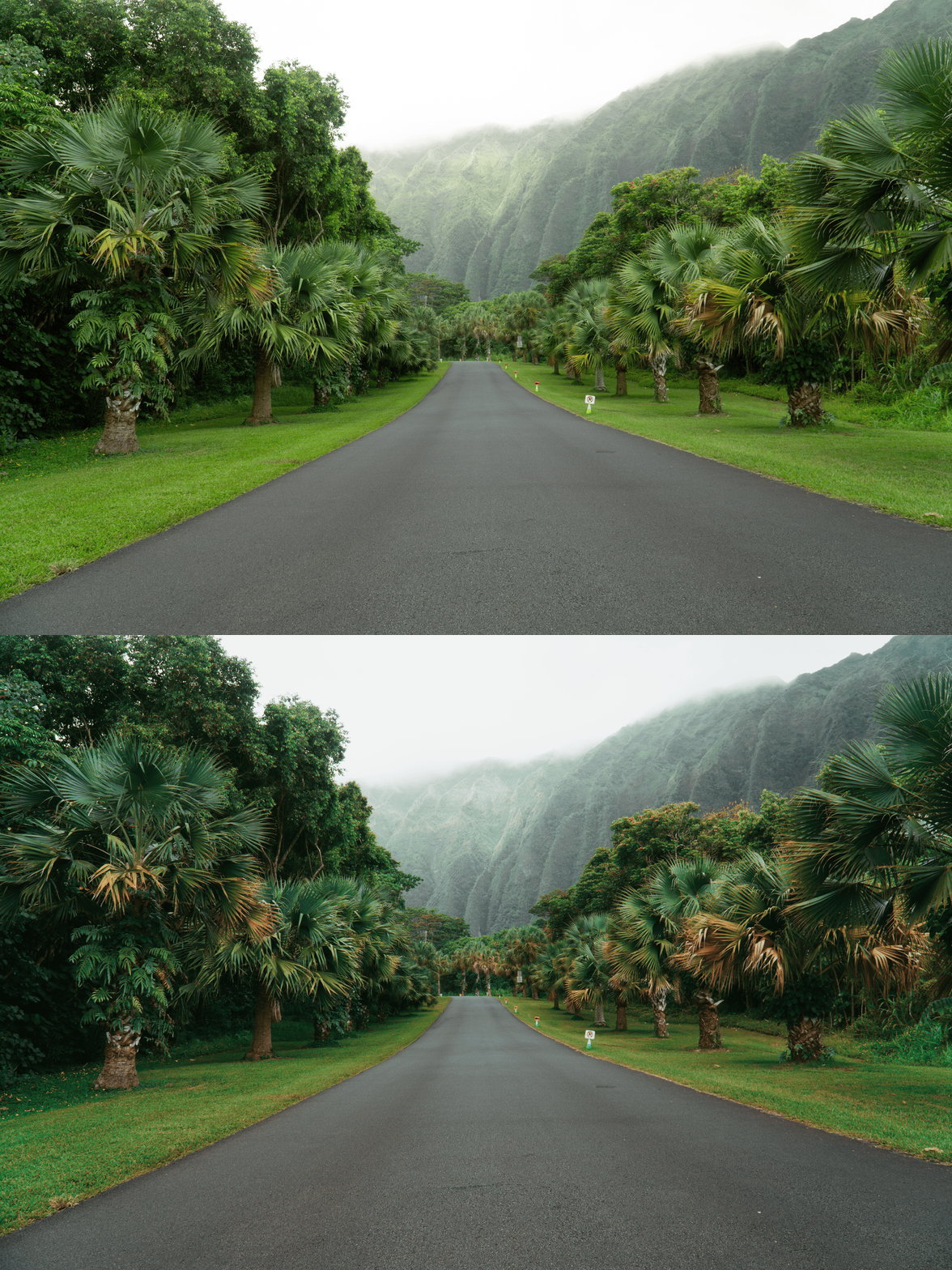
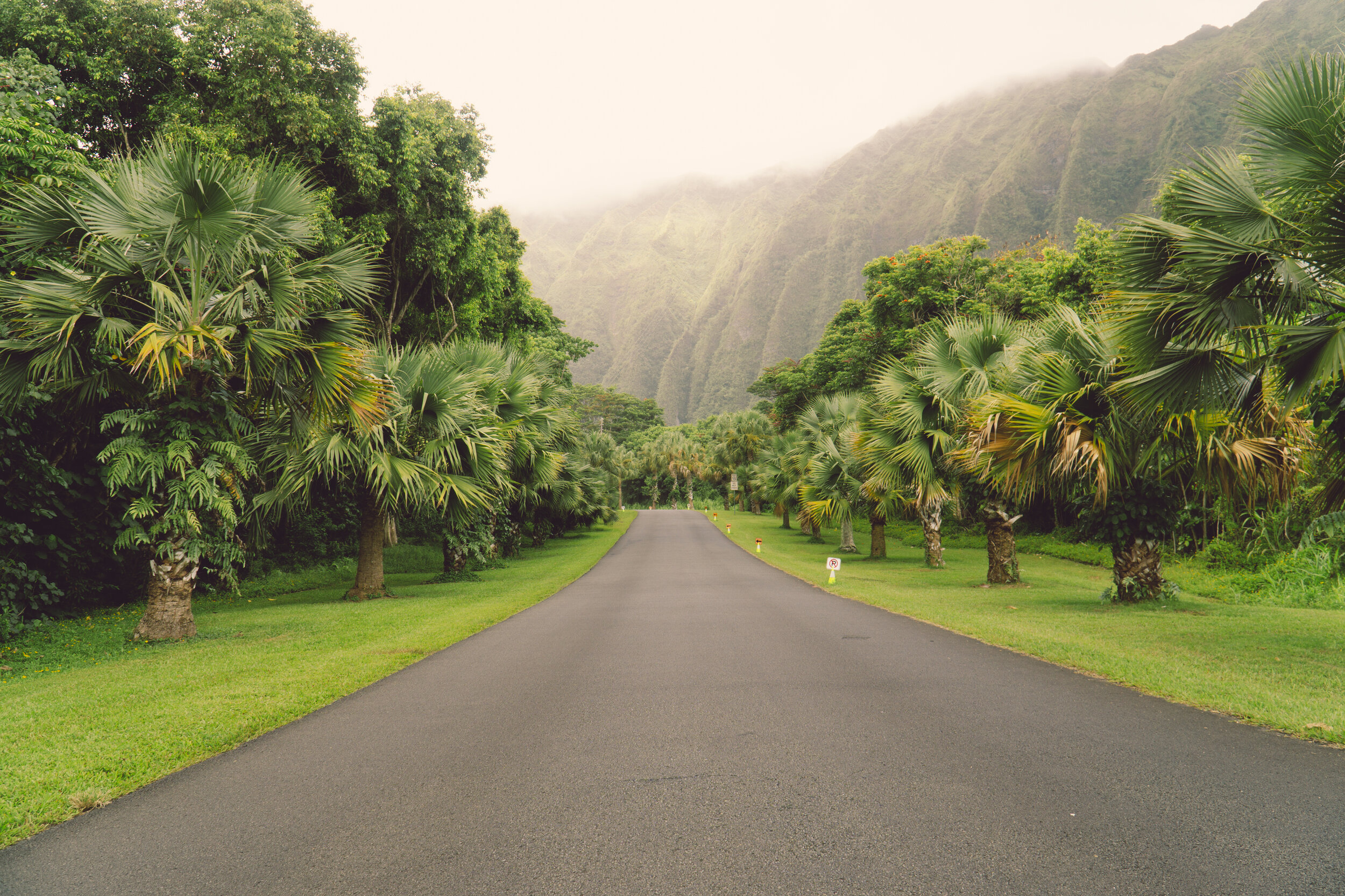
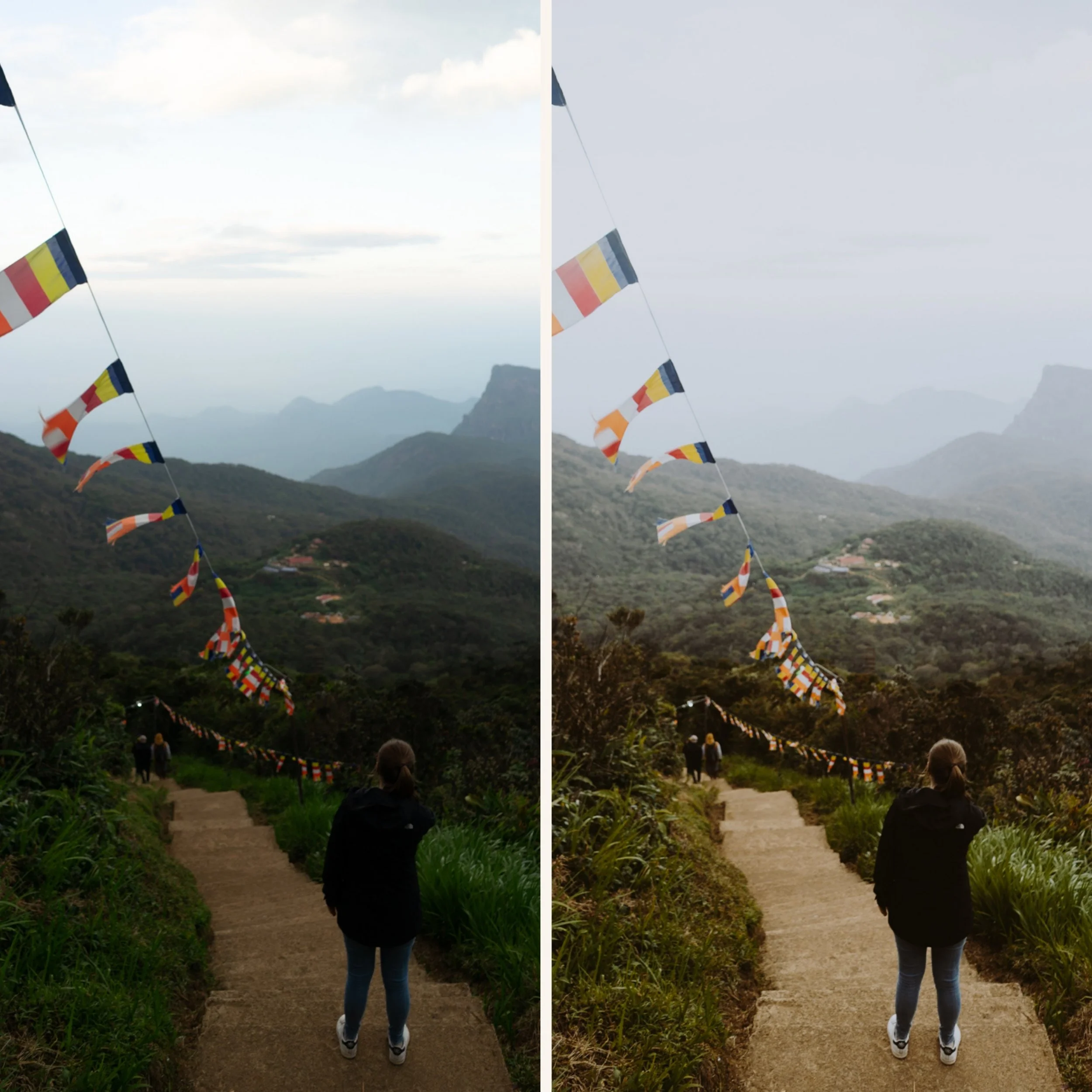
Cool-Toned Nostalgia Instantly swaps out generic warmth for a sophisticated, retro-cool color grade that makes your photos look like a movie still.
The Indie-Film "Wash" Specifically calibrated with a subtle shadow tint that gives your images that coveted "90s film lab" feel.
The Urban & Street Essential Works exceptionally well for city life, flash photography, denim textures, and overcast days where you want to lean into the mood.
-
1x M4 Essence Preset for Lightroom MOBILE (DNG file).
1x M4 Essence Preset for Lightroom DESKTOP (XMP file).
Step-by-Step Guide for easy installation and professional results.
-
This preset captures the moody, cool-vintage aesthetic similar to the legendary M4 filters. It’s the perfect professional alternative for those wanting an analog-inspired look that feels a bit more "underground." By emulating the color rendering of classic 35mm stocks often used in cinematic street photography, the M4 ensures your digital shots have a polished, indie-film finish.
-
Step 1: Get Started Download your M4 Essence presets and install them. You’re moments away from a cooler, more cinematic feed.
Step 2: Set the Scene Import photos with city backgrounds, indoor neon light, or "cool" natural light (like blue hour or a cloudy day).
Step 3: The Transformation Apply M4 with one tap. Watch the colors shift to a sophisticated cool-vintage palette with professional soul.
Step 4: Make it Yours The M4 looks incredible with a little extra "Grain." If it’s too moody, just bump up the "Shadows" to reveal more detail.
Step 5: Share your Glow Tag @theeeditingstudio—we love seeing your cinematic, vintage stories!