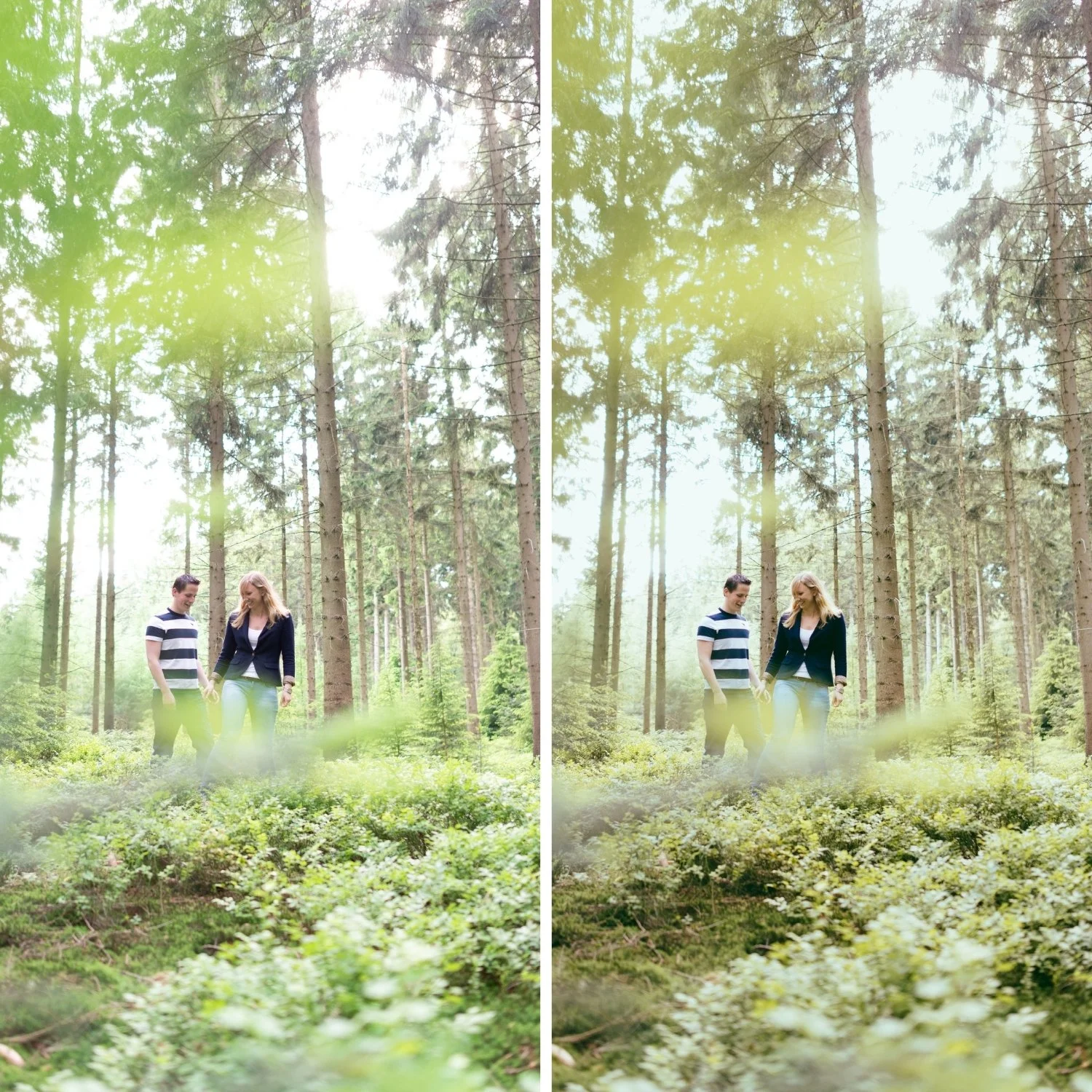
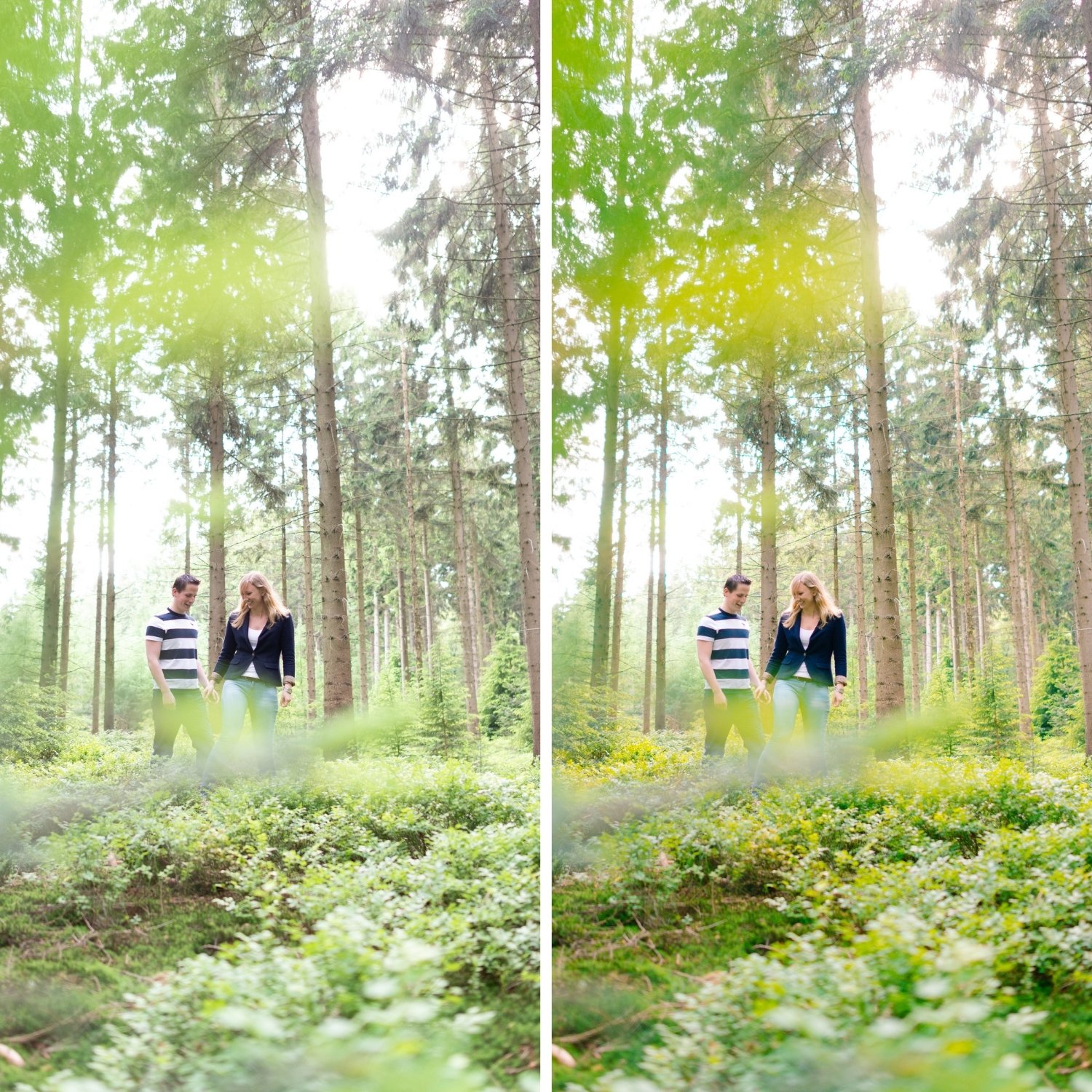
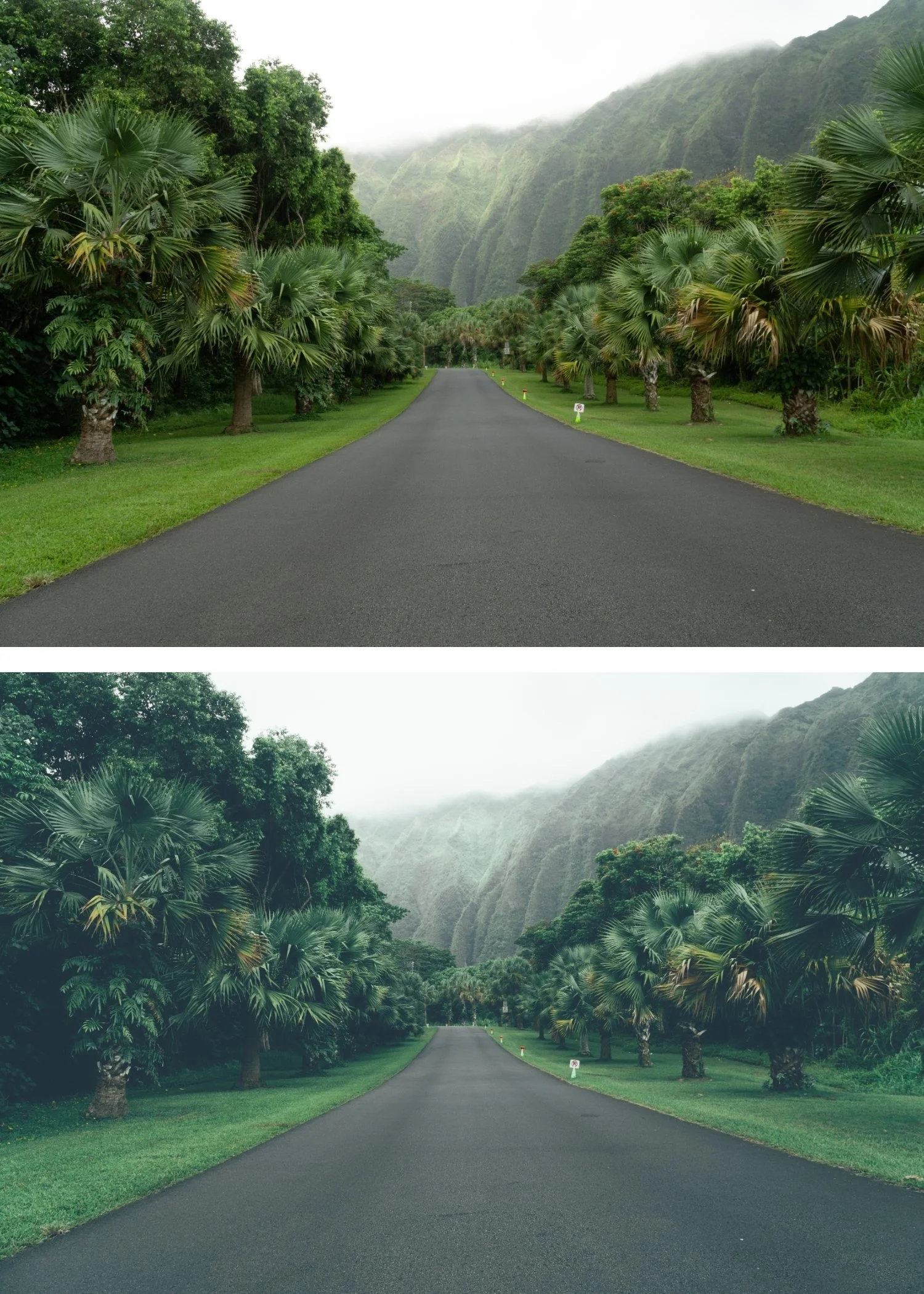
 Image 1 of 4
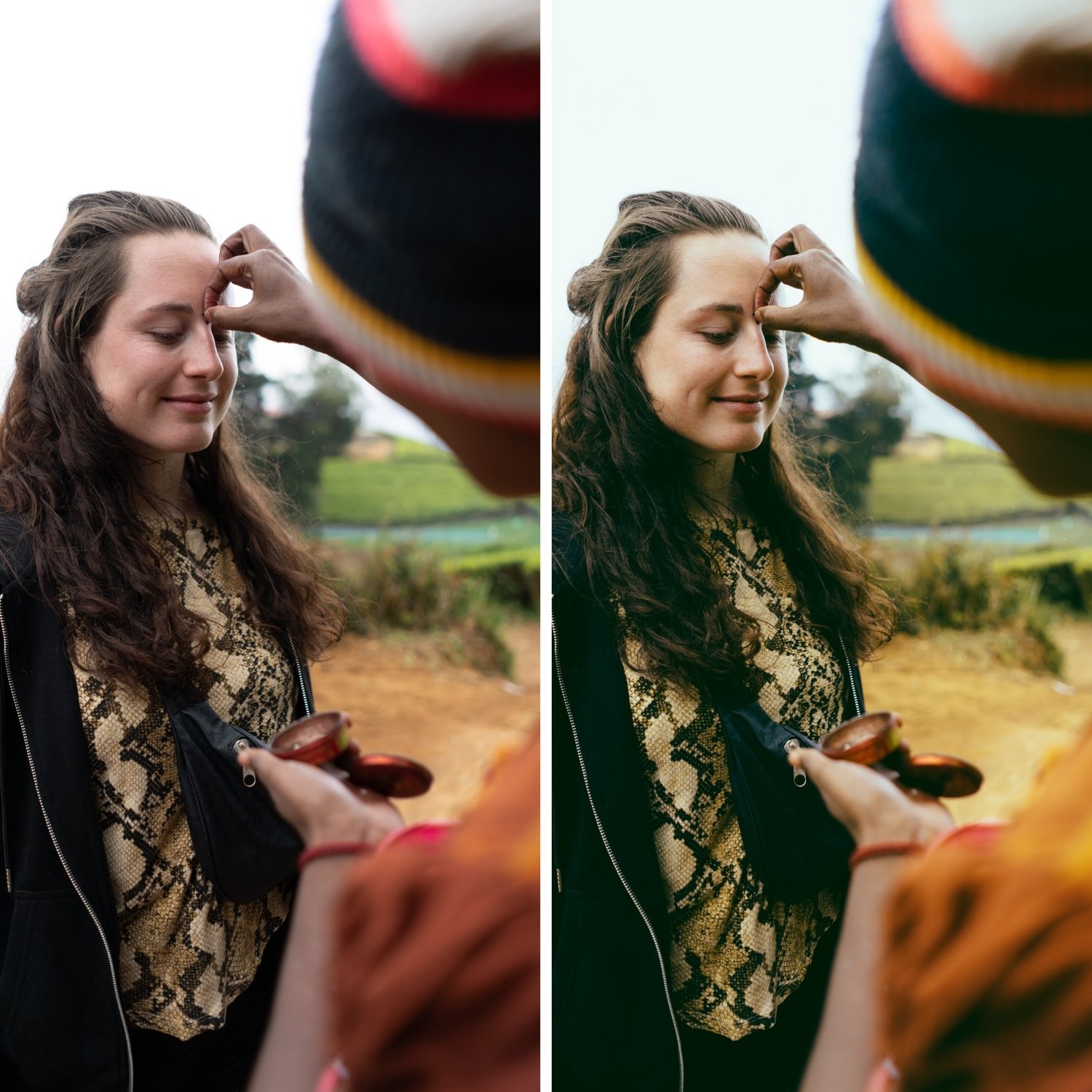
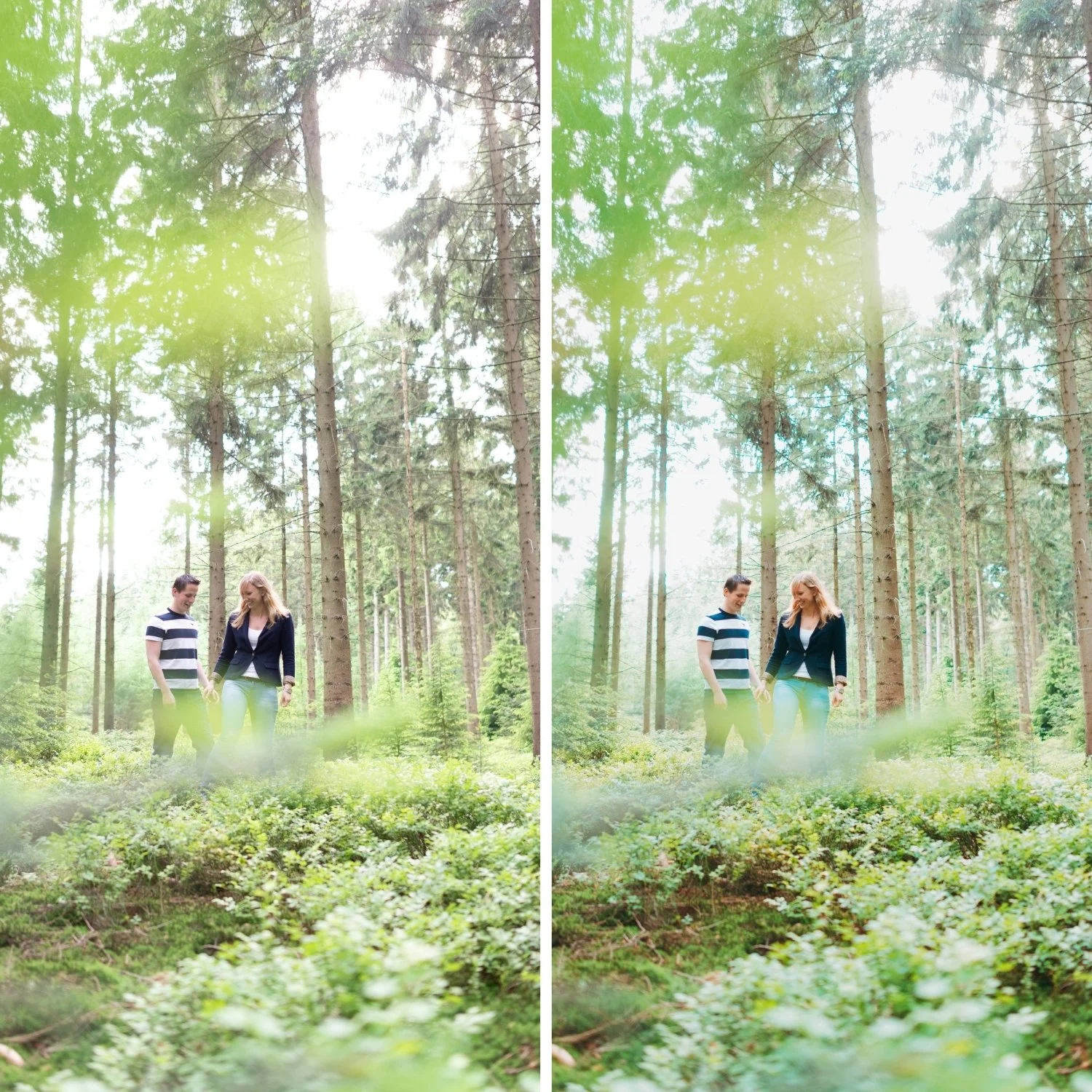
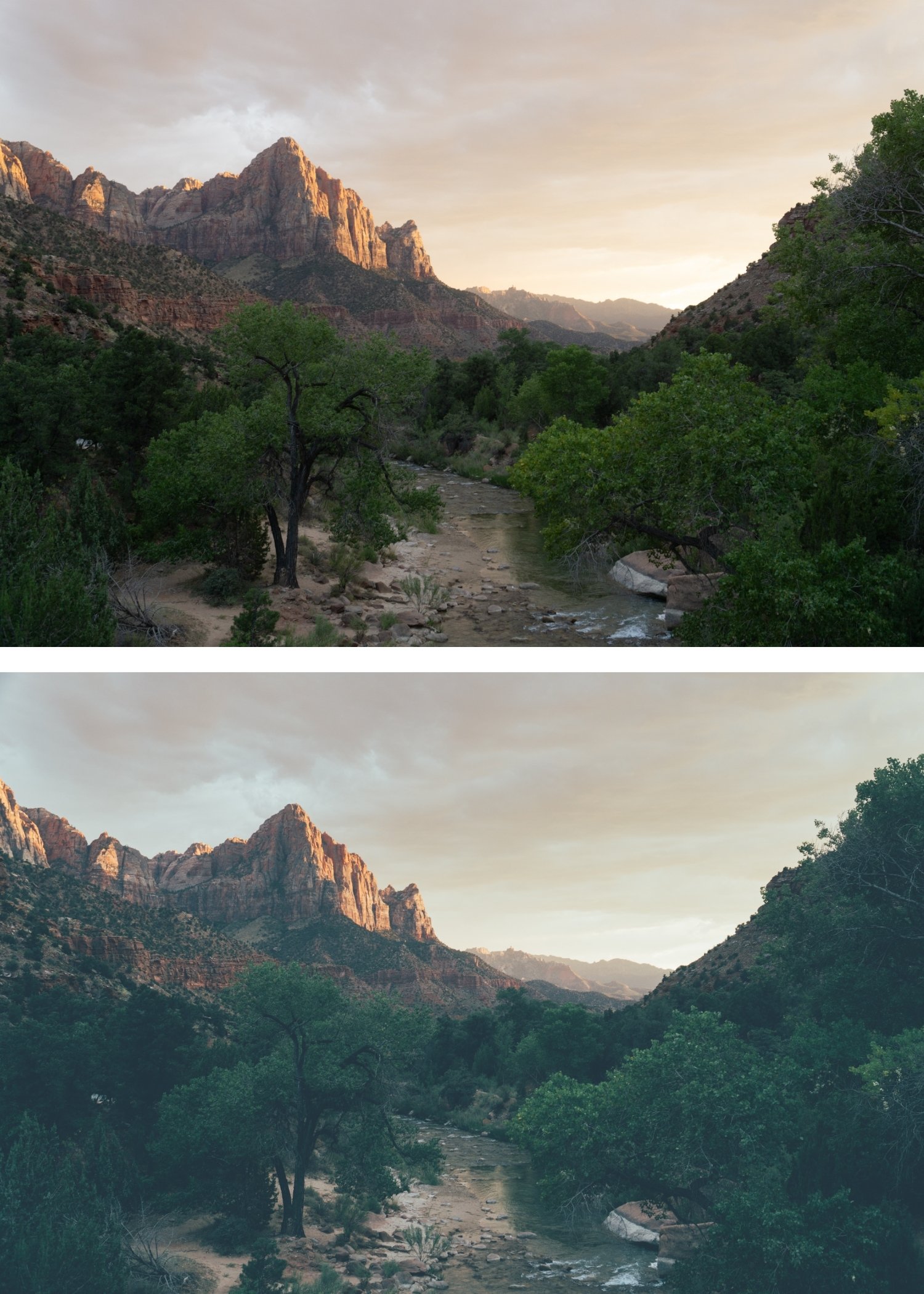
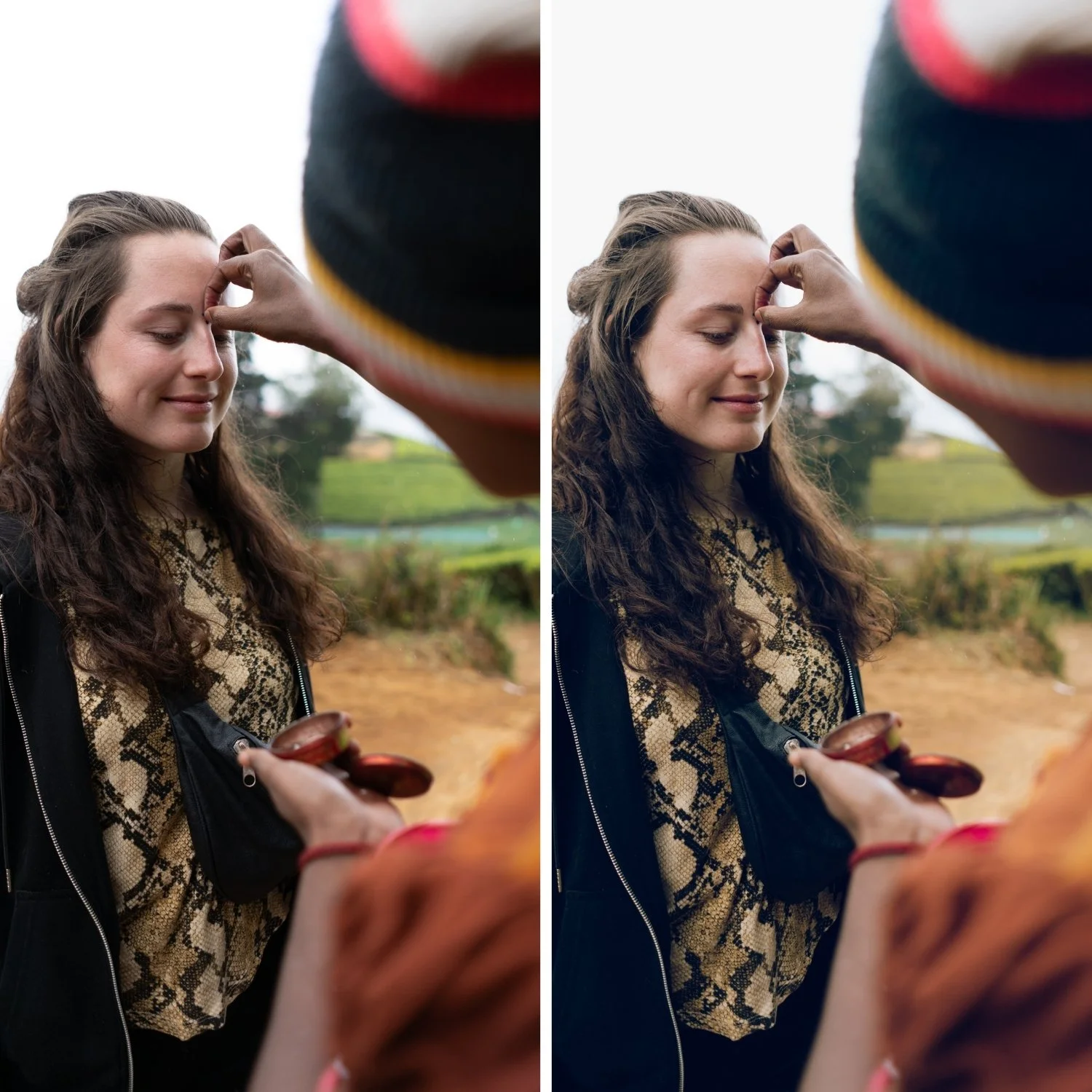 Image 2 of 4
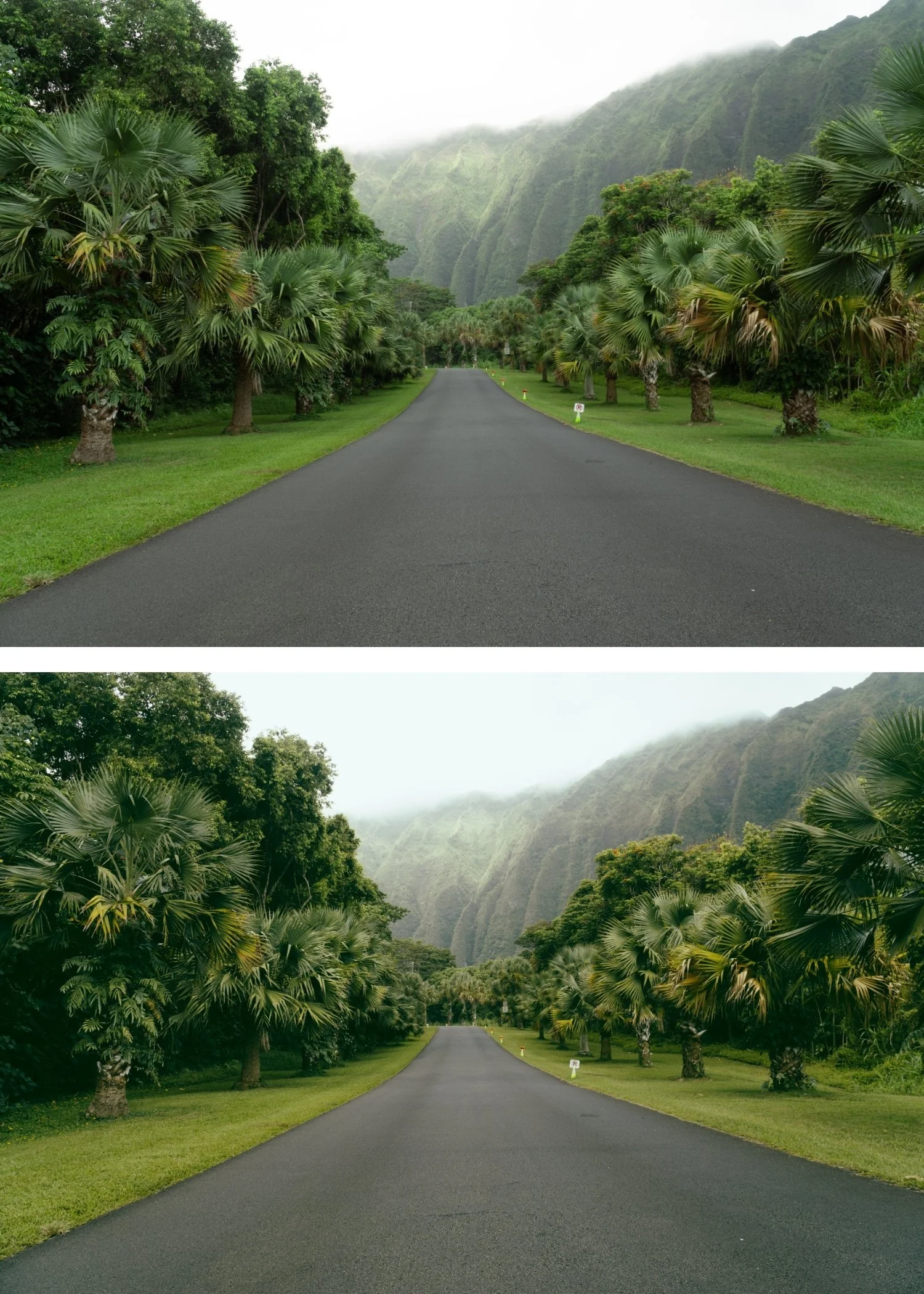
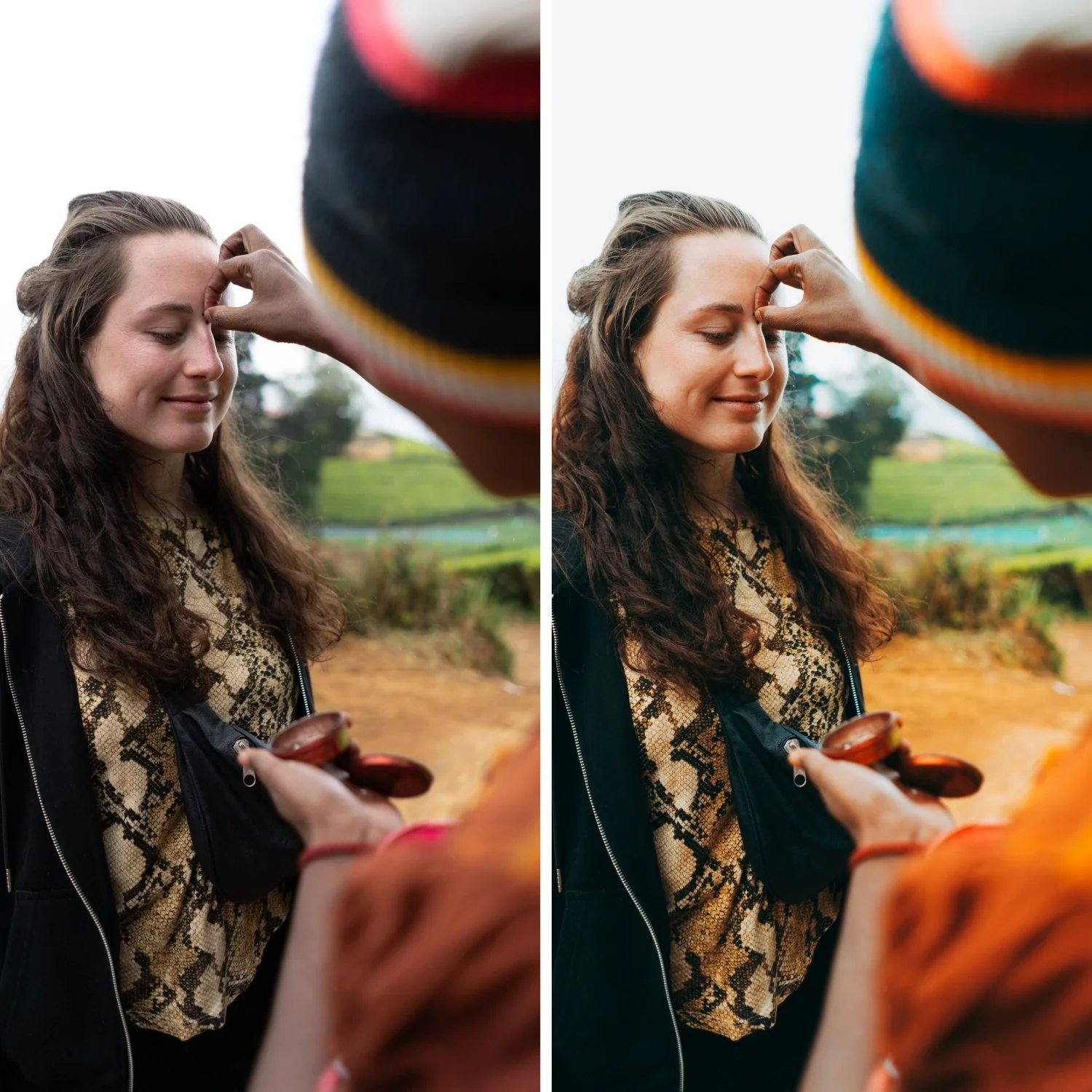
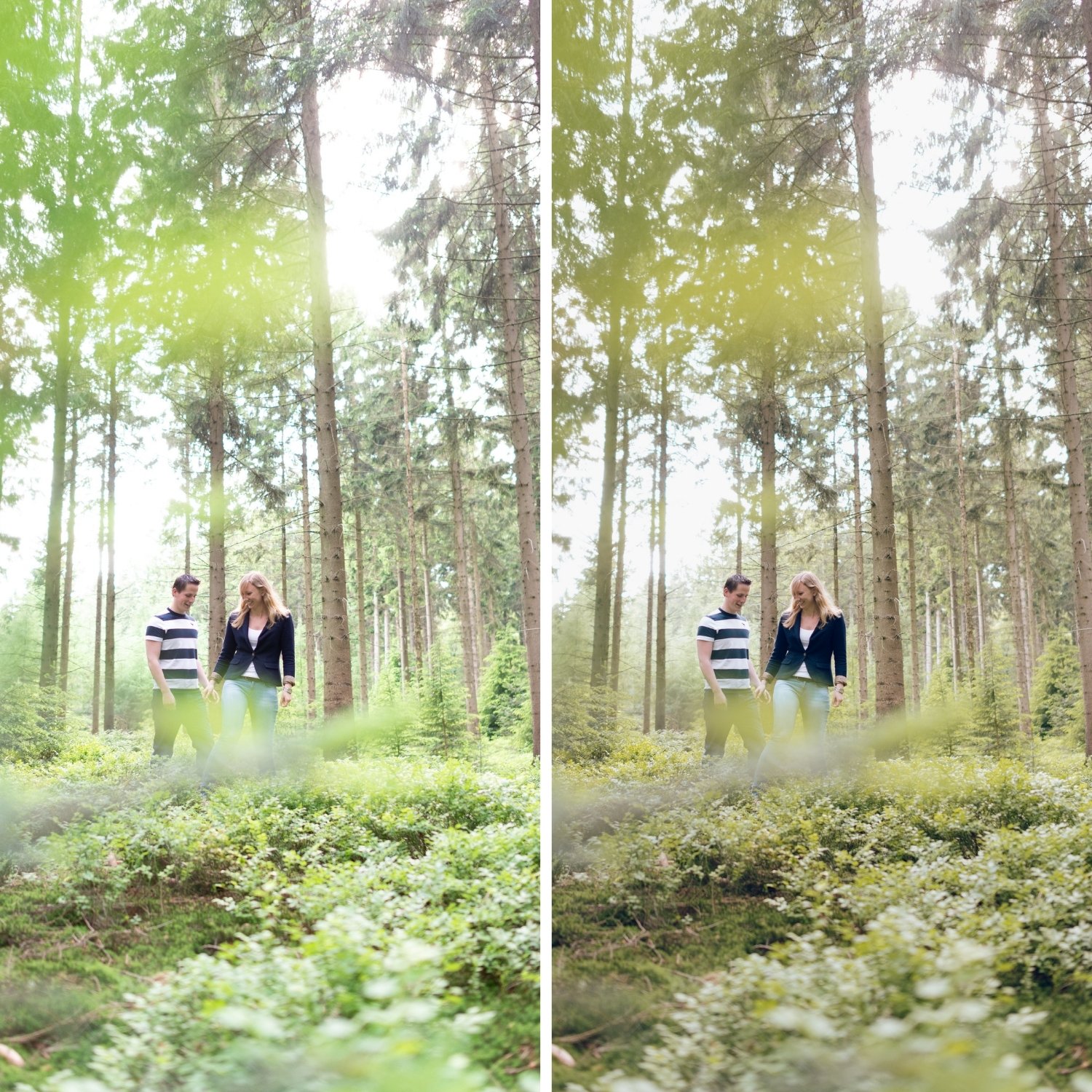
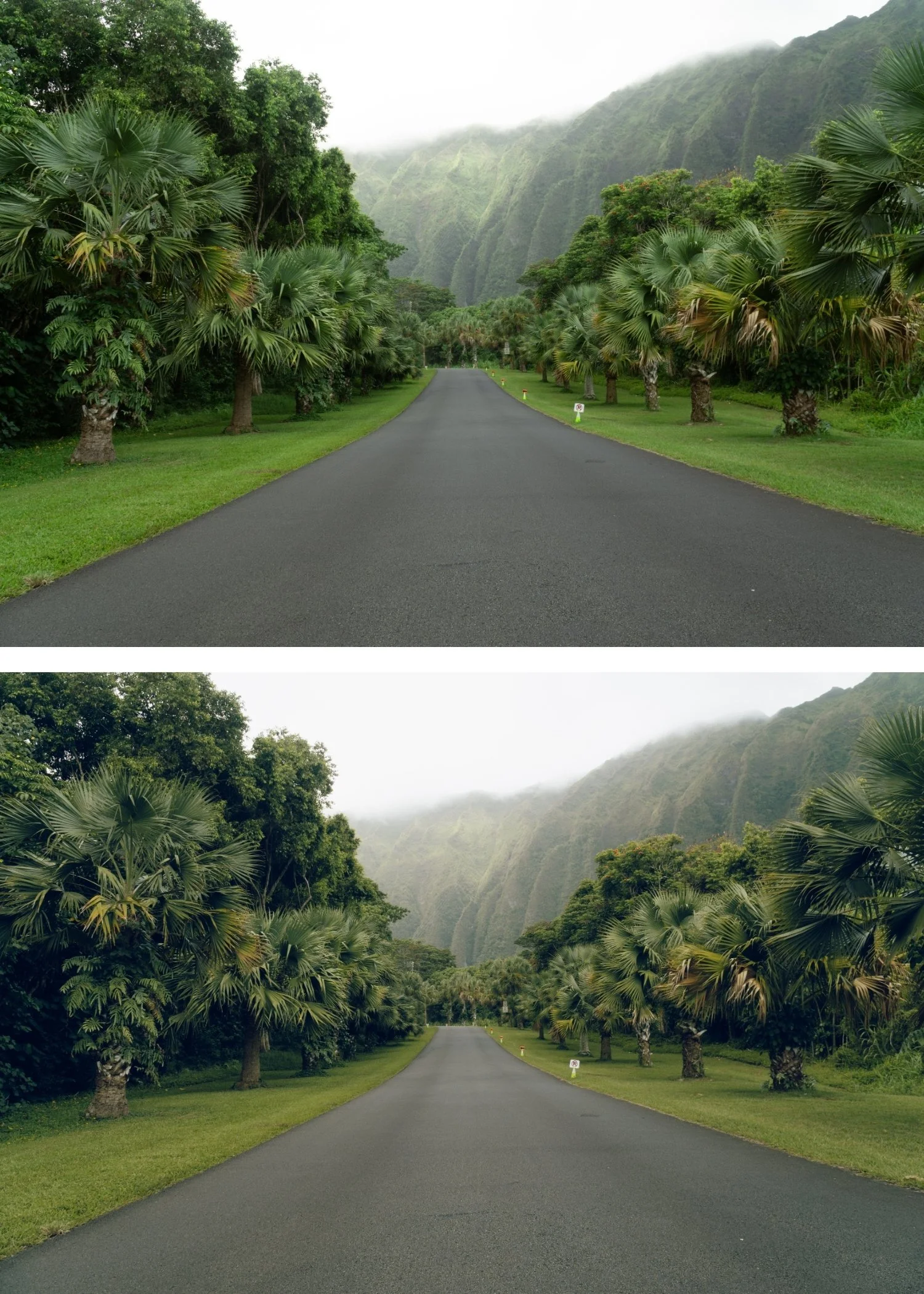 Image 3 of 4
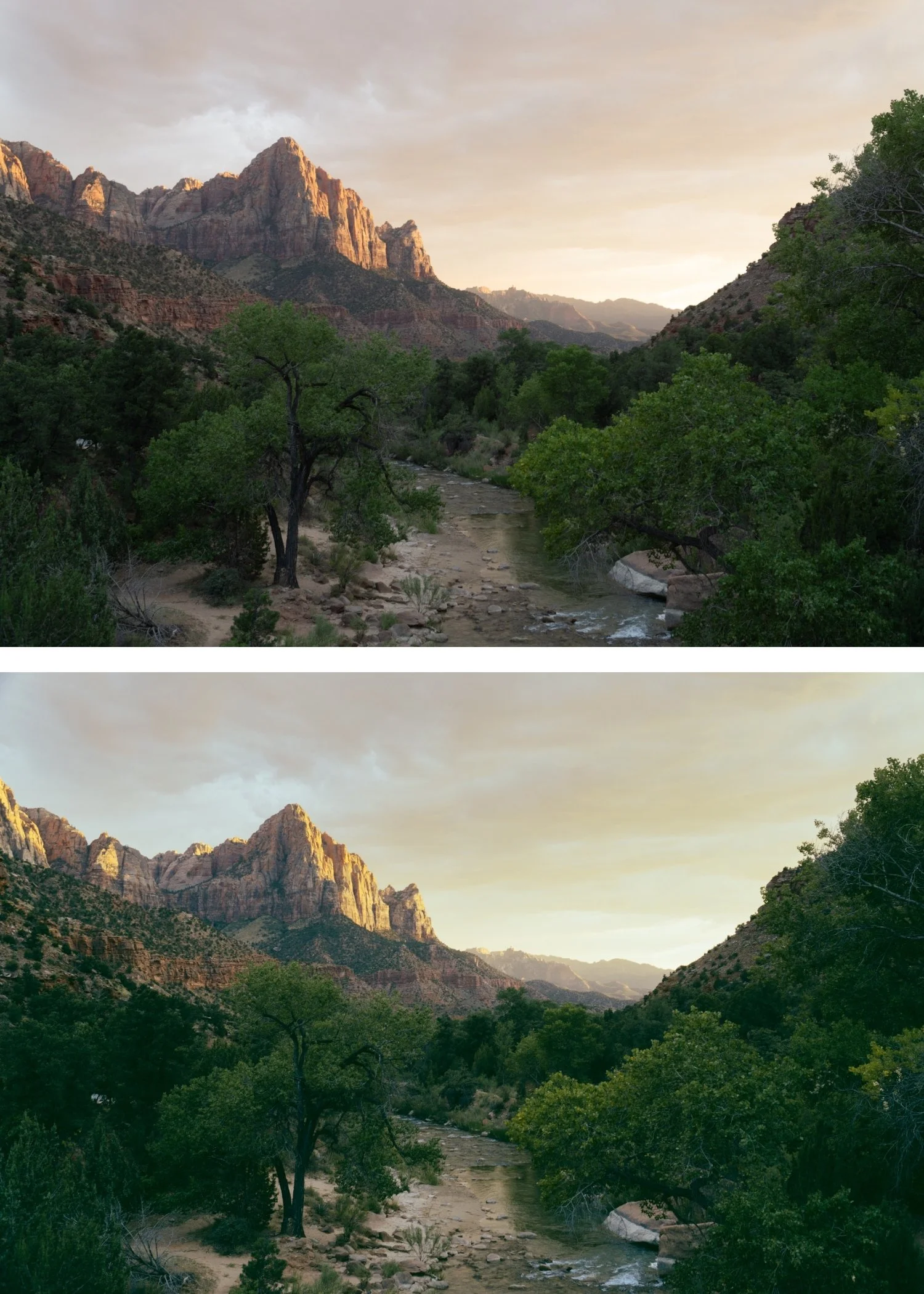
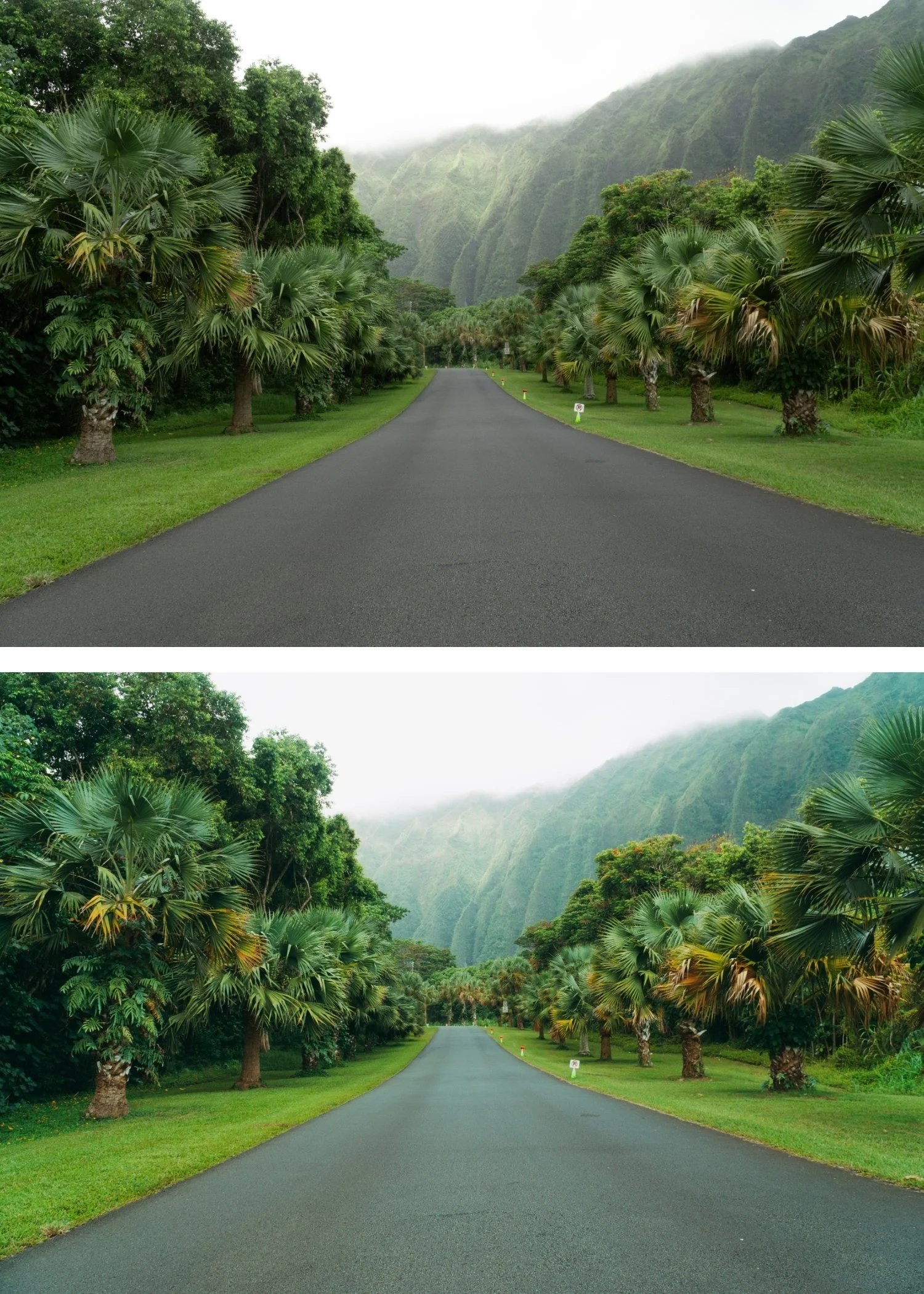
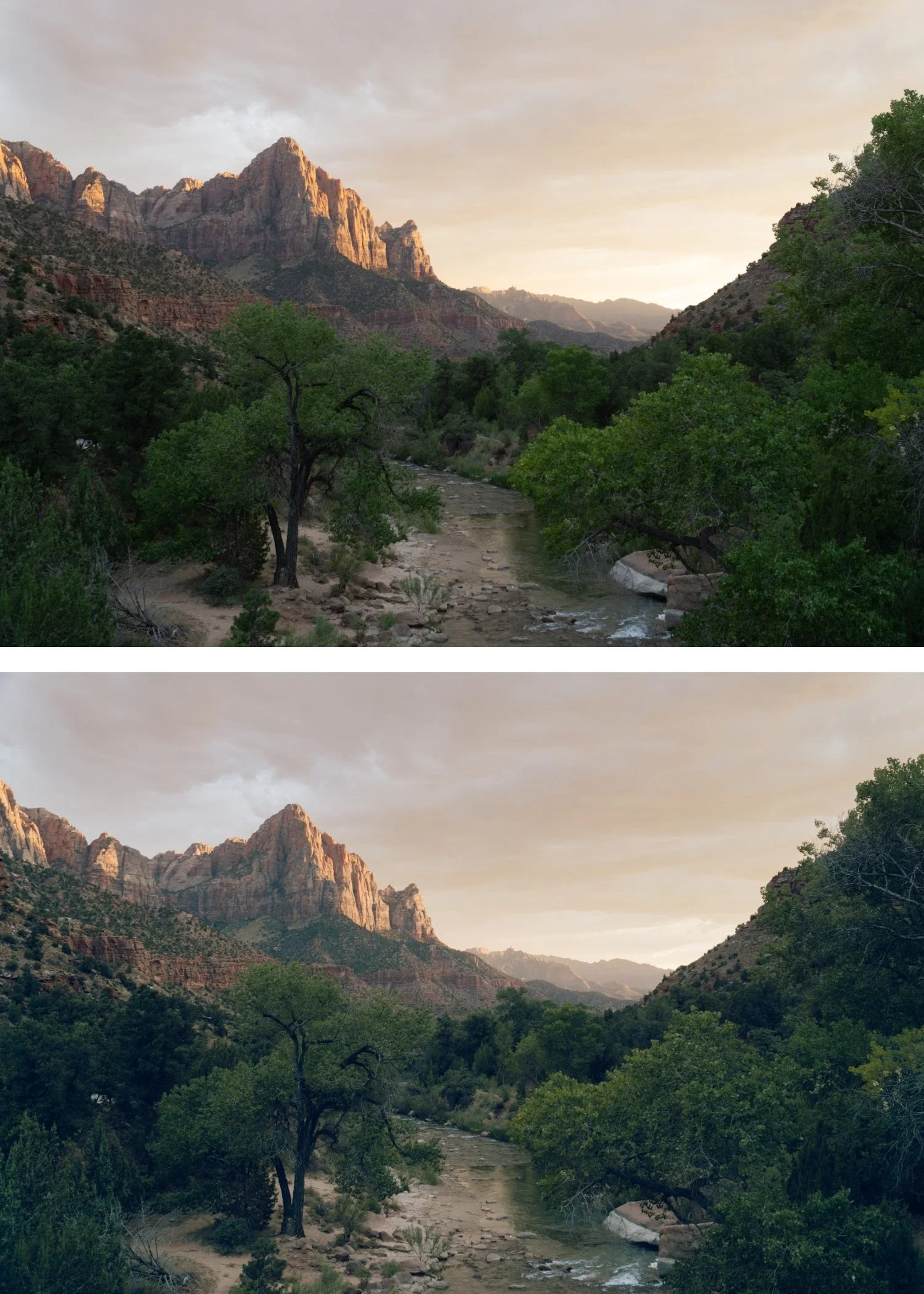 Image 4 of 4
Moody Film 06 Warm Matte | Moody Film Preset for Lightroom Mobile & Desktop

-
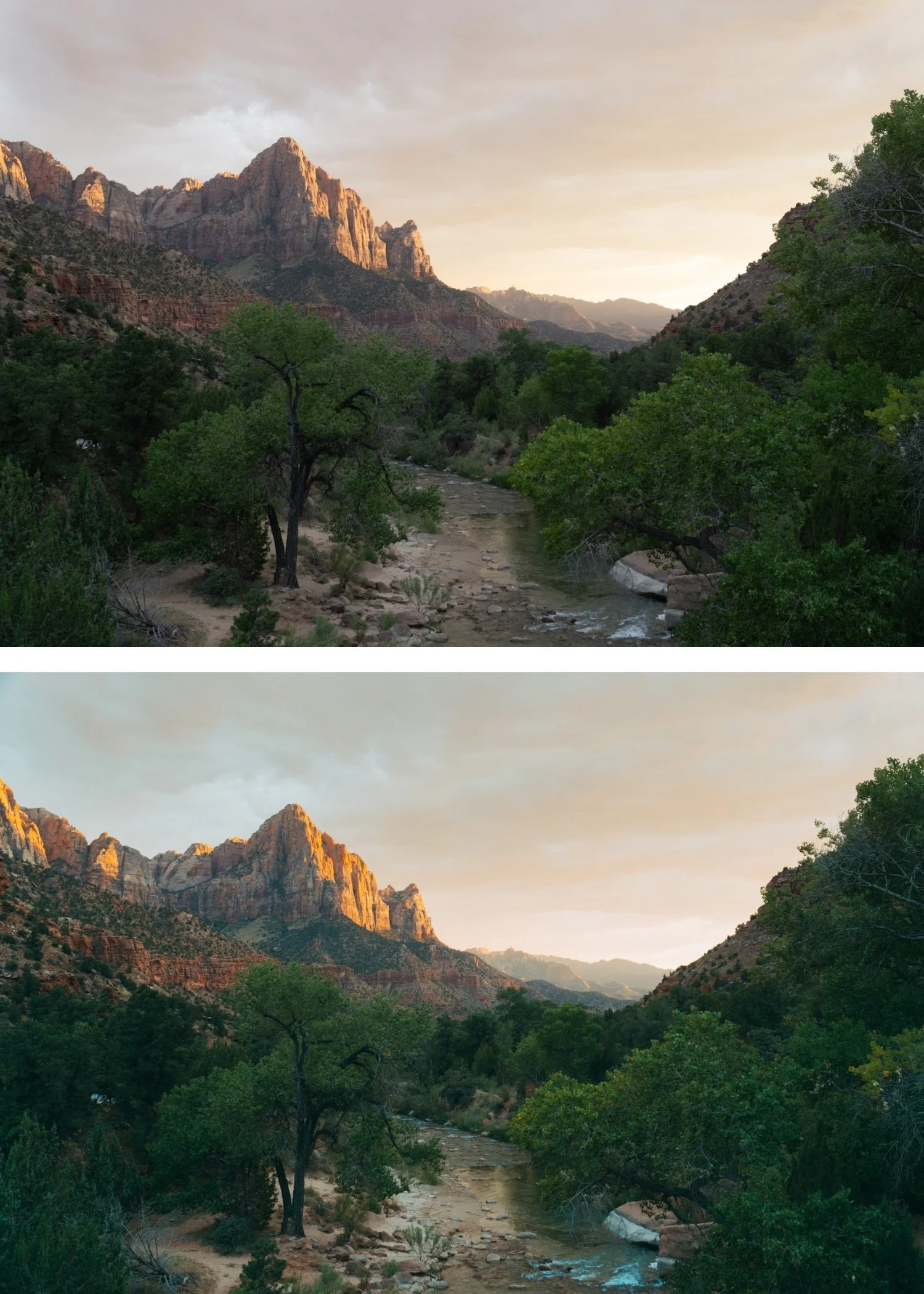
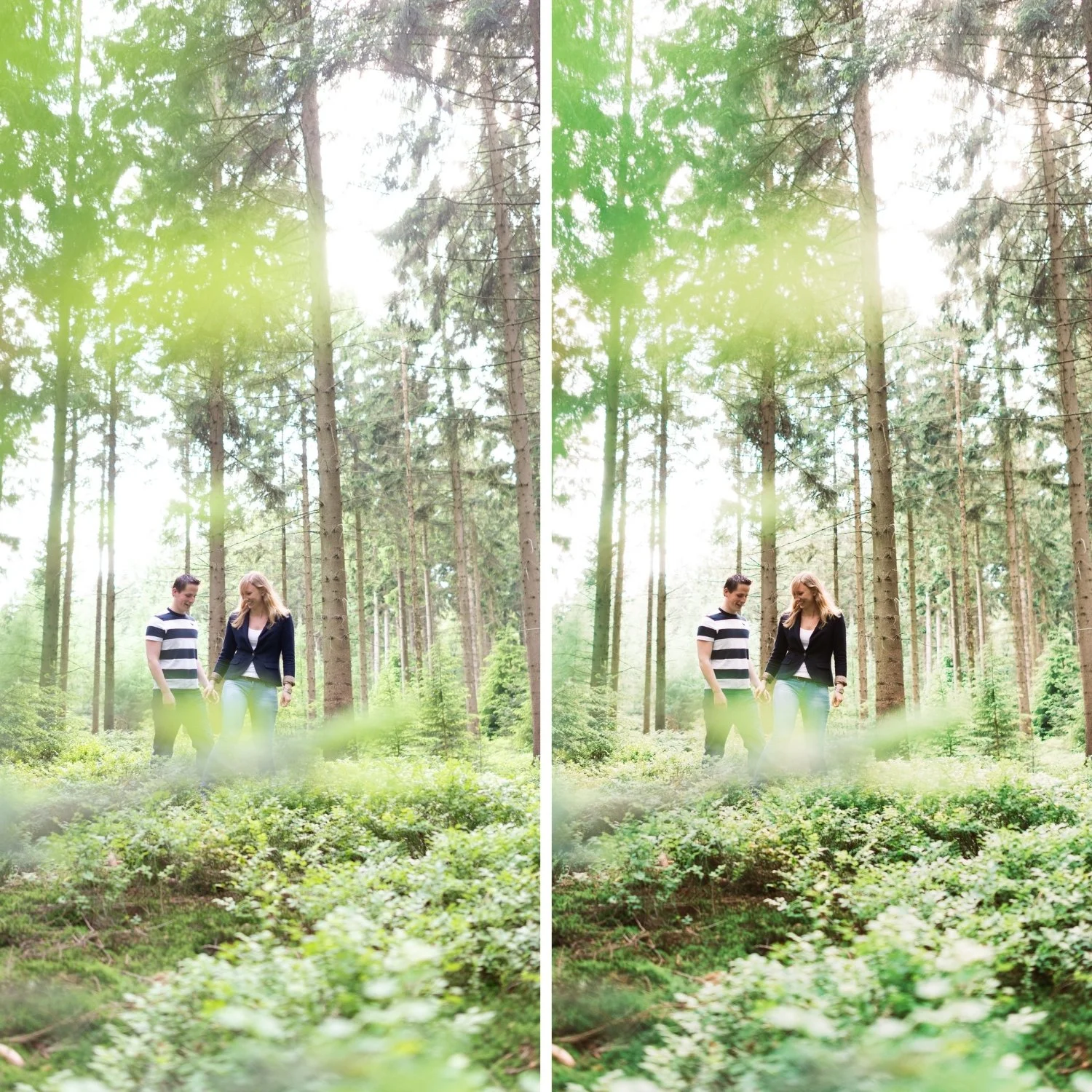
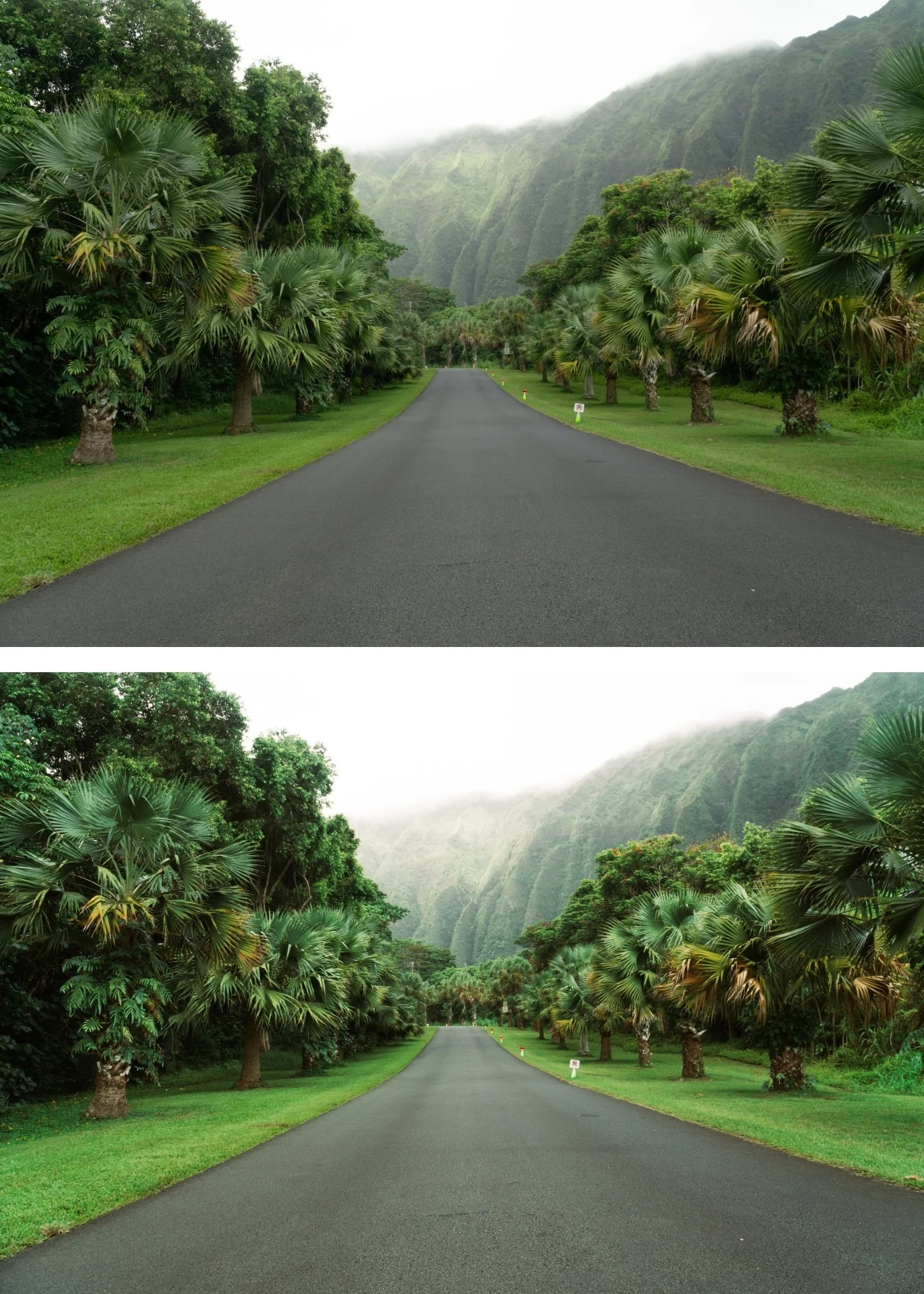
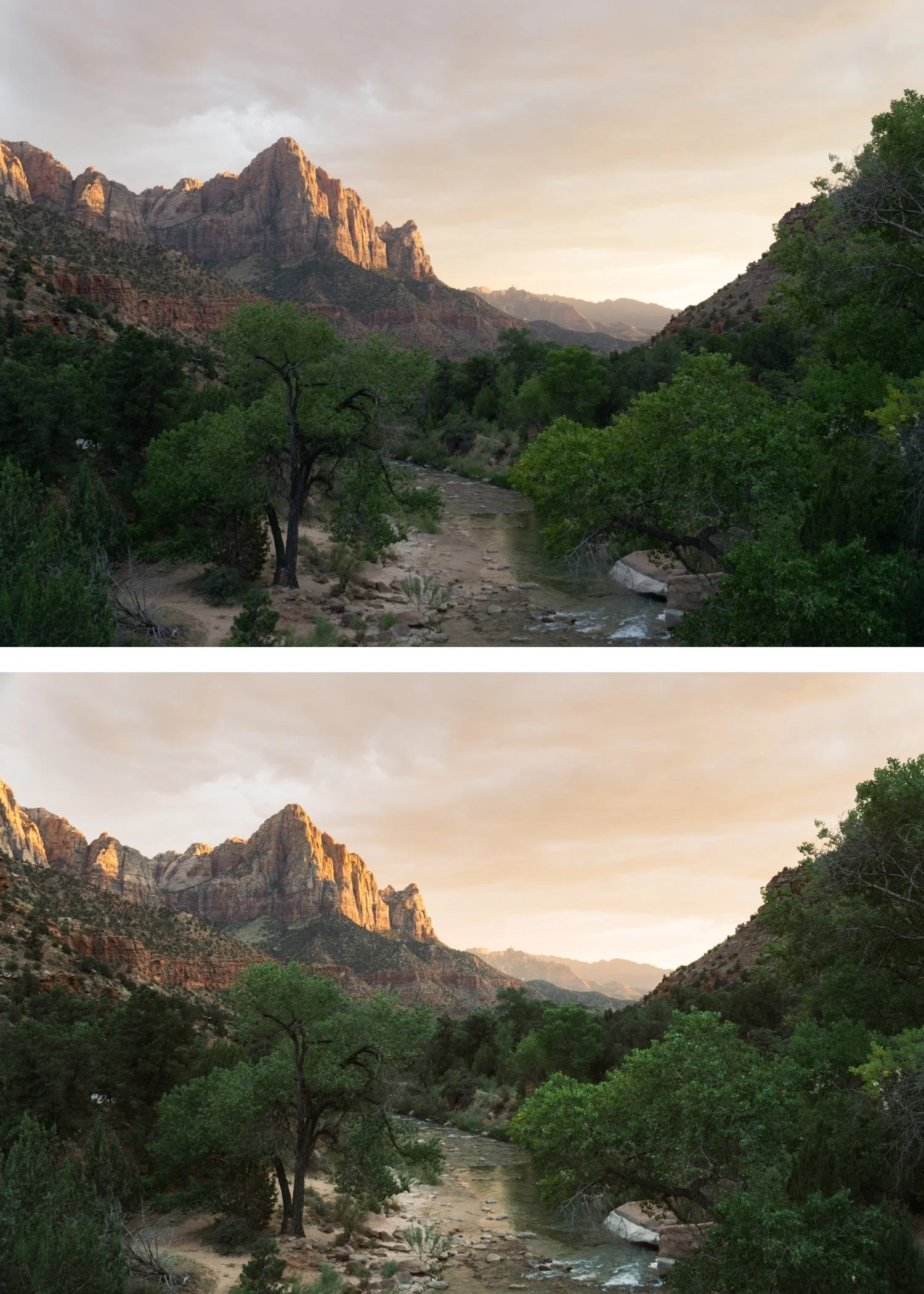
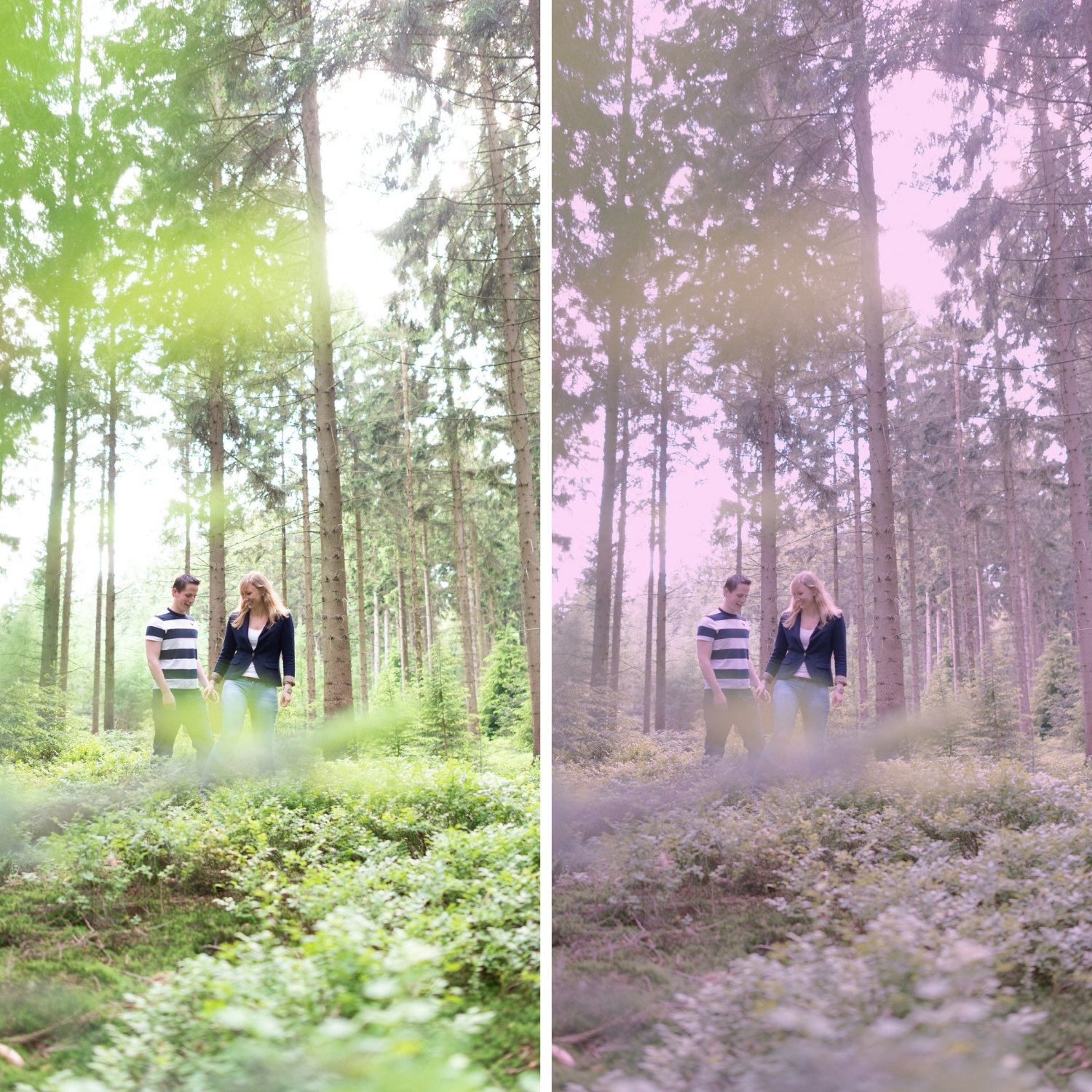
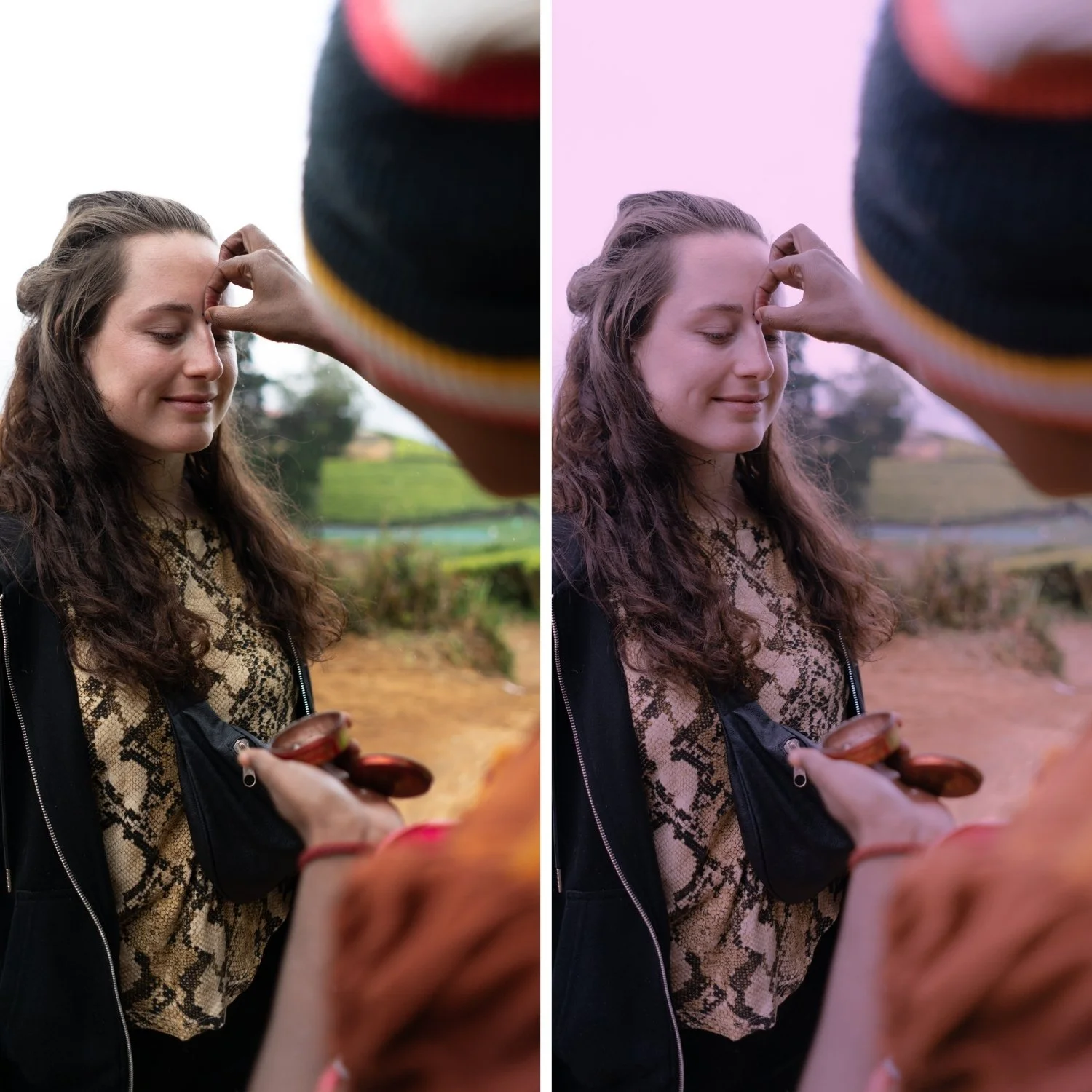
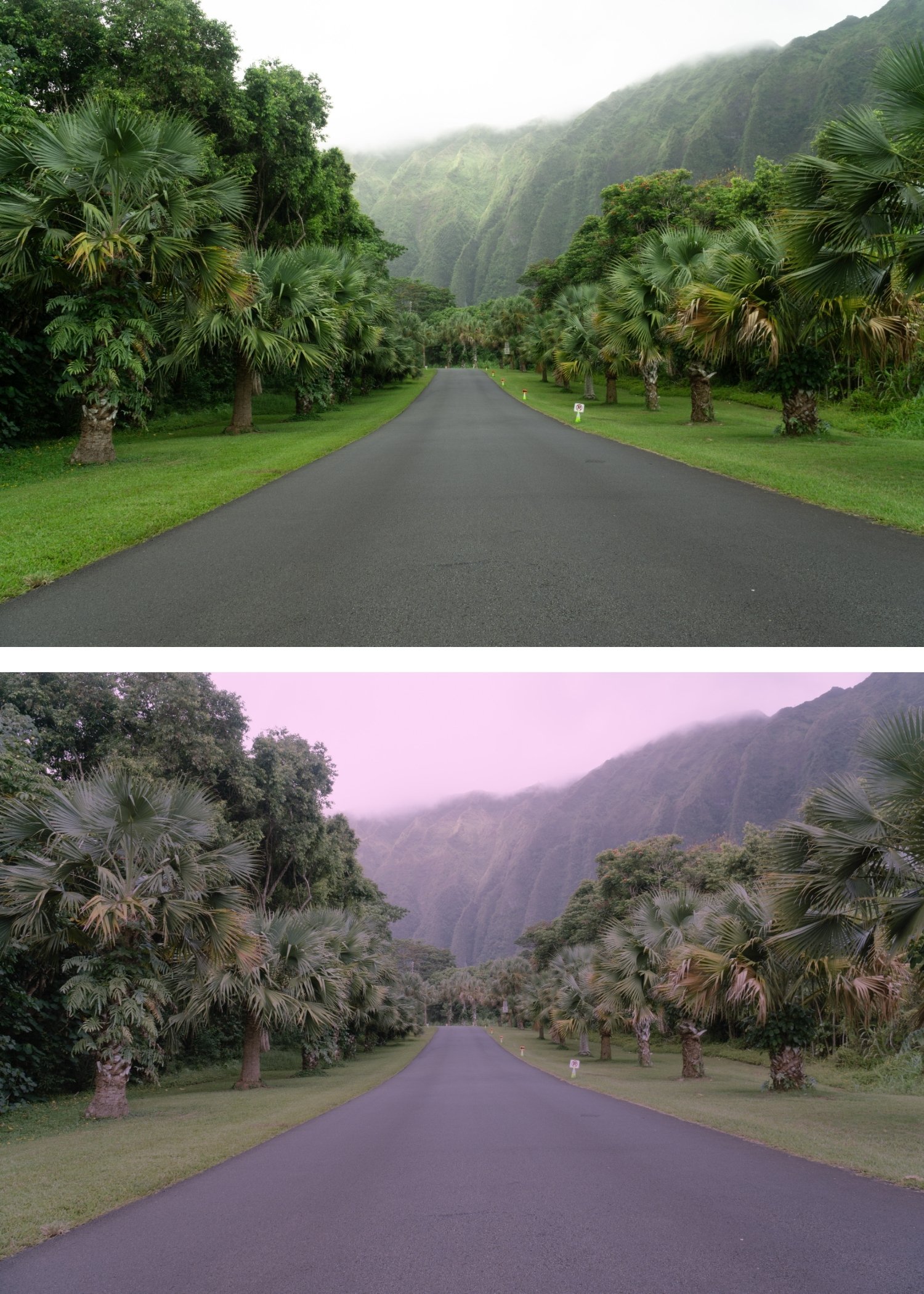
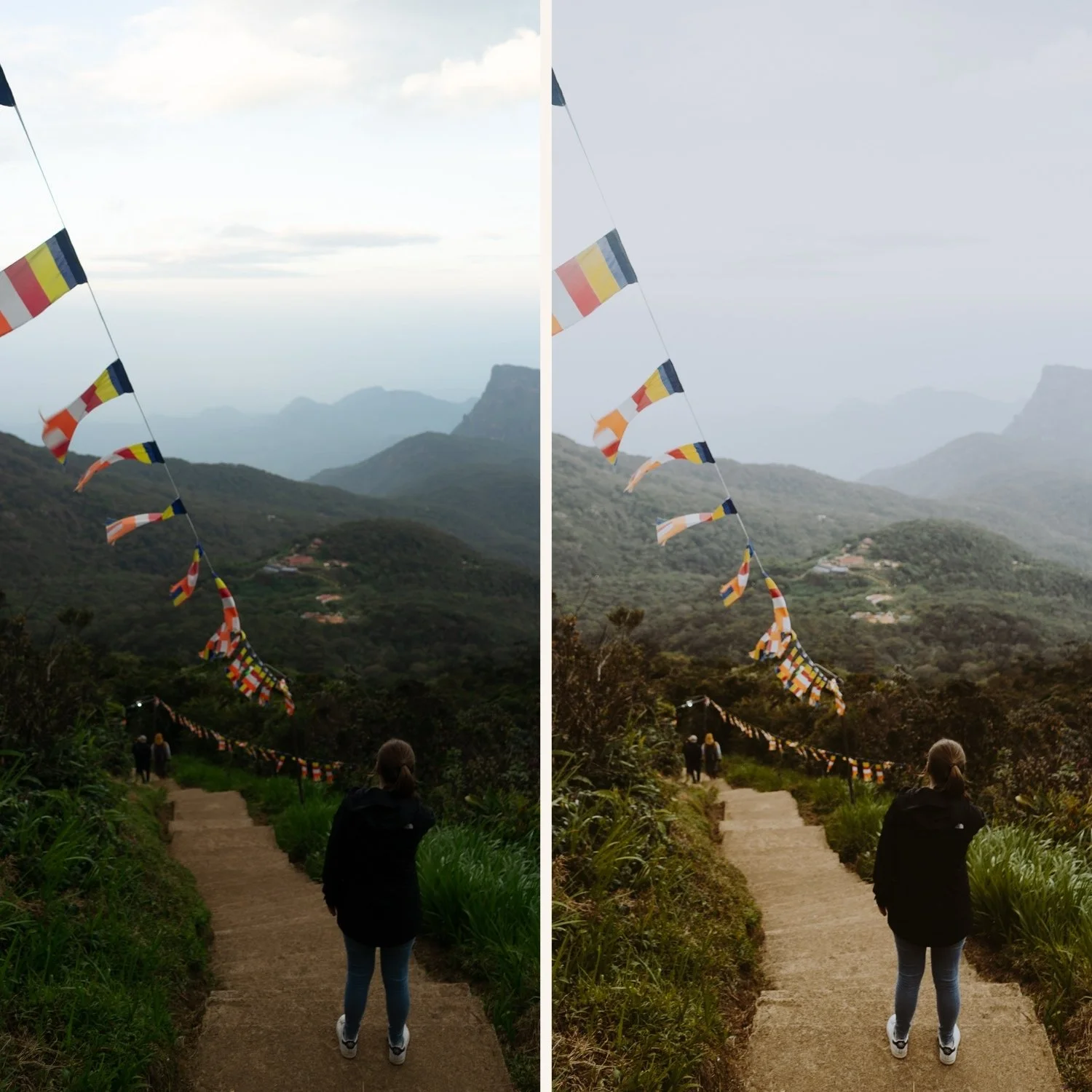
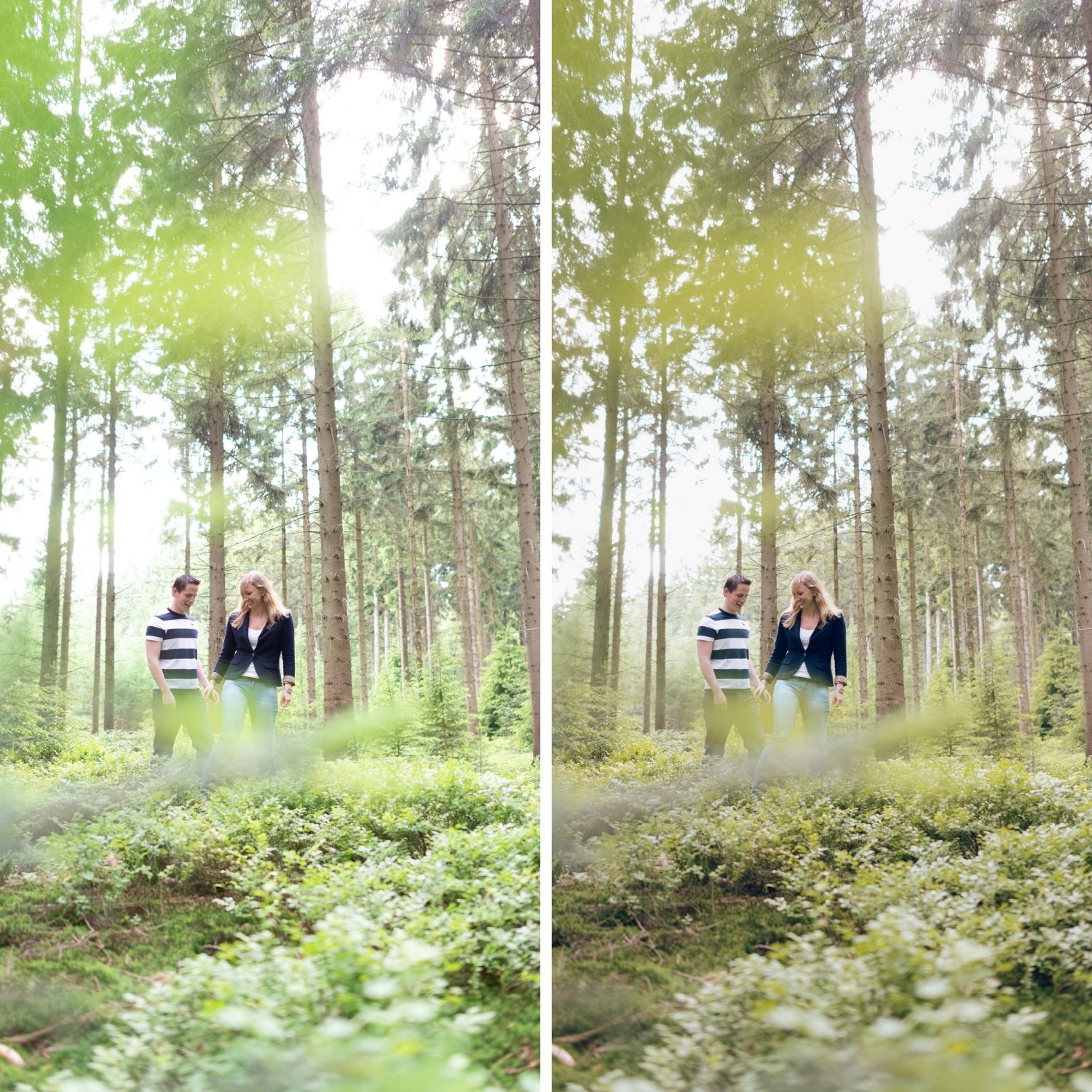
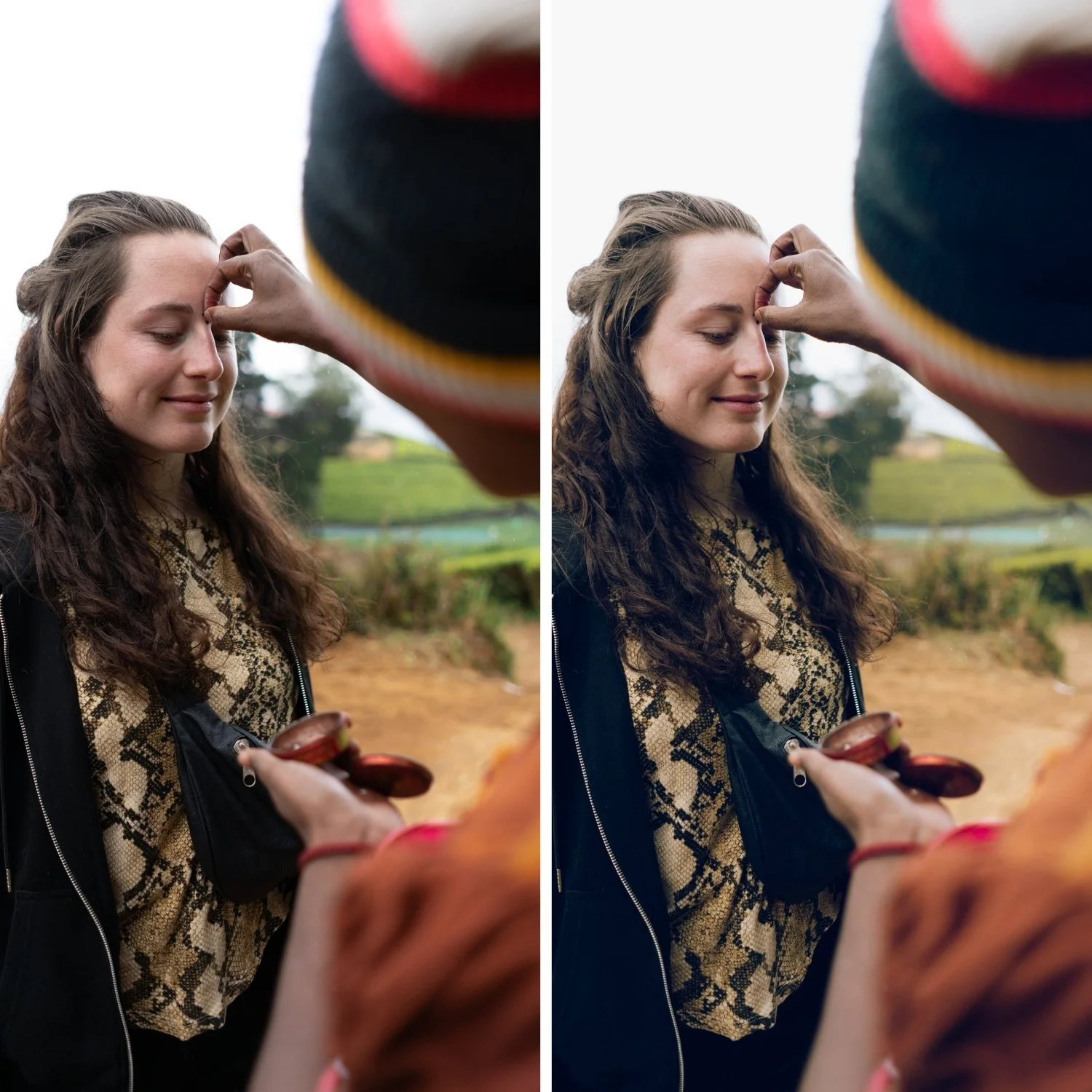
M6 is for portrait, wedding, and lifestyle photographers who want the Moody Film Archive's cinematic quality applied in a warm, intimate register — where the moodiness should feel personal rather than dramatic.
For photographers who use warmer presets for most of their work and want the most accessible entry point into the Moody Film Archive.
-
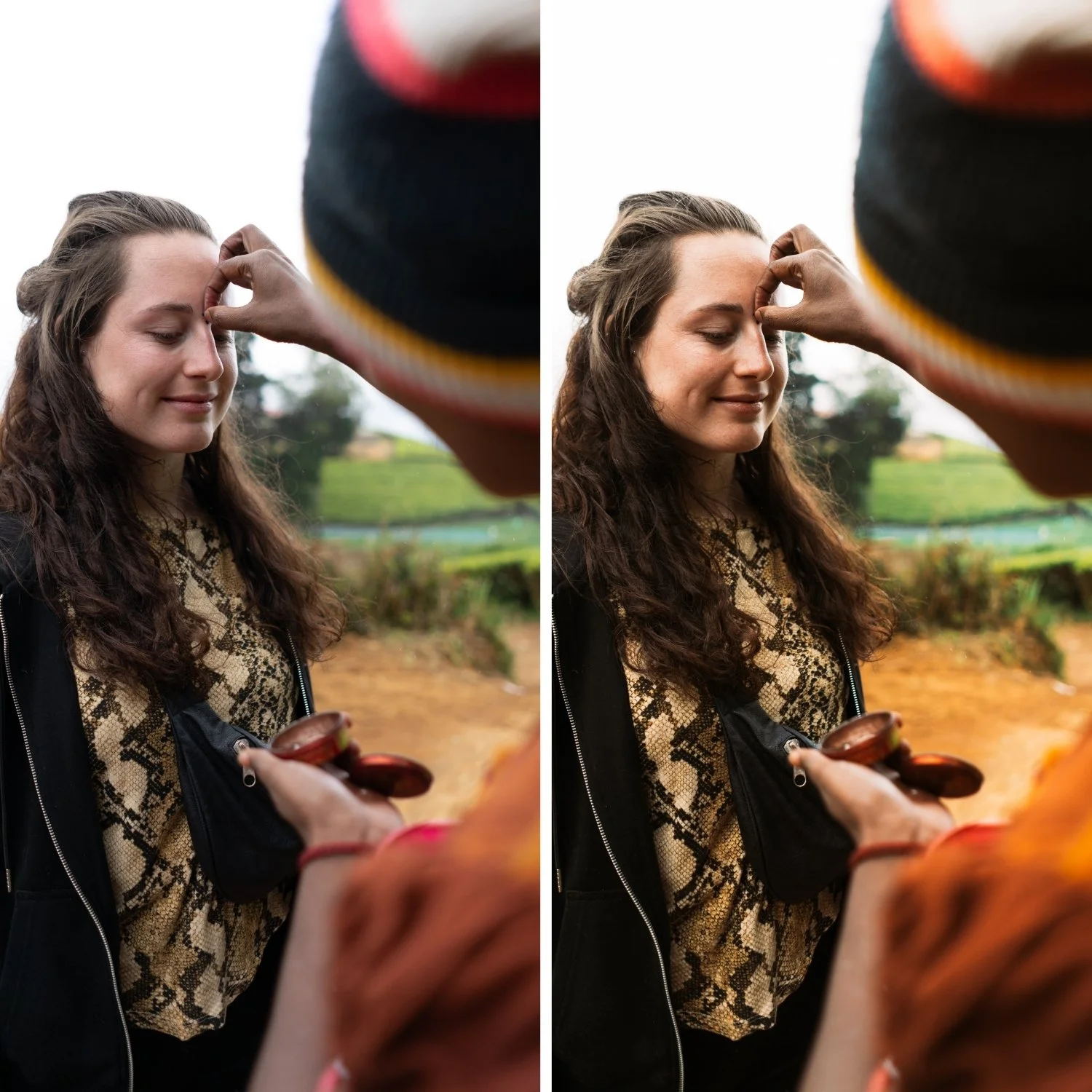
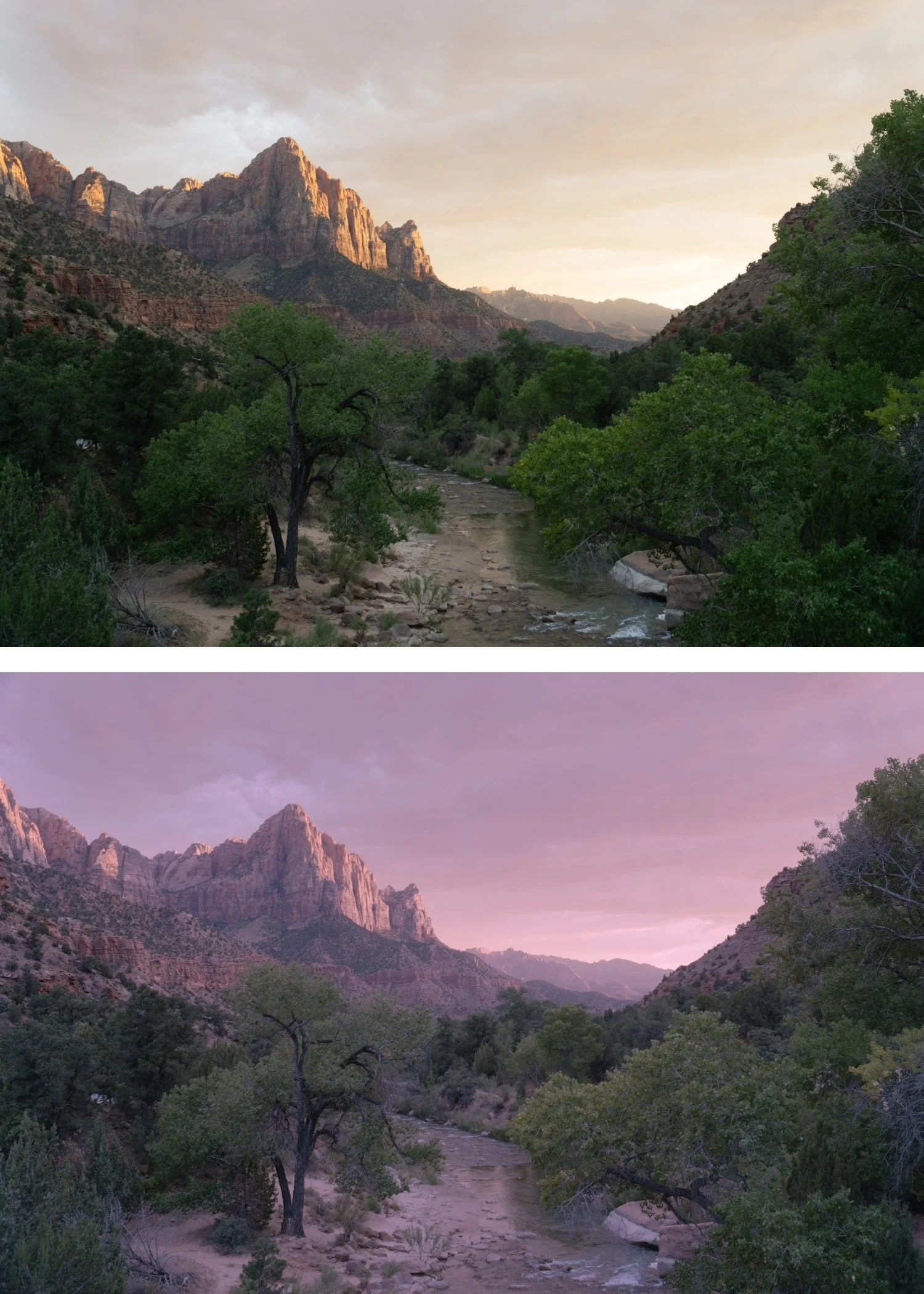
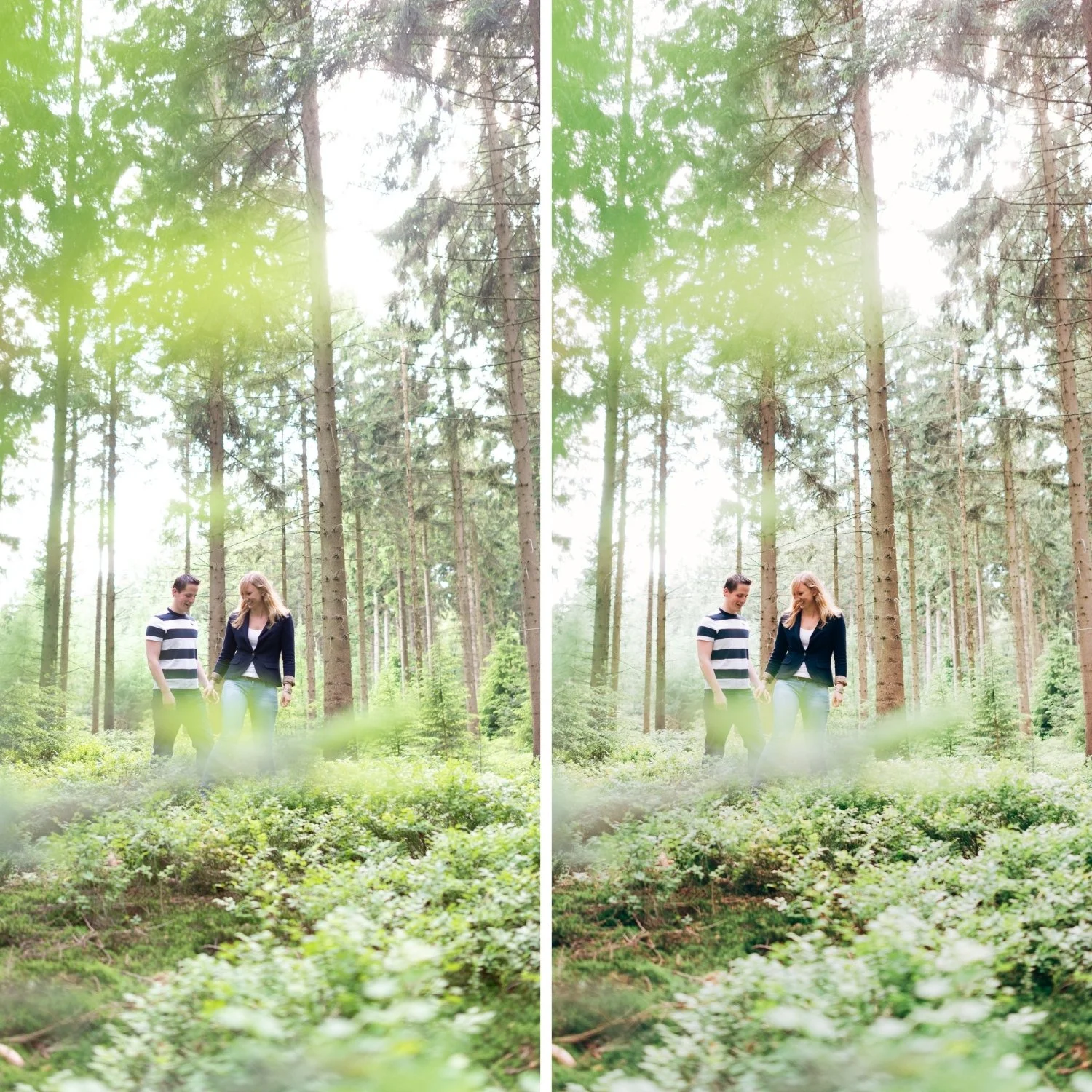
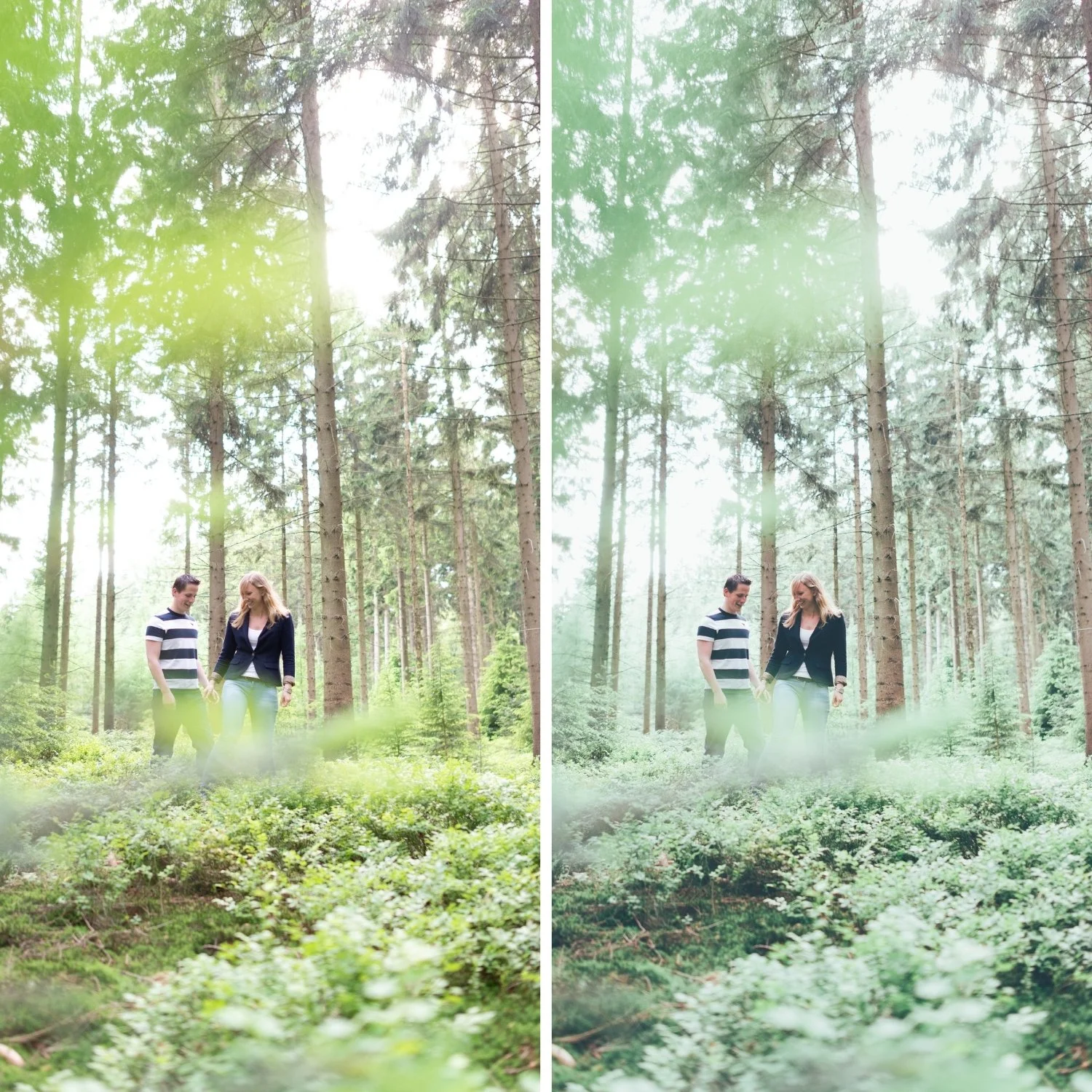
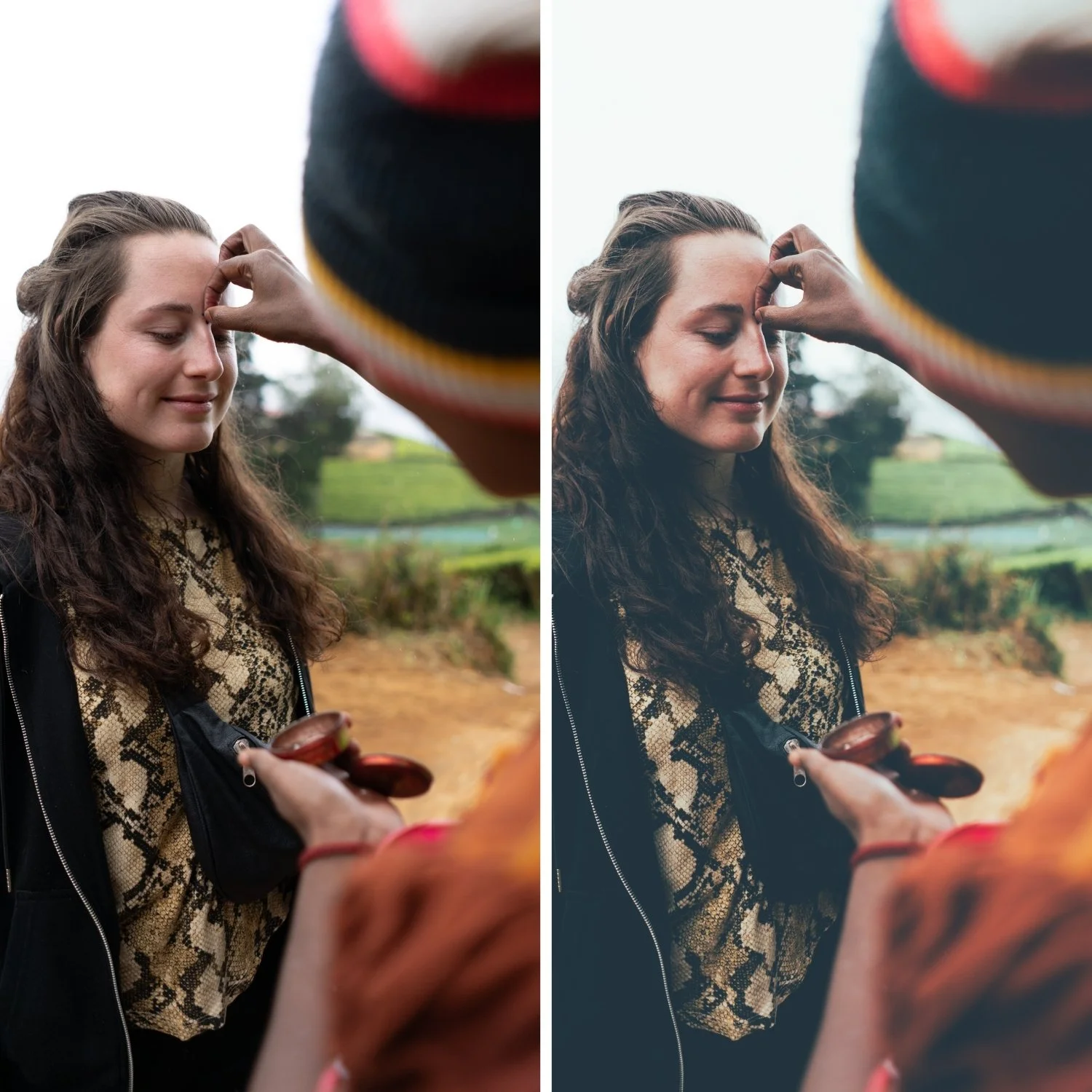
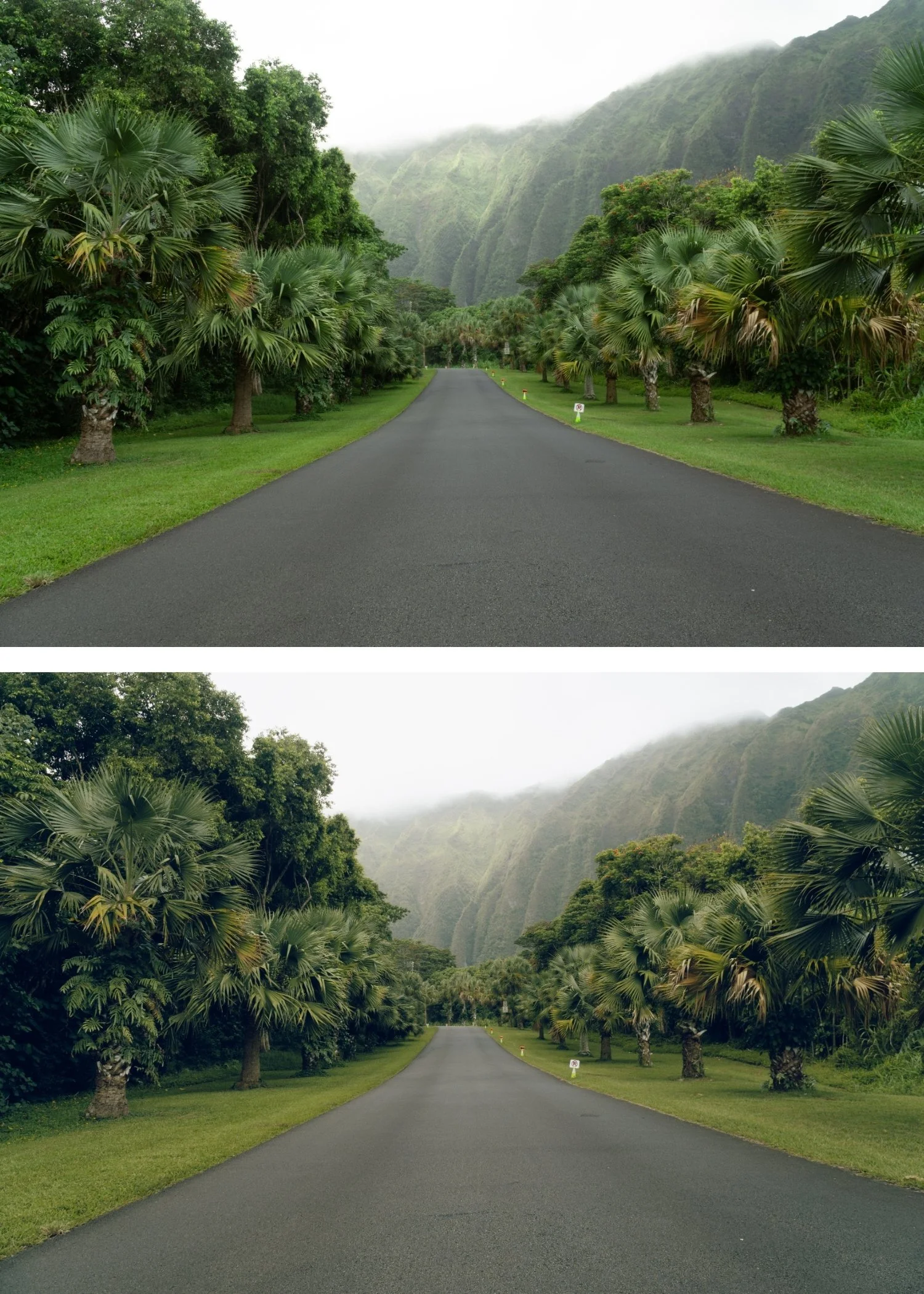
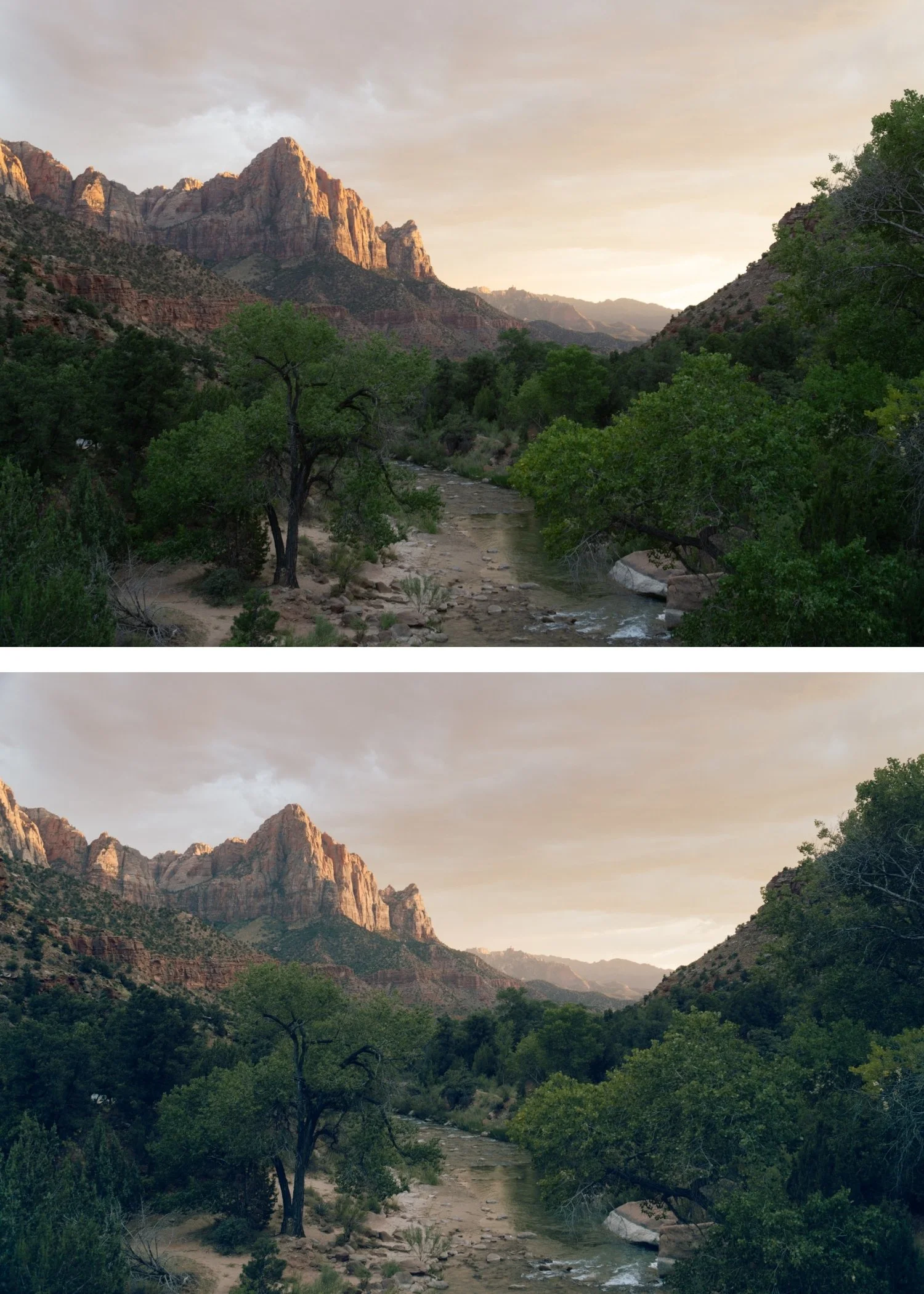
The moody quality feels warm and personal. M6's warm shadow grading and soft highlights create a moody quality that is intimate rather than dramatic — suitable for portraits and indoor lifestyle content.
The soft highlight roll-off flatters skin. M6's highlight softness references the specific quality of film photography in warm indoor light — highlights compress gradually rather than clipping.
It is the most portrait-suitable moody preset. Of the six Moody Film Archive presets, M6 is the best calibrated for portrait and lifestyle photography where warm skin rendering matters.
-
1 × M6 Warm Matte DNG file — for Lightroom Mobile
1 × M6 Warm Matte XMP file — for Lightroom Classic
Installation guide
Lifetime access -
This preset captures the moody, desaturated aesthetic similar to the legendary M6 filters. It’s the perfect professional alternative for those wanting an analog-inspired look that feels more "understated" and cool. By emulating the look of premium fashion film stocks developed with a matte finish, the M6 ensures your digital shots have a polished, cinematic-noir finish.
-
Step 1 — White balance first. M6 assumes a warm starting point — 5,200-5,600K for outdoor daylight, 3,200-4,500K for warm indoor ambient. The warm shadow grading of M6 reads most naturally on a warm foundation.
Step 2 — Apply M6 Warm Matte. The warm matte colour, soft highlight roll-off, and film grain apply simultaneously.
Step 3 — Adjust Exposure and White Balance per photo. M6 handles the warm moody identity. Exposure and White Balance handle per-photo differences.
Indoor portrait photography: M6 is specifically well-suited to indoor portrait work in warm ambient light — candlelit scenes, warm venue photography, intimate indoor sessions. Correct the indoor ambient white balance to 3,200-4,500K before applying. The warm shadow grading and soft highlights create the specific intimate quality of M6's indoor character.
Camera-specific notes: Canon files are a natural fit for M6's warm direction. Sony files benefit from Green Hue +6 toward yellow after applying. For indoor mixed-light scenes, correct white balance to the dominant light source before applying.
On phone photos: 80-82% strength.
-
What is the difference between M6 and M1? M1 is the balanced, neutral-warm moody baseline. M6 is warmer with softer highlights and more intimate character — specifically calibrated for portrait and indoor photography. M1 for versatile outdoor and travel moody, M6 for warm portrait and indoor sessions.
Does M6 work for wedding photography? Yes — M6 is well-suited to wedding photography across both outdoor portrait sessions and indoor reception coverage. The warm shadow quality and soft highlights work for both registers within a consistent moody identity.
GET ALL 6 MOODY FILM ARCHIVE PRESETS
The full Moody Film Archive gives you six calibrated moody film looks — Moody Original for balanced cinematic depth, Earth Fade for organic matte tones, Heritage Matte for vintage fade character, Cool Matte for cinematic cool depth, Editorial Depth for maximum dramatic presence, and Warm Matte for warm moody softness.
Six presets. One cinematic philosophy. $4.50 per preset.
THE STUDIO ARCHIVE
Want everything? The Studio Archive contains 130+ presets — every collection we make, including the complete Moody Film Archive — for $89 total. That is $0.68 per preset with every future release included for life.