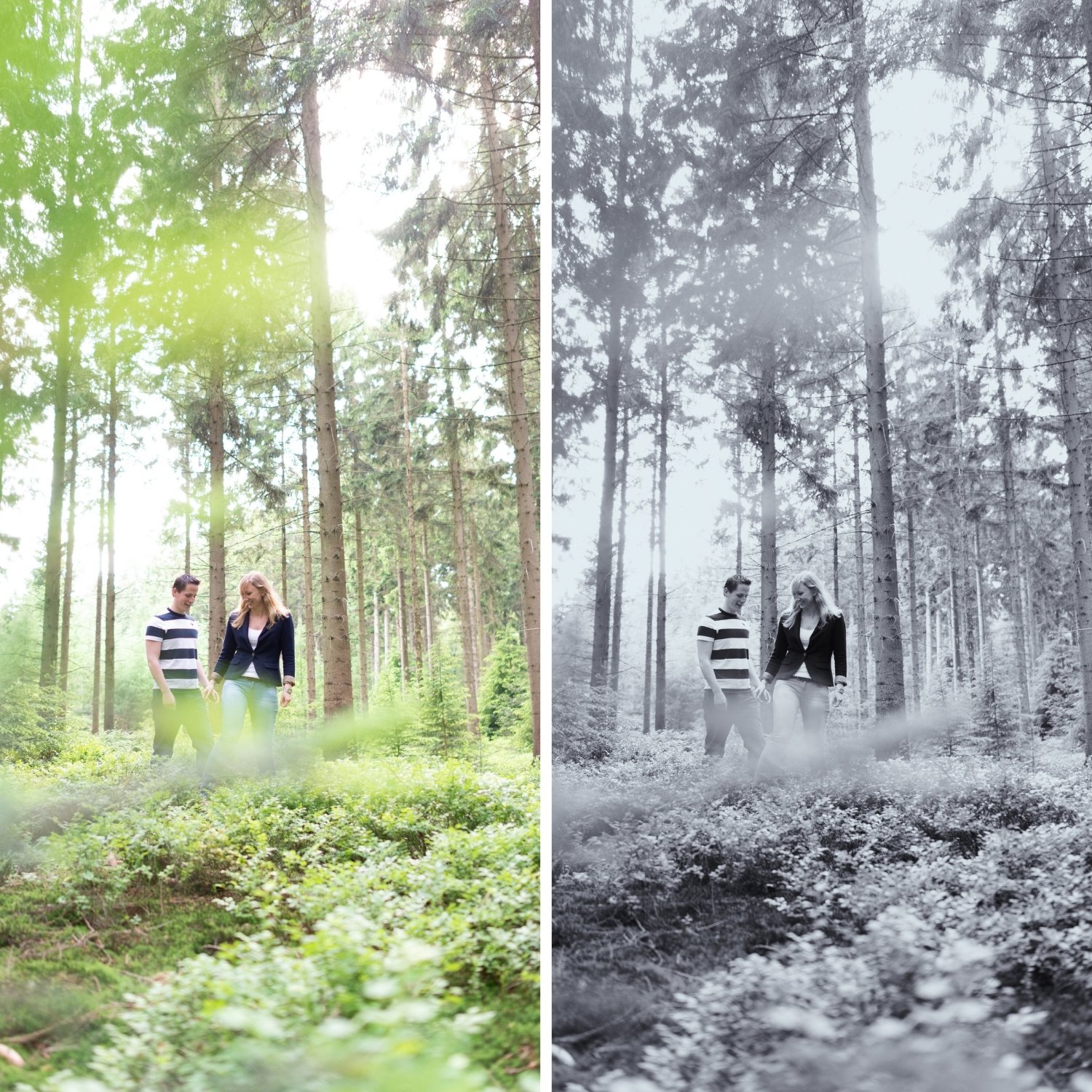
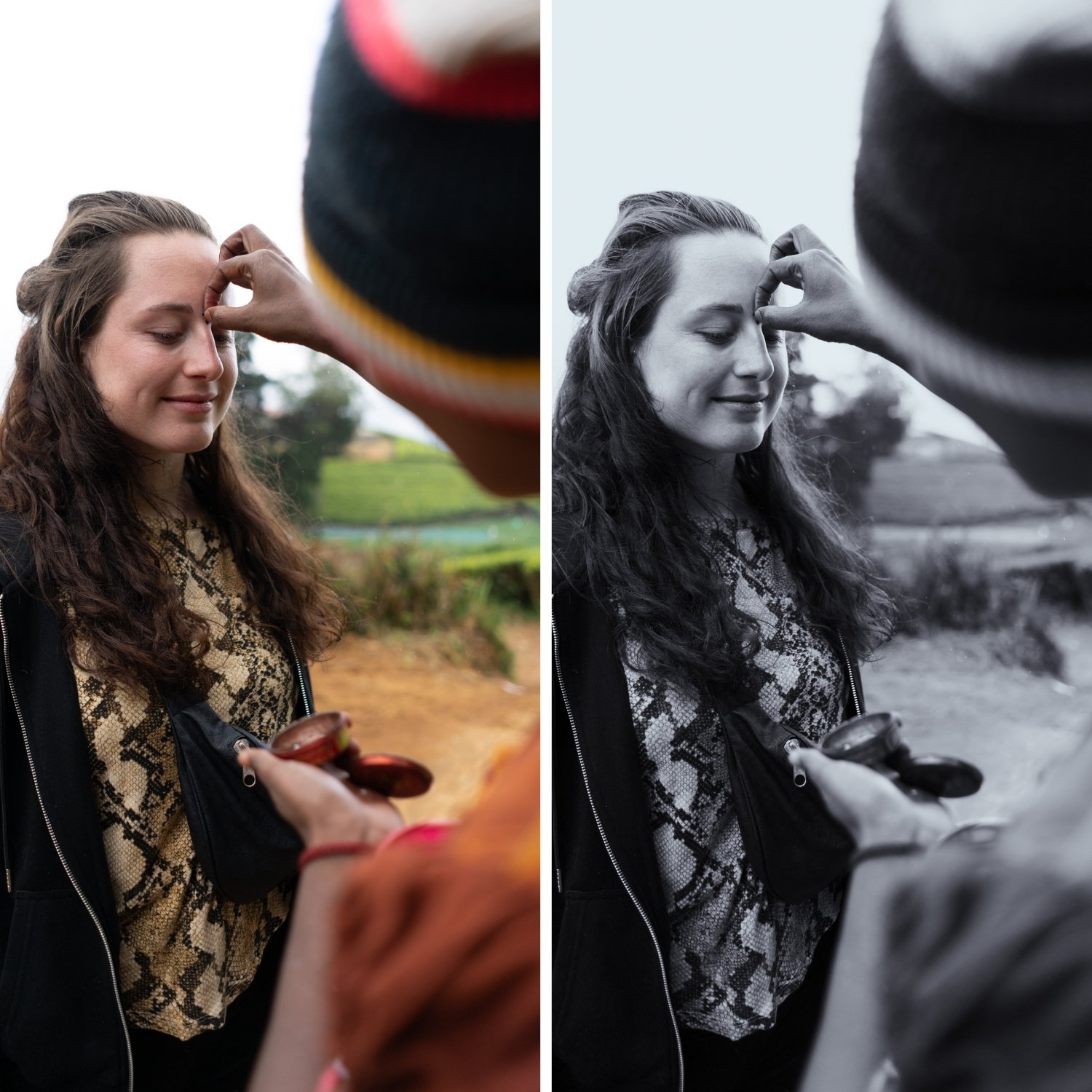
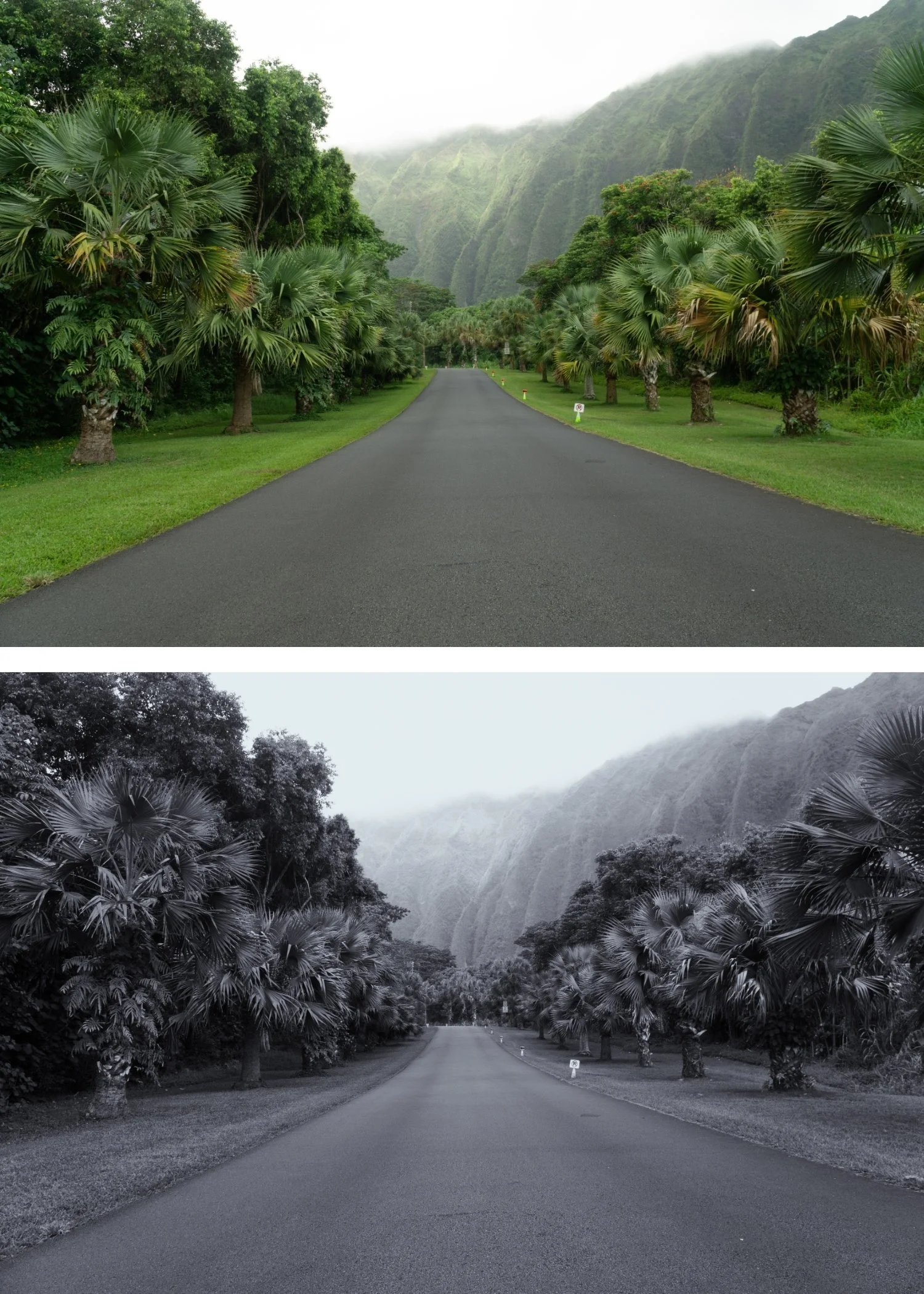
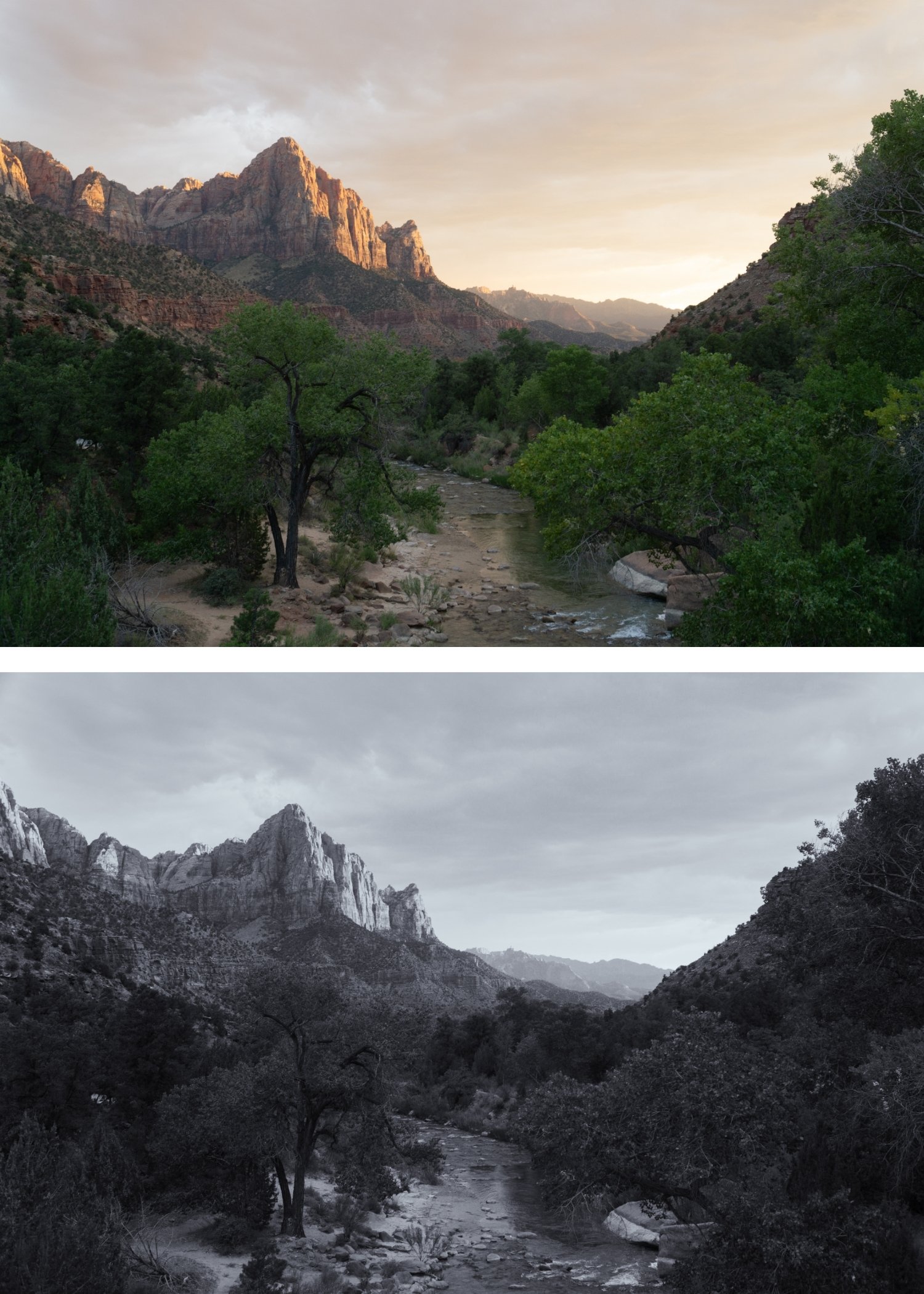
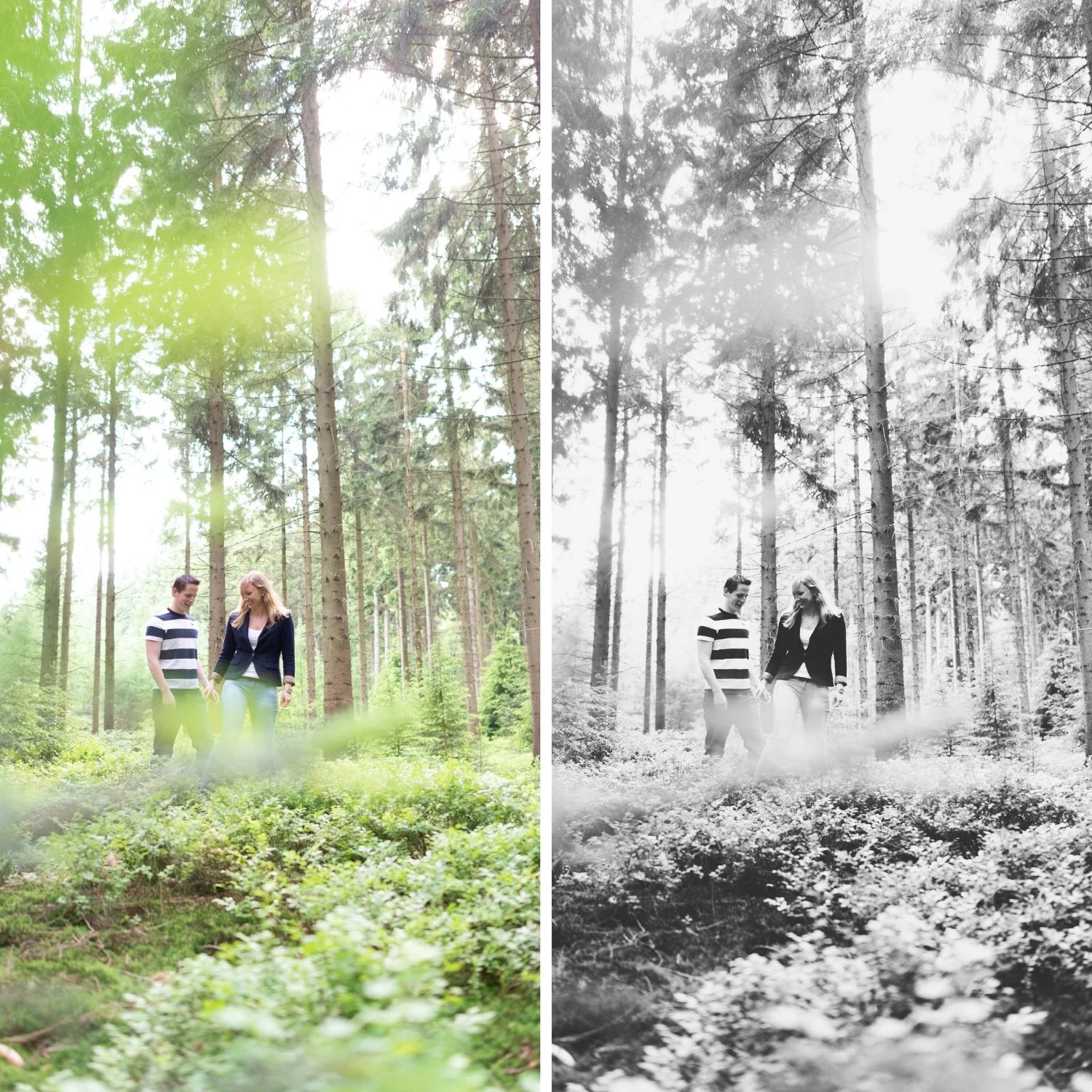
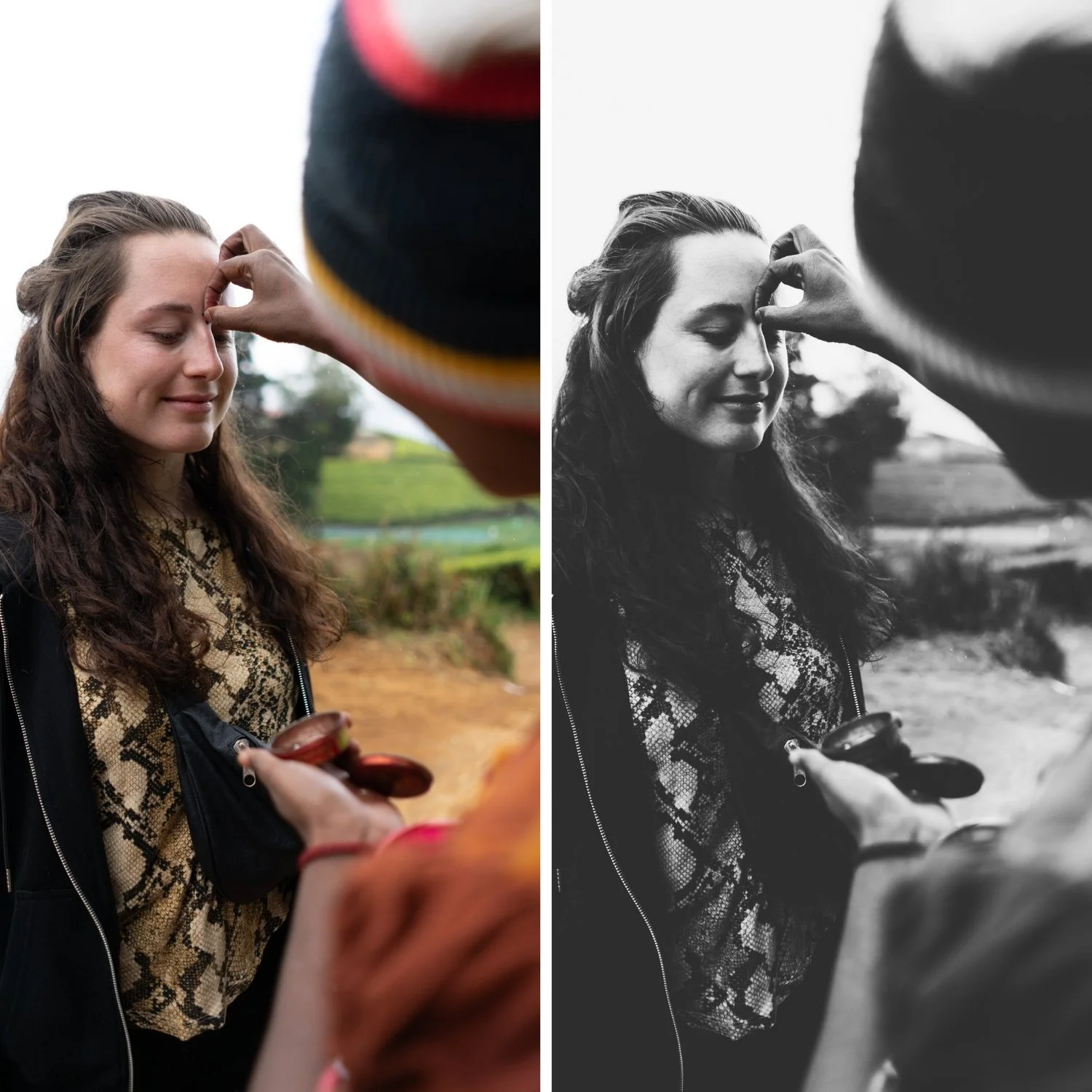
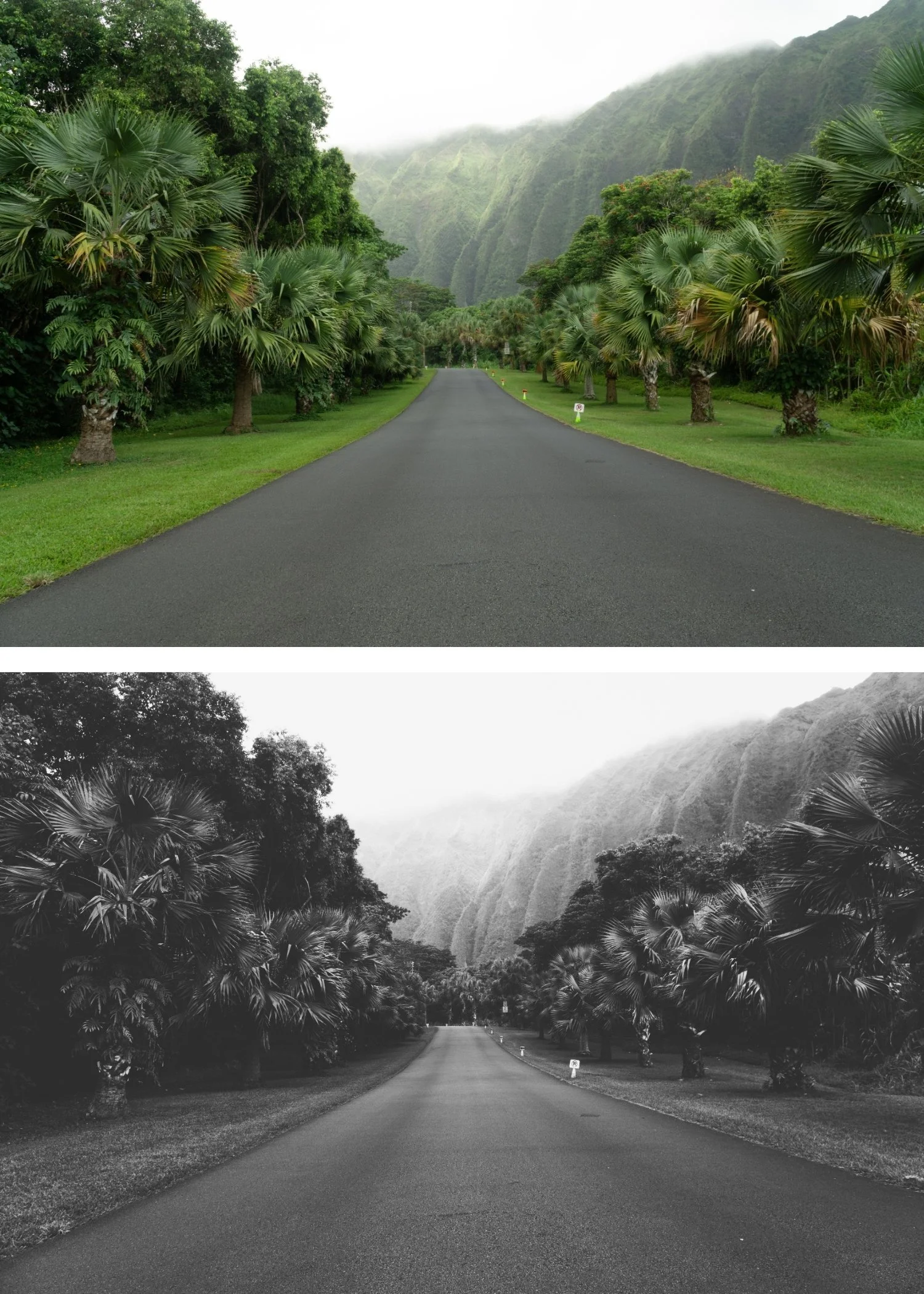
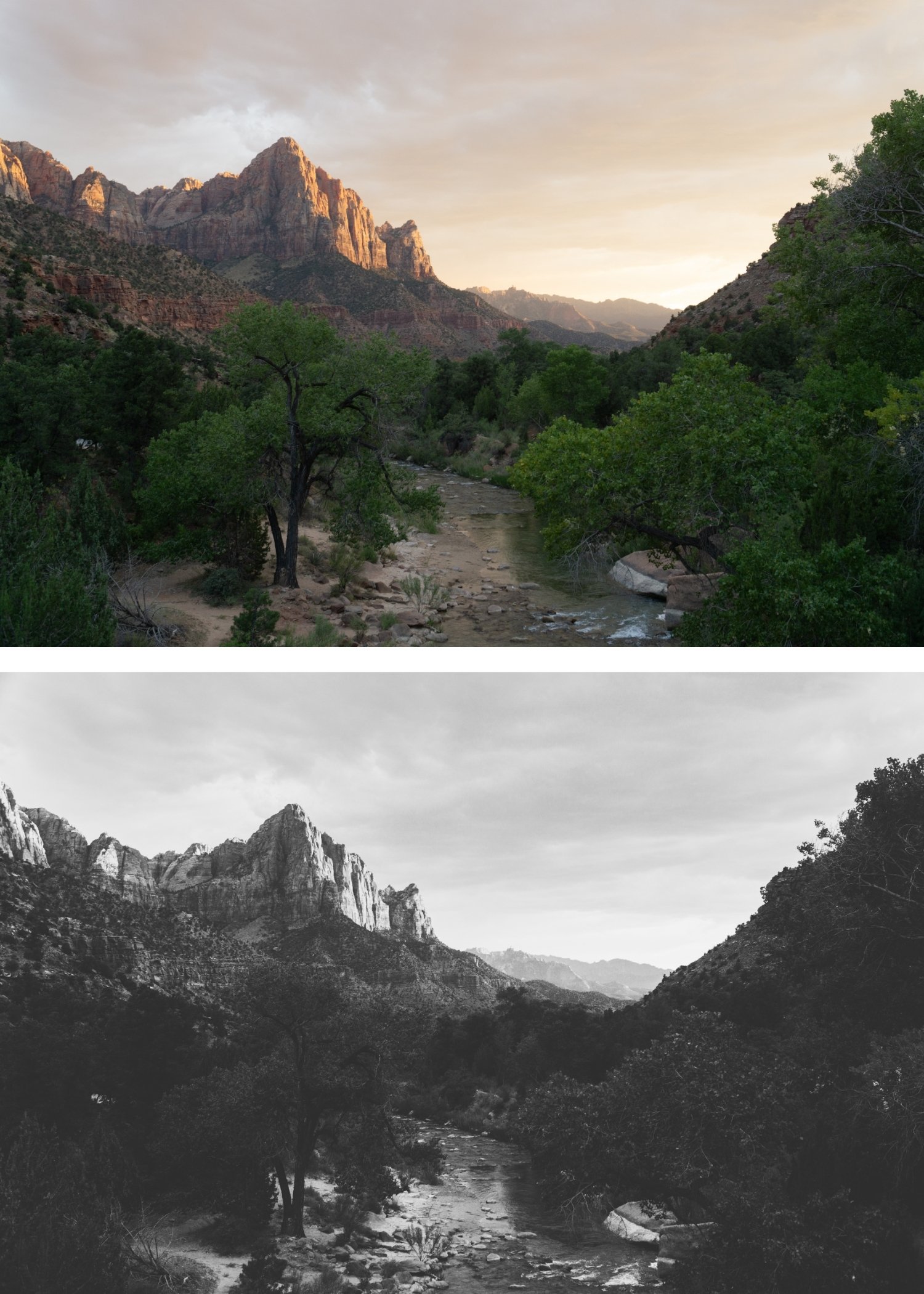
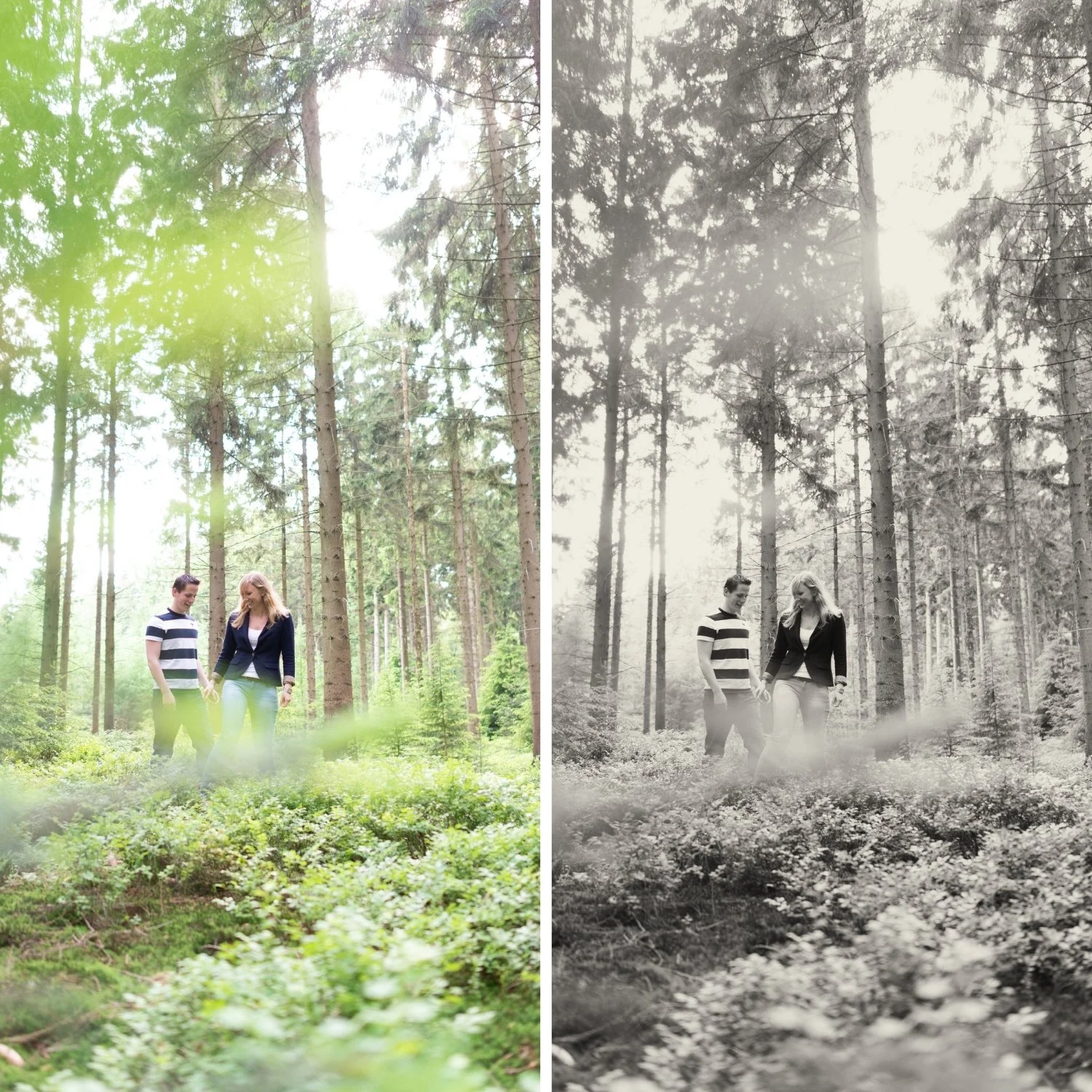
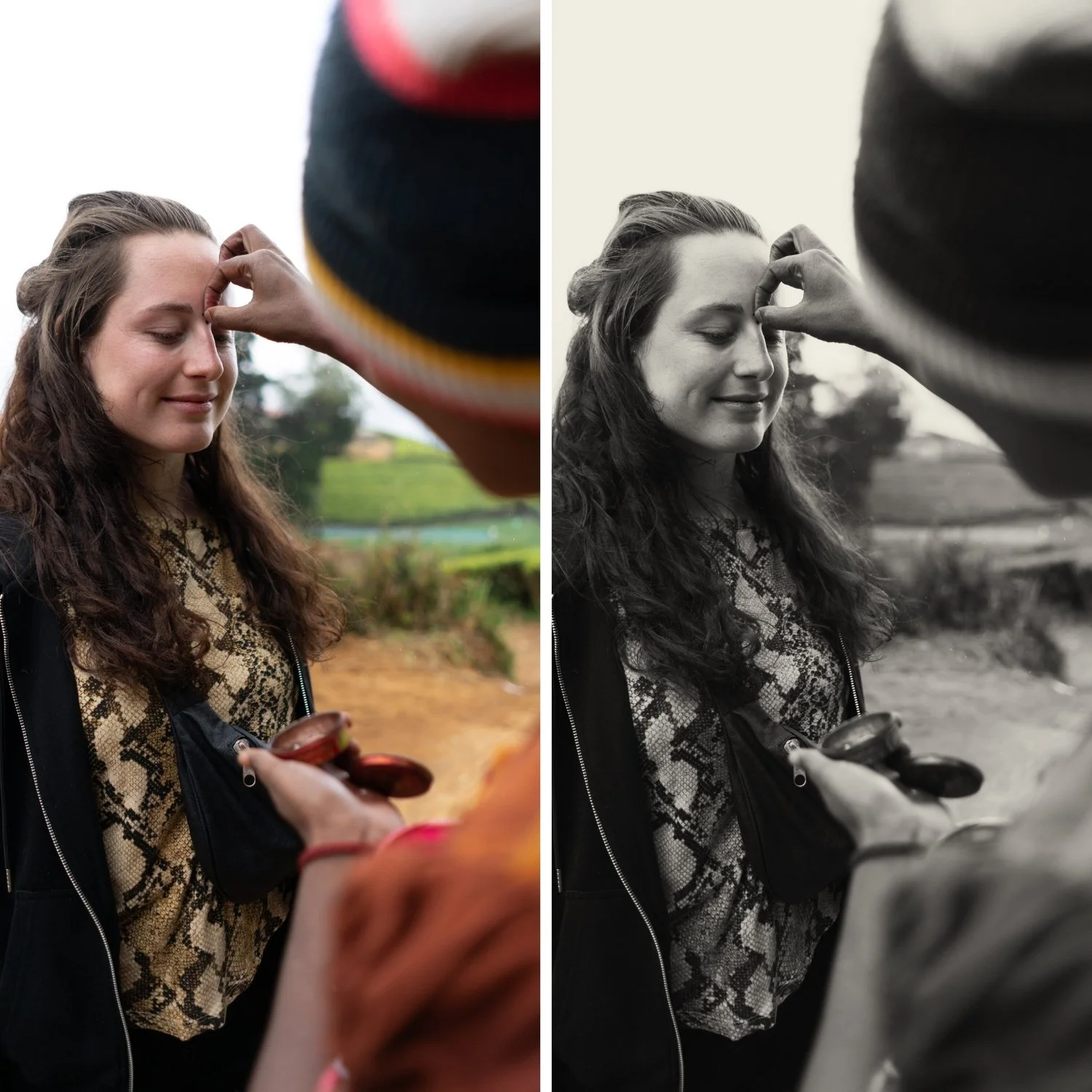
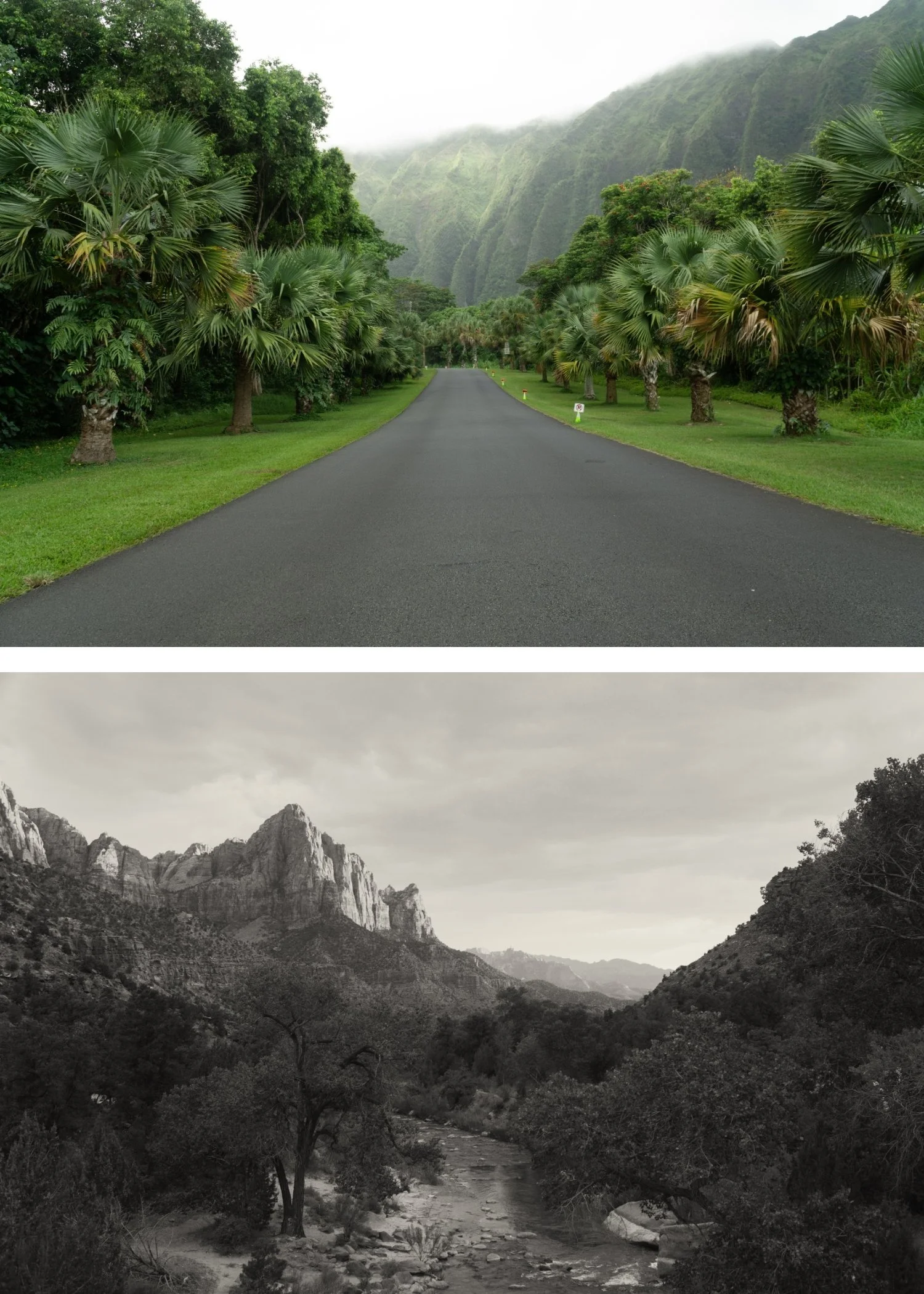
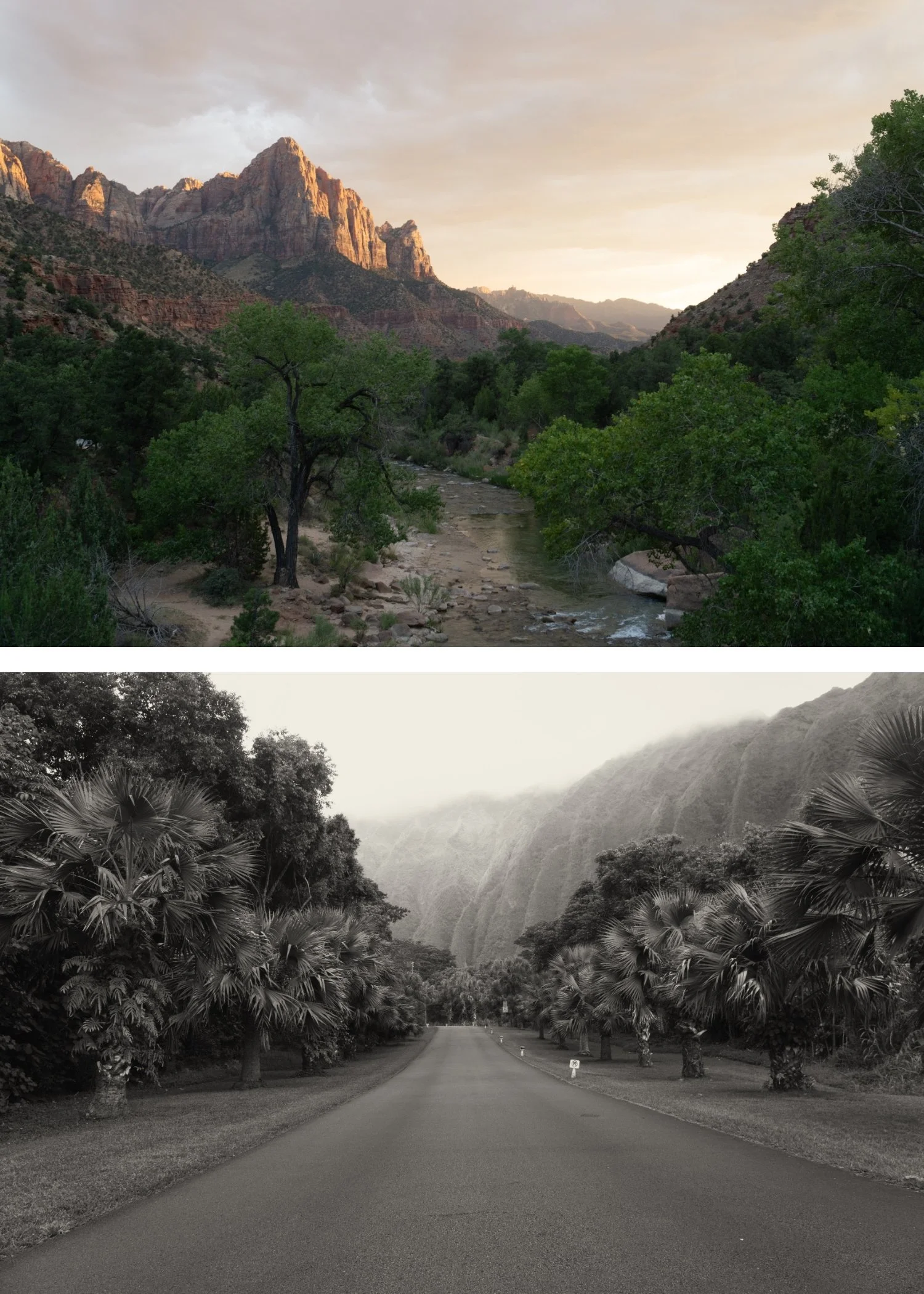
 Image 1 of 4
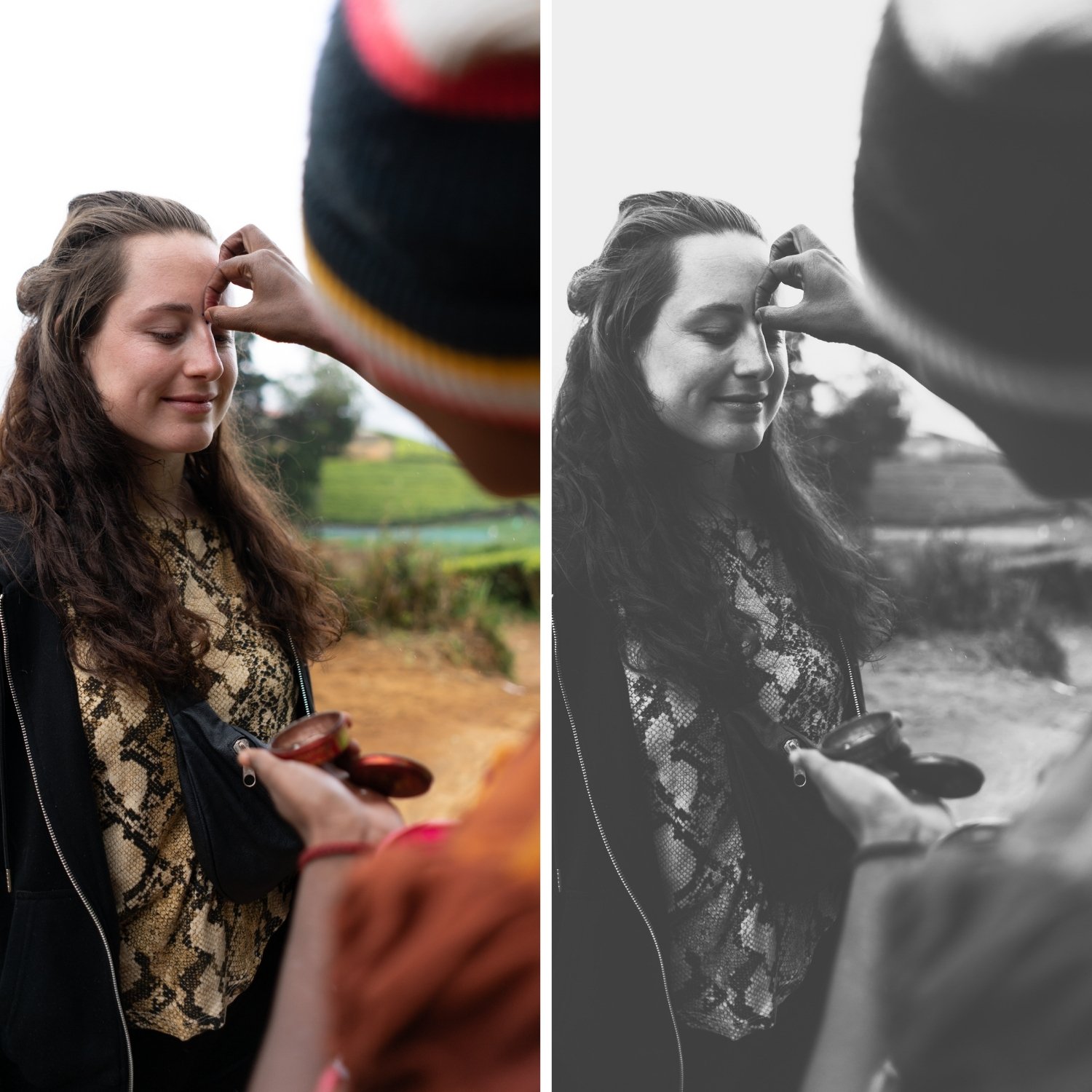 Image 2 of 4
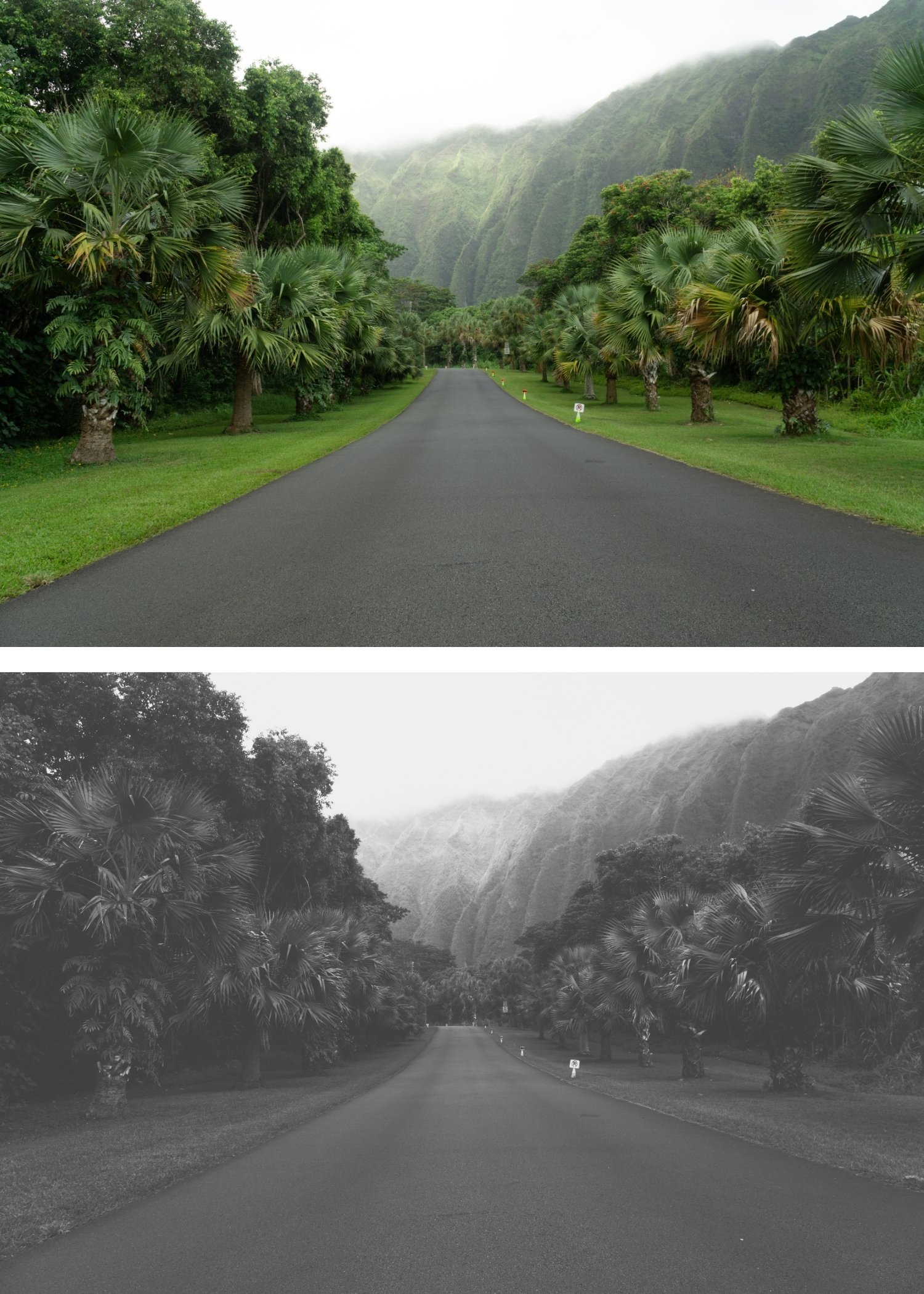 Image 3 of 4
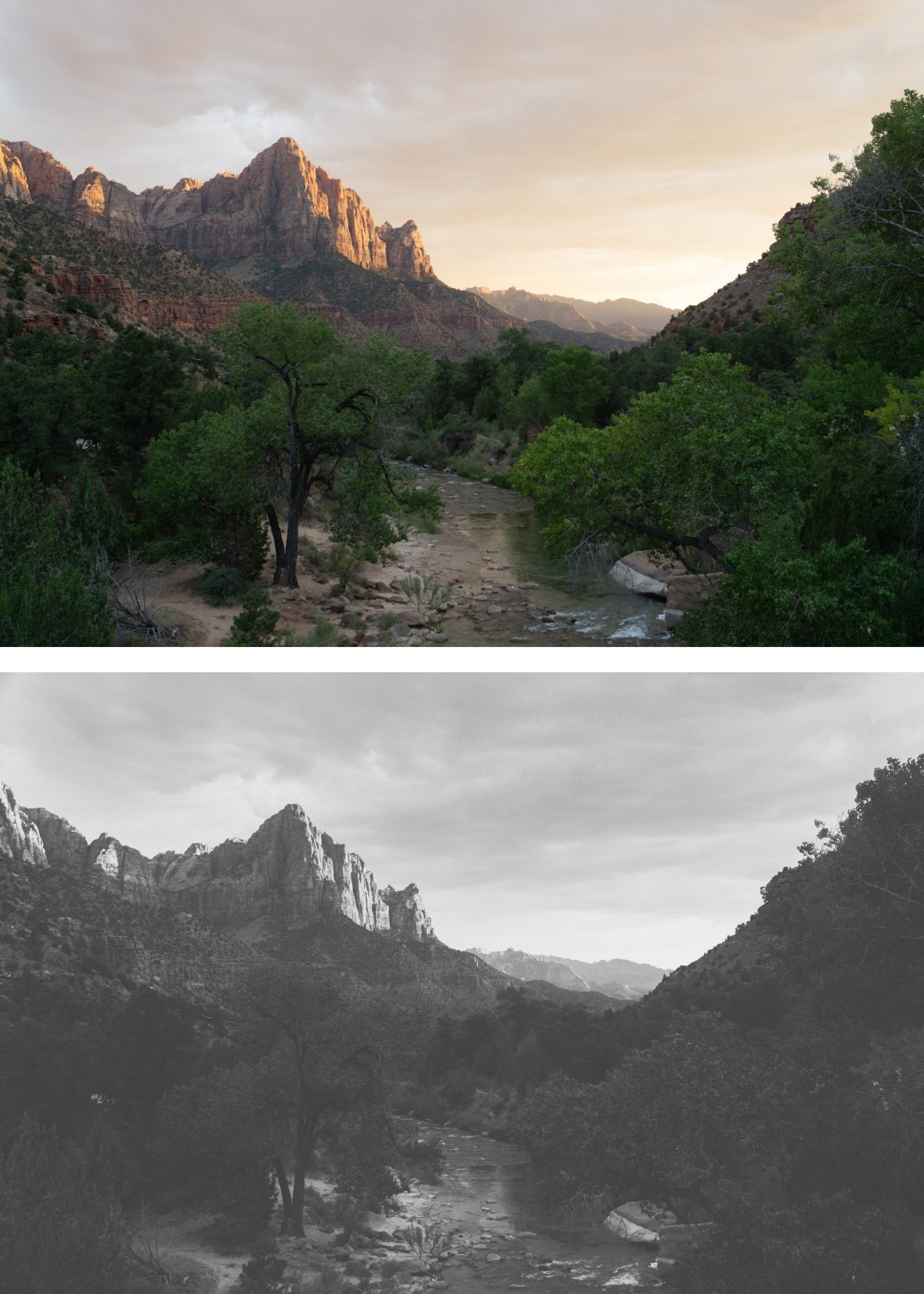 Image 4 of 4
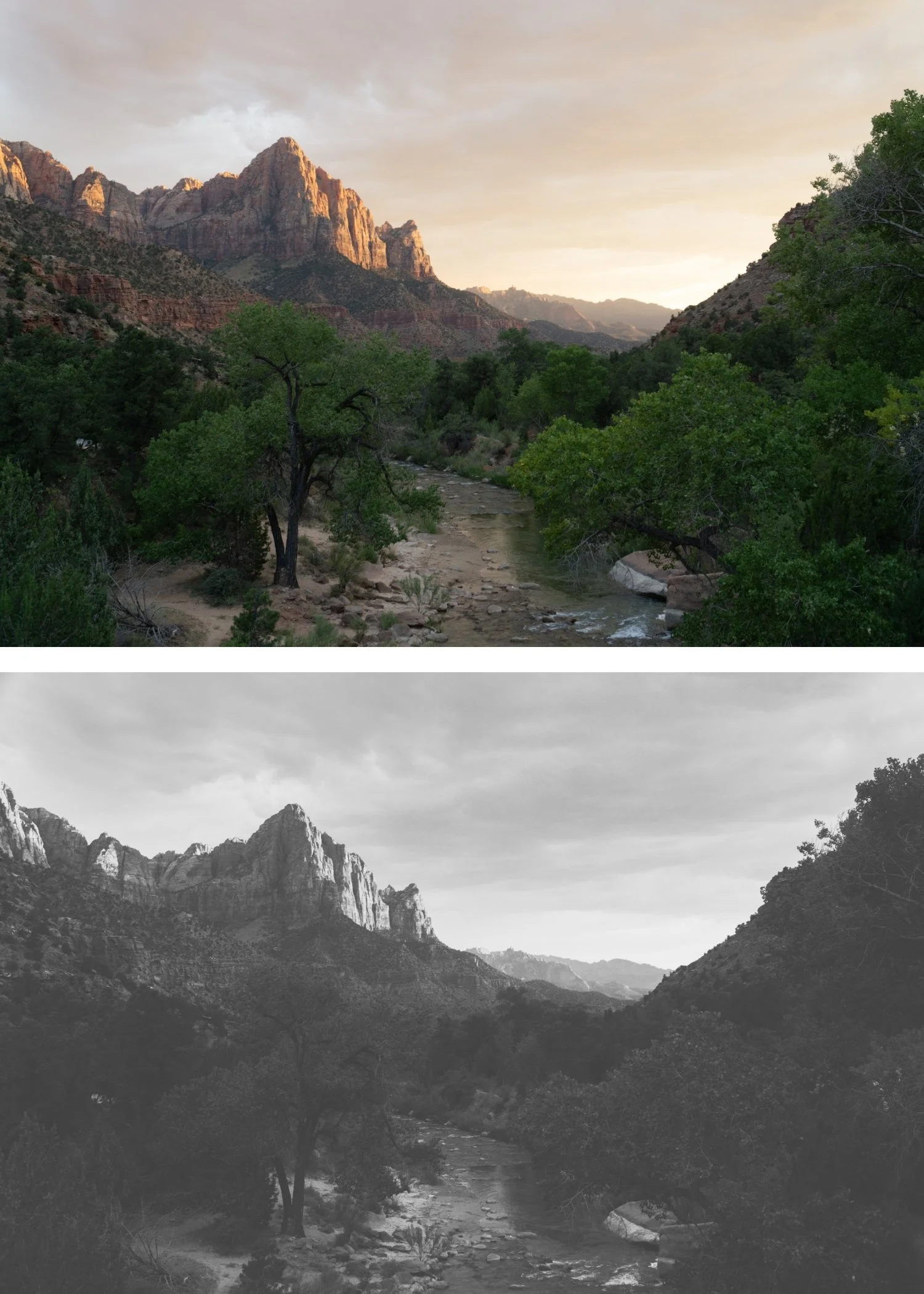
X Archive 02 Deep Shadow | Dramatic B&W Preset for Lightroom Mobile & Desktop

-
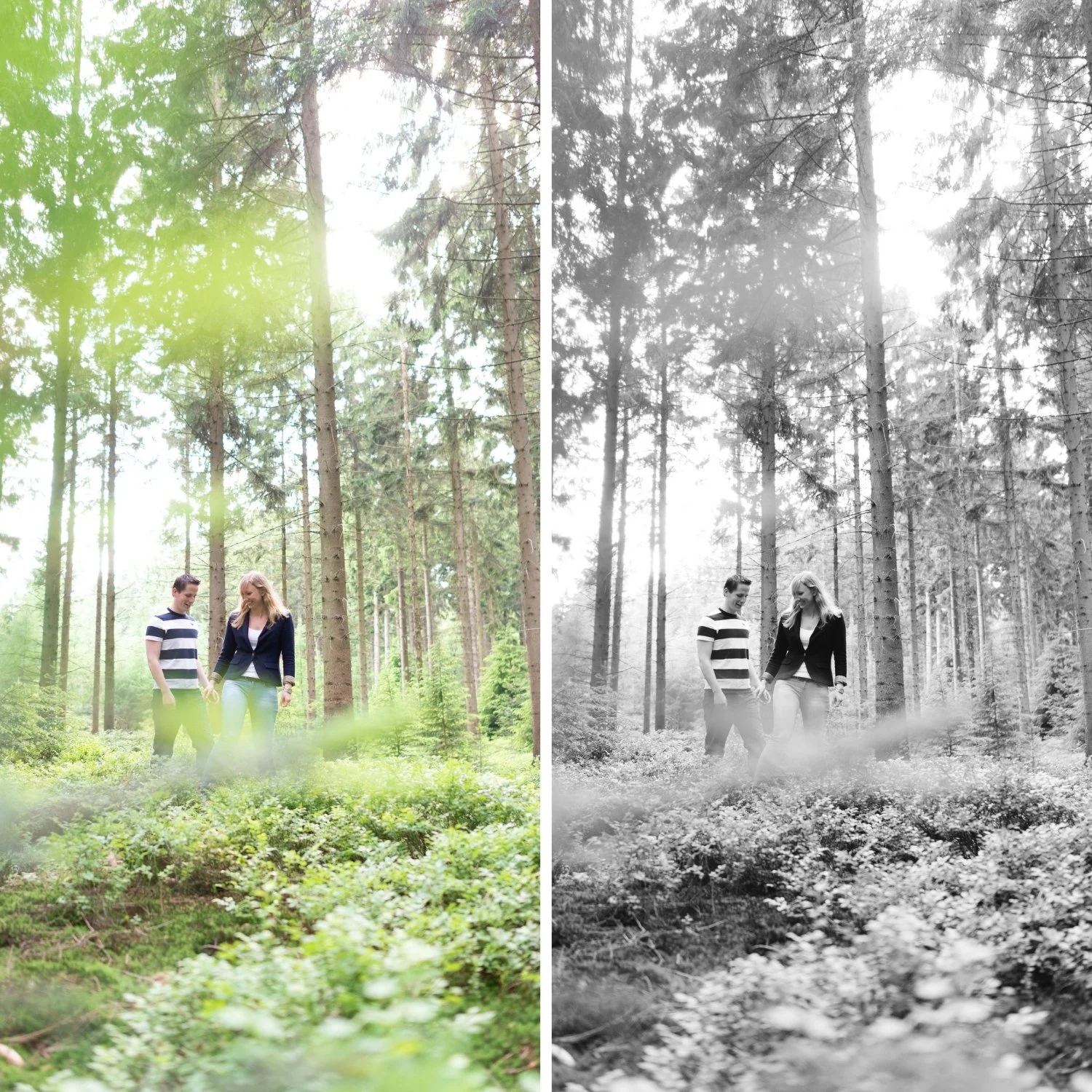
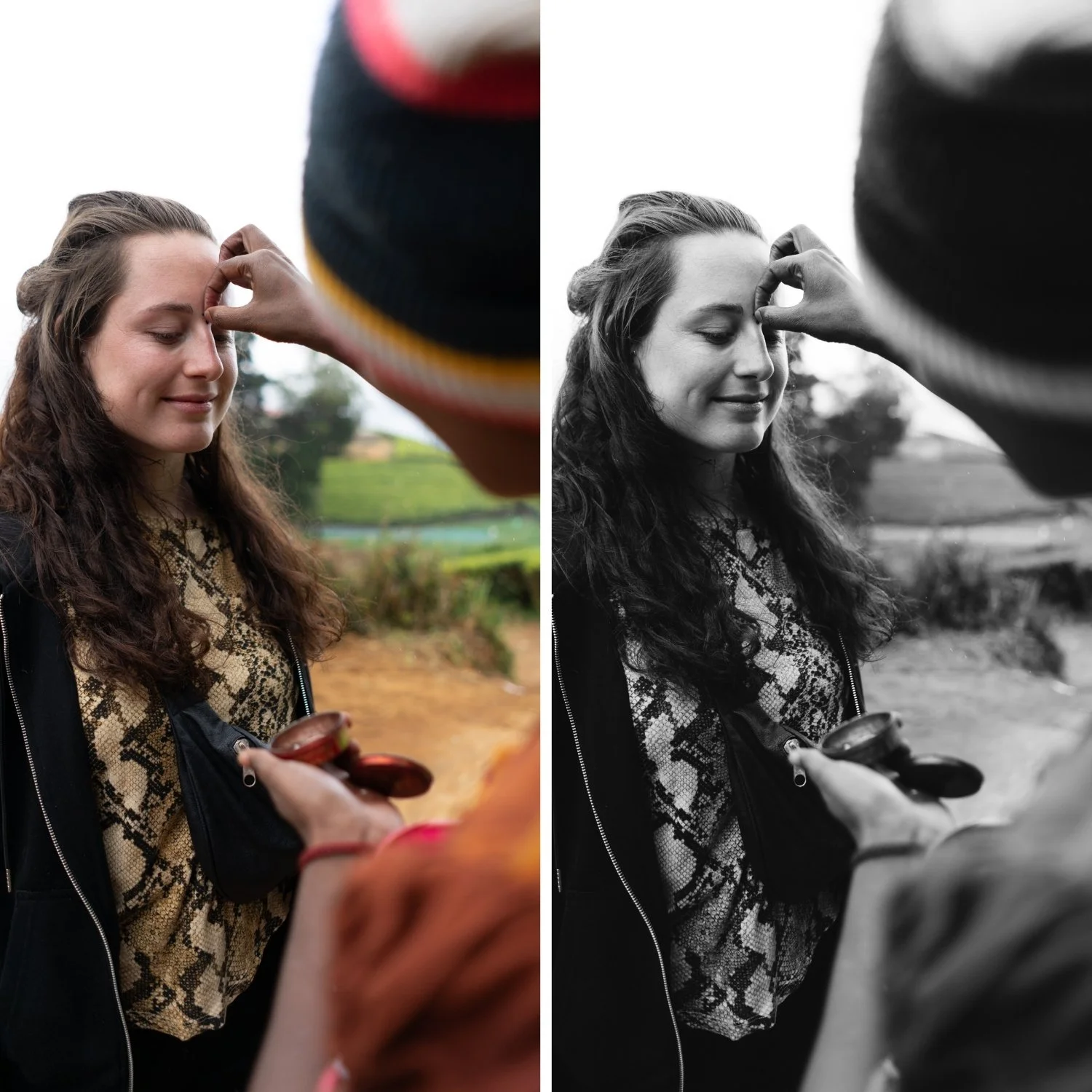
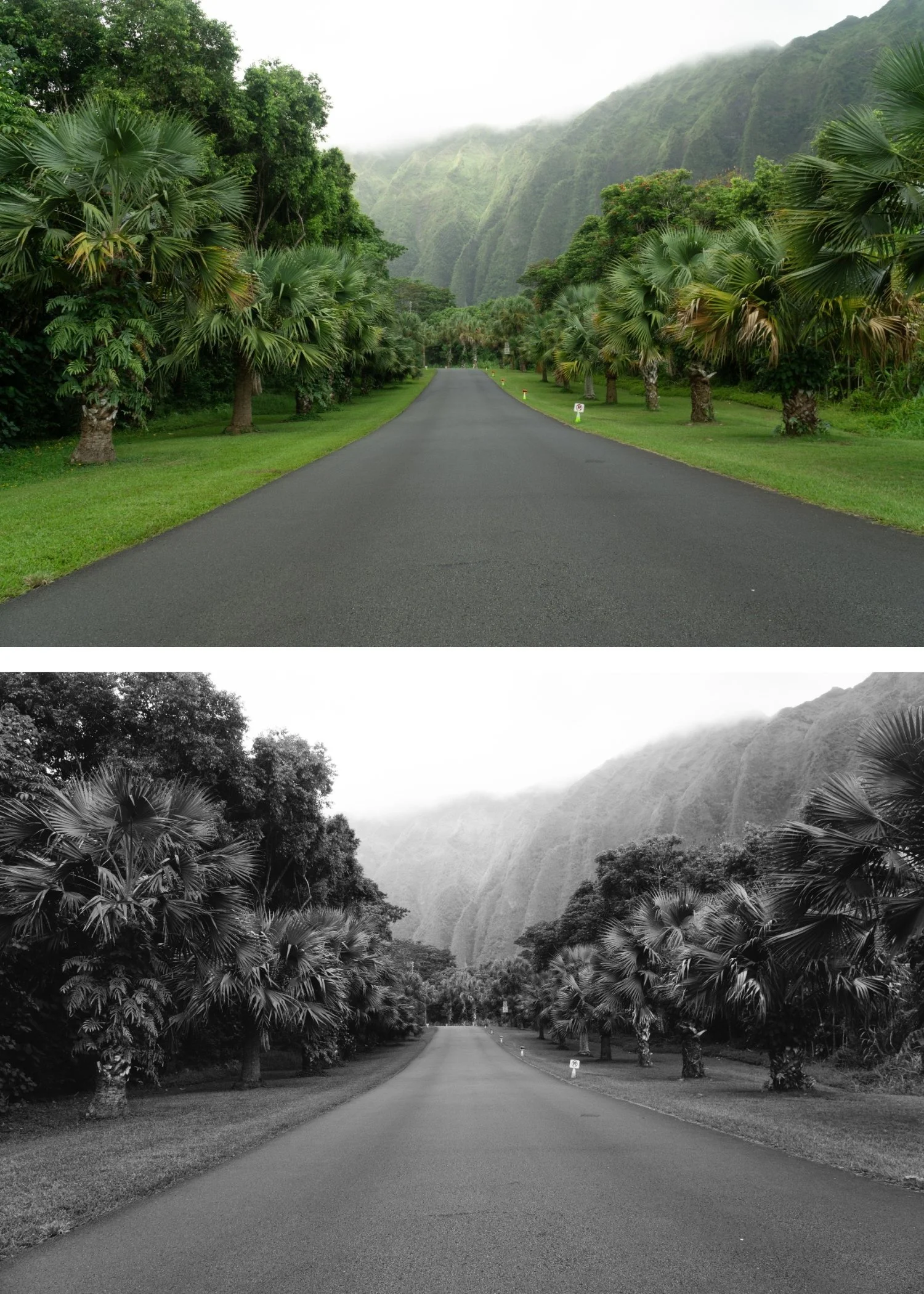
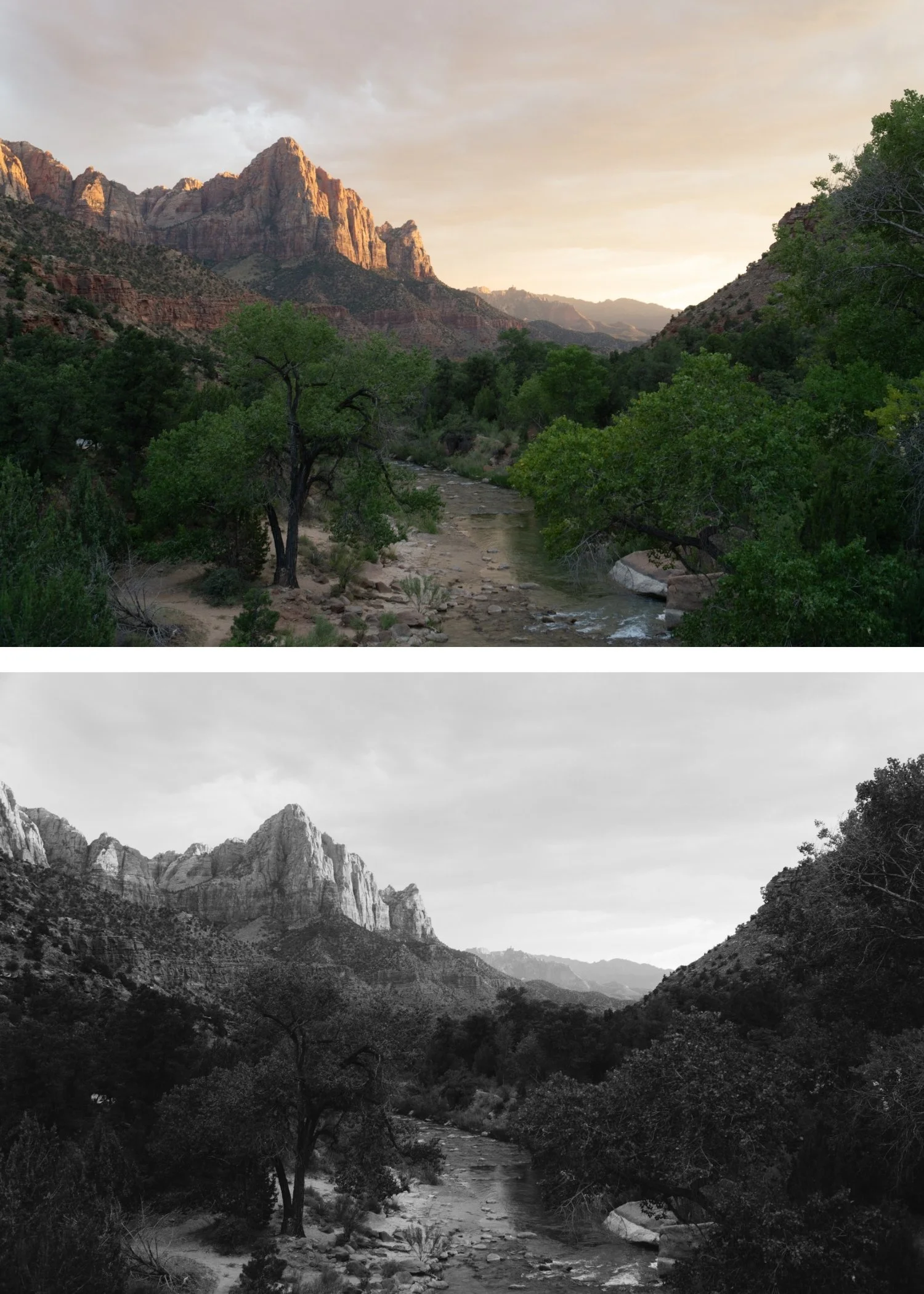
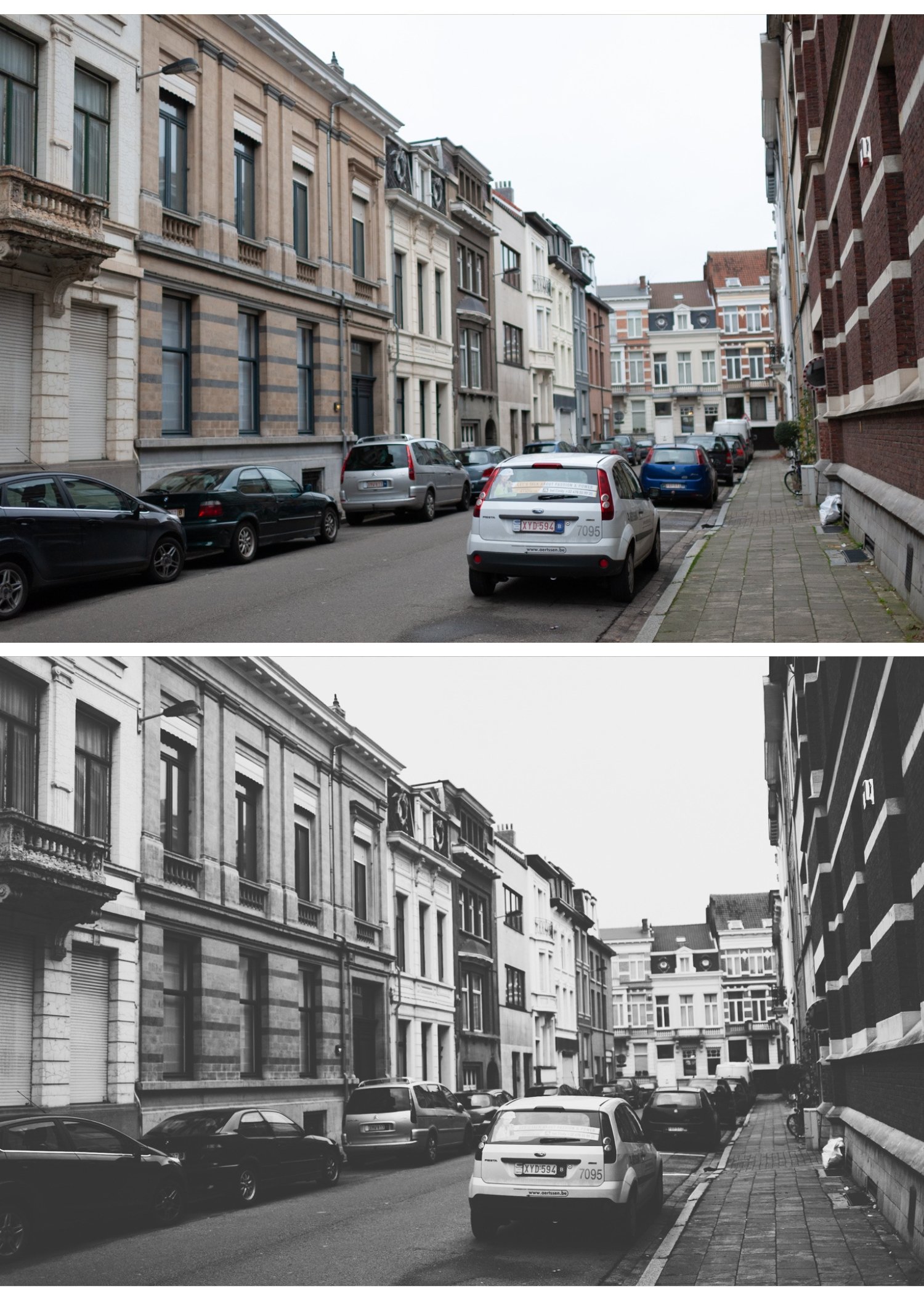
X2 is for street, architectural, and documentary photographers who shoot in strong directional light and want the deepest shadow character in the collection — where the dark areas of the frame are as important as the bright areas compositionally.
For photographers who find X1 insufficiently deep for their work in strong light conditions and want to push the X Archive's dramatic quality to its darkest standard expression.
For photographers who use X1 for varied everyday dramatic B&W and want a deeper option for their most contrast-rich outdoor photography.
-
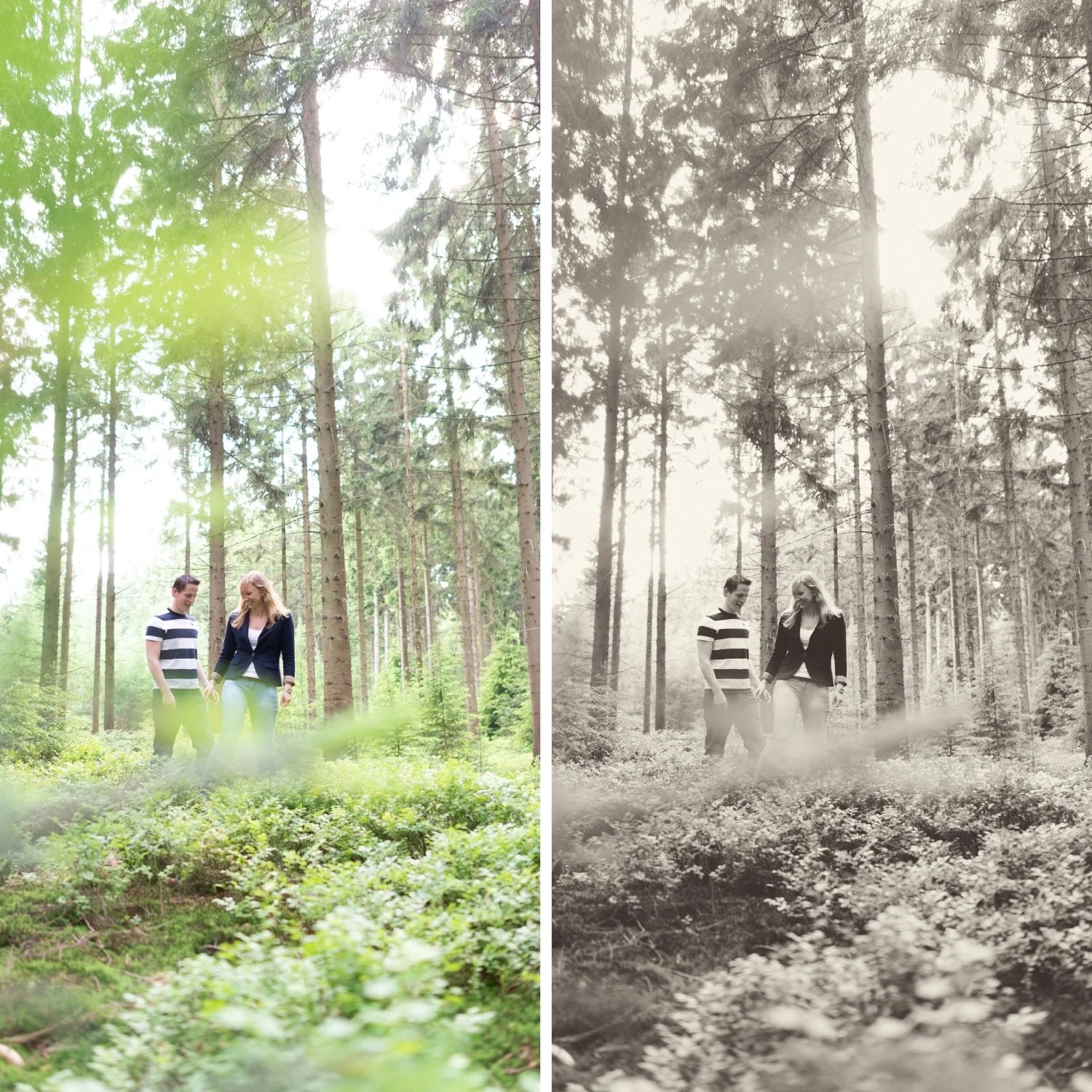
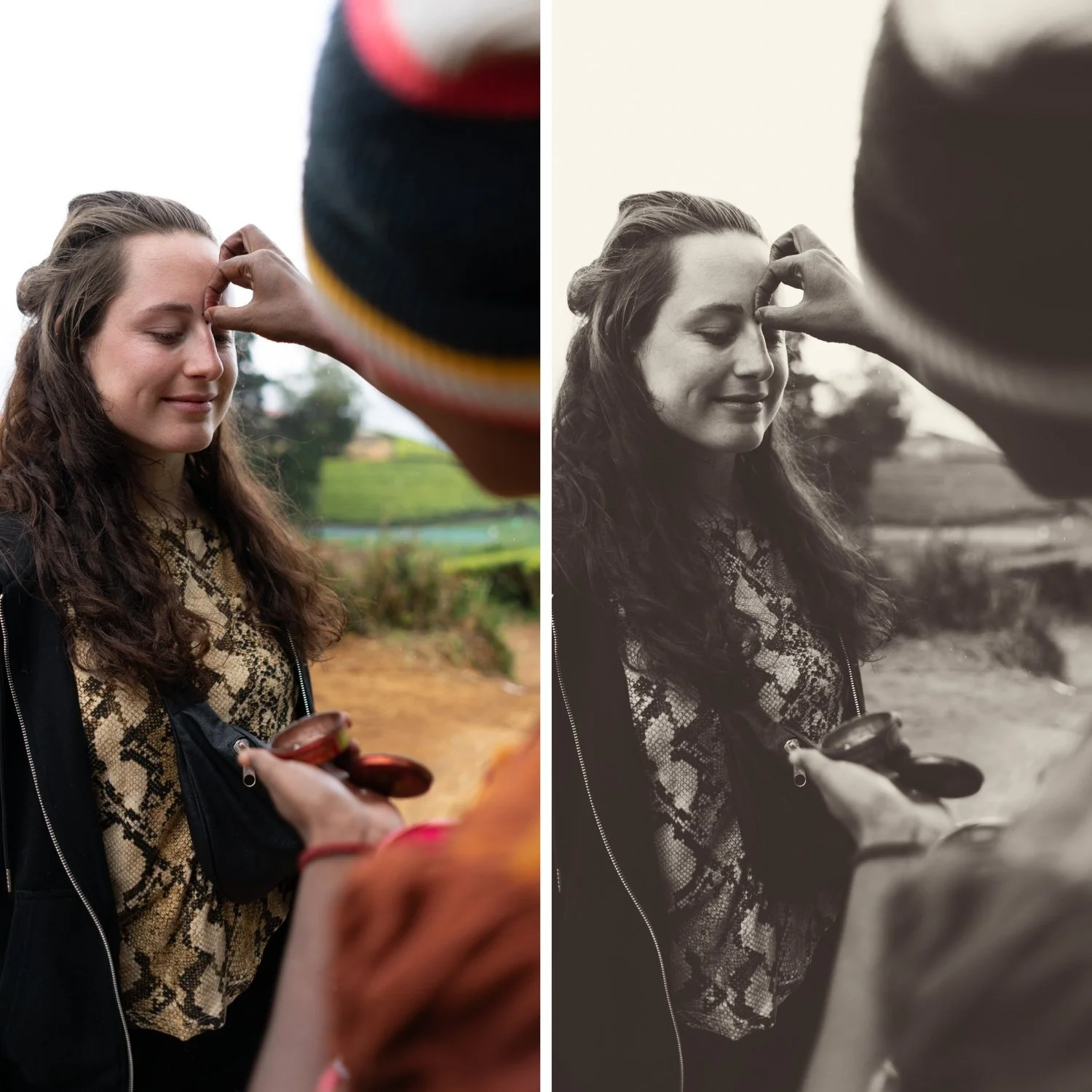
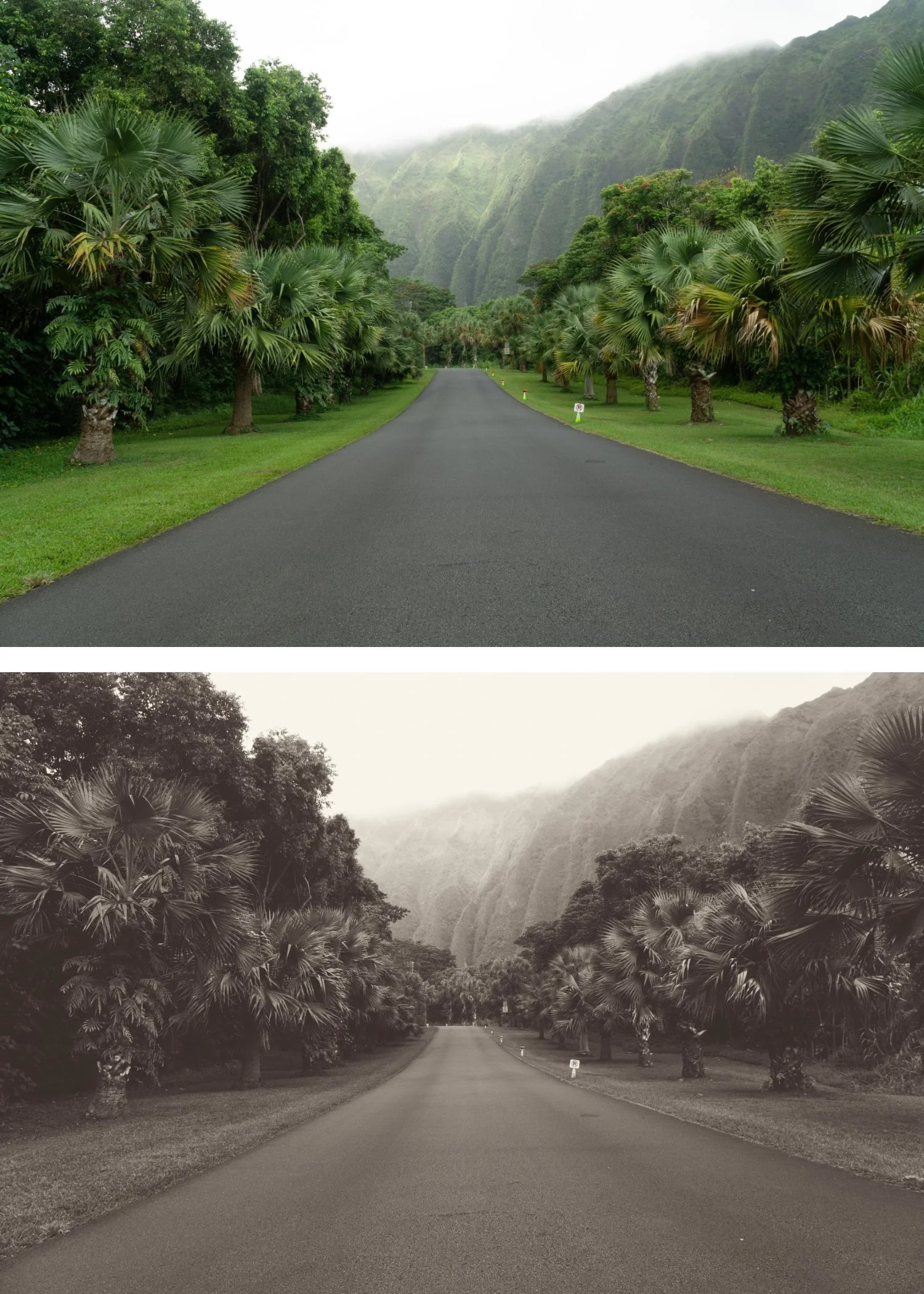
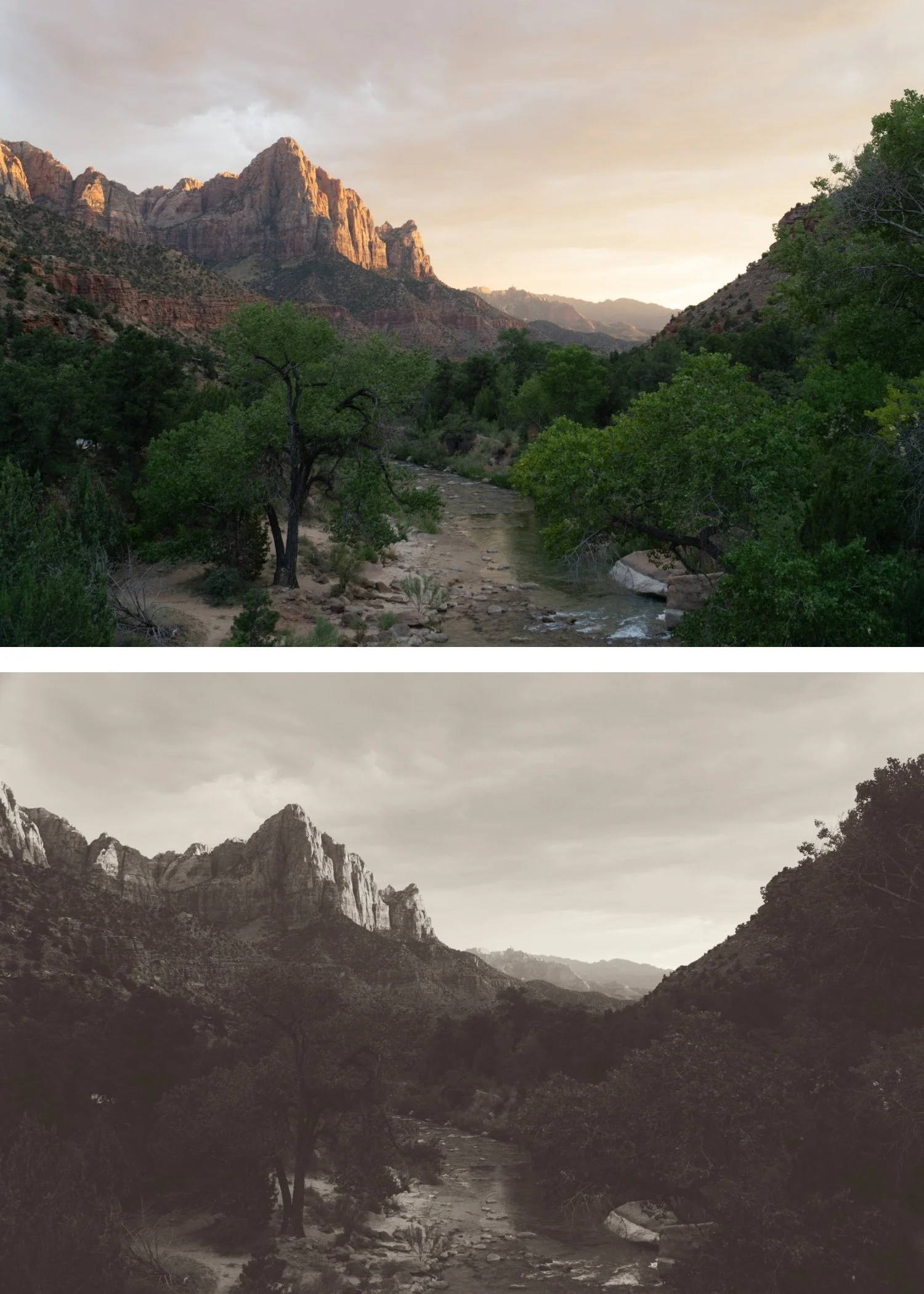
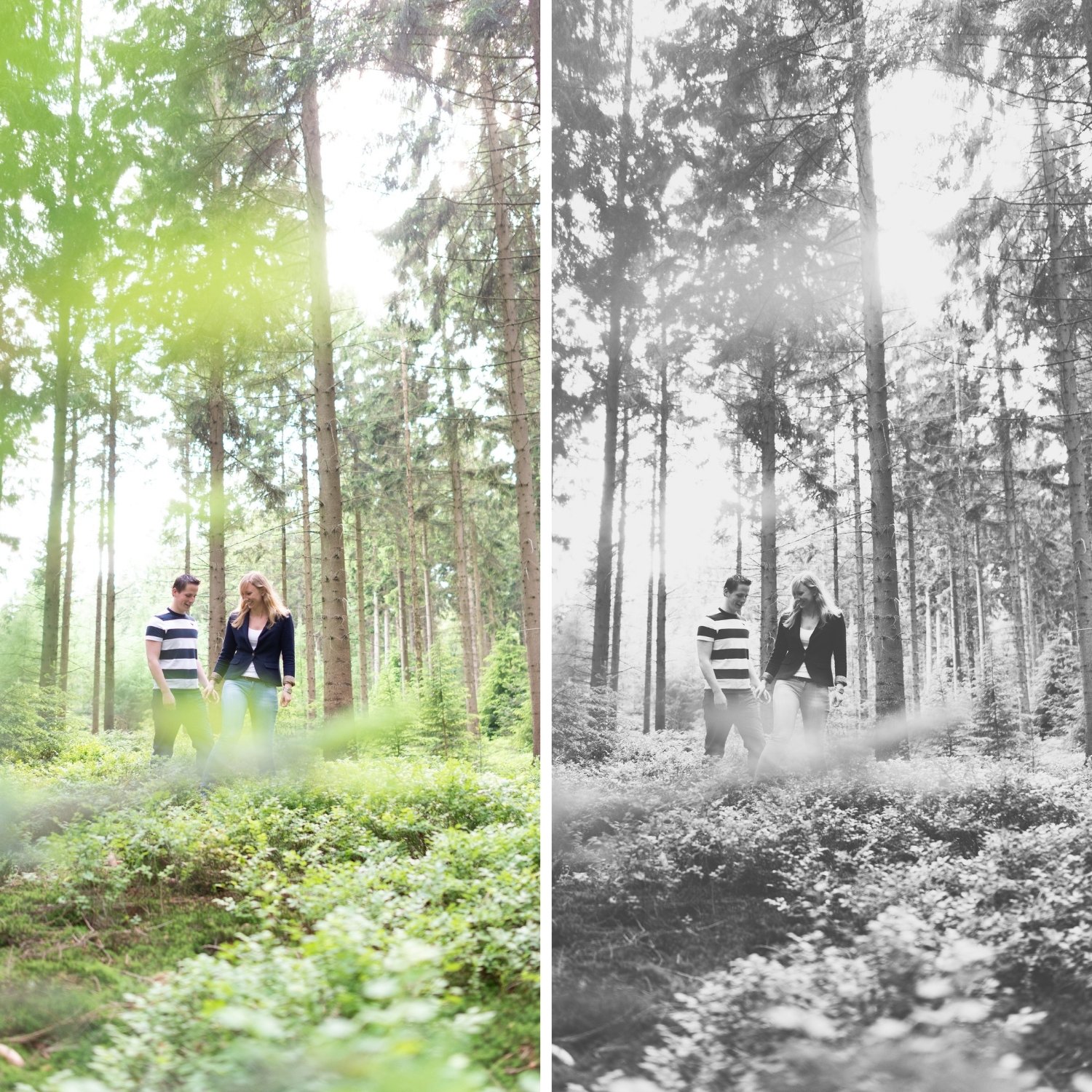
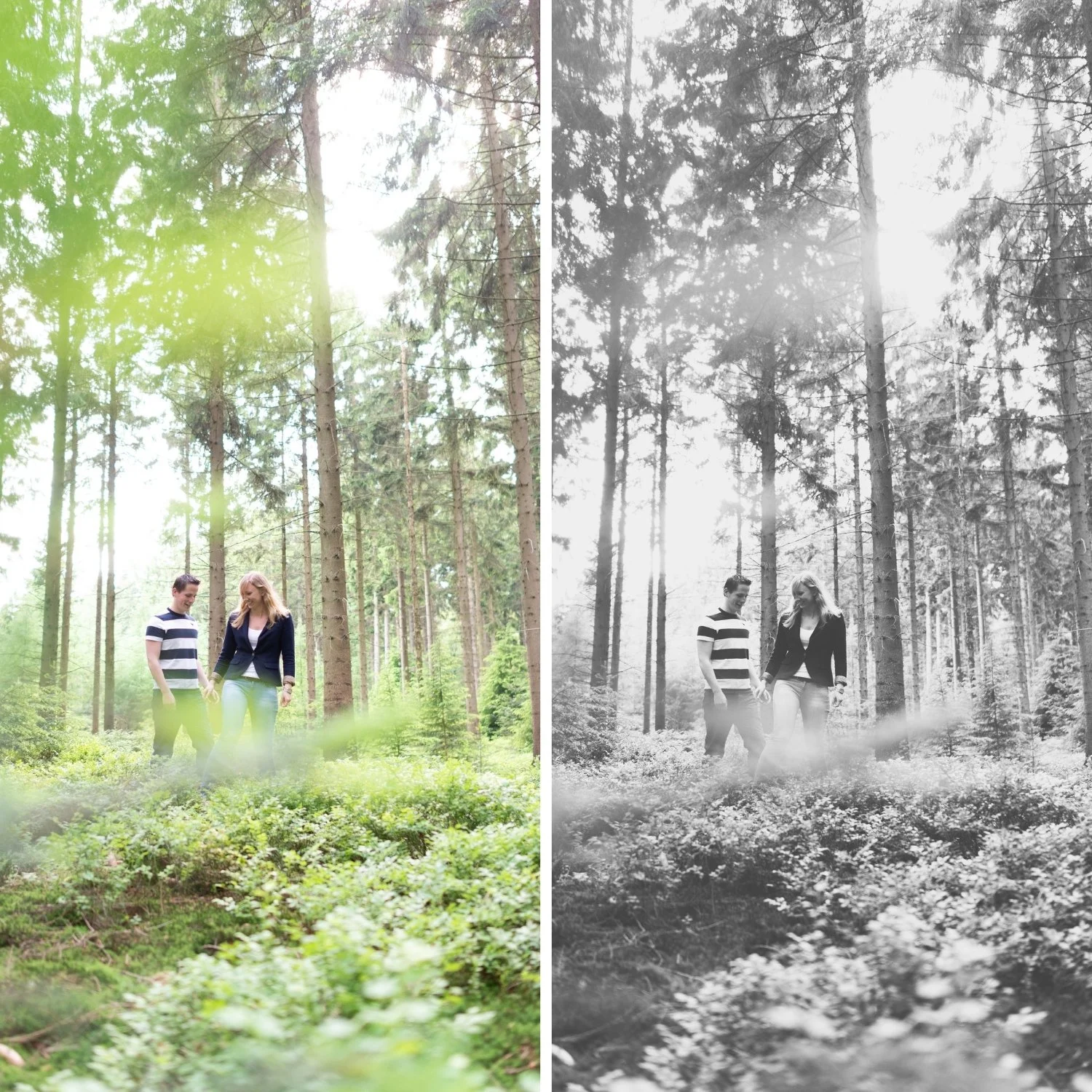
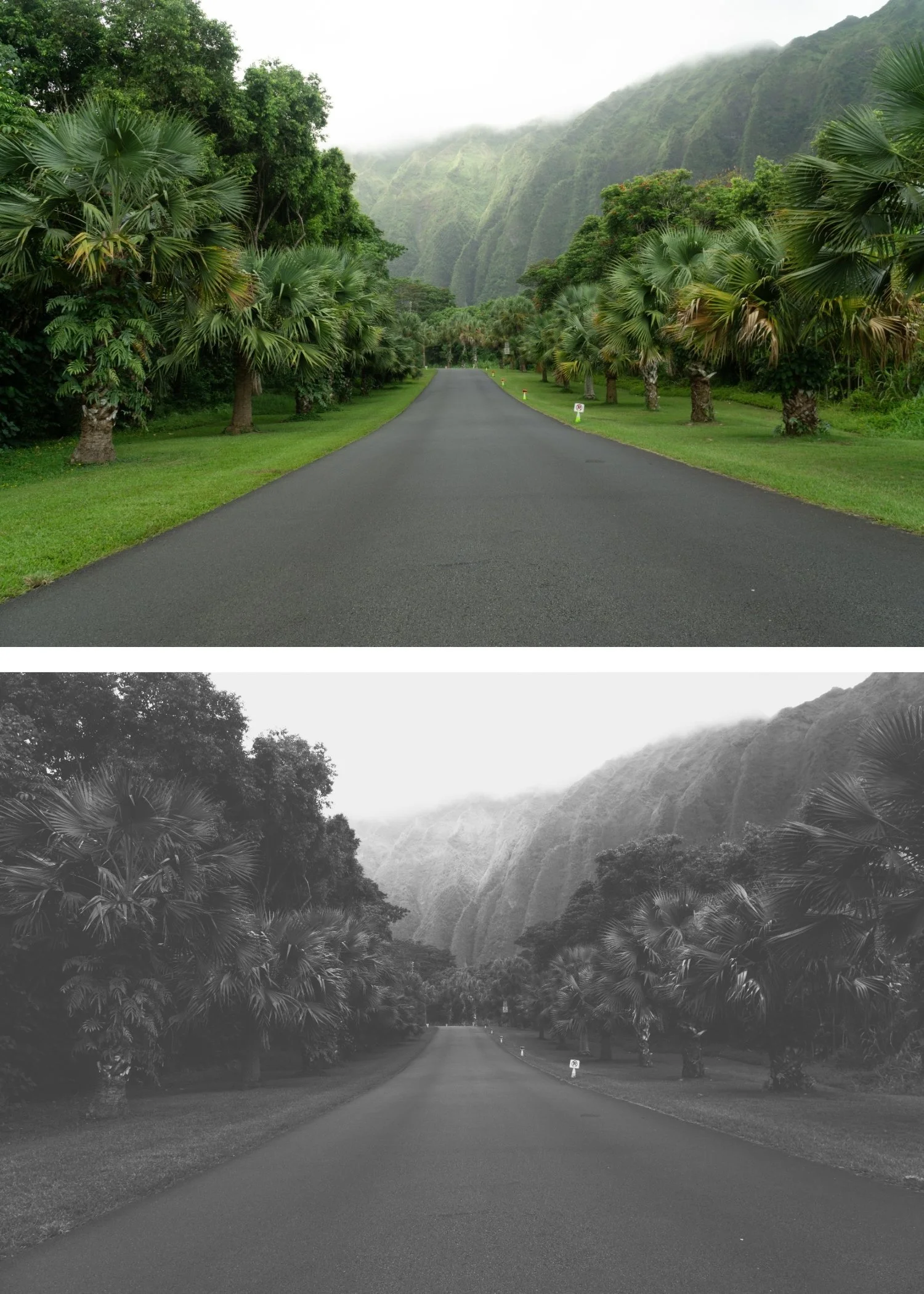
Soft Matte Shadows X2 removes the harshness of digital blacks, replacing them with a soft, velvet-grey fade that adds an instant "vintage" soul.
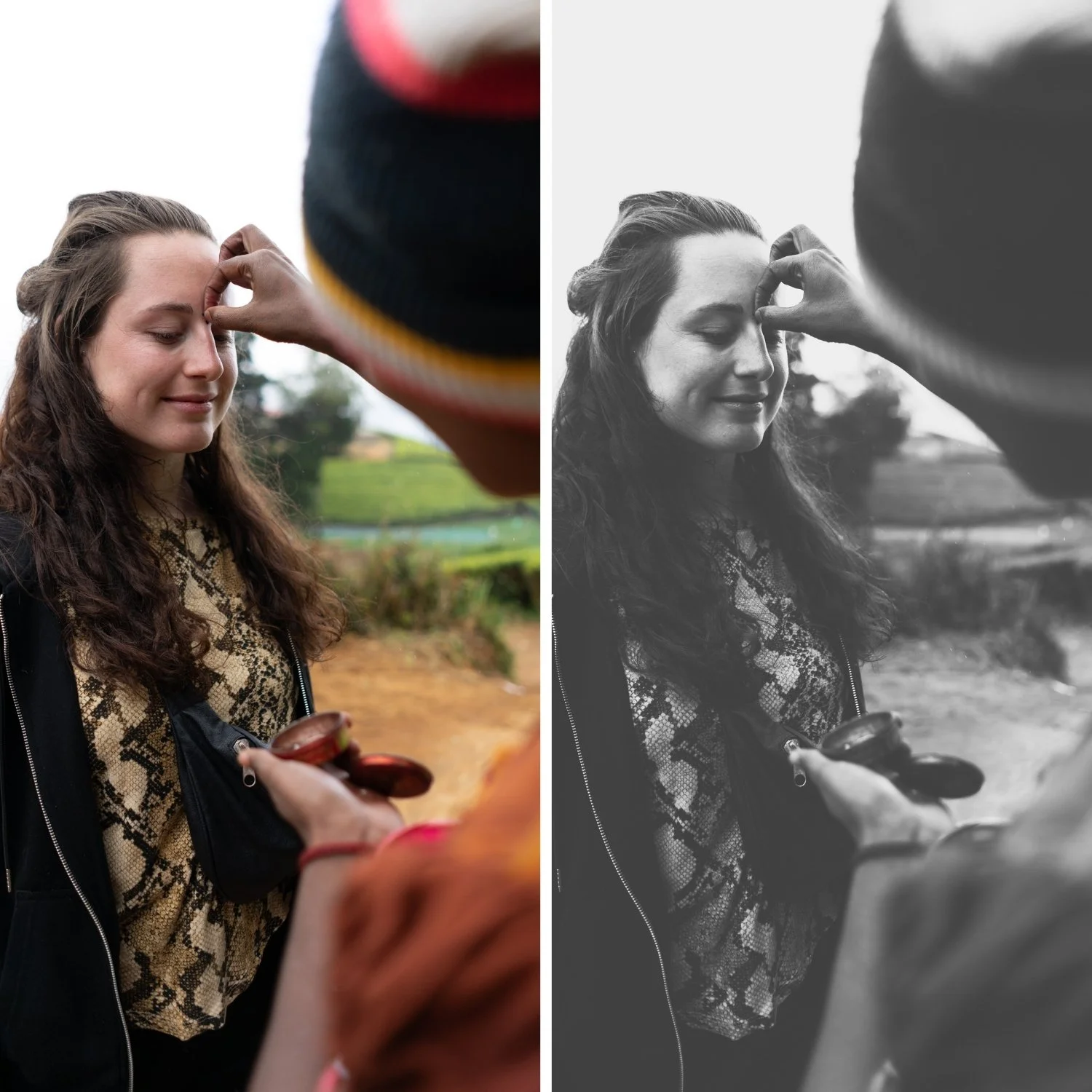
Creamy Tonal Transitions It excels at smoothing out harsh lighting, making skin and textures appear soft and luminous.
Minimalist Aesthetic By reducing the visual noise of high contrast, X2 creates a calm, focused image that highlights the subject's silhouette and form.
Poetic Atmosphere The faded look naturally evokes a sense of nostalgia and storytelling, turning modern digital shots into timeless art.
-
1 × X2 Deep Shadow DNG file — for Lightroom Mobile on iPhone and Android
1 × X2 Deep Shadow XMP file — for Lightroom Classic on Mac and Windows
Step-by-step installation guide for Mobile and Desktop
Lifetime access — download again anytime -
X2 is inspired by expired B&W film stocks and the aesthetic of matte-paper darkroom prints. It captures the look of film that has lost some of its chemical "bite" over time, resulting in a beautiful, silver-grey tonal range. By emulating the soft-glow highlights and compressed dynamic range of vintage archival prints, X2 ensures your work feels timeless, delicate, and deeply human.
-
Step 1 — Exposure check before applying. X2's deeper shadows mean starting exposure matters. Correctly exposed files produce the most compelling shadow depth. Over-exposed files will compensate and lose the deep shadow quality.
Step 2 — Apply X2 Deep Shadow. Open any photo in Lightroom. Apply X2 Deep Shadow. The deep shadow B&W conversion and strong contrast apply simultaneously.
Step 3 — Fine-tune. For portrait photography: add a Radial Gradient on the face with Shadows +12 to lift facial shadows while keeping the atmospheric background.
On phone photos: 81-83% strength.
-
What is the difference between X2 and X6 Grain Forward? X2 has deep shadows as the primary quality — the drama is in the tonal depth. X6 has maximum grain as the primary quality — the character comes from grain rather than shadow depth. X2 for shadow depth in strong light, X6 for grain-forward expressive photography.
Does X2 work in the free version of Lightroom Mobile? Yes. Preset installation and use is completely free in Lightroom Mobile.
GET ALL 6 X ARCHIVE PRESETS
The full X Archive gives you six calibrated dramatic black and white looks — Dramatic Base for the versatile bold foundation, Deep Shadow for maximum shadow depth, High Key Dramatic for bright contrast, Cool Urban for cold angular street photography, Warm Darkroom for classic darkroom tone, and Grain Forward for maximum grain character.
Six presets. One expressive philosophy. $4.50 per preset.
THE STUDIO ARCHIVE
Want everything? The Studio Archive contains 130+ presets — every collection we make, including the complete X Archive for $89 total. That is $0.68 per preset with every future release included for life.