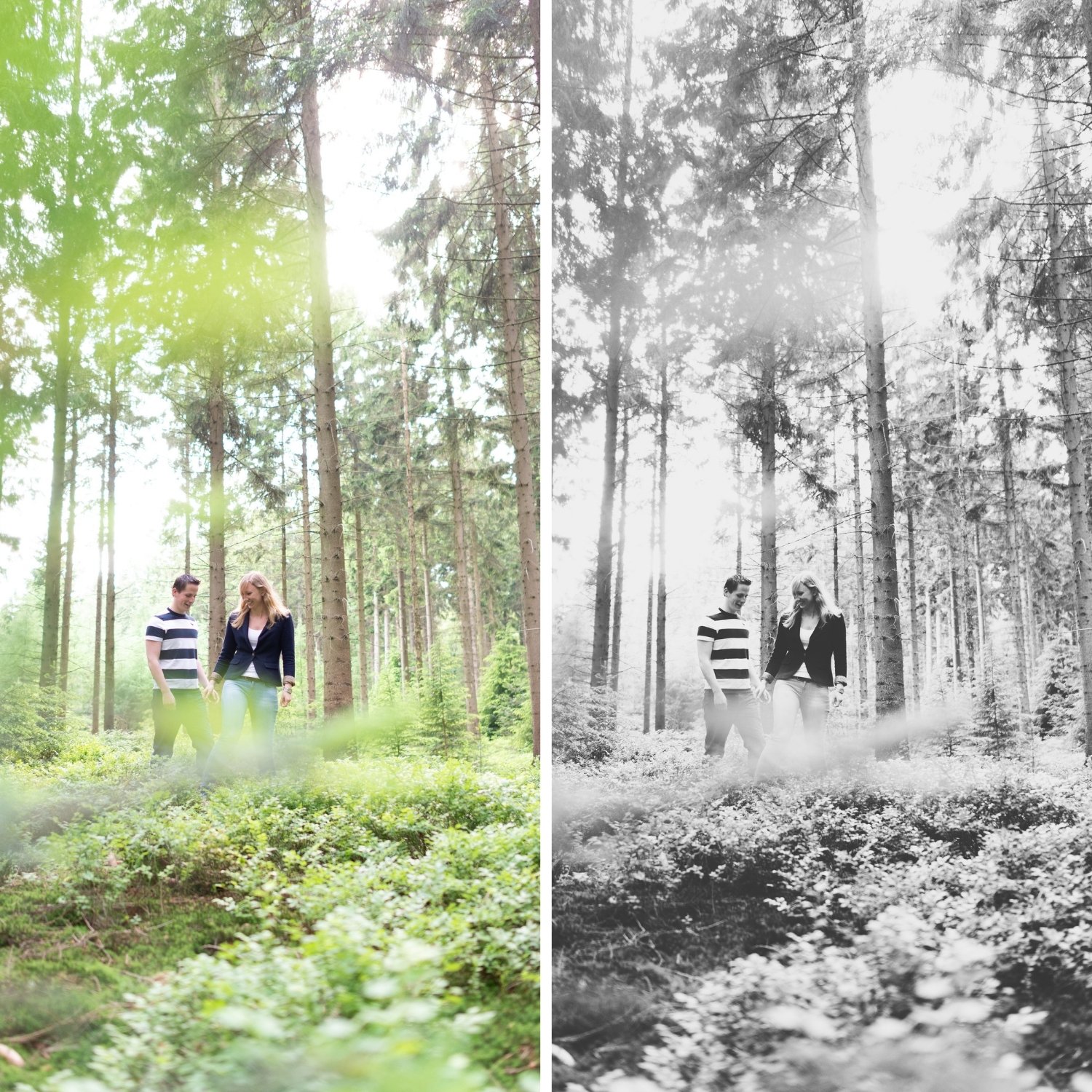
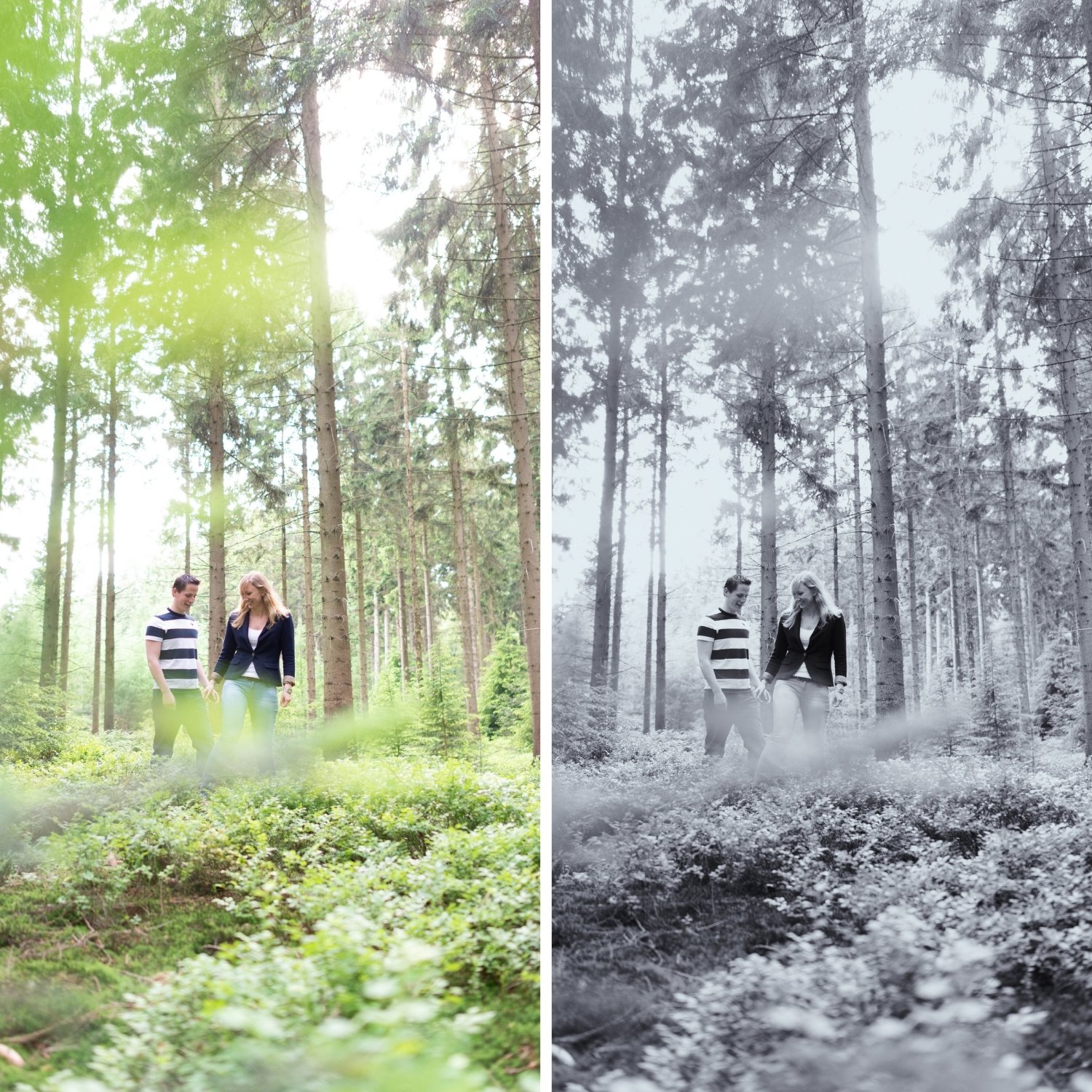
 Image 1 of 4
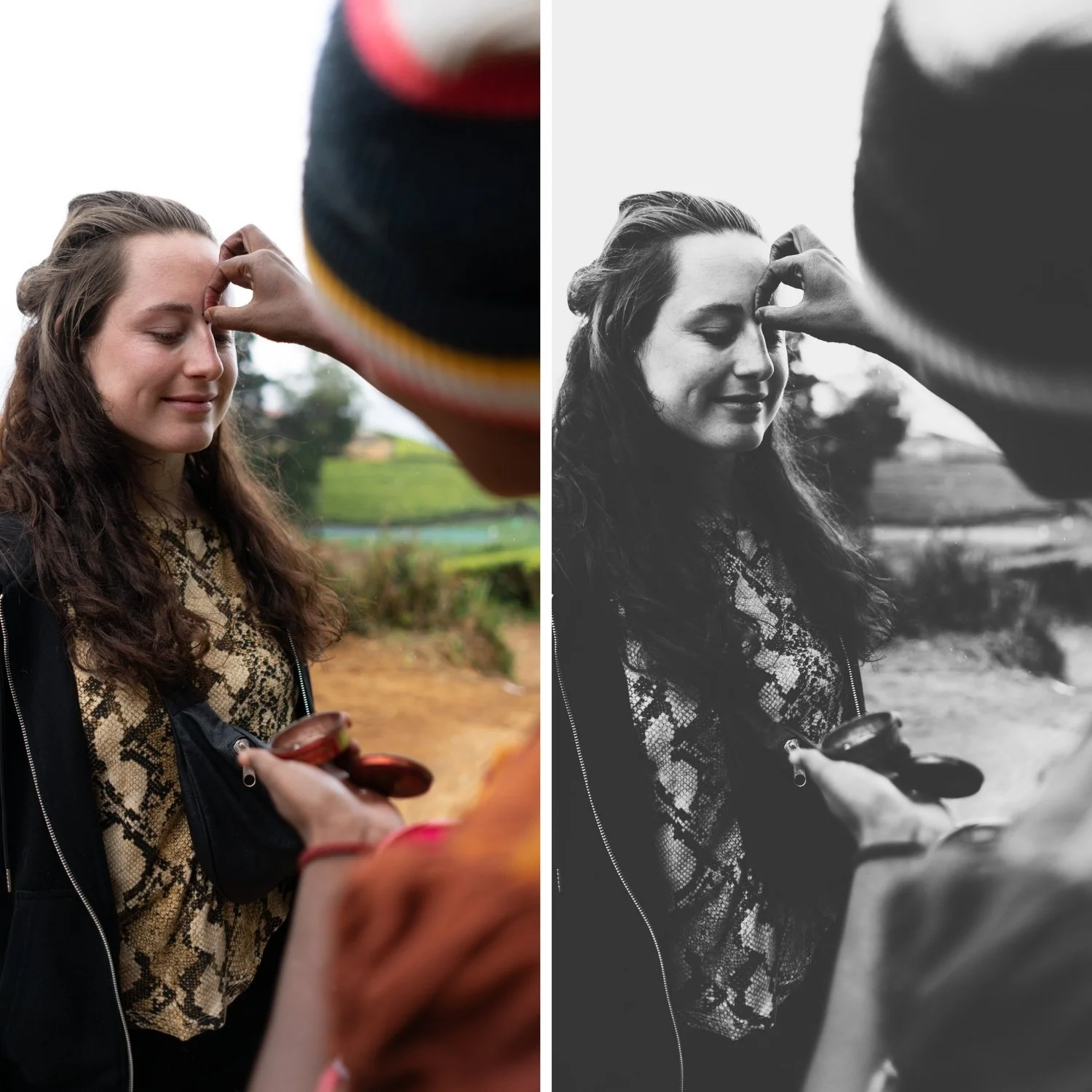
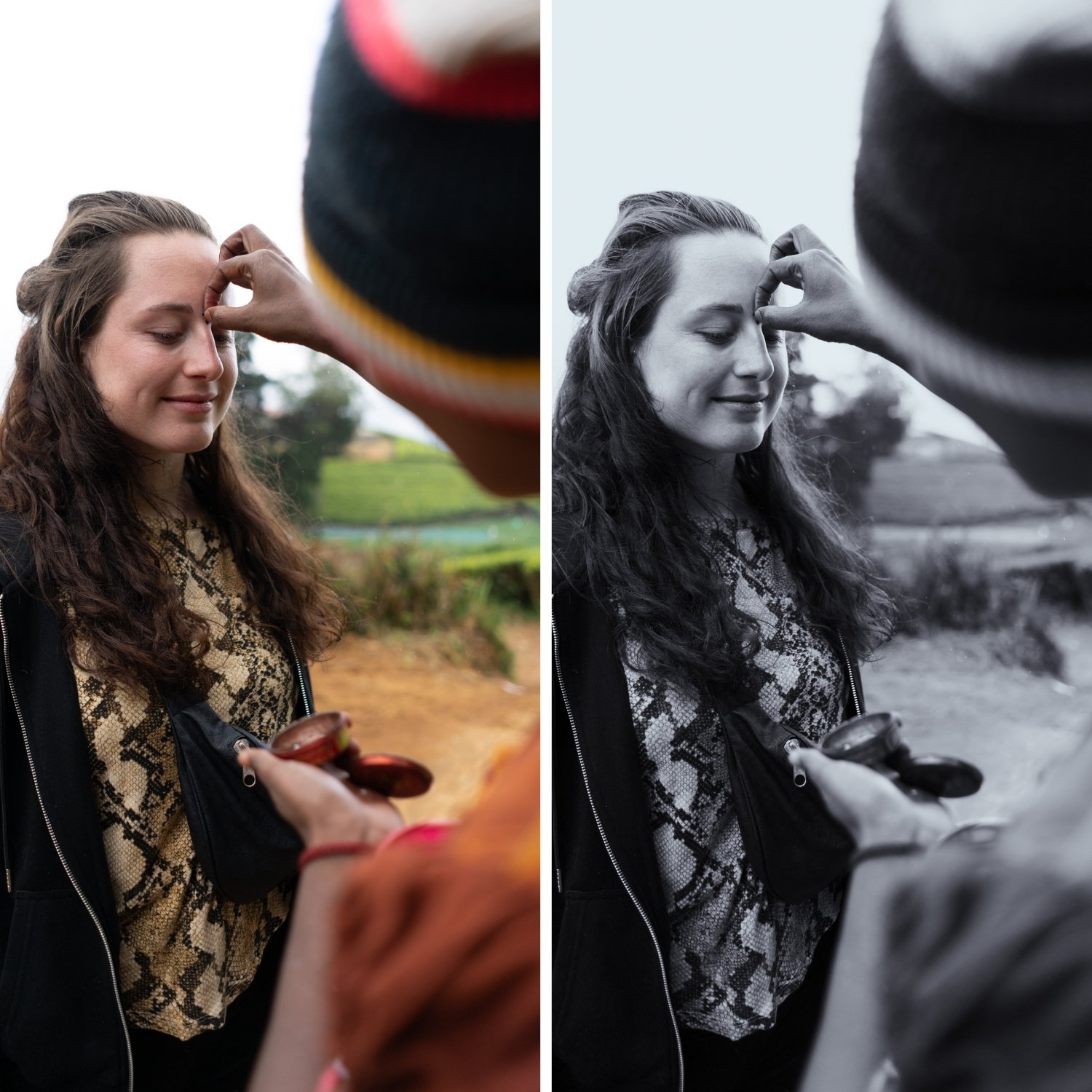 Image 2 of 4
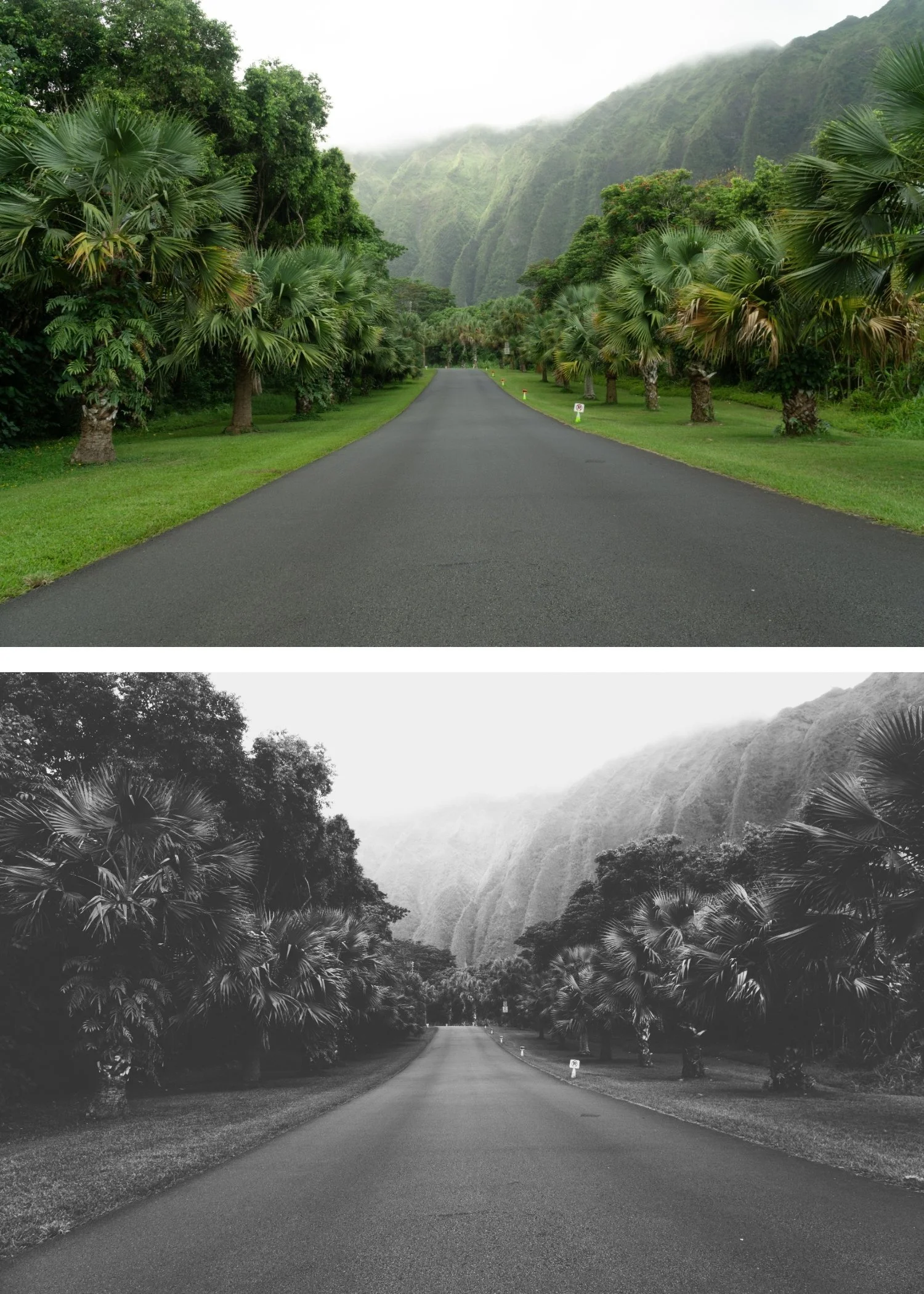
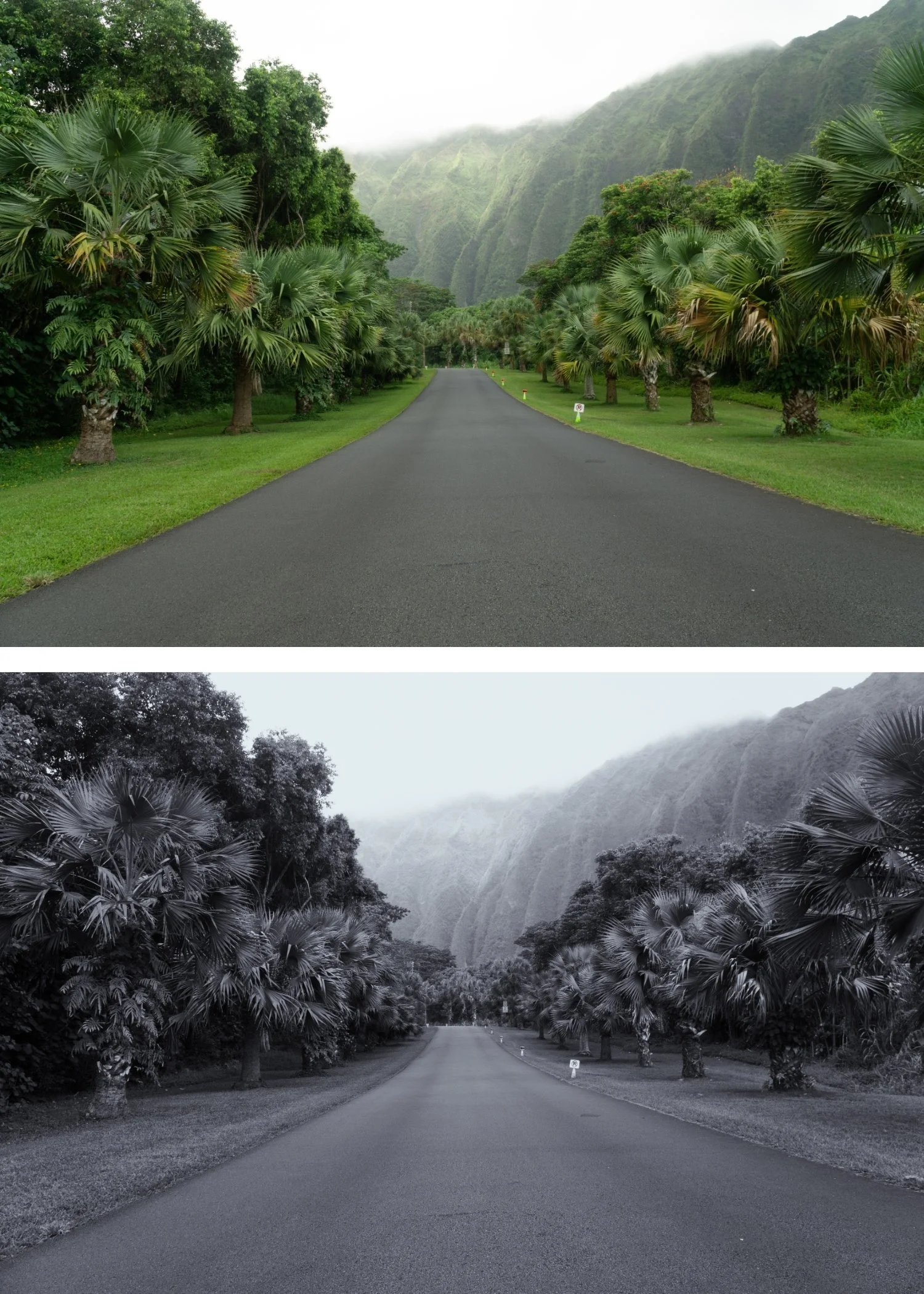 Image 3 of 4
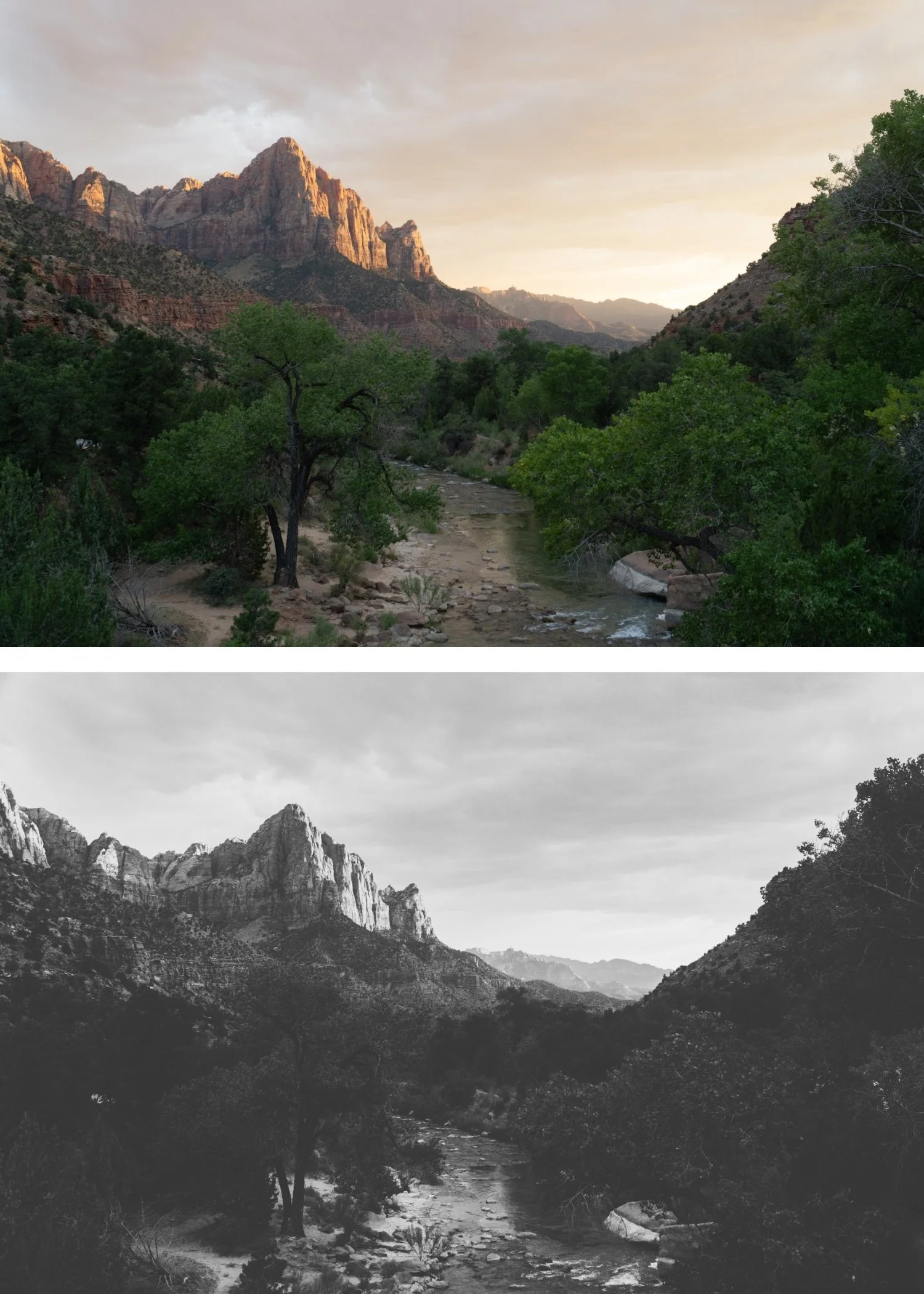
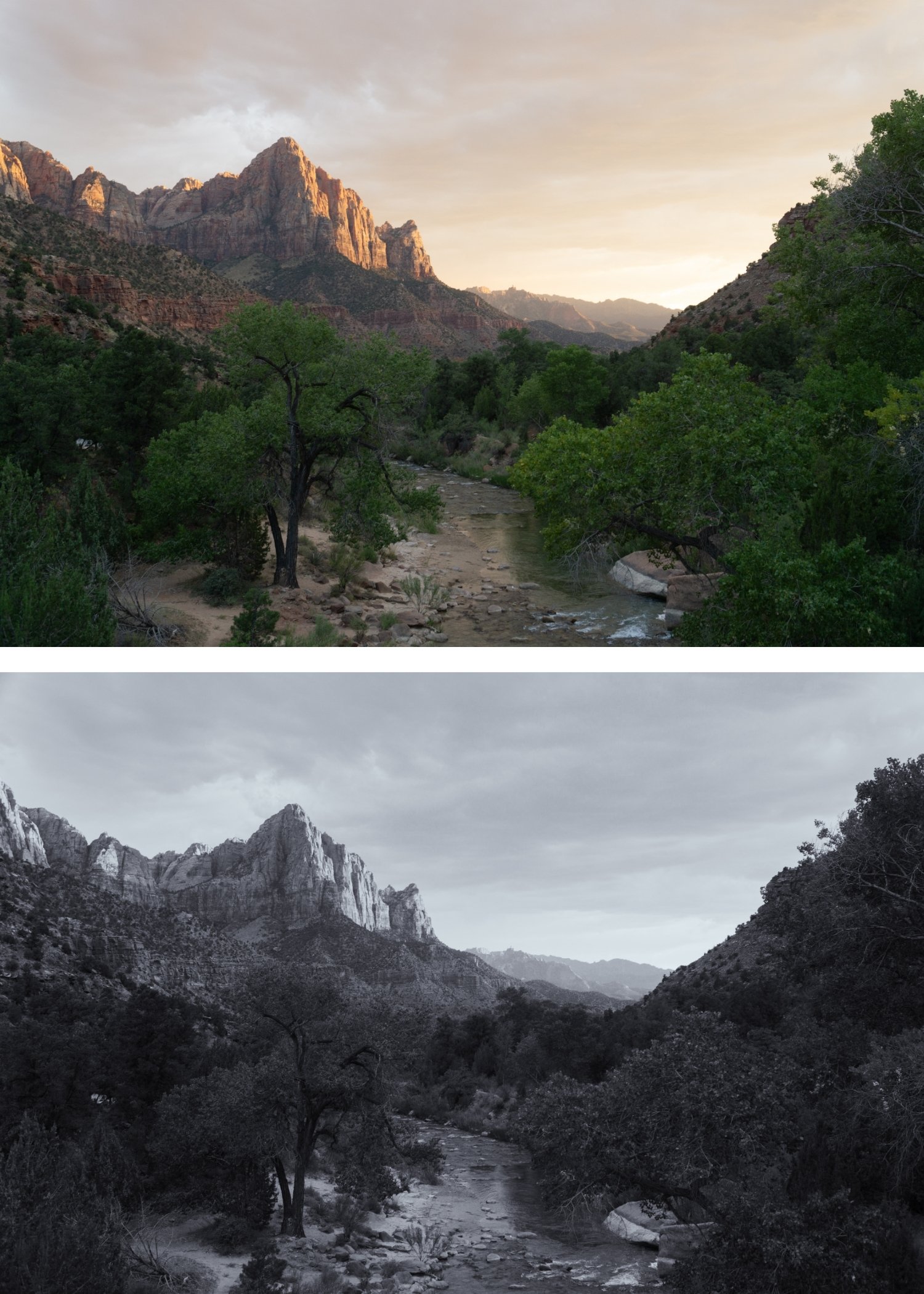 Image 4 of 4
X Archive 06 Grain Forward | Dramatic B&W Preset for Lightroom Mobile & Desktop

-
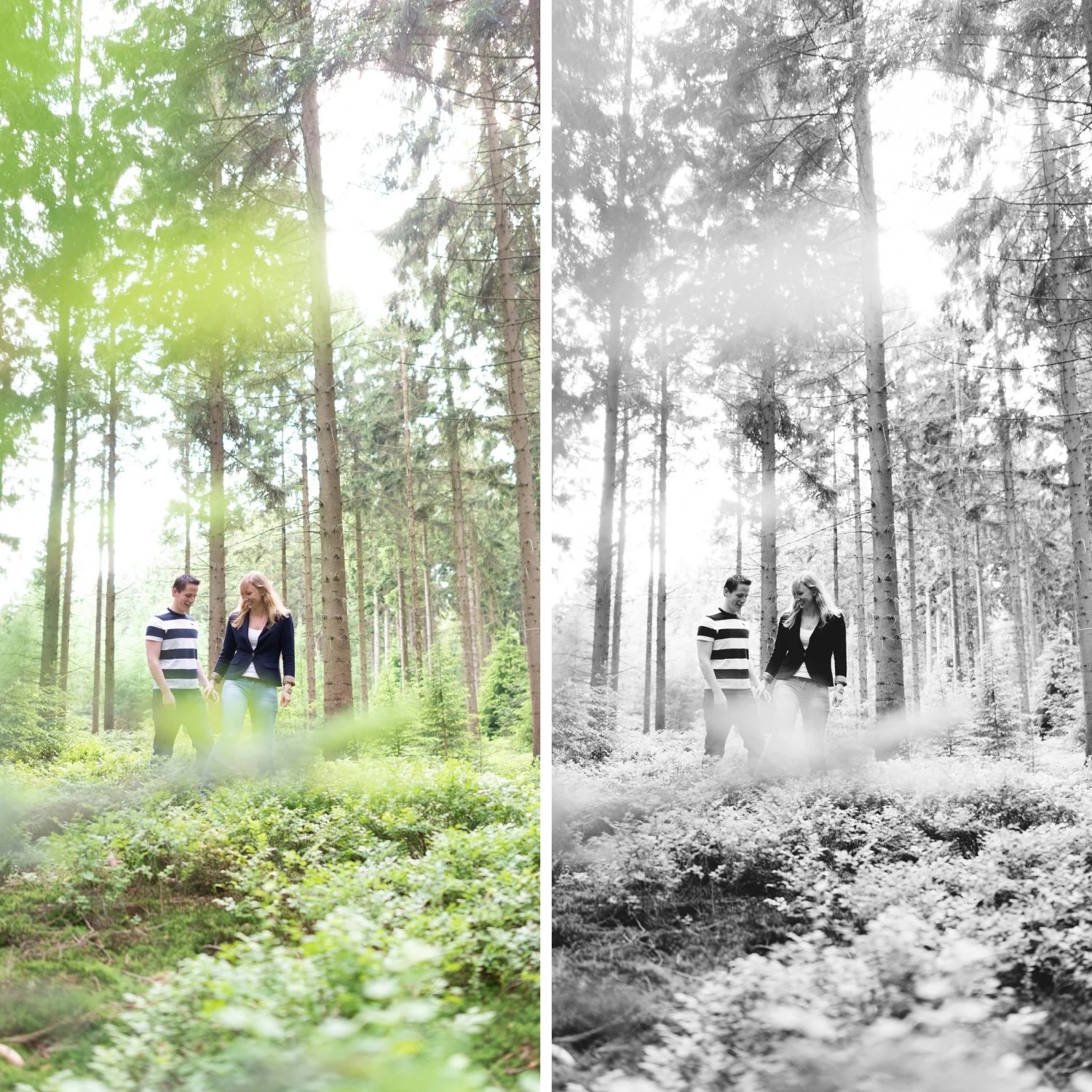
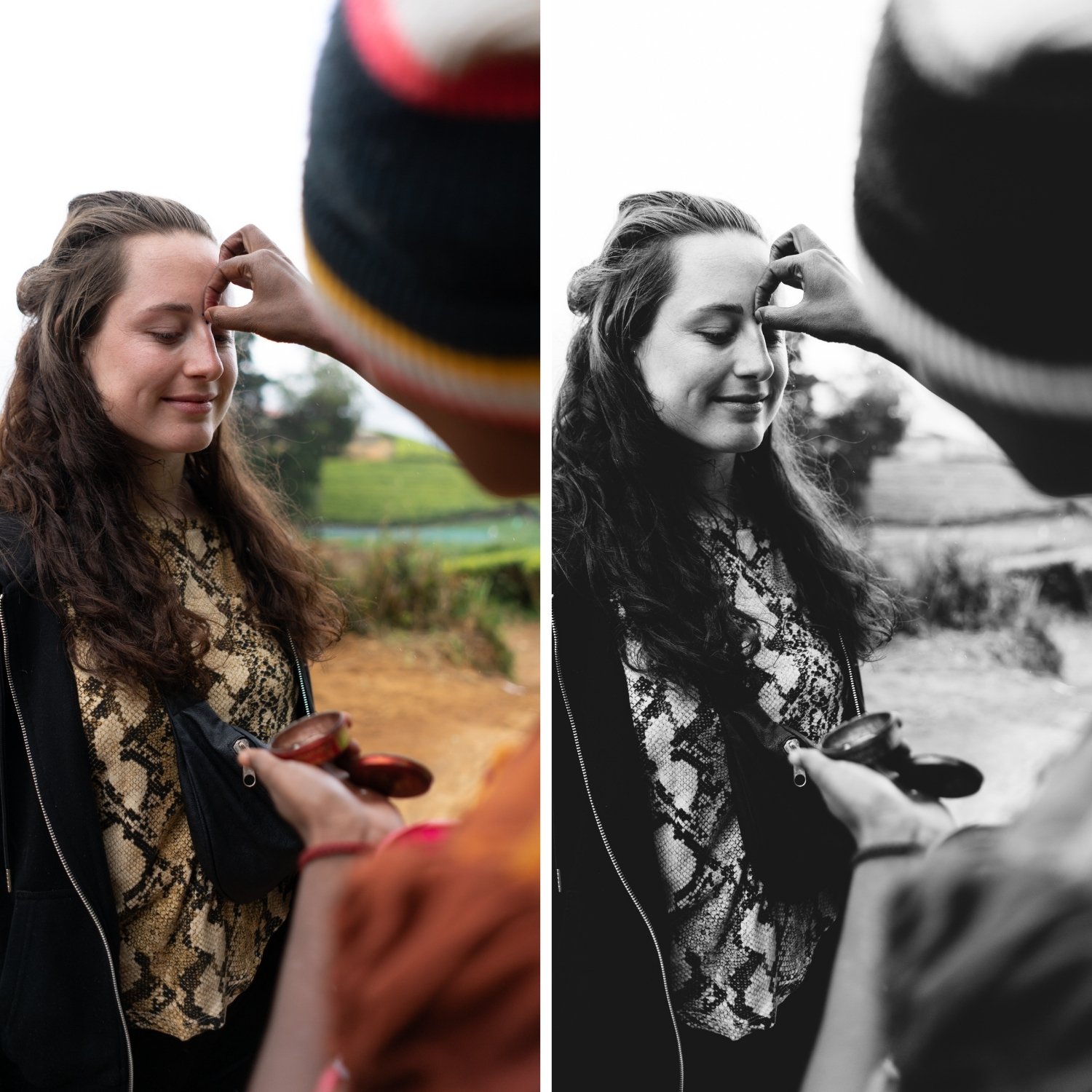
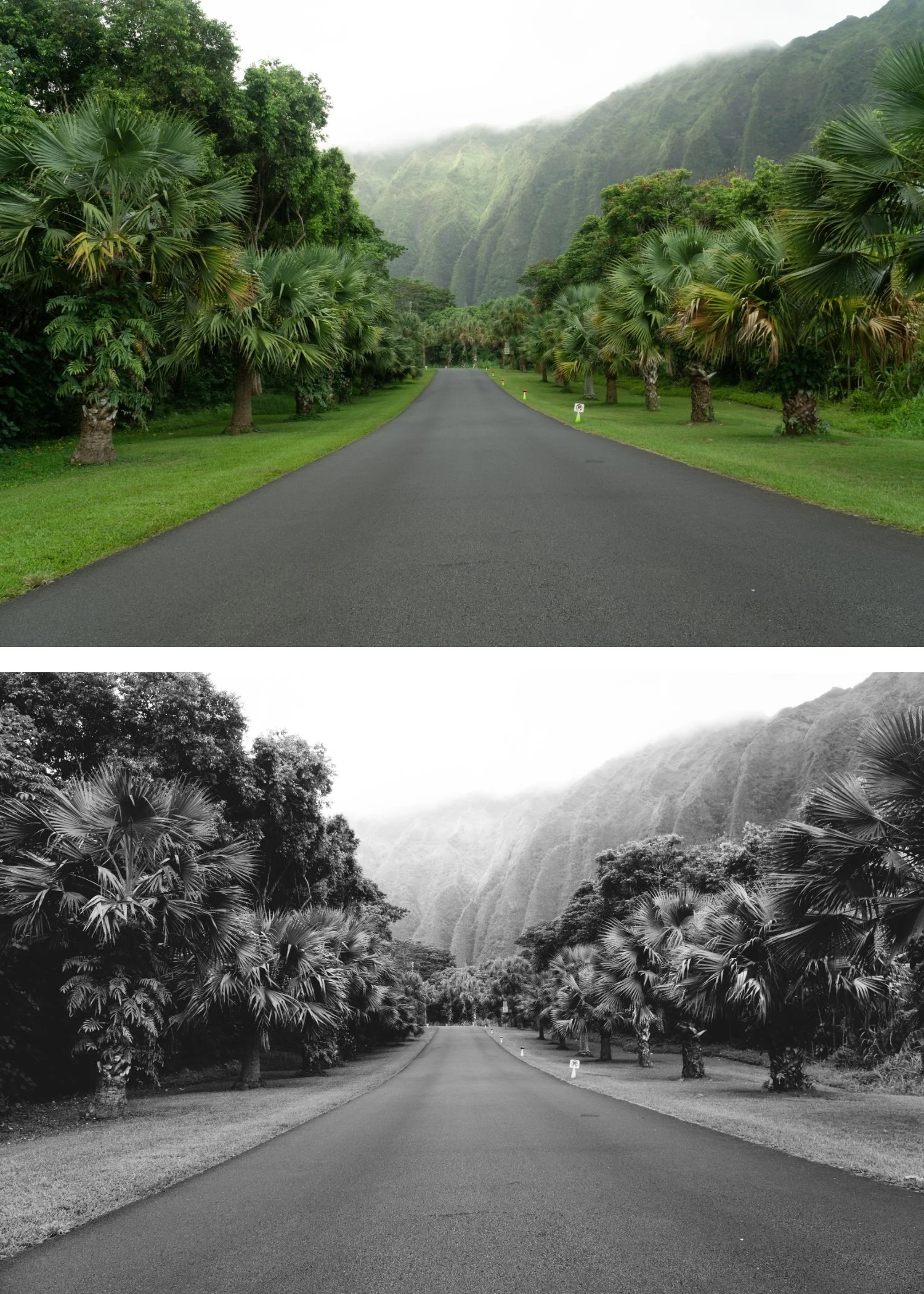
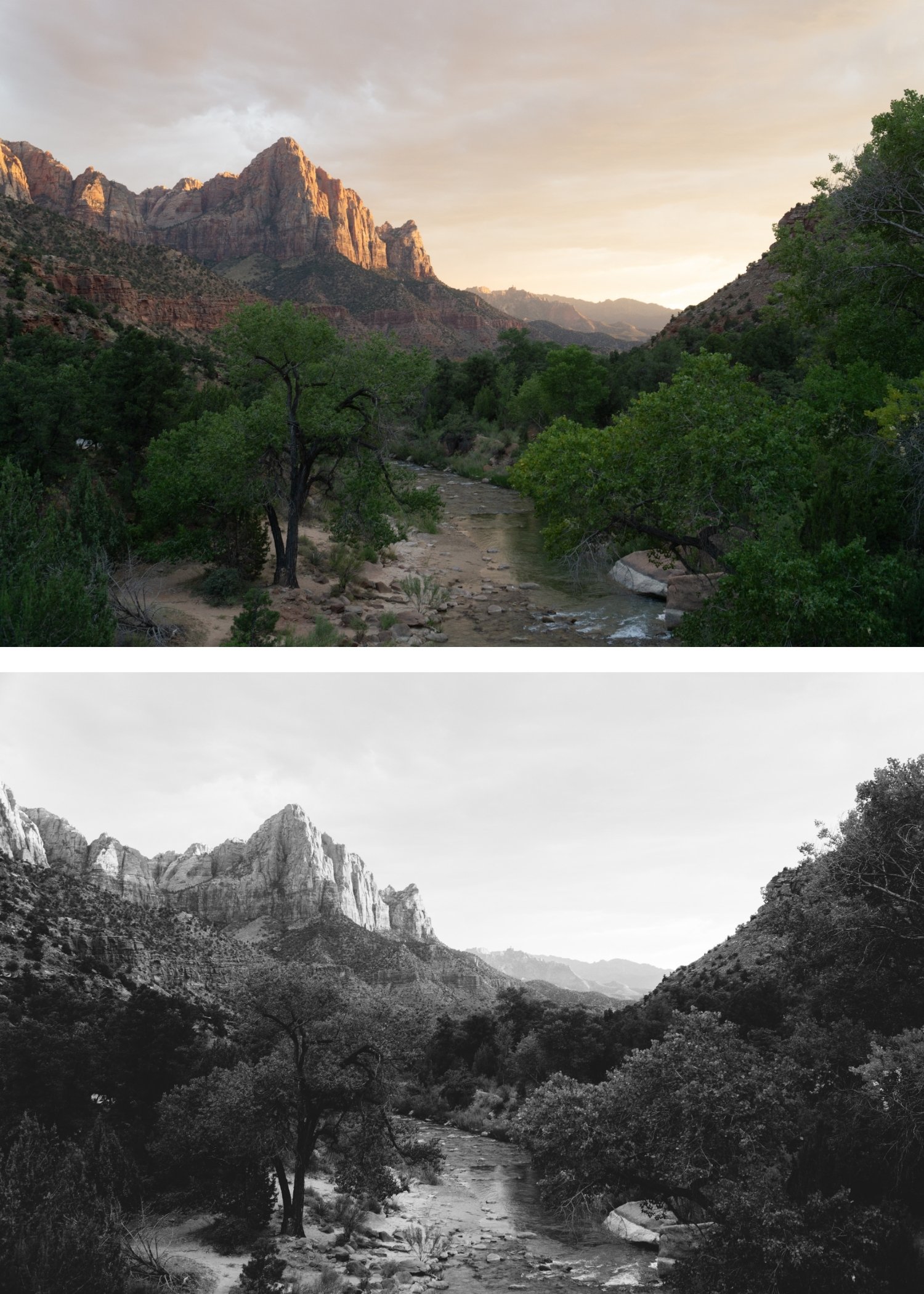
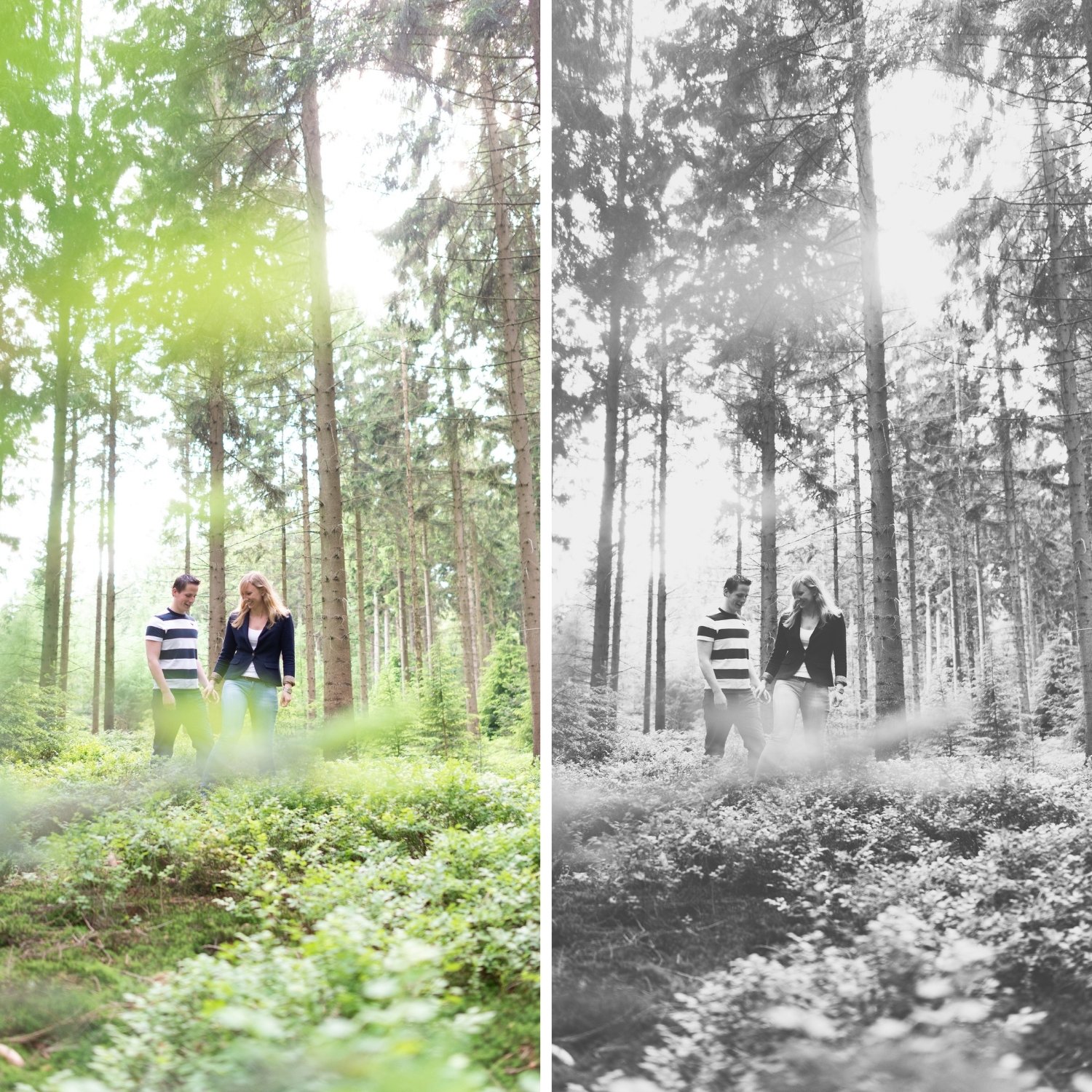
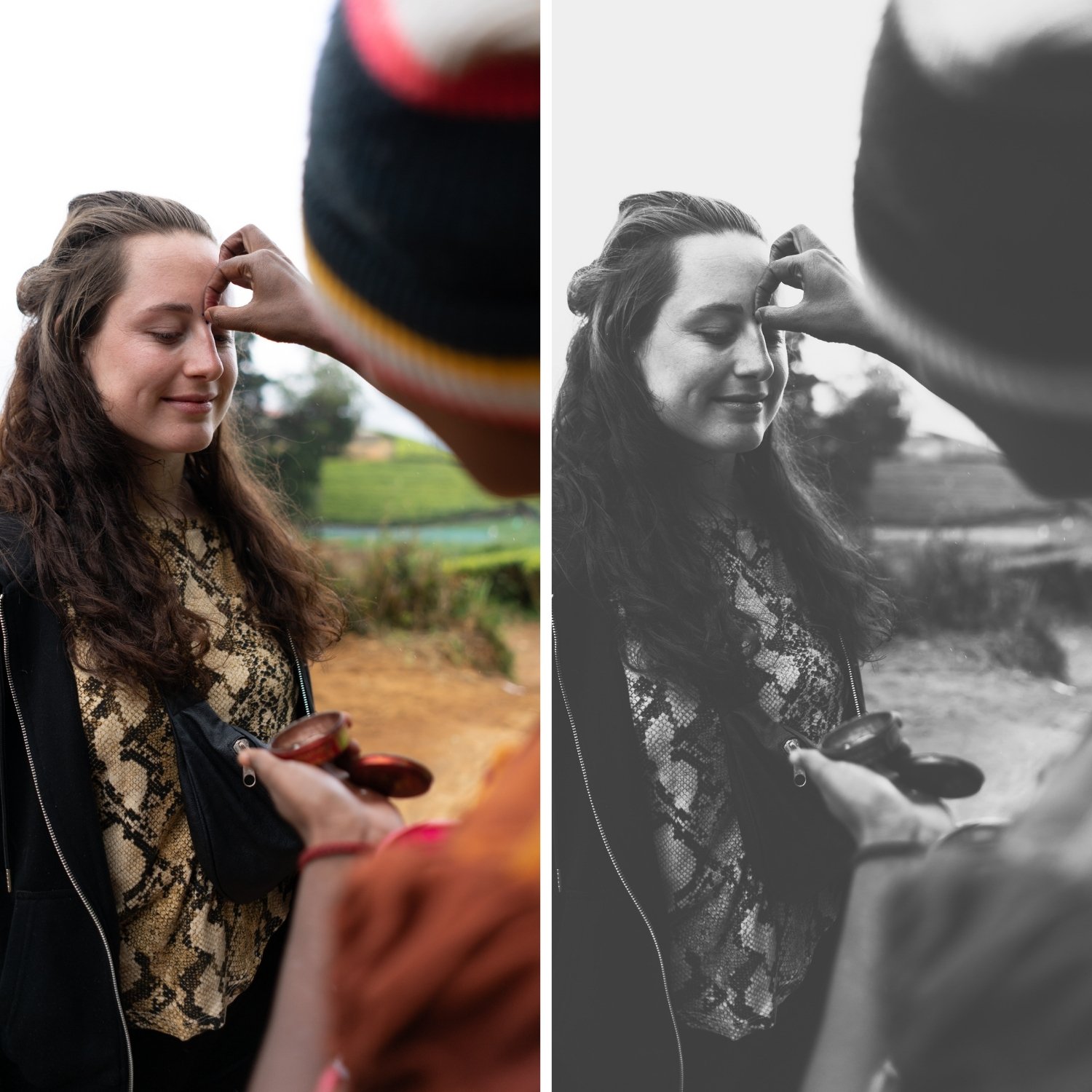
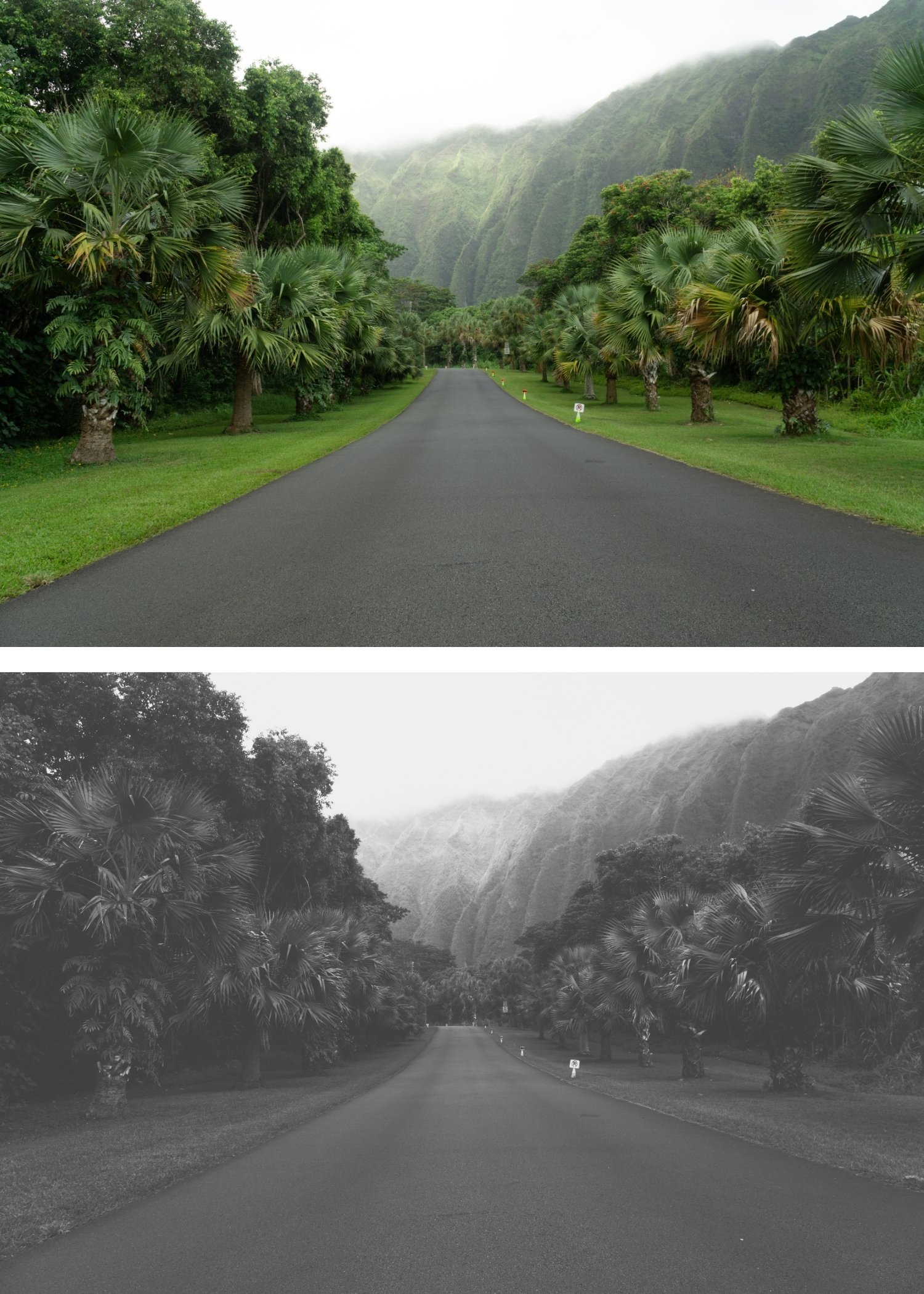
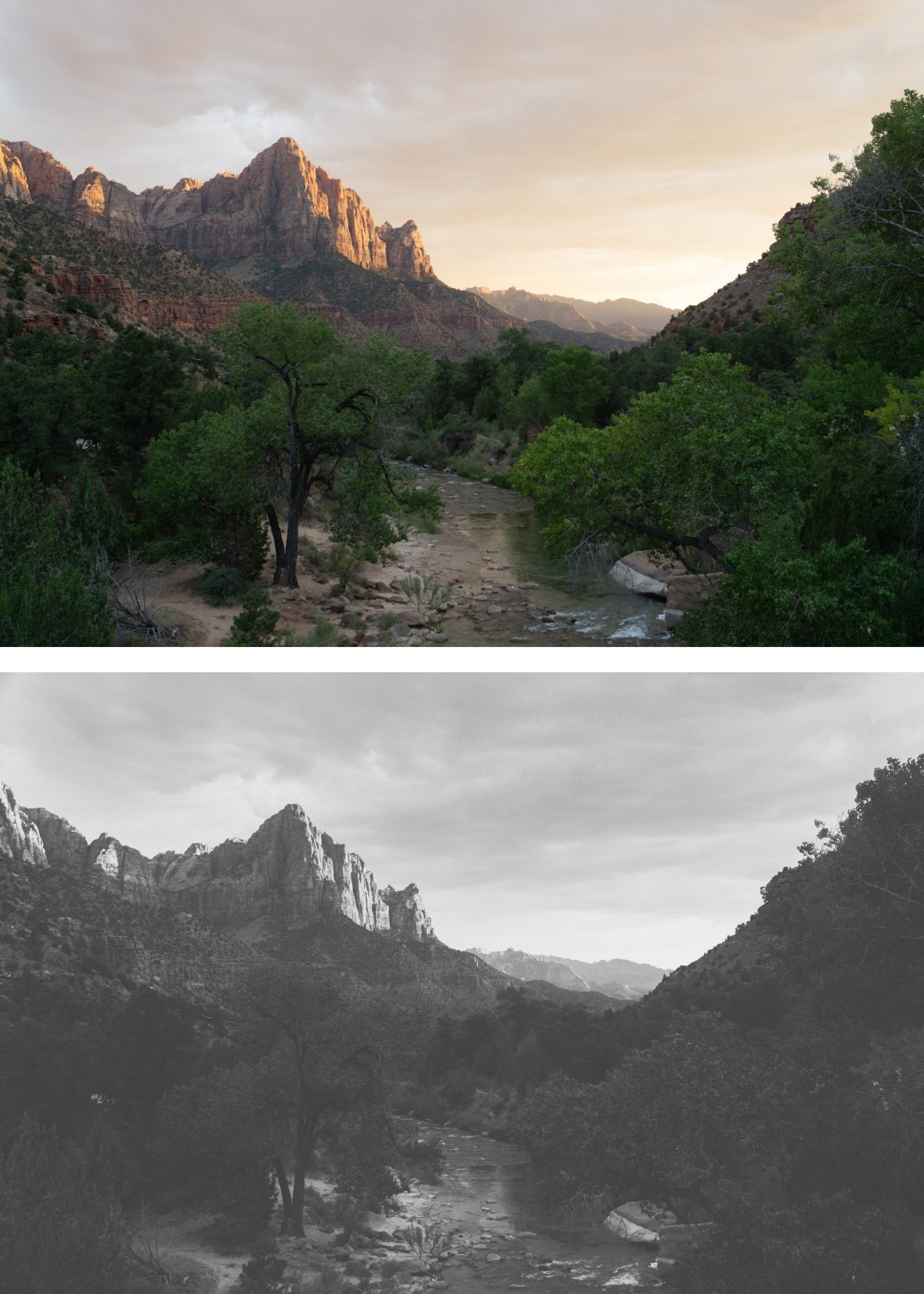
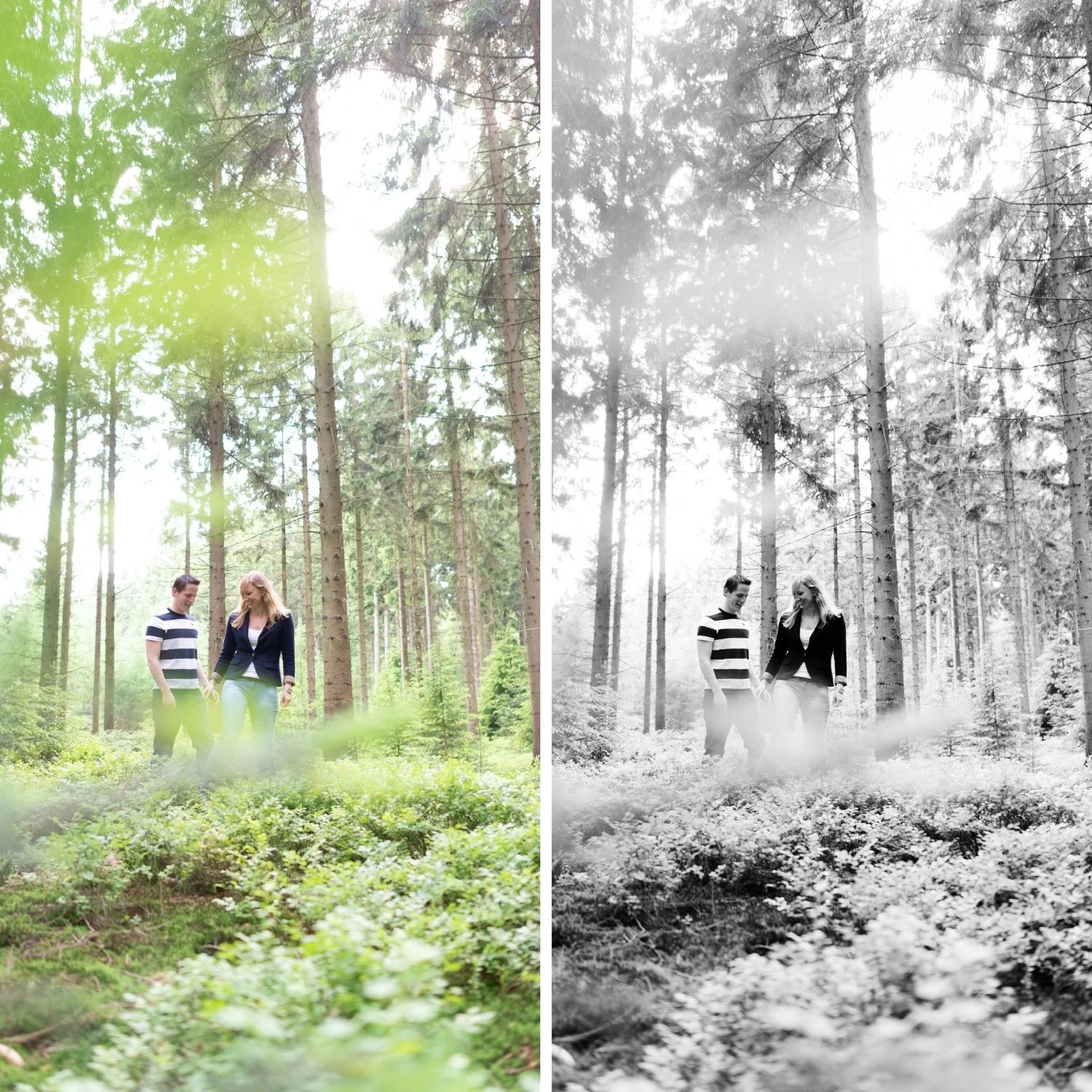
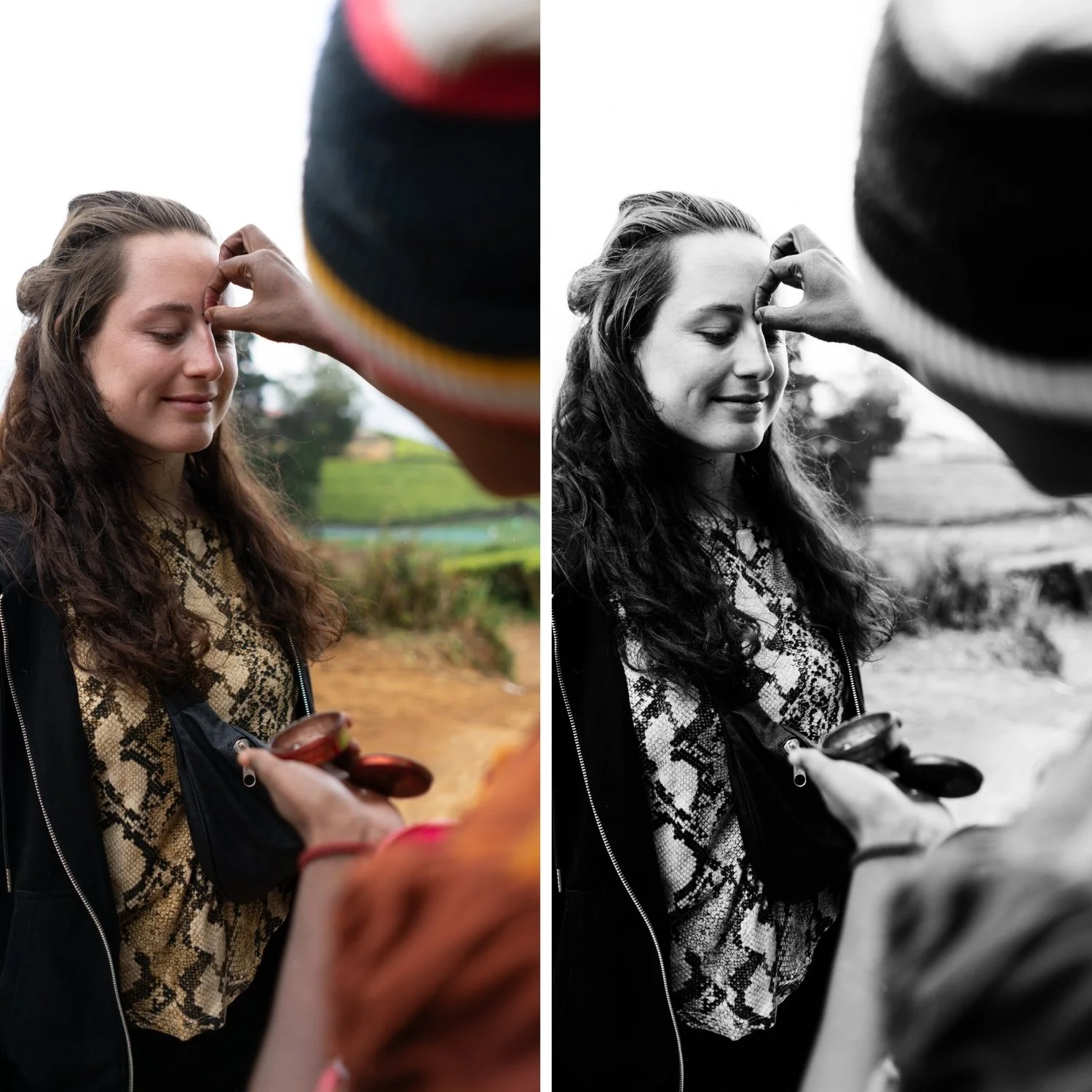
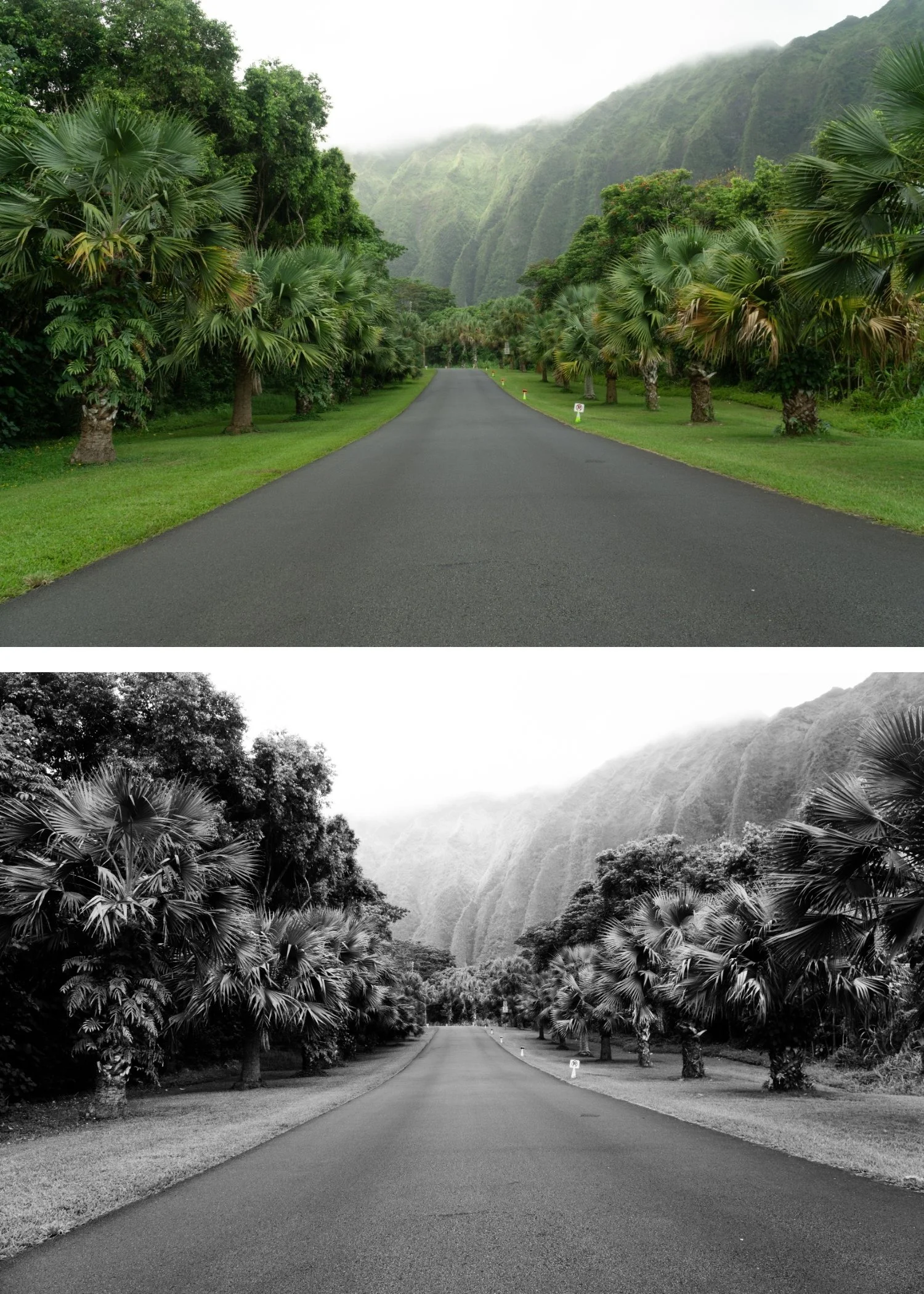
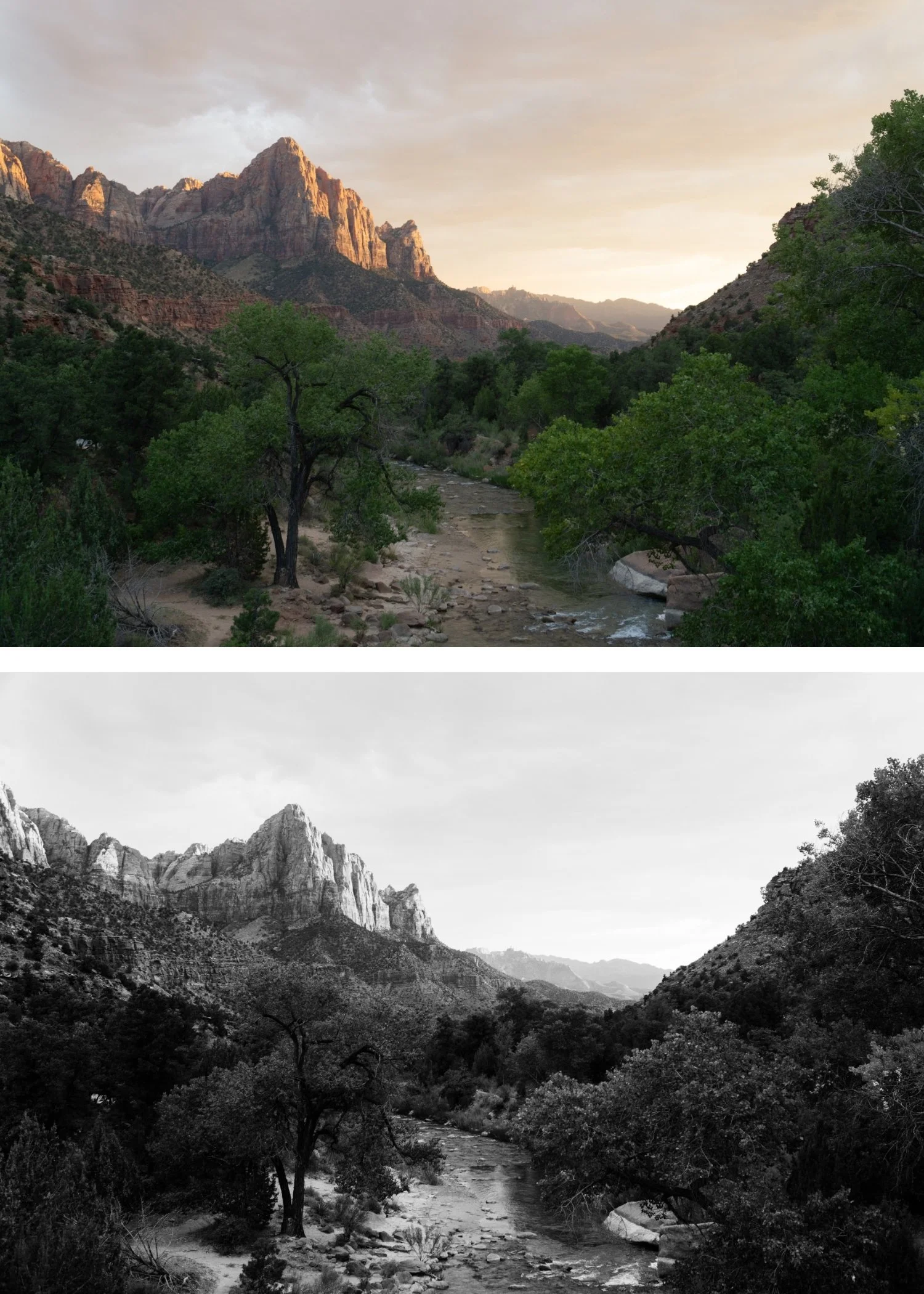
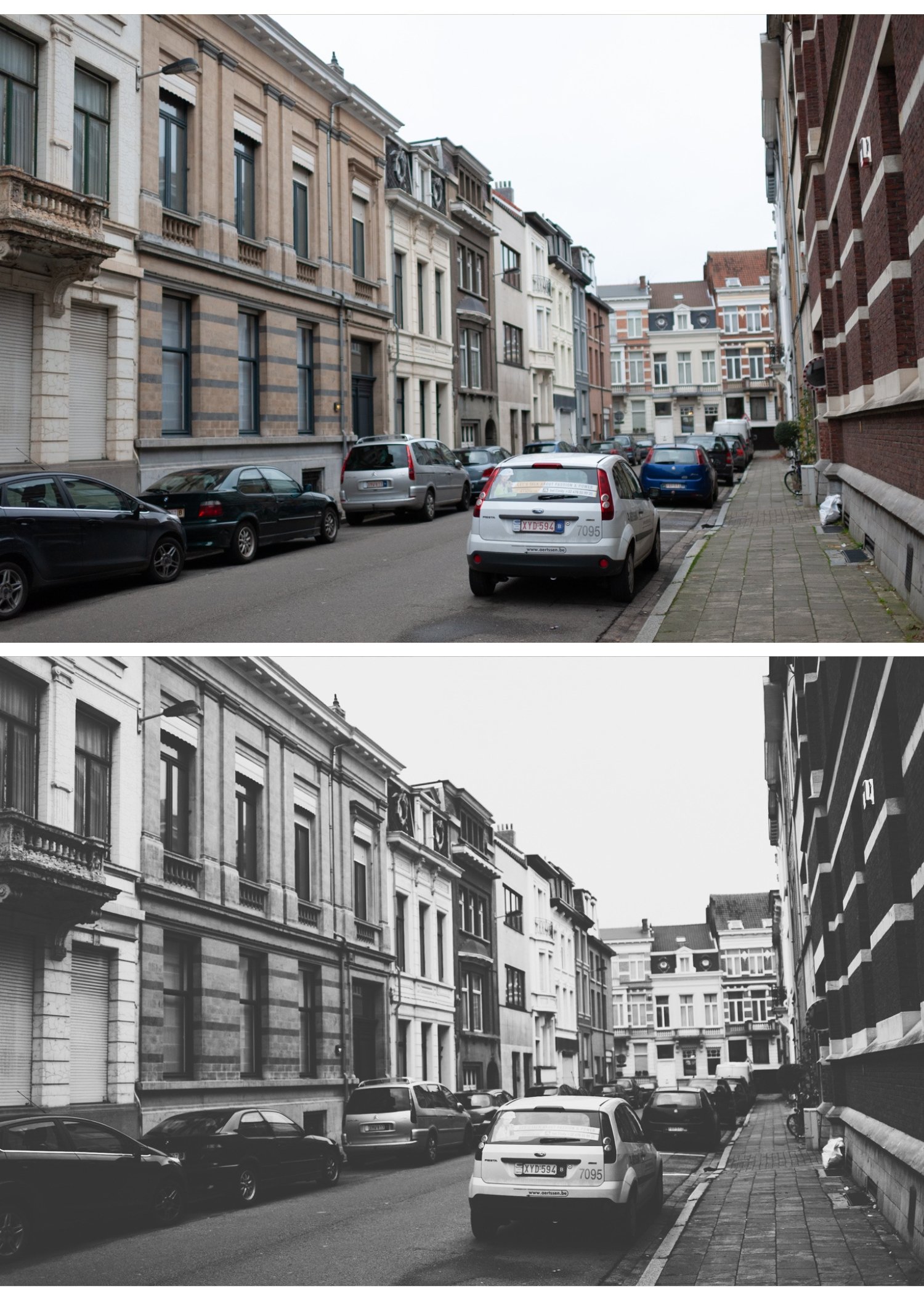
X6 is for street and documentary photographers who deliberately use visible grain as a creative element — photographers who understand that grain communicates urgency and rawness in a way that clean digital photography cannot.
For photographers who have worked through X1 and X5 and want the X Archive's most extreme grain-forward expression for their most raw and immediate content.
For photographers whose aesthetic is specifically built on the visual language of pushed film photography — where the grain is as much a part of the photograph's identity as the subject.
-
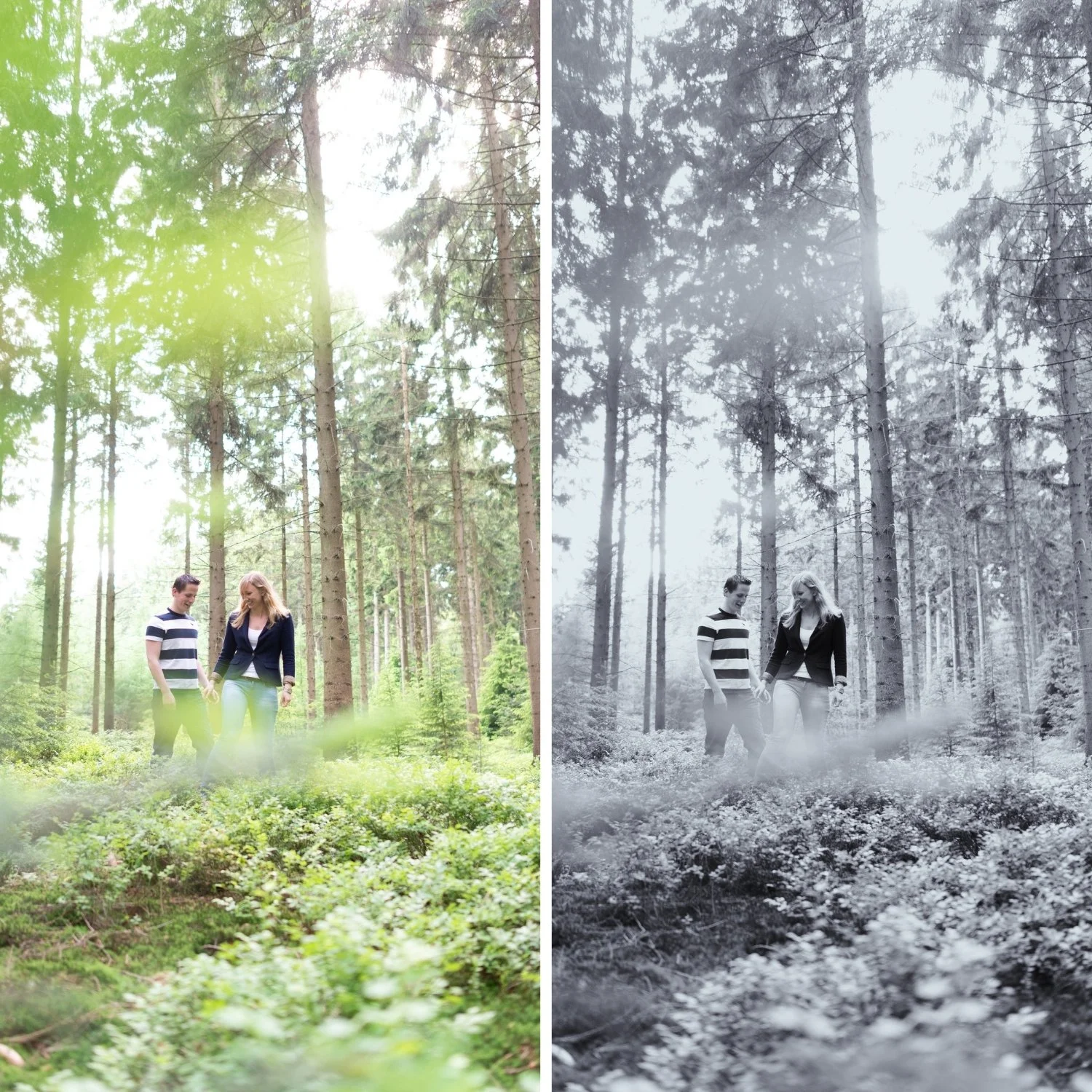
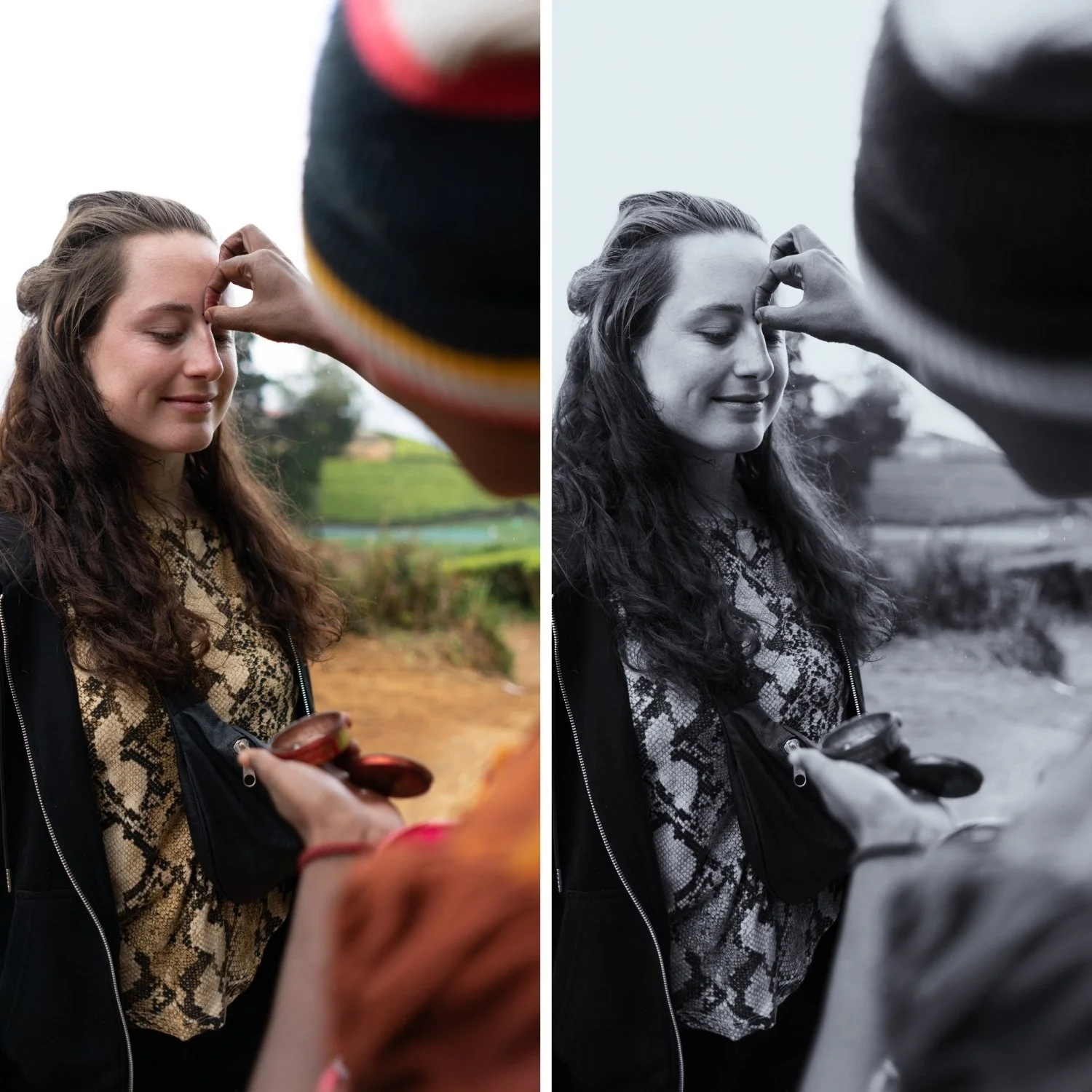
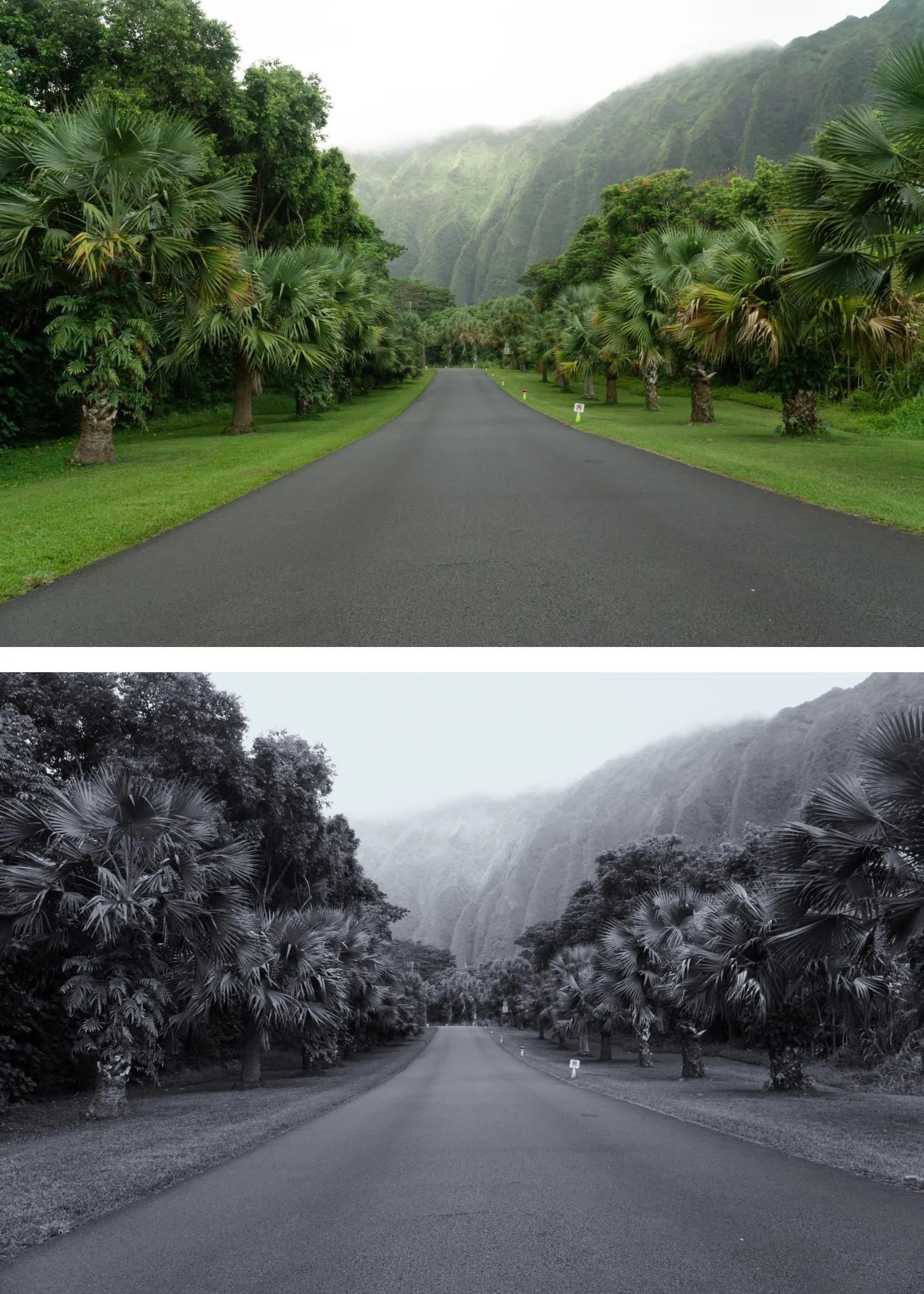
The grain is the point. X6 does not add grain to support other qualities — the grain is the primary visual element. Everything else is calibrated to work with maximum grain presence.
It communicates urgency and rawness. Large, organic grain has specific connotations in photography — documentary urgency, physical presence, the rawness of film in difficult conditions. X6 harnesses these connotations as a deliberate creative tool.
It references the tradition of pushed film photography. X6's grain character references the quality of photographers who pushed Tri-X and HP5 to high ISOs for maximum grain and documentary presence — a specific tradition within photography that X6 makes accessible in Lightroom.
It is unlike any other preset in the collection. X6's maximum grain commitment produces a completely unique visual character — immediately recognisable as a deliberate aesthetic statement rather than a technical accident.
-
1 × X6 Grain Forward DNG file — for Lightroom Mobile on iPhone and Android
1 × X6 Grain Forward XMP file — for Lightroom Classic on Mac and Windows
Step-by-step installation guide for Mobile and Desktop
Lifetime access — download again anytime -
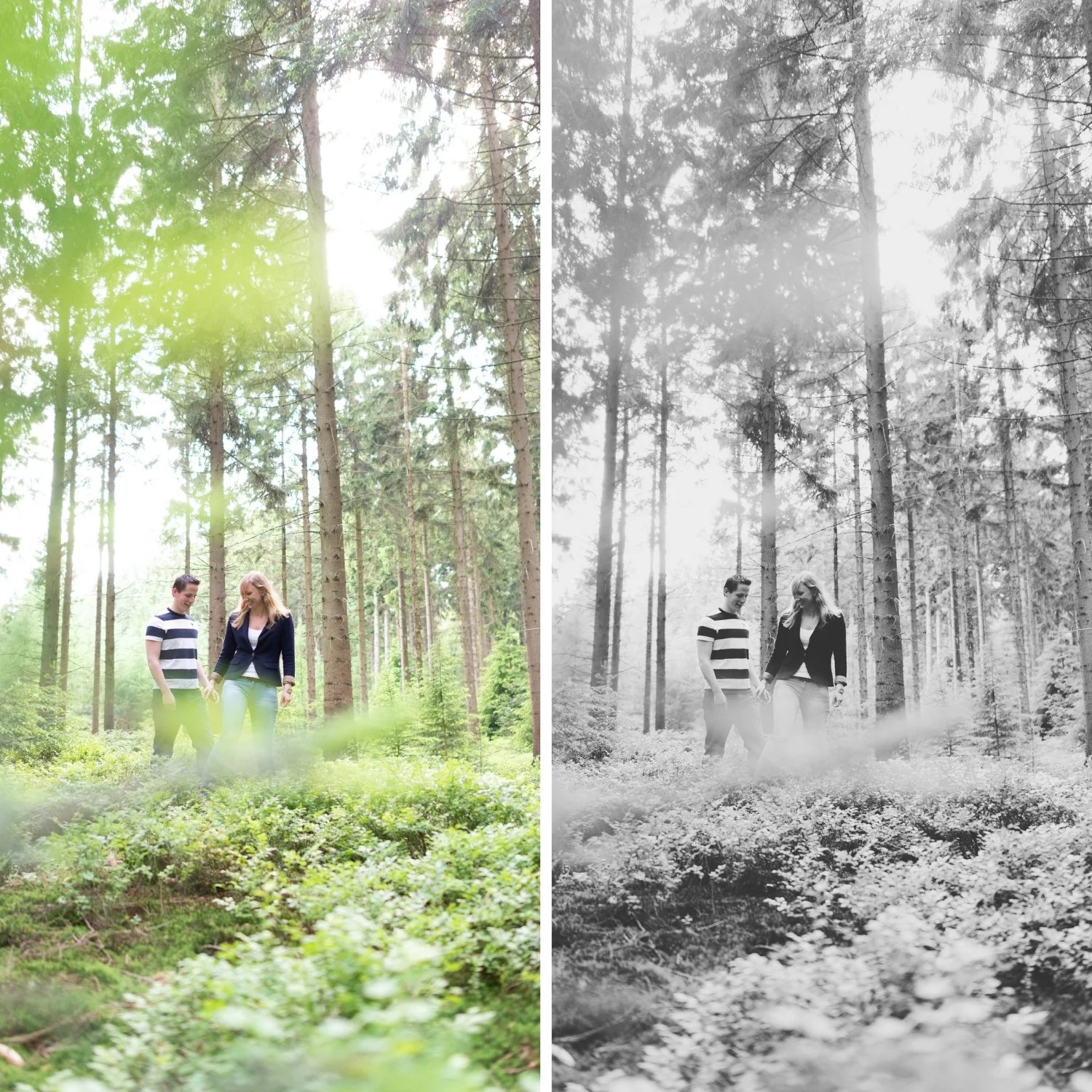
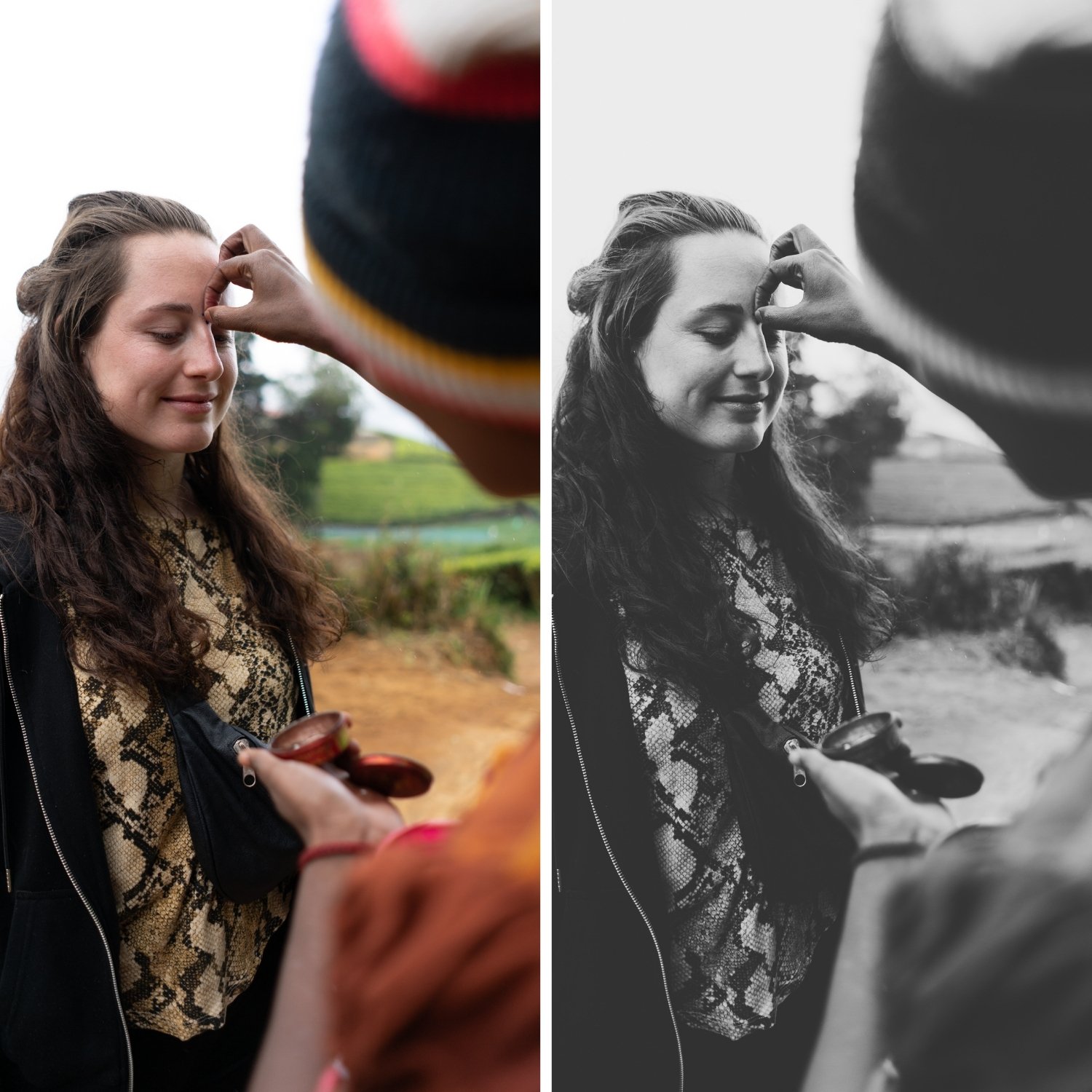
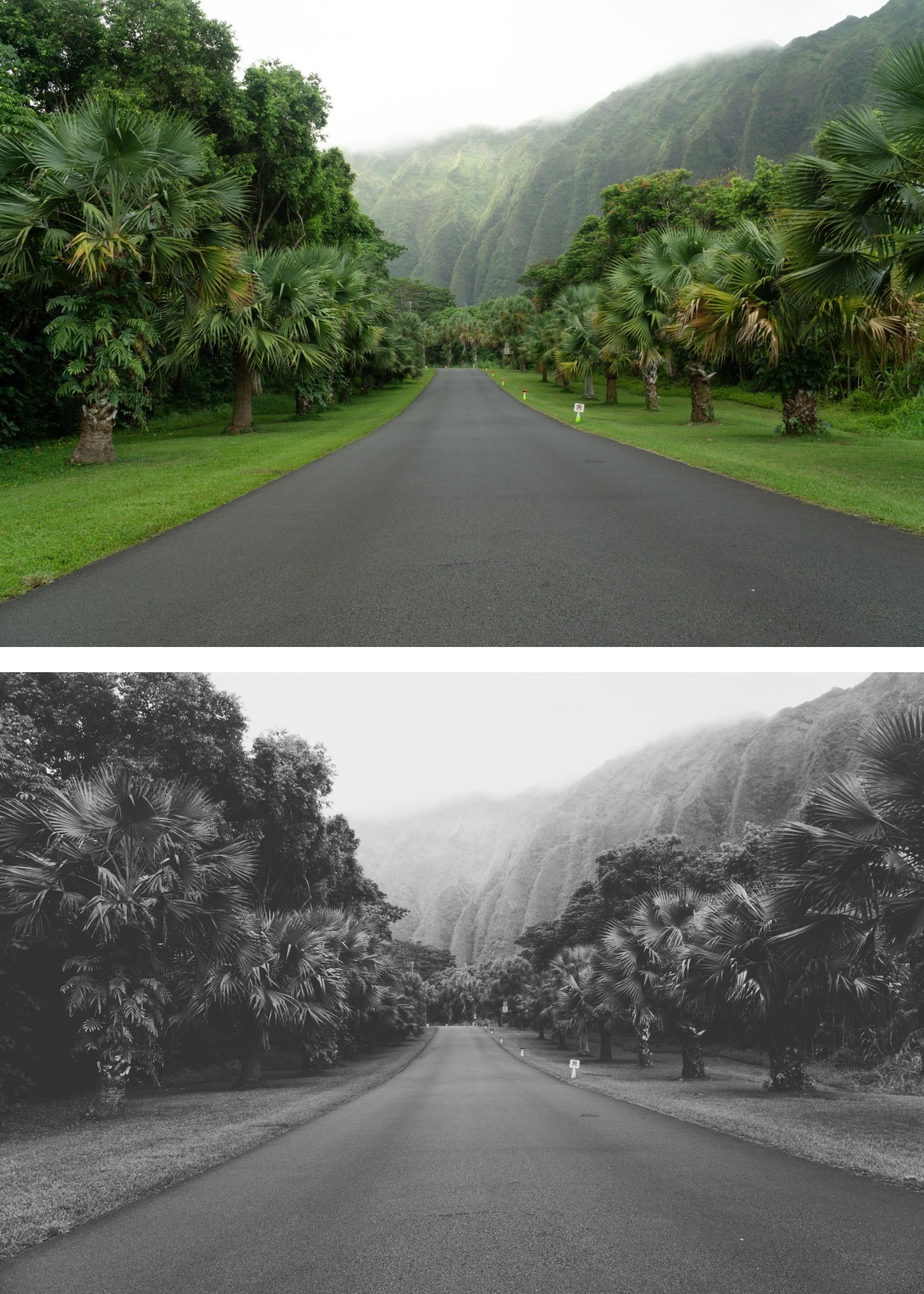
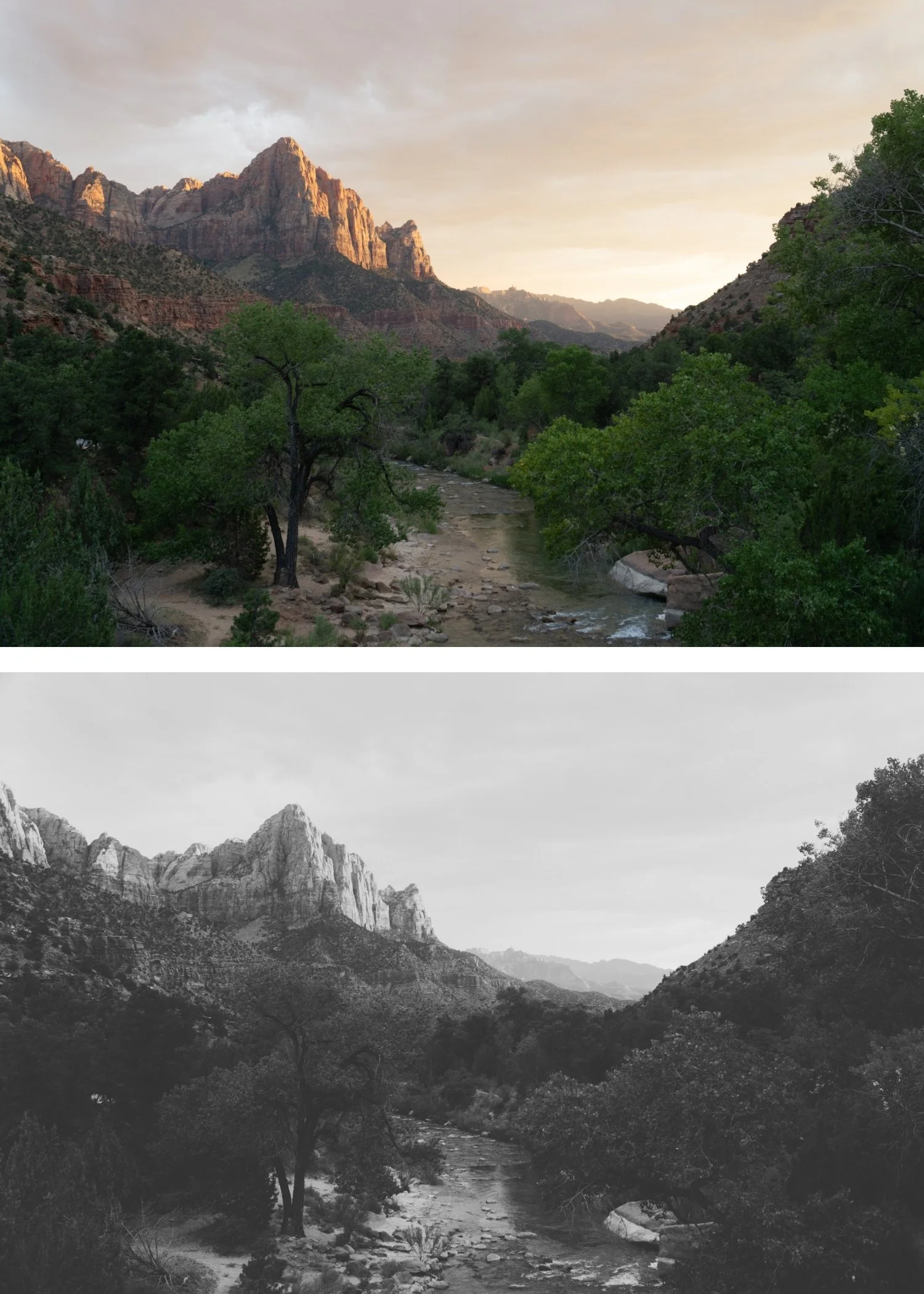
X6 is inspired by Lith Printing, a specialized darkroom process known for its "infectious development." This technique creates a very specific look: incredibly deep, gritty shadows paired with soft, textured highlights. By emulating this non-linear contrast and the heavy grain of underexposed high-speed film like Kodak T-Max P3200, X6 ensures your work feels edgy and artistic. It transforms a simple photo into a gritty piece of contemporary art.
-
Step 1 — Prepare for maximum grain. On phone photos, apply AI Denoise before applying X6. Phone sensor noise plus X6's maximum grain creates conflicting textures rather than organic film grain. On camera RAW files, no special preparation is needed.
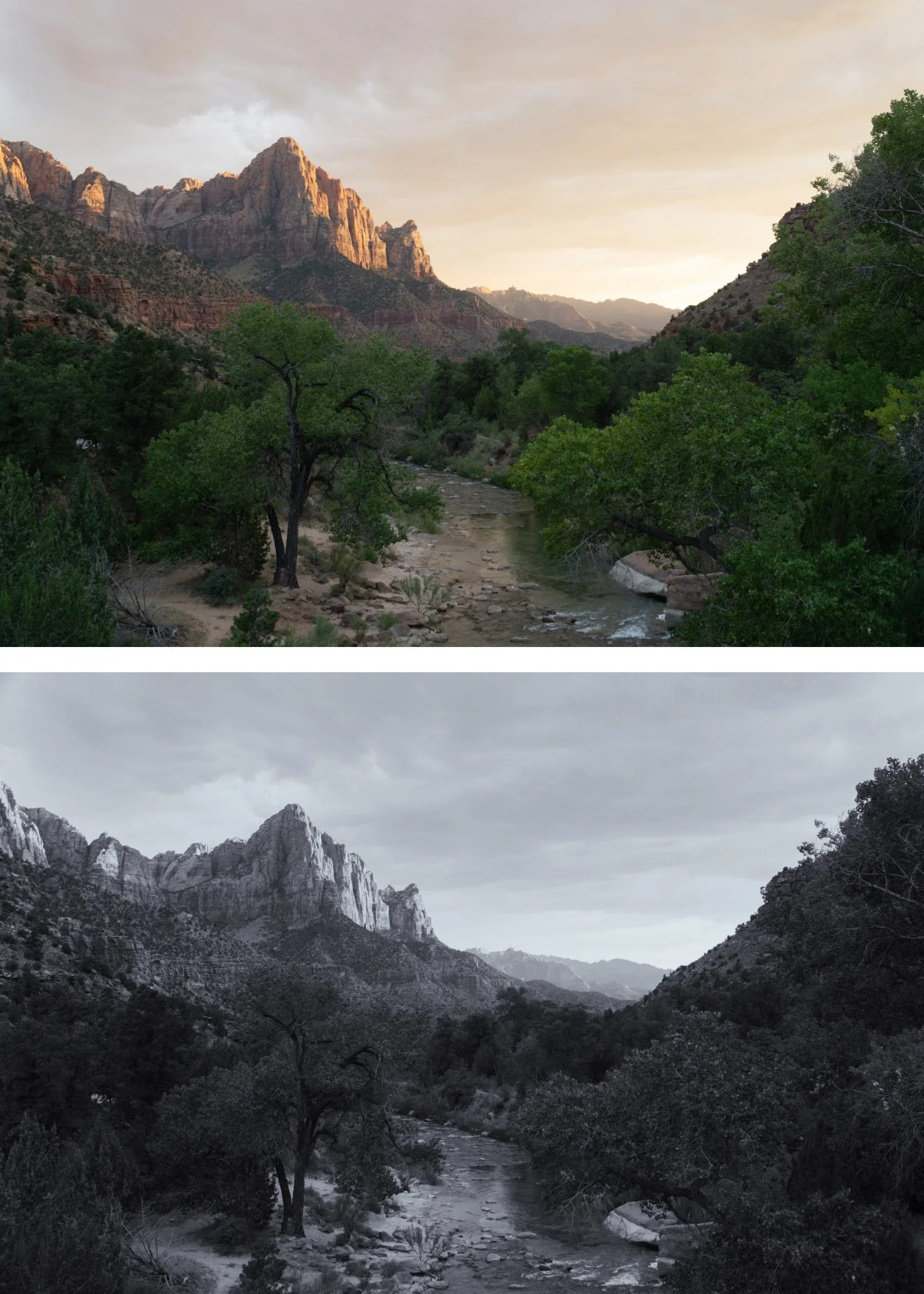
Step 2 — Apply X6 Grain Forward. Open any photo in Lightroom. Apply X6 Grain Forward. The maximum grain character, strong contrast, and B&W conversion apply simultaneously.
Step 3 — Fine-tune. Reduce to 82-85% for standard use. At full 100%, X6's grain can be excessive on some subjects.
On phone photos: apply AI Denoise first, then 80-82% strength.
-
Is X6 too grainy for professional photography? X6 is calibrated for street photography and documentary work where maximum grain is a deliberate aesthetic choice. For professional photography where technical refinement is expected, X1 or X5 are more appropriate. X6 is a specialist preset for a specific aesthetic direction.
Does X6 work in the free version of Lightroom Mobile? Yes. Preset installation and use is completely free in Lightroom Mobile.
GET ALL 6 X ARCHIVE PRESETS
The full X Archive gives you six calibrated dramatic black and white looks — Dramatic Base for the versatile bold foundation, Deep Shadow for maximum shadow depth, High Key Dramatic for bright contrast, Cool Urban for cold angular street photography, Warm Darkroom for classic darkroom tone, and Grain Forward for maximum grain character.
Six presets. One expressive philosophy. $4.50 per preset.
THE STUDIO ARCHIVE
Want everything? The Studio Archive contains 130+ presets — every collection we make, including the complete X Archive — for $89 total. That is $0.68 per preset with every future release included for life.