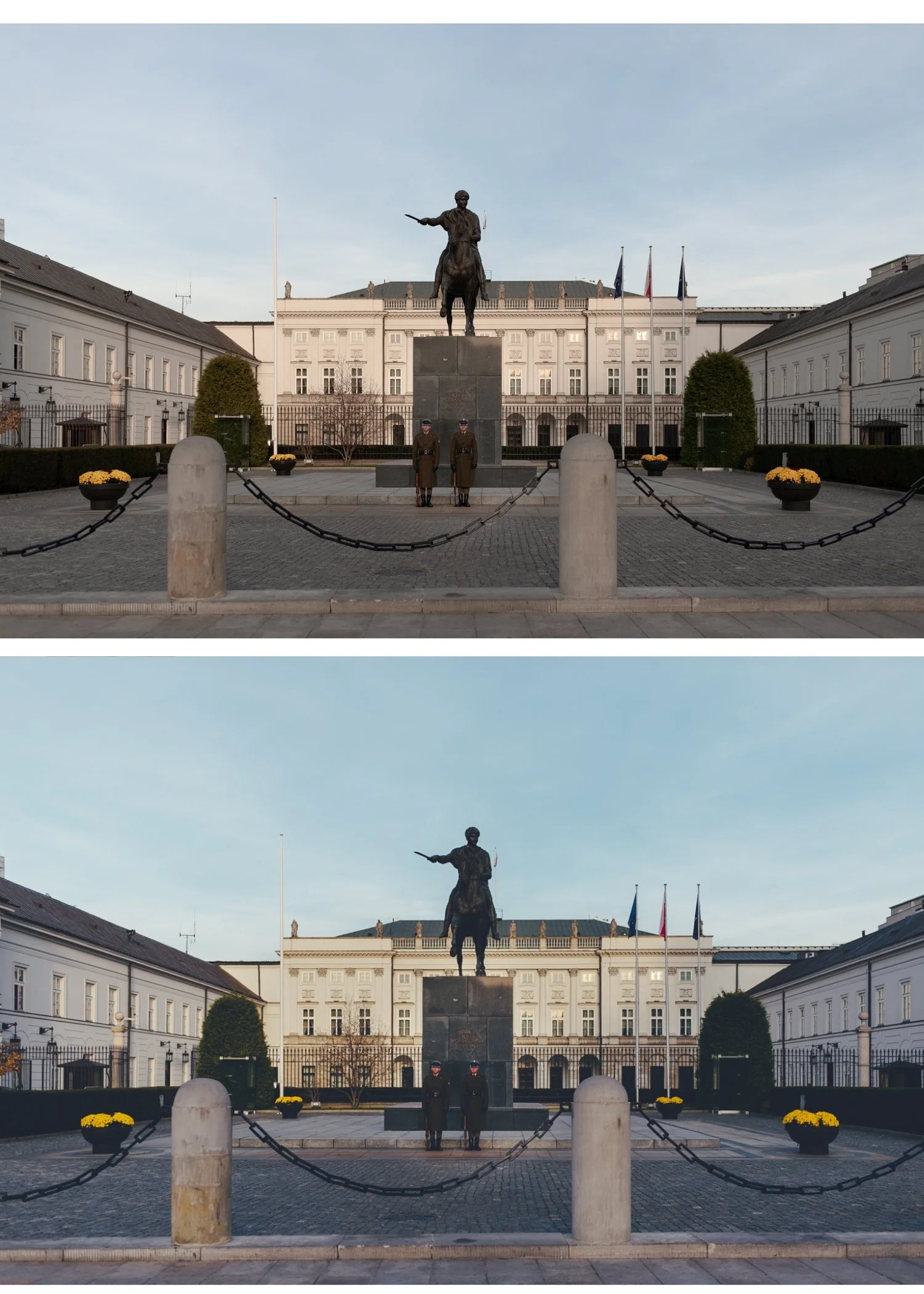
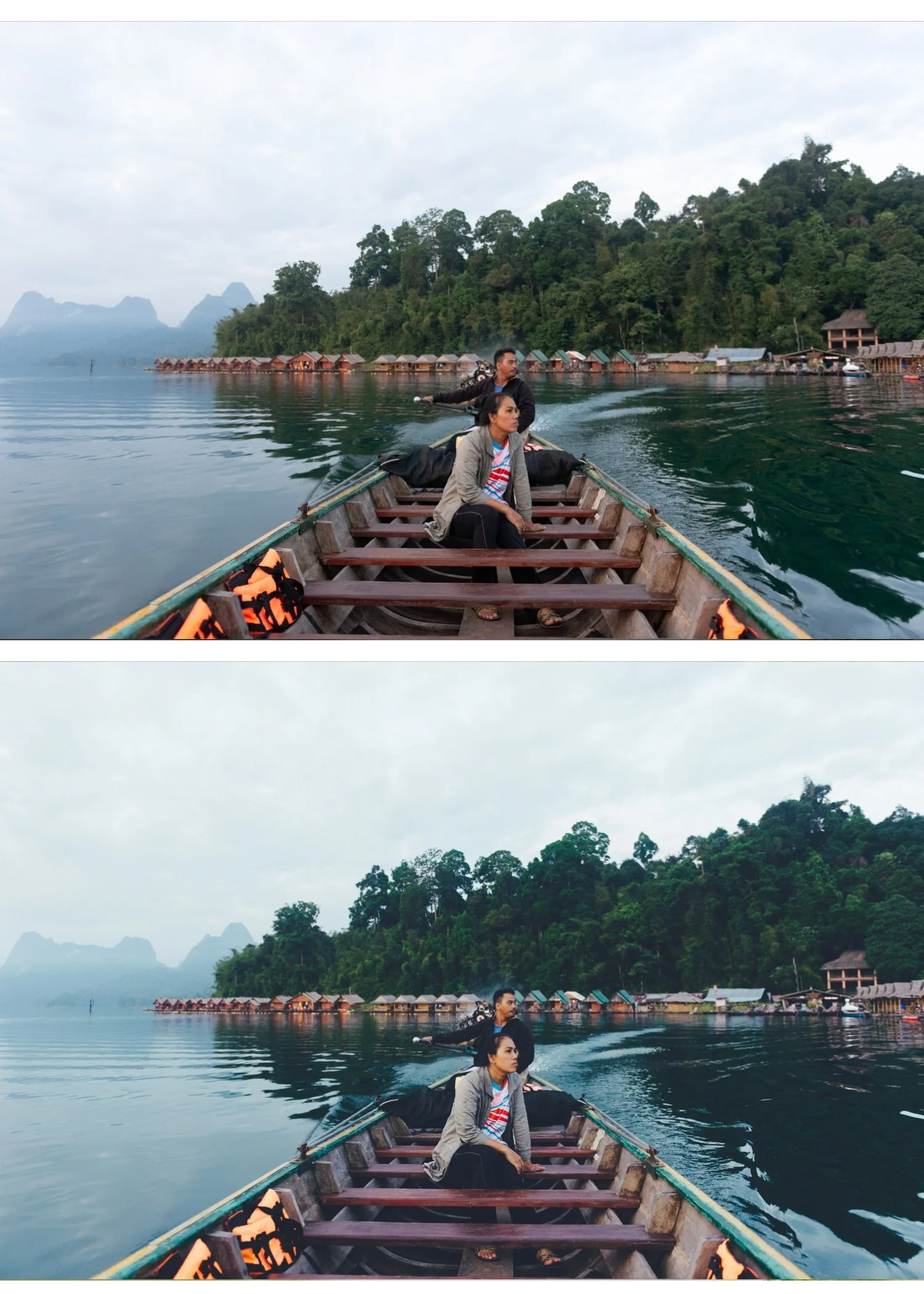
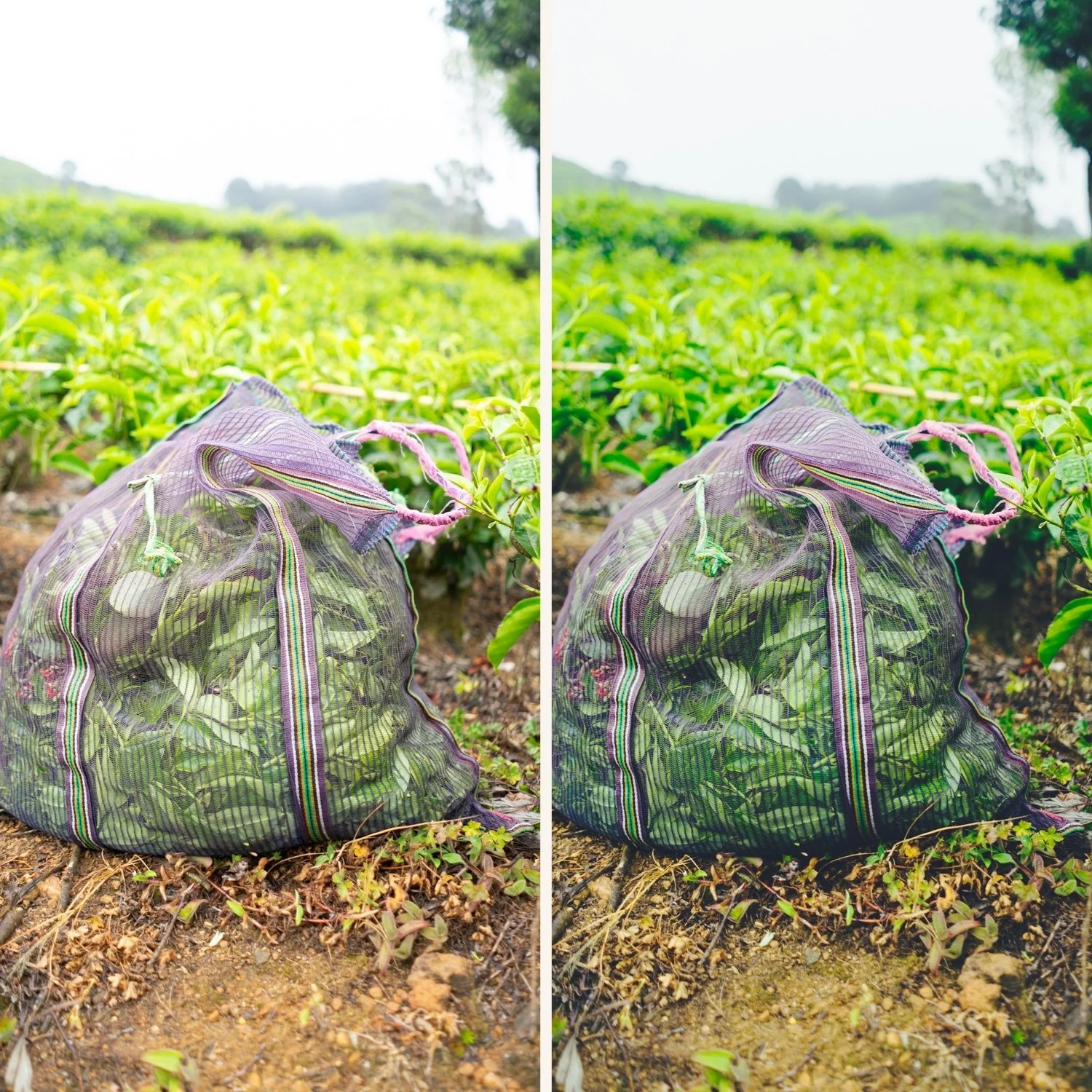
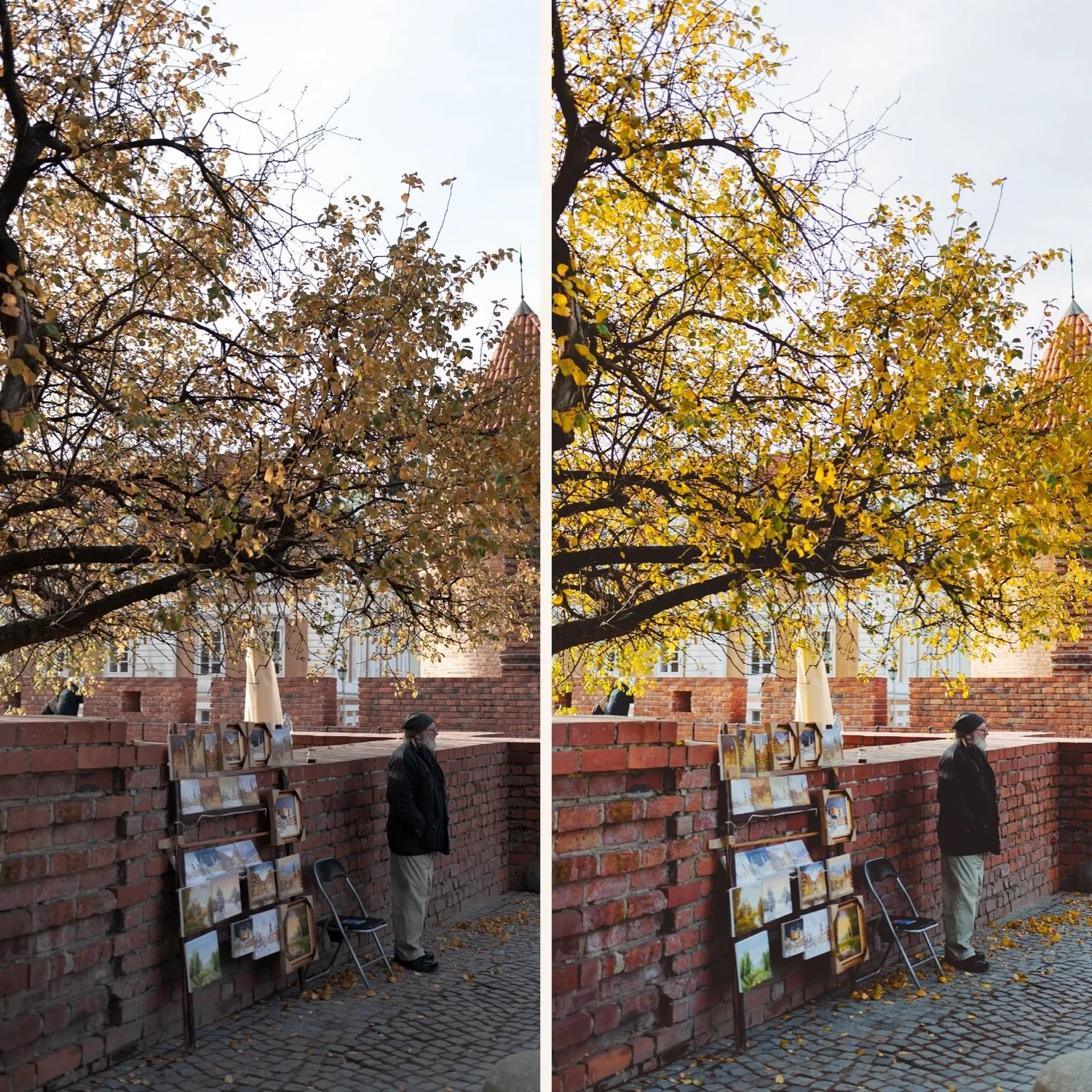
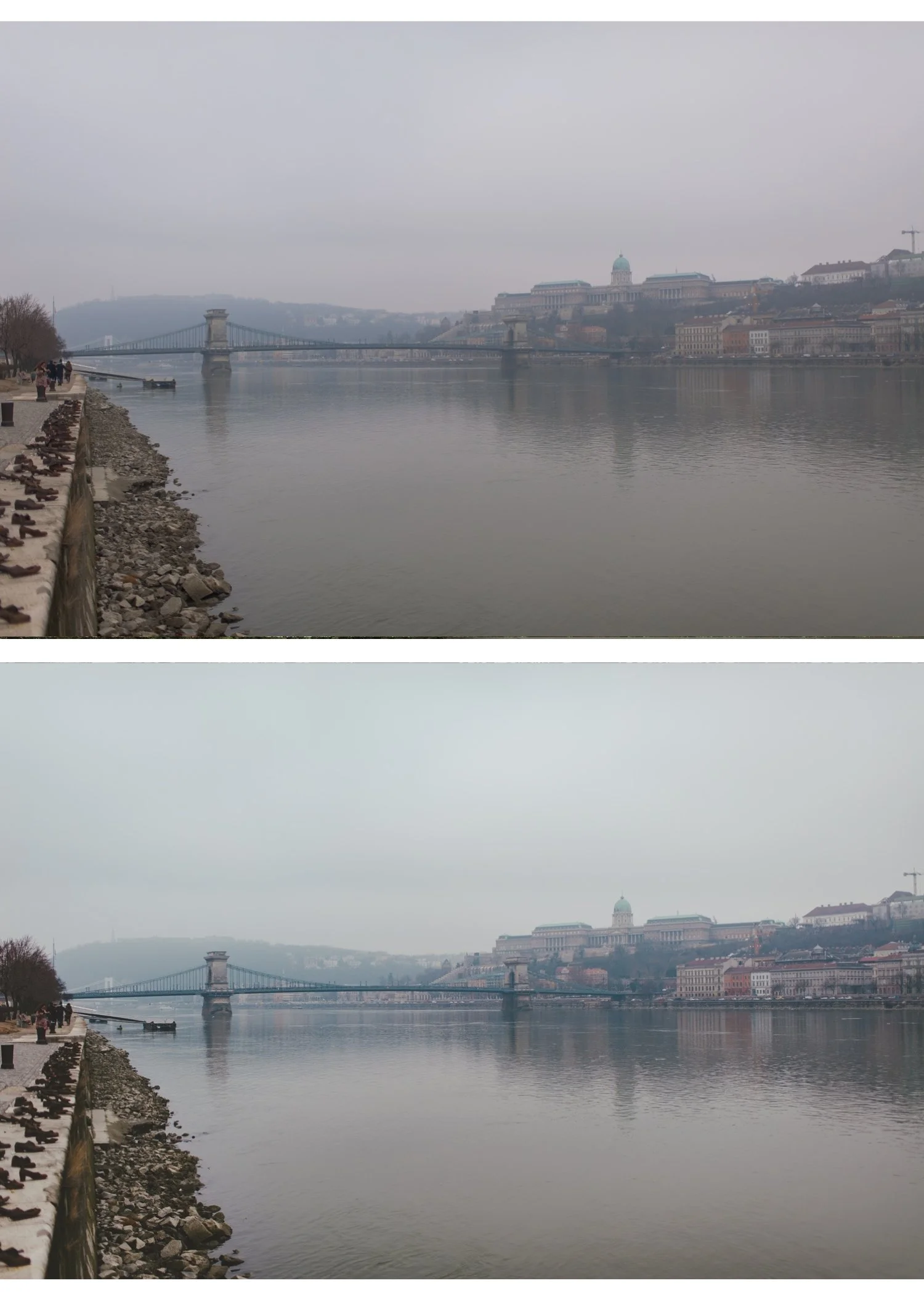
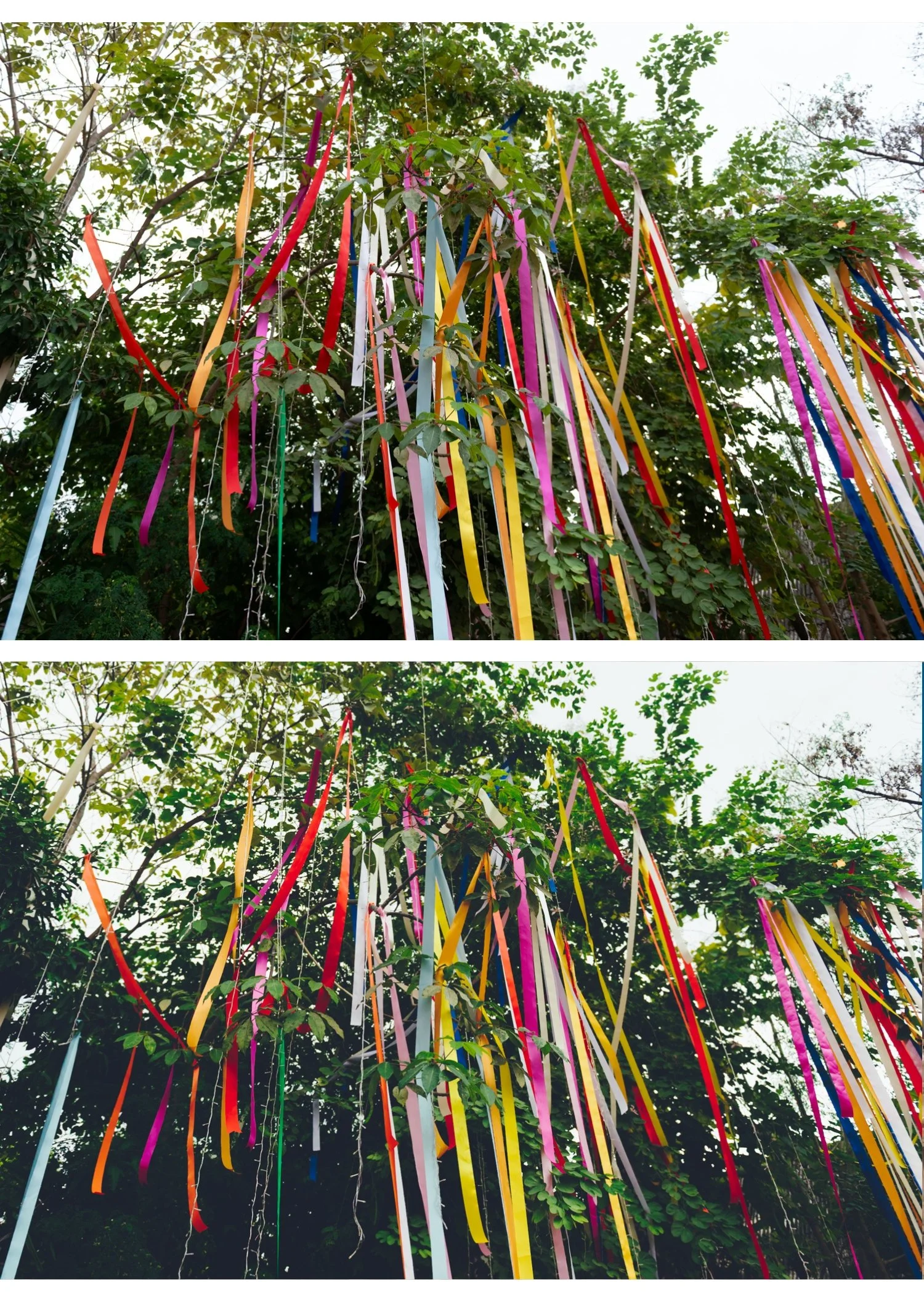
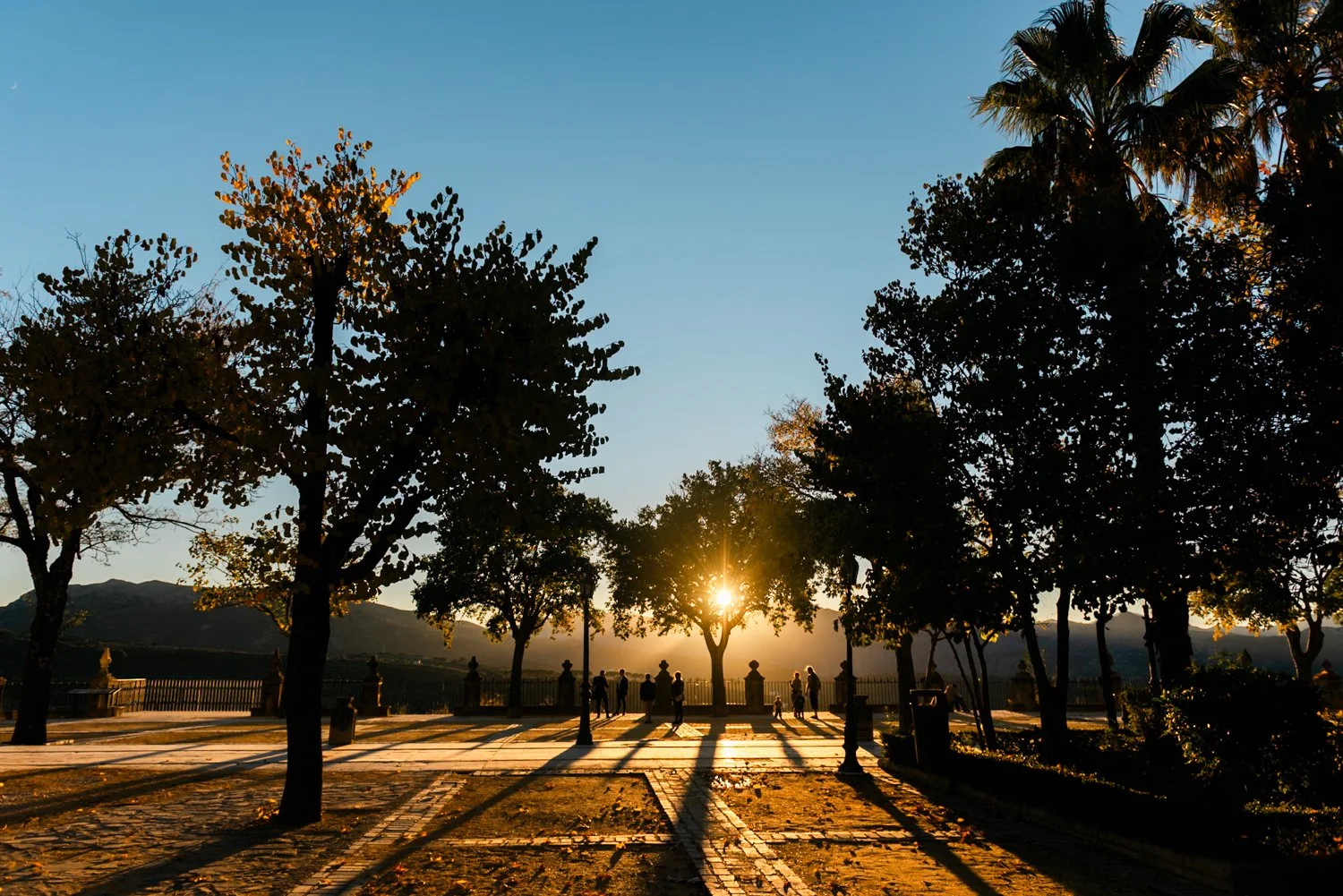
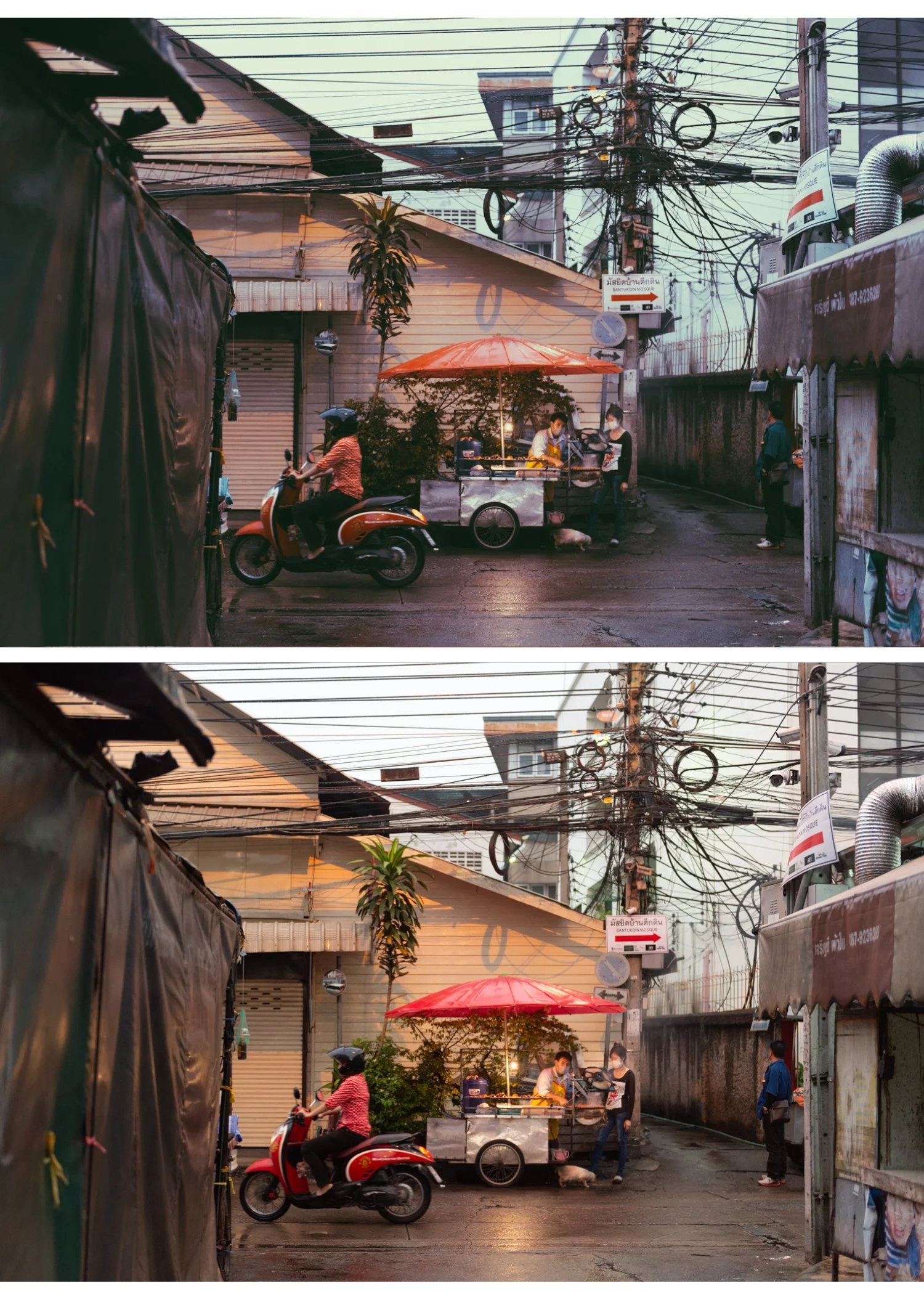
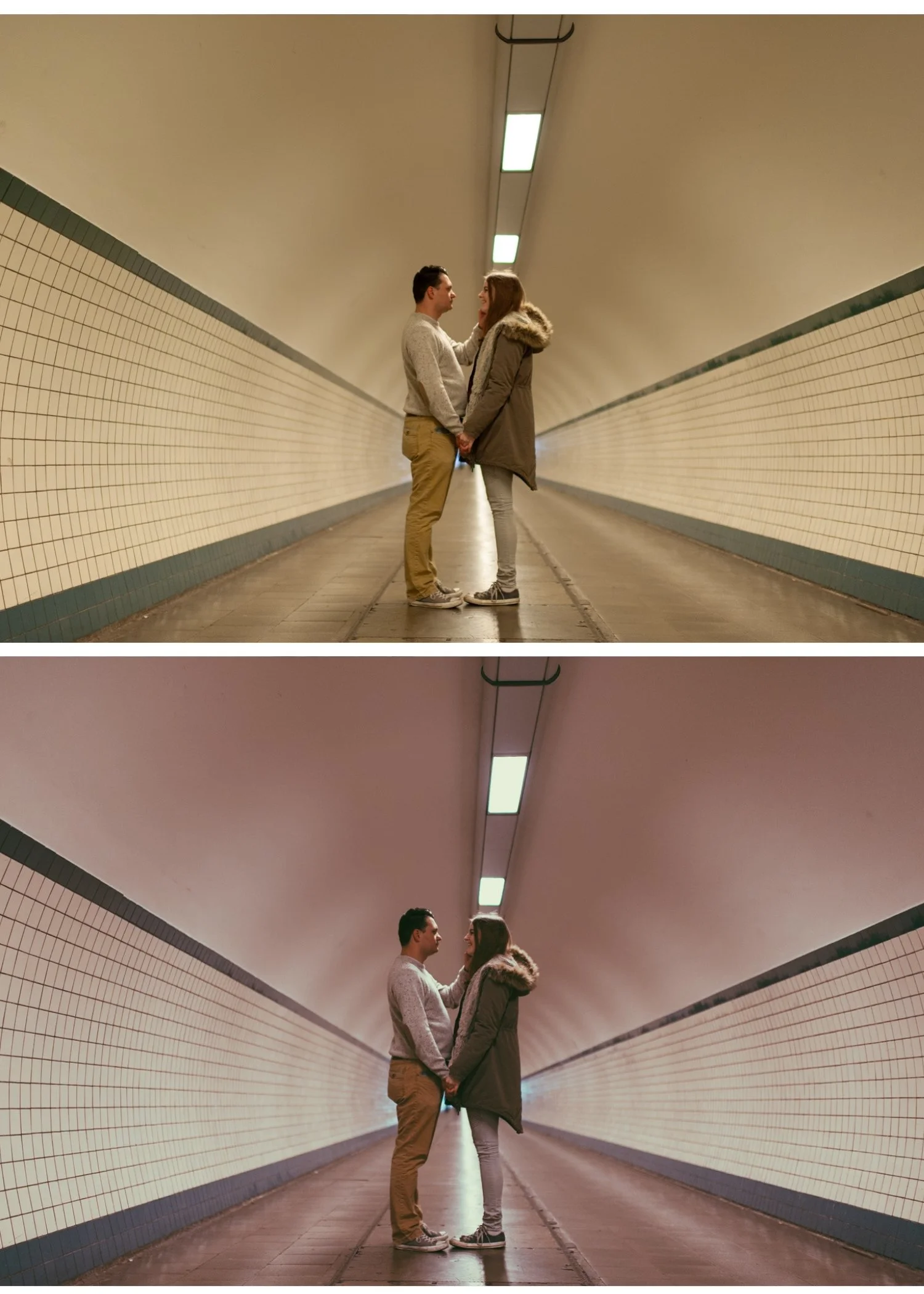
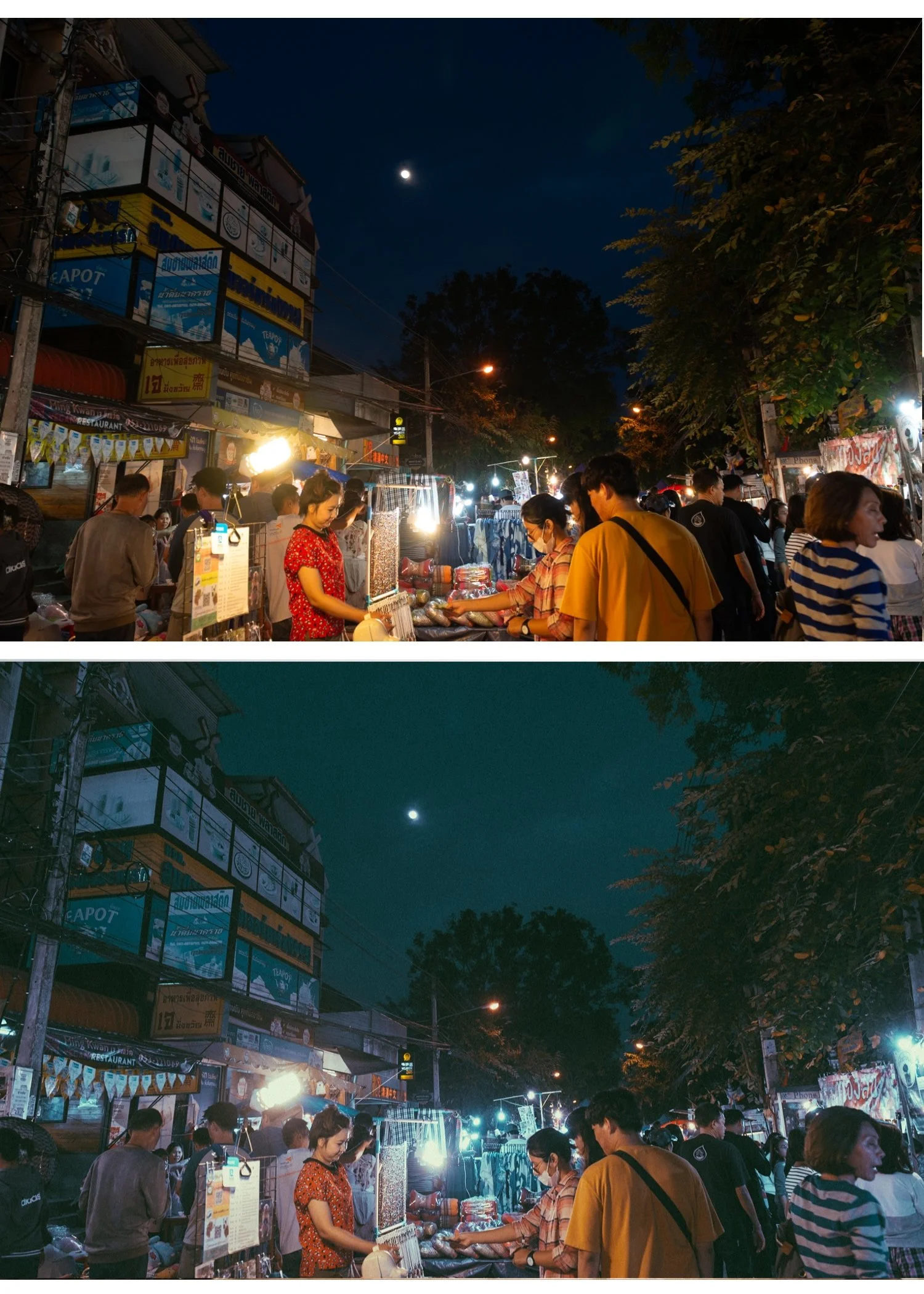
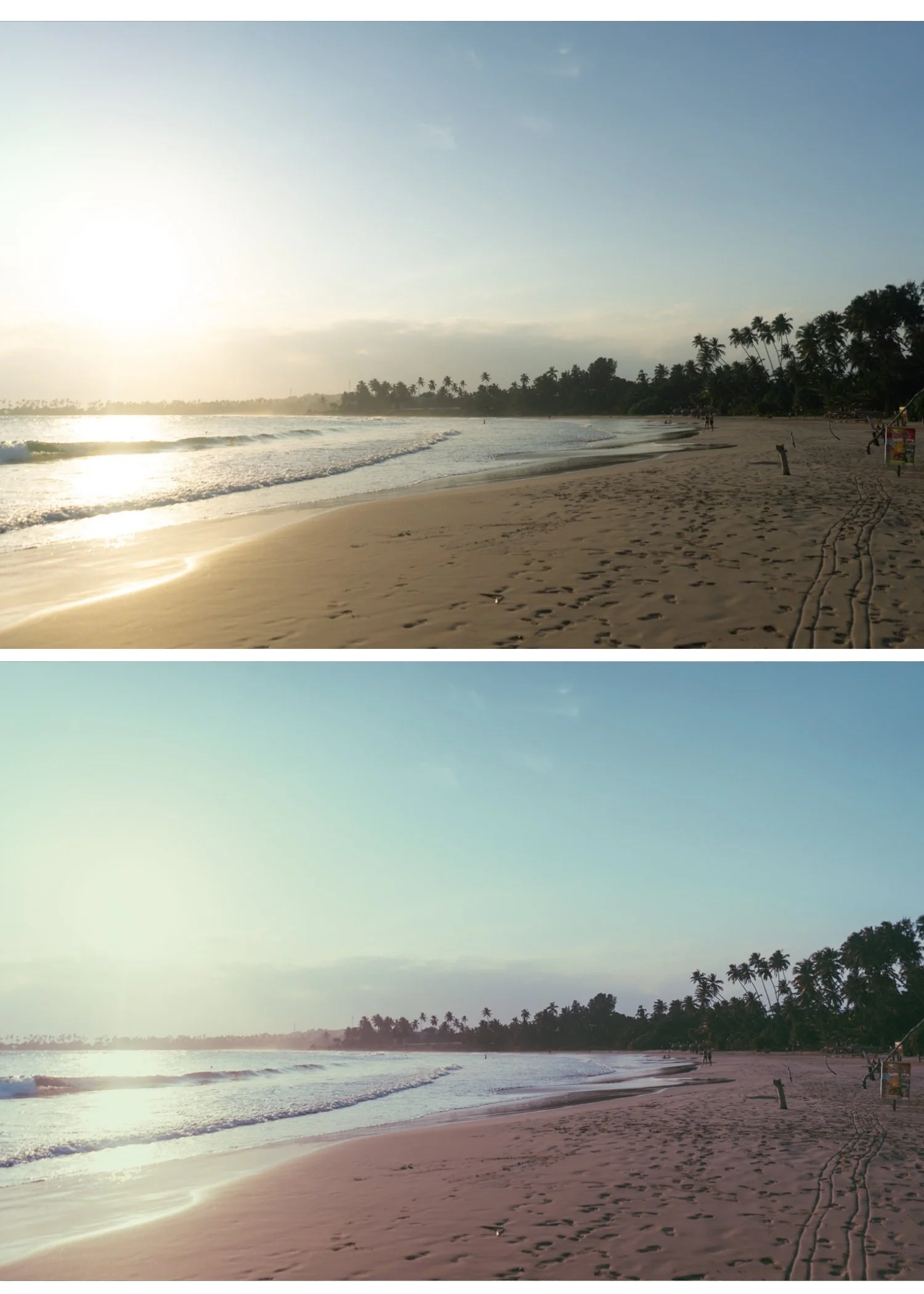
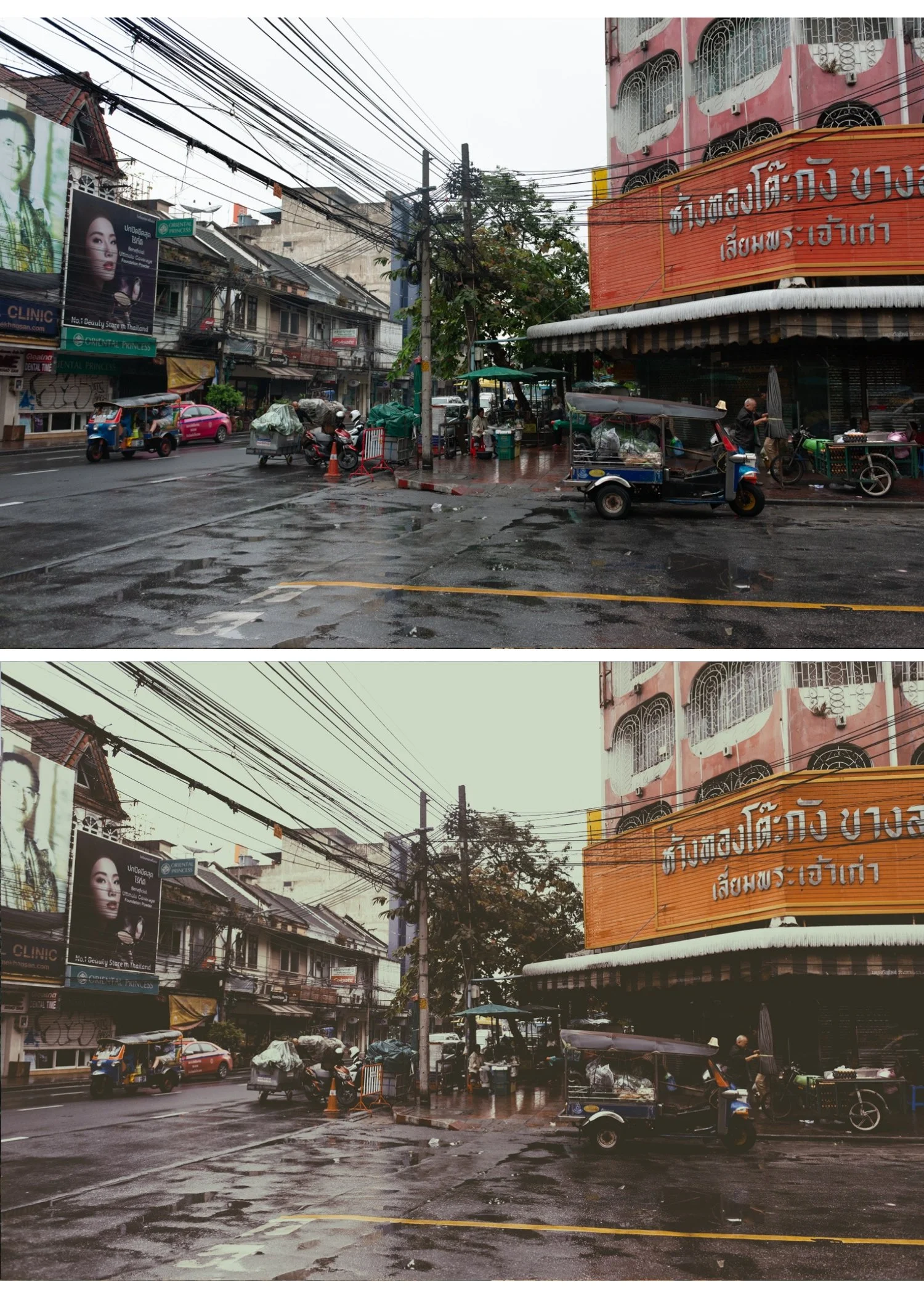
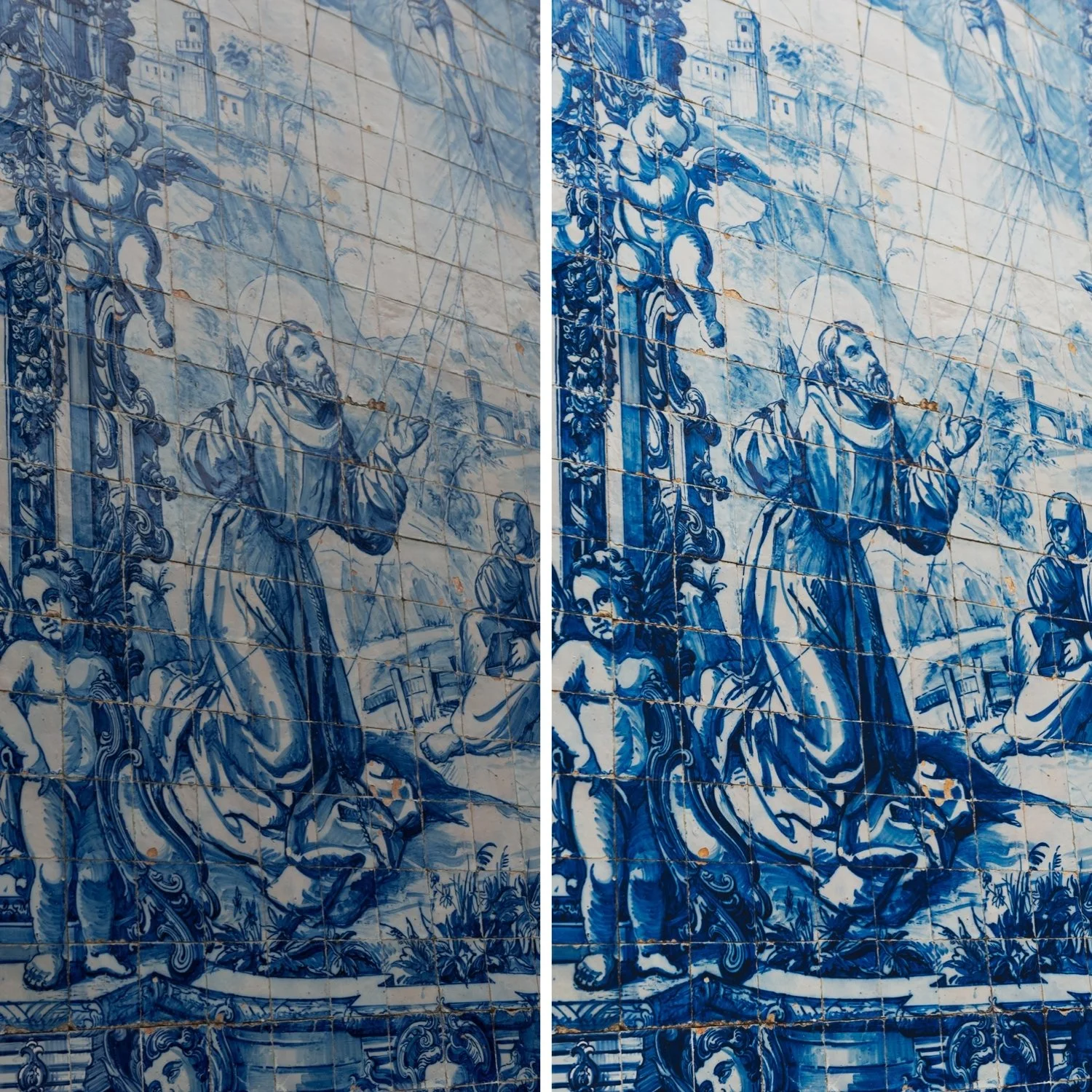
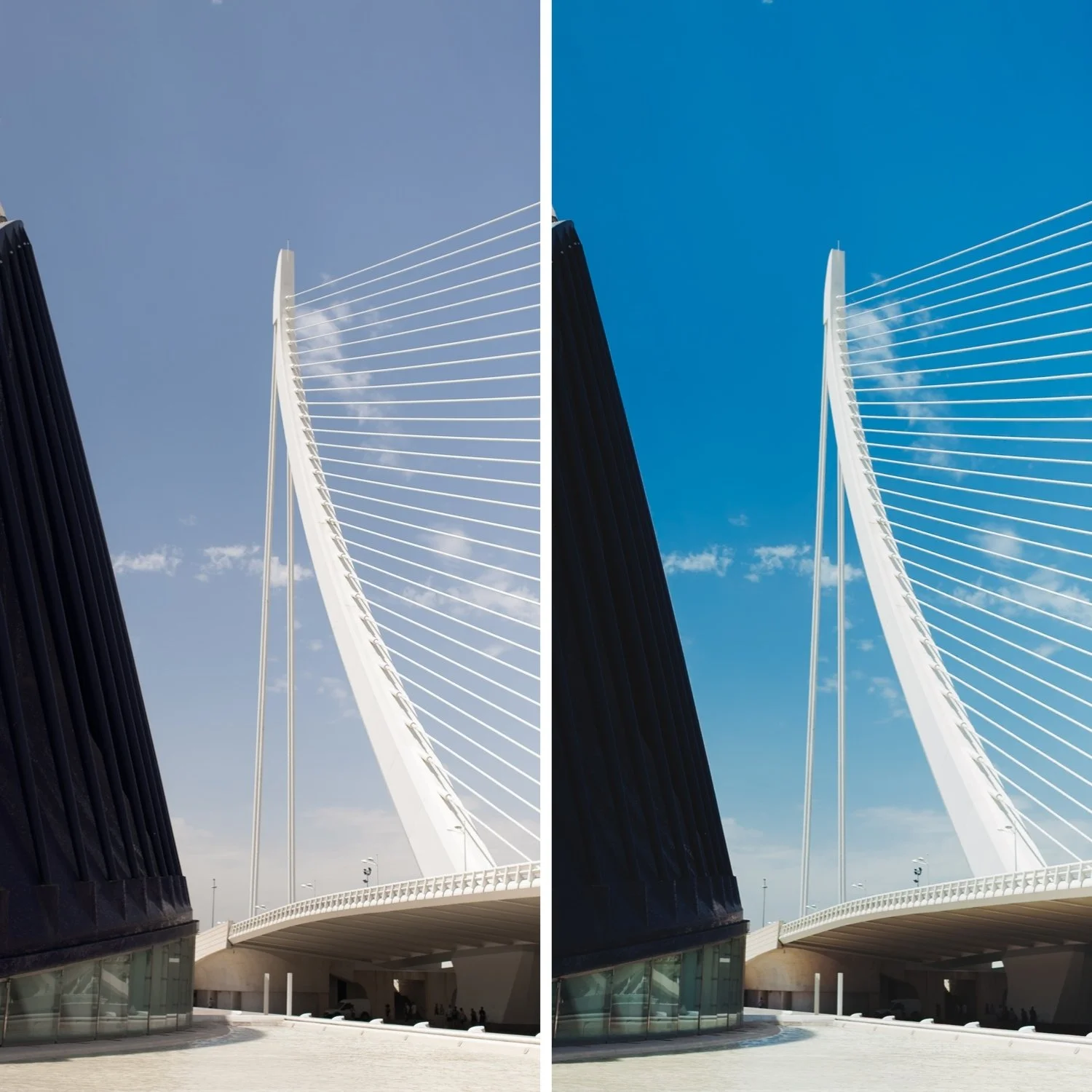
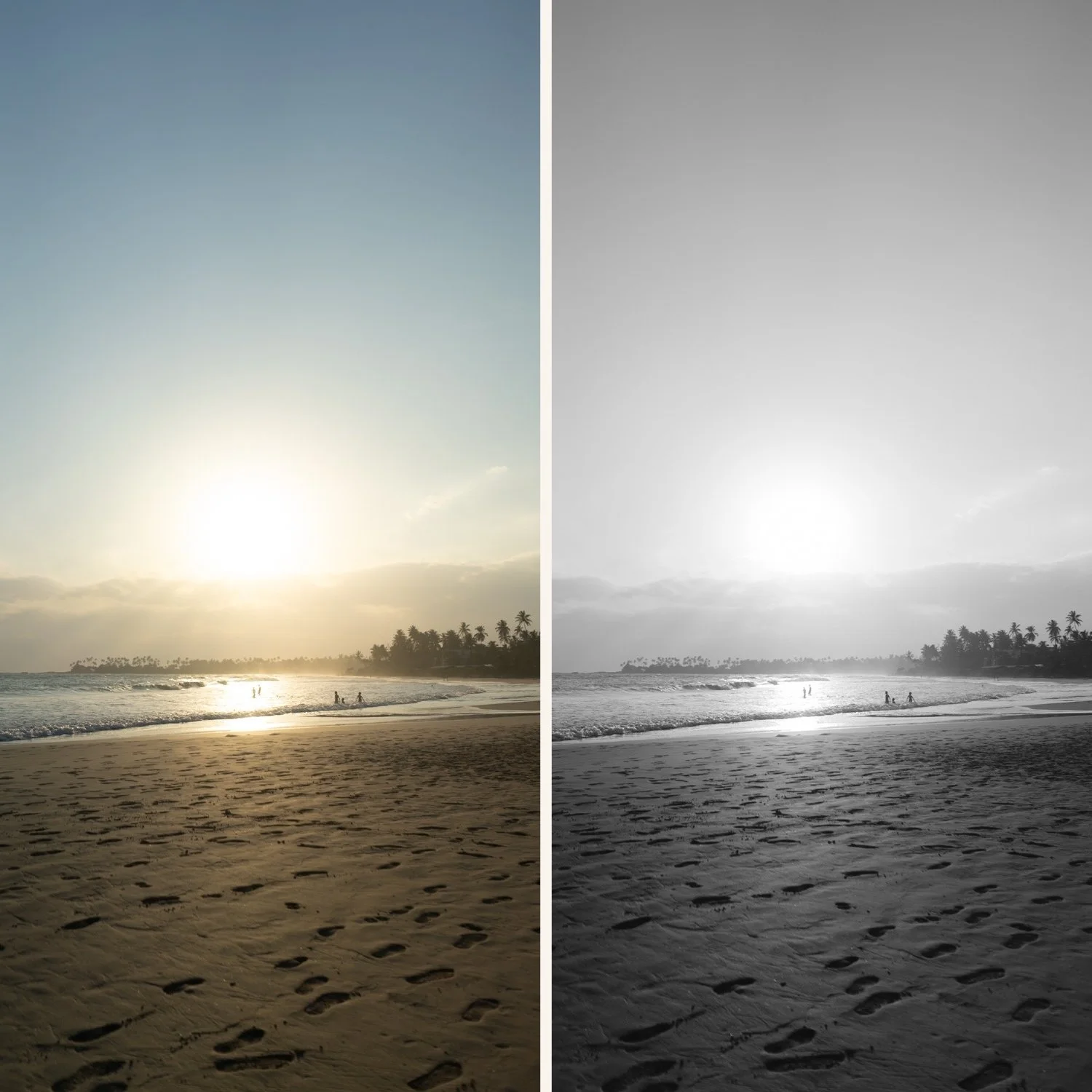
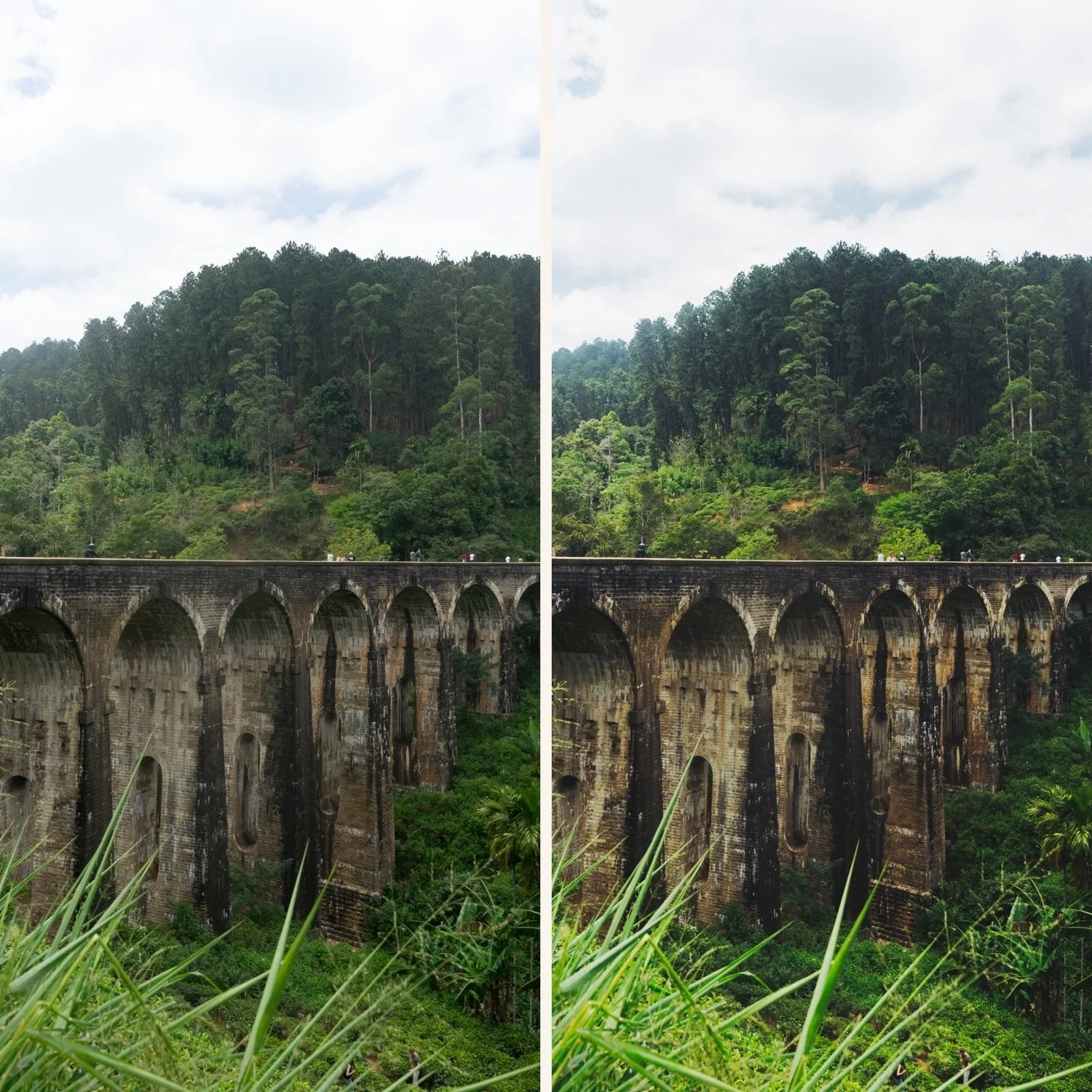
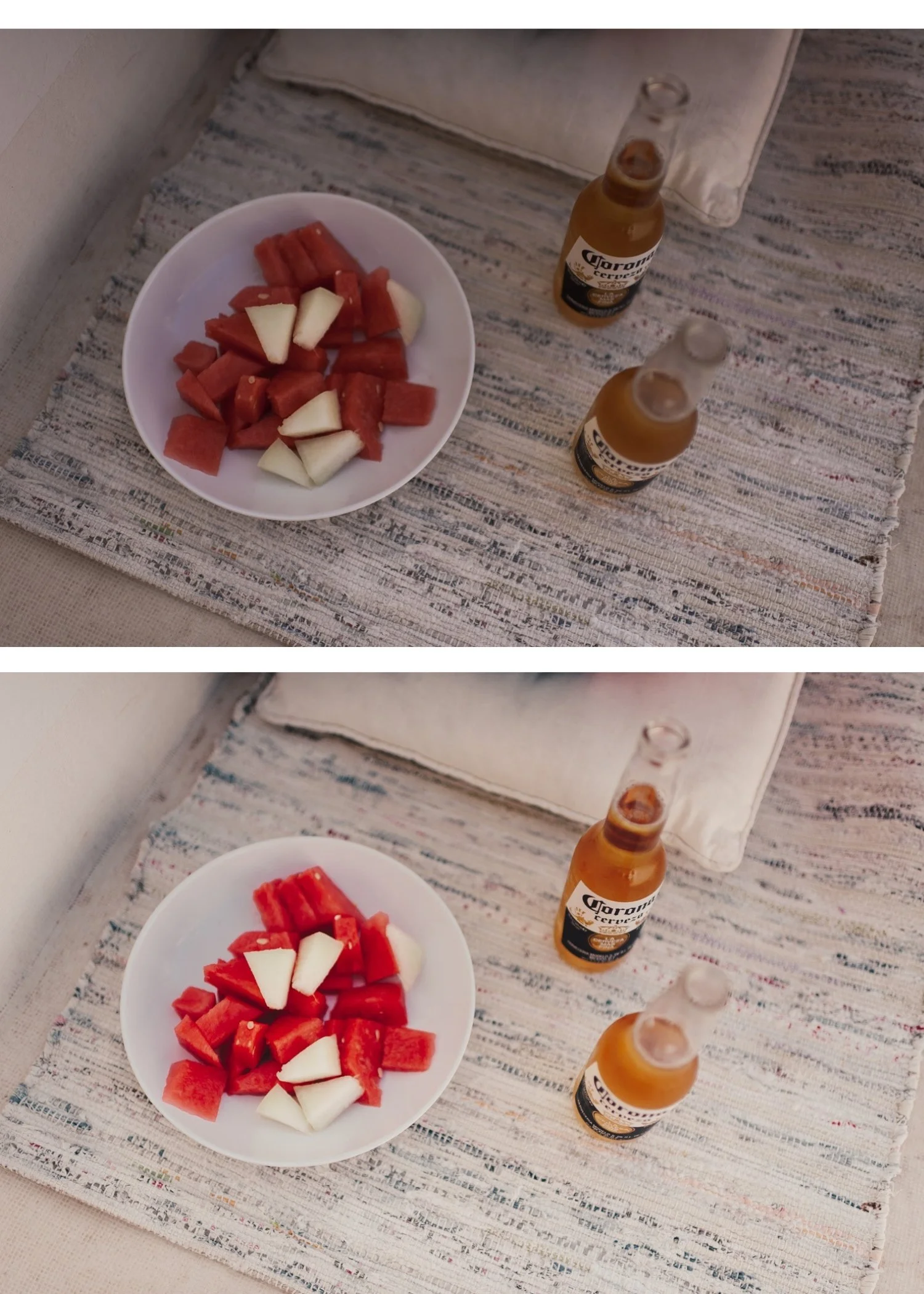
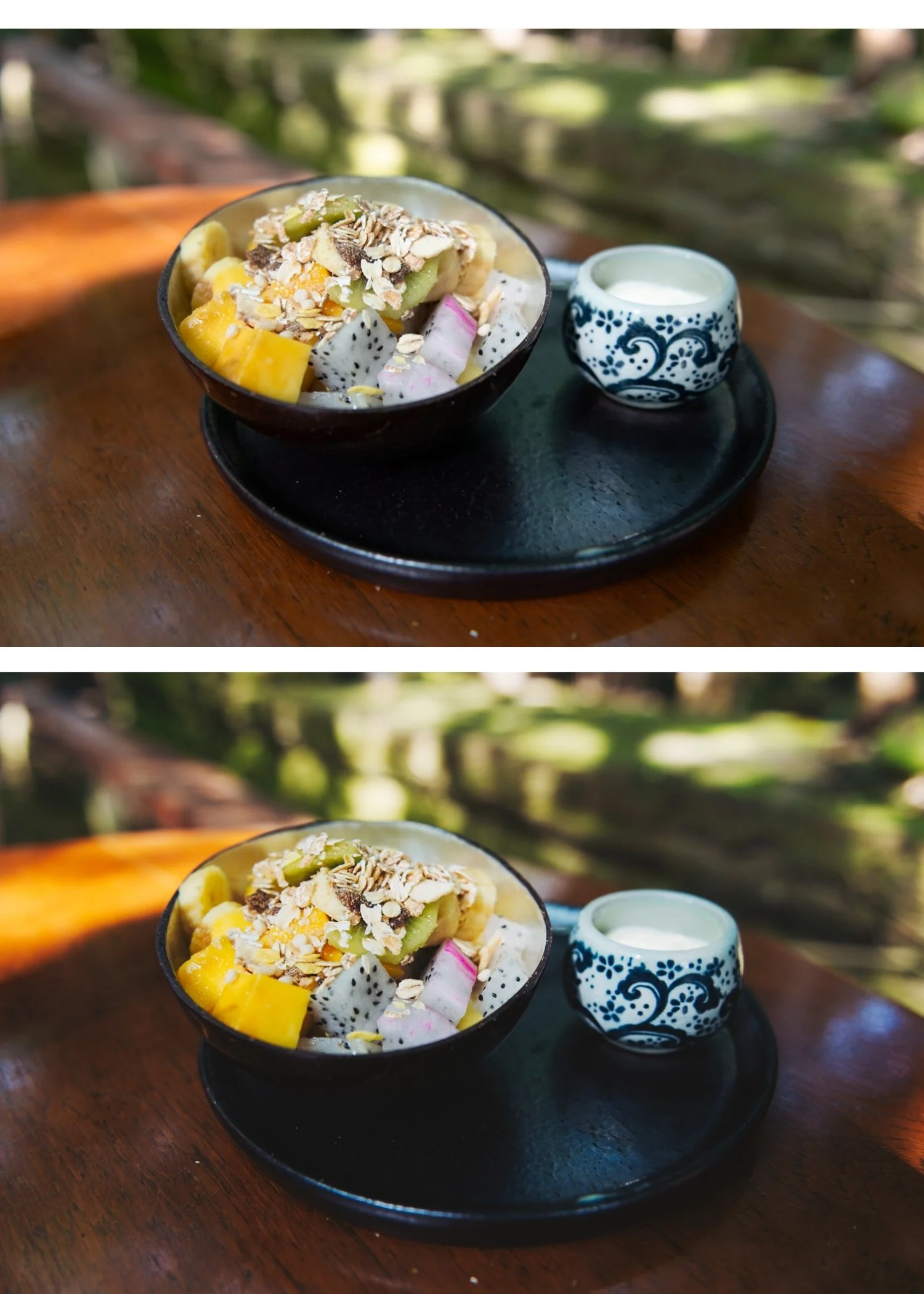
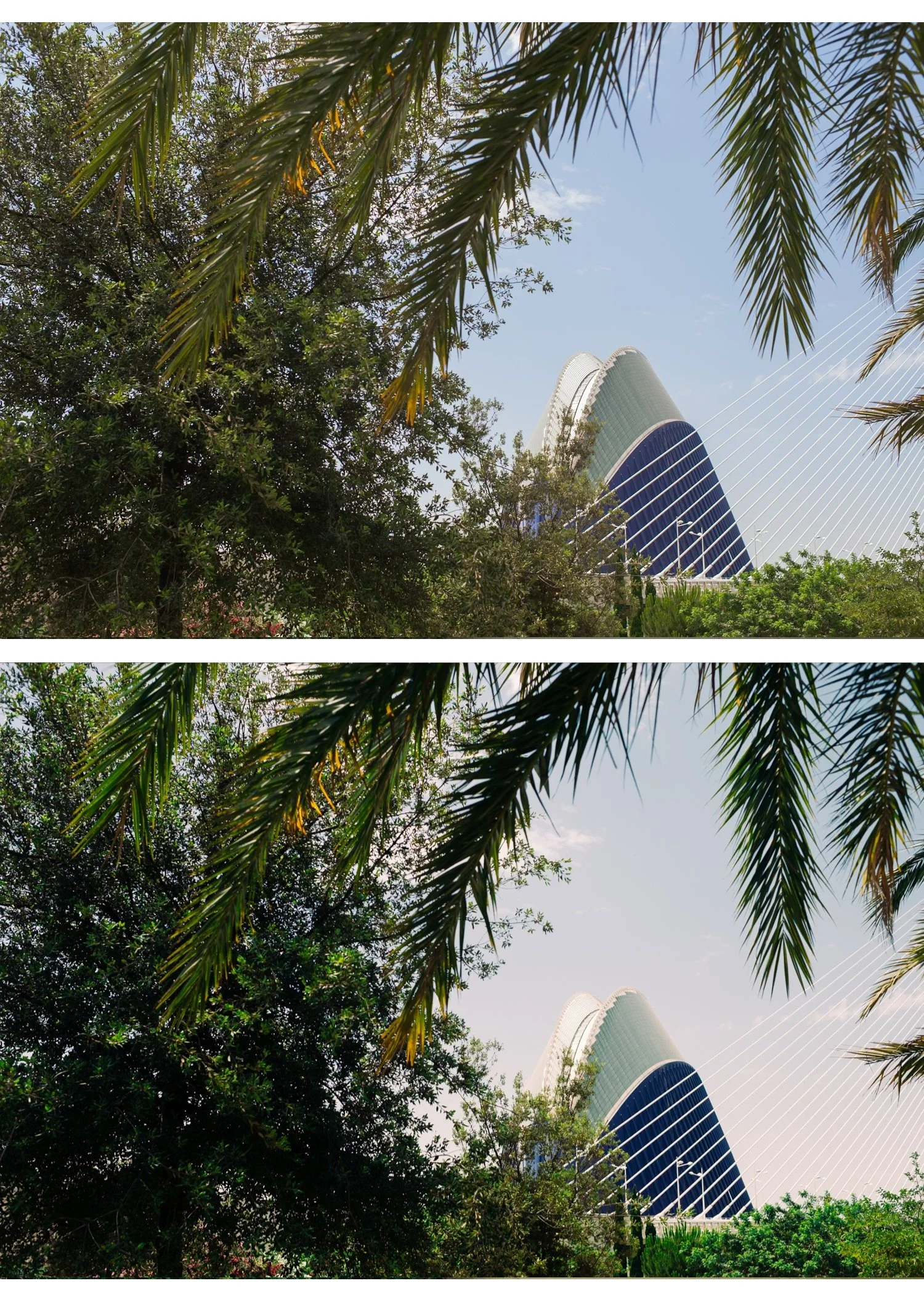
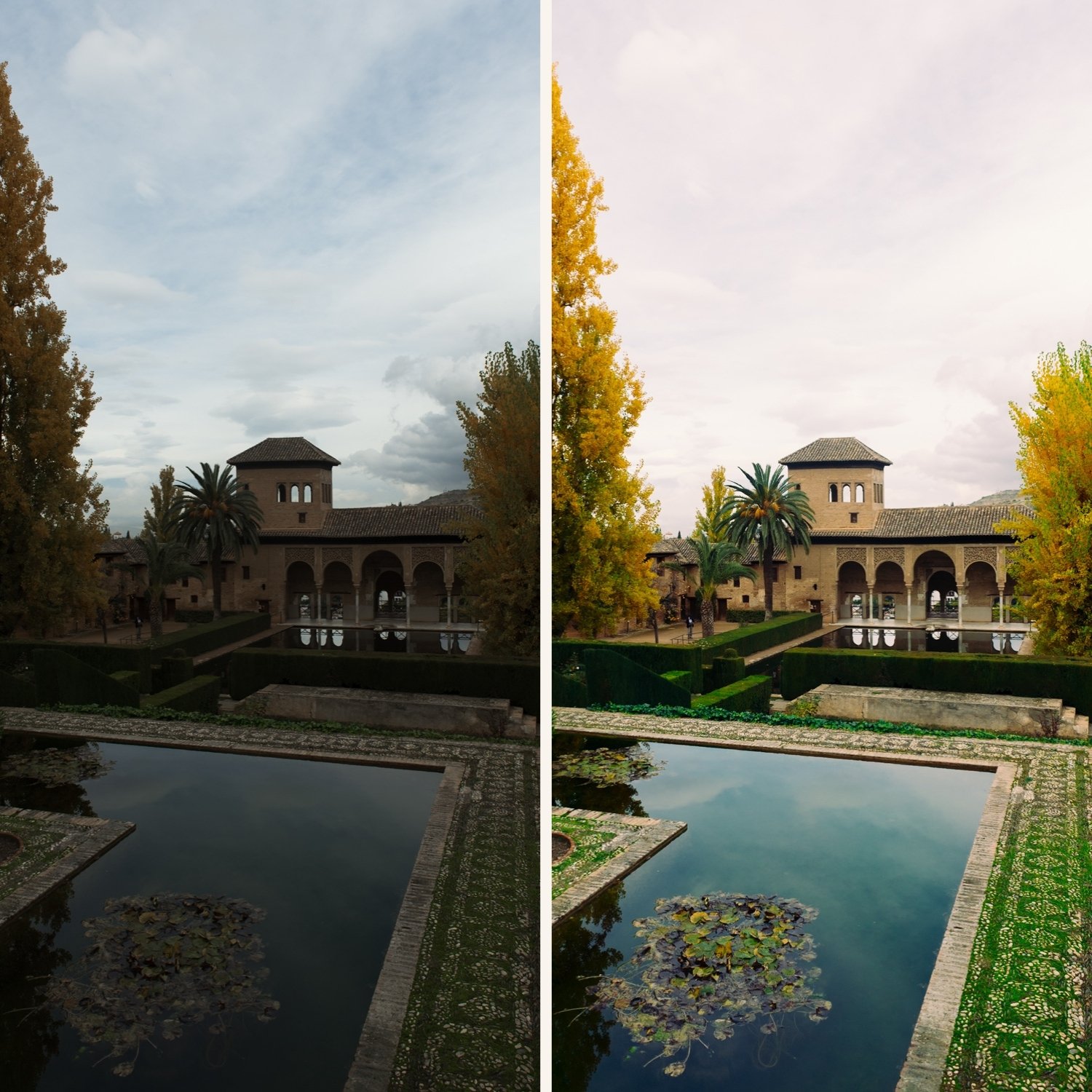
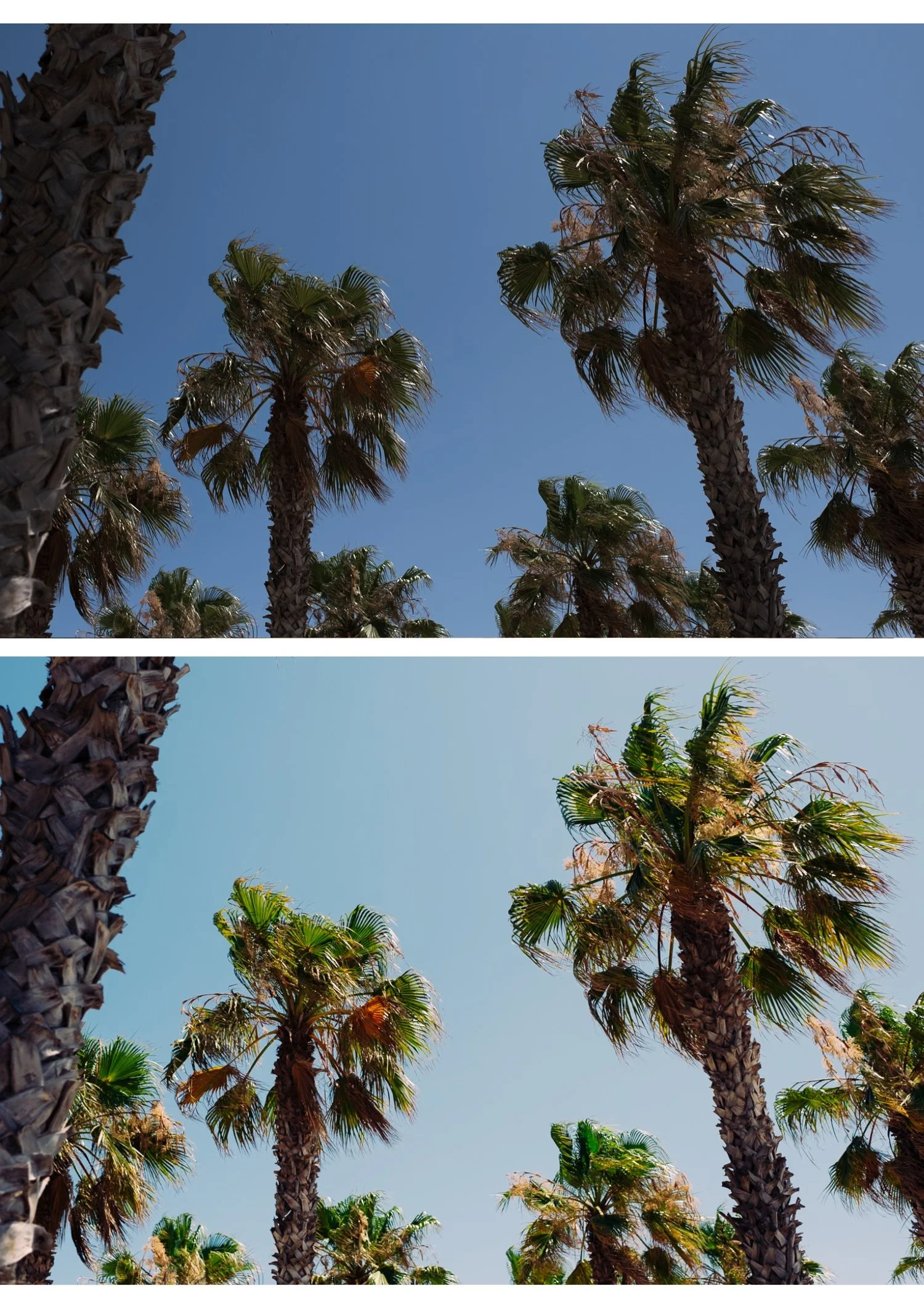
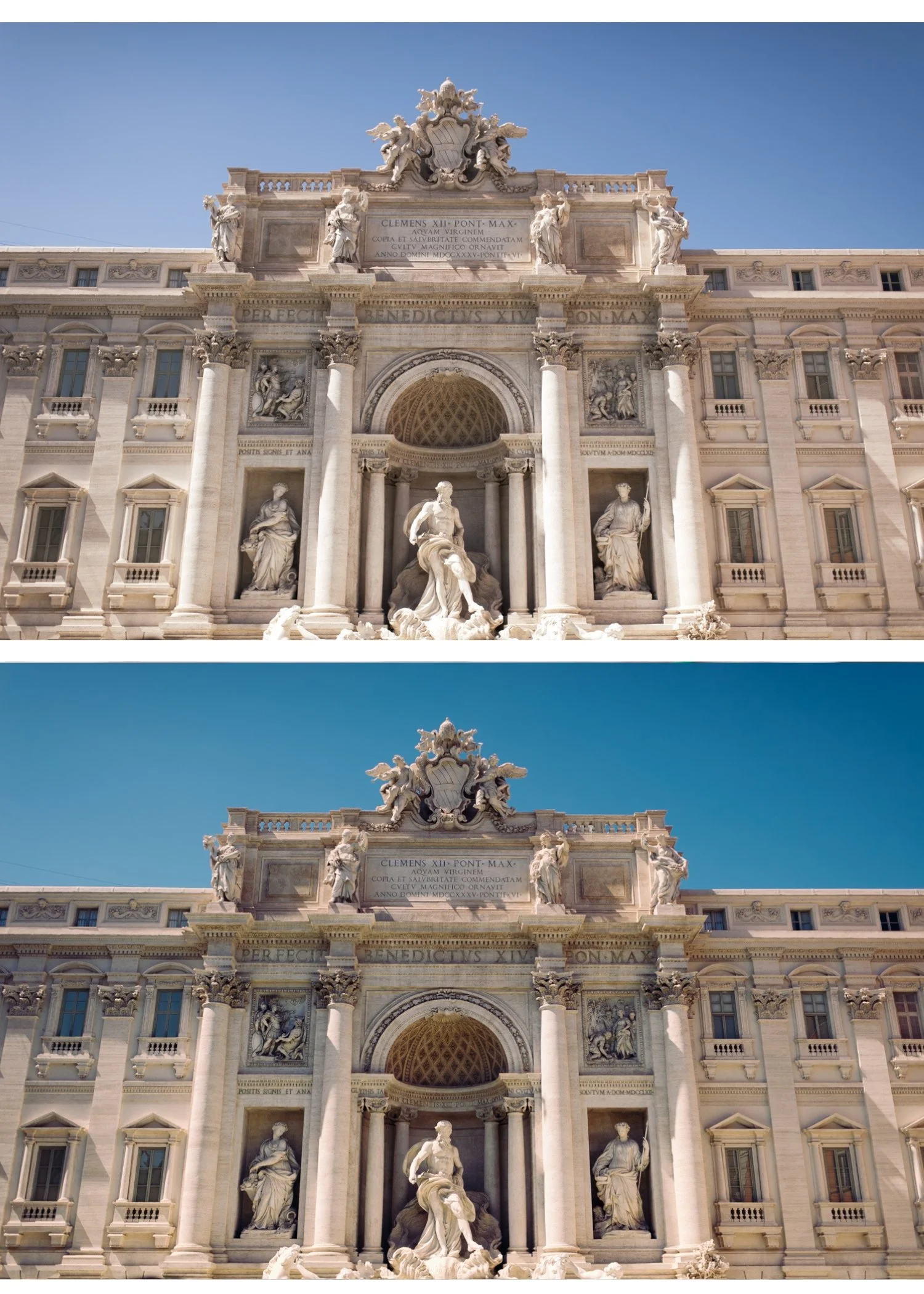
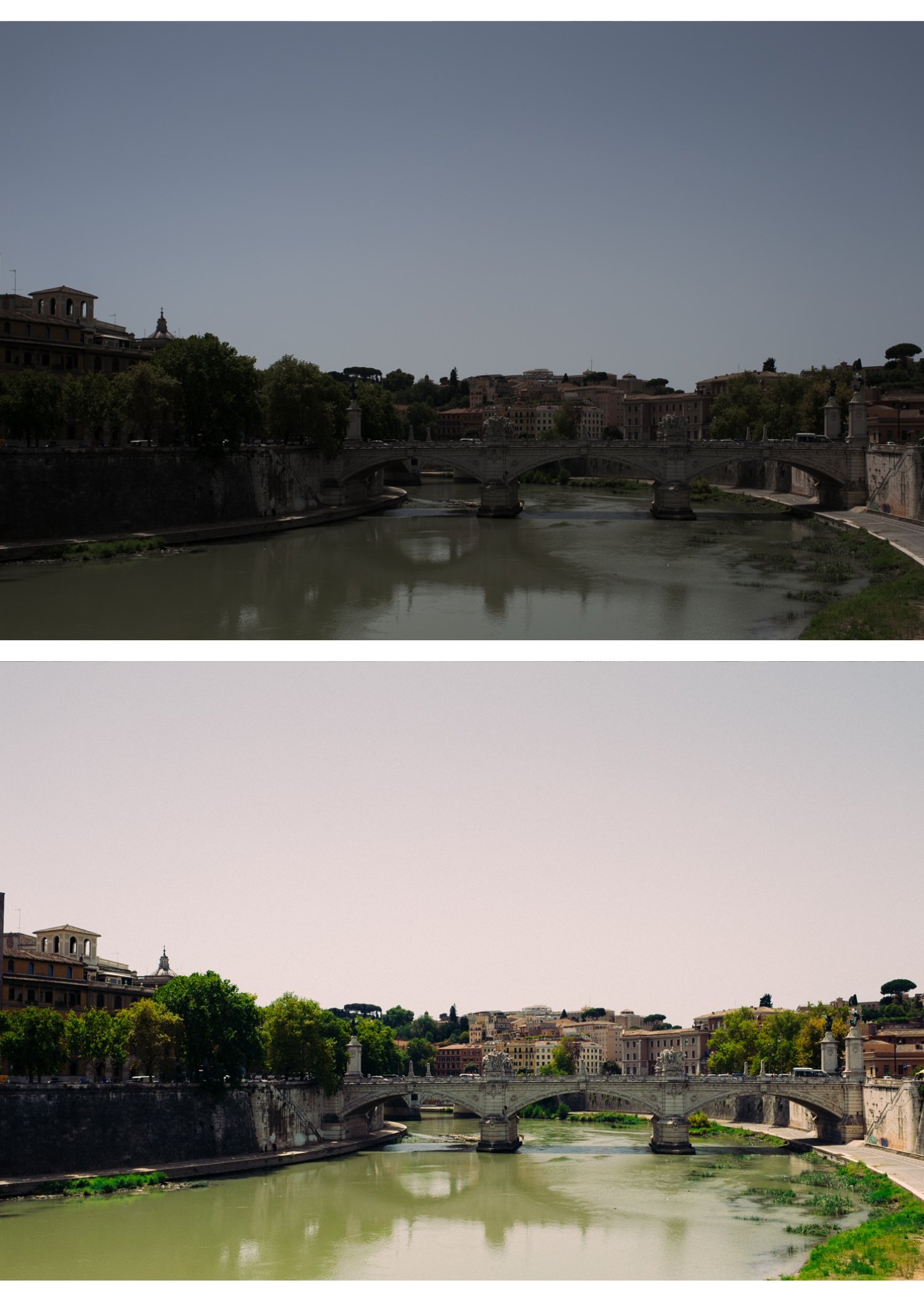
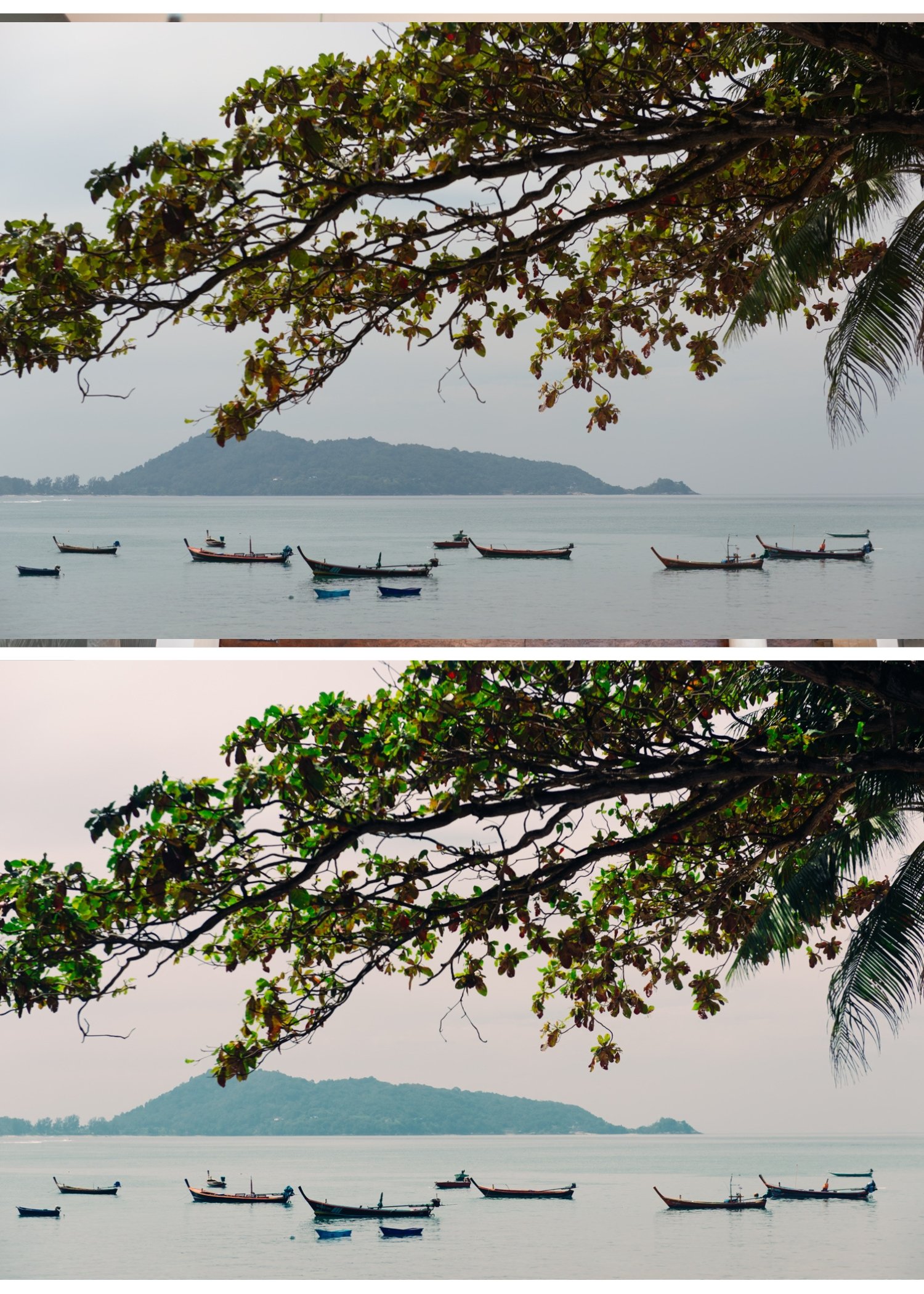
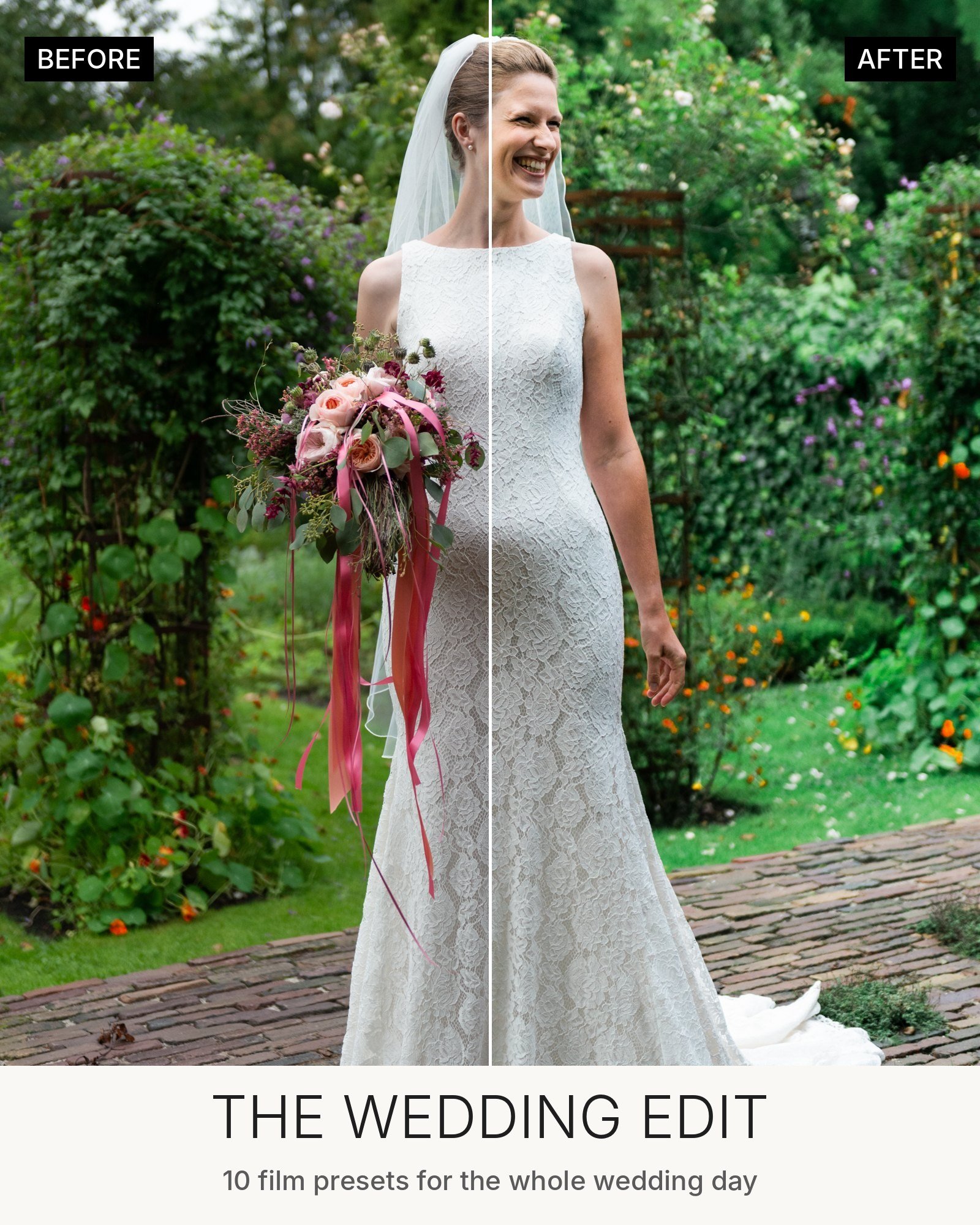
 Image 1 of 6
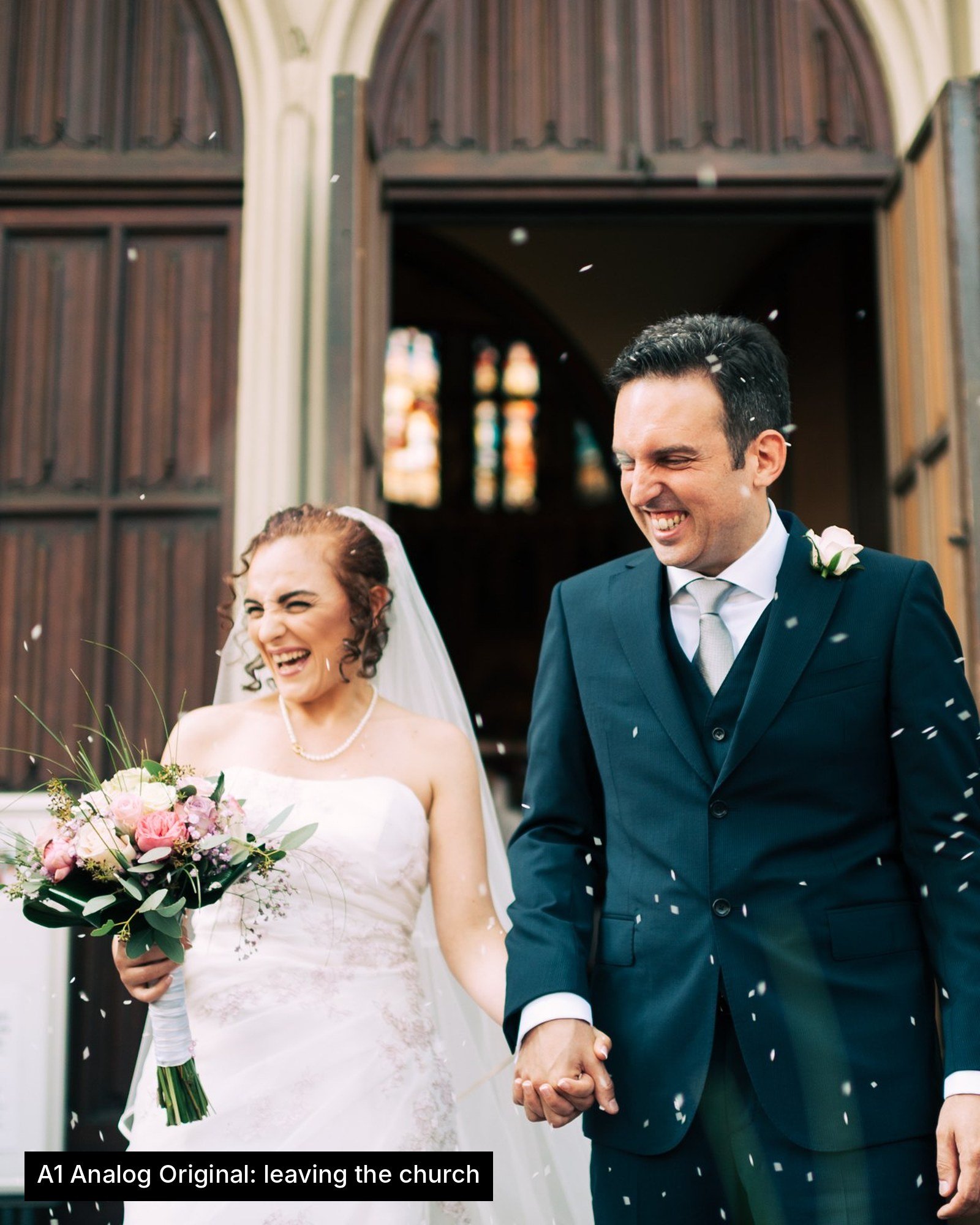 Image 2 of 6
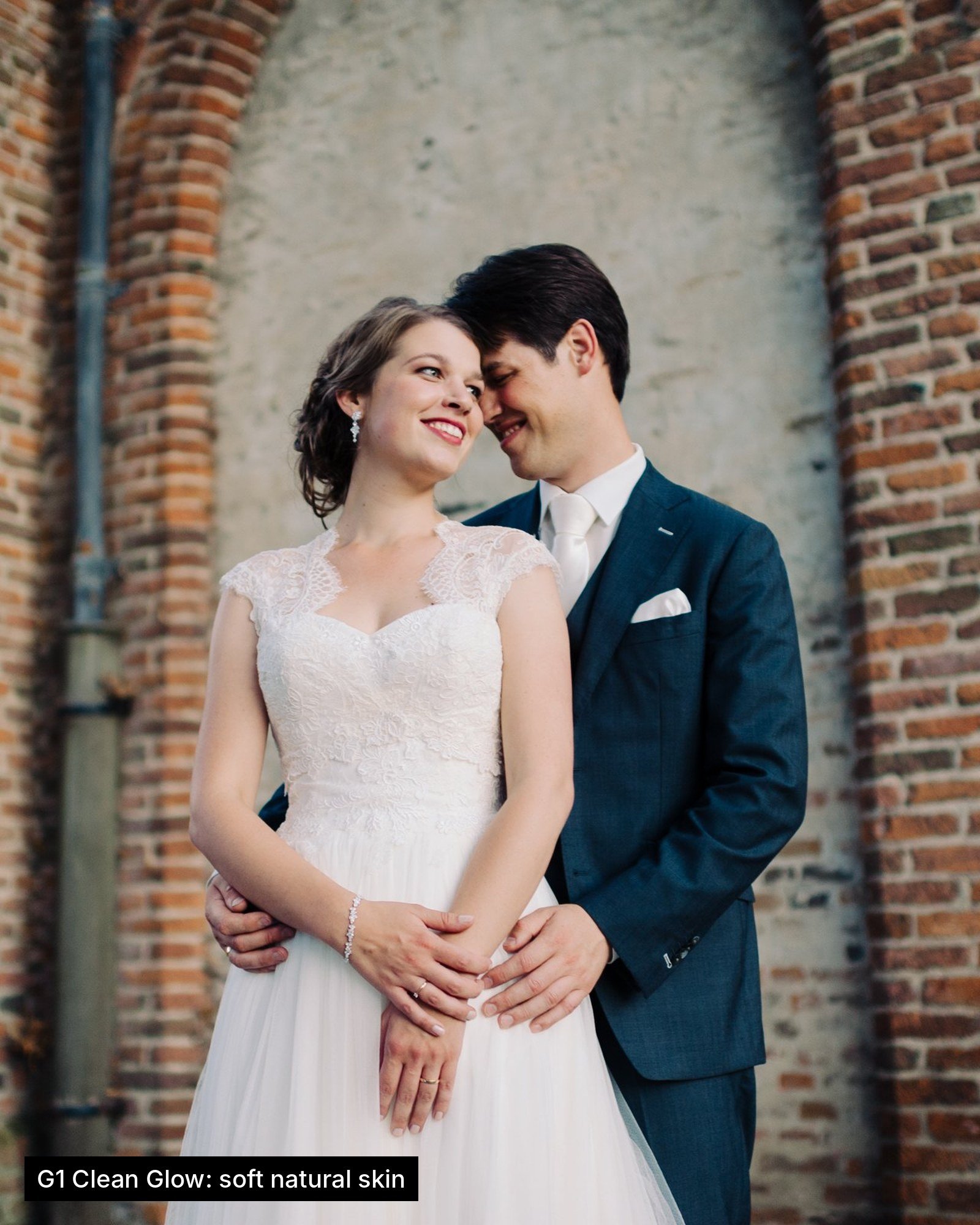 Image 3 of 6
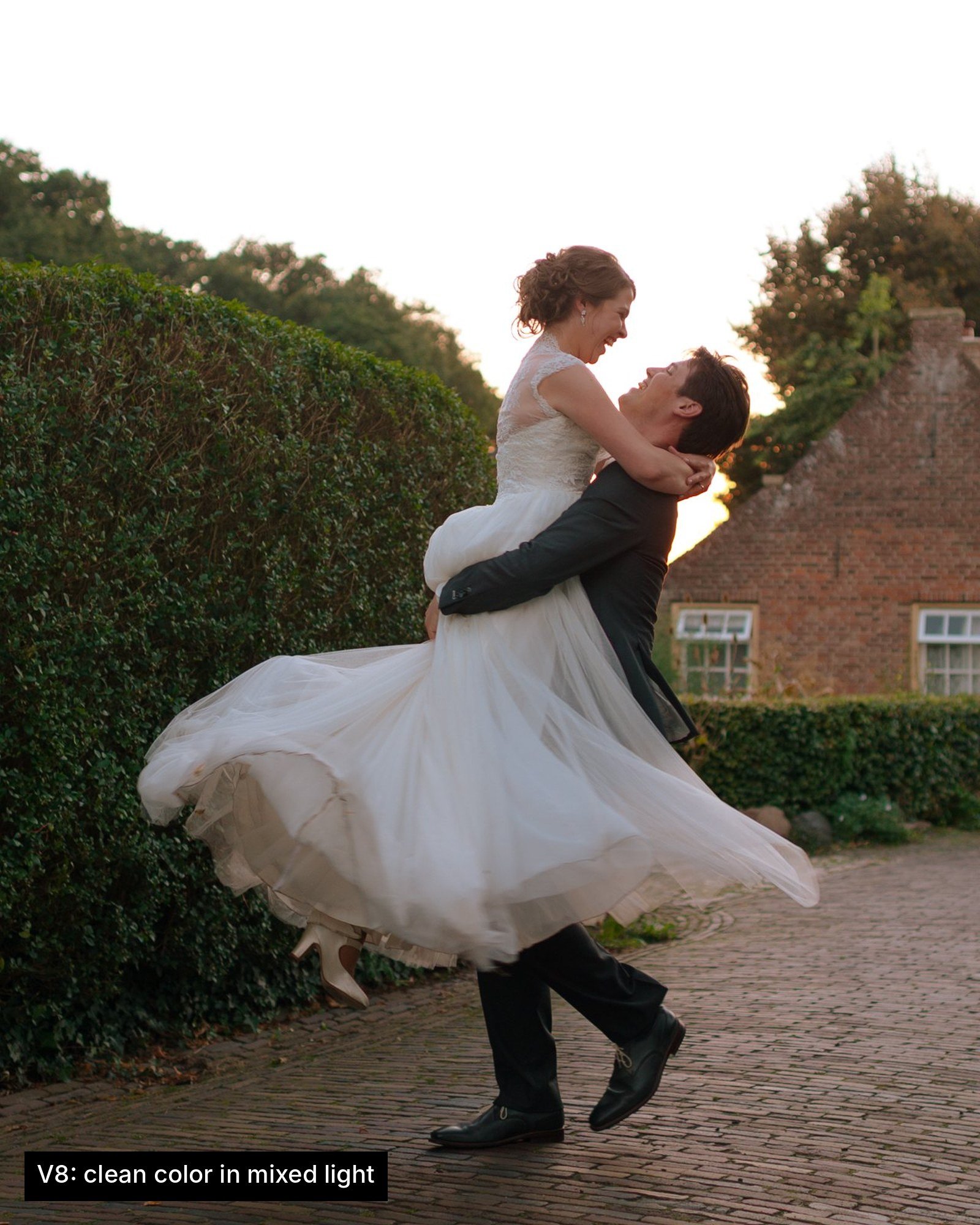 Image 4 of 6
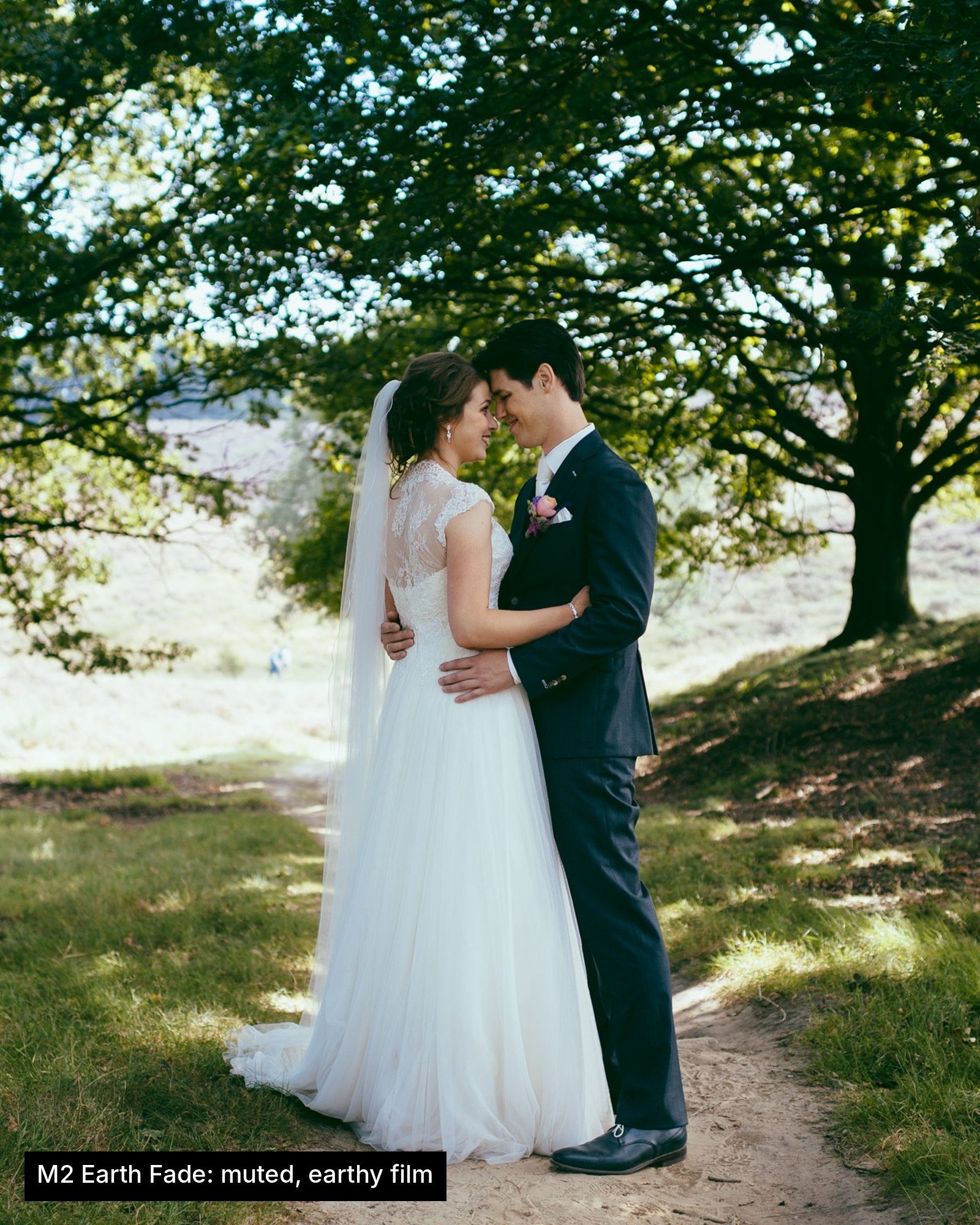 Image 5 of 6
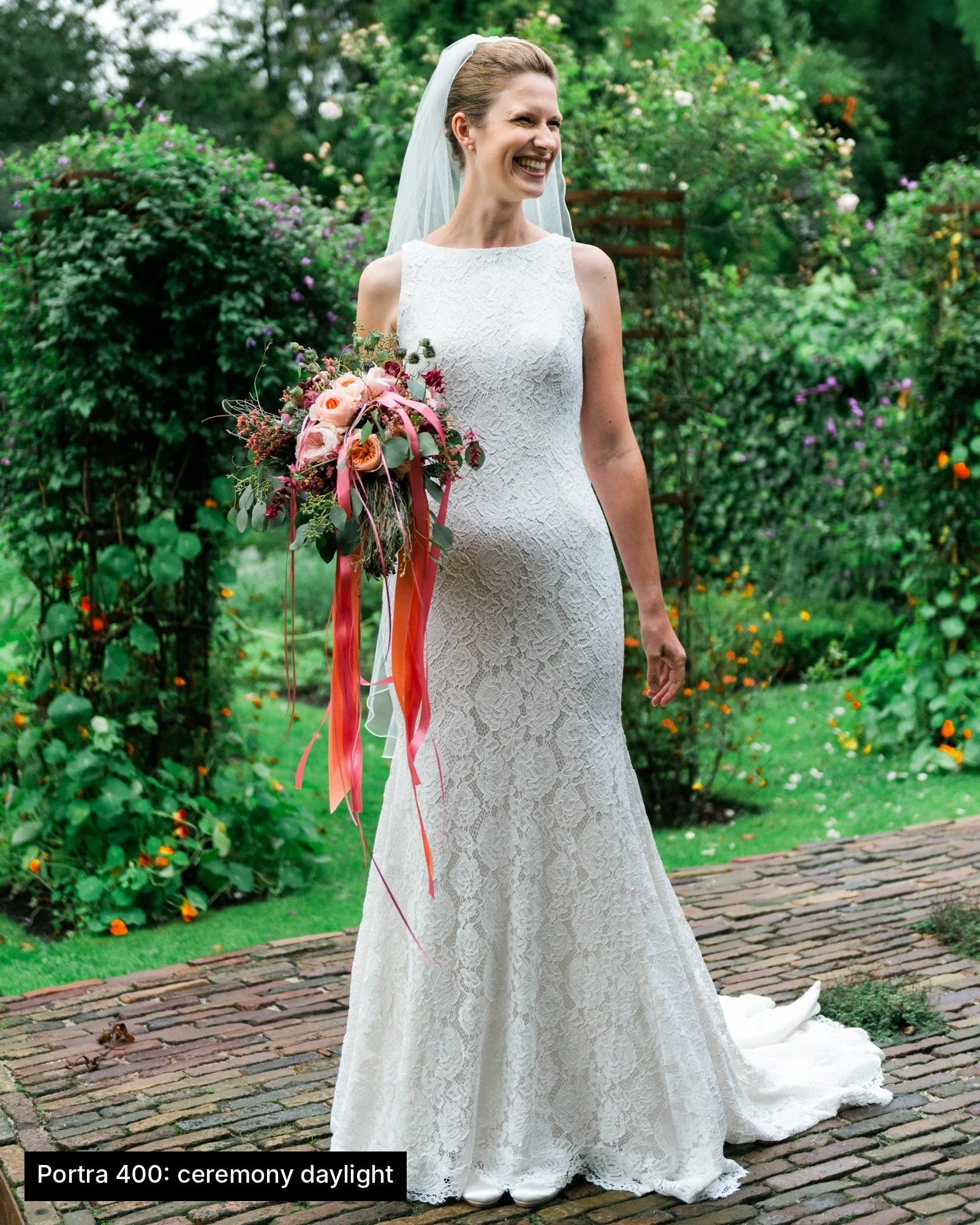 Image 6 of 6
The Wedding Edit
Who The Wedding Edit is for
Wedding and elopement photographers who want one consistent film look across a full day, from getting ready to the last dance. It also works for hybrid shooters who deliver photos and video stills from the same day, and for couples who want to edit their own wedding photos without learning color grading. You do not need any editing experience: apply a preset, adjust exposure and white balance, and you are done.
Why one wedding needs more than one preset
A wedding day moves from soft window light to harsh midday sun, dim church interiors, golden hour and a candlelit reception. A single preset that looks great outside will turn skin orange in tungsten light or make a white dress look grey in the shade. The ten presets in The Wedding Edit each handle one of those situations, and they all share the same warm film foundation, so the final gallery still reads as one story.
What is included
10 Lightroom presets as XMP files, grouped as "The Wedding Edit"
Works in Lightroom Mobile (free app on iPhone and Android), Lightroom Desktop and Lightroom Classic
Works on RAW and JPEG files
A step-by-step install guide (PDF), including how to import XMP presets on your phone
Instant download after checkout
How it works
Download the file and import the presets into Lightroom (takes about two minutes).
Pick the preset for each part of the day: getting ready, ceremony, portraits, details, reception.
Adjust exposure and white balance on one photo, then copy the settings to the rest of that part.
Ten presets for $27, about $2.70 per preset.
Or get all 110+ presets for $89 → The Studio Archive