Best Lightroom Presets for Canon R Series (2026)
Best Lightroom Presets for Canon R Series (2026)
Canon R series cameras — R6 Mark II, R8, R5, R50, R100 — produce the warmest, most portrait-flattering color of any major camera system. The warm color science is Canon's greatest strength for portrait and lifestyle photography. It is also the reason Canon RAW files need specific preparation before warm film presets produce natural rather than orange results.
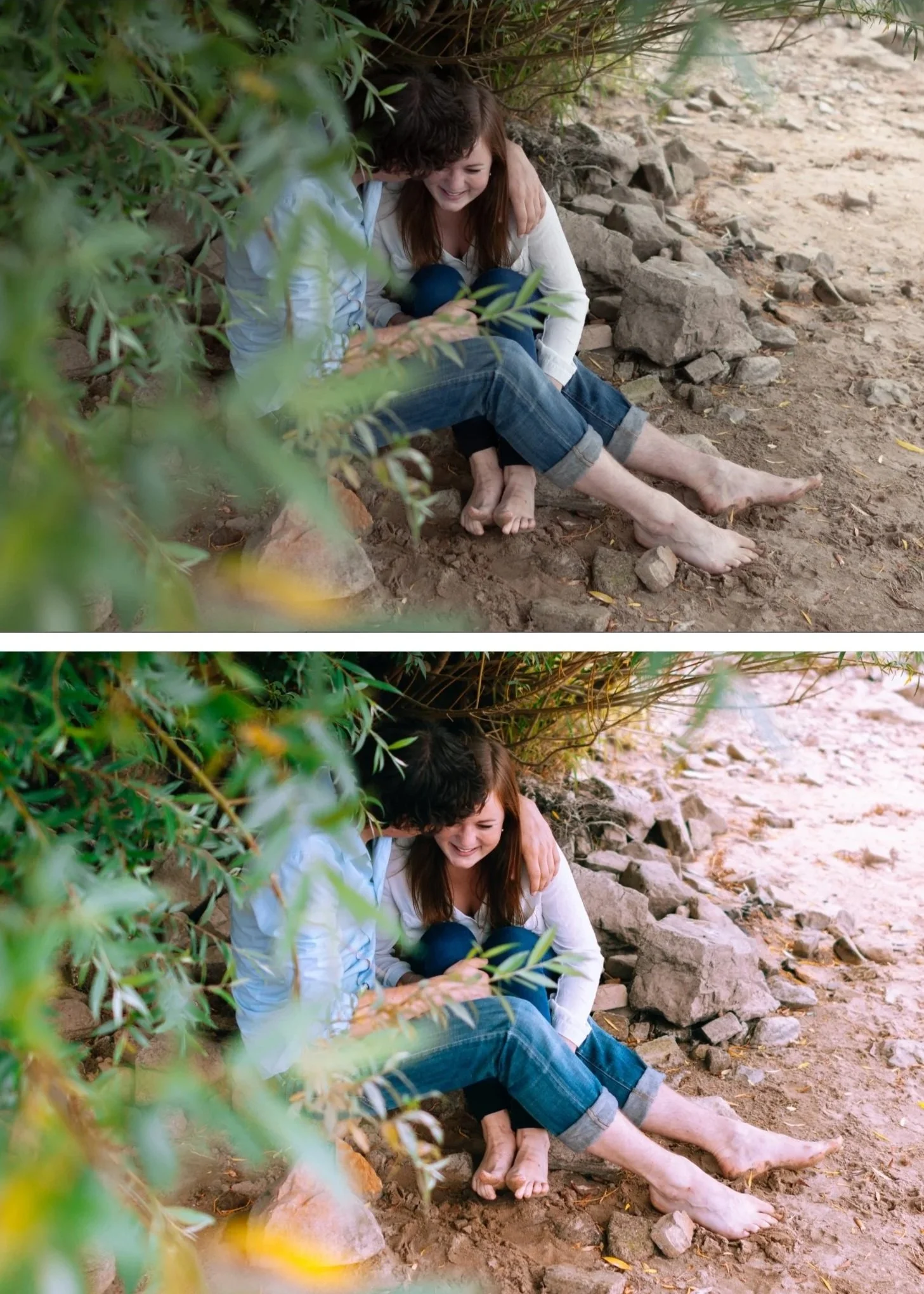
Canon's color science
Canon cameras have a slight red-warm bias in their RAW files — particularly visible in skin tones. Caucasian and Asian skin tones on Canon look warm and flattering straight from camera. The challenge: a warm film preset applied to already-warm Canon files pushes skin toward orange.
Understanding this prevents the most common Canon preset problem before it happens.
The Canon R series preparation workflow
Apply in this order before any preset:
Camera Calibration: Camera Neutral. This is the single most important Canon adjustment. Camera Neutral flattens Canon's color rendering to a more neutral starting point — less warm, less contrasty, better foundation for film presets.
Red Hue: +8 to +10 toward orange. In Color Mix, Hue tab. Shifts Canon's red-ruddy skin rendering toward natural golden warmth.
Red Saturation: -8 to -10. Reduces the intensity of the red channel.
Highlights: -35 to -45. Canon files from the R series have good highlight latitude but direct sun clips quickly.
Save these as a "Canon Base" preset for one-tap application.
Best presets for Canon R series
A6 Clean Portrait — the best Canon portrait preset. After the Camera Neutral and Red channel correction, A6's skin-optimized calibration produces the warm, golden, creamy quality that Canon portrait photography is known for.
E6 Soft Heritage — for soft, slightly faded Canon portrait quality. The Heritage direction suits Canon's warm starting point naturally.
G1 Clean Glow — the most portrait-specific preset in the collection. Skin luminance is the priority. Works best on Canon R6 Mark II and R8 files in golden hour and overcast light.
C1 Warm Outdoor — for Canon outdoor and travel photography. The warm film quality amplifies Canon's natural warmth in a controlled way.
A7 Soft Matte — for editorial Canon portrait work. The matte character balances Canon's warm color with a refined, less vivid quality.
Canon R series model-specific notes
R6 Mark II: the most popular Canon R body for portrait photographers. 40fps, excellent AF, 20MP. Film presets at 85% after Canon Base preparation.
R8: the entry-level full-frame R camera. Same color science as R6 Mark II. Excellent film look results at a lower price point.
R5: 45MP, the highest resolution Canon R body. Grain renders slightly more prominently — reduce Grain Size by 2 units.
R50 / R100 (APS-C): same warm Canon color, slightly less dynamic range than full frame. Highlights clip slightly earlier — add an extra -10 to Highlights.
Canon vs Fujifilm for film look
Both produce excellent film look results with different starting points. Canon is warmer and more immediately flattering for portraits. Fujifilm has the film simulation starting point advantage. For portrait-focused film look photography, Canon's warm color science is actually a strength when properly prepared — it naturally produces the golden, warm skin quality that other cameras require more Color Grading to achieve.
FAQ
Why does A6 look orange on my Canon R6 photos?
Camera Calibration is still set to Adobe Color (the default) instead of Camera Neutral. Adobe Color on Canon files adds contrast and warmth that Canon's native color science already has — the combination creates over-warm results. Switch to Camera Neutral before applying any preset.
Do the same presets work on older Canon DSLRs (5D, 80D)?
Yes — same preparation workflow, same presets. Canon's warm color science is consistent across their camera lineup.
