Best Lightroom Presets for Party Photos
Best Lightroom Presets for Party Photos
Party photographs look bad in a very specific way. Harsh direct flash, blown out faces, a background that disappears into black, colour that reads garish under mixed venue lighting. The instinct is to fix all of it: soften the flash, recover the highlights, lift the background, calm the colour down.
That instinct produces a technically better photograph that looks nothing like a party. The alternative, leaning into the flash aesthetic rather than correcting it, produces something that reads as authentic and energetic, and it happens to align exactly with the digicam look that is currently everywhere.
Why Correcting Party Photos Makes Them Worse
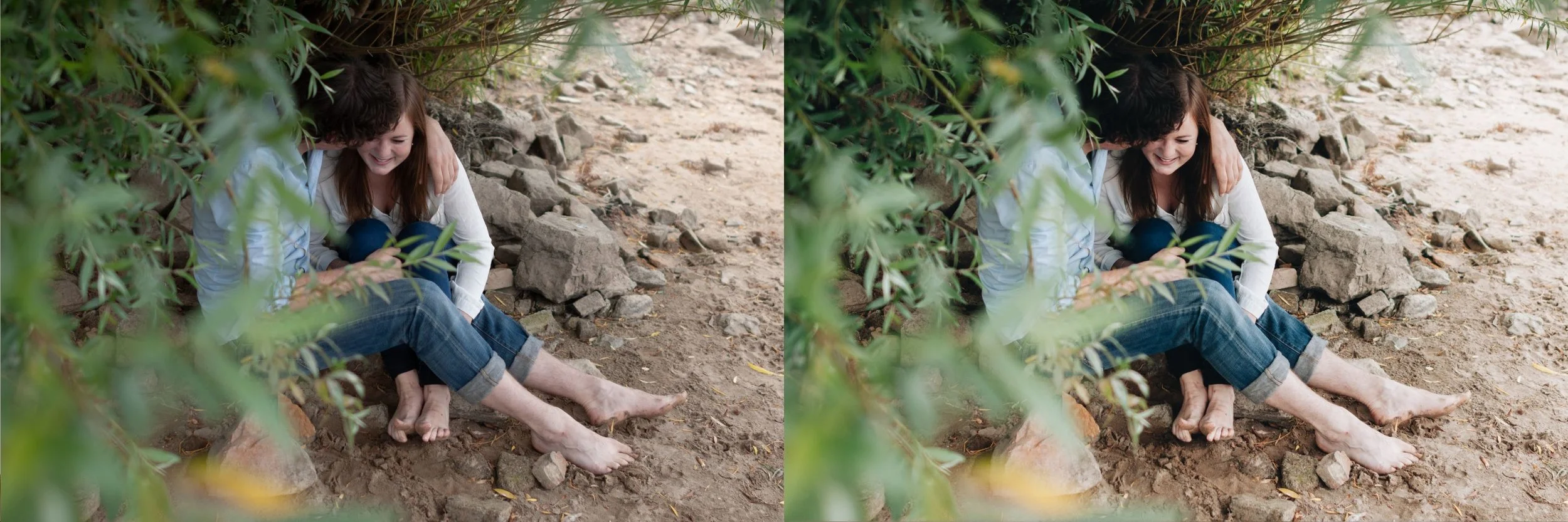
A party photograph carries information beyond the subject: it communicates energy, spontaneity, and a specific kind of night. The harsh flash, the dark background, the slightly overexposed faces are all part of how that gets communicated.
Correct all of it and you get a well exposed portrait of someone who happens to be at a party, which is a different and less interesting photograph. The technical flaws are doing narrative work.
This is why the digicam aesthetic suits party photography so naturally: both are built around the same tonal structure of a bright flash lit subject against darkness, and both treat that structure as a feature rather than a problem.
What Actually Needs Fixing
Not everything should be left alone. Three things genuinely need correction.
Skin that has gone fully white rather than bright. There is a difference between the bright, flat flash rendering that suits the aesthetic and a face where all detail has clipped away. Pull Highlights down enough to recover facial detail, typically negative 15 to negative 30, while leaving the overall brightness high.
Colour casts from venue lighting. Mixed LED, neon, and tungsten produce casts that fight the flash rendering. Correct white balance to the flash rather than to the ambient, since the flash is what is actually lighting your subject.
Genuinely unusable frames. Motion blur, closed eyes, someone half out of frame. No editing approach saves these, and party sets tend to produce a lot of them.
The Settings
Exposure: leave high or push slightly higher, positive 0.2 to positive 0.6. Party photographs should read bright.
Highlights: negative 15 to negative 30, enough to keep facial detail without softening the overall flash quality.
Shadows: leave low, or reduce further, negative 5 to negative 20. The dark background is part of the aesthetic and lifting it produces a flat, evenly lit result that loses the night time quality entirely.
Vibrance: positive 10 to positive 20. Party colour should be vivid.
Blue Saturation: positive 15 to positive 25 for the specific cool cast that flash produces against warm venue ambient.
Clarity: positive 8 to positive 15, keeping the crisp flash rendering rather than softening it.
Grain: minimal, 0 to 8. Flash photography from this era was digital rather than film, and the texture should match. How to Get the Y2K Look in Lightroom covers the fuller reasoning behind these values.
Editing Groups Within One Evening
A party set is rarely one lighting condition despite being one venue. Most evenings break into three or four distinct groups worth sorting before editing.
Early evening, where ambient light still contributes and flash is filling rather than dominating. These frames have more background detail and need less shadow reduction than later ones.
Peak evening with full flash dominance, where the background has gone dark and the flash is the only meaningful light source. This is the group the standard settings above are calibrated for.
Outdoor or smoking area frames, where the light is completely different and often mixed with street lighting. These need their own white balance correction rather than inheriting the indoor setting.
Late night, where subjects are often less composed and frames are messier, but where the aesthetic arguably works hardest since the energy is highest.
Sorting into these groups before batch editing takes a few minutes and prevents the most common party set problem: one white balance applied across an entire evening where the lighting genuinely changed.
Delivering a Party Set
Party photography is usually delivered fast, often the next day, to people who will look at it on a phone while still recovering from the night.
That argues for prioritising speed over per photograph refinement. A set delivered within twenty four hours at 90 percent quality gets shared far more than a set delivered a week later at 100 percent. Batch edit, cull hard, export at web resolution, deliver.
Save the individual refinement for the handful of frames that will be used beyond social sharing, typically the group shots and anything a venue or organiser will use promotionally.
Handling Mixed Venue Lighting
Party venues are the worst lighting environments in photography: coloured LED, neon signage, tungsten spots, and your own flash, all in one frame with different colour temperatures.
Correct white balance to your flash rather than trying to average across the ambient sources. The flash is illuminating your subject, so getting skin right matters more than getting the neon sign behind them technically accurate. Coloured venue lighting in the background reading slightly odd is fine, and arguably part of the aesthetic.
For sets shot across an evening in one venue, correct white balance once on a representative frame and sync across the group rather than adjusting each individually. How to Edit a Full Shoot Consistently covers the batch approach.
Which Presets Suit Party Photography
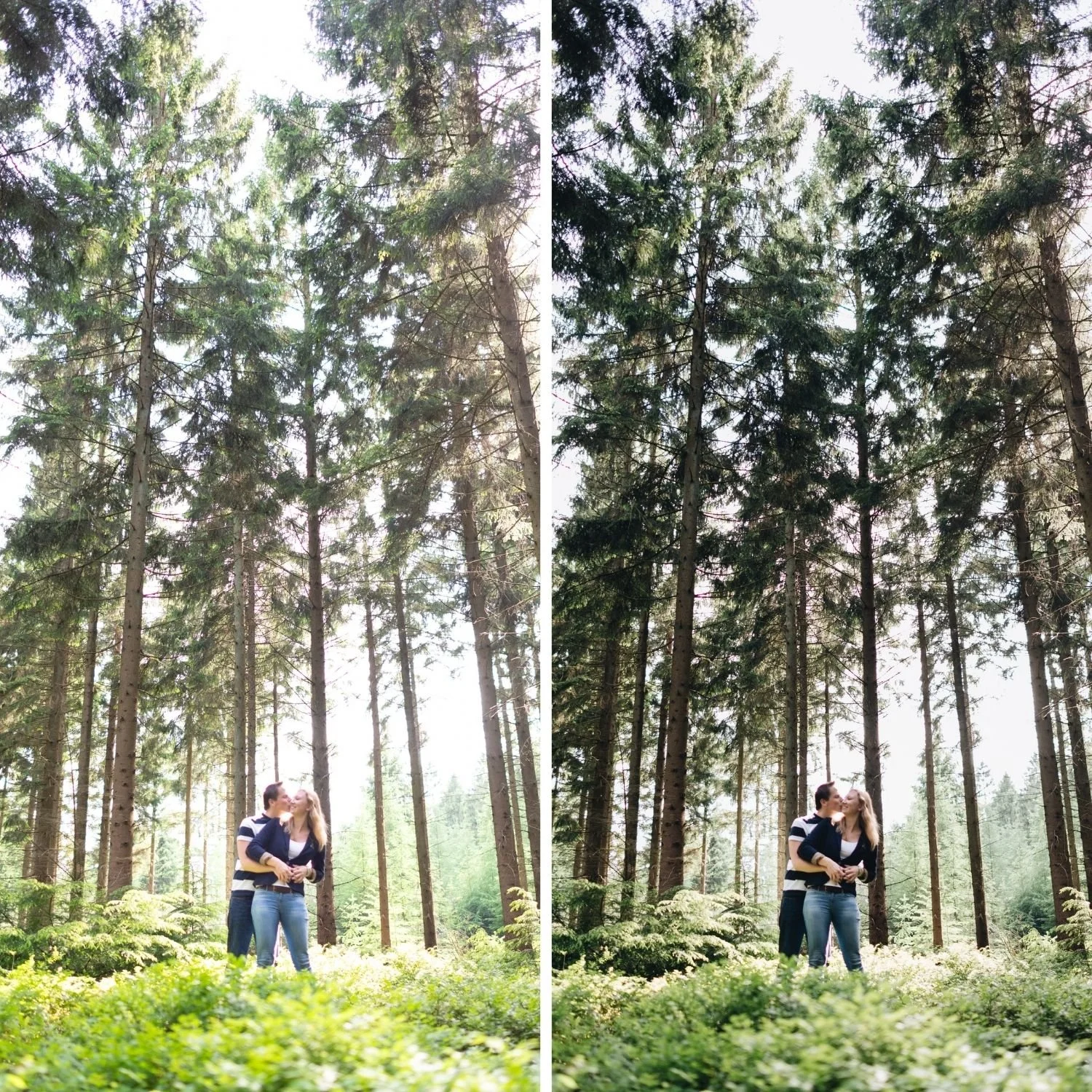
N1 Clean Modern from the Nostalgic Digicam Set is the most direct match. It is calibrated for exactly this flash lit indoor structure: punchy, cool leaning, vivid, with the highlight behaviour that suits flash rather than fighting it.
N2 Warm Modern suits outdoor evening parties or venues with warm ambient lighting, where the cooler N1 rendering would read too cold against the existing warmth.
The set costs $27 for four presets or $6.75 individually.
FAQ
Should I try to fix harsh flash in party photos?
No, lean into it. Harsh flash is part of what makes a party photograph read as a party photograph. Recover facial detail if it has fully clipped, but keep the overall flat, bright flash quality.
How do I handle coloured venue lighting?
Correct white balance to your flash rather than the ambient, since the flash is lighting your subject. Coloured lighting in the background reading slightly odd is acceptable and often suits the aesthetic.
Do party photos need grain?
Minimal or none. Flash party photography reads as digital rather than film, and film grain on top creates a mismatch between the texture and the aesthetic.
Try the flash aesthetic on your own party photographs:
Download the free M5 preset as a base, then apply the Highlights and Clarity adjustments described above.
For the calibrated version, N1 from the Nostalgic Digicam Set is built for exactly this flash lit structure at $6.75, or $27 for the four preset set. The Studio Archive at $89 includes it alongside every other collection.