Best Lightroom Presets for Winter Photography 2026
Best Lightroom Presets for Winter Photography 2026Best Lightroom Presets for Winter Photography 2026
Winter photography covers two opposite aesthetics: the clean, cold brightness of snow and grey winter light, and the warm, cozy atmosphere of indoor winter scenes. The best winter presets handle both without compromising either.
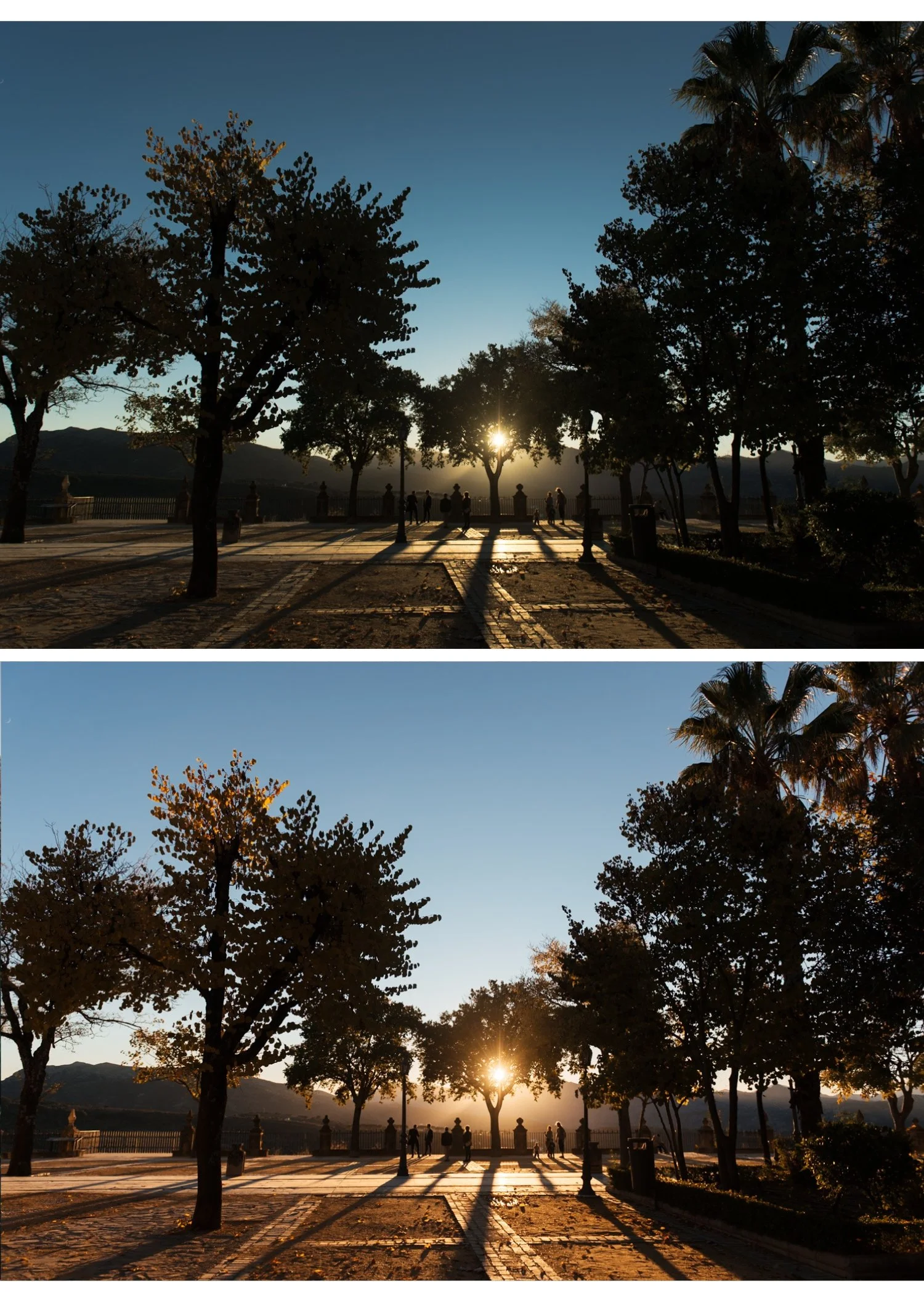
Winter photography scenarios
Snow and outdoor winter
Snow is bright. Very bright. The main challenge is keeping snow white and detailed without clipping.
Pull Whites -25 to -35 and Highlights -35 to -45 before applying any preset. The snow should look white, not grey (under-corrected) or blown out (over-exposed).
Best preset: Analog Film Archive A2 Bright Minimal or A6 Clean Portrait. Clean, neutral, slightly cool. Winter outdoor scenes should feel cold — avoid warm presets that fight against the natural cool quality of winter light.
Blue hour and winter dusk
The brief window of blue-purple light after sunset. Moody Film Archive M4 or Vesper V6 Dark Atmospheric. Reduce Blue Saturation -10 to prevent the blue from going too vivid.
Overcast grey winter
Flat, cool, without shadows. The most challenging winter light for editing because it has no natural drama.
Lift Exposure +0.4 to +0.6. Add Temperature +100 to +200 to bring warmth to flat grey light. Analog Film Archive A6 with slight warming works well. Alternatively: Moody Film Archive M4 leans into the grey atmosphere rather than fighting it.
Cozy indoor winter
Same as indoor Christmas editing. Warm white balance correction first, then Moody Film Archive M4 or M5 for atmospheric depth. Vesper V4 Moody Classic for a warmer indoor quality.
Winter portraits
Bundle up clothing, breath in cold air, natural outdoor light. Analog Film Archive A6 for clean natural winter portraits. Essence Archive E4 Balanced Classic for portrait sessions in mixed winter light.
The cold and clean winter preset approach
For outdoor winter photography the specific quality to aim for is cold and clean — not muted, not warm, not dramatic. Slightly cool Temperature, clean neutral color, soft highlight protection.
The Analog Film Archive's clean, natural character suits this better than warm film presets that fight against the natural cool quality of winter light.
The Analog Film Archive for winter
Ten clean, natural analog film presets. A6 and A1 work best for outdoor winter. A7 Soft Matte for overcast grey winter scenes.
EXPLORE THE ANALOG FILM ARCHIVE — $27
FAQ
Why does my snow look grey in edited photos?
Usually caused by the camera exposing for the bright snow and underexposing. Lift Exposure +0.4 to +0.6. Also check that Highlights are not pulled so far back that snow loses its bright quality. Whites -15 to -25 is sufficient for most snow scenes.
Should winter presets be warm or cool?
Outdoor winter: cool to neutral. Indoor winter: warm. The light is different and the editing should match. Applying a warm preset to outdoor winter scenes fights against the natural cold quality and creates an unnatural mismatch between the cold environment and warm color.
What is the best Lightroom preset for snow photography?
Analog Film Archive A2 Bright Minimal or A6 Clean Portrait. Both are neutral to slightly cool, matching the natural cold quality of winter light. Pull Whites -20 to -30 to keep snow detailed rather than blown out.
How do I get a moody winter look in Lightroom?
Moody Film Archive M4 with slightly cool white balance (Temperature -100 to -200 from neutral). Lift Blacks +10 to preserve shadow detail. The muted color palette of M4 suits grey overcast winter days naturally without fighting the flat ambient light.
Can I use summer presets for winter photography?
Warm summer presets applied to cold outdoor winter scenes look wrong. The warm color fights against the natural cool quality of winter light. Use clean neutral or cool presets for outdoor winter. Save warm presets for indoor winter scenes where warm light is genuinely present.
