Best Preset Bundles for iPhone Photographers (2026)
Best Preset Bundles for iPhone Photographers (2026)
All Lightroom Mobile preset bundles work on iPhone — DNG preset files install in Lightroom Mobile identically regardless of phone brand. The distinction for iPhone photographers is which bundles are specifically calibrated to handle iPhone's computational photography processing: Smart HDR, aggressive sharpening, and vivid color enhancement.
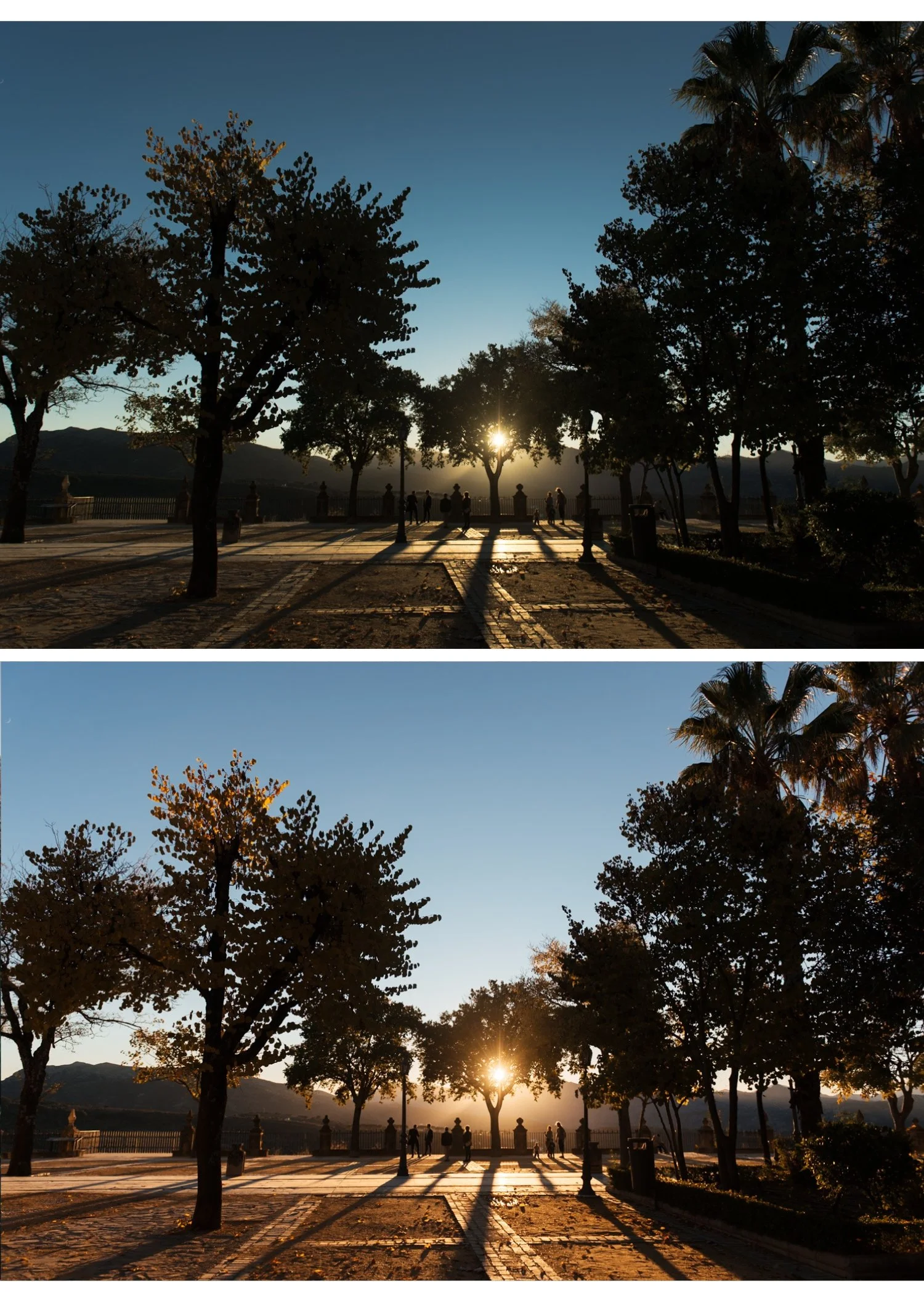
What to look for in presets for iPhone
Neutral film quality, not vivid. iPhone cameras already boost color. A vivid preset on top of iPhone processing creates oversaturation. iPhone photographers benefit most from presets calibrated for clean, natural film tones.
Highlight protection built in. iPhone HDR and Smart HDR already compress highlights. A preset with additional strong highlight protection works with this rather than against it.
Green Hue shift included. iPhone oversaturates greens toward neon. Good iPhone presets include a Green Hue shift toward yellow in their calibration.
Best preset bundles for iPhone
For clean natural film editing
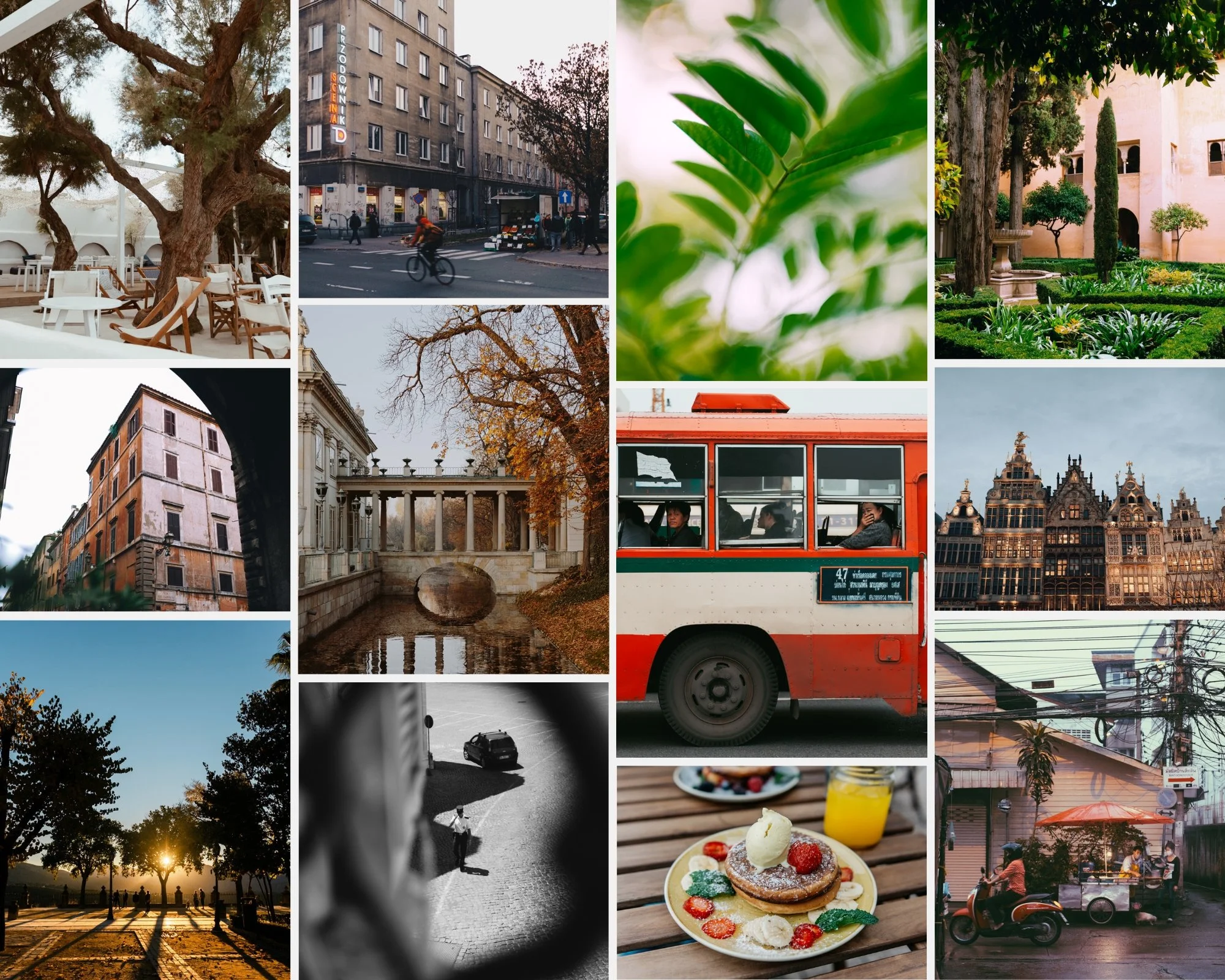
Analog Film Archive (A-Series) — $27 Ten clean analog film presets. The most consistently natural-looking collection on iPhone because the neutral, warm film quality complements iPhone's processing without amplifying it. A6 is the most downloaded preset in the shop.
For warm lifestyle and travel
Vesper Archive (V-Series) — $27 Eight warm film presets covering bright daylight to golden atmospheric to moody cinematic. The most versatile travel bundle for iPhone photographers.
For portrait photography
Glow Portrait Archive (G-Series) — $19.99 Specifically calibrated for iPhone portrait editing — Orange Luminance enhanced, Clarity calibrated for iPhone skin texture, skin-safe across diverse skin tones.
For moody and atmospheric
Moody Film Archive (M-Series) — $27 Six cinematic moody presets. The deep atmospheric quality suits iPhone's HDR-lifted shadow starting point — M4 and M5 add back the tonal depth that iPhone removes.
For beginners
Starter Pack — $27 Four presets covering clean analog, warm moody, bright clean, and Kodachrome color. The most beginner-friendly bundle — four directions, one coherent system.
For everything
Studio Archive — $89 130+ presets for $0.68 each. The complete collection for iPhone photographers who want every direction covered permanently.
iPhone-specific workflow tip
For all preset bundles on iPhone: reduce preset amount to 75-80%, reduce Sharpening to 20, and set Clarity to -10 before applying. These three adjustments neutralize iPhone's processing and give every preset its intended result.
Full guide: How to Edit iPhone Photos in Lightroom Mobile
FAQ
Do I need a Lightroom subscription for preset bundles on iPhone?
No. Preset installation and use in Lightroom Mobile is free. No Creative Cloud subscription needed.
What is the best preset bundle for iPhone portrait photography?
Glow Portrait Archive (G-Series) for portrait-specific calibration. Analog Film Archive (A-Series) for versatile portrait and lifestyle work.
