Best Camera Settings for Android Photography (2026) — Film Look
Best Camera Settings for Android Photography (2026) — Film Look
These are the camera settings that give Android photography the best starting point for film preset editing in Lightroom. Applies to Samsung, Pixel, OnePlus, and most Android phones.
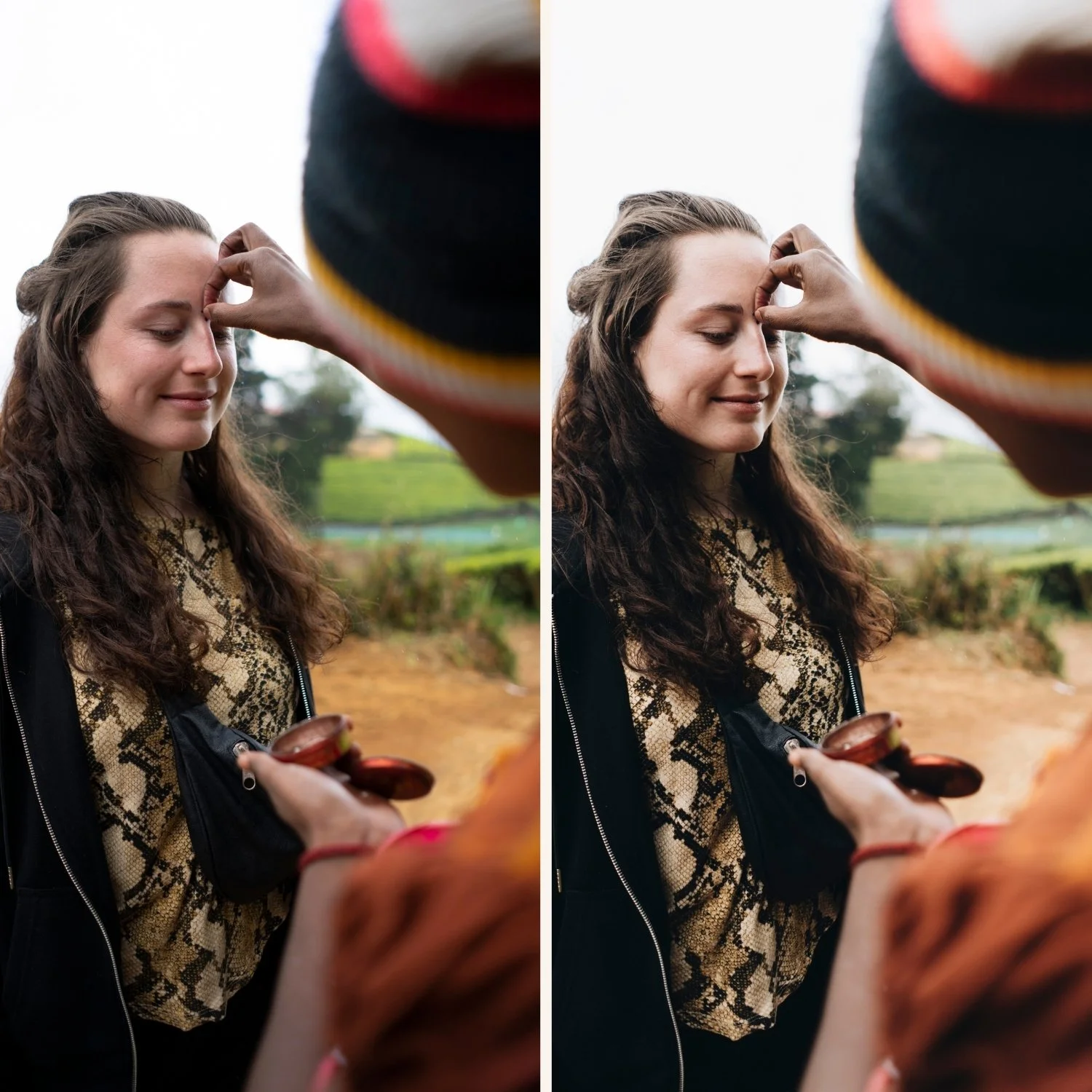
Resolution: maximum
Use maximum resolution at all times. Higher resolution gives Lightroom more data for adjustments, better highlight recovery, and cleaner results when exporting to Instagram dimensions.
Samsung: Settings, Picture size, 108MP or highest available. Pixel: Settings, Photo resolution, highest available.
Format: RAW or RAW+JPEG
For photography you plan to edit in Lightroom with film presets, shoot RAW.
Samsung: Expert RAW app or Pro mode, format → RAW. Pixel: Pro mode, format → RAW+JPEG.
If RAW is not available or convenient: JPEG with the Lightroom preparation steps (Camera Standard, Sharpening reduction) compensates well.
HDR: reduce or disable for editing
Samsung: Camera settings, Scene Optimiser — toggle off. This disables automatic HDR-like processing. Pixel: Camera settings, HDR+ — set to HDR+ Enhanced only when needed, not always on.
For bright outdoor scenes where highlight recovery matters: leave HDR on. For portraits and controlled lighting where you want natural tonal range: disable.
White balance: manual when possible
Auto white balance creates inconsistency across a gallery — different photos from the same location get different white balance. Manual white balance in Pro mode creates consistent color.
Daylight: 5,200-5,500K Overcast: 6,000-6,500K Indoor tungsten: 3,000-3,200K Indoor LED: 4,000-4,500K
Grid: on
Enable grid in camera settings. Better composition in camera means less cropping in Lightroom and presets that land on well-composed starting frames.
Timer: 2-3 seconds for still subjects
Using the 2-3 second timer eliminates camera shake from the shutter tap. Sharper source photos = better preset results.
FAQ
Do these settings work on all Android brands?
The principles are universal. Menu locations and feature names vary by brand and Android version. Look for similar options in your camera's Settings menu.
Should I use the 0.6x ultrawide for film look photos?
The 1x and 2x lenses on Android phones produce the most natural perspective for film-style photography. Ultrawide creates geometric distortion that fights against the natural quality of film looks.
